爱马仕Hermes本地部署

一、前置条件

1、安装Git(参考我的文章:小龙虾OpenClaw本地部署(一):前置软件安装

2、安装wsl2 (参考我的文章:小龙虾OpenClaw本地部署(一):前置软件安装

二、安装爱马仕Hermes

1、打开github官网:https://github.com/NousResearch/hermes-agent
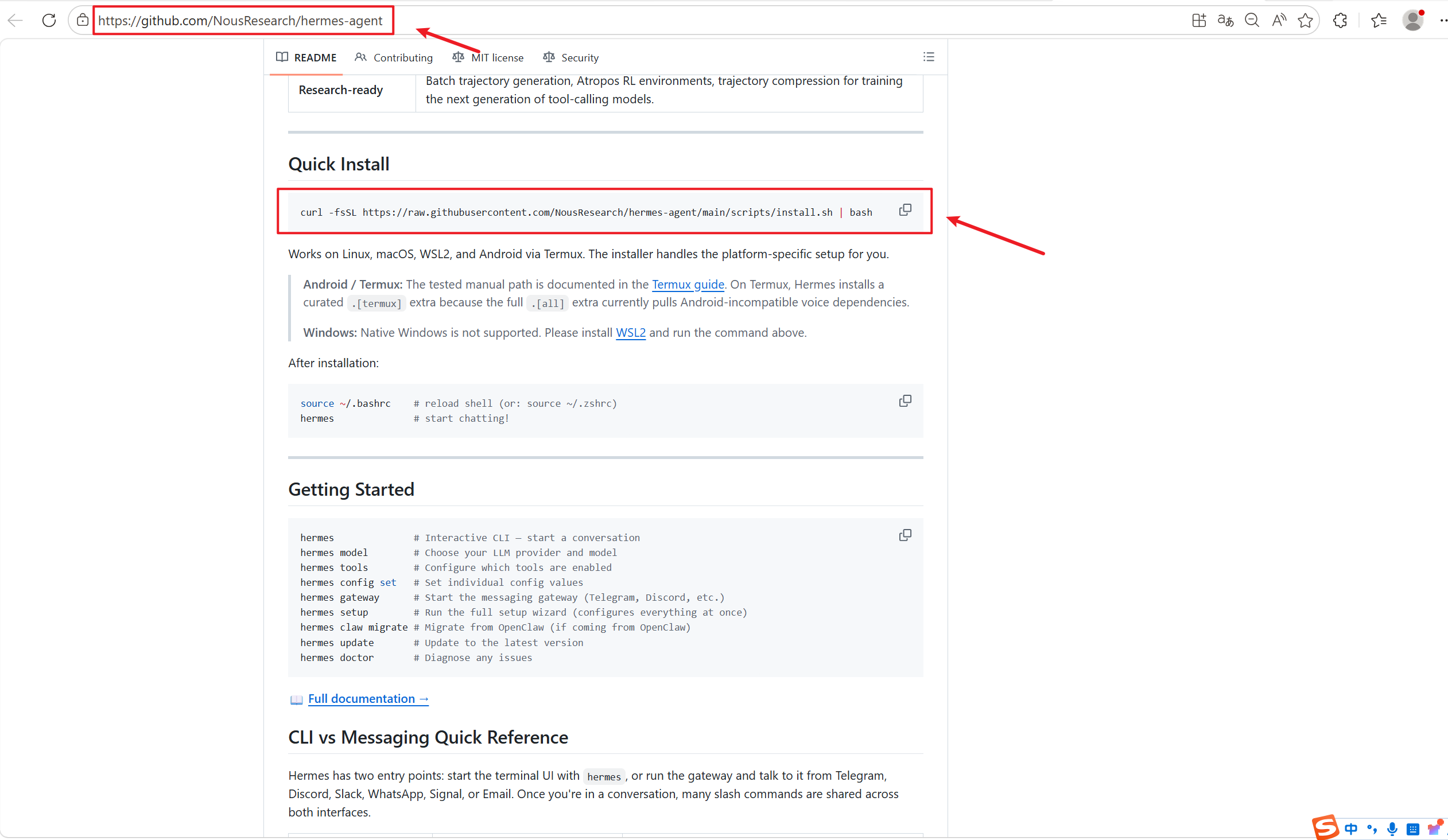
2、复制Quick Install下面的命令到wsl2的Ubuntu中

复制代码
curl -fsSL https://raw.githubusercontent.com/NousResearch/hermes-agent/main/scripts/install.sh | bash
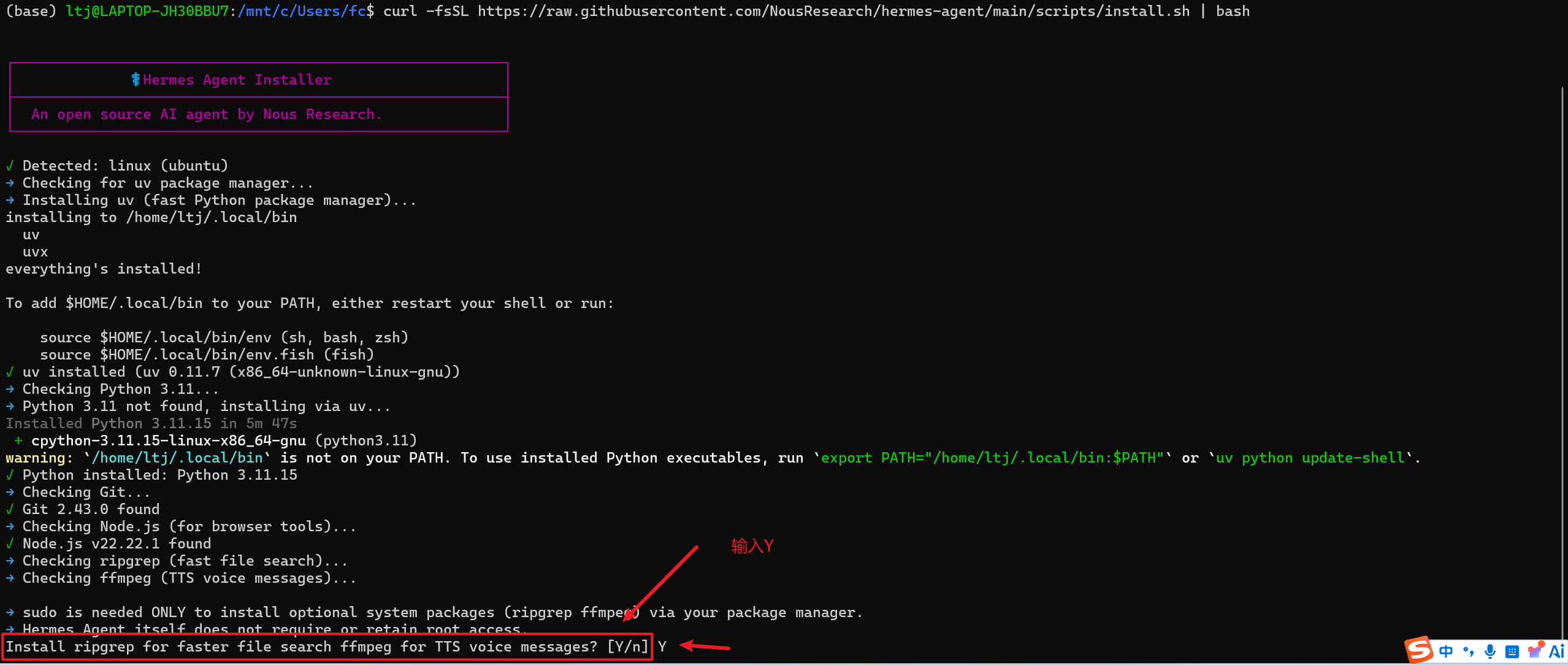
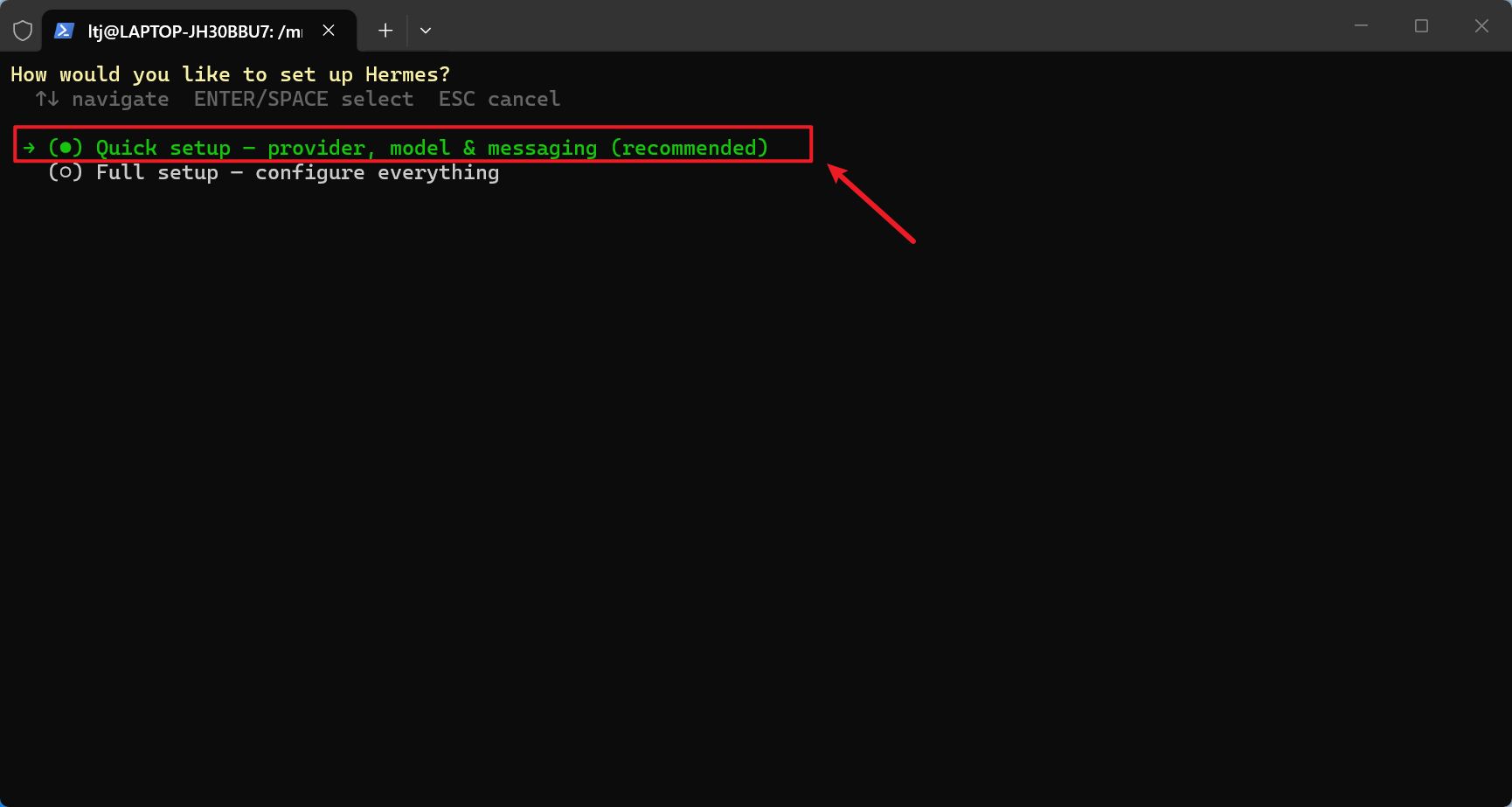
3、选择快速安装
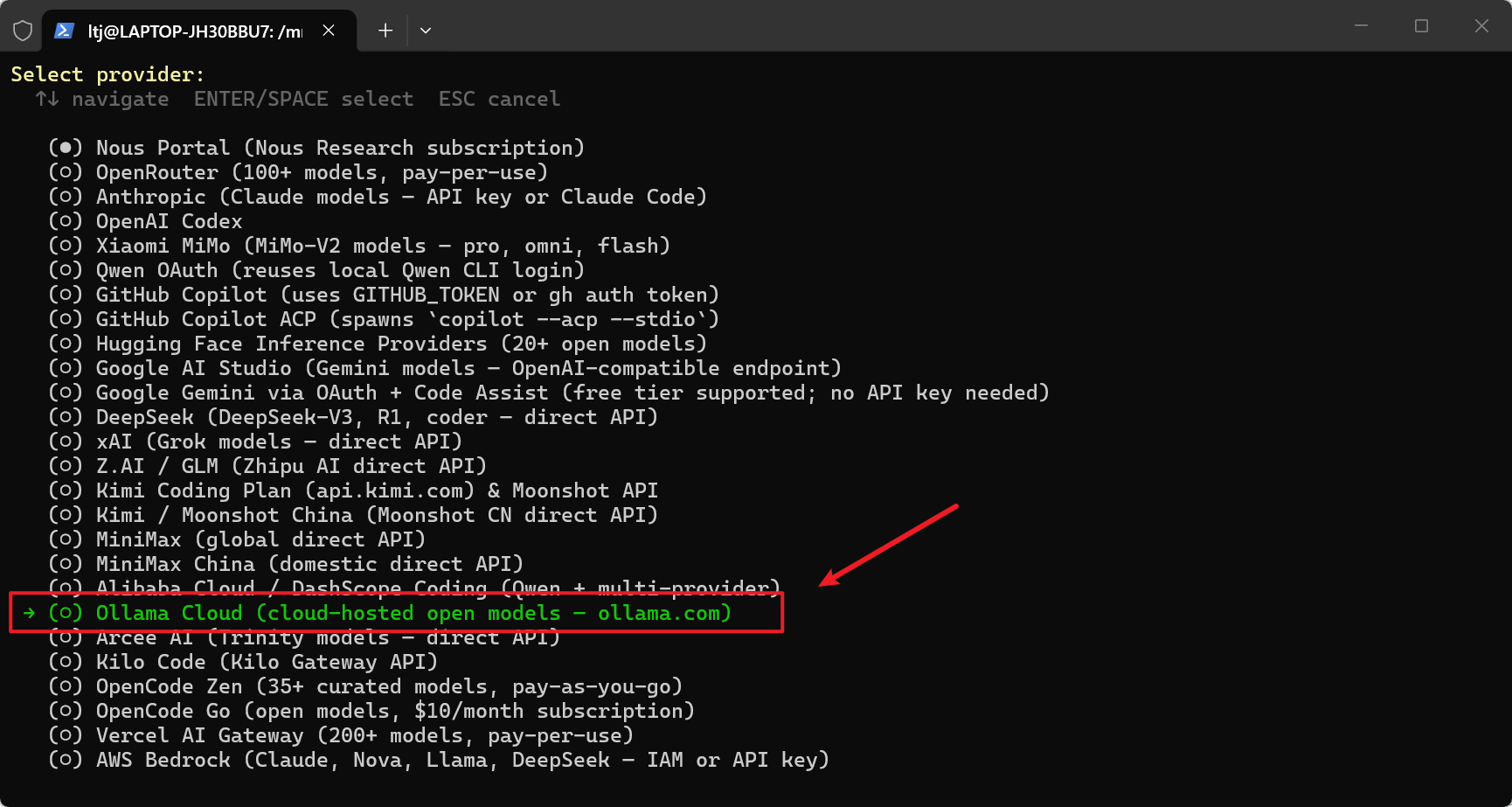
4、选择大模型(这里我选择了ollama)
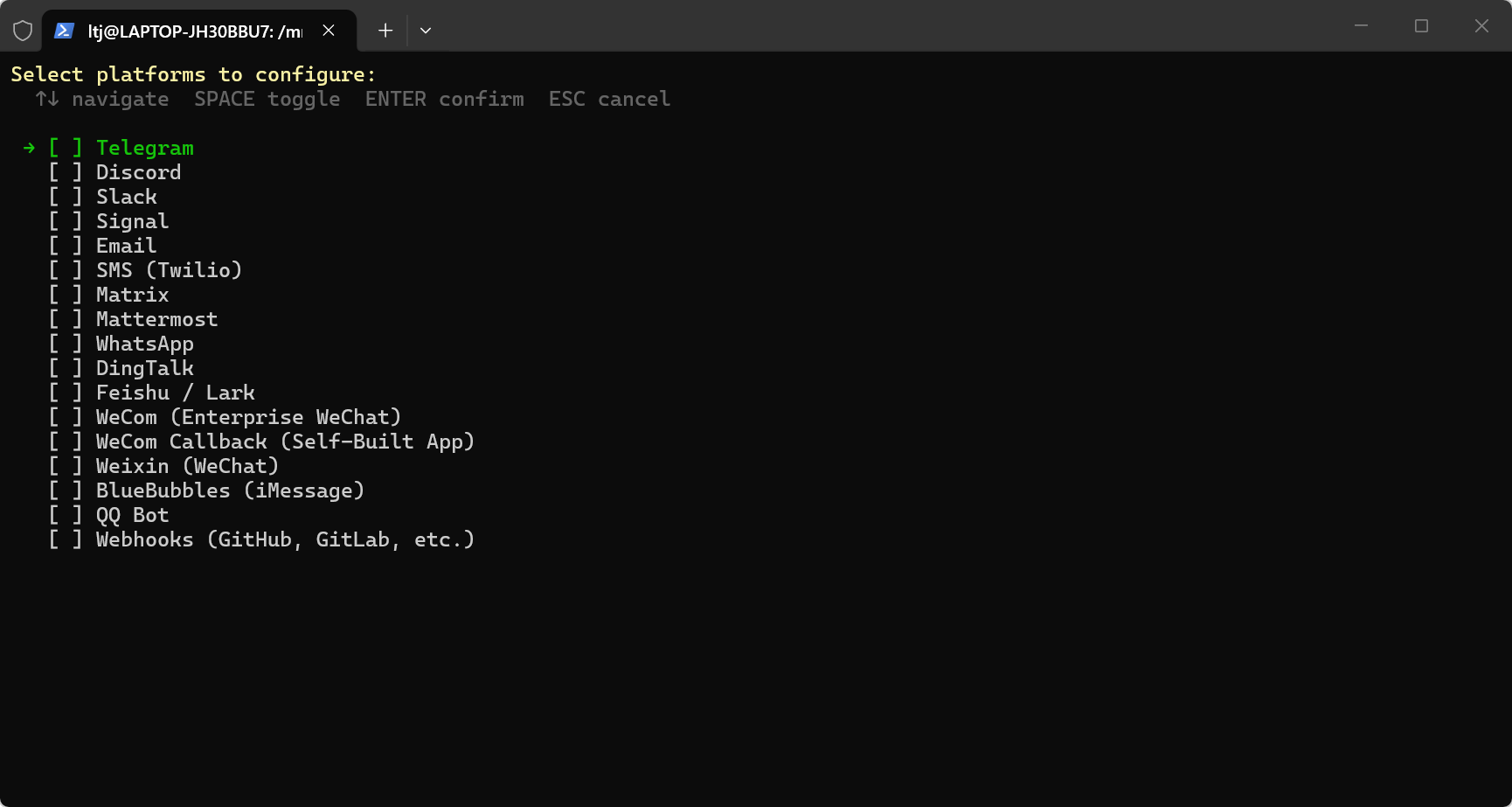
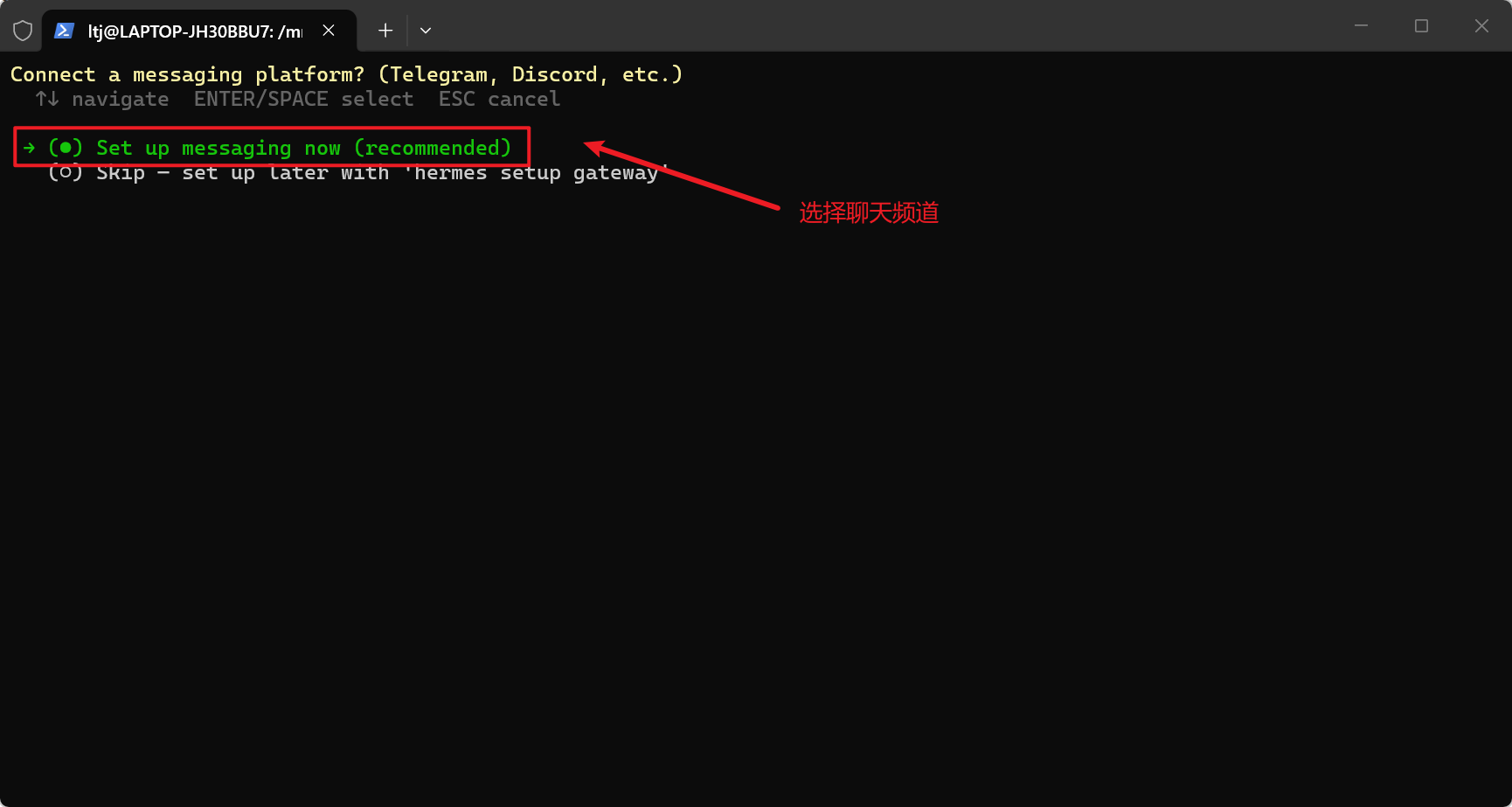
5、选择聊天频道,根据个人情况选择(也可以跳过,或者进入以后没有自己想要的,按ESC退出)
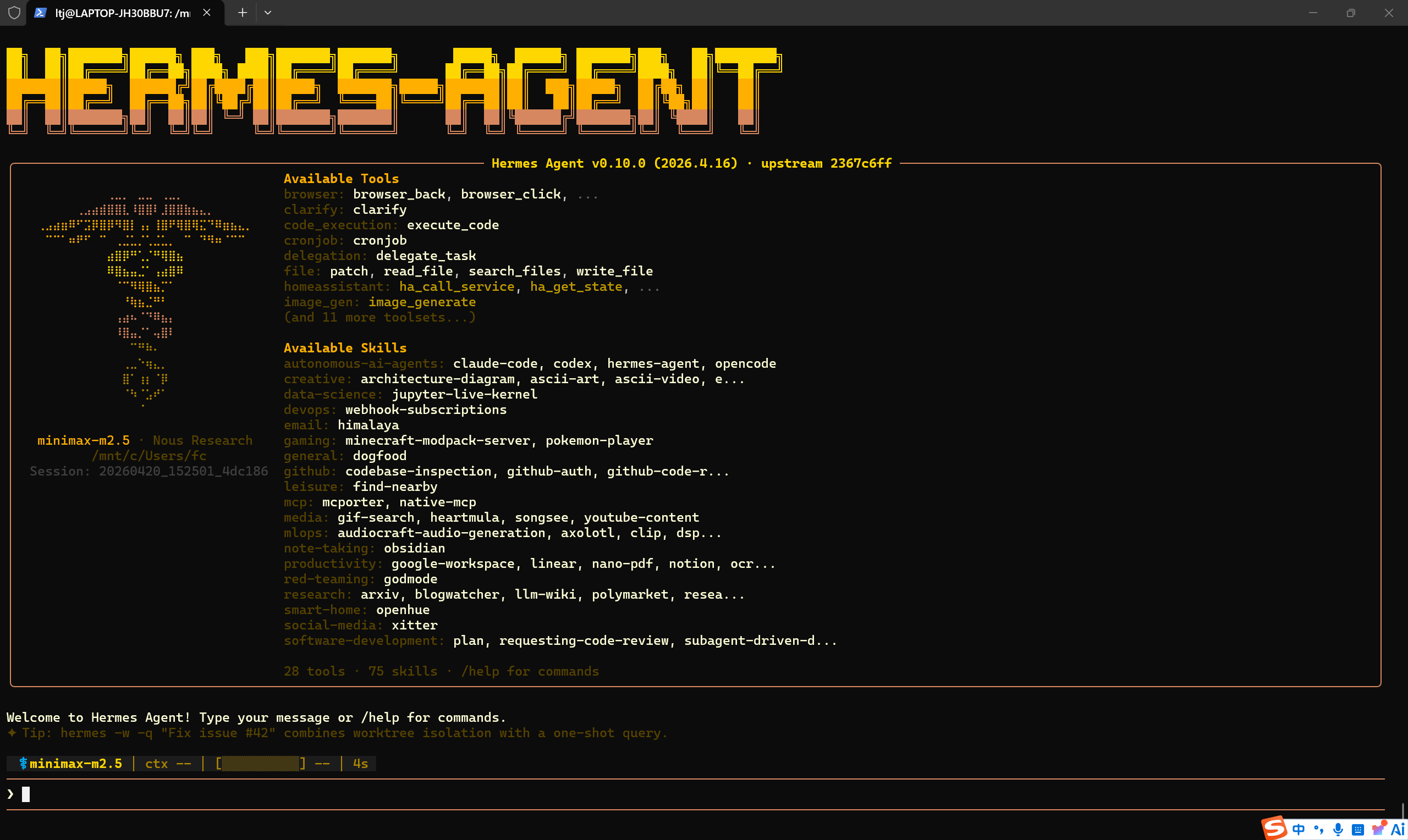
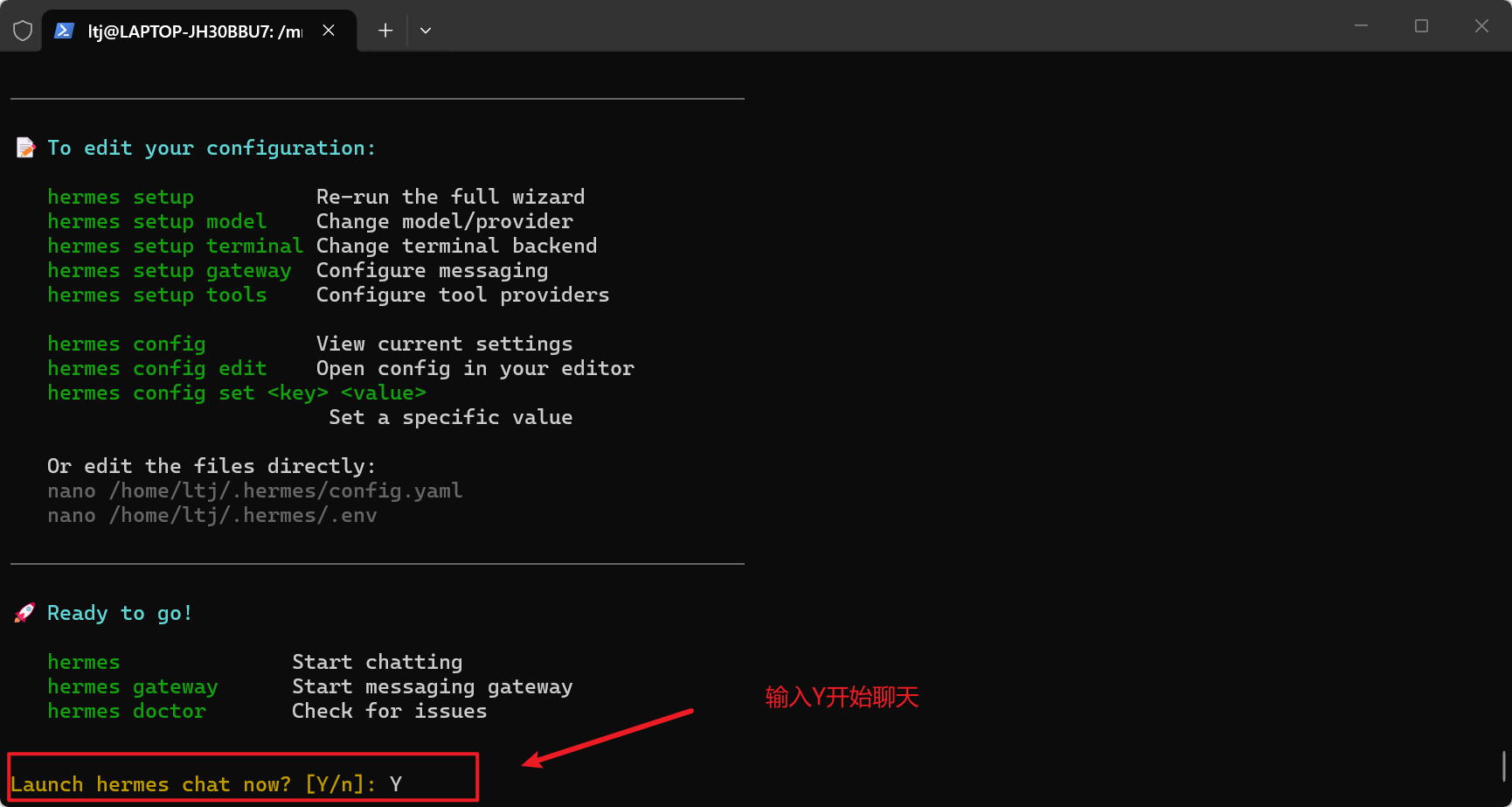
6、输入Y开始聊天
相关推荐
欢醉3 天前
手贱装了个插件,我把OpenCode玩崩了
opencode·hermes
雷工笔记5 天前
Hermes系列4:Hermes 管理后台
hermes
深念Y8 天前
AI编程Agent工具定义对比分析
agent·ai编程·开源项目·工具·tool·hermes·ccsiwtch
段智华15 天前
Hermes Agent 消息网关——连接 20+ 聊天平台
ai-native·hermes·自进化智能体
微道道16 天前
Linux盒子局域网内使用 .local 域名访问,告别IP变化烦恼
linux·运维·服务器·hermes
盛夏绽放17 天前
Hermes Agent 全栈安装、配置与Web端架构深度解析(官方命令版·最终优化)
前端·架构·hermes
段智华18 天前
Hermes Agent 配置详解——提供商、模型与选项
ai-native·hermes·自进化智能体
枫叶丹420 天前
Hermes Agent 搭建全流程:从本机试跑到可持续运行的个人 AI Agent
人工智能·microsoft·hermes
程序员柒叔21 天前
OpenCode 一周动态-2026-W28
人工智能·github·agent·opencode·hermes
cxr82822 天前
第16章 跨域迁移与能力融合——从专家到通才
人工智能·算法·智能体·hermes