datagrip报这个错误,然后点击enable tls 还是报错就报下面那个错误了
Communications link failure
The last packet successfully received from the server was 99 milliseconds ago. The last packet sent successfully to the server was 80 milliseconds ago.
No appropriate protocol (protocol is disabled or cipher suites are inappropriate)
The following required algorithms might be disabled: SSLv3, TLSv1, TLSv1.1, DTLSv1.0, RC4, DES, MD5withRSA, DH keySize < 1024, EC keySize < 224, 3DES_EDE_CBC, anon, NULL, ECDH, TLS_RSA_*, rsa_pkcs1_sha1 usage HandshakeSignature, ecdsa_sha1 usage HandshakeSignature, dsa_sha1 usage HandshakeSignature. Edit the list of disabled algorithms to include required algorithms. You can try to enable TLSv1 or TLSv1.1 first.
JDBC driver may have disabled TLS 1.1 and its earlier versions.
Edit disabled algorithms Enable TLSv1 Enable TLSv1.1 Enable all protocols in JDBC driver
Test Connection ❗ MySQL
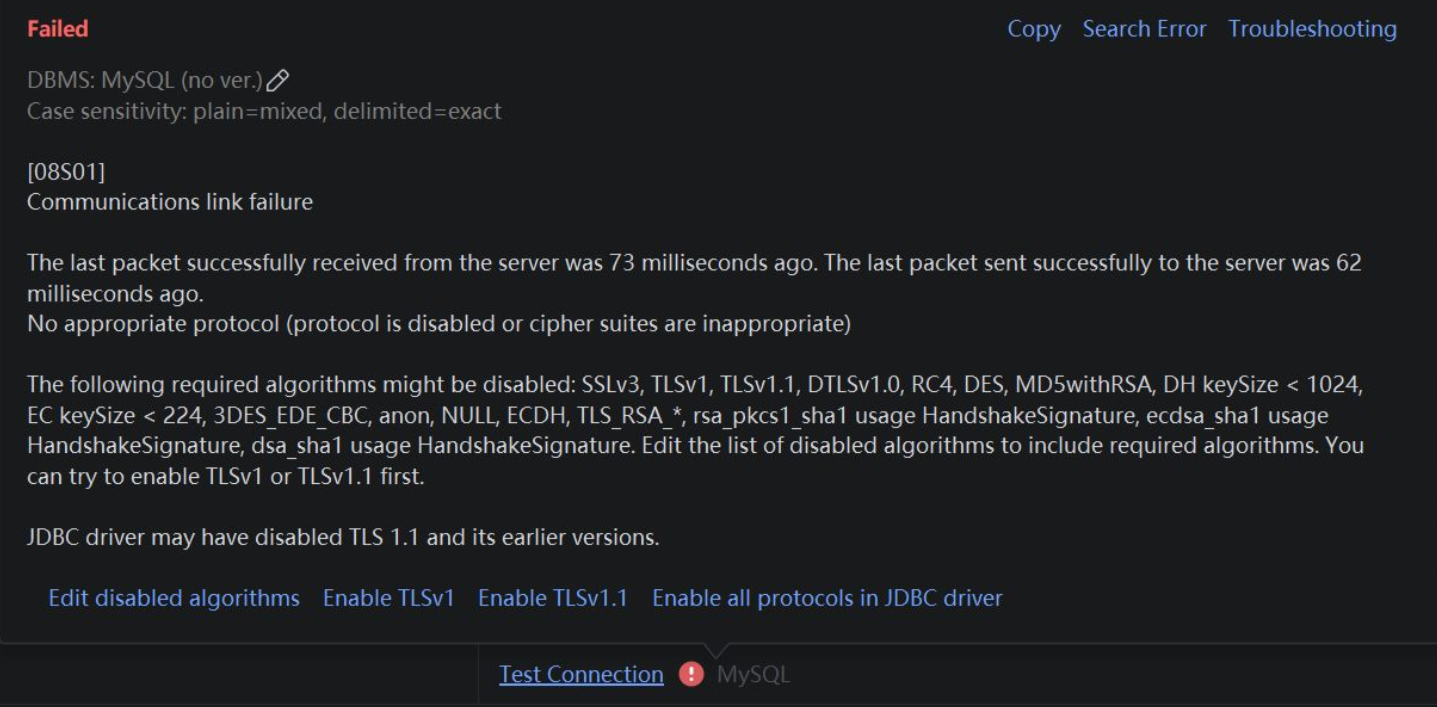
启动了链接报错:
The server has terminated the handshake. The protocol list option (enabledTLSProtocols) is set, this option might cause connection issues with some versions of MySQL.
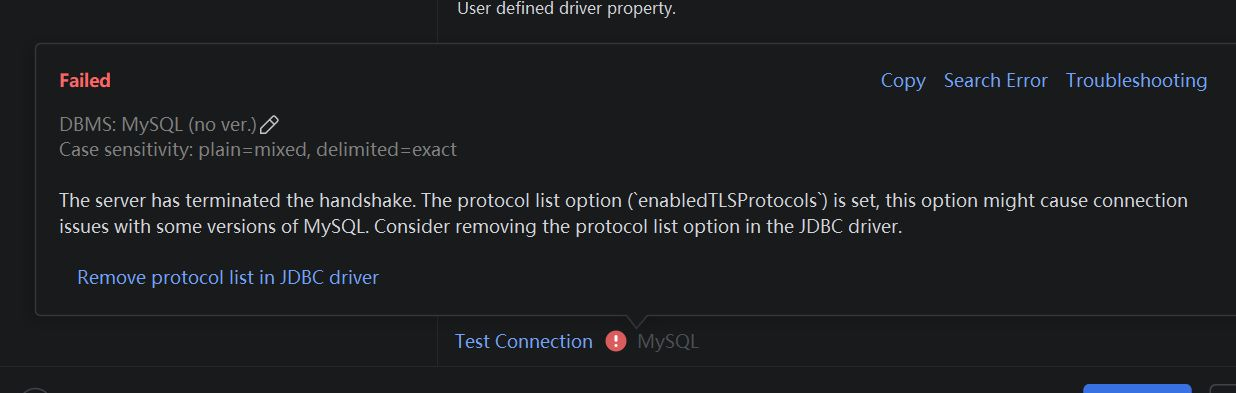
怎么解决呢?
首先呢 要降级驱动,降级datagrip 中驱动的版本是8.0.1,然后enable tlsv1 在点击链接就好了