参考视频:MyBatisPlus教程,一套玩转mybatisplus框架,mybatis-plus轻松上手 点击观看
文章目录
- 建库建表
- 导入依赖
- 配置application.yaml文件
- 在SpringBoot启动类中添加@MapperScan注解
- 编写实体类User(使用了Lombok简化代码)
- 编写UserMapper接口
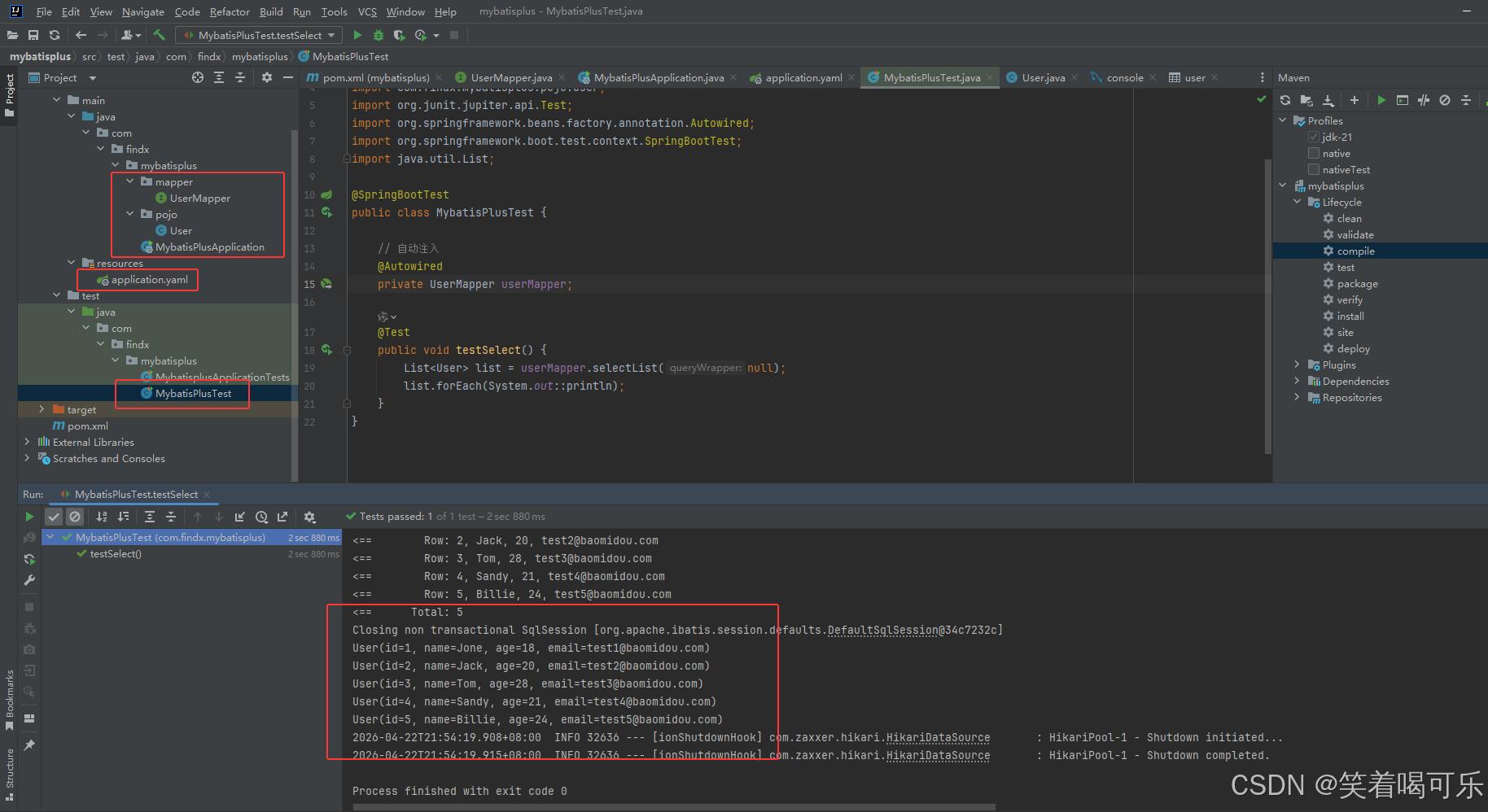
- 编写测试类
建库建表
sql
CREATE DATABASE `mybatis_plus` /*!40100 DEFAULT CHARACTER SET utf8mb4 */;
use `mybatis_plus`;
CREATE TABLE `user` (
                        `id` bigint(20) NOT NULL COMMENT '主键ID',
                        `name` varchar(30) DEFAULT NULL COMMENT '姓名',
                        `age` int(11) DEFAULT NULL COMMENT '年龄',
                        `email` varchar(50) DEFAULT NULL COMMENT '邮箱',
                        PRIMARY KEY (`id`)
) ENGINE=InnoDB DEFAULT CHARSET=utf8;

INSERT INTO user (id, name, age, email) VALUES
                                            (1, 'Jone', 18, 'test1@baomidou.com'),
                                            (2, 'Jack', 20, 'test2@baomidou.com'),
                                            (3, 'Tom', 28, 'test3@baomidou.com'),
                                            (4, 'Sandy', 21, 'test4@baomidou.com'),
                                            (5, 'Billie', 24, 'test5@baomidou.com');
导入依赖
xml
<!-- MySQL8 驱动 -->
<dependency>
    <groupId>com.mysql</groupId>
    <artifactId>mysql-connector-j</artifactId>
    <scope>runtime</scope>
</dependency>

<!-- MyBatis-Plus -->
<dependency>
    <groupId>com.baomidou</groupId>
    <artifactId>mybatis-plus-boot-starter</artifactId>
    <version>3.5.3.1</version>
</dependency>

<!-- Lombok -->
<dependency>
    <groupId>org.projectlombok</groupId>
    <artifactId>lombok</artifactId>
    <optional>true</optional>
</dependency>

<!-- 测试 -->
<dependency>
    <groupId>org.springframework.boot</groupId>
    <artifactId>spring-boot-starter-test</artifactId>
    <scope>test</scope>
</dependency>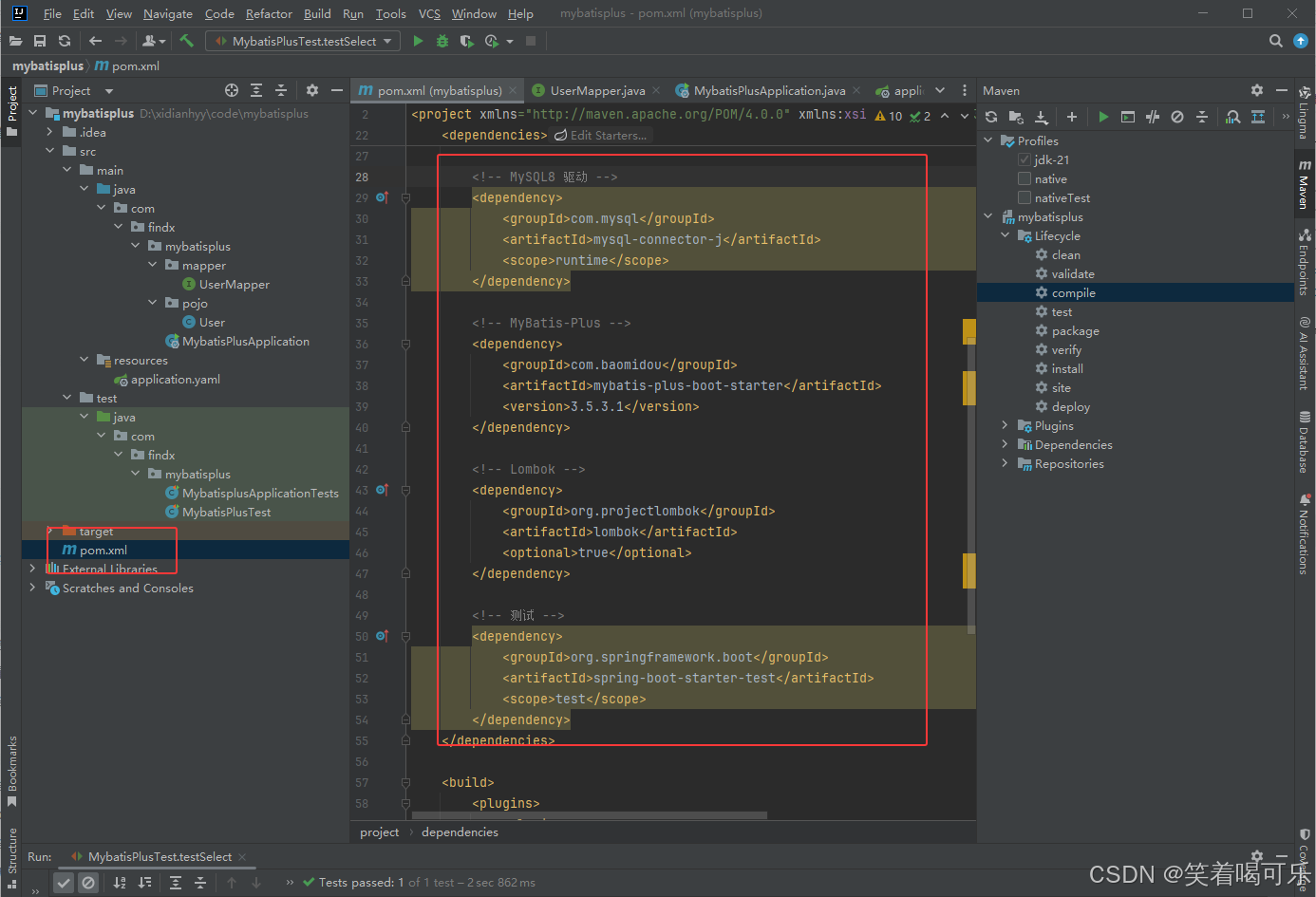
配置application.yaml文件
yaml
#配置端口
server:
  port: 80

spring:
  #配置数据源
  datasource:
    #配置数据源类型
    type: com.zaxxer.hikari.HikariDataSource
    # MySQL 8.0 驱动类(标准配置)
    driver-class-name: com.mysql.cj.jdbc.Driver
    # MySQL 8.0 连接地址(增加时区配置,解决8.0必报的时区错误)
    url: jdbc:mysql://localhost:3306/mybatis_plus?useUnicode=true&characterEncoding=utf8&useSSL=false&serverTimezone=Asia/Shanghai&allowPublicKeyRetrieval=true
    # 数据库用户名(请替换为你的真实用户名)
    username: root
    # 数据库密码(请替换为你的真实密码)
    password: root

#MyBatis-Plus相关配置
mybatis-plus:
  configuration:
    #配置日志
    log-impl: org.apache.ibatis.logging.stdout.StdOutImpl
在SpringBoot启动类中添加@MapperScan注解
java
package com.findx.mybatisplus;

import org.mybatis.spring.annotation.MapperScan;
import org.springframework.boot.SpringApplication;
import org.springframework.boot.autoconfigure.SpringBootApplication;

@SpringBootApplication
// 扫描 mapper 接口(指定Mapper接口所在的包)
@MapperScan("com.findx.mybatisplus.mapper")
public class MybatisPlusApplication {
    public static void main(String[] args) {
        SpringApplication.run(MybatisPlusApplication.class, args);
    }
}
编写实体类User(使用了Lombok简化代码)
java
package com.findx.mybatisplus.pojo;

import lombok.AllArgsConstructor;
import lombok.Data;
import lombok.NoArgsConstructor;

@Data
@AllArgsConstructor
@NoArgsConstructor
public class User {
    private Long id;
    private String name;
    private Integer age;
    private String email;
}
编写UserMapper接口
java
package com.findx.mybatisplus.mapper;
import com.baomidou.mybatisplus.core.mapper.BaseMapper;
import com.findx.mybatisplus.pojo.User;
public interface UserMapper extends BaseMapper<User> {
}
编写测试类
java
package com.findx.mybatisplus;

import com.findx.mybatisplus.mapper.UserMapper;
import com.findx.mybatisplus.pojo.User;
import org.junit.jupiter.api.Test;
import org.springframework.beans.factory.annotation.Autowired;
import org.springframework.boot.test.context.SpringBootTest;
import java.util.List;

@SpringBootTest
public class MybatisPlusTest {

    // 自动注入
    @Autowired
    private UserMapper userMapper;

    @Test
    public void testSelect() {
        List<User> list = userMapper.selectList(null);
        list.forEach(System.out::println);
    }
}