填充模板
上次我们将模板已经制作完成了,现在我们将使用这些模板
- 首先我们将模板再读取加载出来
js
 const tempOverview = fs.readFileSync(`${__dirname}/templates/template-overview.html`,'utf-8');
    const tempCard = fs.readFileSync(`${__dirname}/templates/template-card.html`,'utf-8');
const tempProduct = fs.readFileSync(`${__dirname}/templates/template-product.html`,'utf-8');- 然后将概述替换一下
js
  //主页
        if(pathName === '/' || pathName === '/overview'){
            response.writeHead(200,{'content-type':'text/html'});
            response.end(tempOverview)
        }
- 现在我们将在模板中要进行替换,我们之前有一个dataObj数组,就是那一串json数据的 const dataObj = JSON.parse(data),我们首先通过map遍历一下这个数组,然后我们使用一个函数,将卡片模板中的占位符替换为el的属性值
js
//主页
        if(pathName === '/' || pathName === '/overview'){
            response.writeHead(200,{'content-type':'text/html'});
            const cardsHtml = dataObj.map(el => replaceTemplate(tempCard,el))
            response.end(tempOverview)
}- 然后我们来实现这个函数
js
const replaceTemplate = (temp,product) => {
    let output = temp.replace(/{%PRODUCTNAME%}/g,product.productName);
    output = output.replace(/{%IMAGE%}/g,product.image);
    output = output.replace(/{%PRICE%}/g,product.price);
    output = output.replace(/{%FROM%}/g,product.from);
    output = output.replace(/{%NUTRIENTS%}/g,product.nutrients);
    output = output.replace(/{%QUANTITY%}/g,product.quantity);
    output = output.replace(/{%DESCRIPTION%}/g,product.description);
    output = output.replace(/{%ID%}/g,product.id);

    if(!product.organic) output = output.replace(/{%NOT_ORGANIC%}/g,'not-organic');
    return output;
}
代码解析:
- /{%PRODUCTNAME%}/g,这个是全部替换,只要是tempCard出现的所有字符串全部进行替换,如果没有/?/g,就是只替换第一个
- 这个函数通过多次赋值替换,每次都生成新的字符串来对原模板进行替换;
- if判断语句通过判断数组中的organic的布尔值来判断是不是有机了,是有机的才会替换;
- 我们进行替换的时候,通过map遍历之后会返回一个新的数组,如果直接将数据返回,js会自动调用toString方法,这样各个卡片就会有逗号了,所以我们要使用join方法
js
const cardsHtml = dataObj.map(el => replaceTemplate(tempCard,el)).join('');- 最后我们只需要将卡片替换掉概述页面就OK了
js
        //主页
        if(pathName === '/' || pathName === '/overview'){
            response.writeHead(200,{'content-type':'text/html'});
            const cardsHtml = dataObj.map(el => replaceTemplate(tempCard,el)).join('');
            const outTemp = tempOverview.replace('{%PRODUCT_CARDS%}',cardsHtml)
            response.end(outTemp)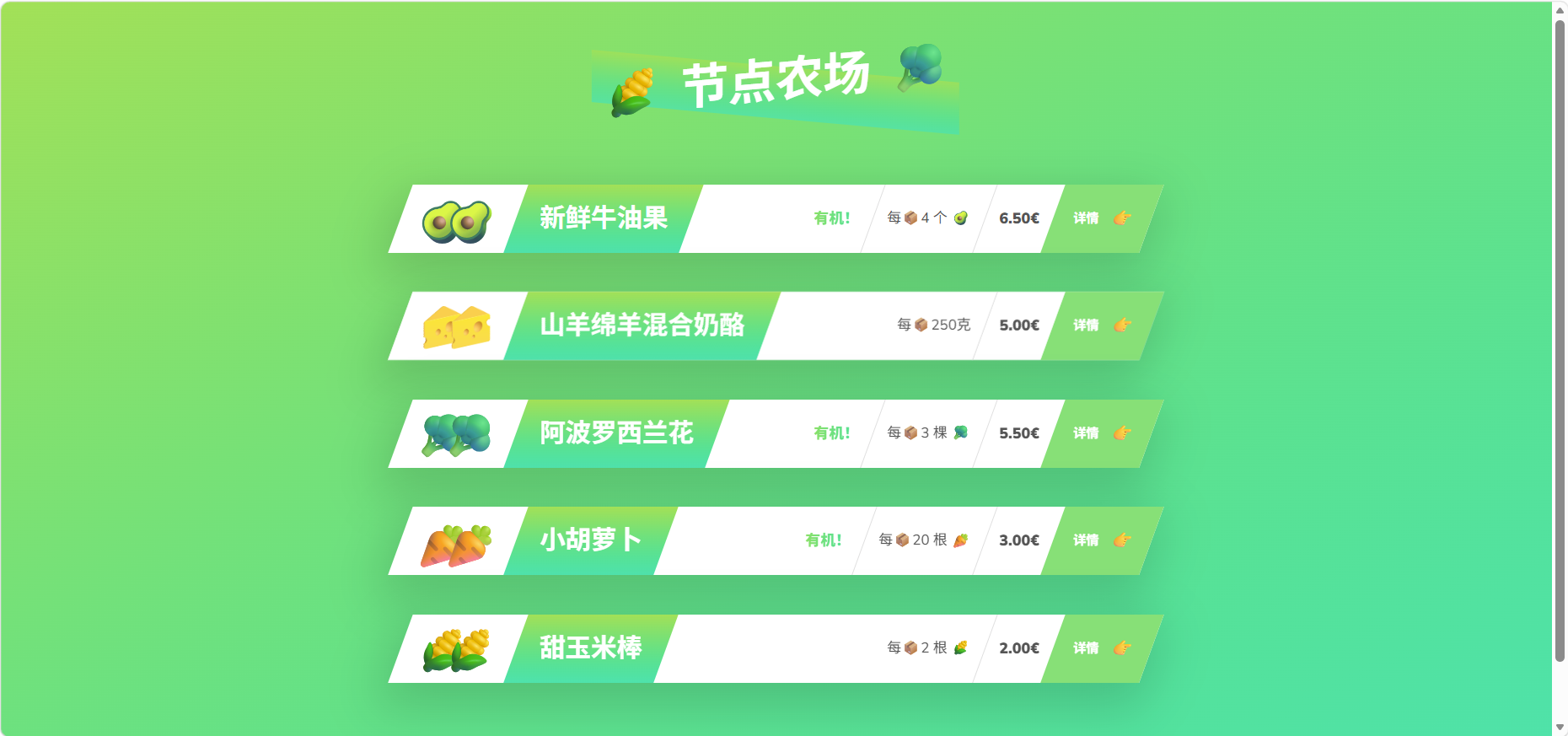
关于产品的详情页,我们之后再去实现