b站视频:https://www.bilibili.com/video/BV1zsoYBeEzQ/
kimi的官方文档:
https://www.kimi.com/code/docs/third-party-tools/other-coding-agents.html
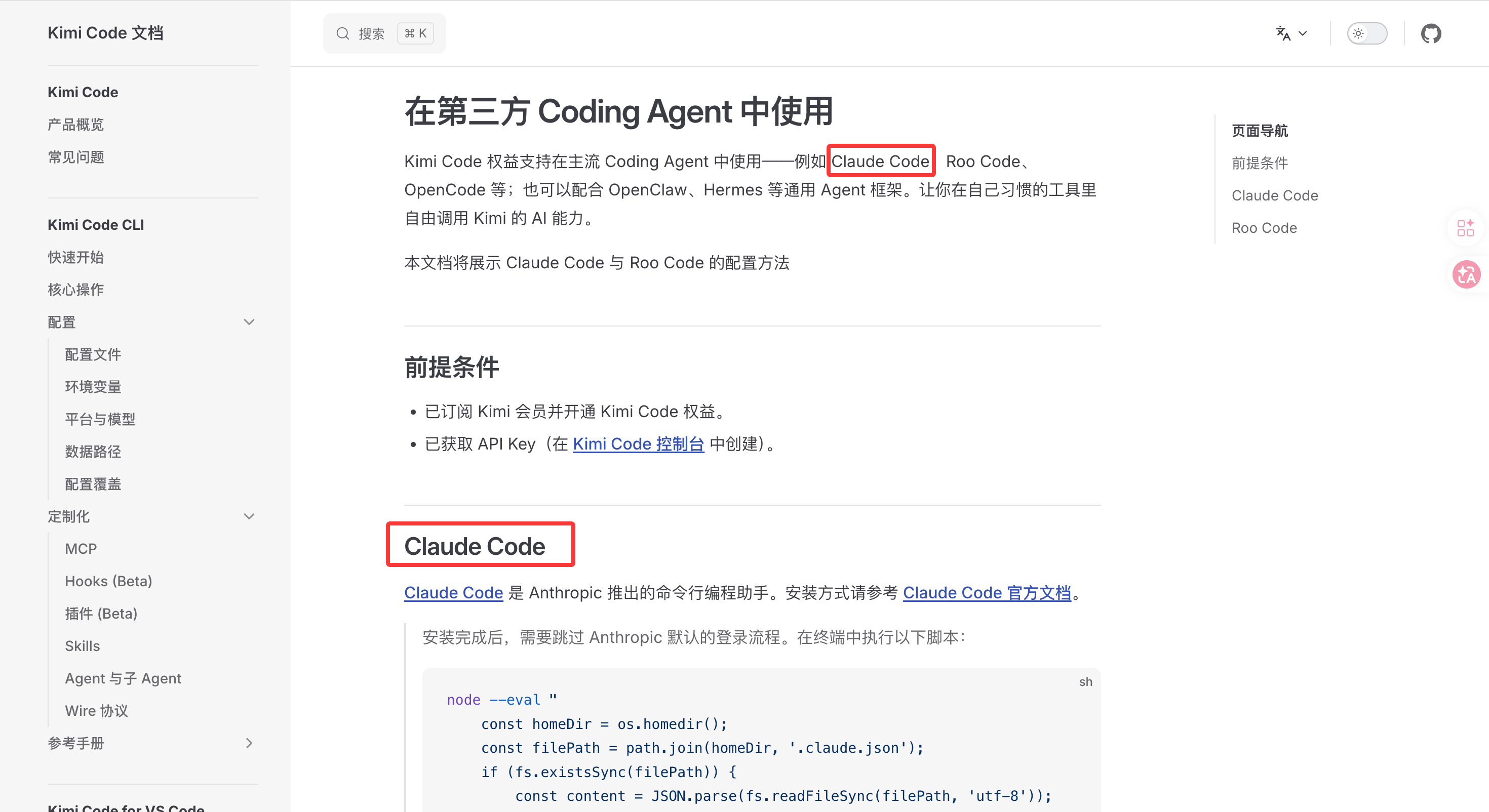
1 安装Claude Code
https://www.kimi.com/code/docs/third-party-tools/other-coding-agents.html
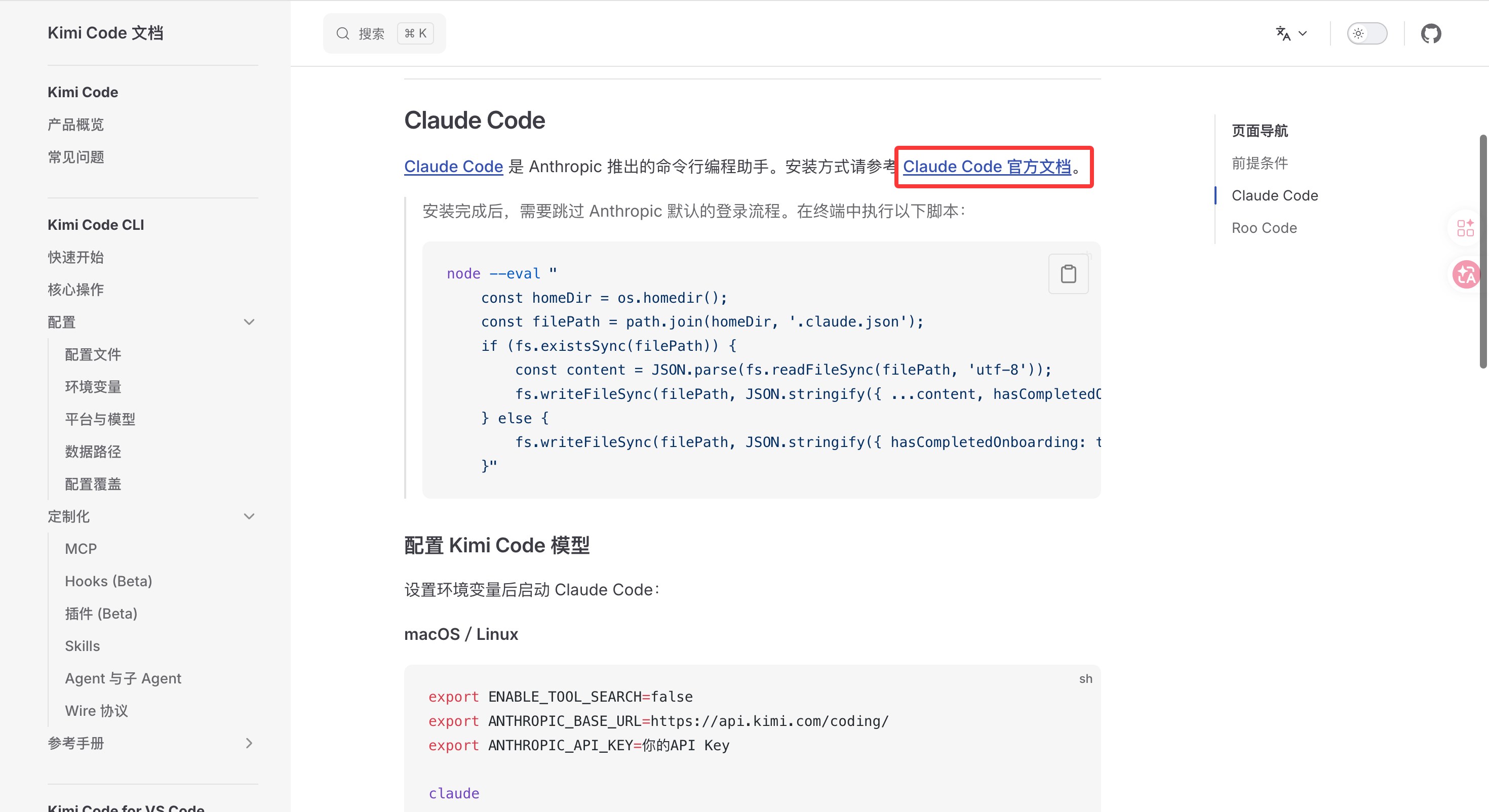
这个官方的安装连接:https://docs.anthropic.com/en/docs/claude-code/getting-started
但是我应为网络问题无法安装
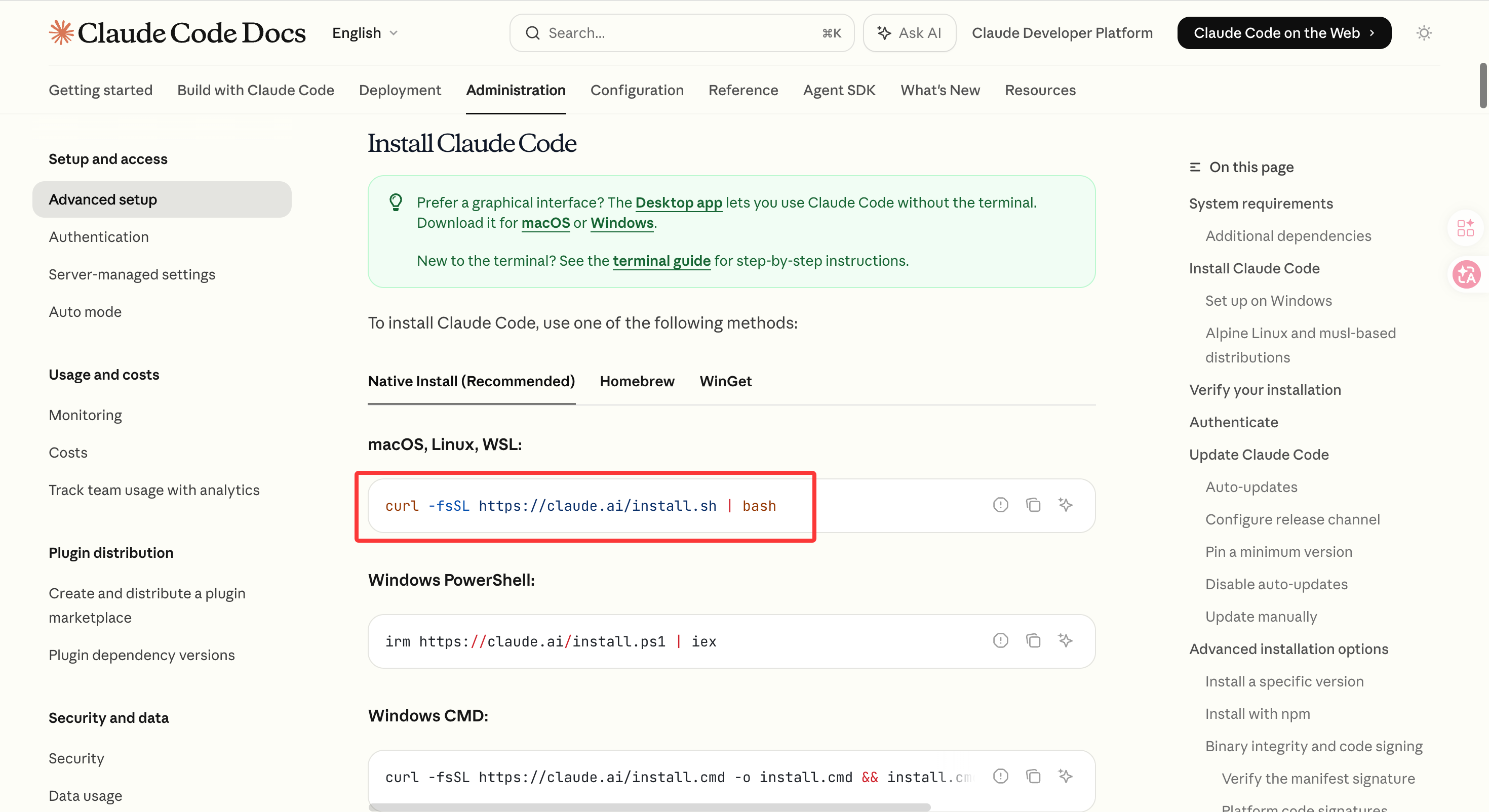
bash
curl -fsSL https://claude.ai/install.sh | bash于是我换了个国内镜像安装的网站:
https://claude-zh.cn/guide/getting-started
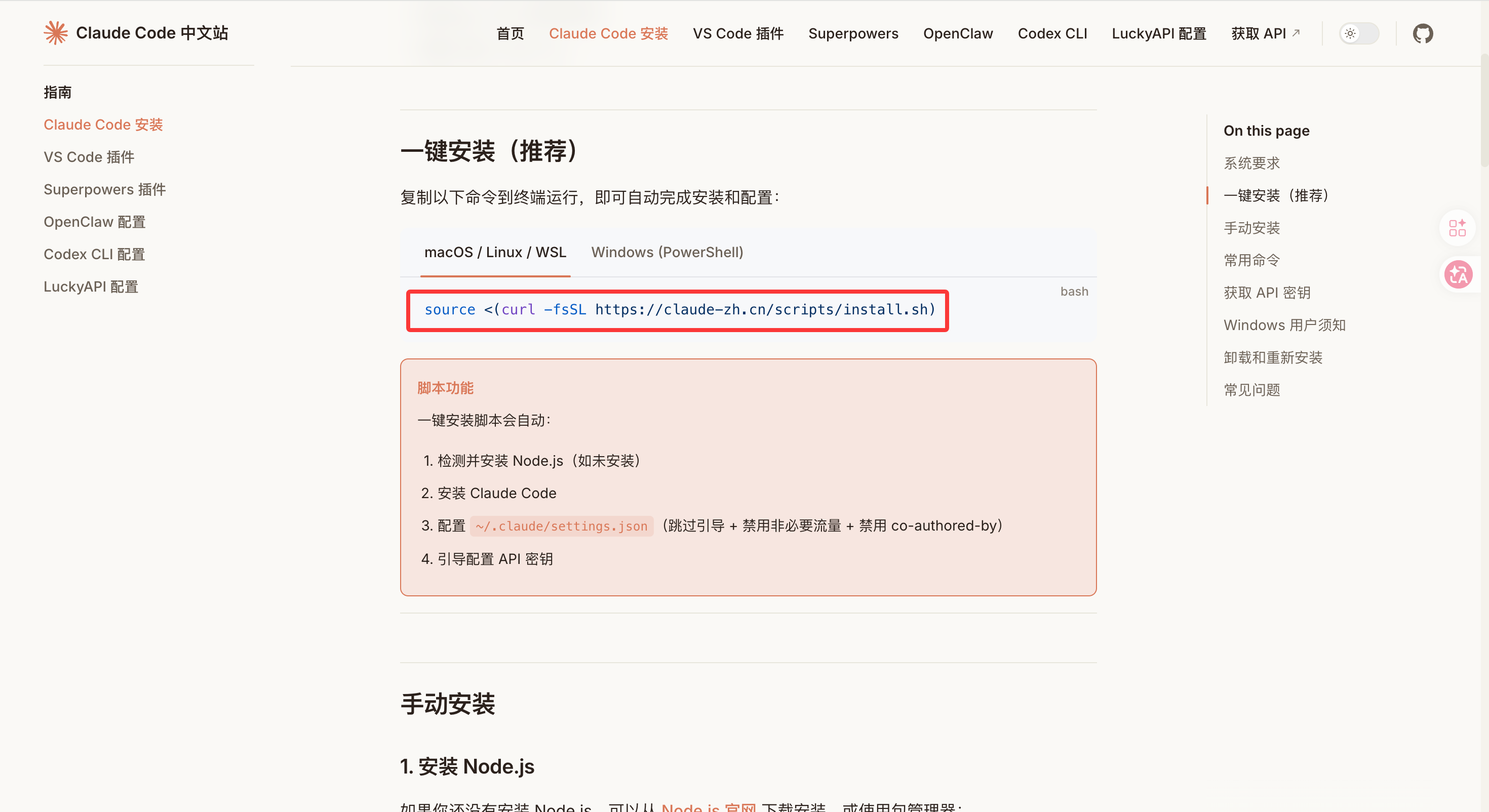
bash
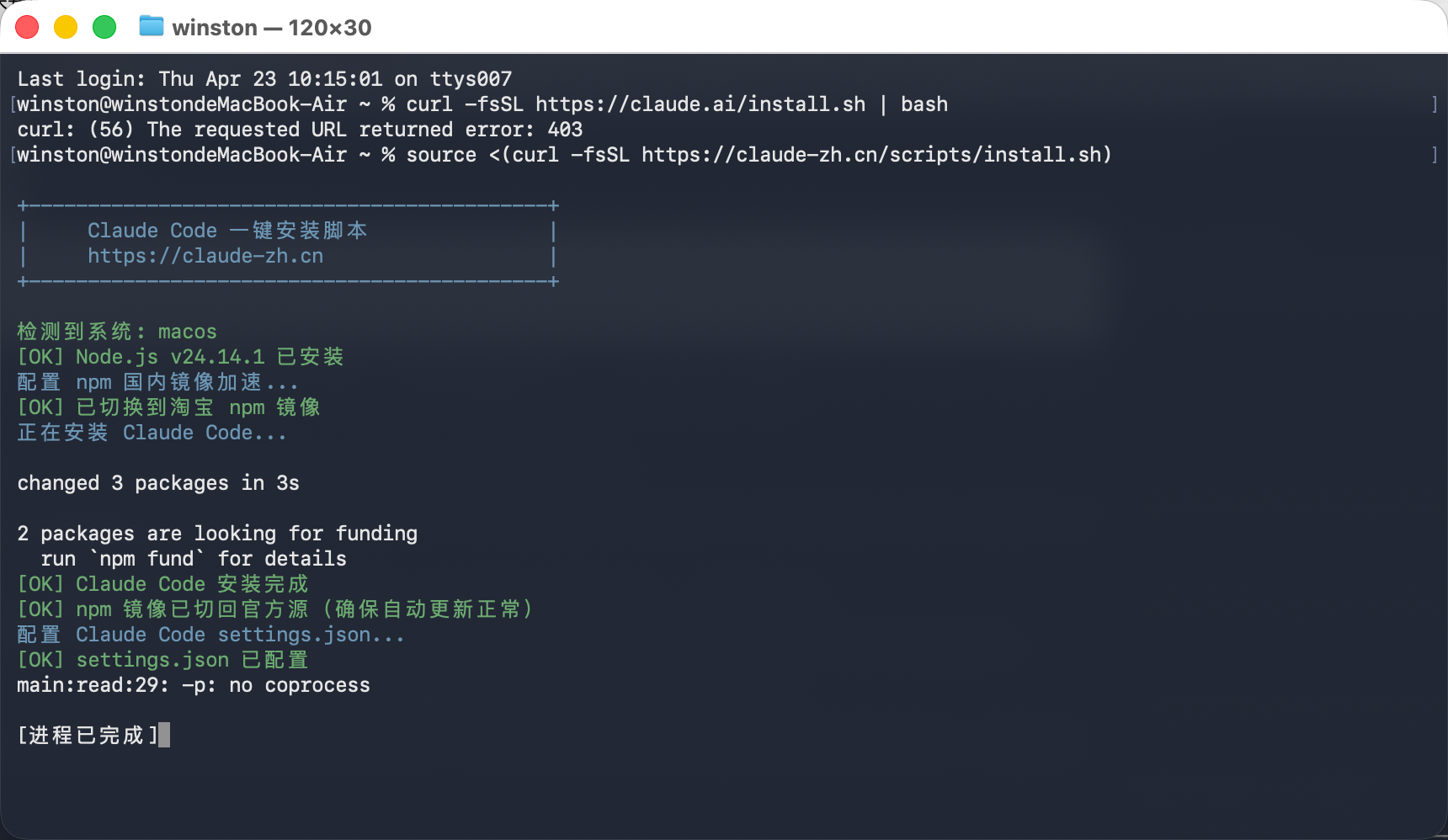
source <(curl -fsSL https://claude-zh.cn/scripts/install.sh)执行结果如下:
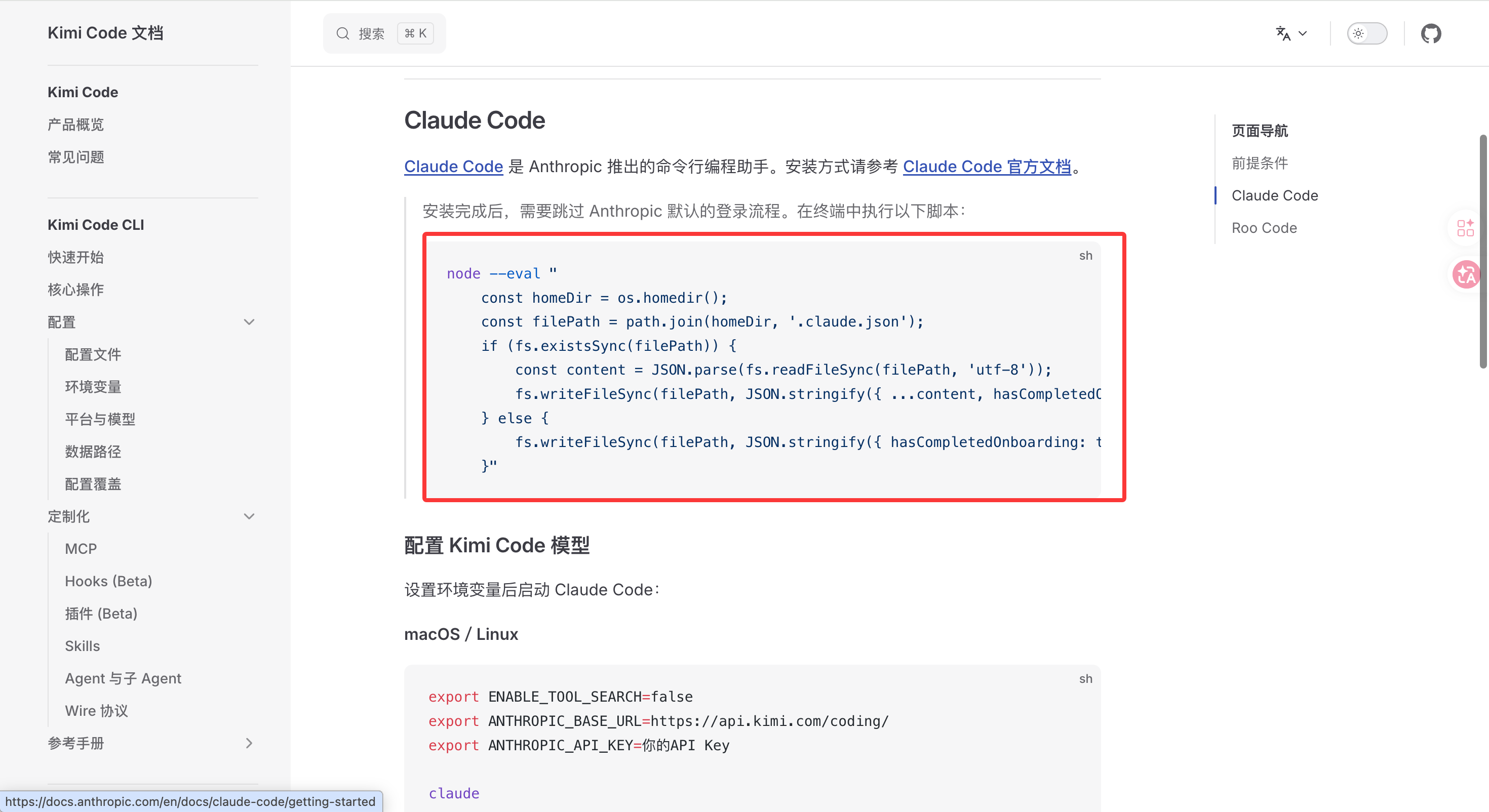
2 Claude Code 配置 Kimi Code 模型
https://www.kimi.com/code/docs/third-party-tools/other-coding-agents.html
bash
node --eval "
    const homeDir = os.homedir();
    const filePath = path.join(homeDir, '.claude.json');
    if (fs.existsSync(filePath)) {
        const content = JSON.parse(fs.readFileSync(filePath, 'utf-8'));
        fs.writeFileSync(filePath, JSON.stringify({ ...content, hasCompletedOnboarding: true }, null, 2), 'utf-8');
    } else {
        fs.writeFileSync(filePath, JSON.stringify({ hasCompletedOnboarding: true }), 'utf-8');
    }"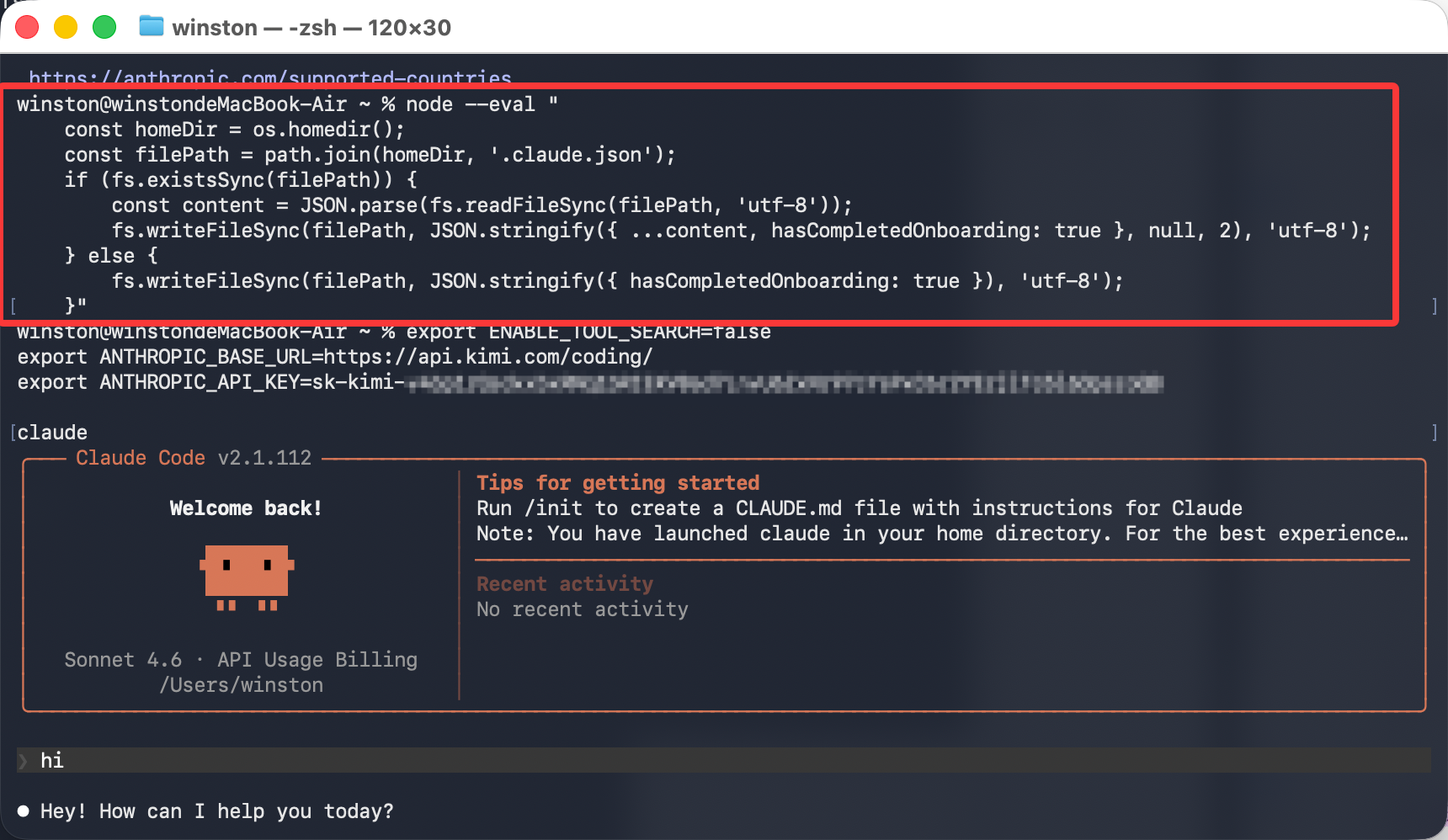
然后
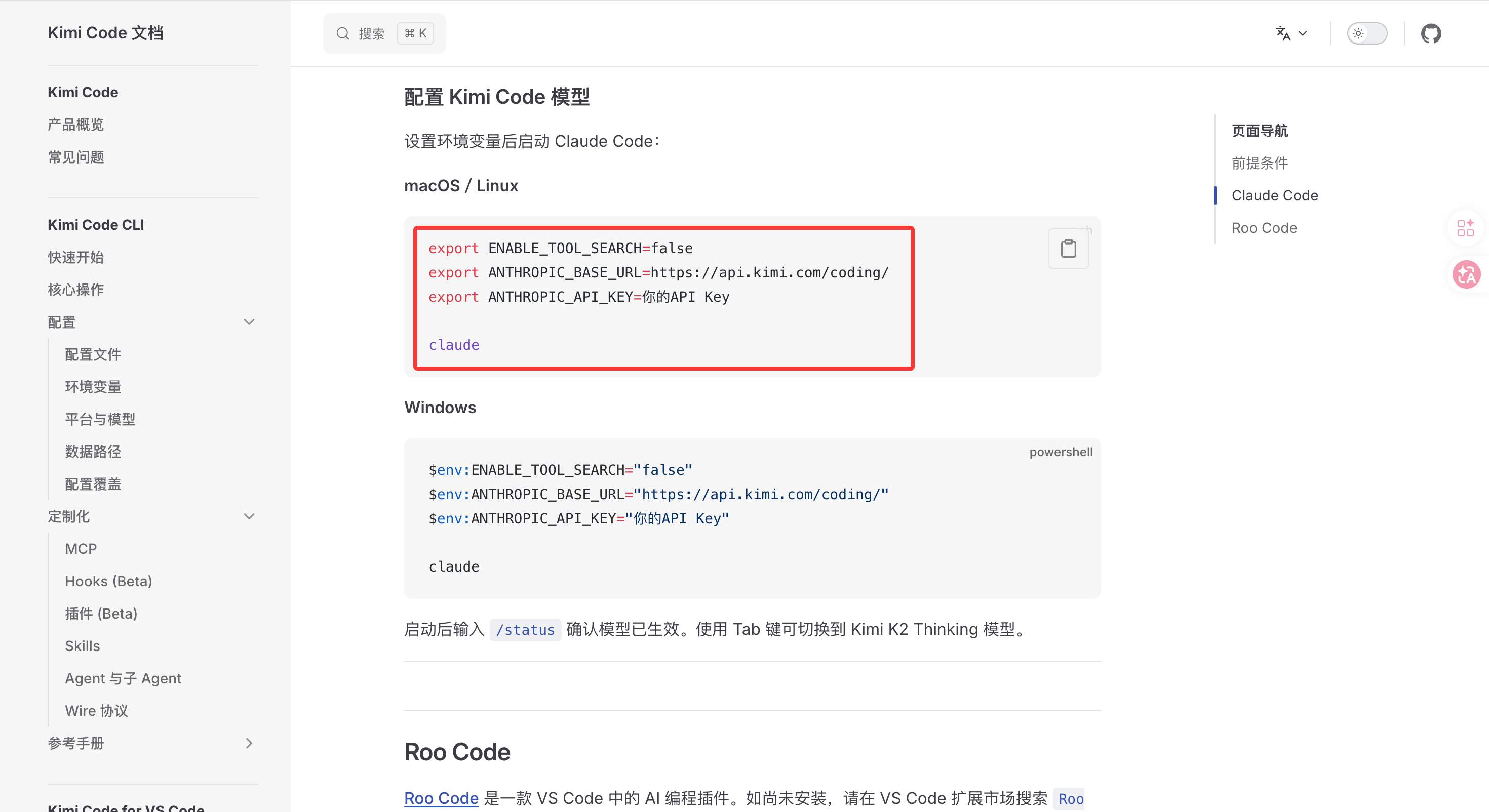
bash
$env:ENABLE_TOOL_SEARCH="false"
$env:ANTHROPIC_BASE_URL="https://api.kimi.com/coding/"
$env:ANTHROPIC_API_KEY="你的API Key"

claude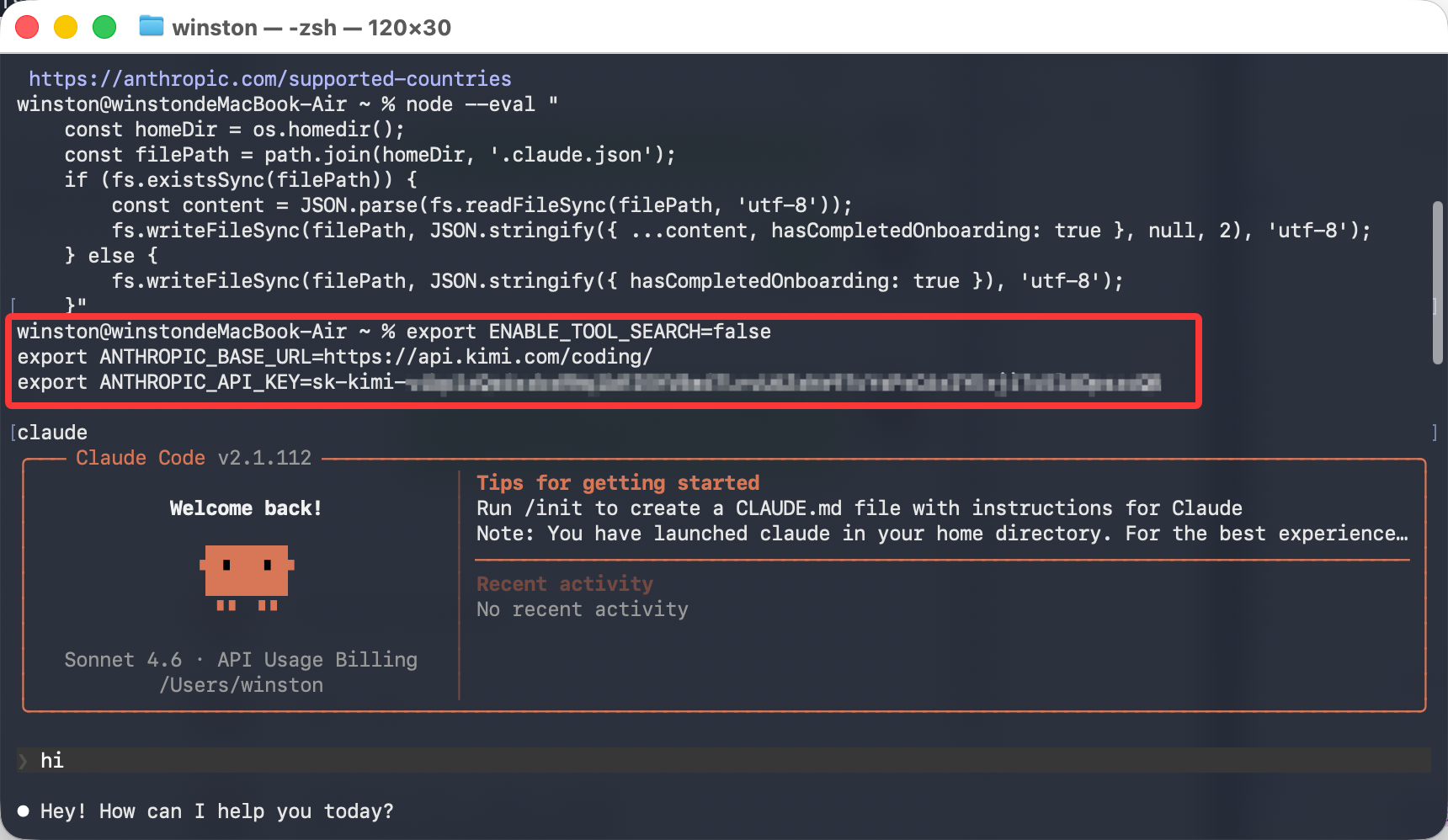
3 启动Claude Code的Kimi版
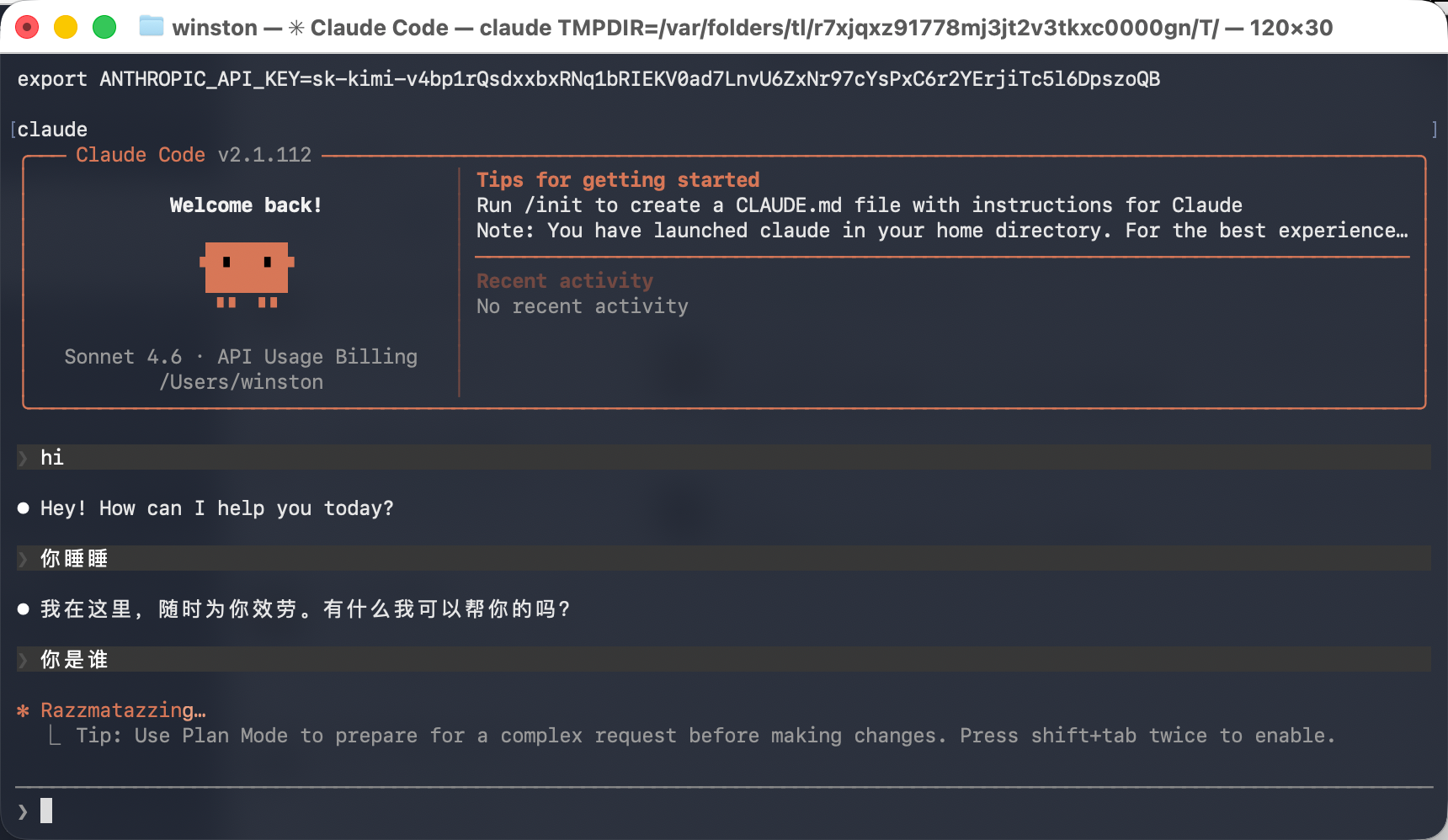
看看最后效果:
4 卸载
https://claude-zh.cn/guide/getting-started
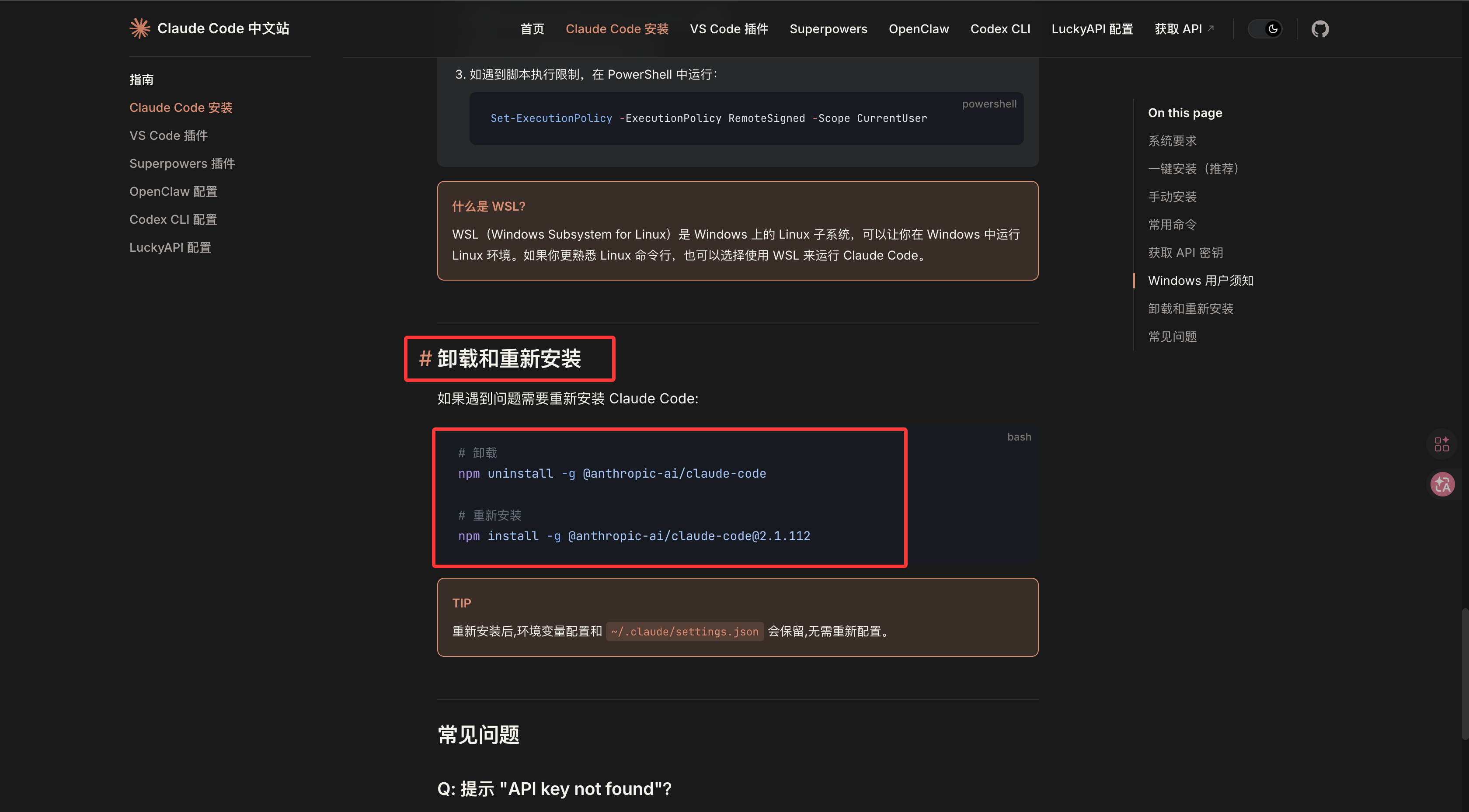
bash
# 卸载
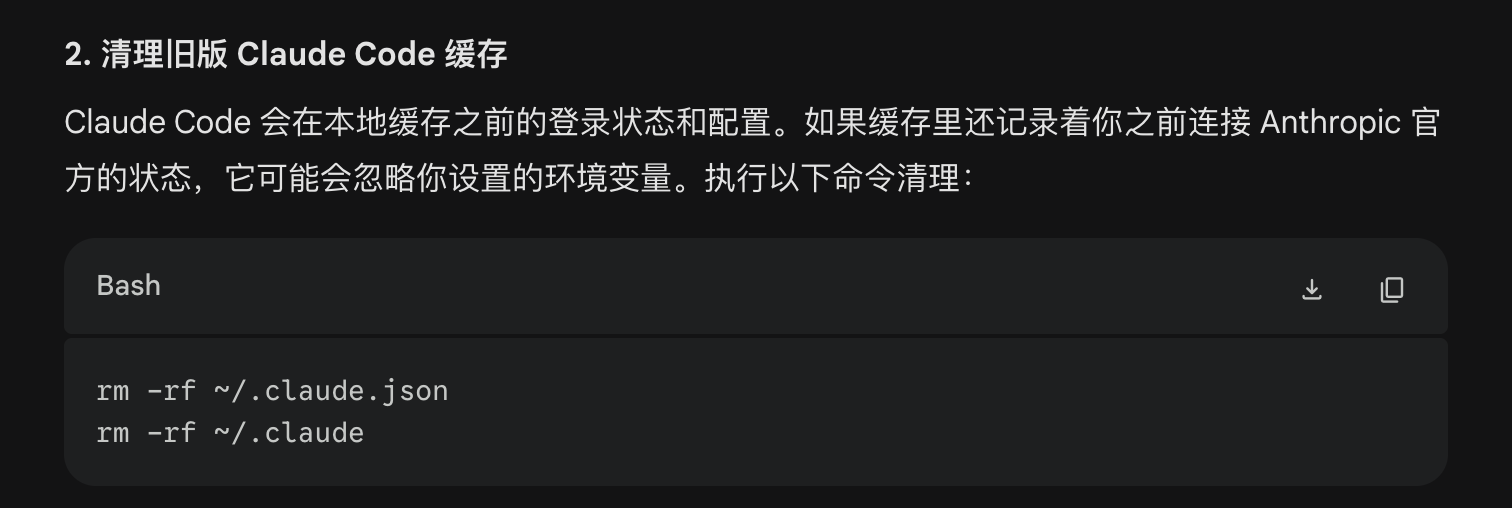
npm uninstall -g @anthropic-ai/claude-code但是单单用这个卸载不干净(https://gemini.google.com/share/e297f1877df6),还要这样:
bash
rm -rf ~/.claude.json
rm -rf ~/.claude