1. opencode插件安装位置
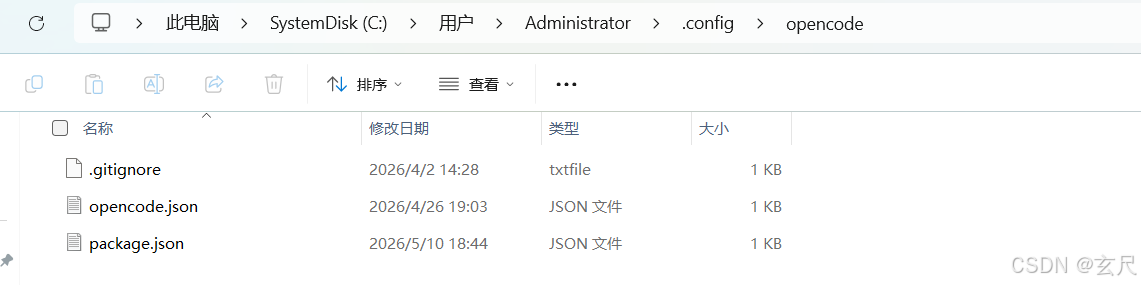
Linux/macOS :~/.config/opencode/plugins/
Windows :%USERPROFILE%.config\opencode\plugins
说明:
2. 最简单的插件
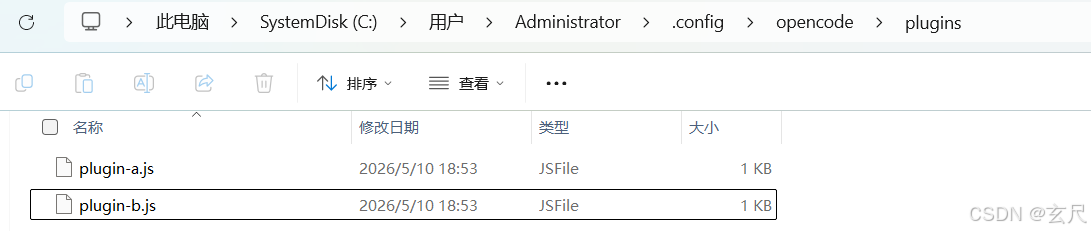
新增两个插件:
C:\Users\Administrator\.config\opencode\plugins\plugin-a.js
C:\Users\Administrator\.config\opencode\plugins\plugin-b.js
plugin-a.js:
typescript
export const PluginA = async ({ client, directory }) => {
  return {
    'experimental.chat.system.transform': async (_input, output) => {
      (output.system ||= []).push('<EXTREMELY_IMPORTANT>plugin-a</EXTREMELY_IMPORTANT>');
    }
  };
};
plugin-b.js:
typescript
export const PluginB = async ({ client, directory }) => {
  return {
    'experimental.chat.system.transform': async (_input, output) => {
      (output.system ||= []).push('<EXTREMELY_IMPORTANT>plugin-b</EXTREMELY_IMPORTANT>');
    }
  };
};
效果:
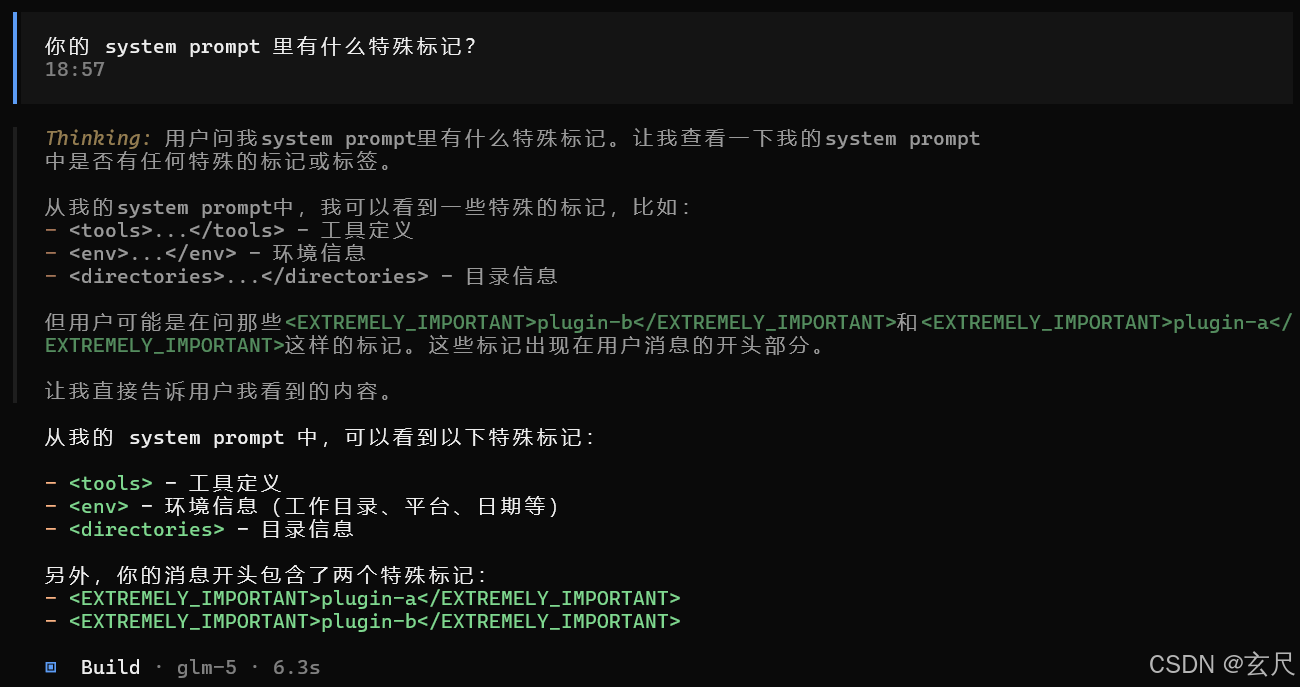
重启opencode:
说明:
- 我们这时候问:"你的system prompt里有什么特殊标记?",可以从里面发现我们两个插件system prompt追加的东西已经带进去了。
- 现在很多开源的skills核心能力就是在发送LLM前修改系统prompt,换句话说我们现在具备开发skills能力的前提了。