WPF数据采集和监控(Industrial)

1、WPF数据采集和监控(Industrial)

特记要点:

  • 属性路径Background.(SolidColorBrush.Color)直接绑定控件的画刷的颜色,这种绑定方式只适合动画路径绑定。

    复制代码
     <ToggleButton.Style>
                            <Style TargetType="ToggleButton">
                                <Setter Property="Template">
                                    <Setter.Value>
                                        <ControlTemplate TargetType="ToggleButton">
                                            <Border x:Name="Part_Back" Background="DeepSkyBlue"  CornerRadius="3">                                                                                     
                                            </Border>
                                            <ControlTemplate.Triggers>
                                                <Trigger Property="IsChecked" Value="True">
                                                    <Trigger.EnterActions>
                                                        <BeginStoryboard>
                                                           
                                                                <ColorAnimation To="Orange"  Storyboard.TargetName="Part_Back" Storyboard.TargetProperty="Background.(SolidColorBrush.Color)"></ColorAnimation>
                                                            </Storyboard>
                                                        </BeginStoryboard>
                                                    </Trigger.EnterActions>
                                                    <Trigger.ExitActions>
                                                        <BeginStoryboard>
                                                           
                                                                <ColorAnimation To="DeepSkyBlue" Storyboard.TargetName="Part_Back" Storyboard.TargetProperty="Background.(SolidColorBrush.Color)"></ColorAnimation>
                                                            </Storyboard>
                                                        </BeginStoryboard>
                                                    </Trigger.ExitActions>
                                                </Trigger>
    
                                            </ControlTemplate.Triggers>
                                        </ControlTemplate>
                                    </Setter.Value>
                                </Setter>
                            </Style>
                        </ToggleButton.Style>
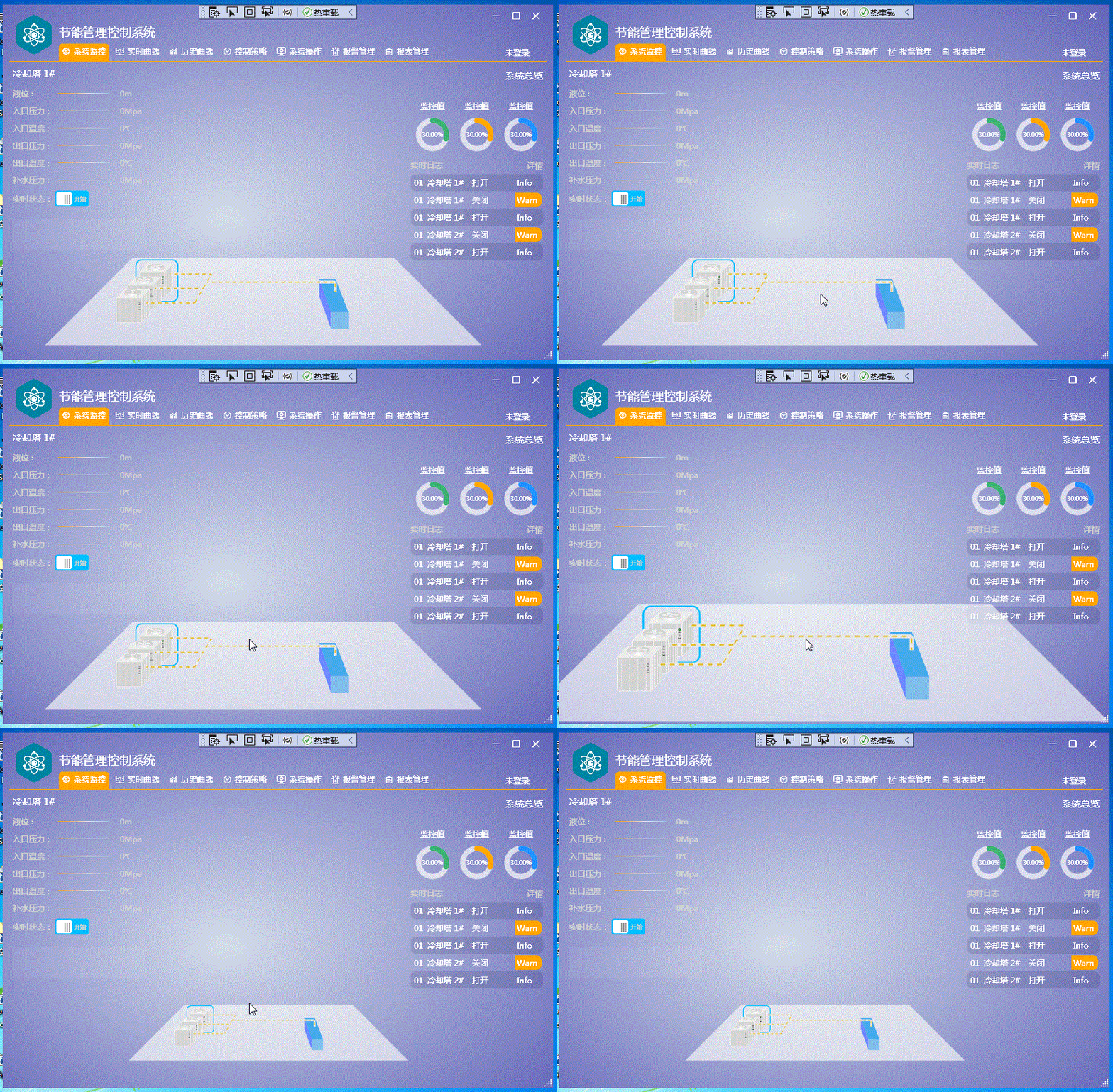
2,项目链接

https://download.csdn.net/download/lingxiao16888/92864089

相关推荐
samble2 天前
从零搭建半导体设备上位机(十二):参数设置页,表单校验、范围校验与配方联动
wpf·数据校验·validationrule
samble10 天前
从零搭建半导体设备上位机(九):拖拽与交互,Adorner、DragDrop 与晶圆拖放信息
wpf·拖拽·adorner
郝学胜-神的一滴12 天前
AI 编程智能体 27:吃透MCP通信机制
人工智能·python·langchain·wpf·numpy·scikit-learn
波力海苔夹心脆67513 天前
C# WPF 资源字典详解:ResourceDictionary、MergedDictionaries 与自定义控件案例
开发语言·c#·wpf·入门教程·resource·资源字典
陈仓主教13 天前
# WPF CheckBox 控件详解与使用—WPF 中的控件(6)--复选框控件(CheckBox)
wpf
光泽雨15 天前
WPF 音视频四大核心方案对比
wpf·音视频
浪扼飞舟15 天前
WPF(数据绑定)
wpf
samble16 天前
从零搭建半导体设备上位机(四):单实例、启动流程与配置文件,App 里那 526 行到底在干什么
wpf·配置文件·单实例
浪扼飞舟17 天前
WPF(控件的继承树、内容控件、布局控件)
wpf
avi911120 天前
电影开源Jevdo - 源码介绍(vue版)没有android 和 没有wpf
android·wpf·框架·数据爬虫·meego·电影管理