使用WPF内置资源系统实现国际化
1.创建资源字典文件
创建
在资源Resources文件夹下创建语言的资源字典文件
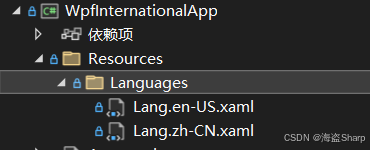
创建资源字典
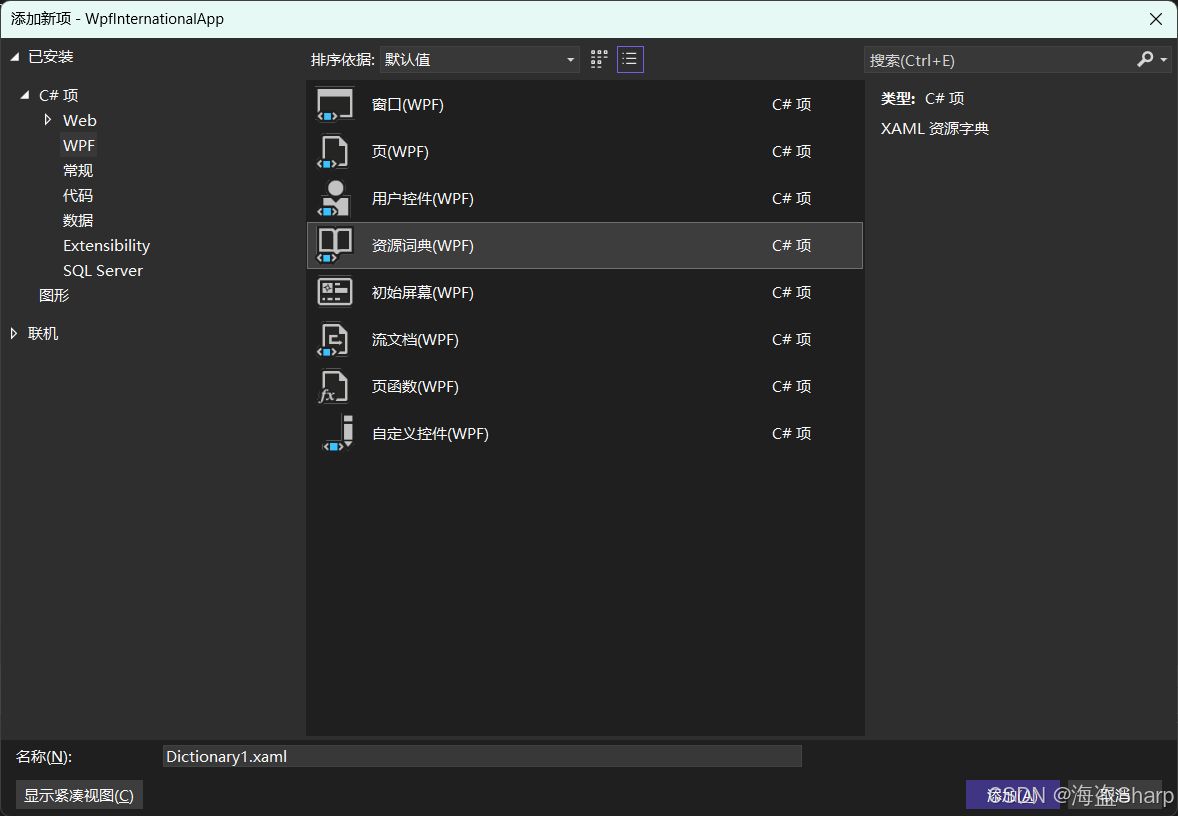
编写语言内容
首先引入System命名空间,后续资源都是string类型
xmlns:sys="clr-namespace:System;assembly=mscorlib"
然后添加对应的字符串,key和对应的文本,在不同语言中Key需要一一对应,然后文本是不同语言的。
示例如下
中文Lang.zh-CN.xaml
XML
<ResourceDictionary
    xmlns="http://schemas.microsoft.com/winfx/2006/xaml/presentation"
    xmlns:x="http://schemas.microsoft.com/winfx/2006/xaml"
    xmlns:sys="clr-namespace:System;assembly=mscorlib">
    <sys:String x:Key="Title_MainWindow">主窗口</sys:String>
    <sys:String x:Key="Button_Save">保存</sys:String>
    <sys:String x:Key="Menu_File">文件</sys:String>
    <sys:String x:Key="Menu_Edit">编辑</sys:String>
    <sys:String x:Key="Button_CN">中文版</sys:String>
    <sys:String x:Key="Button_EN">英文版</sys:String>

</ResourceDictionary>
英文 Lang.en-US.xaml
XML
<ResourceDictionary
    xmlns="http://schemas.microsoft.com/winfx/2006/xaml/presentation"
    xmlns:x="http://schemas.microsoft.com/winfx/2006/xaml"
    xmlns:sys="clr-namespace:System;assembly=mscorlib">
    <sys:String x:Key="Title_MainWindow">Main Window</sys:String>
    <sys:String x:Key="Button_Save">Save</sys:String>
    <sys:String x:Key="Menu_File">File</sys:String>
    <sys:String x:Key="Menu_Edit">Edit</sys:String>
    <sys:String x:Key="Button_CN">Chinese</sys:String>
    <sys:String x:Key="Button_EN">English</sys:String>
</ResourceDictionary>
其他语言
按同样形式添加
2. 创建资源管理类
csharp
using System.Globalization;
using System.Windows;
using System.Windows.Markup;

public static class LanguageManager
{
    private static ResourceDictionary? _currentResourceDictionary;

    public static event EventHandler? LanguageChanged;

    public static CultureInfo CurrentCulture { get; private set; } = CultureInfo.CurrentCulture;

    // 支持的语言列表
    public static List<CultureInfo> SupportedLanguages { get; } = new()
    {
        new CultureInfo("en-US"),
        new CultureInfo("zh-CN"),
        new CultureInfo("ja-JP")
    };

    public static void ChangeLanguage(CultureInfo culture)
    {
        if (culture == null) throw new ArgumentNullException(nameof(culture));

        CurrentCulture = culture;

        // 设置当前线程的UICulture
        Thread.CurrentThread.CurrentUICulture = culture;
        Thread.CurrentThread.CurrentCulture = culture;

        // 加载对应的资源字典
        LoadResourceDictionary(culture.Name);

        LanguageChanged?.Invoke(null, EventArgs.Empty);
    }

    private static void LoadResourceDictionary(string languageCode)
    {
        var app = Application.Current;
        if (app == null) return;

        // 移除现有的语言资源
        if (_currentResourceDictionary != null)
        {
            app.Resources.MergedDictionaries.Remove(_currentResourceDictionary);
        }

        // 加载新的语言资源
        var dict = new ResourceDictionary
        {
            Source = new Uri($"/YourProjectName;component/Resources/Lang.{languageCode}.xaml",
                           UriKind.RelativeOrAbsolute)
        };

        app.Resources.MergedDictionaries.Add(dict);
        _currentResourceDictionary = dict;
    }

    // 从资源文件中获取字符串(代码中使用)
    public static string GetString(string key)
    {
        var value = Application.Current.TryFindResource(key);
        return value as string ?? $"#{key}#";
    }
}
3. 在XAML中使用
之前直接写文本的地方都通过DynamicResource动态绑定资源名称
csharp
<Window
    x:Class="WpfInternationalApp.MainWindow"
    xmlns="http://schemas.microsoft.com/winfx/2006/xaml/presentation"
    xmlns:x="http://schemas.microsoft.com/winfx/2006/xaml"
    xmlns:d="http://schemas.microsoft.com/expression/blend/2008"
    xmlns:local="clr-namespace:WpfInternationalApp"
    xmlns:mc="http://schemas.openxmlformats.org/markup-compatibility/2006"
    Title="{DynamicResource Title_MainWindow}"
    Width="800"
    Height="450"
    mc:Ignorable="d">
    <Grid>
        <Button
            Width="97"
            Height="32"
            Margin="89,126,0,0"
            HorizontalAlignment="Left"
            VerticalAlignment="Top"
            Click="Button_Click"
            Content="{DynamicResource Button_EN}" />
        <Button
            Width="97"
            Height="32"
            Margin="233,126,0,0"
            HorizontalAlignment="Left"
            VerticalAlignment="Top"
            Click="Button_Click_1"
            Content="{DynamicResource Button_CN}" />
        <Button
            Width="109"
            Height="30"
            Margin="206,260,0,0"
            HorizontalAlignment="Left"
            VerticalAlignment="Top"
            Content="{DynamicResource Button_Save}" />
    </Grid>
</Window>
4. 初始化语言设置
方式一:在App.xaml中加载资源
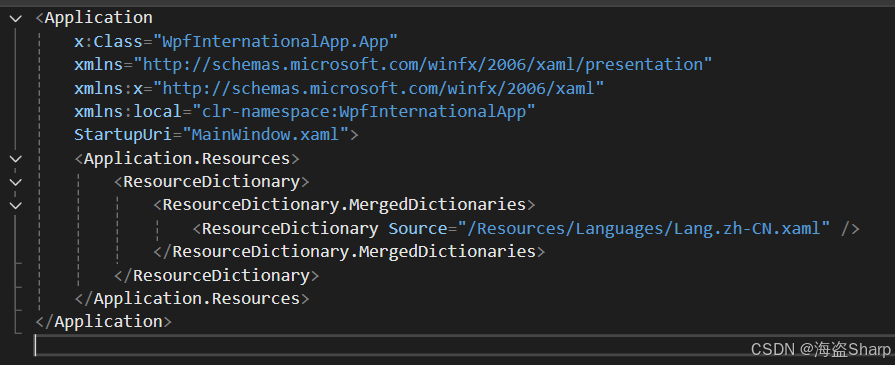
csharp
    <Application.Resources>
        <ResourceDictionary>
            <ResourceDictionary.MergedDictionaries>
                <ResourceDictionary Source="/Resources/Languages/Lang.zh-CN.xaml" />
            </ResourceDictionary.MergedDictionaries>
        </ResourceDictionary>
    </Application.Resources>
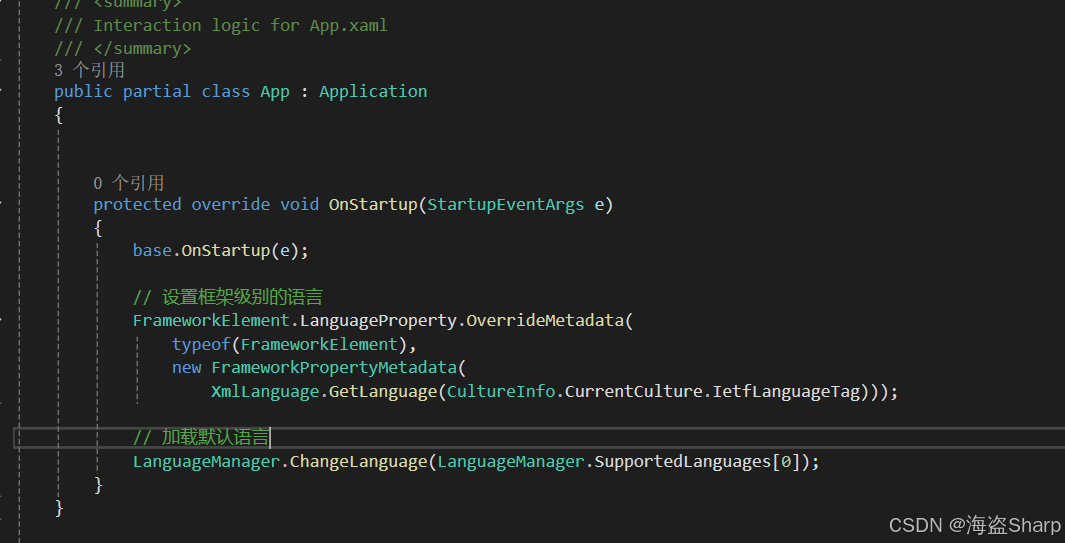
方式二:在App.xaml.cs中加载
csharp
        protected override void OnStartup(StartupEventArgs e)
        {
            base.OnStartup(e);

            // 设置框架级别的语言
            FrameworkElement.LanguageProperty.OverrideMetadata(
                typeof(FrameworkElement),
                new FrameworkPropertyMetadata(
                    XmlLanguage.GetLanguage(CultureInfo.CurrentCulture.IetfLanguageTag)));

            // 加载默认语言
            LanguageManager.ChangeLanguage(LanguageManager.SupportedLanguages[0]);
        }
5. 语言切换
直接使用ChangeLanguage方法切换即可
csharp
LanguageManager.ChangeLanguage(LanguageManager.SupportedLanguages[0]);
LanguageManager.ChangeLanguage(LanguageManager.SupportedLanguages[1]);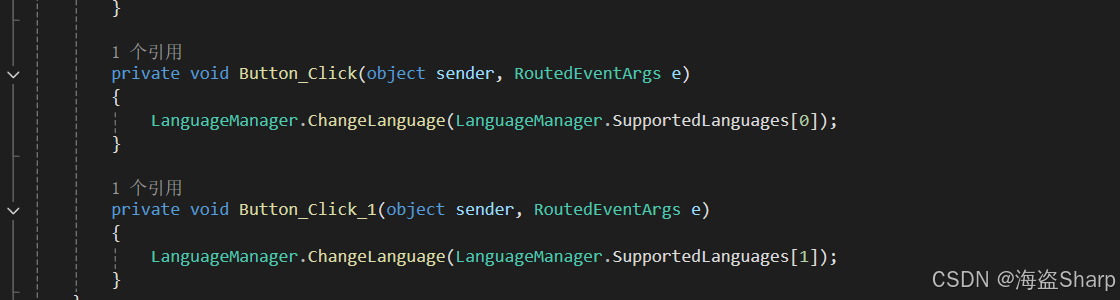
6. 实现效果
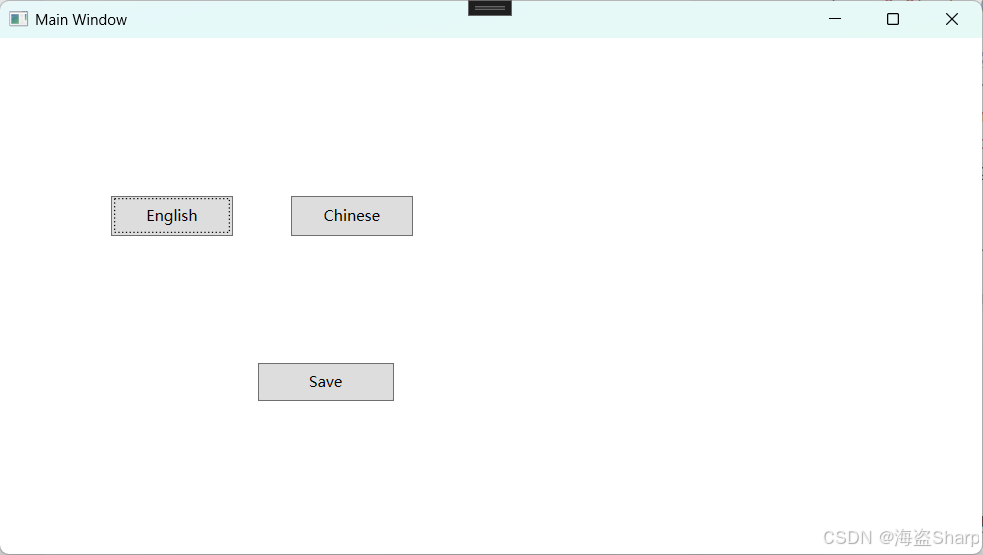
中文版
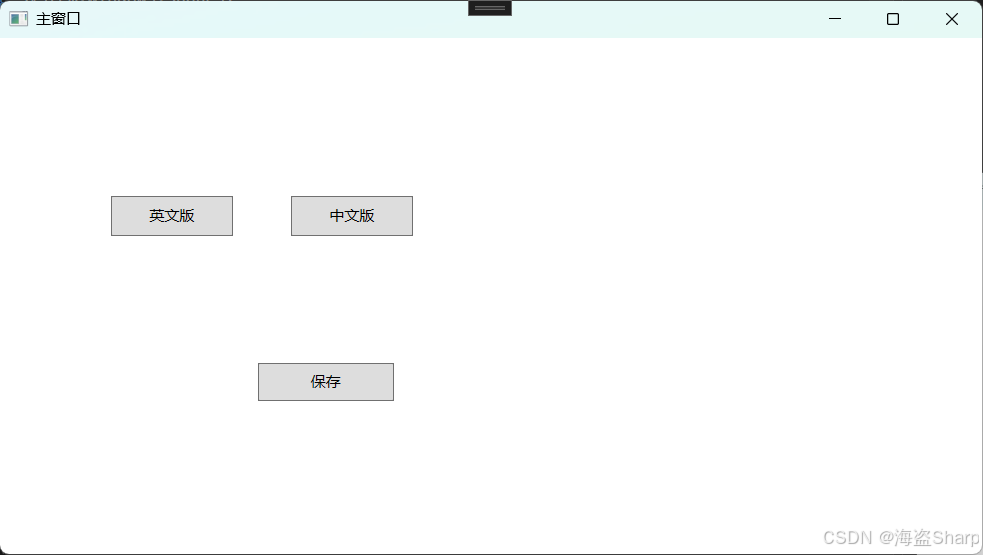
英文版