首先下载golang1.26.3
bash
go install github.com/beego/bee/v2@latest安装成功
bash
bee version出现如下表示安装成功
bash
2026/05/18 16:11:17.341 [D]  init global config instance failed. If you do not use this, just ignore it.  open conf/app.conf: The system cannot find the path specified.
______
| ___ \
| |_/ /  ___   ___
| ___ \ / _ \ / _ \
| |_/ /|  __/|  __/
\____/  \___| \___| v2.3.0

├── GoVersion : go1.26.3
├── GOOS      : windows
├── GOARCH    : amd64
├── NumCPU    : 12
├── GOPATH    : C:\Users\zd854\go
├── GOROOT    : D:\Program Files\Go
├── Compiler  : gc
└── Date      : Monday, 18 May 2026
bash
bee new myblog
bash
2026/05/18 16:13:47.909 [D]  init global config instance failed. If you do not use this, just ignore it.  open conf/app.conf: The system cannot find the path specified.
2026/05/18 16:13:47 INFO     ▶ 0001 Generate new project support go modules.
2026/05/18 16:13:47 INFO     ▶ 0002 Creating application...
        create   C:\Code\Go\myblog\go.mod
        create   C:\Code\Go\myblog\
        create   C:\Code\Go\myblog\conf\
        create   C:\Code\Go\myblog\controllers\
        create   C:\Code\Go\myblog\models\
        create   C:\Code\Go\myblog\routers\
        create   C:\Code\Go\myblog\tests\
        create   C:\Code\Go\myblog\static\
        create   C:\Code\Go\myblog\static\js\
        create   C:\Code\Go\myblog\static\css\
        create   C:\Code\Go\myblog\static\img\
        create   C:\Code\Go\myblog\views\
        create   C:\Code\Go\myblog\conf\app.conf
        create   C:\Code\Go\myblog\controllers\default.go
        create   C:\Code\Go\myblog\views\index.tpl
        create   C:\Code\Go\myblog\routers\router.go
        create   C:\Code\Go\myblog\tests\default_test.go
        create   C:\Code\Go\myblog\main.go
2026/05/18 16:13:48 SUCCESS  ▶ 0003 New application successfully created!
进入myblog文件夹
端口号可以在conf/app.conf中修改为自己喜爱的端口
bash
go mod tidy
bash
go run main.go出现
bash
2026/05/18 16:15:36.705 [I] [server.go:281] http server Running on http://:8080打开127.0.0.1:8080
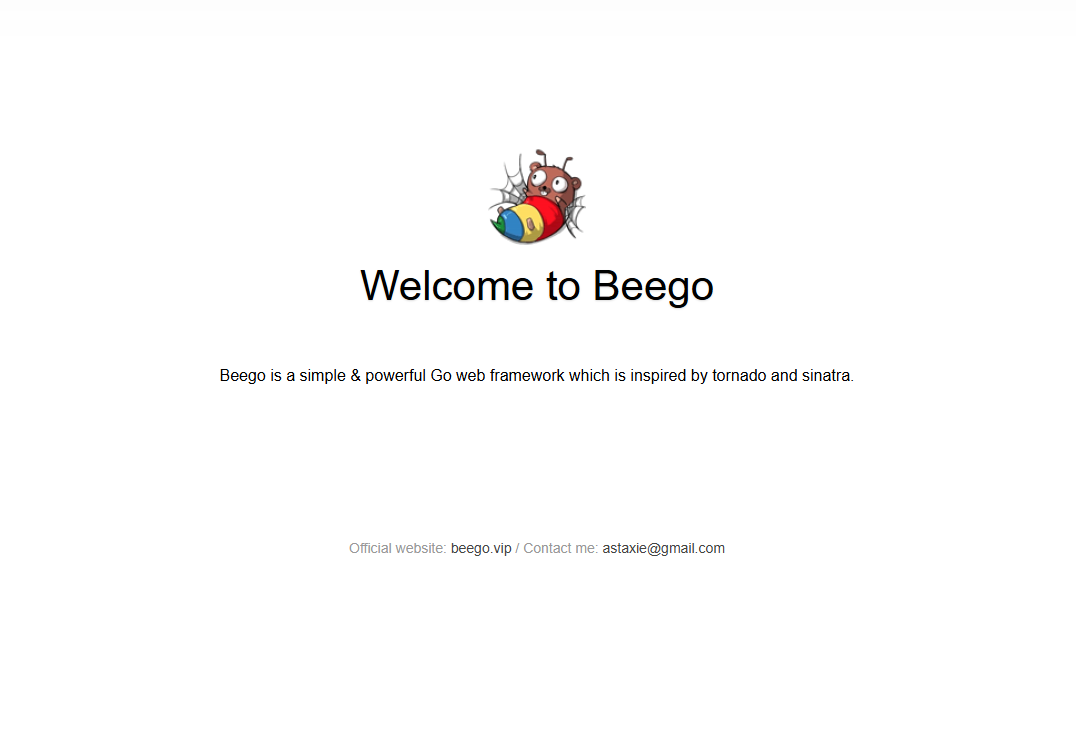
恭喜你,入门beego成功了!