定位布局
开发一个页面的时候,常常需要将某一个容器展示在页面的某个地方,这时候就需要学会控制他的位置
关于控制容器的位置,我们一般会用以下几种定位
- 相对定位:position:relative
- 绝对定位:position:absolute
- 固定定位:position:fixed
- 粘性定位:position:sticky
- 首先来介绍一下相对定位,我们在一个页面中添加一个方块来展示一下
html
<!DOCTYPE html>
<html lang="en">
<head>
    <meta charset="UTF-8">
    <meta name="viewport" content="width=device-width, initial-scale=1.0">
    <title>Document</title>
    <style>
        .box{
            width:100px;
            height:100px;
       background-color:purple;
       margin-tope: 100px;//方块顶部边距为100像素点
        position: relative;
          left:100px;//相对原来的自己往右移100像素点

               }
    </style>

</head>


<body>
    <div class="box"></div>
</body>
</html>
执行结果如下:
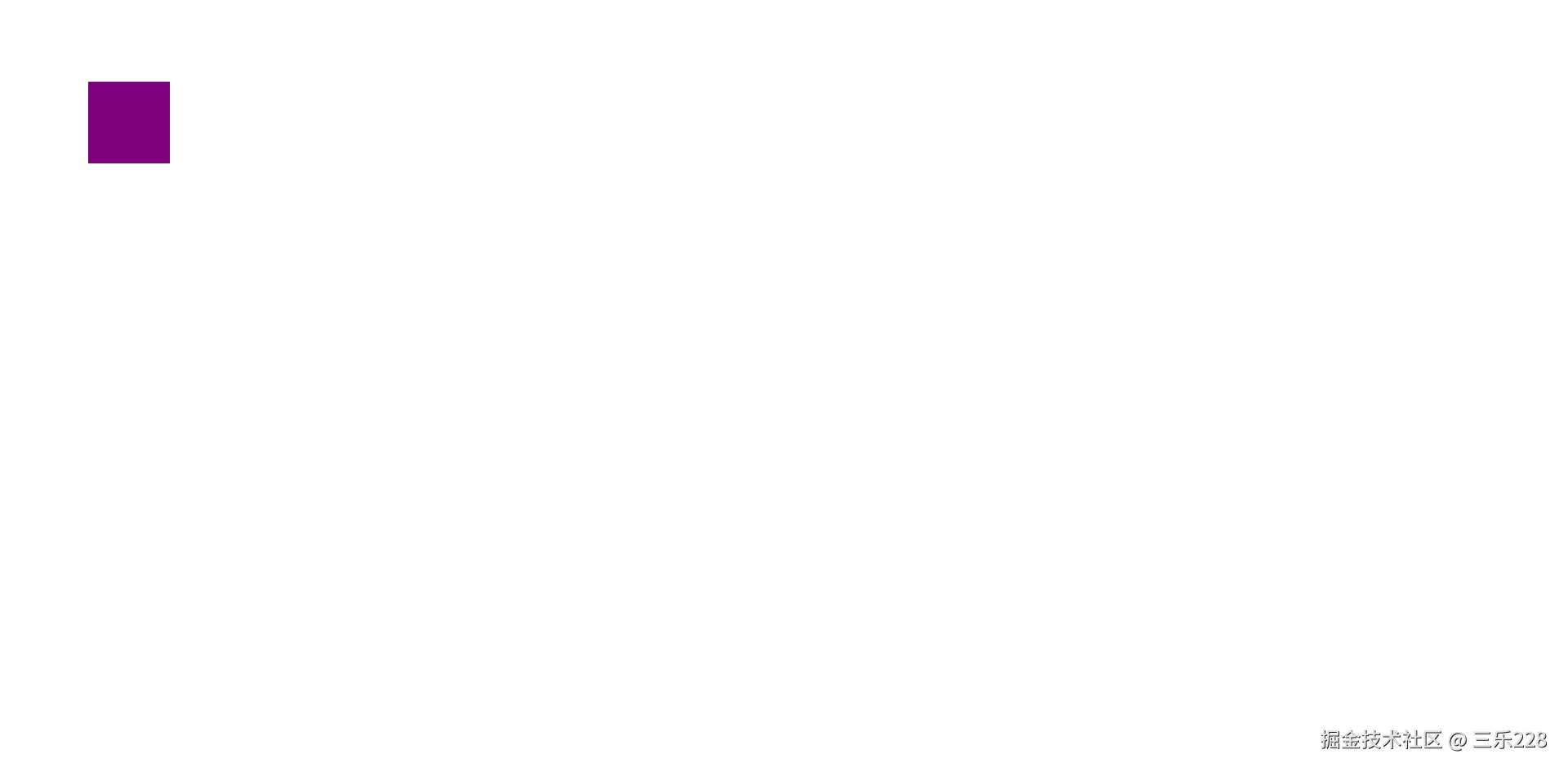 此时,倘若我们在外部再添加一个行内元素试试看
html
<!DOCTYPE html>
<html lang="en">
<head>
    <meta charset="UTF-8">
    <meta name="viewport" content="width=device-width, initial-scale=1.0">
    <title>Document</title>
    <style>
        .box{
            width:200px;
            height:200px;
       background-color:purple;
        position:relative;
        left:100px;
}
         .box1{

       background-color:rgb(179, 20, 20);
       display:inline;}
    </style>

</head>


<body>
    <div class="box"></div>
    <div class="box1">hello world</div>
</body>
</html>
此时的运行结果是这样的
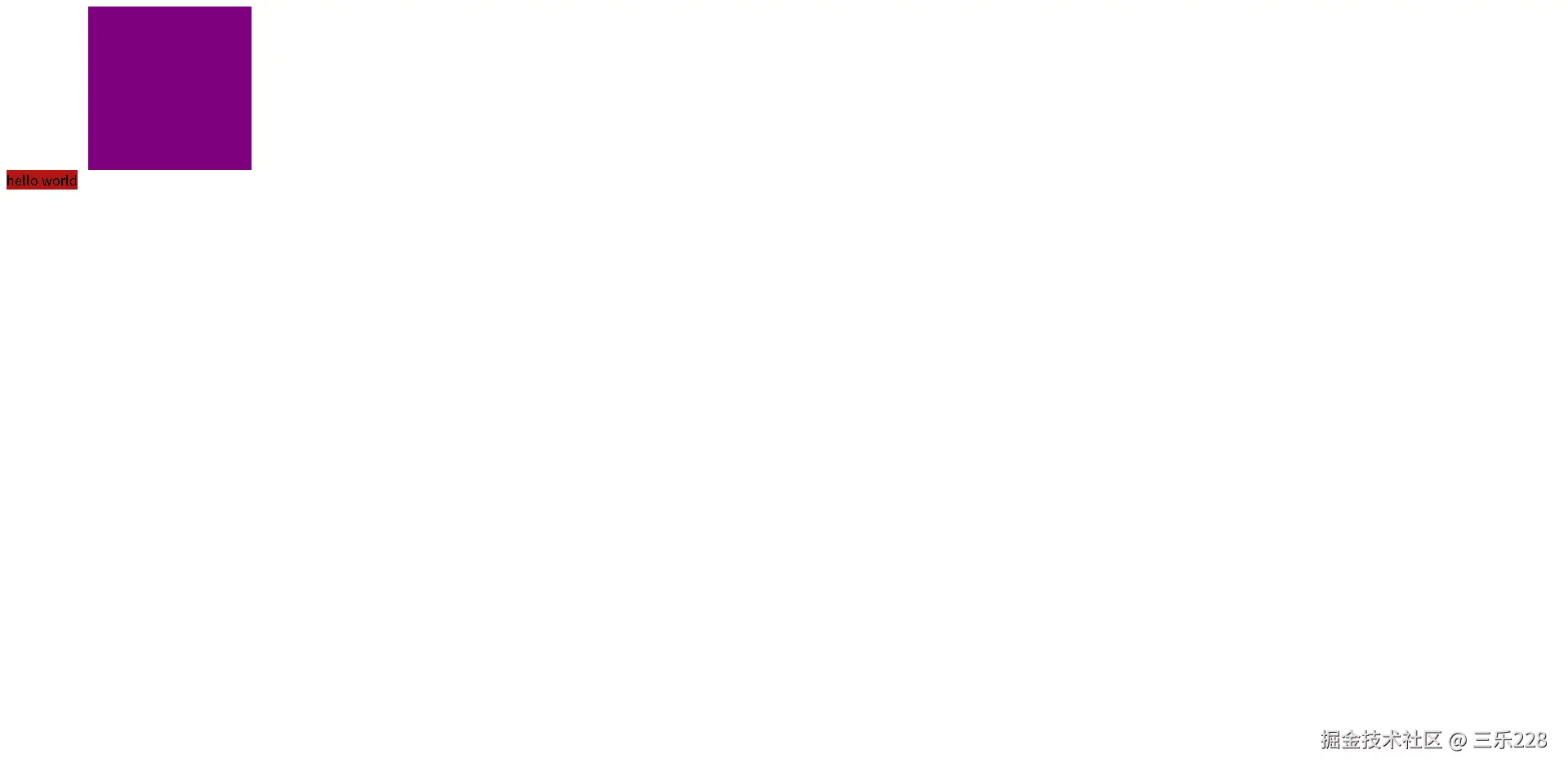 可以看到,就算方块移开了,这串字符也没有往前占掉那一部分空白的位置,这说明相对定位执行结束后,原本文档流的位置并不会发生改变
- 绝对定位,我们在上面那个方块改成绝对定位试试看
html
<!DOCTYPE html>
<html lang="en">
<head>
<meta charset="UTF-8">
<meta name="viewport" content="width=device-width, initial-scale=1.0">
<title>Document</title>
<style>
.box{
width:200px;
height:200px;
background-color:purple;
position:absolute;
left:100px;
}
.box1{
background-color:rgb(179, 20, 20);
display:inline;}
</style>
</head>
<body>
<div class="box"></div>
<div class="box1">hello world</div>
</body>
</html>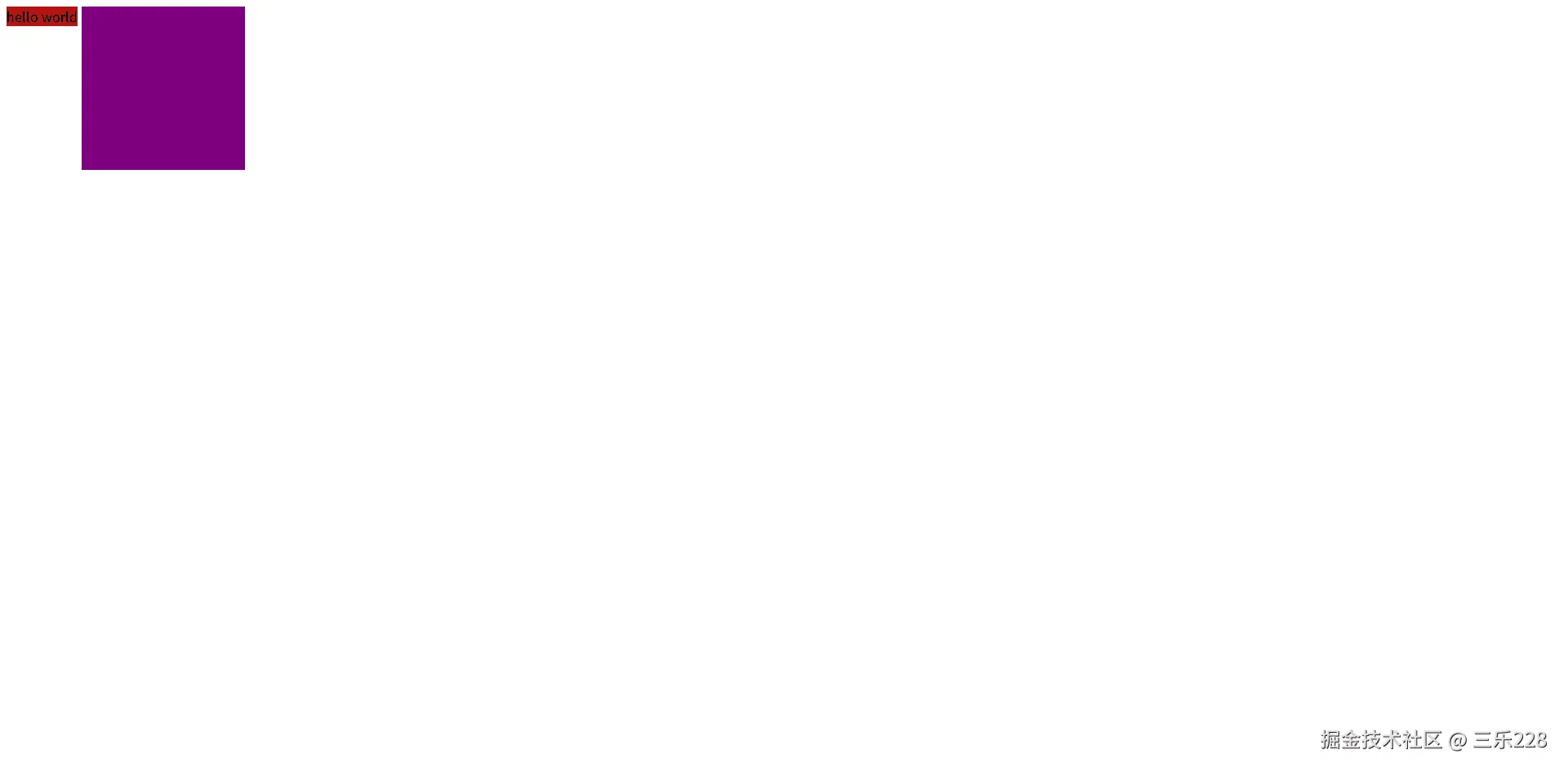 此时,字符往前占了
还有一种特性:参考自己外层的有定位属性的父容器来定做参考,如果没有,就再上一级找,直到找到有定位属性的父级,没有就参考body
html
<!DOCTYPE html>
<html lang="en">
<head>
<meta charset="UTF-8">
<meta name="viewport" content="width=device-width, initial-scale=1.0">
<title>Document</title>
<style>
.box{
width:100px;
height:100px;
background-color:purple;
left:100px;
}
.box1{
width:50px;
height:50px;
position:absolute;
left:25px;
top:25px;
background-color:rgb(179, 20, 20);
}
</style>
</head>
<body>
<div class="box"> <div class="box1"></div></div>
</body>
</html>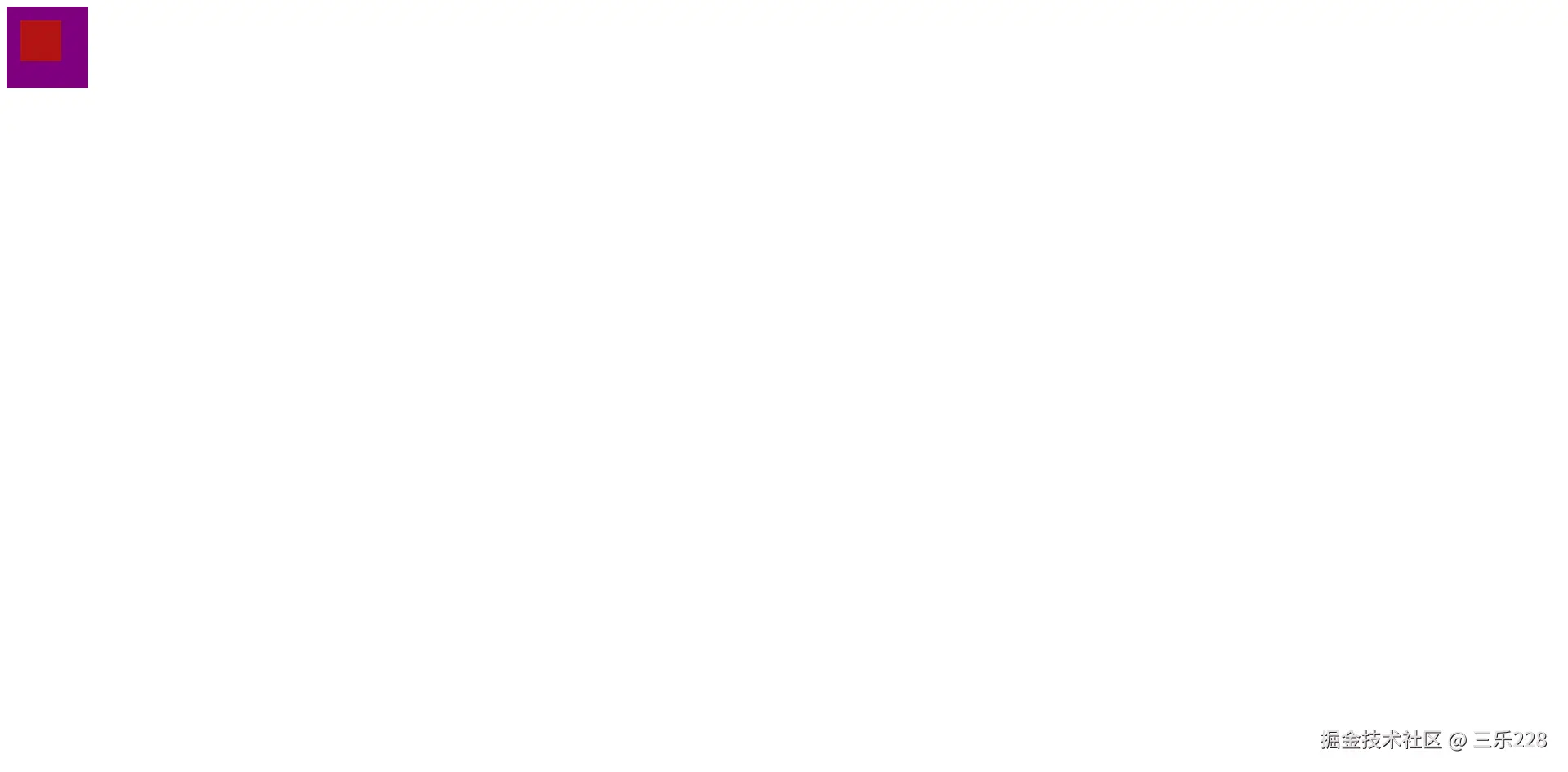 可以看到,box1明明放在了box里面,但是却不是在box中心,是因为box1定位参考的是整个body的位置,而不是box的位置
通常情况下,绝对定位会导致容器脱离文档流,相对位置不会导致容器脱离文档流,所以父容器尽量设置成相对定位,而子容器才设置成绝对定位
- 固定定位,当我们想把某一个元素固定在屏幕的某个位置,而不随页面滚动的时候,就可以使用固定定位
html
<!DOCTYPE html>
<html lang="en">

<head>
    <meta charset="UTF-8">
    <meta name="viewport" content="width=!, initial-scale=1.0">
    <title>固定定位</title>
    <style>
        body {
            height: 2000px;//为了让页面有滚动条
        }

        .box {
            width: 100px;
            height: 100px;
            background-color: rgb(150, 24, 24);
            position: fixed;
            bottom: 50px;
            right: 50px;设置在右下角
        }
    </style>
</head>

<body>
    <div class="box"></div>
</body>

</html>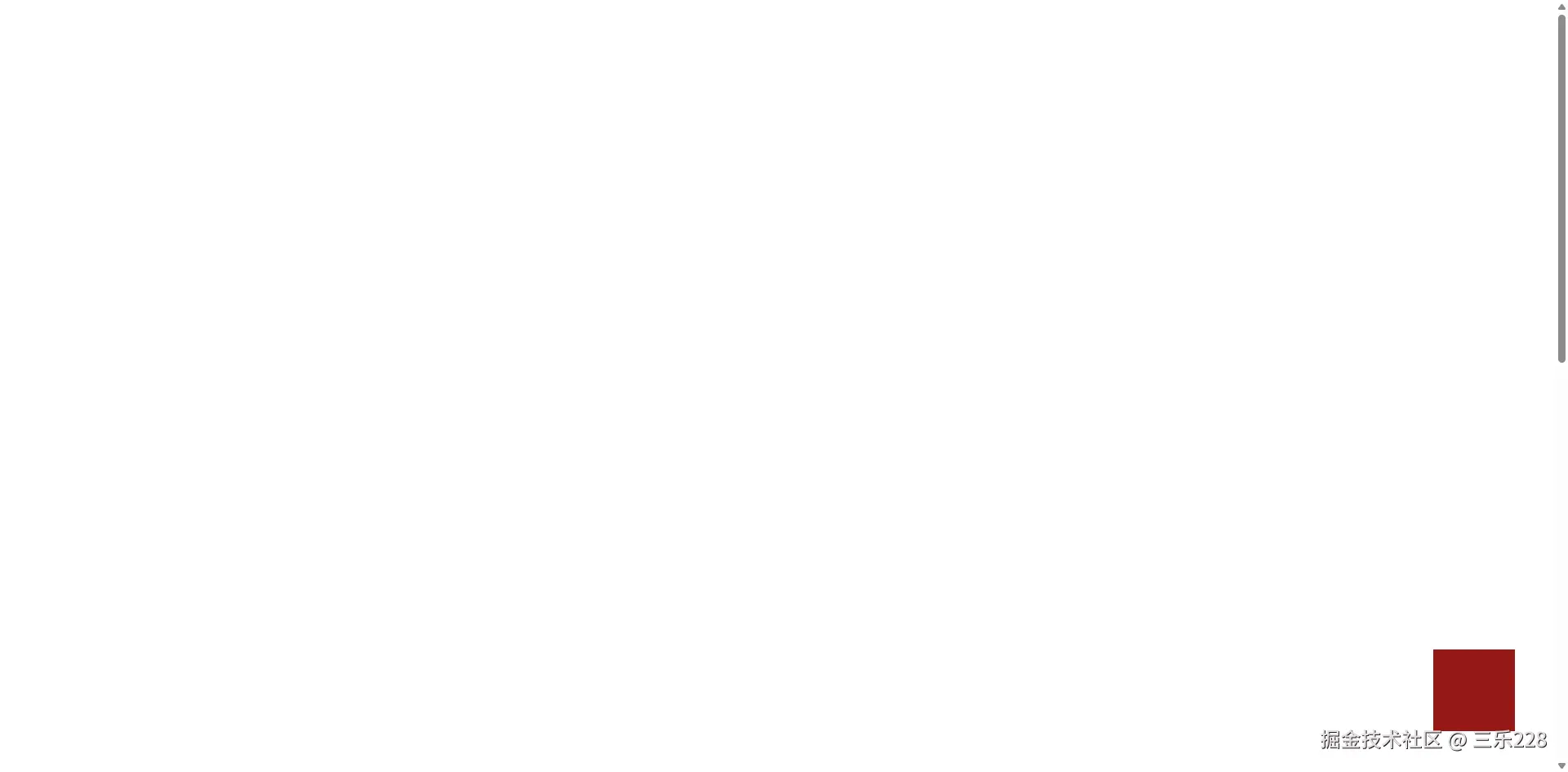
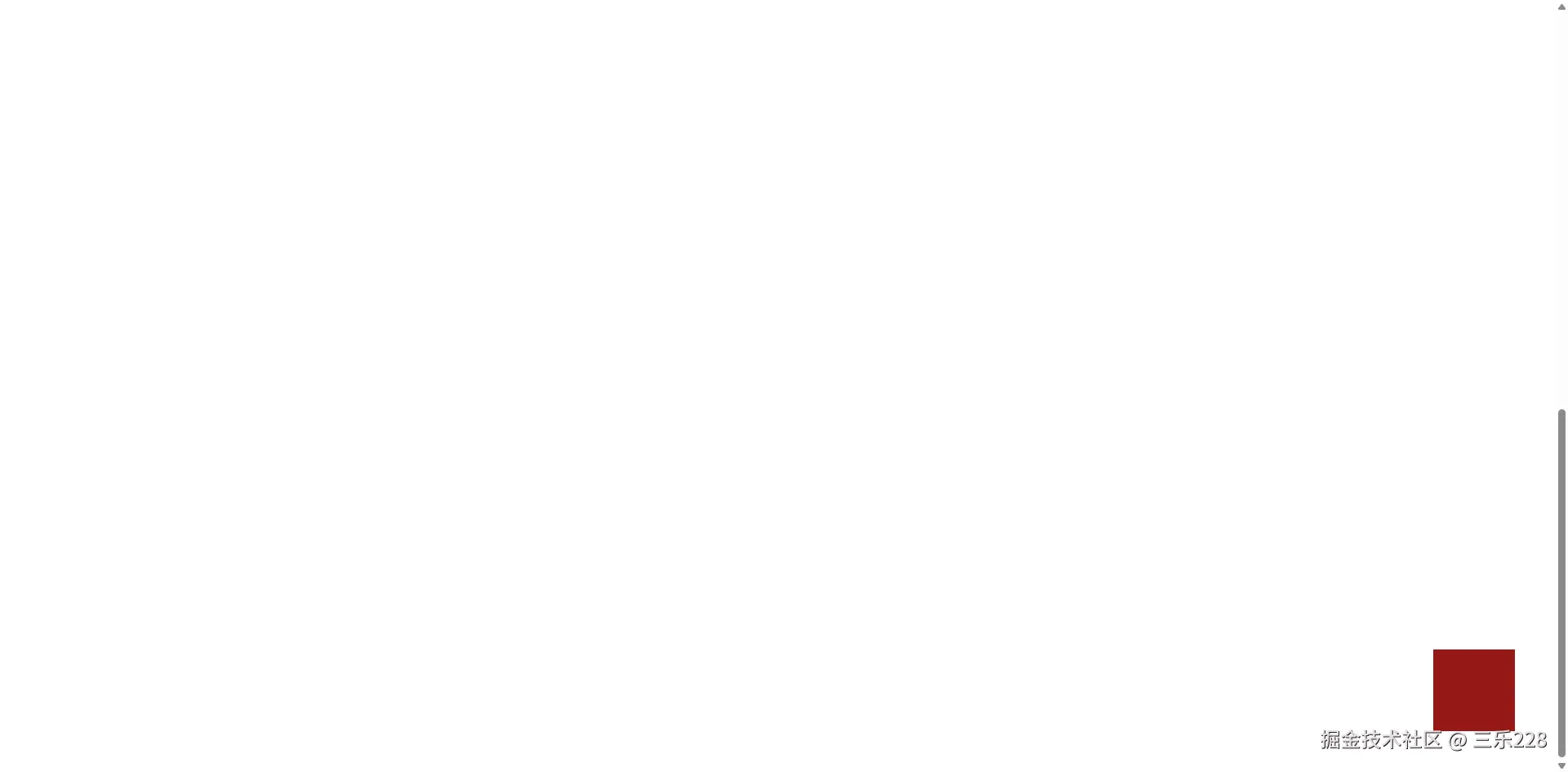 可以看到,不论怎么拉动滚动条,红色方块一直固定在右下角,此时,文档流的位置会改变
- 粘性定位:以浏览器的可视区域为参考来定位
html
<!DOCTYPE html>
<html lang="en">
<head>
    <meta charset="UTF-8">
    <meta name="viewport" content="width=device-width, initial-scale=1.0">
    <title>Document</title>
    <style>
        body{
           height:200vh;
           /* 200vh:200%屏幕高度 */
           width:200vw;
        }
        .box1{
        width:100px;
        height: 100px;
        background-color:red;
          position:sticky;
          left:0;
        }

        .box2{
        height:30px;
        background-color:rgb(18, 18, 211);
        position:sticky;
        top:0;
        }

    </style>
</head>
<body>
    <div class="box1"> </div>
    <div class="box2"></div>
</body>
</html>
结果如下
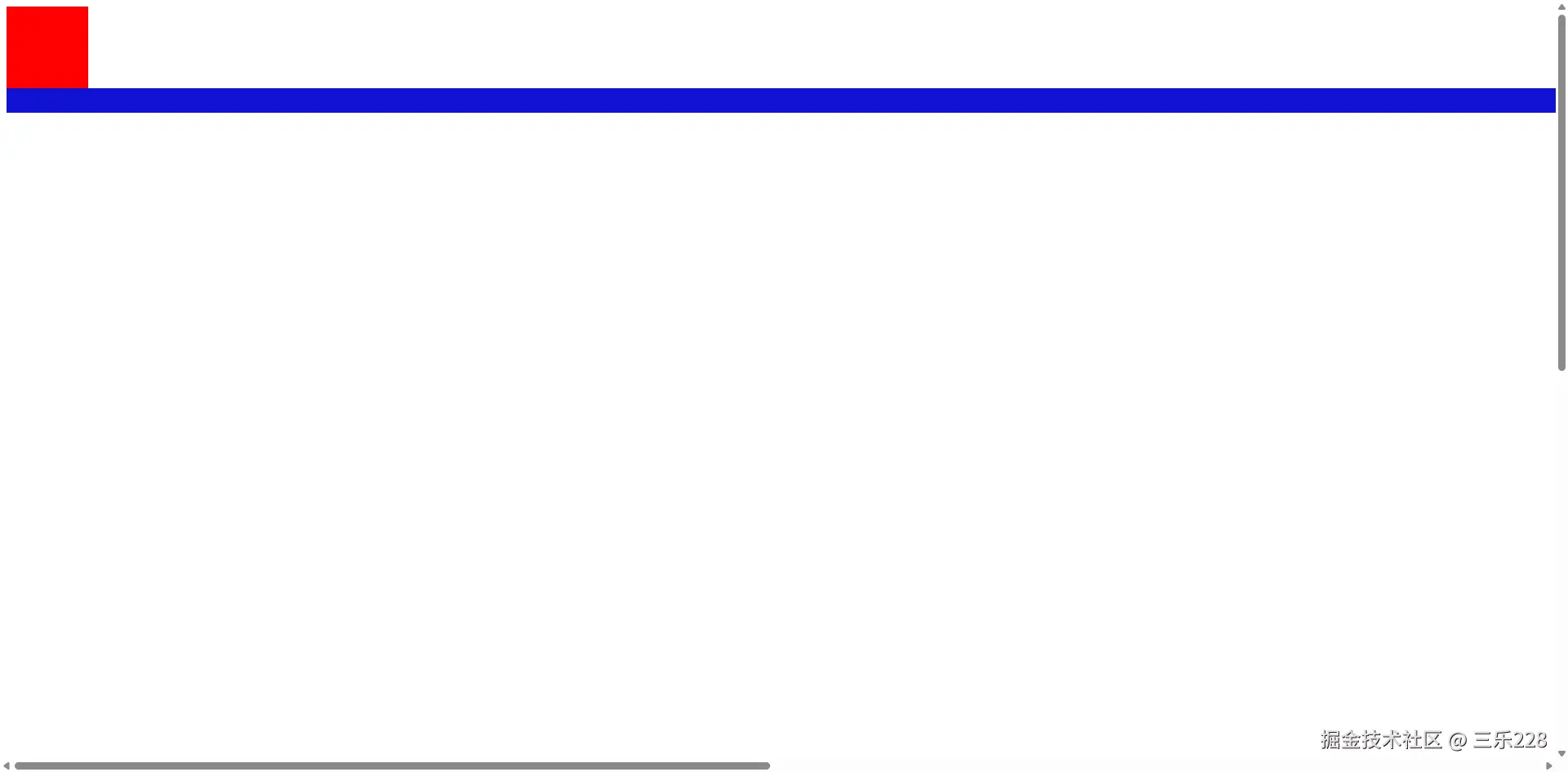
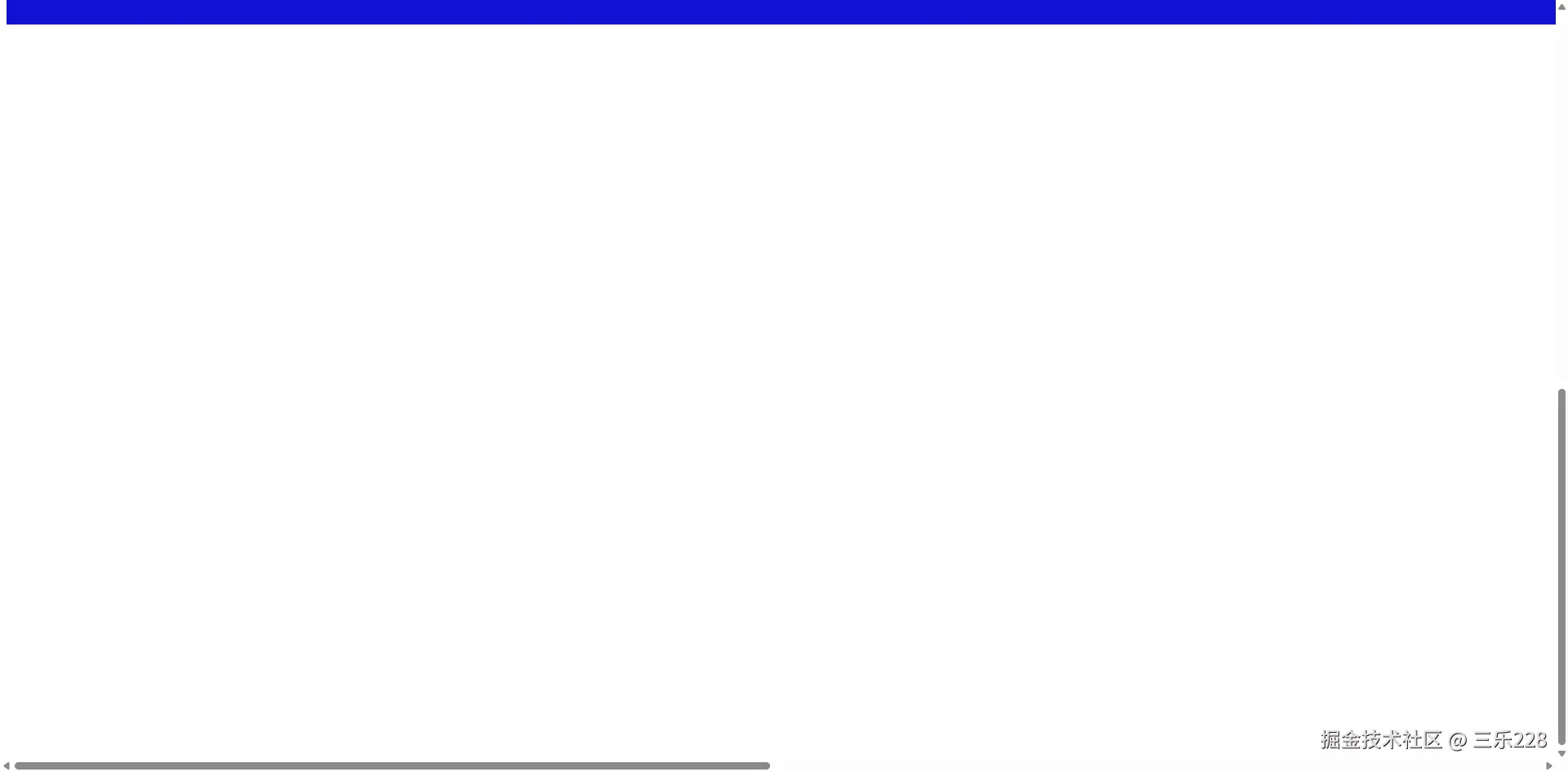
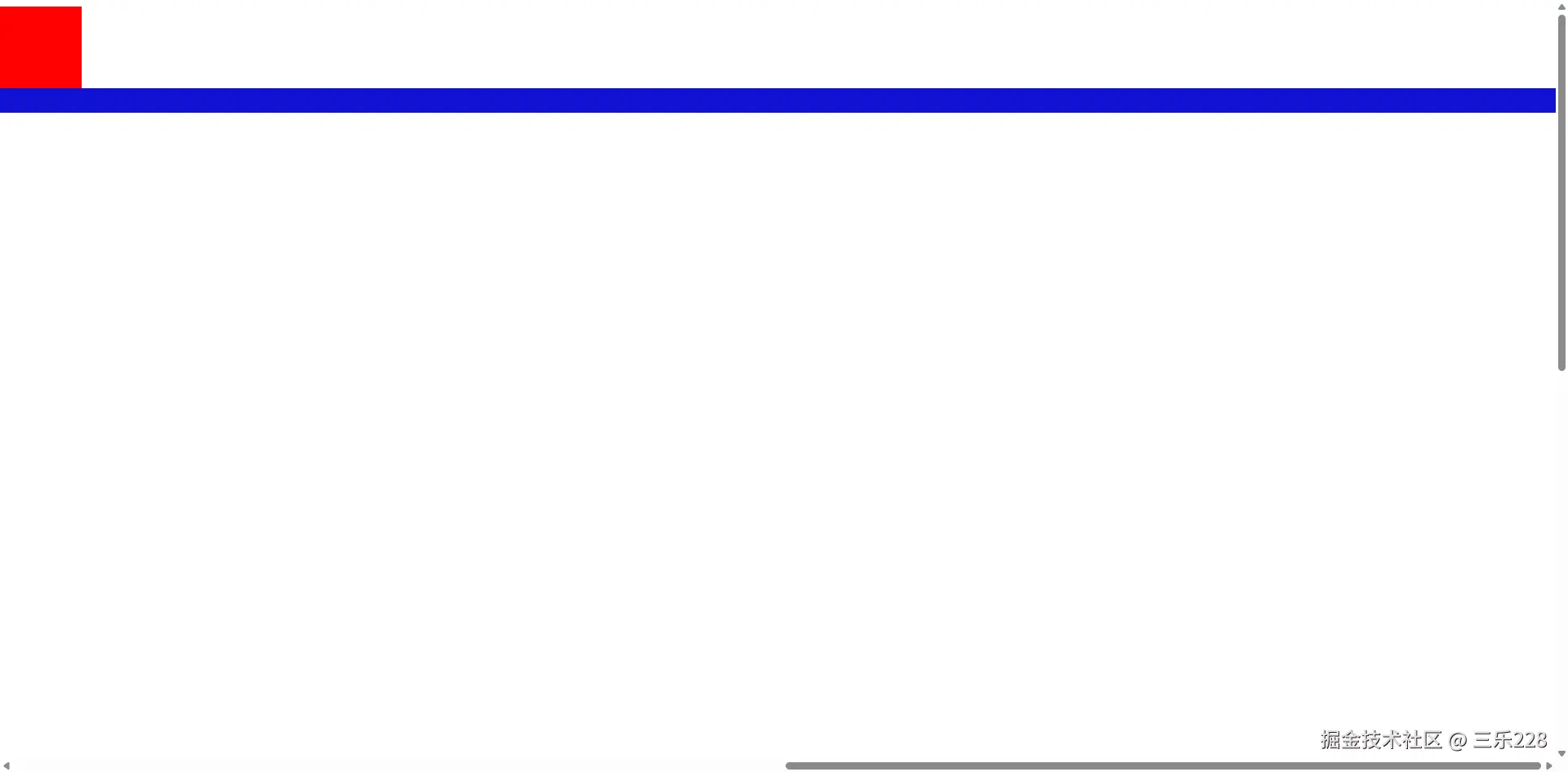 那么,有没有一种可能红蓝重叠了呢?有的兄弟有的,这就涉及到层级(
z-index)的概念了,一般情况下,如果两个元素属于同一等级(指的是父级子级这种等级,层级不能父子级元素相比较),那么越往后执行的代码层级就越高,也就显示在越上面(层级一般要配合定位属性使用)
当我们把body中box1和box2的位置换一下试试看
html
<!DOCTYPE html>
<html lang="en">
<head>
    <meta charset="UTF-8">
    <meta name="viewport" content="width=device-width, initial-scale=1.0">
    <title>Document</title>
    <style>
        body{
           height:200vh;
           /* 200vh:200%屏幕高度 */
           width:200vw;
        }
        .box1{
        width:100px;
        height: 100px;
        background-color:red;
          position:sticky;
          left:0;
        }

        .box2{
        height:30px;
        background-color:rgb(18, 18, 211);
        position:sticky;
        top:0;
        }

    </style>
</head>
<body>  <div class="box2"></div>
    <div class="box1"> </div>

</body>
</html>
拉动一下滚条
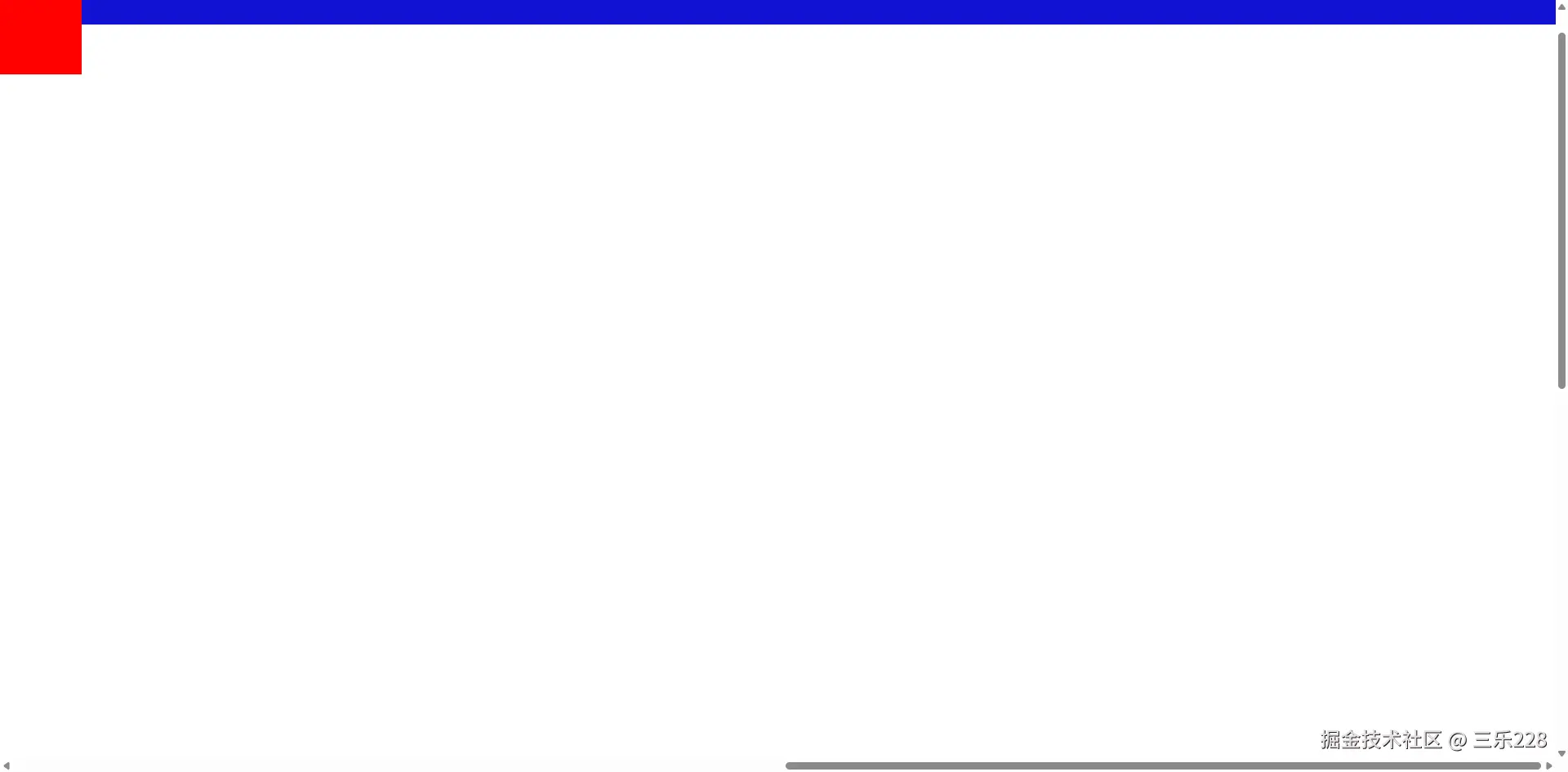 可以看到,红色把蓝色盖住了,因为红色属于后来执行的,所以层级更高,但是我们给蓝色设置成层级更高试试看
html
<!DOCTYPE html>
<html lang="en">
<head>
<meta charset="UTF-8">
<meta name="viewport" content="width=device-width, initial-scale=1.0">
<title>Document</title>
<style>
body{
height:200vh;
/* 200vh:200%屏幕高度 */
width:200vw;
}
.box1{
width:100px;
height: 100px;
background-color:red;
position:sticky;
left:0;
position:sticky;
}
.box2{
height:30px;
background-color:rgb(18, 18, 211);
position:sticky;
top:0;
z-index: 1;
}
</style>
</head>
<body> <div class="box2"></div>
<div class="box1"> </div>
</body>
</html>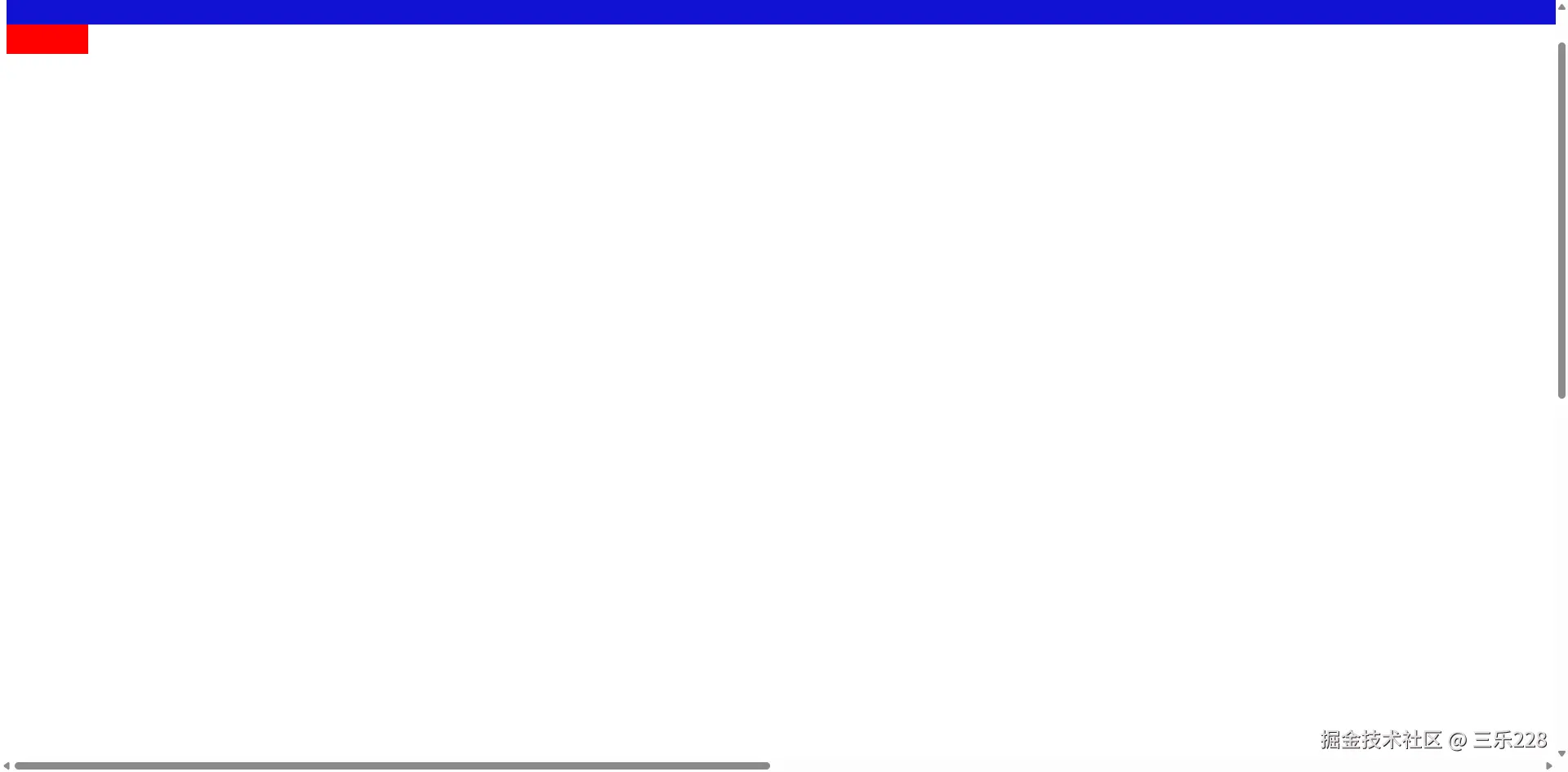 蓝色又把红色给盖住了,所以蓝色层级更高