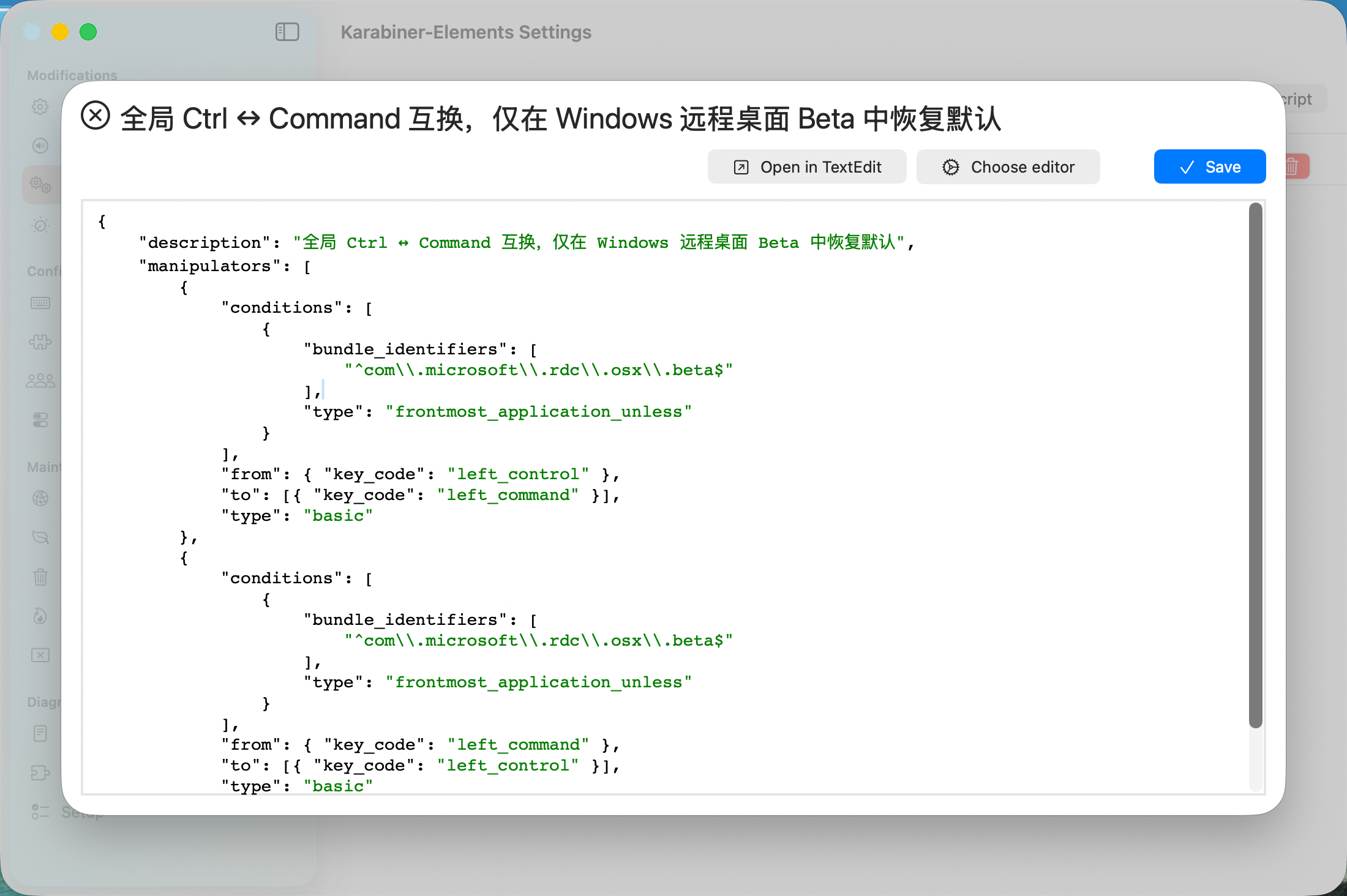
安装一个开源软件 "Karabiner-Elements",然后点击"Complex Modifications"自定义切换按键,"Add your own rule"添加自定义规则,输入以下内容:
javascript
{
    "description": "全局 Ctrl ↔ Command 互换,仅在 Windows 远程桌面 Beta 中恢复默认",
    "manipulators": [
        {
            "conditions": [
                {
                    "bundle_identifiers": [
                        "^com\\.microsoft\\.rdc\\.osx\\.beta$"
                    ],
                    "type": "frontmost_application_unless"
                }
            ],
            "from": { "key_code": "left_control" },
            "to": [{ "key_code": "left_command" }],
            "type": "basic"
        },
        {
            "conditions": [
                {
                    "bundle_identifiers": [
                        "^com\\.microsoft\\.rdc\\.osx\\.beta$"
                    ],
                    "type": "frontmost_application_unless"
                }
            ],
            "from": { "key_code": "left_command" },
            "to": [{ "key_code": "left_control" }],
            "type": "basic"
        }
    ]
}
保存后,就可以实现当连接windows的远程桌面时,自动切换contrl和command键了。