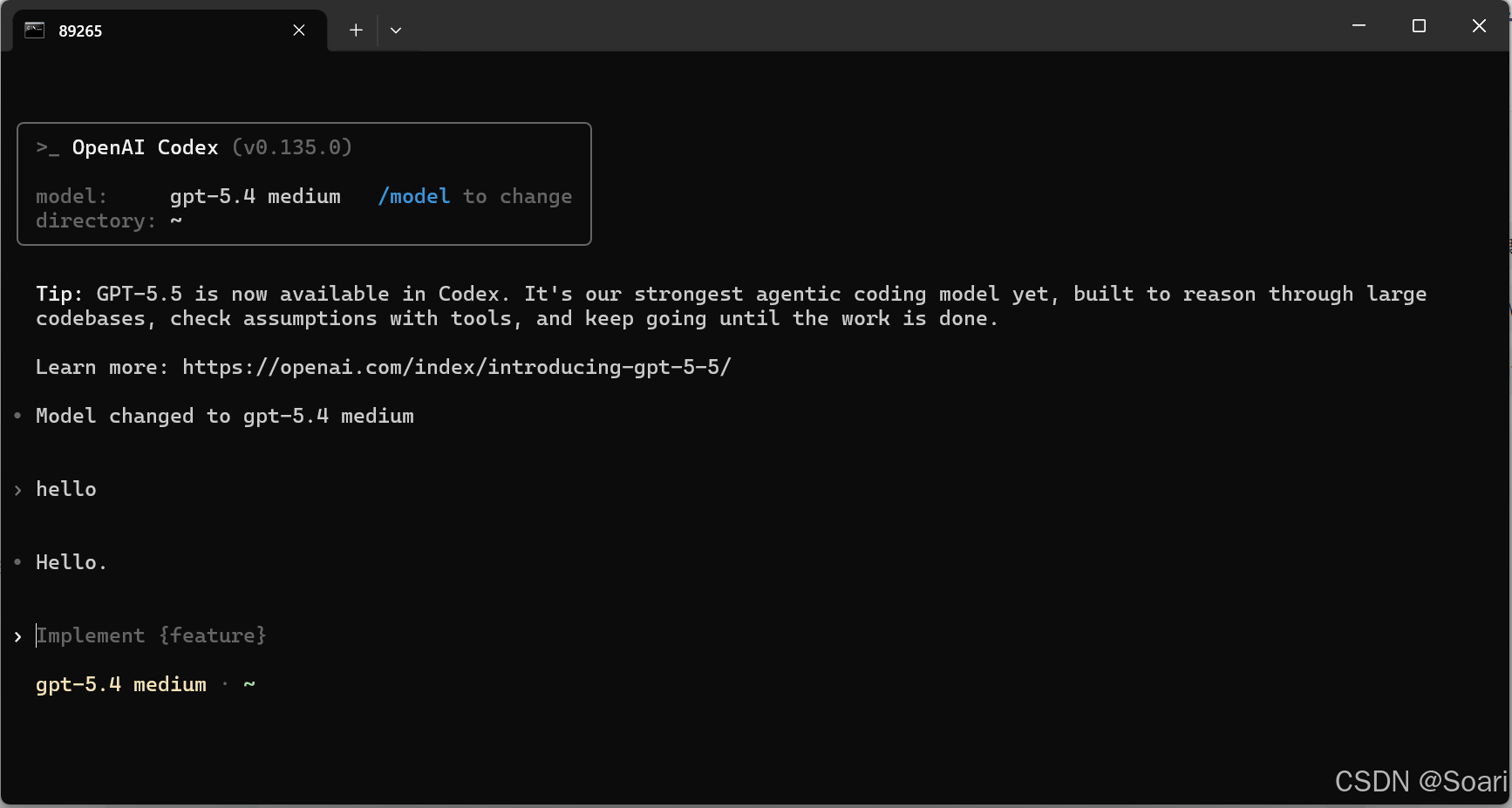
本文前言:
bash
C:\Users\89265>npm install -g @openai/codex
npm ERR! code CERT_HAS_EXPIRED
npm ERR! errno CERT_HAS_EXPIRED
npm ERR! request to https://registry.npm.taobao.org/@openai%2fcodex failed, reason: certificate has expired

npm ERR! A complete log of this run can be found in:
npm ERR!     C:\Users\89265\AppData\Roaming\npm-cache\_logs\2026-05-31T03_41_05_792Z-debug.log
解决方法:
这个报错很典型:由于npm 当前指向了旧的 registry.npm.taobao.org 镜像,它的证书过期了。
1. 我们先确认一下 npm registry 配置,然后把它切到可用源再安装。
bash
$ npm config get registry

https://registry.npm.taobao.org/

$ npm config list

; cli configs
metrics-registry = "https://registry.npm.taobao.org/"
scope = ""
user-agent = "npm/6.14.14 node/v14.17.4 win32 x64"

; userconfig C:\Users\89265\.npmrc
registry = "https://registry.npm.taobao.org/"

; builtin config undefined
prefix = "C:\\Users\\89265\\AppData\\Roaming\\npm"

; node bin location = D:\Program Files\nodejs\node.exe
; cwd = C:\Users\89265\Desktop\Manuscript_20260528
; HOME = C:\Users\89265
; "npm config ls -l" to show all defaults.
确认了,npm 的用户配置确实写在 C:\Users\89265\.npmrc,registry 还是旧淘宝源。
- 然后要把它改成新的 npmmirror 源
bash
$ npm config set registry

https://registry.npmmirror.com
registry 已经切过去了。现在我会重新执行全局安装;如果网络或 Node 版本还有问题,我们再顺着新的报错处理。
- 重新安装 Codex
bash
$ npm install -g @openai/codex

C:\Users\89265\AppData\Roaming\npm\codex -> C:\Users\89265\AppData\Roaming\npm\node_modules\@openai\codex\bin\codex.js
+ @openai/codex@0.135.0
added 2 packages in 31.866s
npm WARN notsup Unsupported engine for @openai/codex@0.135.0: wanted: {"node":">=16"}
...
安装已经完成了,不过 npm 提醒你当前 Node 是 14.17.4,而新版 Codex 要求 >=16。验证一下 codex --version 是否能正常启动。
bash
codex --version

codex : 无法加载文件 C:\Users\89265\AppData\Roaming\npm\codex.ps1,因为在此系统上禁止运行脚本。有关详细信息,请参阅 https:/go.microsoft.com/fwlink/?Li
nkID=135170 中的 about_Execution_Policies。
所在位置 行:2 字符: 1
+ codex --version
+ ~~~~~
    + CategoryInfo          : SecurityError: (:) [],PSSecurityException
    + FullyQualifiedErrorId : UnauthorizedAccess
PowerShell 现在拦住的是 codex.ps1 脚本执行策略,不是 Codex 安装失败。Windows 下可以先用 codex.cmd 绕过这个限制,进一步来验证这个入口。
bash
codex.cmd --version
codex-cli 0.135.0
执行codex,完美解决