PlantUML思维导图
在 PlantUML 中,MindMap 图表是头脑风暴、组织想法和项目规划的有效工具。MindMap 图表或思维导图是信息的可视化表示,其中的中心思想分支成相关主题,形成一个概念的蜘蛛网。PlantUML以其简单、基于文本的语法为创建这些图表提供了便利,从而可以高效地组织复杂的想法并将其可视化。
使用 PlantUML 绘制 MindMaps 尤为有利,因为它可以与其他工具和系统集成。这种集成简化了将思维导图纳入大型项目文档的过程。PlantUML 基于文本的方法还能轻松修改和控制思维导图的版本,使其成为协作式头脑风暴和创意开发的动态工具。
PlantUML 中的思维导图可用于各种目的,从勾勒项目结构到头脑风暴产品功能或业务战略。思维导图的分层和直观布局有助于识别不同想法和概念之间的关系,从而更容易纵观全局,找出需要进一步探索的领域。这使得 PlantUML 成为项目经理、开发人员和业务分析人员的宝贵工具,他们需要用这种方法直观地组织复杂信息,并以简洁明了的方式呈现出来。
1、OrgMode 语法
同时兼容 OrgMode 语法。
js
@startmindmap
* Debian
** Ubuntu
*** Linux Mint
*** Kubuntu
*** Lubuntu
*** KDE Neon
** LMDE
** SolydXK
** SteamOS
** Raspbian with a very long name
*** <s>Raspmbc</s> => OSMC
*** <s>Raspyfi</s> => Volumio
@endmindmap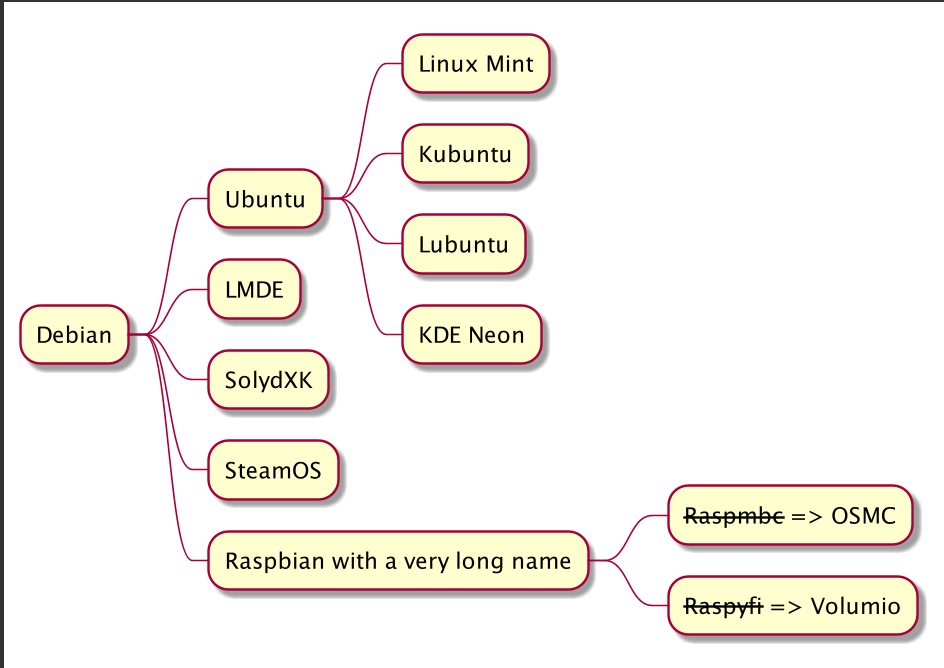
2、Markdown 语法
同时兼容 Markdown 语法。
js
@startmindmap
* root node
* some first level node
* second level node
* another second level node
* another first level node
@endmindmap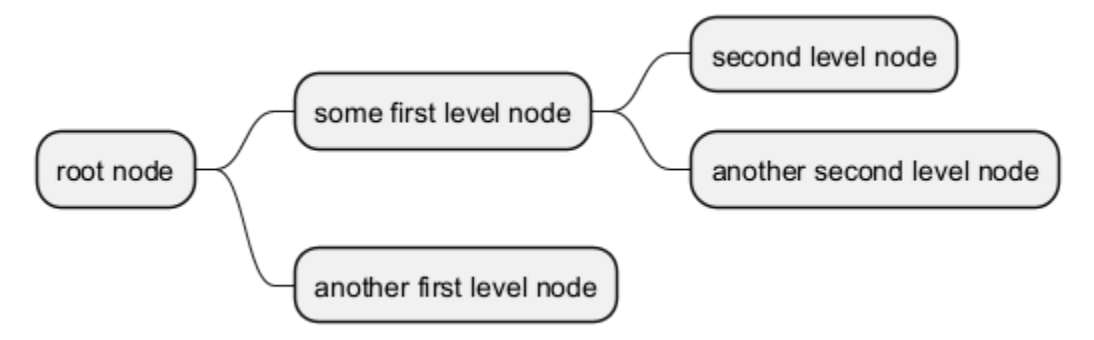
3、运算符
可以使用下面的运算符来决定图形方向。
js
@startmindmap
+ OS
++ Ubuntu
+++ Linux Mint
+++ Kubuntu
+++ Lubuntu
+++ KDE Neon
++ LMDE
++ SolydXK
++ SteamOS
++ Raspbian
-- Windows 95
-- Windows 98
-- Windows NT
--- Windows 8
--- Windows 10
@endmindmap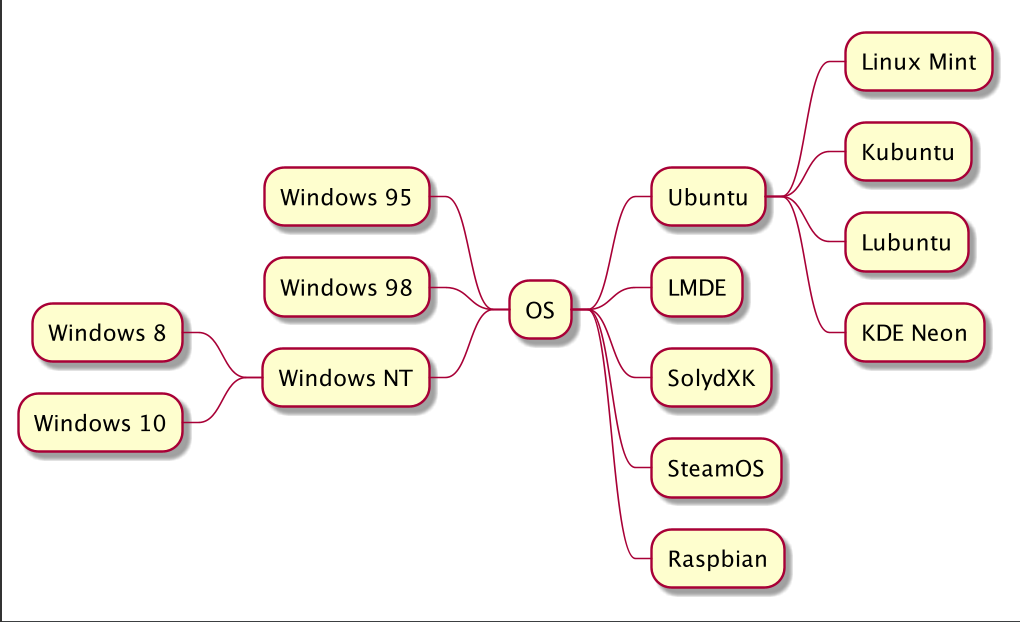
4、多行表示
可以用 : 和 ; 包围文字,来表示多行文本.
js
@startmindmap
* Class Templates
**:Example 1
<code>
template <typename T>
class cname{
    void f1()<U+003B>
    ...
}
</code>
;
**:Example 2
<code>
other template <typename T>
class cname{
    ...
}
</code>
;
@endmindmap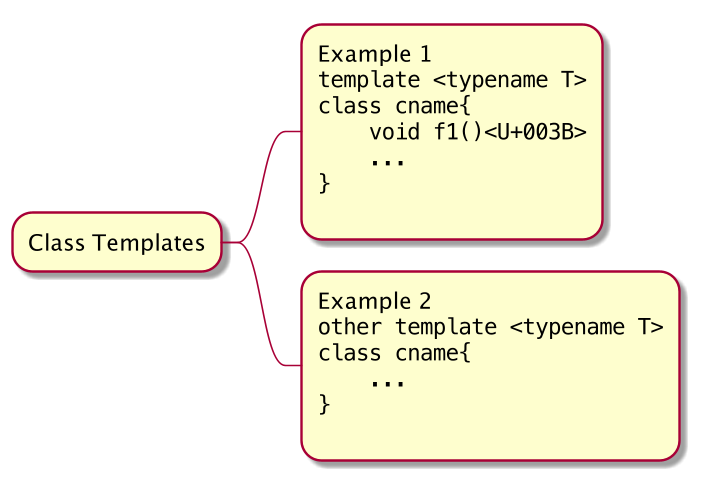
js
@startmindmap
+ root
**:right_1.1
right_1.2;
++ right_2

left side
-- left_1
-- left_2
**:left_3.1
left_3.2;
@endmindmap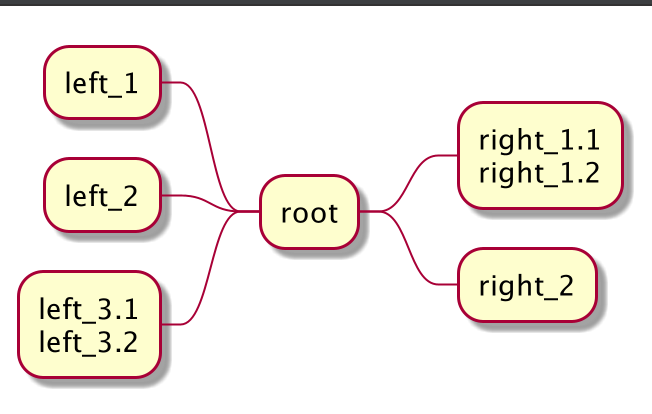
5、多个根节点
js
@startmindmap
* Root 1
** Foo
** Bar
* Root 2
** Lorem
** Ipsum
@endmindmap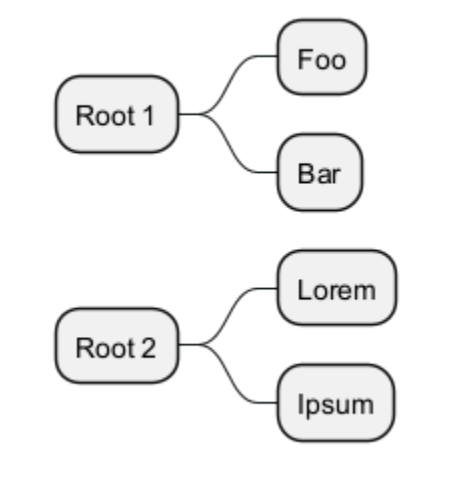
6、颜色
6.1、With inline color
js
@startmindmap
*[#Orange] Colors
**[#lightgreen] Green
**[#FFBBCC] Rose
**[#lightblue] Blue
@endmindmap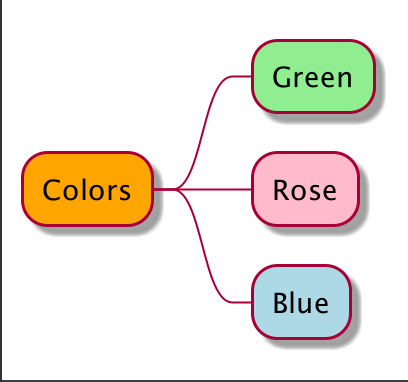
js
@startmindmap
+[#Orange] Colors
++[#lightgreen] Green
++[#FFBBCC] Rose
--[#lightblue] Blue
@endmindmap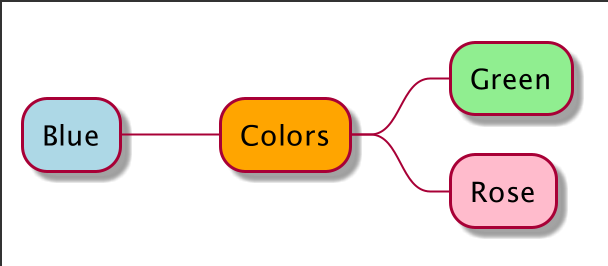
6.2、With style color
js
@startmindmap
<style>
mindmapDiagram {
    .green {
        BackgroundColor lightgreen
    }
    .rose {
        BackgroundColor #FFBBCC
    }
    .your_style_name {
        BackgroundColor lightblue
    }
}
</style>
* Colors
** Green <<green>>
** Rose <<rose>>
** Blue <<your_style_name>>
@endmindmap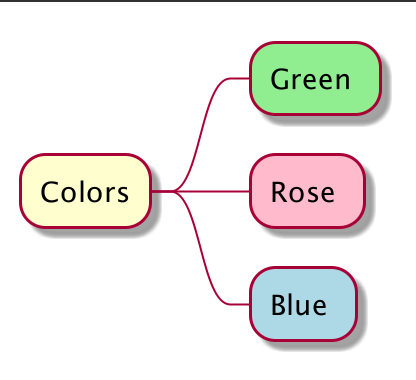
js
@startmindmap
<style>
mindmapDiagram {
    .green {
        BackgroundColor lightgreen
    }
    .rose {
        BackgroundColor #FFBBCC
    }
    .your_style_name {
        BackgroundColor lightblue
    }
}
</style>
+ Colors
++ Green <<green>>
++ Rose <<rose>>
-- Blue <<your_style_name>>
@endmindmap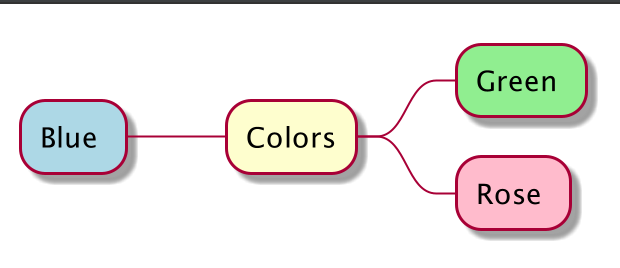
js
@startmindmap
<style>
mindmapDiagram {
    .myStyle * {
        BackgroundColor lightgreen
    }
}
</style>
+ root
++ b1 <<myStyle>>
+++ b11
+++ b12
++ b2
@endmindmap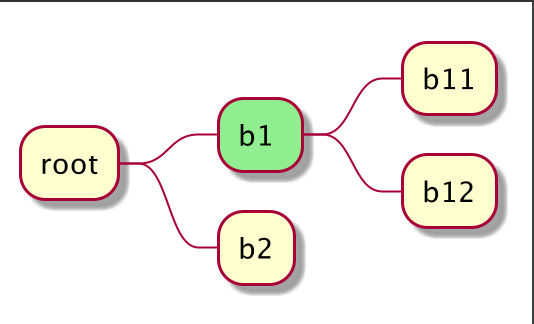
7、移除方框
可以用下划线移除方框图。
js
@startmindmap
* root node
** some first level node
***_ second level node
***_ another second level node
***_ foo
***_ bar
***_ foobar
** another first level node
@endmindmap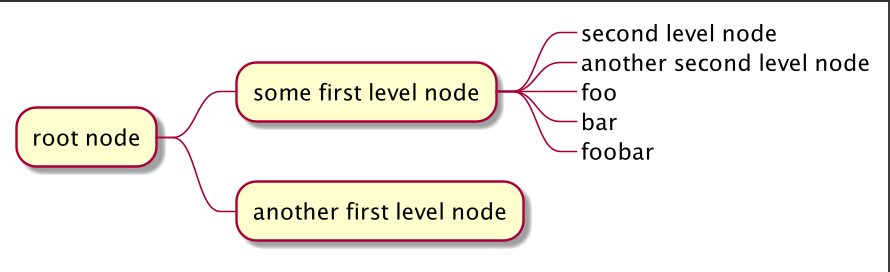
js
@startmindmap
*_ root node
**_ some first level node
***_ second level node
***_ another second level node
***_ foo
***_ bar
***_ foobar
**_ another first level node
@endmindmap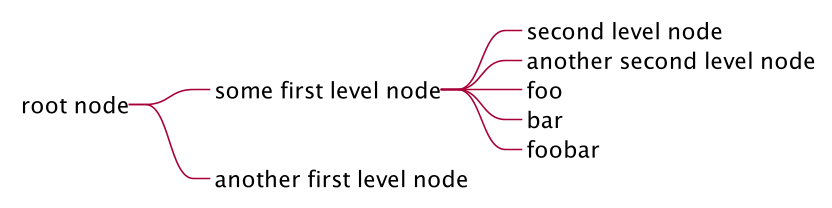
js
@startmindmap
+ root node
++ some first level node
+++_ second level node
+++_ another second level node
+++_ foo
+++_ bar
+++_ foobar
++_ another first level node
-- some first right level node
--_ another first right level node
@endmindmap
8、改变图形方向
可以同时使用图形的左右两侧。
js
@startmindmap
* count
** 100
*** 101
*** 102
** 200
left side
** A
*** AA
*** AB
** B
@endmindmap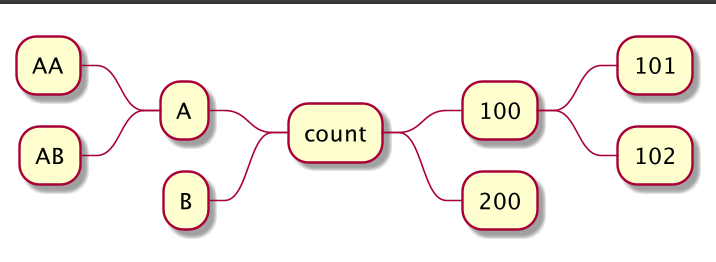
9、更改(整个)图表方向
9.1、从左至右(默认)
js
@startmindmap
* 1
** 2
*** 4
*** 5
** 3
*** 6
*** 7
@endmindmap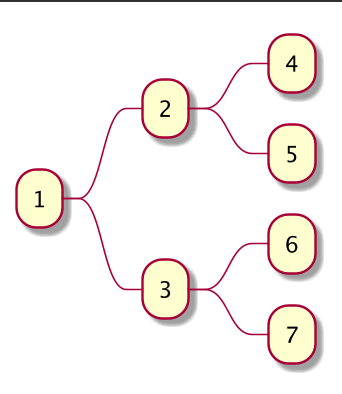
9.2、从上至下
js
@startmindmap
top to bottom direction
* 1
** 2
*** 4
*** 5
** 3
*** 6
*** 7
@endmindmap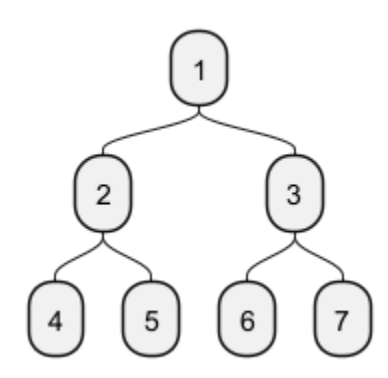
9.3、从右至左
js
@startmindmap
right to left direction
* 1
** 2
*** 4
*** 5
** 3
*** 6
*** 7
@endmindmap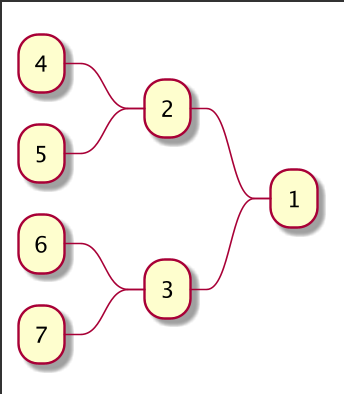
9.4、从下至上
js
@startmindmap
top to bottom direction
left side
* 1
** 2
*** 4
*** 5
** 3
*** 6
*** 7
@endmindmap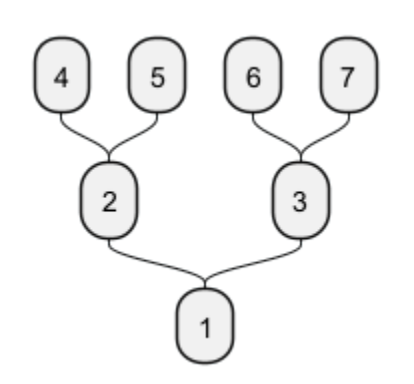
10、完整示例
js
@startmindmap
caption figure 1
title My super title
* <&flag>Debian
** <&globe>Ubuntu
*** Linux Mint
*** Kubuntu
*** Lubuntu
*** KDE Neon
** <&graph>LMDE
** <&pulse>SolydXK
** <&people>SteamOS
** <&star>Raspbian with a very long name
*** <s>Raspmbc</s> => OSMC
*** <s>Raspyfi</s> => Volumio
header
My super header
endheader
center footer My super footer
legend right
Short
legend
endlegend
@endmindmap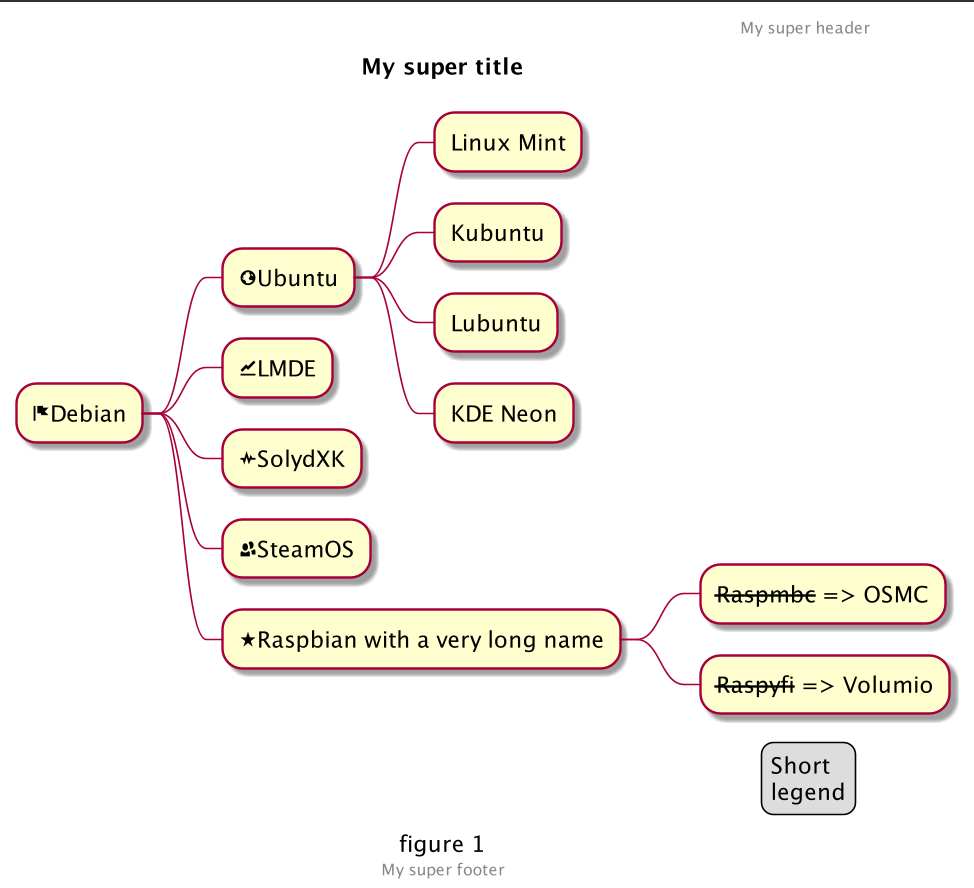
11、改变风格
11.1、节点、深度
js
@startmindmap
<style>
mindmapDiagram {
    node {
        BackgroundColor lightGreen
    }
    :depth(1) {
        BackGroundColor white
    }
}
</style>
* Linux
** NixOS
** Debian
*** Ubuntu
**** Linux Mint
**** Kubuntu
**** Lubuntu
**** KDE Neon
@endmindmap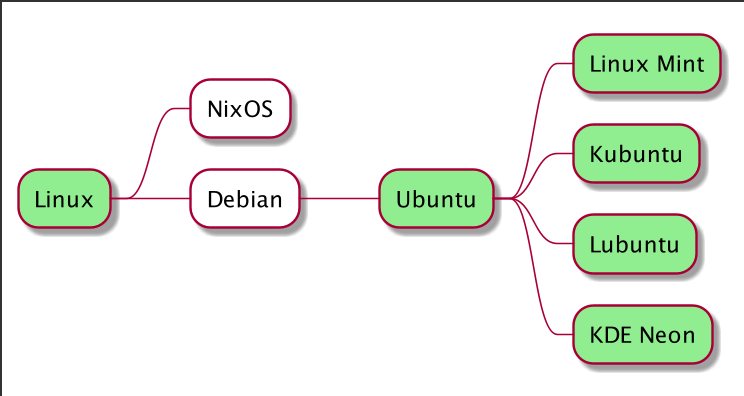
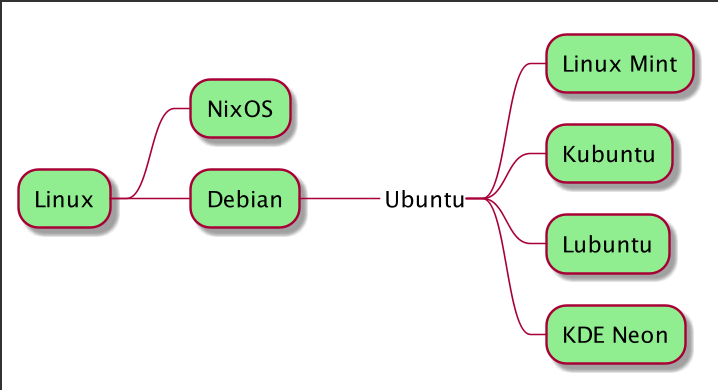
11.2、无盒
js
@startmindmap
<style>
mindmapDiagram {
    node {
        BackgroundColor lightGreen
    }
    boxless {
        FontColor darkgreen
    }
}
</style>
* Linux
** NixOS
** Debian
***_ Ubuntu
**** Linux Mint
**** Kubuntu
**** Lubuntu
**** KDE Neon
@endmindmap