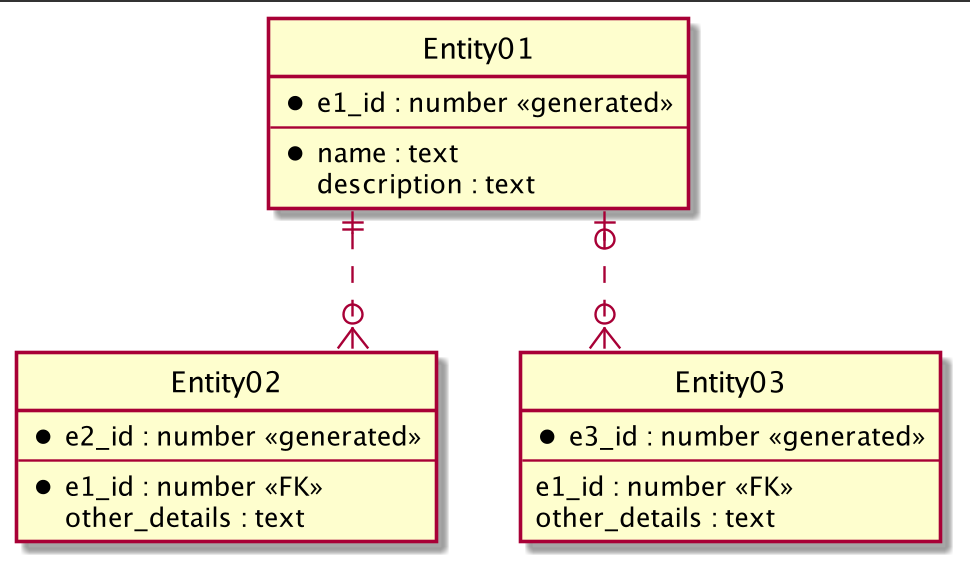
PlantUML实体关系图
1、基本结构
js
@startuml
entity 用户 {
  id : INT <<PK>>
  name : VARCHAR
}

entity 订单 {
  order_id : INT <<PK>>
  user_id : INT <<FK>>
}

用户 ||--o{ 订单 : "拥有"
@enduml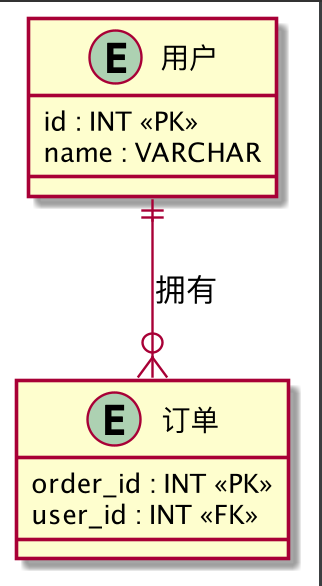
2、定义实体(Entity)
**1. 简单实体 **
js
@startuml
entity 用户 {}
@enduml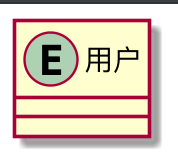
2. 带字段的实体
js
@startuml
entity 用户 {
  id : INT
  name : VARCHAR(50)
  age : INT
}
@enduml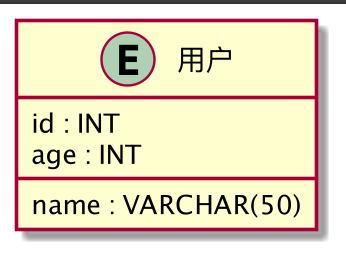
3. 主键 / 外键标记(约定俗成)
js
@startuml
entity 用户 {
  id : INT <<PK>>
  name : VARCHAR
}

entity 订单 {
  order_id : INT <<PK>>
  user_id : INT <<FK>>
}
@enduml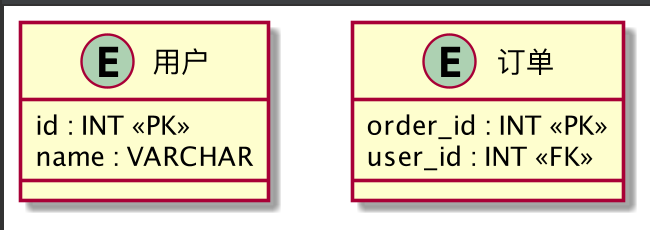
3、关系语法
1. 基本格式
js
左实体 基数 -- 基数 右实体 : "关系说明"2. 基数符号含义
| 符号 | 含义 |
|---|---|
| ` | o--` |
| ` | |
}o-- |
零或多 |
| `} | --` |
-- |
连线 |
.. |
虚线 |
3. 常见关系示例
一对多(1:N)
js
@startuml
用户 ||--o{ 订单 : "下"
@enduml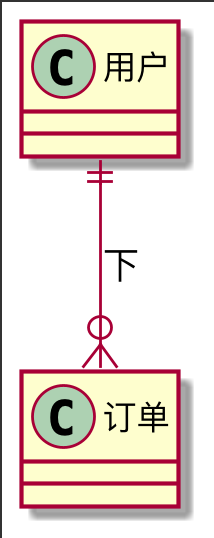
一对一(1:1)
js
@startuml
用户 ||--|| 用户详情 : "对应"
@enduml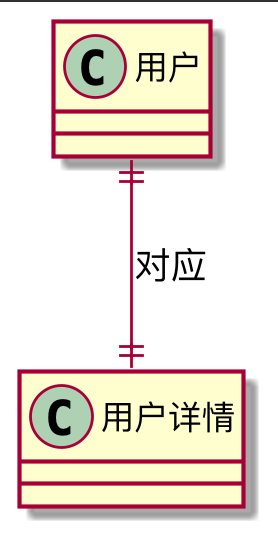
多对多(N:N,通常显示中间表)
js
@startuml
entity 选课 {
  student_id <<FK>>
  course_id <<FK>>
}
学生 }o--|| 选课 : ""
课程 ||--o{ 选课 : ""
@enduml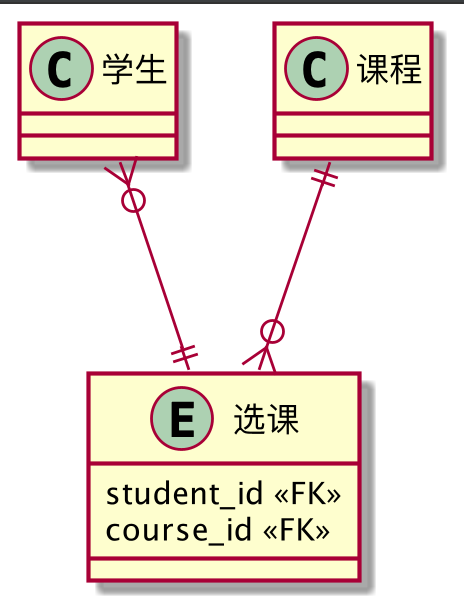
4、属性类型与注释
1. 字段类型
js
@startuml
price : DECIMAL(10,2)
created_at : DATETIME
@enduml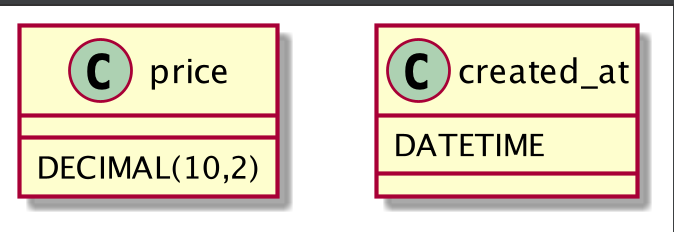
2. 备注
js
@startuml
entity 订单 {
  id : INT <<PK>>
}

NOTE right of 订单 : 订单主表
@enduml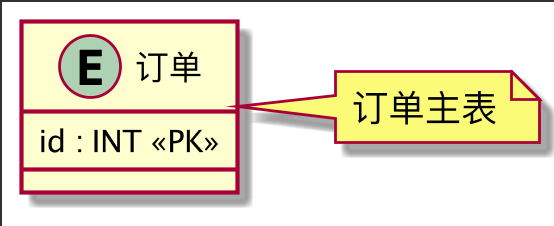
5、显示控制(美化)
1. 隐藏多余元素
js
@startuml
hide circle
hide methods
@enduml
** 2. 设置方向**
js
left to right direction
' 或 top to bottom direction
6、完整示例
js
@startuml
left to right direction
hide circle

entity 用户 {
  id : INT <<PK>>
  name : VARCHAR
  邮箱 : VARCHAR
}

entity 订单 {
  order_id : INT <<PK>>
  user_id : INT <<FK>>
  amount : DECIMAL
}

用户 ||--o{ 订单 : "拥有"
@enduml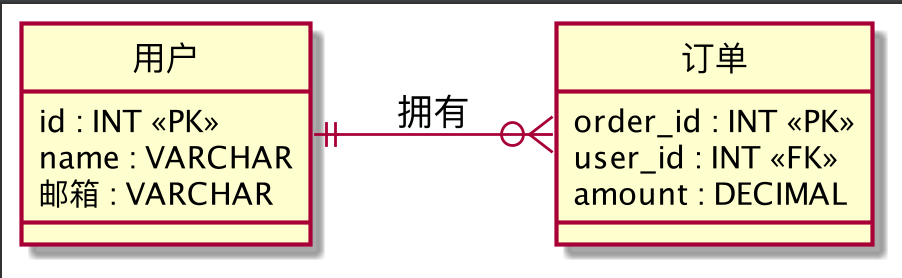
js
@startuml
' hide the spot
hide circle
' avoid problems with angled crows feet
skinparam linetype ortho
entity "Entity01" as e01 {
    *e1_id : number <<generated>>
    --
    *name : text
    description : text
}
entity "Entity02" as e02 {
    *e2_id : number <<generated>>
    --
    *e1_id : number <<FK>>
    other_details : text
}
entity "Entity03" as e03 {
    *e3_id : number <<generated>>
    --
    e1_id : number <<FK>>
    other_details : text
}
e01 ||..o{ e02
e01 |o..o{ e03
@enduml