- 极简 HTTP 服务器(1 行命令启动,用来测试 curl/wget)
一、先在 Windows 本地启动 HTTP 服务器
1. 随便建一个文件夹,例如
D:\test_http2. 在这个文件夹里新建一个测试文件
比如 log.txt,随便写点内容。
3. 在这个文件夹里 按住 Shift + 右键 → 在此处打开 PowerShell
输入这 1 行命令 启动 HTTP 服务器:
powershell
python -m http.server 8080只要你装了 Python(几乎所有电脑都有),就能直接跑!
4. 访问地址(模拟 HTTP 服务)
http://localhost:8080/log.txt二、本地验证 SCP(最关键!)
Windows 10/11 自带 OpenSSH 服务器 ,我们打开它,就能本机 scp 到本机,完全模拟无人机。
1. 一键安装 OpenSSH 服务器(管理员 PowerShell)
powershell
Add-WindowsCapability -Online -Name OpenSSH.Server~~~~0.0.1.02. 启动服务
powershell
Start-Service sshd
Set-Service -Name sshd -StartupType Automatic
3. 查看你本机 IP
powershell
ipconfig例如你的局域网IP:
192.168.1.1054. 本地 SCP 下载测试(模拟下载文件)
新开一个 PowerShell,执行:
powershell
scp 你的Windows用户名@192.168.1.105:D:/test_http/log.txt ./成功下载 = SCP 工作正常
这就是你将来从无人机下载文件的一模一样命令!
三、你可以直接跑的 3 条测试命令
1. curl 下载(HTTP)
powershell
curl -O http://localhost:8080/log.txt
2. wget 下载(HTTP)
powershell
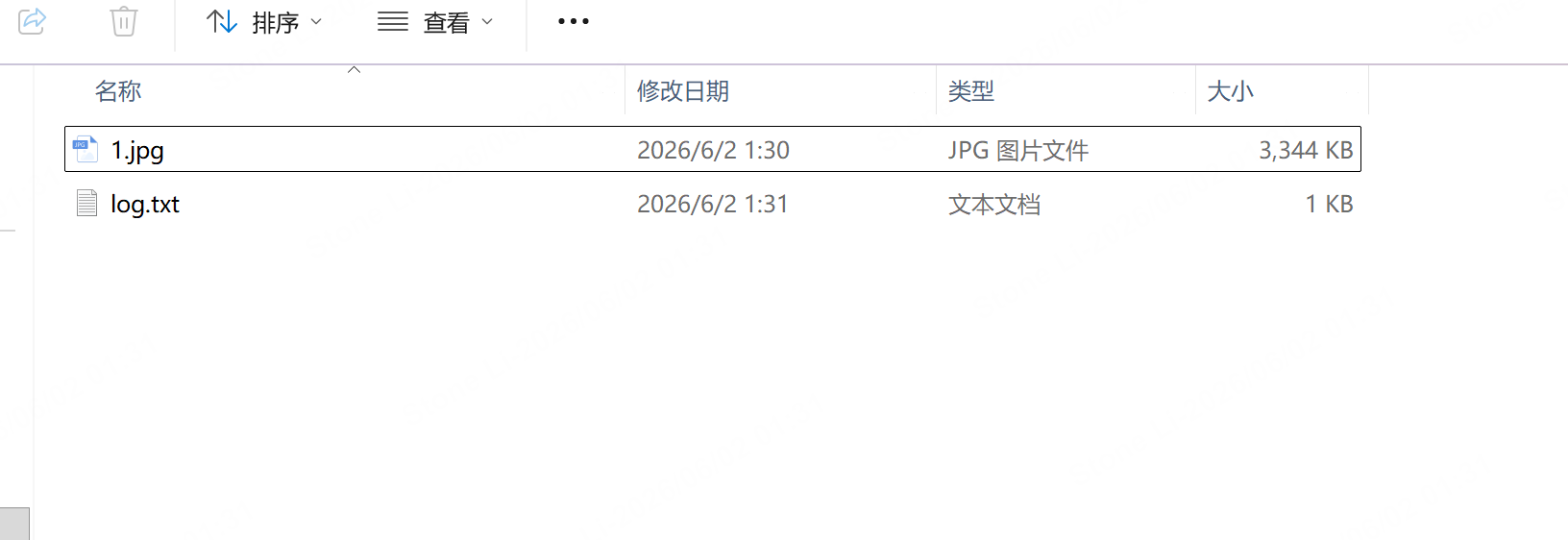
wget http://localhost:8080/log.txt效果图如上
判断是否成功
cpp
curl.exe -w "code: %{http_code} size: %{size_download}\n" -O http://localhost:8080/log.txt

wget http://localhost:8080/log.txt -UseBasicParsing -OutFile "log.txt"; if($?) { Write-Host "OK" -F Green } else { Write-Host "FAIL" -F Red }
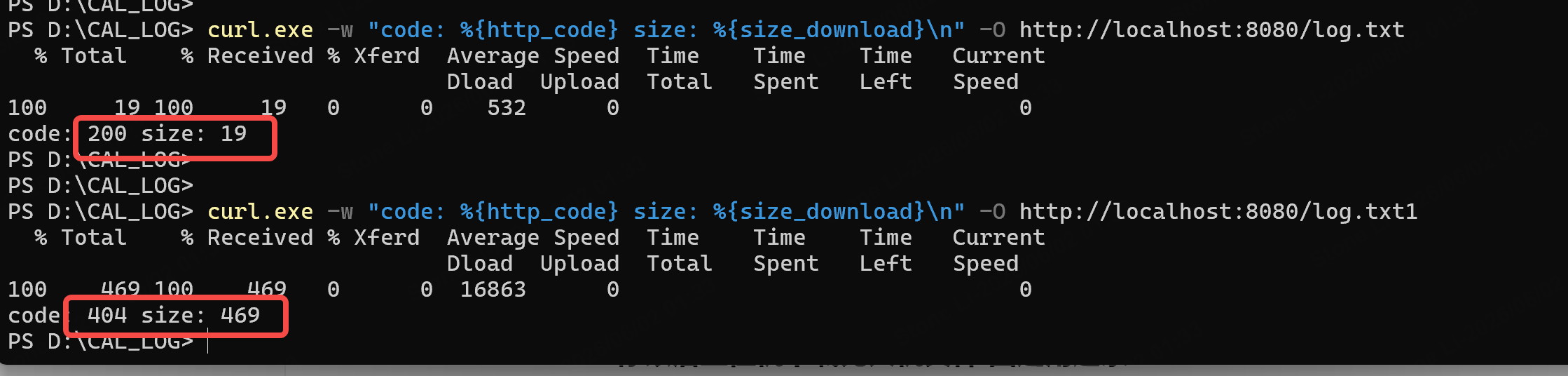
也可以用python调用
cpp
import subprocess


def download_log():
    # 下载命令
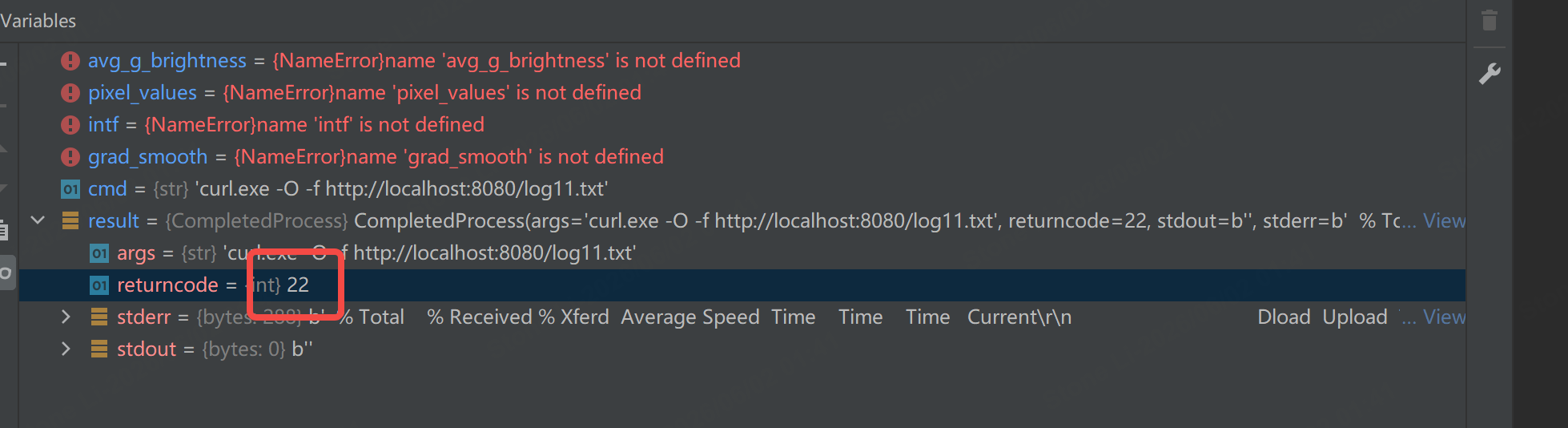
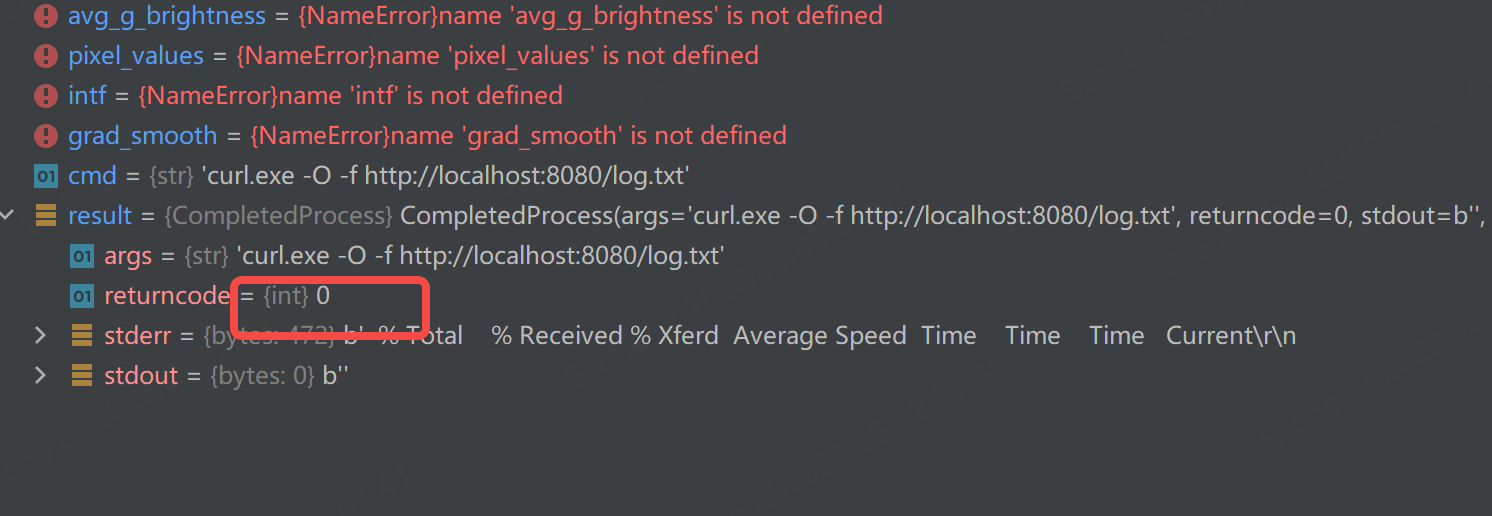
    cmd = "curl.exe -O -f http://localhost:8080/log11.txt"

    # 执行
    result = subprocess.run(
        cmd,
        shell=True,
        stdout=subprocess.PIPE,
        stderr=subprocess.PIPE
    )

    # 判断返回值:0 = 成功,非0 = 失败
    if result.returncode == 0:
        print("✅ 下载成功!")
        return True
    else:
        print("❌ 下载失败!")
        return False


# 调用
download_log()
失败
成功
cpp
import subprocess


def download_log():
    # 你指定的完整命令(已修复引号、格式)
    cmd = r'''
    wget http://localhost:8080/log.txt -UseBasicParsing -OutFile "log.txt"; if($?) {{ Write-Host "OK" -F Green }} else {{ Write-Host "FAIL" -F Red }}
    '''

    # 执行 PowerShell 命令
    result = subprocess.run(
        ["powershell", "-Command", cmd.strip()],
        stdout=subprocess.PIPE,
        stderr=subprocess.PIPE,
        text=True,
        encoding='gbk'
    )

    # 输出结果
    print(result.stdout)

    # 判断是否成功
    if result.returncode == 0:
        return True
    else:
        print("下载异常")
        return False


# 调用
download_log()
3. scp 下载(不推荐,麻烦)
powershell
scp 你的电脑用户名@192.168.1.105:D:/test_http/log.txt ./四、最终结论
✅ 最佳选择:SCP
- 不用配置 HTTP
- 不掉线、大文件稳定
- Windows 原生支持
- 命令最简单
powershell
scp root@IP:/机载文件路径 ./