文章目录
- 一、错误记录
-
- [1、只能有一个终端执行 Flutter 项目](#1、只能有一个终端执行 Flutter 项目)
- 2、正在运行的项目无法附加
- 二、解决方案
一、错误记录
1、只能有一个终端执行 Flutter 项目
执行
shell
flutter run -d PXUYD22628020934命令 , 如果在一个 命令行 正在运行 Flutter 项目 , 此时在 另外一个命令行终端 运行 上述命令 , 就会报错 :
shell
D:\002_Project\001_Flutter\client_terminal\build\app\outputs\flutter-apk>flutter attach -d PXUYD22628020934
Flutter assets will be downloaded from https://storage.flutter-io.cn. Make sure you trust this source!
Target file "lib\main.dart" not found.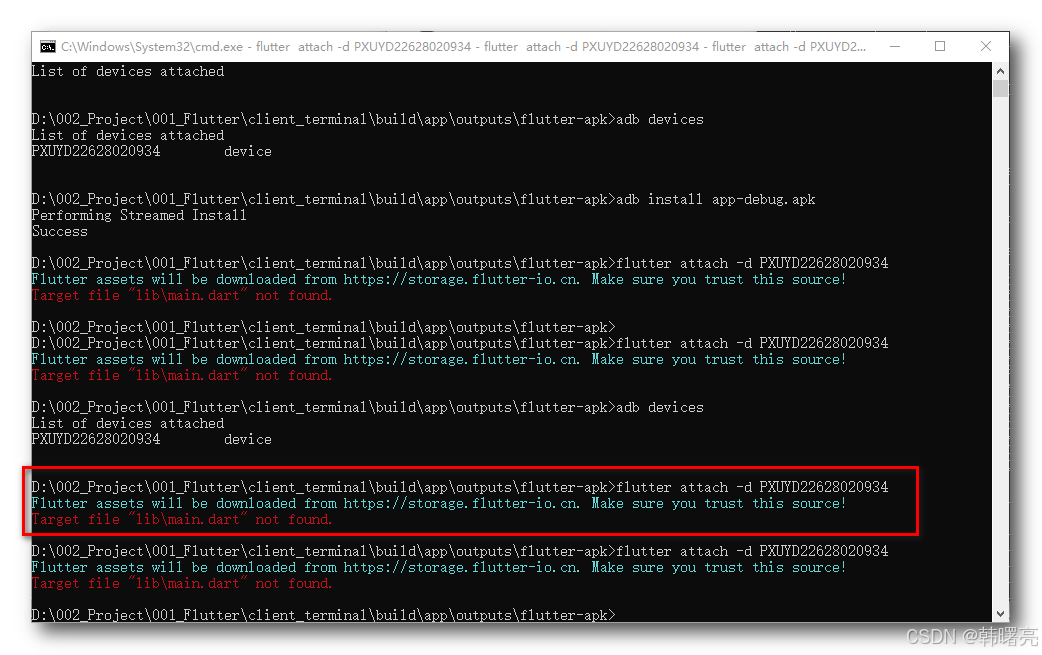
2、正在运行的项目无法附加
Flutter 项目正在运行 , 执行
groovy
flutter attach -d PXUYD22628020934命令 , 就会报如下错误 , 会一直卡在 Waiting for a connection from Flutter on CTR AL00... 位置 ;
shell
D:\002_Project\001_Flutter\client_terminal>flutter attach -d PXUYD22628020934
Flutter assets will be downloaded from https://storage.flutter-io.cn. Make sure you trust this source!
Waiting for a connection from Flutter on CTR AL00...
The Dart VM Service was not discovered after 30 seconds. This is taking much longer than expected...
二、解决方案
建议按照如下 的 执行顺序 执行命令 ;
首先 , 执行 下面的命令 , 运行一次 Flutter 项目 ;
shell
flutter run -d PXUYD22628020934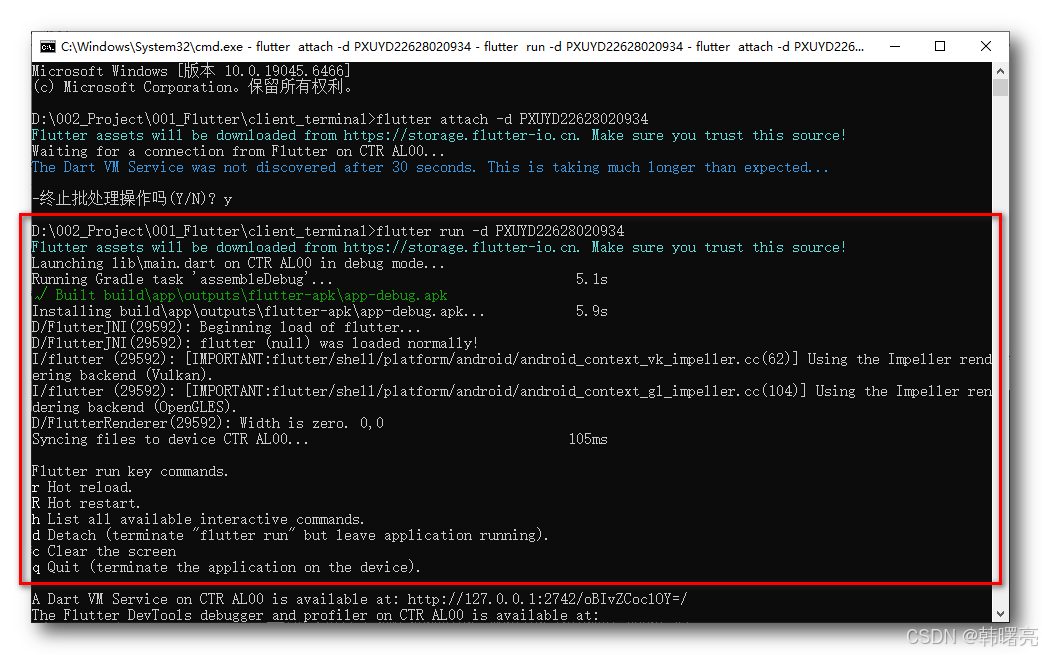
然后 , 按 q -> 回车 , 退出应用 ;
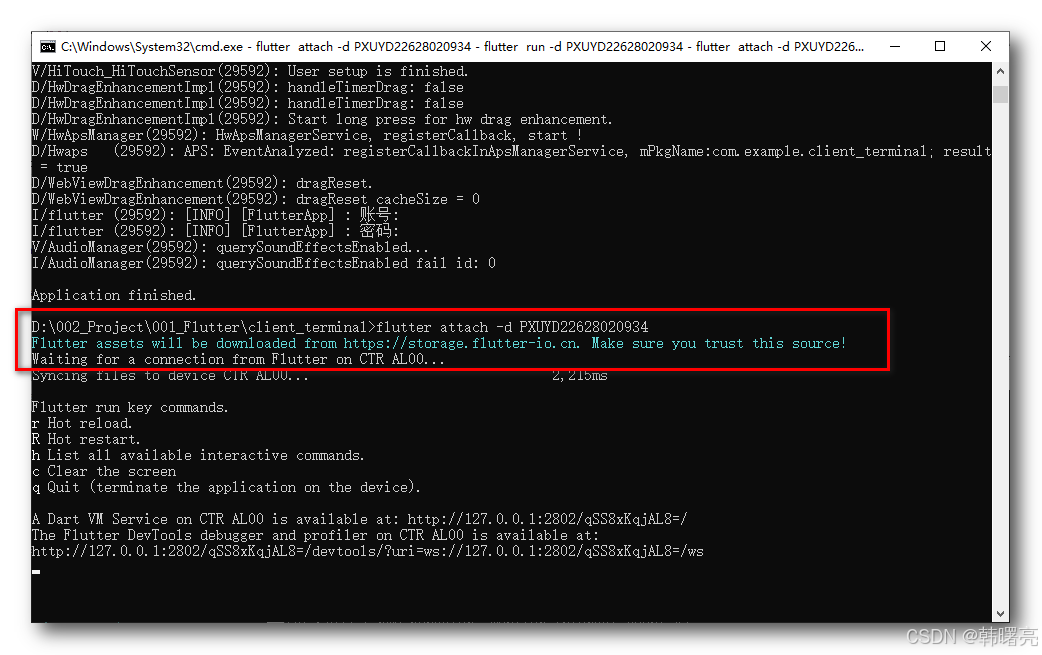
再后 , 执行下面的命令 ,附加设备 :
shell
flutter attach -d PXUYD22628020934执行完命令后 , 会卡在 Waiting for a connection from Flutter on CTR AL00... 位置 ;
shell
D:\002_Project\001_Flutter\client_terminal>flutter attach -d PXUYD22628020934
Flutter assets will be downloaded from https://storage.flutter-io.cn. Make sure you trust this source!
Waiting for a connection from Flutter on CTR AL00...
最后 , 手机应用中 , 重启 Flutter 项目 , 一定要 杀进程 彻底退出应用 ;
shell
D:\002_Project\001_Flutter\client_terminal>flutter attach -d PXUYD22628020934
Flutter assets will be downloaded from https://storage.flutter-io.cn. Make sure you trust this source!
Waiting for a connection from Flutter on CTR AL00...
Syncing files to device CTR AL00...                              2,215ms

Flutter run key commands.
r Hot reload.
R Hot restart.
h List all available interactive commands.
c Clear the screen
q Quit (terminate the application on the device).

A Dart VM Service on CTR AL00 is available at: http://127.0.0.1:2802/qSS8xKqjAL8=/
The Flutter DevTools debugger and profiler on CTR AL00 is available at:
http://127.0.0.1:2802/qSS8xKqjAL8=/devtools/?uri=ws://127.0.0.1:2802/qSS8xKqjAL8=/ws