Hermes Agent [NousResearch/hermes-agent: The agent that grows with you](https://github.com/NousResearch/hermes-agent "NousResearch/hermes-agent: The agent that grows with you")更新至0.16.0,已经可以在windows系统中运行,不需要借助WSL。国内安装会出现github下载和安装 Electron连接网络超时问题。我的解决办法:
1.安装开发者边车dev-sidecar
到 https://wget.la/https://github.com/ming-hai/dev-sidecar.git下载windows可执行程序。选择"默认模式",安装dev-sidecar证书,打开"git.exe代理"
2.下载Hermes Desktop安装程序
从[Hermes Desktop \| Nous Research](https://hermes-agent.nousresearch.com/desktop "Hermes Desktop | Nous Research")下载 Hermes-Setup.exe
3.在powershell控制台中运行远程安装脚本
打开一个powershell控制台,按下以步骤设置镜像地址和环境变量
3.1 设置npm镜像
npm config set registry https://registry.npm.taobao.org3.2 设置Electron环境变量
$env:ELECTRON_MIRROR = "https://npmmirror.com/mirrors/electron/"
$env:ELECTRON_BUILDER_BINARIES_MIRROR = "https://npmmirror.com/mirrors/electron-builder-binaries/"
3.3 在powershell中运行安装脚本
iex (irm https://hermes-agent.nousresearch.com/install.ps1)安装过程中如果提示要单独运行 npm install,进入 C:\Users\<username>\AppData\Local\hermes\hermes-agent目录,运行npm install
4.运行 Hermes-Setup.exe
进入上述设置了环境变量的powershell控制台,命令行中运行 Hermes-Setup.exe ,其会继续安装Desktop 相关依赖,构建 Desktop App 应用,创建Windows桌面快捷方式。
安装程序运行至最后,如果看到下面这个窗口,你就安装成功了:
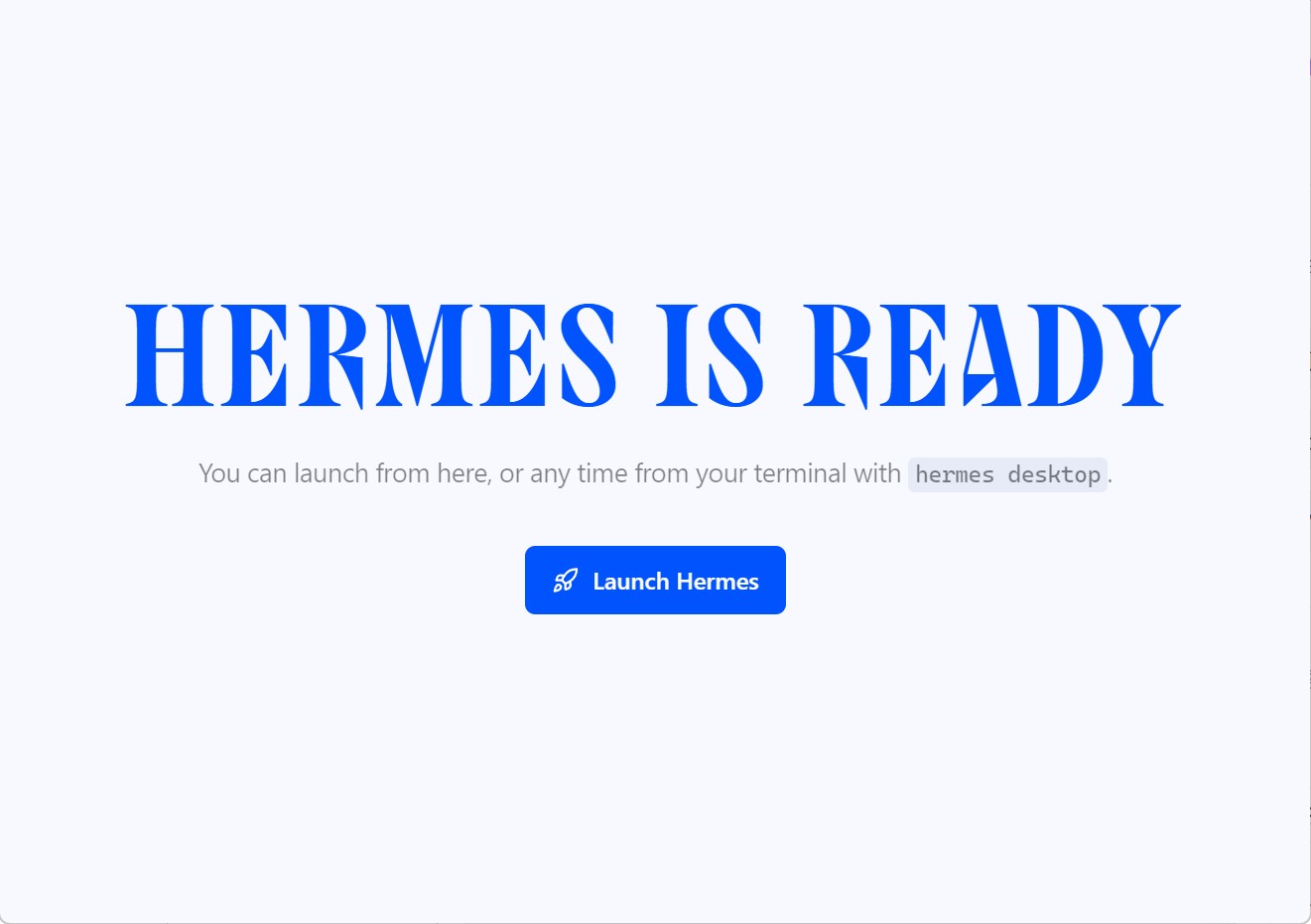
后续可在命令行中运行 hermes setup,设置各类API-KEY和IM App-id