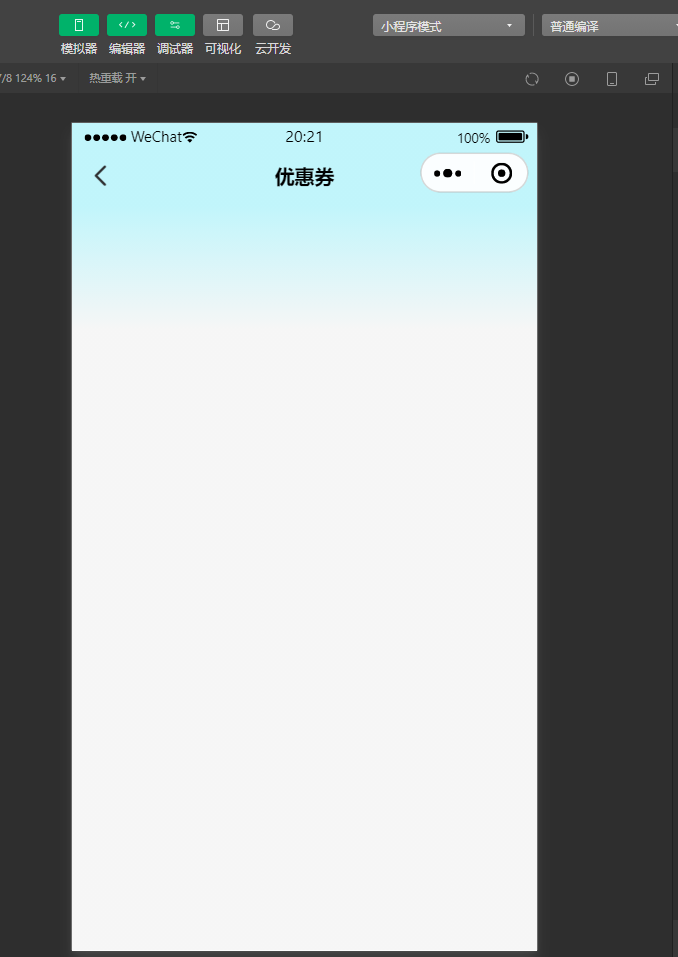
<template>
	<view class="nav-page">
		<up-navbar
			title=""
			:placeholder="placeholder"
			:autoBack="false"
			:fixed="fixed"
			:safeAreaInsetTop="safeAreaInsetTop"
			:border="border"
			:bgColor="bgColorComputed"
			:height="height"
			:leftIconSize="leftIconSize"
			@leftClick="leftBtn"
			@rightClick="rightClick"
		>
			<!-- 左侧插槽 -->
			<template #left>
				<slot name="left">
					<view v-if="showleft" class="nav-left" :style="{ color: color, fontSize: fontSize }">
						<up-icon name="arrow-left" :bold="true" :color="color" :size="leftIconSize" />
					</view>
				</slot>
			</template>

			<!-- 中间插槽 -->
			<template #center>
				<slot name="center">
					<text class="nav-title" :style="titleStyle">{{ title || pageTitle }}</text>
				</slot>
			</template>

			<!-- 右侧插槽 -->
			<template #right>
				<slot name="right" />
			</template>
		</up-navbar>
	</view>
</template>

<script setup lang="ts">
import { ref, computed, getCurrentInstance } from 'vue'
import { onPageScroll } from '@dcloudio/uni-app'
import { useProxy } from '@/utils/useProxy' // 假设这是你自定义的工具

// 定义 Props
const props = defineProps({
	safeAreaInsetTop: { type: Boolean, default: true },
	placeholder: { type: Boolean, default: true },
	fixed: { type: Boolean, default: true },
	border: { type: Boolean, default: false },
	autoBack: { type: Boolean, default: true },
	showleft: { type: Boolean, default: true },
	height: { type: String, default: '44px' },
	bgColor: { type: String, default: '#ffffff' },
	color: { type: String, default: '#303133' },
	fontSize: { type: String, default: '24rpx' },
	linear: { type: Boolean, default: true }, // 是否开启渐变
	leftIconSize: { type: [String, Number], default: 20 }, // 修正类型定义
	titleStyle: {
		type: Object,
		default: () => ({
			fontWeight: 'bold',
			fontSize: '32rpx',
			color: '#000000',
		})
	},
	title: { type: String, default: '' }
})

const emit = defineEmits(['leftClick', 'rightClick'])
const { proxy } = getCurrentInstance()
const bgOpacityColor = ref(props.bgColor)
const pageTitle = ref('')

// 计算最终背景色,优先使用计算后的透明度颜色
const bgColorComputed = computed(() => {
	return bgOpacityColor.value
})

// 左侧点击
const leftBtn = () => {
	if (props.autoBack) {
		// 这里保留你原本的 jumpPage 逻辑,假设 proxy 挂载了 $function
		// @ts-ignore
		proxy?.$function?.jumpPage('', null, 5)
	} else {
		emit('leftClick')
	}
}

// 右侧点击
const rightClick = () => {
	emit('rightClick')
}
function hexToRgb(hex) {
  hex = hex.replace('#', '')

  if (hex.length === 3) {
    hex = hex.split('').map(s => s + s).join('')
  }

  const bigint = parseInt(hex, 16)

  return {
    r: (bigint >> 16) & 255,
    g: (bigint >> 8) & 255,
    b: bigint & 255
  }
}
// 页面滚动处理
const handlePageScroll = (e: { scrollTop: number }) => {
	// 如果背景色不是透明,且不需要渐变,直接返回
	if (props.bgColor === 'transparent') {
		bgOpacityColor.value = props.bgColor
		return
	}

	const st = e.scrollTop
	const slideHeight = 100 // 渐变过渡的高度阈值

	// 使用 uni-app 内置 API 处理颜色,无需手动写正则
	const rgbArr = hexToRgb(props.bgColor)

	if (!rgbArr) return

	let alpha = 0
	if (st <= slideHeight) {
		alpha = st > 0 ? (st / slideHeight) : 0
	} else {
		alpha = 1
	}

	if (props.linear) {
		bgOpacityColor.value = `rgba(${rgbArr.r}, ${rgbArr.g}, ${rgbArr.b}, ${alpha.toFixed(3)})`
	} else {
		bgOpacityColor.value = props.bgColor
	}
}

// 监听页面滚动 (uni-app script setup 写法)
onPageScroll((e) => {
	handlePageScroll(e)
})

// 初始化获取页面标题
const initPageTitle = () => {
	const pages = getCurrentPages()
	const currentPage = pages[pages.length - 1]
	// 兼容 H5 和 APP 获取标题的方式
	pageTitle.value = currentPage?.meta?.navigationBar?.titleText || ''
}

// 组件挂载后
// 注意:onPageScroll 不需要在 onMounted 里注册,直接调用即可
// 这里只处理初始化逻辑
initPageTitle()
// 初始化一次背景色状态
handlePageScroll({ scrollTop: 0 })
</script>

<style lang="scss" scoped>
.nav-page {
	position: relative;
	z-index: 999;
}

:deep(.u-navbar) {
	z-index: 999999 !important;
}

.nav-left {
	display: inline-flex;
	align-items: center;
	vertical-align: middle;
}

.nav-title {
	/* 标题基础样式,会被 titleStyle 覆盖 */
}

/* 修正类名命名规范,避免使用纯标签选择器 */
.popup1 {
	position: fixed;
	top: 0;
	left: 0;
	width: 100%;
	transition: all 0.2s;
	height: 0;
	z-index: 999;
	overflow: hidden;

	&.on {
		height: 100vh;
	}

	.popup1-content {
		background-color: #555555;
		border-radius: 0 0 40rpx 40rpx;
		padding: 0 30rpx;
	}

	.item1 {
		font-size: 32rpx;
		color: #ffffff;
		font-weight: bold;
		margin-bottom: 40rpx;
	}

	.item2 {
		/* 必须加类名,不能直接写 > view */
		.popup-item {
			margin: 0 2% 20rpx 0;
			width: 20%;
			font-size: 24rpx;
			color: #ffffff;
			padding: 20rpx 10rpx;
			background-color: #444444;
			border-radius: 10rpx;


			&:nth-child(5n) {
				margin-right: 0;
			}
		}
	}
}
</style>