目录
一、需求背景
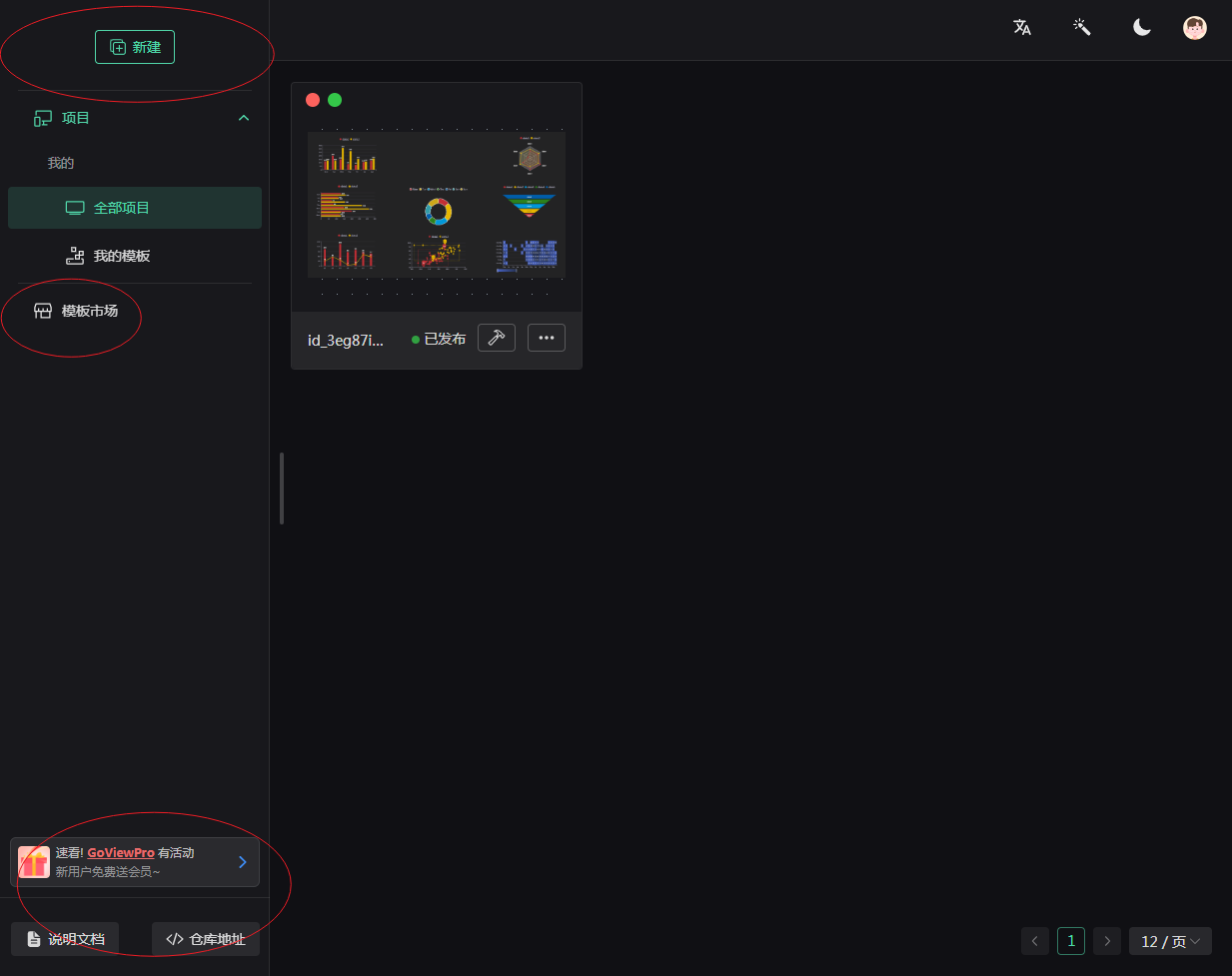
当访问go-view界面管理大屏项目时界面略显难看,主要体现在:
1、没有项目或产品的logo。
2、新建按钮位置及大小与整个布局不协调,难看。
3、多于的菜单【模板市场】
4、左下方还有官方广告,显得不专业。
二、调整方案
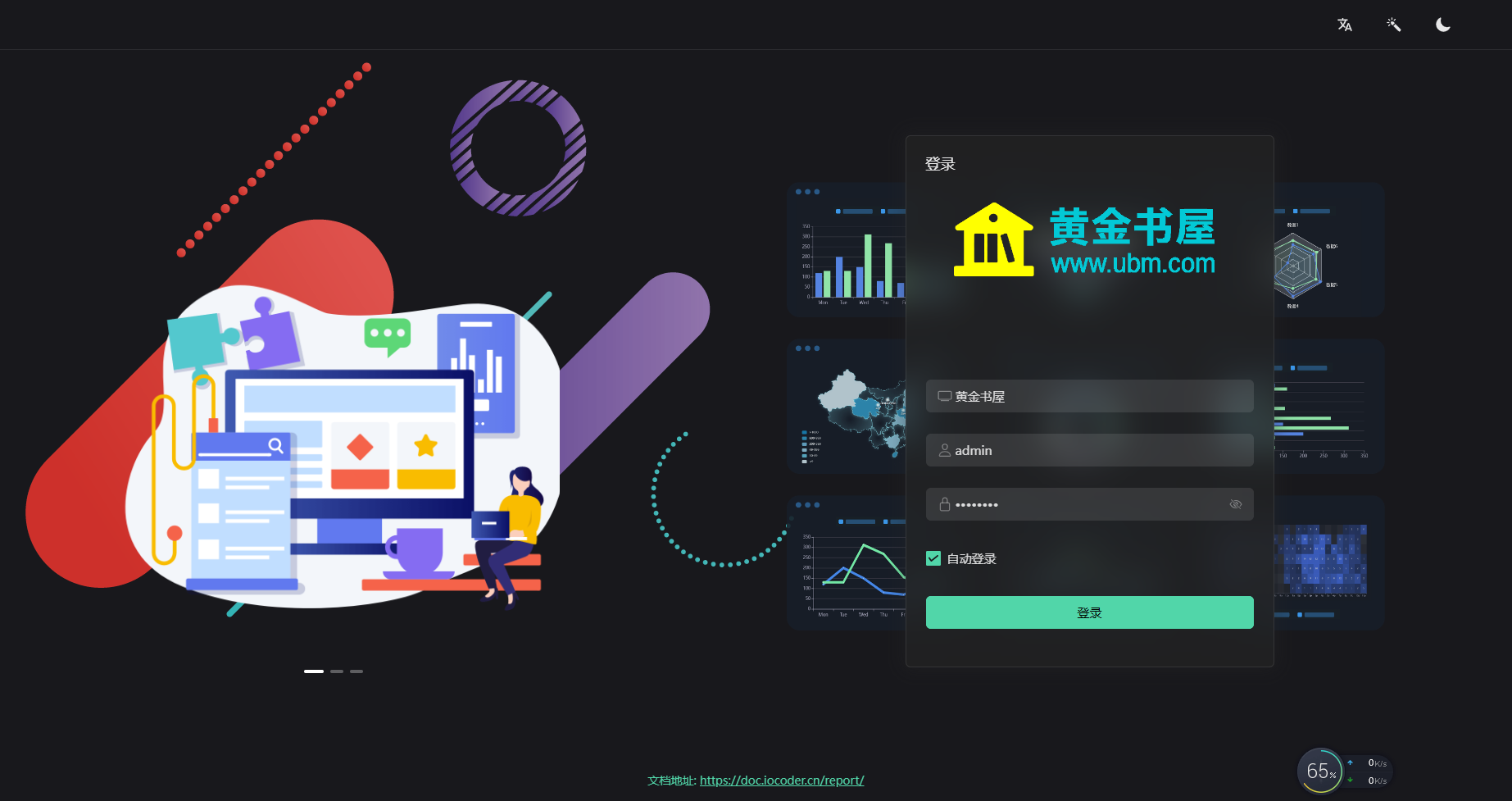
1、将新建按钮替换为系统logo
1)将 project-layout-create 组件从src\views\project\layout\components\ProjectLayoutSider\index.vue中去除
        <n-space vertical class="go-project-sider-top">
          <project-layout-create v-if="0" :collapsed="collapsed"></project-layout-create>
        </n-space>
2)在src\styles\common\style.scss中加入logo 样式如下:
html
.go-project-sider-top{
  margin-top: 5px !important;
  margin-bottom: 5px !important;
  padding-bottom: 5px !important;
  height: 50px;
  line-height: 60px;
  border-bottom: solid 1px var(--n-border-color);
  background-image: url("@/styles/common/logo.png");
  background-position: center;
  background-repeat: no-repeat;
  background-size: contain;
}
3)在src\views\project\layout\components\ProjectLayoutSider\menu.ts中去除左侧菜单中的分割线
export const menuOptionsInit = () => {
  const t = window['$t']

  return reactive([
    // {
    //   key: 'divider-1',
    //   type: 'divider',
    // },
    {
      label: () => h('span', null, { default: () => t('project.project') }),
      key: 'all-project',
      icon: renderIcon(DevicesIcon),
4)在src\views\login\index.vue中修改登录页面logo样式:
              <div class="login-account-top">
                <img
                  class="login-account-top-logo"
                  src="~@/assets/logo.png"
                  alt="黄金书屋" height="100"
                />
              </div>
2、在项目列表上方添加【新增】
A) 声明create事件,src\views\project\layout\components\ProjectLayoutCreate\index.vue
const emit = defineEmits('create')
const emit = defineEmits(['create'])

const closeHandle = () => {
  modalShow.value = false;
  emit('create', true);
}
B) 新增按钮并刷新列表
src\views\project\items\components\ProjectItemsList\index.vue
    <!-- 列表 -->
    <div v-show="!loading">
      <div style="padding-bottom:20px;">
        <project-layout-create  @create="fetchList" :collapsed="false"></project-layout-create>
      </div>
别忘了导入ProjectLayoutCreate 组件并导出 fetchList 函数,或者直接使用changePage也可以
<script setup lang="ts">
import { ProjectLayoutCreate } from '@/views/project/layout/components/ProjectLayoutCreate/index'
const { fetchList } = useDataListInit()
3、去掉多于的【模板市场】
在src\views\project\layout\components\ProjectLayoutSider\menu.ts中去除左侧菜单中的分割线
html
    // {
    //   key: 'divider-2',
    //   type: 'divider',
    // },
    // {
    //   label: () =>
    //     h(
    //       RouterLink,
    //       {
    //         to: {
    //           name: PageEnum.BASE_HOME_TEMPLATE_MARKET_NAME,
    //         },
    //       },
    //       { default: () => t('project.template_market') }
    //     ),
    //   key: PageEnum.BASE_HOME_TEMPLATE_MARKET_NAME,
    //   icon: renderIcon(StoreIcon),
    // },
4、去除左下方的广告
从src\views\project\layout\components\ProjectLayoutSider\index.vue中中去除
<!-- 底部提示 -->
      <div class="sider-bottom" v-if="0">
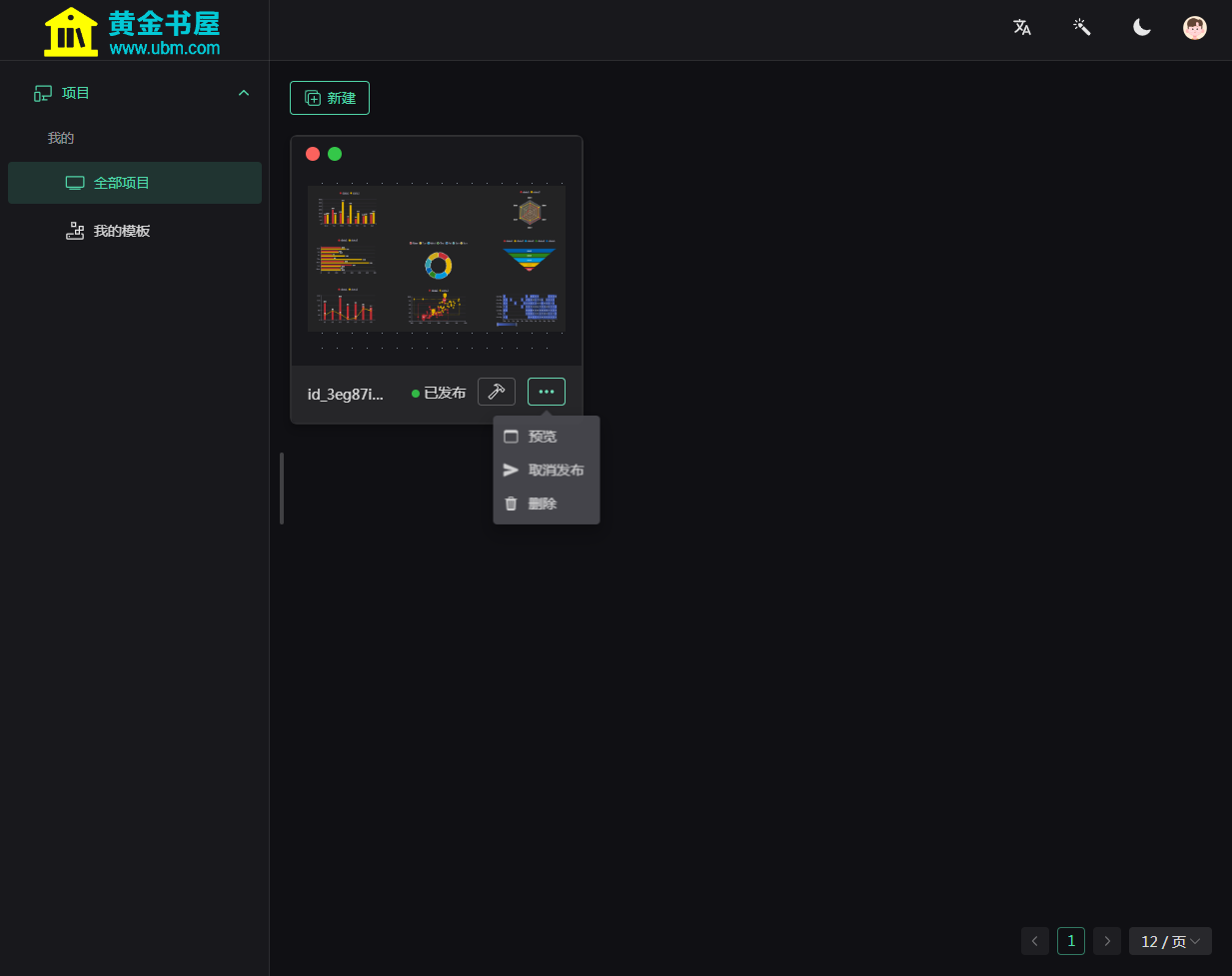
5、最终效果