下载安装seata,上面一章已经说了,这里不多余介绍,我这里用的注册中心是nacos
如果你对seata不太了解,可以直接按照我的步骤,把配置文件复制过去改成你自己的就ok了,否则会踩坑
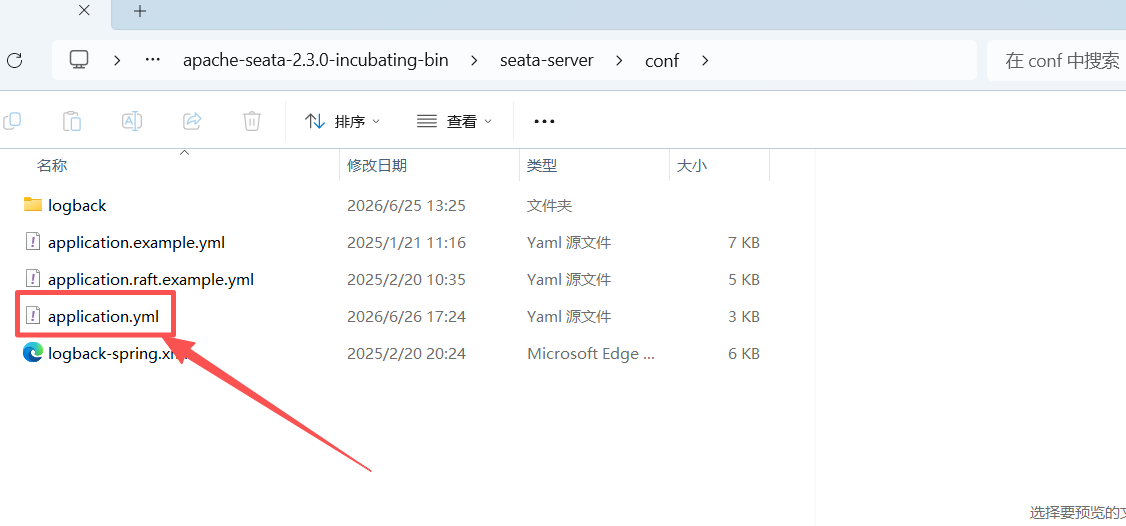
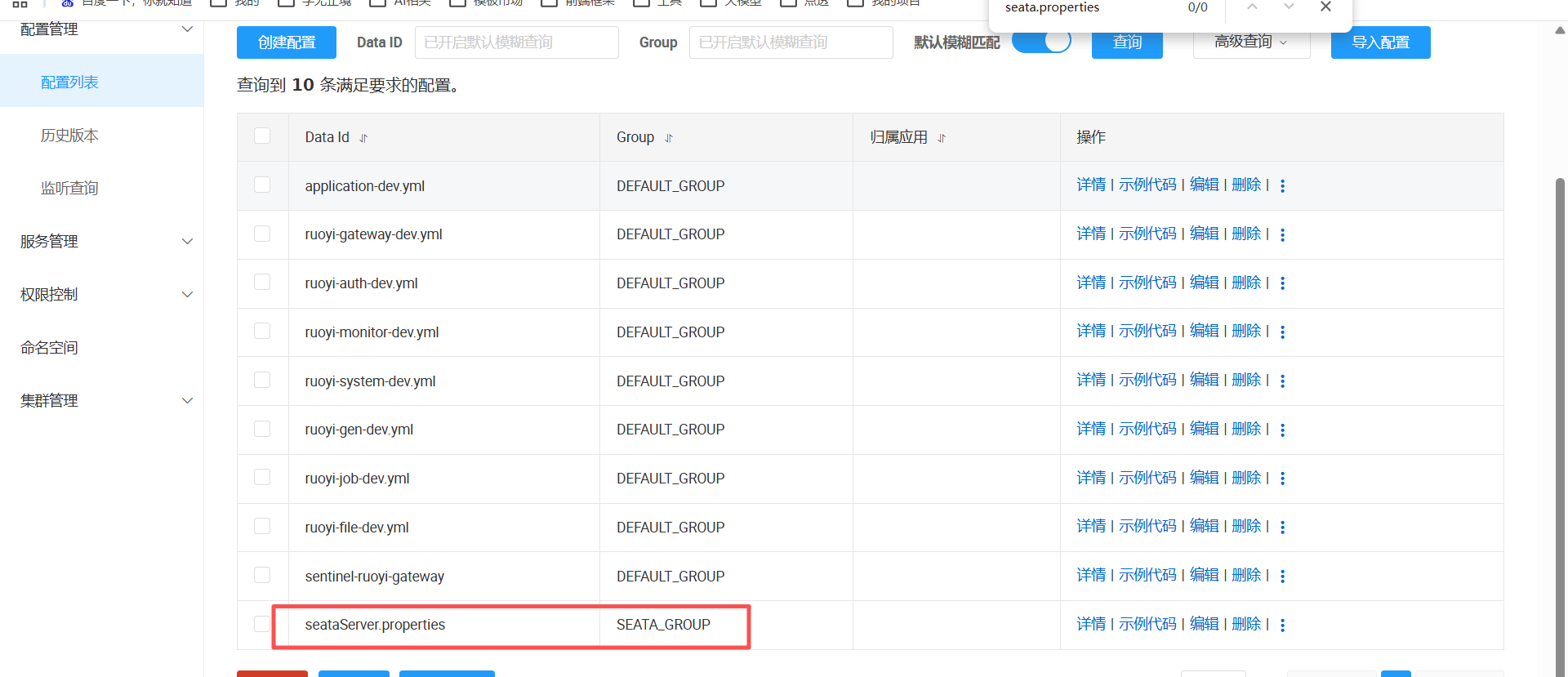
1.修改下载的seata配置文件,2.x都是以yml,config下叫application.yml,下面的文件db相关配置使用到了文件seataServer.properties,这个文件在nacos中创建;表示:启动读取seataServer.properties中的配置内容到seata中,放nacos主要是方便管理
java
server:
  port: 7091

spring:
  application:
    name: seata-server

logging:
  config: classpath:logback-spring.xml
  file:
    path: ${log.home:${user.home}/logs/seata}
  extend:
    logstash-appender:
      destination: 127.0.0.1:4560
    kafka-appender:
      bootstrap-servers: 127.0.0.1:9092
      topic: logback_to_logstash

console:
  user:
    username: seata
    password: seata
seata:
  config:
    type: nacos
    nacos:
      server-addr: 127.0.0.1:8848
      namespace: 539fe715-08e4-4614-8941-059cc5c37497
      username: nacos
      password: nacos
      group: SEATA_GROUP
      # 指定Nacos里的配置文件dataId
      data-id: seataServer.properties
  registry:
    type: nacos
    nacos:
      application: seata-server
      namespace: 539fe715-08e4-4614-8941-059cc5c37497
      server-addr: 127.0.0.1:8848
      group: SEATA_GROUP
      username: nacos
      password: nacos
      data-id: seataServer.properties
  store:
    # support: file 、 db 、 redis 、 raft
    mode: db
  #  server:
  #    service-port: 8091 #If not configured, the default is '${server.port} + 1000'
  security:
    secretKey: SeataSecretKey0c382ef121d778043159209298fd40bf3850a017
    tokenValidityInMilliseconds: 1800000
    csrf-ignore-urls: /metadata/v1/**
    ignore:
urls: /,/**/*.css,/**/*.js,/**/*.html,/**/*.map,/**/*.svg,/**/*.png,/**/*.jpeg,/**/*.ico,/api/v1/auth/login,/version.json,/health,/error,/vgroup/v1/**- nacos中创建seataServer.properties,注意:我的分组group是SEATA_GROUP
java
# ====================== 客户端事务超时、锁重试 ======================
client.rm.asyncCommitBufferLimit=10000
client.rm.lock.retryInterval=10
client.rm.lock.retryTimes=30
client.rm.lock.retryPolicyBranchTimeout=false
client.tm.defaultGlobalTransactionTimeout=60000
client.tm.degradeCheck=false
client.tm.degradeCheckAllowTimes=10
client.tm.degradeCheckPeriod=2000

# ====================== Undo日志(回滚日志) ======================
client.undo.logTable=undo_log
client.undo.logDeletePeriod=86400000
client.undo.compress.enable=true
client.undo.compress.type=zip
client.undo.compress.threshold=64k

# ====================== TCC模式(默认开启) ======================
tcc.fence.logTableName=tcc_fence_log
tcc.fence.cleanPeriod=1h
log.exceptionRate=100

# ====================== 存储模式DB(解决你驱动缺失报错核心段) ======================
store.mode=db
store.lock.mode=db
store.session.mode=db
# 数据库连接 MySQL8必须用cj驱动
store.db.datasource=druid
store.db.dbType=mysql
store.db.driverClassName=com.mysql.cj.jdbc.Driver
# 修改为你的ry-seata库地址、账号密码
store.db.url=jdbc:mysql://127.0.0.1:3306/ry-seata?serverTimezone=Asia/Shanghai&useUnicode=true&characterEncoding=utf-8&useSSL=false&allowMultiQueries=true
store.db.user=root
store.db.password=123456
# 连接池参数
store.db.minConn=5
store.db.maxConn=30
store.db.maxWait=5000
# Seata事务表(ry-seata.sql自动生成,不要修改表名)
store.db.globalTable=global_table
store.db.branchTable=branch_table
store.db.lockTable=lock_table
store.db.distributedLockTable=distributed_lock
store.db.queryLimit=100
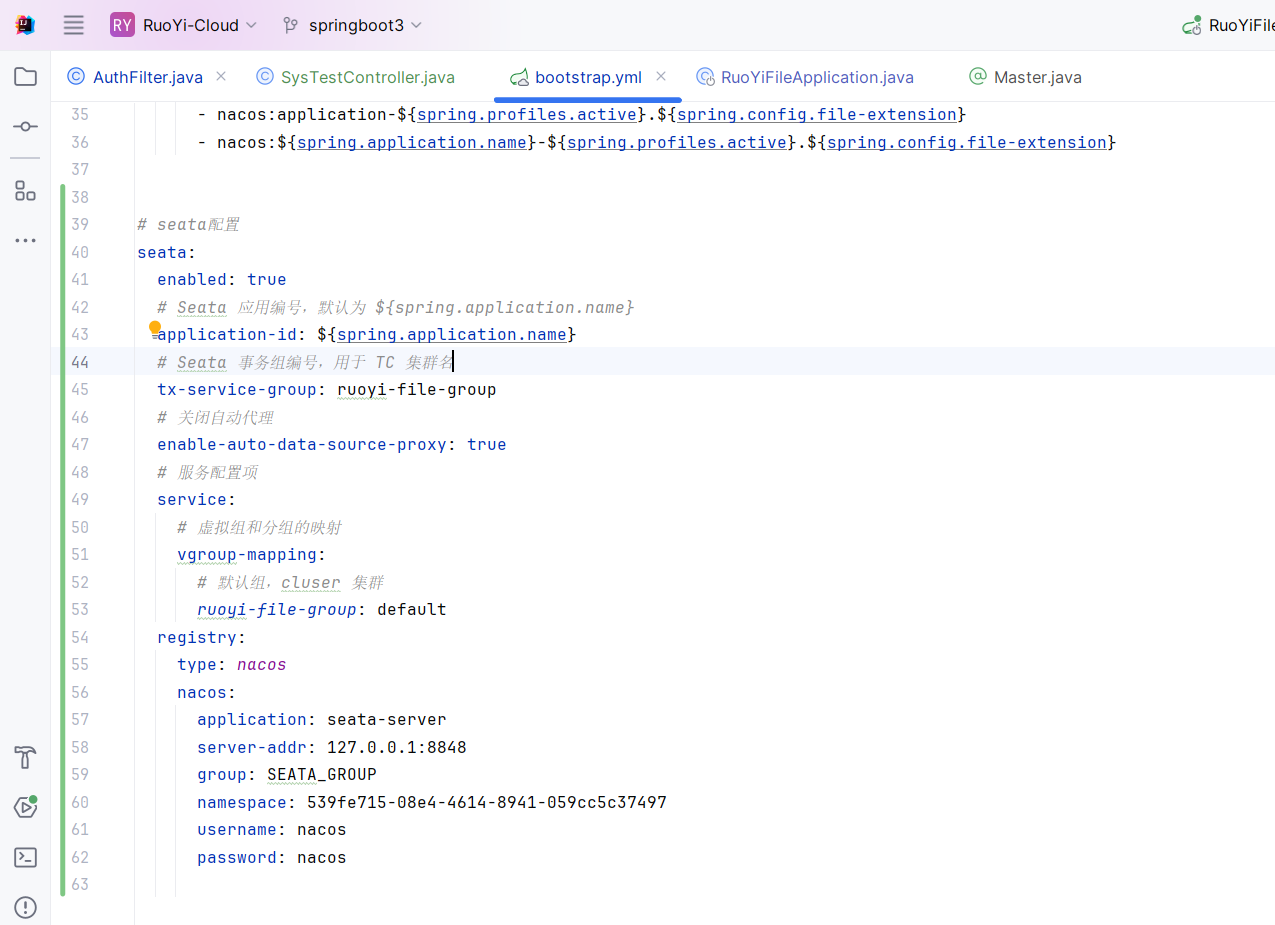
3.springboot工程配置,我以若依的system, file两个工程来实现事务测试,每个工程把下面的依赖和配置写到Yml里面就行了,tx-service-group对应的值,每个工程以工程名称自定义就行,每一个工程都要引入下面的内容;
注意:在springboot工程中 seata下面的nacos必须要单独写,为什么不用spring.cloud.nacos,还要多写一次,因为seata本身没有和springcloud做nacos的集成,所以必须单独去写
java
# seata配置
seata:
  enabled: true
  # Seata 应用编号,默认为 ${spring.application.name}
  application-id: ${spring.application.name}
  # Seata 事务组编号,用于 TC 集群名
  tx-service-group: ruoyi-file-group
  # 关闭自动代理
  enable-auto-data-source-proxy: true
  # 服务配置项
  service:
    # 虚拟组和分组的映射
    vgroup-mapping:
      # 默认组,cluser 集群
      ruoyi-file-group: default
  registry:
    type: nacos
    nacos:
      application: seata-server
      server-addr: 127.0.0.1:8848
      group: SEATA_GROUP
      namespace: 539fe715-08e4-4614-8941-059cc5c37497
      username: nacos
      password: nacos
java
 <!-- SpringBoot Seata -->
        <dependency>
            <groupId>com.alibaba.cloud</groupId>
            <artifactId>spring-cloud-starter-alibaba-seata</artifactId>
        </dependency>
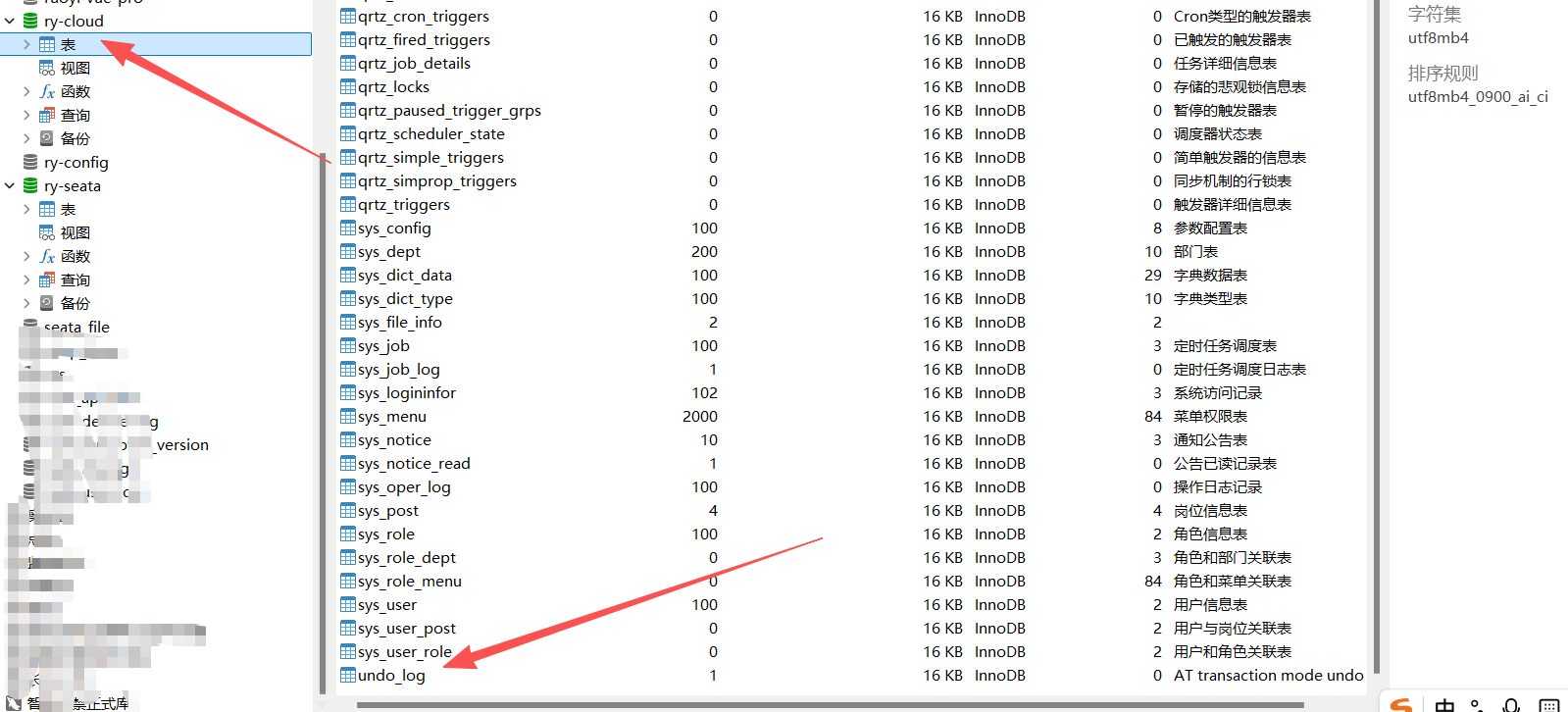
4.分布式事务用到的表,1.x和2.x对应的可能不一样,注意区分,直接去官网拉就行了
undo_log:表,每一个业务数据库加入这张表
https://github.com/apache/incubator-seata/blob/2.x/script/client/at/db/mysql.sql
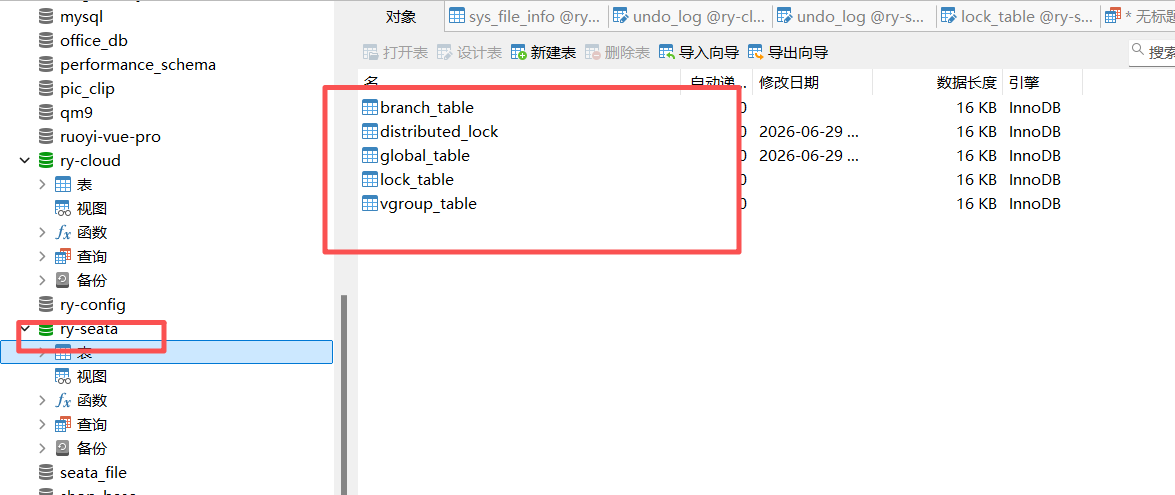
下面是分布式锁用到的表,新建一个ry-seata数据库单独存放这几张表,对应上面的配置文件
https://github.com/apache/incubator-seata/tree/v2.3.0/script/server/db
如果你的网络慢,直接复制下面的sql去执行就行了
sql
CREATE TABLE IF NOT EXISTS `undo_log`
(
    `branch_id`     BIGINT       NOT NULL COMMENT 'branch transaction id',
    `xid`           VARCHAR(128) NOT NULL COMMENT 'global transaction id',
    `context`       VARCHAR(128) NOT NULL COMMENT 'undo_log context,such as serialization',
    `rollback_info` LONGBLOB     NOT NULL COMMENT 'rollback info',
    `log_status`    INT(11)      NOT NULL COMMENT '0:normal status,1:defense status',
    `log_created`   DATETIME(6)  NOT NULL COMMENT 'create datetime',
    `log_modified`  DATETIME(6)  NOT NULL COMMENT 'modify datetime',
    UNIQUE KEY `ux_undo_log` (`xid`, `branch_id`)
) ENGINE = InnoDB AUTO_INCREMENT = 1 DEFAULT CHARSET = utf8mb4 COMMENT ='AT transaction mode undo table';
ALTER TABLE `undo_log` ADD INDEX `ix_log_created` (`log_created`);


--
-- Licensed to the Apache Software Foundation (ASF) under one or more
-- contributor license agreements.  See the NOTICE file distributed with
-- this work for additional information regarding copyright ownership.
-- The ASF licenses this file to You under the Apache License, Version 2.0
-- (the "License"); you may not use this file except in compliance with
-- the License.  You may obtain a copy of the License at
--
--     http://www.apache.org/licenses/LICENSE-2.0
--
-- Unless required by applicable law or agreed to in writing, software
-- distributed under the License is distributed on an "AS IS" BASIS,
-- WITHOUT WARRANTIES OR CONDITIONS OF ANY KIND, either express or implied.
-- See the License for the specific language governing permissions and
-- limitations under the License.
--

-- -------------------------------- The script used when storeMode is 'db' --------------------------------
-- the table to store GlobalSession data
CREATE TABLE IF NOT EXISTS `global_table`
(
    `xid`                       VARCHAR(128) NOT NULL,
    `transaction_id`            BIGINT,
    `status`                    TINYINT      NOT NULL,
    `application_id`            VARCHAR(32),
    `transaction_service_group` VARCHAR(32),
    `transaction_name`          VARCHAR(128),
    `timeout`                   INT,
    `begin_time`                BIGINT,
    `application_data`          VARCHAR(2000),
    `gmt_create`                DATETIME,
    `gmt_modified`              DATETIME,
    PRIMARY KEY (`xid`),
    KEY `idx_status_gmt_modified` (`status` , `gmt_modified`),
    KEY `idx_transaction_id` (`transaction_id`)
) ENGINE = InnoDB
  DEFAULT CHARSET = utf8mb4;

-- the table to store BranchSession data
CREATE TABLE IF NOT EXISTS `branch_table`
(
    `branch_id`         BIGINT       NOT NULL,
    `xid`               VARCHAR(128) NOT NULL,
    `transaction_id`    BIGINT,
    `resource_group_id` VARCHAR(32),
    `resource_id`       VARCHAR(256),
    `branch_type`       VARCHAR(8),
    `status`            TINYINT,
    `client_id`         VARCHAR(64),
    `application_data`  VARCHAR(2000),
    `gmt_create`        DATETIME(6),
    `gmt_modified`      DATETIME(6),
    PRIMARY KEY (`branch_id`),
    KEY `idx_xid` (`xid`)
) ENGINE = InnoDB
  DEFAULT CHARSET = utf8mb4;

-- the table to store lock data
CREATE TABLE IF NOT EXISTS `lock_table`
(
    `row_key`        VARCHAR(128) NOT NULL,
    `xid`            VARCHAR(128),
    `transaction_id` BIGINT,
    `branch_id`      BIGINT       NOT NULL,
    `resource_id`    VARCHAR(256),
    `table_name`     VARCHAR(32),
    `pk`             VARCHAR(36),
    `status`         TINYINT      NOT NULL DEFAULT '0' COMMENT '0:locked ,1:rollbacking',
    `gmt_create`     DATETIME,
    `gmt_modified`   DATETIME,
    PRIMARY KEY (`row_key`),
    KEY `idx_status` (`status`),
    KEY `idx_branch_id` (`branch_id`),
    KEY `idx_xid` (`xid`)
) ENGINE = InnoDB
  DEFAULT CHARSET = utf8mb4;

CREATE TABLE IF NOT EXISTS `distributed_lock`
(
    `lock_key`       CHAR(20) NOT NULL,
    `lock_value`     VARCHAR(20) NOT NULL,
    `expire`         BIGINT,
    primary key (`lock_key`)
) ENGINE = InnoDB
  DEFAULT CHARSET = utf8mb4;

INSERT INTO `distributed_lock` (lock_key, lock_value, expire) VALUES ('AsyncCommitting', ' ', 0);
INSERT INTO `distributed_lock` (lock_key, lock_value, expire) VALUES ('RetryCommitting', ' ', 0);
INSERT INTO `distributed_lock` (lock_key, lock_value, expire) VALUES ('RetryRollbacking', ' ', 0);
INSERT INTO `distributed_lock` (lock_key, lock_value, expire) VALUES ('TxTimeoutCheck', ' ', 0);


CREATE TABLE IF NOT EXISTS `vgroup_table`
(
    `vGroup`    VARCHAR(255),
    `namespace` VARCHAR(255),
    `cluster`   VARCHAR(255),
  UNIQUE KEY `idx_vgroup_namespace_cluster` (`vGroup`,`namespace`,`cluster`)
) ENGINE = InnoDB
  DEFAULT CHARSET = utf8mb4;
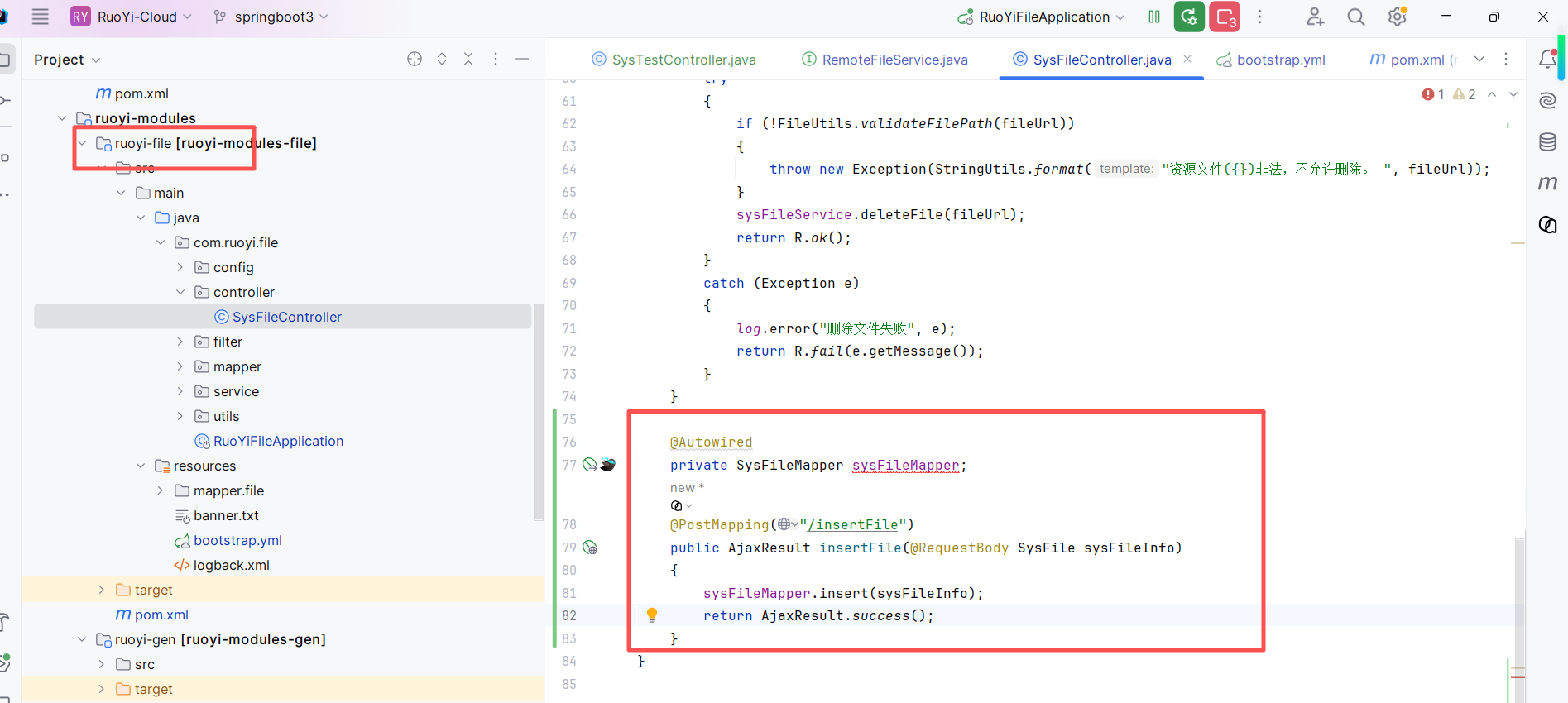
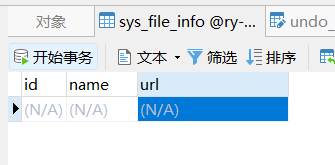
最后写一下简单的java测试代码, system中openfeign 调用file工程,如果报错,则数据库中保存会失败,下面就简写了,能看到效果就行了
java
@RestController
public class SysTestController {

    @Autowired
    private RemoteFileService remoteFileService;

    @GlobalTransactional
    @GetMapping("/api/test")
    public String test() {
        SysFile sysFile = new SysFile();
        sysFile.setName("test");
        sysFile.setUrl("http://localhost/1.png");
        remoteFileService.insertFile(sysFile);
        int i = 1/0;
        return "success";
    }
}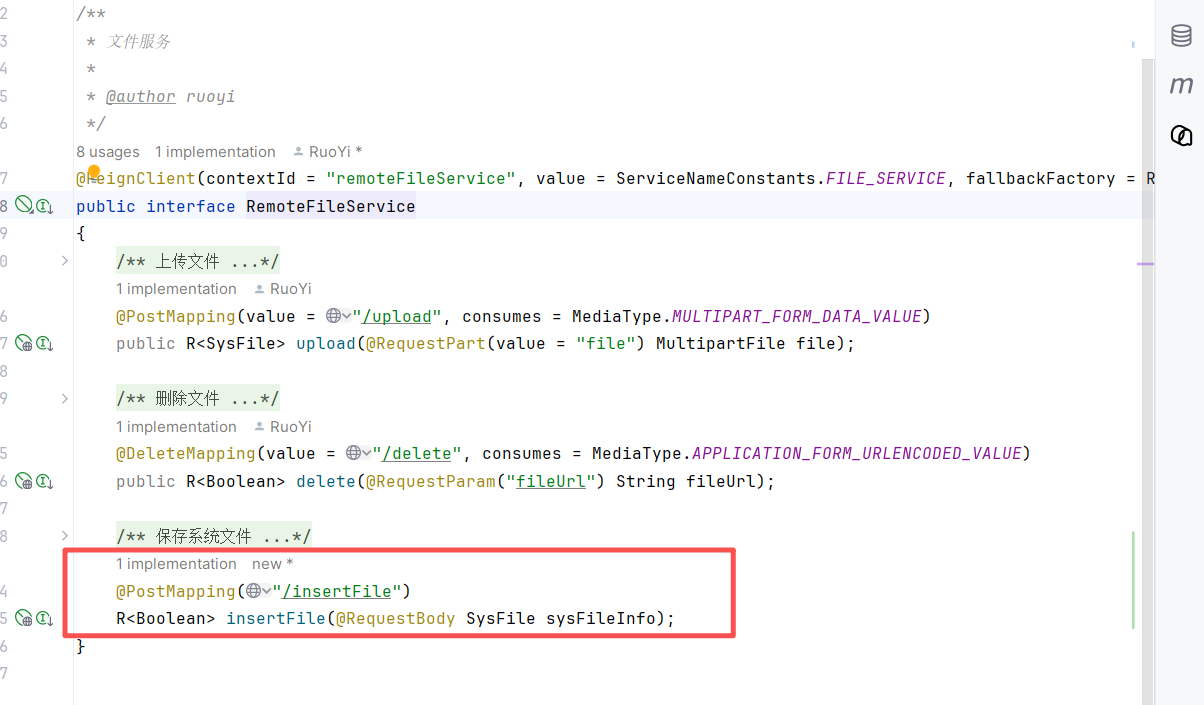
file工程代码,只做保存