知识点:
APP攻防-脱壳技术-Frida-dexdump&LSP插件&项目自动化
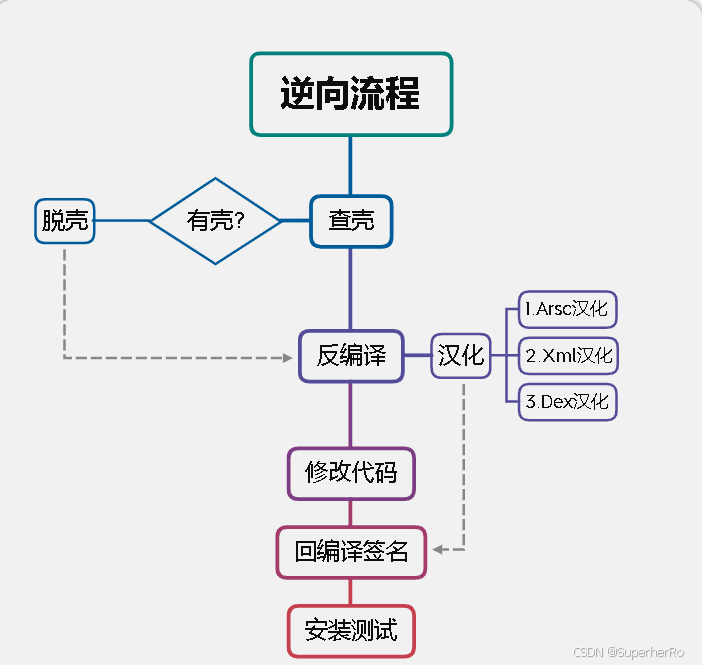
演示案例-APP攻防-脱壳技术-Frida-dexdump&LSP插件&项目自动化
一、未加壳的app
Java+安卓 -> APK -> dex文件 -> 运行
二、加壳的app
Java+安卓 -> APK -> 360/腾讯等(SO算法) -> 内存 -> 运行
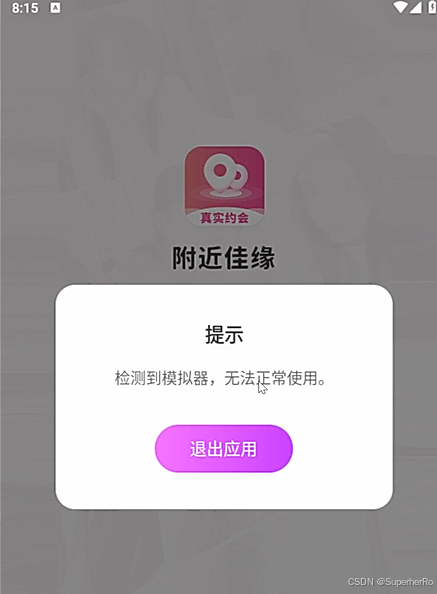
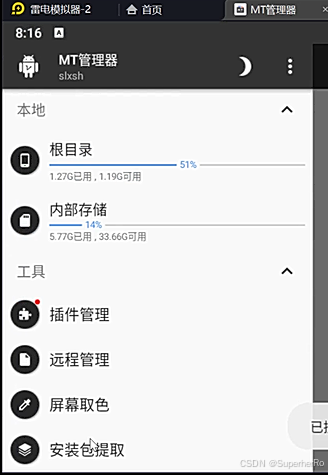
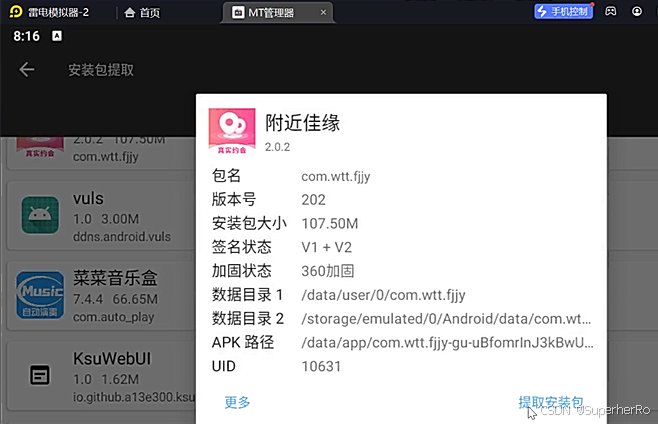

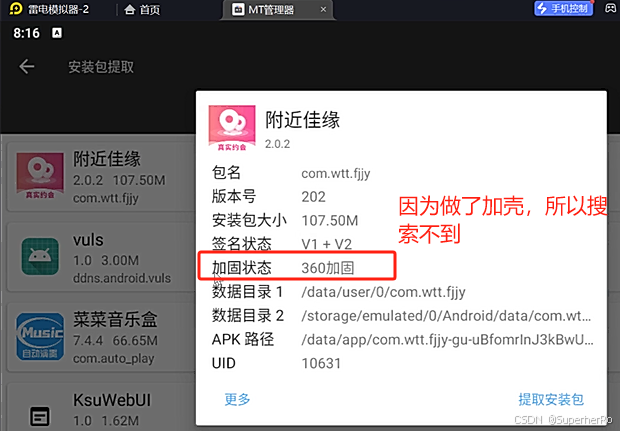
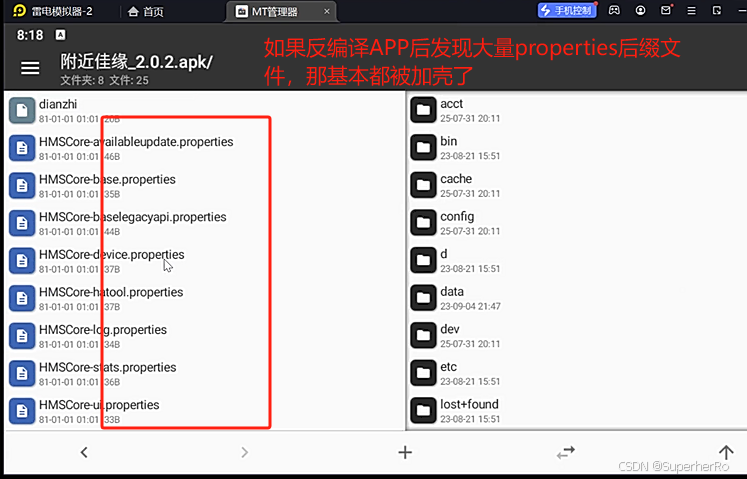
三、脱壳本质
在内存中获取,让APP运行在手机中,内存中加载文件内容写回到dex文件。
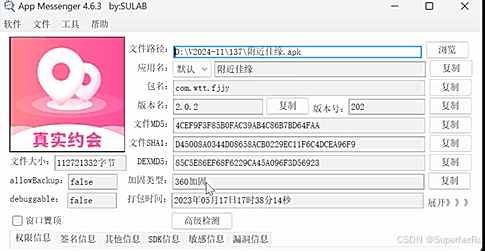
四、查壳
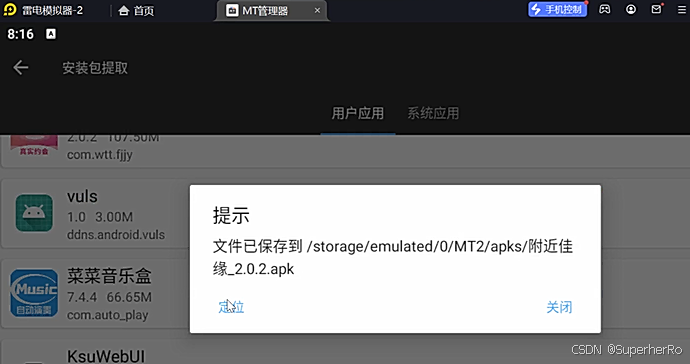
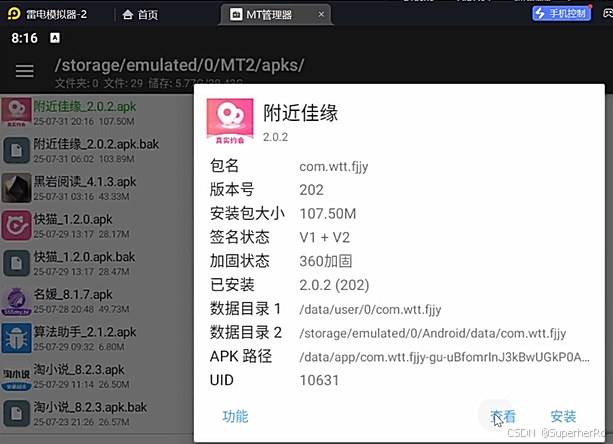
NP管理器、MT管理器
https://github.com/sulab999/AppMessenger
五、项目-frida-dexdump
https://github.com/hluwa/frida-dexdump
1、本地PC安装Frida
bash
pip install frida
pip install frida-tools
pip install frida-dexdump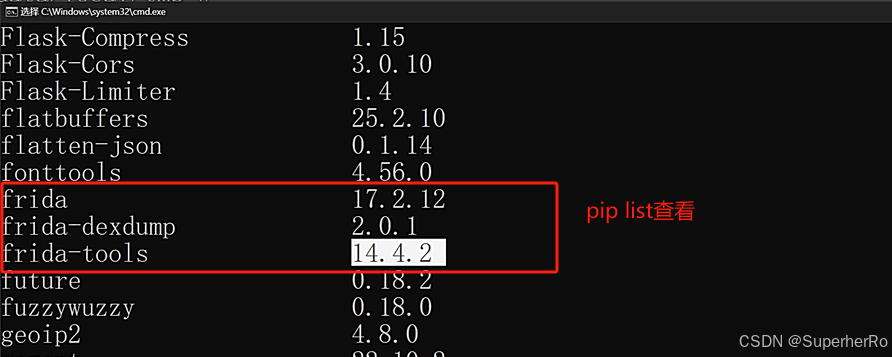
2、模拟器安装Frida
注意:模拟器Frida版本要与本地PCFrida版本一致。
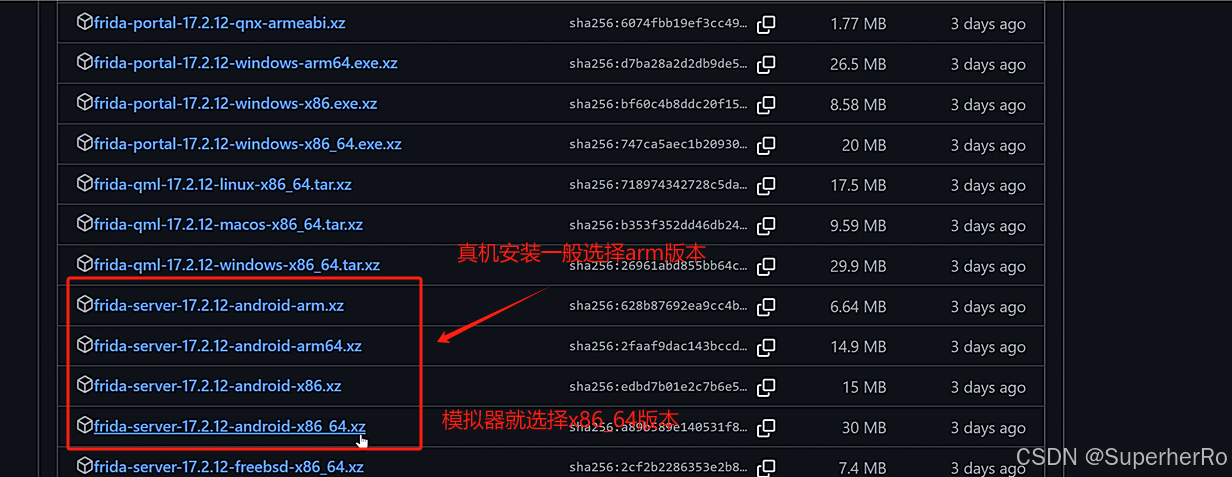
Frida下载:https://github.com/frida/frida/releases
真机:ARM版本及位数 模拟器:无ARM的位数
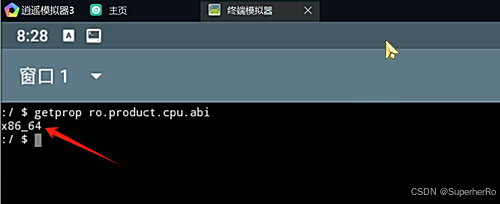
模拟器版本查看:getprop ro.product.cpu.abi
bash
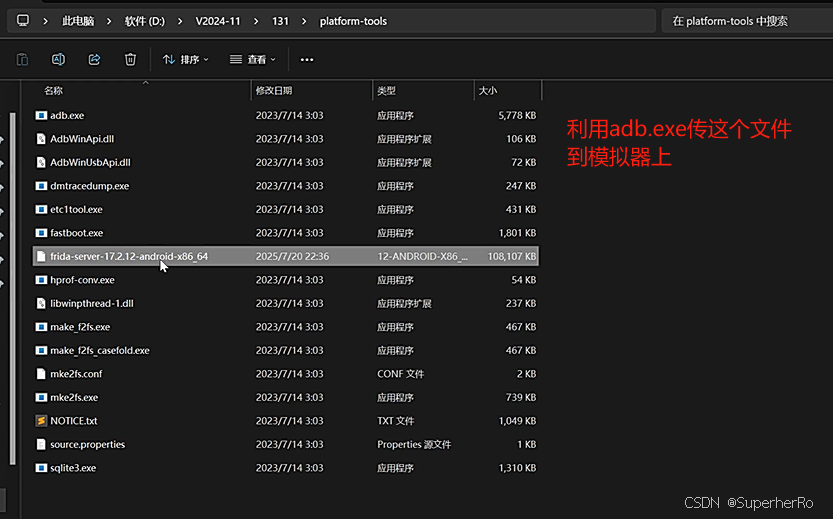
adb push frida-server /data/local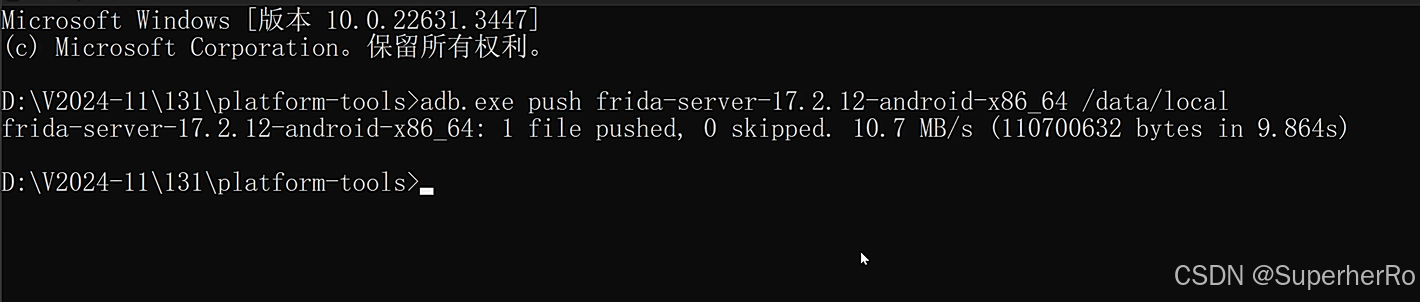
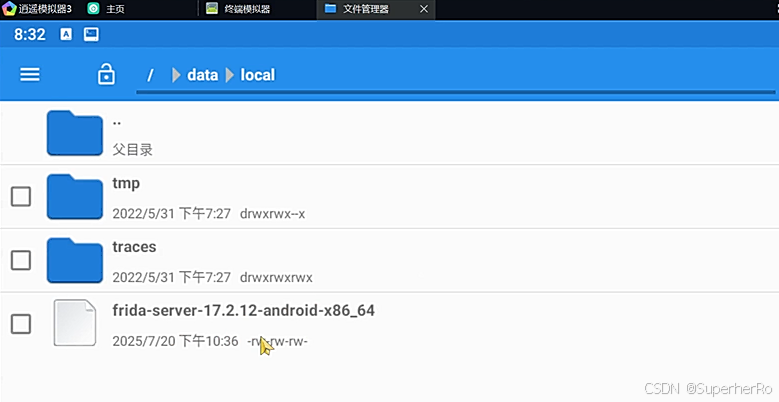
bash
adb.exe shell
cd /data/local
chmod -x frida-server
./frida-server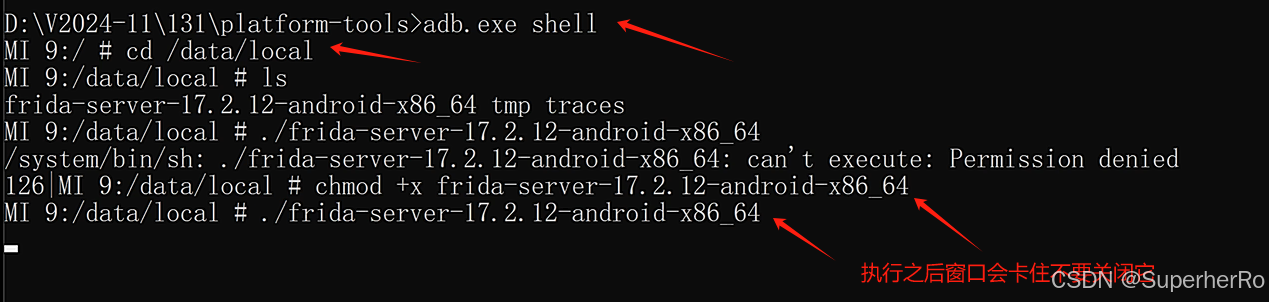
3、本地PC转发并启动Frida
bash
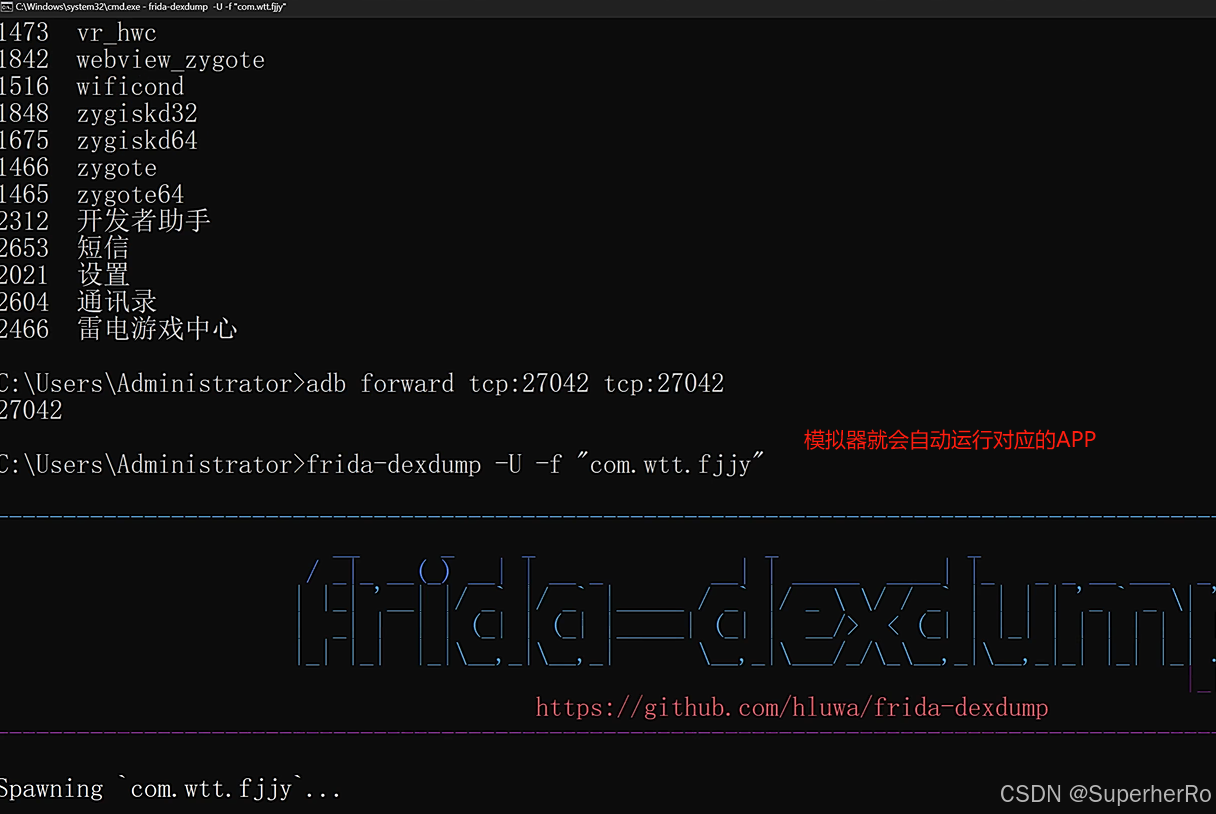
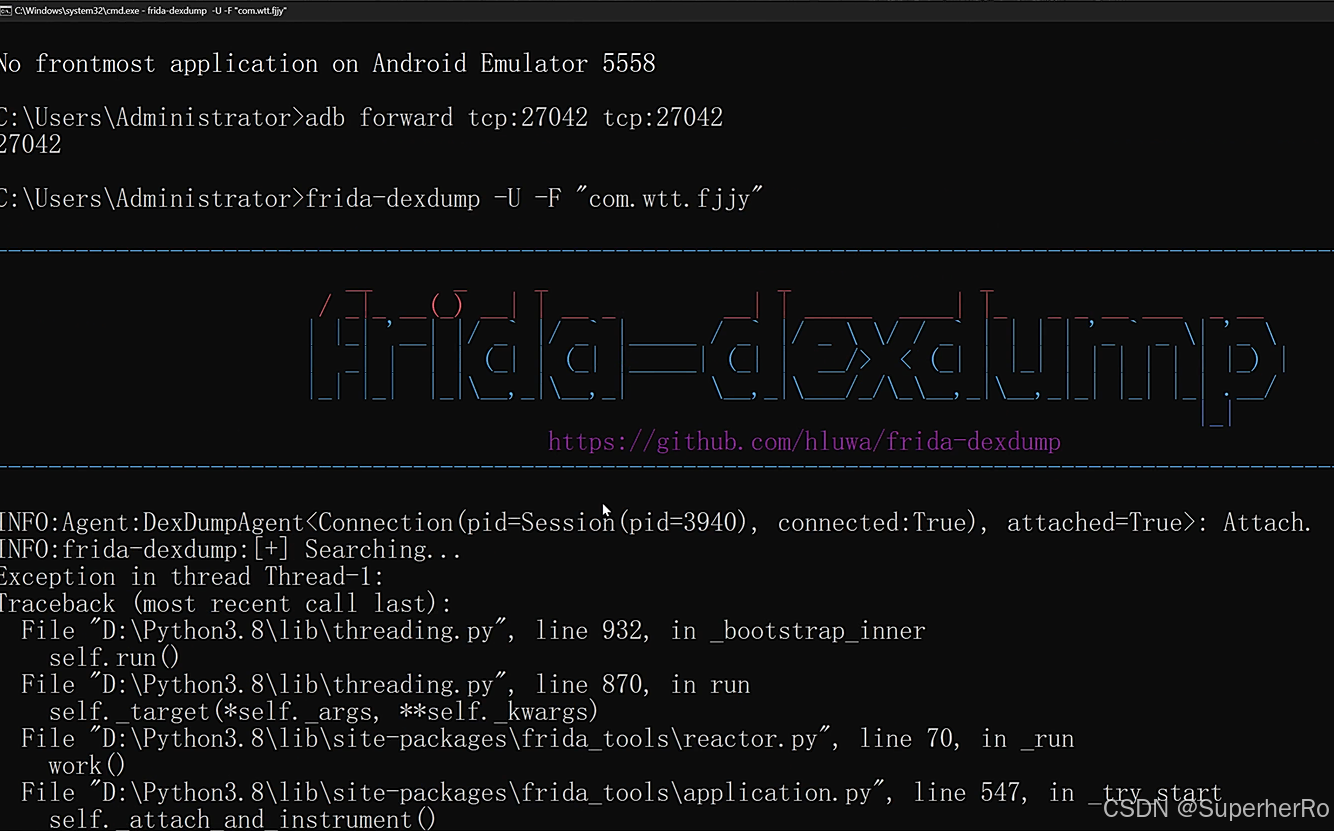
adb forward tcp:27042 tcp:27042
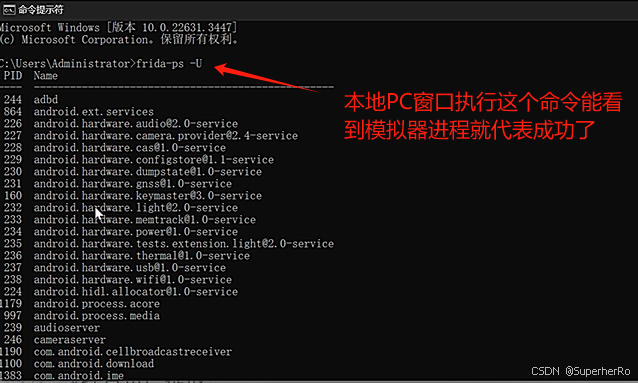
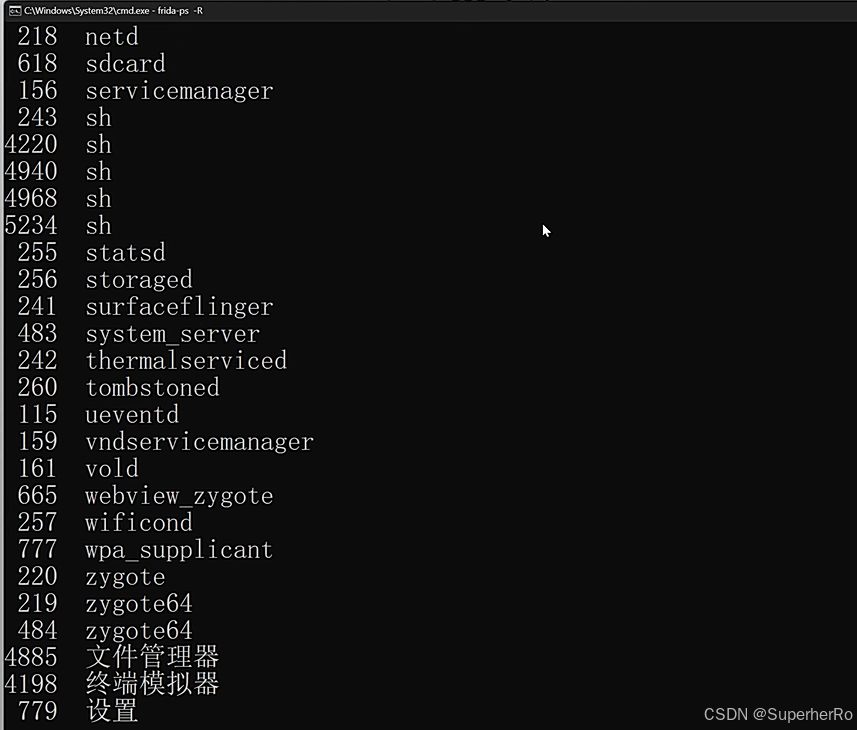
连接判断:frida-ps -U、frida-ps -R(需要先转发才行)
4、使用frida-dexdump脱壳
bash
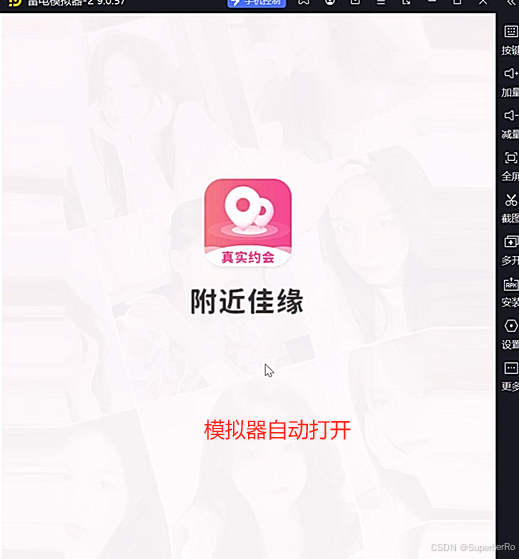
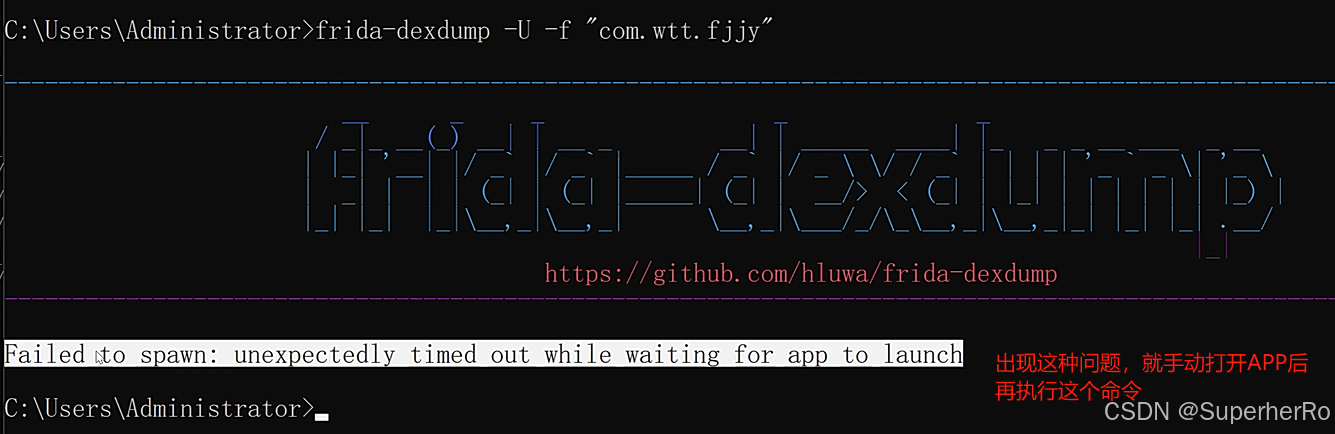
frida-dexdump -U -f "包名" (-f 参数会尝试重新启动应用,容易超时)
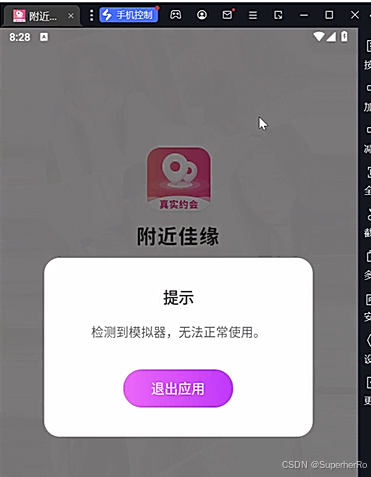
如果启动黑屏手工启动APP后执行:frida-dexdump -U -F "com.wtt.fjjy"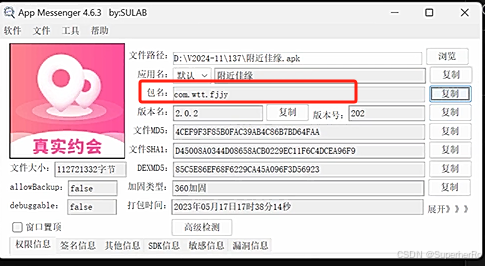
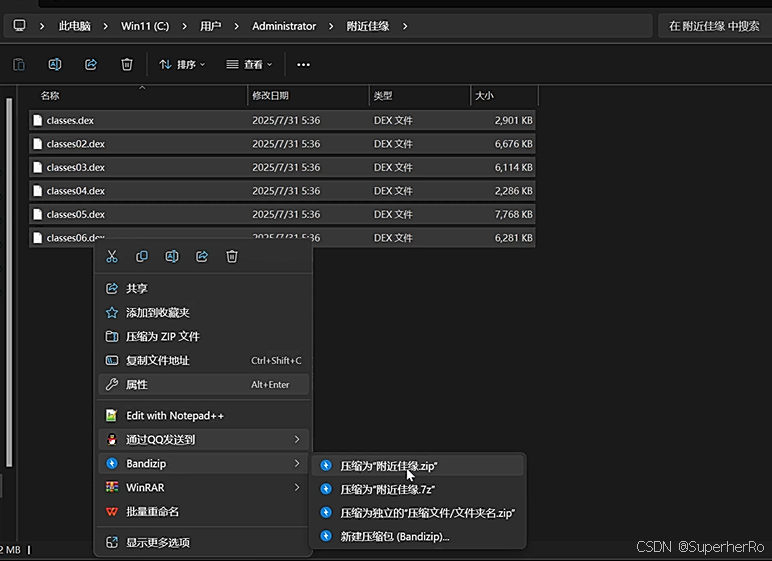
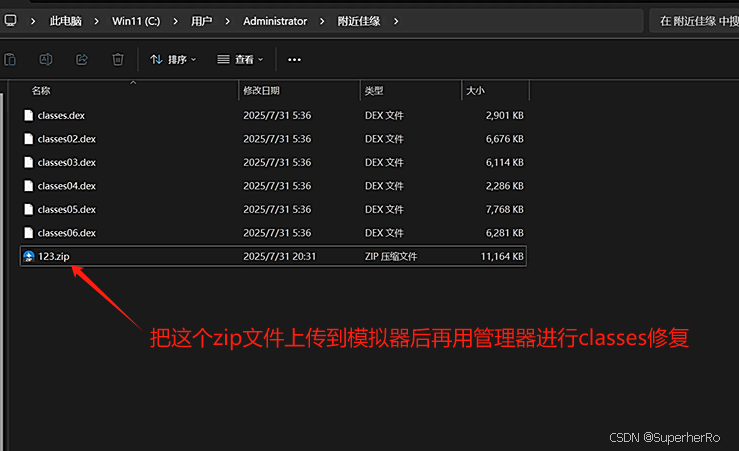
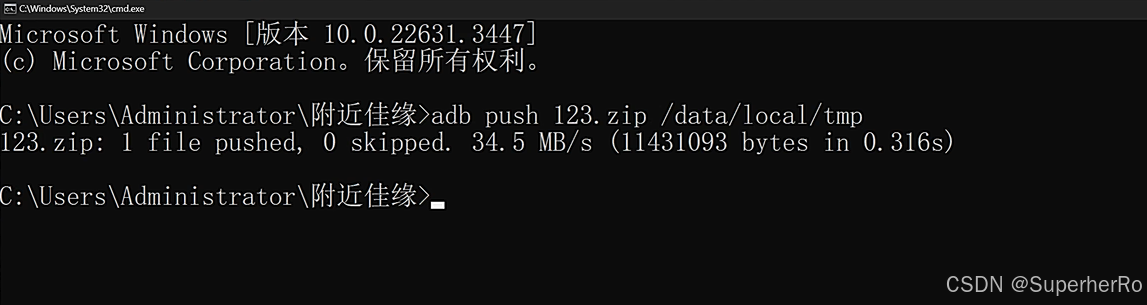
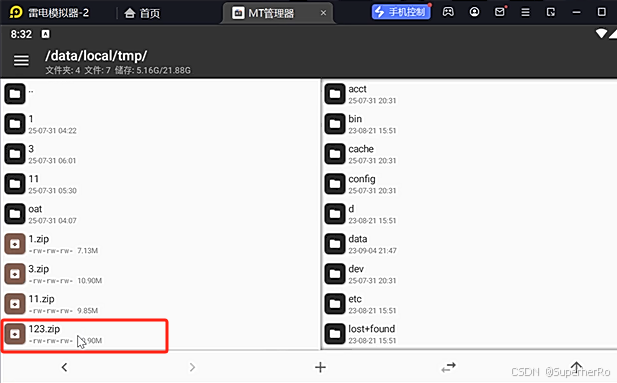
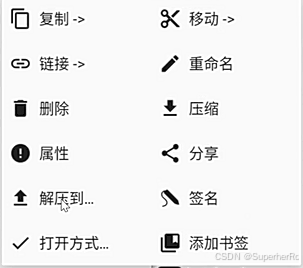
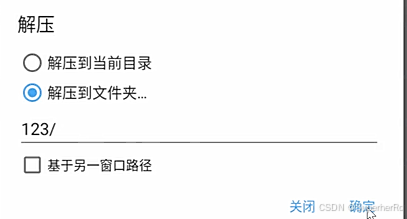
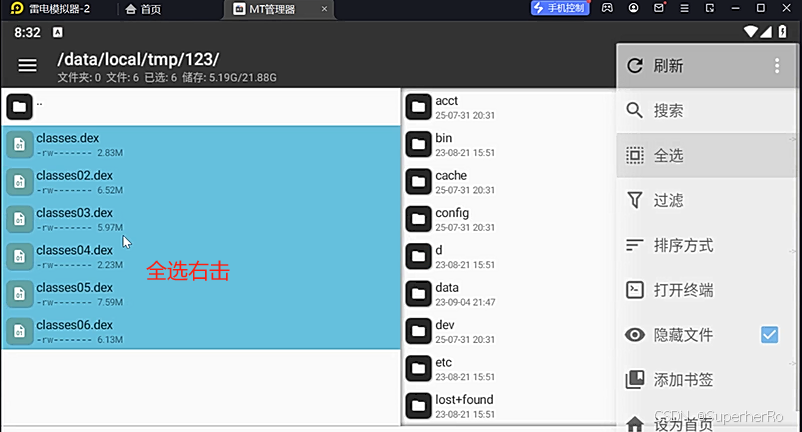
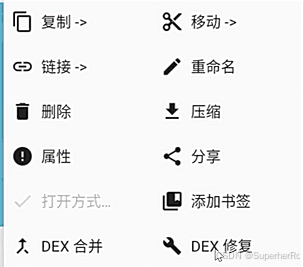
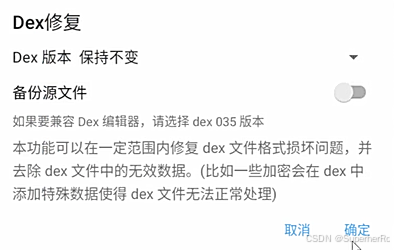
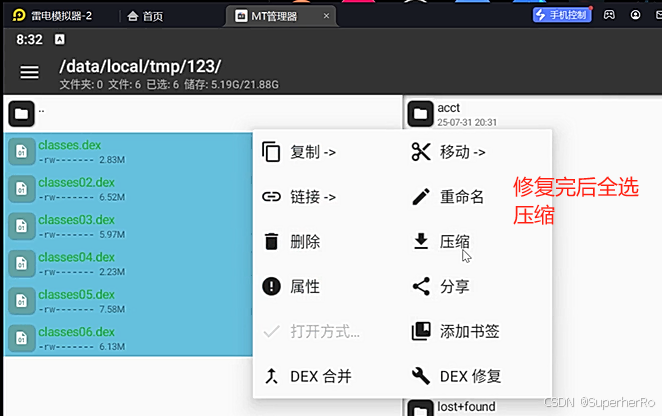
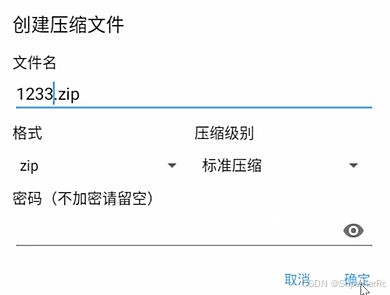
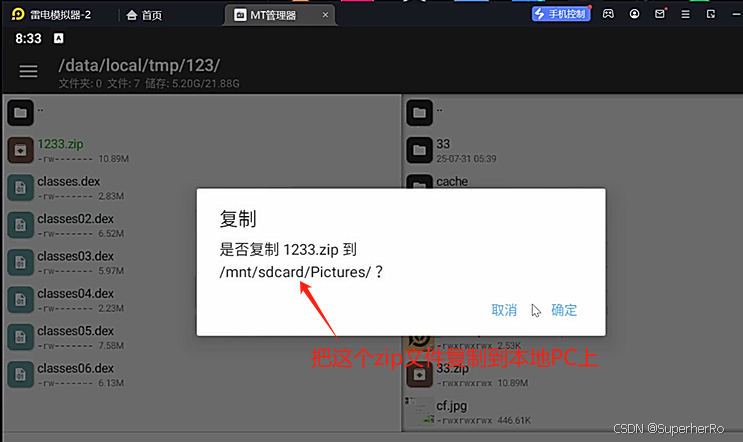
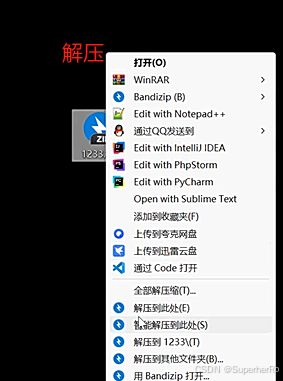
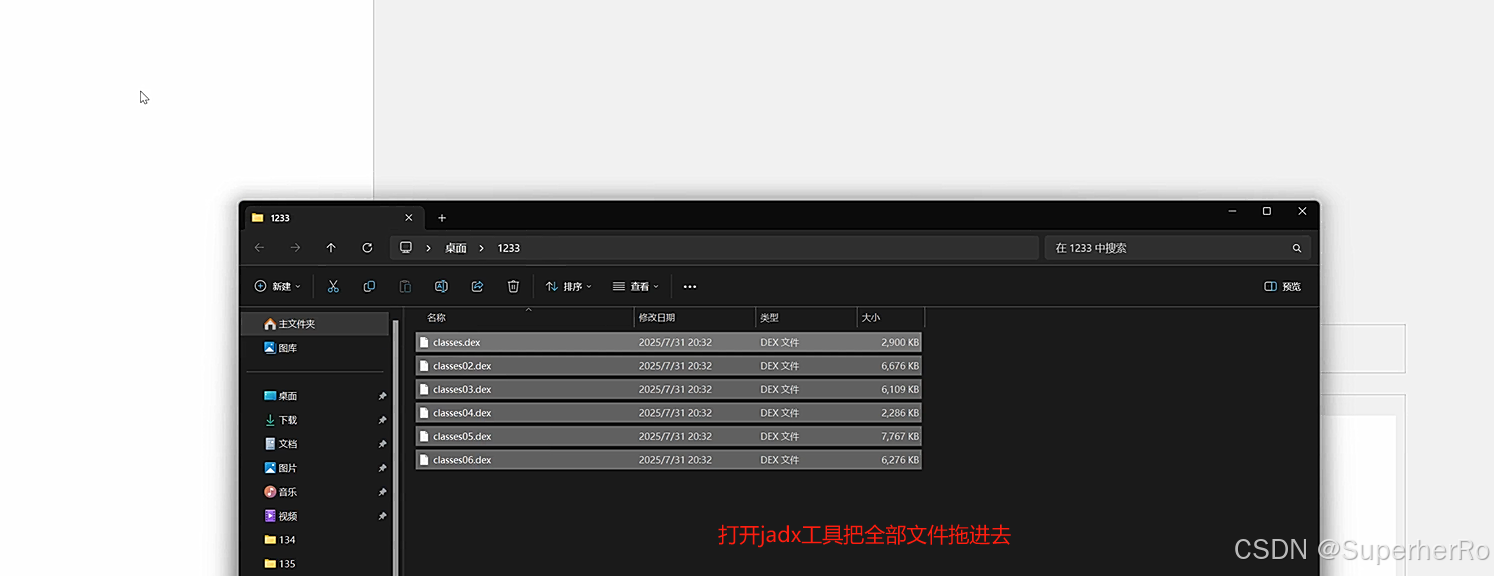
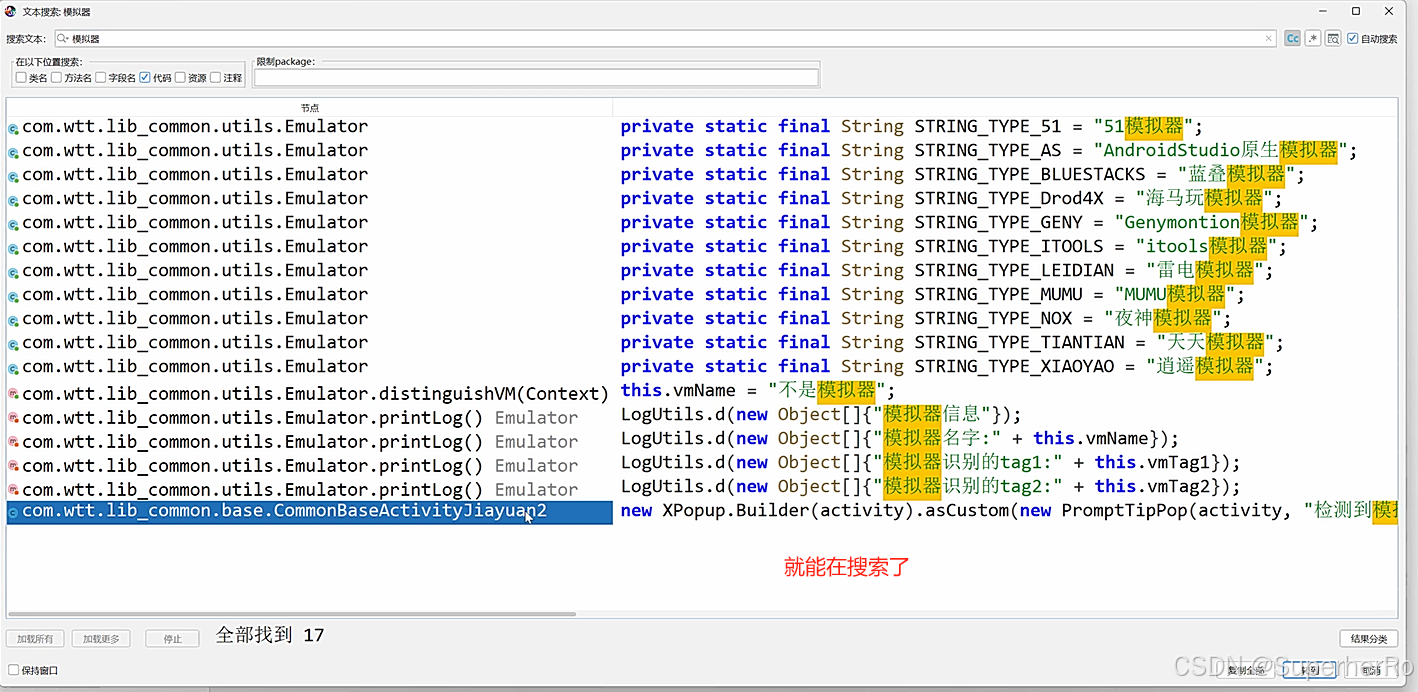
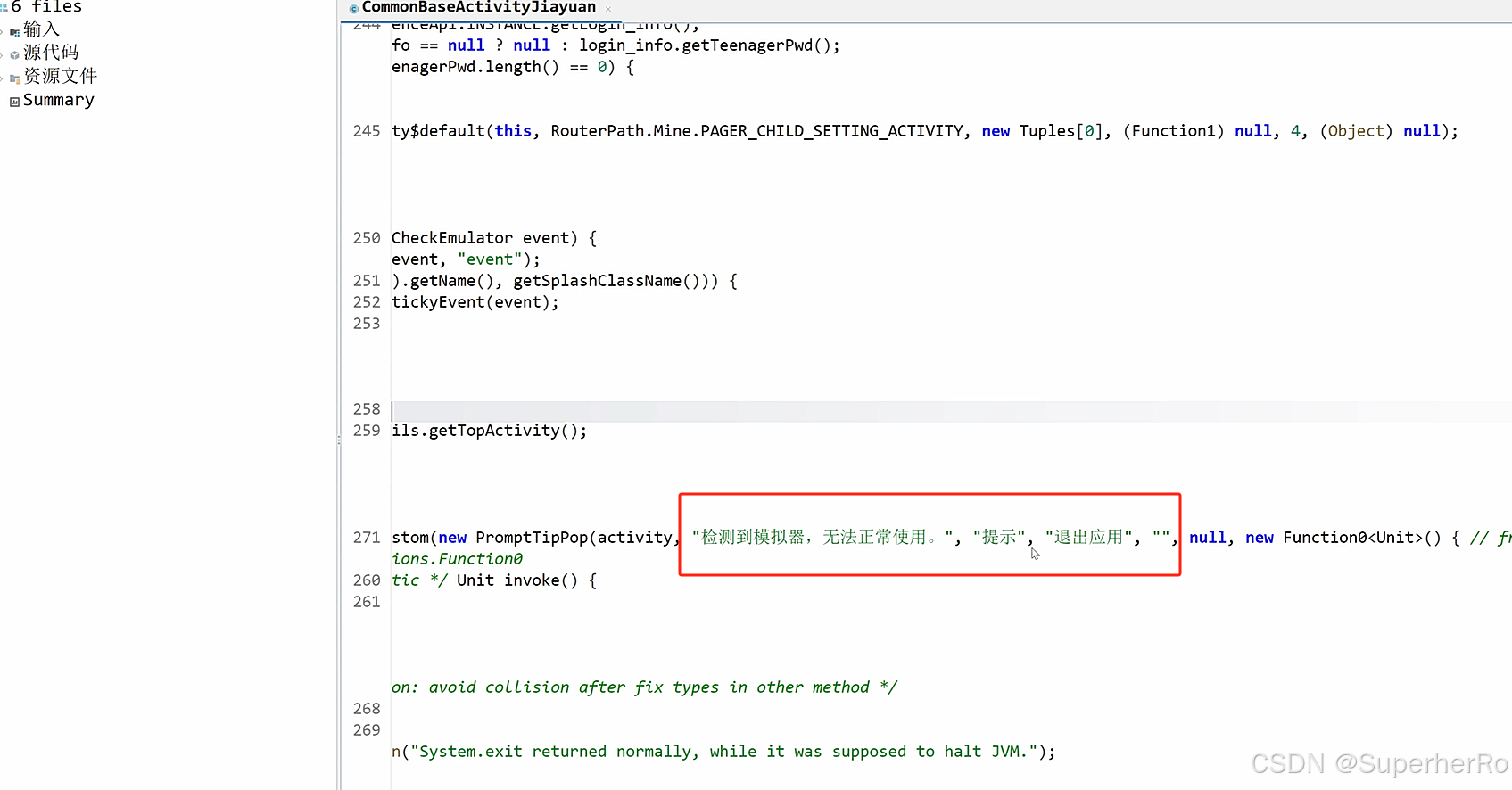
六、项目-面具+LSP+Fundex2(真机使用)
https://github.com/Xposed-Modules-Repo/com.zhenxi.fundex2
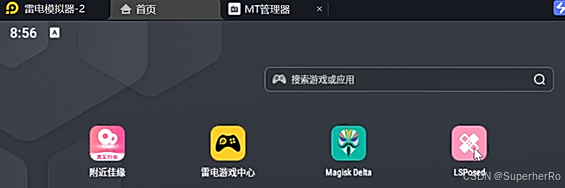
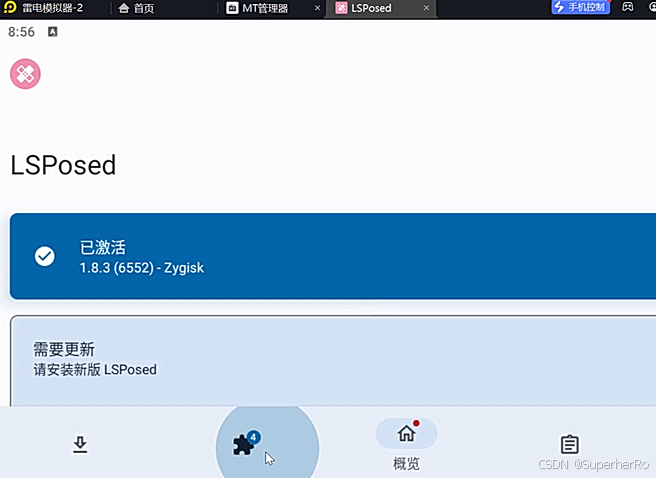
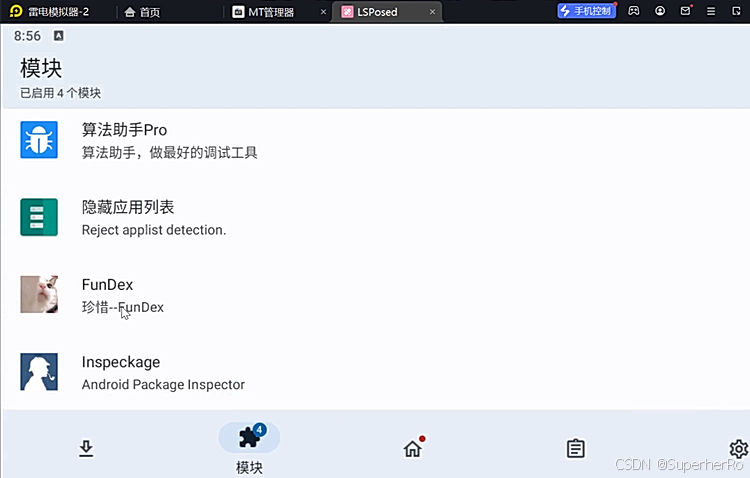
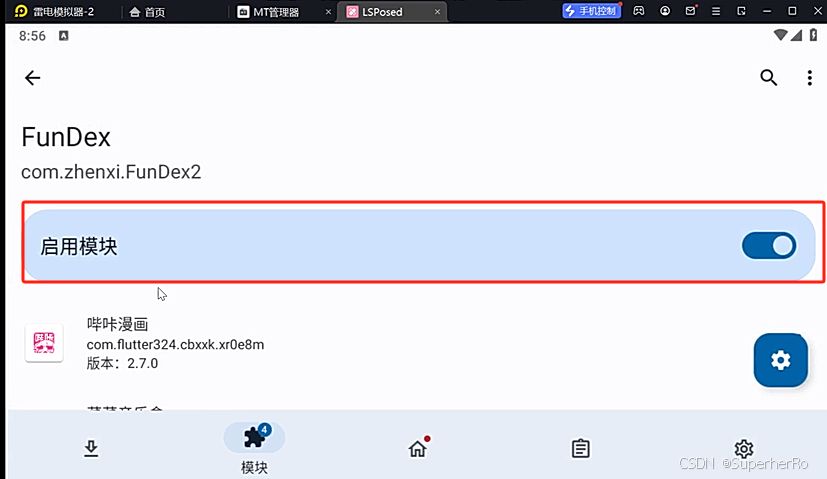
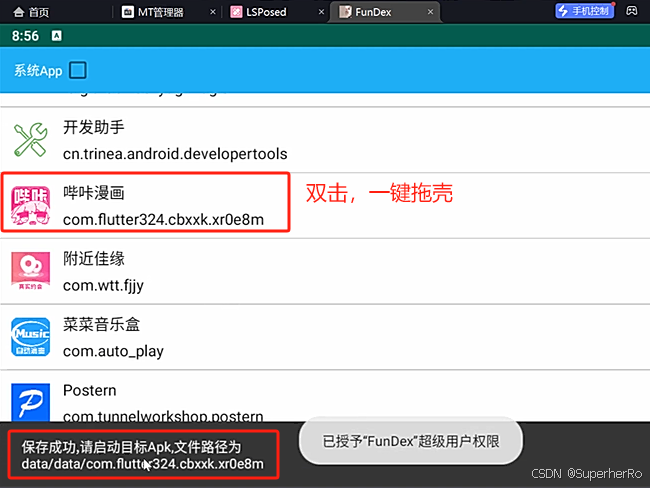
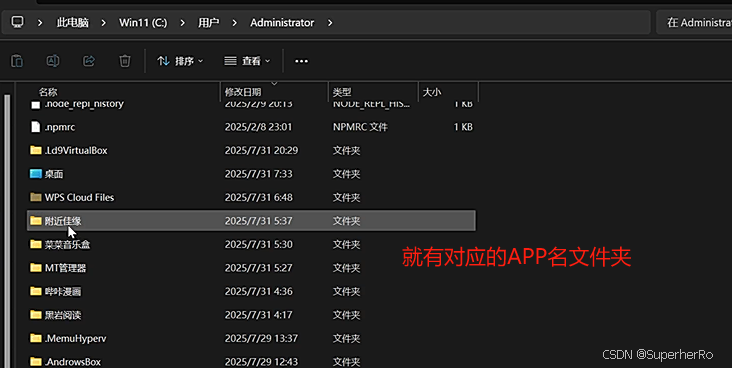
然后回到桌面,点击启动想要脱壳的app,等待即可脱壳成功,进入提示的目录,即可看到脱壳的dex文件。
七、存储安全测试
APP内敏感数据存储导致的泄露。
内部文件,外部文件,数据库文件,日志存储等
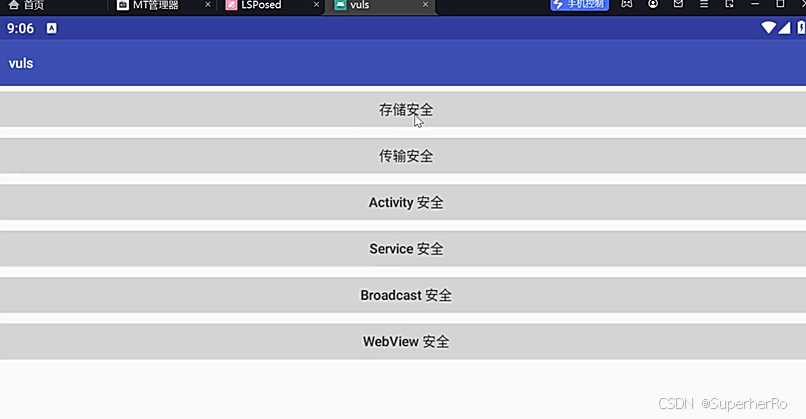
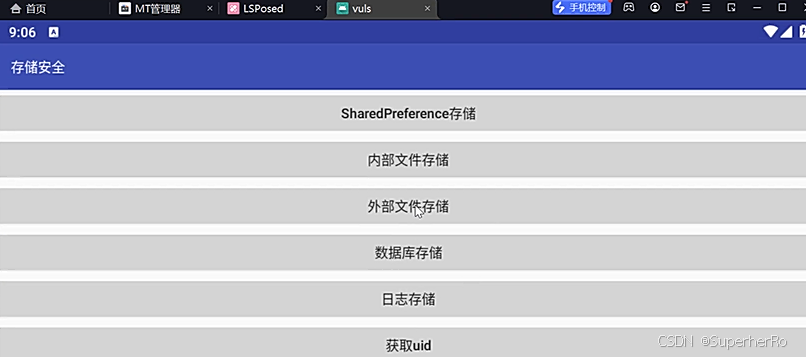
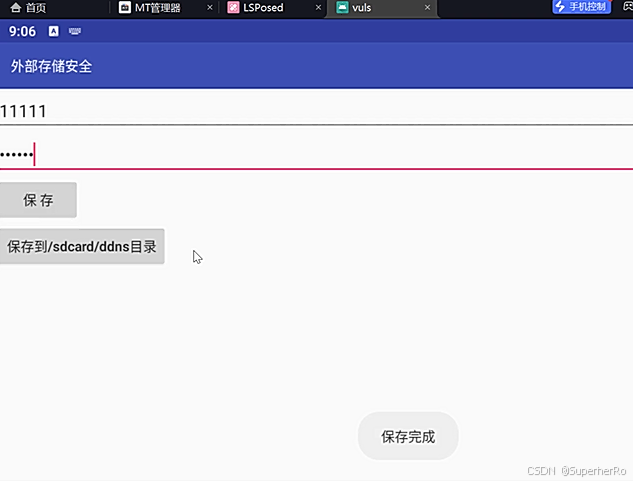
有时候APP会把用户提交的一些敏感数据存放到APP本身,那么就能通过反编译该APP从源码里面去找这些敏感数据。