一、主要内容
本文主要讲解threejs工程文件的创建步骤及如何导入threejs库。
二、创建工程步骤
(1)主要执行命令归纳
npm init                       //初始化,目的是生成package.json文件

npm install --save-dev parcel   //给该工程安装parcel打包器

npm install three --save        //给该工程安装three

npm start                      //启动
(2)具体步骤
-1-》初始化文件夹:
bash
tian@hang:~$ mkdir Mythreejs && cd My*
tian@hang:~/Mythreejs$ ls
tian@hang:~/Mythreejs$ npm init
/*中间询问直接回车就行*/
tian@hang:~/Mythreejs$ ls
package.json
-2-》创建其它文件夹
mkdir src && cd src && mkdir assets main && touch index.html
cd assets/ && mkdir css img && cd css && touch style.css
cd ../../main/ && touch main.js && cd ../../
bash
tian@hang:~/Mythreejs$ mkdir src && cd src && mkdir assets main && touch index.html
tian@hang:~/Mythreejs/src$ cd assets/ && mkdir css img && cd css && touch style.css
tian@hang:~/Mythreejs/src/assets/css$ cd ../../main/ && touch main.js
tian@hang:~/Mythreejs/src/main$ cd ../../
tian@hang:~/Mythreejs$ tree
.
├── package.json
└── src
    ├── assets
    │   ├── css
    │   │   └── style.css
    │   └── img
    ├── index.html
    └── main
        └── main.js

5 directories, 4 files
-3-》写入文件内容
style.css文件内容:
javascript
*{
    margin:0;
    padding:0;
}

body{
    background-color: aqua;
}
index.html文件内容
html
<!DOCTYPE html>
<html lang="en">
<head>
    <meta charset="UTF-8">
    <meta name="viewport" content="width=device-width, initial-scale=1.0">
    <title>Document</title>
    <link rel="stylesheet" href="./assets/css/style.css">
</head>
<body>
    <script src="./main/main.js" type="module">

    </script>
</body>
</html>
main.js 文件内容
javascript
import * as THREE from 'three';
console.log(THREE);
// console.log('Hello Three.js!');
package.json文件内容:修改scripts部分,删除 **"main": "index.js",**这一行
javascript
{
  "name": "mythreejs",
  "version": "1.0.0",
  "description": "",
  "license": "ISC",
  "author": "",
  "type": "commonjs",
  "scripts": {
    "start": "parcel src/index.html",
    "build": "parcel build src/index.html"
  },
  "devDependencies": {
    "parcel": "^2.16.4"
  },
  "dependencies": {
    "three": "^0.185.0",
    "tree": "^0.1.3"
  }
}
(2)执行命令
安装parcel命令;出现文件夹 node_modules
npm install --save-dev parcel安装 threejs
npm install three --save运行网页:就是执行的mian.js里面的start
npm start三、运行界面展示
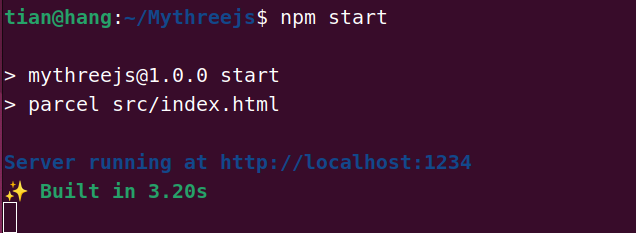
运行成的界面
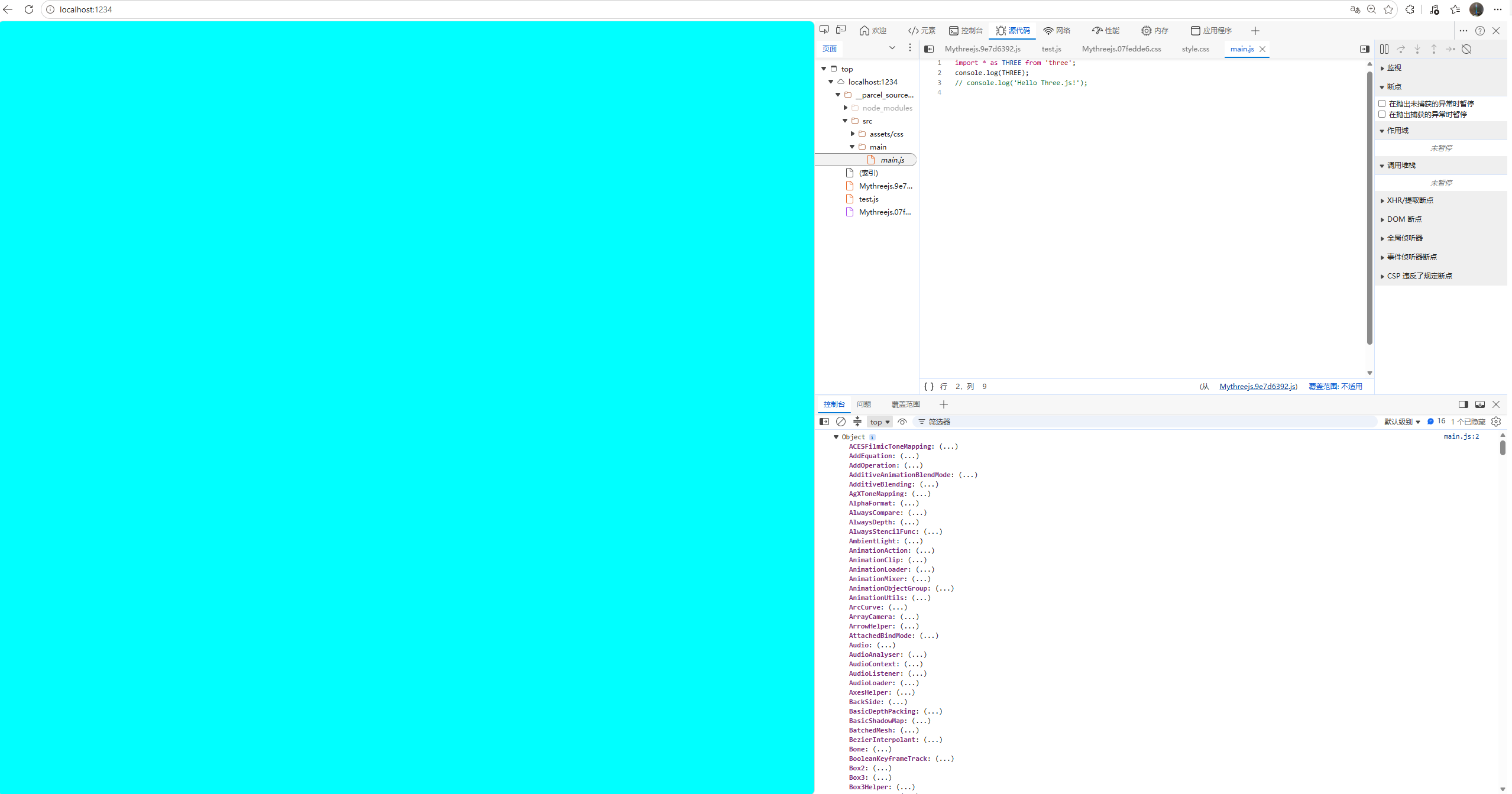
网页显示: