背景
上一篇新建了vcpkg.json后,使用cmake关联vcpkg,每次运行都要很久。后面又回到命令行使用vcpkg安装依赖,cmake直接使用vcpkg生成的库。
Windows和ubuntu下vcpkg区别
wsl2下需要xcb,但是Windows不需要。查了下vcpkg.json支持配置平台,之前观察到qt安装了其他版本的类库,所以对应的依赖也加了版本,所以最终效果如下。
json
{
  "name": "dicom-viewer",
  "version": "1.0.0",
  "dependencies": [
    {
      "name": "qtbase",
      "default-features": false,
      "features": ["widgets","gui","opengl","xcb"],
      "platform":"linux"
    },
    {
      "name": "qtbase",
      "default-features": false,
      "features": ["widgets","gui","opengl"],
      "platform":"windows"
    },

    {
      "name": "dcmtk"
    },
    {
      "name": "gdcm"
    },
    {
      "name": "vtk",
      "default-features": false,
      "features": ["qt","opengl"]
    },
    {
      "name": "vtk-dicom",
      "default-features": false,
      "features": ["gdcm"]
    }
  ],

  "builtin-baseline": "a0400024711b283056538ac19ced80b91a83c24c",
  "overrides": [
    { "name": "qtbase",    "version": "6.8.3", "port-version": 5 },
    { "name": "qtdeclarative",    "version": "6.8.3", "port-version": 0 },
    { "name": "qtlanguageserver",    "version": "6.8.3", "port-version": 0 },
    { "name": "qtshadertools",    "version": "6.8.3", "port-version": 0 },
    { "name": "qtsvg",    "version": "6.8.3", "port-version": 0 },
    { "name": "dcmtk",       "version": "3.6.7", "port-version": 0 },
    { "name": "gdcm",        "version": "3.0.24","port-version": 0 },
    { "name": "vtk",         "version": "9.3.0-pv5.12.1", "port-version": 17 },
    { "name": "vtk-dicom",   "version": "0.8.17","port-version": 0 }
  ],
  "$schema": "https://raw.githubusercontent.com/microsoft/vcpkg-tool/main/docs/vcpkg.schema.json"
}
编译运行
本来用命令来指定vcpkg的前缀的,如下
bash
cmake -S . -B build -D CMAKE_BUILD_TYPE=Debug -DCMAKE_PREFIX_PATH="$(pwd)/vcpkg_installed/x64-linux/debug;$(pwd)/vcpkg_installed/x64-linux" -G Ninja  -DAUTO_DEPLOY_FONTS=ON
cmake --build build -j10
后面查到可以用CMakePresets.json,然后就追加了如下 CMakePresets.json
json
    "buildPresets": [
    {
      "name": "wsl-debug",
      "configurePreset": "wsl-debug",
      "jobs": 10
    }
  ],
  "configurePresets": [
     {
      "name": "wsl-debug",
      "displayName": "WSL Debug",
      "description": "Debug build on WSL (x64-linux)",
      "binaryDir": "${sourceDir}/build",
      "generator": "Ninja",
      "cacheVariables": {
        "CMAKE_BUILD_TYPE": "Debug",
        "CMAKE_CXX_FLAGS": "",
        "CMAKE_PREFIX_PATH": "${sourceDir}/vcpkg_installed/x64-linux/debug;${sourceDir}/vcpkg_installed/x64-linux",
        "AUTO_DEPLOY_FONTS":"ON"
      },
      "condition": {
        "type": "equals",
        "lhs": "${hostSystemName}",
        "rhs": "Linux"
      }
    },
运行的命令改为如下
css
cmake --preset wsl-debug
cmake --build --preset wsl-debug
CMakeList.txt 追加fonts的复制
scss
# ============================================================
# 自动部署 Qt 字体(仅 Linux + Debug)
# ============================================================
option(AUTO_DEPLOY_FONTS "Auto copy system fonts for Qt (Linux/Debug only)" OFF)
if(AUTO_DEPLOY_FONTS AND UNIX)
    # Qt 会找这个路径
    set(QT_FONT_DEST "${CMAKE_SOURCE_DIR}/vcpkg_installed/x64-linux/debug/lib/fonts")
    if(NOT EXISTS "${QT_FONT_DEST}")
        file(MAKE_DIRECTORY "${QT_FONT_DEST}")
        # 系统字体来源(Ubuntu 默认路径)
        set(SYSTEM_FONT_DIR "/usr/share/fonts/truetype/dejavu")
        if(EXISTS "${SYSTEM_FONT_DIR}")
            file(GLOB DEJAVU_FONTS "${SYSTEM_FONT_DIR}/*.ttf")
            foreach(FONT ${DEJAVU_FONTS})
                file(COPY "${FONT}" DESTINATION "${QT_FONT_DEST}")
                message(STATUS "  Deployed font: ${FONT}")
            endforeach()
            message(STATUS "✅ Deployed DejaVu fonts to ${QT_FONT_DEST}")
        else()
            message(WARNING "⚠️ DejaVu fonts not found at ${SYSTEM_FONT_DIR}")
            message(WARNING "  Install with: sudo apt install fonts-dejavu-core")
        endif()
    else()
        message(STATUS "Qt fonts already deployed at ${QT_FONT_DEST}")
    endif()
endif()
这个会检查vcpkg的目录是否有fonts,没有,则从系统复制字体
dicom.dic dcmtk的字典
~/.bashrc 追加如下配置
ini
export DCMDICTPATH="/home/ubuntu/xcyxiner/DicomViewer/vcpkg_installed/x64-linux/share/dcmtk/dicom.dic".clangd 同样更新头文件地址
yaml
CompileFlags:
  Add:
    - "-I/home/ubuntu/xcyxiner/DicomViewer/vcpkg_installed/x64-linux/include/Qt6"
    - "-I/home/ubuntu/xcyxiner/DicomViewer/vcpkg_installed/x64-linux/include/Qt6/QtWidgets"
    - "-I/home/ubuntu/xcyxiner/DicomViewer/vcpkg_installed/x64-linux/include/Qt6/QtCore"
    - "-I/home/ubuntu/xcyxiner/DicomViewer/vcpkg_installed/x64-linux/include/Qt6/QtGui"
    - "-I/home/ubuntu/xcyxiner/DicomViewer/vcpkg_installed/x64-linux/include"
    - "-I/home/ubuntu/xcyxiner/DicomViewer/vcpkg_installed/x64-linux/include/vtk-9.3"
    - "-I/home/ubuntu/xcyxiner/DicomViewer/source"
    - "-I/home/ubuntu/xcyxiner/DicomViewer/build/DicomViewer_exe_autogen/include"
  CompilationDatabase: build/dev
前面是qt的头文件,dcmtk的头文件所在的目录,vtk的头文件,当前程序的头文件,最后的是uic生成的.h文件
效果
2.sh vcpkg安装
bash
~/vcpkg/vcpkg install --triplet x64-linux --overlay-triplets=./triplets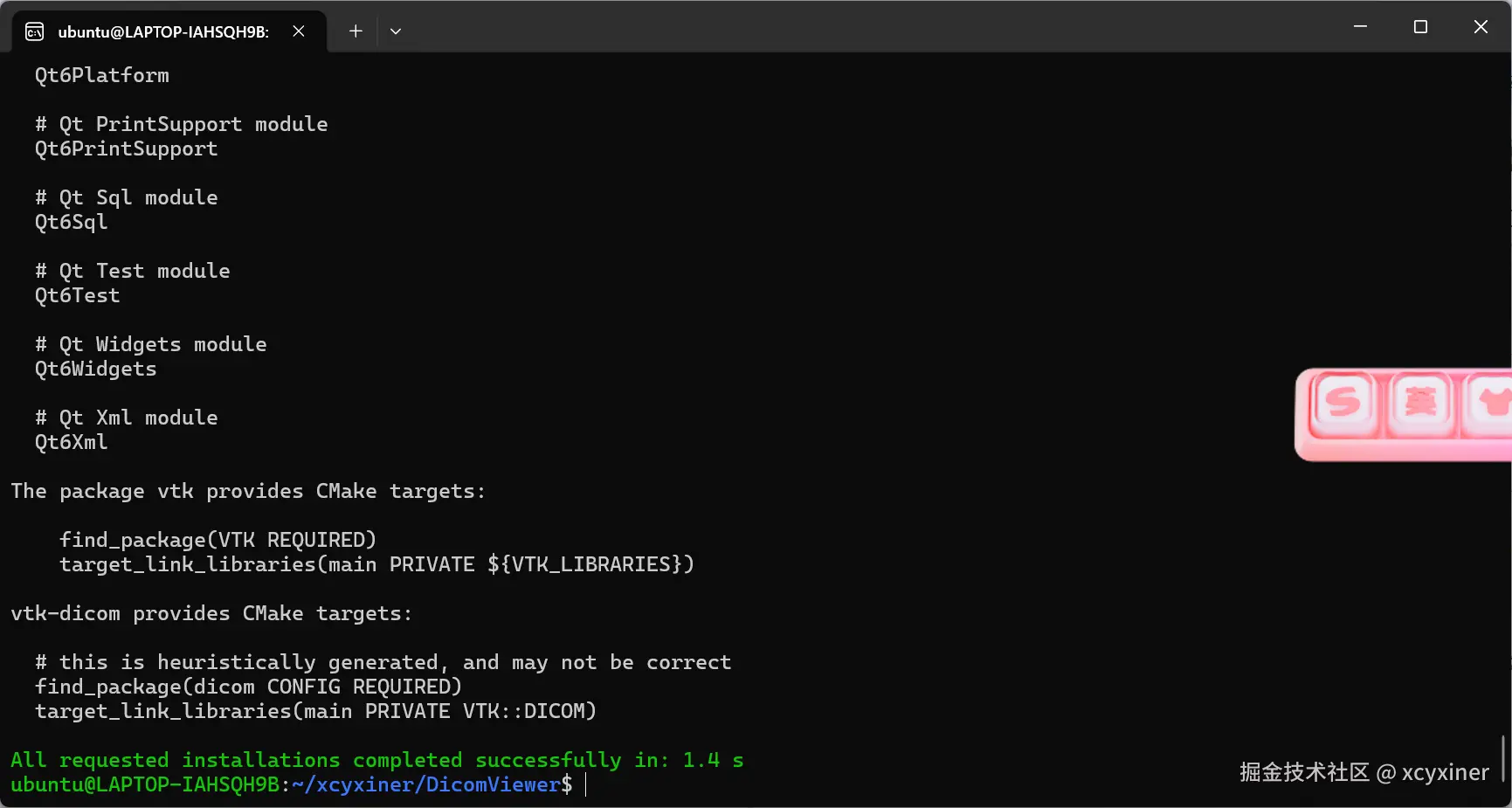
编译
css
cmake --preset wsl-debug
cmake --build --preset wsl-debug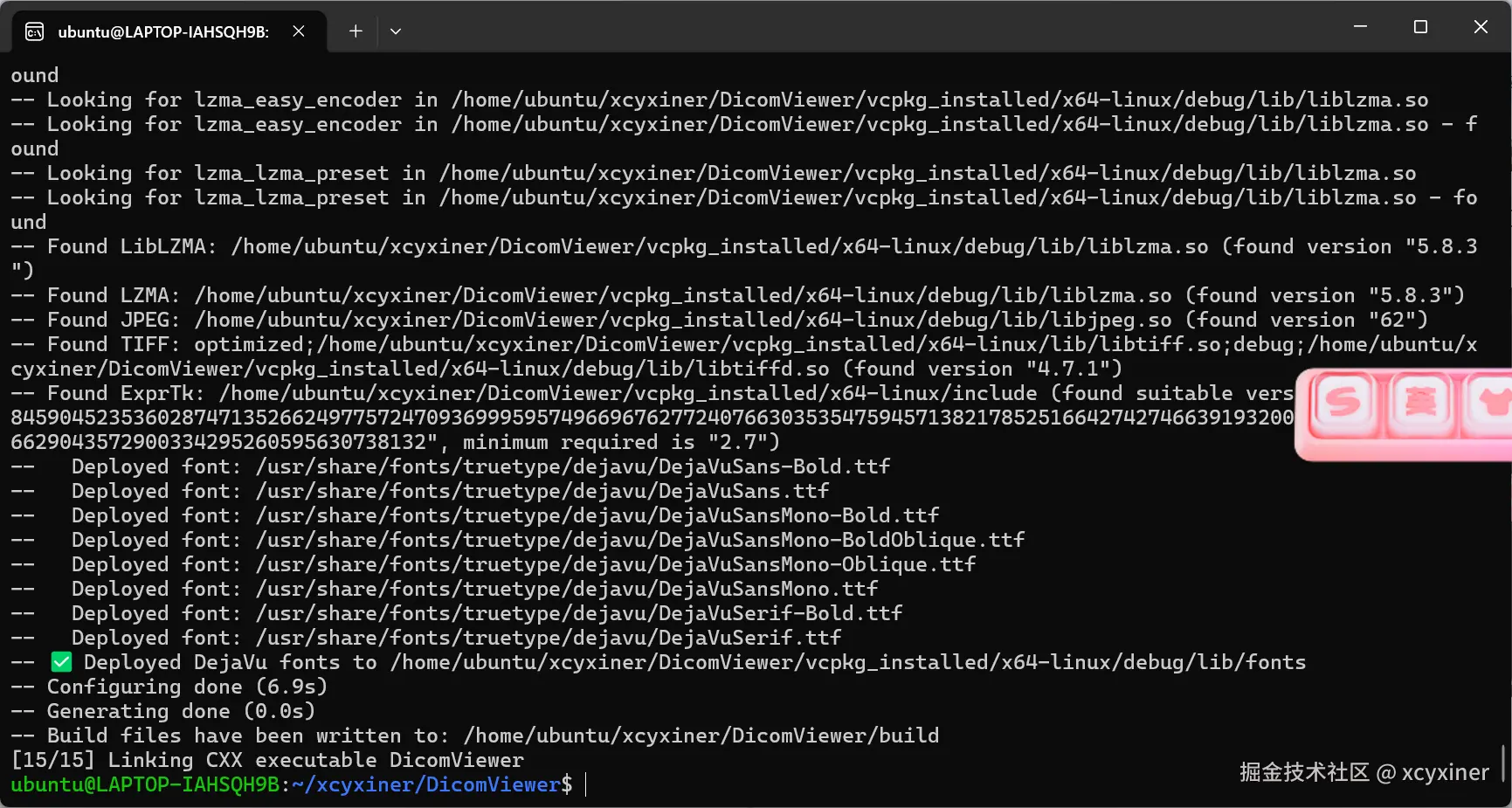
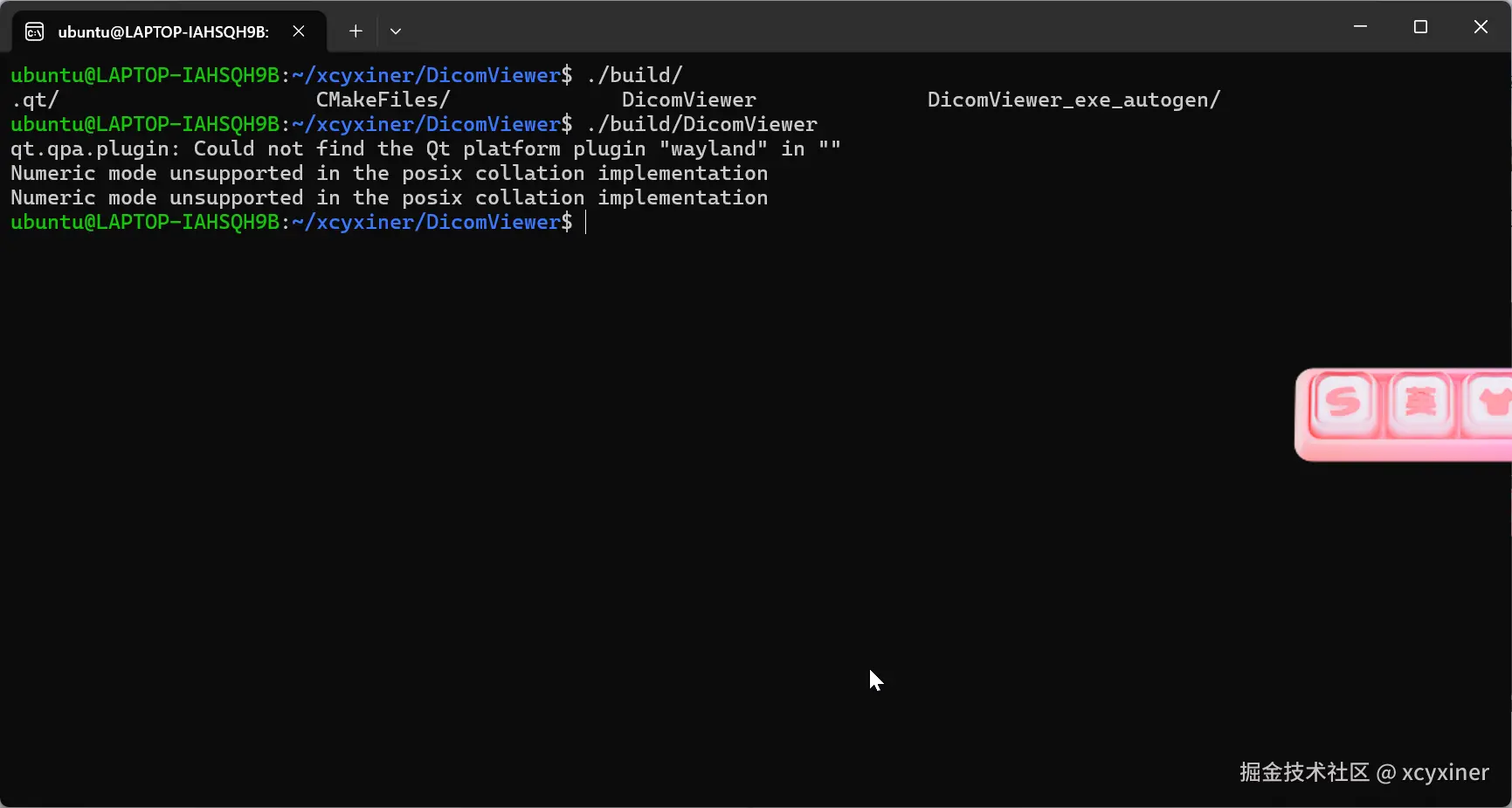
运行
配置fonts后菜单能正常显示 配置了dmctk的字典后选择dcm不会再报错