#先进入路径
cd /etc/yum.repos.d
#然后把所有的源移到文件夹里只留一个即可
mkdir bak
mv * bak/
cp bak/rocky.repo
#然后编辑配置文件,编辑成功就可以挂载并安装服务了,其他的全删掉
vim rocky.repo
rocky.repo
The mirrorlist system uses the connecting IP address of the client and the
update status of each mirror to pick current mirrors that are geographically
close to the client. You should use this for Rocky updates unless you are
manually picking other mirrors.
If the mirrorlist does not work for you, you can try the commented out
baseurl line instead.
baseos
name=Rocky Linux $releasever - BaseOS
baseurl=file:///media/BaseOS/
gpgcheck=1
enabled=1
countme=1
repo_gpgcheck=0
metadata_expire=6h
gpgkey=file:///etc/pki/rpm-gpg/RPM-GPG-KEY-Rocky-9
appstream
name=Rocky Linux $releasever - AppStream
baseurl=file:///media/AppStream/
gpgcheck=1
enabled=1
repo_gpgcheck=0
countme=1
metadata_expire=6h
gpgkey=file:///etc/pki/rpm-gpg/RPM-GPG-KEY-Rocky-9
gpgcheck=1
#保存并退出
:wq
mount /dev/cdrom /media
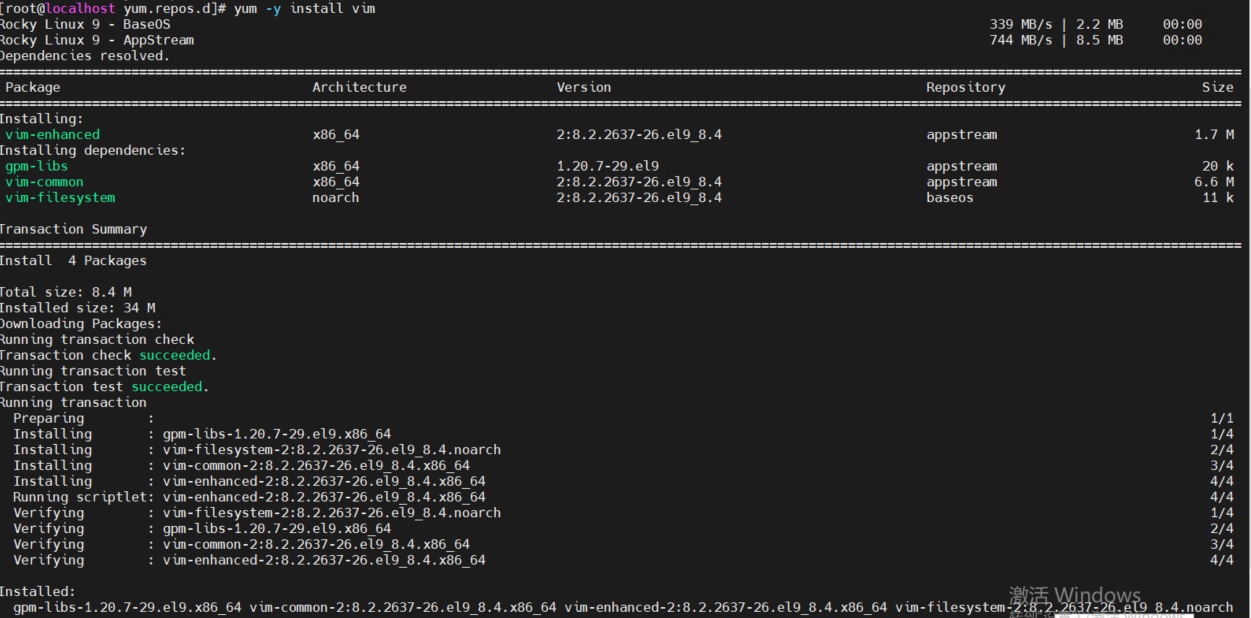
yum -y install vim
#成功即可
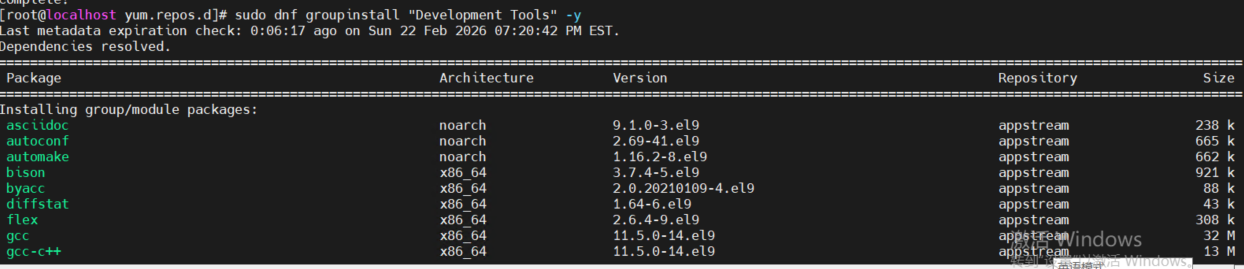
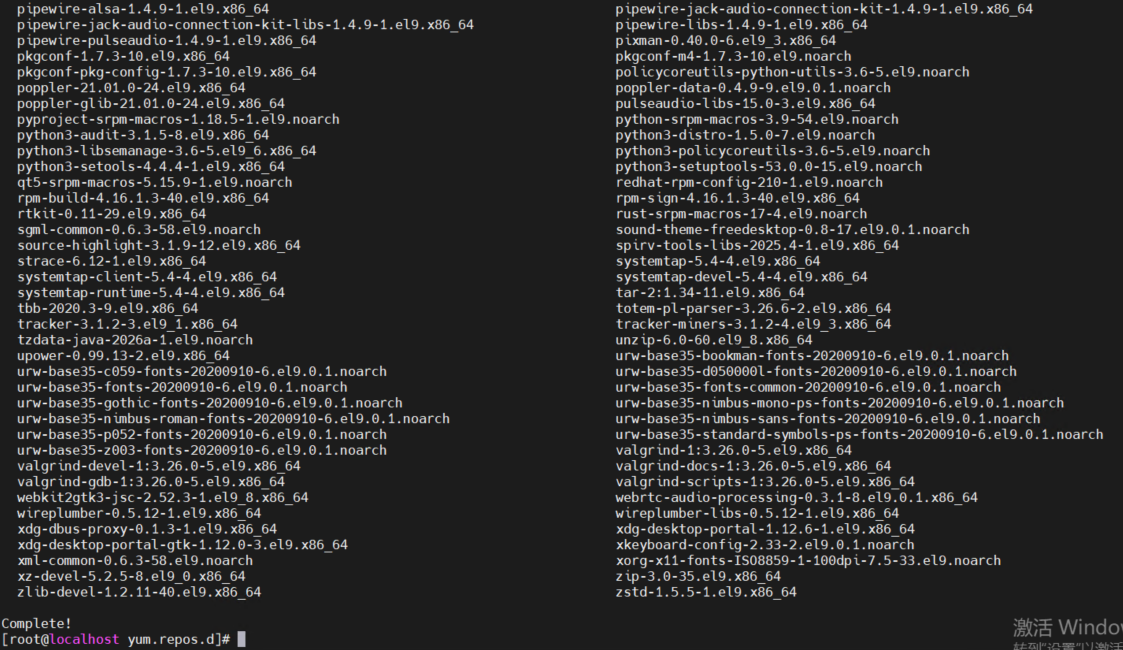
sudo dnf groupinstall "Development Tools" -y 安装必要的开发软件包