将 ChatCut MCP 插件从 Codex 桌面应用移植到 WorkBuddy ------ 完整适配实录
2026-07-13 | 实战验证成功,52 个 MCP 工具全部可用
ChatGPT install instructions --- ChatCut
一、背景与动机
ChatCut 是一款 AI 视频编辑工具,官方仅提供 ChatGPT / Codex 桌面应用专用插件,通过 Codex 插件市场安装并自动完成认证。WorkBuddy 是另一款 AI 助手平台,同样支持 MCP(Model Context Protocol)连接器框架,但 ChatCut 没有官方 WorkBuddy 版本。
Codex 插件:
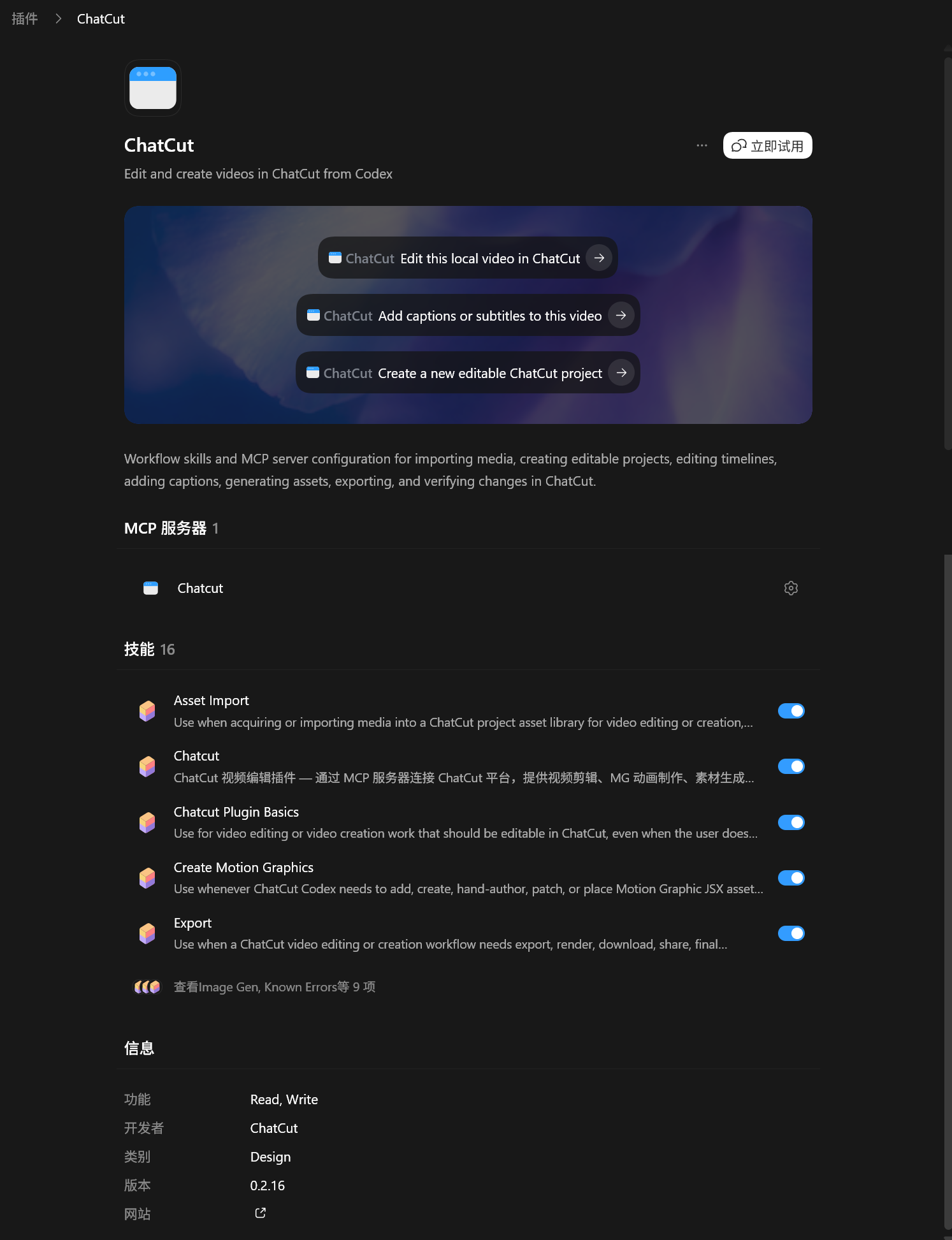
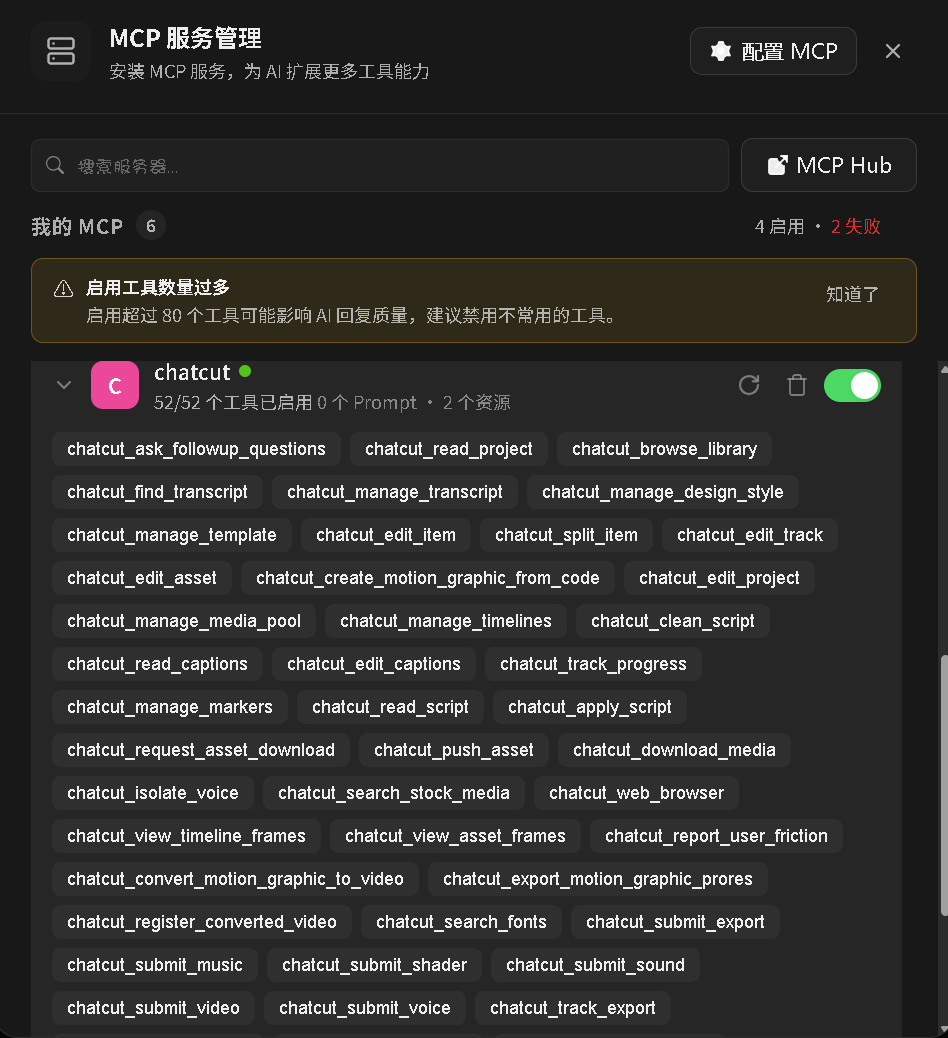
WorkBuddy 连接器:
我们需要在 WorkBuddy 中使用 ChatCut 的 52 个视频编辑工具(剪辑、MG 动画、素材生成、字幕转录等),就必须将插件"移植适配"。
二、逆向分析:从 .mcp.json 找到核心入口
ChatCut 插件的 GitHub 仓库公开在 https://github.com/ChatCut-Inc/agent-plugin。关键文件是插件根目录下的 .mcp.json:
{
  "mcpServers": {
    "chatcut": {
      "url": "https://api.chatcut.io/api/external-mcp/mcp",
      "headers": {
        "x-chatcut-mcp-surface": "codex"
      }
    }
  }
}
这就是移植的起点------一个远程 HTTP MCP 端点,外加一个自定义头 x-chatcut-mcp-surface: codex。Codex 桌面应用会自动处理认证,但 WorkBuddy 没有。
方法论提炼 :任何第三方 MCP 插件的移植,第一步永远是读取其 .mcp.json(或 .codex-plugin/plugin.json),提取端点 URL、传输协议和自定义头。
三、MCP 配置与初遇 403
将 .mcp.json 中的关键信息提取出来,写入 WorkBuddy 的 MCP 配置文件 ~/.workbuddy/mcp.json:
{
  "mcpServers": {
    "chatcut": {
      "url": "https://api.chatcut.io/api/external-mcp/mcp",
      "headers": {
        "x-chatcut-mcp-surface": "codex"
      },
      "disabled": false
    }
  }
}
然后在 WorkBuddy 连接器管理页面启用 chatcut。连接器状态显示"已连接",但实际调用时报错:
Streamable HTTP error: Error POSTing to endpoint:
<html><title>403 Forbidden</title></html>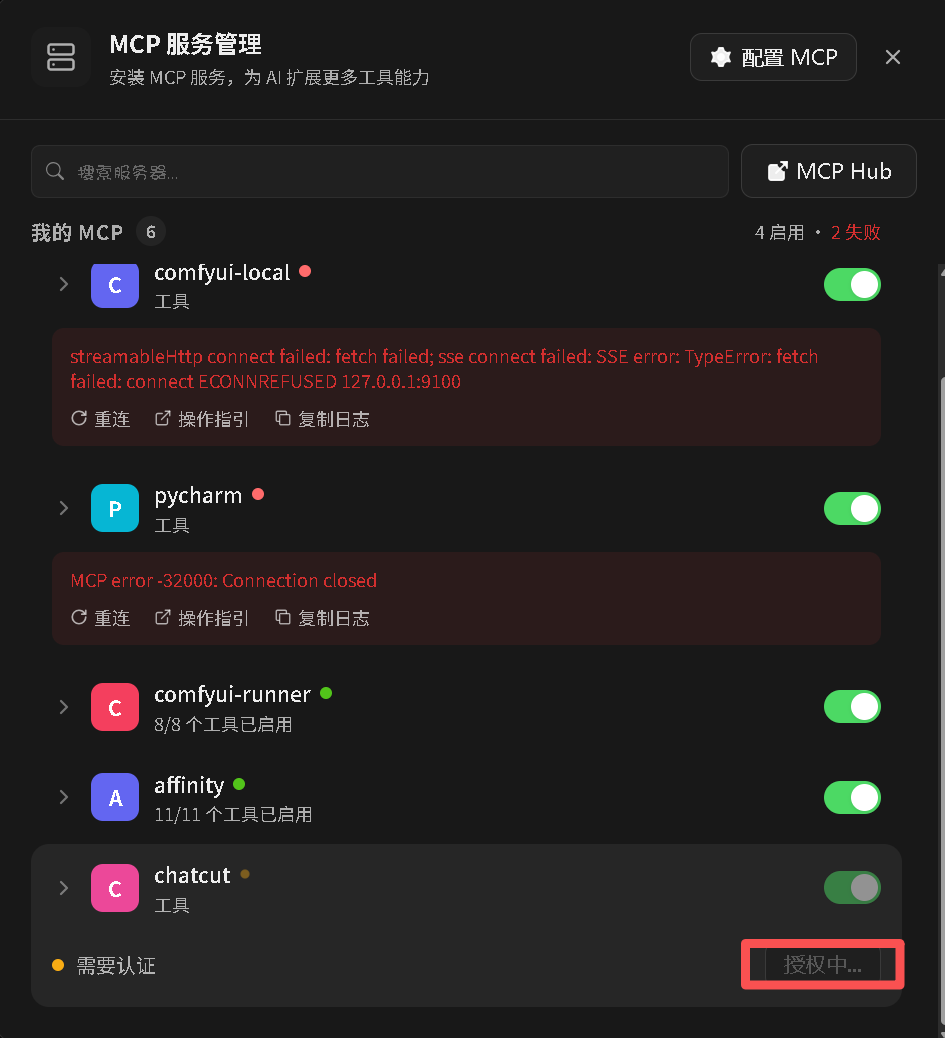
四、诊断与 OAuth 探路
用 curl 直接探测端点:
curl -s -D - -X POST "https://api.chatcut.io/api/external-mcp/mcp" \
  -H "Content-Type: application/json" \
  -H "x-chatcut-mcp-surface: codex" \
  -d '{"jsonrpc":"2.0","method":"initialize","id":1,...}'
响应头中发现了关键线索:
WWW-Authenticate: Bearer realm="chatcut", ...服务器要求 Authorization: Bearer <token>,而不是 API Key 或 Cookie。这是一个标准 OAuth 2.0 保护资源。
方法论提炼 :遇到 403/401 时,先检查 WWW-Authenticate 响应头,它会告诉你认证类型(Bearer / Basic / Digest)和资源元数据 URL。
五、OAuth 元数据发现
从 WWW-Authenticate 头中提取的资源元数据 URL:
https://api.chatcut.io/.well-known/oauth-protected-resource/api/external-mcp/mcp返回内容揭示了授权服务器:
{
  "authorization_servers": ["https://api.chatcut.io"],
  "bearer_methods_supported": ["header"]
}
继续访问授权服务器元数据:
https://api.chatcut.io/.well-known/oauth-authorization-server得到完整的 OAuth 端点列表:
| 端点 | URL |
|---|---|
| 动态注册 | https://api.chatcut.io/auth/mcp/register |
| 授权 | https://api.chatcut.io/auth/mcp/authorize |
| 令牌交换 | https://api.chatcut.io/auth/mcp/token |
以及支持的授权方式:authorization_code + refresh_token,PKCE S256。
方法论提炼 :OAuth 保护资源的标准发现路径是 .well-known/oauth-protected-resource → .well-known/oauth-authorization-server,这是 RFC 9728 规范,越来越多的 MCP 服务会采用。
六、手动实现 OAuth 2.0 + PKCE 流程
6.1 动态客户端注册
向注册端点提交请求:
curl -X POST "https://api.chatcut.io/auth/mcp/register" \
  -H "Content-Type: application/json" \
  -d '{
    "redirect_uris": ["http://localhost:18930/callback"],
    "client_name": "WorkBuddy MCP Client",
    "grant_types": ["authorization_code", "refresh_token"],
    "response_types": ["code"],
    "token_endpoint_auth_method": "none",
    "scope": "openid profile email offline_access"
  }'
服务器返回:
{
  "client_id": "jLAvbQWfvKVjlmPBvBxqWqPZuYJlwVoa",
  "client_secret": null,
  ...
}
注意:
token_endpoint_auth_method: "none"意味着这是一个公共客户端(public client),必须用 PKCE 保护授权码,不需要 client_secret。
6.2 PKCE 生成
import base64, hashlib, secrets

code_verifier = base64.urlsafe_b64encode(secrets.token_bytes(32)).decode('ascii').rstrip('=')
code_challenge = base64.urlsafe_b64encode(
    hashlib.sha256(code_verifier.encode('ascii')).digest()
).decode('ascii').rstrip('=')
6.3 浏览器授权
构建授权 URL 并打开浏览器:
auth_url = (
    "https://api.chatcut.io/auth/mcp/authorize?"
    + urlencode({
        "response_type": "code",
        "client_id": client_id,
        "redirect_uri": "http://localhost:18930/callback",
        "code_challenge": code_challenge,
        "code_challenge_method": "S256",
        "scope": "openid profile email offline_access",
        "resource": "https://api.chatcut.io/api/external-mcp/mcp"
    })
)
webbrowser.open(auth_url)
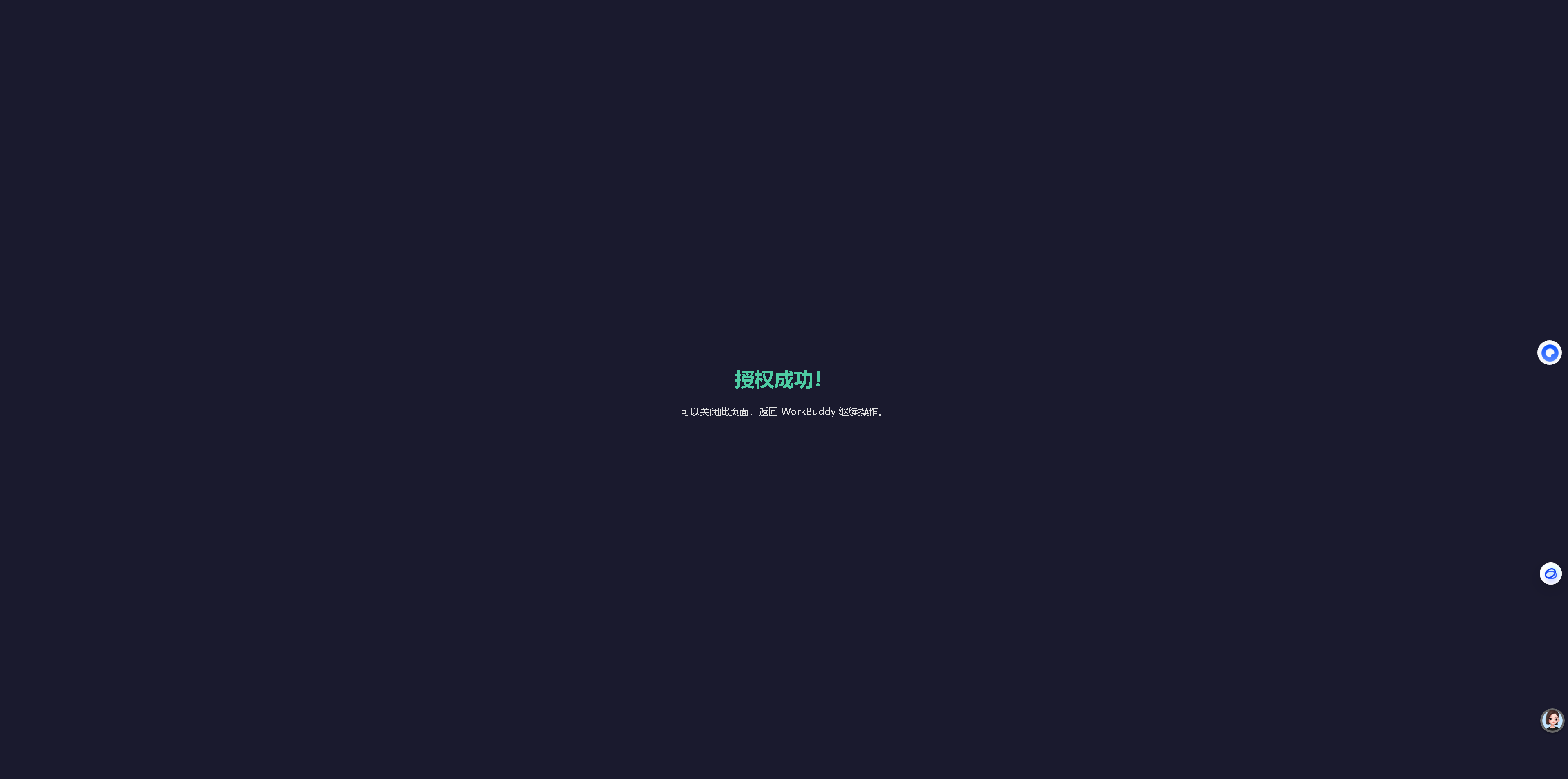
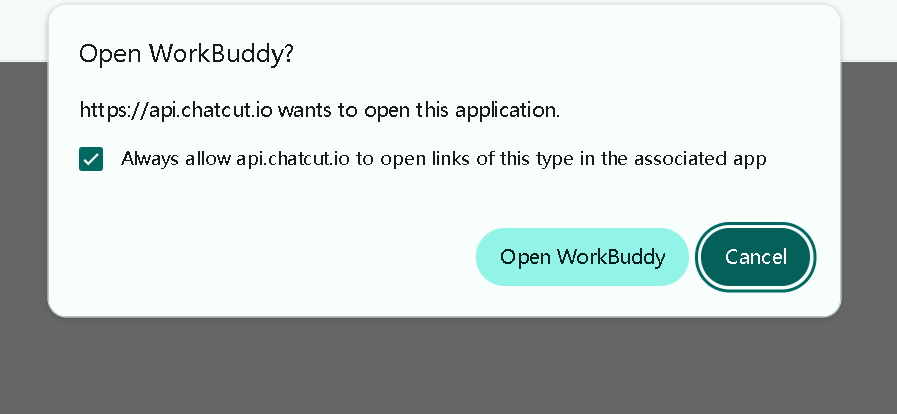
用户在浏览器中登录 ChatCut 账户并点击"授权",浏览器重定向到本地回调:
http://localhost:18930/callback?code=xxxxxxxx6.4 授权码交换令牌
data = urlencode({
    "grant_type": "authorization_code",
    "code": auth_code,
    "redirect_uri": "http://localhost:18930/callback",
    "client_id": client_id,
    "code_verifier": code_verifier  # PKCE 关键参数
}).encode('utf-8')

response = urlopen(Request(TOKEN_URL, data=data, ...))
token_data = json.loads(response.read())
# → access_token, refresh_token, expires_in=3600
6.5 注入令牌到 MCP 配置
拿到 access_token 后,更新 ~/.workbuddy/mcp.json:
{
  "mcpServers": {
    "chatcut": {
      "url": "https://api.chatcut.io/api/external-mcp/mcp",
      "headers": {
        "x-chatcut-mcp-surface": "codex",
        "Authorization": "Bearer <access_token>"
      },
      "disabled": false
    }
  }
}
七、验证与测试
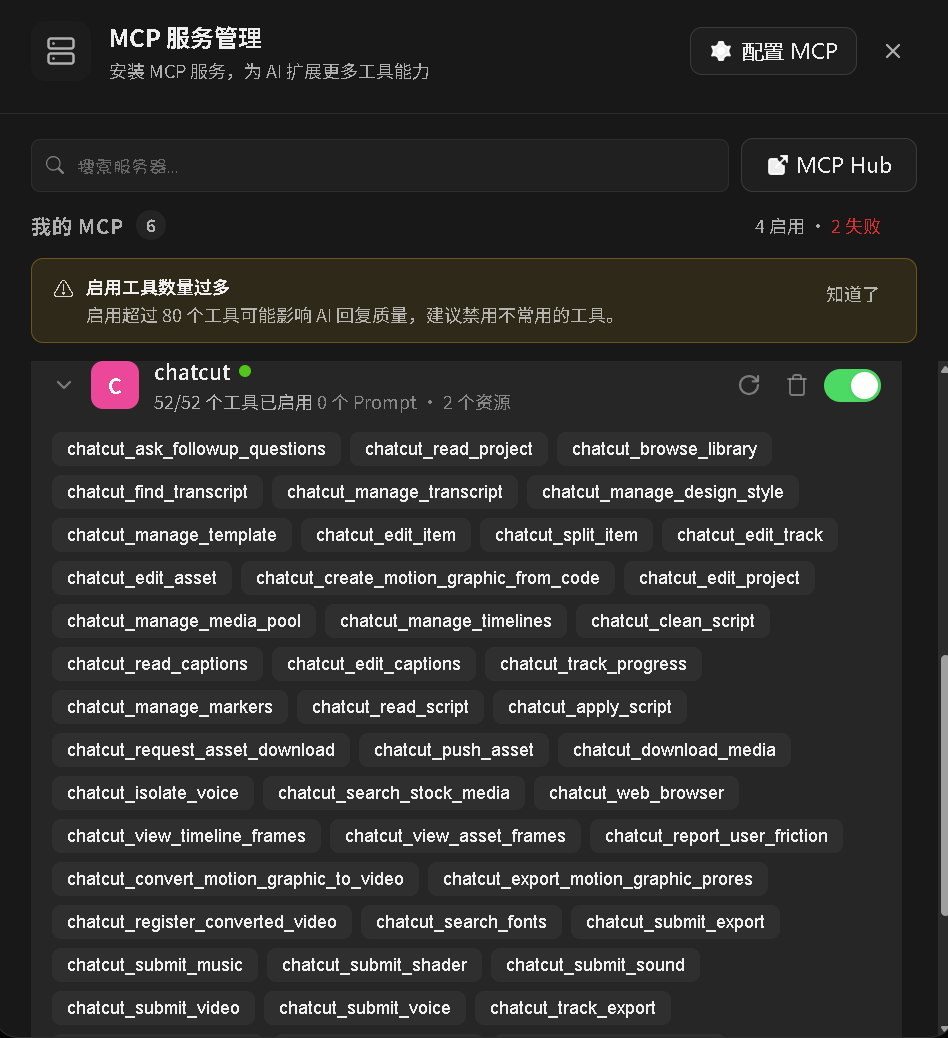
重启 WorkBuddy 后,ChatCut 连接器显示 52/52 工具全部加载成功。
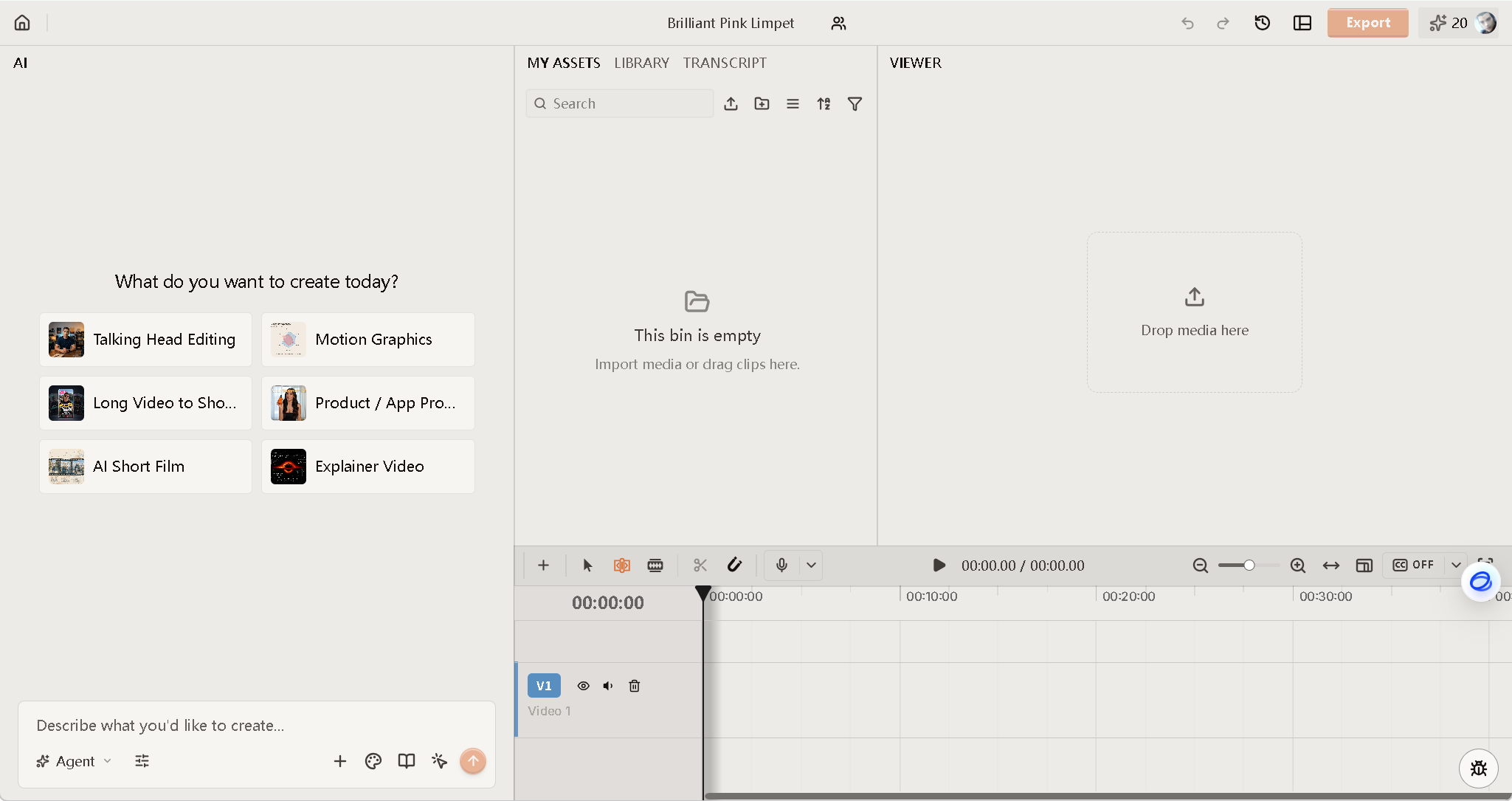
调用两个只读工具做最终验证:
list_projects
→ 成功返回 1 个项目:
  Brilliant Pink Limpet (id: cd7a2652-00a2-4da7-b063-0eb4db713b6e)
browse_library
→ 成功返回素材库概览,273 个素材:
  Motion Graphics (210) | Sound Effects (35) | Transitions (13)
  FX (9) | Zoom (4) | LUTs (2) | Audio FX (0)
八、技能模块的移植
ChatCut 插件不仅提供 MCP 工具,还附带了 15 个技能模块(Skill),用于指导 AI 正确使用各种视频编辑功能。
从仓库克隆并安装:
git clone --depth 1 https://github.com/ChatCut-Inc/agent-plugin.git /tmp/chatcut-plugin
mkdir -p ~/.workbuddy/skills/chatcut
cp -r /tmp/chatcut-plugin/chatcut/skills/* ~/.workbuddy/skills/chatcut/
15 个技能子目录:
| 技能 | 用途 |
|---|---|
chatcut-plugin-basics |
基础操作上下文与启动指南 |
asset-import |
视频音频素材导入 |
create-motion-graphics |
MG 动画制作 |
export |
视频导出与渲染 |
image-gen |
AI 图片生成 |
video-gen |
AI 视频生成 |
voice |
TTS 旁白生成 |
music |
AI 音乐生成 |
shader-gen |
WebGL Shader 效果 |
transcription |
字幕转录 |
talking-head-guide |
口播视频指南 |
verification |
操作验证检查 |
known-errors |
已知问题与排障 |
product-help |
产品功能帮助 |
widget-forms |
交互表单组件 |
九、令牌维护
access_token 有效期约 1 小时,过期后需要刷新。
刷新流程:
python scripts/chatcut_refresh.py脚本读取 chatcut_token.json 中的 refresh_token,向令牌端点申请新 access_token,并自动更新 ~/.workbuddy/mcp.json。
十、方法论总结:第三方 MCP 插件移植通用流程
本次 ChatCut 适配的成功,可以提炼为以下通用方法论,适用于任何"专为某个 AI 客户端设计"的 MCP 插件移植到 WorkBuddy(或其他支持自定义 MCP 配置的平台):
第一步:提取 MCP 端点配置
从插件仓库的 .mcp.json、plugin.json 或官方文档中找到:
- MCP 端点 URL(远程 HTTP / SSE / 本地 stdio)
- 自定义头 / 环境变量
- 传输协议(
streamable-http/sse/stdio)
第二步:写入目标平台 MCP 配置
将提取的信息适配为目标平台格式。WorkBuddy 使用 ~/.workbuddy/mcp.json,结构与 Codex 的 .mcp.json 相似但可能有字段名差异(如 mcpServers vs servers)。
第三步:诊断认证障碍
启用连接器后,如果出现 403/401 错误:
- 用
curl -D -探测端点,检查响应头中的WWW-Authenticate - 按头中的提示访问
.well-known/oauth-protected-resource和.well-known/oauth-authorization-server - 确定认证类型(Bearer OAuth / API Key / Basic Auth)
第四步:实现认证流程
根据认证类型手动实现:
- OAuth 2.0 + PKCE :动态注册 → PKCE 生成 → 浏览器授权 → 令牌交换 → 注入
Authorization: Bearer - API Key :直接注入
headers或env - Basic Auth :注入
Authorization: Basic <base64>
第五步:注入认证信息到 MCP 配置
将获得的令牌/密钥写入 MCP 配置的 headers 或 env 字段,重启或重新连接目标平台。
第六步:移植技能模块
从插件仓库的 skills/ 目录复制 SKILL.md 及附带资源到目标平台的 skills 目录。如果技能中有硬编码的原环境命令(如 codex plugin marketplace add),需要替换或注释掉。
第七步:验证
调用只读 MCP 工具(如 list_projects、browse_library)确认连接正常,检查工具数量是否与官方声称一致。
第八步:维护
创建令牌刷新脚本,记录令牌有效期,提醒定期刷新。将完整流程保存为可复用 Skill。
十一、完整适配架构图
┌─────────────────────────────────────────────────────────────┐
│                     WorkBuddy 平台                           │
│                                                              │
│  ~/.workbuddy/mcp.json                                       │
│  ┌──────────────────────────────────────────────────┐       │
│  │ chatcut: {                                        │       │
│  │   url: "https://api.chatcut.io/.../mcp",          │       │
│  │   headers: {                                      │       │
│  │     "x-chatcut-mcp-surface": "codex",  ← 伪装头   │       │
│  │     "Authorization": "Bearer <token>" ← OAuth注入  │       │
│  │   }                                               │       │
│  │ }                                                 │       │
│  └──────────────────────────────────────────────────┘       │
│                                                              │
│  ~/.workbuddy/skills/chatcut/                                │
│  ├── 15 个技能子目录 (SKILL.md)                              │
│  │   chatcut-plugin-basics / asset-import / ...             │
│  │                                                          │
│  ~/.workbuddy/skills/chatcut-workbuddy-setup/               │
│  ├── SKILL.md (安装流程文档)                                 │
│  ├── scripts/chatcut_oauth.py (OAuth 认证)                  │
│  └── scripts/chatcut_refresh.py (令牌刷新)                   │
│                                                              │
│  → 52 个 MCP 工具全部可用 ✅                                  │
│    create_project / list_projects / import_media /           │
│    edit_item / submit_export / browse_library / ...          │
└─────────────────────────────────────────────────────────────┘
          │
          │ HTTPS + Bearer Token
          ▼
┌─────────────────────────────────────────────────────────────┐
│              ChatCut MCP 服务器 (api.chatcut.io)             │
│                                                              │
│  /auth/mcp/register   → 动态客户端注册                        │
│  /auth/mcp/authorize  → 浏览器 OAuth 授权                    │
│  /auth/mcp/token      → 令牌交换 & 刷新                      │
│  /api/external-mcp/mcp → MCP 工具端点 (52 工具)              │
└─────────────────────────────────────────────────────────────┘
十二、已知限制与展望
| 限制 | 说明 |
|---|---|
| 令牌过期 | access_token ~1h,需手动刷新或自动化 |
| 非官方适配 | x-chatcut-mcp-surface: codex 是伪装头,ChatCut 可能未来校验更严格 |
| 部分功能受限 | 依赖 Codex 内置浏览器的功能(如 navigate_to_codex_page)在 WorkBuddy 中无法使用 |
| 动态注册不保证 | OAuth 客户端是动态注册的,长期未使用可能失效 |
展望:如果 ChatCut 开放长期 API Key 或 WorkBuddy 官方集成 ChatCut,以上限制将自然消除。在当前阶段,本适配方案已经可以完整使用 ChatCut 的视频剪辑、MG 动画和素材生成三大功能板块。
本文记录的完整工作流已保存为 WorkBuddy Skill chatcut-workbuddy-setup,可通过 Skill 工具直接复用。