一、虚拟机网络调整
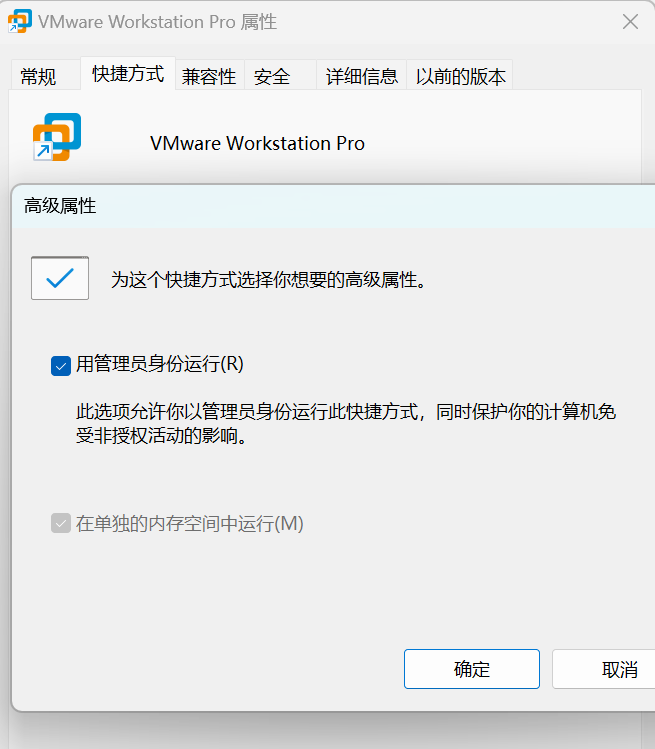
1.每次运行虚拟机时必须使用管理员身份打开
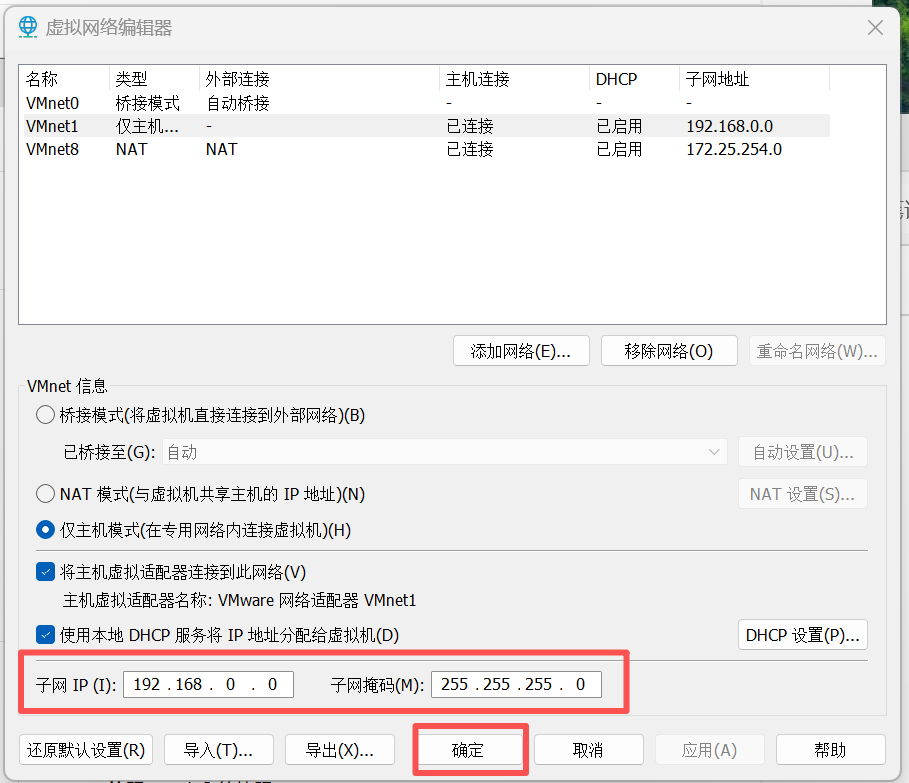
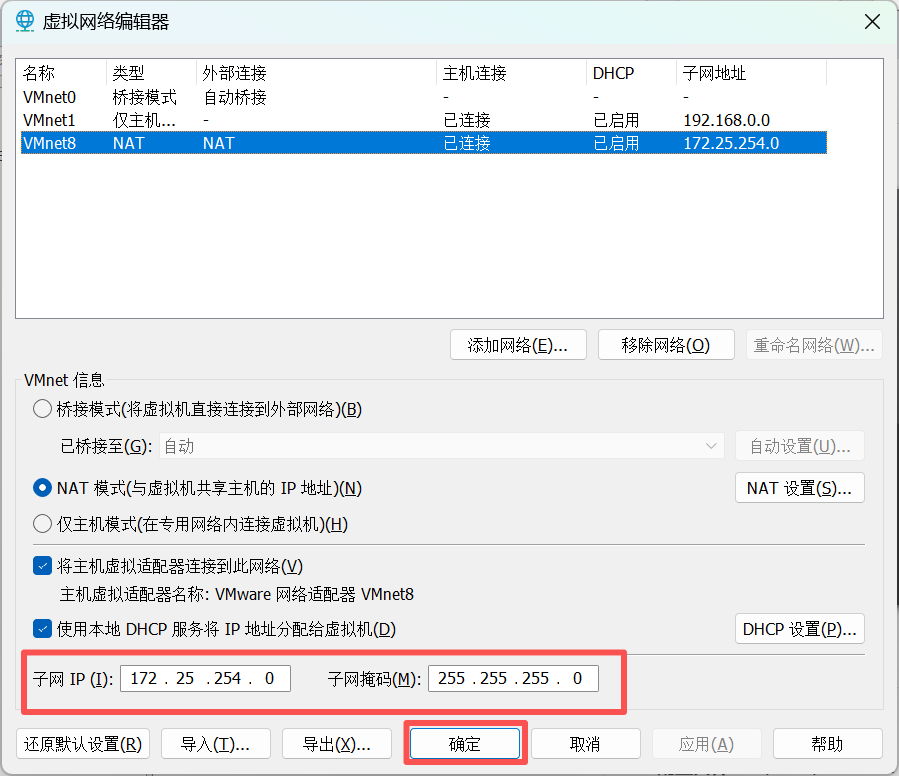
2.调整虚拟机网络
在编辑中找到虚拟网络编辑器
仅主机模式:
NAT模式:
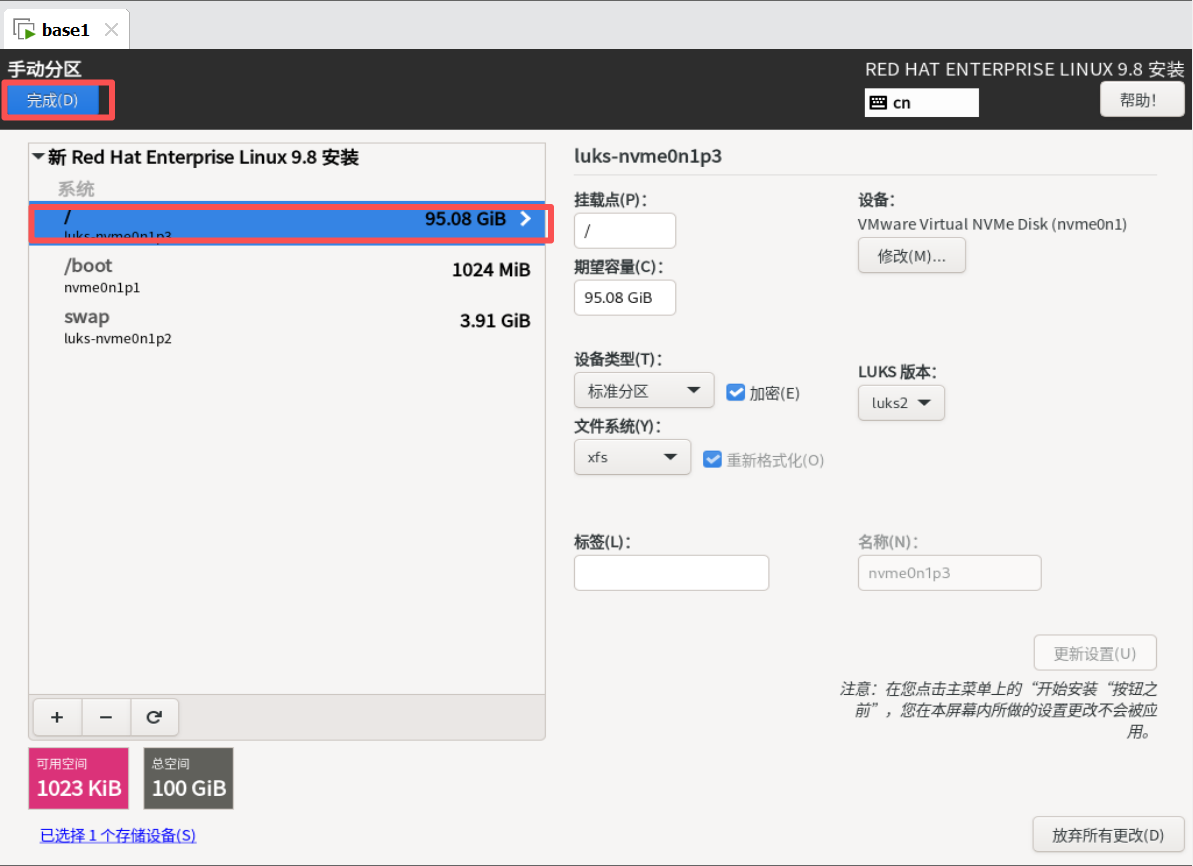
二、安装Linux环境(rhel9.8)
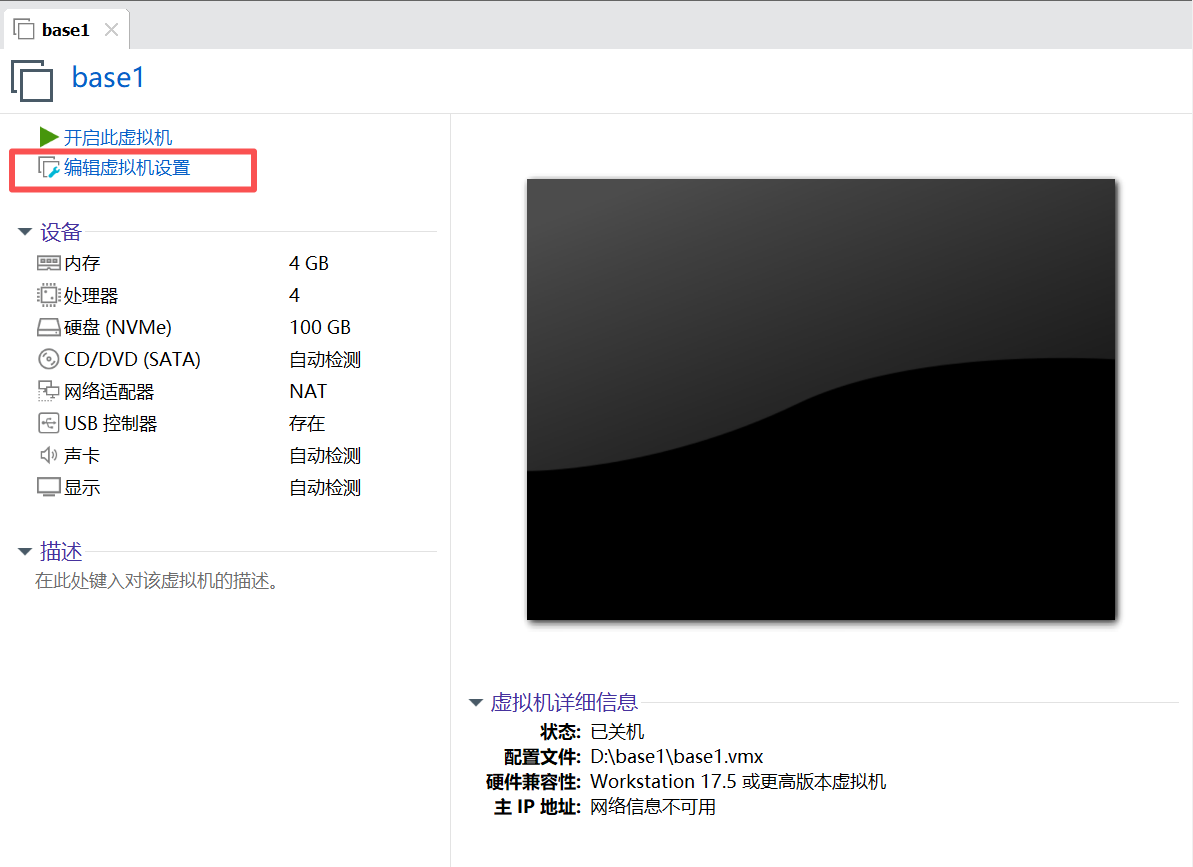
1.编辑设置
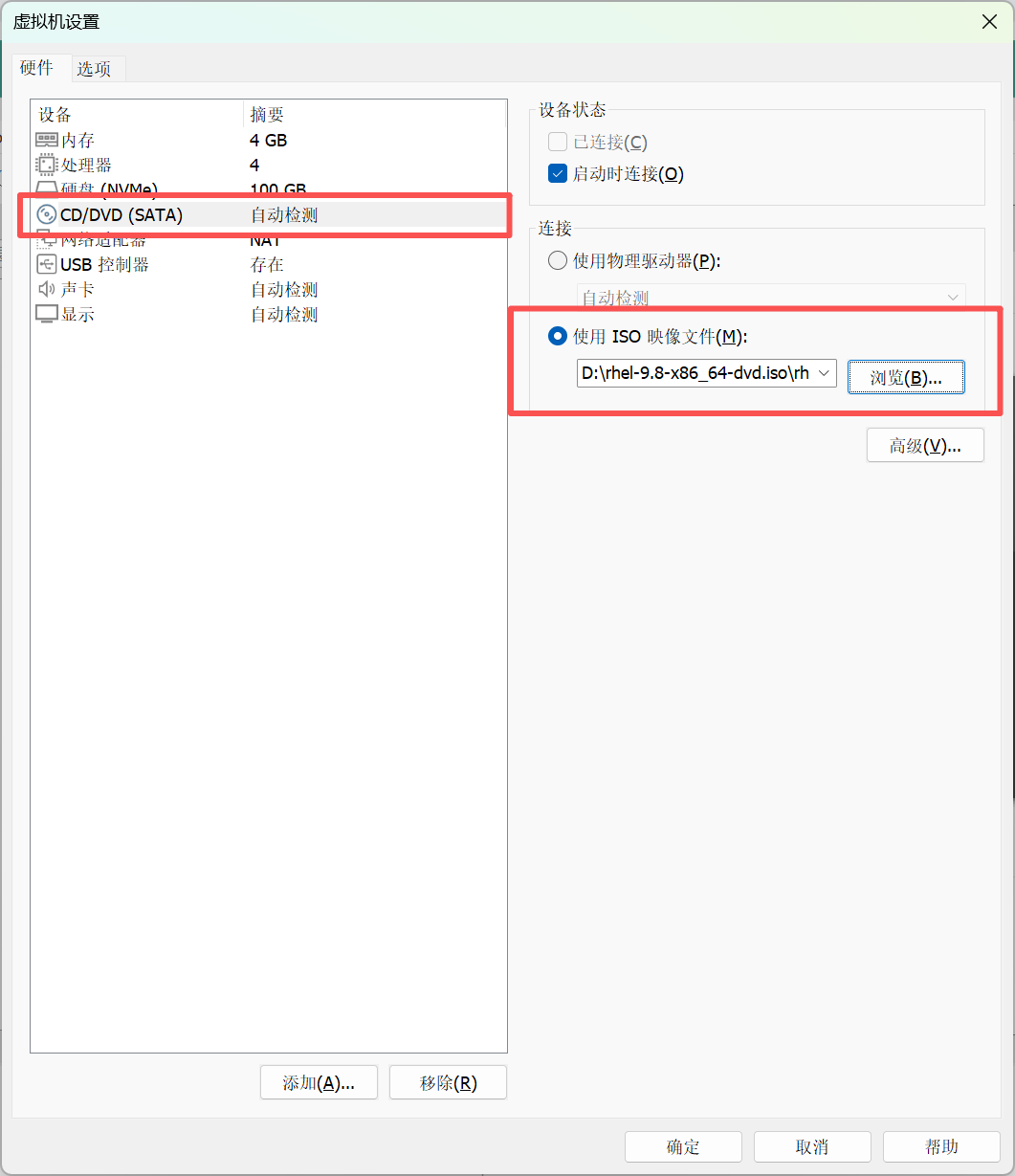
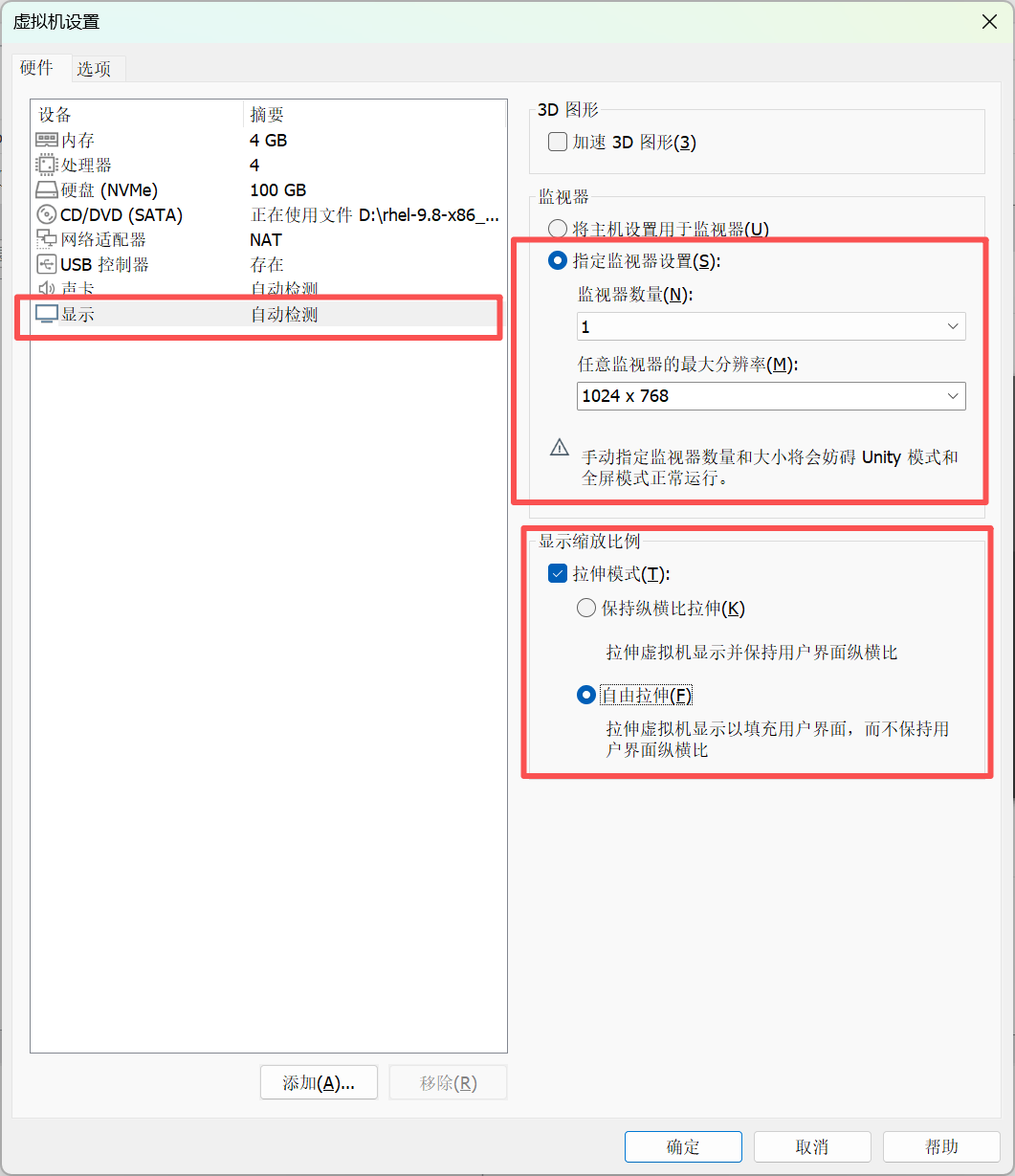
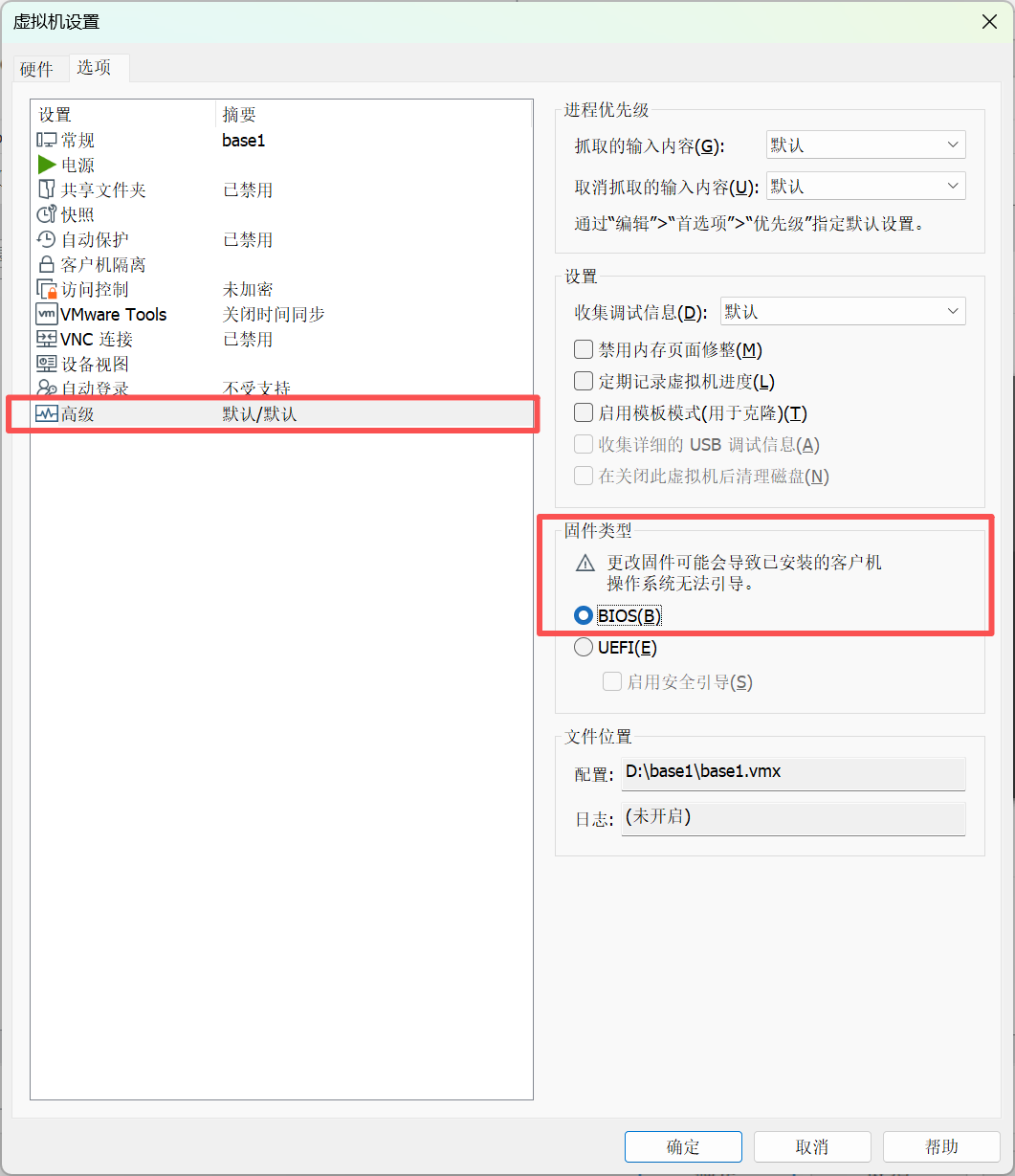
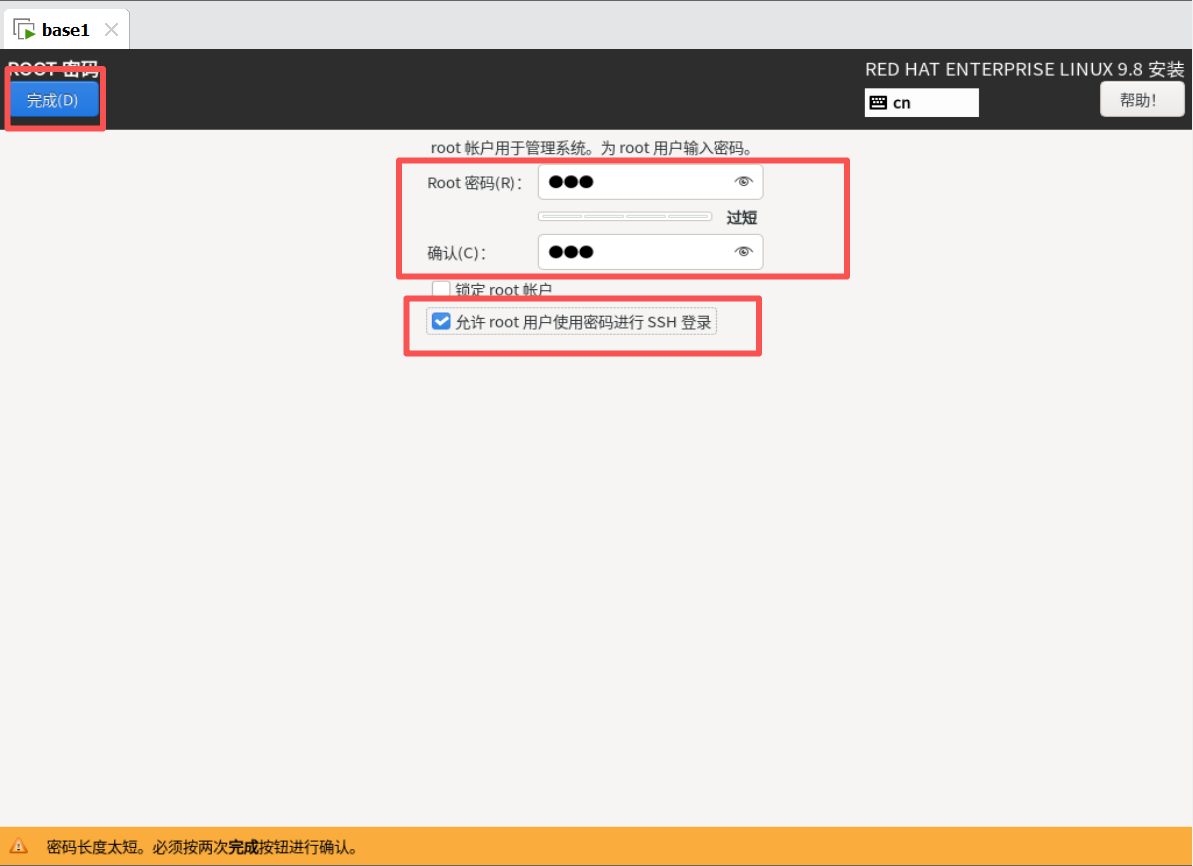
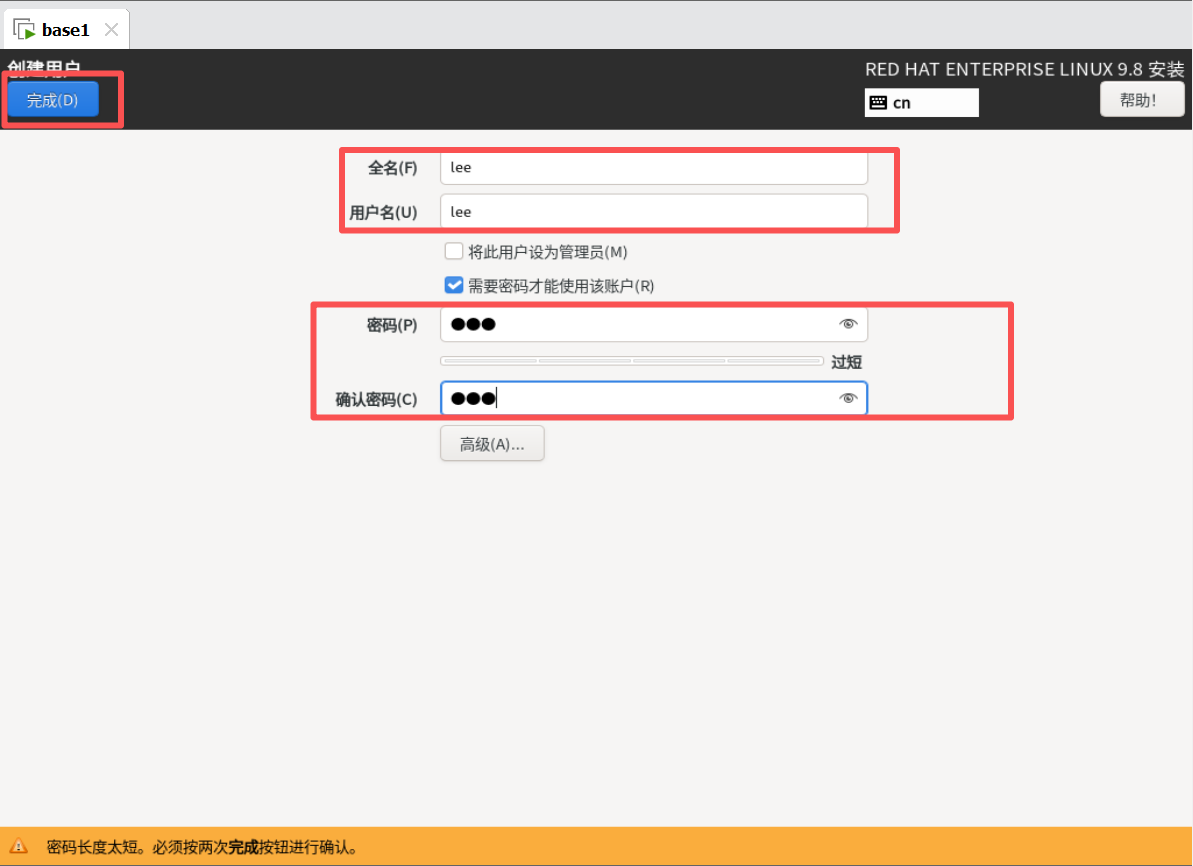
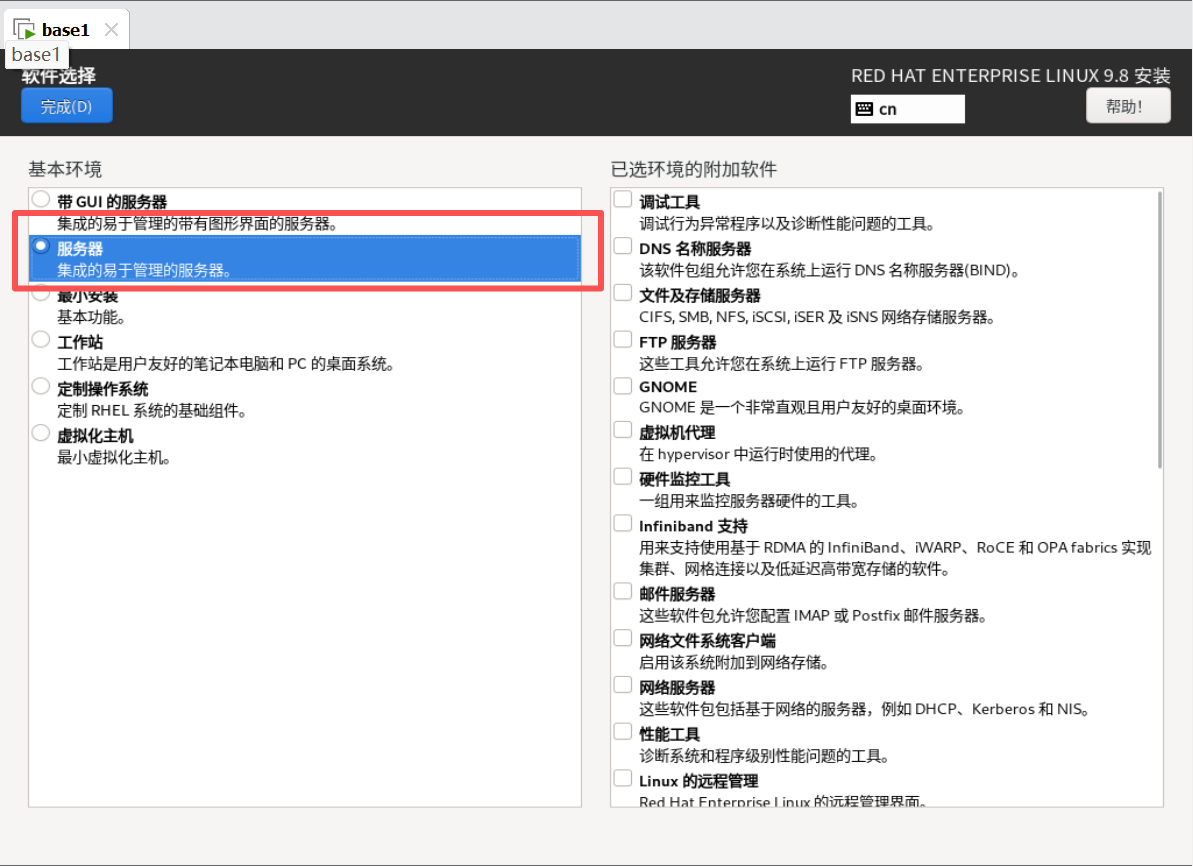
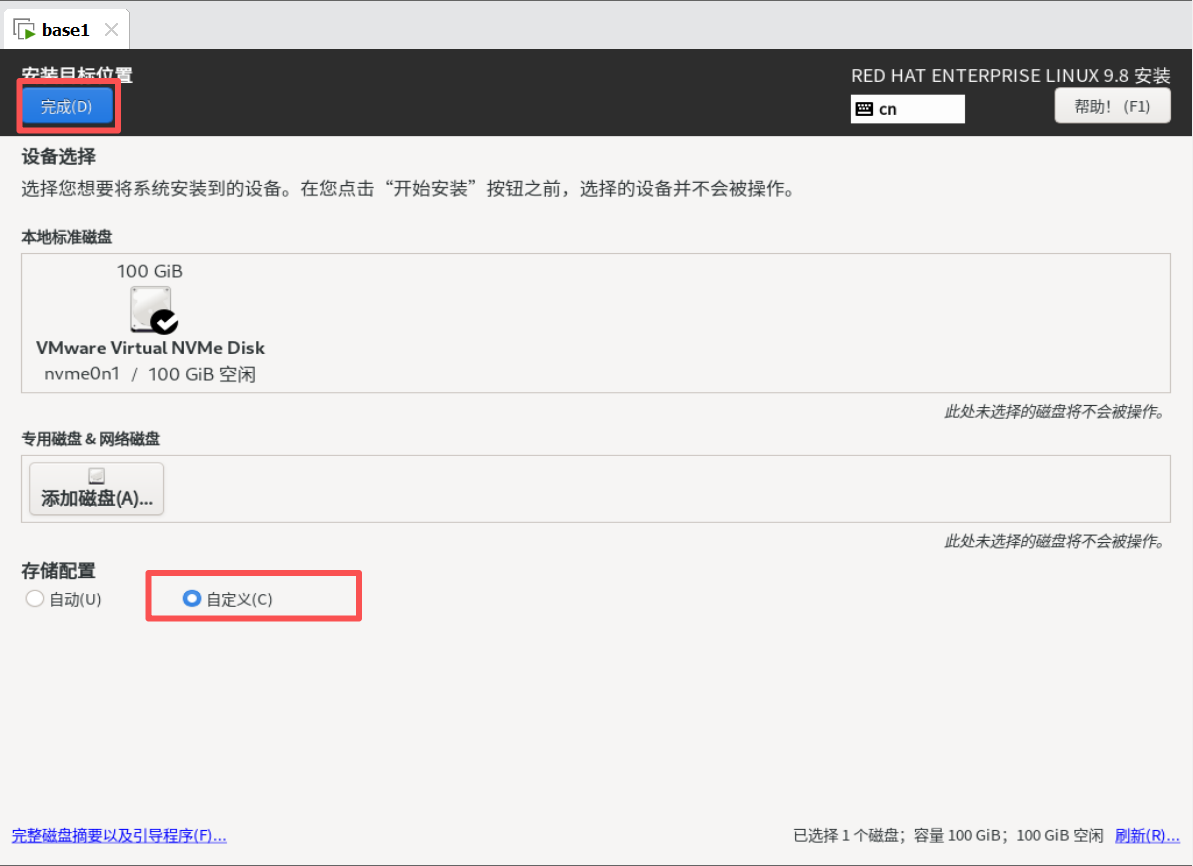
2.启动设置并安装
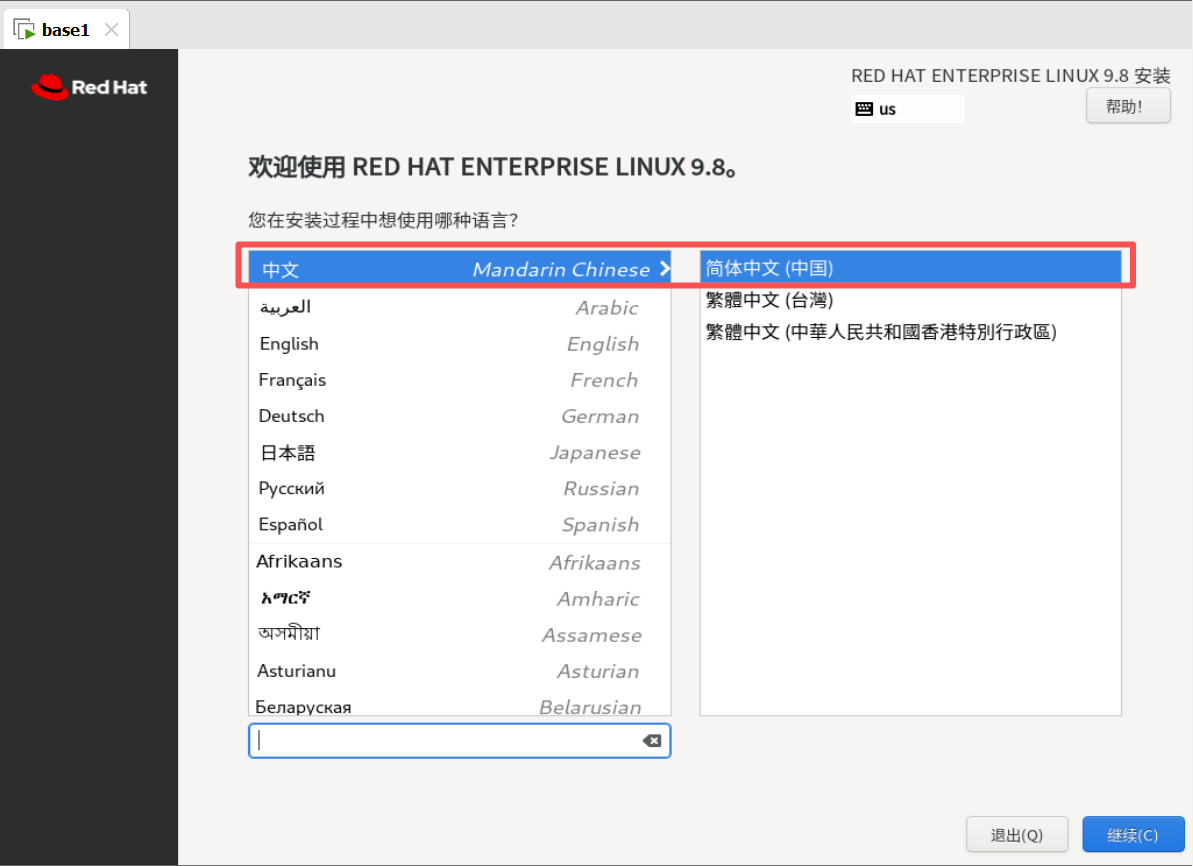
三、调整虚拟机网卡识别
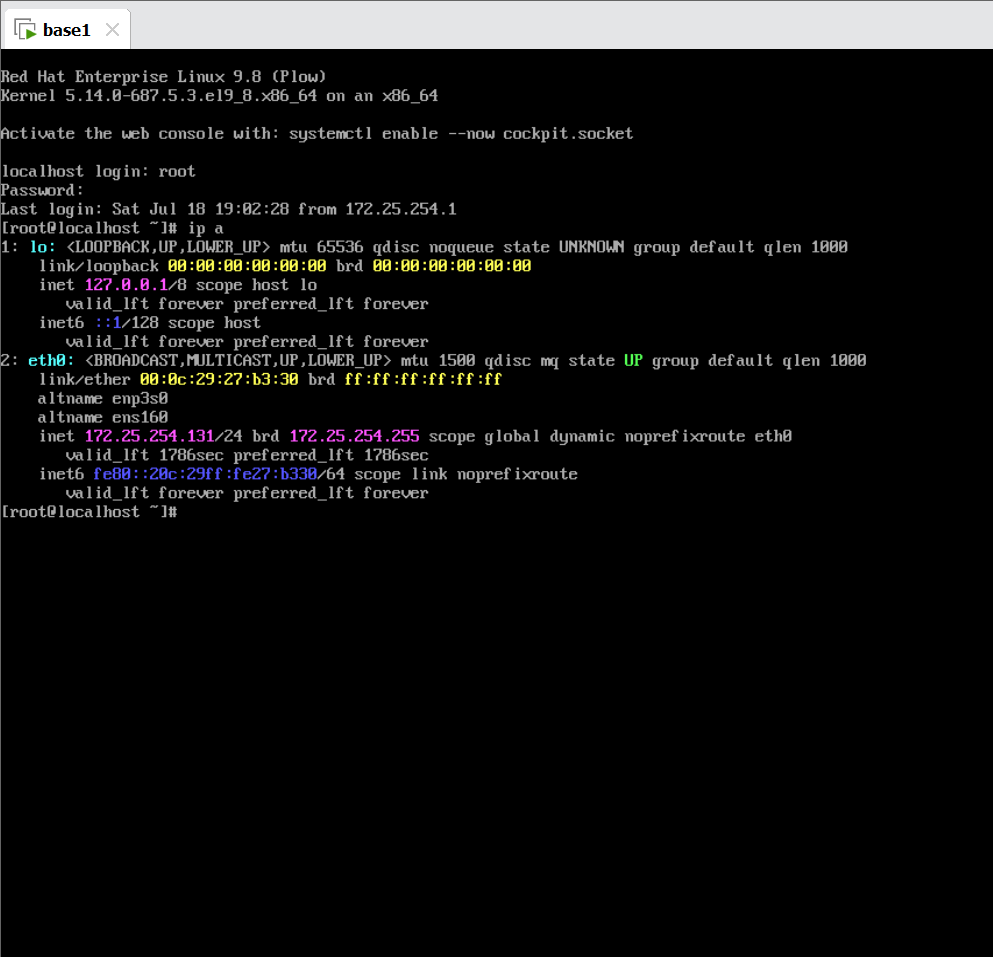
1.调整内核参数
root@localhost \~# grubby --update-kernel ALL --args net.ifnames=0
2.更改网卡配置文件
root@localhost \~# vim /etc/NetworkManager/system-connections/ens160.nmconnection
connection
id=eth0 #链接名称
type=ethernet
interface-name=eth0 #设备名称
ethernet
ipv4
method=auto
ipv6
addr-gen-mode=eui64
method=auto
proxy
3.重启系统
root@localhost \~# reboot
4.验证
四、关闭SElinux
1.更改selinux状态配置文件及内核参数
root@localhost \~# vim /etc/sysconfig/selinux
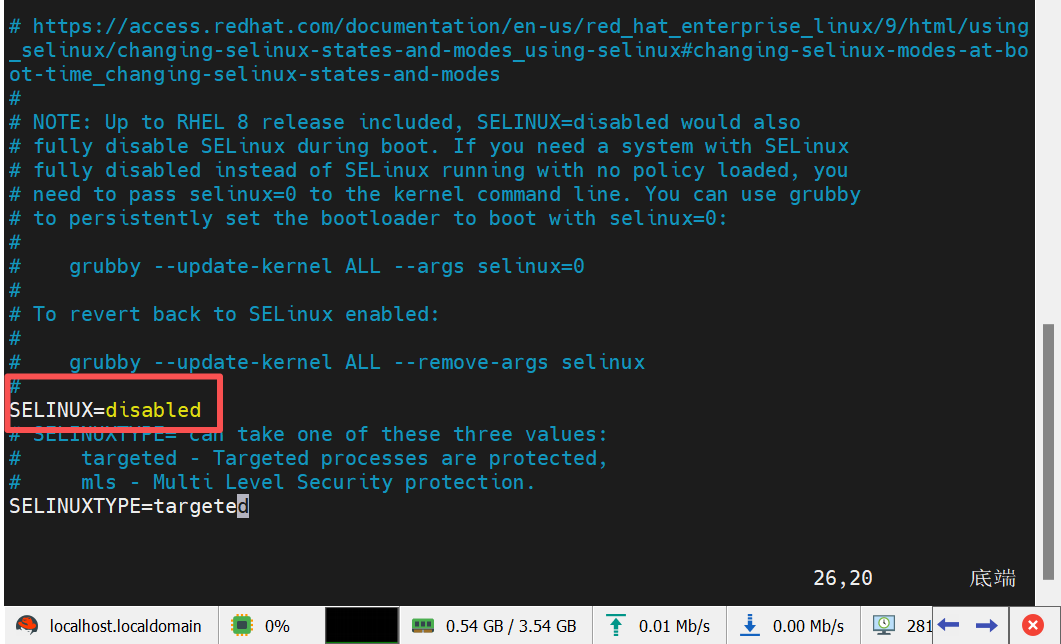
root@localhost \~# grubby --update-kernel ALL --args selinux=0
2.重启系统
root@localhost \~# reboot
3.验证
