及时做APP开发实战(十一)-性能优化实践
本文将详细介绍HarmonyOS应用性能优化的关键实践,包括定时器销毁和不可变数组操作。
一、性能优化概述
1.1 为什么需要性能优化
┌─────────────────────────────────────┐
│          性能问题影响                │
├─────────────────────────────────────┤
│  内存泄漏 → 应用卡顿、崩溃           │
│  UI不刷新 → 数据不同步、体验差       │
│  长列表卡顿 → 滑动不流畅            │
│  后台耗电 → 用户投诉、卸载           │
└─────────────────────────────────────┘
1.2 优化目标
| 优化项 | 目标 | 效果 |
|---|---|---|
| 定时器销毁 | 杜绝内存泄漏 | 后台无无效计时 |
| 不可变数组 | UI正确刷新 | 数据实时同步 |
| 懒加载 | 减少渲染开销 | 长列表流畅 |
二、定时器销毁优化
2.1 问题分析
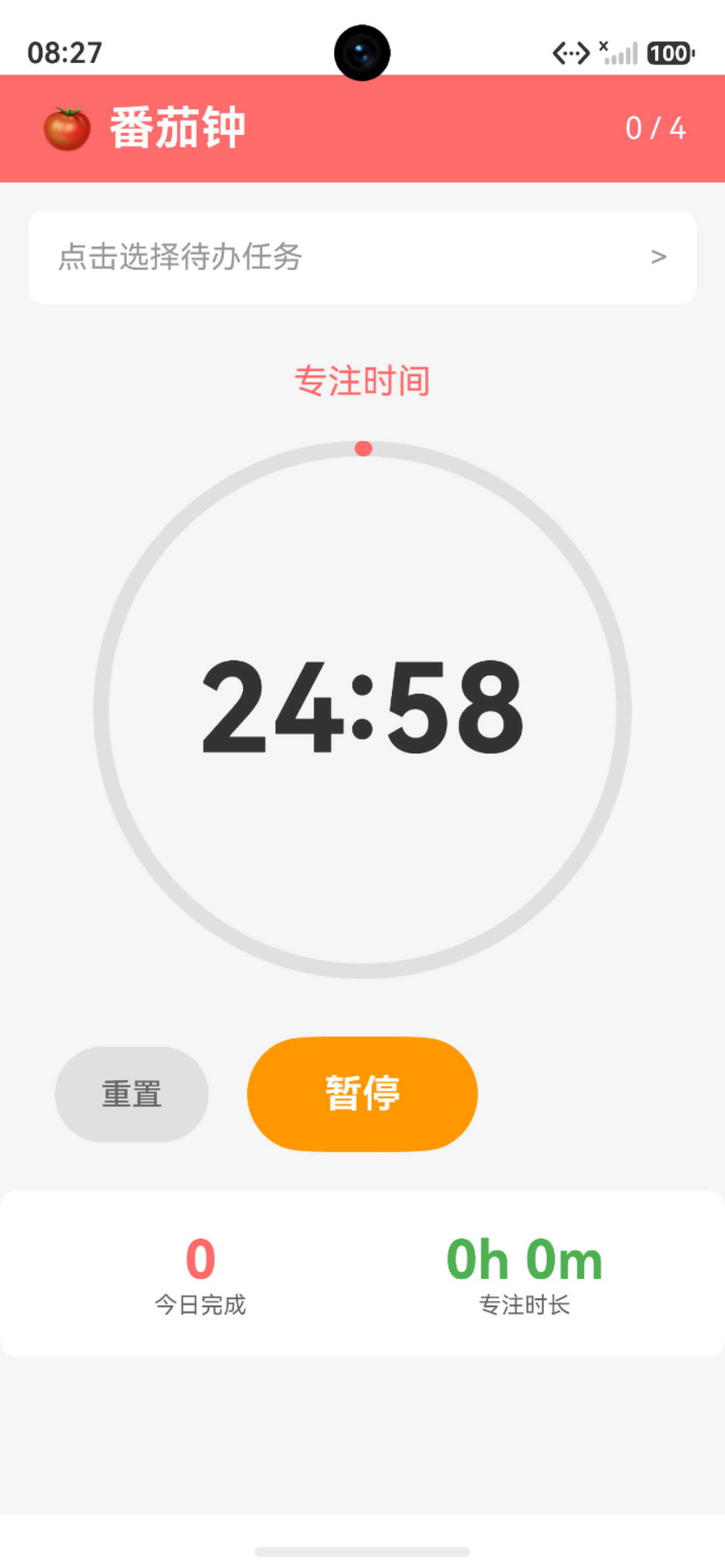
【图1:定时器泄漏场景】
┌─────────────────────────────────────┐
│          定时器生命周期              │
├─────────────────────────────────────┤
│  [页面进入]                          │
│      ↓                              │
│  [启动定时器] setInterval()          │
│      ↓                              │
│  [用户退出页面]                       │
│      ↓                              │
│  ❌ 定时器未销毁 → 后台持续运行       │
│      ↓                              │
│  ❌ 内存泄漏 + 耗电                   │
└─────────────────────────────────────┘
2.2 正确实现方式
typescript
@Entry
@Component
struct PomodoroPage {
  // 定时器ID
  private timerId: number = -1;

  // 启动计时器
  startTimer() {
    if (this.timerId === -1) {
      this.timerId = setInterval(() => {
        // 计时逻辑
      }, 1000);
    }
  }

  // 停止计时器
  stopTimer() {
    if (this.timerId !== -1) {
      clearInterval(this.timerId);
      this.timerId = -1; // 重置ID
    }
  }

  // 页面销毁时清理
  aboutToDisappear() {
    this.stopTimer(); // ✅ 确保定时器被销毁
  }
}
2.3 关键要点
┌─────────────────────────────────────┐
│          定时器销毁规范              │
├─────────────────────────────────────┤
│  1. 使用timerId追踪定时器            │
│  2. 销毁后重置timerId为-1            │
│  3. 在aboutToDisappear中调用销毁     │
│  4. 避免重复启动定时器               │
└─────────────────────────────────────┘
三、不可变数组操作
3.1 问题分析
【图2:可变vs不可变操作】
可变操作(❌ 不推荐):
┌─────────────────────────────────────┐
│  this.todoList.push(todo)           │
│  this.todoList[index] = todo        │
│  item.completed = !item.completed   │
└─────────────────────────────────────┘
         ↓
  直接修改原数组/对象
         ↓
  ❌ UI可能不刷新

不可变操作(✅ 推荐):
┌─────────────────────────────────────┐
│  this.todoList = [...this.todoList, todo]  │
│  this.todoList = this.todoList.map(...)    │
│  this.todoList = this.todoList.filter(...) │
└─────────────────────────────────────┘
         ↓
  创建新数组/对象
         ↓
  ✅ 触发UI刷新
3.2 优化前后对比
添加待办
typescript
// ❌ 优化前:直接push
async addTodo(text: string): Promise<TodoItem> {
  const todo = createTodoItem(text);
  this.todoList.push(todo); // 直接修改原数组
  return todo;
}

// ✅ 优化后:创建新数组
async addTodo(text: string): Promise<TodoItem> {
  const todo = createTodoItem(text);
  this.todoList = [...this.todoList, todo]; // 创建新数组
  return todo;
}
更新待办
typescript
// ❌ 优化前:直接修改索引
async updateTodo(todo: TodoItem): Promise<void> {
  const index = this.todoList.findIndex(item => item.id === todo.id);
  if (index !== -1) {
    this.todoList[index] = todo; // 直接修改
  }
}

// ✅ 优化后:使用map创建新数组
async updateTodo(todo: TodoItem): Promise<void> {
  this.todoList = this.todoList.map(item =>
    item.id === todo.id ? todo : item
  );
}
切换完成状态
typescript
// ❌ 优化前:直接修改对象属性
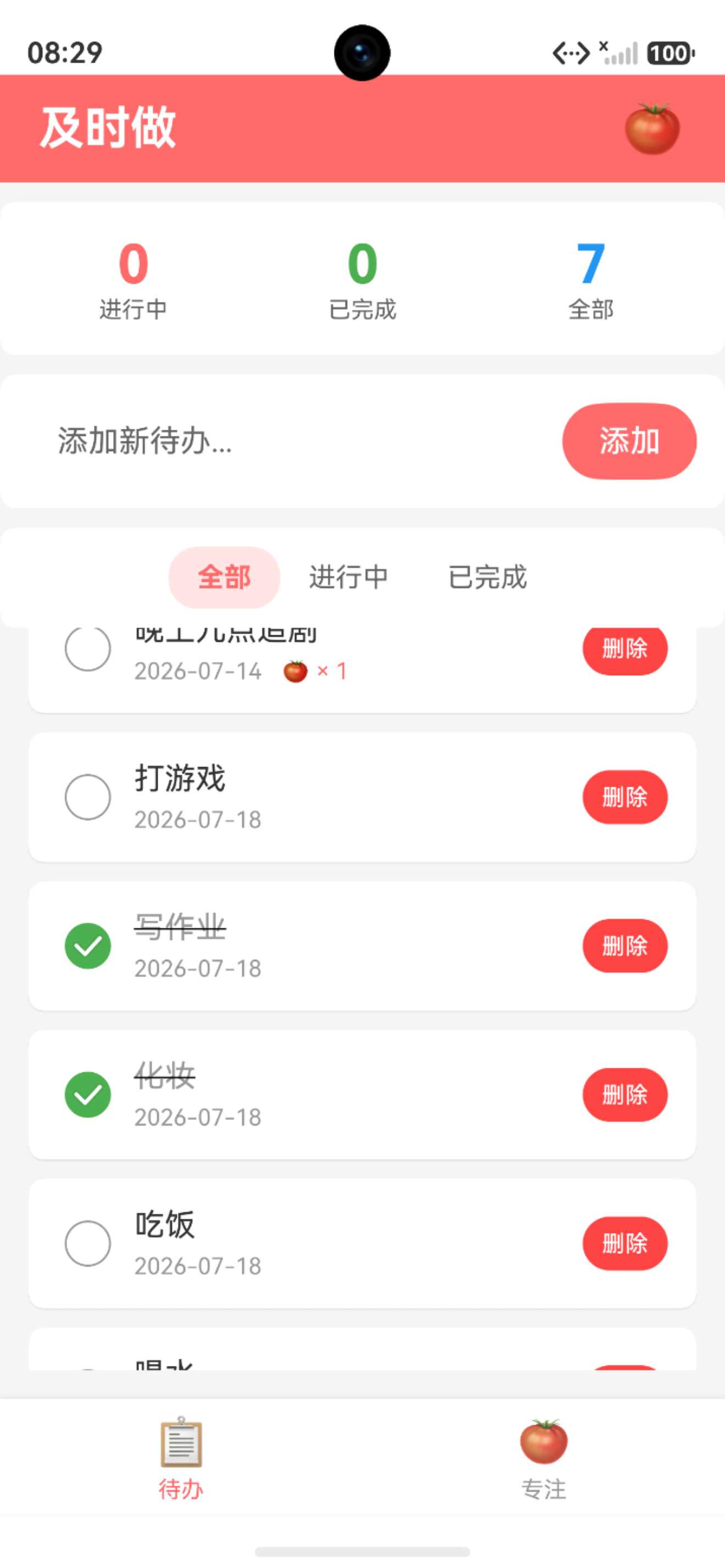
async toggleTodoComplete(todoId: number): Promise<void> {
  const todo = this.todoList.find(item => item.id === todoId);
  if (todo) {
    todo.completed = !todo.completed; // 直接修改
  }
}

// ✅ 优化后:创建新对象
async toggleTodoComplete(todoId: number): Promise<void> {
  this.todoList = this.todoList.map(item => {
    if (item.id === todoId) {
      // 创建新对象
      const newItem: TodoItem = {
        id: item.id,
        text: item.text,
        completed: !item.completed,
        pomodoroCount: item.pomodoroCount,
        createdAt: item.createdAt
      };
      return newItem;
    }
    return item;
  });
}
3.3 不可变操作方法总结
| 操作 | 可变方法 | 不可变方法 |
|---|---|---|
| 添加 | arr.push(item) |
arr = [...arr, item] |
| 删除 | arr.splice(i, 1) |
arr = arr.filter(...) |
| 更新 | arr[i] = item |
arr = arr.map(...) |
| 修改属性 | obj.prop = val |
创建新对象 |
四、性能监控工具
4.1 PerformanceUtil实现
typescript
import hilog from '@ohos.hilog';

export class PerformanceUtil {
  private static instance: PerformanceUtil | null = null;
  private timers: Map<string, number> = new Map();

  // 获取单例
  public static getInstance(): PerformanceUtil {
    if (!PerformanceUtil.instance) {
      PerformanceUtil.instance = new PerformanceUtil();
    }
    return PerformanceUtil.instance;
  }

  // 开始计时
  public startTimer(key: string): void {
    this.timers.set(key, Date.now());
  }

  // 结束计时
  public endTimer(key: string): number {
    const startTime = this.timers.get(key);
    if (startTime) {
      const duration = Date.now() - startTime;
      this.timers.delete(key);
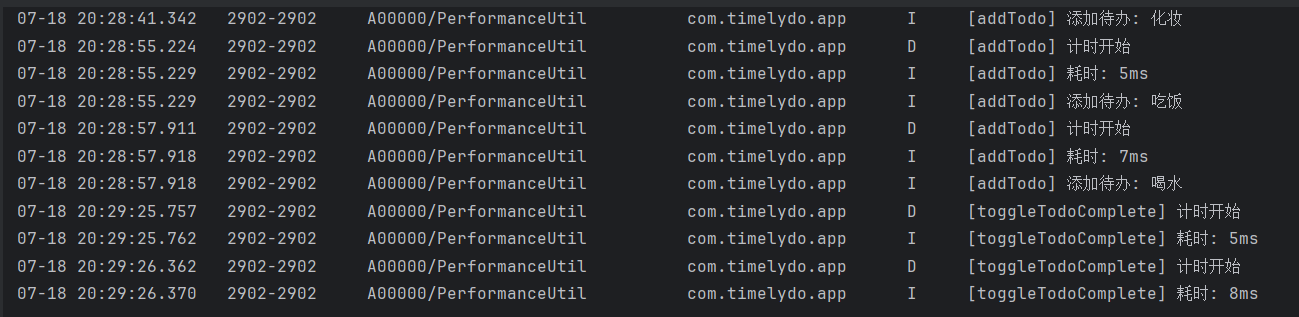
      hilog.info(0x0000, 'Performance', `[${key}] 耗时: ${duration}ms`);
      return duration;
    }
    return 0;
  }
}
4.2 在业务代码中使用
typescript
import { PerformanceUtil } from '../utils/PerformanceUtil';

export class TodoViewModel {
  private performanceUtil: PerformanceUtil = PerformanceUtil.getInstance();

  async addTodo(text: string): Promise<TodoItem> {
    this.performanceUtil.startTimer('addTodo');

    // 业务逻辑...
    this.todoList = [...this.todoList, todo];

    this.performanceUtil.endTimer('addTodo');
    return todo;
  }
}
五、最佳实践总结
5.1 定时器管理规范
【图3:定时器管理清单】
┌─────────────────────────────────────┐
│          ✅ 定时器管理规范           │
├─────────────────────────────────────┤
│  □ 使用成员变量追踪timerId           │
│  □ 销毁后重置timerId                 │
│  □ 在aboutToDisappear中清理          │
│  □ 避免重复启动                      │
│  □ 使用性能监控记录耗时              │
└─────────────────────────────────────┘
5.2 数组操作规范
【图4:数组操作规范】
┌─────────────────────────────────────┐
│          ✅ 数组操作规范             │
├─────────────────────────────────────┤
│  □ 添加:使用展开运算符 [...arr, item] │
│  □ 删除:使用filter创建新数组         │
│  □ 更新:使用map创建新数组            │
│  □ 修改属性:创建新对象               │
│  □ 避免直接修改原数组/对象            │
└─────────────────────────────────────┘
六、总结
本文介绍了HarmonyOS应用性能优化的两个关键实践:
- 定时器销毁:确保页面退出时清理定时器,避免内存泄漏
- 不可变数组操作:使用创建新数组的方式触发UI刷新
这些优化可以显著提升应用的稳定性和用户体验。