前言
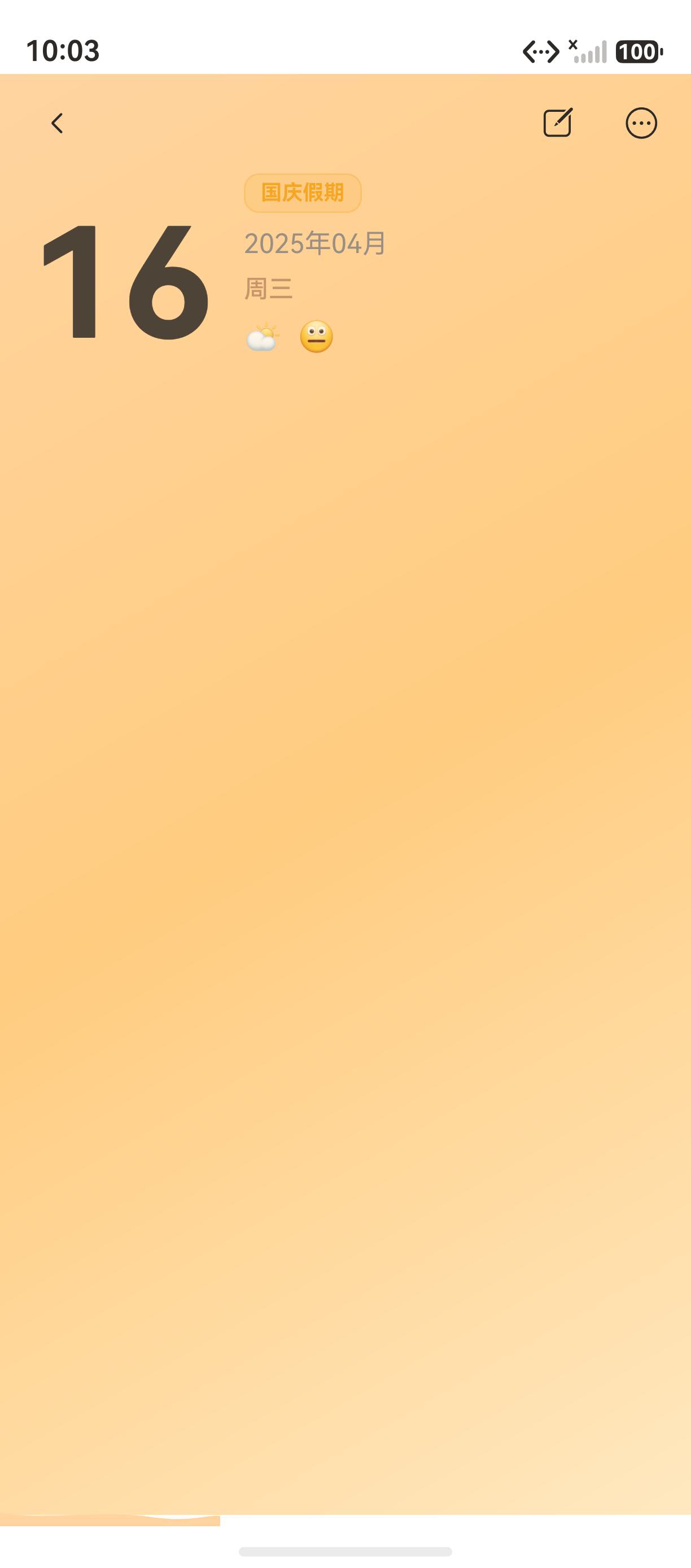
药丸标签(Pill Badge)是移动应用中常见的 UI 元素,用于展示状态或分类信息。"海风日记"在首页的日期行中使用了天气药丸标签,展示当前天气状况和 emoji,通过 Row + Text 组合实现。
本文将从源码出发,深入讲解药丸标签的设计和实现,以及如何通过 border、backgroundColor 和 borderRadius 的组合实现品牌药丸样式。
一、天气药丸的实现
1.1 源码
typescript
Row({ space: 3 }) {
  Text('☀️').fontSize(12)                               // 天气 emoji
  Text('晴天').fontSize(12).fontColor('#C8800A')         // 天气文字
    .fontWeight(FontWeight.Medium)
}
.backgroundColor('rgba(245,166,35,0.12)')                // 浅橙色背景
.border({ width: 1, color: 'rgba(245,166,35,0.22)' })  // 橙色边框
.borderRadius(10)                                         // 圆角
.padding({ left: 8, right: 8, top: 2, bottom: 2 })       // 紧凑内边距
1.2 视觉样式分析
| 属性 | 值 | 效果 |
|---|---|---|
| backgroundColor | rgba(245,166,35,0.12) |
12% 透明度橙色背景 |
| border.width | 1 | 细边框 |
| border.color | rgba(245,166,35,0.22) |
22% 透明度橙色边框 |
| borderRadius | 10 | 药丸圆角 |
| padding | 8/8/2/2 | 水平宽、垂直窄 |
二、药丸标签的通用设计
2.1 标签样式模板
typescript
// 通用药丸标签构建器
@Builder
pillTag(emoji: string, text: string, color: string) {
  Row({ space: 3 }) {
    Text(emoji).fontSize(12)
    Text(text).fontSize(12).fontColor(color).fontWeight(FontWeight.Medium)
  }
  .backgroundColor(`${color}1A`)  // 约 10% 透明度
  .border({ width: 1, color: `${color}33` })  // 约 20% 透明度
  .borderRadius(10)
  .padding({ left: 8, right: 8, top: 2, bottom: 2 })
}
2.2 不同颜色标签
typescript
// 橙色标签(天气)
this.pillTag('☀️', '晴天', '#C8800A')

// 蓝色标签(心情)
this.pillTag('😊', '开心', '#5A9EFF')

// 绿色标签(状态)
this.pillTag('✅', '完成', '#4CAF50')
三、标签在项目中的使用
3.1 日记详情标签
typescript
Text(`# ${tag}`)
  .fontSize(12).fontColor(COLOR_AMBER)
  .backgroundColor('rgba(245,166,35,0.08)')
  .padding({ left: 8, right: 8, top: 3, bottom: 3 })
  .borderRadius(8)
3.2 日历节假日标签
typescript
Text('国庆假期')
  .fontSize(11).fontColor(COLOR_PRIMARY).fontWeight(FontWeight.Bold)
  .backgroundColor('rgba(245,166,35,0.15)')
  .padding({ left: 8, right: 8, top: 3, bottom: 3 })
  .borderRadius(8)
  .border({ width: 1, color: 'rgba(245,166,35,0.25)' })
四、常见问题与排查
4.1 标签文字颜色不清晰
问题:标签文字颜色与背景对比度不足。
解决方案 :使用 fontWeight(FontWeight.Medium) 或 FontWeight.Bold 增加文字厚度。
4.2 标签大小不一致
问题:不同位置的标签大小不一致。
解决方案 :统一使用 padding 和 fontSize 控制标签尺寸。
总结
本文通过"海风日记"的天气药丸标签,深入讲解了药丸标签的实现:
- Row + Text 组合:emoji 和文字的水平排列
- 透明度颜色:backgroundColor 和 border 的透明度控制
- 通用模板:可复用的药丸标签构建器
- 多场景应用:天气、标签、节假日等不同场景
至此,第三系列"首页与日记卡片"全部完成 !从下一篇文章开始进入 第四系列:写日记与编辑。
如果这篇文章对你有帮助,欢迎点赞👍、收藏⭐、关注🔔,你的支持是我持续创作的动力!
相关资源:
- Row 组件文档
- Text 组件文档
- Border 属性文档
- 海风日记项目源码
- HarmonyOS 开发者官网(https://atomgit.com/openharmony/docs
- 开源鸿蒙跨平台社区