1、下载git
Redirecting... https://git-scm.com/downloadsGithub------git本地仓库建立与远程连接(最详细清晰版本!附简化步骤与常见错误)_将本地仓库与远程仓库关联-CSDN博客
看前三章
2、与github建立连接--ssh
Generating a new SSH key and adding it to the ssh-agent - GitHub Docs
-
打开Git Bash。
-
请粘贴以下文本,并将示例中使用的电子邮件地址替换为您的 GitHub 电子邮件地址。
ssh-keygen -t ed25519 -C "your_email@example.com"
OK了
下面看这个
VS Code 中 Git 的使用:从零到一保姆级菜鸟教程_vscode使用git-CSDN博客
dell@DESKTOP-9512AV0 MINGW64 ~
$ cd ./.ssh

dell@DESKTOP-9512AV0 MINGW64 ~/.ssh
$ ls
id_ed25519  id_ed25519.pub  known_hosts  known_hosts.old

dell@DESKTOP-9512AV0 MINGW64 ~/.ssh
$ cat id_ed25519.pub
ssh-ed25519 AAAAC3NzaC1lZDI1NTE5AAAAIJEWK21YJNgEw0KToZCoIuilDuN+FXwFqUERHspx+B6s 915455631@qq.com

dell@DESKTOP-9512AV0 MINGW64 ~/.ssh
下一步打开github
Github------git本地仓库建立与远程连接(最详细清晰版本!附简化步骤与常见错误)_将本地仓库与远程仓库关联-CSDN博客
看5.2、5.3
本地新建文件夹
git clone
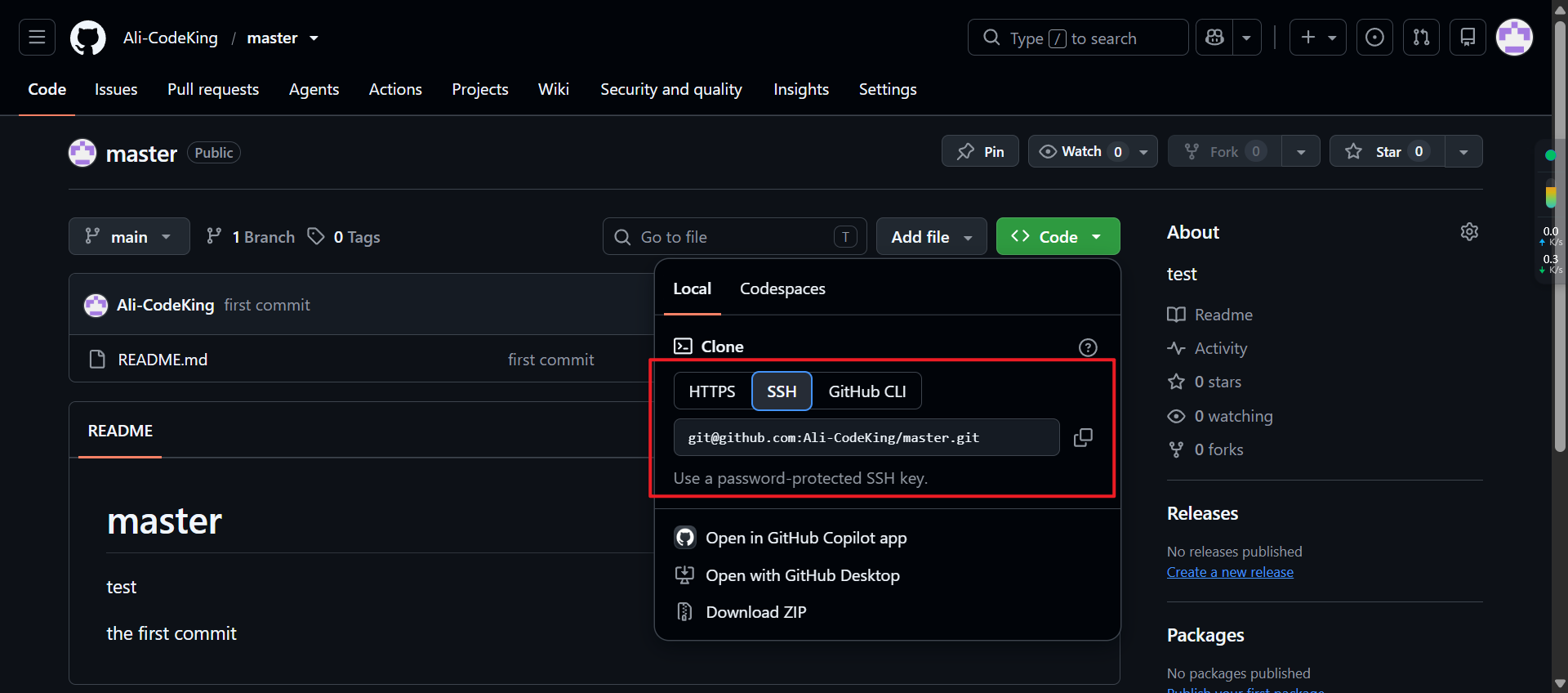
右键用vscode打开
vscode的git连接不上怎么办
Windows+VScode配置与使用git,超详细教程,赶紧收藏吧_vscode git-CSDN博客
连上之后就有这个效果了
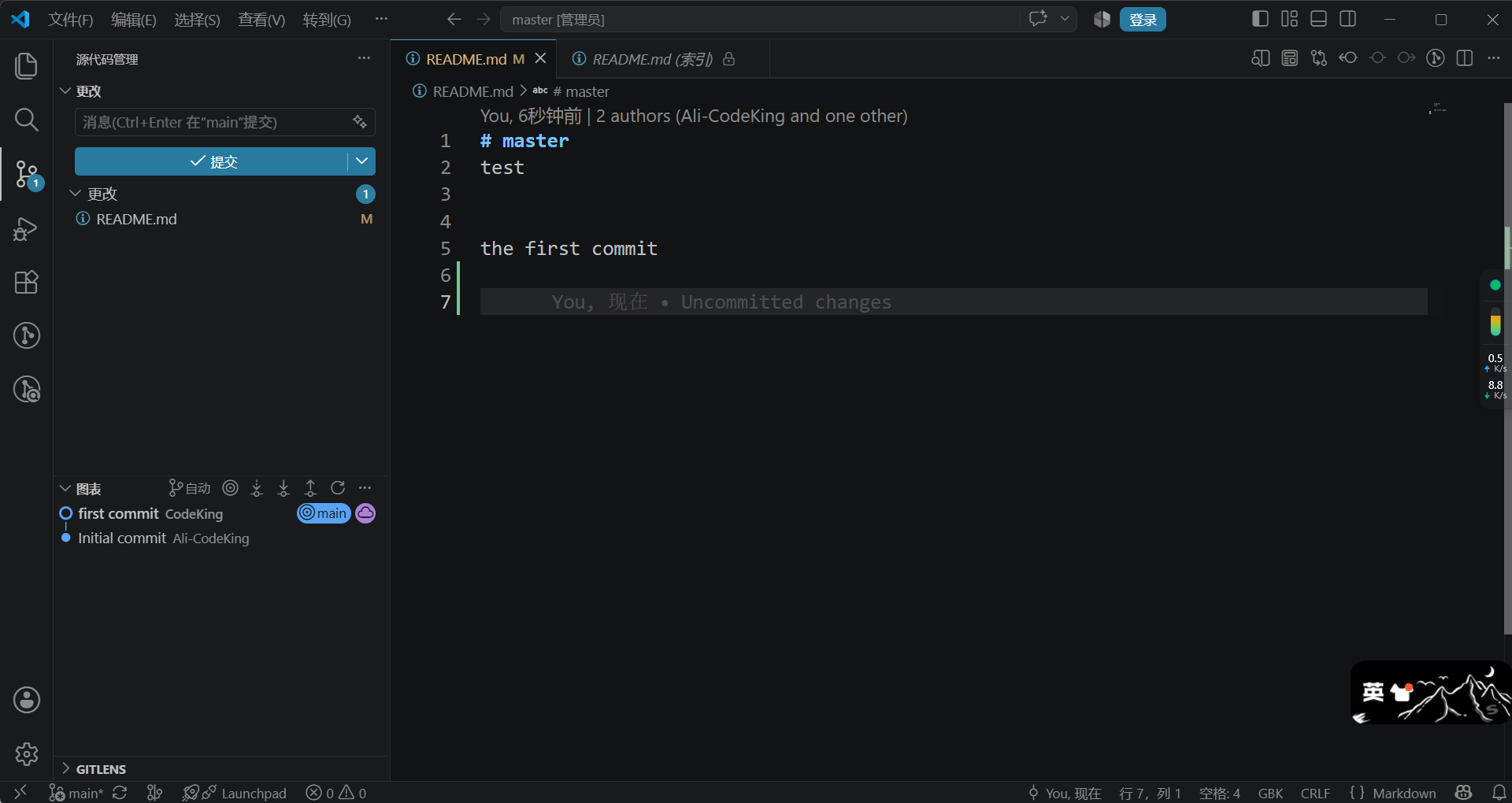
下面尝试提交
1、
PS F:\working\master> git status
git : 无法将"git"项识别为 cmdlet、函数、脚本文件或可运行程序的名称。请检查名称的拼写,如果包括路径,请确保路径正确,然后再试一次。
所在位置 行:1 字符: 1
-
git status
-
~~~
-
CategoryInfo : ObjectNotFound: (git:String) \[\], CommandNotFoundException
-
FullyQualifiedErrorId : CommandNotFoundException
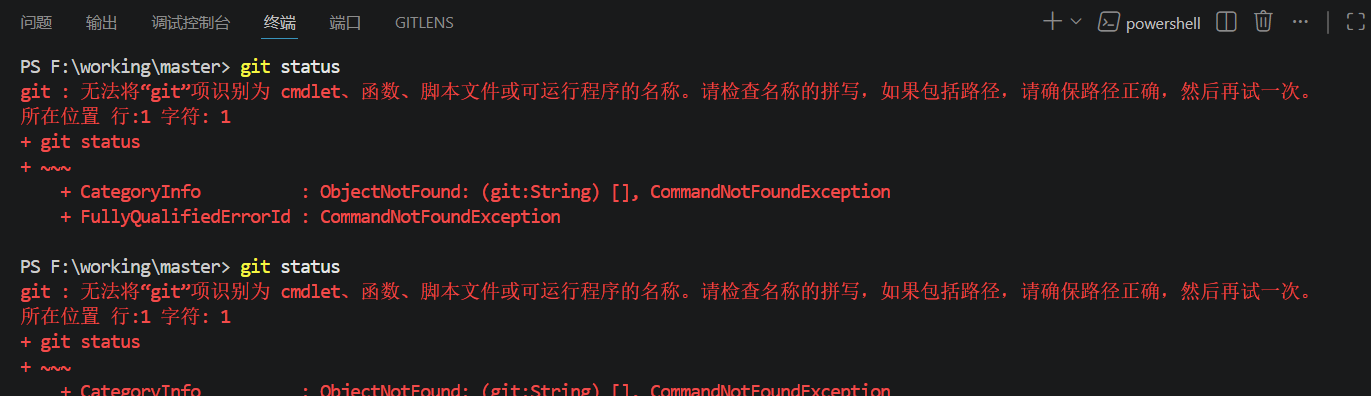
我是用管理员身份运行的
2、提交commit
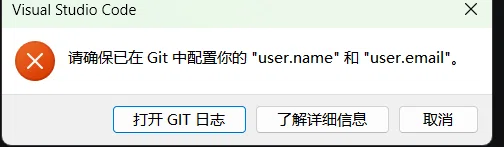
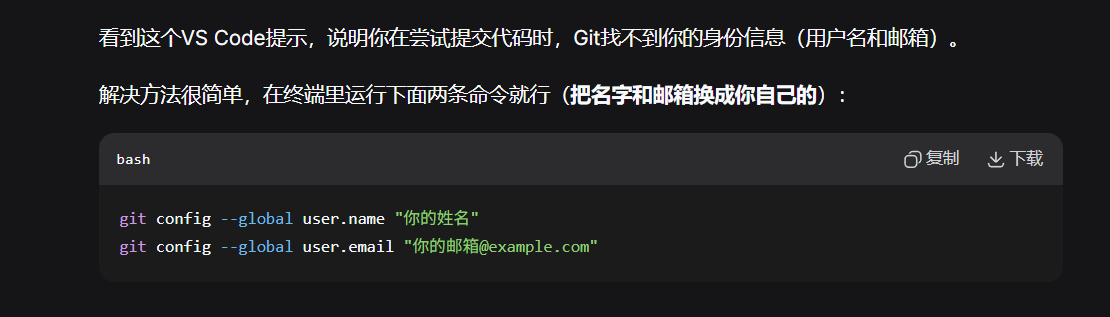
补充说明
-
邮箱建议 :如果这个仓库要推送到GitHub,最好用GitHub上已验证的邮箱(不然提交记录不显示你的头像,贡献图也不算)。
-
只给当前仓库设置 :如果不想全局生效,去掉
--global,在仓库目录下运行即可。 -
查看是否设置成功 :运行
git config --list,看看user.name和user.email有没有出现。
git config --global user.email "xxxxx@xxx.com"
git config --list
3、push
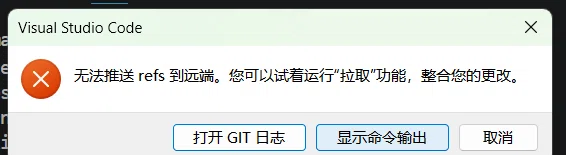
PS F:\working\master> git pull Already up to date.
PS F:\working\master>
PS F:\working\master>
PS F:\working\master>
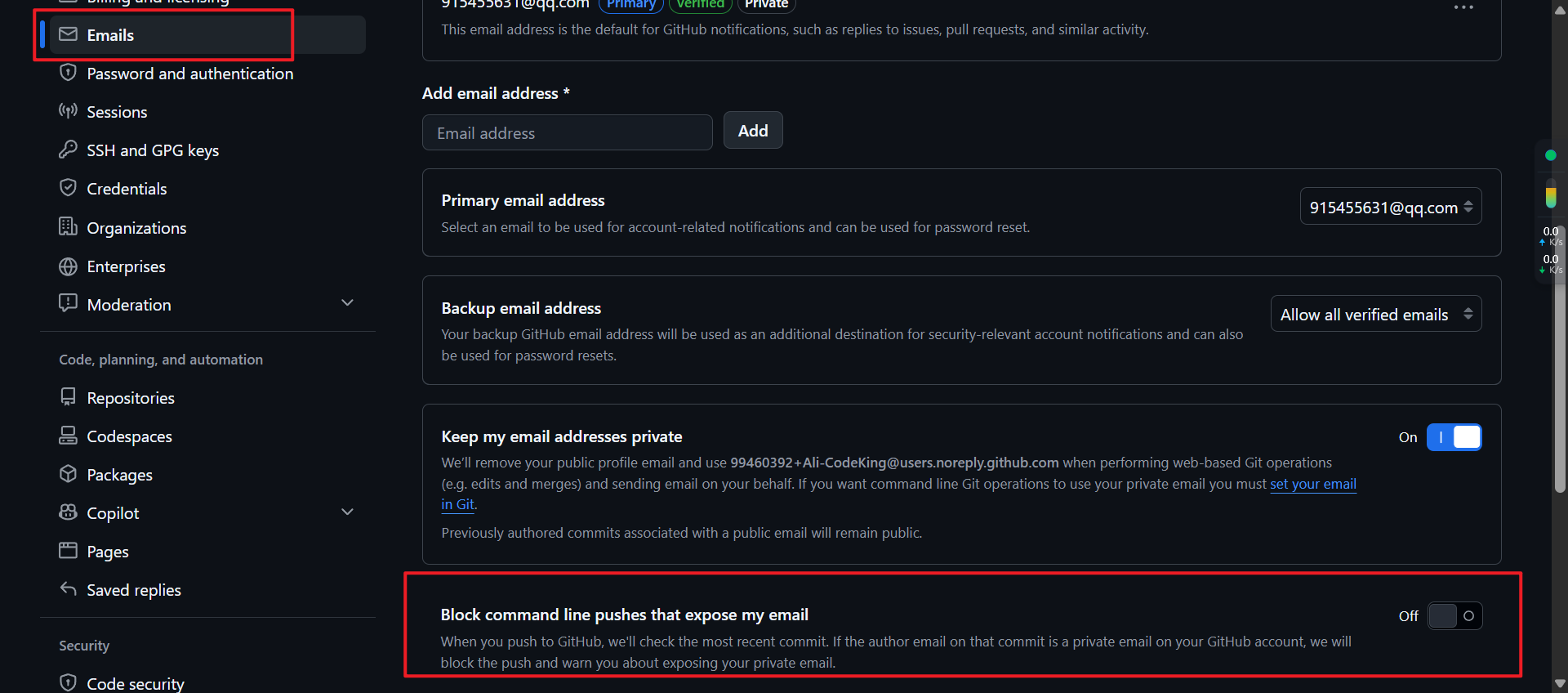
PS F:\working\master> git push Enumerating objects: 5, done. Counting objects: 100% (5/5), done. Writing objects: 100% (3/3), 270 bytes | 270.00 KiB/s, done. Total 3 (delta 0), reused 0 (delta 0), pack-reused 0 (from 0) remote: error: GH007: Your push would publish a private email address. remote: You can make your email public or disable this protection by visiting: remote: https://github.com/settings/emails To github.com:Ali-CodeKing/master.git ! remote rejected main -> main (push declined due to email privacy restrictions) error: failed to push some refs to 'github.com:Ali-CodeKing/master.git'
问题找到了!这次不是拉取的问题,而是**GitHub的邮箱隐私保护**阻止了你推送。因为你的Git配置里用的邮箱在GitHub上被设置了"隐藏",但提交信息里又想暴露它。
快速解决(两种选一种)
方法一:使用GitHub提供的隐私邮箱(推荐)
先查看你GitHub生成的隐私邮箱:
-
找到 **"Keep my email addresses private"** 这个选项
-
你会看到一个类似 `1234567+用户名@users.noreply.github.com` 的邮箱
-
复制它,然后在终端里设置:
```bash
git config --global user.email "1234567+Ali-CodeKing@users.noreply.github.com"
```
(把上面的邮箱替换成你GitHub页面显示的那个)
方法二:关闭GitHub的邮箱隐私保护
-
**取消勾选** "Keep my email addresses private"
-
然后把你的Git邮箱改成你公开的真实邮箱:
```bash
git config --global user.email "你的真实邮箱@xx.com"
```
验证是否设置成功
```bash
git config user.email
```
会显示你当前配置的邮箱,确认是上面两种之一后,再执行:
```bash
git push
```
补充提醒
-
**远程分支是 `main`**,你的推送命令没指定分支,默认用的是当前分支,没问题。
-
如果以后新建仓库,建议先用 `git remote -v` 确认一下远程地址是否正确。