鸿蒙报错速查:arkts-no-func-expressions 禁用 function 表达式,用了就炸,根因 + 真解法
报错原文
vbnet
ERROR: 10605046 ArkTS Compiler Error
Error Message: Use arrow functions instead of function expressions (arkts-no-func-expressions). At File: xxx.ets:14:18
常伴生报错:
vbnet
Error Message: 'function' keyword is not allowed in expression position.
Error Message: Function expressions are not supported. Use arrow functions (=>) instead.
报错触发场景
你写鸿蒙 ArkTS 时,用 function 表达式赋值或作回调就炸:
typescript
// ❌ 报错写法
@Entry
@Component
struct Index {
  build() {
    Button('点我')
      .onClick(function () {              ← arkts-no-func-expressions 报错
        console.info('clicked')
      })

    const add = function (a: number, b: number): number {    ← arkts-no-func-expressions 报错
      return a + b
    }

    const fn = function (x: number): number { return x * 2 } ← arkts-no-func-expressions 报错
  }
}
编译器在「表达式位置」看到 function 关键字,报 Use arrow functions instead of function expressions------它要求所有匿名函数都用箭头函数 () => {} 写,禁掉 function 表达式。
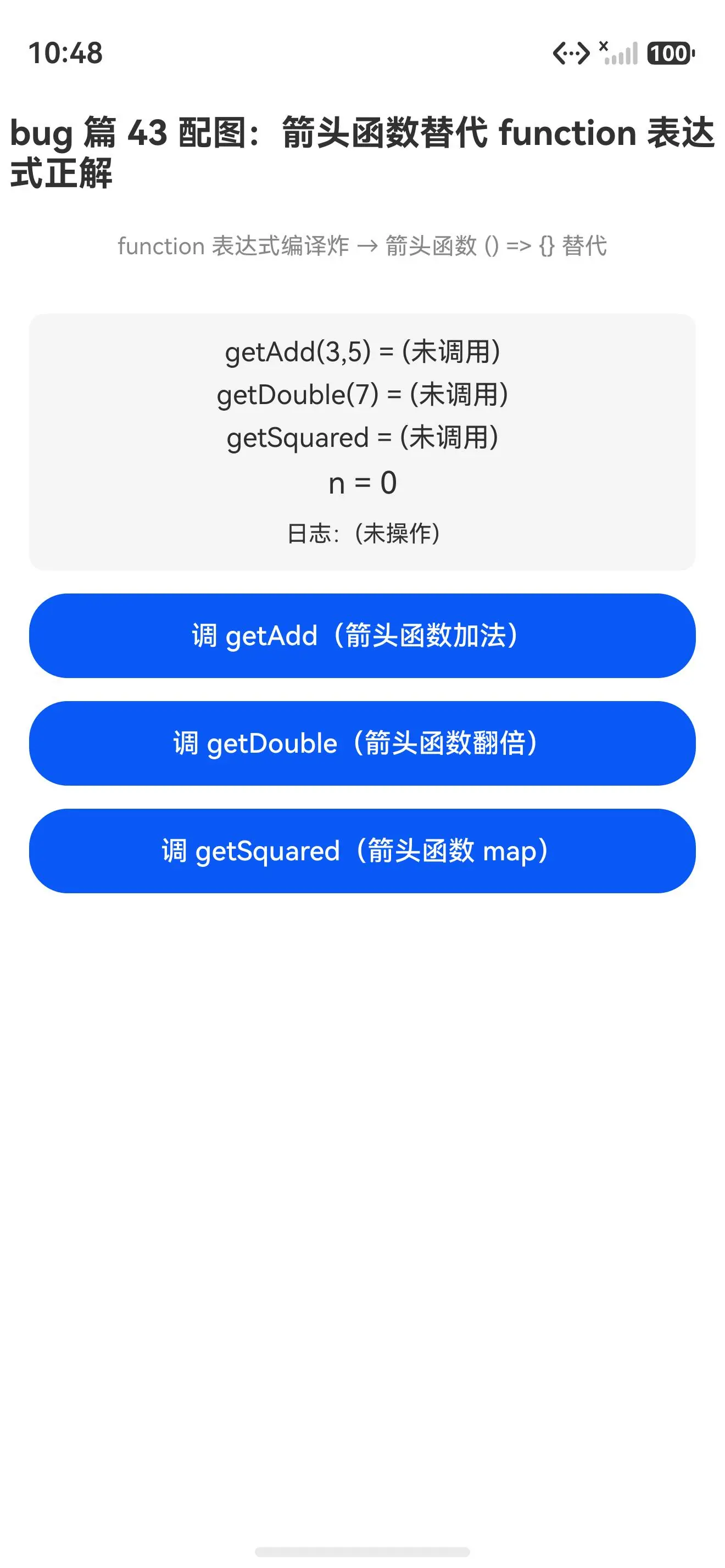
真机配图:箭头函数替代 function 表达式正解能编译能跑
替代 function 正解初始态(getAdd/getDouble/getSquared 均未调用):
点调三种替代后(getAdd(3,5)=8、getDouble(7)=14、getSquared=1,4,9 均真返了正确值):
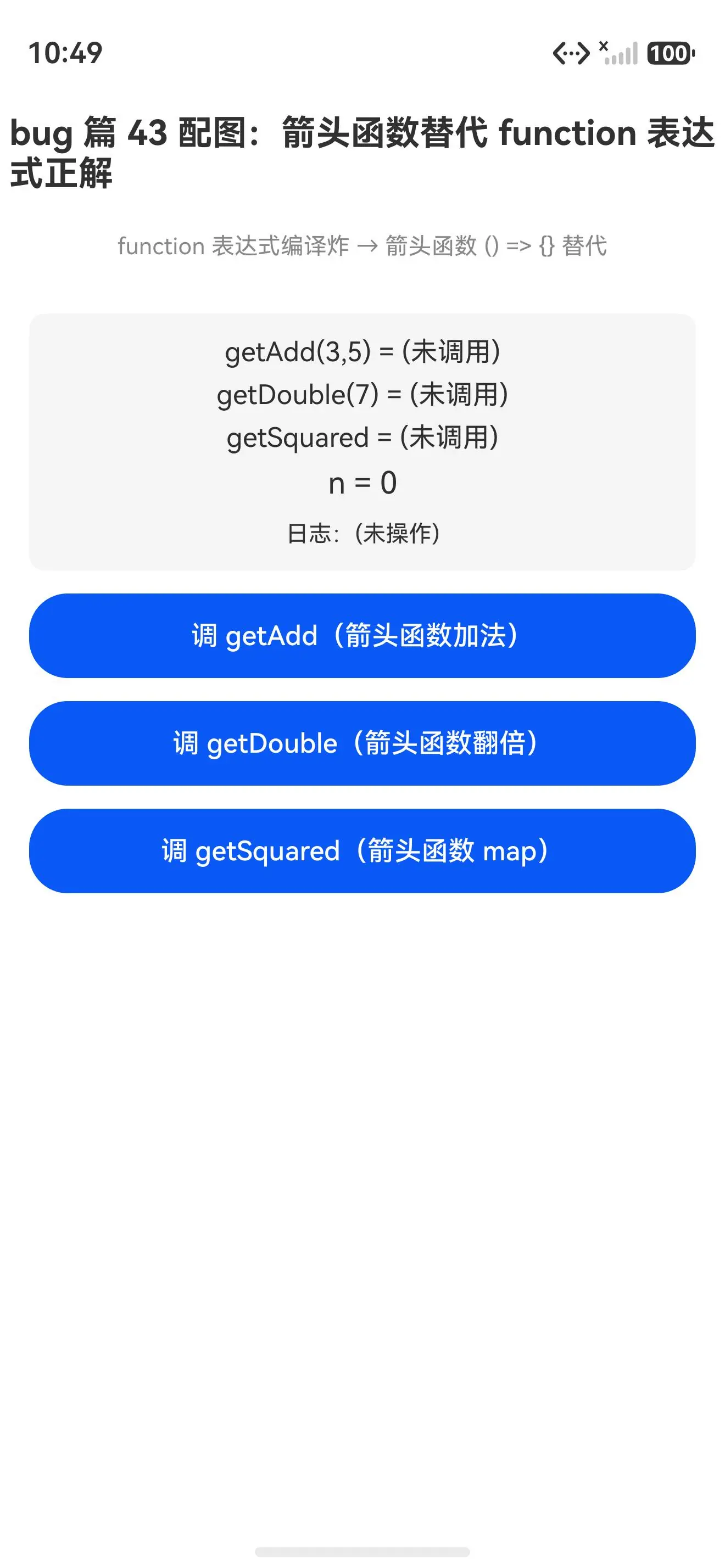
报错写法(用 function 表达式)编译就炸,装不上真机;正解写法(箭头函数
() => {}替代)能跑,三种替代都真返了正确值。写了 function 表达式就炸,改回箭头函数就跑------这是 ArkTS 禁用 function 表达式最直白的证据。
根因
鸿蒙 ArkTS 的编译器主动拒绝 function 表达式 (const fn = function () {} / .onClick(function () {})),来自三重约束:
1. 箭头函数绑定词法 this,function 表达式绑定调用者 this
这是最核心的根因。箭头函数没有自己的 this,继承外层作用域的 this;function 表达式有自己的 this,由调用方式决定。在 ArkUI 组件里:
typescript
@Component
struct Index {
  count: number = 0

  build() {
    Button('点我')
      .onClick(function () {
        this.count++   ← this 是回调的调用者,不是组件实例,count 找不到
      })
      .onClick(() => {
        this.count++   ← this 是组件实例,count 正确访问
      })
  }
}
function 表达式的 this 不可控,箭头函数的 this 稳定------ArkUI 组件方法里要访问组件状态,必须用箭头函数。编译器干脆禁掉 function 表达式,从根上杜绝 this 丢失 bug。
2. 箭头函数不能当构造器,function 表达式能当
typescript
const Foo = function (x: number) { this.x = x }   ← 能 new Foo(1)
const Foo = (x: number) => { this.x = x }          ← 不能 new,箭头函数无 prototype
ArkTS 走 class 体系做类型定义(见篇 42),不靠 function 表达式当构造器。禁掉 function 表达式,强制用 class + constructor,类型体系更统一。
3. 箭头函数语法更简洁,可读性更强
typescript
const add = function (a: number, b: number): number { return a + b }   ← 啰嗦
const add = (a: number, b: number): number => a + b                    ← 简洁
箭头函数单表达式可省 return,花括可省 {},语法更轻。ArkTS 偏好「直白简洁」的写法,function 表达式的花括 + return 啰嗦降低可读性。
真解法
解法 1:箭头函数赋给变量(显式标函数类型,推荐)
typescript
@Entry
@Component
struct Index {
  getAdd(): (a: number, b: number) => number {
    // ✅ 箭头函数 + 显式函数类型标注
    const add: (a: number, b: number) => number = (a: number, b: number): number => a + b
    return add
  }

  build() {
    Button('调 getAdd')
      .onClick(() => {
        const fn = this.getAdd()
        console.info(`${fn(3, 5)}`)   ← 输出 8
      })
  }
}
为啥能跑 :箭头函数 (a, b) => a + b 替代 function (a, b) { return a + b },单表达式省 return 更简洁。注意要显式标函数类型 (const add: (a, b) => number = ...),否则 ArkTS 的 arkts-no-any-unknown 会报推断成 any 的错。首选这个。
解法 2:箭头函数作回调(onClick / map 等)
typescript
@Entry
@Component
struct Index {
  count: number = 0

  build() {
    Button('点我')
      .onClick(() => {           ← ✅ 箭头函数,this 绑定组件实例
        this.count++
      })

    // ✅ 数组方法的回调也用箭头函数
    const arr: number[] = [1, 2, 3]
    const squared: number[] = arr.map((x: number): number => x * x)
  }
}
为啥能跑 :箭头函数的 this 绑定外层作用域(组件实例),this.count++ 正确访问组件状态。所有回调(onClick / onChange / map / forEach 等)都该用箭头函数。要访问组件状态时用这个。
解法 3:箭头函数作返回值(函数工厂)
typescript
@Entry
@Component
struct Index {
  getDouble(): (x: number) => number {
    // ✅ 箭头函数作返回值,显式标函数类型
    const double: (x: number) => number = (x: number): number => x * 2
    return double
  }

  build() {
    Button('调 getDouble')
      .onClick(() => {
        const fn = this.getDouble()
        console.info(`${fn(7)}`)   ← 输出 14
      })
  }
}
为啥能跑 :箭头函数当返回值,返回类型 (x: number) => number 显式标注。要动态生成函数时用这个。
一句话记忆
function 表达式编译炸,改回箭头函数
() => {}就跑。 ArkTS 禁 function 表达式------this不可控、能当构造器跟 class 体系冲突、语法啰嗦降可读性,三重约束齐拒。替代方案就一个:箭头函数() => {},赋值/回调/返回值都能用。箭头函数绑定词法this是根因,() => {}替代function () {}是首选解法。
报错速查表
| 报错码 | 报错原文 | 触发写法 | 正解替代 |
|---|---|---|---|
arkts-no-func-expressions |
Use arrow functions instead of function expressions | const fn = function () {} |
const fn = () => {} |
arkts-no-func-expressions |
Use arrow functions instead of function expressions | .onClick(function () {}) |
.onClick(() => {}) |
arkts-no-func-expressions |
Use arrow functions instead of function expressions | arr.map(function (x) {}) |
arr.map((x) => {}) |
真机 demo 完整代码
typescript
@Entry
@Component
struct Index {
  @State resultA: string = '(未调用)'
  @State resultB: string = '(未调用)'
  @State resultC: string = '(未调用)'
  @State n: number = 0
  @State log: string = '(未操作)'

  // ✅ 正解 1:箭头函数赋给变量(显式函数类型标注)
  getAdd(): (a: number, b: number) => number {
    const add: (a: number, b: number) => number = (a: number, b: number): number => a + b
    return add
  }

  // ✅ 正解 2:箭头函数作回调(显式函数类型标注)
  getDouble(): (x: number) => number {
    const double: (x: number) => number = (x: number): number => x * 2
    return double
  }

  // ✅ 正解 3:箭头函数数组方法(显式元素类型)
  getSquared(): number[] {
    const arr: number[] = [1, 2, 3]
    return arr.map((x: number): number => x * x)
  }

  build() {
    Column({ space: 12 }) {
      Text('bug 篇 43 配图:箭头函数替代 function 表达式正解')
        .fontSize(18).fontWeight(FontWeight.Bold).margin({ top: 20, bottom: 8 })
      Text('function 表达式编译炸 → 箭头函数 () => {} 替代')
        .fontSize(12).fontColor('#888').margin({ bottom: 16 })

      Column({ space: 6 }) {
        Text(`getAdd(3,5) = ${this.resultA}`).fontSize(14)
        Text(`getDouble(7) = ${this.resultB}`).fontSize(14)
        Text(`getSquared = ${this.resultC}`).fontSize(14)
        Text(`n = ${this.n}`).fontSize(16)
        Text(`日志:${this.log}`).fontSize(12).fontColor('#333').margin({ top: 4 })
      }
      .width('92%').padding(12).backgroundColor('#f5f5f5').borderRadius(8)

      Button('调 getAdd(箭头函数加法)')
        .width('92%').height(44).fontSize(14)
        .onClick(() => {
          const fn = this.getAdd()
          this.resultA = String(fn(3, 5))
          this.n++
          this.log = `第 ${this.n} 次:getAdd(3,5) = ${this.resultA}`
        })

      Button('调 getDouble(箭头函数翻倍)')
        .width('92%').height(44).fontSize(14)
        .onClick(() => {
          const fn = this.getDouble()
          this.resultB = String(fn(7))
          this.n++
          this.log = `第 ${this.n} 次:getDouble(7) = ${this.resultB}`
        })

      Button('调 getSquared(箭头函数 map)')
        .width('92%').height(44).fontSize(14)
        .onClick(() => {
          this.resultC = String(this.getSquared())
          this.n++
          this.log = `第 ${this.n} 次:getSquared = ${this.resultC}`
        })
    }
    .width('100%').height('100%').alignItems(HorizontalAlign.Center)
  }
}
写鸿蒙 ArkTS 记住 :
function表达式(const fn = function () {}/.onClick(function () {}))编译就炸------arkts-no-func-expressions禁用。改回箭头函数() => {},赋值/回调/返回值都能用。箭头函数绑定词法this、不能当构造器、语法更简洁 是根因,() => {}替代function () {}是首选解法!