1、简介
以 Vite Vue3 项目为例,在Windows下编译vue3项目,将生成的dist目录拷贝到Ubuntu22.04+arm64上运行
Vue3 本身、vue-router、vuex、axios、element-plus、ant-design-vue 这类纯 JS 依赖纯 JavaScript 代码,跨 CPU、跨系统全都兼容。
注意:如果包含原生二进制插件,比如:node-gyp 编译的 C/C++ 模块,将会不兼容。
2、安装、测试
1)安装node、npm、yarn
node、npm下载地址:
https://nodejs.org/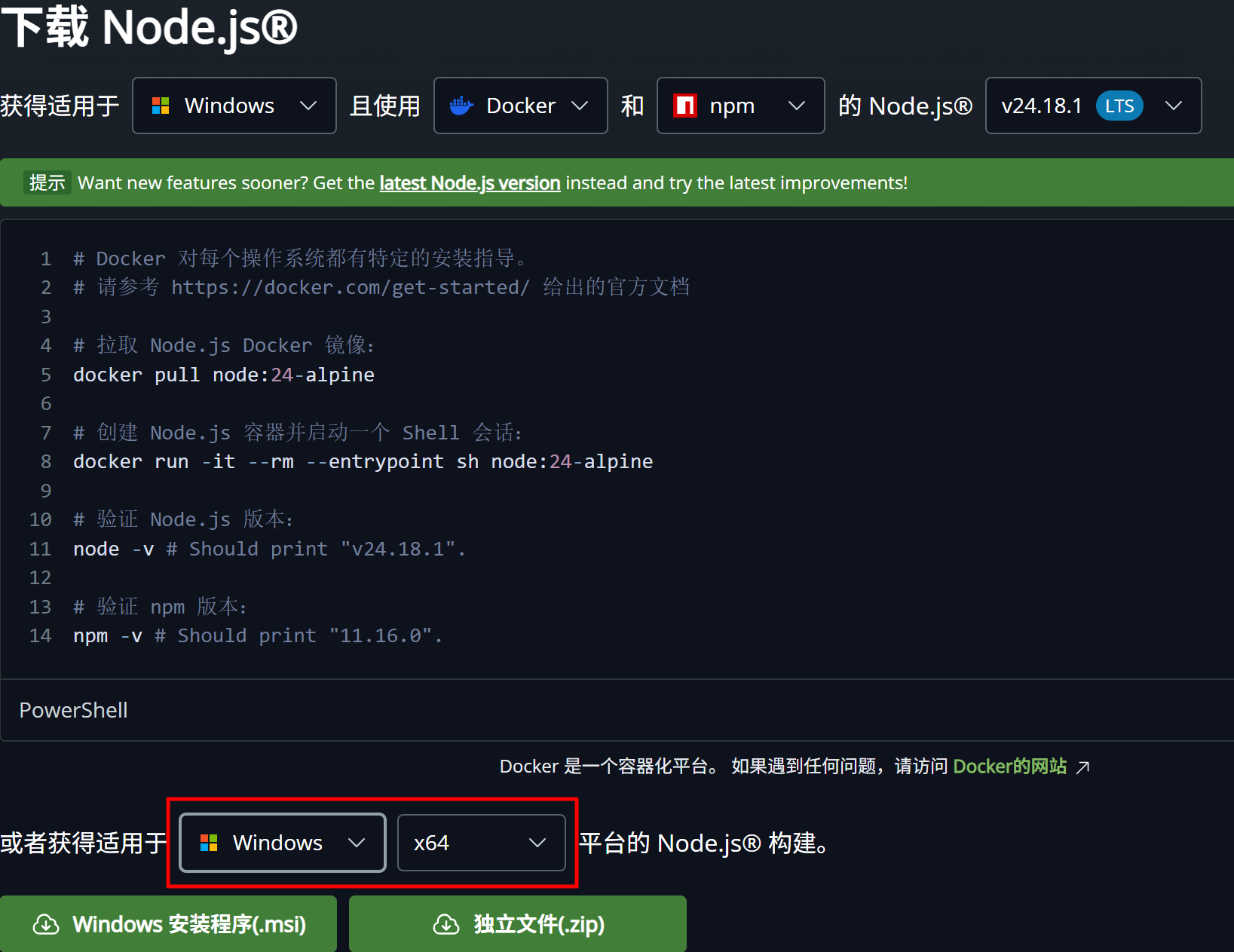
安装 yarn
npm install yarn -g2)查看版本
node -v
npm -v
yarn -v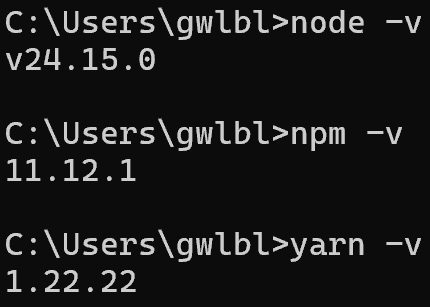
3)配置国内源和超时时间:针对网络不佳的情况
npm config set registry https://registry.npmmirror.com
npm config set timeout 60000
yarn config set registry https://registry.npmmirror.com
yarn config set network-timeout 60000
4)安装依赖库
npm install或者使用yarn
yarn install如果成功了会提示
bash
[4/4] Building fresh packages...
success Saved lockfile.
Done in 364.12s.
5)开发测试
npm run dev或者使用yarn
yarn dev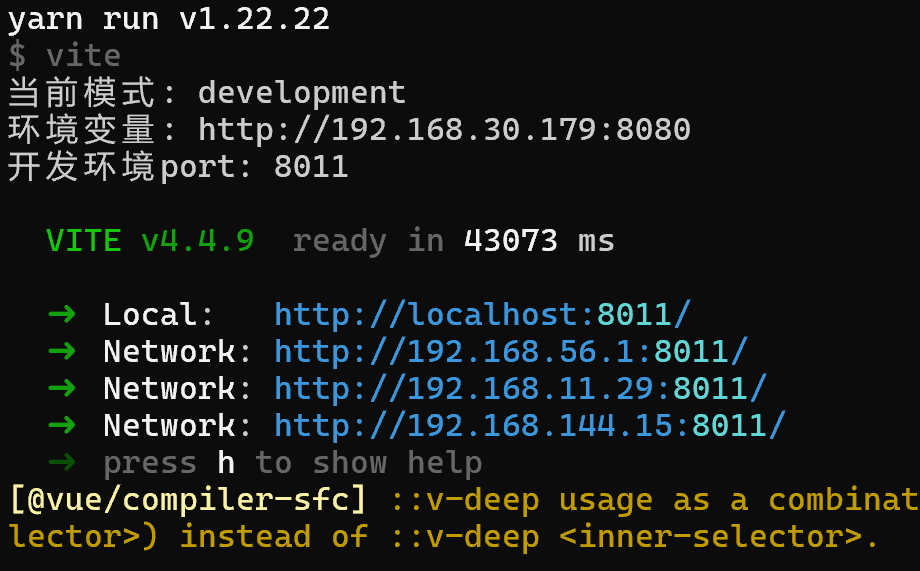
同时会弹出浏览器界面
6)编译打包 dist
npm run build或者使用yarn
yarn build将会在源码目录中生成dist,目录结构如下:
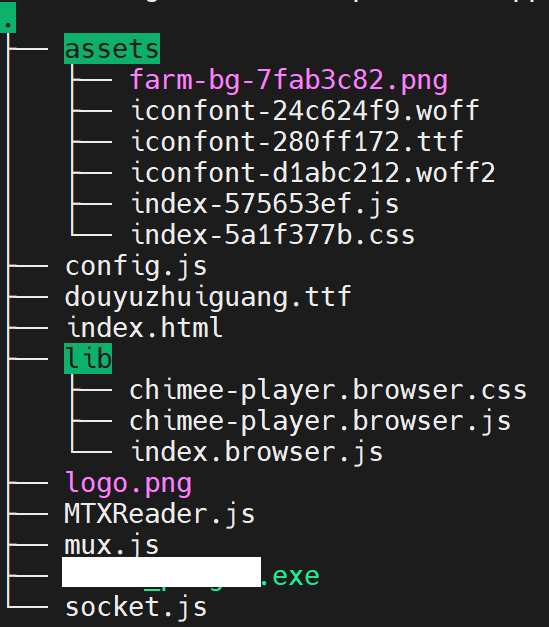
将 dist 拷贝到Ubuntu22.04系统的目录下,比如:/home/laoer/dist
7)在Ubuntu22.04中安装nginx
修改 nginx 配置文件nginx.conf
bash
    server{
        listen  8080;

        location / {
            root  /home/laoer/dist;
            index /index.html;
            error_page 404 /index.html;
        }
如果端口号被占用,可以使用下面的命令查看
sudo netstat -tunlp | grep 80808)访问 Ubuntu22.04 的IP和8080端口,即可