PDF Viewer KMP
支持 Context7 ,AI直接能读懂最准确的用法。
| 库 | English | 简体中文 |
|---|---|---|
pdf-core |
Using PDF Core | PDF Core 使用指南 |
pdf-viewer |
Using PDF Viewer | PDF Viewer 使用指南 |
| API 参考 | Dokka | --- |
PDF Viewer KMP 是基于 PDFium 的 Kotlin Multiplatform PDF 库,可用于 读取、渲染和显示 PDF 文档。
Demo
下载已签名的 Android 示例应用:pdf-viewer-kmp-demo.apk。
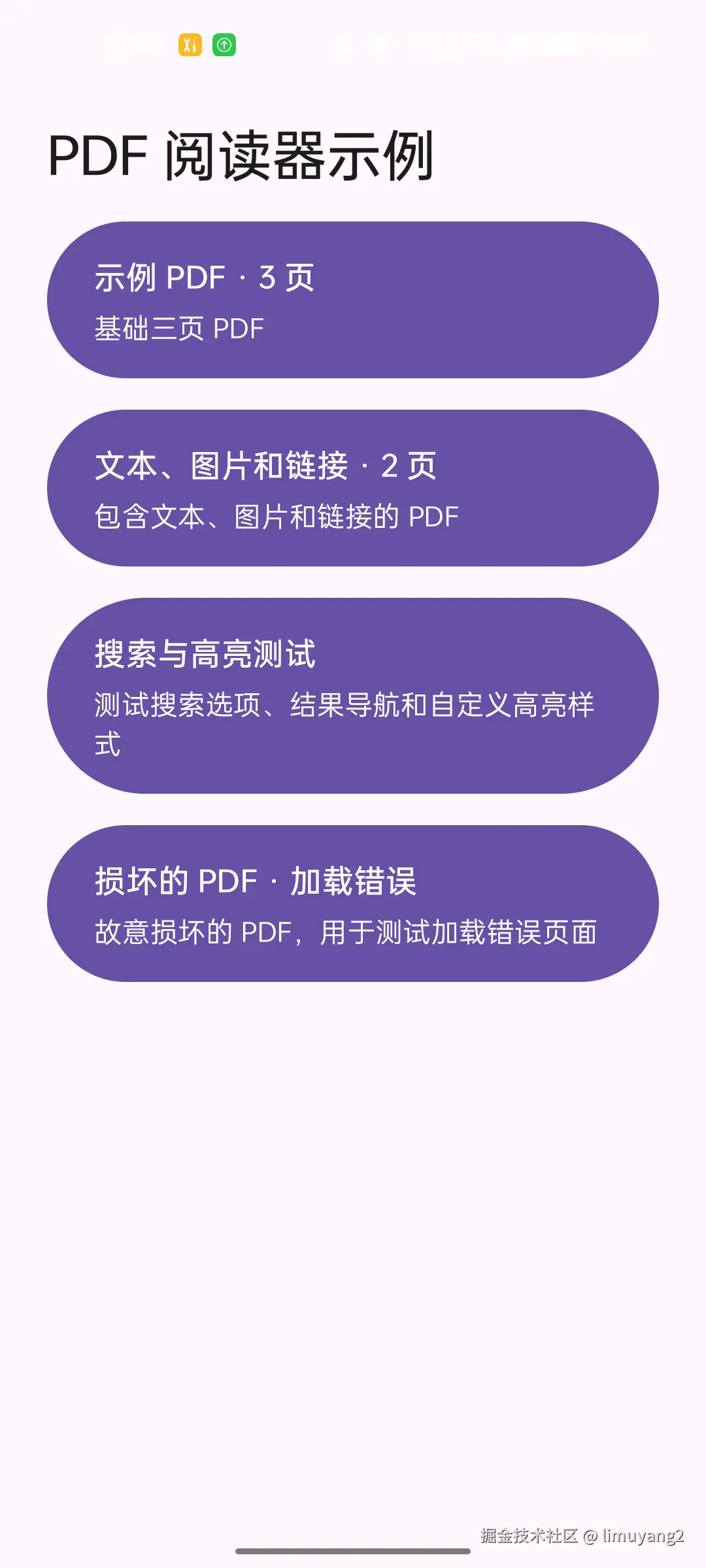
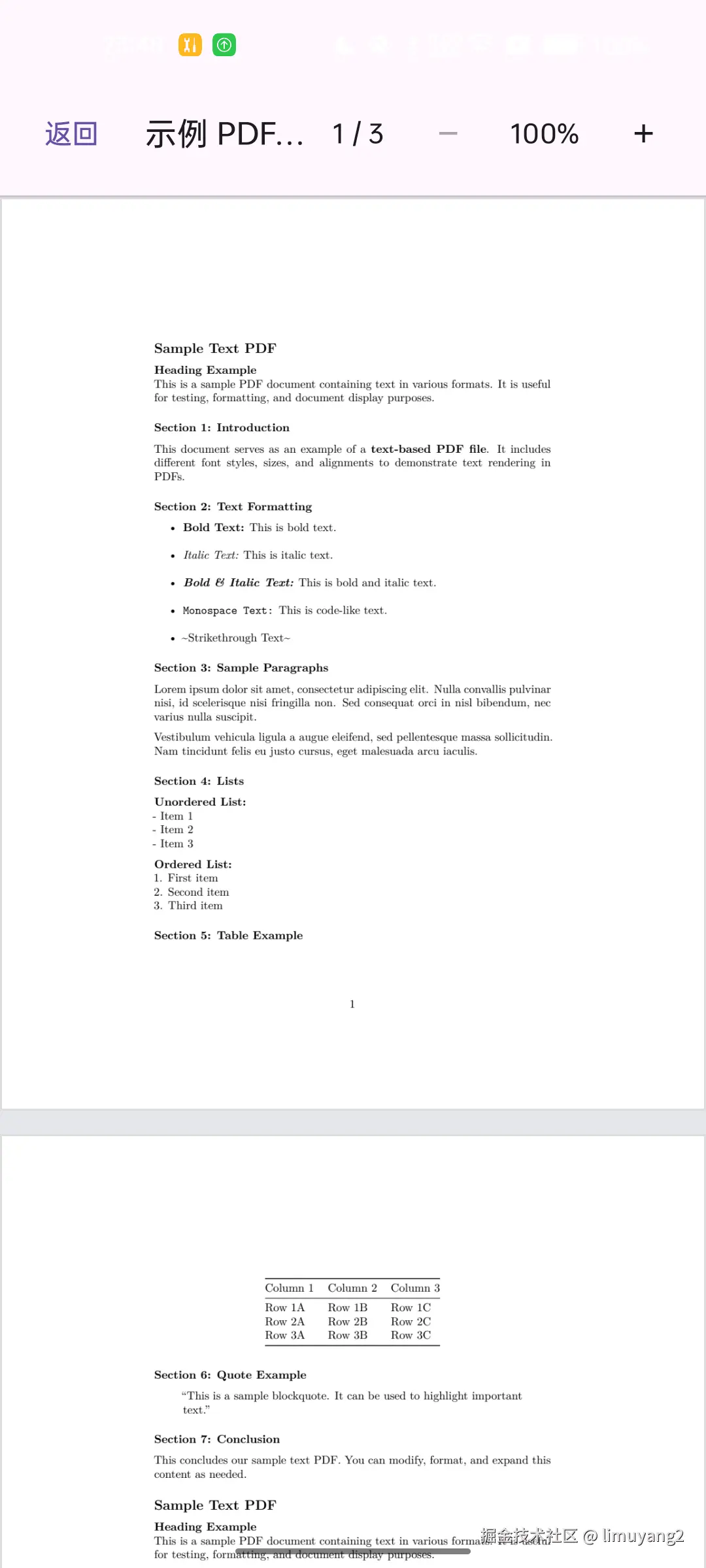
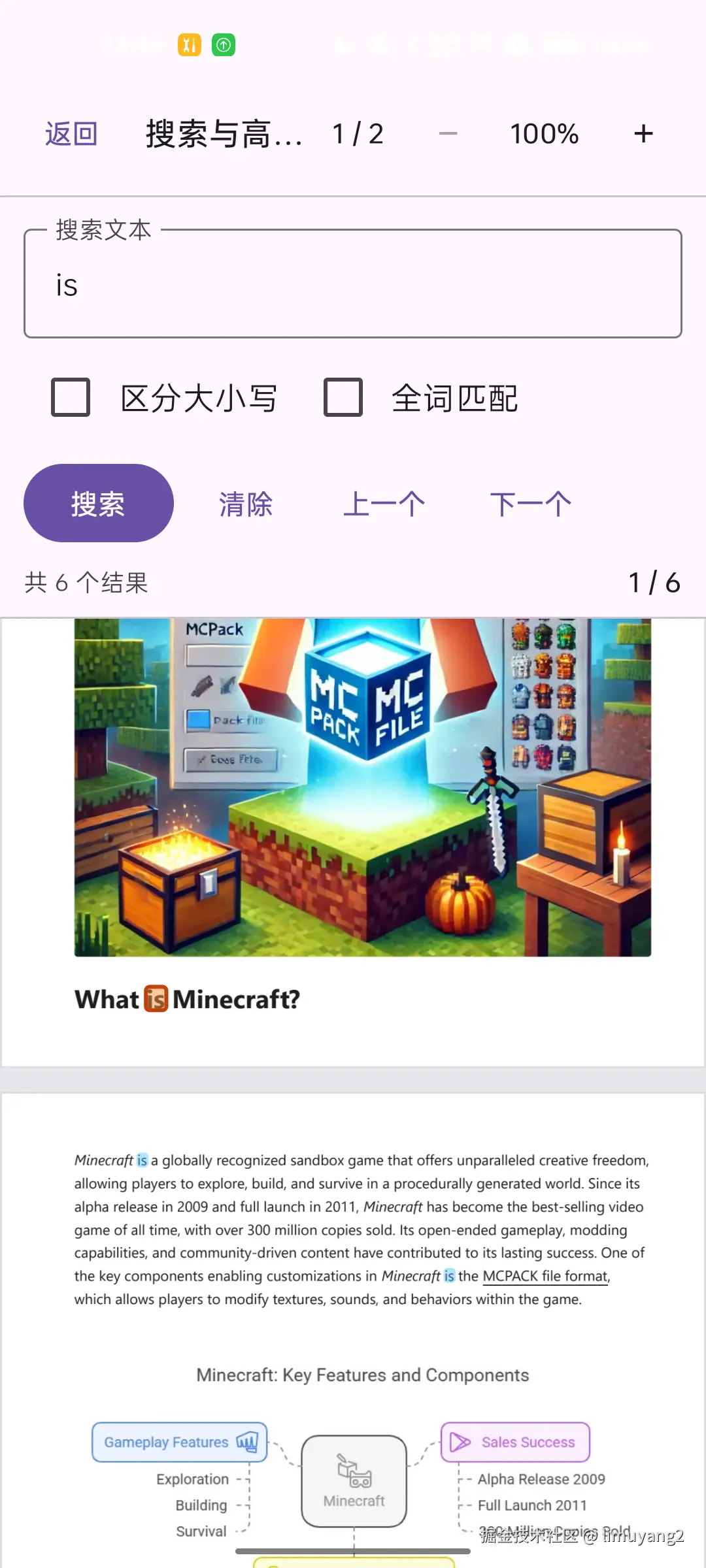
以下截图来自在 OPPO Android 真机上运行的 Demo:
| Demo 首页 | PDF 阅读器 | 搜索与高亮 |
|---|---|---|
 |
 |
 |
项目包含两个公开库:
| 库 | 用途 |
|---|---|
pdf-core |
打开 PDF 文档,提供元数据、页面渲染、文本、搜索和链接等不依赖 Compose UI 的 API。 |
pdf-viewer |
提供 Compose Multiplatform PdfView 组件,并传递依赖 pdf-core。 |
支持平台
| 平台 | 支持目标 |
|---|---|
| Android | arm32、arm64、x86、x64 |
| iOS | 真机 arm64、模拟器 arm64 |
| JVM 桌面端 | macOS arm64/x64、Linux x64、Windows x64 |
| 浏览器 | JavaScript、Wasm |
目前不支持 iOS x64 和 Catalyst。内置 PDFium 固定为 chromium/7961 版本,不包含 V8 和 XFA。
添加依赖
添加 Maven Central,并在 commonMain 中选择需要的库:
kotlin
repositories {
    mavenCentral()
}

kotlin {
    sourceSets {
        commonMain.dependencies {
            // 只使用 PDF 底层 API:
            implementation("io.github.limuyang2:pdf-core:0.3.0")

            // 或使用 Compose Viewer,pdf-core 会被传递引入:
            implementation("io.github.limuyang2:pdf-viewer:0.3.0")
        }
    }
}
快速开始:PDF Core
应用只需要读取或渲染 PDF、不需要内置 Compose UI 时,可直接使用 pdf-core:
kotlin
import io.github.limuyang2.pdf.core.PdfPixelSize
import io.github.limuyang2.pdf.core.PdfRenderRequest
import io.github.limuyang2.pdf.core.PdfSource
import io.github.limuyang2.pdf.core.PdfViewer

suspend fun renderFirstPage(pdfBytes: ByteArray): ByteArray {
    val document = PdfViewer.open(PdfSource.Bytes(pdfBytes))
    try {
        require(document.pageCount > 0)

        val bitmap =
            document[0].render(
                PdfRenderRequest(
                    outputSize = PdfPixelSize(1200, 1600),
                ),
            )
        try {
            return bitmap.copyPixels()
        } finally {
            bitmap.close()
        }
    } finally {
        document.closeAndAwait()
    }
}
密码、元数据、文本、搜索、链接、位图格式、资源生命周期、异常和各平台配置, 请参阅 PDF Core 使用指南。
快速开始:PDF Viewer
pdf-viewer 使用纵向滚动的 Compose 页面列表显示整个文档:
kotlin
import androidx.compose.foundation.layout.fillMaxSize
import androidx.compose.runtime.Composable
import androidx.compose.ui.Modifier
import io.github.limuyang2.pdf.core.PdfDocument
import io.github.limuyang2.pdf.viewer.PdfView
import io.github.limuyang2.pdf.viewer.rememberPdfViewState

@Composable
fun DocumentPreview(document: PdfDocument) {
    val state = rememberPdfViewState()

    PdfView(
        document = document,
        state = state,
        modifier = Modifier.fillMaxSize(),
        maxZoom = 4f,
        gestureZoomEnabled = true,
    )
}
调用方拥有 PdfDocument,必须在页面销毁时关闭它。PdfView 只负责关闭内部 临时渲染的位图。
在 Compose 中打开文档、状态控制、缩放配置、渲染尺寸限制、自定义加载和错误 UI、链接处理等内容,请参阅 PDF Viewer 使用指南。
各平台配置概览
- Android: 支持 API 24 及更高版本,PDFium JNI runtime 会自动加载。
- JVM: 原生 PDFium 库已内置,会自动解压到系统临时目录。部分 JVM 运行时可能需要
--enable-native-access=ALL-UNNAMED。 - 浏览器: 需要在配置的 PDFium 静态资源目录中部署
manifest.properties、pdfium-adapter.js、pdfium.js和pdfium.wasm。 - iOS: 最低部署版本为 iOS 14.0。PDFium 已通过发布的 KLIB 静态链接, 应用无需额外嵌入动态库。
详细配置参见 PDF Core 使用指南。
当前能力
所有当前后端均支持:
- 字节数组输入源和密码保护文档;
- 文档信息、权限、元数据和页面标签;
- 页面尺寸、固有旋转方向和边界框;
- 完整页面 BGRA8888 渲染;
- 基础文本提取;
- 支持大小写、整词和连续匹配选项的文本搜索;
- 内部跳转目标、URI 动作和链接标注区域。
调用可选 API 前,可以通过 PdfViewer.capabilities 检查当前平台能力。
当前尚未实现:书签、内嵌缩略图、公开后端的文本布局几何信息、随机访问输入源、 局部裁剪渲染、表单、编辑、渐进式加载或渲染、JavaScript 和 XFA。不支持的操作 会抛出 PdfUnsupportedFeatureException。