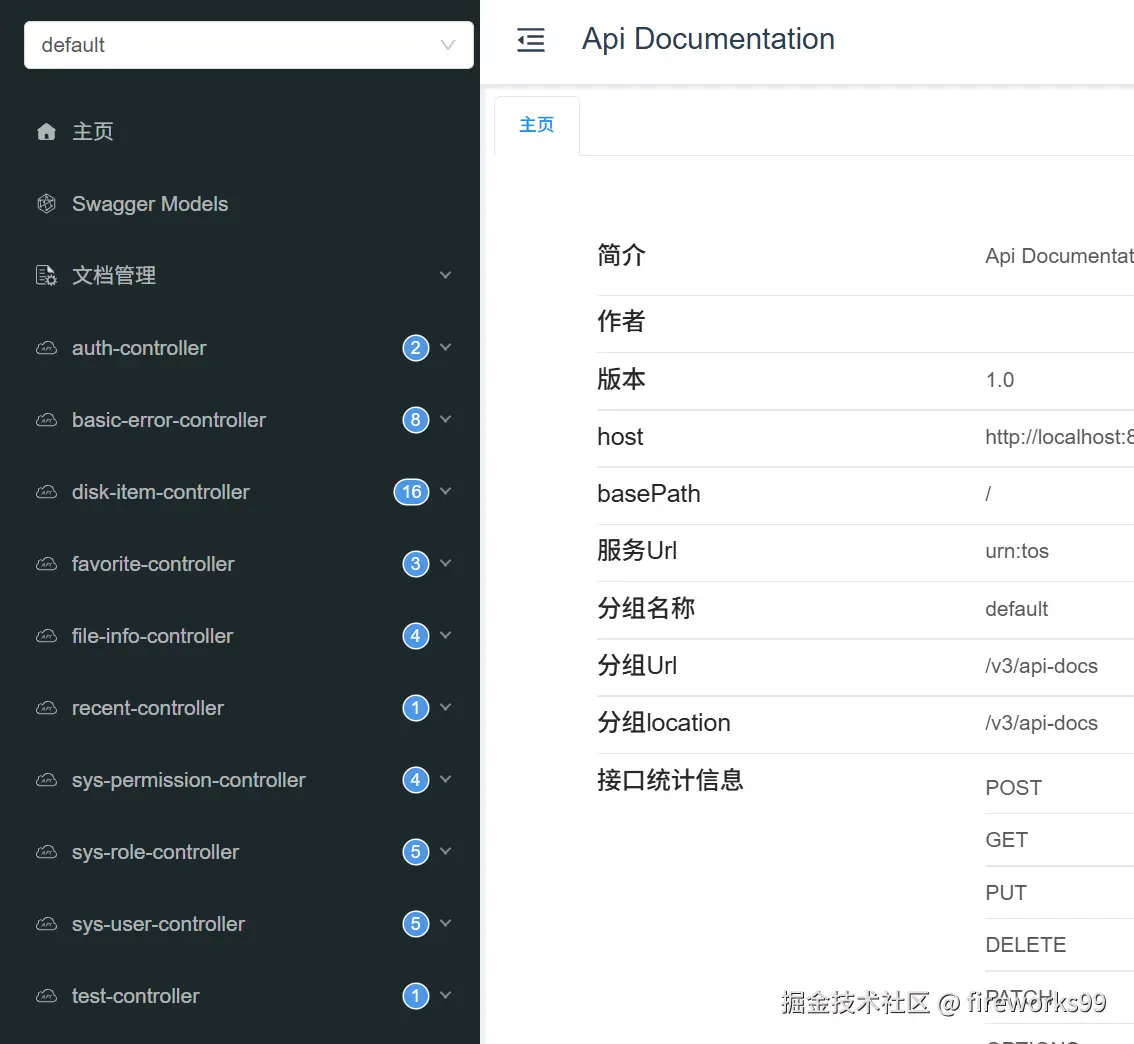
接入过程
1.引入依赖
pom.xml
xml
<!-- Knife4j -->
<dependency>
    <groupId>com.github.xiaoymin</groupId>
    <artifactId>knife4j-spring-boot-starter</artifactId>
    <version>3.0.3</version>
</dependency>
2.编写配置
src/main/java/com/example/netdisk/config/Knife4jConfig.java
java
package com.example.netdisk.config;

import org.springframework.context.annotation.Bean;
import org.springframework.context.annotation.Configuration;
import springfox.documentation.builders.ApiInfoBuilder;
import springfox.documentation.builders.PathSelectors;
import springfox.documentation.builders.RequestHandlerSelectors;
import springfox.documentation.service.ApiInfo;
import springfox.documentation.spi.DocumentationType;
import springfox.documentation.spring.web.plugins.Docket;

@Configuration
public class Knife4jConfig {

    @Bean
    public Docket api() {
        return new Docket(DocumentationType.OAS_30)
                .apiInfo(apiInfo())
                .select()
                .apis(RequestHandlerSelectors.basePackage("com.example.netdisk.controller"))
                .paths(PathSelectors.any())
                .build();
    }

    private ApiInfo apiInfo() {
        return new ApiInfoBuilder()
                .title("NetDisk API")
                .description("网盘系统接口文档")
                .version("1.0.0")
                .build();
    }
}
3.放行请求
src/main/java/com/example/netdisk/security/config/SecurityConfig.java
java
.authorizeRequests()// 开始配置URL授权(新版可能用 authorizeHttpRequests)
.antMatchers(HttpMethod.OPTIONS, "/**").permitAll()// 预检请求放行
.antMatchers("/auth/**").permitAll()// 登录接口所有人都可访问
.antMatchers(
        "/swagger-ui.html",
        "/swagger-ui/**",
        "/webjars/**",
        "/v2/api-docs",
        "/v3/api-docs",
        "/swagger-resources/**",
        "/doc.html"
).permitAll()               //swagger路径放行
.anyRequest().authenticated()// 其他所有请求都需要认证
4.处理兼容
运行后报错:Failed to start bean 'documentationPluginsBootstrapper'
这属于 Springfox 和 Spring Boot 2.6 的兼容问题,需要额外配置:
src/main/resources/application.yml
yml
spring:
  mvc:
    pathmatch:
matching-strategy: ant_path_matcher运行项目后访问:http://localhost:8080/doc.html