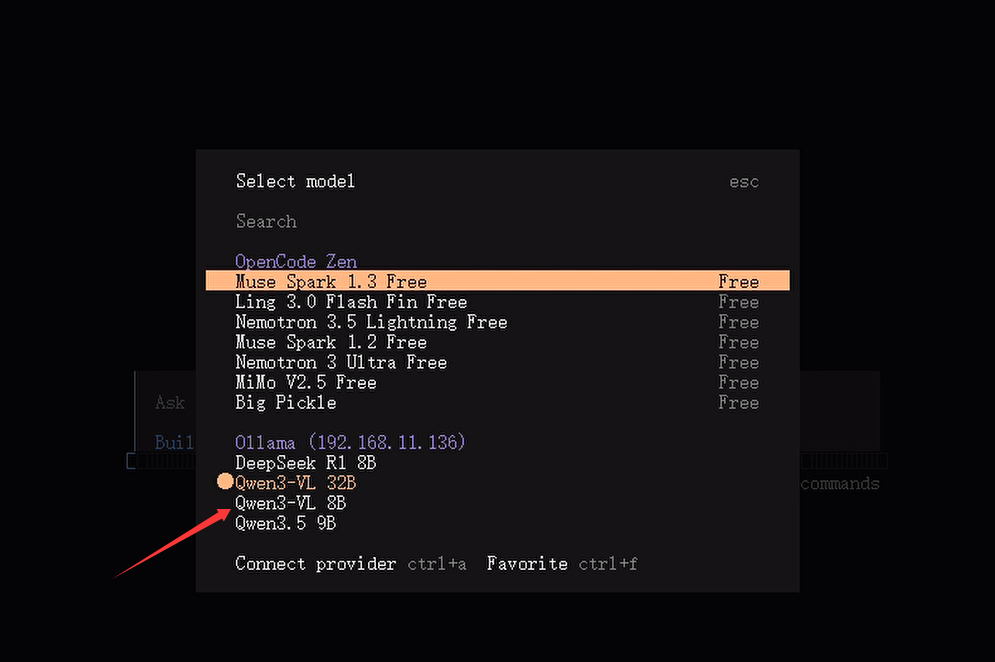
在准备安装机器本地文件夹安装目录,opencode下新建有config配置目录、workspace工作目录,config目录下的配置文件opencode.json内容如下,因为本地安装有千问模型,固配置千问模型
bash
{
  "$schema": "https://opencode.ai/config.json",
  "provider": {
    "ollama": {
      "npm": "@ai-sdk/openai-compatible",
      "name": "Ollama (192.168.11.136)",
      "options": {
        "baseURL": "http://192.168.11.136:11434/v1"
      },
      "models": {
        "qwen3-vl:32b": {
          "name": "Qwen3-VL 32B",
          "tool_call": true,
          "attachment": true,
          "temperature": true,
          "limit": { "context": 65536, "output": 40960 }
        },
        "qwen3.5:9b": {
          "name": "Qwen3.5 9B",
          "tool_call": true,
          "attachment": true,
          "temperature": true,
          "limit": { "context": 65536, "output": 40960 }
        },
        "qwen3-vl:8b": {
          "name": "Qwen3-VL 8B",
          "tool_call": true,
          "attachment": true,
          "temperature": true,
          "limit": { "context": 65536, "output": 40960 }
        },
        "deepseek-r1:8b": {
          "name": "DeepSeek R1 8B",
          "tool_call": true,
          "attachment": true,
          "temperature": true,
          "limit": { "context": 65536, "output": 40960 }
        }
      }
    }
  },
  "model": "ollama/qwen3-vl:32b"
}
因国内网络问题,直接下周可能会很慢,于是在docker容器添加源
bash
 "https://docker.xuanyuan.me",
    "https://docker.1ms.run",
    "https://docker.m.daocloud.io",
    "https://registry-1.docker.io"
运行容器
bash
docker run -d `
  --name opencode `
  --restart unless-stopped `
  -e TZ=Asia/Shanghai `
  -p 4096:4096 `
  -v "E:\vm\opencode\config:/home/opencode/.config/opencode" `
  -v "E:\vm\opencode\workspace:/home/opencode/workspace" `
  -w /home/opencode/workspace `
  sprisa/opencode:latest
进入 TUI操作界面
bash
docker exec -it opencode opencode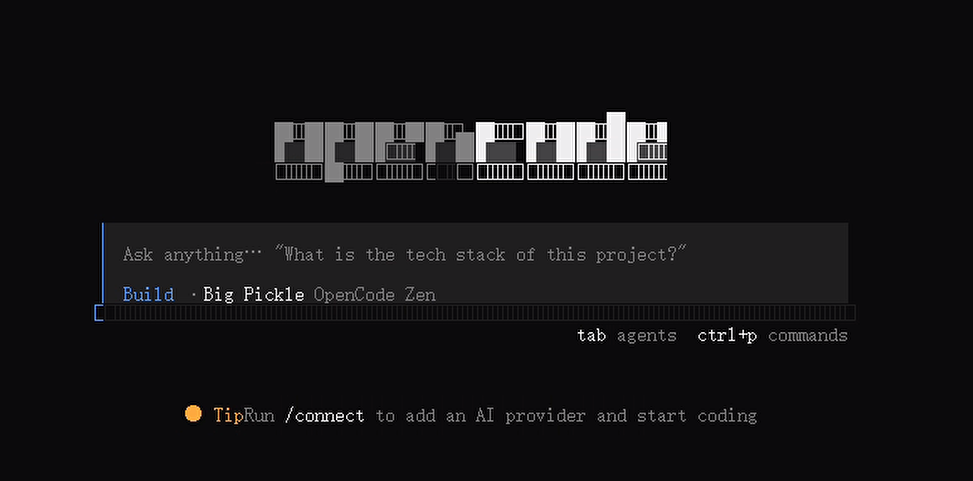
运行部署后容器内找不到ollama安装的本地模型
bash
/models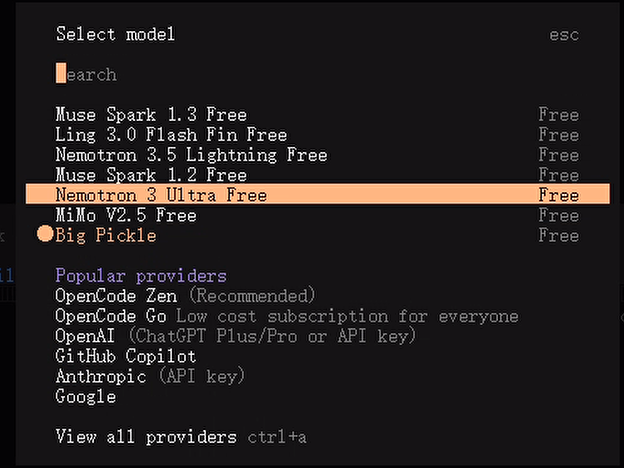
找不到容器模型原因是没有正确加载到本地模型,重新调整配置文件后重启后TUI界面如下