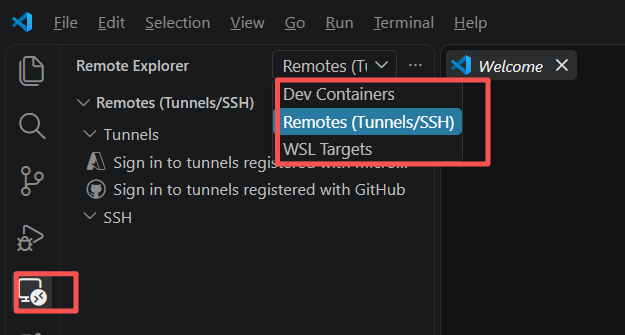
1. Dev Container
1.1 安装 container 运行环境;
1.2 在 项目目录下 执行
参考链接
bash
code . // 会直接打开 vscode 项目和此环境2. Remotes(Tunnels/SSH)
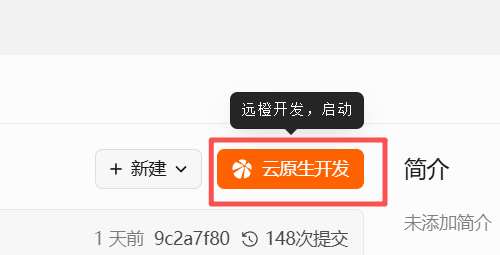
项目云仓库,选择云原生开发,选择vscode , 直接打开 vscode 项目和此环境.
3. WSL Targets
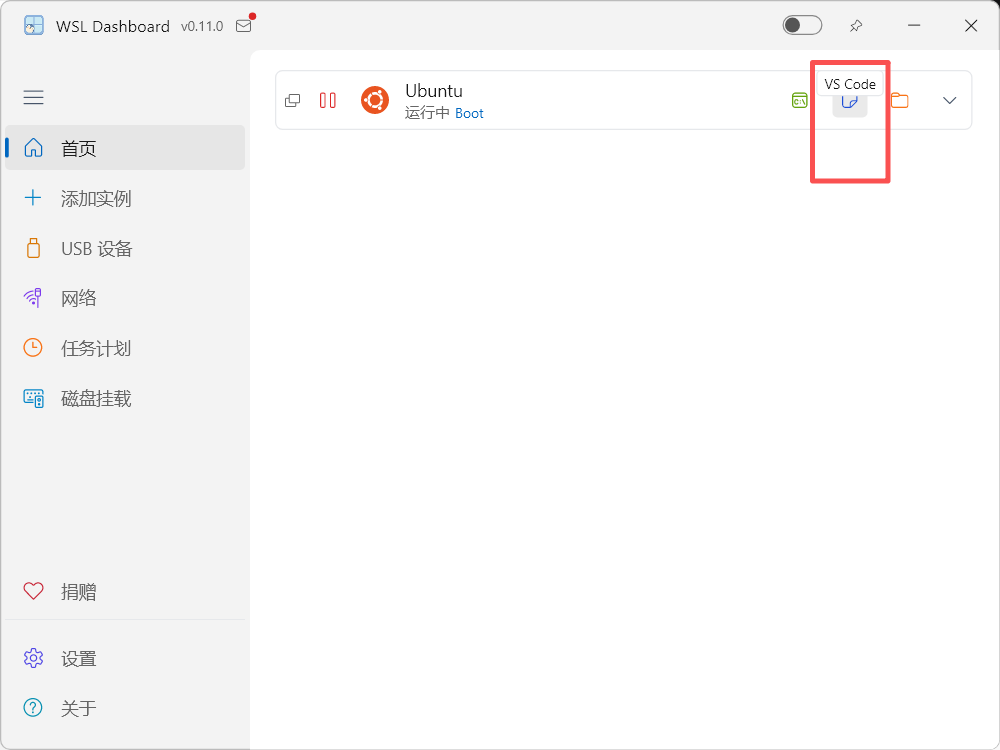
3.1 这个可以通过 WSL dash boar 这个按钮,直接打开 vscode 项目和此环境.