目录
[1.1 账号密码登录](#1.1 账号密码登录)
[1.2 手机号登录](#1.2 手机号登录)
[1.3 邮箱登录](#1.3 邮箱登录)
[1.1 账号注册](#1.1 账号注册)
[1.2 手机号注册](#1.2 手机号注册)
[1.3 邮箱注册](#1.3 邮箱注册)
一、报告概述
1、测试目标
验证电商平台各个模块功能的完整性,确保用户登录功能,注册功能,首页,我的订单,商品收藏,购物车,消息和系统管理等核心模块符合要求。
2、测试文档
类别 配置/版本
手动测试浏览器 Microsoft Edge
开发工具 IntelliJ IDEA
自动化测试工具 Selenium
接口自动化框架pytest
操作系统 Windows 11
自动化测试浏览器 Google Chrome
二、测试用例
用例网址:
三、手动测试
1、登录界面
1.1 账号密码登录
测试场景一:输入正确用户名和密码点击登录
预期结果:登录成功,直接跳转到商城首页
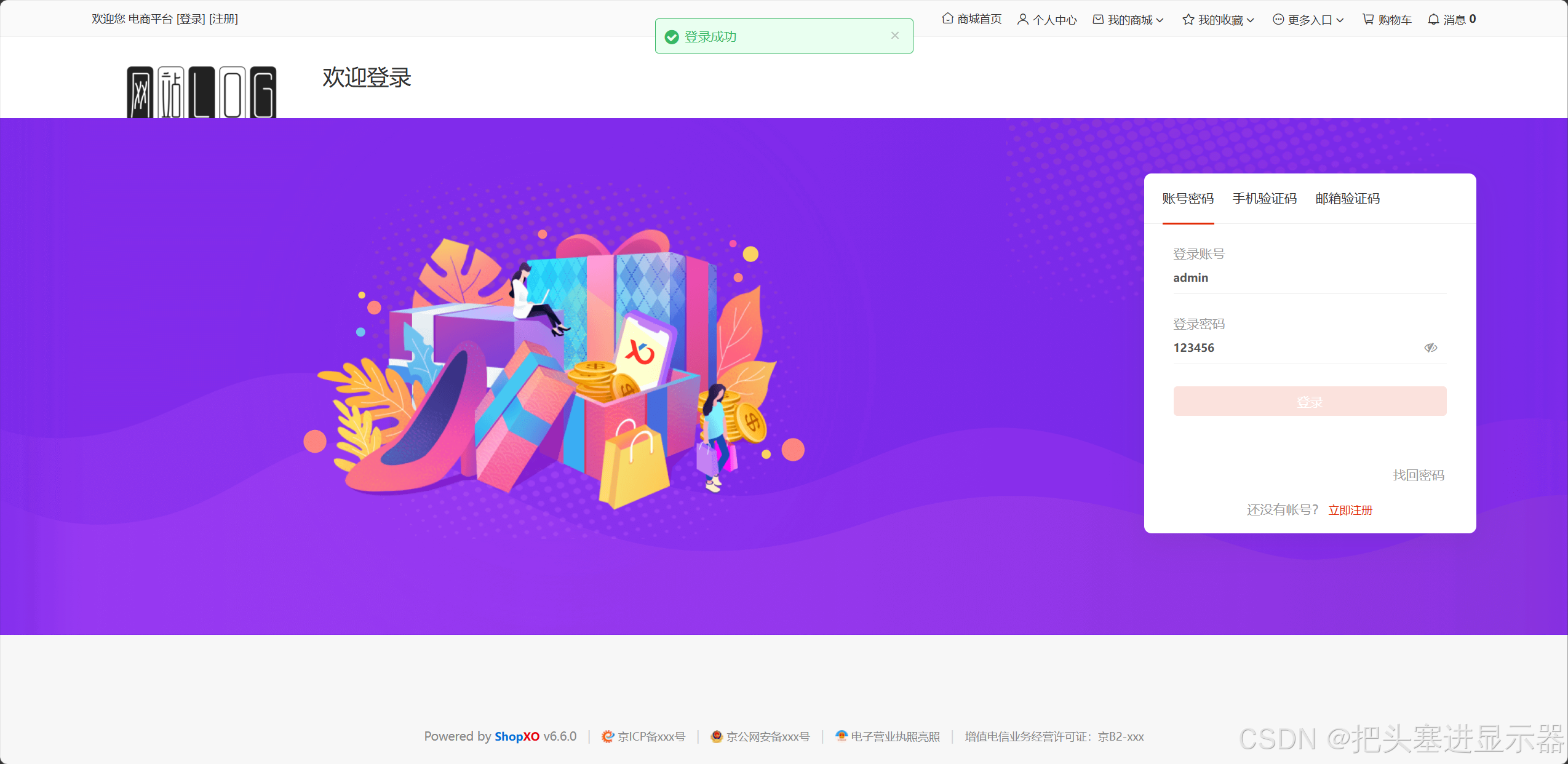
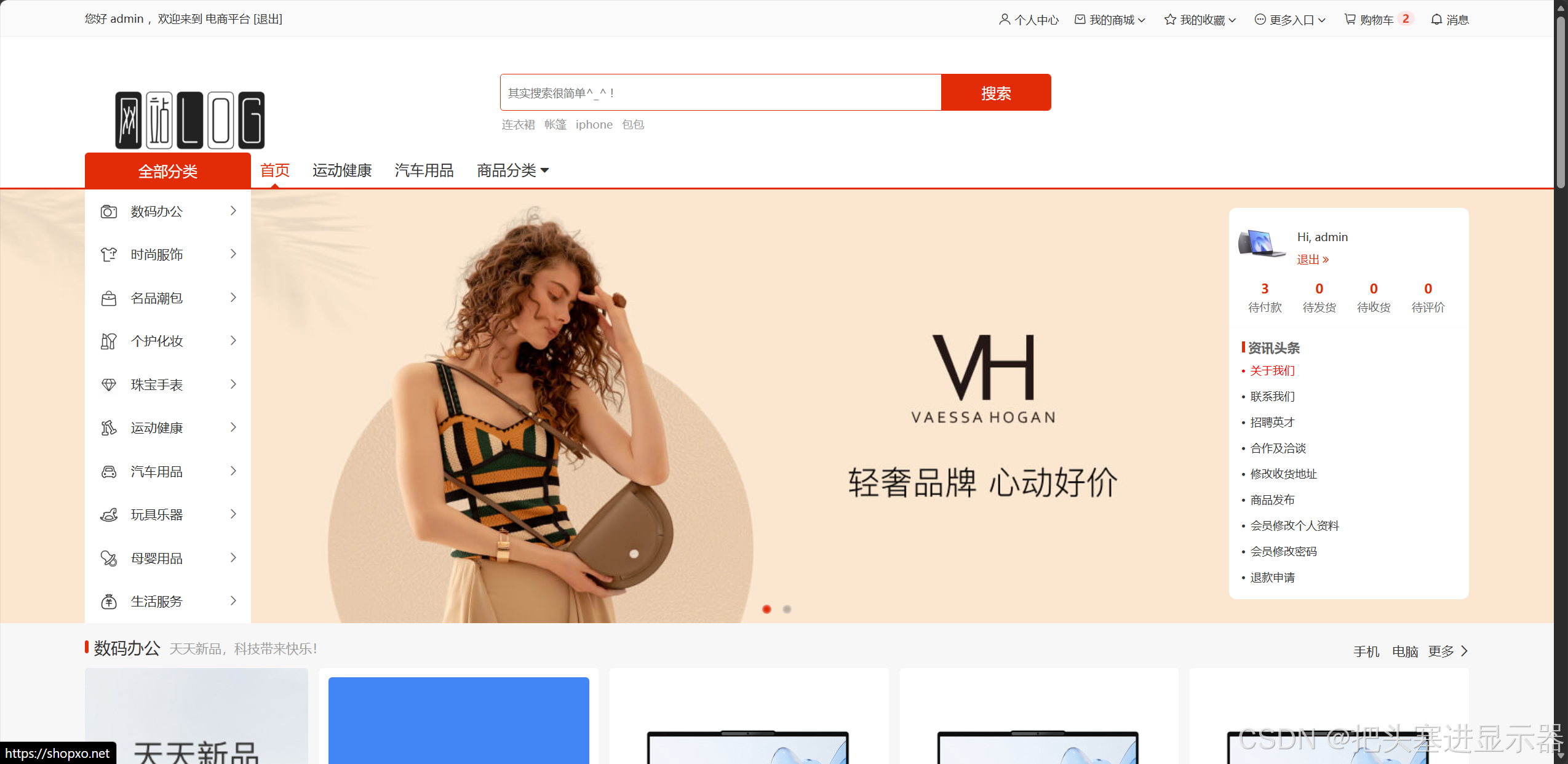
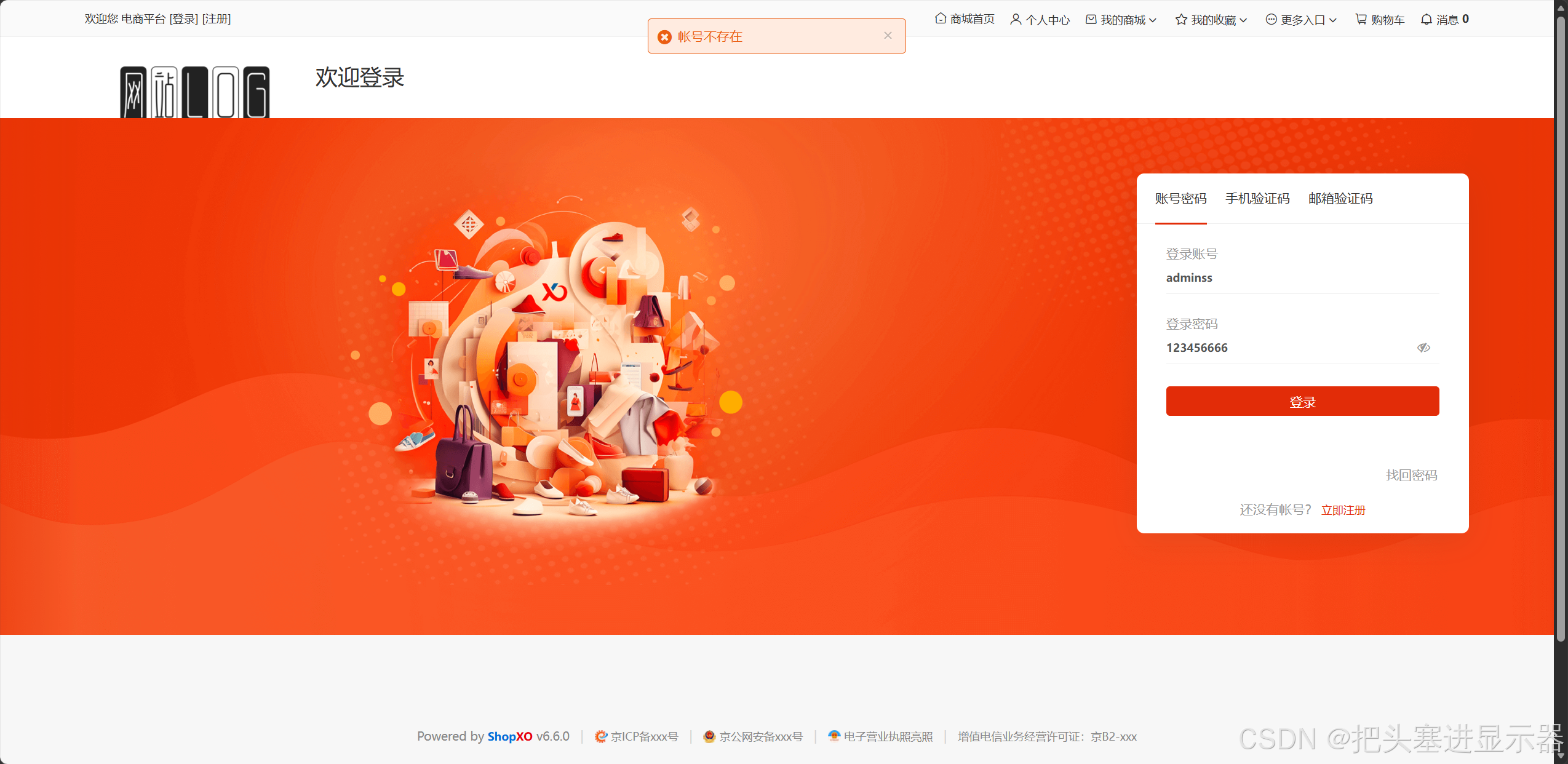
测试场景二:输入错误的用户名和密码点击登录
预期结果:提示账号不存在
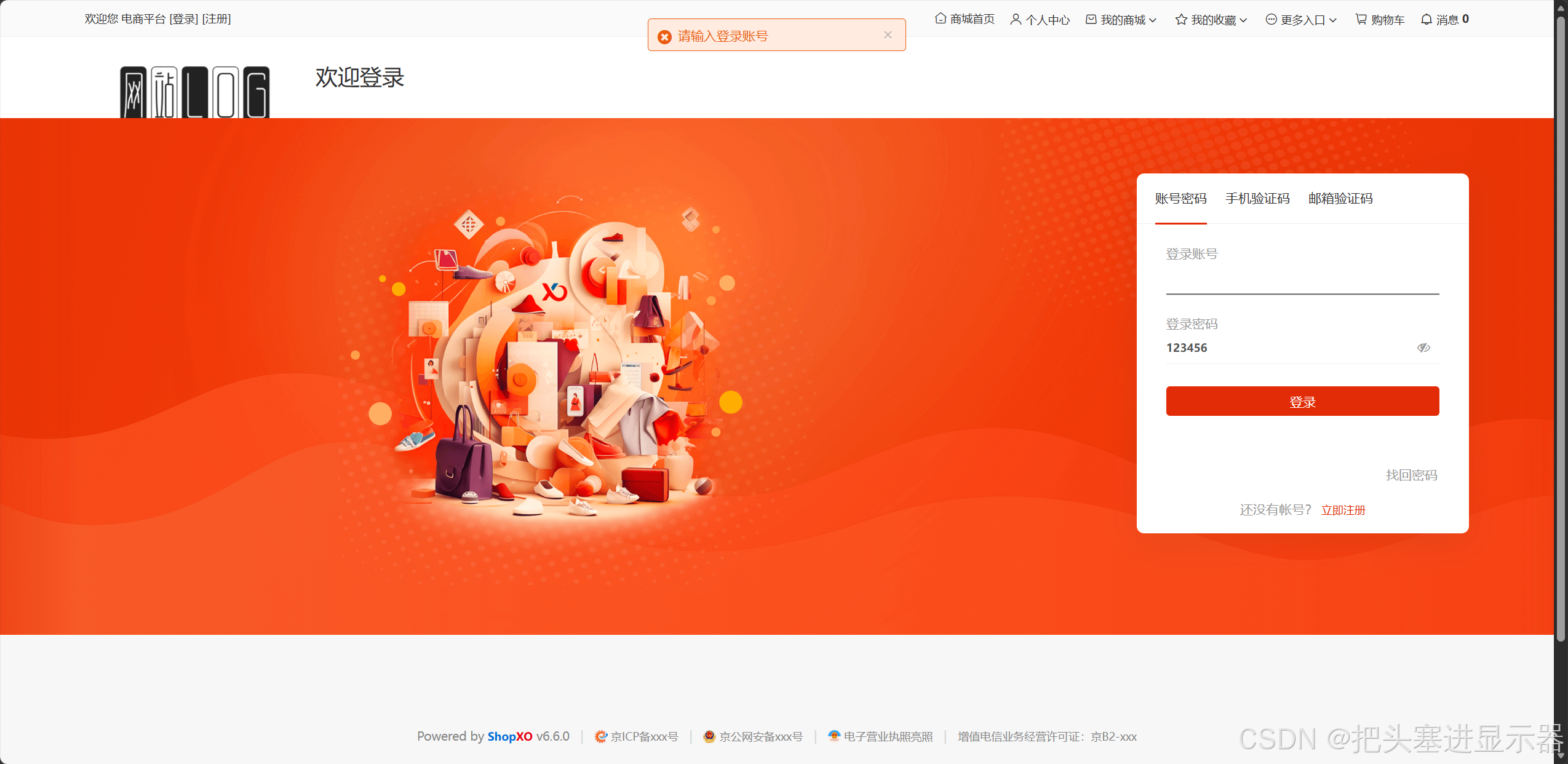
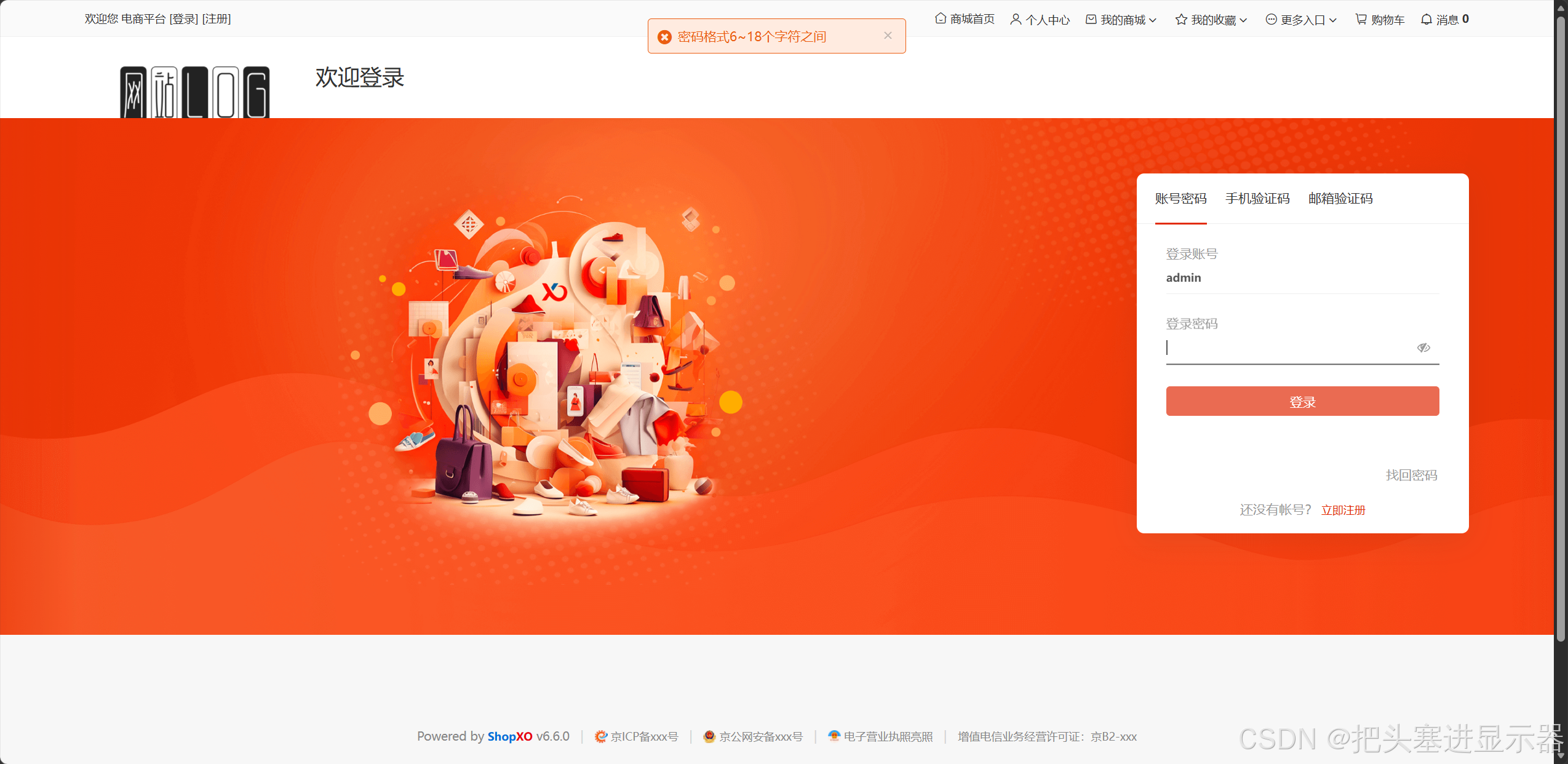
测试场景三:输入用户名/密码但不输入用户名/密码点击登录
预期结果:提示:请输入登录账号/密码格式6~18个字符之间
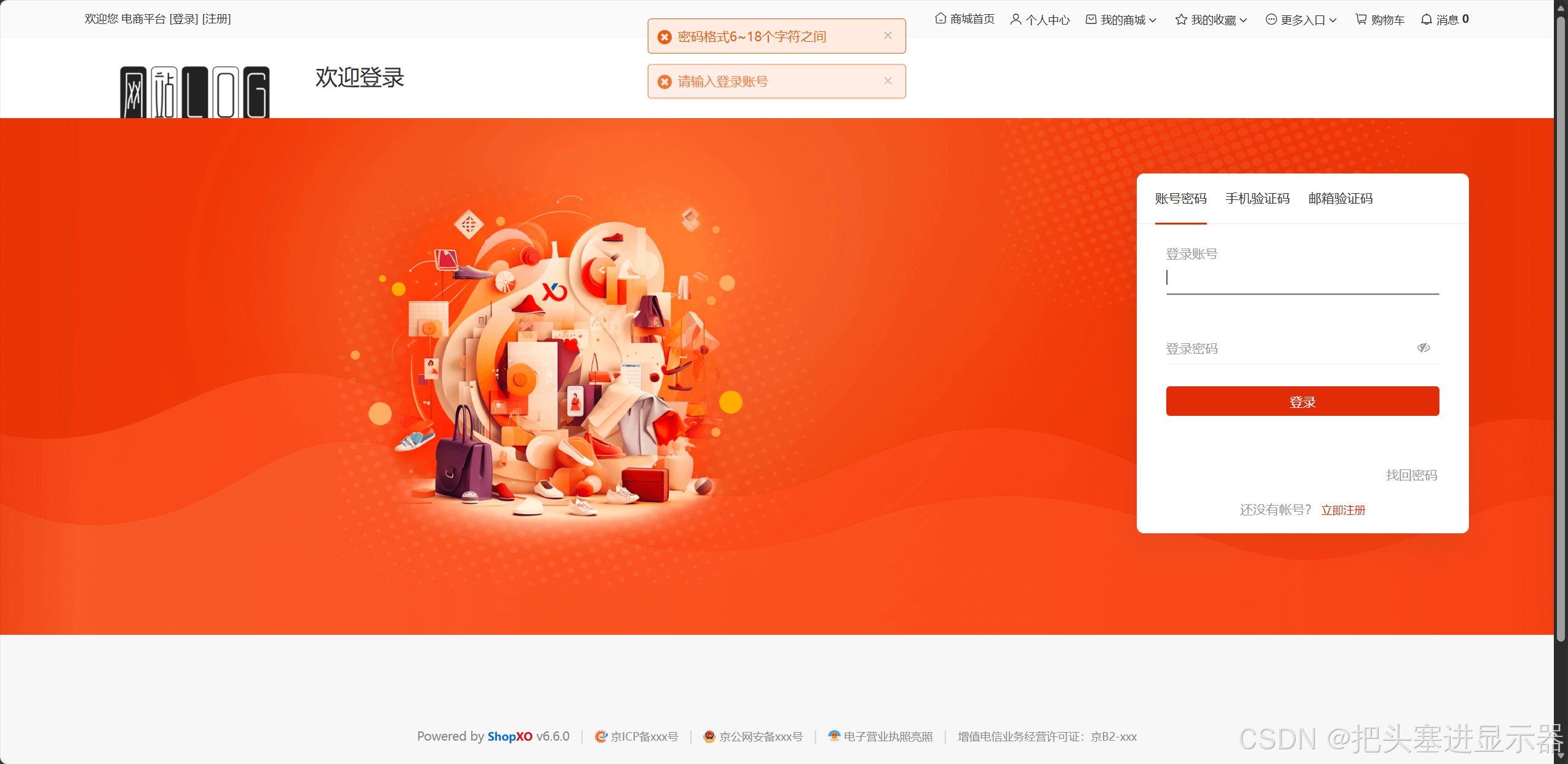
测试场景四:不输入用户名和密码点击登录
预期结果:提示:用户名和密码是必填项
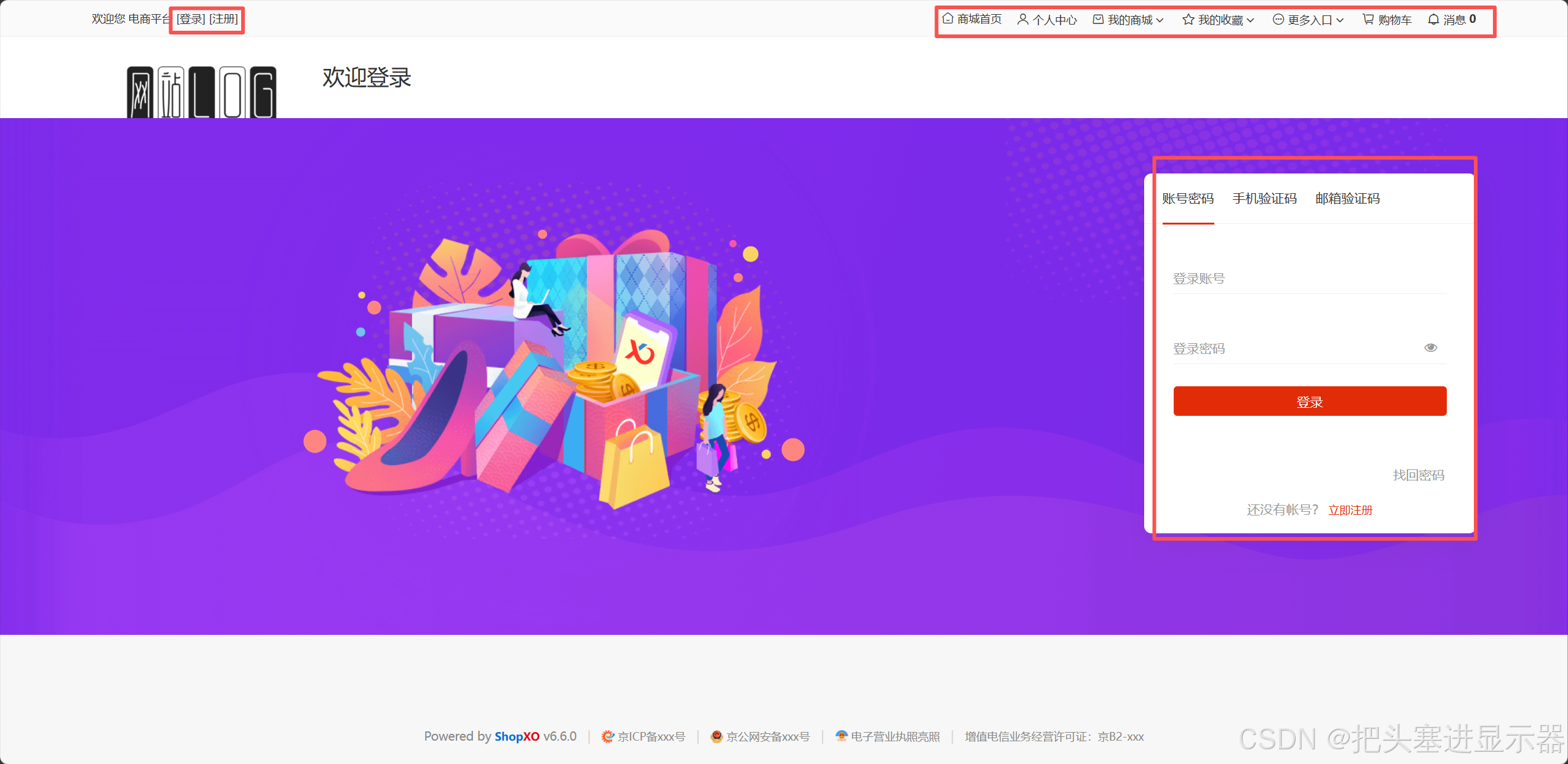
测试场景五:界面UI基础操作测试
预期结果:功能正常使用
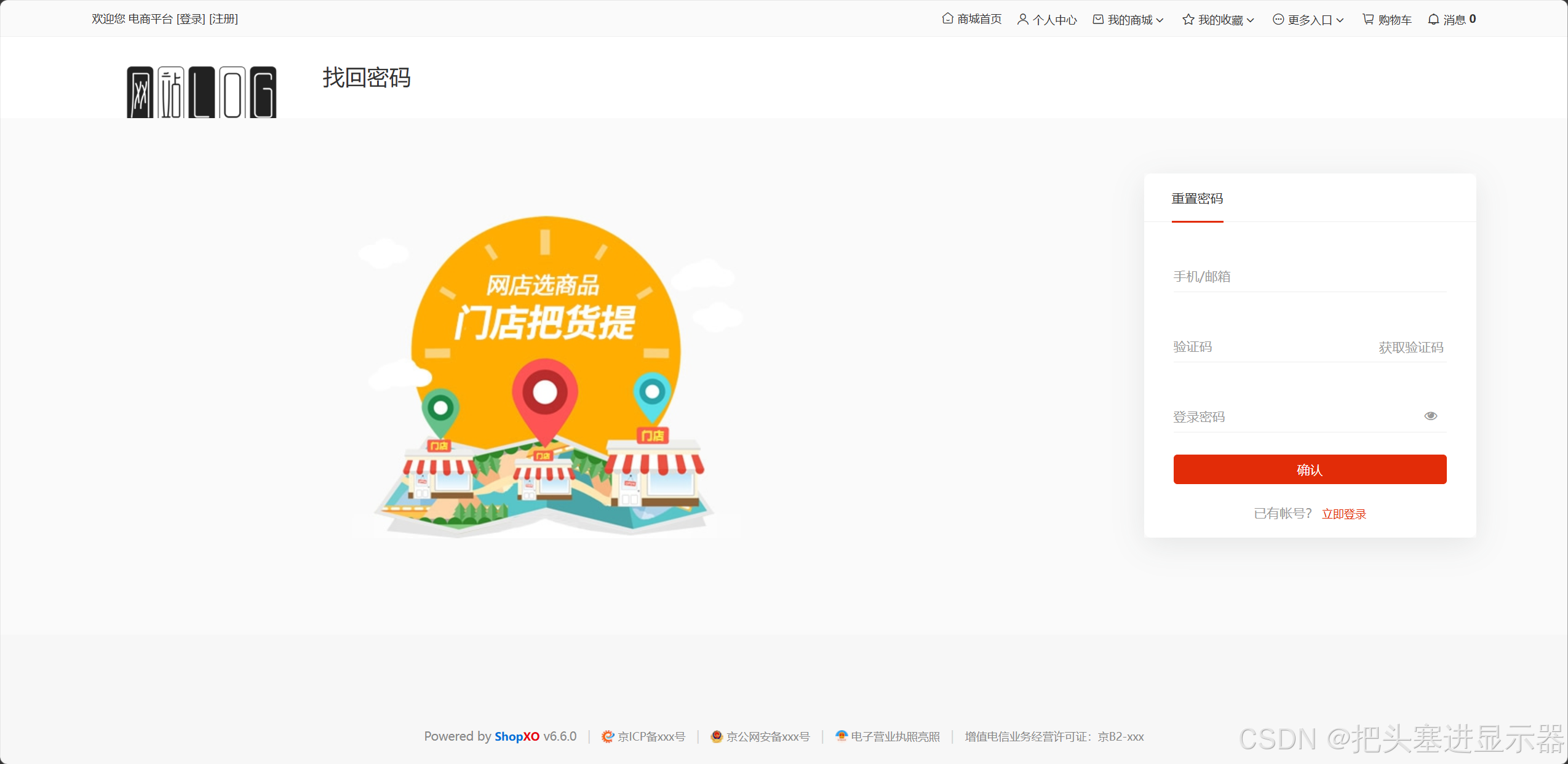
测试场景五:找回密码
预期结果:跳转找回密码页面
1.2 手机号登录
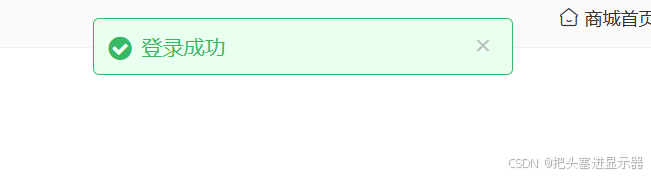
测试场景一:输入正确的手机号和验证码
预期结果:登陆成功
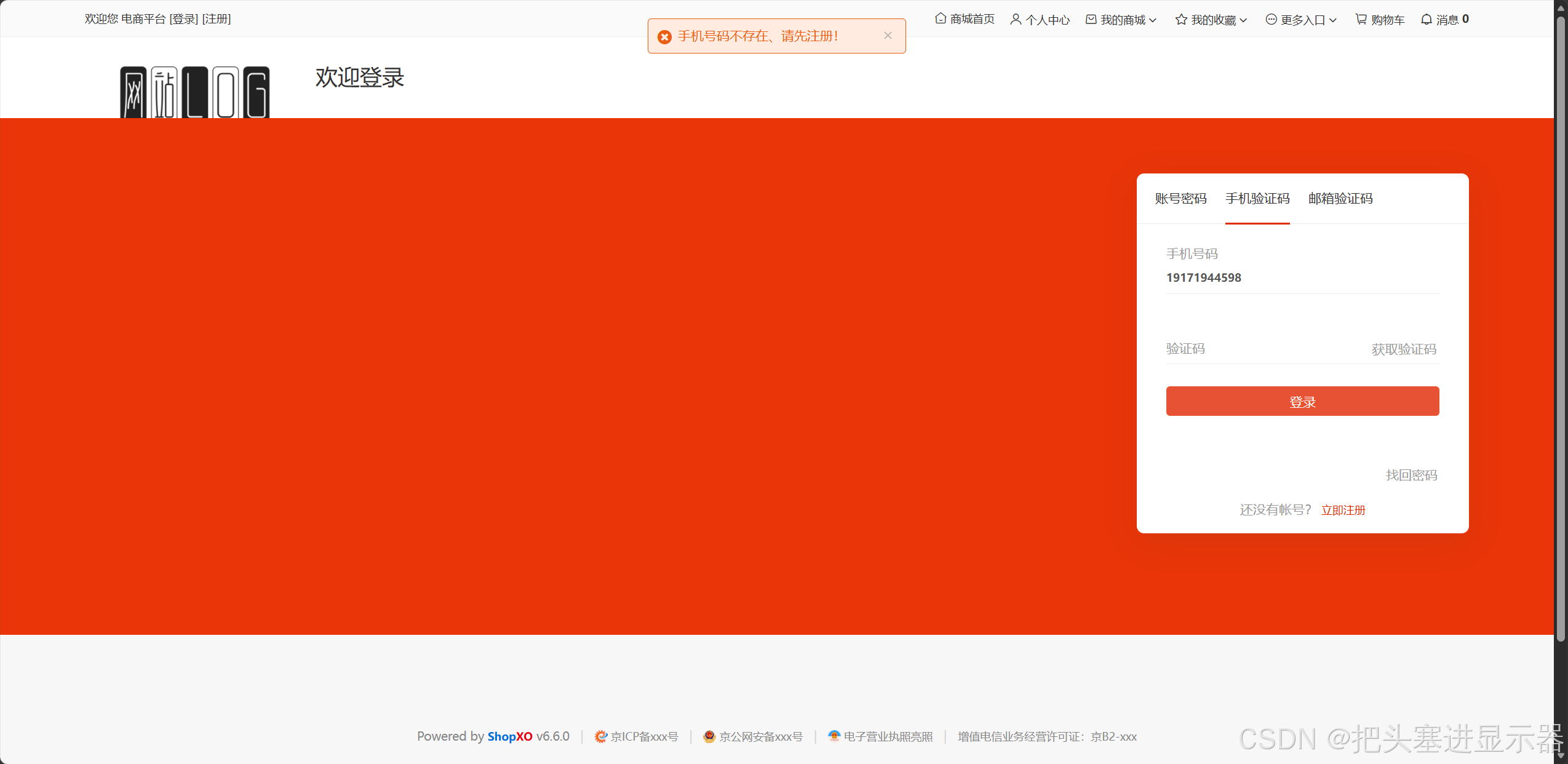
测试场景二:输入未注册的手机号
预期结果:手机号码不存在,请先注册!
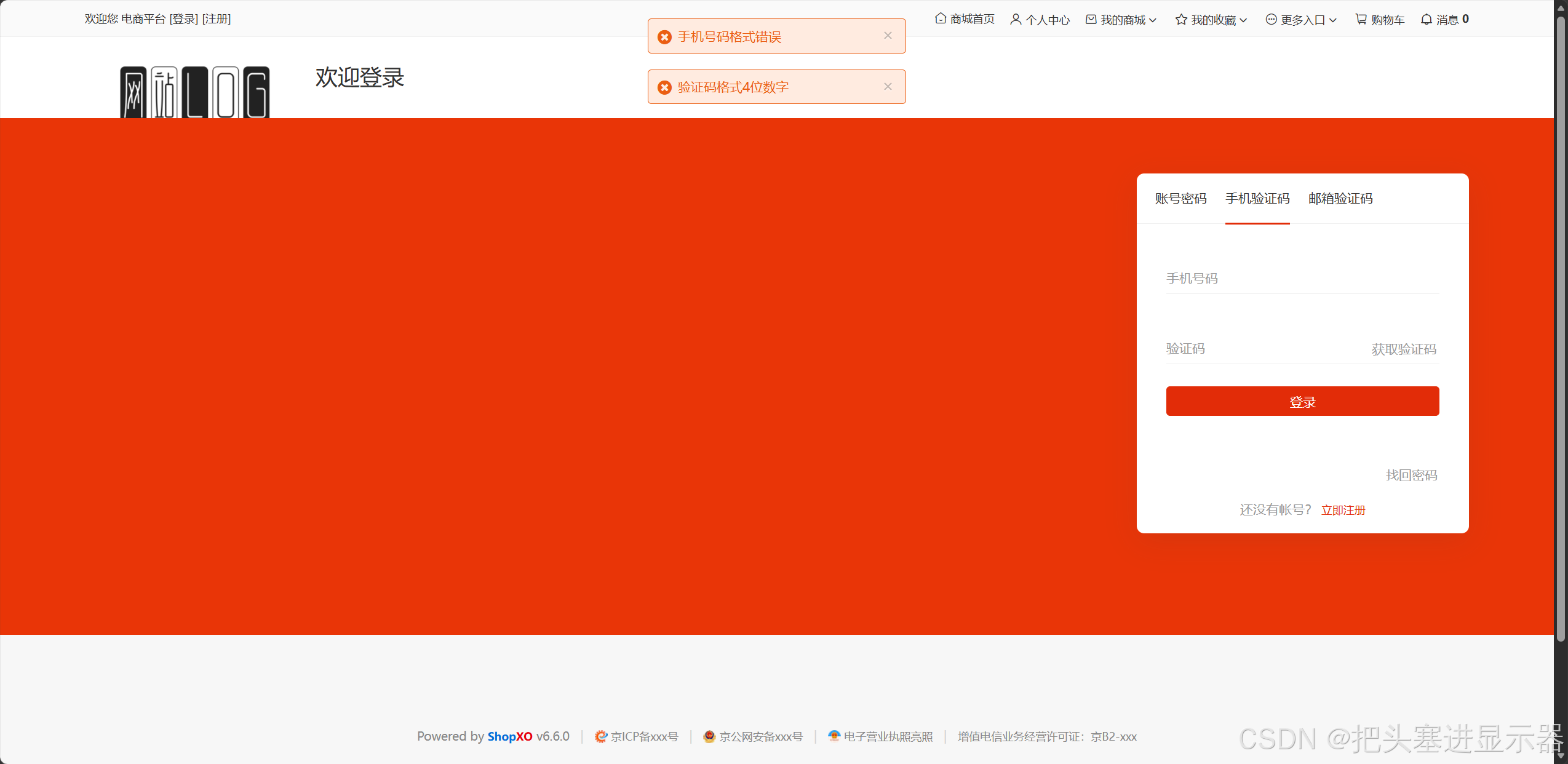
测试场景三:手机号验证码为空,直接点击登录
预期结果:手机号码格式错误、验证码格式4位数字
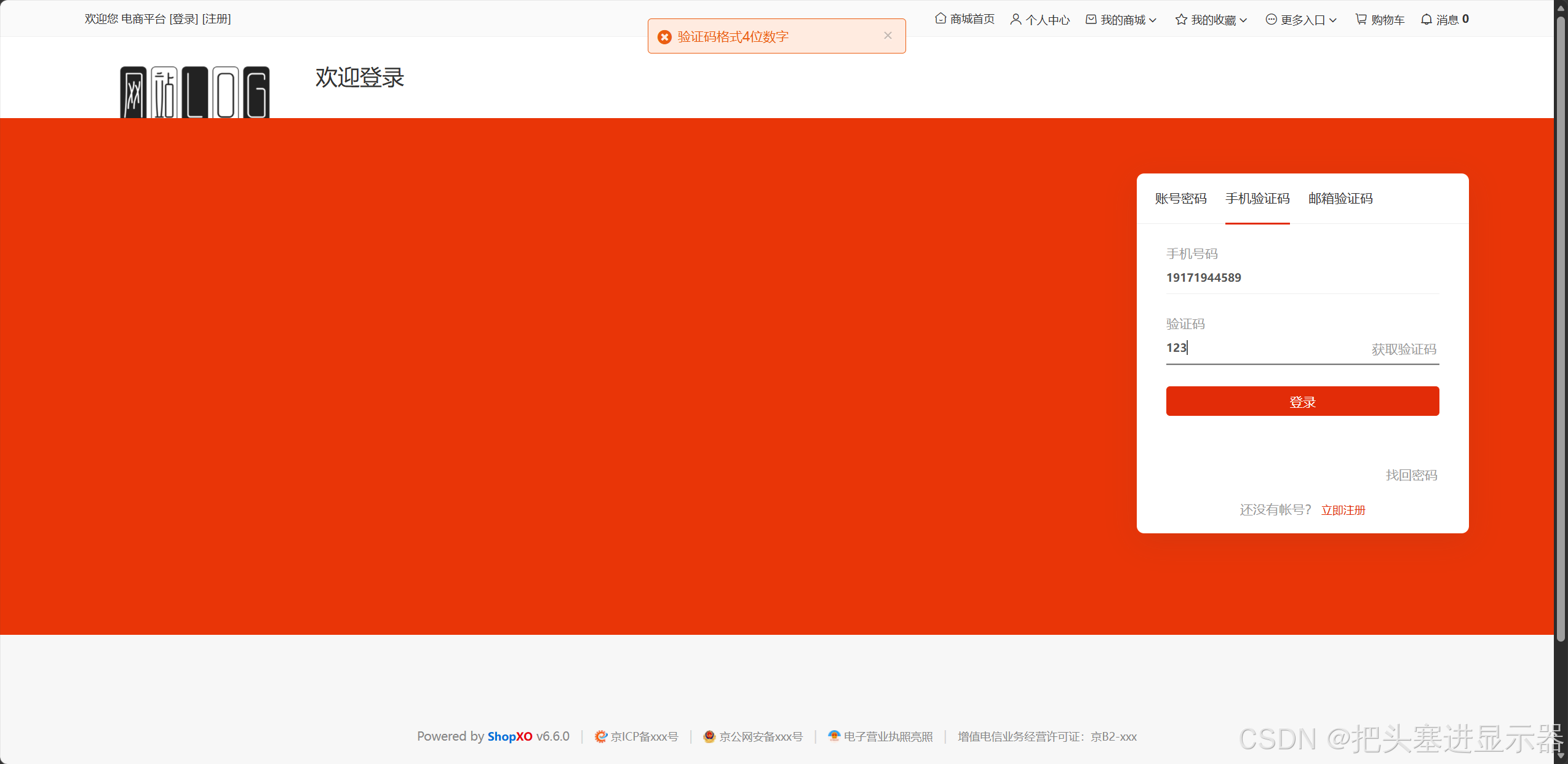
测试场景四:验证码格式错误
预期结果:验证码格式4位数字
1.3 邮箱登录
测试场景一:输入正确的邮箱和验证码
预期结果:登陆成功
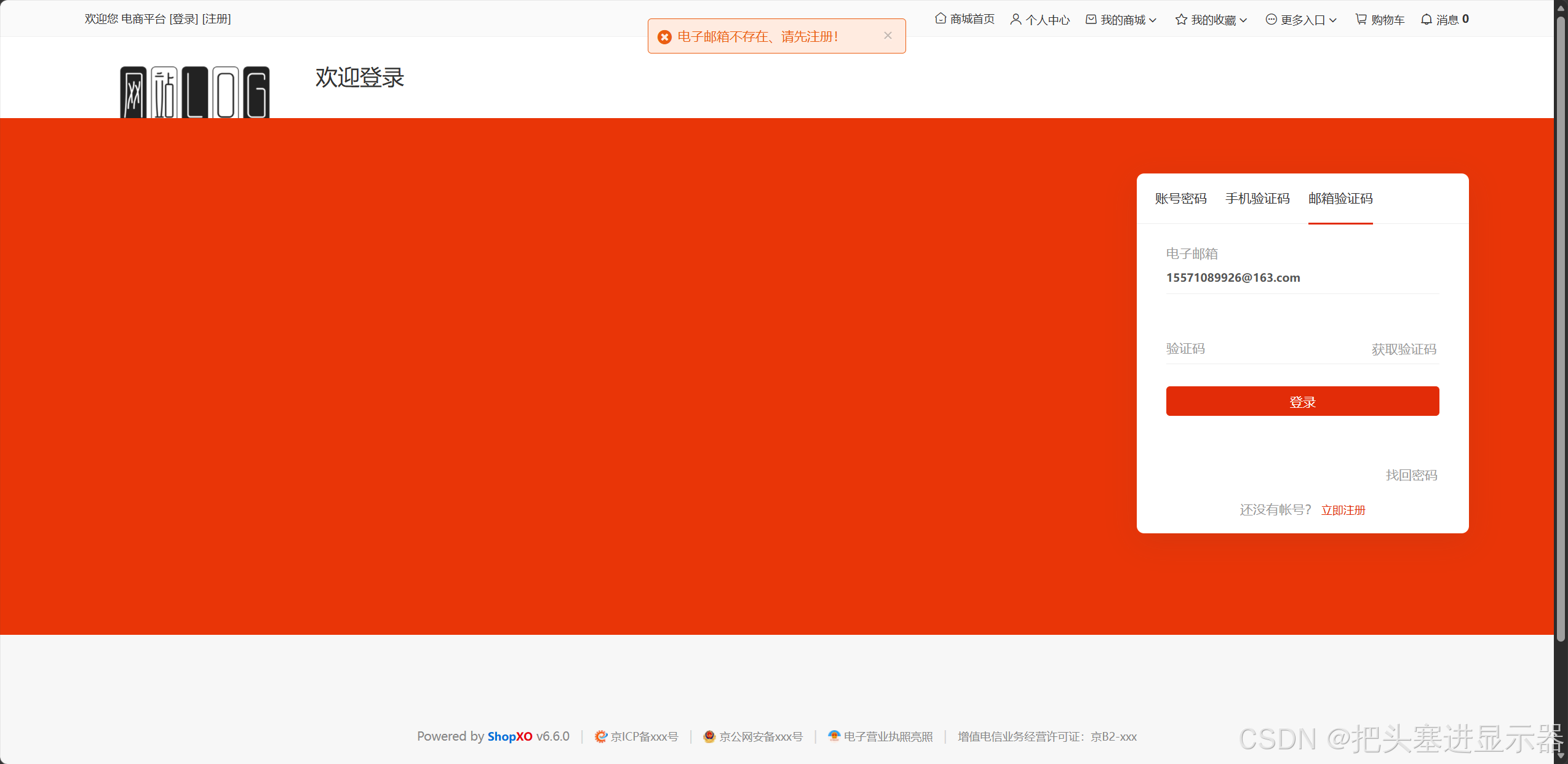
测试场景二:输入未注册的邮箱点击获取验证码
预期结果:电子邮箱不存在、请先注册!
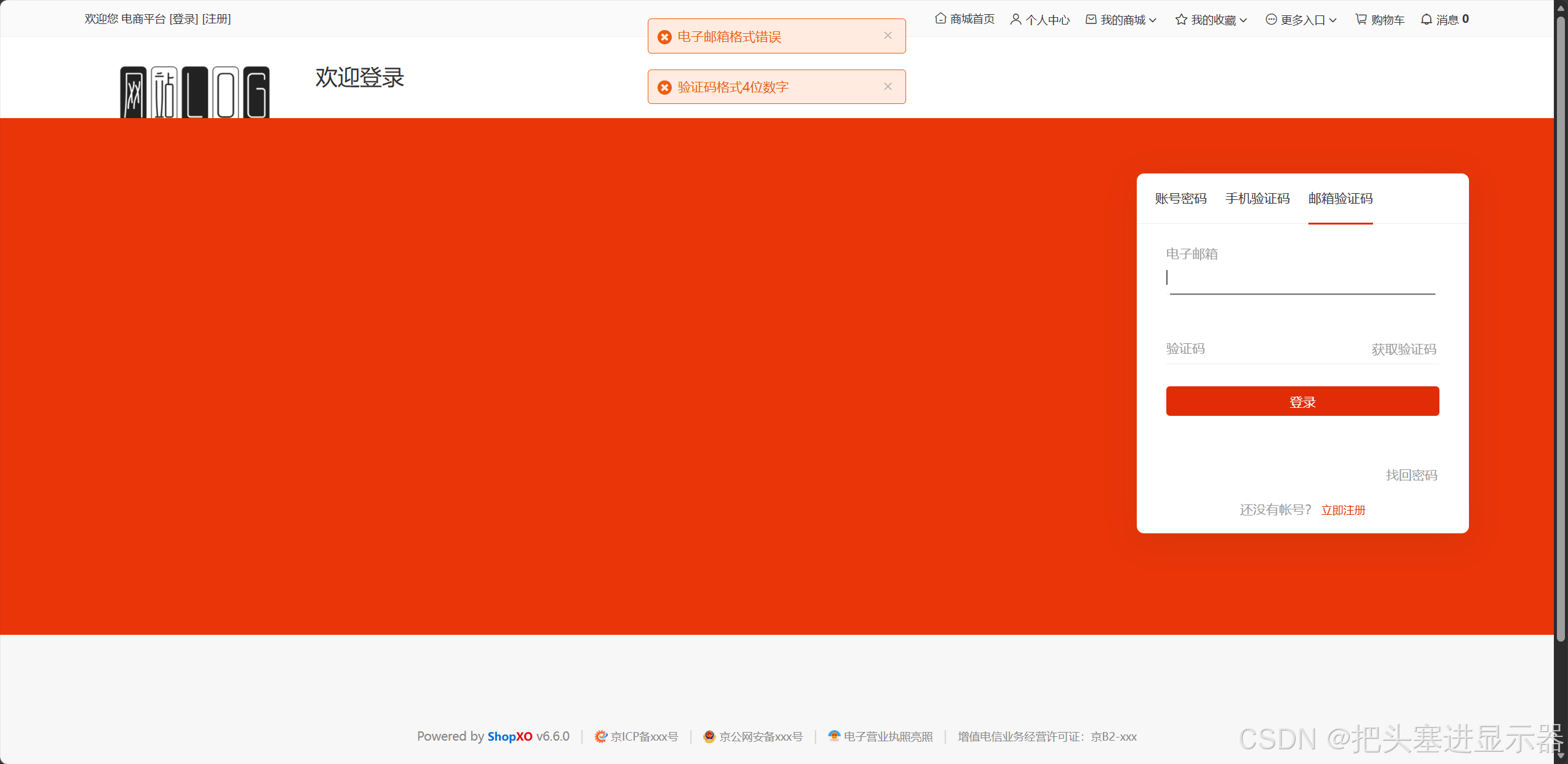
测试场景三:邮箱验证码为空,直接点击登录
预期结果:电子邮箱格式错误、验证码格式4位数字
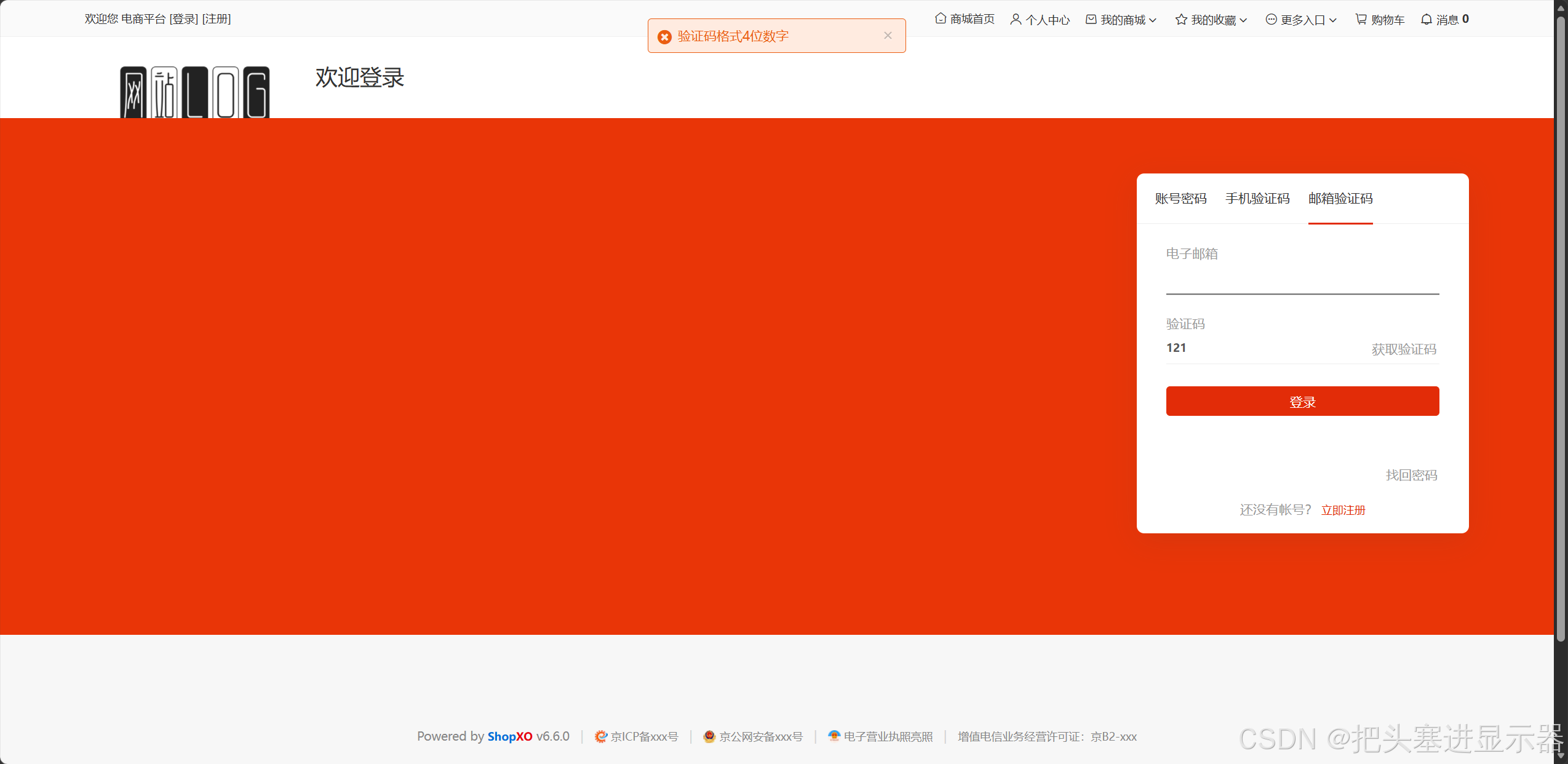
测试场景四:验证码格式错误
预期结果:验证码格式4位数字
2、注册界面
1.1 账号注册
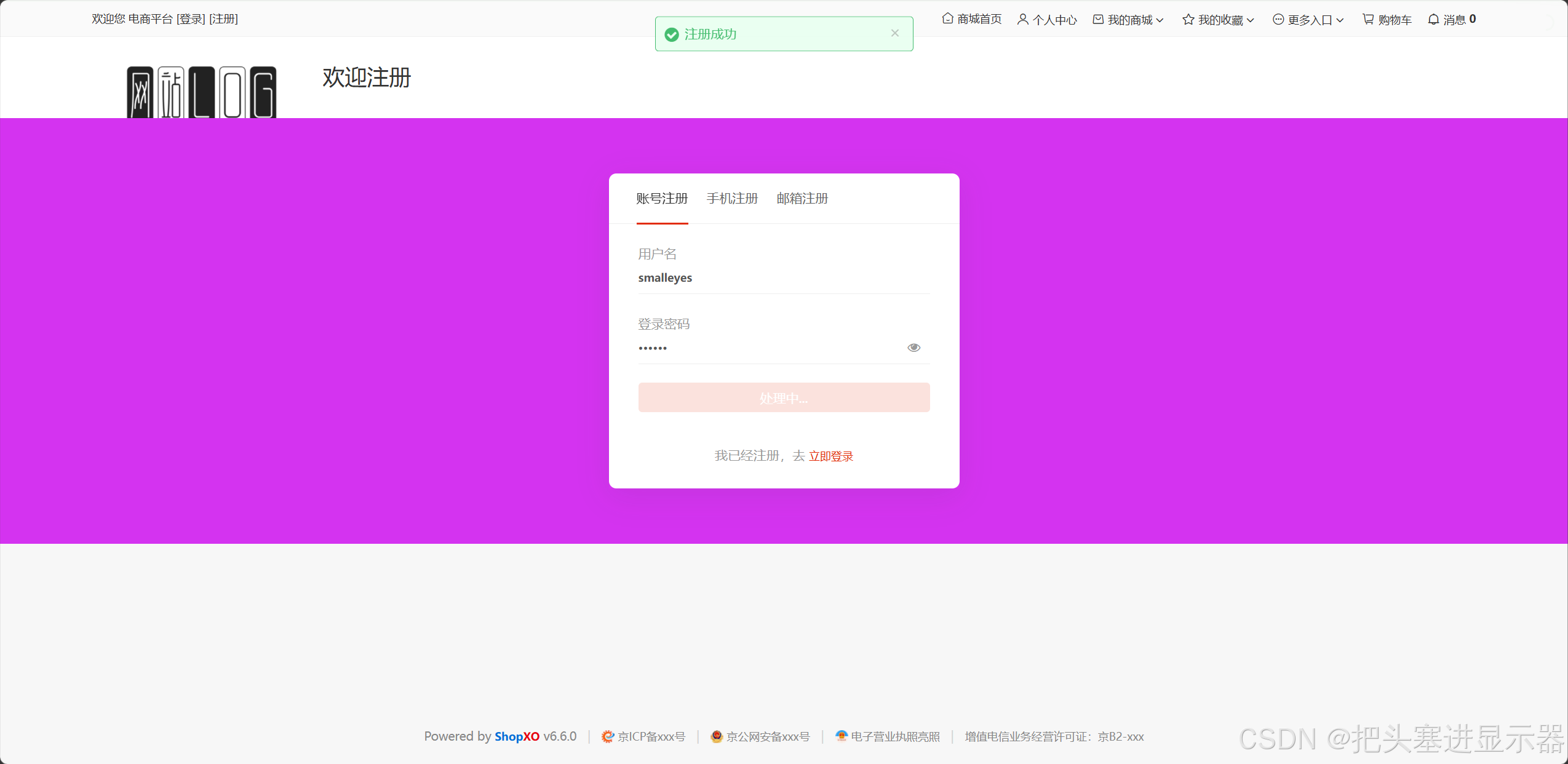
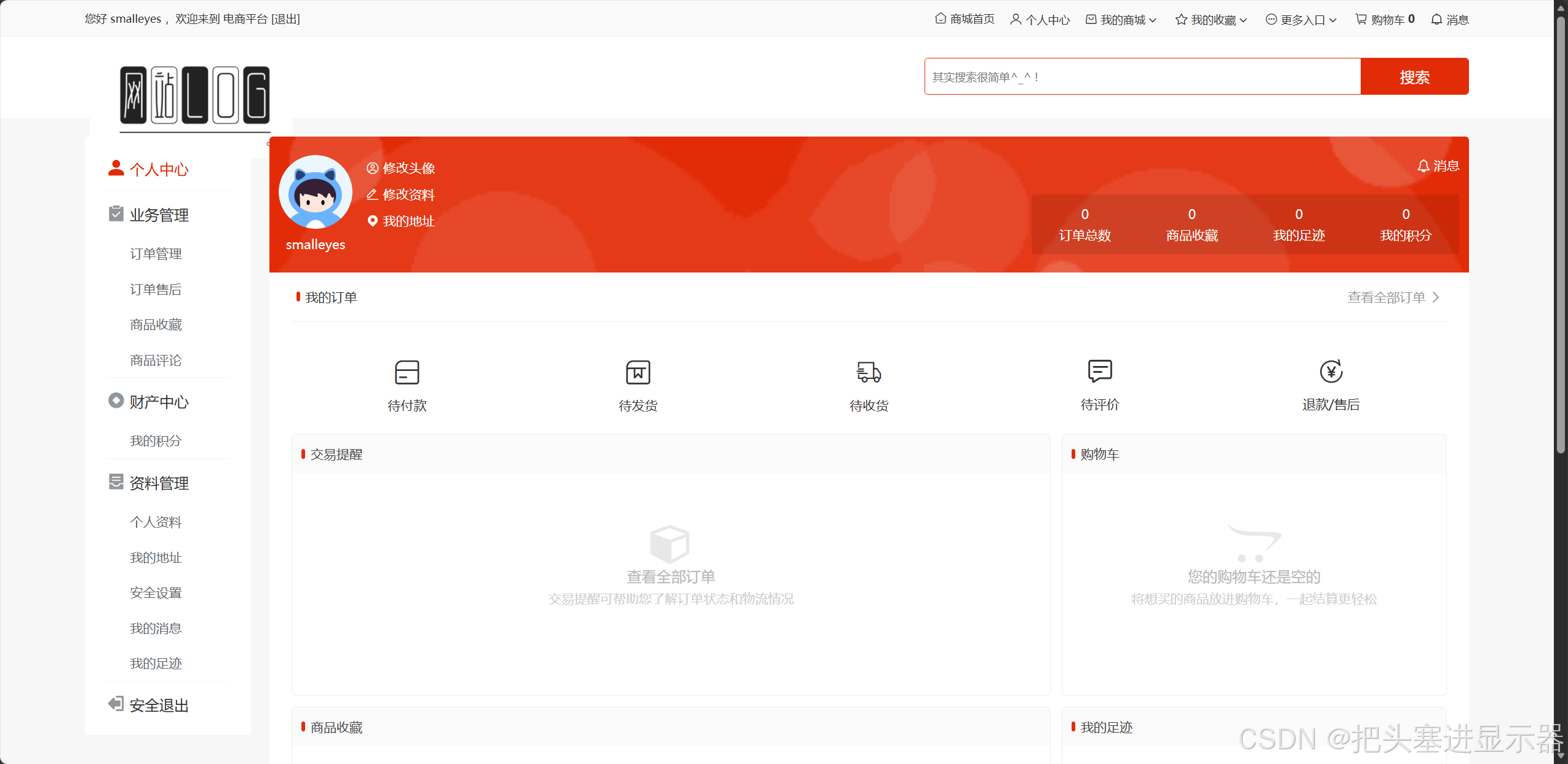
测试场景一:输入正确用户名和密码点击注册
预期结果:注册成功!跳转个人中心
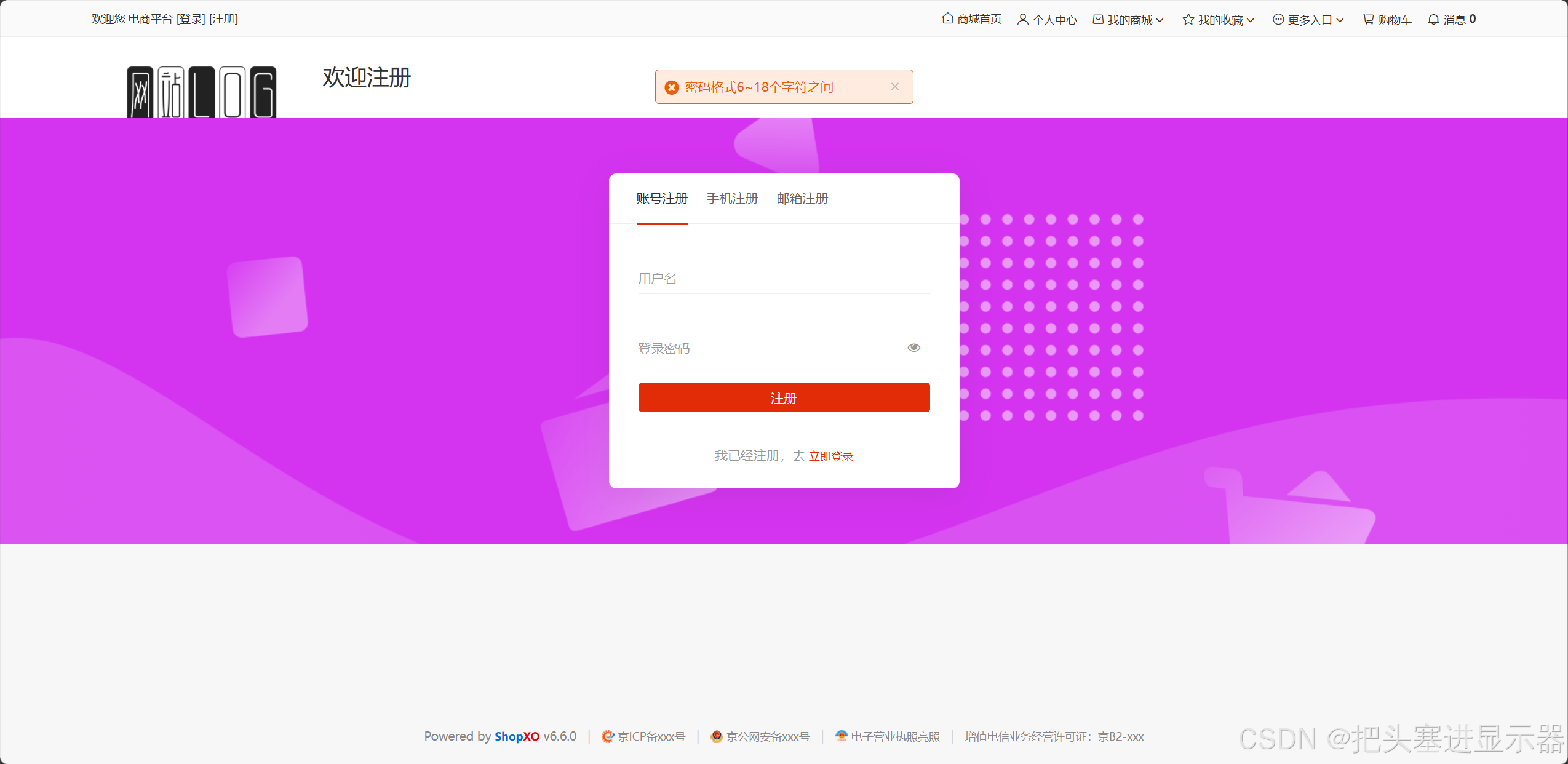
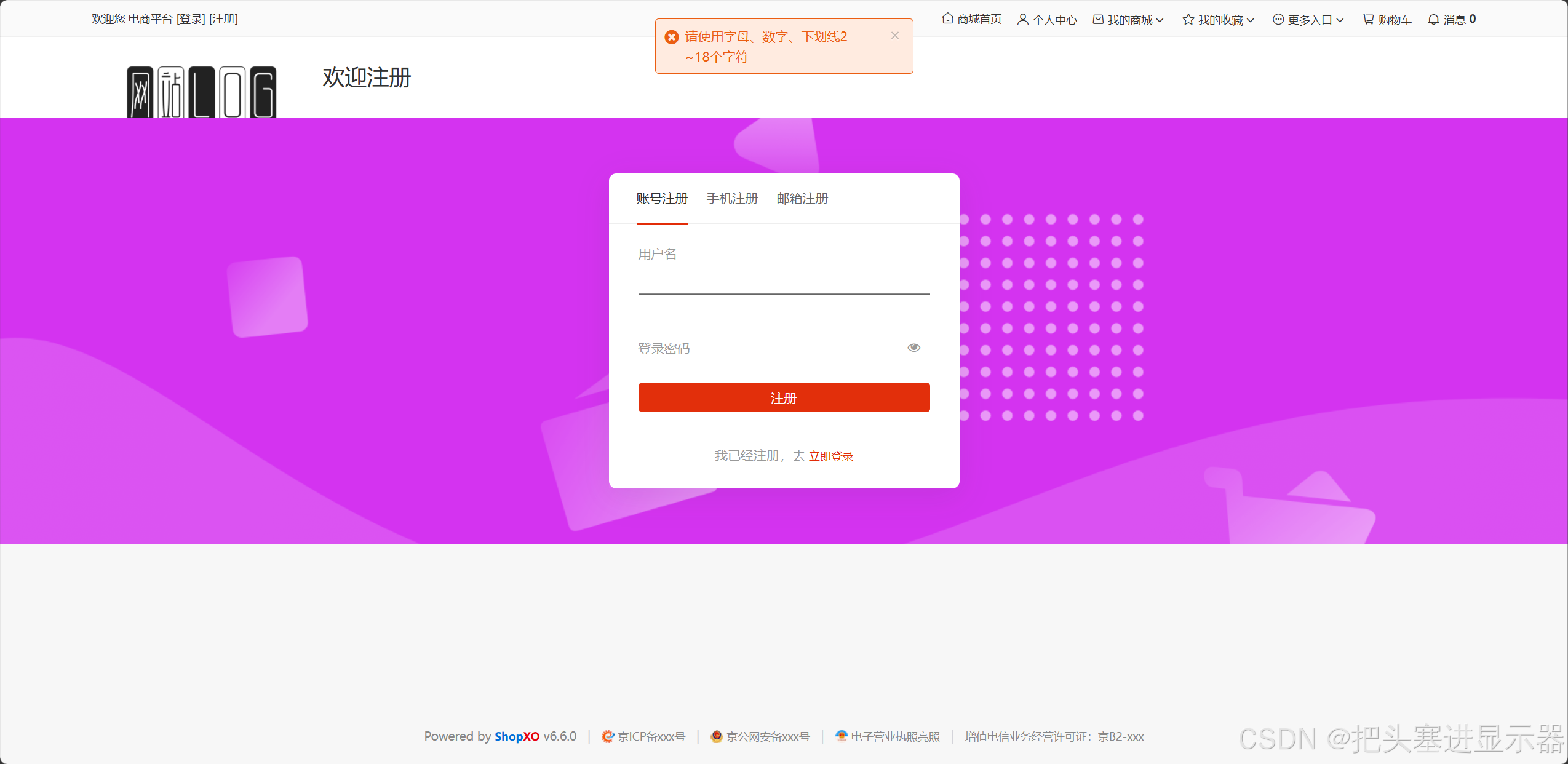
测试场景二:输入错误的密码/用户名或密码/用户名为空点击注册
预期结果:密码格式6~18个字符之间/请使用字母、数字、下划线2~18个字符
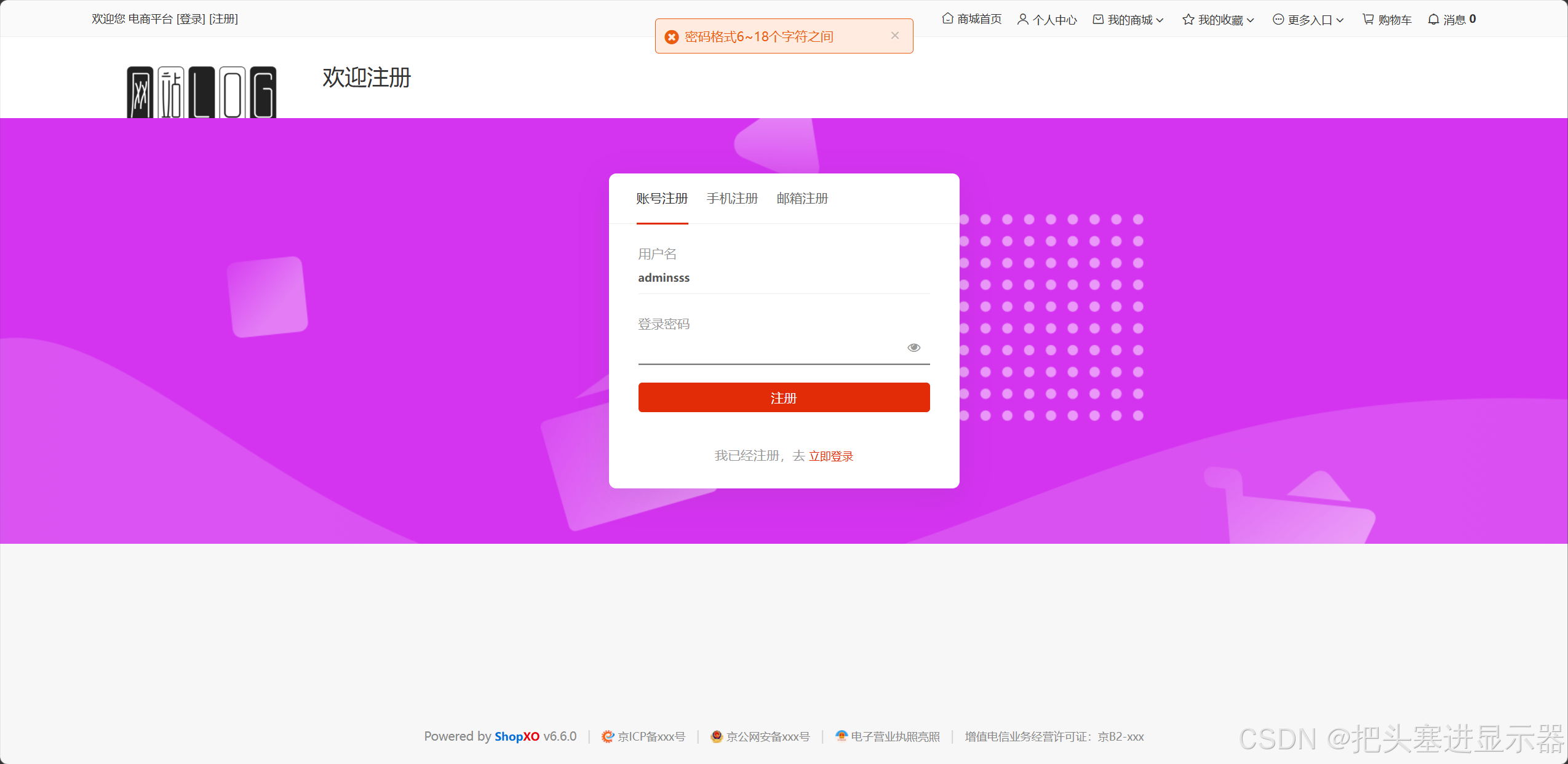
测试场景三:输入用户名/密码但不输入用户名/密码点击注册
预期结果:提示:密码格式6~18个字符之间/请使用字母、数字、下划线2~18个字符
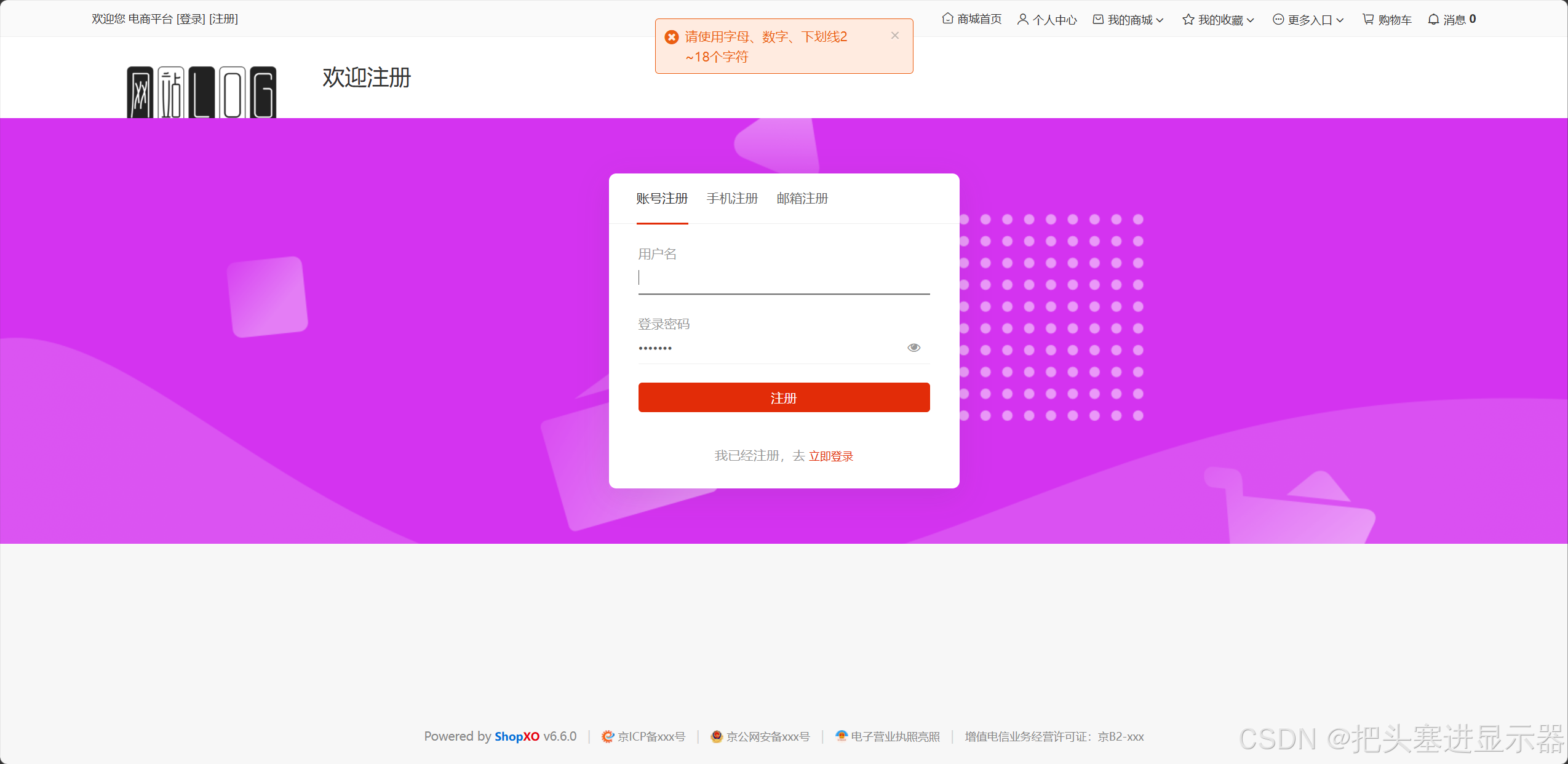
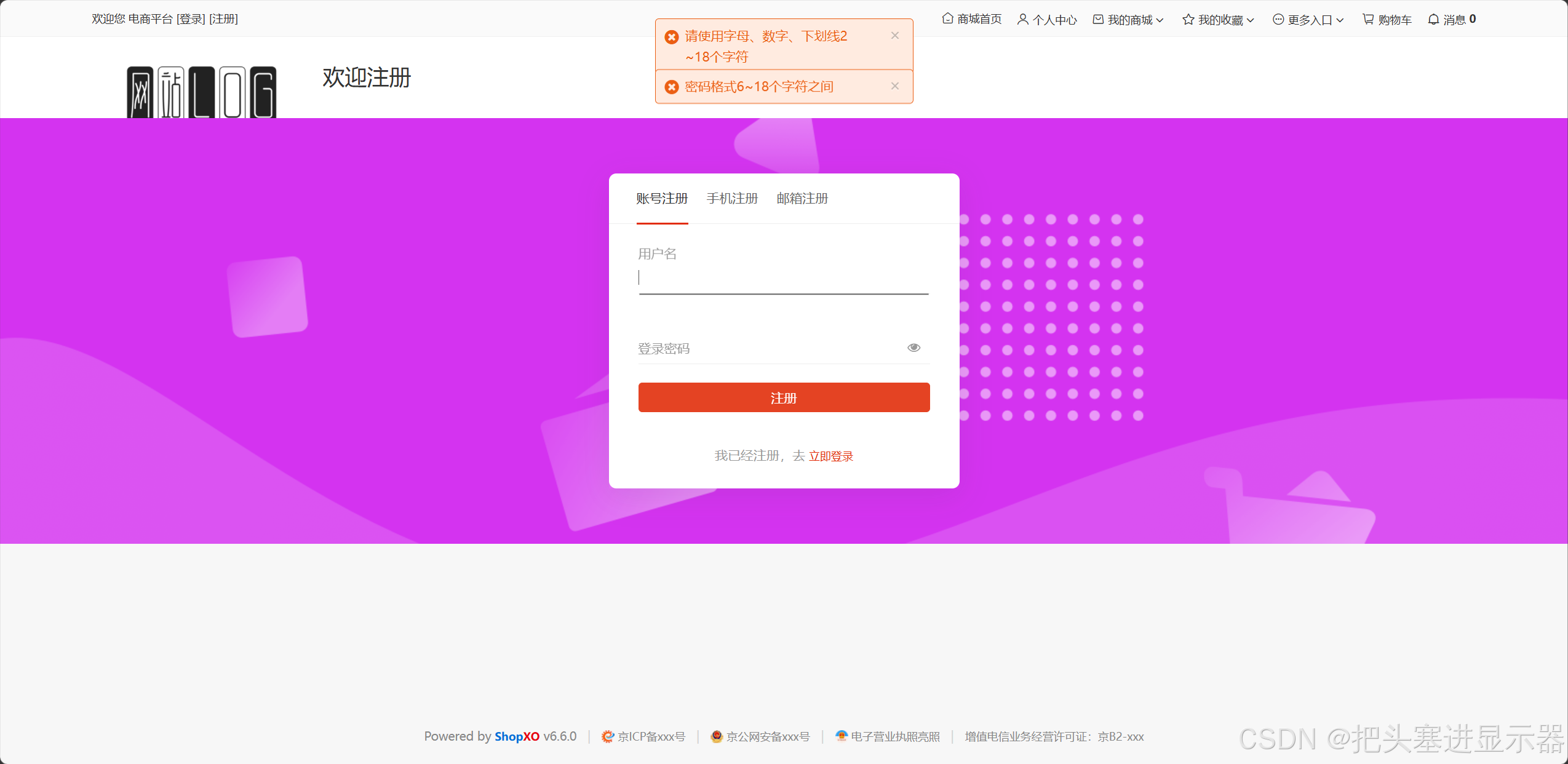
测试场景四:不输入用户名和密码点击注册
预期结果:密码格式6~18个字符之间,请使用字母、数字、下划线2~18个字符
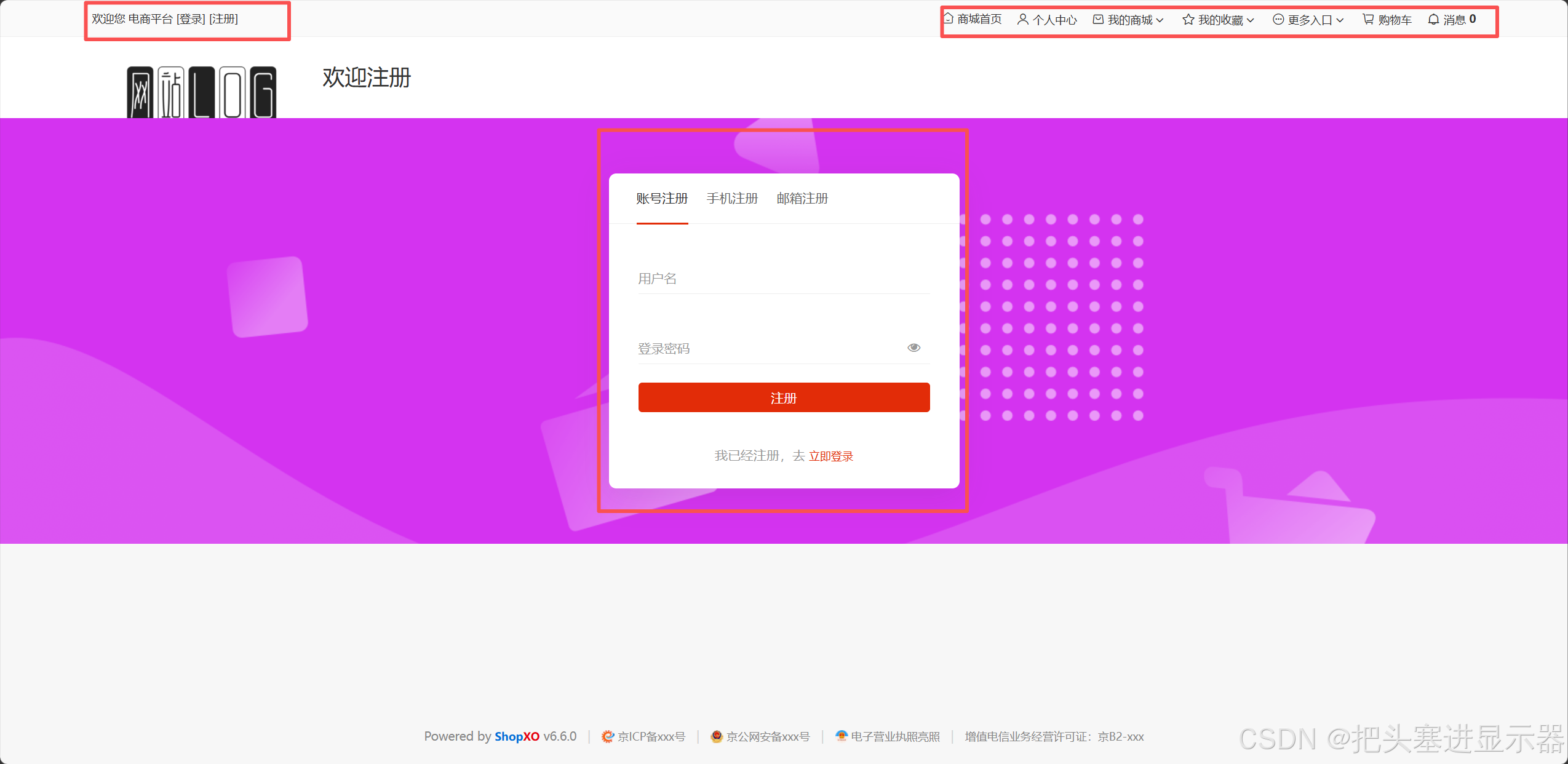
测试场景五:界面UI基础操作测试
预期结果:功能正常使用
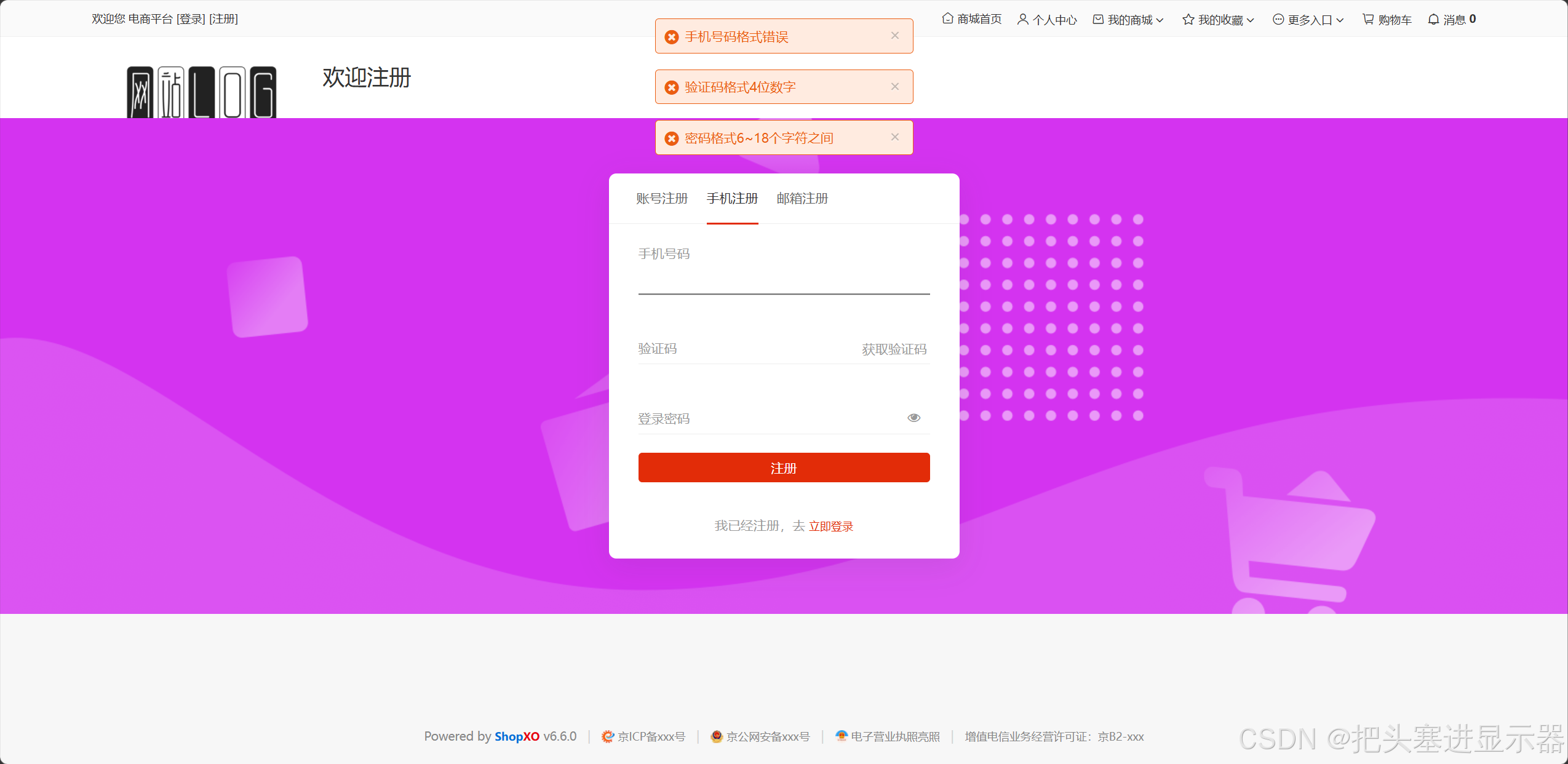
1.2 手机号注册
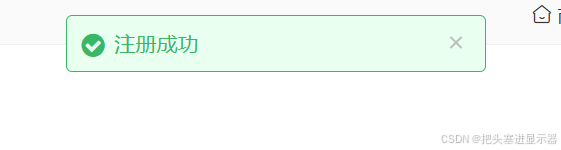
测试场景一:输入正确手机号和密码验证码点击注册
预期结果:注册成功!跳转个人中心
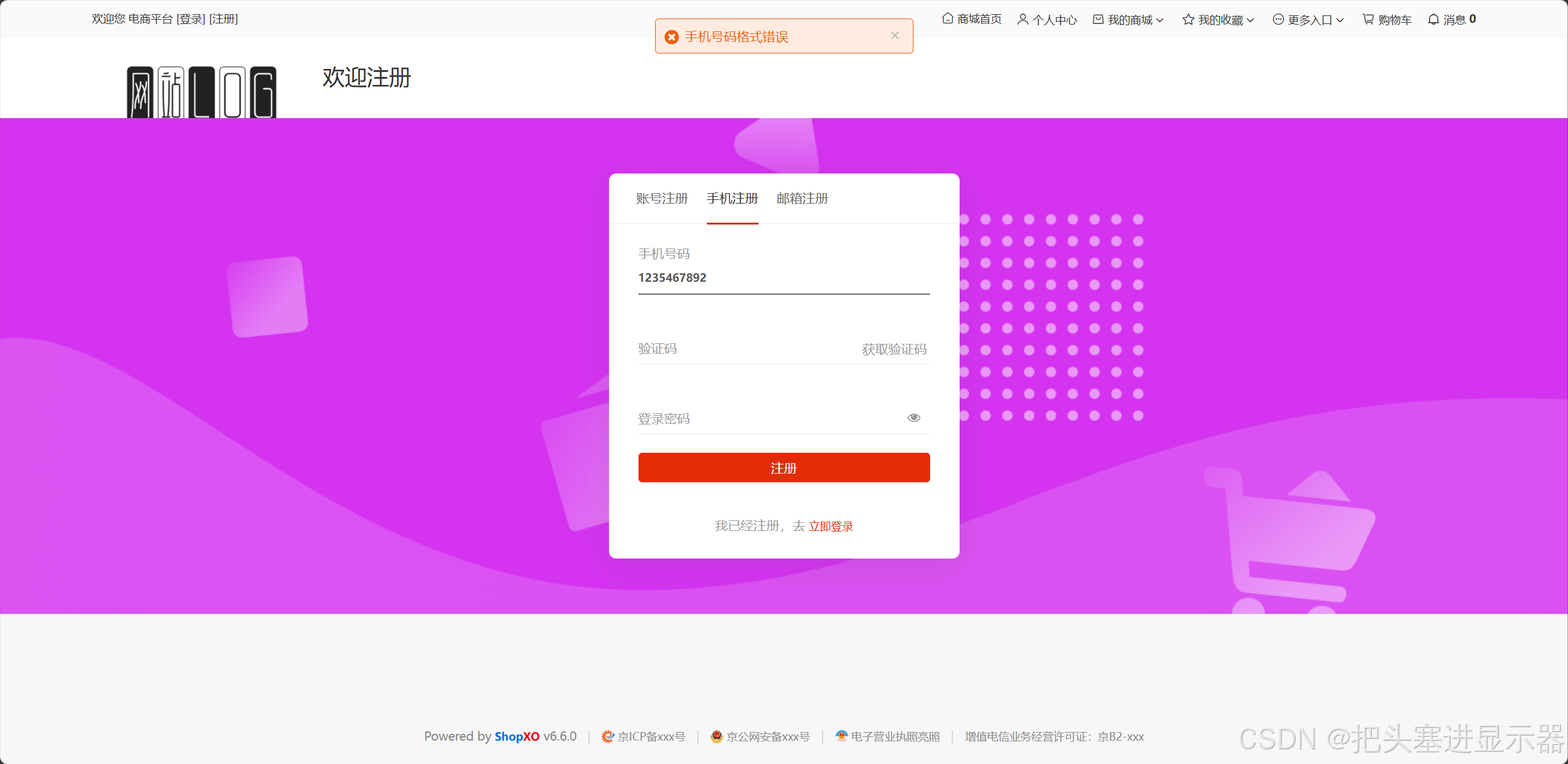
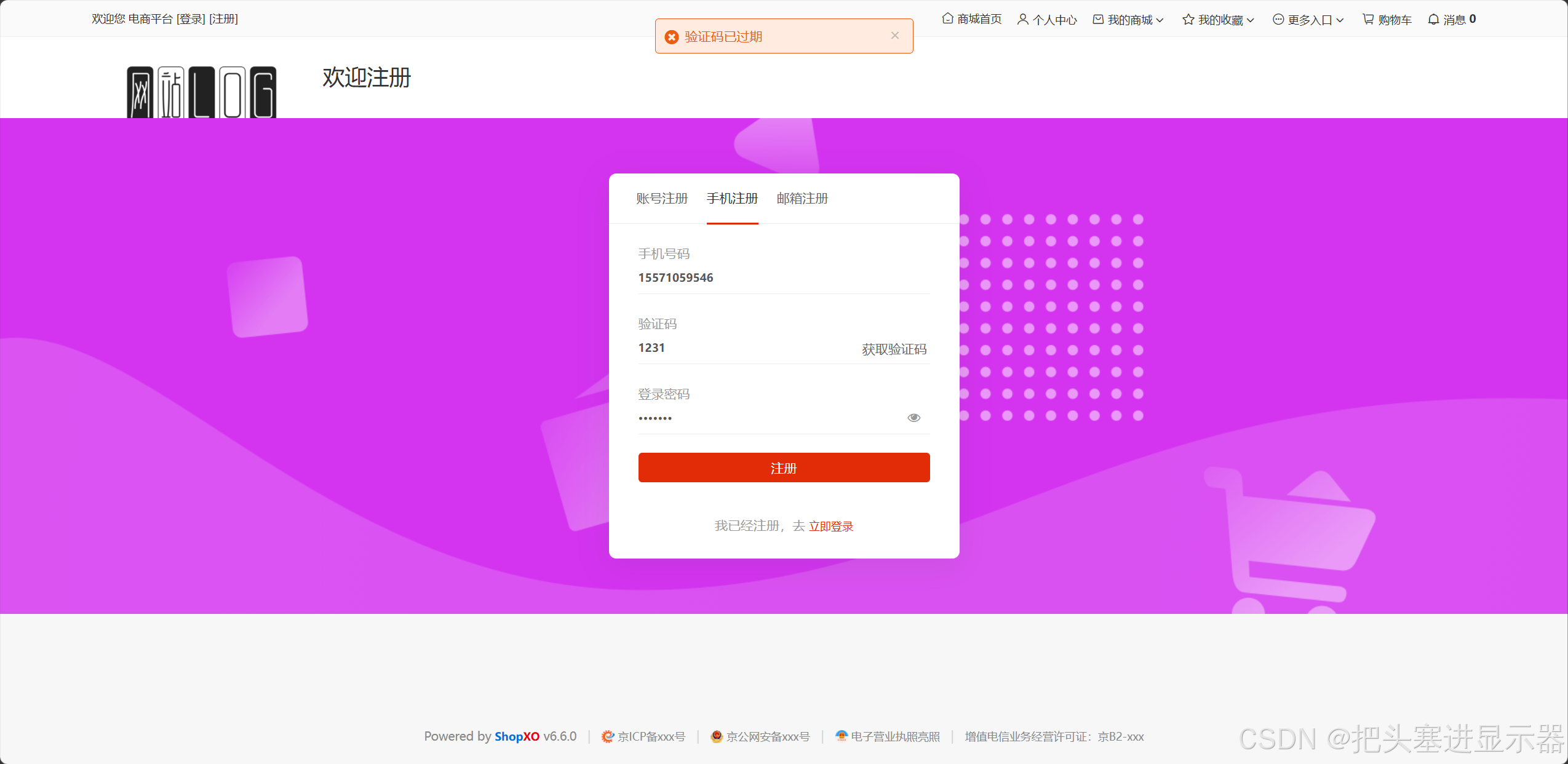
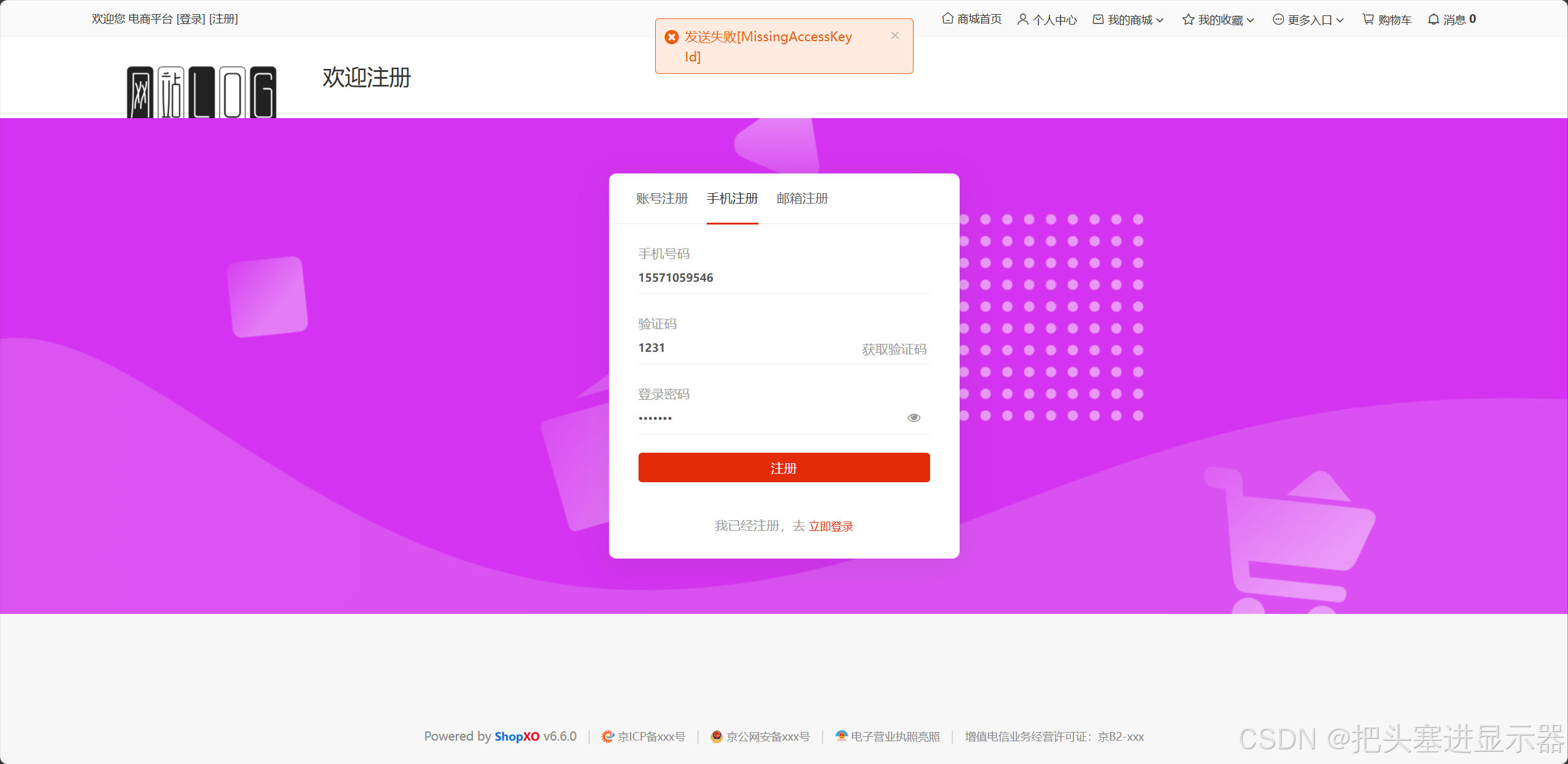
测试场景二:输入错误的验证码/手机号/密码或验证码/手机号/密码为空点击注册
预期结果:密码格式6~18个字符之间/验证码格式4位数字/手机号码格式错误
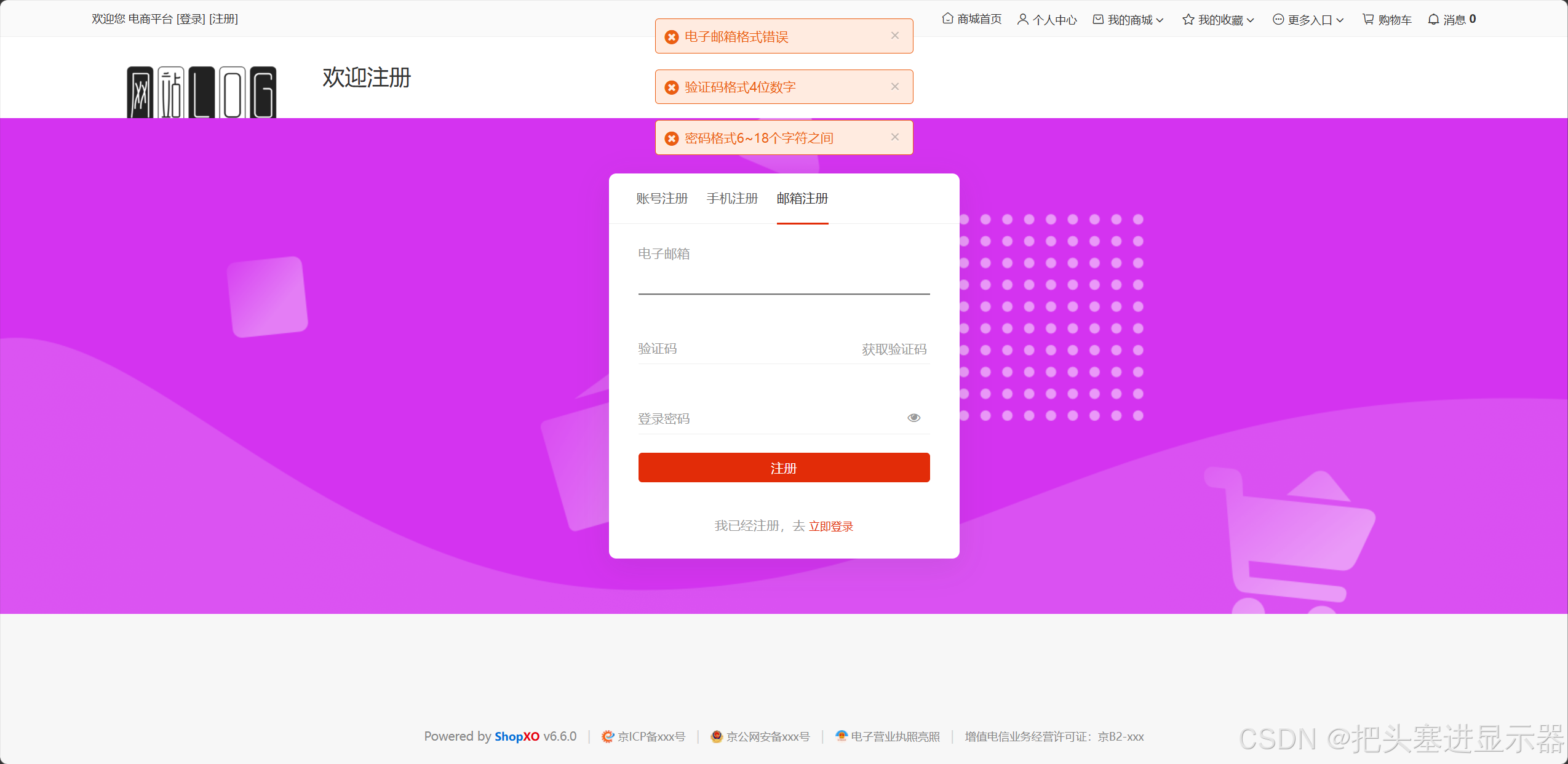
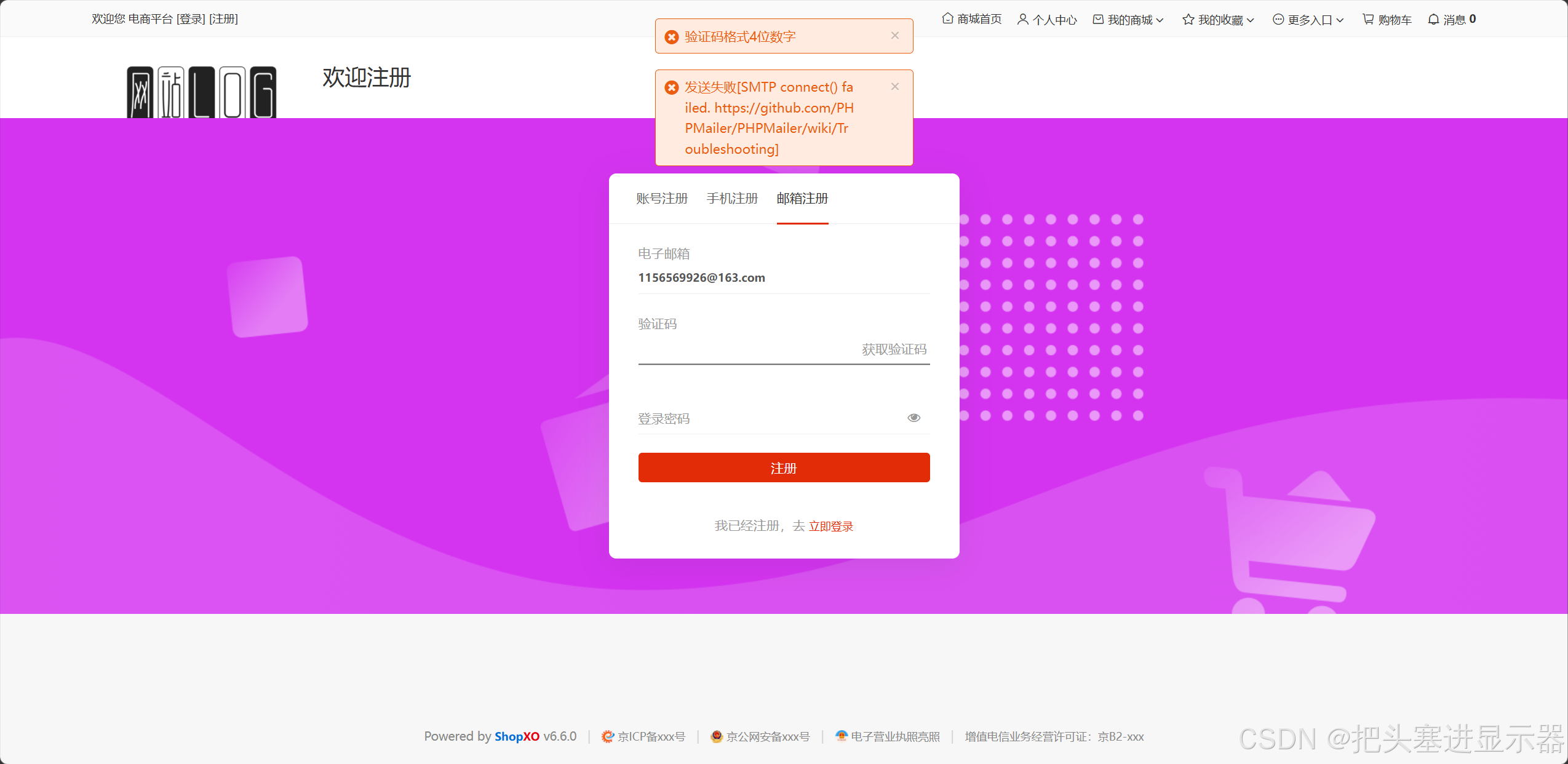
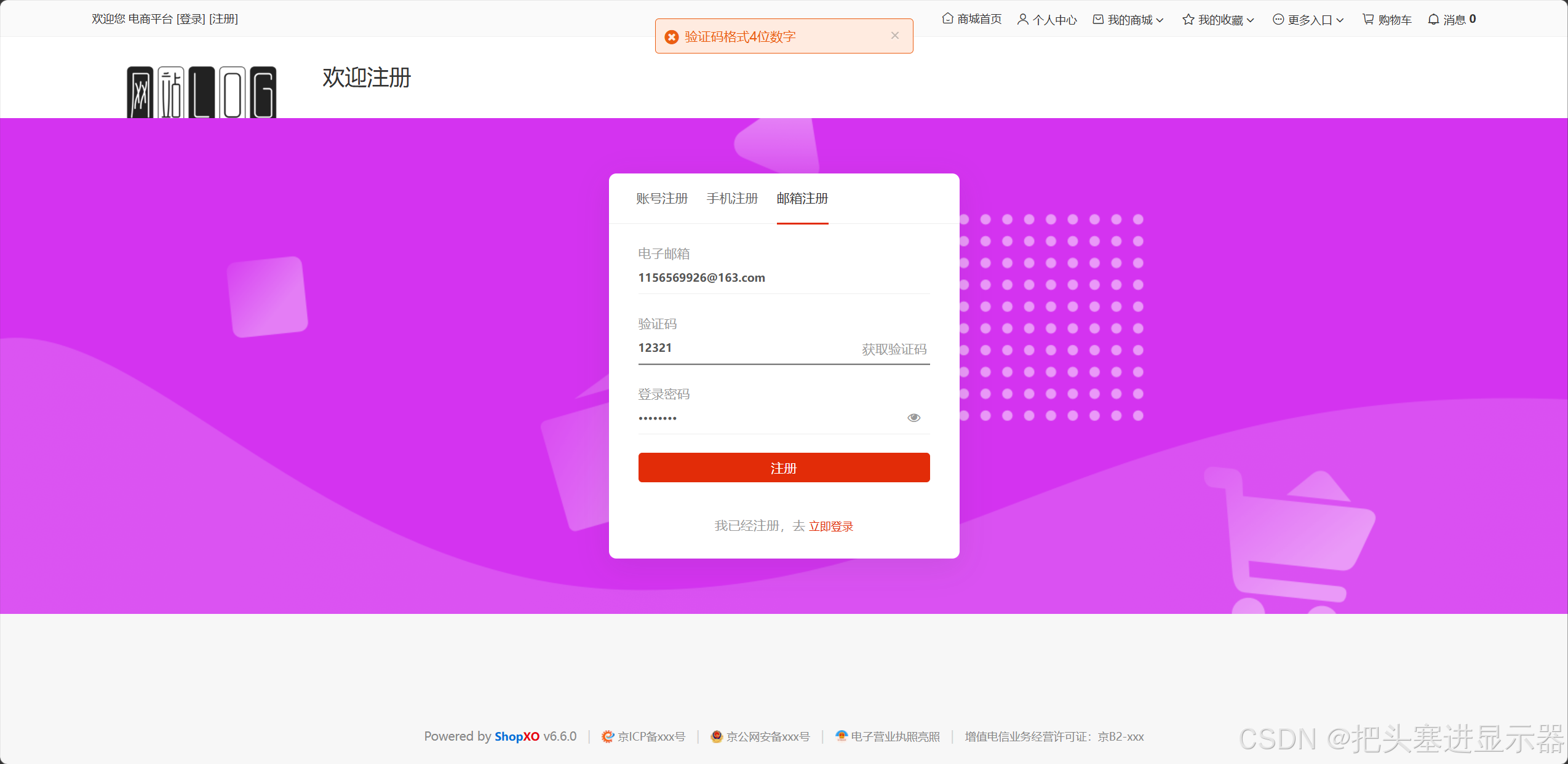
1.3 邮箱注册
测试场景一:输入正确邮箱和密码验证码点击注册
预期结果:注册成功!跳转个人中心
测试场景二:输入错误的验证码/邮箱/密码或验证码/邮箱/密码为空点击注册
预期结果:密码格式6~18个字符之间/验证码格式4位数字/电子邮箱格式错误
3、商城界面
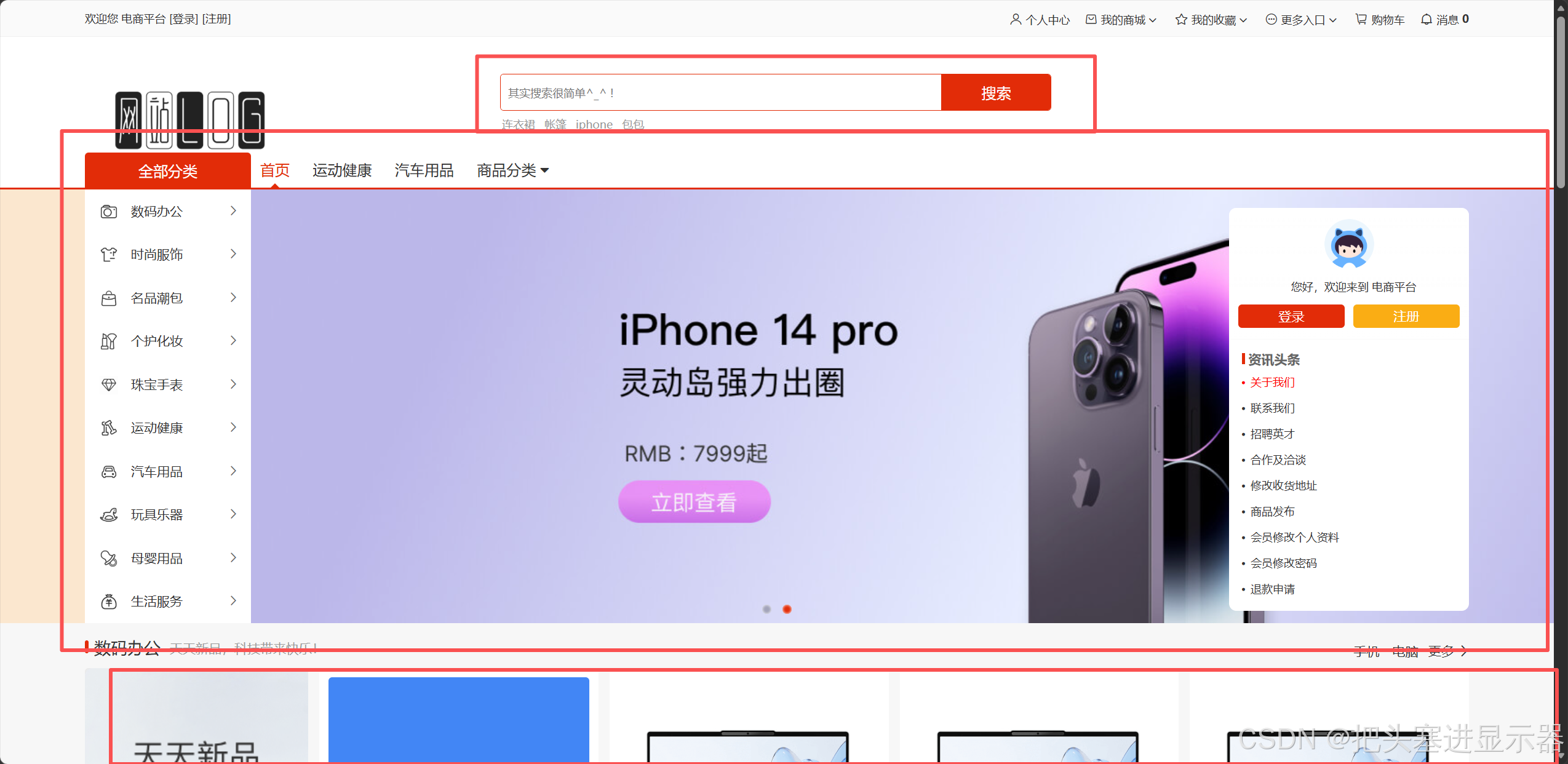
1、界面UI
测试场景一:点击UI正常跳转
预期结果:跳转对应界面
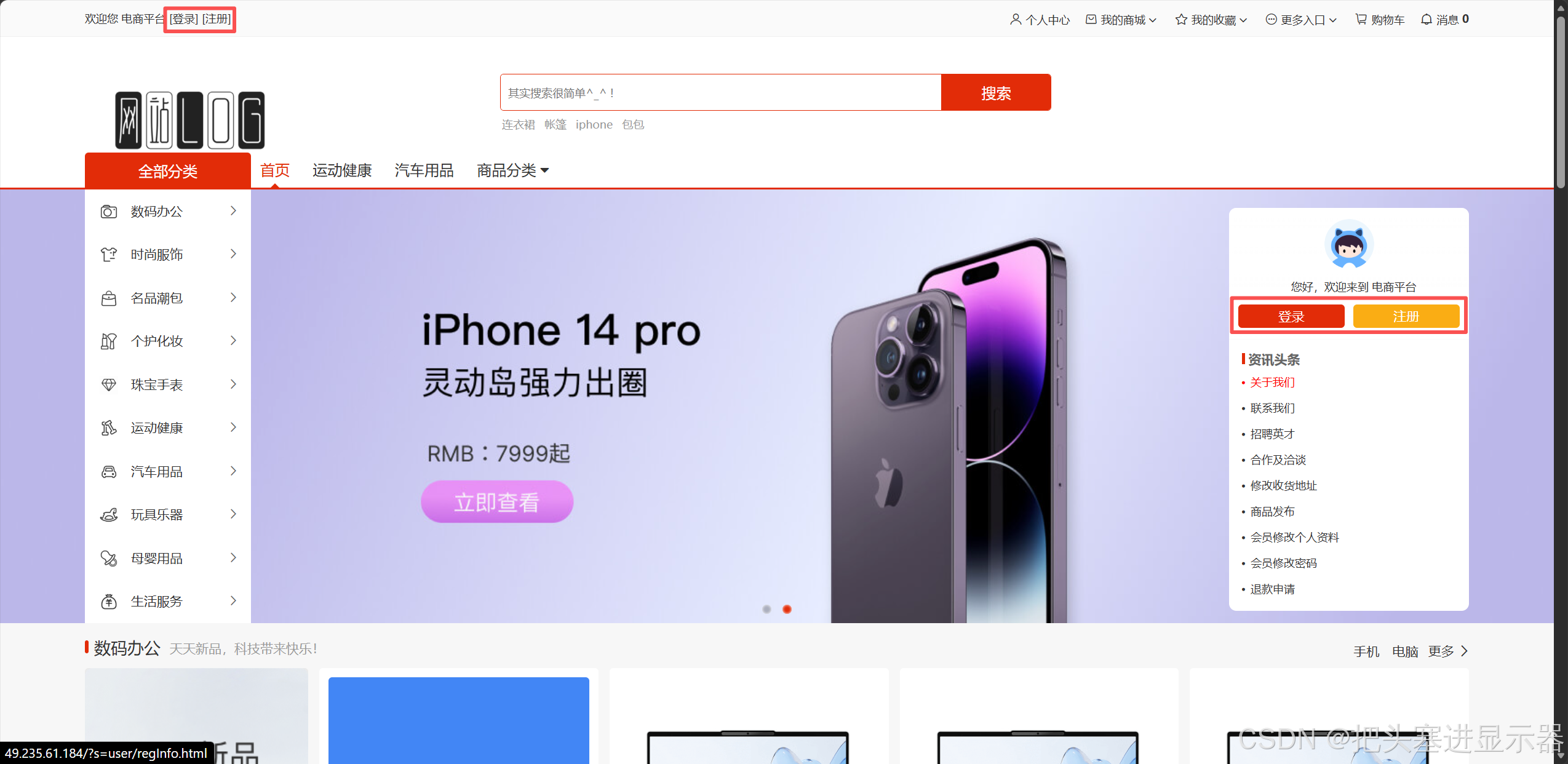
测试场景二:点击登录/注册弹出登录/注册弹窗
预期结果:弹出登录/注册弹窗
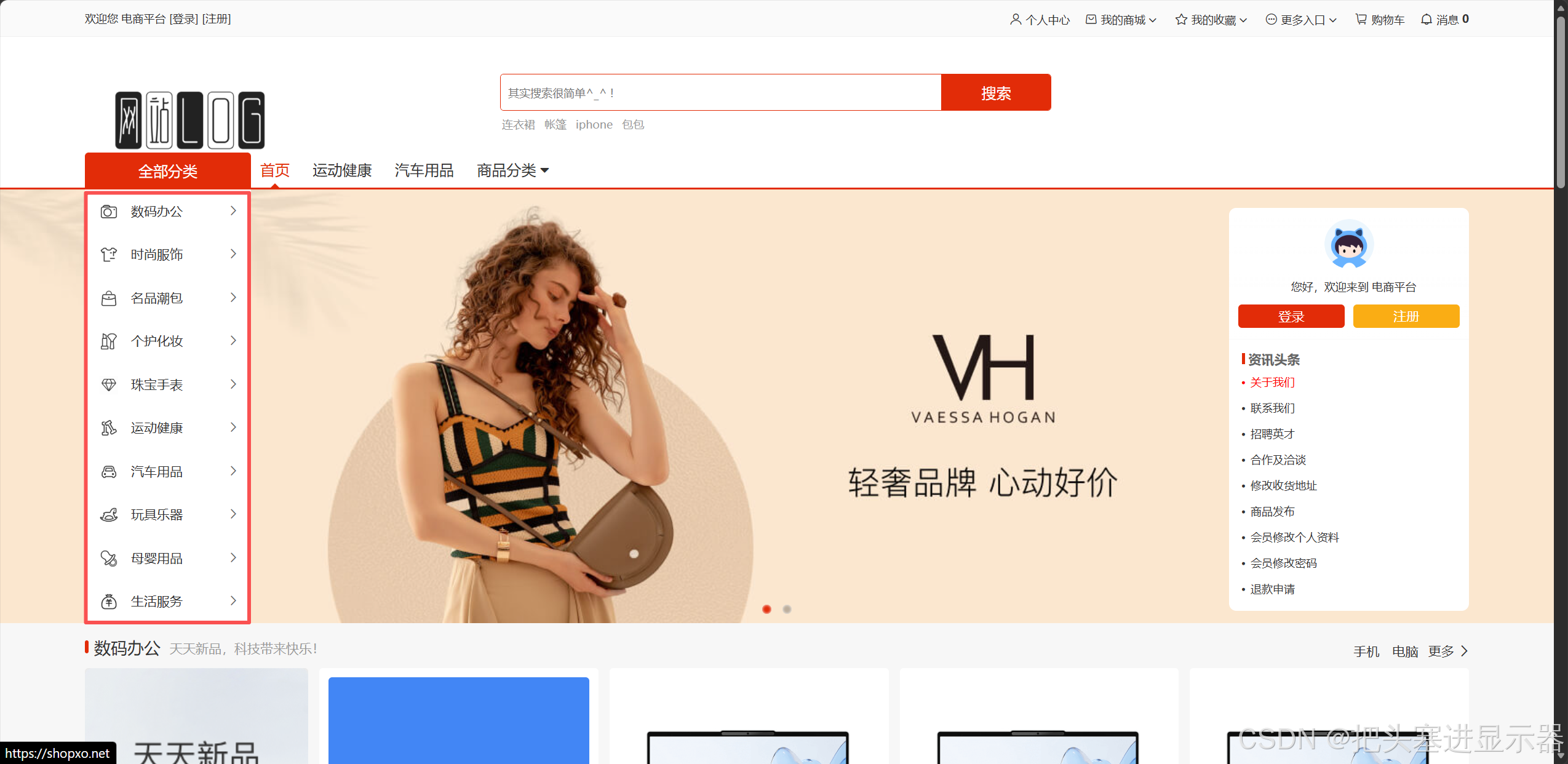
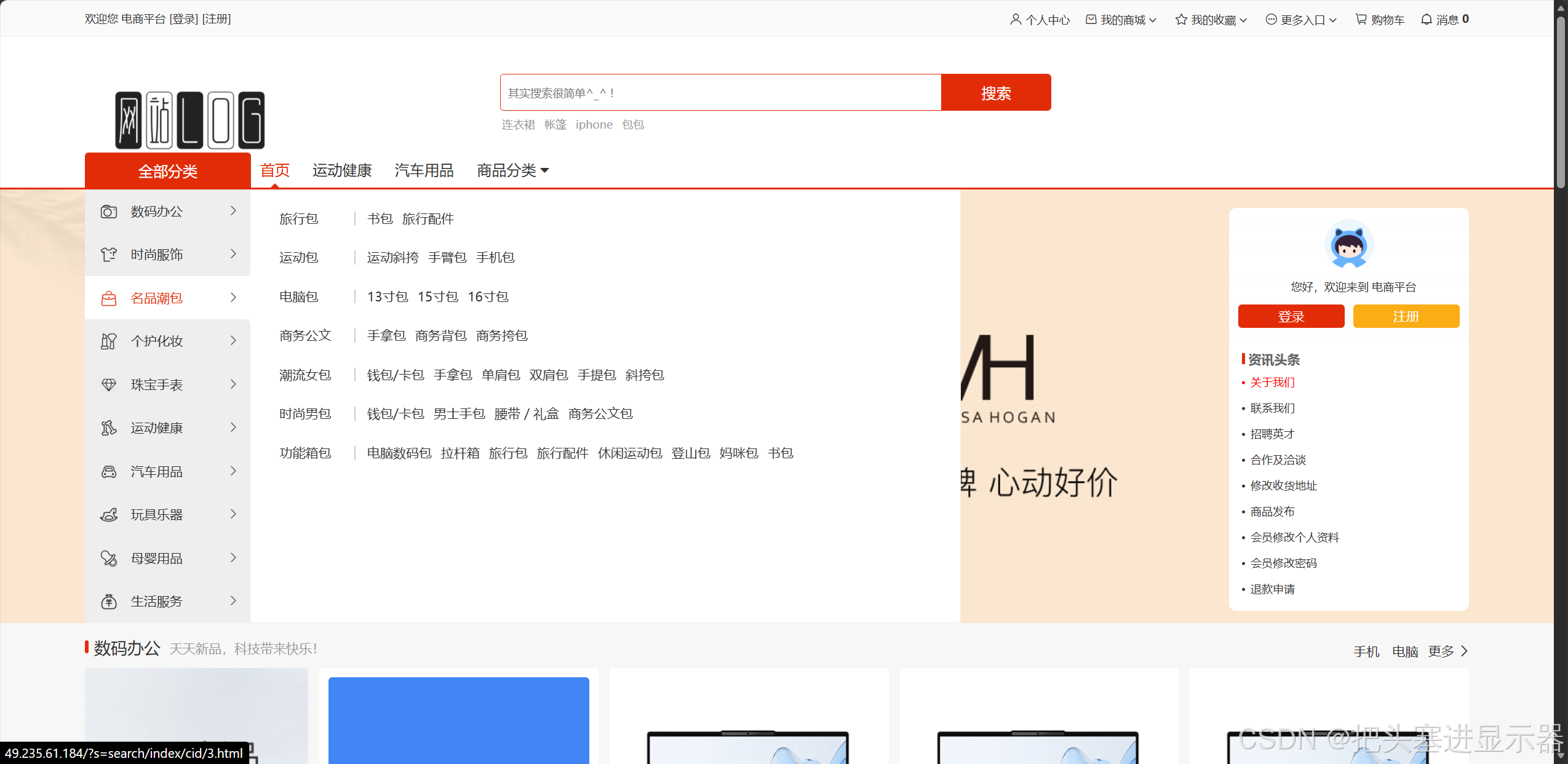
测试场景三:左侧UI停留打开抽屉
预期结果:弹出各个分类的小类商品选择
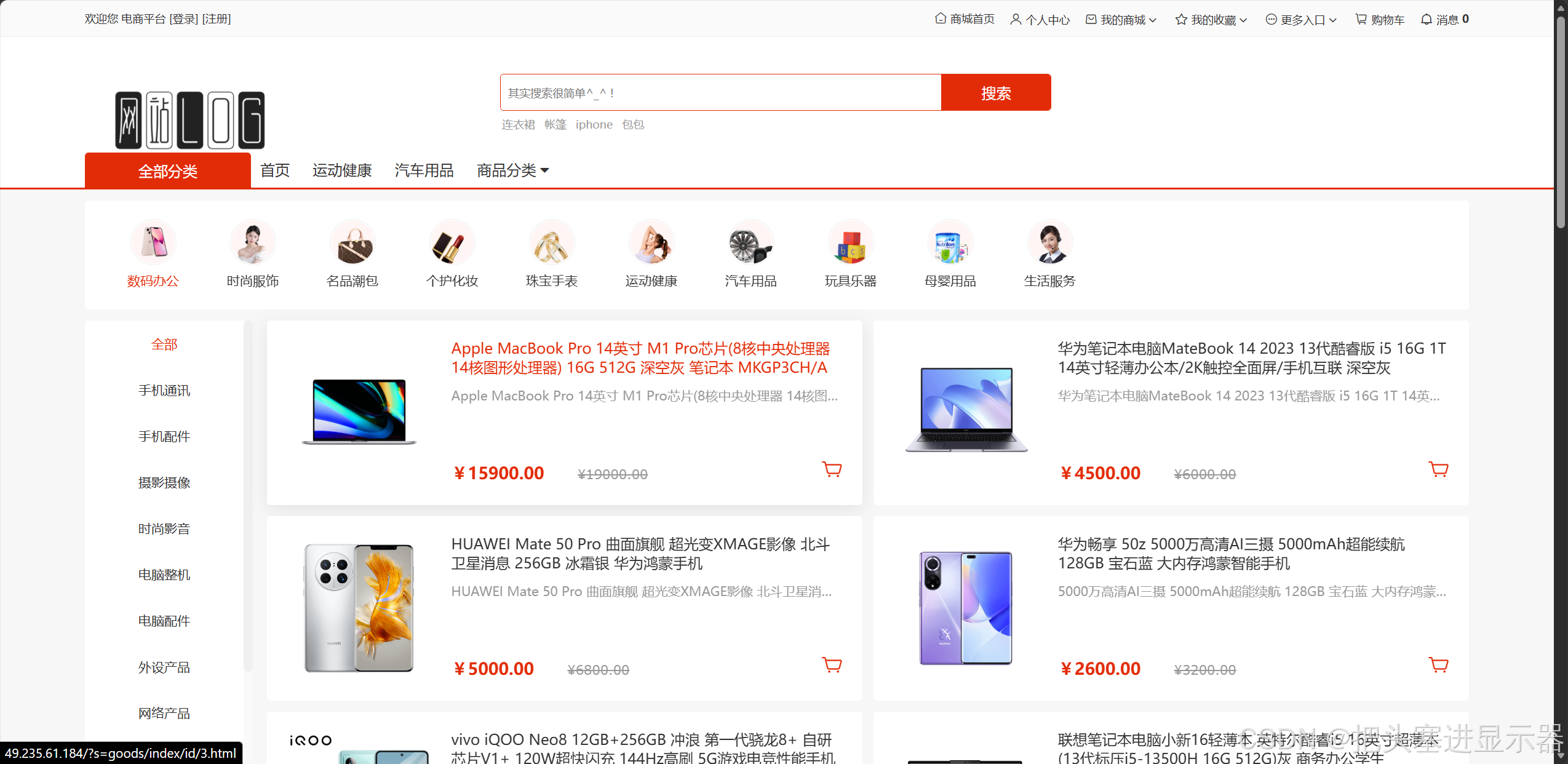
测试场景四:点击对应商品进入商品详细
预期结果:进入商品详细
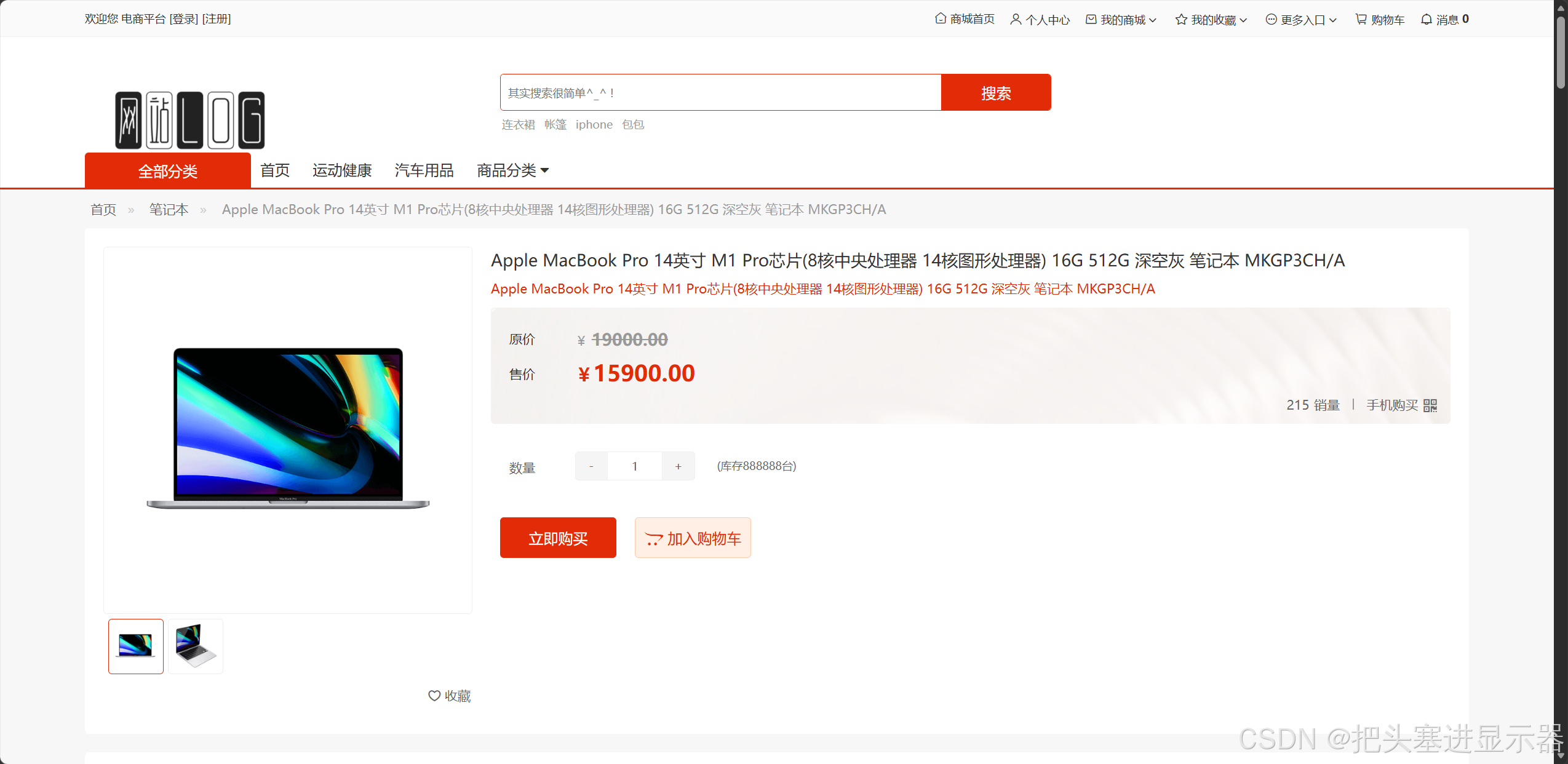
测试场景五:商品详细页手机购买弹出二维码
预期结果:弹出购买二维码

测试场景六:检查功能按钮正常
预期结果:所有功能按钮功能正常
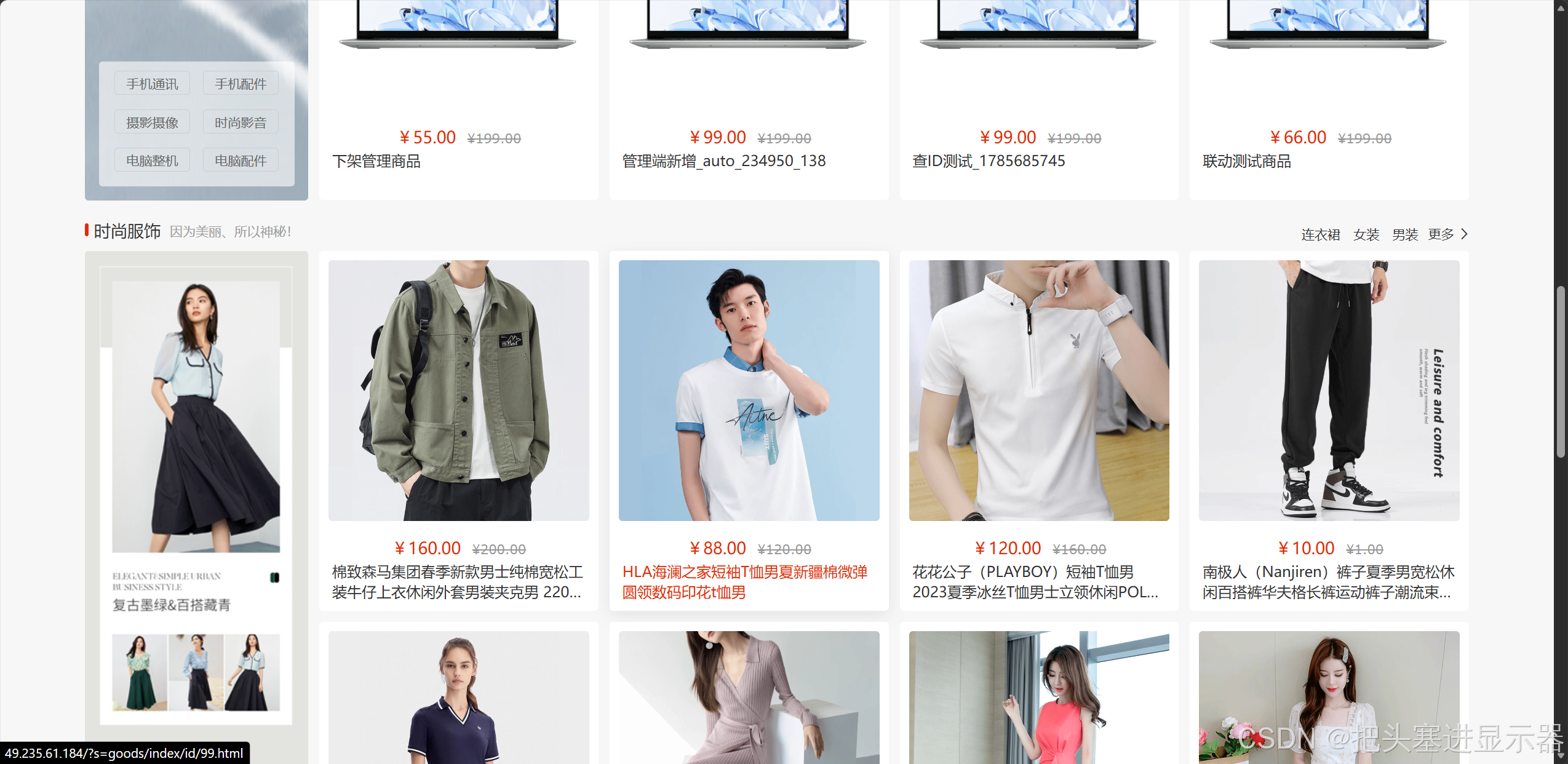
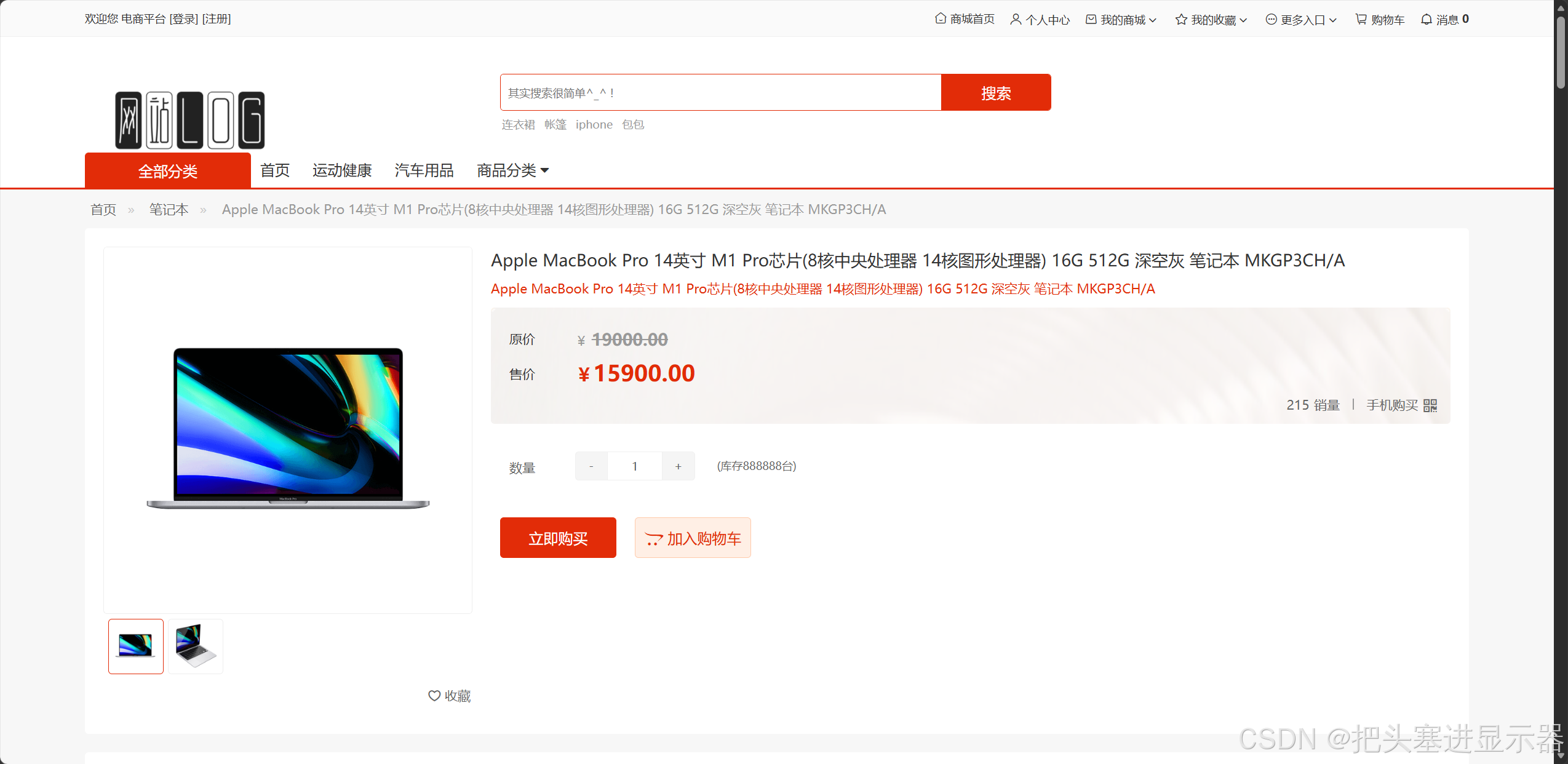
2、未登录状态下:
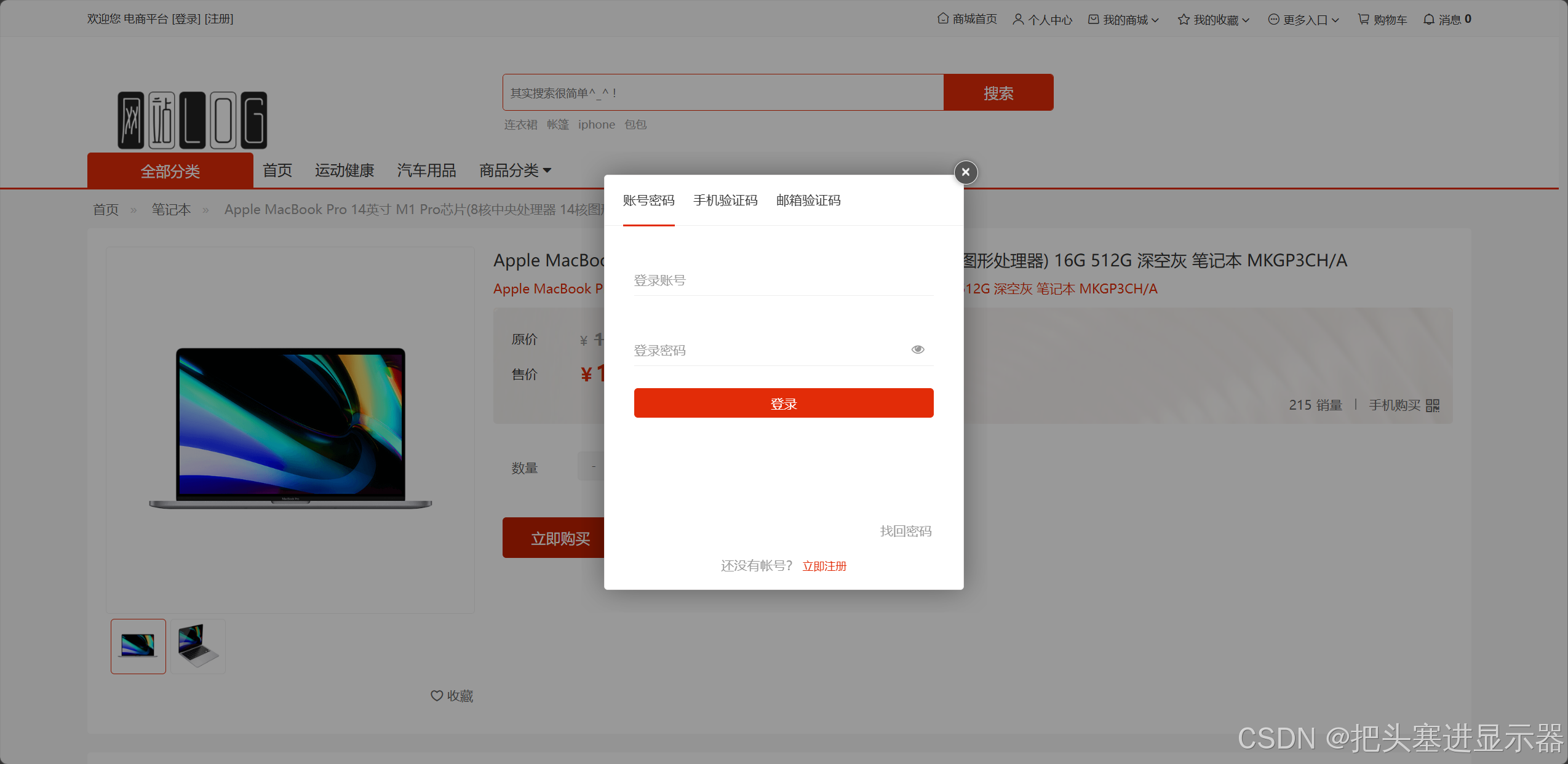
测试场景一:点击UI触发登录提示
预期结果:弹出登录界面
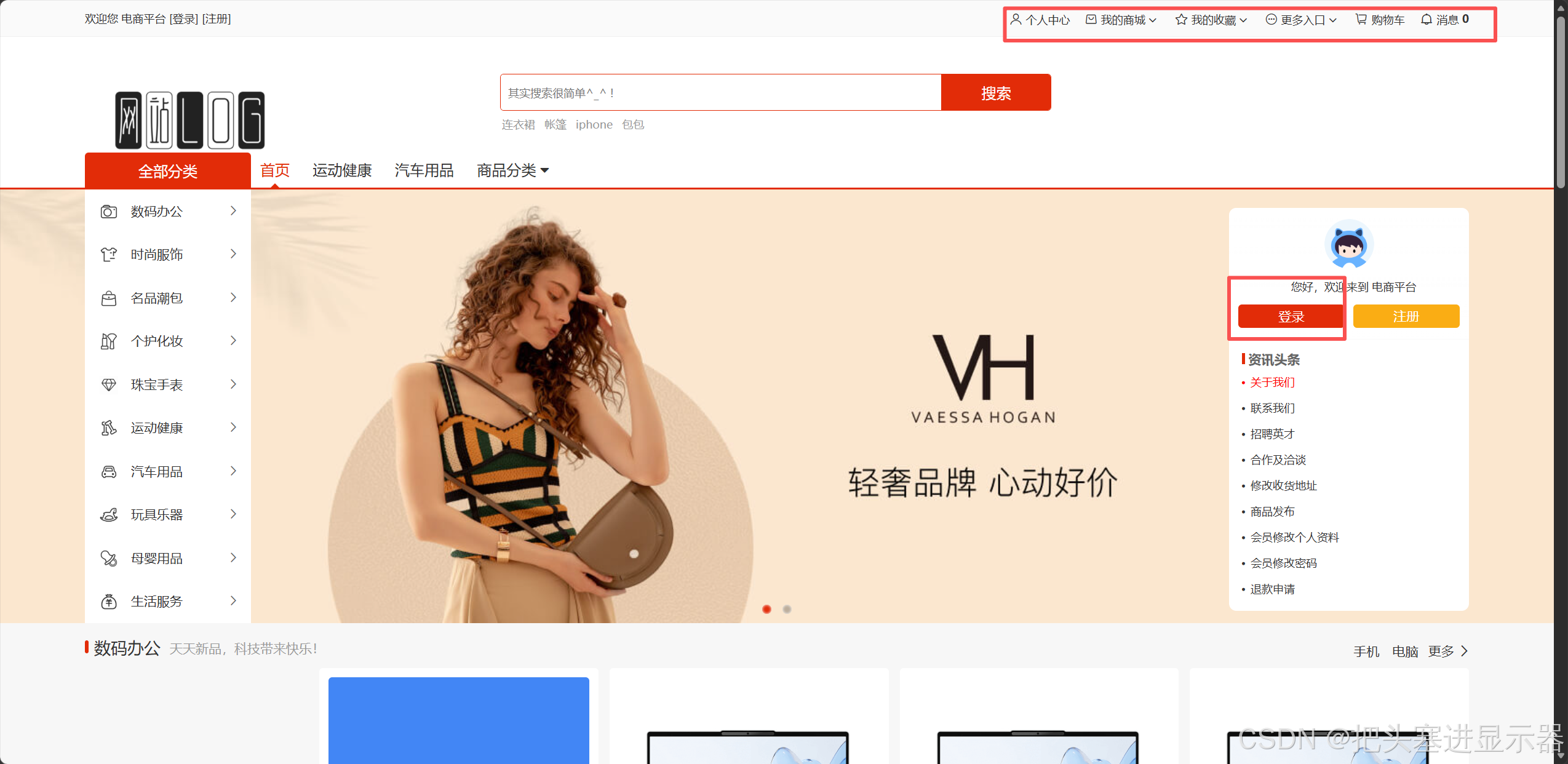
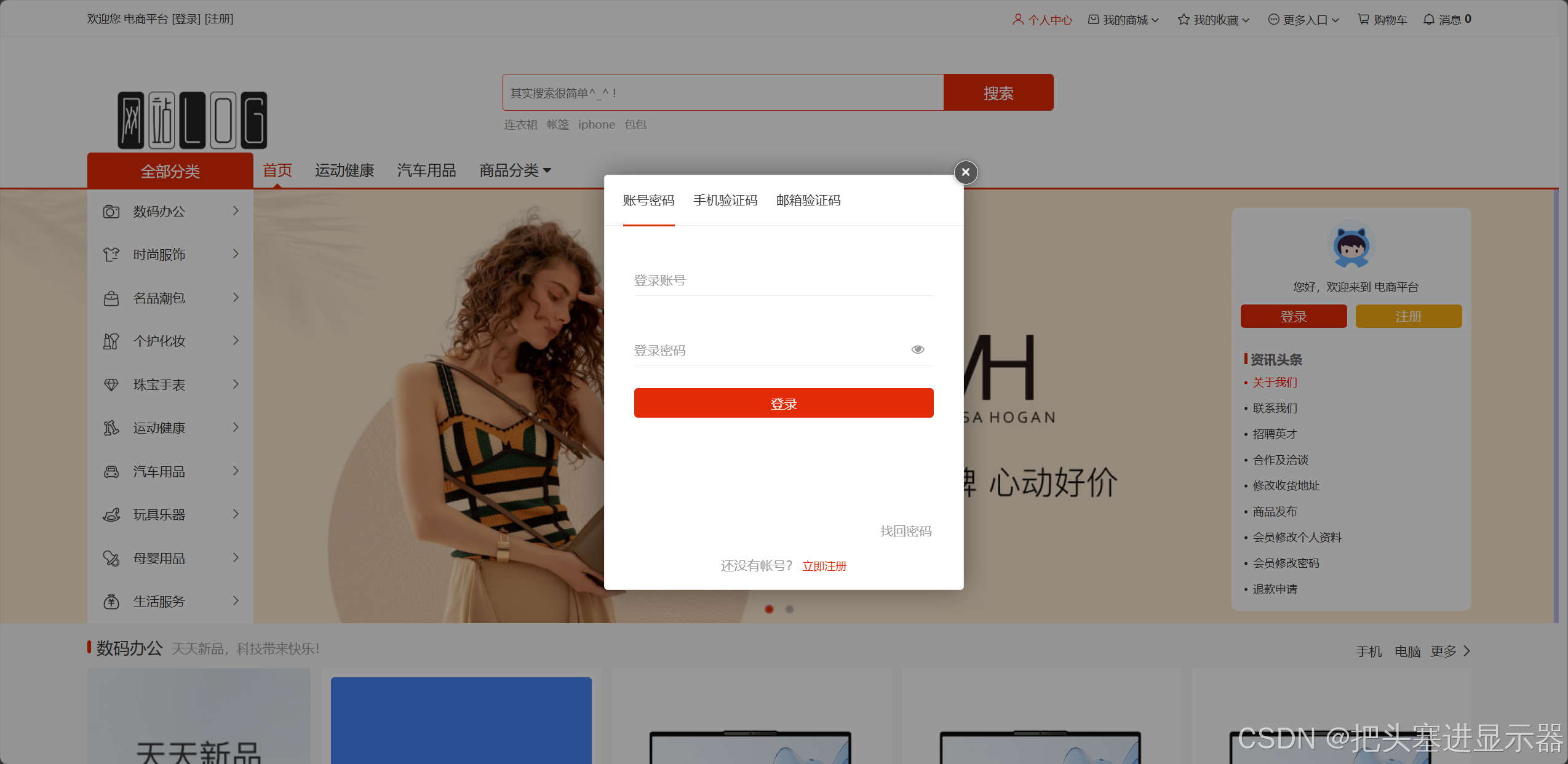
测试场景二:商品详细页点击购买/加入购物车/收藏
预期结果:弹出登录提示
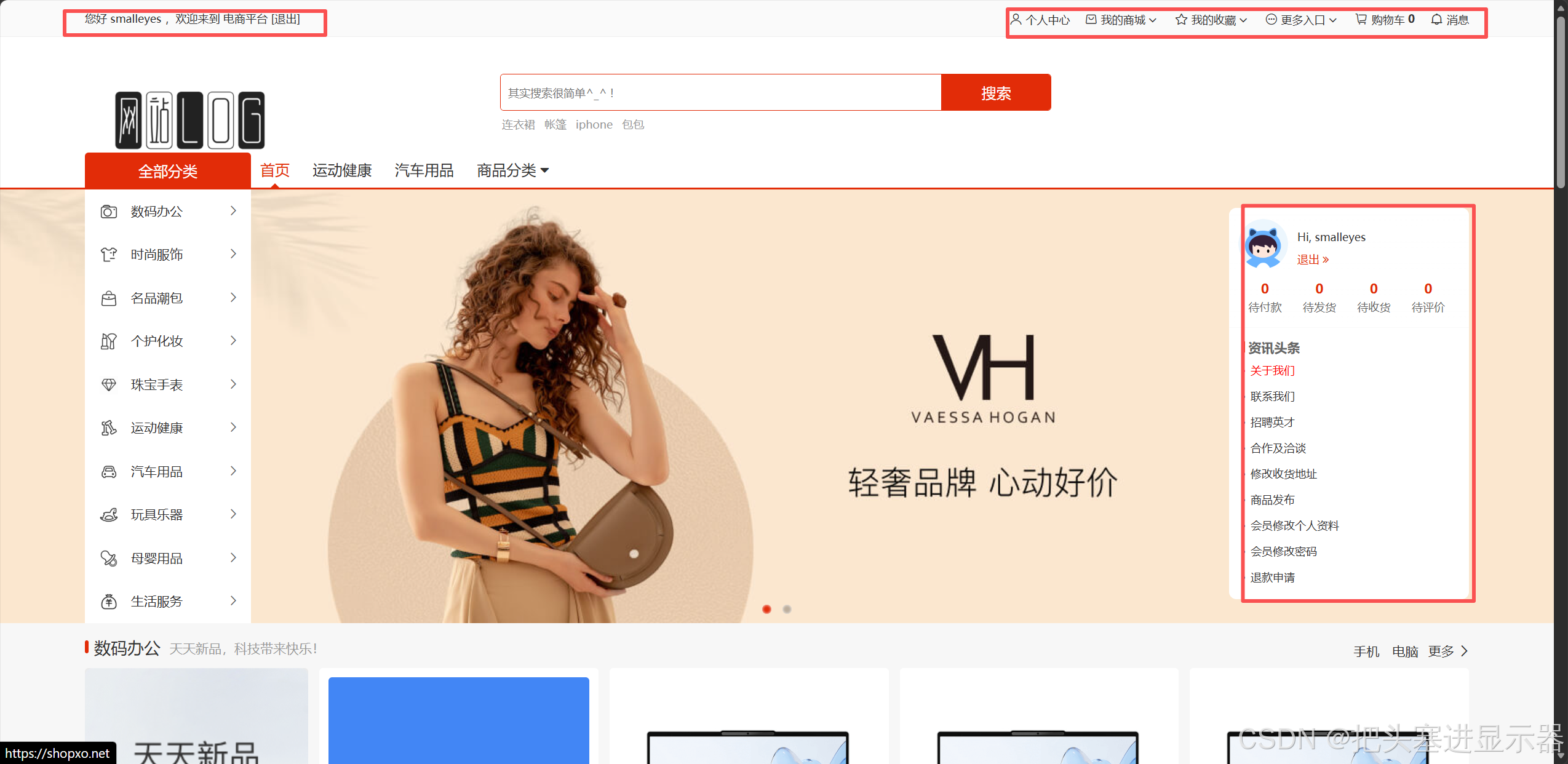
3、登录状态下:
测试场景一:点击UI跳转相应界面
预期结果:进入对应界面
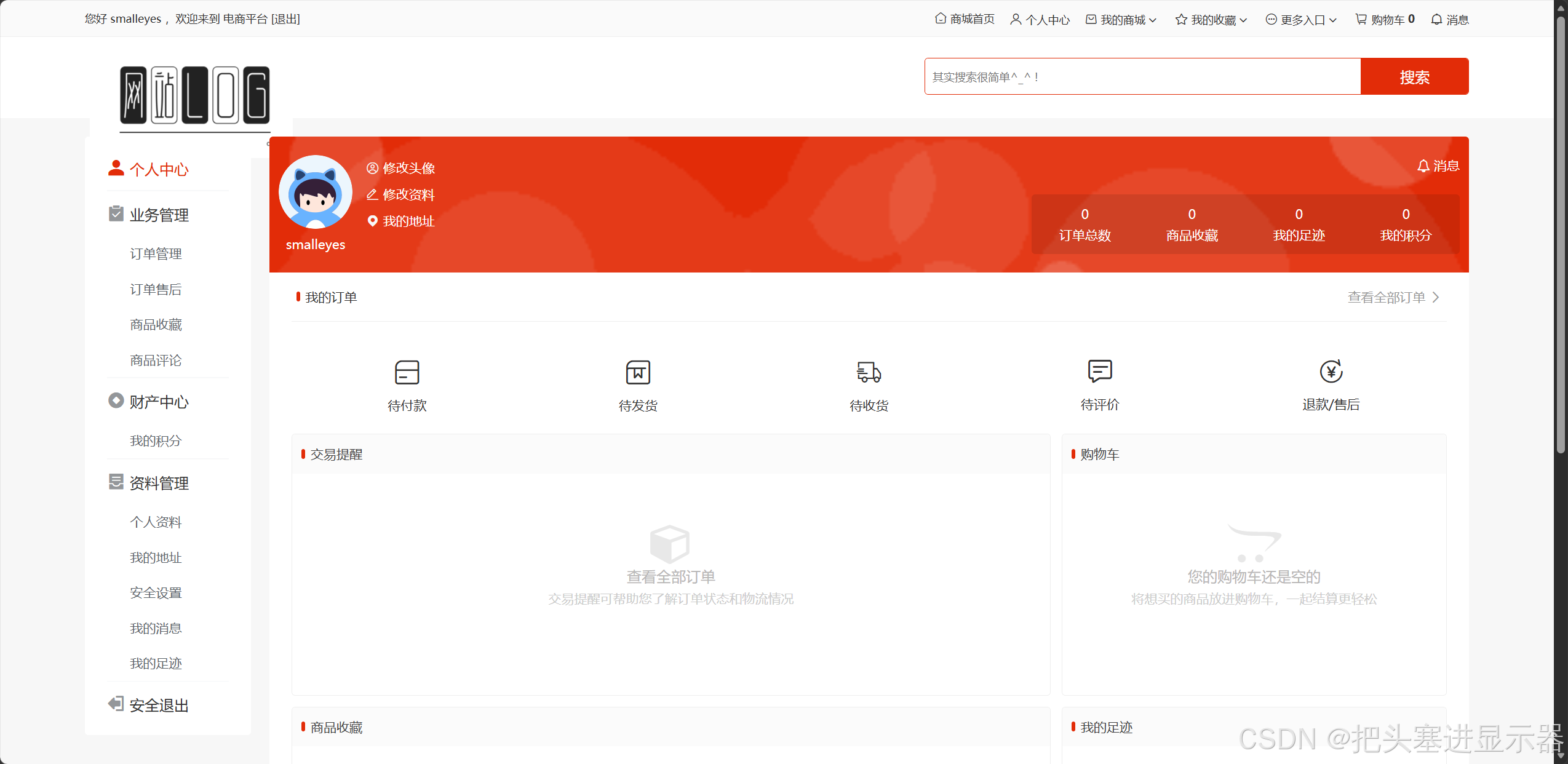
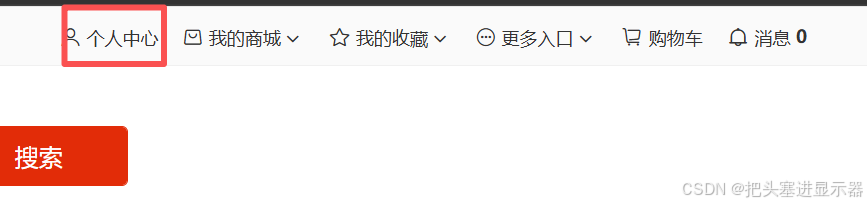
测试场景二:点击个人中心跳转个人中心
预期结果:进入对应界面
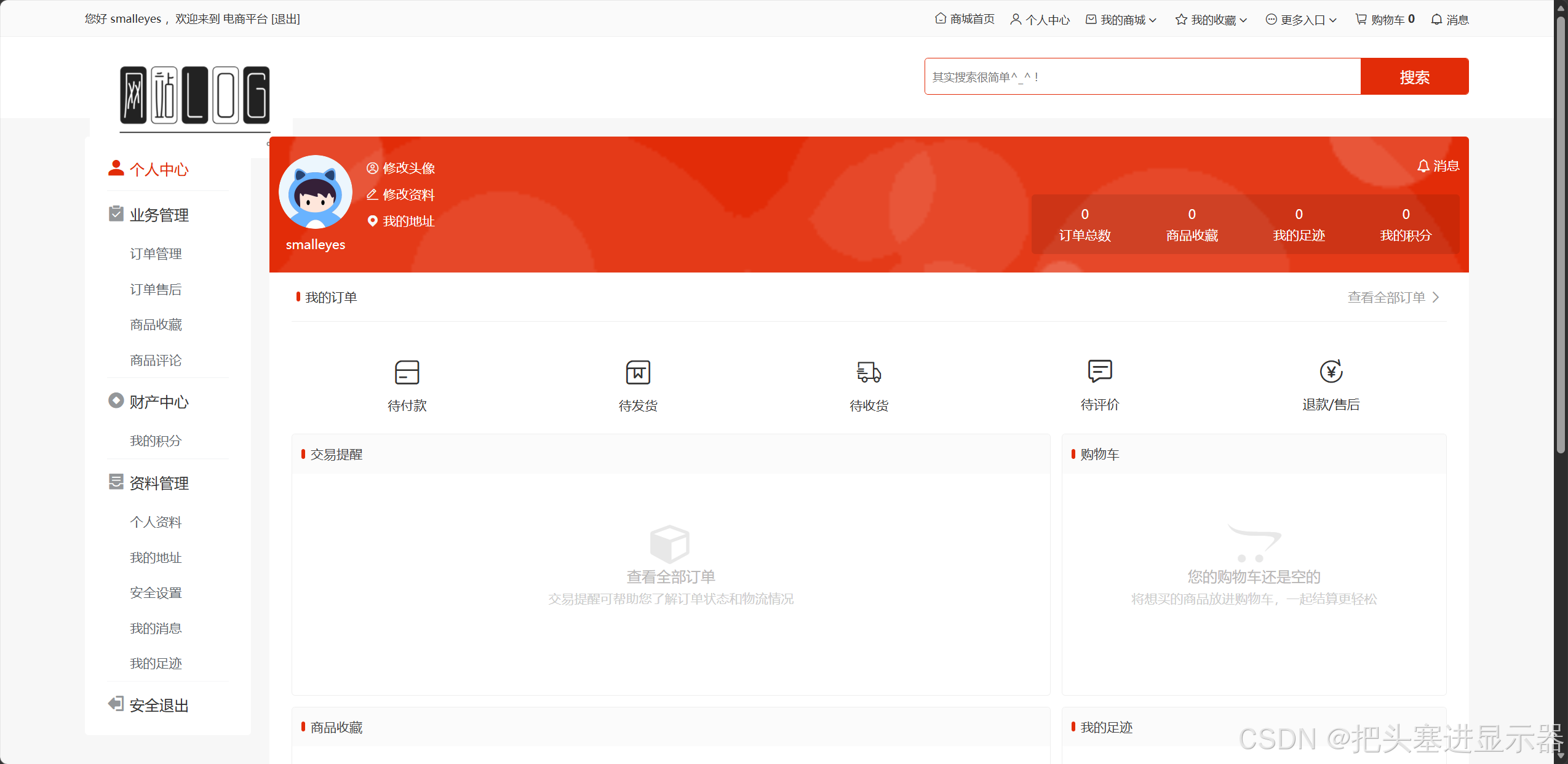
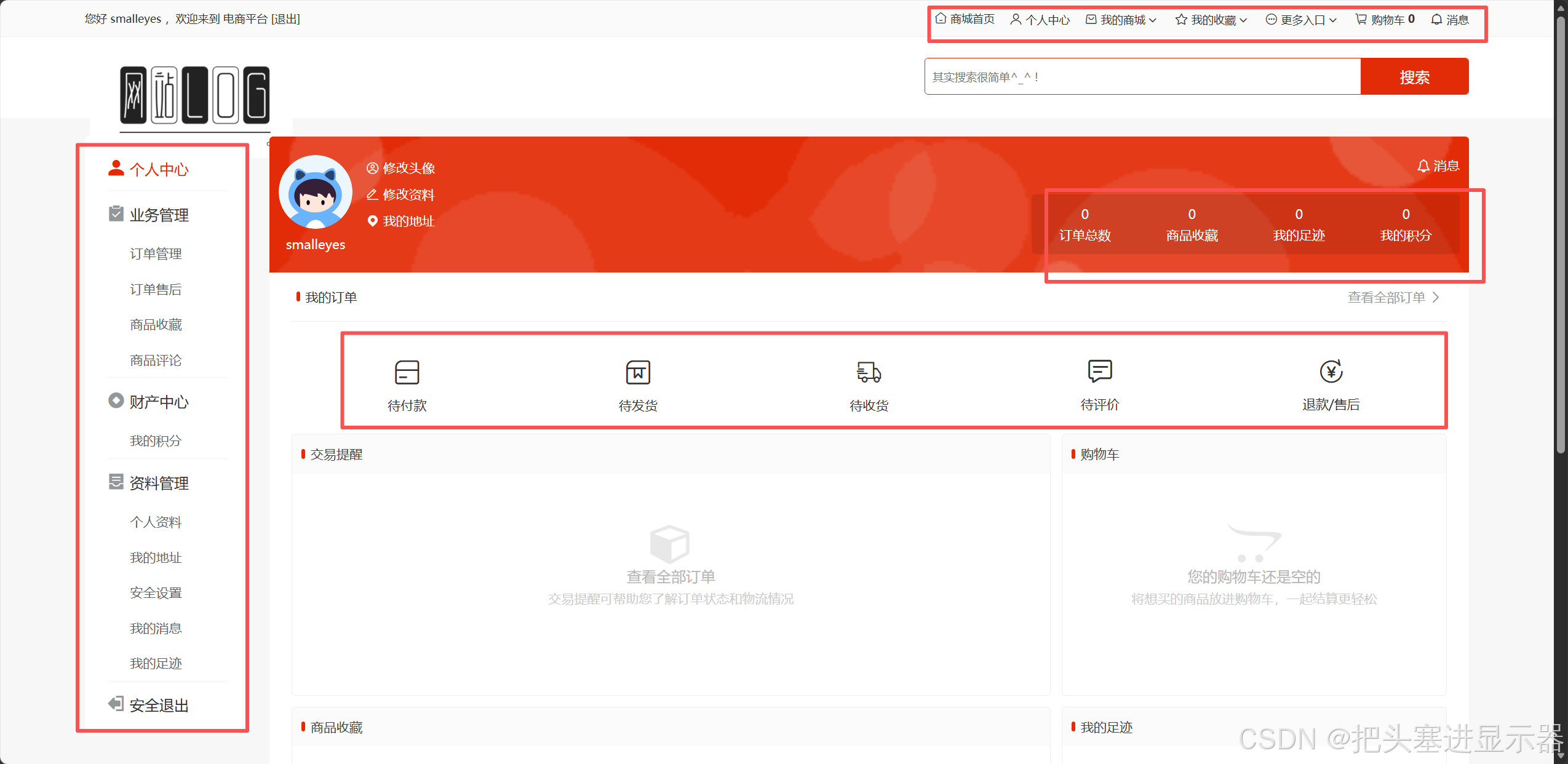
测试场景三:个人中心UI点击正常
预期结果:UI点击正常
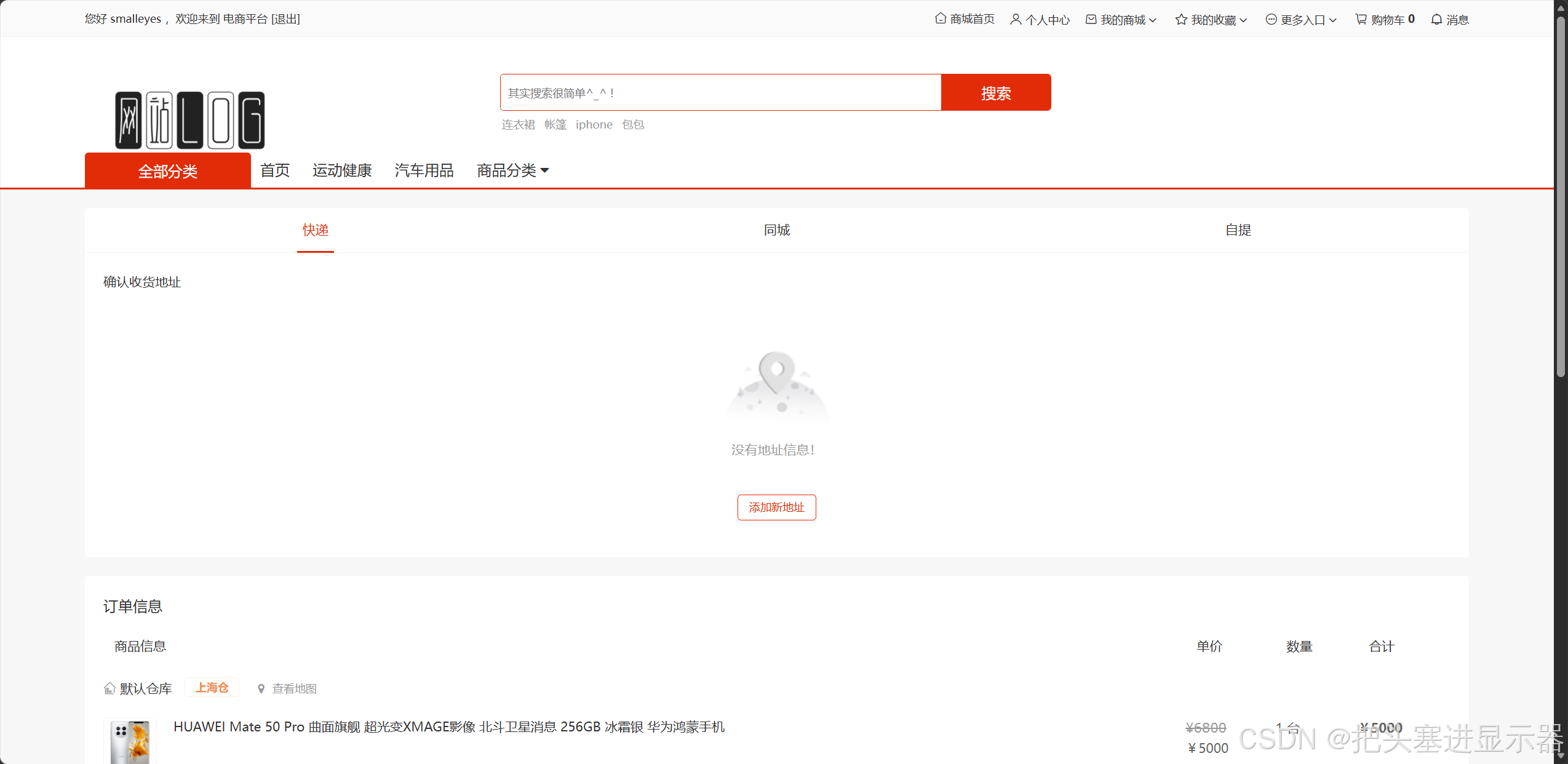
测试场景四:购物界面点击购买
预期结果:跳转购买界面
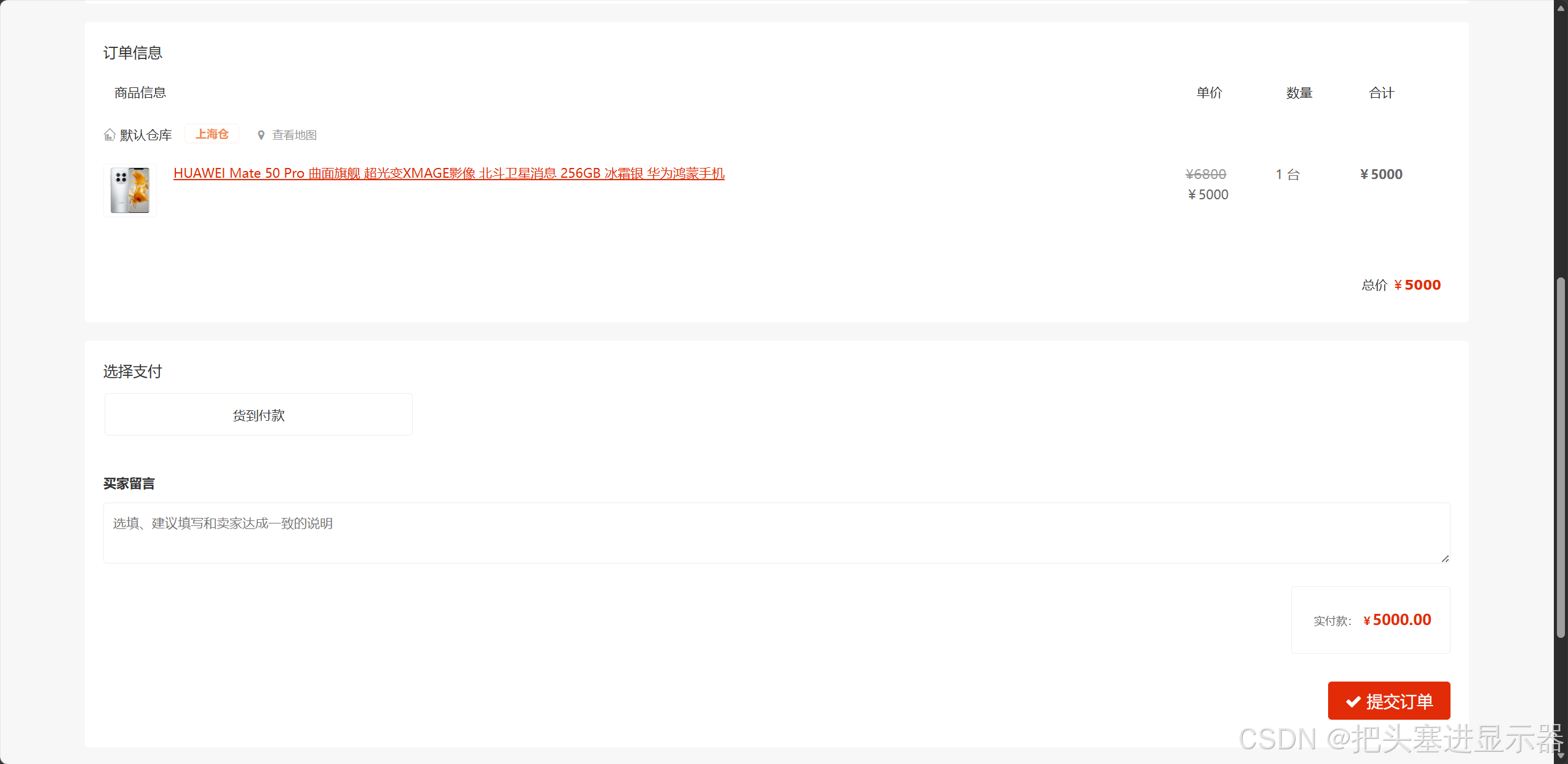
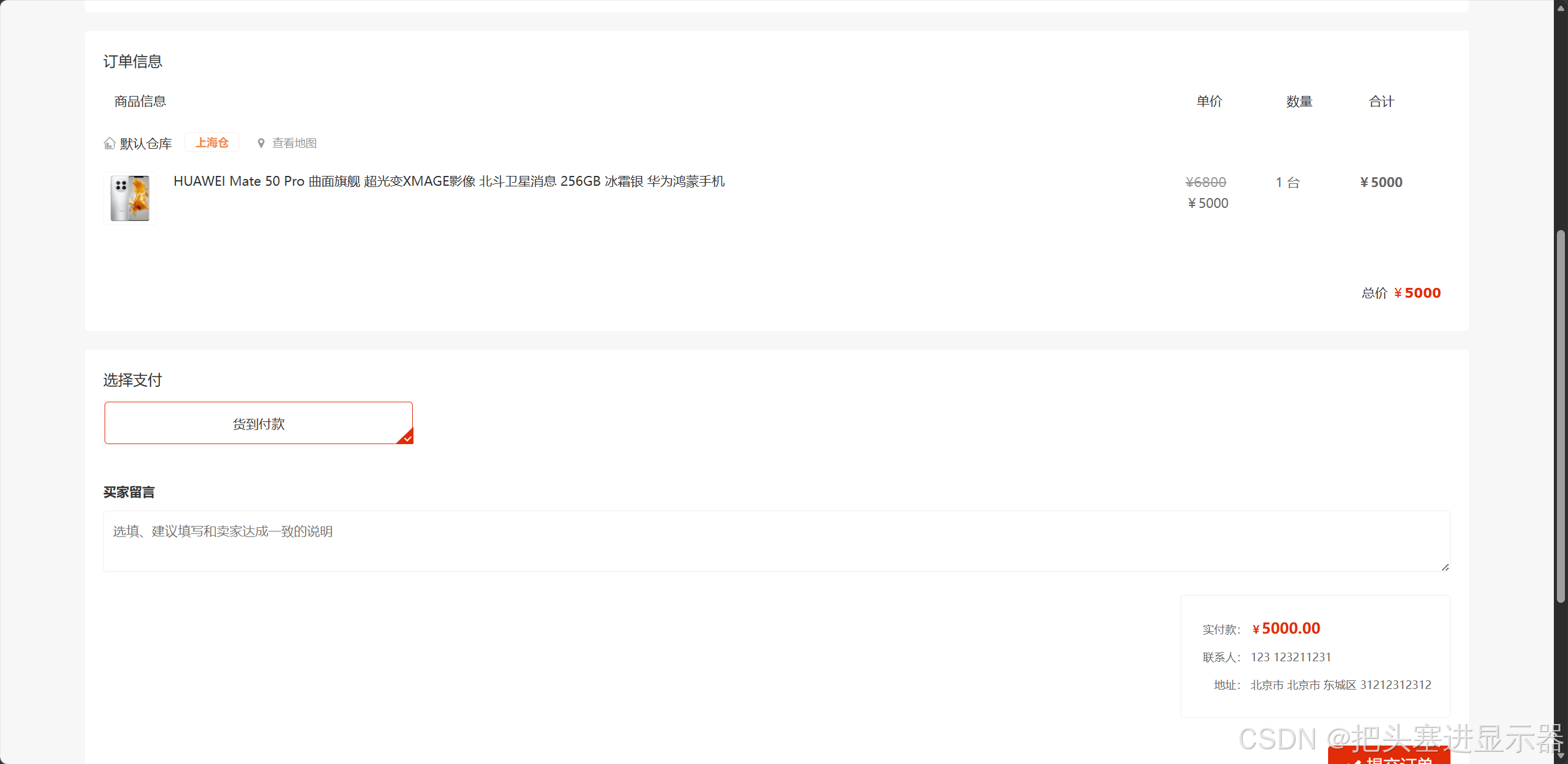
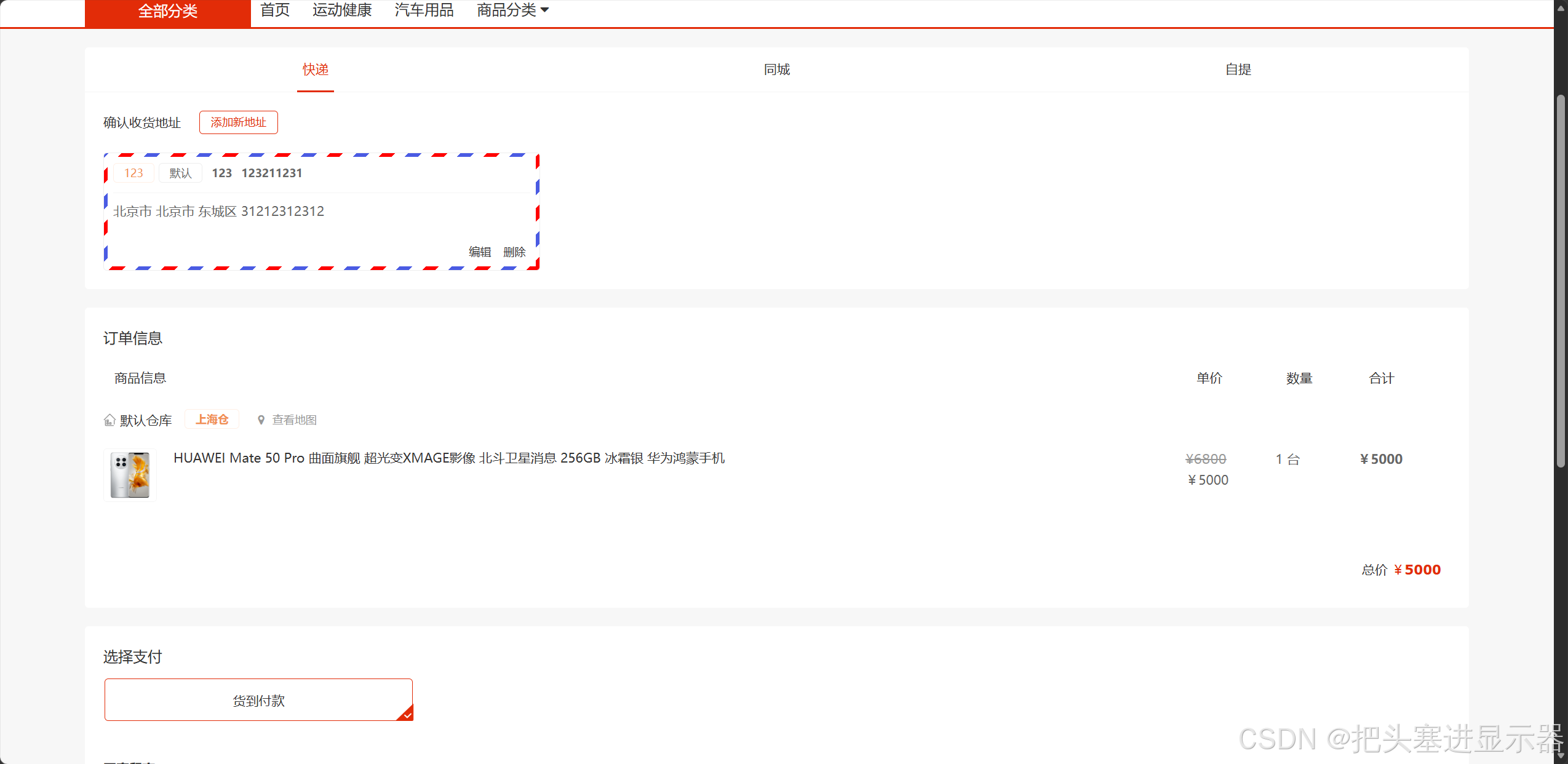
测试场景五:仅有货到付款选择
预期结果:填写正确支付信息
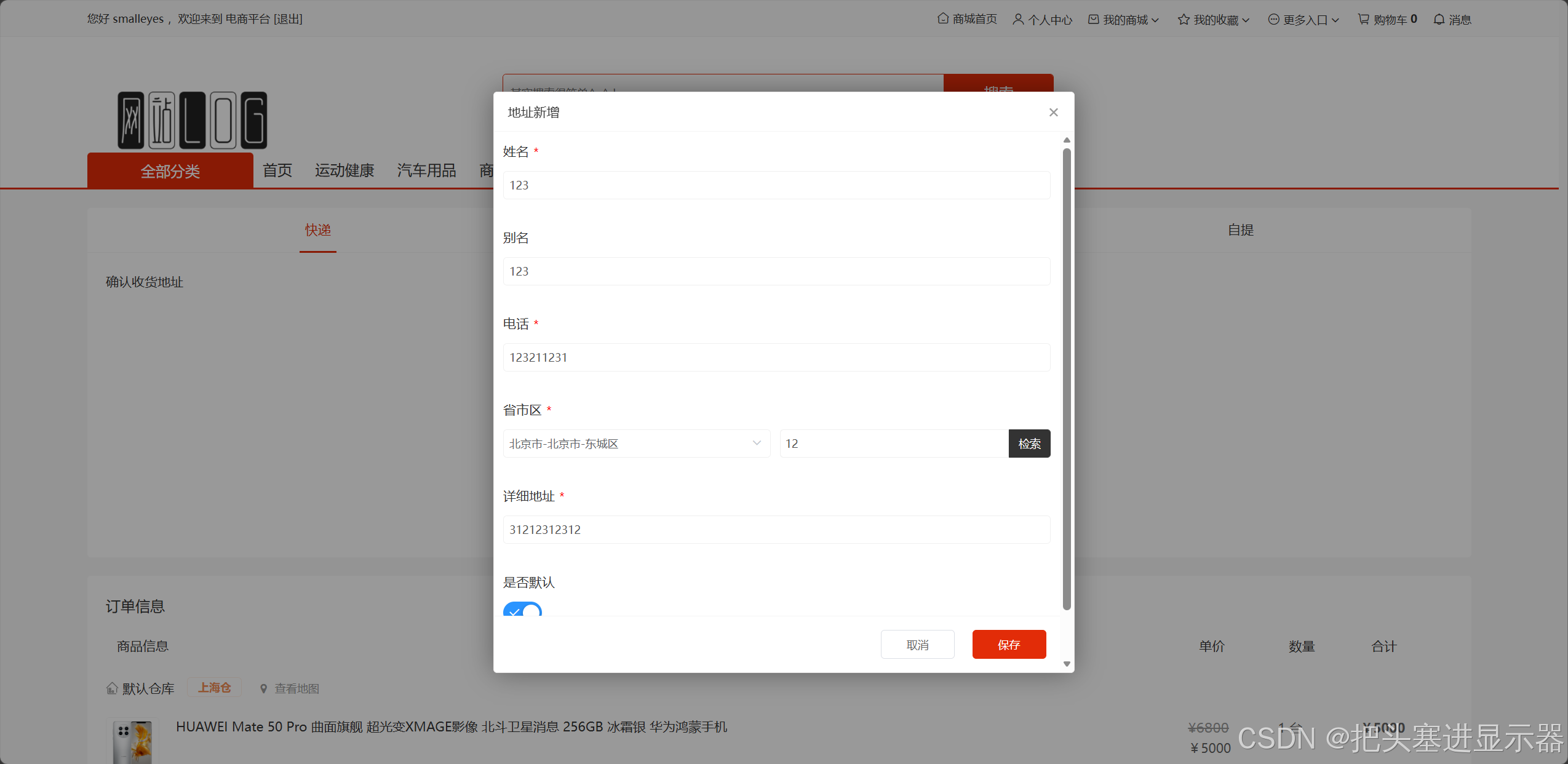
测试场景六:新增地址
预期结果:跳转地址编辑窗口
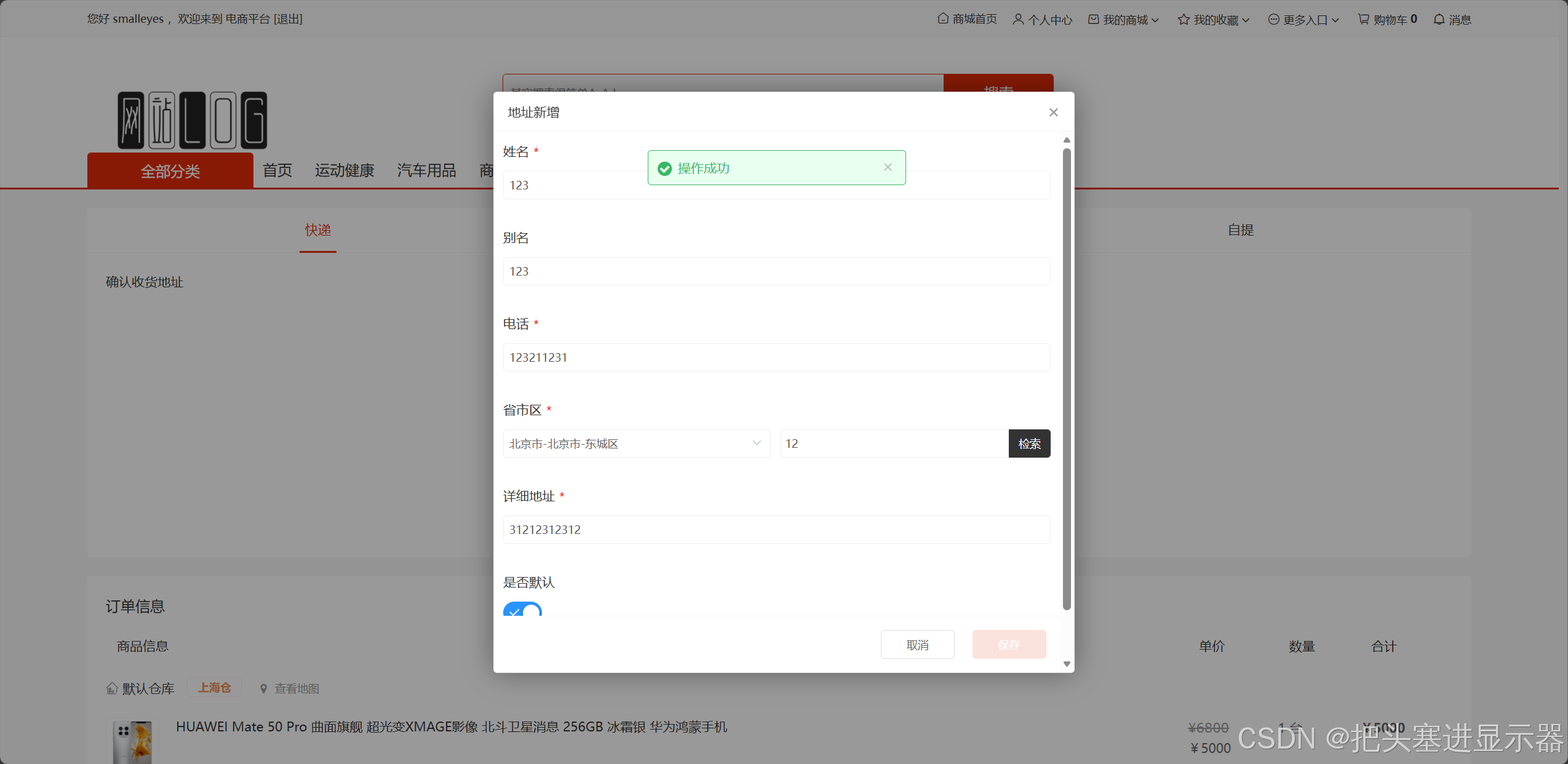
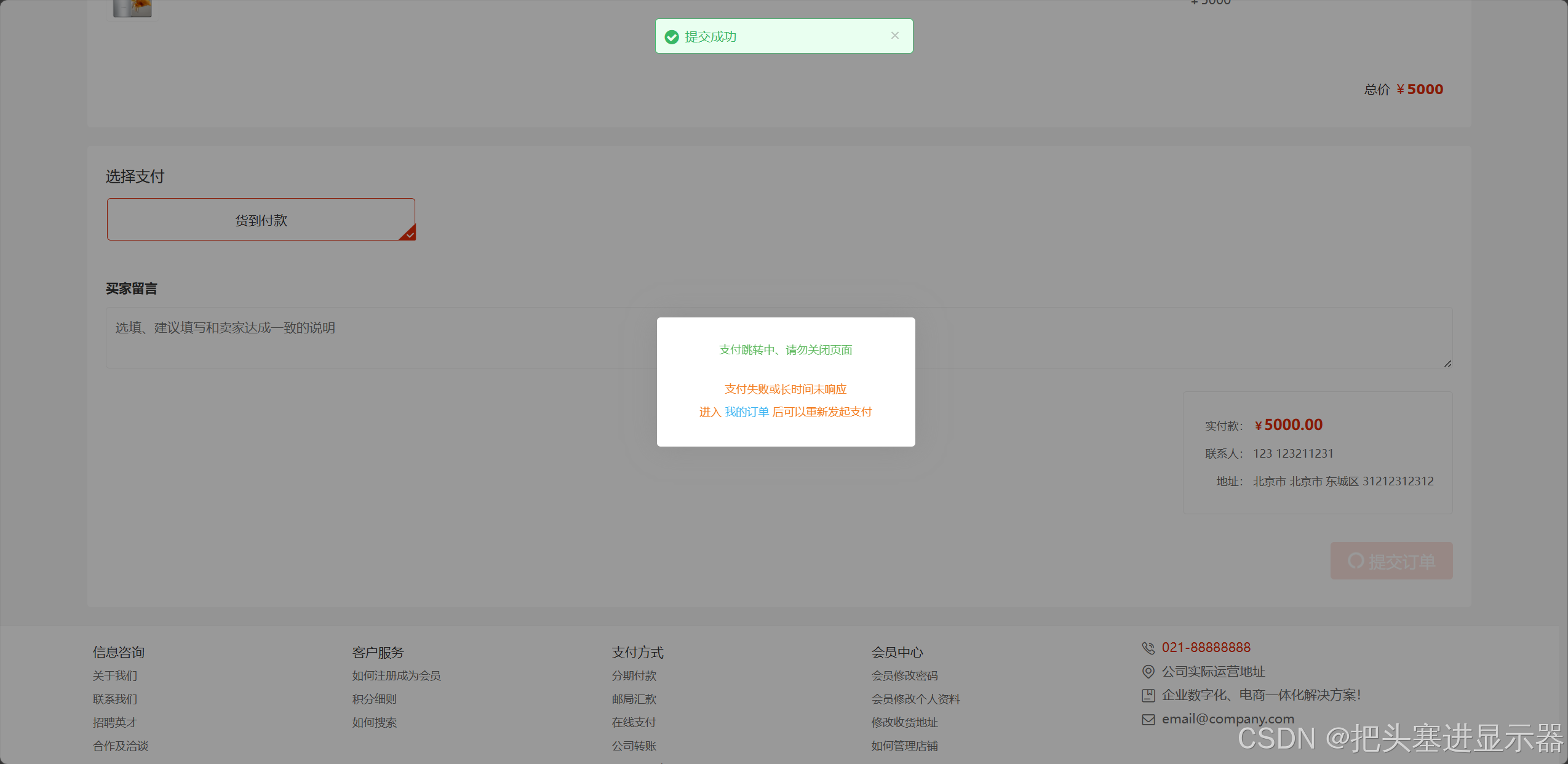
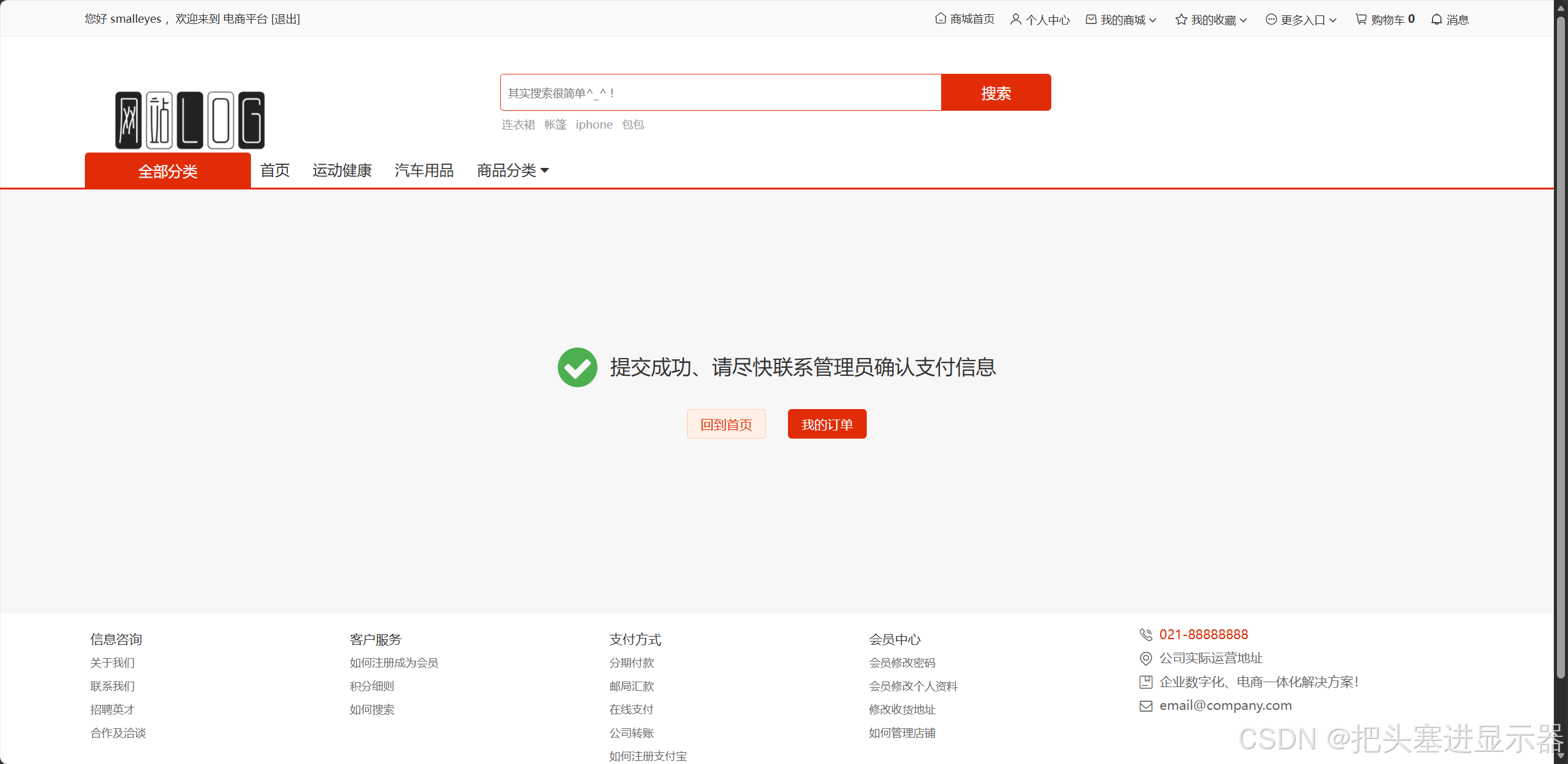
测试场景七:提交订单后自动返回
预期结果:提示提交成功自动返回
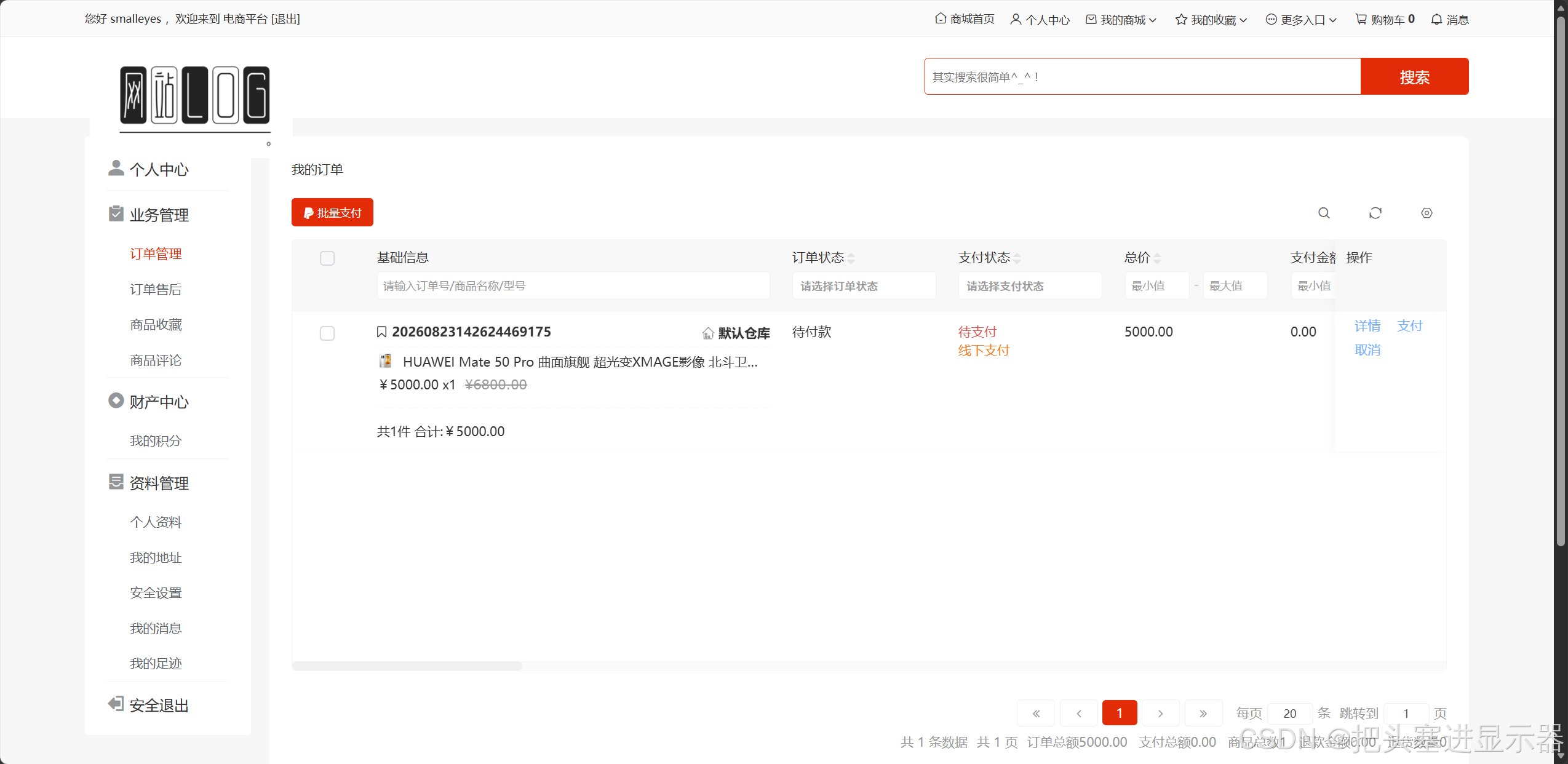
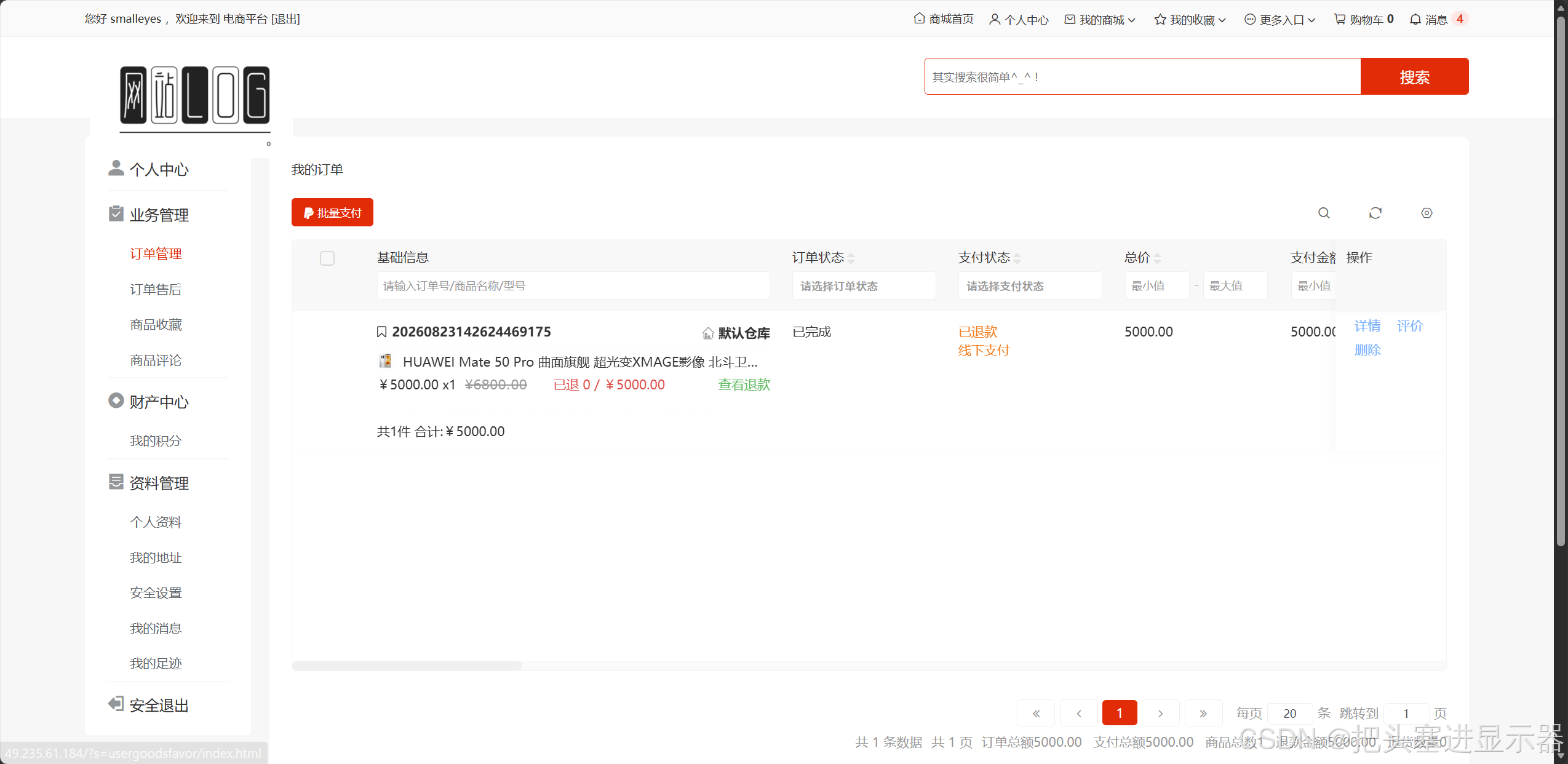
测试场景八:提交订单后在订单管理查看订单
预期结果:订单管理增加对应订单
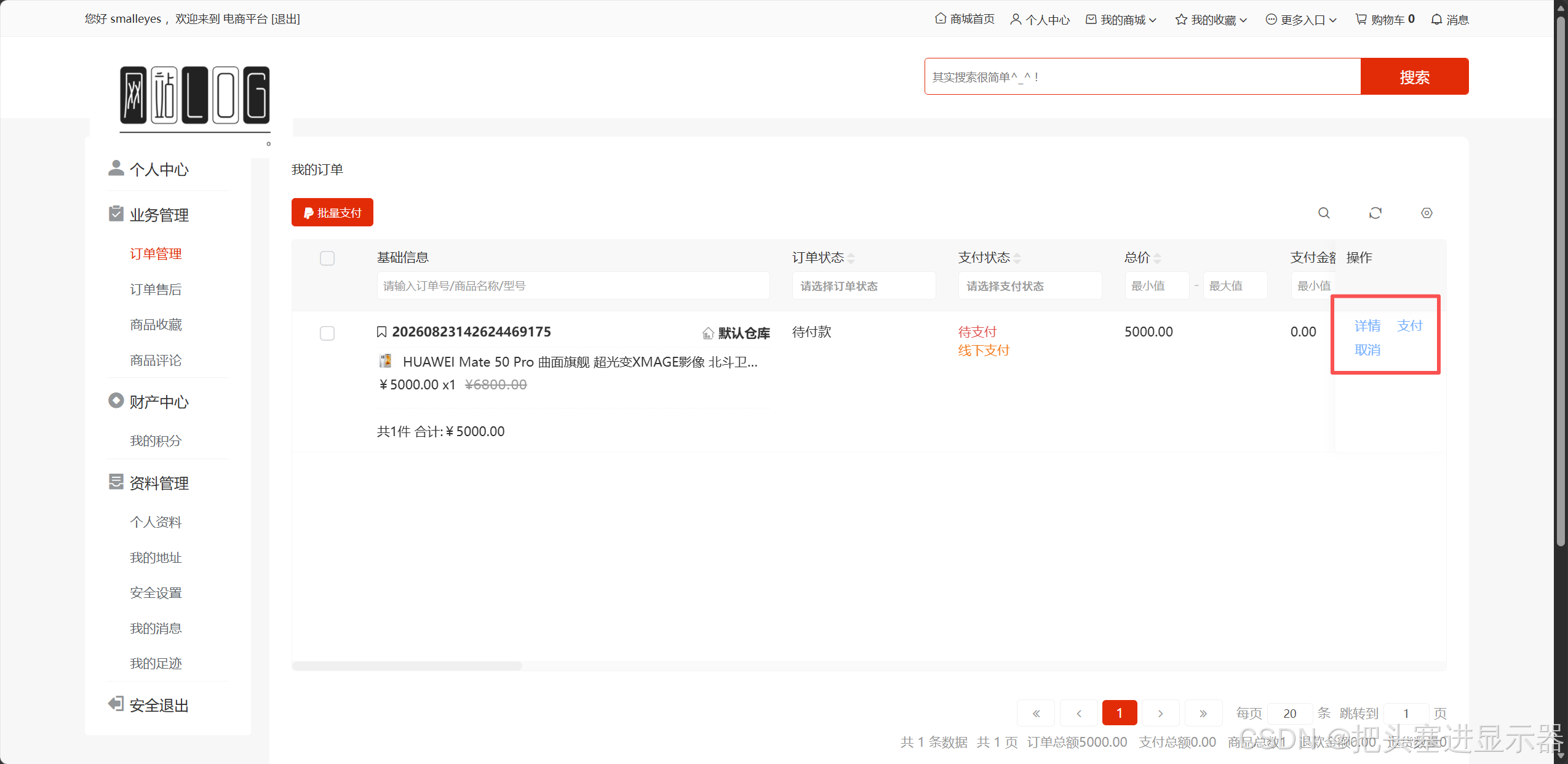
测试场景八:新订单支付功能
预期结果:新订单点击支付后提交,需后台管理员进行确认
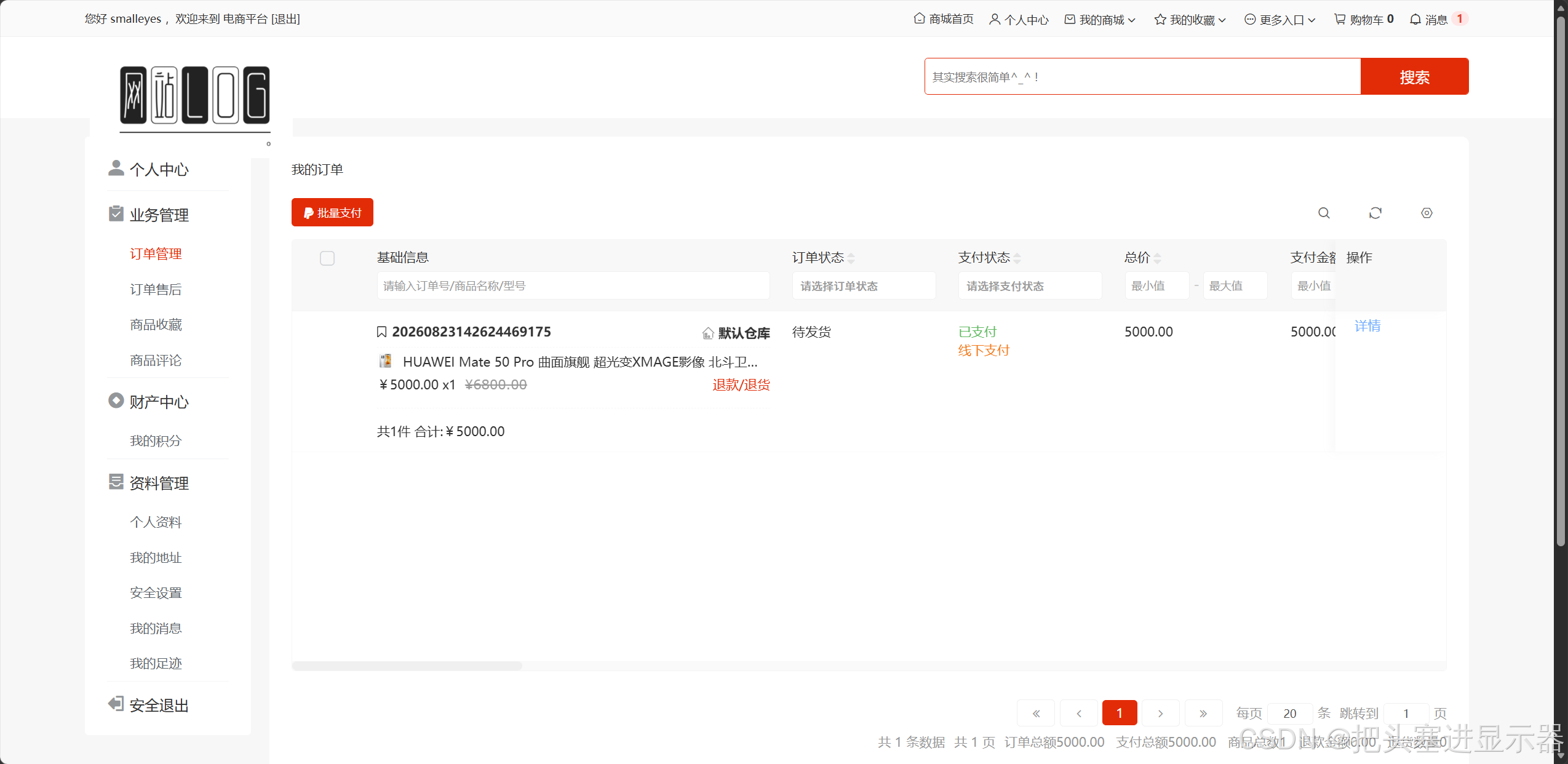
测试场景九:后台确认支付后
预期结果:订单管理显示已支付,并且显示退货退款
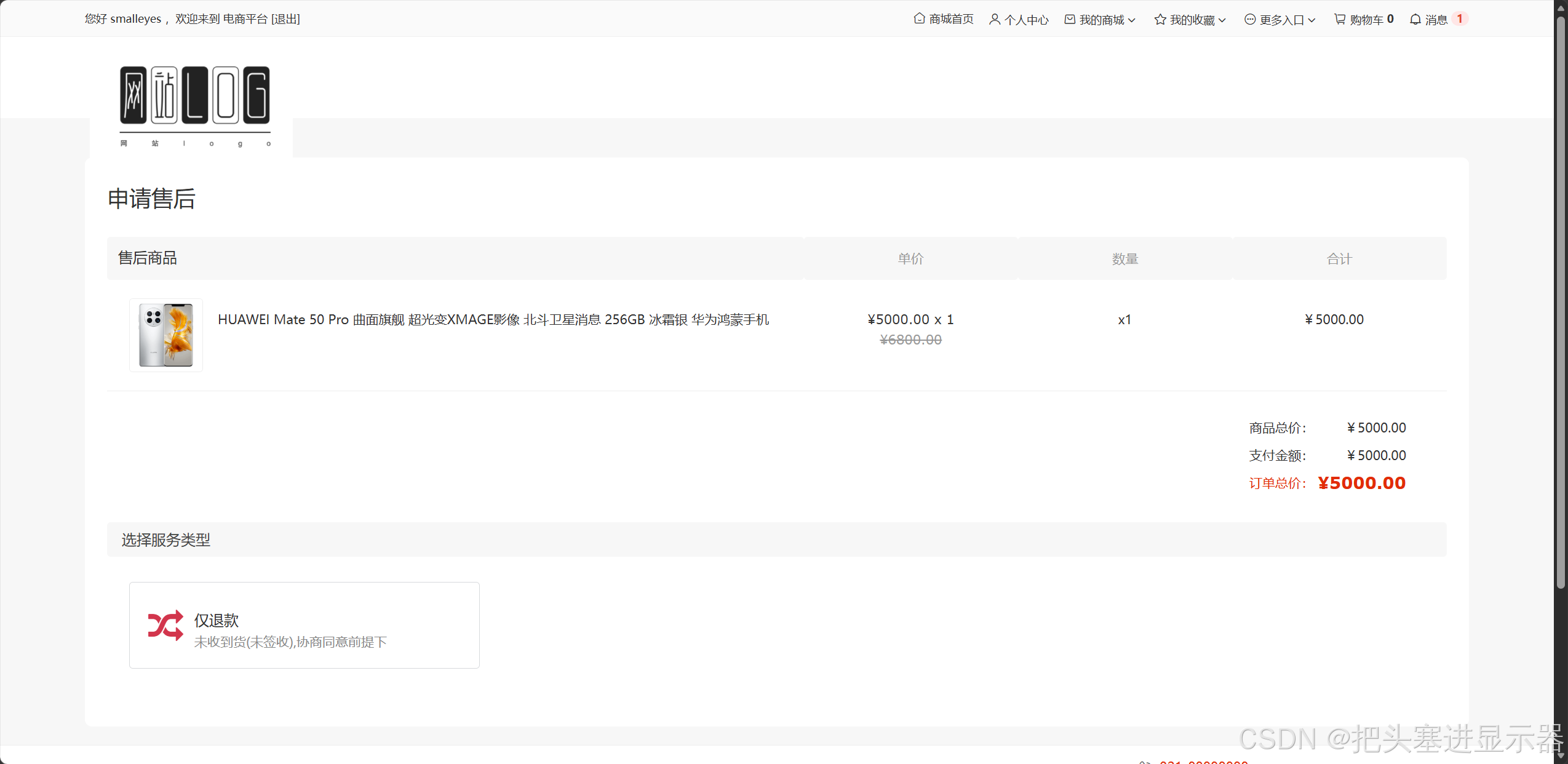
测试场景十:点击退款/退货
预期结果:进入退款退货页面
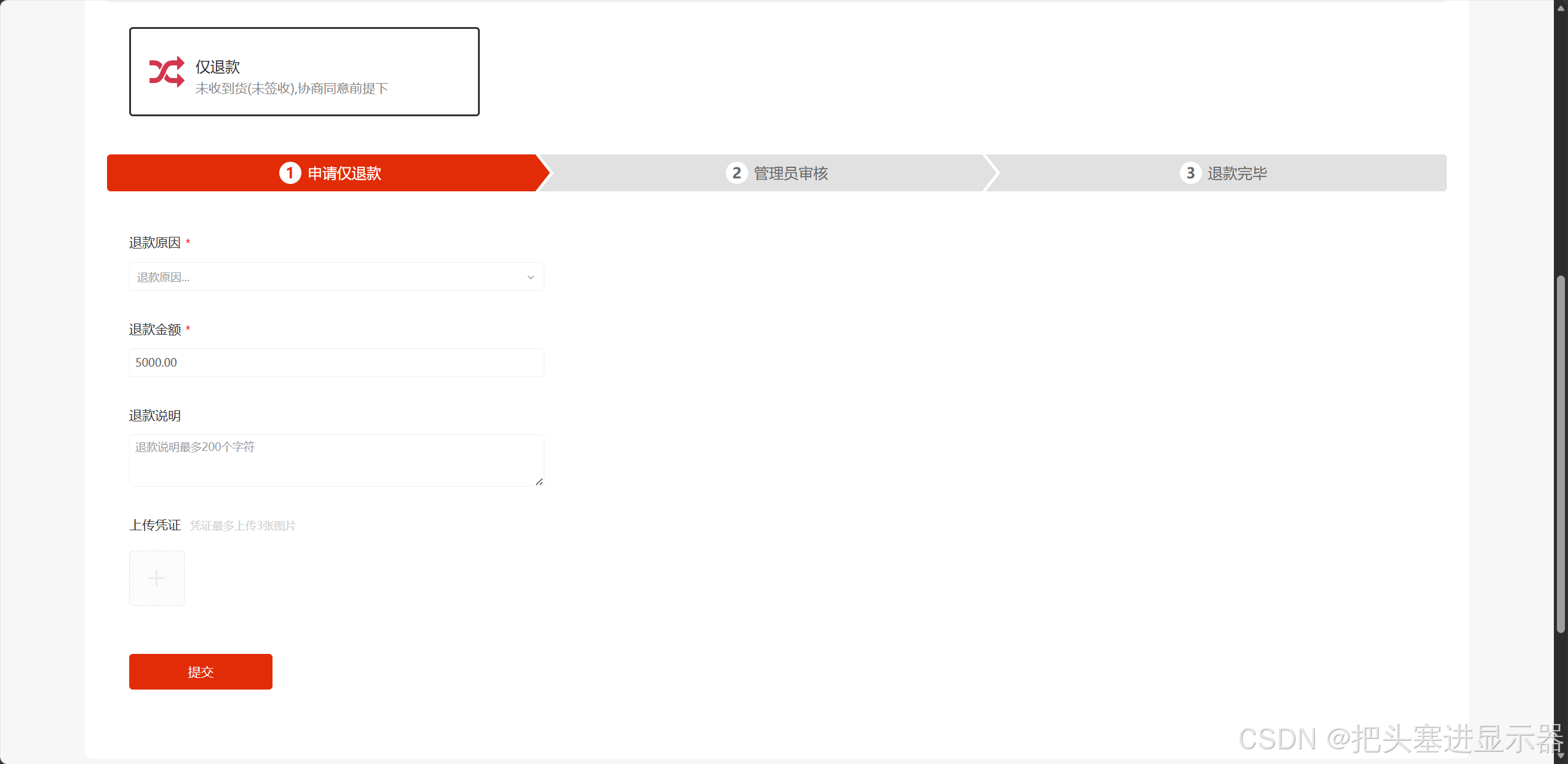
测试场景十:点击仅退款
预期结果:弹出退款流程
测试场景十一:完成退款申请
预期结果:等待管理员审核
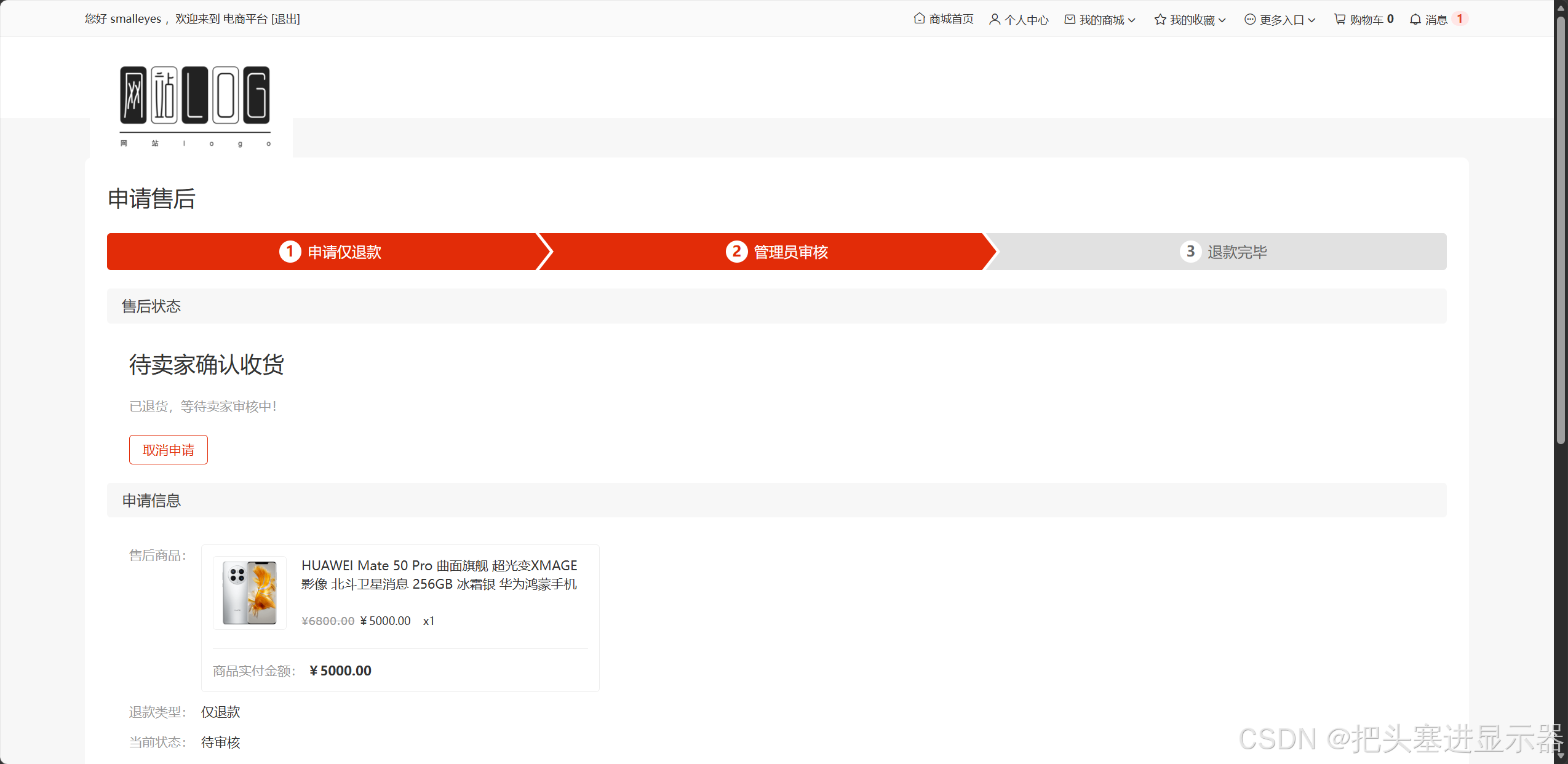
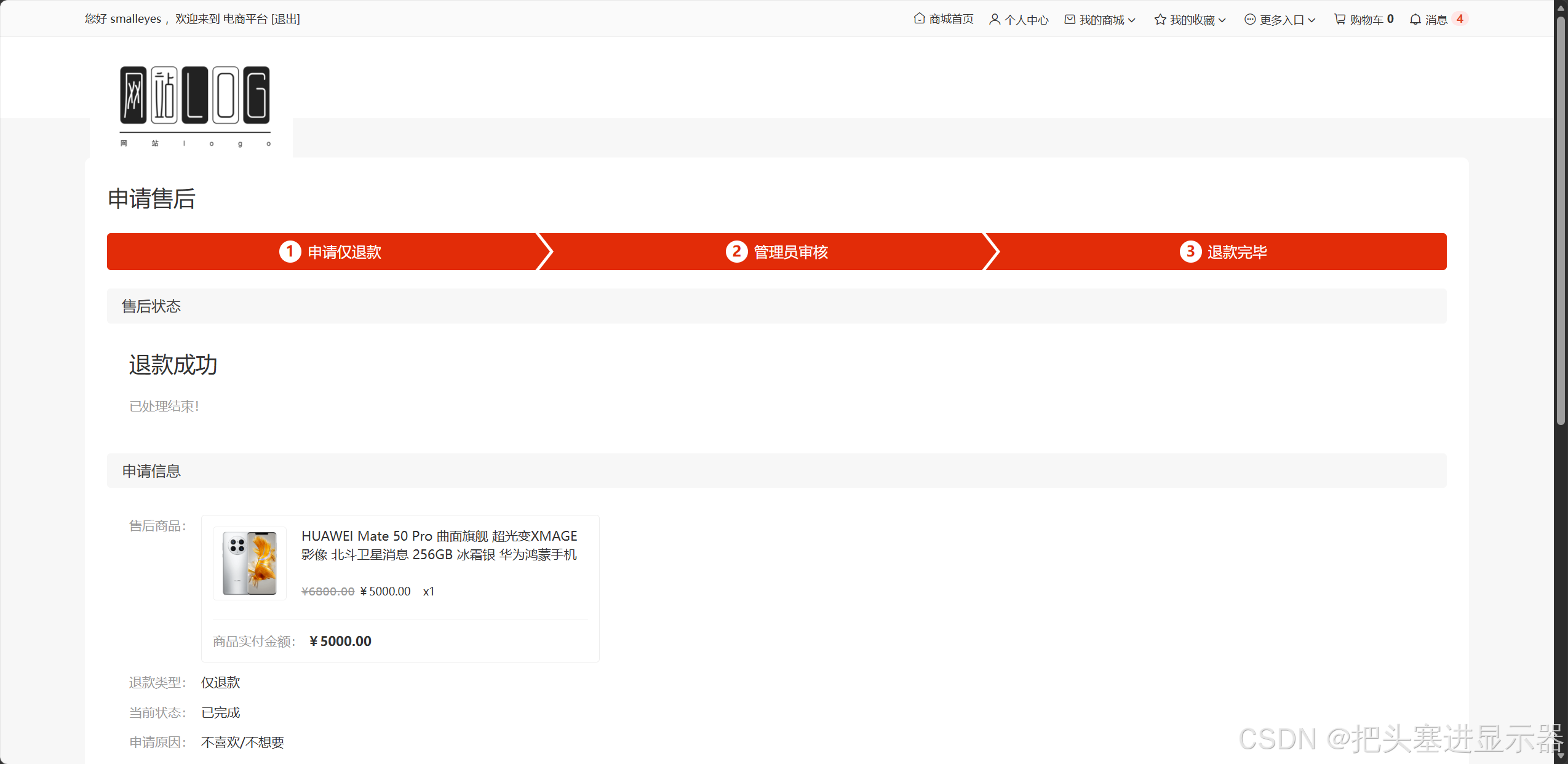
测试场景十二:管理员审核成功
预期结果:退款成功
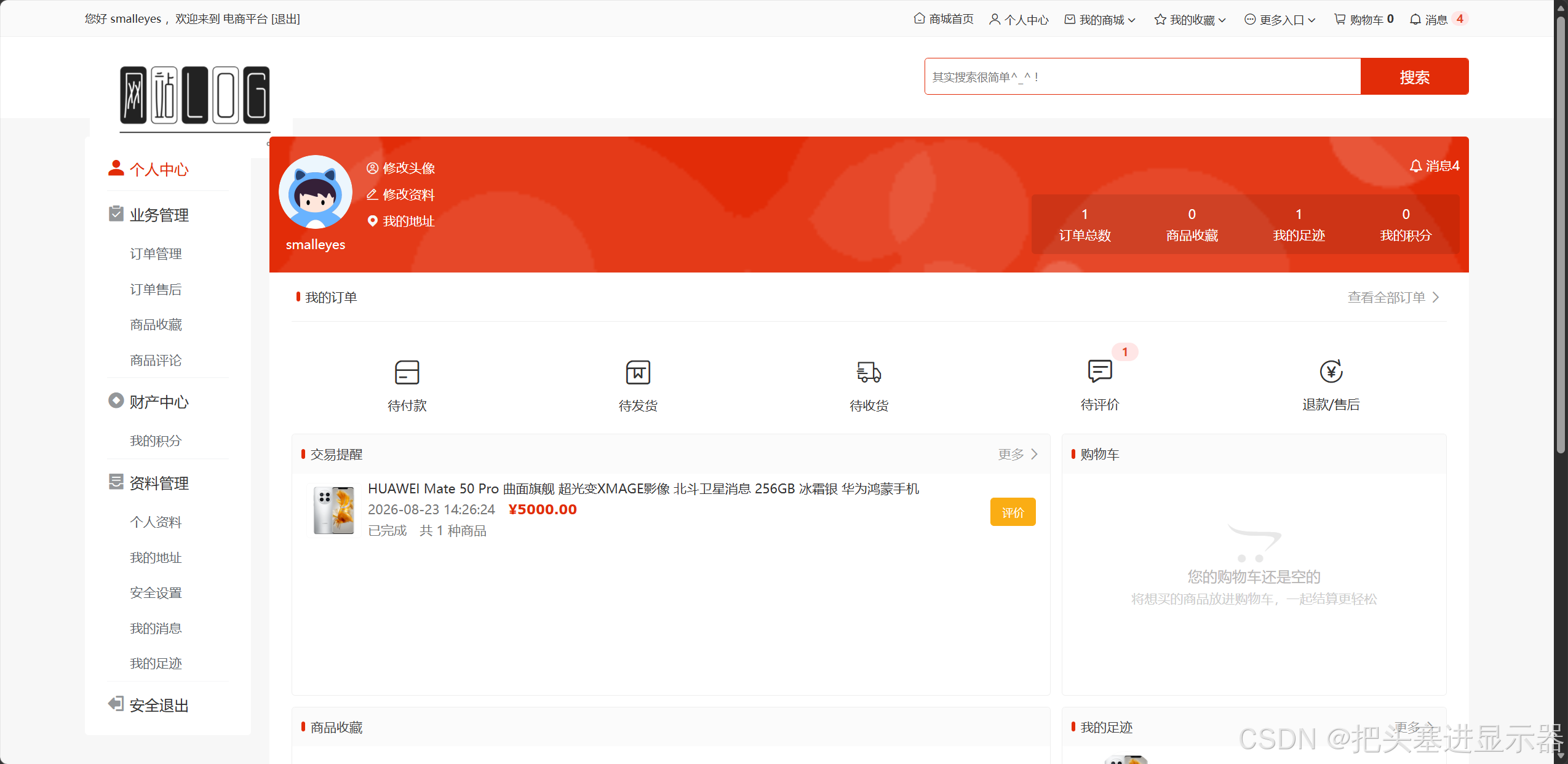
测试场景十三:完成购物后增加购物信息
预期结果:个人中心中添加货物购物信息
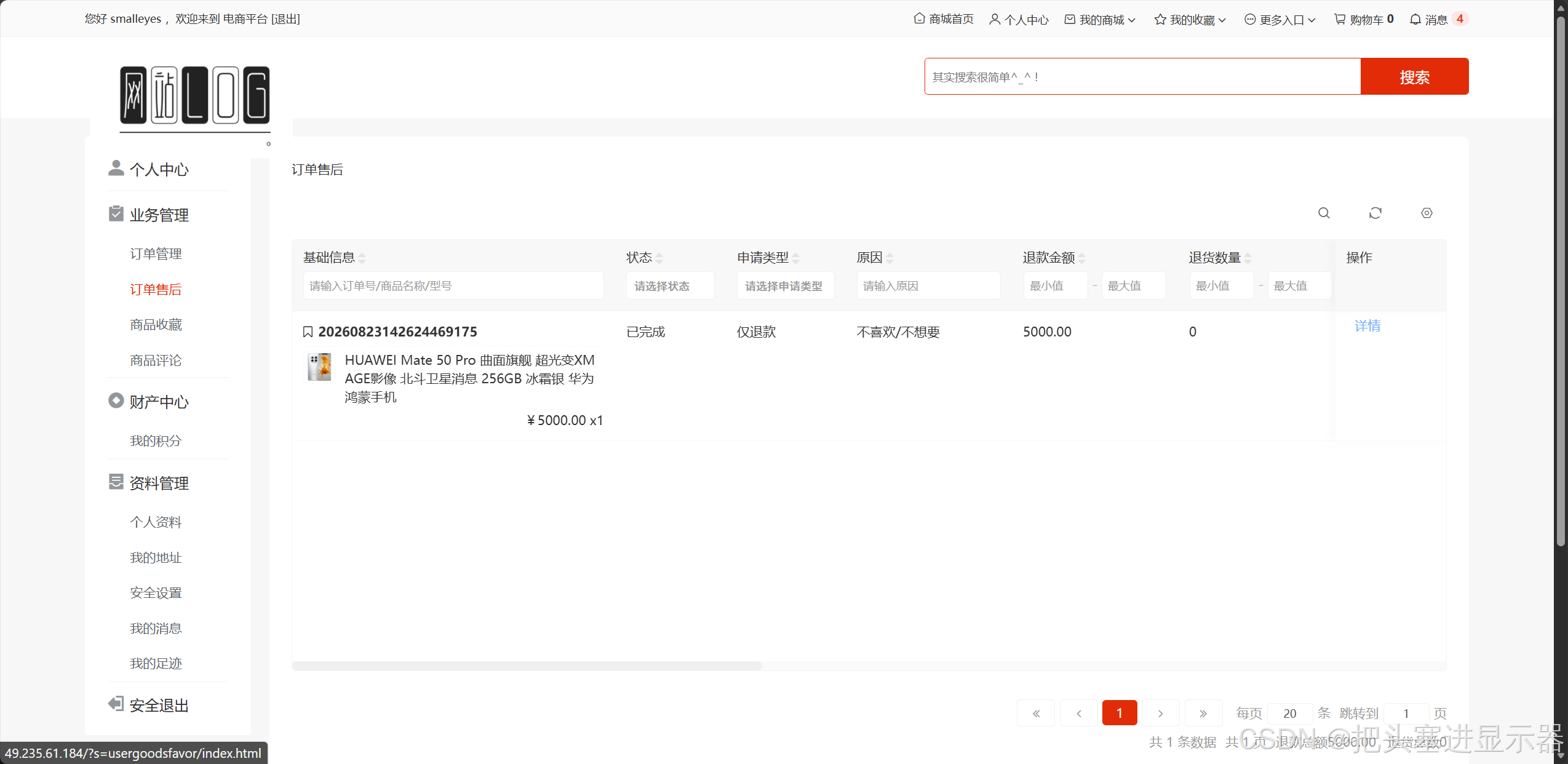
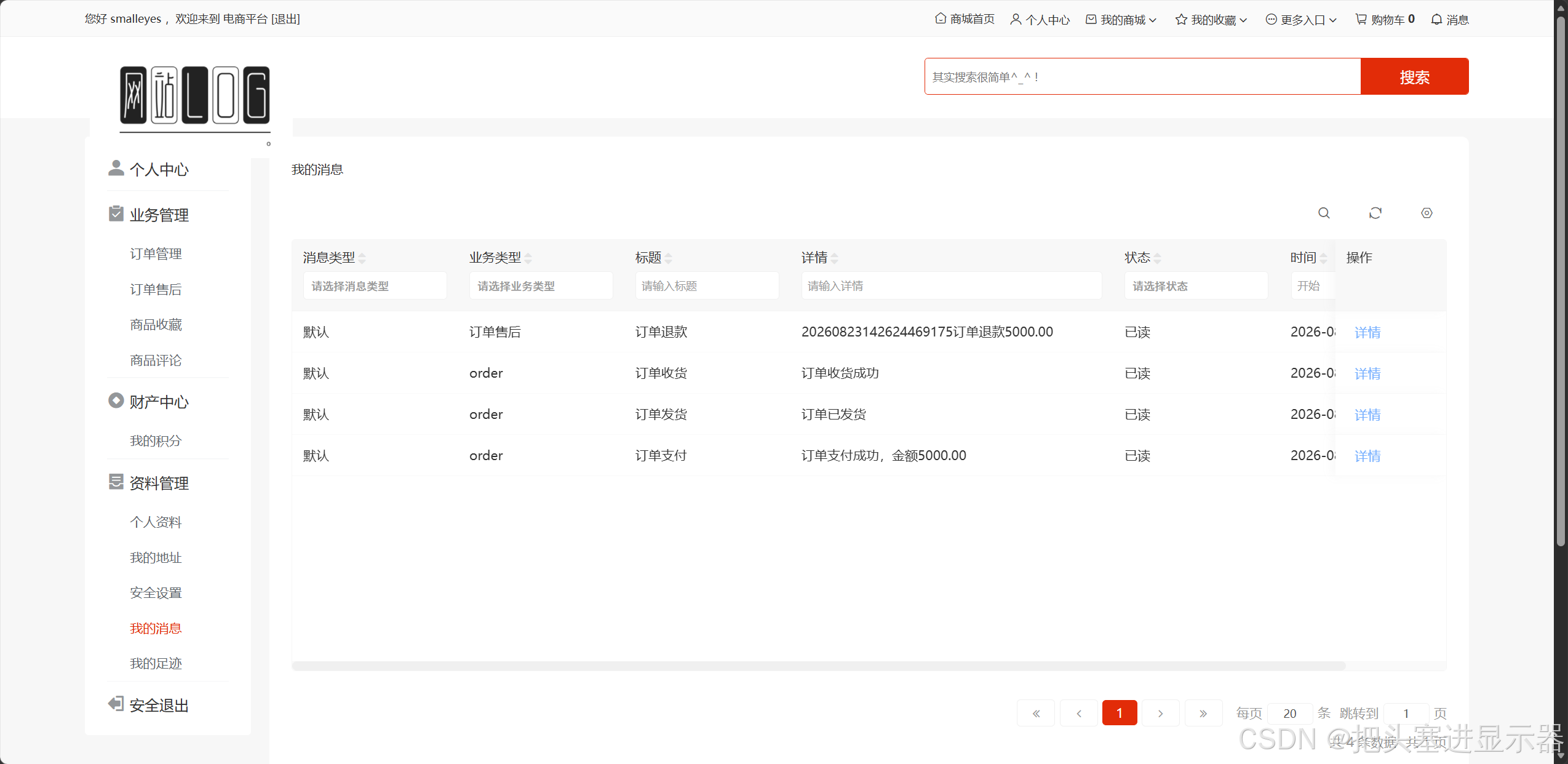
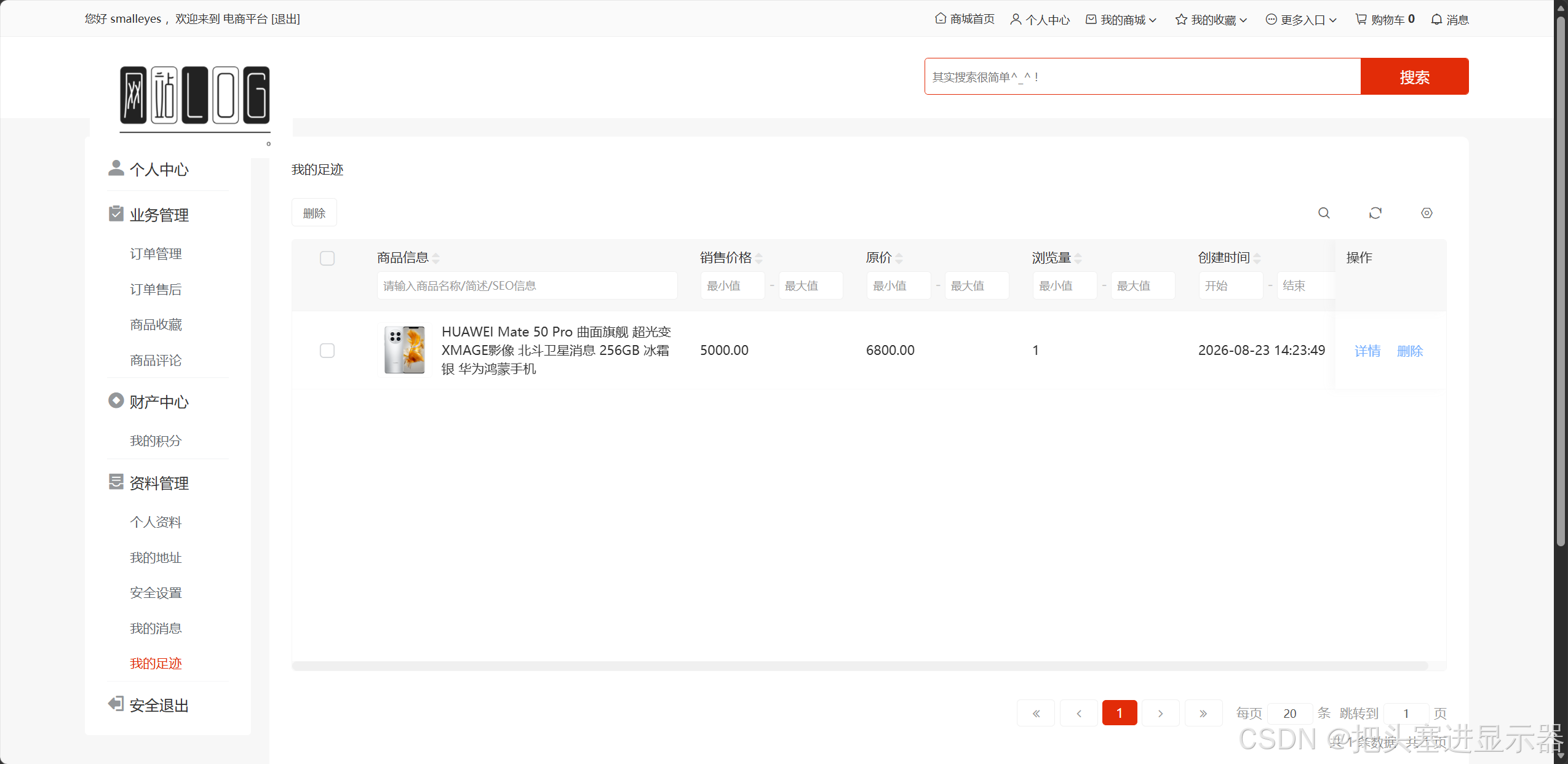
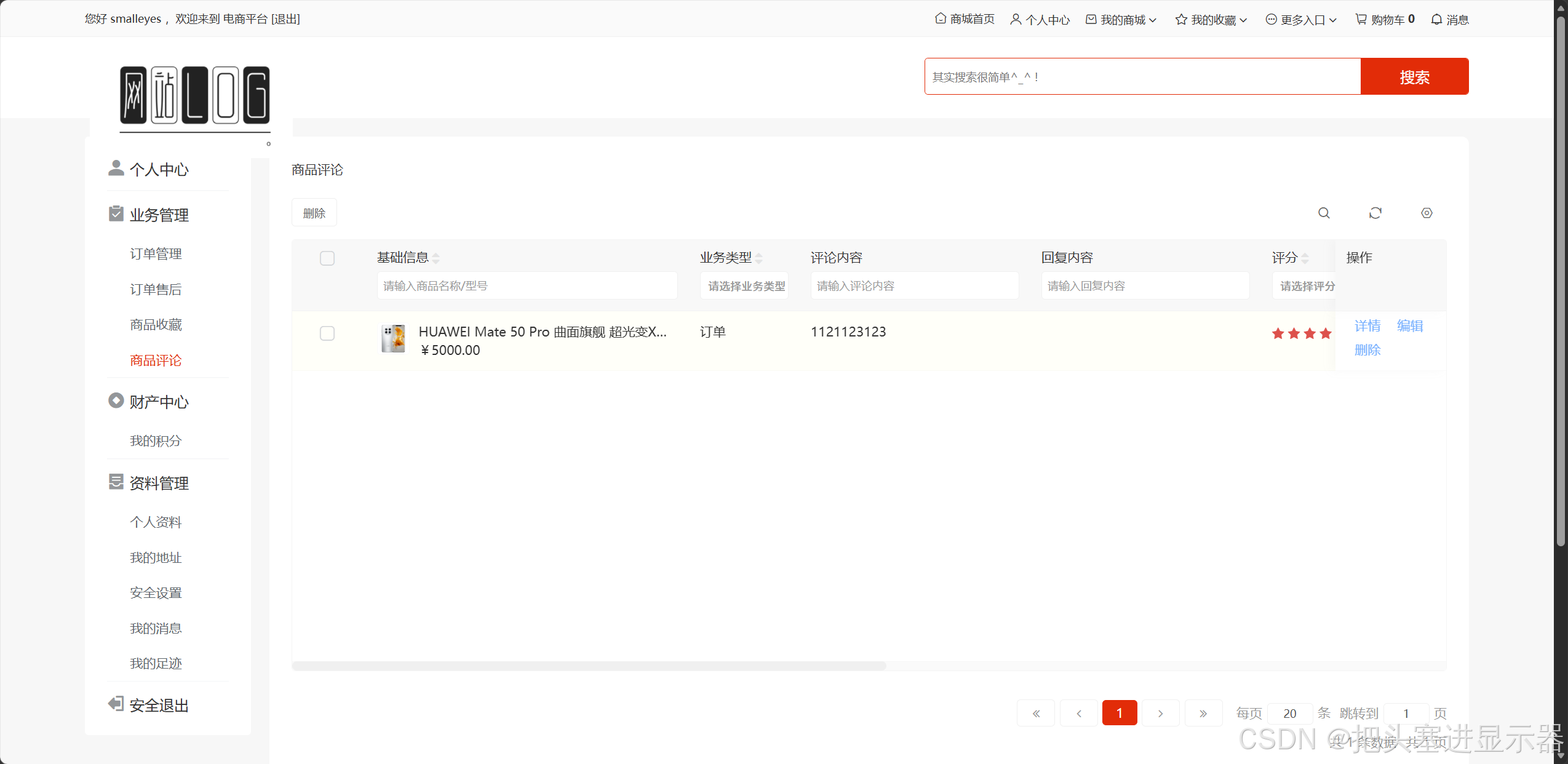
测试场景十四:进行购物评价
预期结果:商品评论中增加评价
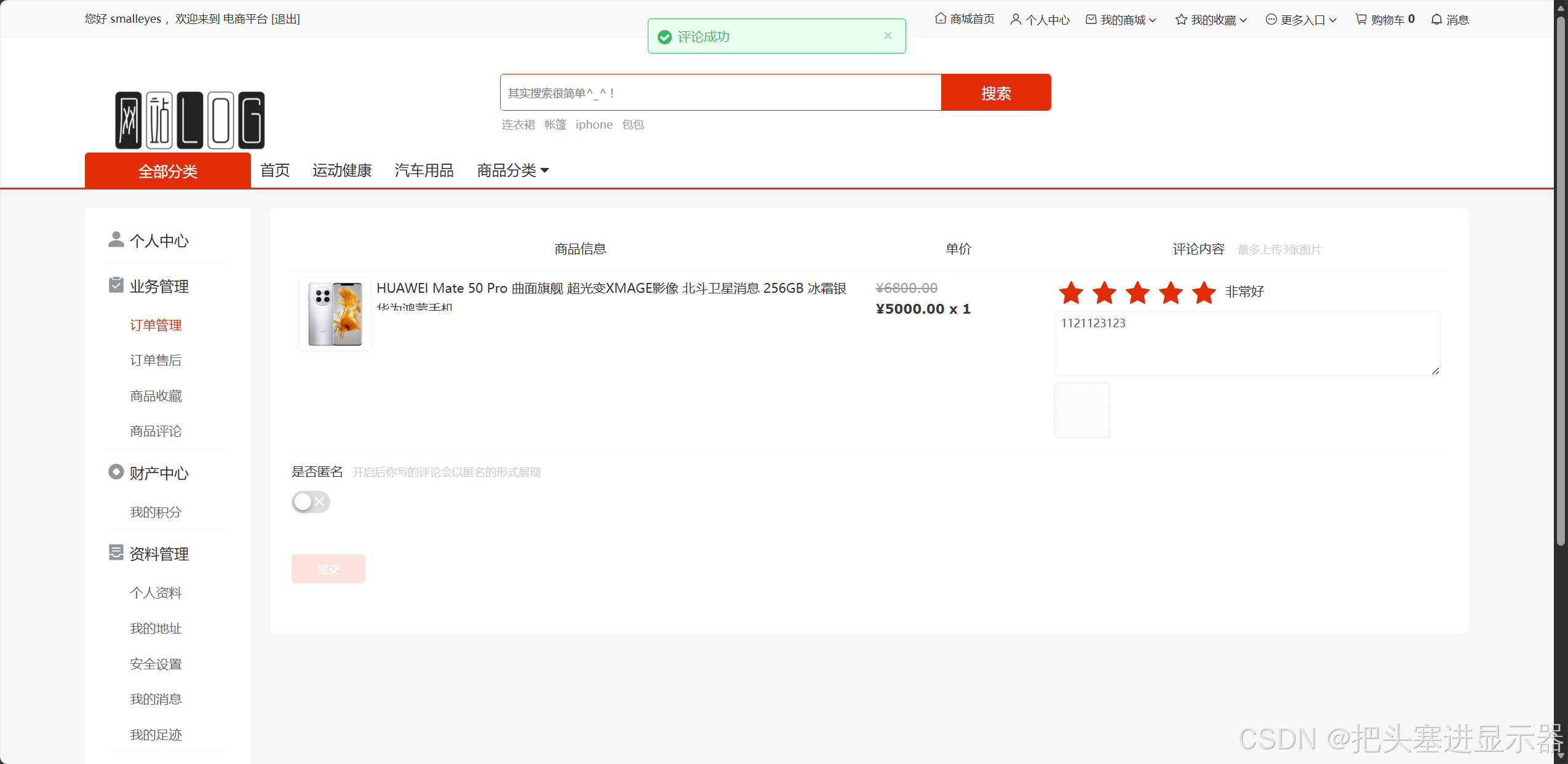
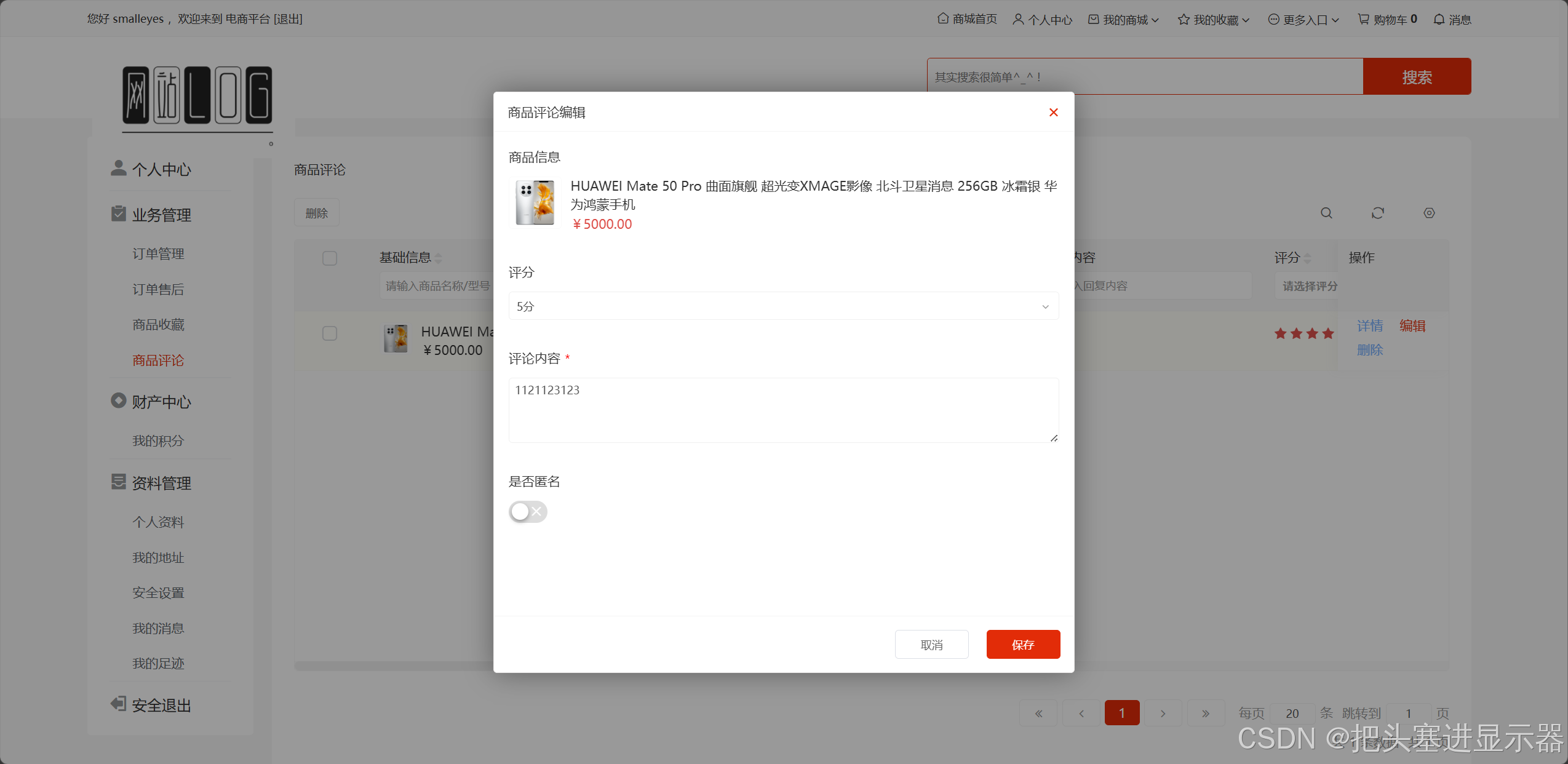
测试场景十五:可以修改商品评价
预期结果:商品评论中评价修改
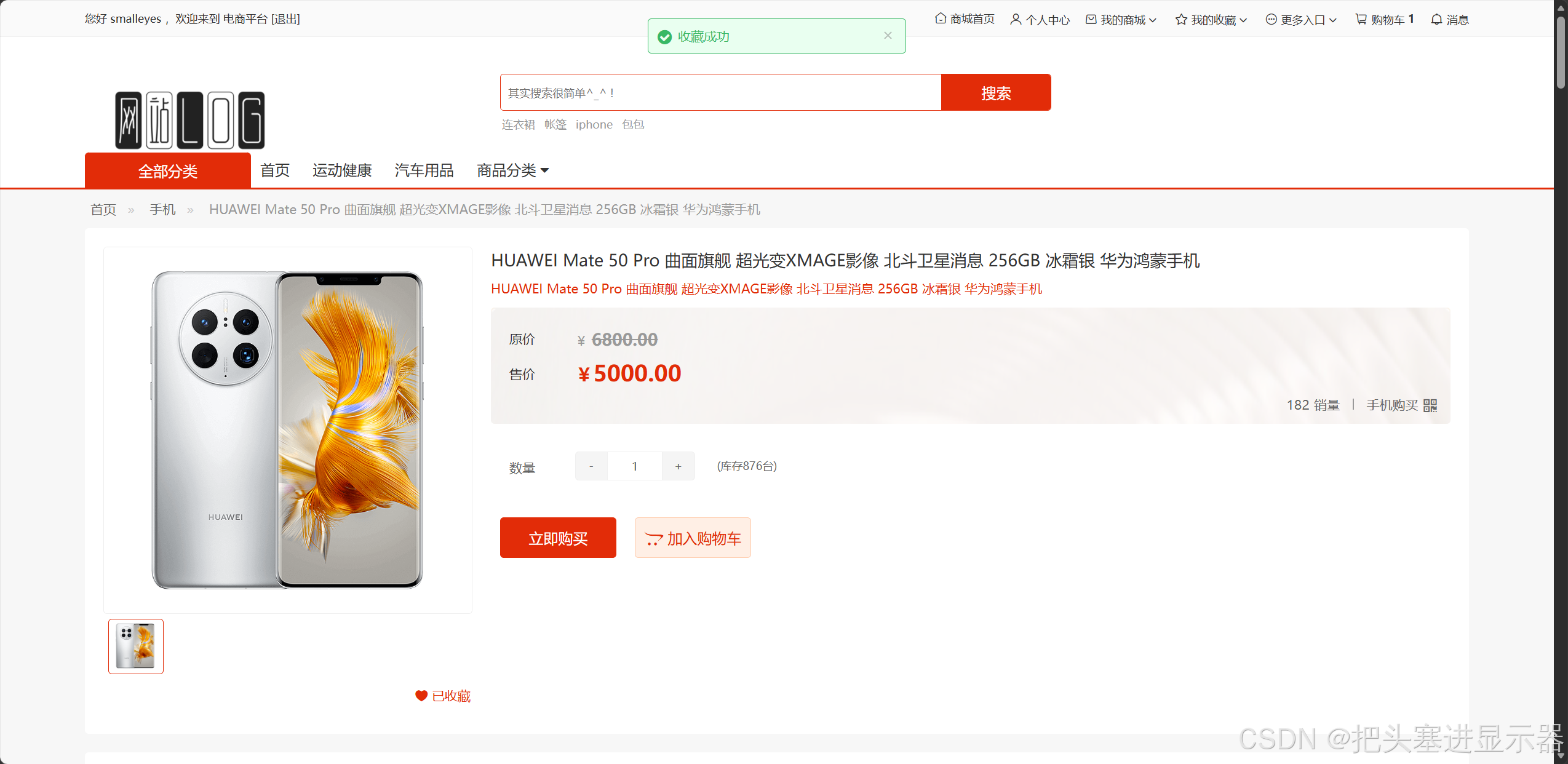
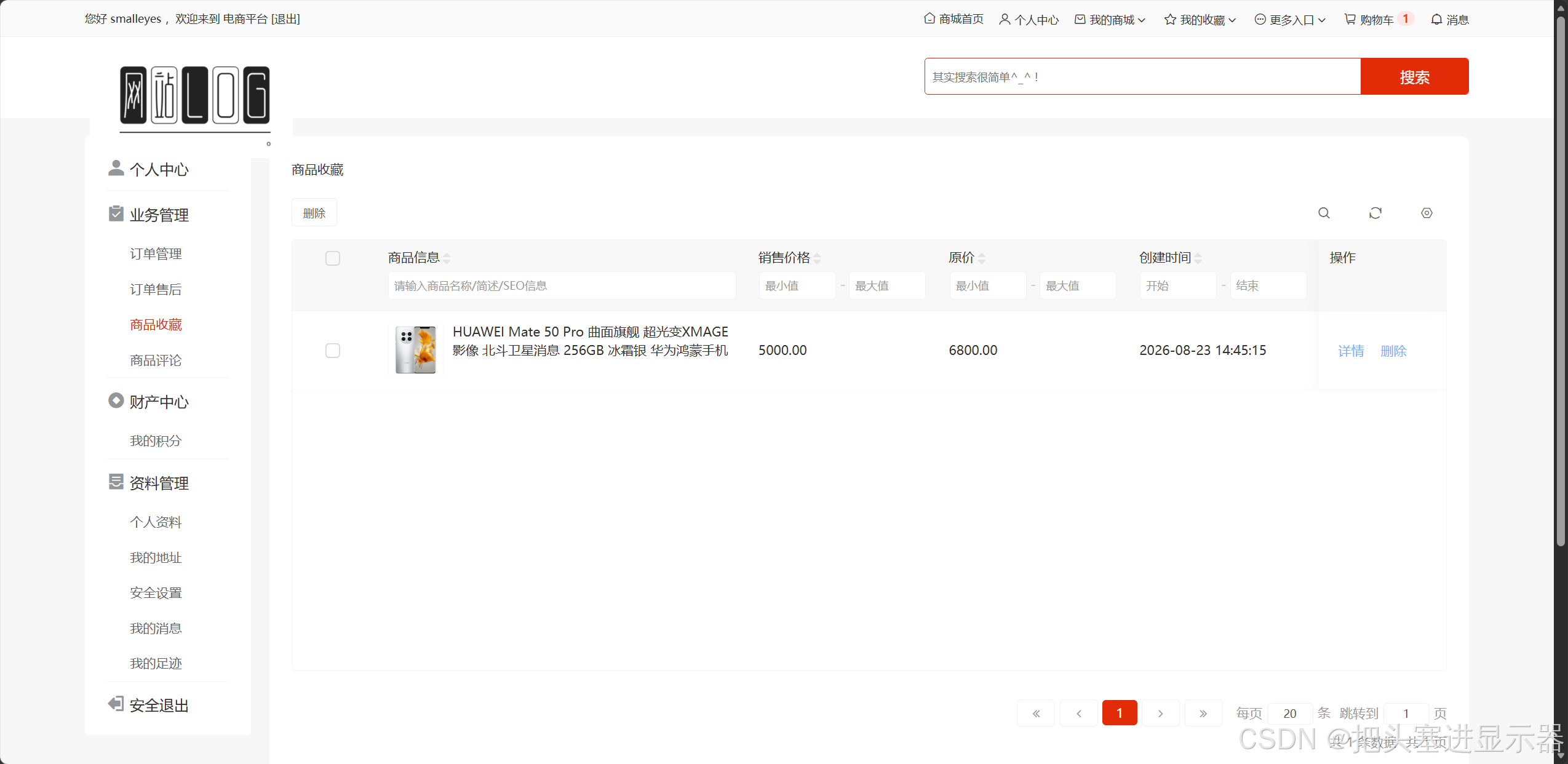
测试场景十六:收藏商品
预期结果:收藏商品后在个人中心的商品收藏可以找到商品
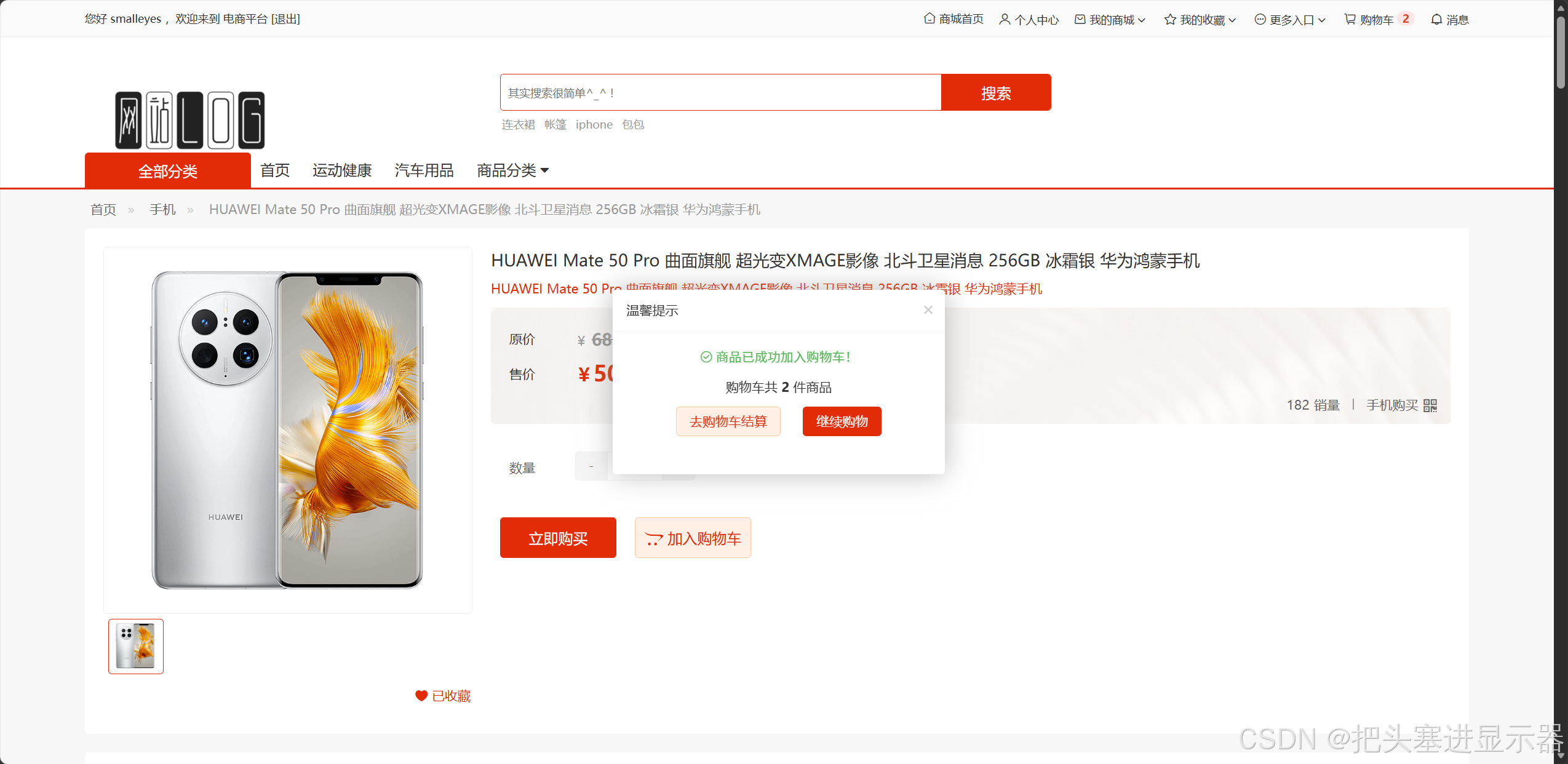
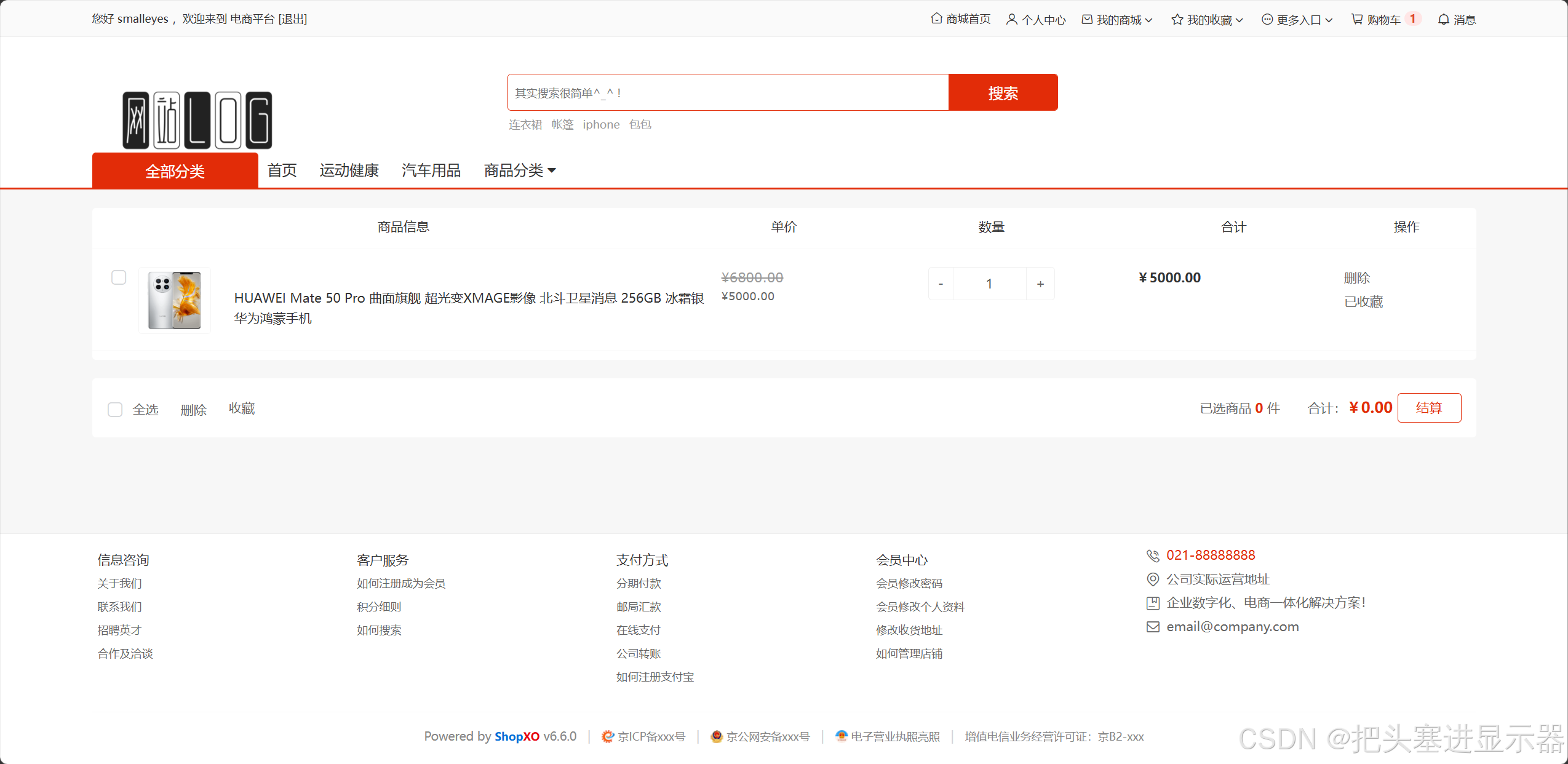
测试场景十七:商品加入购物车
预期结果:商品加入购物车后在购物车中查看
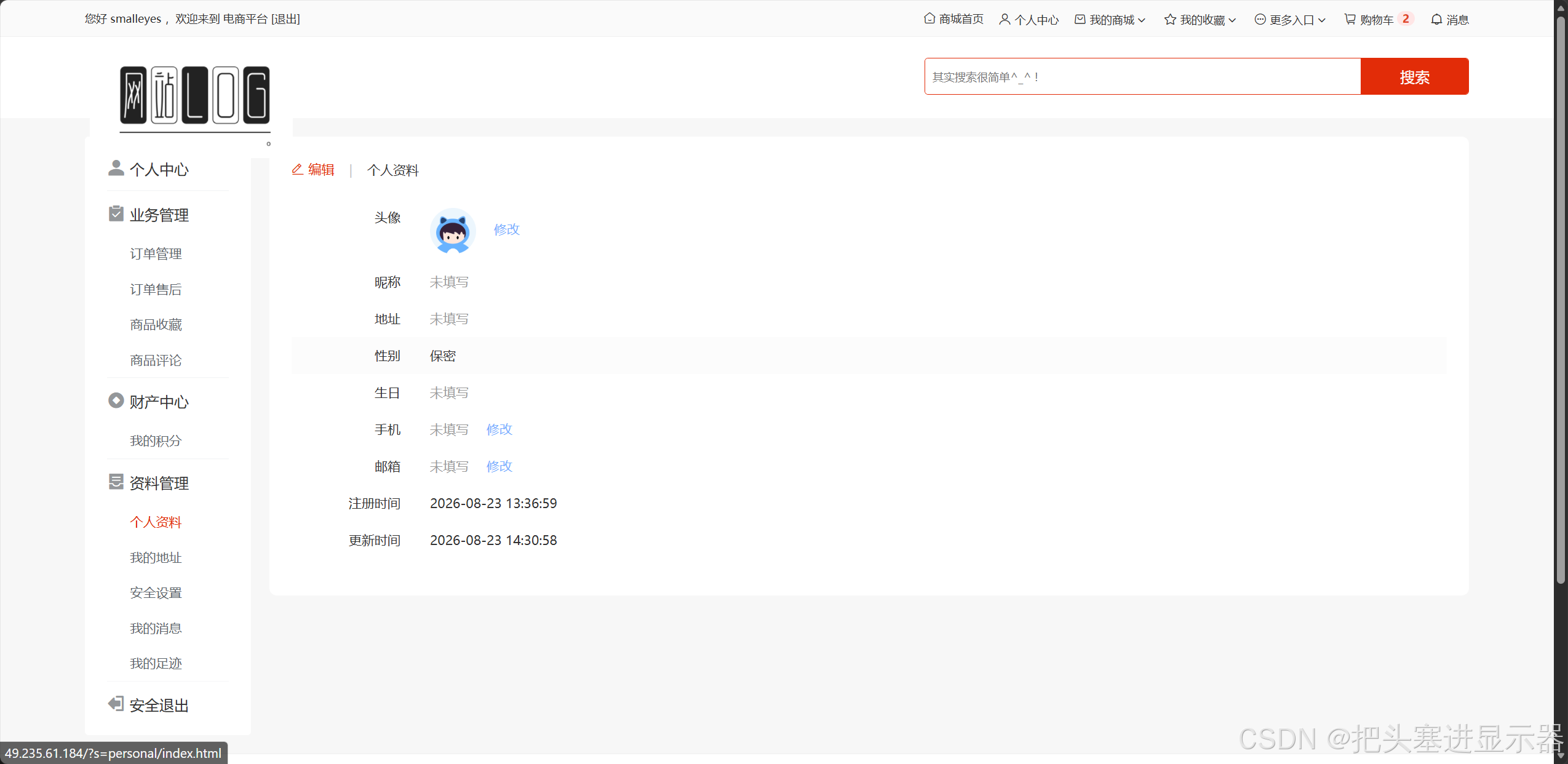
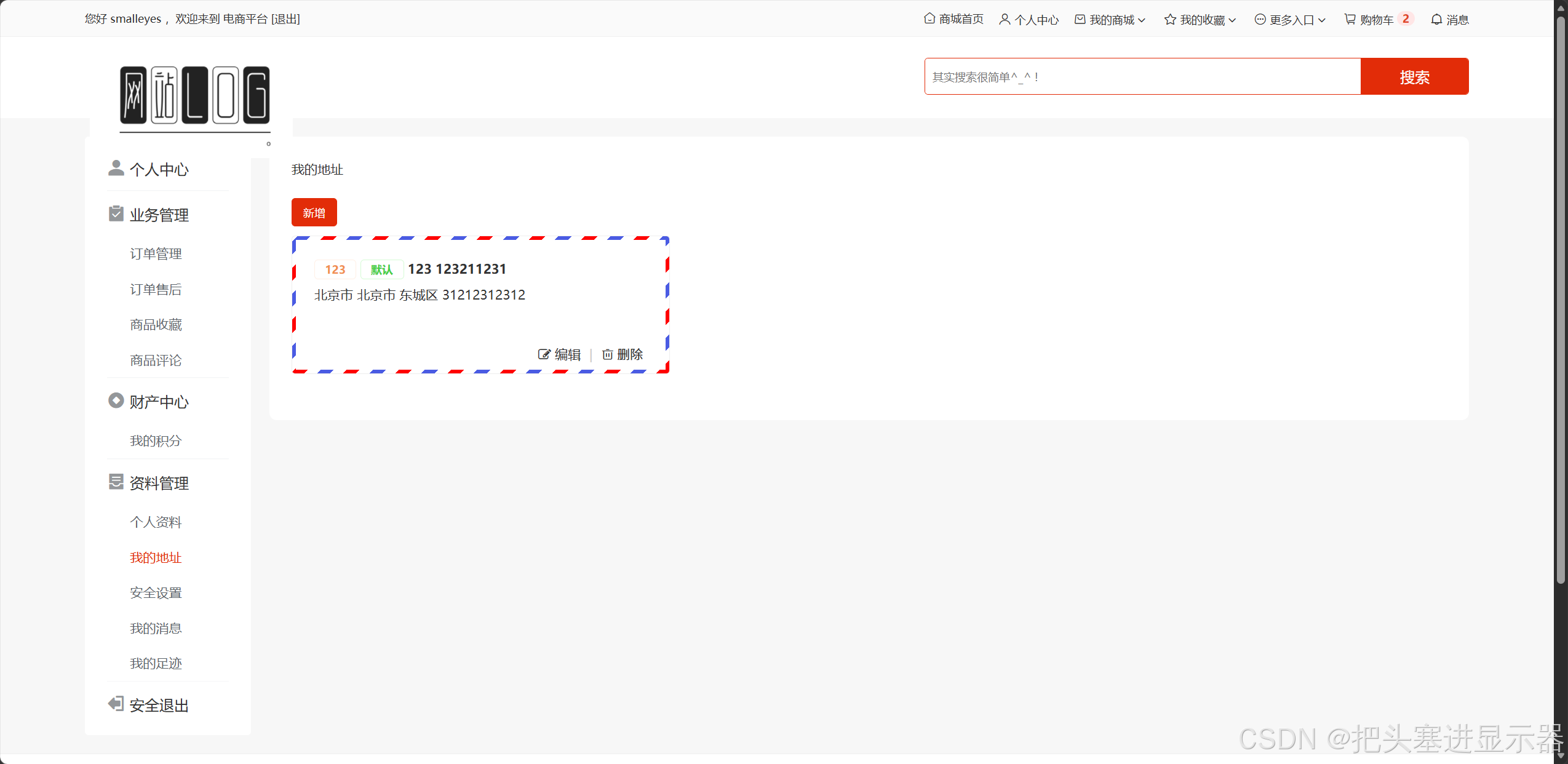
测试场景十八:个人中心资料管理
预期结果:可以修改个人资料/地址/安全设置等
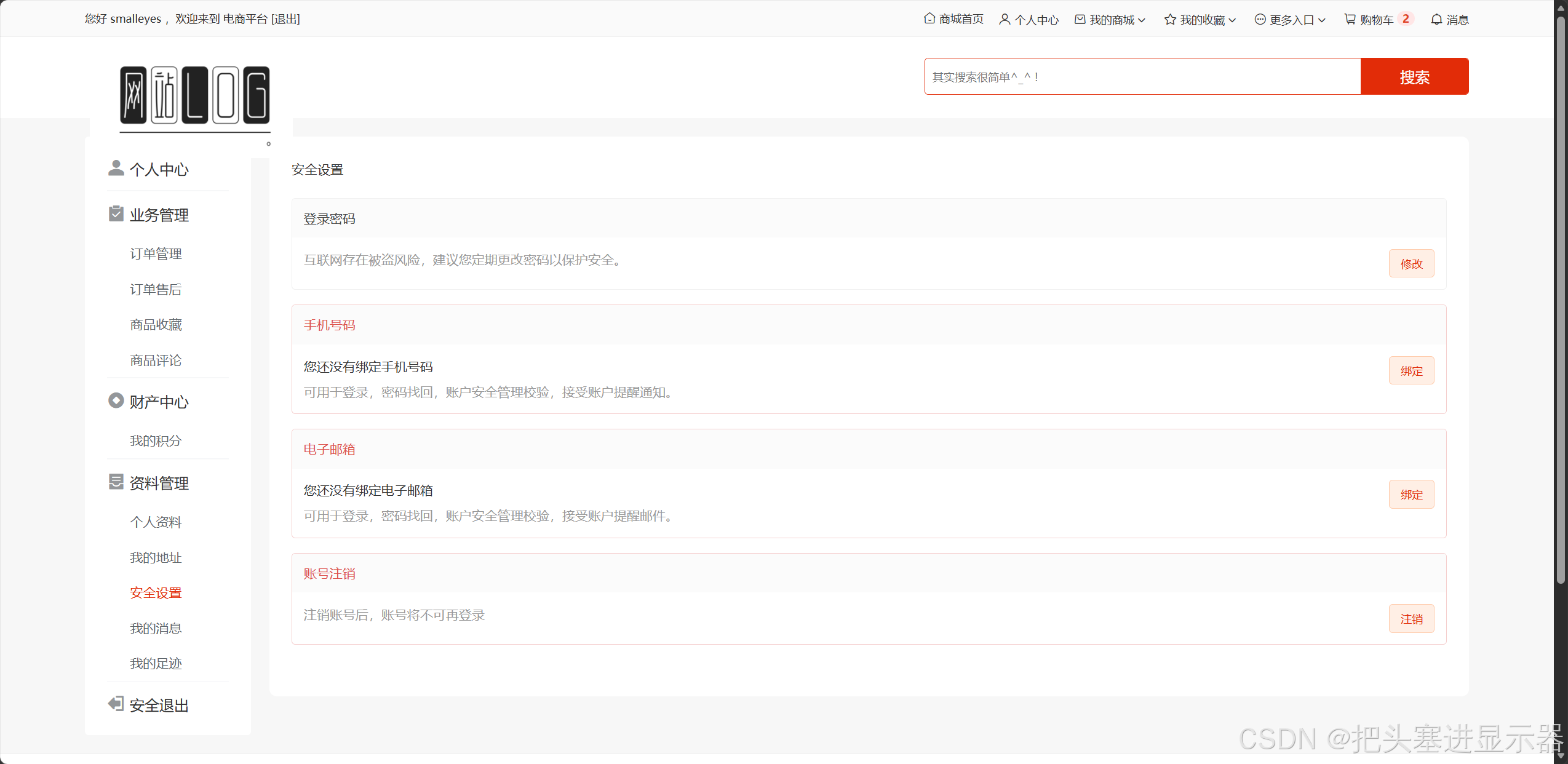
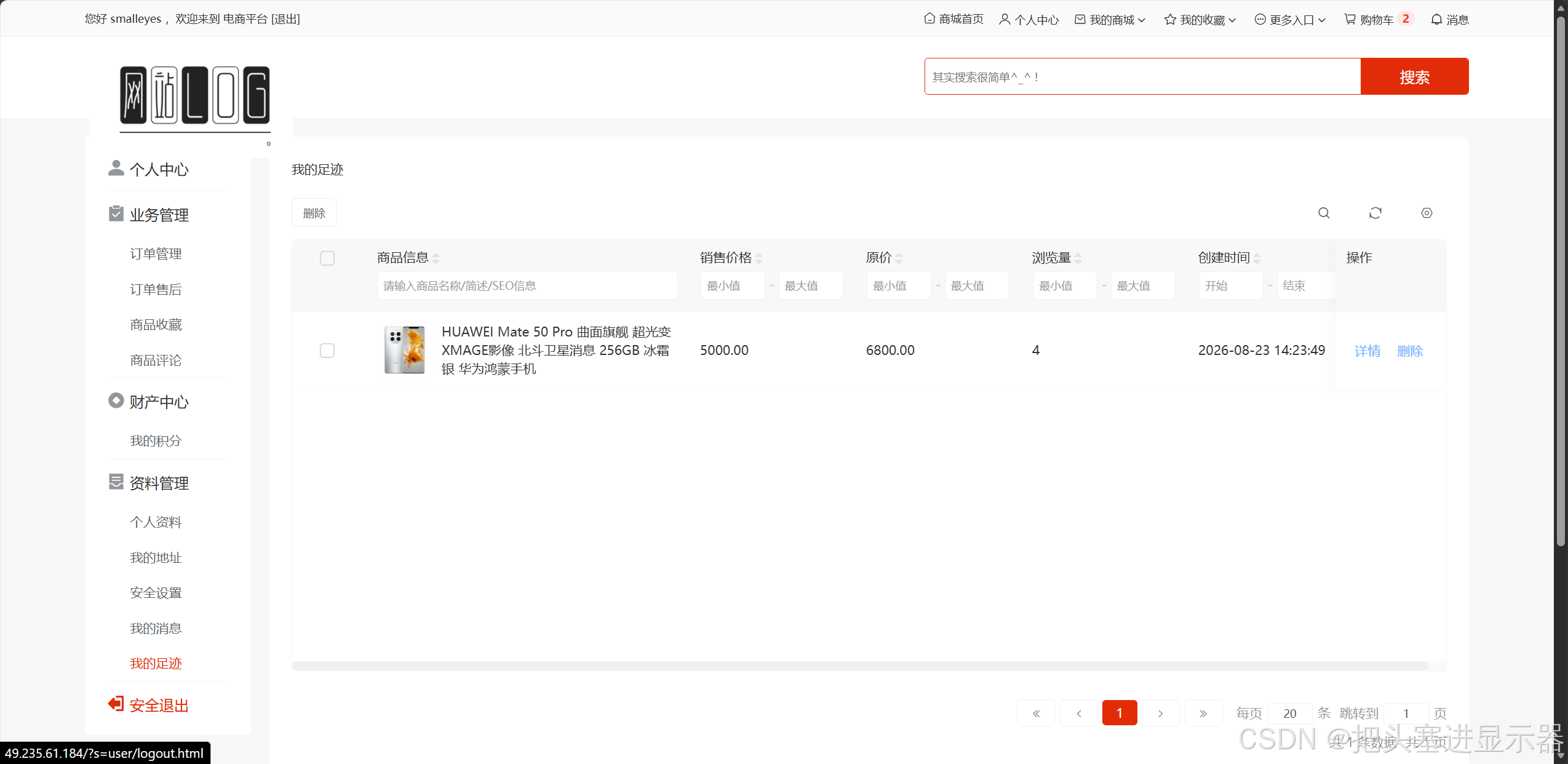
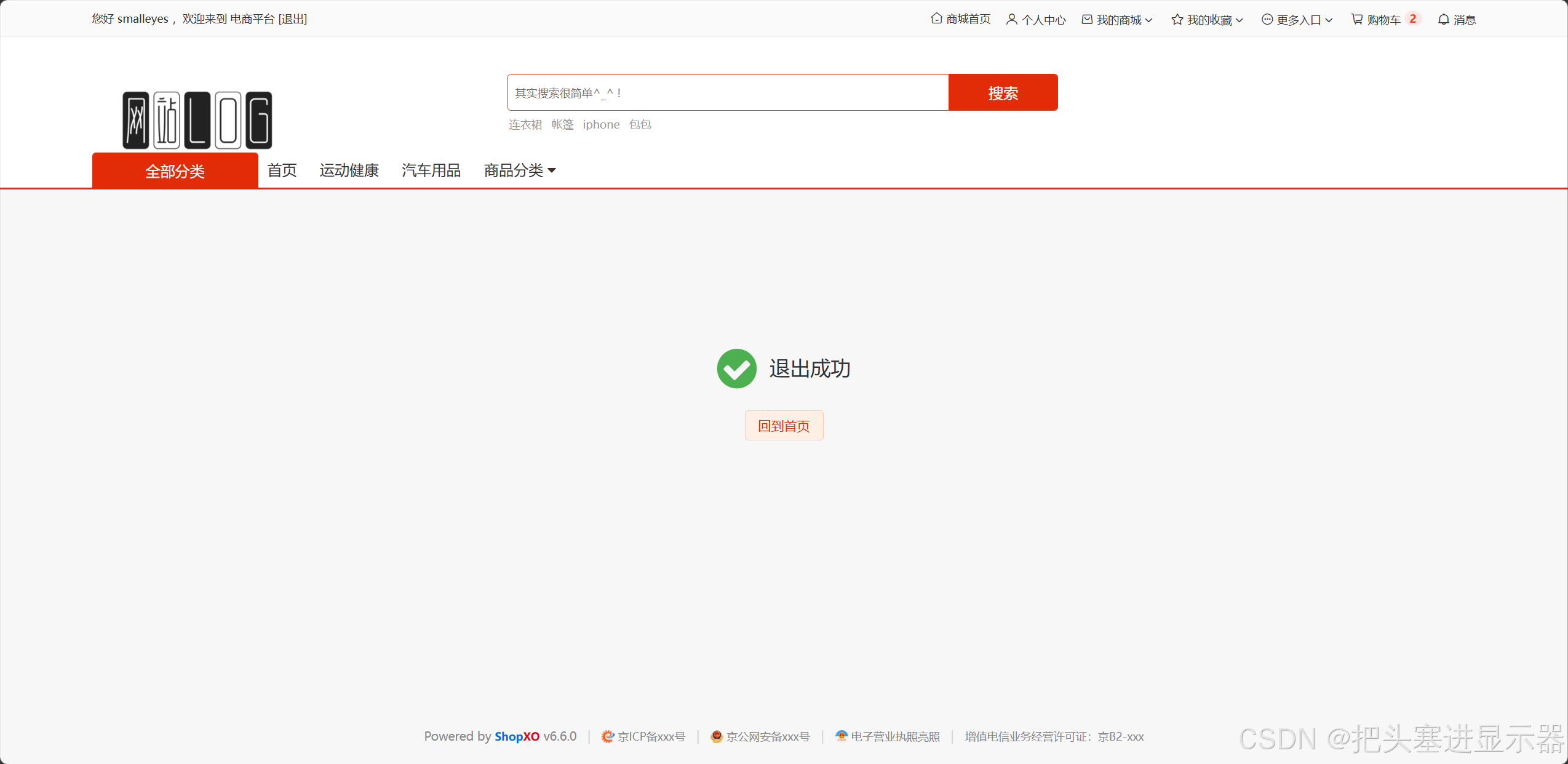
测试场景十九:安全退出
预期结果:点击安全退出后账号退出返回首页
4、后台管理
1、账号登录
测试场景一:输入正确的用户名和密码
预期结果:登陆成功,跳转后台管理页面
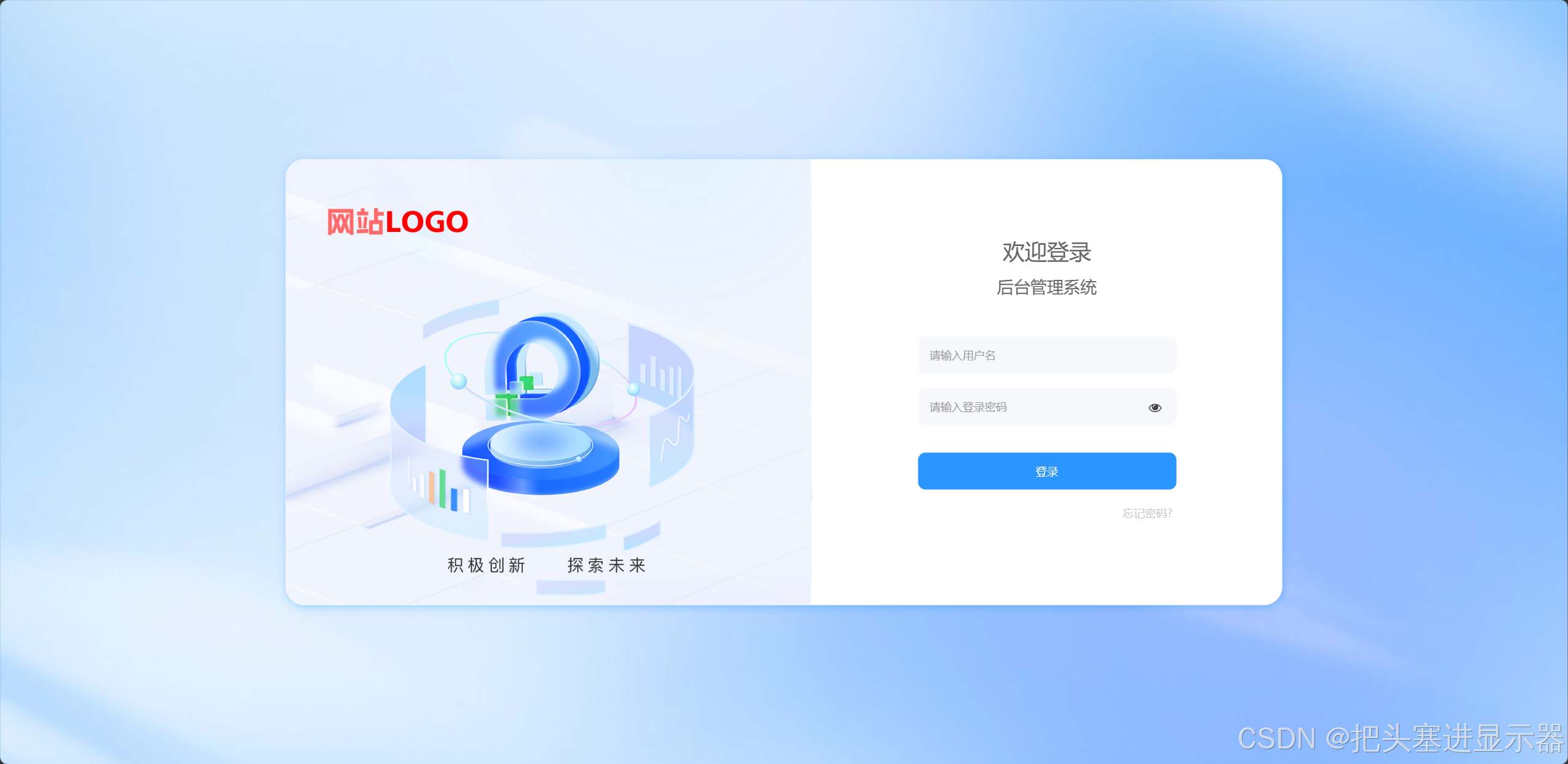
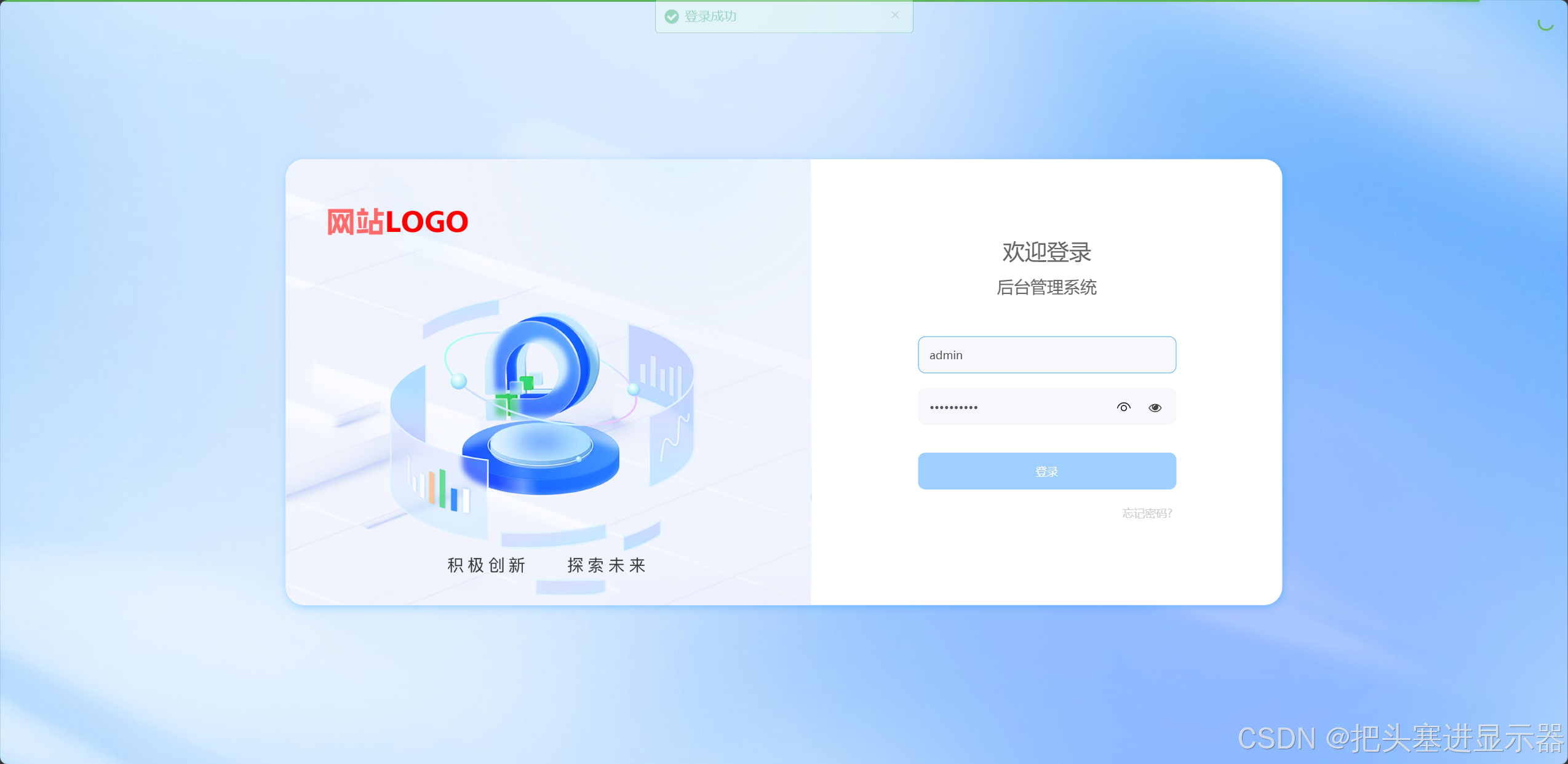
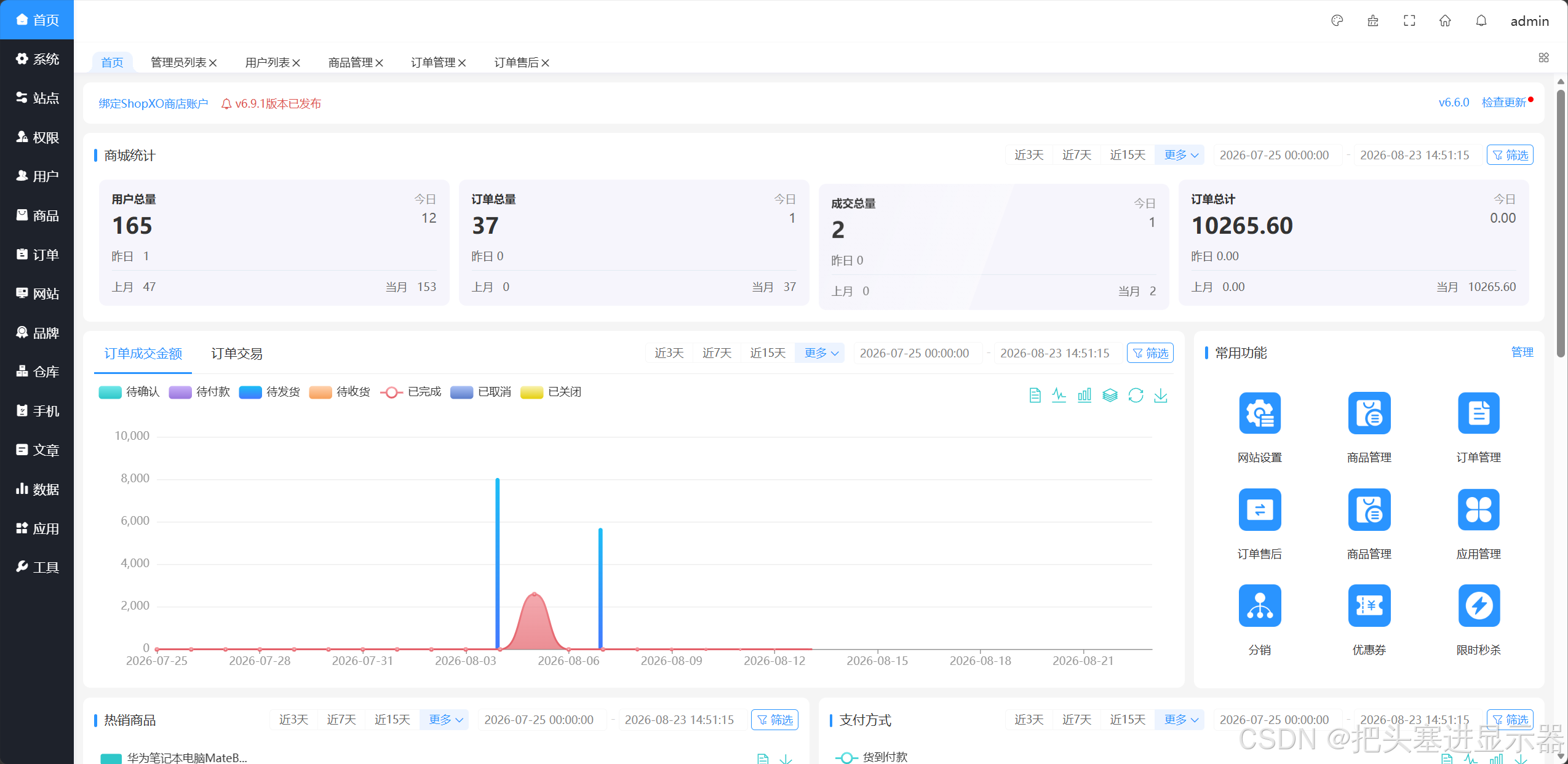
测试场景二:输入错误的用户名和密码点击登录
预期结果:提示账号不存在
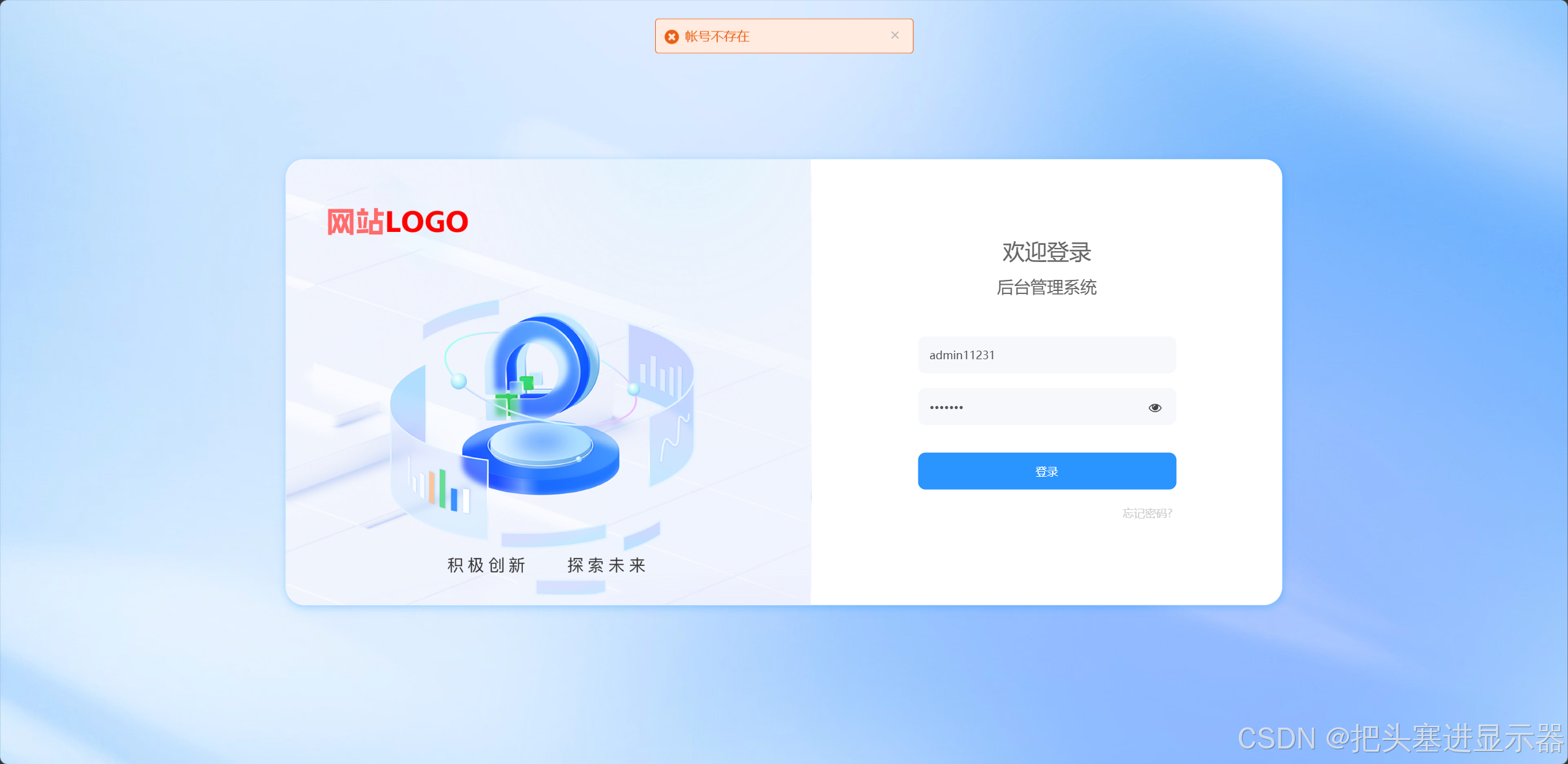
测试场景三:输入正确的用户名/密码,错误的用户名/密码点击登录
预期结果:提示账号不存在、密码错误
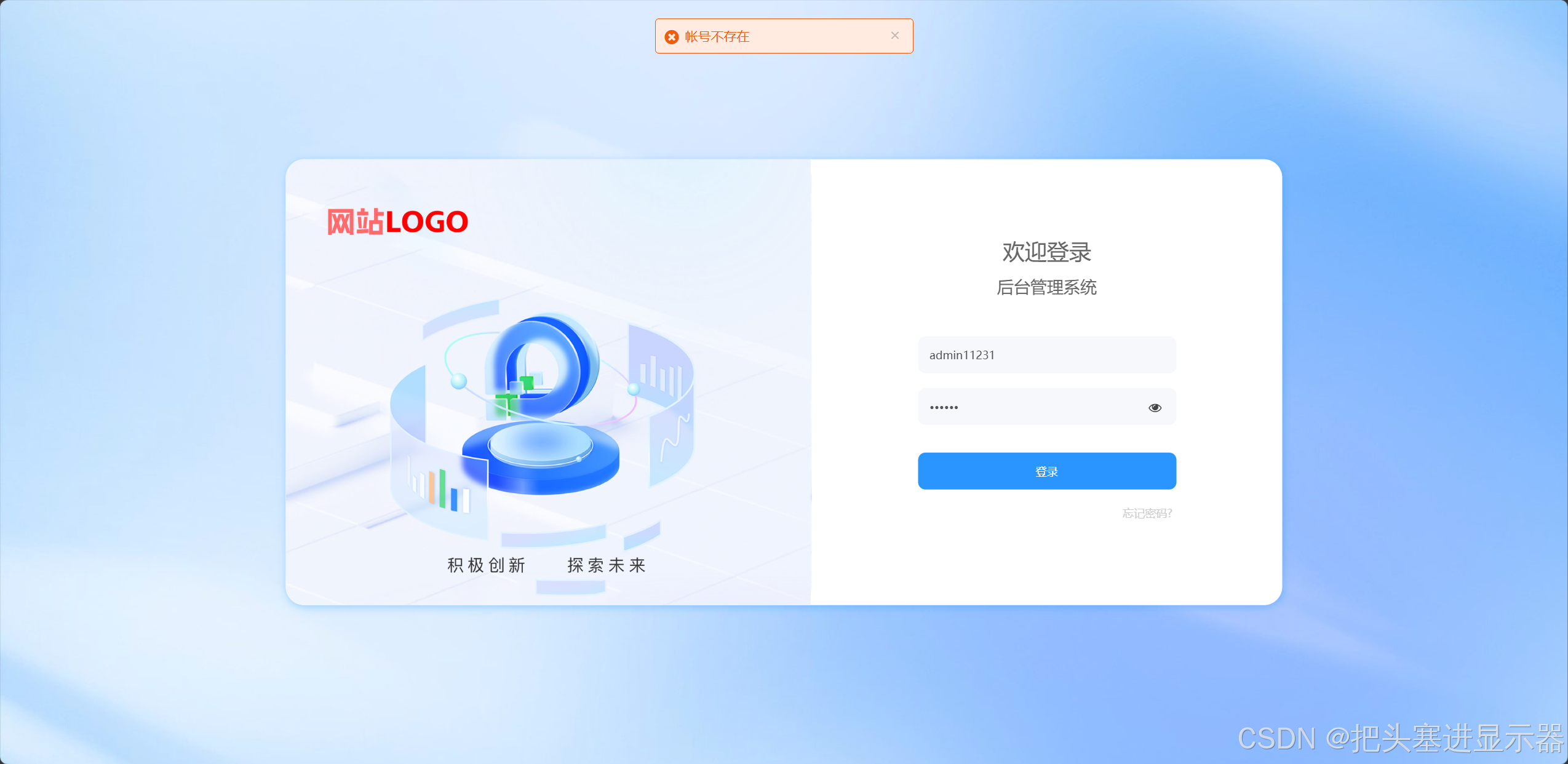
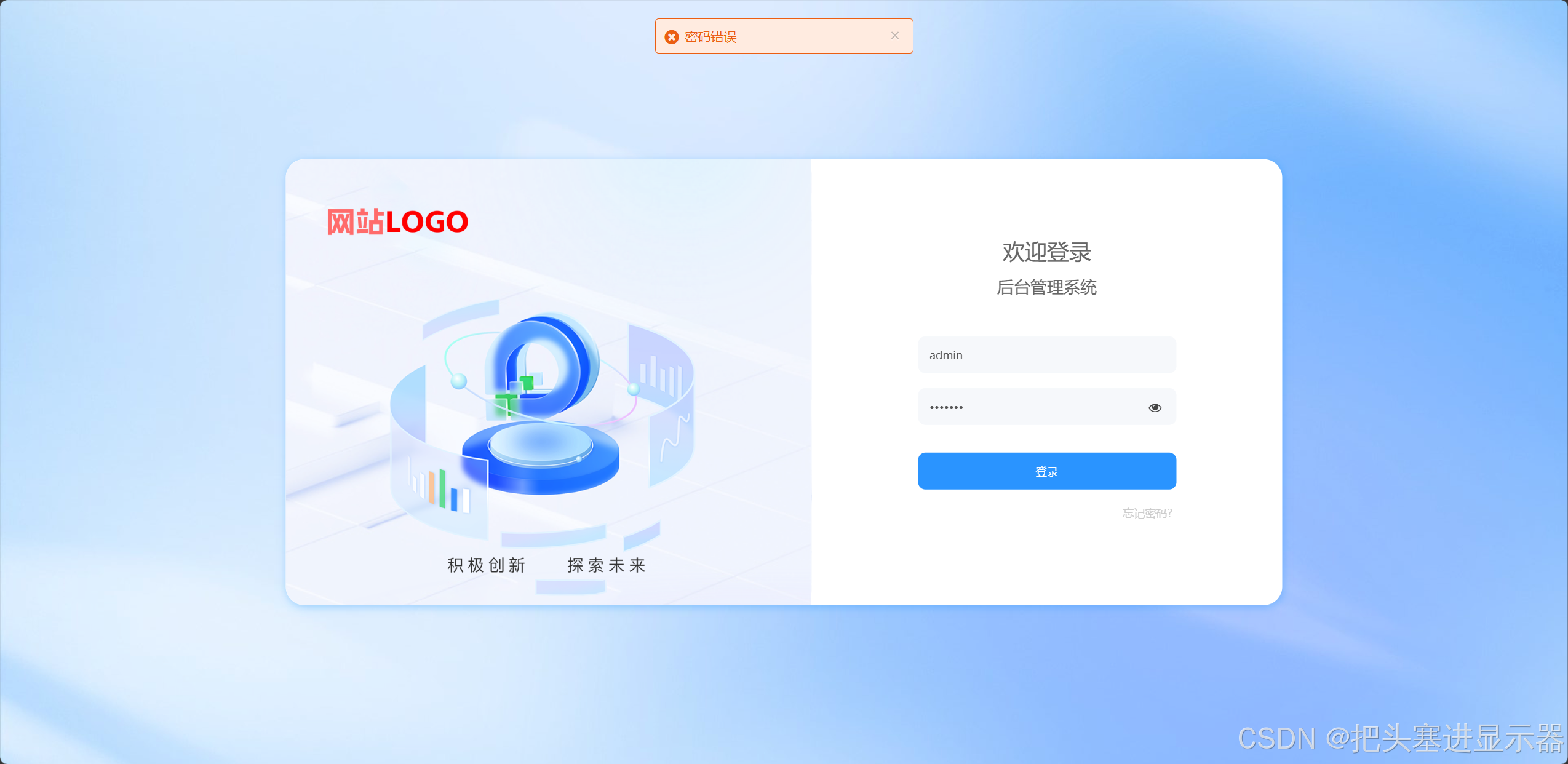
测试场景四:输入空的用户名/密码正确的用户名/密码或空的用户名和密码点击登录
预期结果:提示账号不存在、密码错误
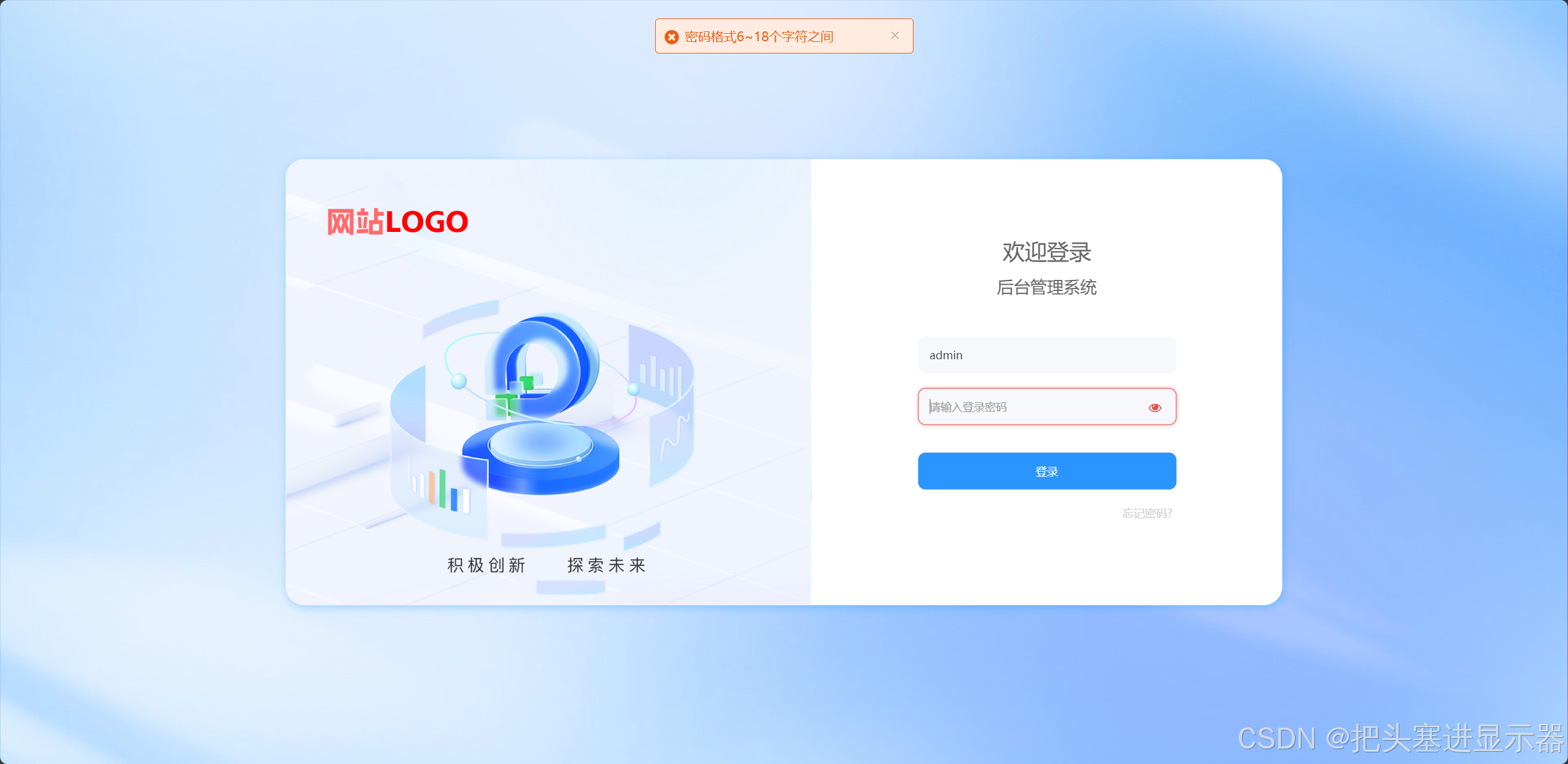
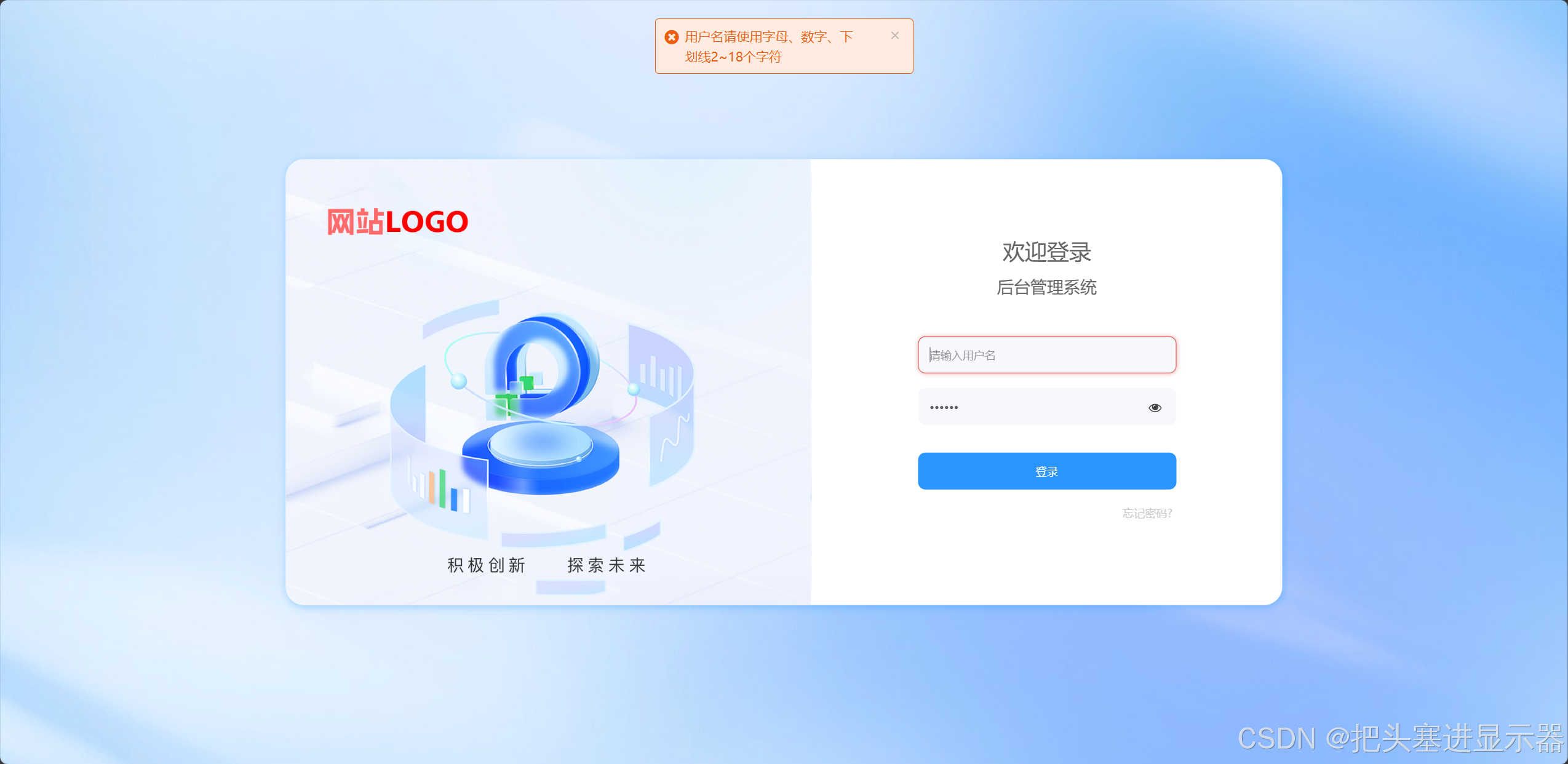
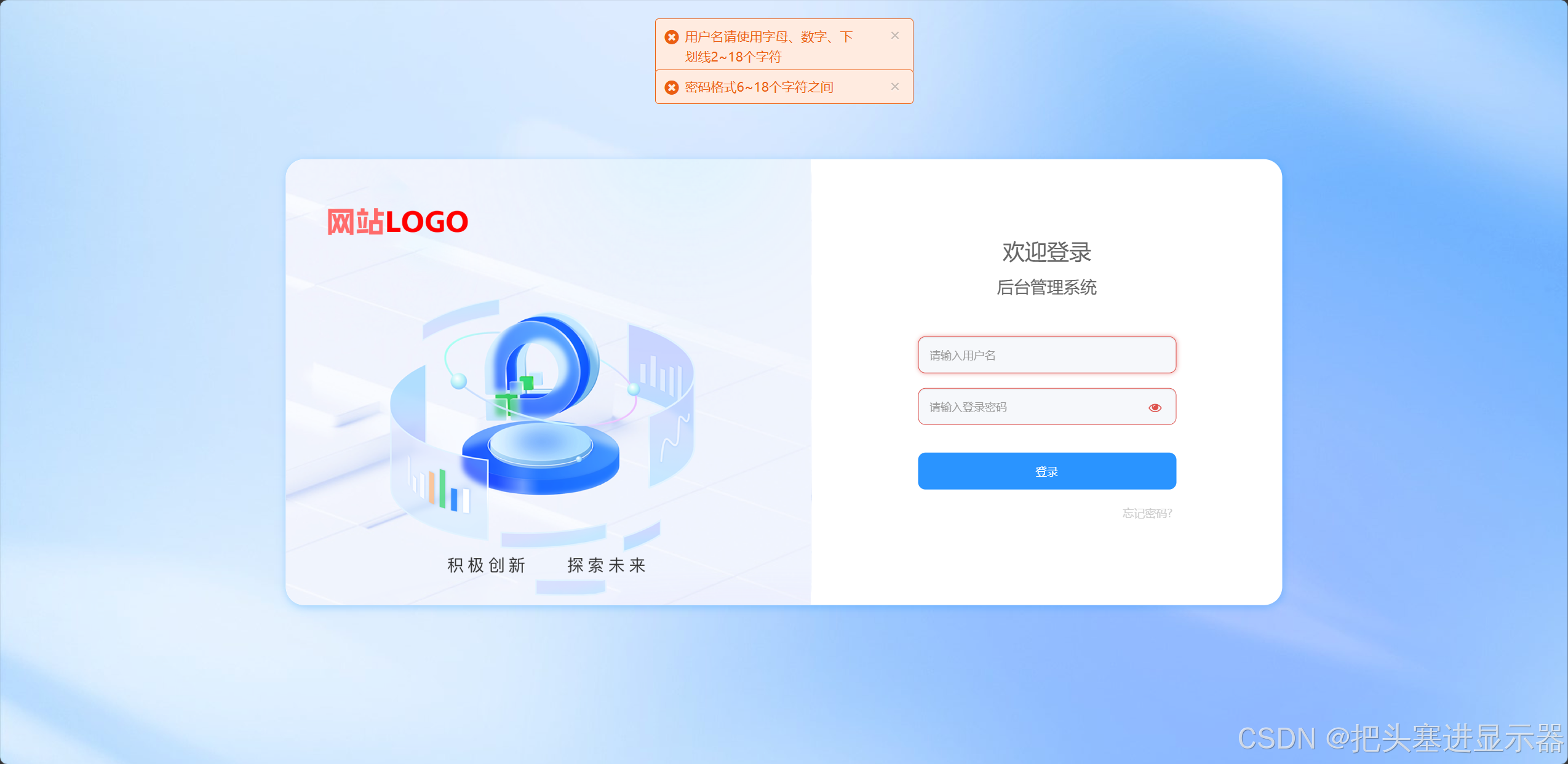
测试场景五:界面UI功能正常
预期结果:功能正常
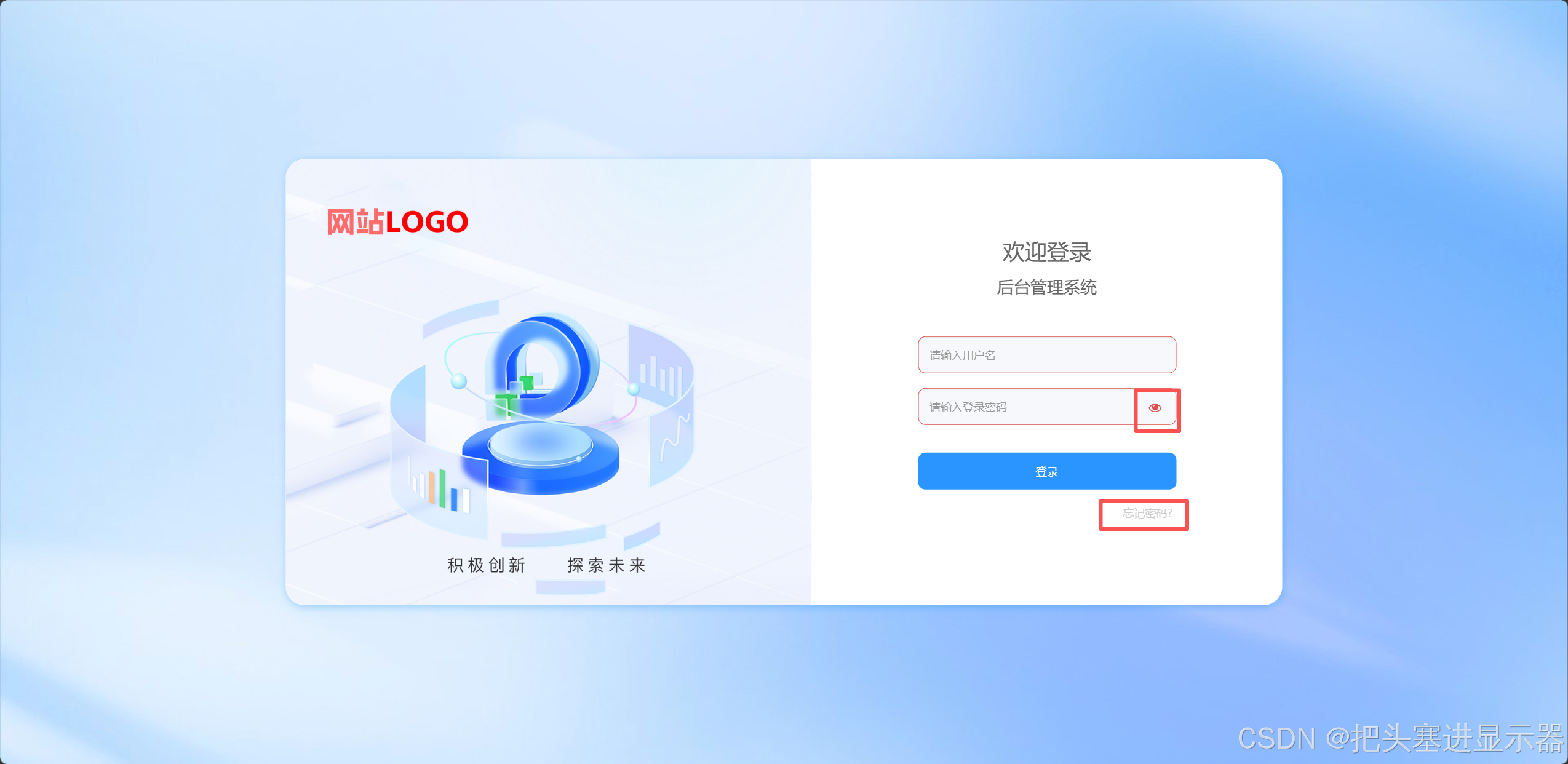
实际结果:忘记密码点击无效
BUG:应该跳转到修改密码界面
2、后台界面
测试场景一:用户提交支付,管理员审核成功
预期结果:用户界面显示已支付
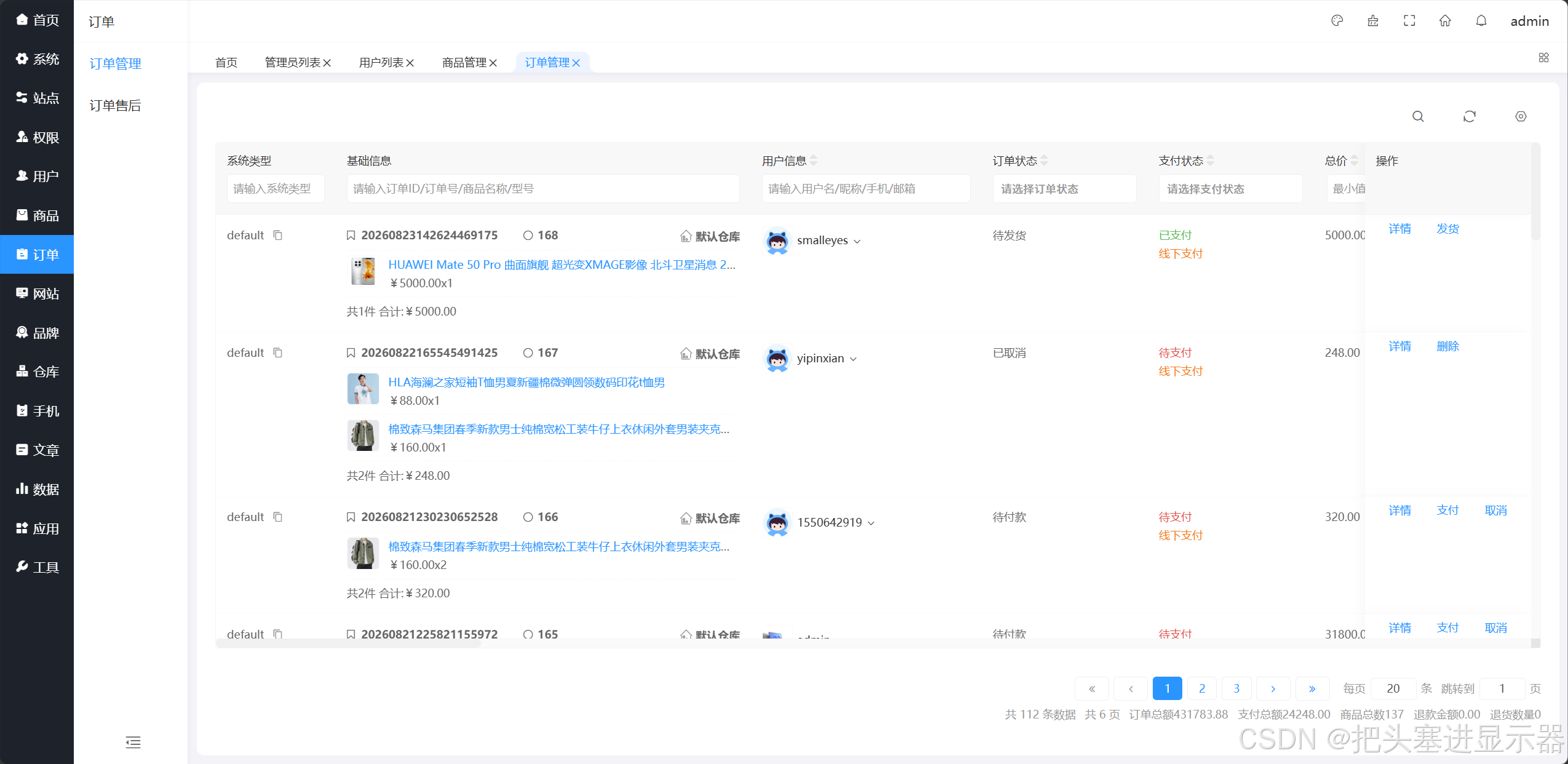
测试场景二:管理员提交支付后点击发货
预期结果:显示发货成功
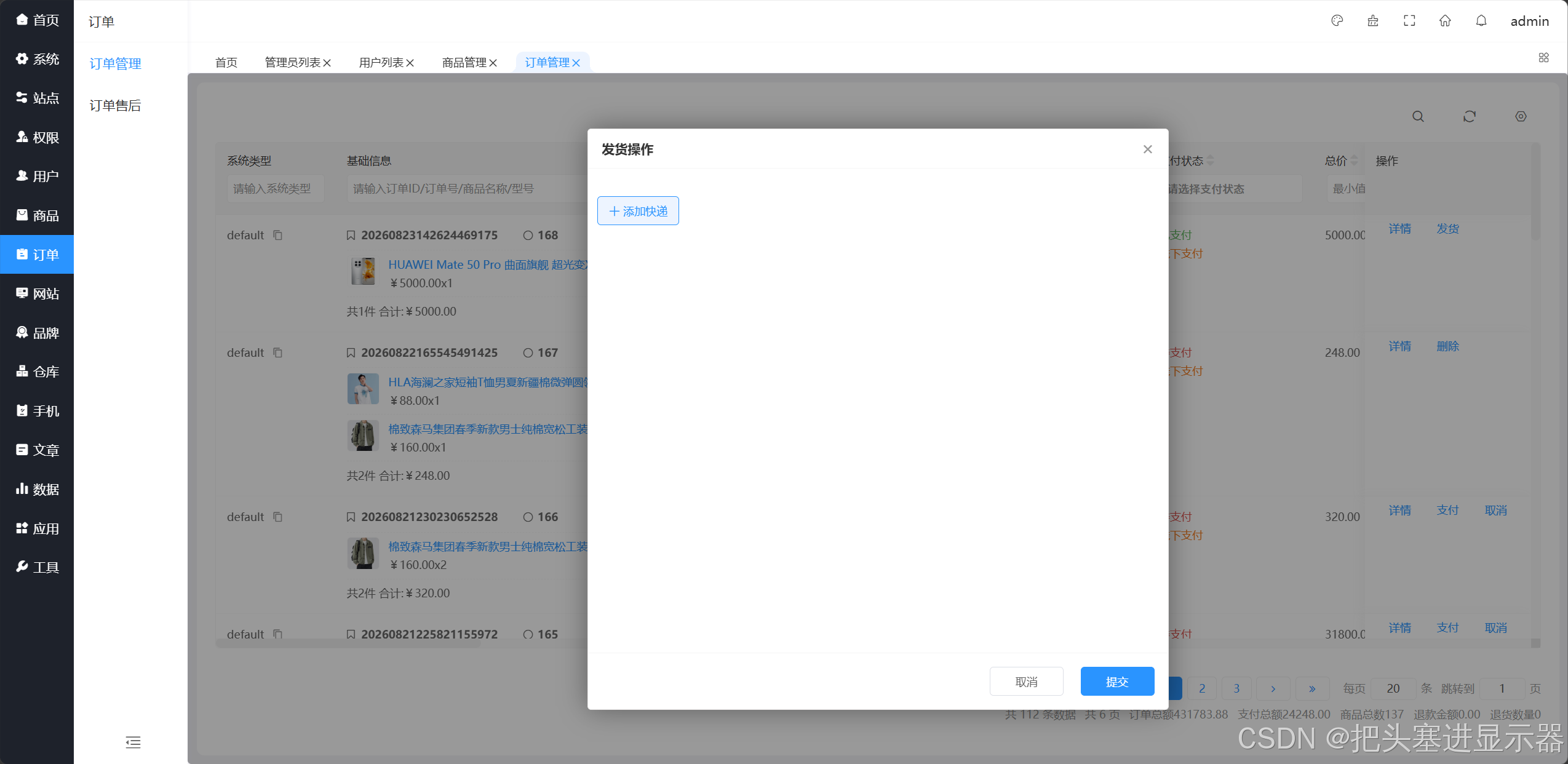
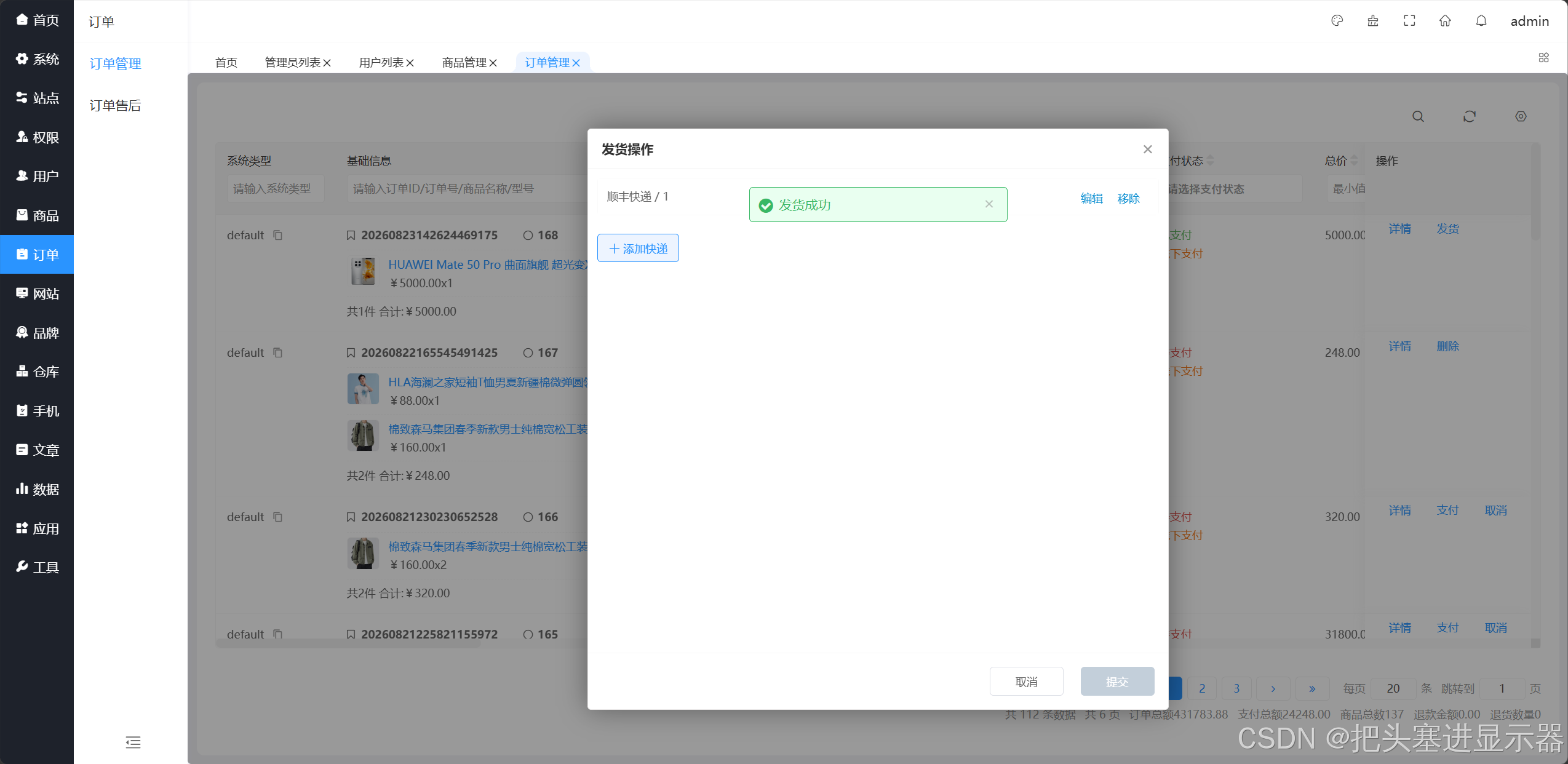
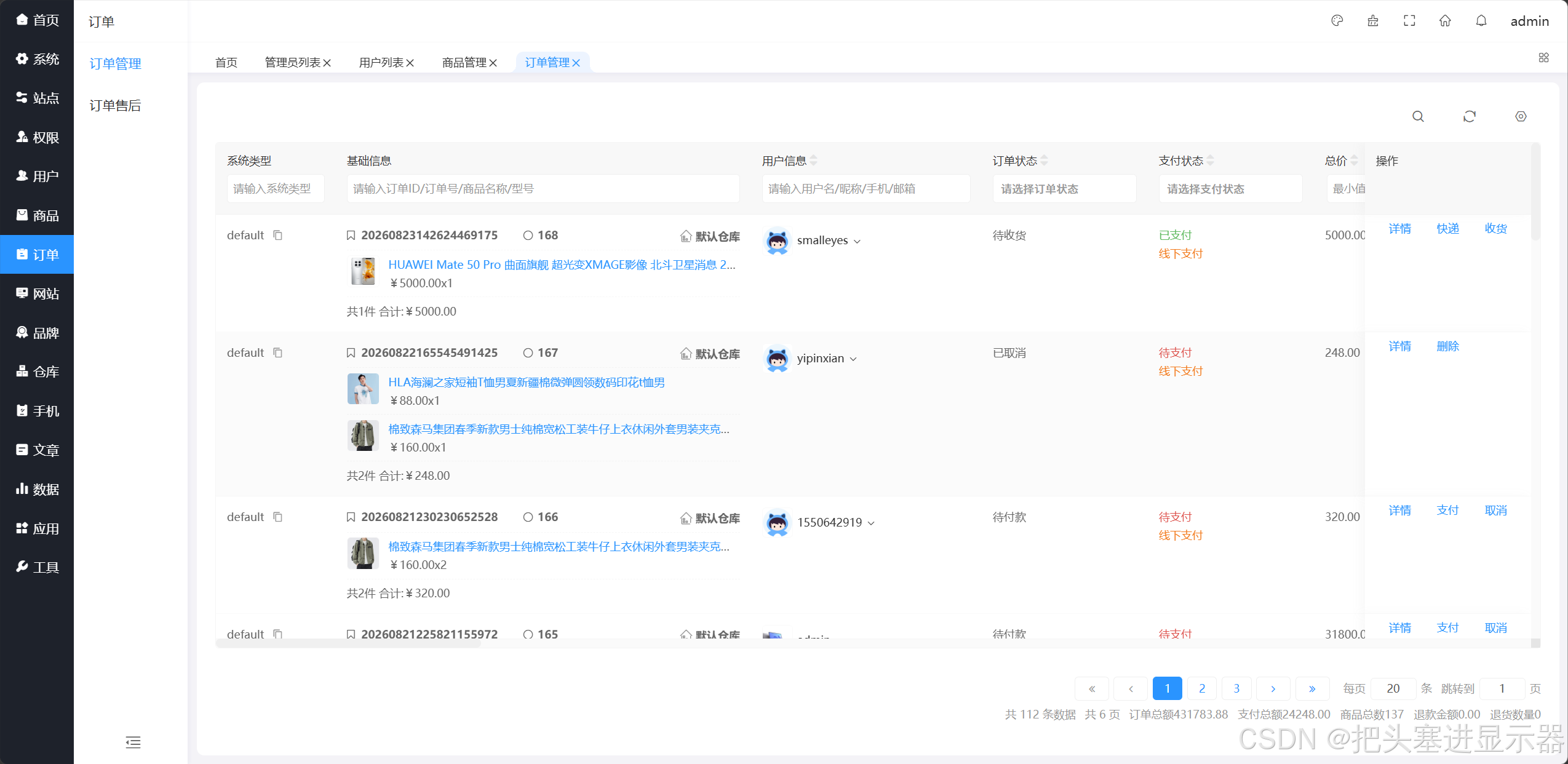
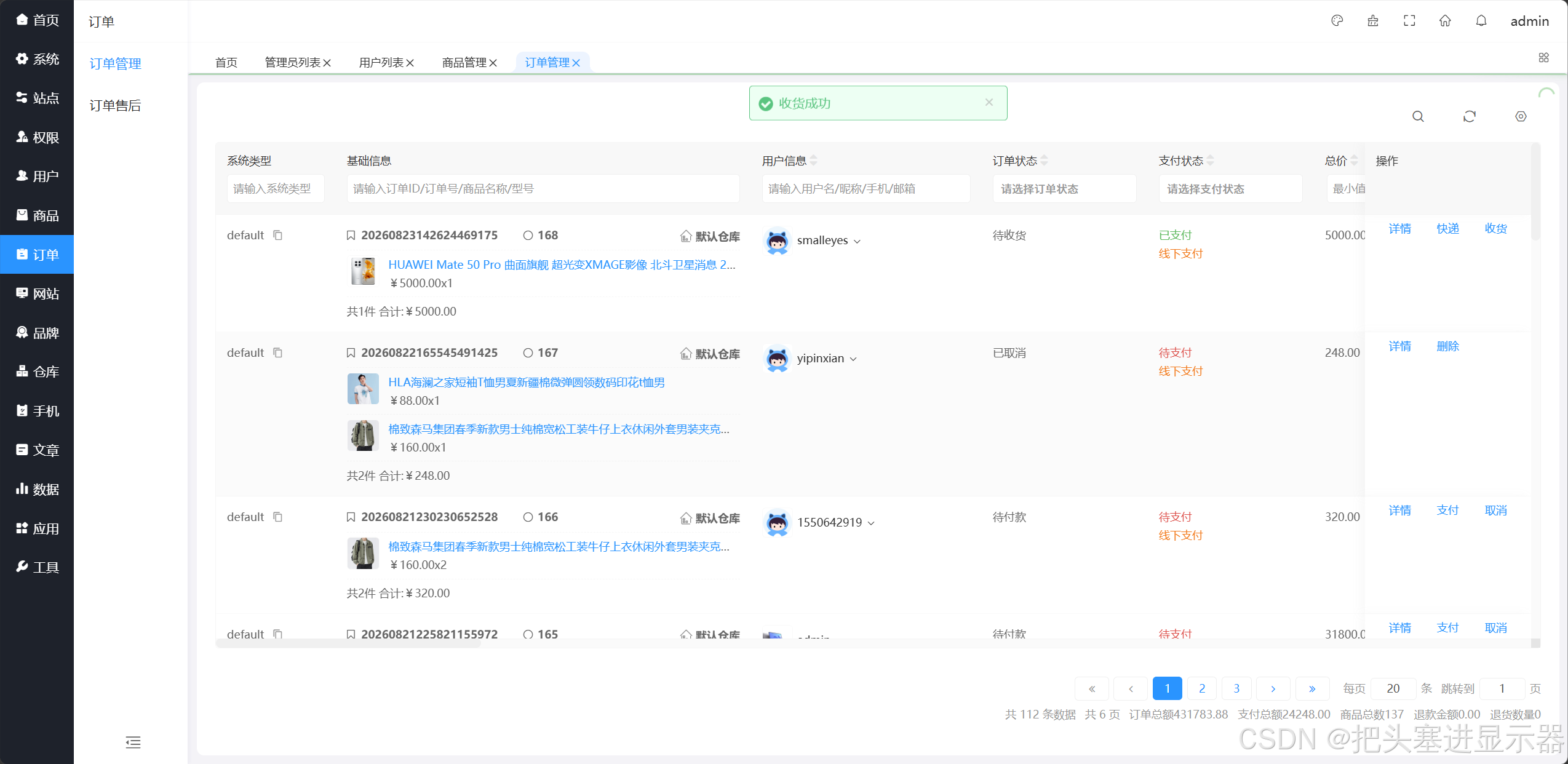
测试场景三:管理员提交支付后点击收货
预期结果:显示收货成功
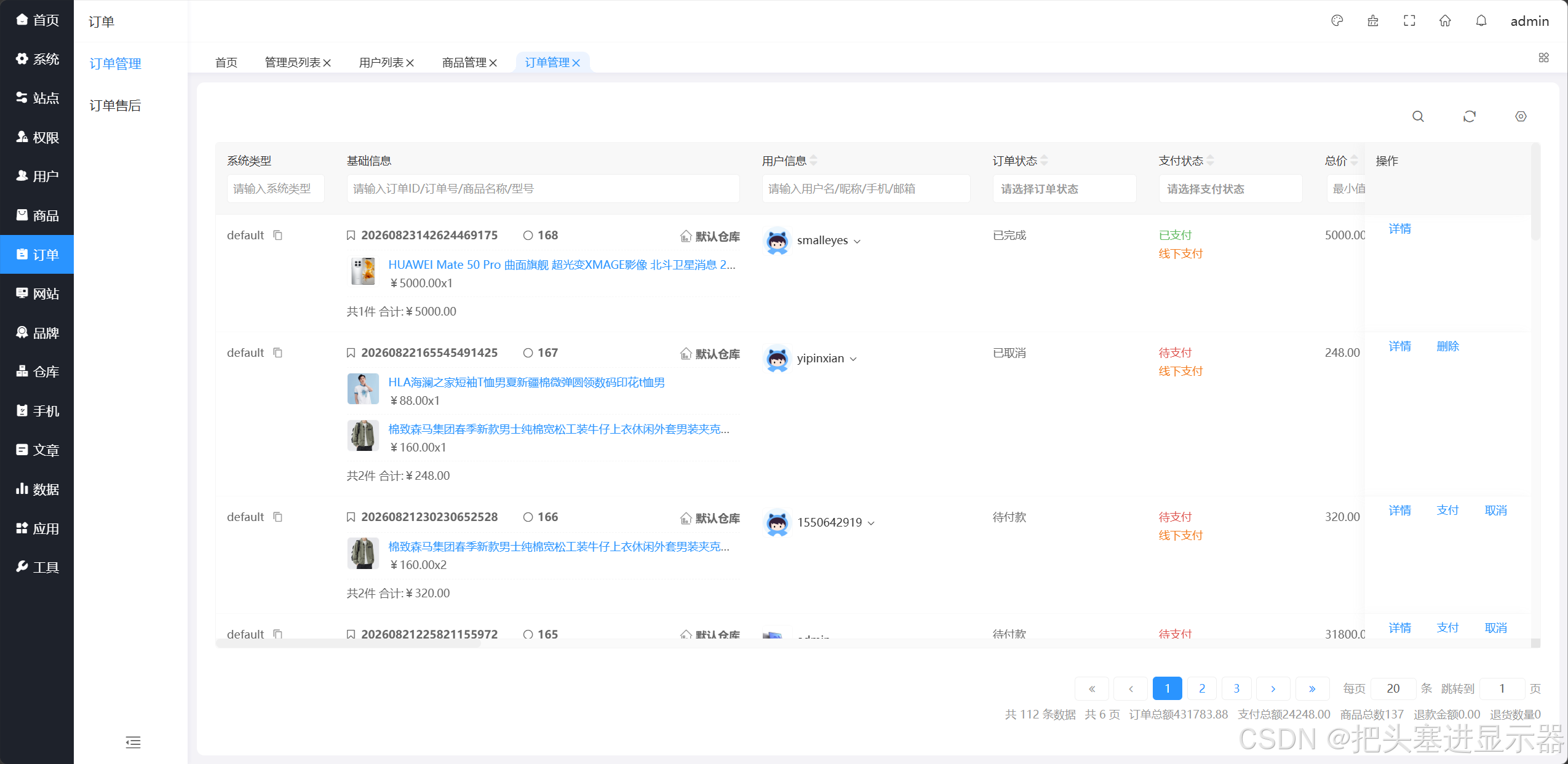
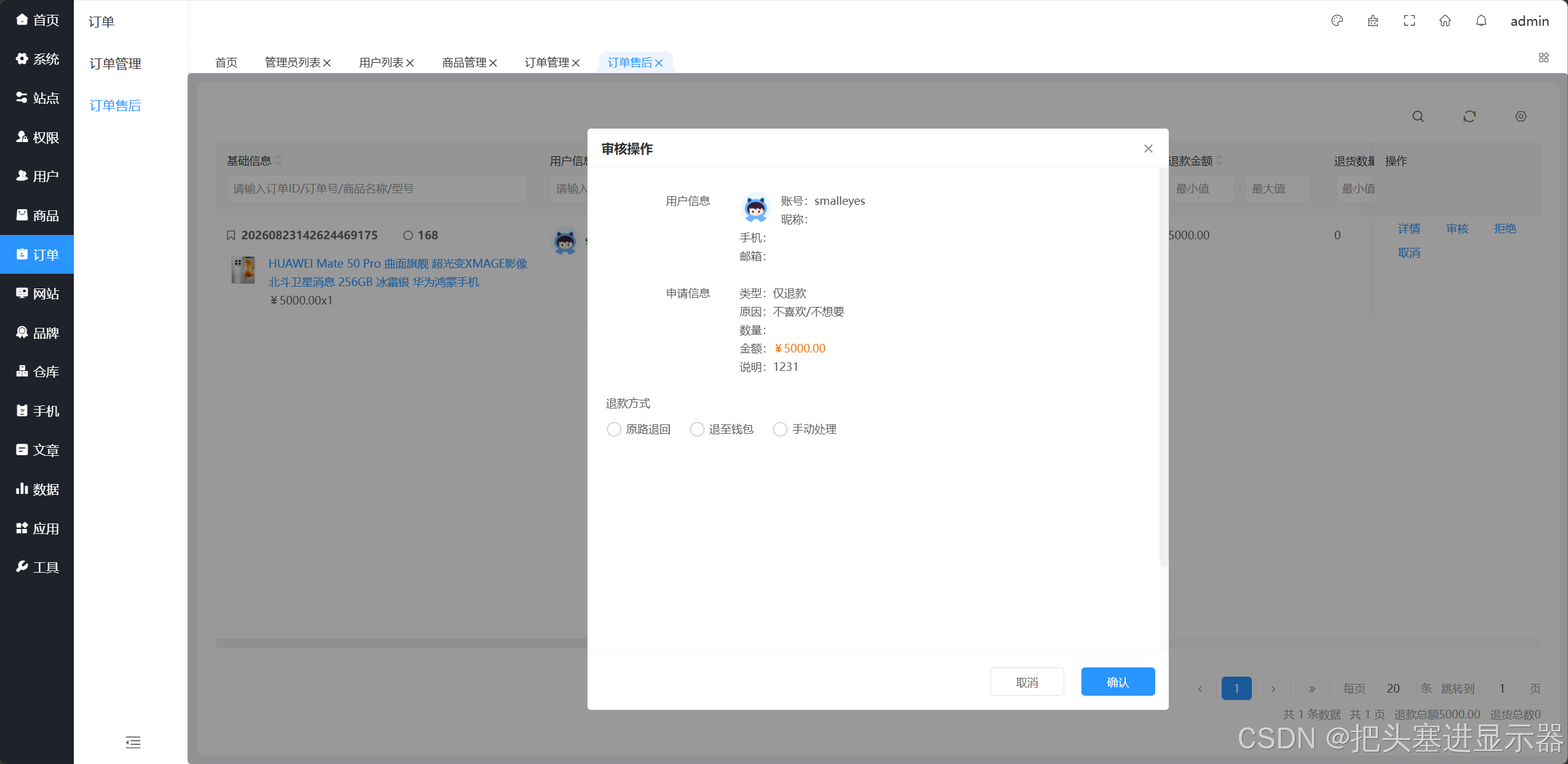
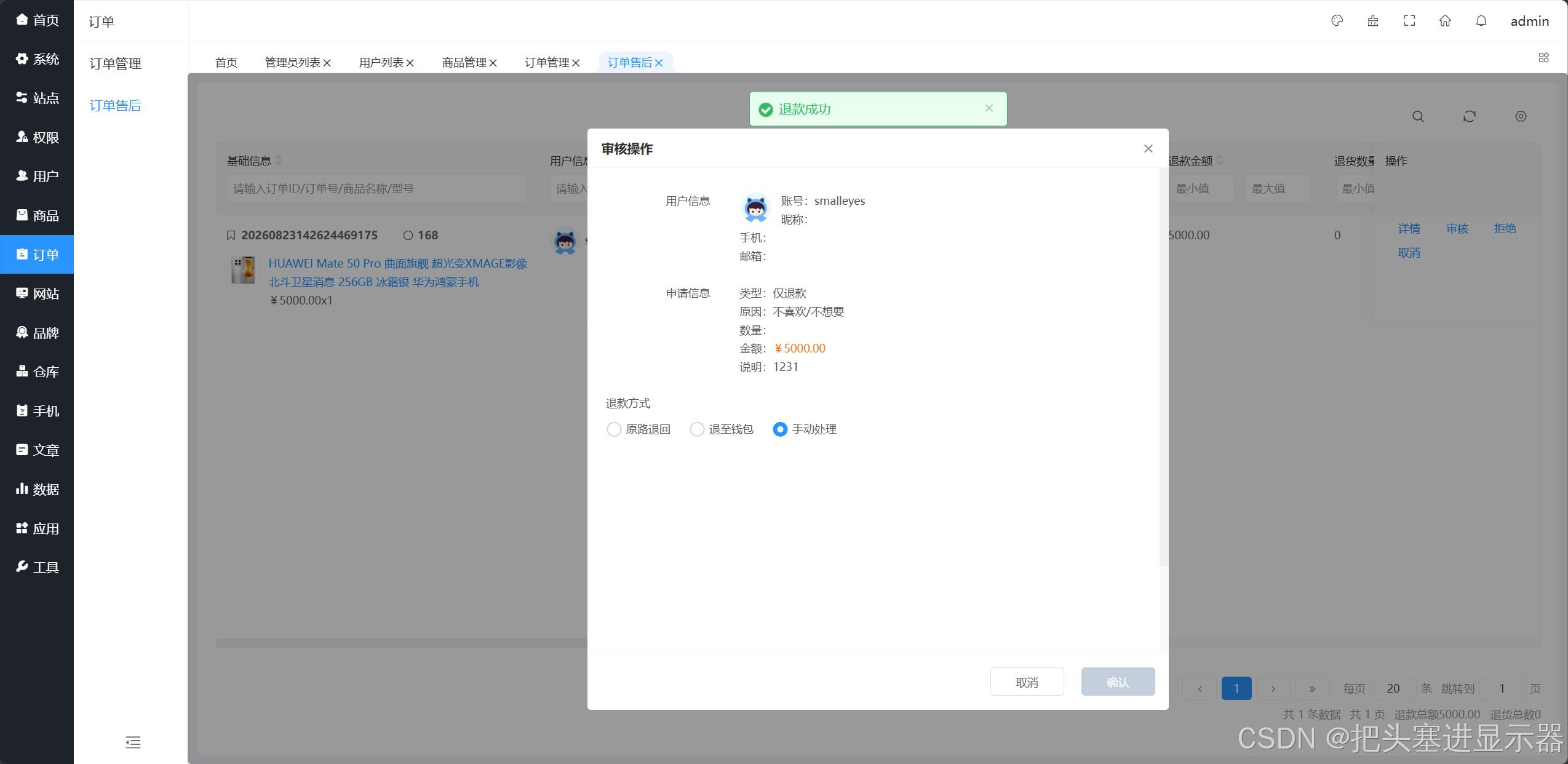
测试场景四:用户提交退款申请,管理员审核后确认
预期结果:确认后显示退款成功
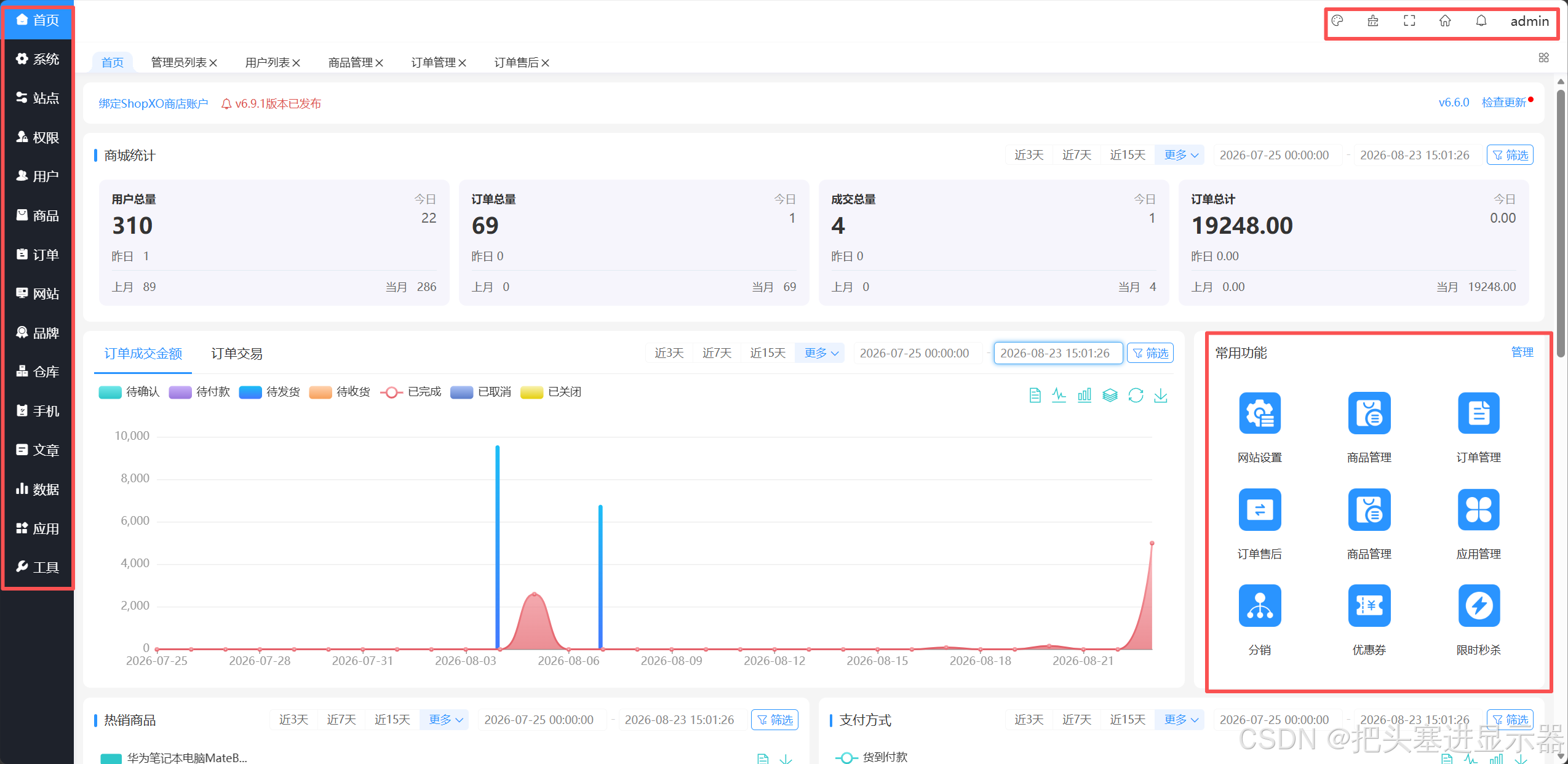
测试场景五:界面UI功能正常
预期结果:界面UI功能正常
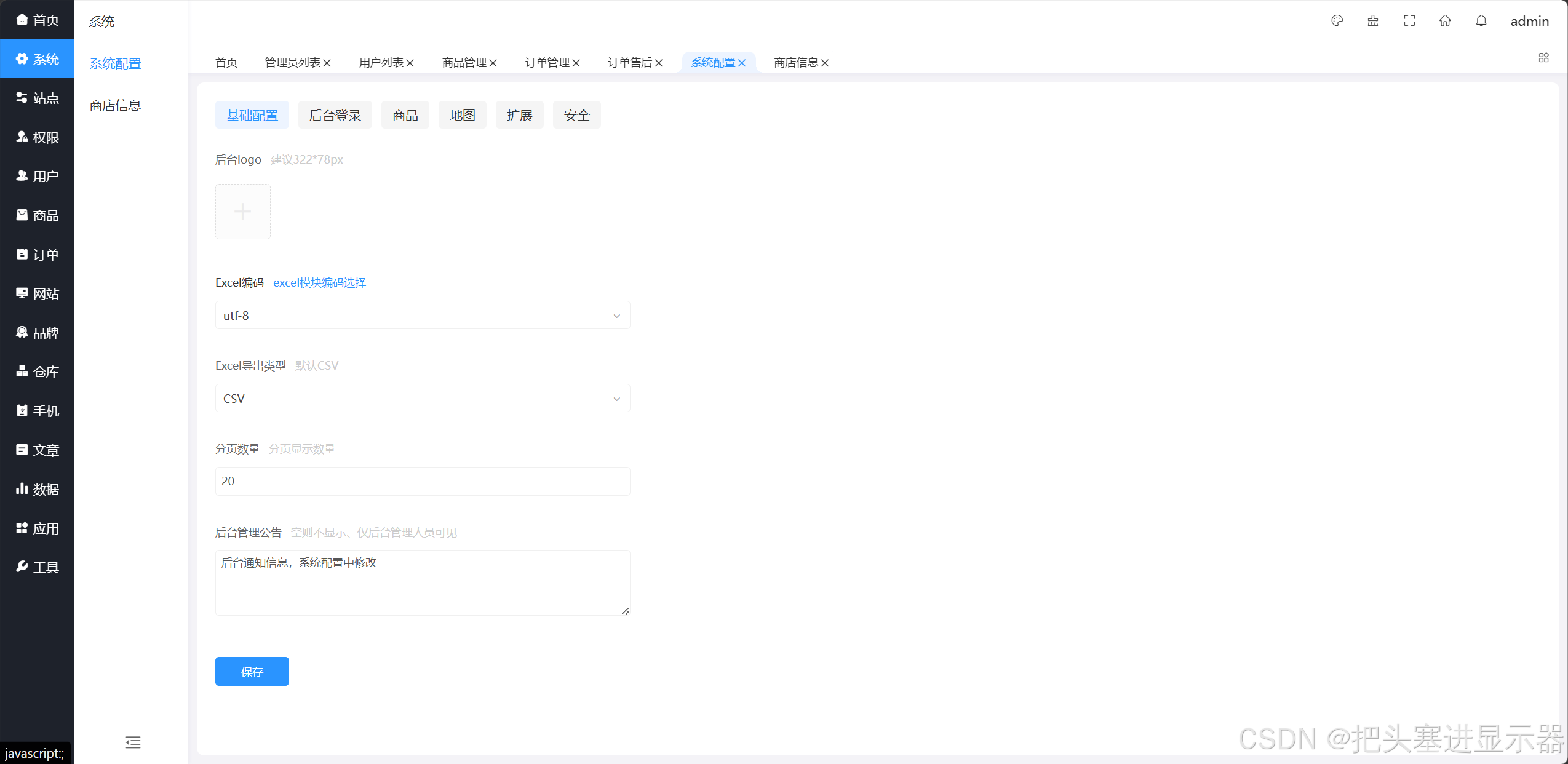
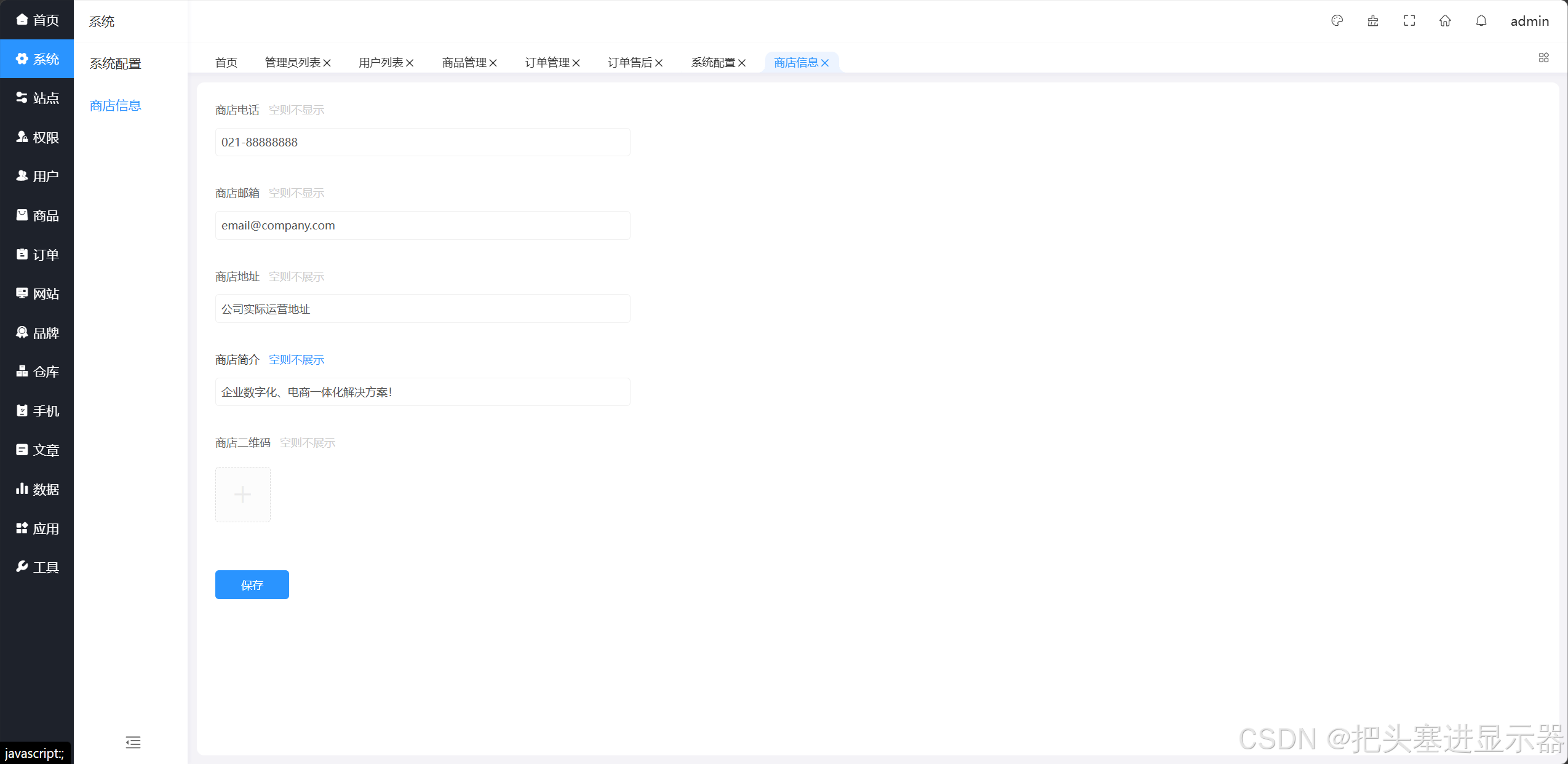
测试场景六:系统功能正常
预期结果:系统功能正常
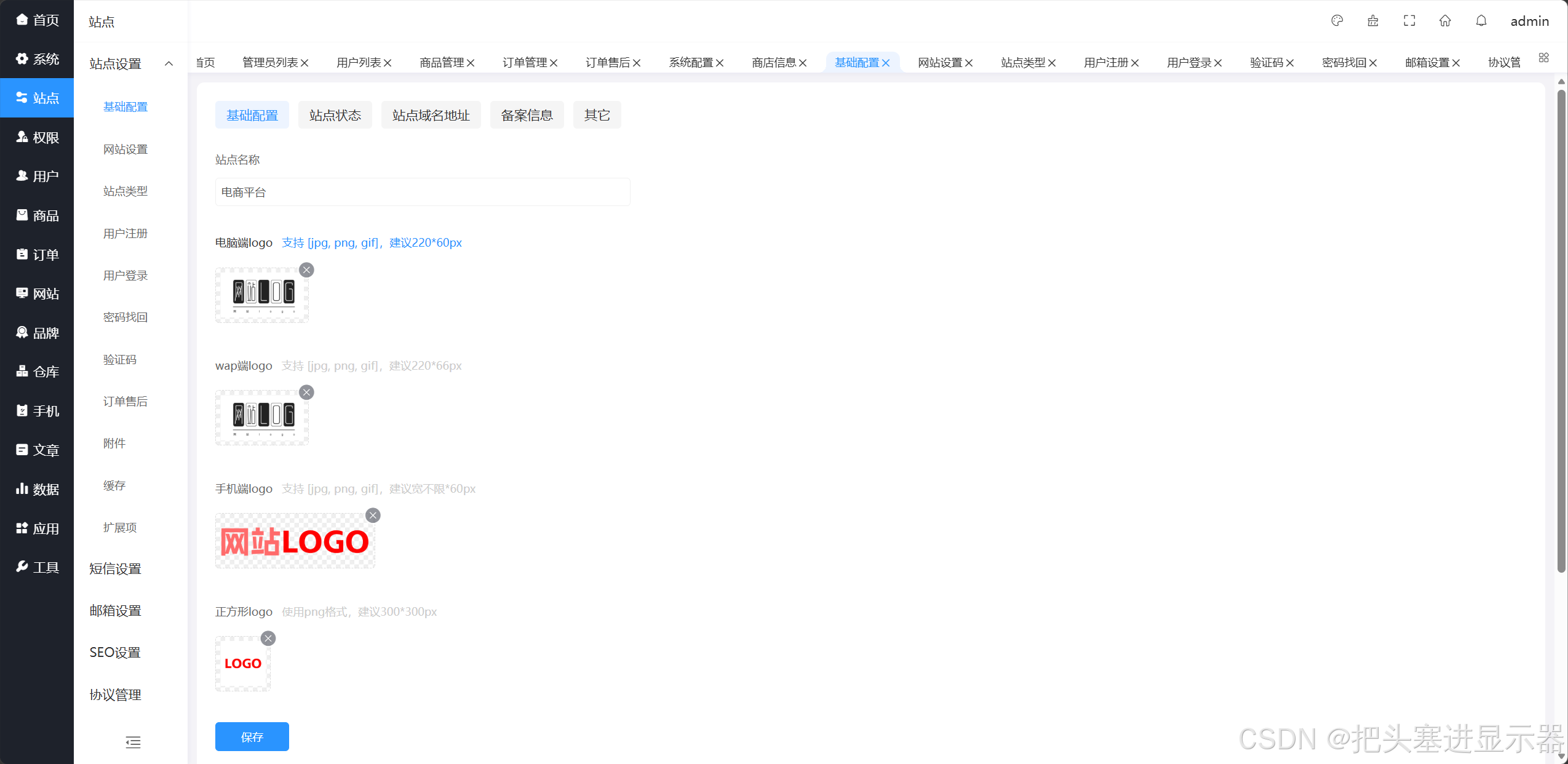
测试场景七:站点功能正常
预期结果:站点功能正常
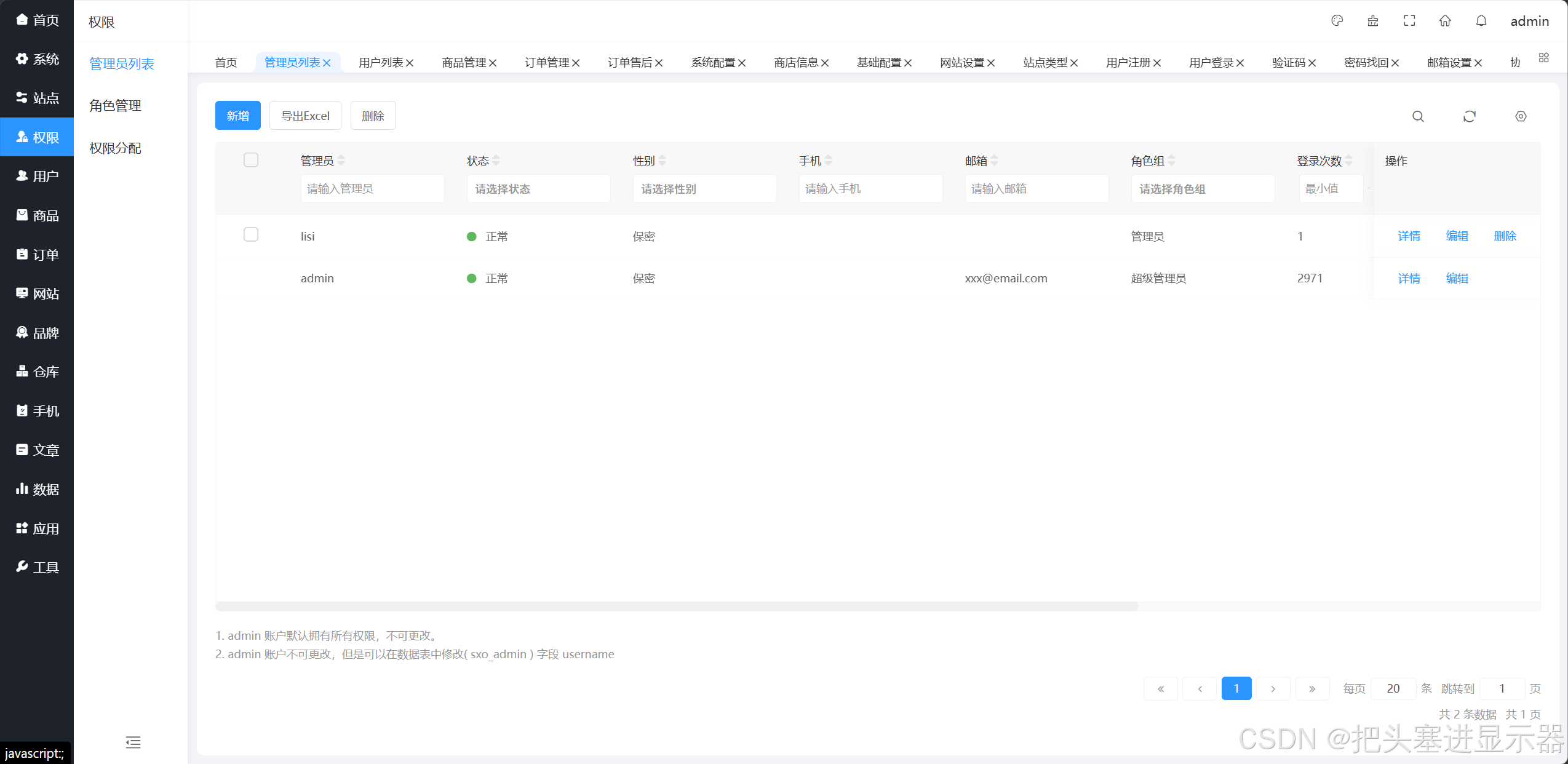
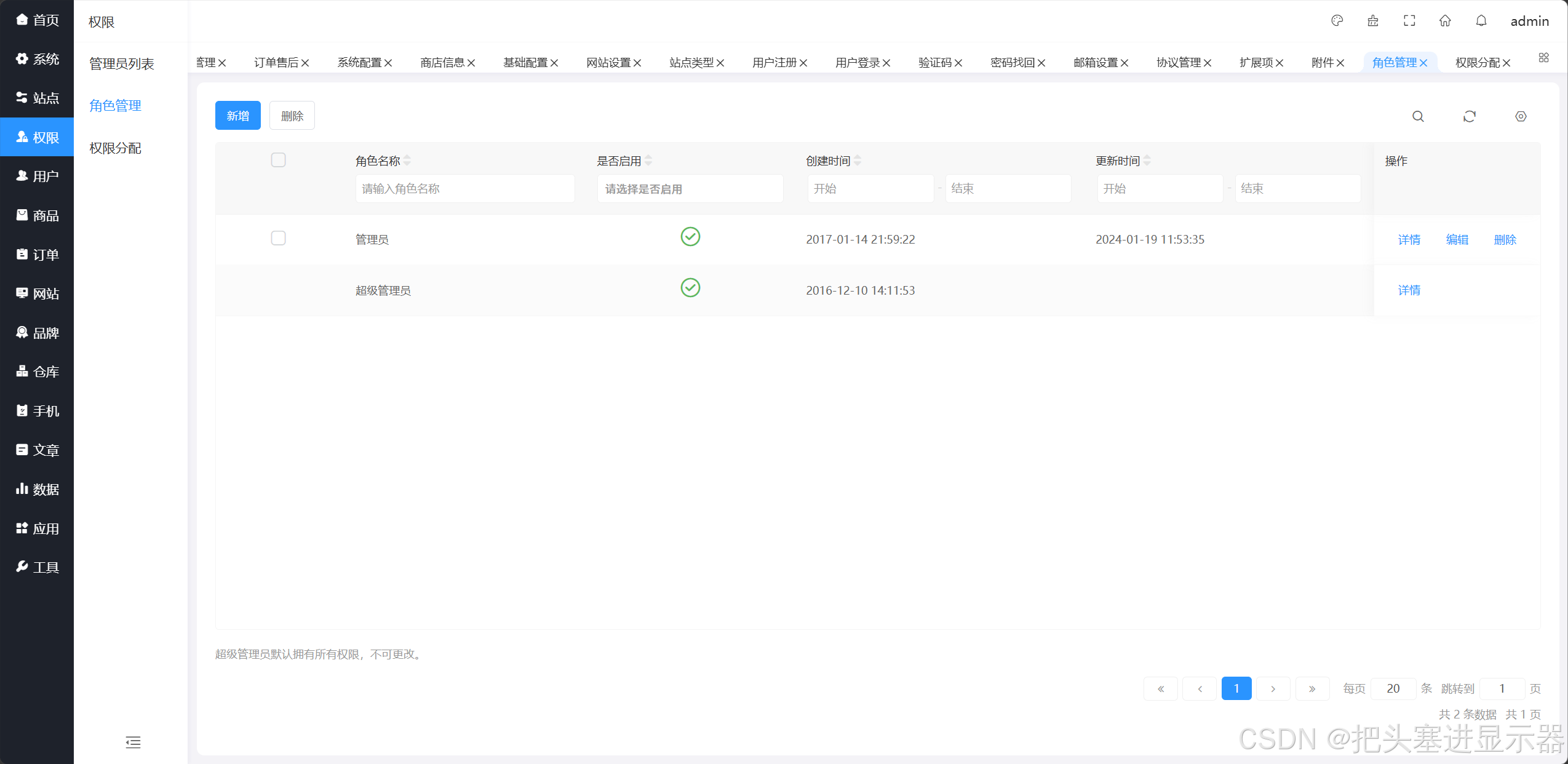
测试场景八:管理员功能正常
预期结果:管理员功能正常
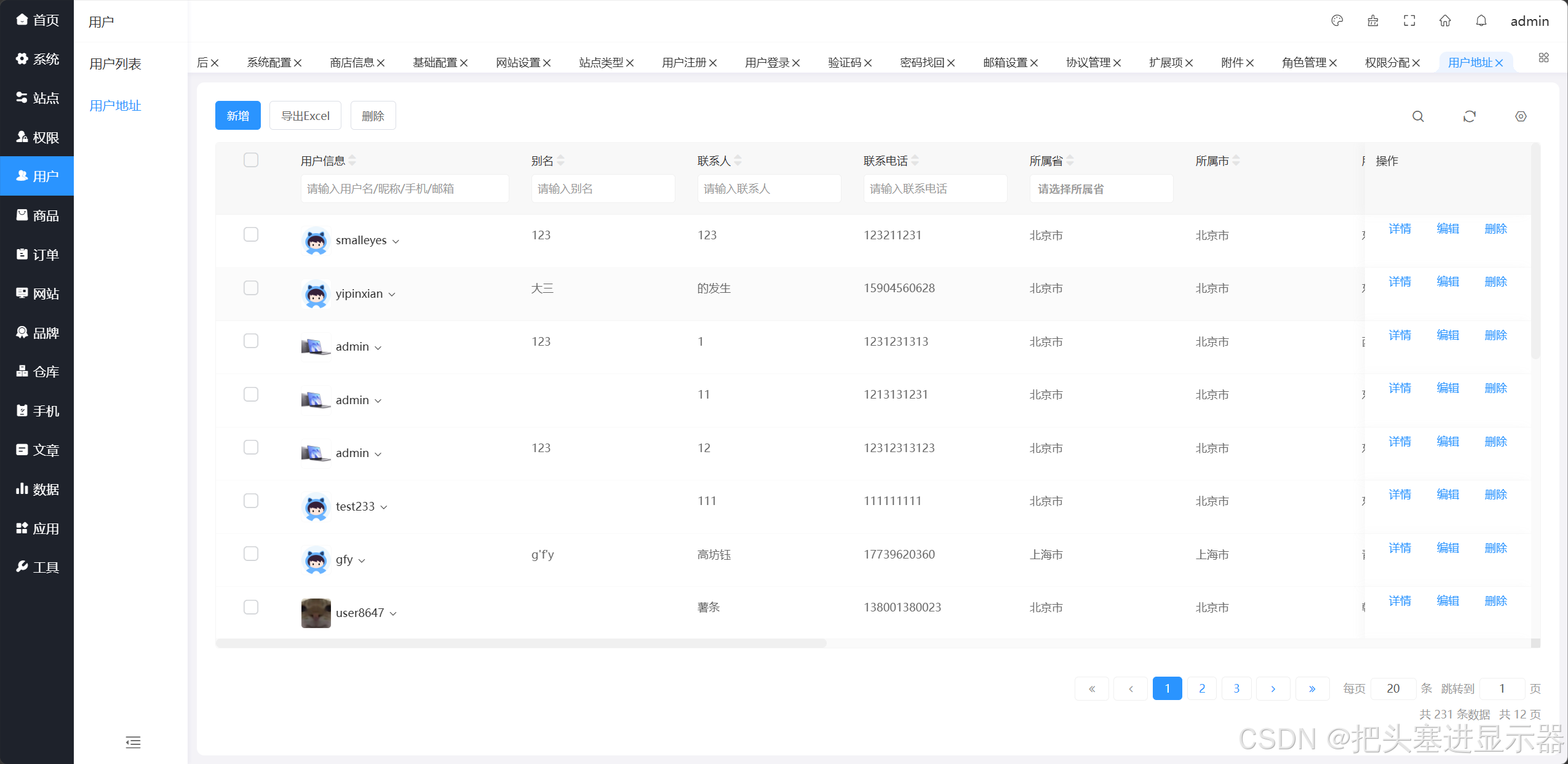
测试场景九:用户功能正常
预期结果:用户功能正常

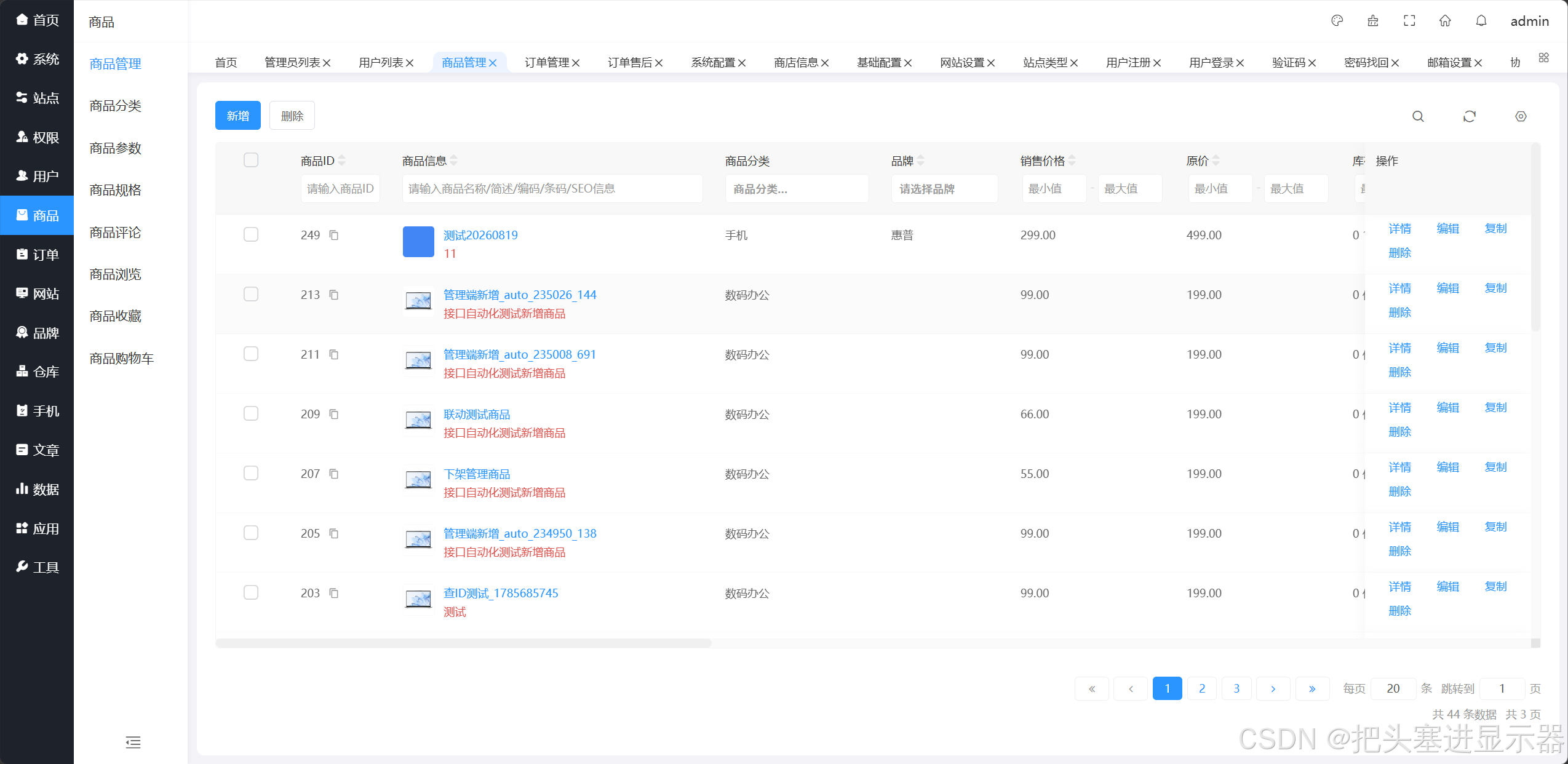
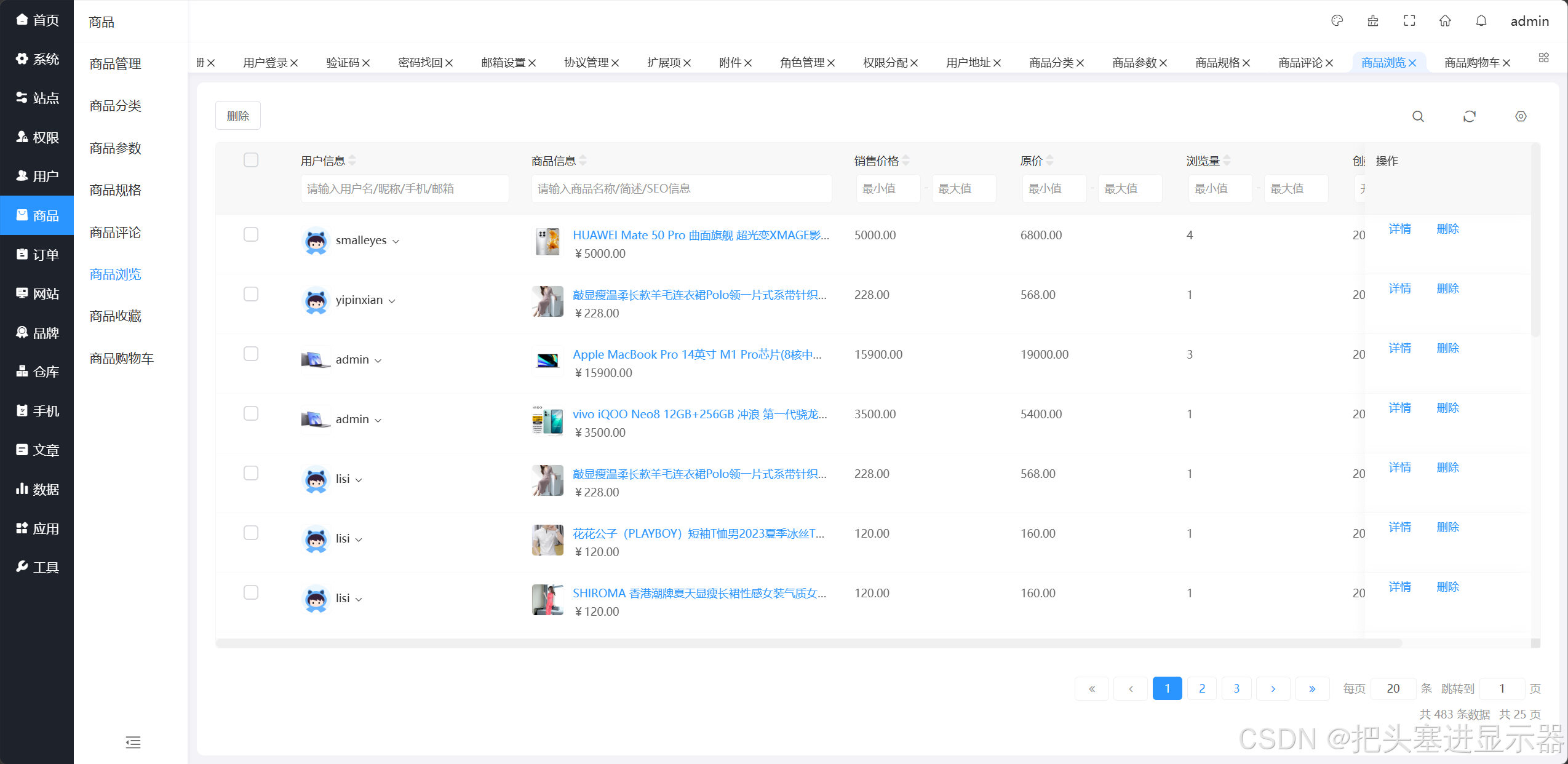
测试场景十:商品功能正常
预期结果:商品功能正常
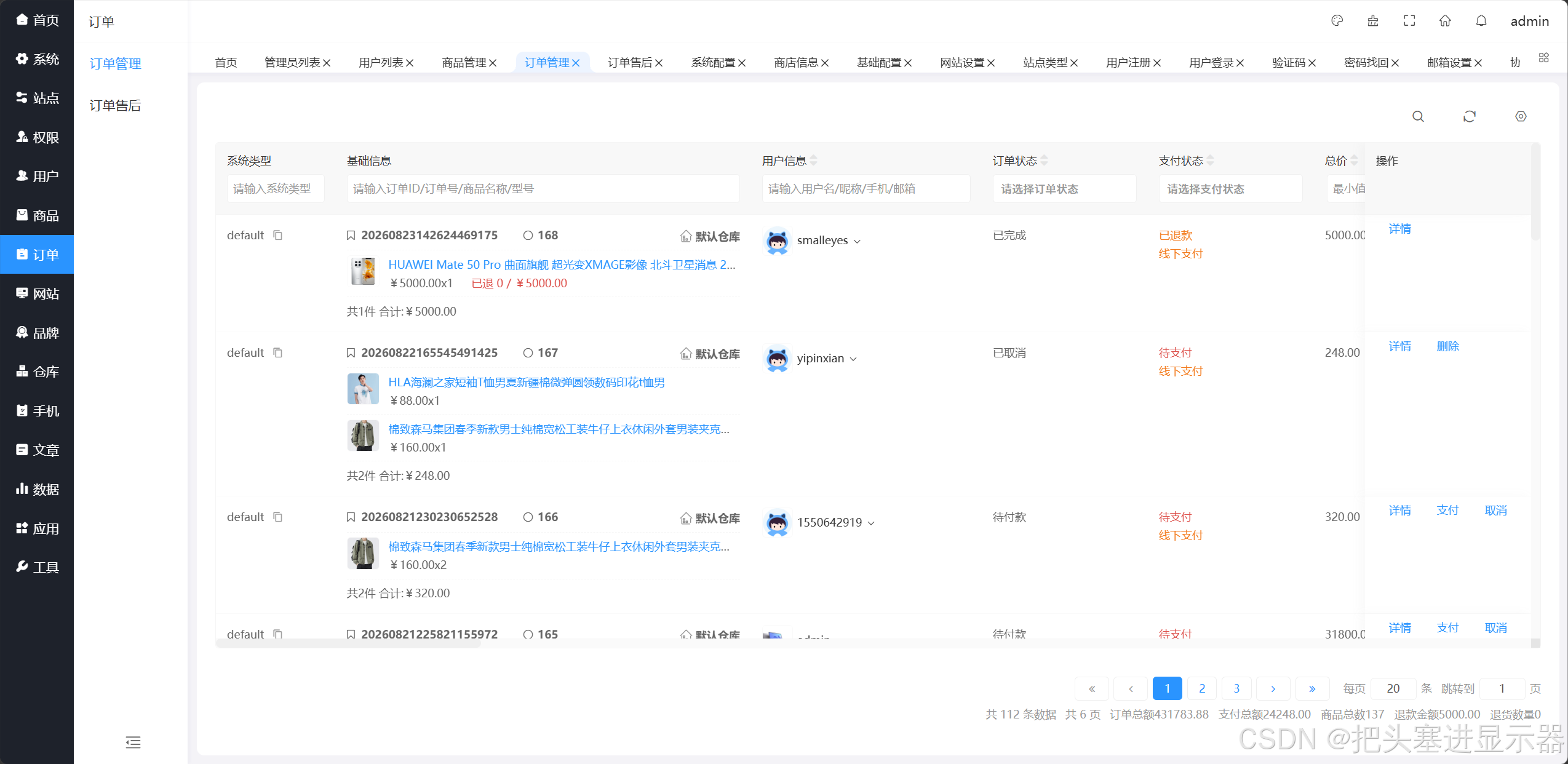
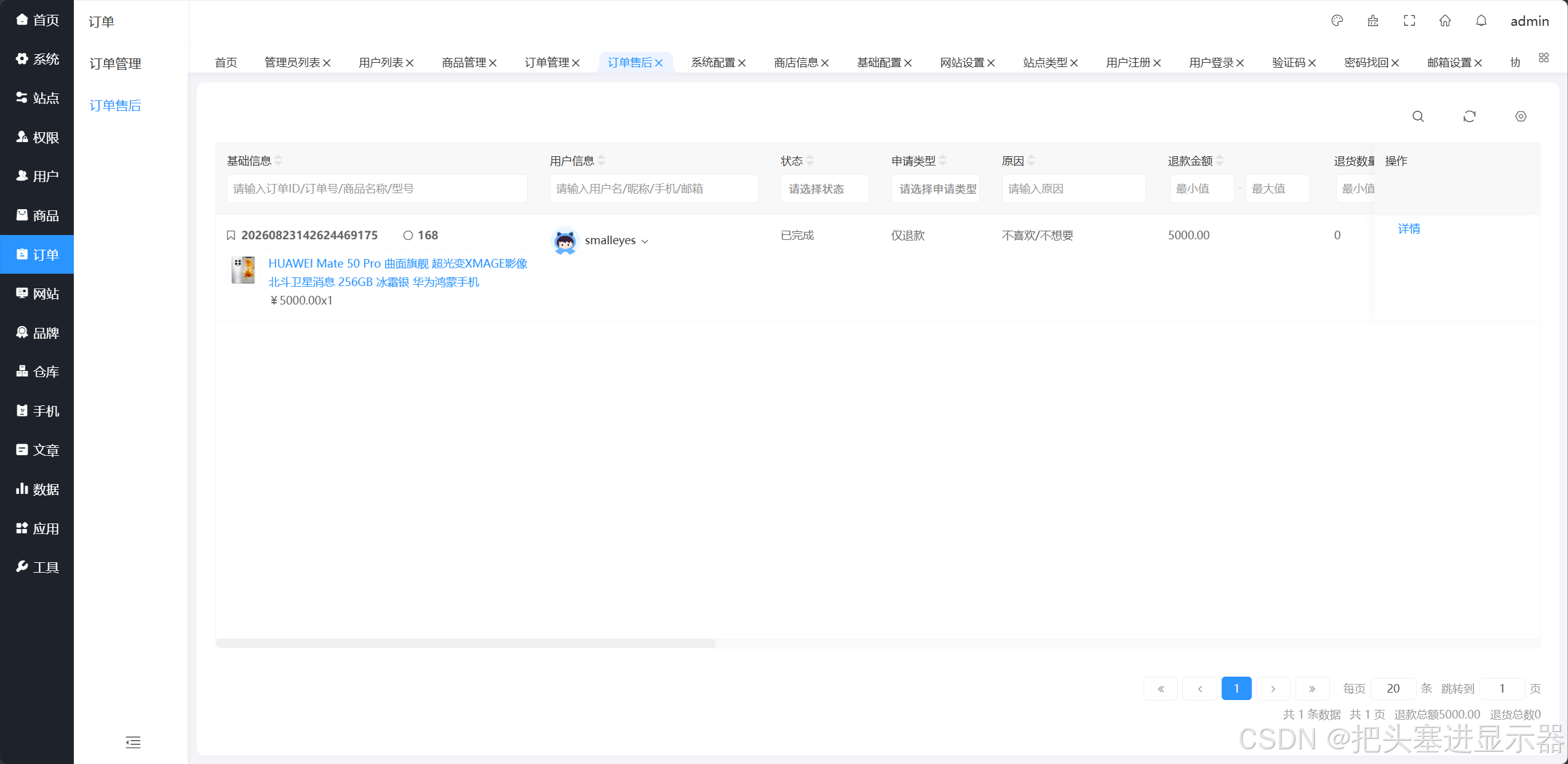
测试场景十一:订单功能正常
预期结果:订单功能正常
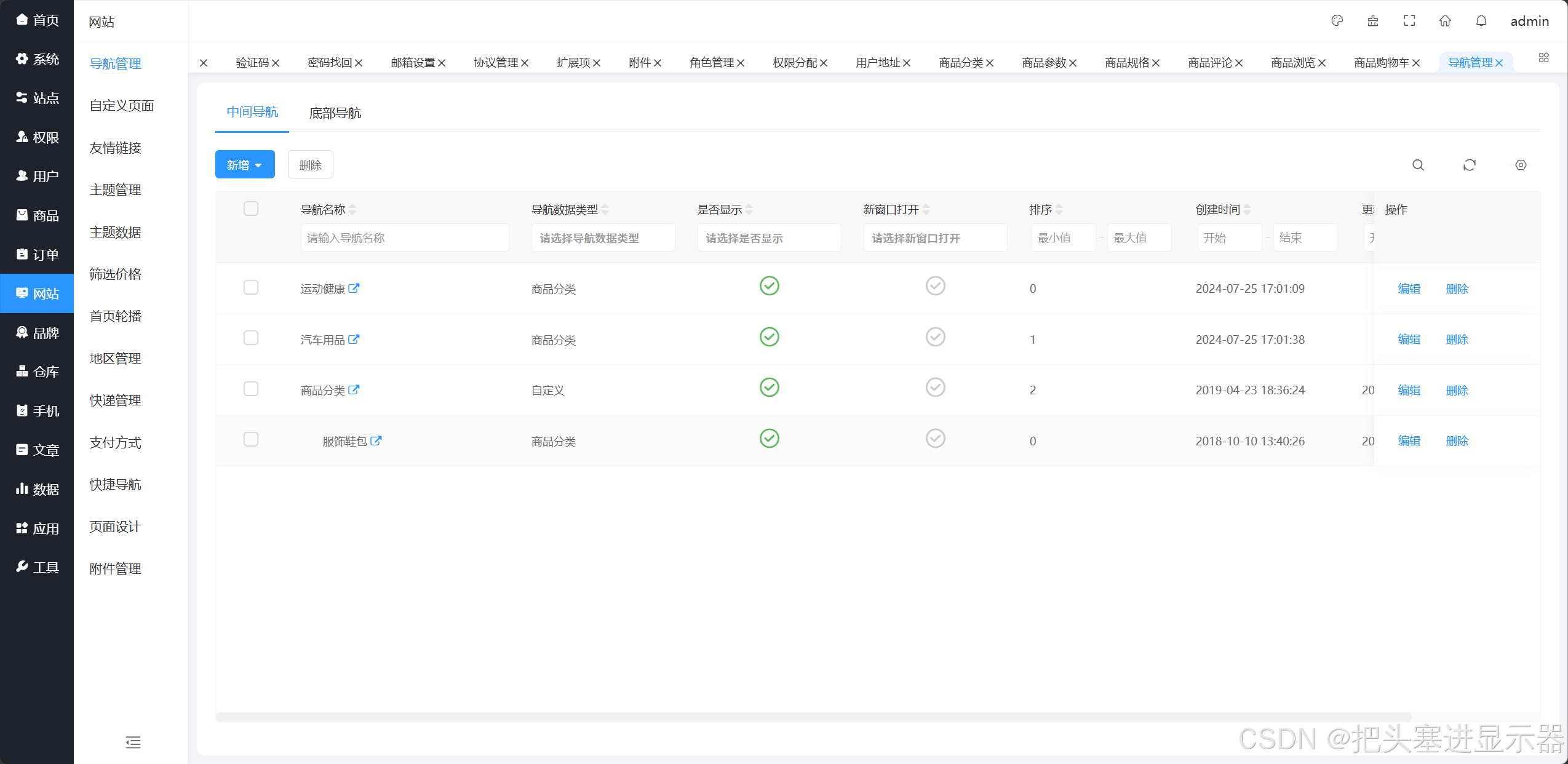
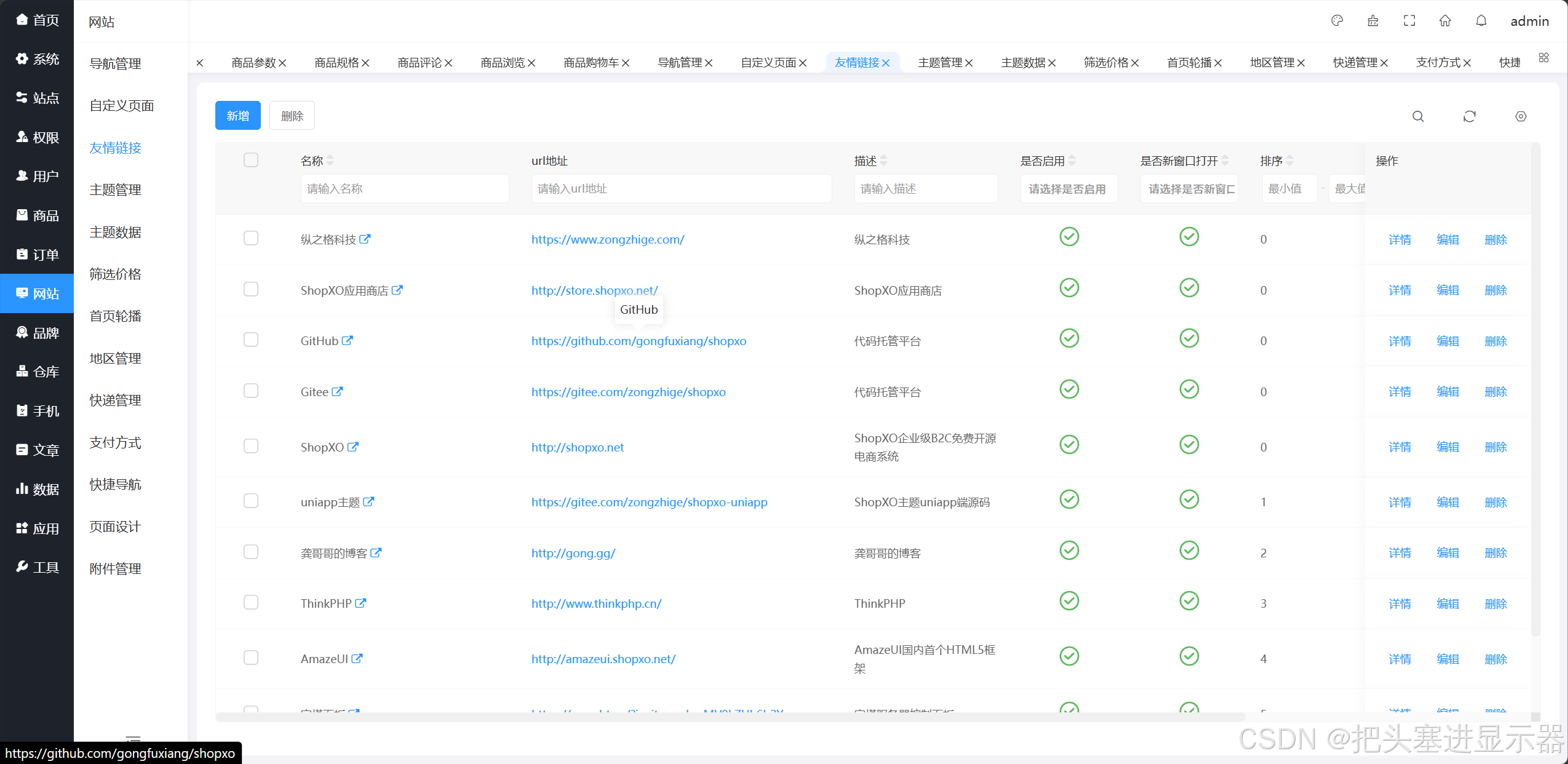
测试场景十二:网站功能正常
预期结果:网站功能正常
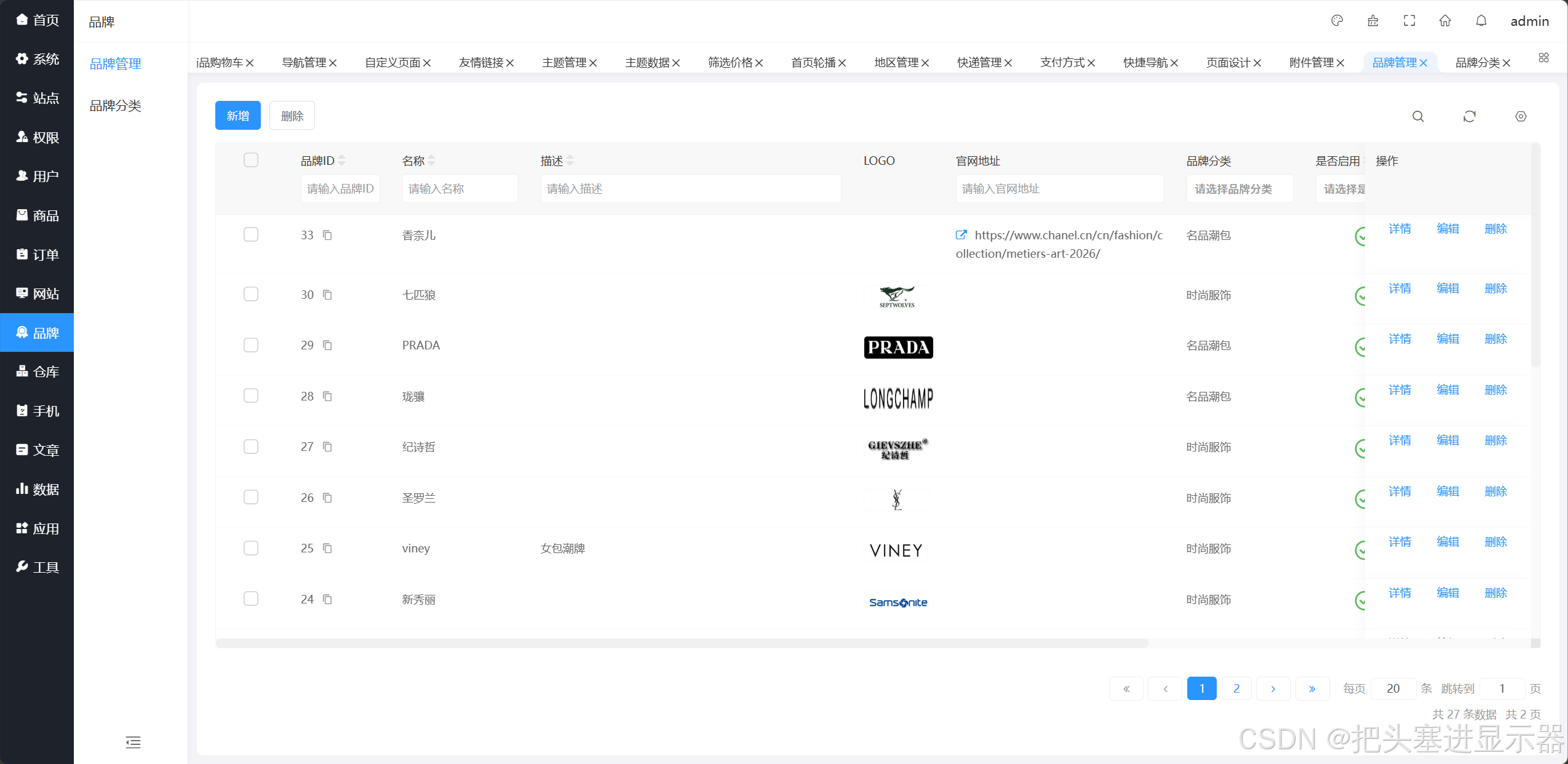
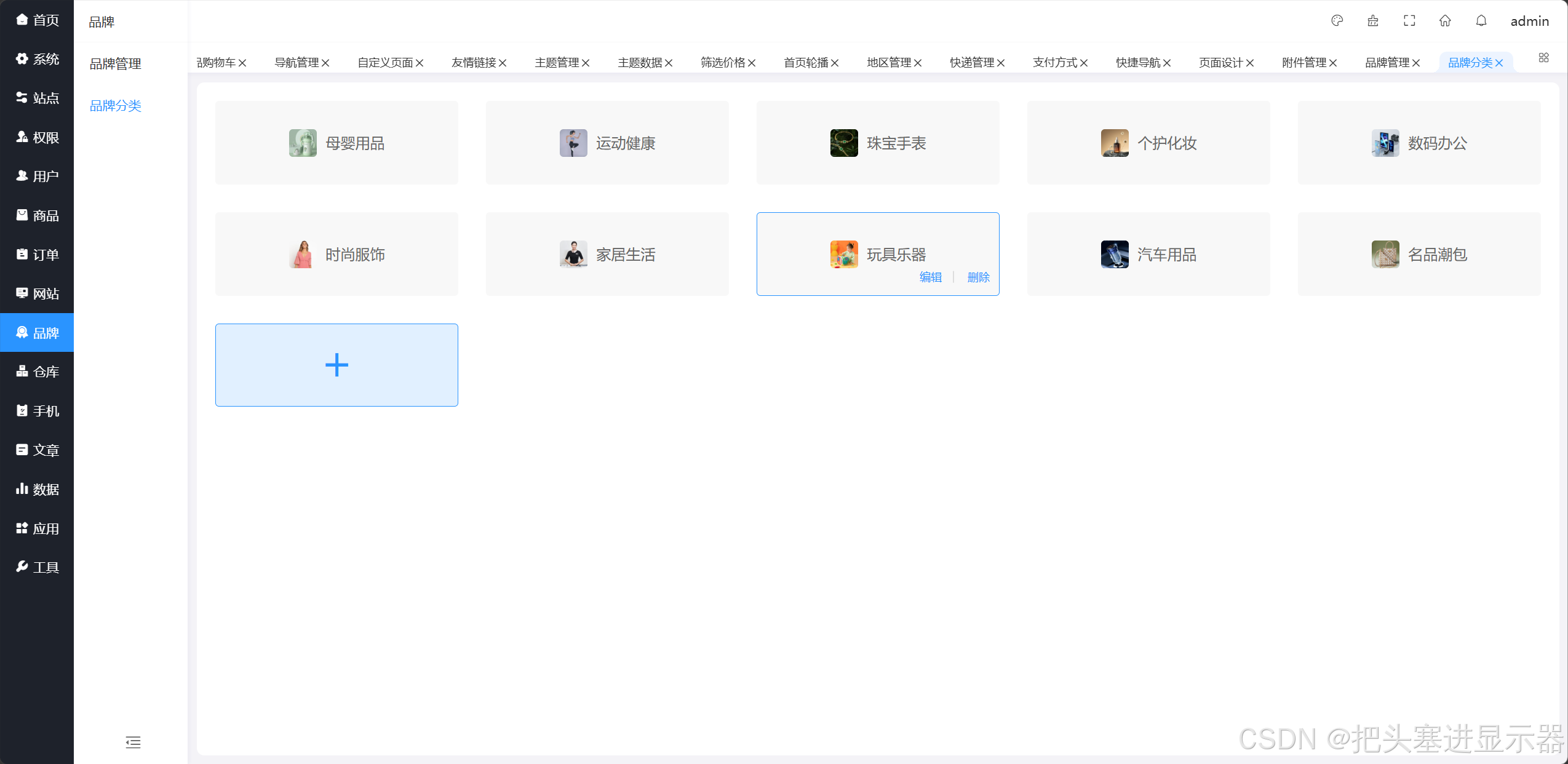
测试场景十三:品牌功能正常
预期结果:品牌功能正常
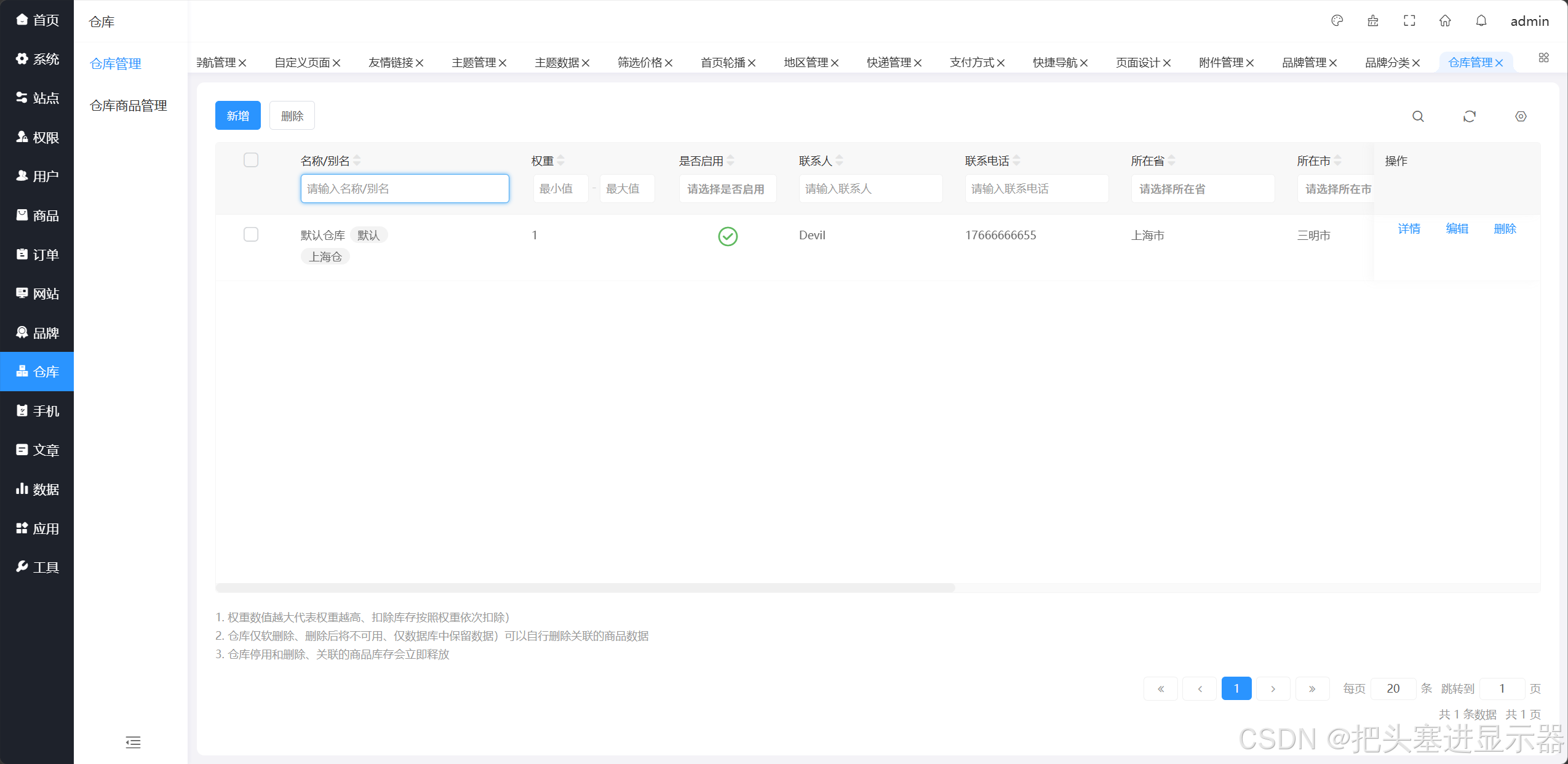
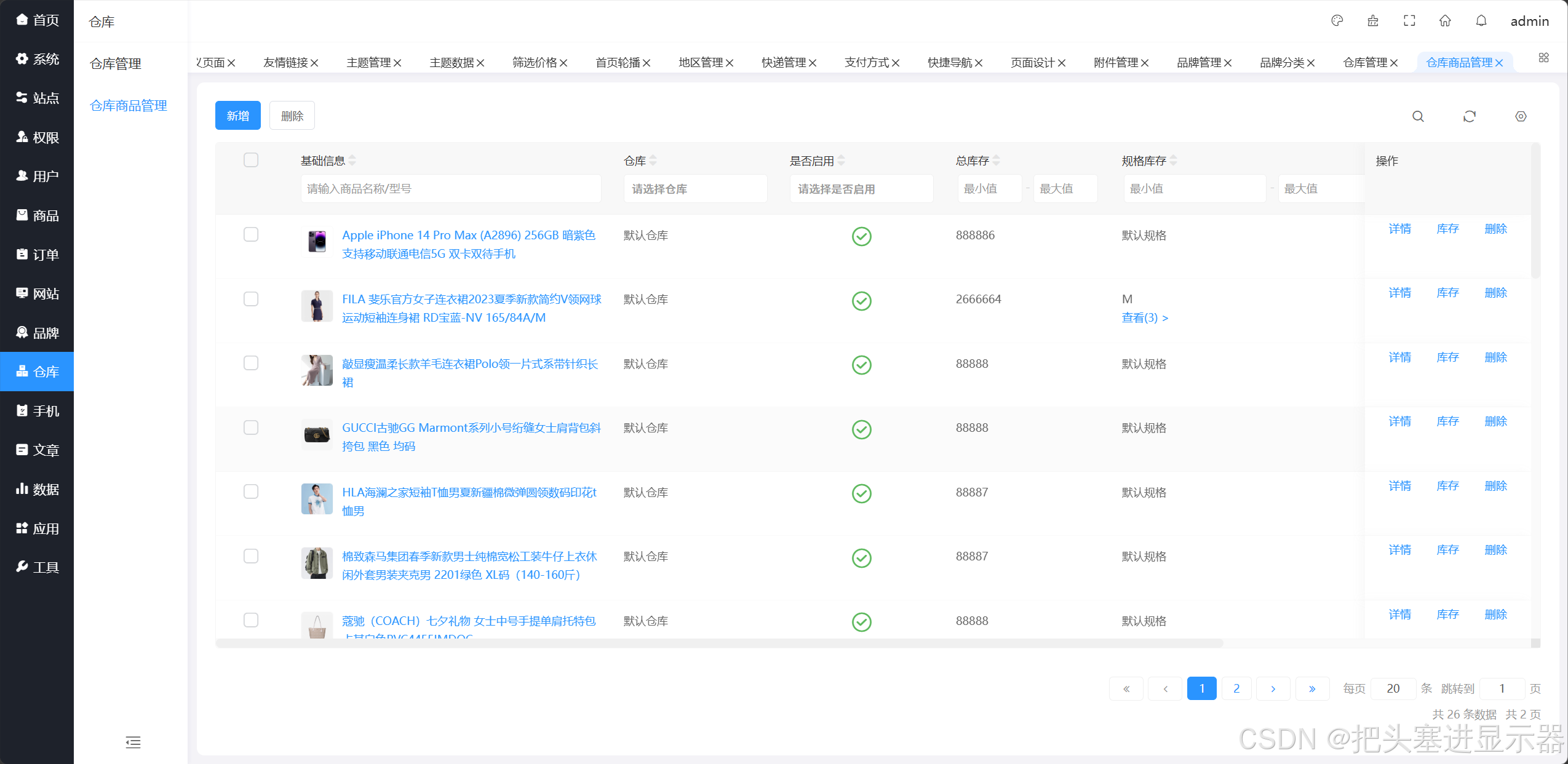
测试场景十四:仓库功能正常
预期结果:仓库功能正常
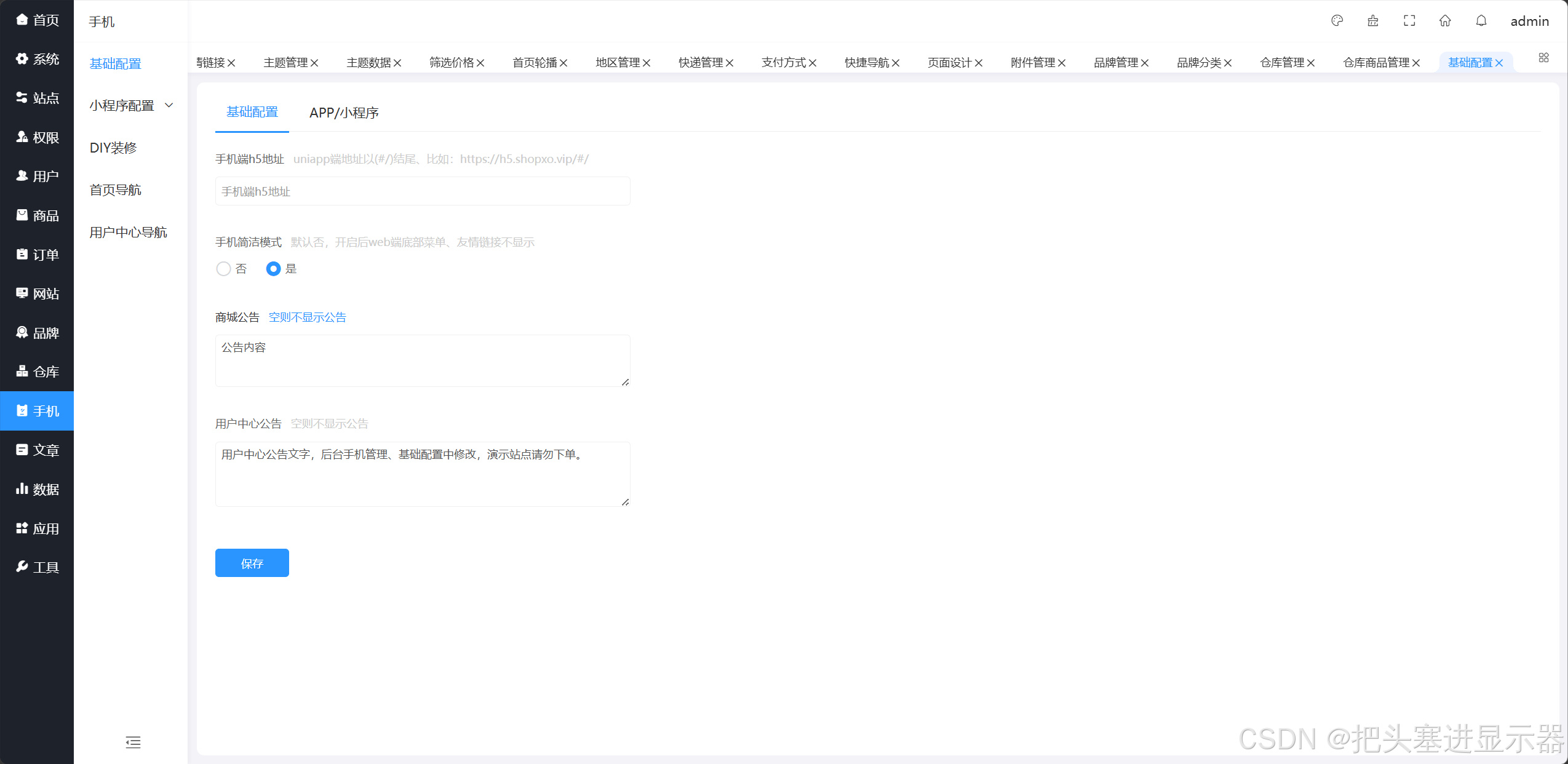
测试场景十五:手机功能正常
预期结果:手机功能正常
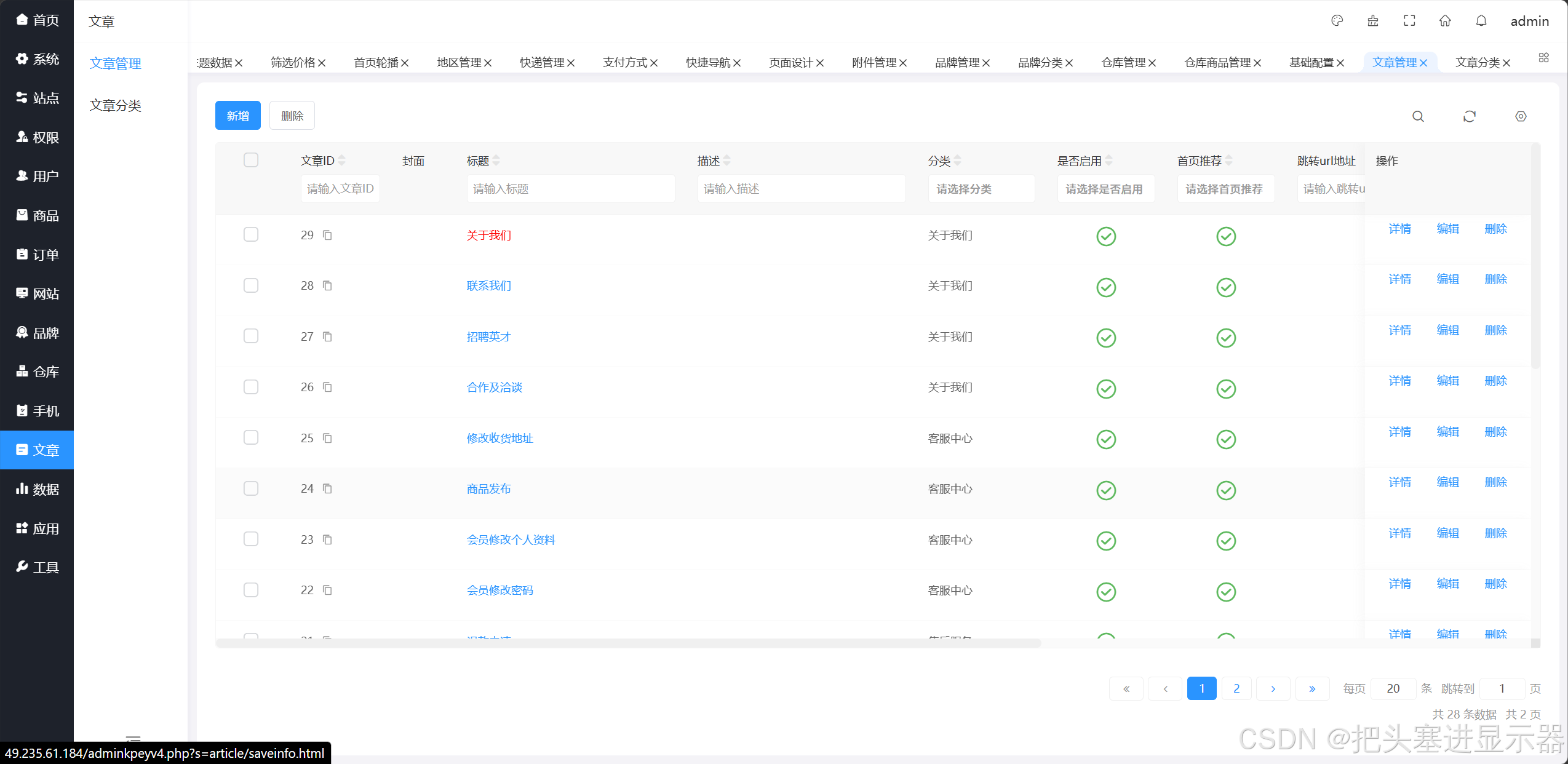
测试场景十六:文章功能正常
预期结果:文章功能正常
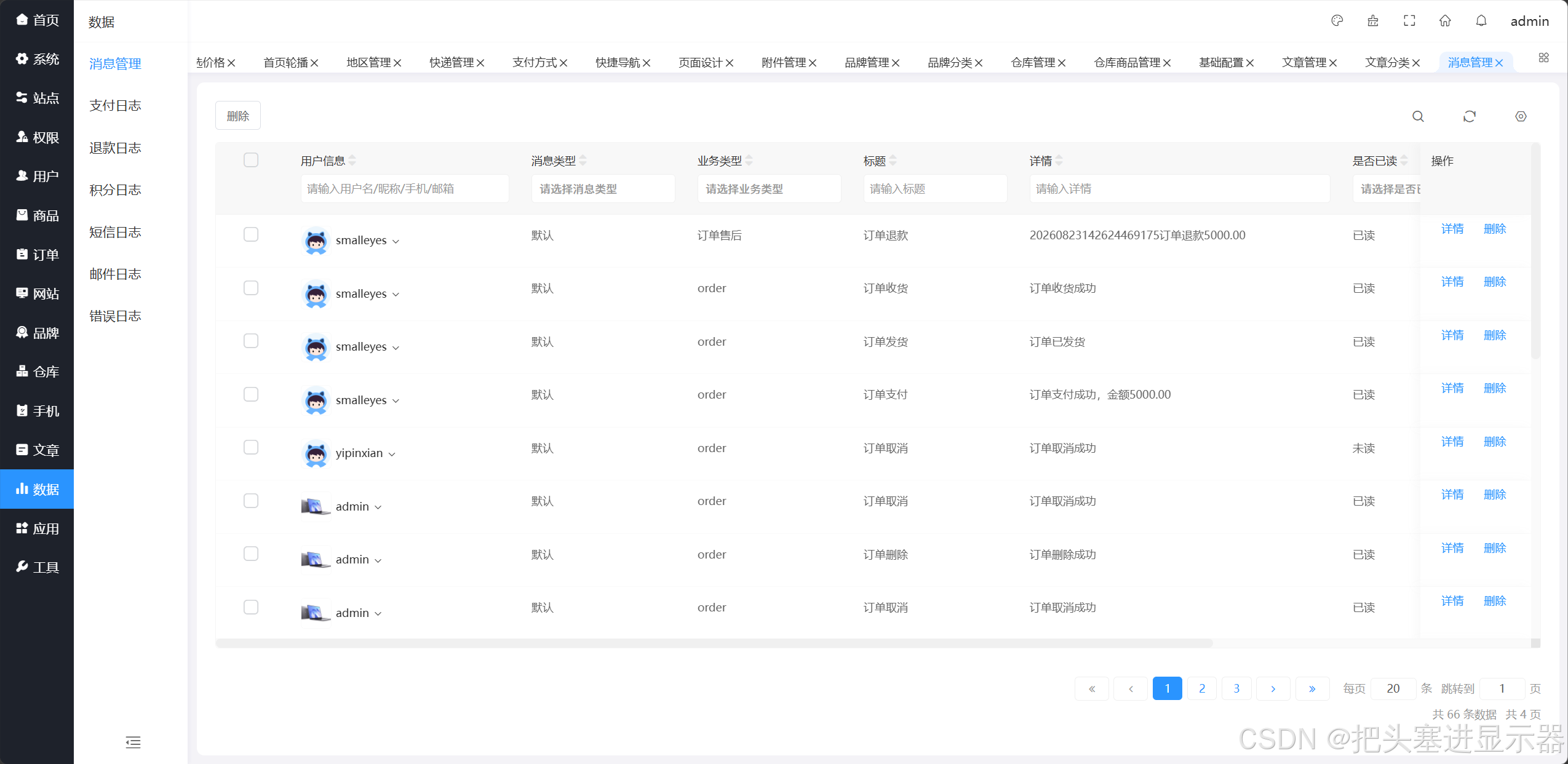
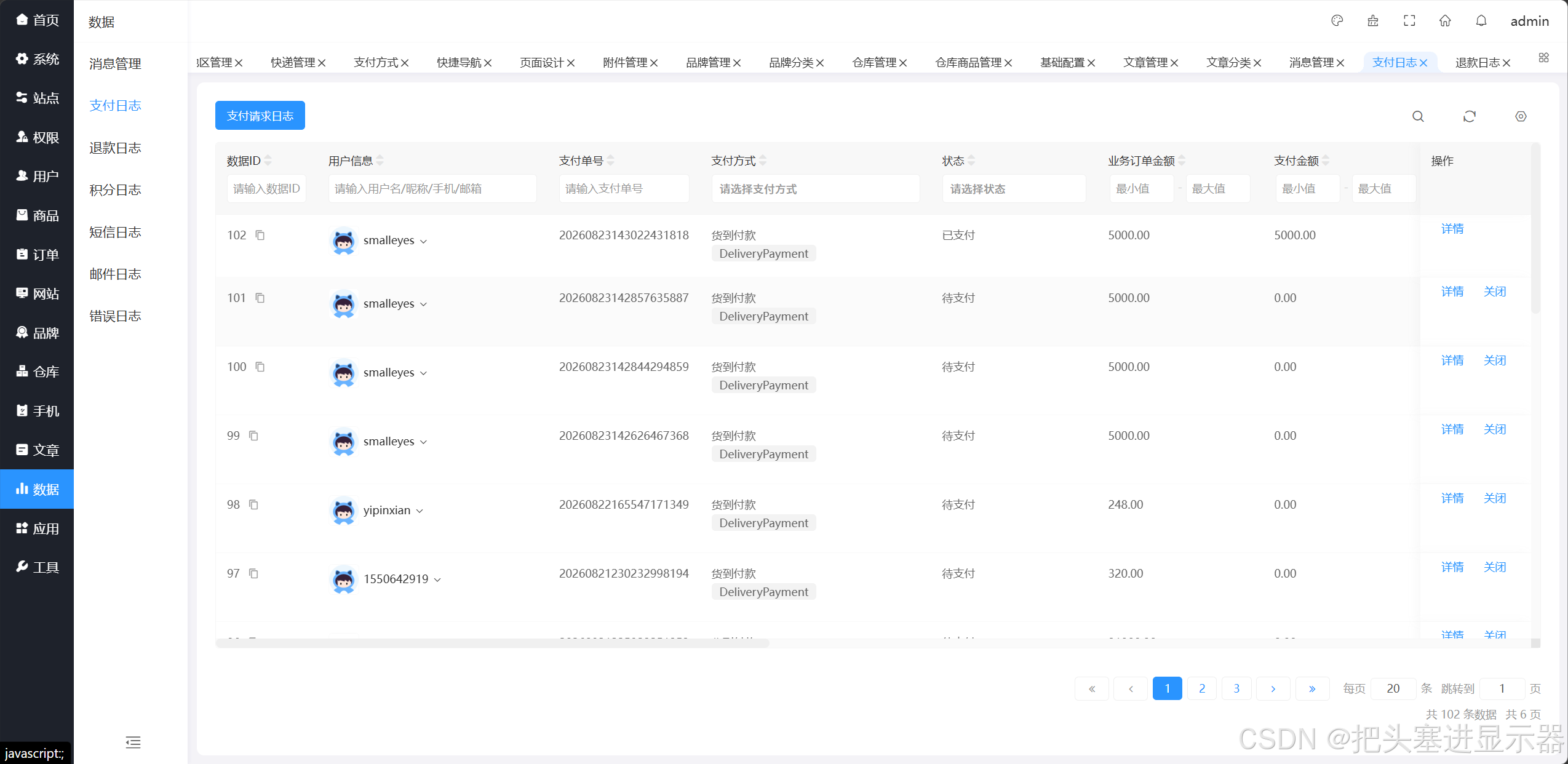
测试场景十七:数据功能正常
预期结果:数据功能正常
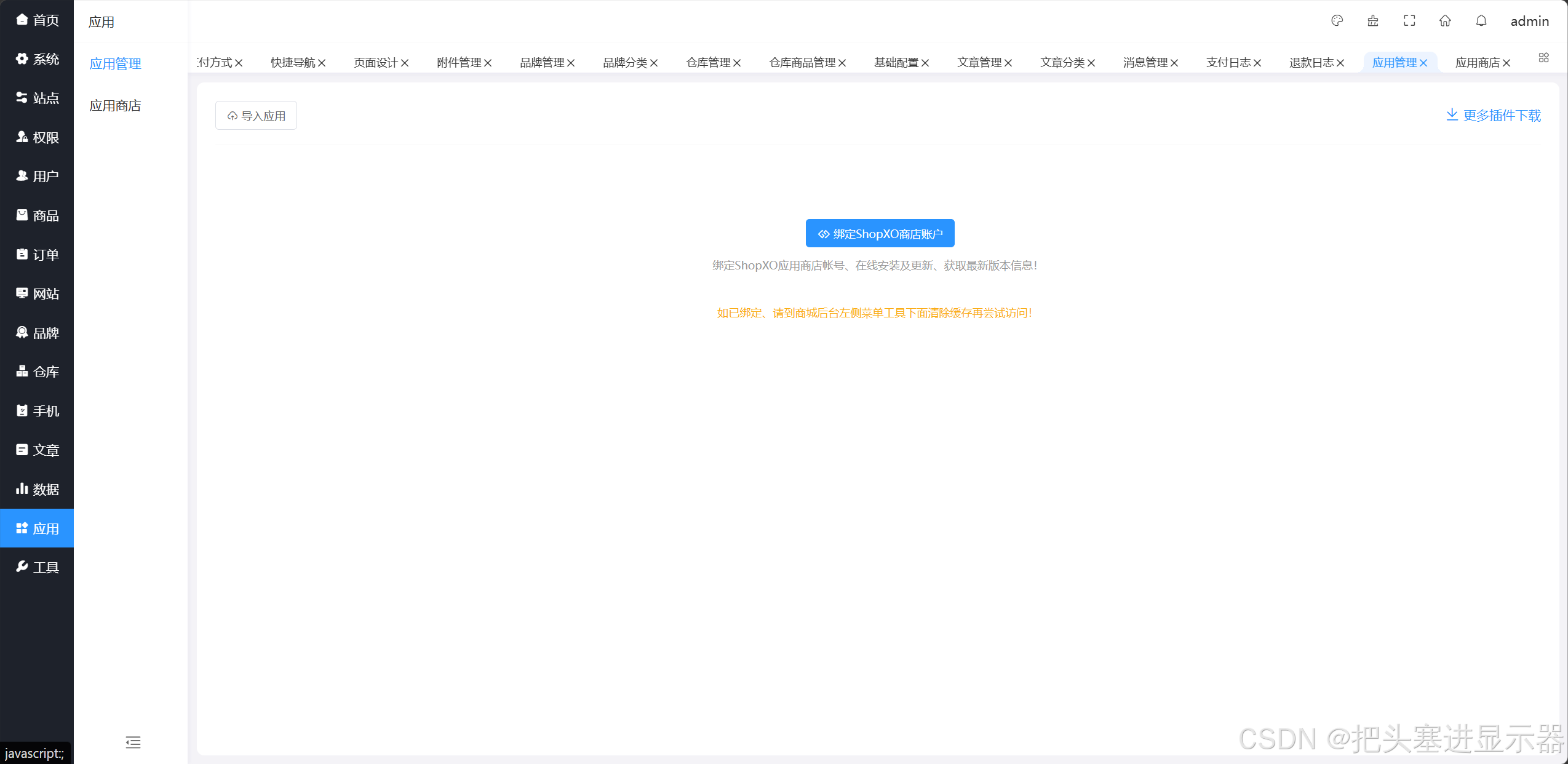
测试场景十八:应用功能正常
预期结果:应用功能正常
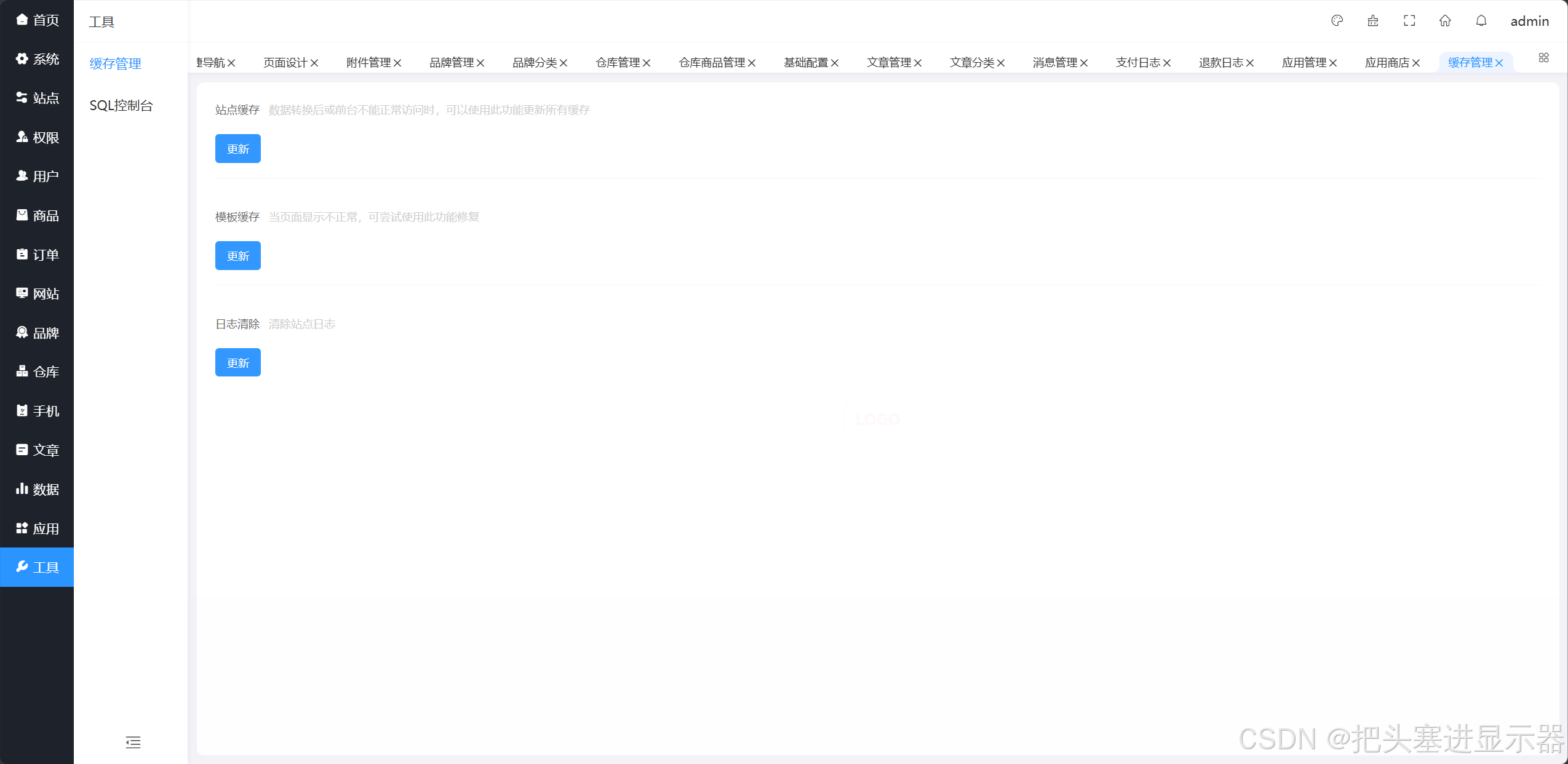
测试场景十九:工具功能正常
预期结果:工具功能正常
四、兼容性测试
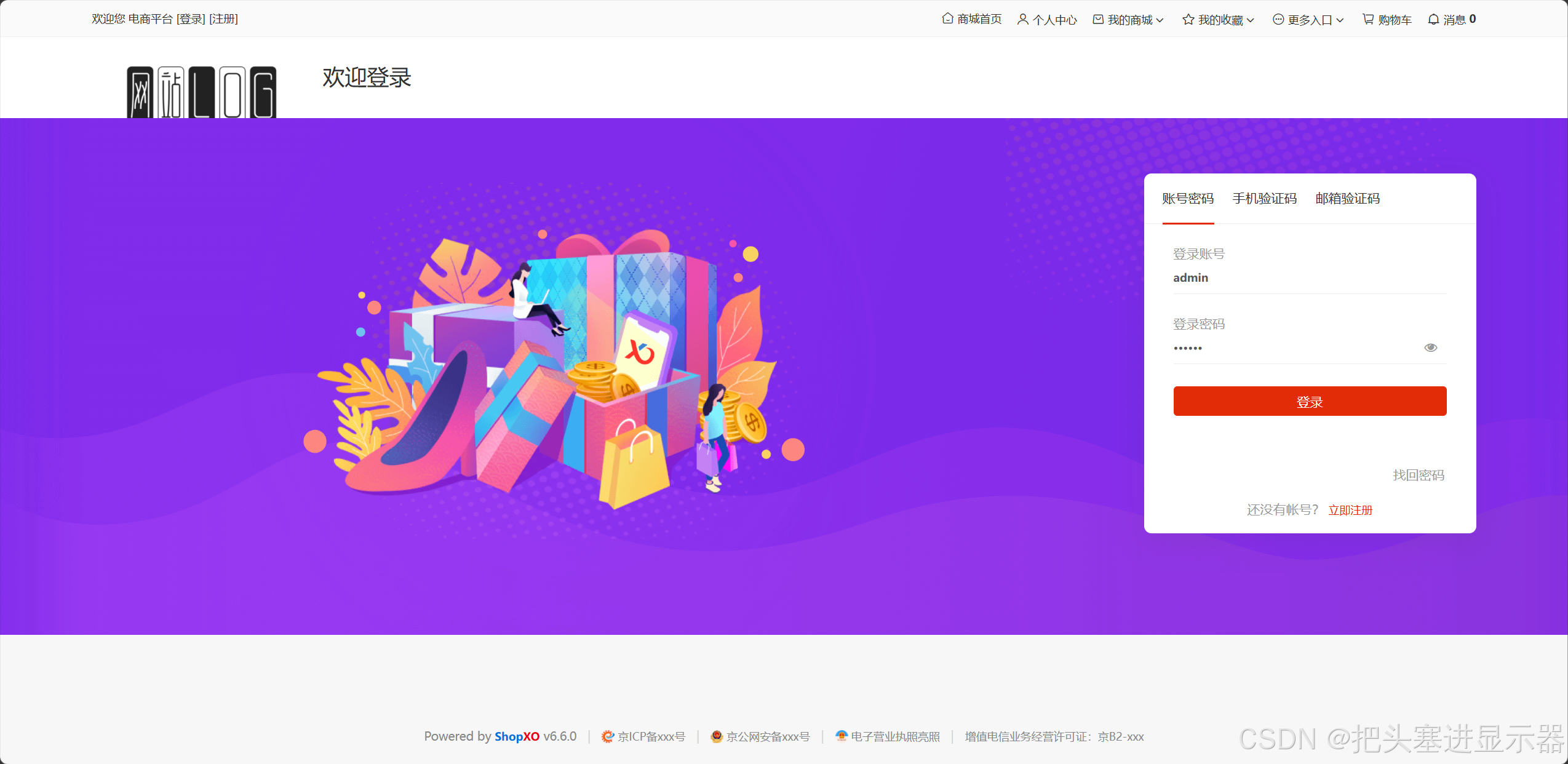
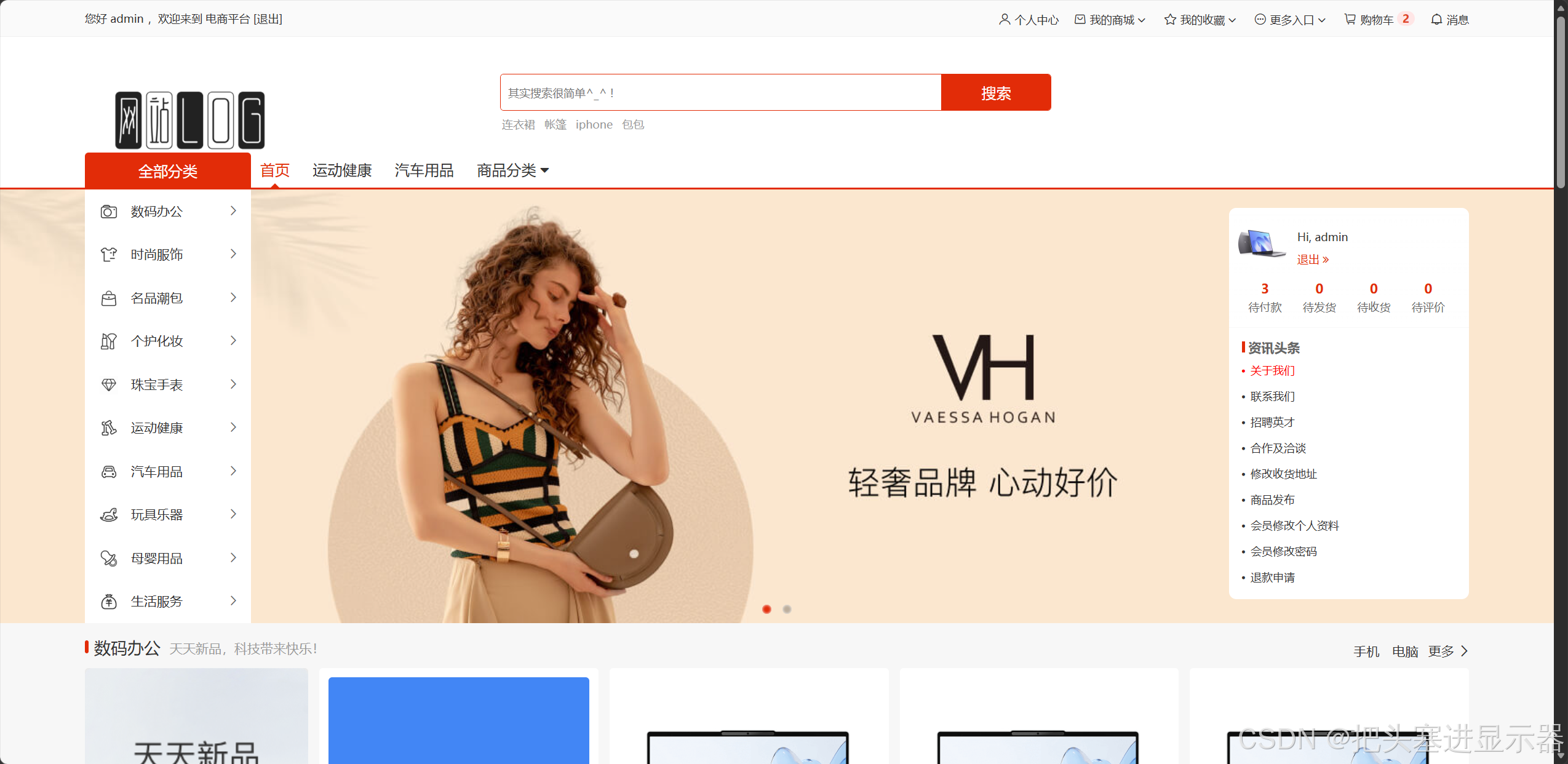
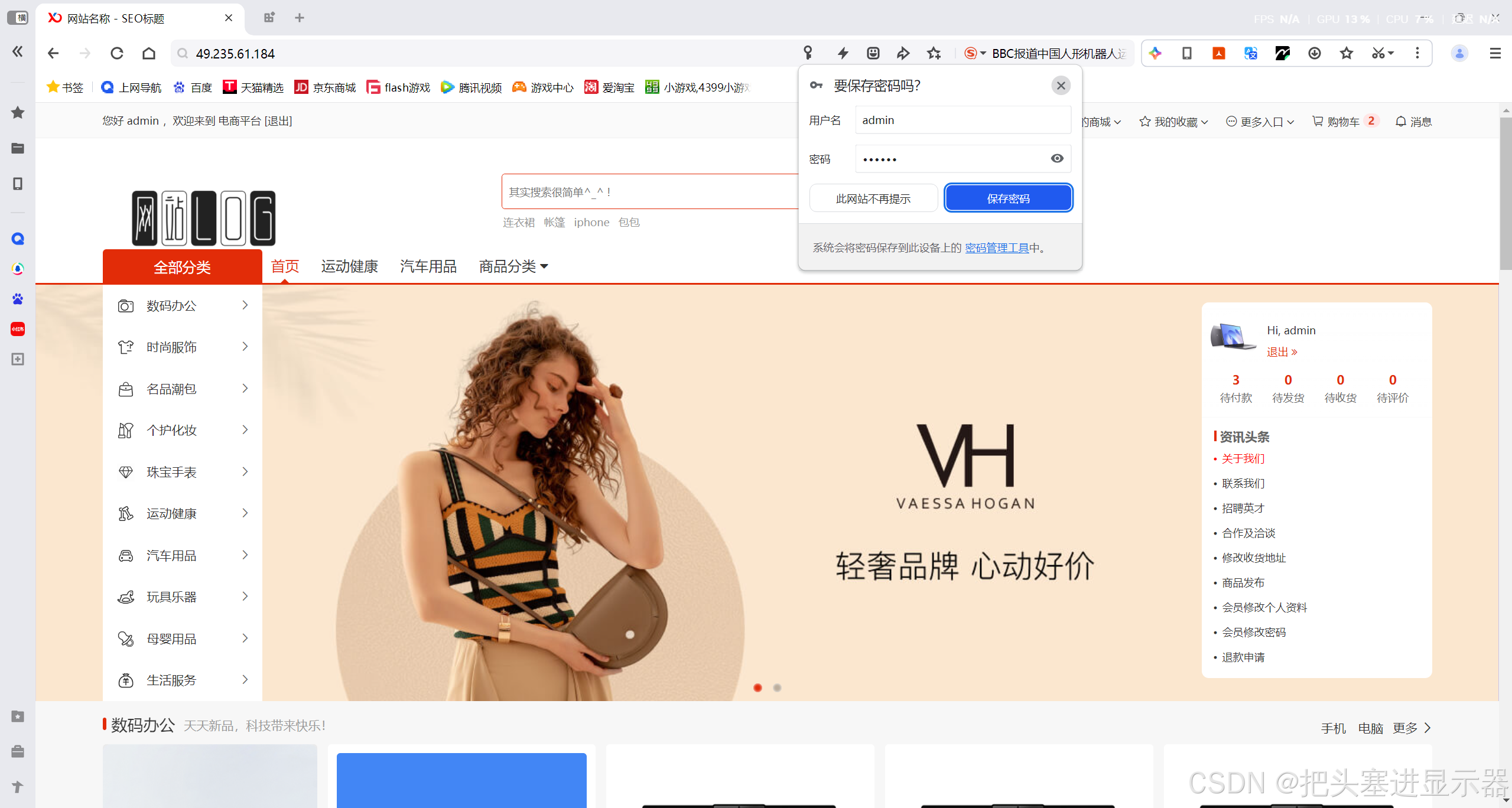
测试场景一:在Chrome浏览器下进入电商平台
预期结果:无异常且一切布局显示功能等与其一致
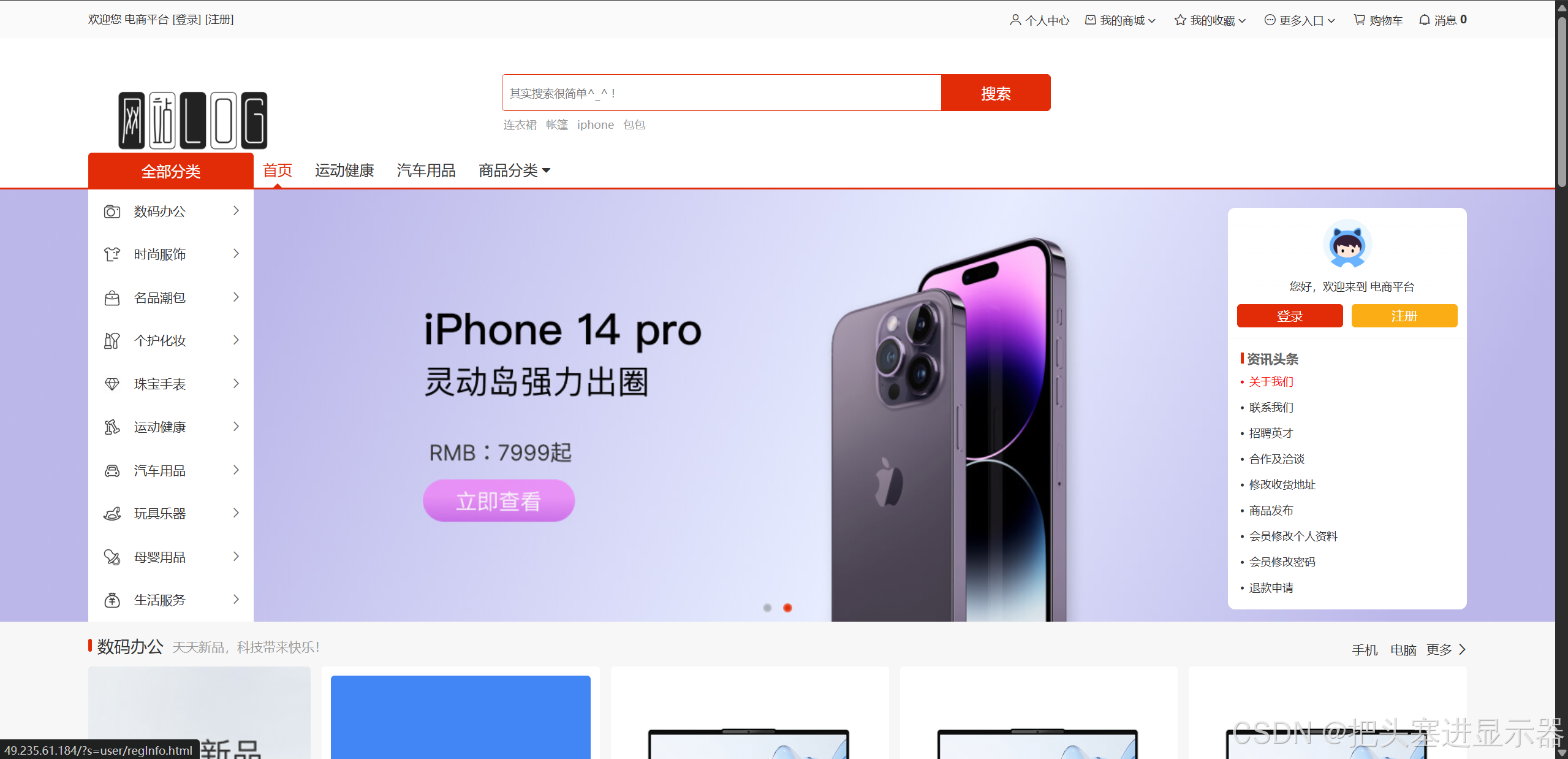
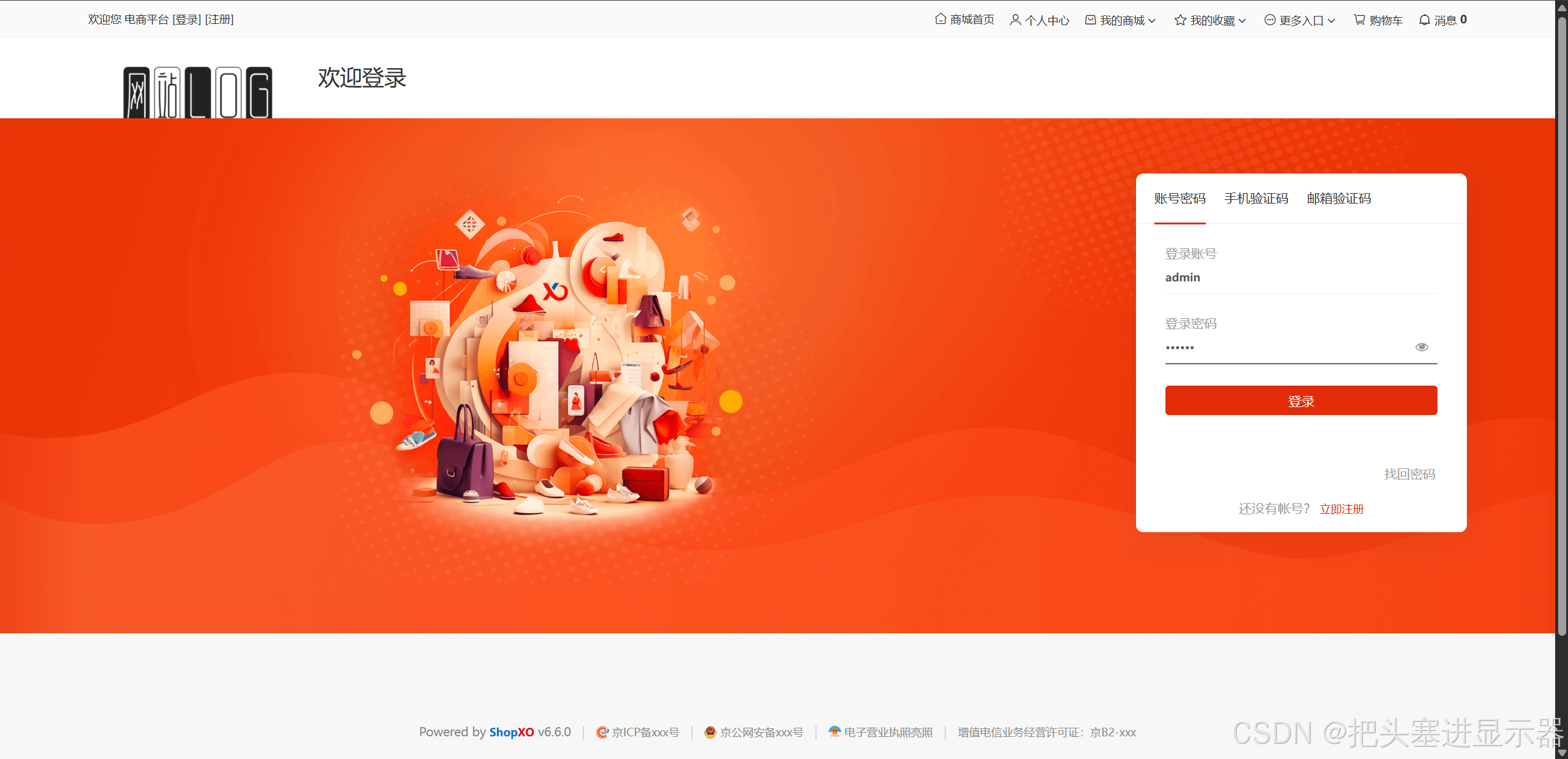
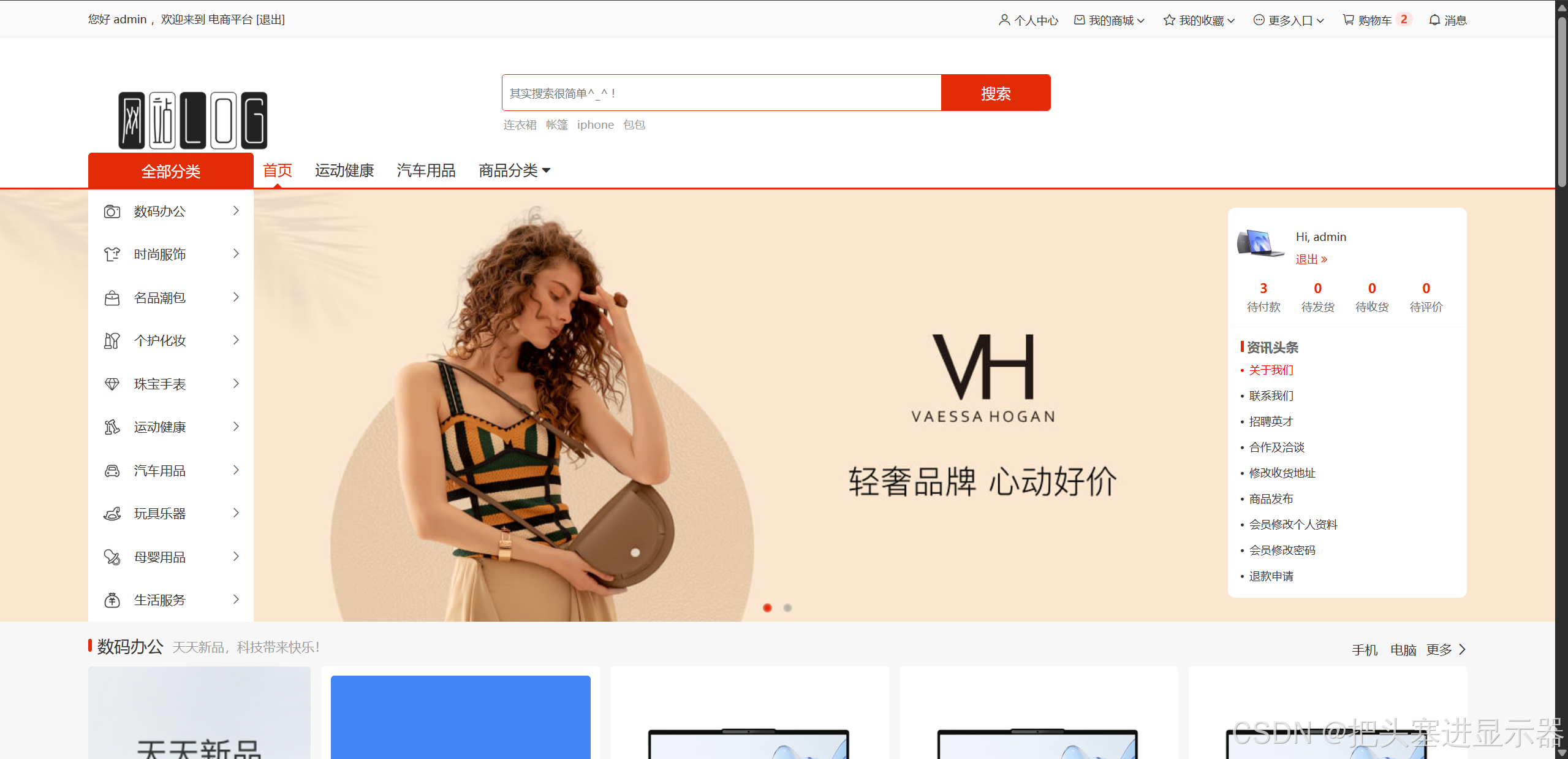
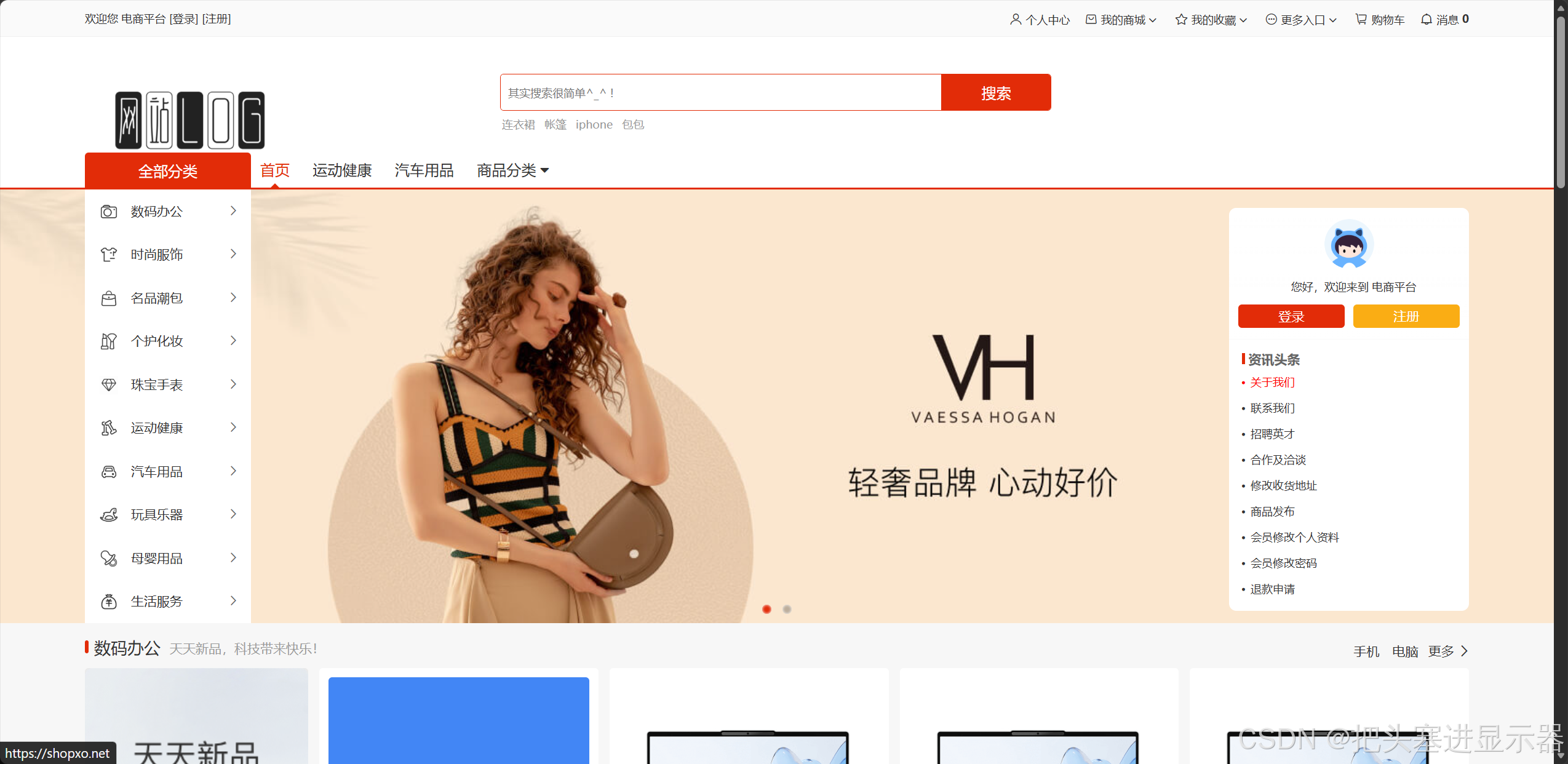
测试场景二:在Edge浏览器下进入电商平台
预期结果:无异常且一切布局显示功能等与其一致
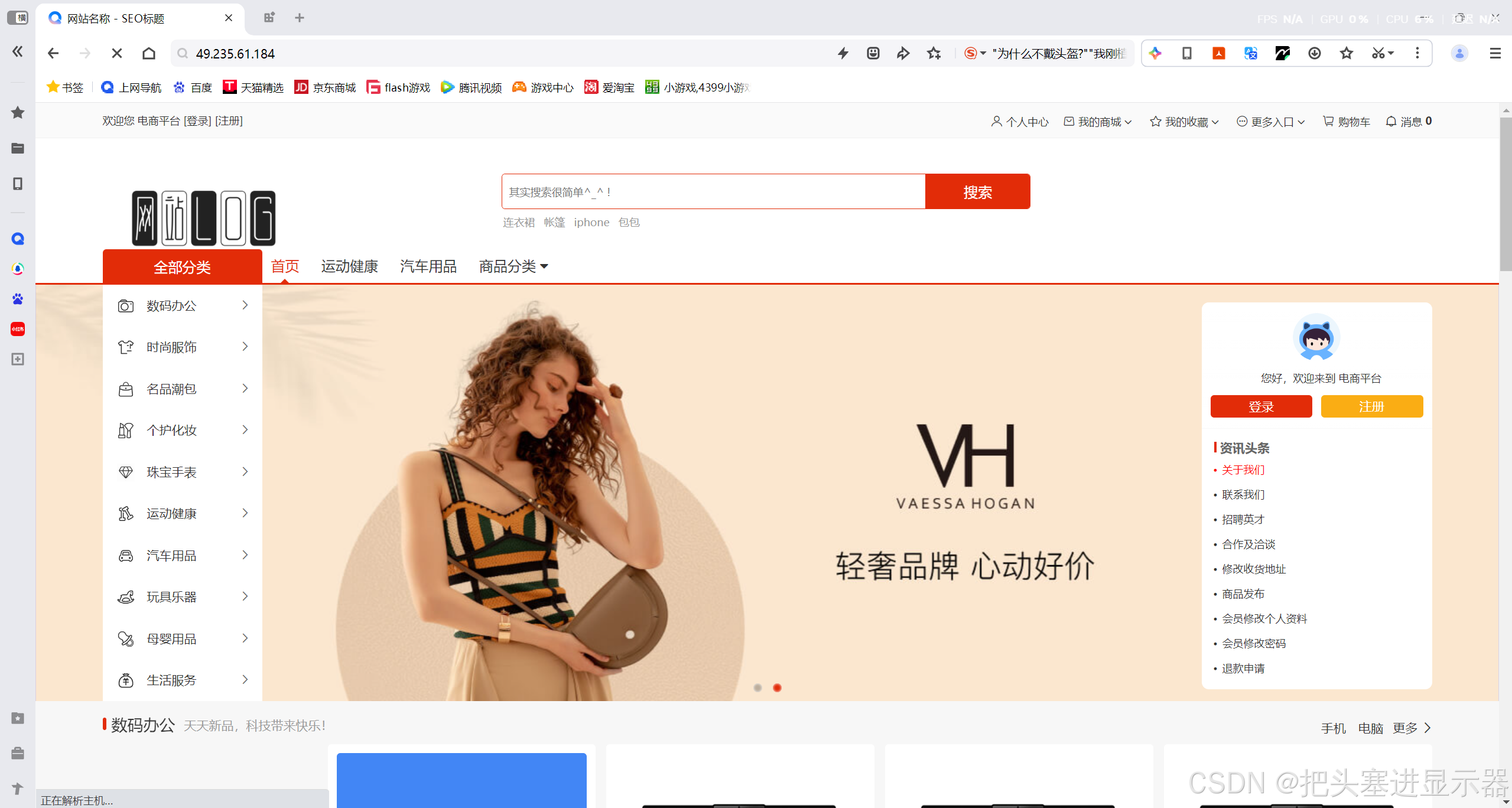
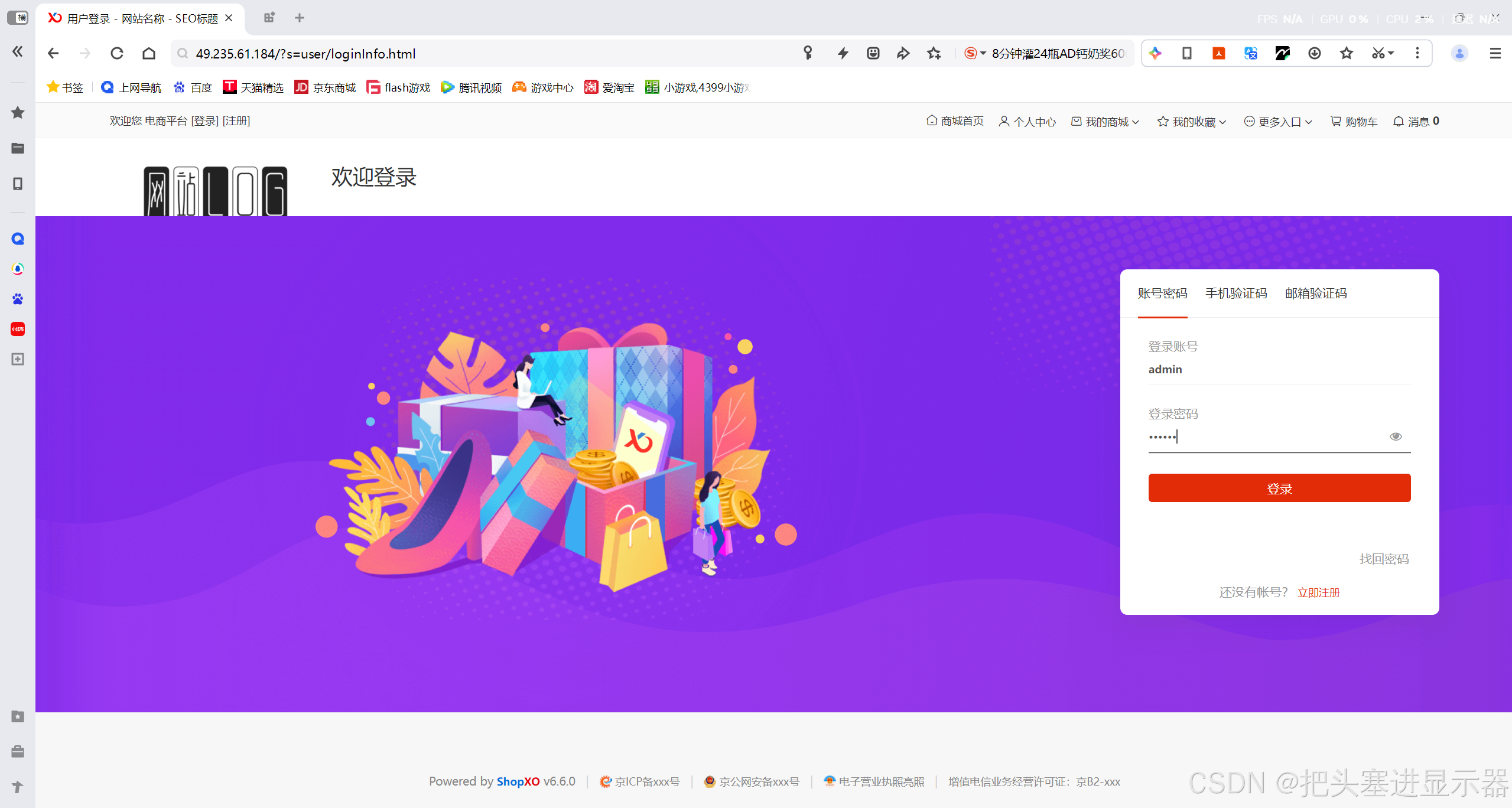
测试场景三:在QQ浏览器下进入电商平台
预期结果:无异常且一切布局显示功能等与其一致
五、自动化测试
WEB自动化
自动化测试项目代码文件结构:
MallPlatformTest/
├── .venv                     #虚拟环境
├── common
│   ├── __init__.py
│   └── Utils.py              #封装驱动、截图、工具函数
├── image                     #截图存放
│   └── 2026‑08‑28            #按日期生成截图文件夹
├── tests
│   ├── __init__.py
│   ├── BG_LoginTest.py       #后台登录用例
│   ├── BG_ManageTest.py      #后台管理用例
│   ├── MP_LoginTest.py       #商城端登录
│   ├── MP_PCenterTest.py     #商城个人中心
│   ├── MP_ShopfunTest.py     #商城功能
│   ├── MP_ShopHomeTest.py    #商城首页
│   └── RunTest.py            #总执行入口
1、驱动类(Utils.py)
python
#创建一个浏览器对象
import datetime
import os
import sys
from selenium import webdriver
from selenium.webdriver import ActionChains, Keys
from selenium.webdriver.chrome.service import Service
from webdriver_manager.chrome import ChromeDriverManager

class Driver:
    driver=""
    def __init__(self):
        options = webdriver.ChromeOptions()
        self.driver = webdriver.Chrome(service=Service(ChromeDriverManager().install()), options=options)
        self.driver.implicitly_wait(3)
    def getScreenshot(self):
        dirname = datetime.datetime.now().strftime("%Y-%m-%d")
        if not os.path.exists("../image/" + dirname):
            os.mkdir("../image/" + dirname)
        filename = sys._getframe().f_back.f_code.co_name+"-"+datetime.datetime.now().strftime("%Y-%m-%d-%H%M%S")+".png"
        self.driver.save_screenshot("../image/" + dirname+"/"+filename)

    def clear(self,element):
        actions = ActionChains(self.driver)
        actions.click(element)  # 点击元素
        actions.key_down(Keys.CONTROL).send_keys("a").key_up(Keys.CONTROL)  # Ctrl+A
        actions.send_keys(Keys.DELETE)  # 删除
        actions.perform()  # 执行所有动作
MP_Driver = Driver()
2、后台登录用例(BG_LoginTest.py)
python
import time

from selenium.webdriver.common.by import By
from common.Utils import MP_Driver

class BG_LoginTest:
    url=""
    driver=""
    def __init__(self):
        self.url = "http://49.235.61.184/adminkpeyv4.php?s=admin/logininfo.html"
        self.driver = MP_Driver.driver
        self.driver.get(self.url)

    def BGLoginTest(self):
        self.driver.find_element(By.CSS_SELECTOR, "input[name='accounts']").send_keys("admin")
        self.driver.find_element(By.CSS_SELECTOR, "input[name='pwd']").send_keys("bite123123")
        self.driver.find_element(By.XPATH, "//button[text()='登录']").click()
        time.sleep(2)
        self.driver.find_element(By.XPATH, "//li[@data-type='menu']")
3、后台管理用例(BG_ManageTest.py)
python
import time
import unittest
from selenium.webdriver.support.ui import WebDriverWait
from selenium.webdriver.support import expected_conditions as EC
from selenium.webdriver.common.by import By
from common.Utils import MP_Driver

class BG_ManageTest:
    url=""
    driver=""
    def __init__(self):
        self.url="http://49.235.61.184/adminkpeyv4.php?s=index/index.html"
        self.driver=MP_Driver.driver
        self.driver.get(self.url)

    def get_visible_menu(self, xpath):
        wait=WebDriverWait(self.driver,10)
        item_list = wait.until(EC.presence_of_all_elements_located((By.XPATH, xpath)))
        target = None
        for item in item_list:
            # is_displayed() selenium原生方法:返回True=页面上可见;False=隐藏DOM
            if item.is_displayed():
                target = item
                break
        return target

    def ManageTest(self):
        #系统
        self.driver.find_element(By.XPATH,"//a[@data-id='41']").click()

        #self.driver.find_element(By.XPATH,"//a[@data-parent-id='41']").click()
        wait=WebDriverWait(self.driver,10)
        time.sleep(2)
        #进入iframe
        frame_loc = (By.XPATH, '//iframe[contains(@src,"config/index.html")]')
        iframe = wait.until(EC.presence_of_element_located(frame_loc))
        self.driver.switch_to.frame(iframe)
        wait.until(EC.presence_of_element_located((By.XPATH, "//div[@class='nav-switch-btn']")))

        self.driver.find_element(By.XPATH,"//a[@data-key='base-config-title']").click()
        self.driver.find_element(By.XPATH,"//a[@data-key='admin-login']").click()
        self.driver.find_element(By.XPATH,"//a[@data-key='goods']").click()
        self.driver.find_element(By.XPATH,"//a[@data-key='map']").click()
        self.driver.find_element(By.XPATH,"//a[@data-key='extend']").click()
        self.driver.find_element(By.XPATH,"//a[@data-key='safety']").click()
        self.driver.switch_to.default_content()

        time.sleep(2)
        #js点击
        loc = (By.XPATH, "//ul[@id='power-menu-41']//a[@data-parent-id='41']")
        ele = wait.until(EC.presence_of_element_located(loc))
        self.driver.execute_script("arguments[0].click();", ele)

        #menu_xpath = "//ul[@id='power-menu-41']//a[@data-parent-id='41']"
        #menu_ele = wait.until(EC.presence_of_element_located((By.XPATH, menu_xpath)))
        #self.driver.execute_script("arguments[0].click();", menu_ele)


        #站点

        self.driver.find_element(By.XPATH,"//a[@data-id='81']").click()

        wait = WebDriverWait(self.driver, 10)
        frame_loc = (By.XPATH, '//iframe[contains(@src,"site/index/nav_type/base.html")]')
        iframe = wait.until(EC.presence_of_element_located(frame_loc))
        self.driver.switch_to.frame(iframe)

        self.driver.find_element(By.XPATH,"//a[@data-key='site-base']").click()
        self.driver.find_element(By.XPATH,"//a[@data-key='site-status']").click()
        self.driver.find_element(By.XPATH,"//a[@data-key='site-domain']").click()
        self.driver.find_element(By.XPATH,"//a[@data-key='site-filing']").click()
        self.driver.find_element(By.XPATH,"//a[@data-key='site-other']").click()

        #self.driver.switch_to.default_content()
        self.driver.switch_to.parent_frame()
        time.sleep(2)

        #self.get_visible_menu(self.driver,"//a[@data-key='103siteset']").click()
        menu2= self.get_visible_menu("//a[@data-key='103siteset']")
        menu2.click()
       # self.driver.find_element(By.XPATH,"//a[@data-key='103siteset']").click()
        #item_list = self.driver.find_elements(By.XPATH, )
        #target = None
        #for item in item_list:
            # is_displayed() selenium原生方法:返回True=页面上可见;False=隐藏DOM
            #if item.is_displayed():
                #target = item
                #break
        #target.click()

        frame_loc = (By.XPATH, '//iframe[contains(@src,"site/index/nav_type/siteset.html")]')
        iframe = wait.until(EC.presence_of_element_located(frame_loc))
        self.driver.switch_to.frame(iframe)
        self.driver.find_element(By.XPATH,"//li[@data-type='index']").click()
        self.driver.find_element(By.XPATH,"//li[@data-type='search']").click()
        self.driver.find_element(By.XPATH,"//li[@data-type='order']").click()
        self.driver.find_element(By.XPATH,"//li[@data-type='goods']").click()
        self.driver.find_element(By.XPATH,"//li[@data-type='cart']").click()
        self.driver.find_element(By.XPATH,"//li[@data-type='extends']").click()
        self.driver.switch_to.parent_frame()

        #in_iframe = self.driver.execute_script("return window.frameElement;")
        #print(f"是否还在iframe: {in_iframe is not None}")
        #item_list = self.driver.find_elements(By.XPATH, "//a[contains(@data-url,'sitetype')]")
        #target = None
        #for item in item_list:
            # is_displayed() selenium原生方法:返回True=页面上可见;False=隐藏DOM
            #if item.is_displayed():
                #target = item
                #break
        #target.click()
        #self.driver.find_element(By.XPATH,"//a[contains(@data-url,'sitetype')]").click()
        #menu3 = self.get_visible_menu("//a[contains(@data-url,'sitetype')]")
        #menu3.click()
        menu4 = self.get_visible_menu("//a[contains(@data-url,'register')]")
        menu4.click()
        #self.driver.find_element(By.XPATH,"//a[contains(@data-url,'register')]").click()
        #self.driver.find_element(By.XPATH,"//a[contains(@data-url,'login')]").click()
        menu5 = self.get_visible_menu("//a[contains(@data-url,'login')]")
        menu5.click()

        frame_loc = (By.XPATH, '//iframe[contains(@src,"site/index/nav_type/login.html")]')
        iframe = wait.until(EC.presence_of_element_located(frame_loc))
        self.driver.switch_to.frame(iframe)
        self.driver.find_element(By.XPATH,"//a[@data-key='images-title']").click()
        self.driver.switch_to.parent_frame()
        #self.driver.find_element(By.XPATH,"//a[contains(@data-url,'forgetpwd')]").click()
        menu6 = self.get_visible_menu("//a[contains(@data-url,'forgetpwd')]")
        menu6.click()
        #self.driver.find_element(By.XPATH,"//a[contains(@data-url,'verify')]").click()
        menu7 = self.get_visible_menu("//a[contains(@data-url,'verify')]")
        menu7.click()
        #self.driver.find_element(By.XPATH,"//a[contains(@data-url,'orderaftersale')]").click()
        menu8 = self.get_visible_menu("//a[contains(@data-url,'orderaftersale')]")
        menu8.click()
        #self.driver.find_element(By.XPATH,"//a[contains(@data-url,'attachment')]").click()
        menu9 = self.get_visible_menu("//a[contains(@data-url,'attachment')]")
        menu9.click()
        #self.driver.find_element(By.XPATH,"//a[contains(@data-url,'cache')]").click()
        menu10 = self.get_visible_menu("//a[contains(@data-url,'cache')]")
        menu10.click()
        #self.driver.find_element(By.XPATH,"//a[contains(@data-url,'extends')]").click()
        menu11 = self.get_visible_menu("//a[contains(@data-url,'extends')]")
        menu11.click()
        #self.driver.find_element(By.XPATH,"//a[contains(@data-url,'')]").click()
        menu12 = self.get_visible_menu("//a[contains(@data-url,'')]")
        menu12.click()
        self.driver.find_element(By.XPATH,"//a[contains(@data-url,'sms/index.html')]")
        self.driver.find_element(By.XPATH,"//a[contains(@data-url,'email/index.html')]")
        self.driver.find_element(By.XPATH,"//a[contains(@data-url,'seo/index.html')]")
        self.driver.find_element(By.XPATH,"//a[contains(@data-url,'agreement/index.html')]")

        #权限
        self.driver.find_element(By.XPATH,"//a[@data-id='1']").click()
        frame_loc=(By.XPATH,"//iframe[contains(@src,'admin/index.html')]")
        iframe = wait.until(EC.presence_of_element_located(frame_loc))
        self.driver.switch_to.frame(iframe)
        self.driver.find_element(By.XPATH,"//a[contains(@href,'admin/saveinfo.html')]")
        self.driver.find_element(By.XPATH,"//span[normalize-space()='导出Excel']/ancestor::button")
        self.driver.find_element(By.XPATH,"//button[contains(@data-url,'admin/delete.html')]")
        self.driver.switch_to.default_content()
        menu13=self.get_visible_menu("//a[contains(@data-url,'role/index.html')]")
        menu13.click()
        #self.driver.find_element(By.XPATH,"//a[contains(@data-url,'role/index.html')]").click()
        frame_loc=(By.XPATH,"//iframe[contains(@src,'role/index.html')]")
        iframe=wait.until(EC.presence_of_element_located(frame_loc))
        self.driver.switch_to.frame(iframe)
        self.driver.find_element(By.XPATH,"//a[contains(@href,'role/saveinfo.html')]")
        self.driver.find_element(By.XPATH,"//button[contains(@data-url,'role/delete.html')]")
        self.driver.switch_to.default_content()
        menu14=self.get_visible_menu("//a[contains(@data-url,'power/index.html')]")
        menu14.click()
        #self.driver.find_element(By.XPATH,"//a[contains(@data-url,'power/index.html')]").click()

        #用户
        self.driver.find_element(By.XPATH,"//a[@data-id='126']").click()
        #商品
        self.driver.find_element(By.XPATH,"//a[@data-id='38']").click()
        #订单
        self.driver.find_element(By.XPATH,"//a[@data-id='177']").click()
        #网站
        self.driver.find_element(By.XPATH,"//a[@data-id='222']").click()
        #品牌
        self.driver.find_element(By.XPATH,"//a[@data-id='252']").click()
        #仓库
        self.driver.find_element(By.XPATH,"//a[@data-id='438']").click()
        #手机
        self.driver.find_element(By.XPATH,"//a[@data-id='319']").click()
        #数据
        self.driver.find_element(By.XPATH,"//a[@data-id='204']").click()
        #应用
        self.driver.find_element(By.XPATH,"//a[@data-id='182']").click()
        #工具
        self.driver.find_element(By.XPATH,"//a[@data-id='340']").click()


       # self.driver.find_element(By.XPATH,"").click()
       # self.driver.find_element(By.XPATH,"").click()
       # self.driver.find_element(By.CSS_SELECTOR,"").click()
       # self.driver.find_element(By.CSS_SELECTOR,"").click()
       # self.driver.find_element(By.CSS_SELECTOR,"").click()
4、商城端登录(MP_LoginTest.py)
python
import time


from selenium.webdriver.common.by import By
from common.Utils import MP_Driver

class MP_LoginTest:
    url=""
    driver=""
    def __init__(self):
        self.url = "http://49.235.61.184/?s=user/logininfo.html"
        self.driver = MP_Driver.driver
        self.driver.get(self.url)

    #登录成功的测试案例
    def LoginSuccessTest(self):
        MP_Driver.clear(self.driver.find_element(By.CSS_SELECTOR,"input[name='accounts']"))
        MP_Driver.clear(self.driver.find_element(By.CSS_SELECTOR,"input[name='pwd']"))

        self.driver.find_element(By.CSS_SELECTOR,"input[name='accounts']").send_keys("admin")
        self.driver.find_element(By.CSS_SELECTOR,"input[name='pwd']").send_keys("123456")
        self.driver.find_element(By.CSS_SELECTOR,"button[type='submit']").click()
        time.sleep(2)
        self.driver.find_element(By.CSS_SELECTOR,"div[class='user-name']")
        MP_Driver.getScreenshot()


#login = MP_LoginTest()
#login.LoginSuccessTest()
5、商城个人中心(MP_PCenterTest.py)
python
import time
import unittest

from selenium.webdriver.common.by import By
from common.Utils import MP_Driver

class MP_PCenterTest:
    url=""
    driver=""
    def __init__(self):
        self.url = "http://49.235.61.184/?s=user/index.html"
        self.driver = MP_Driver.driver
        self.driver.get(self.url)

#个人中心测试用例
    def Personal_CenterTest(self):

        self.driver.find_element(By.CSS_SELECTOR,"a[class='am-fr am-text-grey']").click()
        self.driver.find_element(By.CSS_SELECTOR,"i[class='am-icon-eye']")
        self.driver.find_element(By.CSS_SELECTOR,"i[class='am-icon-paypal']")
        self.driver.find_element(By.CSS_SELECTOR,"i[class='am-icon-paint-brush']")

        self.driver.find_element(By.XPATH,"//button[contains(@data-url,'order/pay.html')]").click()
        time.sleep(1)
        self.driver.find_element(By.XPATH,"//a[contains(@href,'orderaftersale')]").click()
        time.sleep(1)
        self.driver.find_element(By.XPATH,"//ul[@id='collapse-nav-business']//a[contains(@href,'usergoodsfavor')]").click()
        self.driver.find_element(By.XPATH,"//button[contains(@data-url,'usergoodsfavor/delete.html')]").click()
        self.driver.find_element(By.XPATH,"//button[contains(@data-url,'usergoodsfavor/detail/id/1869.html')]")
        self.driver.find_element(By.XPATH,"//button[contains(@data-url,'usergoodsfavor/delete.html')]")
        time.sleep(1)
        self.driver.find_element(By.XPATH,"//a[contains(@href,'usergoodscomments')]").click()
        self.driver.find_element(By.XPATH,"//button[contains(@data-url,'usergoodscomments/delete.html')]").click()
        time.sleep(1)

        self.driver.find_element(By.XPATH,"//a[contains(@href,'userintegral')]").click()
        time.sleep(1)

        self.driver.find_element(By.XPATH,"//a[contains(@href,'personal')]").click()
        self.driver.find_element(By.XPATH,"//a[contains(@href,'personal/saveinfo.html')]")
        self.driver.find_element(By.XPATH,"//a[contains(@data-am-modal,'user-avatar-popup')]")
        self.driver.find_element(By.XPATH,"//span[@class='span-edit']//a[contains(@href,'safety/emailinfo.html')]")
        self.driver.find_element(By.XPATH,"//span[@class='span-edit']//a[contains(@href,'safety/mobileinfo.html')]")
        time.sleep(1)
        self.driver.find_element(By.XPATH,"//a[contains(@href,'useraddress')]").click()
        self.driver.find_element(By.XPATH,"//button[contains(@data-url,'useraddress/saveinfo.html')]")
        self.driver.find_element(By.XPATH,"//a[contains(@data-url,'useraddress/setdefault.html')]")
        self.driver.find_element(By.XPATH,"//a[contains(@data-url,'useraddress/saveinfo/id/441.html')]")
        self.driver.find_element(By.XPATH,"//a[contains(@data-url,'useraddress/delete.html')]")
        time.sleep(1)
        self.driver.find_element(By.XPATH,"//a[contains(@href,'safety')]").click()
        self.driver.find_element(By.XPATH,"//a[contains(@href,'safety/loginpwdinfo.html')]")
        self.driver.find_element(By.XPATH,"//a[contains(@href,'safety/mobileinfo.html')]")
        self.driver.find_element(By.XPATH,"//a[contains(@href,'safety/emailinfo.html')]")
        self.driver.find_element(By.XPATH,"//a[contains(@href,'safety/logoutinfo.html')]")
        time.sleep(1)
        self.driver.find_element(By.XPATH,"//a[contains(@href,'message')]").click()
        self.driver.find_element(By.XPATH,"//button[contains(@data-url,'message/detail/id/61.html')]")
        time.sleep(1)
        self.driver.find_element(By.XPATH,"//a[contains(@href,'usergoodsbrowse')]").click()
        self.driver.find_element(By.XPATH,"//button[contains(@data-url,'usergoodsbrowse/delete.html')]")
        self.driver.find_element(By.XPATH,"//button[contains(@data-url,'usergoodsbrowse/detail/id/623.html')]")
        self.driver.find_element(By.XPATH,"//button[contains(@data-url,'usergoodsbrowse/delete.html')]")
        time.sleep(1)

        self.driver.find_element(By.XPATH,"//a[contains(@href,'user')]").click()


#PCenter = MP_PCenterTest()
#.Personal_CenterTest()

        #self.driver.find_element(By.CSS_SELECTOR,"").click()
        #self.driver.find_element(By.CSS_SELECTOR,"").click()
       # self.driver.find_element(By.CSS_SELECTOR,"").click()
        #self.driver.find_element(By.CSS_SELECTOR,"").click()
        #self.driver.find_element(By.CSS_SELECTOR,"").click()
6、商城功能(MP_ShopfunTest.py)
python
import time
from time import sleep

from selenium.webdriver.common.by import By
from common.Utils import MP_Driver

class MP_ShopfunTest:
    url=""
    driver=""
    def __init__(self):
        self.url = "http://49.235.61.184/?s=search/index/cid/1.html"
        self.driver = MP_Driver.driver
        self.driver.get(self.url)

    def Shopfunction(self):
        self.driver.find_element(By.XPATH,"//a[contains(@href,'goods/index/id/3.html')]").click()
        self.driver.switch_to.window(self.driver.window_handles[-1])
        time.sleep(1)
        self.driver.find_element(By.XPATH,"//button[@data-type='buy']").click()
        self.driver.find_element(By.XPATH,"//span[text()='货到付款']").click()
        self.driver.find_element(By.XPATH,"//span[text()='提交订单']").click()
        self.driver.find_element(By.XPATH,"//span[text()='提交成功、请尽快联系管理员确认支付信息']")


    def Shoppingcart(self):
        self.driver.find_element(By.XPATH,"//a[contains(@href,'goods/index/id/3.html')]").click()
        self.driver.switch_to.window(self.driver.window_handles[-1])
        time.sleep(1)
        self.driver.find_element(By.XPATH,"//button[@data-type='cart']").click()
        self.driver.find_element(By.XPATH,"//button[text()='继续购物']").click()
        self.driver.find_element(By.XPATH,"//button[@data-type='cart']").click()
        self.driver.find_element(By.XPATH,"//a[text()='去购物车结算']").click()
        time.sleep(2)
        self.driver.find_element(By.XPATH,"//button[text()='结算']")
        time.sleep(2)
7、商城首页(MP_ShopHomeTest.py)
python
import time

from selenium.webdriver.common.by import By
from common.Utils import  MP_Driver

class MP_ShopHomeTest:
    url=""
    driver=""
    def __init__(self):
        self.url="http://49.235.61.184/"
        self.driver=MP_Driver.driver
        self.driver.get(self.url)

#商城首页测试用例

    def ShopHomeTest(self):
        self.driver.find_element(By.XPATH,"//span[text()='数码办公']")
        self.driver.find_element(By.XPATH,"//span[text()='时尚服饰']")
        self.driver.find_element(By.XPATH,"//span[text()='名品潮包']")
        self.driver.find_element(By.XPATH,"//span[text()='个护化妆']")
        self.driver.find_element(By.XPATH,"//span[text()='珠宝手表']")
        self.driver.find_element(By.XPATH,"//span[text()='运动健康']")
        self.driver.find_element(By.XPATH,"//span[text()='汽车用品']")
        self.driver.find_element(By.XPATH,"//span[text()='玩具乐器']")
        self.driver.find_element(By.XPATH,"//span[text()='母婴用品']")
        self.driver.find_element(By.XPATH,"//span[text()='生活服务']")
        self.driver.find_element(By.XPATH,"//a[contains(@href,'49.235.61.184')]")
        self.driver.find_element(By.XPATH,"//a[contains(@href,'cid/53')]")
        self.driver.find_element(By.XPATH,"//a[contains(@href,'cid/54')]")
        self.driver.find_element(By.CSS_SELECTOR,"a[class='am-dropdown-toggle']")

        self.driver.find_element(By.CSS_SELECTOR,"div[class='top-nav-items top-nav-items-center']")
        self.driver.find_element(By.CSS_SELECTOR,"div[class='top-nav-items top-nav-items-myself']")
        self.driver.find_element(By.CSS_SELECTOR,"div[class='top-nav-items top-nav-items-favor']")
        self.driver.find_element(By.CSS_SELECTOR,"div[class='top-nav-items top-nav-items-quick']")
        self.driver.find_element(By.CSS_SELECTOR,"div[class='top-nav-items top-nav-items-cart']")
self.driver.find_element(By.CSS_SELECTOR,"div[class='top-nav-items top-nav-items-message']")8、总执行入口(RunTest.py)
python
from common.Utils import MP_Driver
from tests import MP_LoginTest
from tests import MP_PCenterTest
from tests import MP_ShopHomeTest
from tests import MP_ShopfunTest
from tests import BG_LoginTest
from tests import BG_ManageTest

if __name__ == "__main__":
    MP_LoginTest.MP_LoginTest().LoginSuccessTest()
    MP_PCenterTest.MP_PCenterTest().Personal_CenterTest()
    MP_ShopHomeTest.MP_ShopHomeTest().ShopHomeTest()
    MP_ShopfunTest.MP_ShopfunTest().Shopfunction()
    MP_ShopfunTest.MP_ShopfunTest().Shoppingcart()
    BG_LoginTest.BG_LoginTest().BGLoginTest()
    BG_ManageTest.BG_ManageTest().ManageTest()

    MP_Driver.driver.quit()
接口自动化
本次接口自动化基于Python+pytest+requests+YAML+Schema+Allure技术栈搭建,摒弃了传统单一工具报告的输出形式,通过自定义博客式报告完整记录技术落地细节、框架架构、测试成果,相较于工具自动生成的报告,更具备技术复盘价值、项目归档价值和学习沉淀价值。整套框架轻量化、易上手、易维护,完全适配中小型项目接口常态化回归测试。
MallPformTest目录结构图:
MallPformTest/
├── .venv                # Python虚拟环境,隔离项目依赖库
├── allure-results       # allure执行结果原始数据目录,用于生成可视化报告
├── cases                # 测试用例目录,存放pytest接口用例脚本
│   ├── __init__.py
│   ├── test_Add_mament.py    # 新增动态接口用例
│   ├── test_login.py         # 登录接口用例
│   ├── test_loginback.py     # 后台登录接口用例
│   ├── test_PCenter.py       # 个人中心接口用例
│   ├── test_ShopDelete.py    # 店铺删除接口用例
│   └── test_Shopfun.py       # 店铺功能接口用例
├── data                 # 测试数据目录
│   └── data.yaml        # yaml文件,存放接口请求参数、环境配置、预期数据
├── logs                 # 日志存放目录,记录接口请求、响应、异常日志
├── utils                # 工具类封装目录
│   ├── logger_util.py   # 日志工具封装
│   ├── request_util.py  # requests请求工具封装
│   └── yaml_util.py     # yaml文件读取工具封装
└── pytest.ini           # pytest框架配置文件,配置用例规则、日志、标记等
1、test_login.py
python
import pytest
from jsonschema.validators import validate
import requests
from utils.request_util import host,Request
from utils.yaml_util import writer_yaml

@pytest.mark.order(1)
class TestLogin():
    def setup_class(self):
        self.url=host +"?s=user/login&system_type=default"
        self.schema = {
                "type": "object",
                "required": ["msg", "code", "data"],
                "additionalProperties": False,
                "properties": {
                    "msg": {
                        "type": "string"
                    },
                    "code": {
                        "type": "integer"
                    },
                    "data": {
                        "anyOf":[
                            {
                                "type": "object",
                                "required": ["body_html", "user_id"],
                                "additionalProperties": False,
                                "properties": {
                                    "body_html": {
                                        "type": "string"
                                    },
                                    "user_id": {
                                        "type": "string"
                                    }
                                }
                            },
                            {"type": "string"}
                        ]
                    }
                }
        }

        #登录失败
    @pytest.mark.parametrize("login", [
        {
            # 密码错误
            "username": "admin",
            "password": "1234567",
            "expect_msg": "密码错误",
            "expect_code": -4
        },
        {
            # 过长的密码
            "username": "admin",
            "password": "123456123456123456123456123456123456123456123456123456123456123456123456123456123456123456123456123456123456123456123456123456123456123456123456123456123456123456123456123456123456123456123456123456123456123456123456123456123456123456123456123456123456123456123456123456123456123456123456123456123456123456v",
            "expect_msg": "登录密码格式6~18个字符之间",
            "expect_code": -1
        },
        {
            # 不存在的用户名
            "username": "adminasd",
            "password": "123456",
            "expect_msg": "帐号不存在",
            "expect_code": -3
        },
        {
            # 过长的用户名
            "username": "adminadminadminadminadminadminadminadminadminadminadminadminadminadminadminadminadminadminadminadminadminadminadminadminadminadminadminadminadminadminadminadminadminadminadminadminadminadminadminadminadminadminadminadminadminadminadminadminadminadminadminadminadminadminadminadminadminadminadminadmin",
            "password": "123456",
            "expect_msg": "帐号不存在",
            "expect_code": -3
        },
        {
            # 账号为空
            "username": "",
            "password": "123456",
            "expect_msg": "账号不能为空",
            "expect_code": -1
        },
        {
            # 密码为空
            "username": "admin",
            "password": "",
            "expect_msg": "登录密码格式6~18个字符之间",
            "expect_code": -1
        },
        {
            # 账号密码为空
            "username": "",
            "password": "",
            "expect_msg": "账号不能为空",
            "expect_code": -1
        }
    ])

    def test_login_fail(self, login):
        data={
                "accounts": login["username"],
                "pwd": login["password"],
                "type": "username"
        }
        s = Request().post(url=self.url,data=data)
        validate(instance=s.json(),schema=self.schema)
        assert s.json()["msg"] ==login["expect_msg"]
        assert s.json()["code"] == login["expect_code"]

    @pytest.mark.parametrize("login",[
        {
            "username": "admin",
            "password": "123456",
            "expect_msg": "登录成功",
            "expect_code": 0
        }
    ])
    def test_login_success(self, login):
        data={
            "accounts": login["username"],
            "pwd": login["password"],
            "type": "username"
            }
        s=Request().post(url=self.url,data=data)
        validate(instance=s.json(),schema=self.schema)

        assert s.json()["msg"] == login["expect_msg"]
        assert s.json()["code"] == login["expect_code"]

        r = requests.Session()
        phpsessid = s.cookies.get("PHPSESSID")
        writer_yaml("data.yaml", {"PHPSESSID":phpsessid})
2、test_loginback.py
python
import pytest
from jsonschema.validators import validate
import requests
from utils.request_util import host,Request
from utils.yaml_util import writer_yaml

@pytest.mark.order(5)
class TestLogin:
    def setup_class(self):
        self.url=host +"adminhchlav.php?s=admin/login&system_type=default"
        self.schema = {
                "type": "object",
                "required": ["msg", "code", "data"],
                "additionalProperties": False,
                "properties": {
                    "msg": {
                        "type": "string"
                    },
                    "code": {
                        "type": "integer"
                    },
                    "data": {
                        "anyOf":[
                            {
                                "type": "object",
                                "required": ["id", "token","avatar","username","mobile","email","login_total","role_id"],
                                "additionalProperties": False,
                                "properties": {
                                    "id": {
                                      "type": "string"
                                    },
                                    "token": {
                                      "type": "string"
                                    },
                                    "avatar": {
                                      "type": "string"
                                    },
                                    "username": {
                                      "type": "string"
                                    },
                                    "mobile": {
                                      "type": "string"
                                    },
                                    "email": {
                                      "type": "string"
                                    },
                                    "login_total": {
                                      "type": "number"
                                    },
                                    "role_id": {
                                      "type": "string"
                                    }
                                }
                            },
                            {"type": "string"}
                        ]
                    }
                }
        }

        #登录失败
    @pytest.mark.parametrize("login", [
        {
            # 密码错误
            "username": "admin",
            "password": "bite1234567",
            "expect_msg": "密码错误",
            "expect_code": -3
        },
        {
            # 过长的密码
            "username": "admin",
            "password": "bite123456123456123456123456123456123456123456123456123456123456123456123456123456123456123456123456123456123456123456123456123456123456123456123456123456123456123456123456123456123456123456123456123456123456123456123456123456123456123456123456123456123456123456123456123456123456123456123456123456123456123456v",
            "expect_msg": "密码格式6~18个字符之间",
            "expect_code": -1
        },
        {
            # 不存在的用户名
            "username": "adminasd",
            "password": "bite123123",
            "expect_msg": "帐号不存在",
            "expect_code": -3
        },
        {
            # 过长的用户名
            "username": "adminadminadminadminadminadminadminadminadminadminadminadminadminadminadminadminadminadminadminadminadminadminadminadminadminadminadminadminadminadminadminadminadminadminadminadminadminadminadminadminadminadminadminadminadminadminadminadminadminadminadminadminadminadminadminadminadminadminadminadmin",
            "password": "bite123123",
            "expect_msg": "用户名请使用字母、数字、下划线2~18个字符",
            "expect_code": -2
        },
        {
            # 账号为空
            "username": "",
            "password": "bite123123",
            "expect_msg": "账号不能为空",
            "expect_code": -1
        },
        {
            # 密码为空
            "username": "admin",
            "password": "",
            "expect_msg": "密码格式6~18个字符之间",
            "expect_code": -1
        },
        {
            # 账号密码为空
            "username": "",
            "password": "",
            "expect_msg": "账号不能为空",
            "expect_code": -1
        }
    ])

    def test_login_fail(self, login):
        data={
                "accounts": login["username"],
                "pwd": login["password"],
                "type": "username"
        }
        s = Request().post(url=self.url,data=data)
        validate(instance=s.json(),schema=self.schema)
        assert s.json()["msg"] ==login["expect_msg"]
        assert s.json()["code"] == login["expect_code"]

    @pytest.mark.parametrize("login",[
        {
            "username": "admin",
            "password": "bite123123",
            "expect_msg": "登录成功",
            "expect_code": 0
        }
    ])
    def test_login_success(self, login):
        data={
            "accounts": login["username"],
            "pwd": login["password"],
            "type": "username"
            }
        s=Request().post(url=self.url,data=data)
        validate(instance=s.json(),schema=self.schema)

        assert s.json()["msg"] == login["expect_msg"]
        assert s.json()["code"] == login["expect_code"]

        r = requests.Session()
        phpsessid = s.cookies.get("PHPSESSID")
        writer_yaml("data.yaml", {"MG_PHPSESSID":phpsessid})
3、test_PCenter.py
python
from jsonschema.validators import validate

from utils.request_util import host, Request
import pytest

from utils.yaml_util import read_yaml

@pytest.mark.order(2)
class TestPCenter:
    url = host +'?s=cart/save&system_type=default'
    schema={
      "type": "object",
      "required": ["msg","code","data"],
      "properties": {
        "msg": {
          "type": "string"
        },
        "code": {
          "type": "number"
        },
        "data": {
          "type": "object",
          "properties": {
            "total_price": {
              "type": "string"
            },
            "buy_number": {
              "type": "string"
            }
          }
        }
      }
    }
    def test_PCenter_nologin(self):
      params = {
        "params":'W3siZ29vZHNfaWQiOiIxMTAiLCJzdG9jayI6MSwic3BlYyI6W119XQ%3D%3D'
      }
      r = Request().post(url=self.url,data=params)
      assert "window.location.href" in r.text
      assert "?s=user/logininfo.html" in r.text


    def test_PCenter_login(self):
      phpsessid = read_yaml("data.yaml","PHPSESSID")
      header={
        "Cookie":f"PHPSESSID={phpsessid}"
      }
      params = {
        "goods_data": 'W3siZ29vZHNfaWQiOiIxMTAiLCJzdG9jayI6MSwic3BlYyI6W119XQ%3D%3D'
      }
      r = Request().post(url=self.url,headers=header,data=params)
      validate(instance=r.json(), schema=self.schema)
      assert r.json()['msg'] == "加入成功"
      assert r.json()['code'] == 0

    @pytest.mark.parametrize("params_json", [
      {
        "params":"",
        "expected_msg":"商品id有误",
        "expected_code": -1
      },
      {
        "params":"W3siZ29vZHNfaWQiOiIxMTAiLCJzdG9jayI6MSwic3BlYyI6W119",
        "expected_msg": "参数错误",
        "expected_code": -1
      },
      {
        "params":"1231",
        "expected_msg":"参数错误",
        "expected_code": -1
      }
    ])
    def test_PCenter_fail(self,params_json):
      phpsessid = read_yaml("data.yaml","PHPSESSID")
      header = {
        "Cookie":f"PHPSESSID={phpsessid}"
      }
      params = {
        "goods_data": params_json["params"]
      }
      r=Request().post(url=self.url,headers=header,data=params)

      assert r.json()["msg"] == params_json["expected_msg"]
      assert r.json()["code"] == params_json["expected_code"]
4、test_ShopDelete.py
python
import pytest
from jsonschema.validators import validate
from utils.request_util import host,Request
from bs4 import BeautifulSoup

from utils.yaml_util import read_yaml

@pytest.mark.oder(4)
class testShopDelete:
    url = host +"?s=cart/delete&system_type=default"
    schema={
  "type": "object",
  "required": ["msg","code"],
  "properties": {
    "msg": {
      "type": "string"
    },
    "code": {
      "type": "number"
    },
    "data": {
        "anyOf":[
            {
              "type": "object",
              "required": [],
              "properties": {
                "total_price": {
                  "type": "string"
                },
                "buy_number": {
                  "type": "string"
                }
              }
            },
            {"type": "string",}
        ]
    }
    }
    }
    def get_iphone_cart_id(self):
        """访问购物车页面,提取Apple iPhone 14 Pro Max对应的购物车data-id"""
        url = "http://121.43.128.122/?s=cart/index.html"
        headers = {"Cookie": "你的PHPSESSID"}
        resp = Request().get(url=url, headers=headers)
        html = resp.text
        # 解析html
        soup = BeautifulSoup(html, "html.parser")
        # 找到所有tr标签(每一行购物车商品)
        tr_list = soup.find_all("tr", attrs={"data-id": True})
        cart_id = None
        for tr in tr_list:
            # 获取当前行的购物车id
            temp_id = tr["data-id"]
        return cart_id
    def test_ShopDelete_suess(self):
        cart_id = self.get_iphone_cart_id()
        phpsessid = read_yaml("data.yaml","PHPSESSID")
        header = {
            "Cookie": f"PHPSESSID={phpsessid}"
        }
        form_data = {
            "id":cart_id
        }
        r =Request().post(url=self.url,data=form_data,headers=header)
        validate(instance=r.json(), schema=self.schema)
        assert r.json()["msg"] == "删除成功"
        assert r.json()["code"] == 0
    @pytest.mark.parametrize("form_data",[
        {
            "id":"",
            "expect_msg":"数据id有误",
            "expect_code":-1
        },
        {
            "id": 271,
            "expect_msg":"删除失败",
            "expect_code":-100
        }
    ])
    def test_ShopDelete_fail(self,from_data):
        phpsessid = read_yaml("data.yaml", "PHPSESSID")
        header = {
            "Cookie": f"PHPSESSID={phpsessid}"
        }
        from_data = {
            "id":from_data["id"],
        }
        r = Request().post(url=self.url, data=from_data, headers=header)
        validate(instance=r.json(), schema=self.schema)
        assert r.json()["msg"] == from_data["expect_msg"]
        assert r.json()["code"] == from_data["expect_code"]
5、test_Shopfun.py
python
import pytest
from jsonschema.validators import validate

from utils.request_util import host,Request
from utils.yaml_util import read_yaml


@pytest.mark.order(3)
class TestShopfun:
    url = host + "?s=goods/favor&system_type=default"
    schema = {
      "type": "object",
      "required": ["msg","code"],
      "properties": {
        "msg": {
          "type": "string"
        },
        "code": {
          "type": "number"
        },
        "data":{"anyOf":[
            {
                "type": "object",
                "required": ["properties"],
                "properties": {
                    "text": {
                        "type": "string"
                    },
                    "status": {
                        "type": "number"
                    },
                    "count": {
                        "type": "number"
                    }
                }
            },
            {"type":"string"}
        ]}
      }
    }

    def test_Collection_nologin(self):

        r = Request().post(url=self.url)
        assert "window.location.href" in r.text
        assert "?s=user/logininfo.html" in r.text

    def test_Collection_login_fail(self):
        phpsession = read_yaml("data.yaml", "PHPSESSID")
        header = {
            "Cookie": f'PHPSESSID={phpsession}',
        }
        r = Request().post(url=self.url,headers=header)
        validate(instance=r.json(),schema=self.schema)
        assert r.json()["msg"] == "商品id有误"
        assert r.json()["data"] == ""
        assert r.json()["code"] == -1


    def test_Collection_login(self):
        phpsessid = read_yaml("data.yaml","PHPSESSID")
        header = {
            "Cookie":f'PHPSESSID={phpsessid}',
        }
        form_data = {
            "id": "109",
            "value": "ViewCollectBack"
        }

        r = Request().post(url=self.url,headers=header,data=form_data)
        assert r.json()["msg"] == "取消成功"
        assert r.json()["data"]["text"] == "收藏"
        assert r.json()["data"]["status"] == 0
        assert r.json()["data"]["count"] == 1

        r = Request().post(url=self.url,headers=header,data=form_data)
        assert r.json()["msg"] == "收藏成功"
        assert r.json()["data"]["text"] == "已收藏"
        assert r.json()["data"]["status"] == 1
        assert r.json()["data"]["count"] == 2
6、test_Add_mament.py
python
import pytest
from jsonschema.validators import validate

from utils.request_util import host,Request
from utils.yaml_util import read_yaml

@pytest.mark.order(6)
class Test_Add_mament(object):
    url= host + "adminhchlav.php?s=admin/save&system_type=default"
    schema={
      "type": "object",
      "required": ["msg","code","data"],
      "properties": {
        "msg": {
          "type": "string"
        },
        "code": {
          "type": "number"
        },
        "data": {
          "type": "string"
        }
      }
    }

    def test_add_mament_nologin(self):
        r = Request().post(url=self.url)
        assert "window.location.href" in r.text
        assert "s=admin/logininfo.html" in r.text

    def test_add_mament_login(self):
        phpsessid=read_yaml("data.yaml","MG_PHPSESSID")
        header={
            "Cookie":f"PHPSESSID={phpsessid}"
        }
        from_data={
            "username":"zhangss",
            "login_pwd":"123456",
            "mobile":"15571059992",
            "password":"15571059992@qq.com",
            "status":0,
            "gender":0,
            "role_id":13
        }
        r = Request().post(url=self.url,data=from_data,headers=header)
        validate(instance=r.json(),schema=self.schema)
        assert r.json()["msg"]=="添加成功"
        assert r.json()["code"]==0
7、logger_util.py
python
import logging
import os.path
import time

class InfoFilter(logging.Filter):
    def filter(self, record):
        return record.levelno == logging.INFO

class ErrorFilter(logging.Filter):
    def filter(self, record):
        return record.levelno == logging.ERROR

class Logger():
    logger = None
    @classmethod
    def getlog(cls):
        if cls.logger is None:
            cls.logger = logging.getLogger(__name__)
            cls.logger.setLevel(logging.DEBUG)

            now = time.strftime("%Y%m%d")
            LOG_PATH ='./logs/'
            if not os.path.exists(LOG_PATH):
                os.mkdir(LOG_PATH)
            log_name = LOG_PATH + now + '.log'
            info_log_name = LOG_PATH + now + '_info.log'
            error_log_name = LOG_PATH + now + '_error.log'

            handler = logging.FileHandler(log_name,encoding='utf-8')
            handler.setLevel(logging.INFO)

            info_handler = logging.FileHandler(info_log_name,encoding='utf-8')
            info_handler.setLevel(logging.INFO)
            info_handler.addFilter(InfoFilter())

            error_handler = logging.FileHandler(error_log_name,encoding='utf-8')
            error_handler.setLevel(logging.ERROR)
            error_handler.addFilter(ErrorFilter())

            streamHandler = logging.StreamHandler()

            formatter = logging.Formatter('%(asctime)s %(levelname)s [%(name)s] [%(filename)s (%(funcName)s:%(lineno)d] - %(message)s')
            handler.setFormatter(formatter)
            info_handler.setFormatter(formatter)
            error_handler.setFormatter(formatter)
            streamHandler.setFormatter(formatter)

            cls.logger.addHandler(handler)
            cls.logger.addHandler(info_handler)
            cls.logger.addHandler(error_handler)
            #cls.logger.addHandler(streamHandler)

        return cls.logger
8、request_util.py
python
import requests
from utils.logger_util import Logger

host = "http://121.43.128.122/"

class Request():
    def __init__(self):
        self.logger = Logger.getlog()

    def get(self,url,**kwargs):
        self.logger.info("准备开始发起GET请求,url:{}".format(url))
        self.logger.info("接口信息是:{}".format(kwargs))
        s = requests.get(url,**kwargs)
        self.logger.info("接口状态响应码:{}".format(s.status_code))
        self.logger.info("接口响应内容是:{}".format(s.text))
        return s

    def post(self,url,**kwargs):
        self.logger.info("准备开始发起post请求,url:{}".format(url))
        self.logger.info("接口信息是:{}".format(kwargs))
        s = requests.post(url,**kwargs)
        self.logger.info("接口状态响应码:{}".format(s.status_code))
        self.logger.info("接口响应内容是:{}".format(s.text))
        return s
9、yaml_util.py
python
import os
import yaml

def writer_yaml(filename,data):
    with open(os.getcwd()+"/data/"+filename,encoding='utf-8',mode="a+") as f:
        yaml.safe_dump(data, stream=f, allow_unicode=True)

def read_yaml(filename,key):
    with open(os.getcwd()+"/data/"+filename,encoding='utf-8',mode="r") as f:
        data = yaml.safe_load(f)
        return data[key]

def clear_yaml(filename):
    with open(os.getcwd()+"/data/"+filename,encoding='utf-8',mode="w") as f:
        f.truncate()
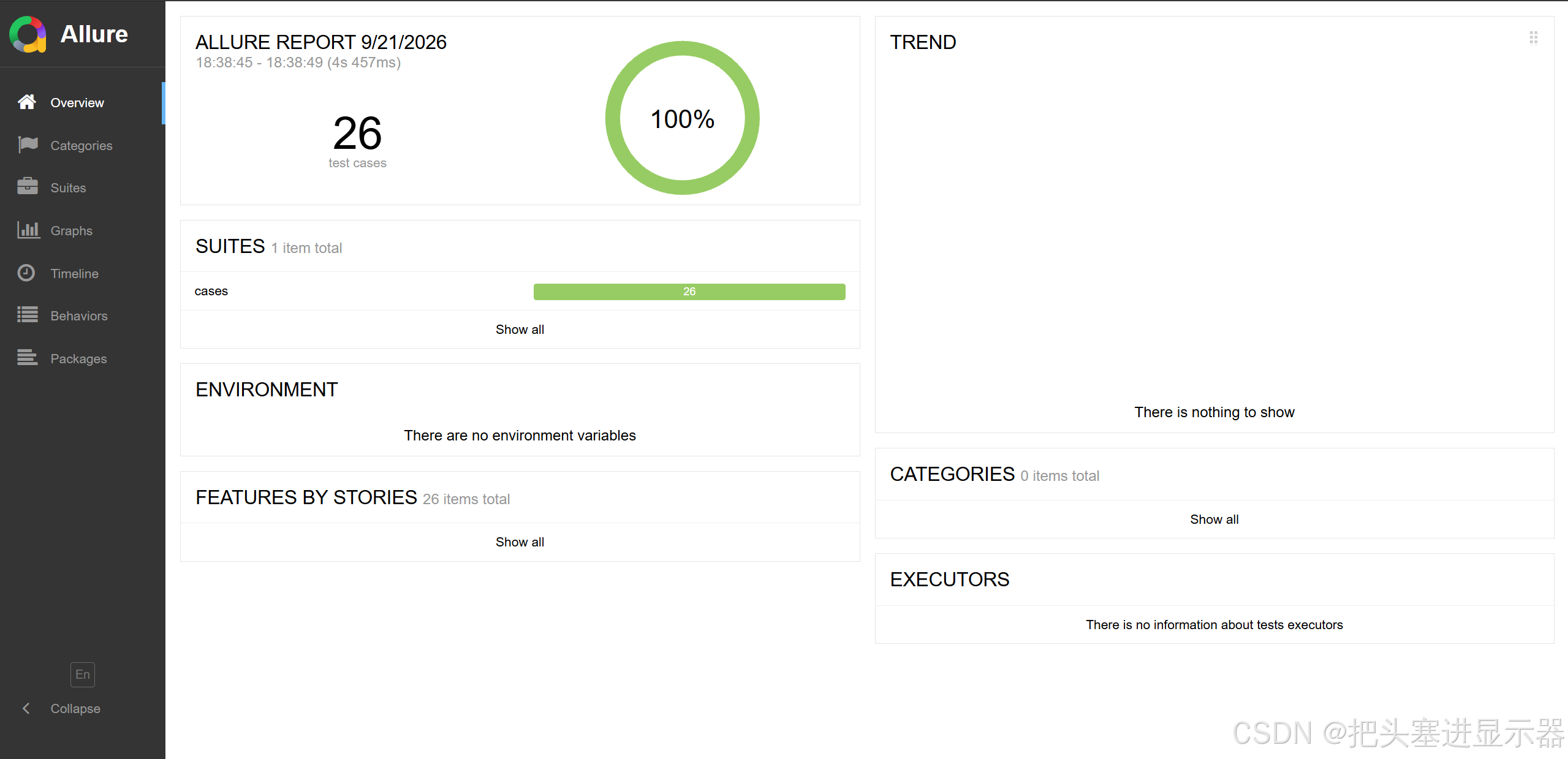
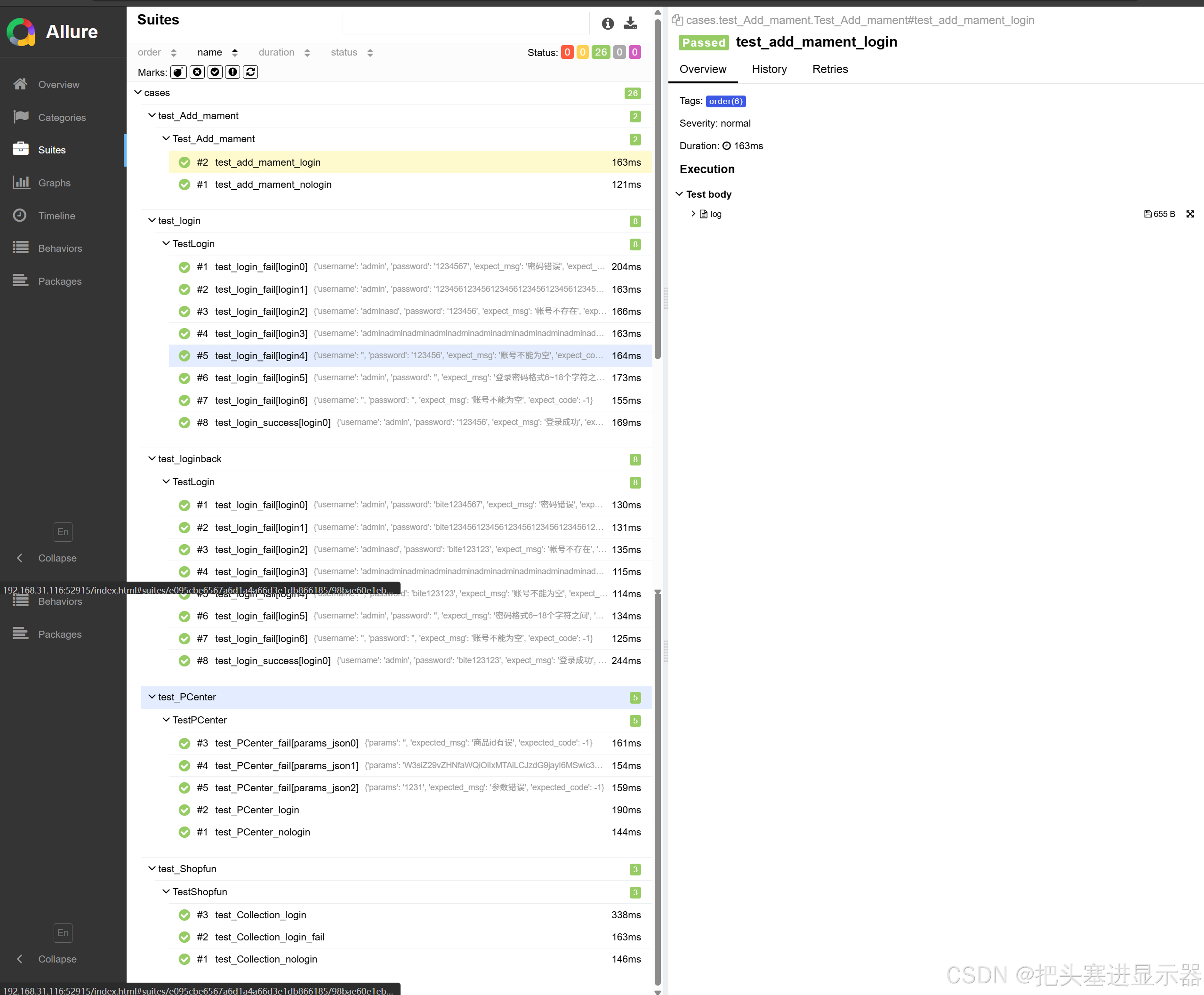
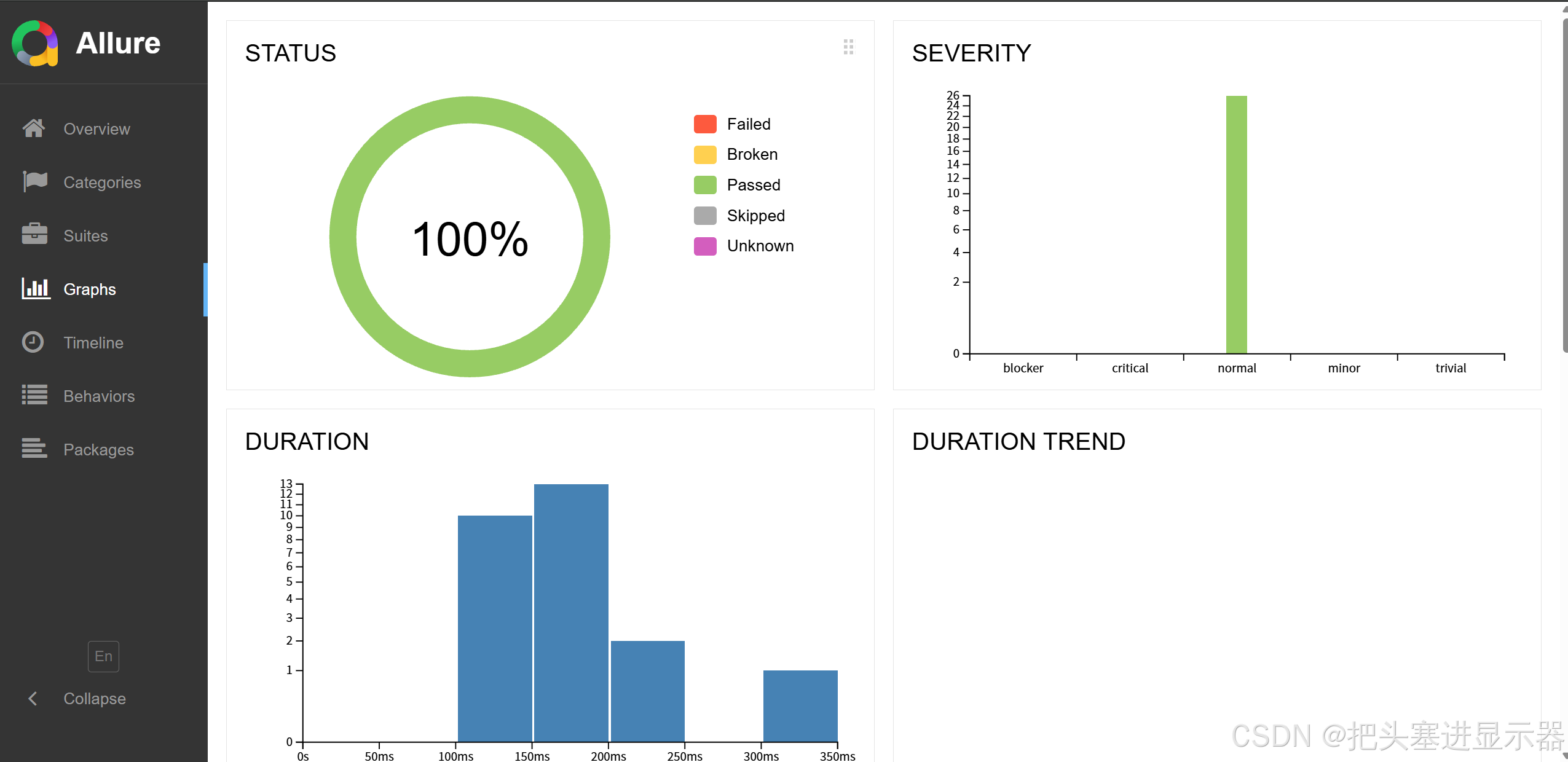
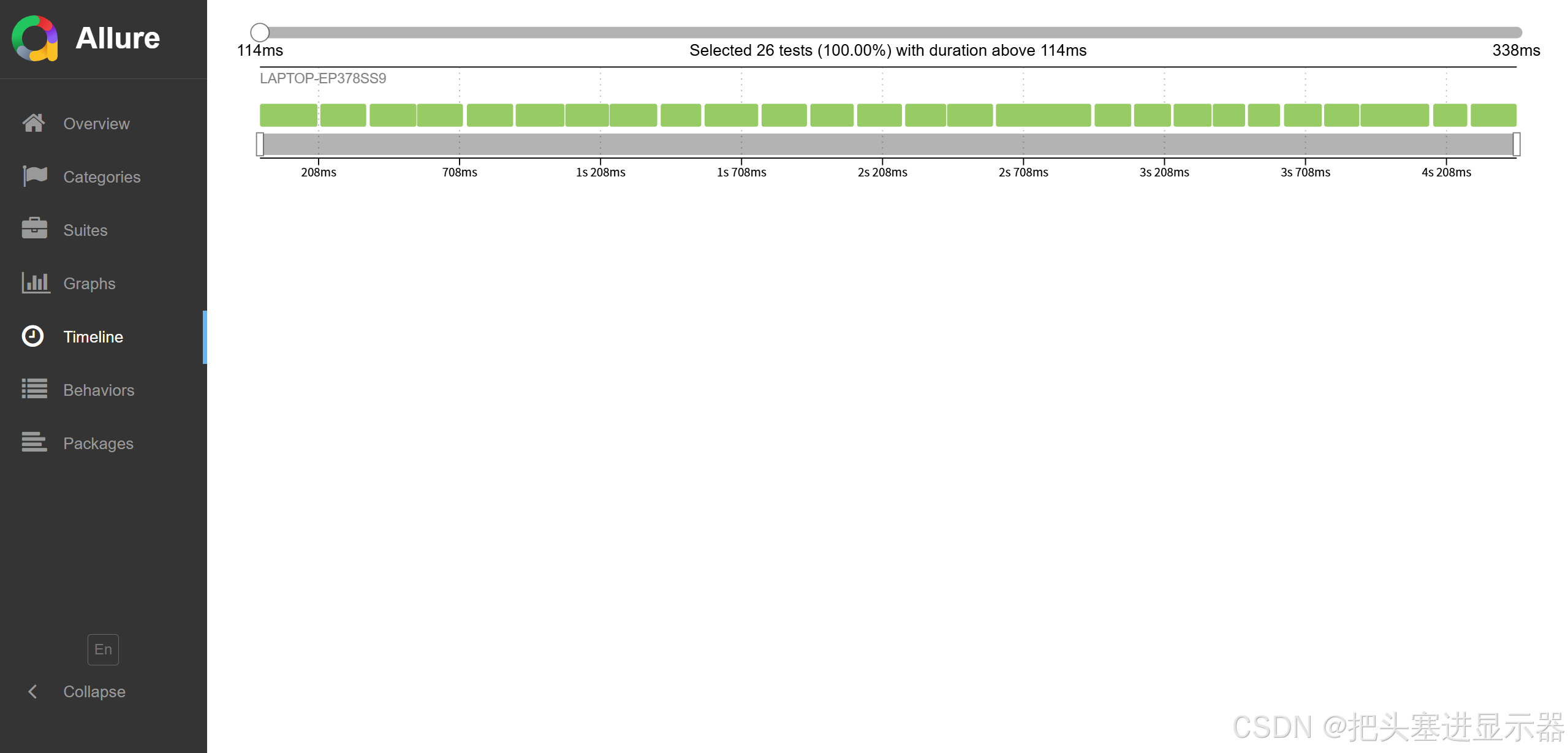
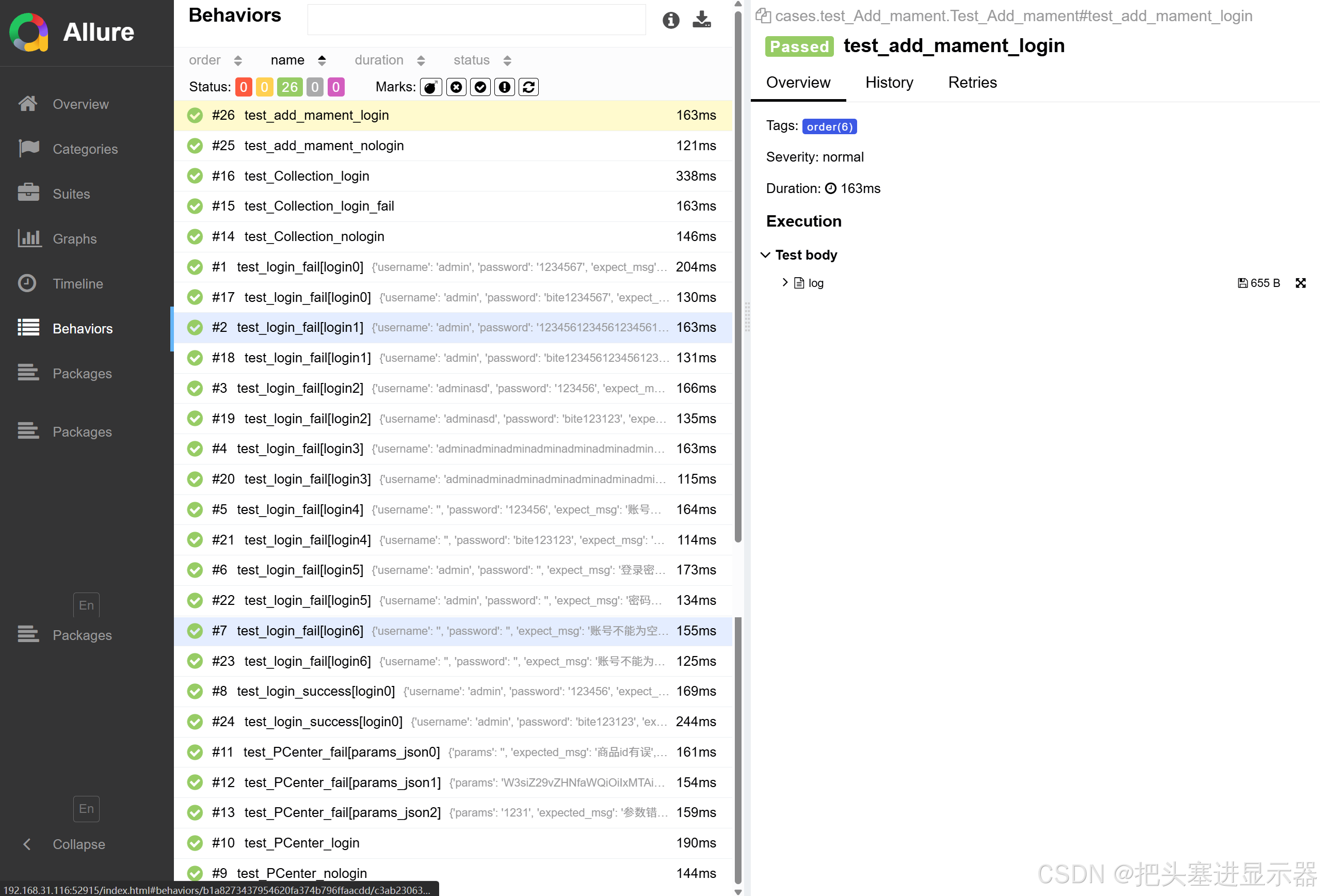
Allure报告
六、性能测试
1、单一接口性能测试
1.1电商平台
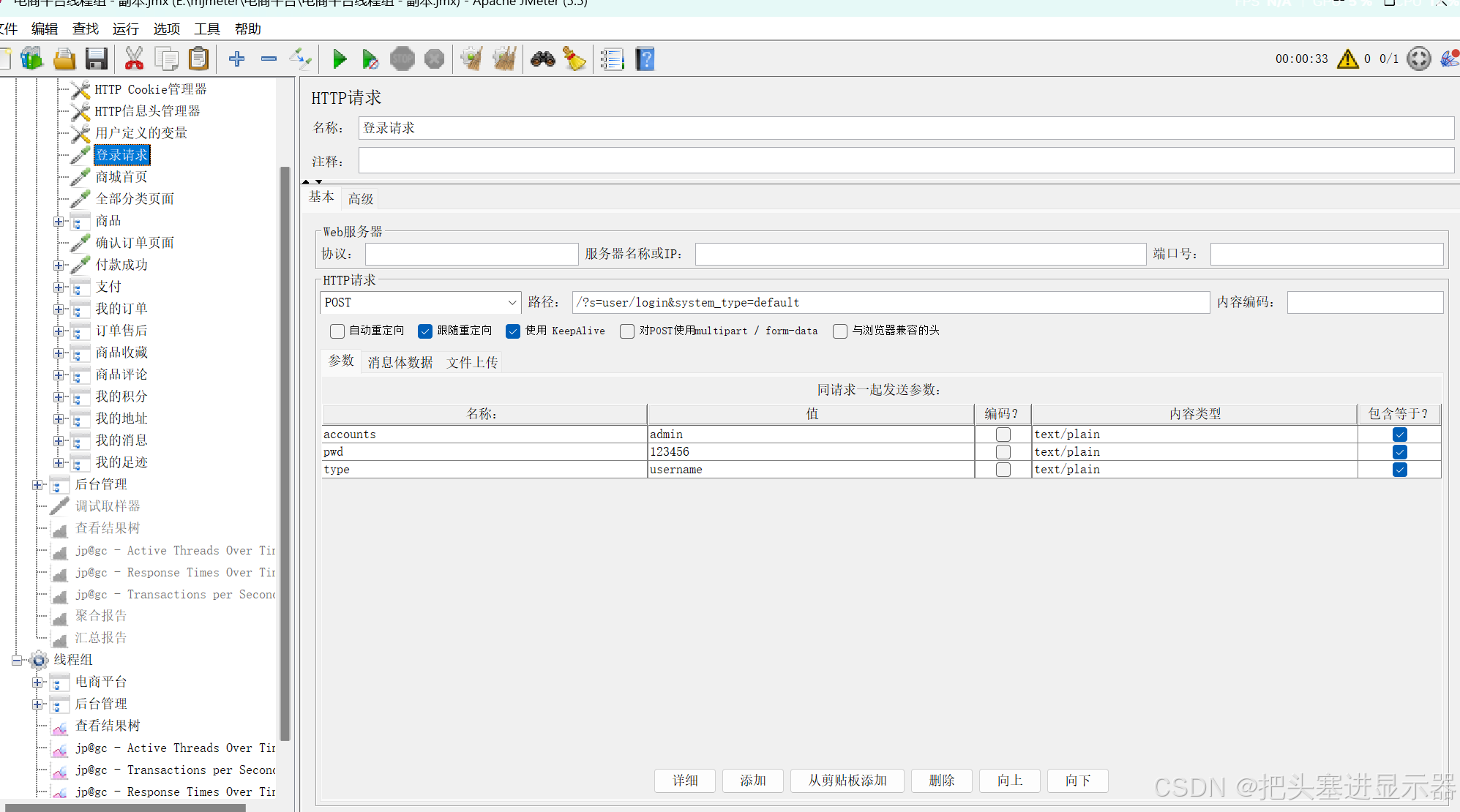
(1)登陆事务
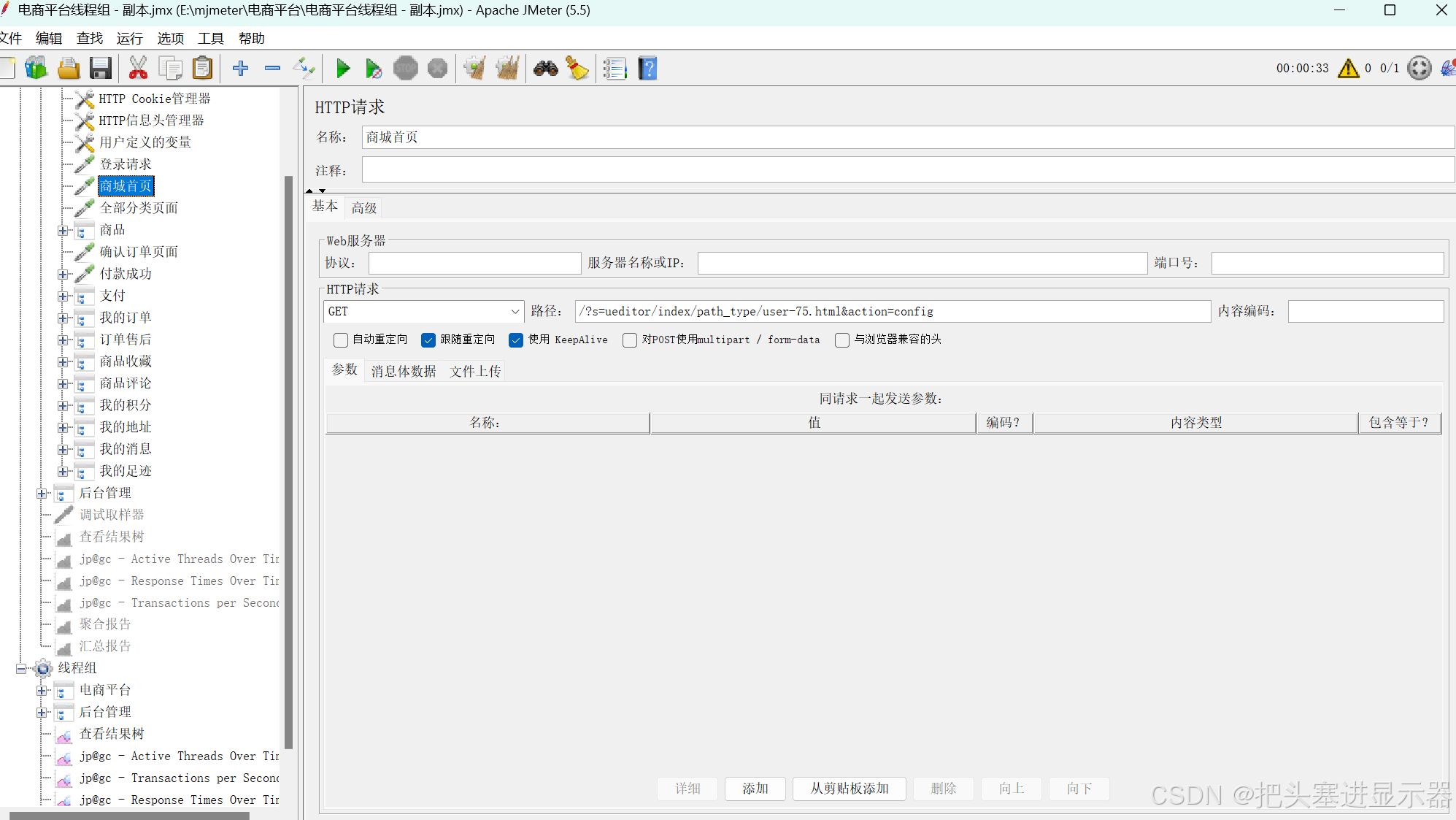
(2)商城首页
(3)商品
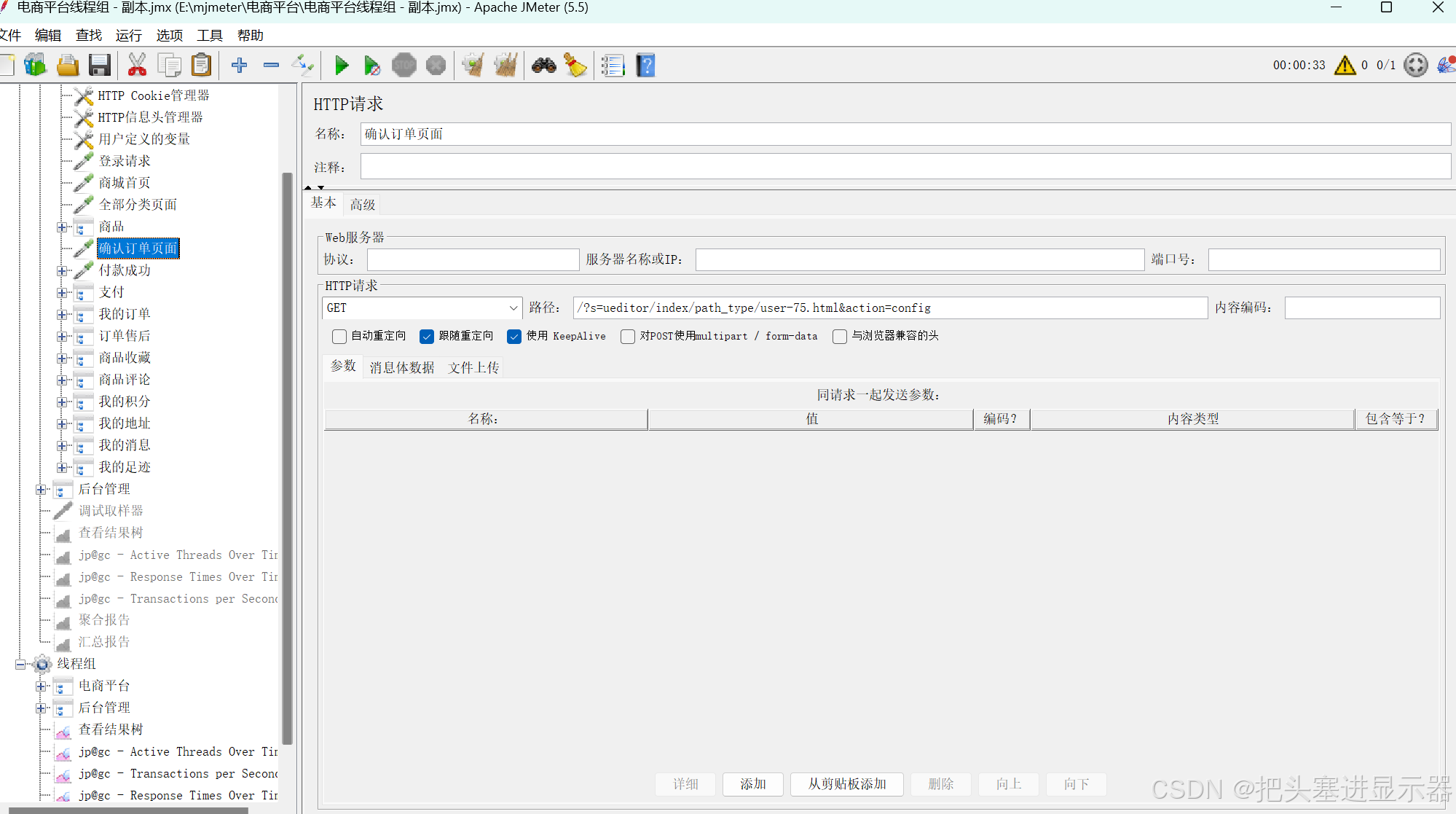
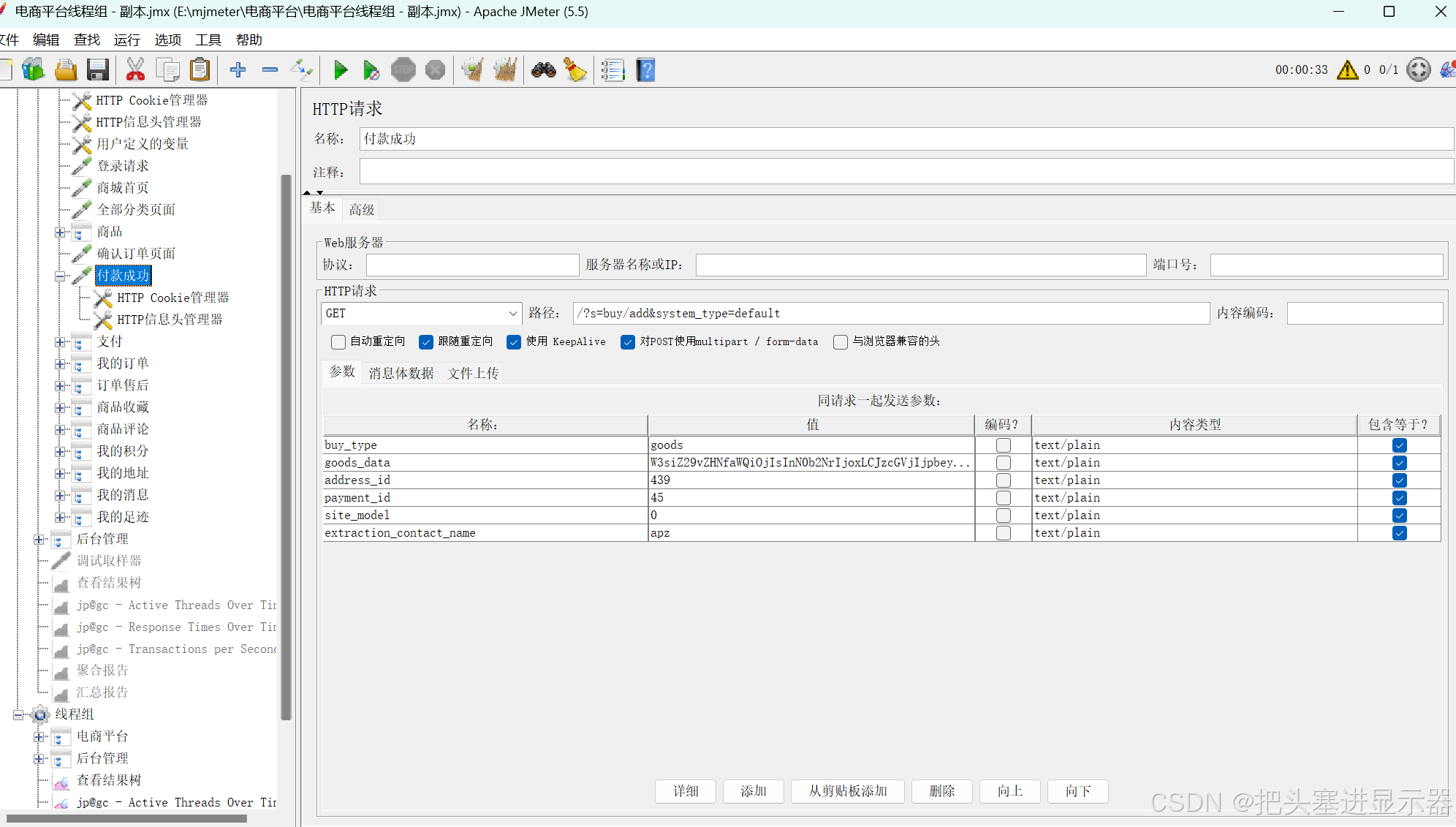
(4)支付
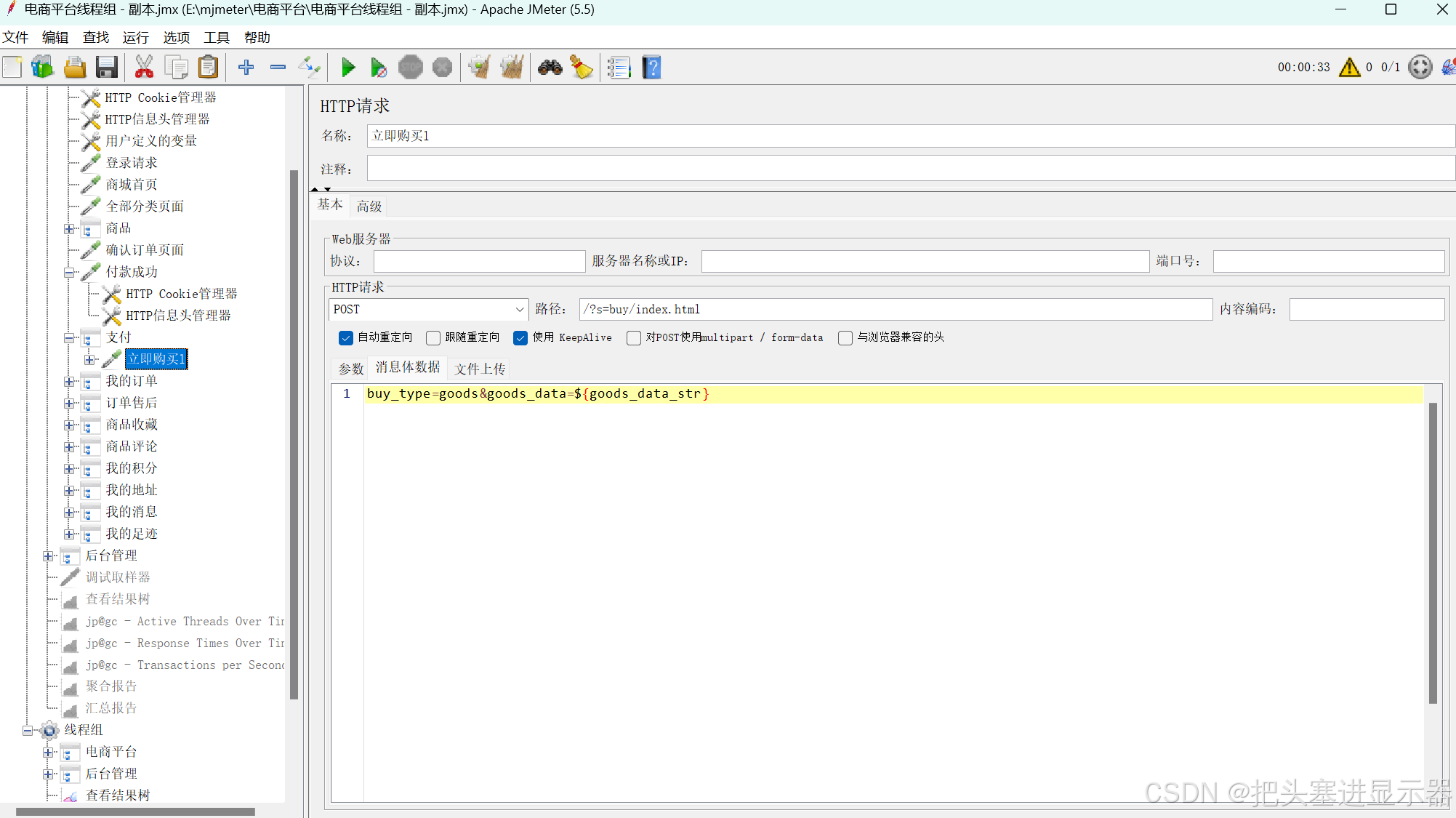
(5)我的订单
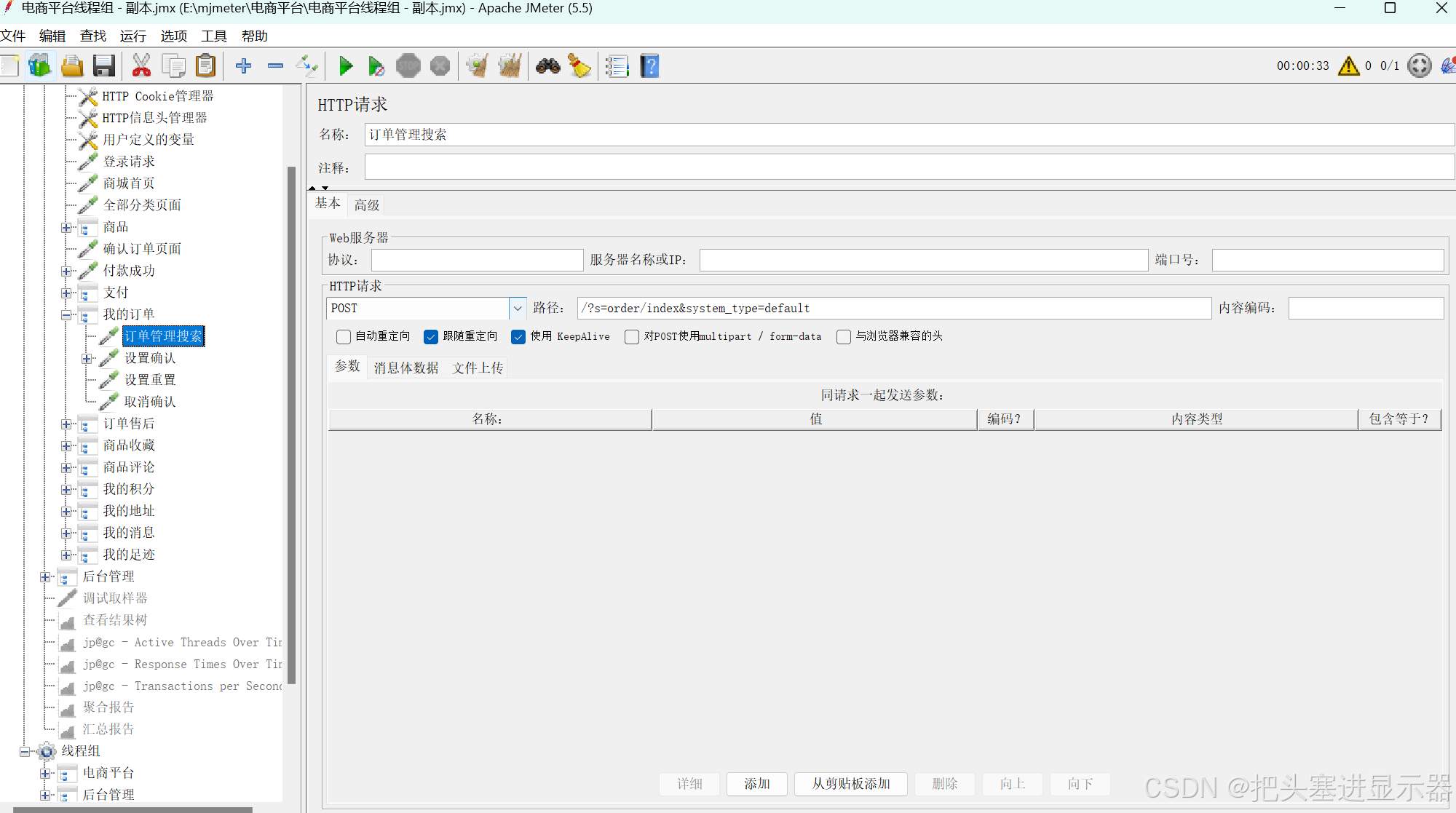
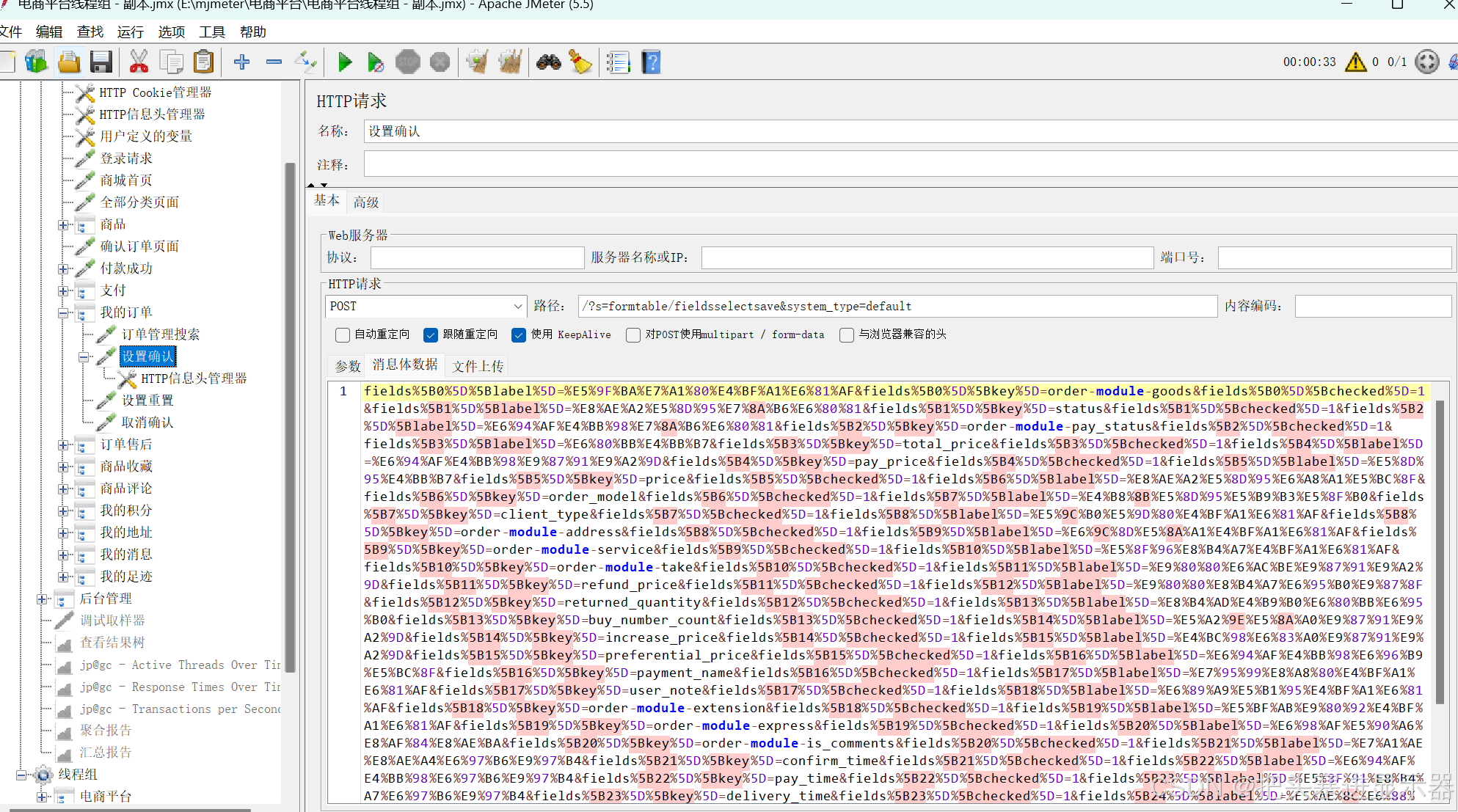
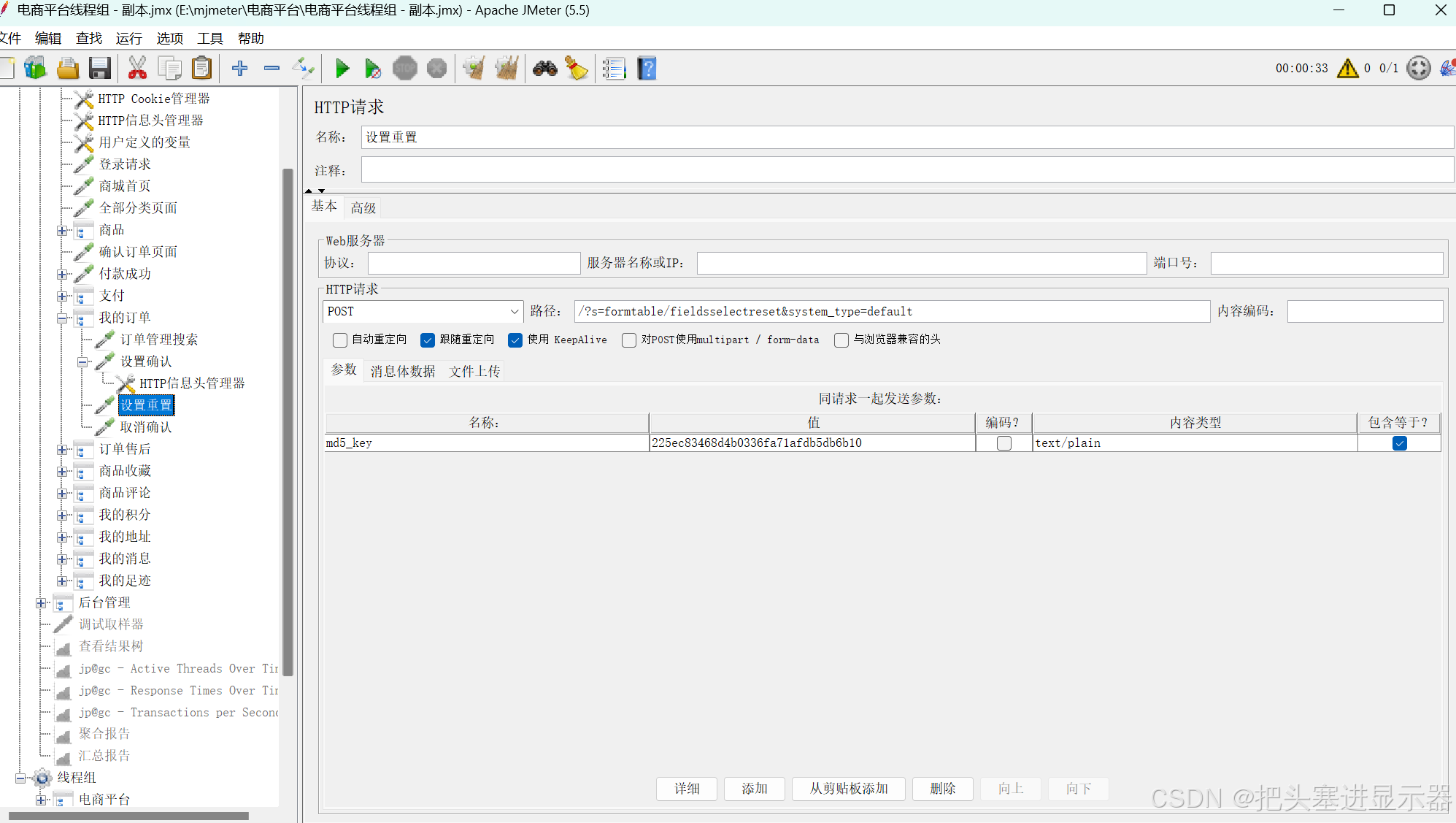
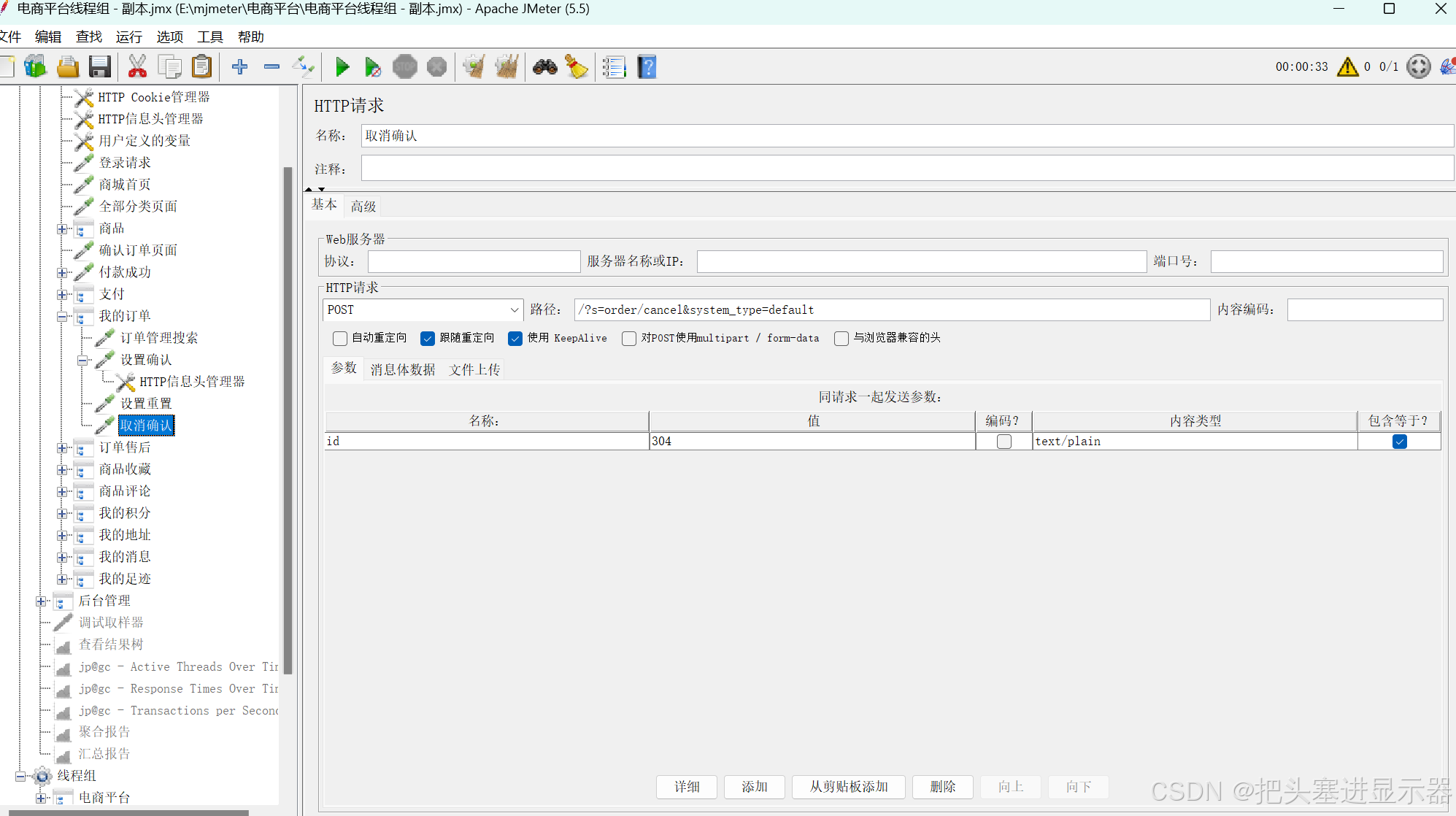
(6)订单售后
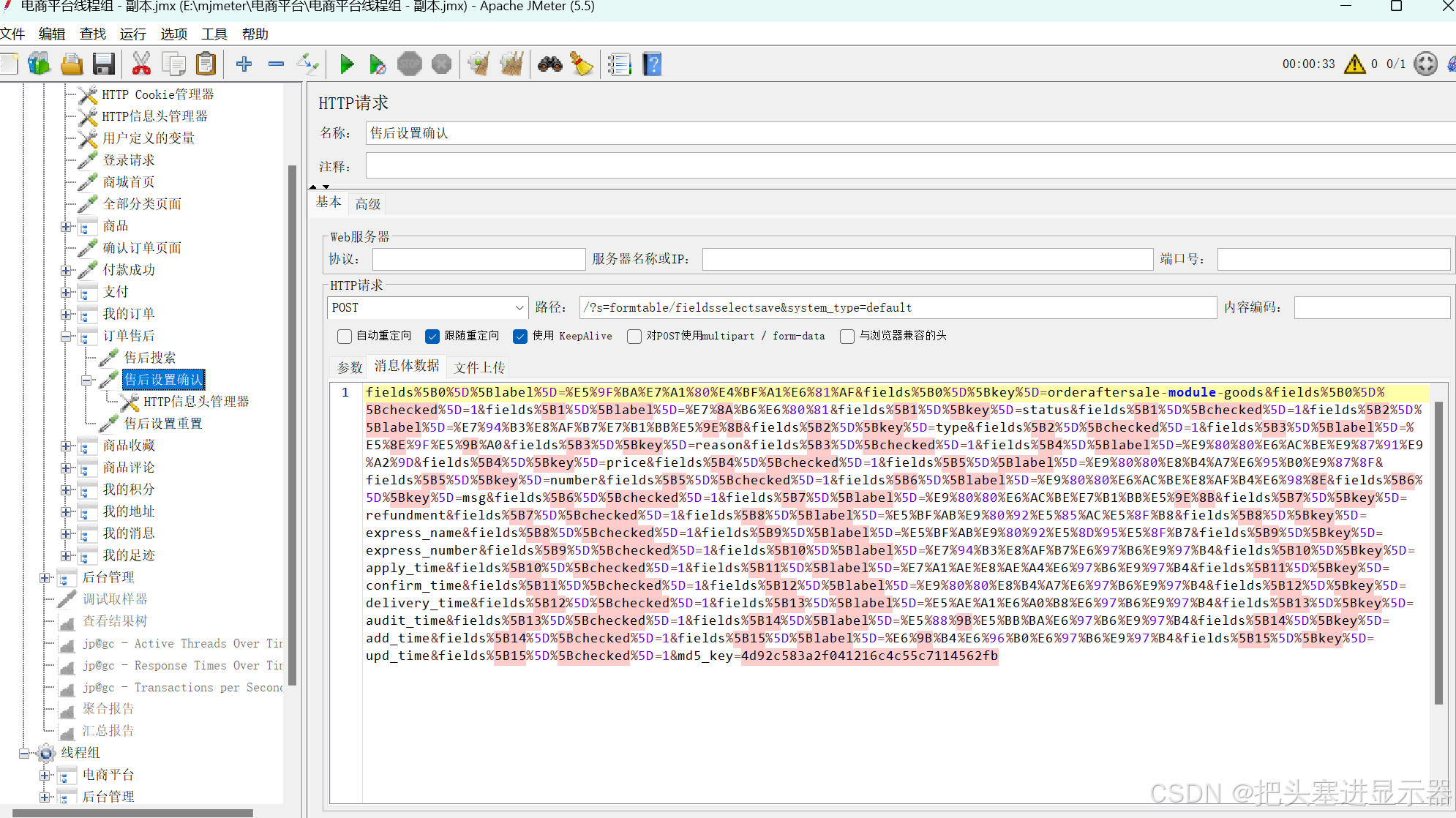
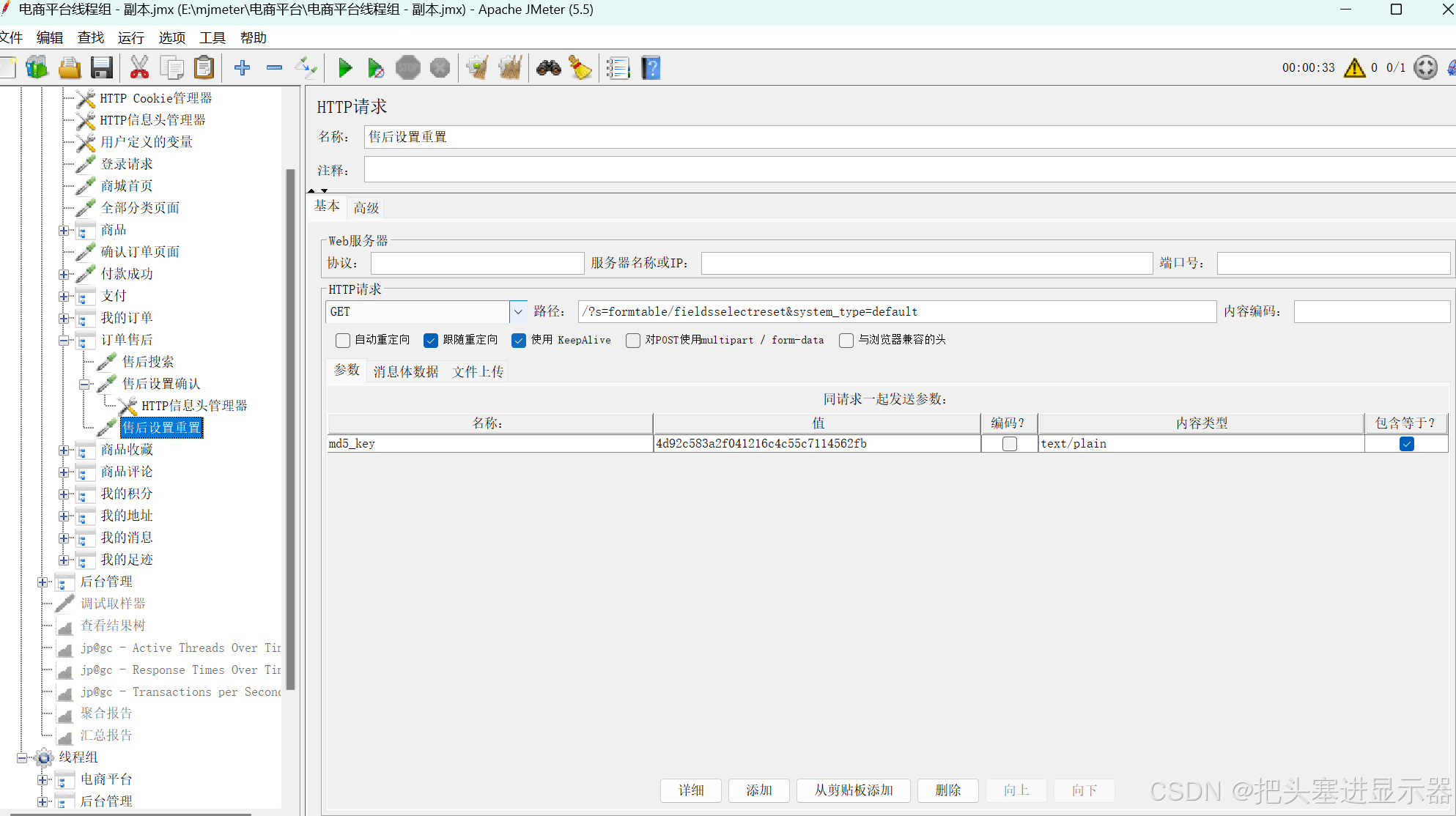
(7)商品收藏
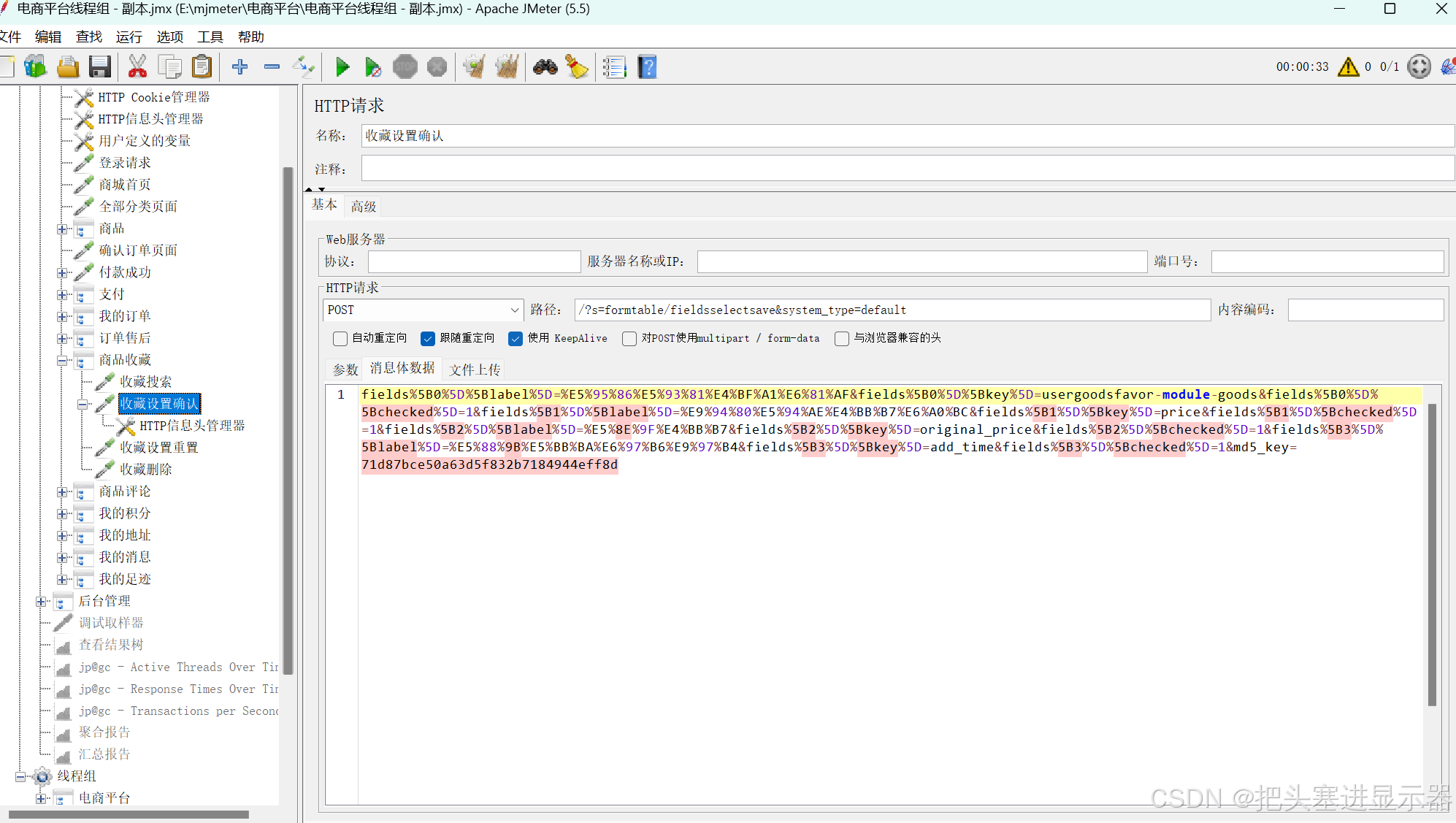
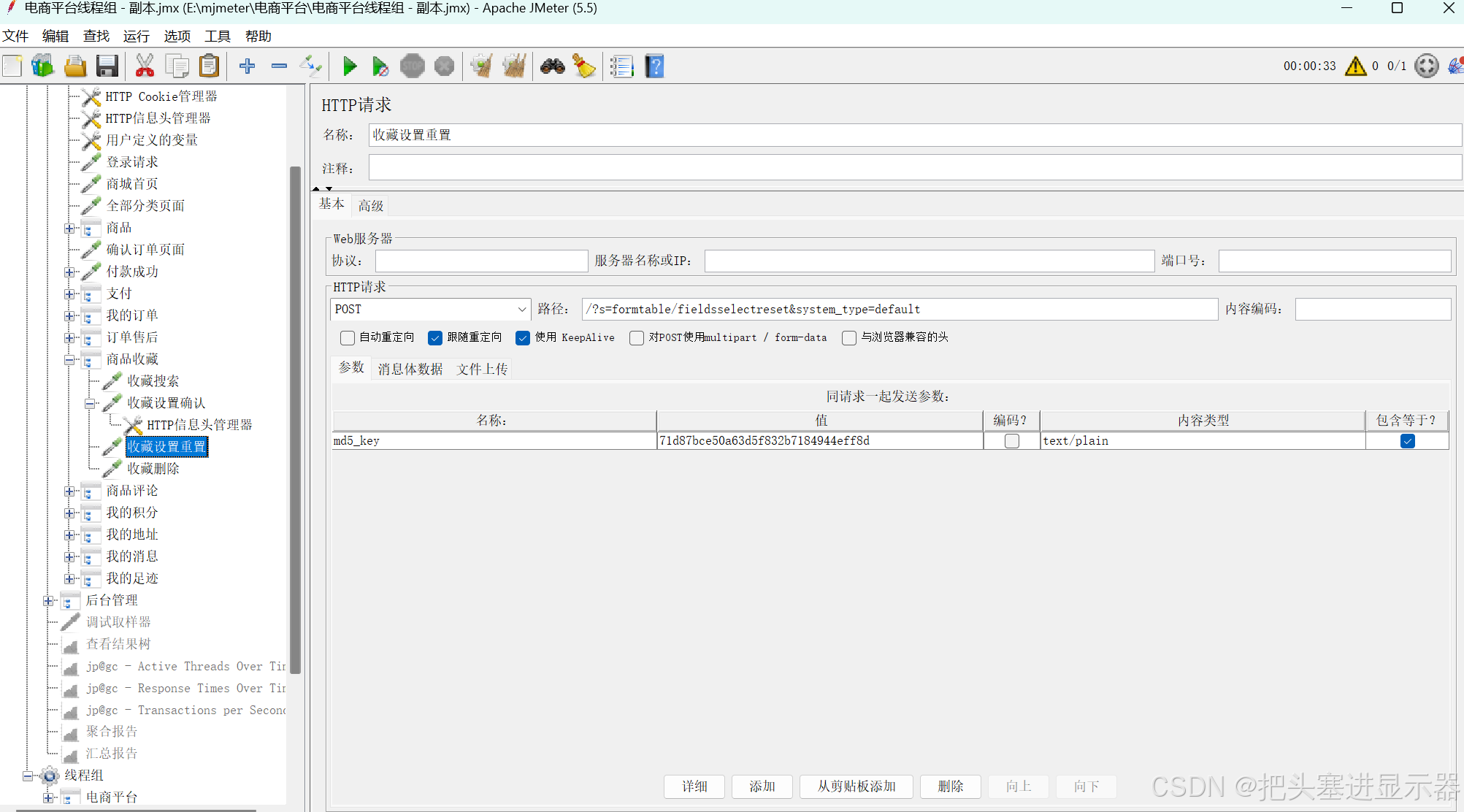
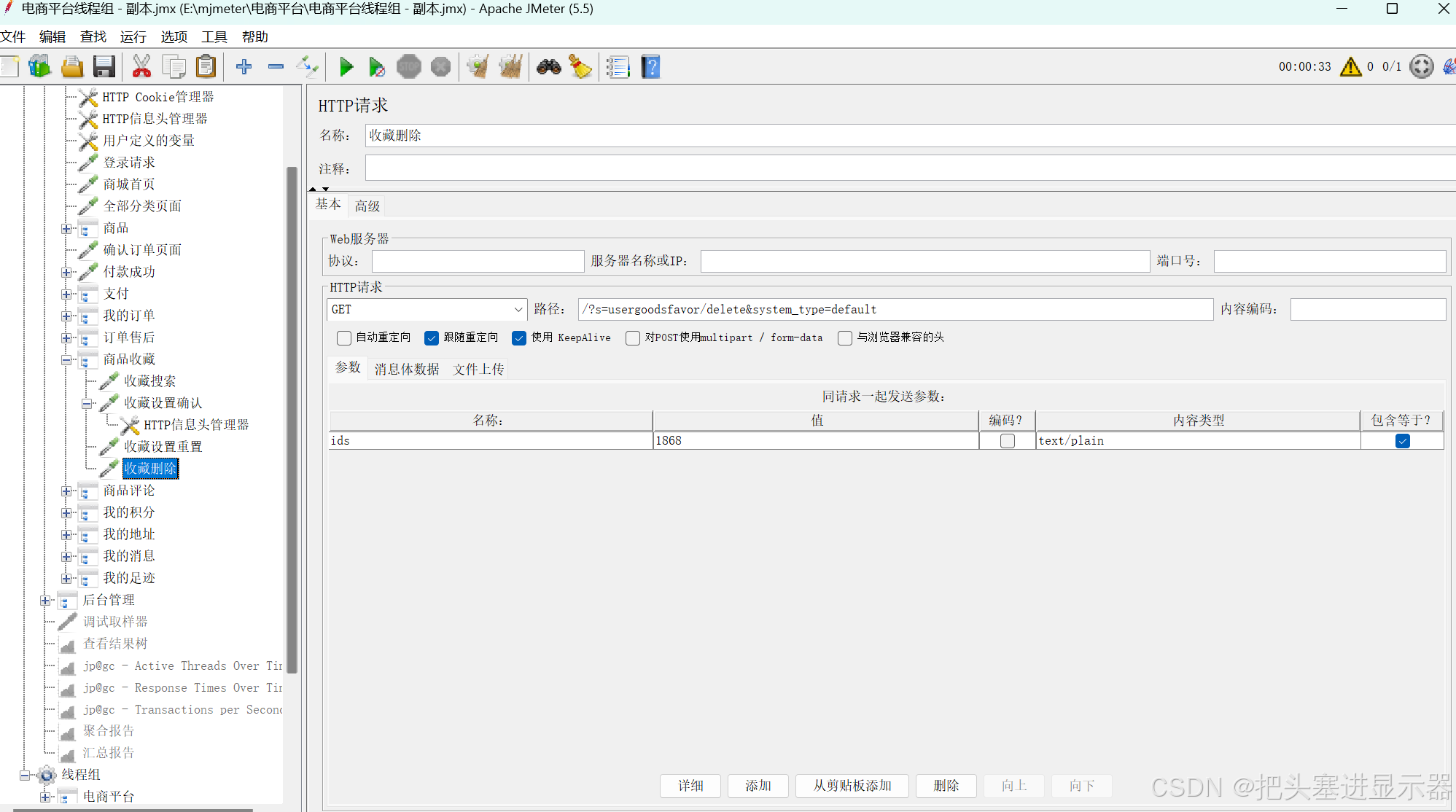
(8)商品评论
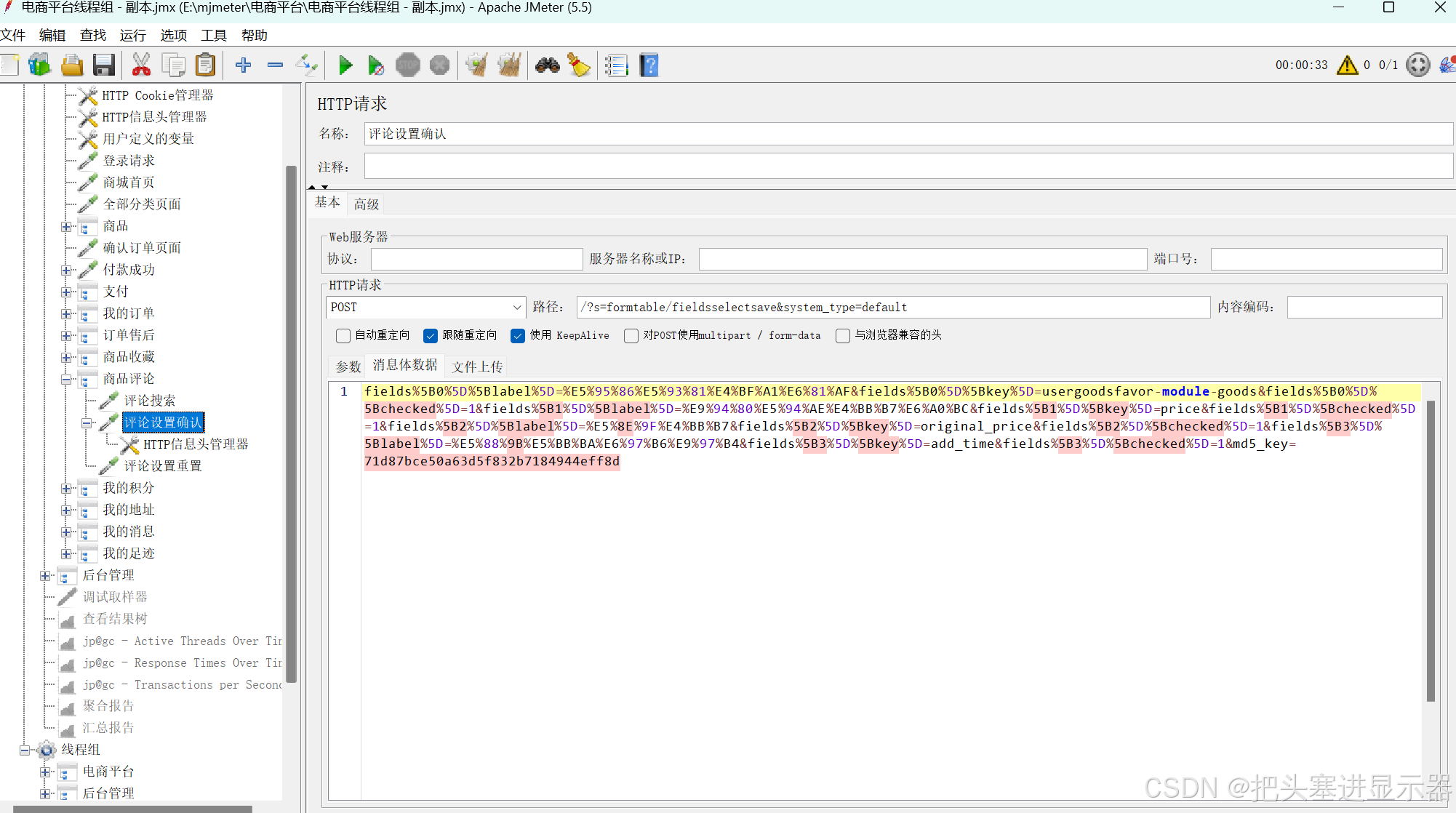
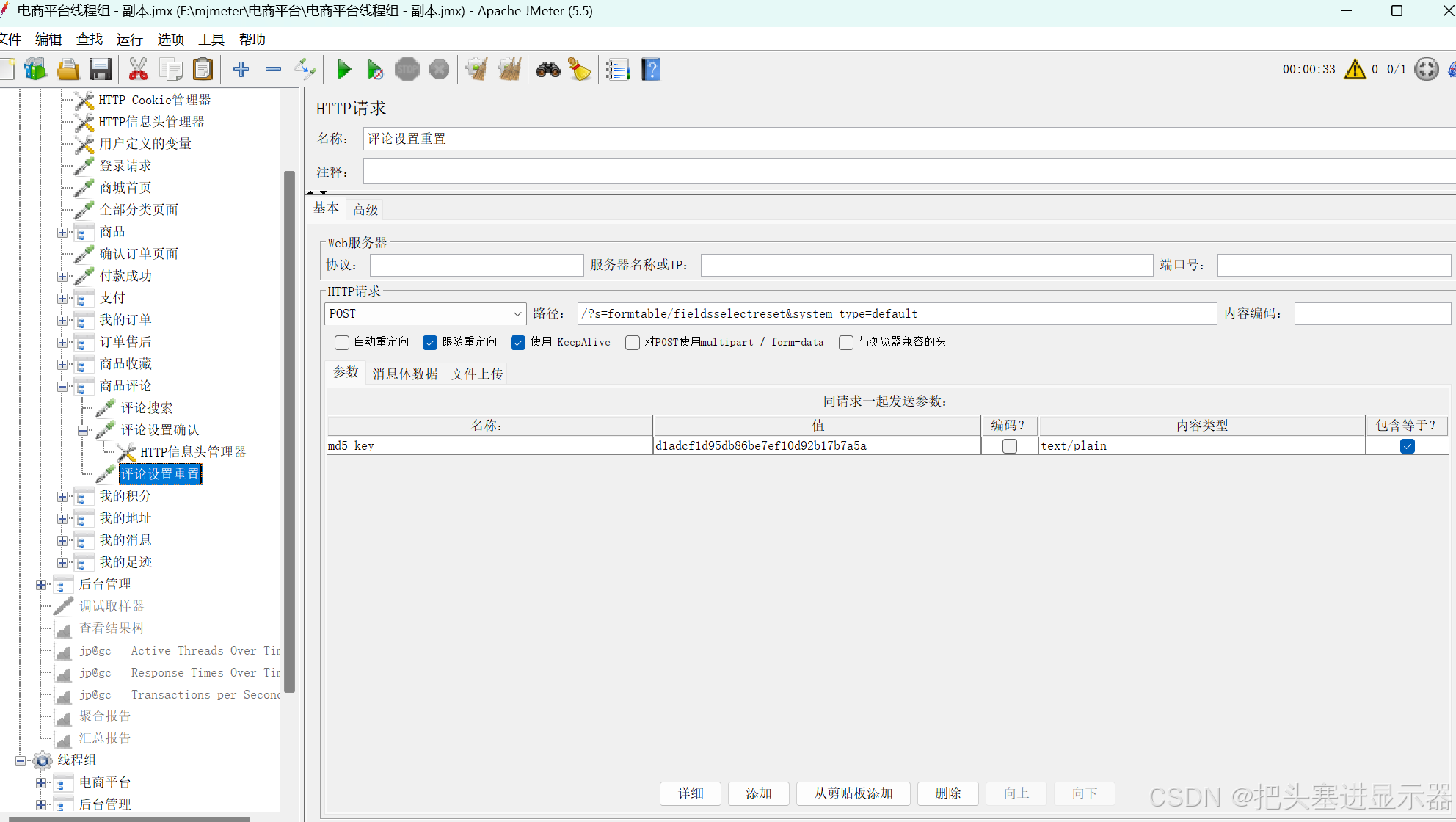
(9)我的积分
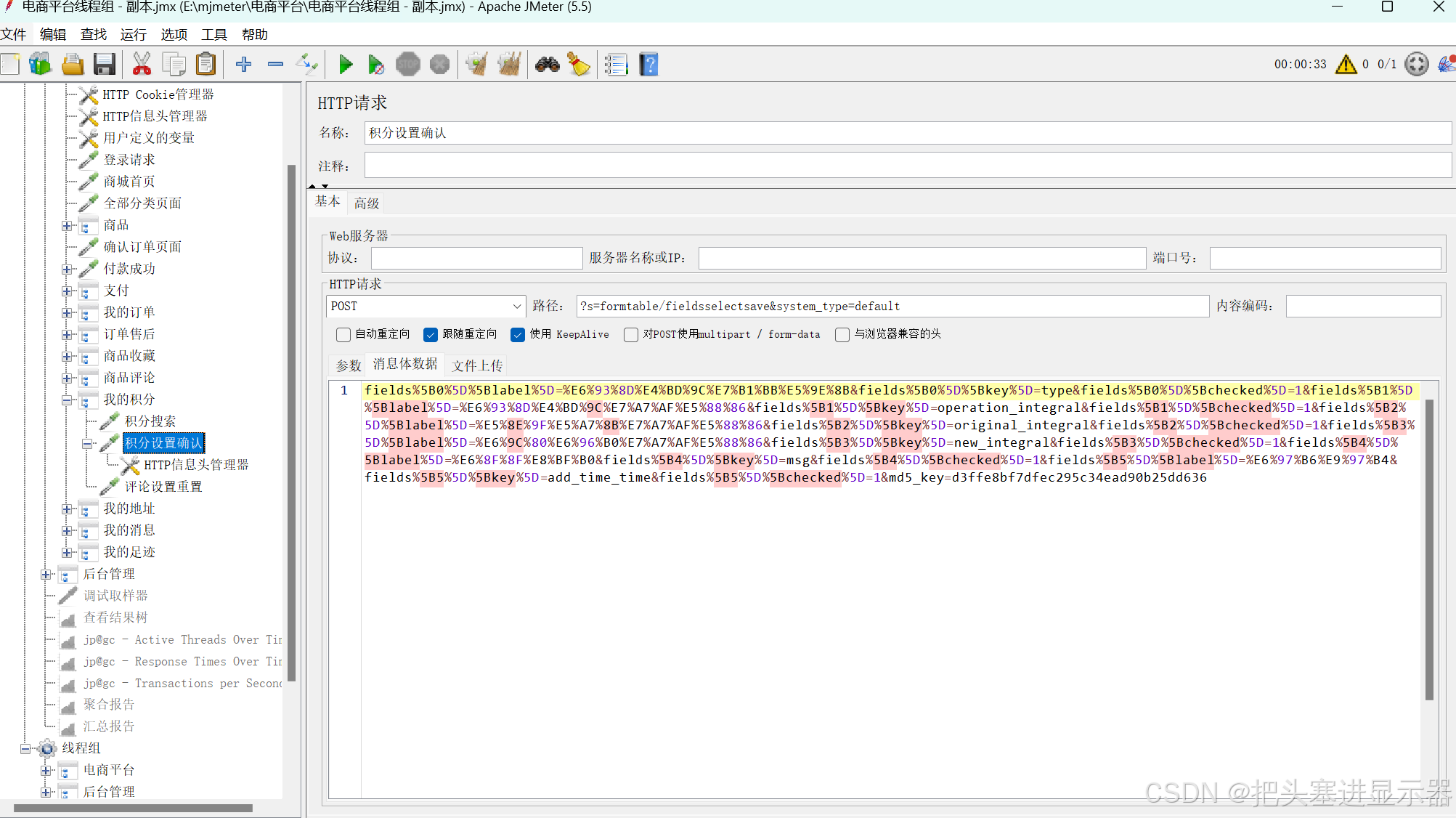
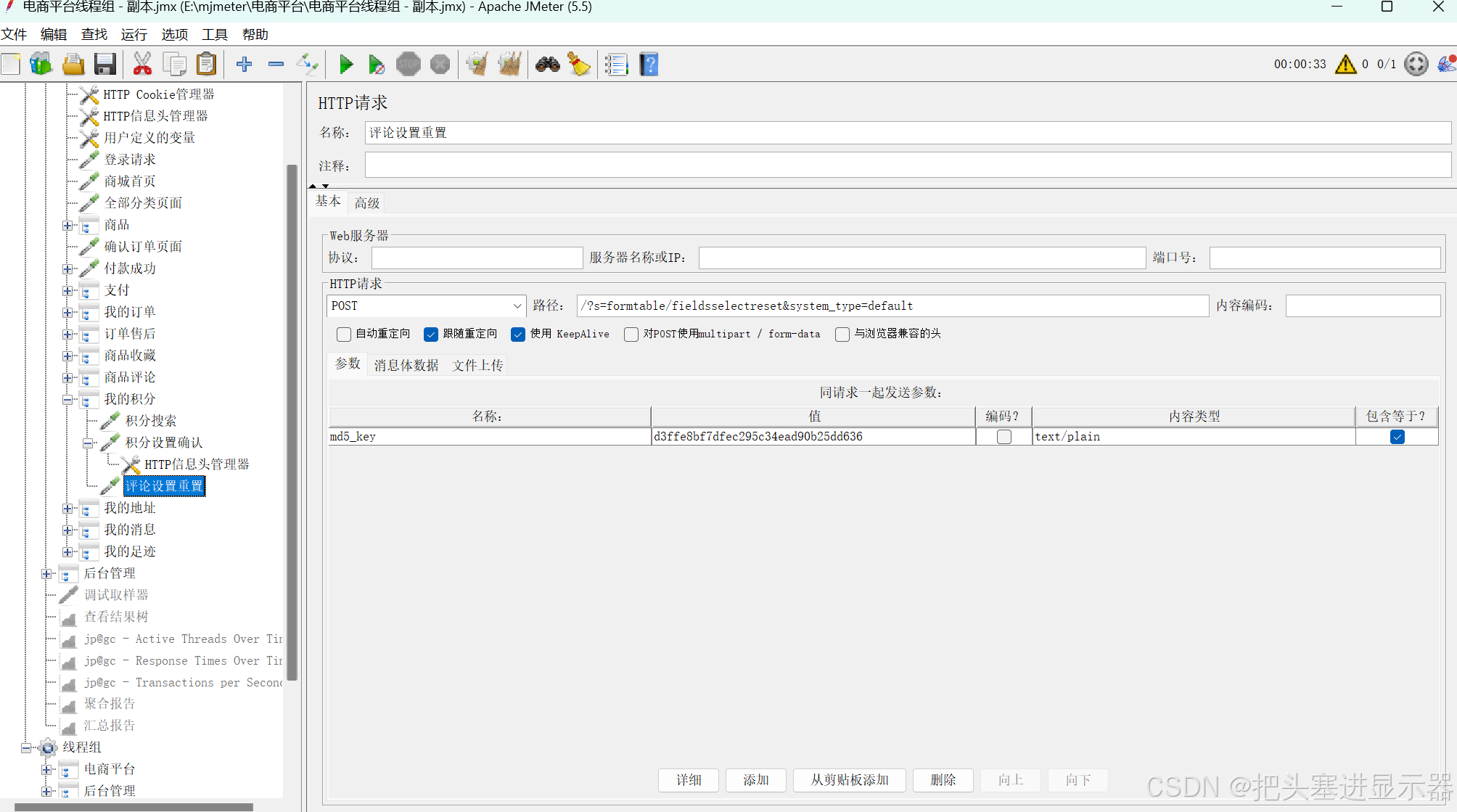
(10)我的地址
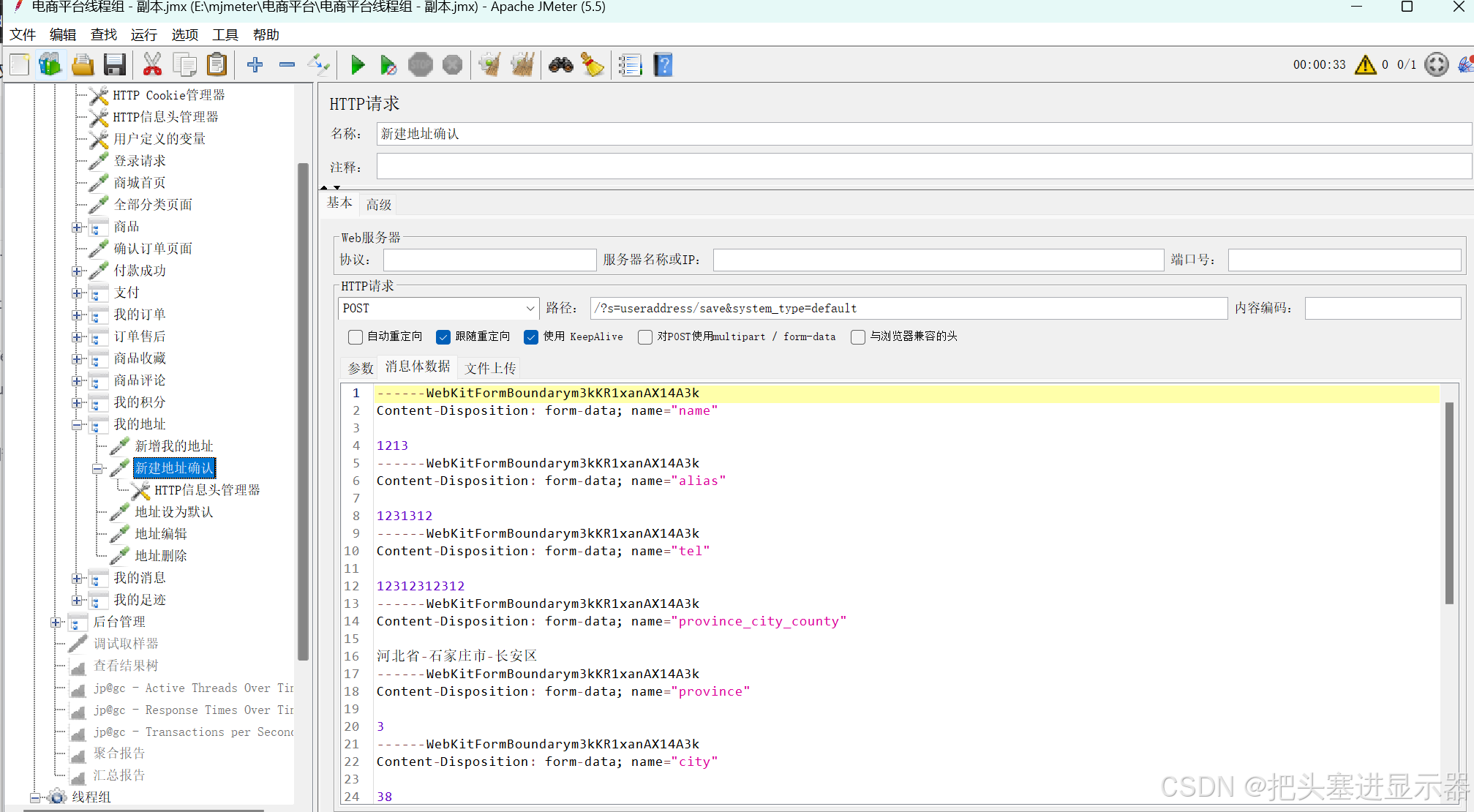
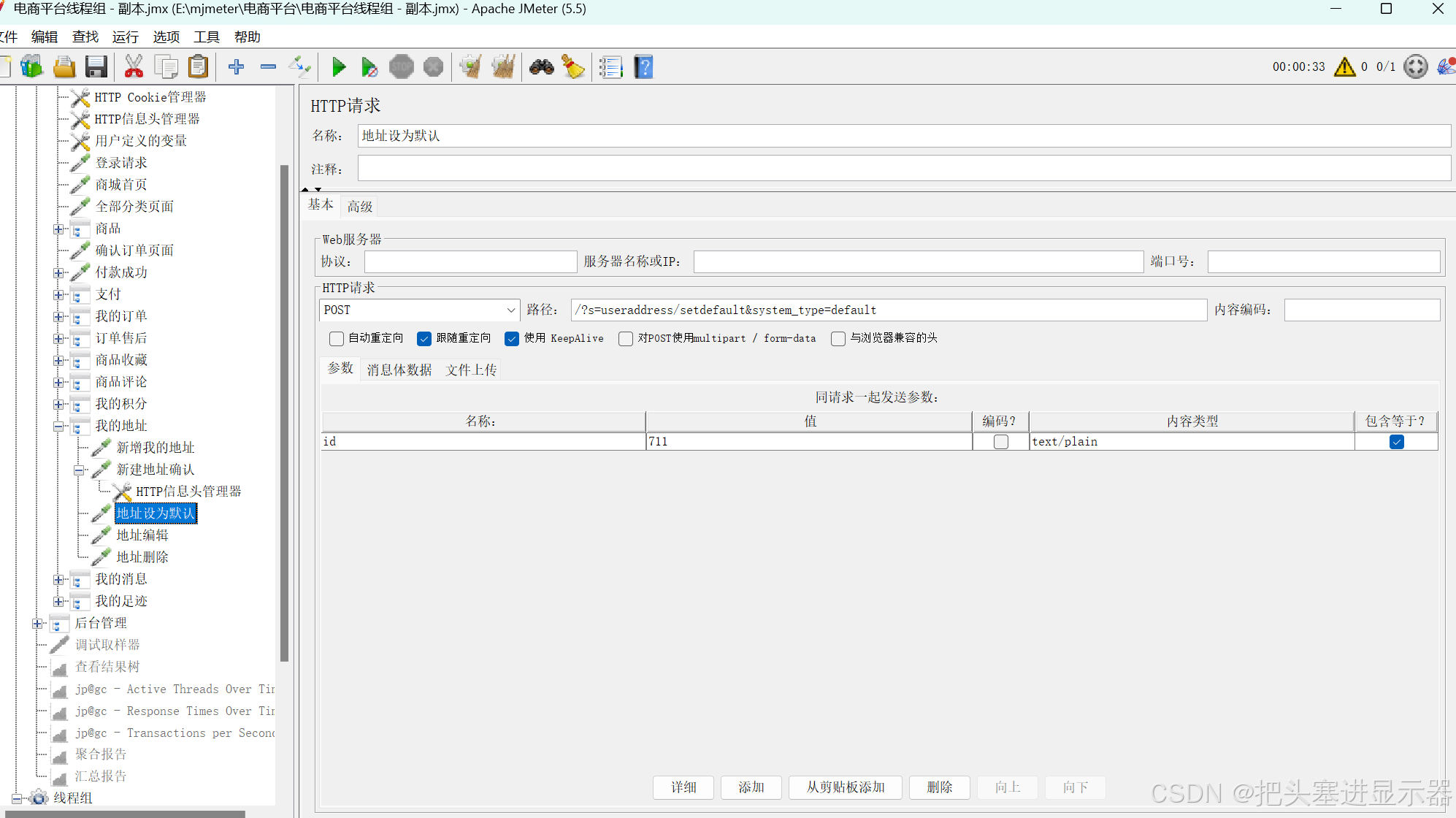
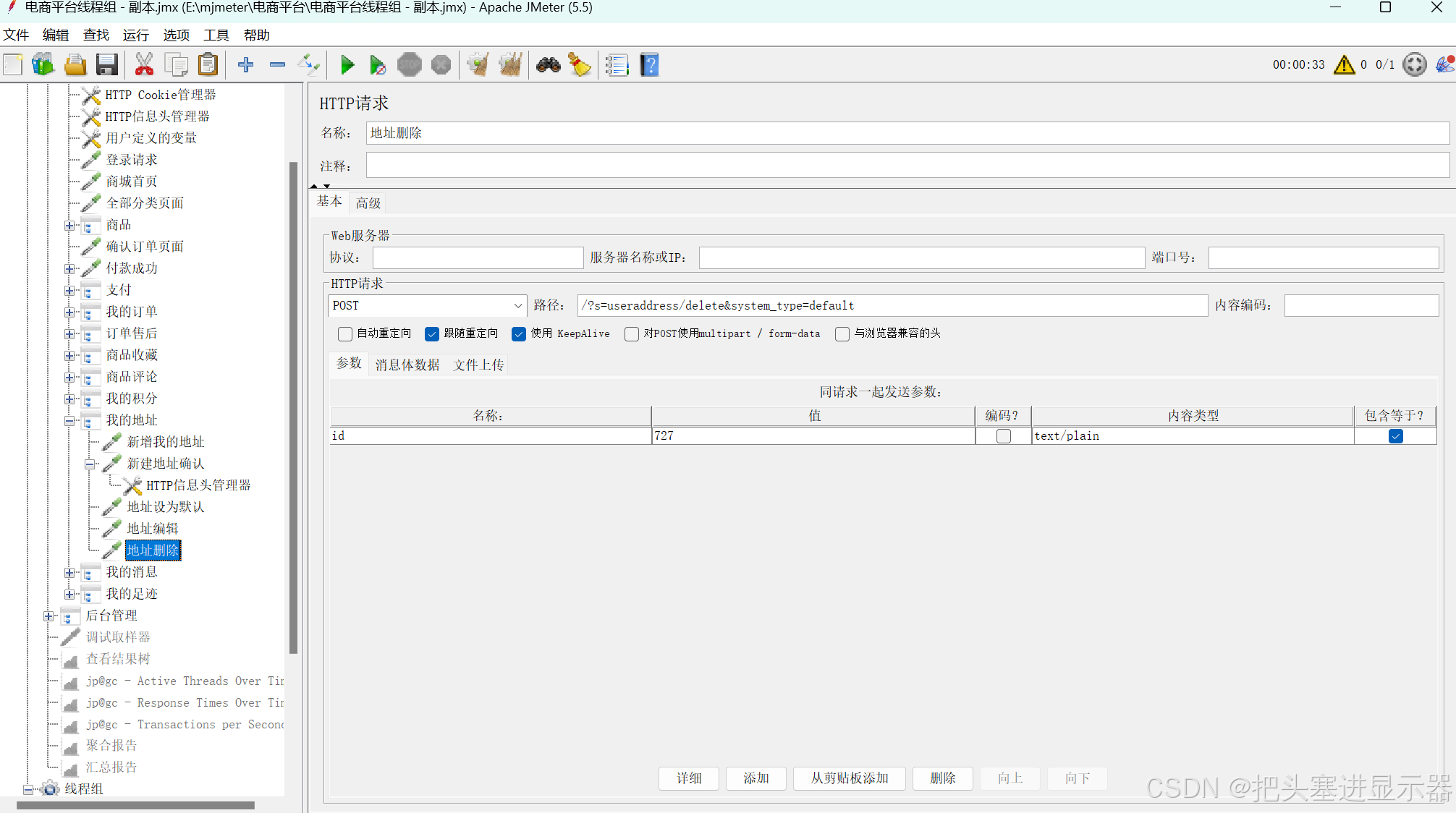
(11)我的消息
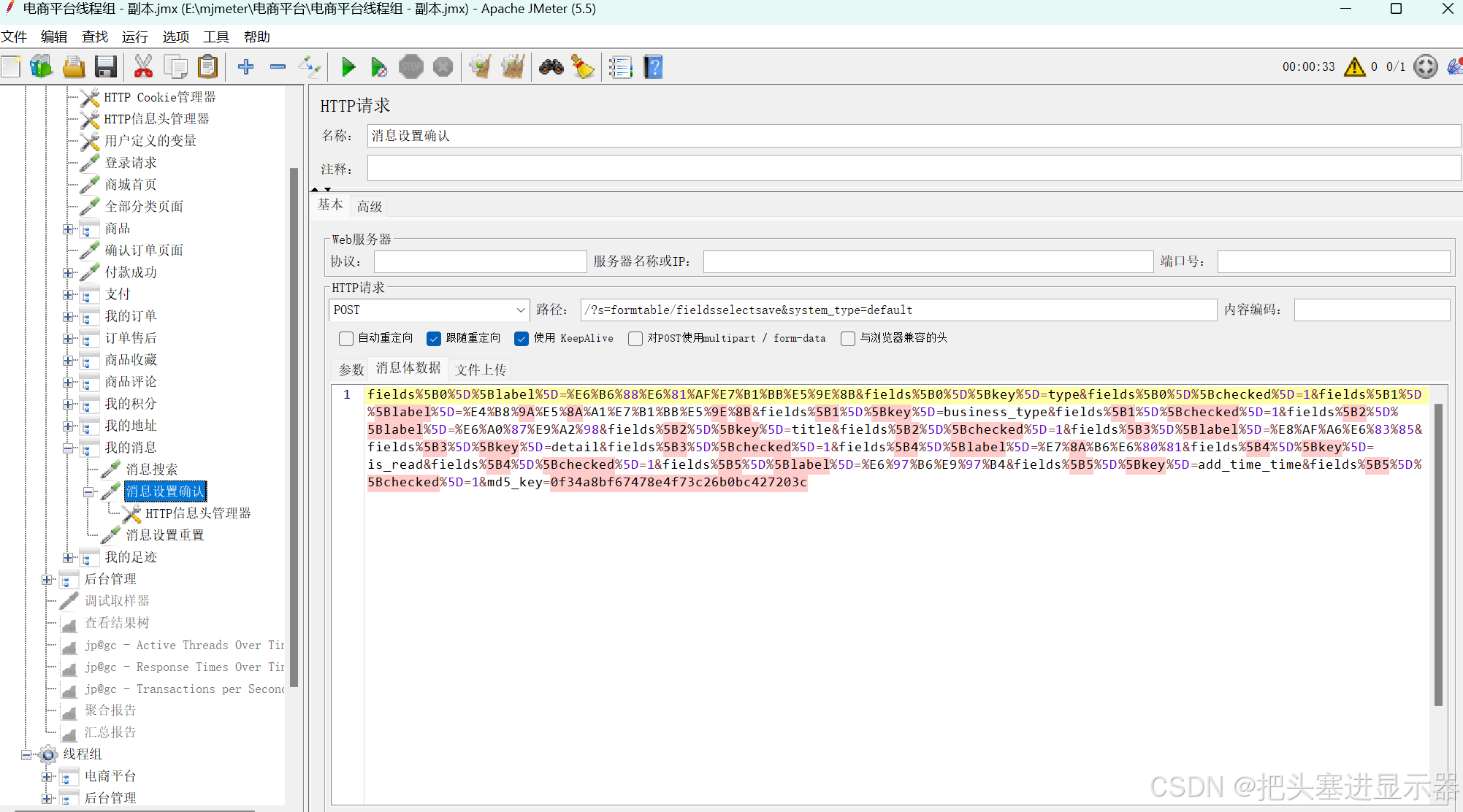
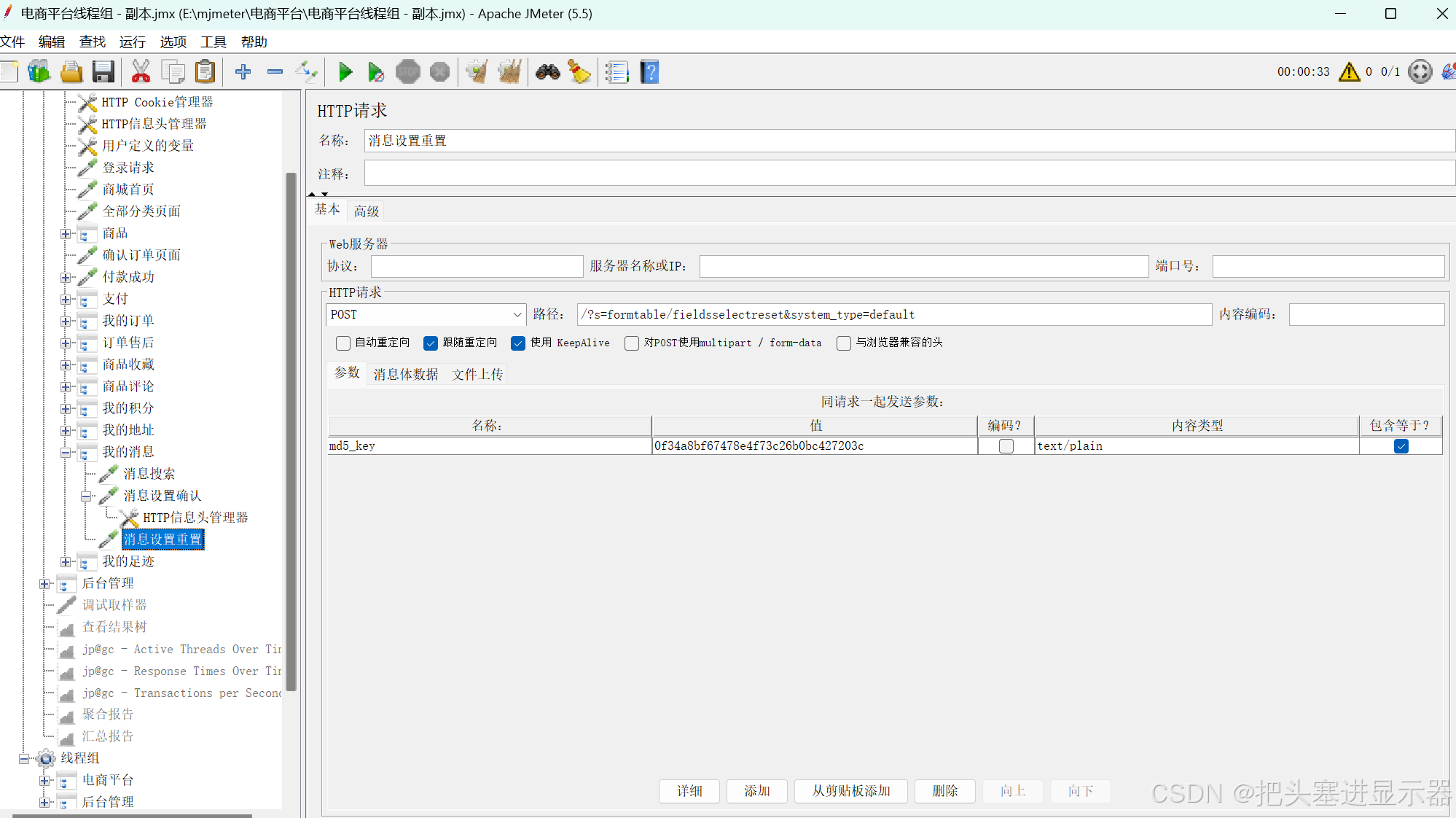
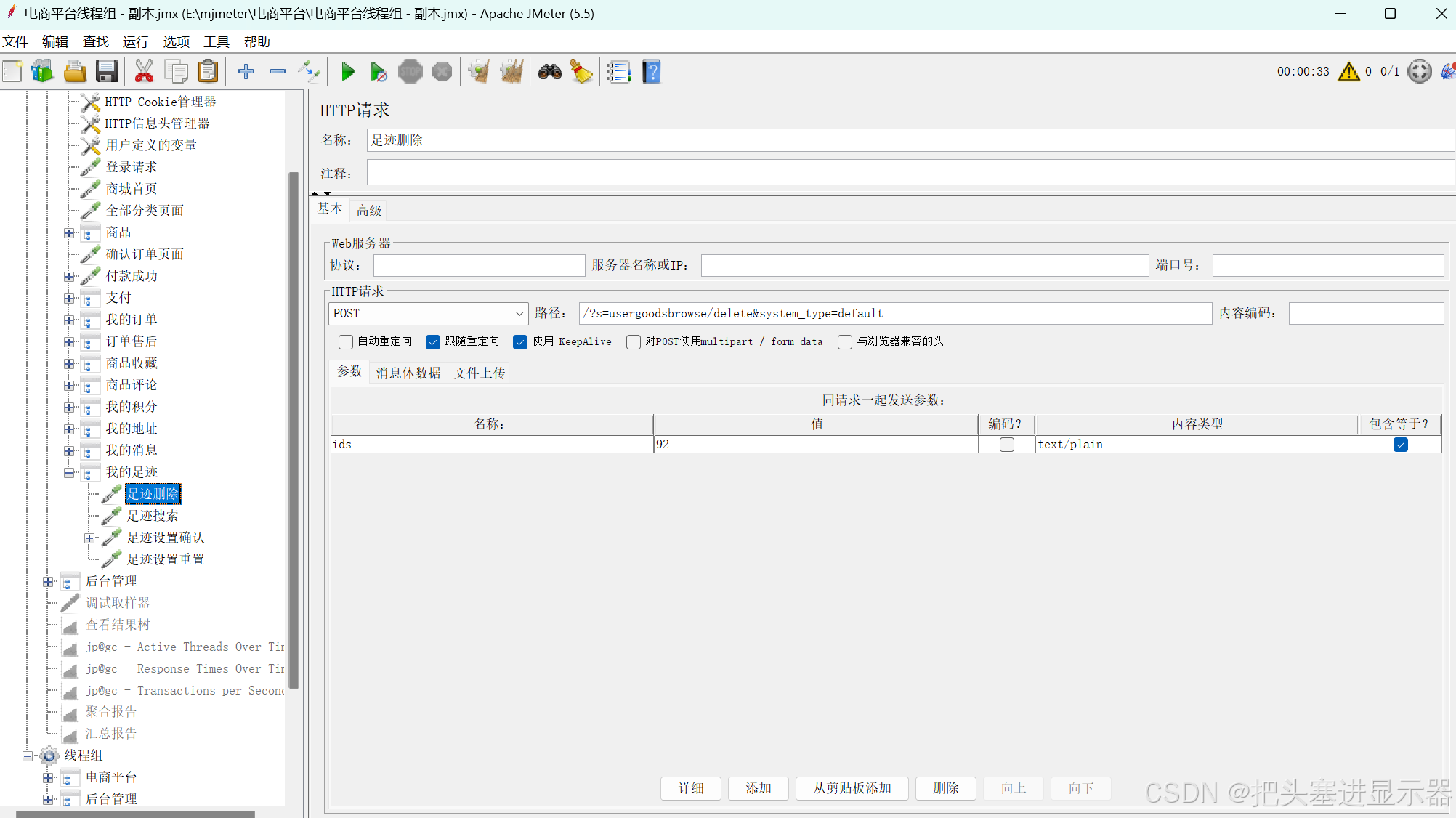
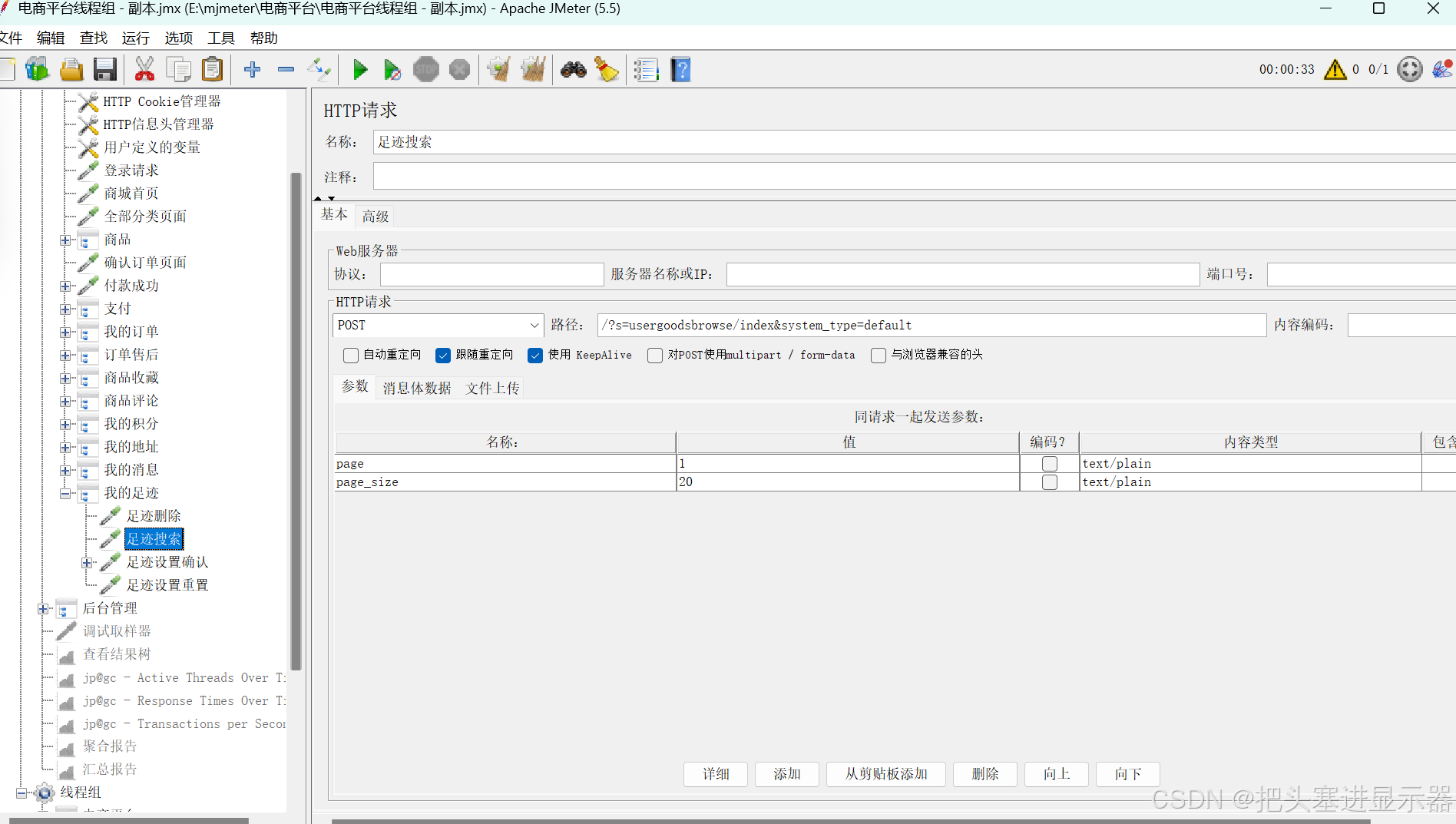
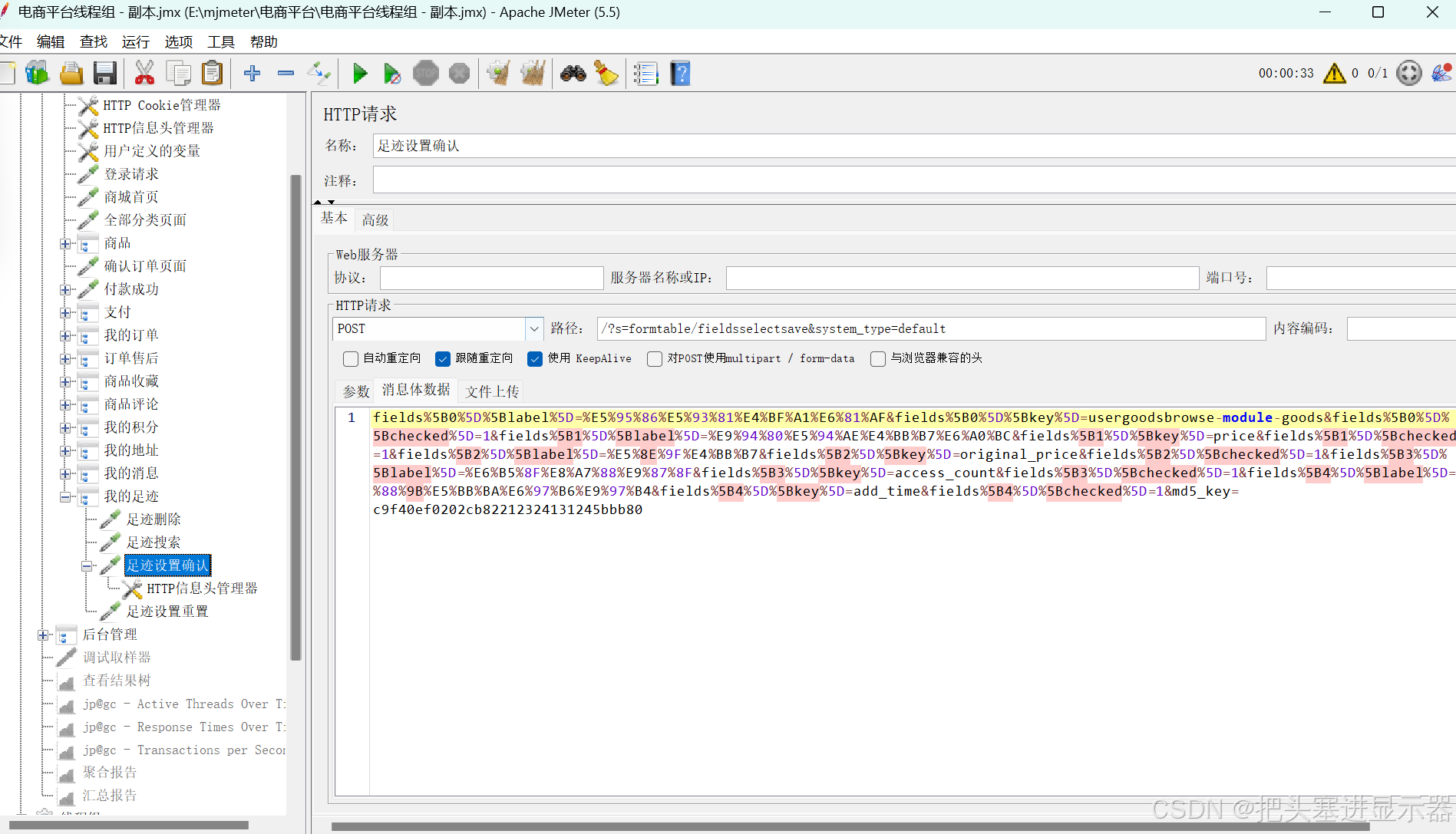
(12)我的足迹
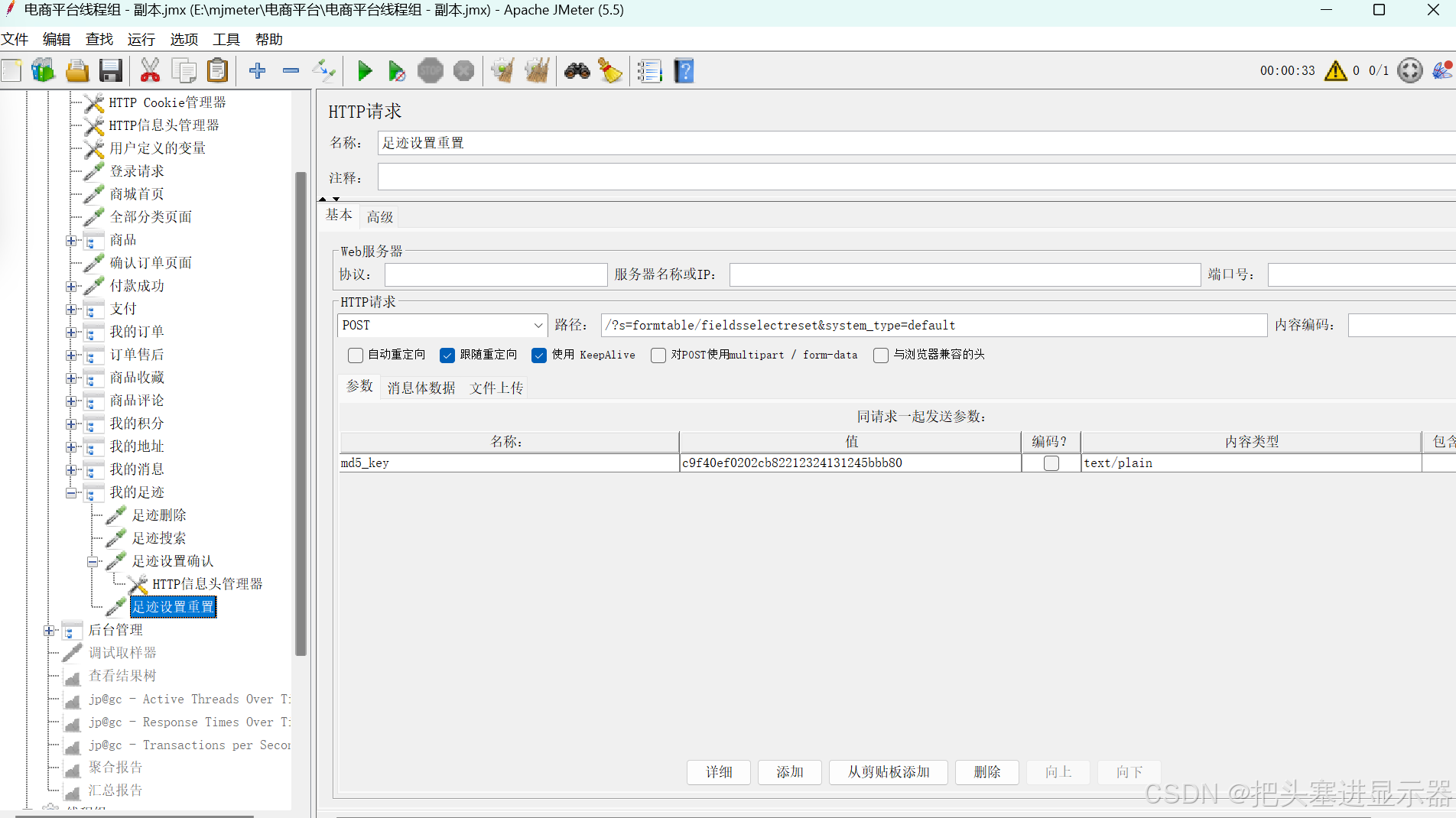
1.2后台管理
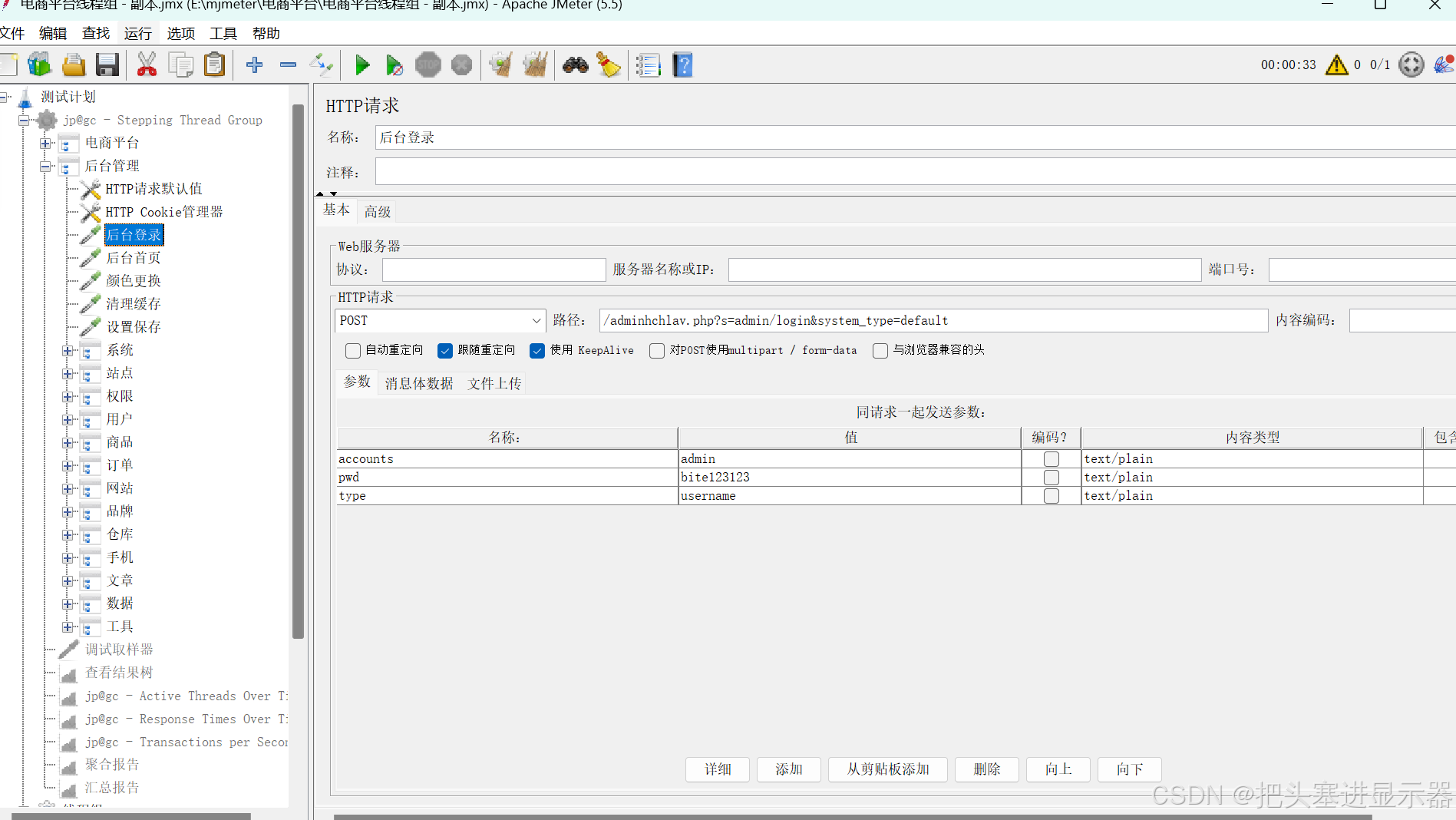
(1)登录事务
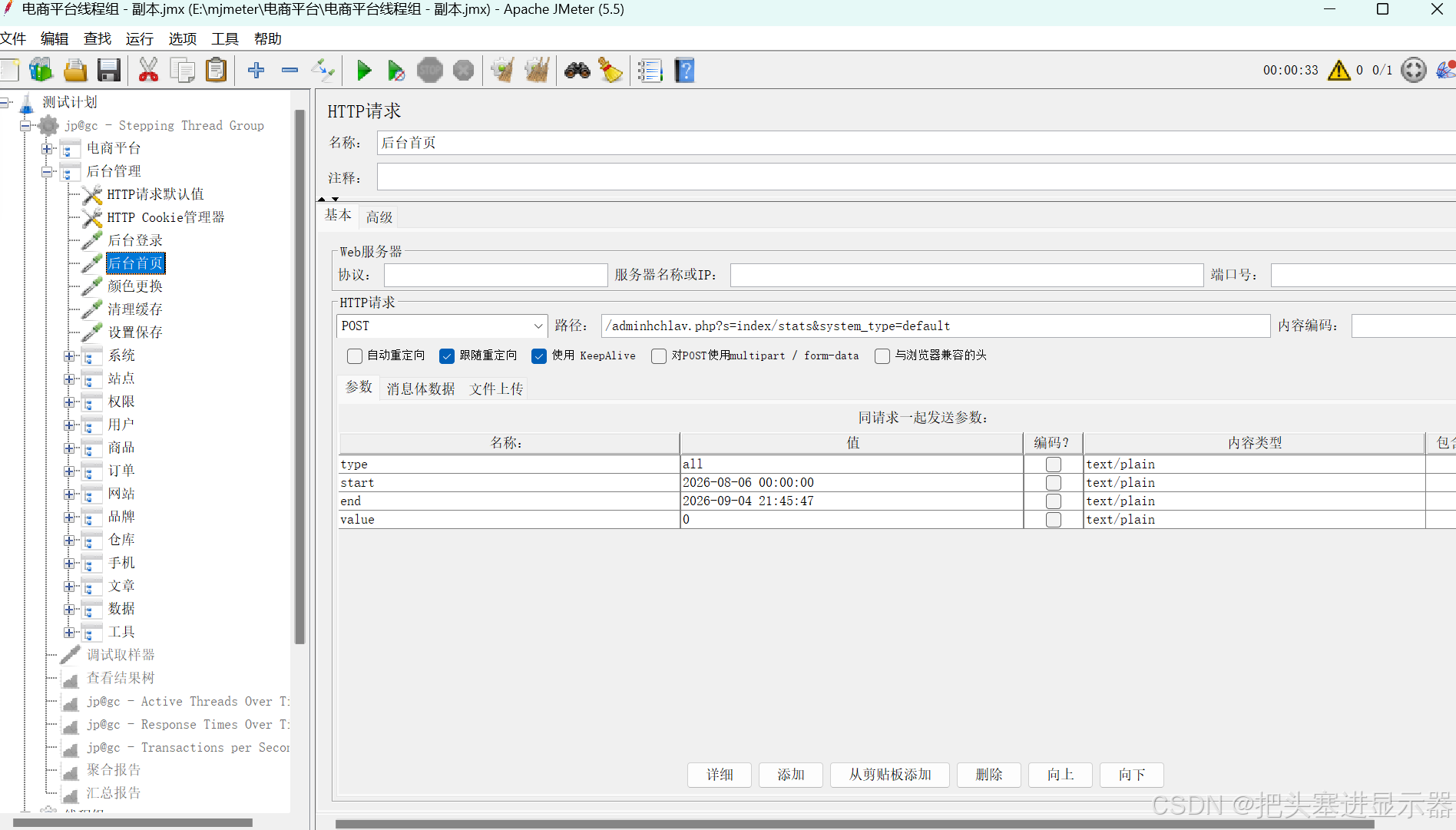
(2)后台首页
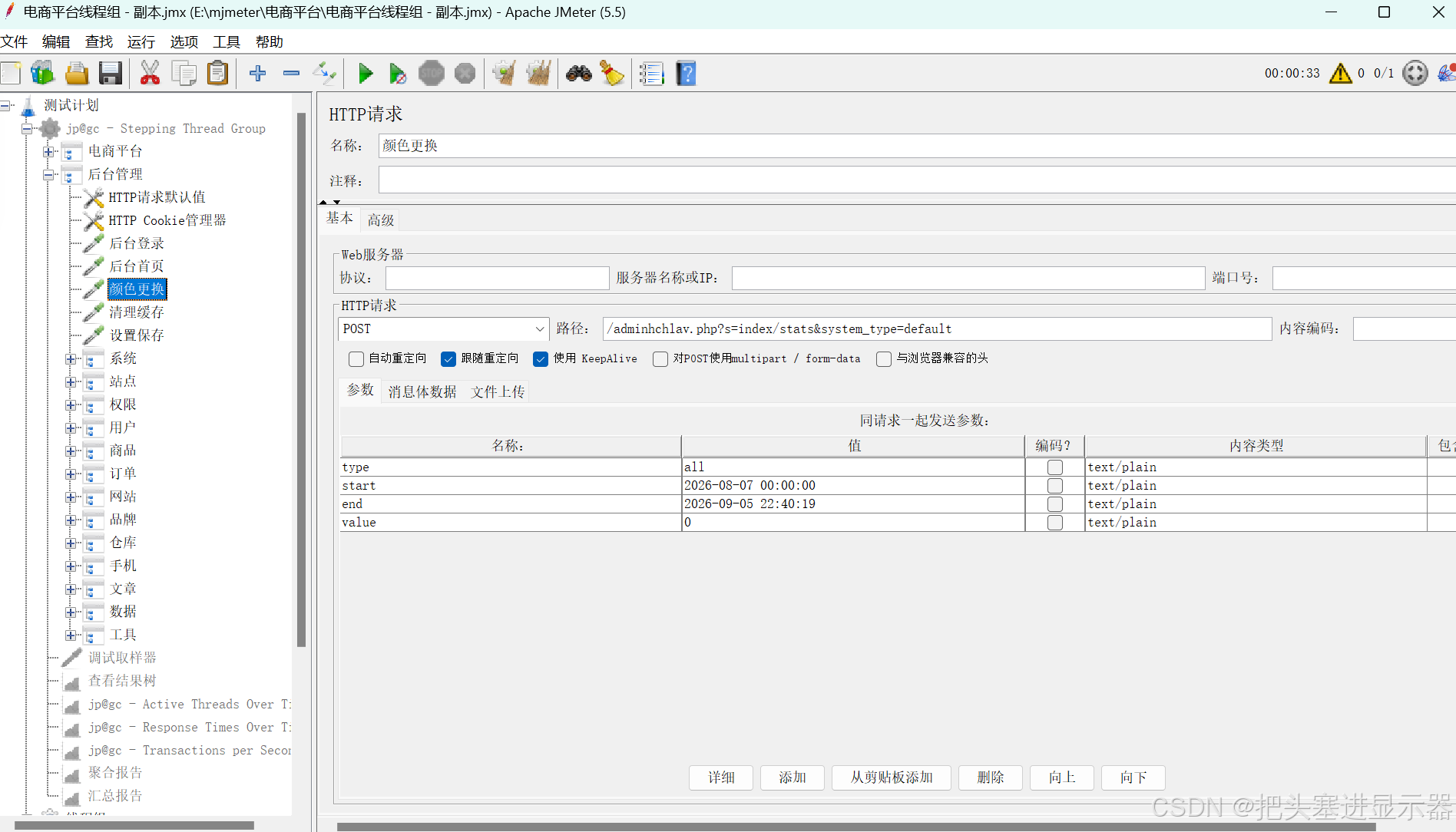
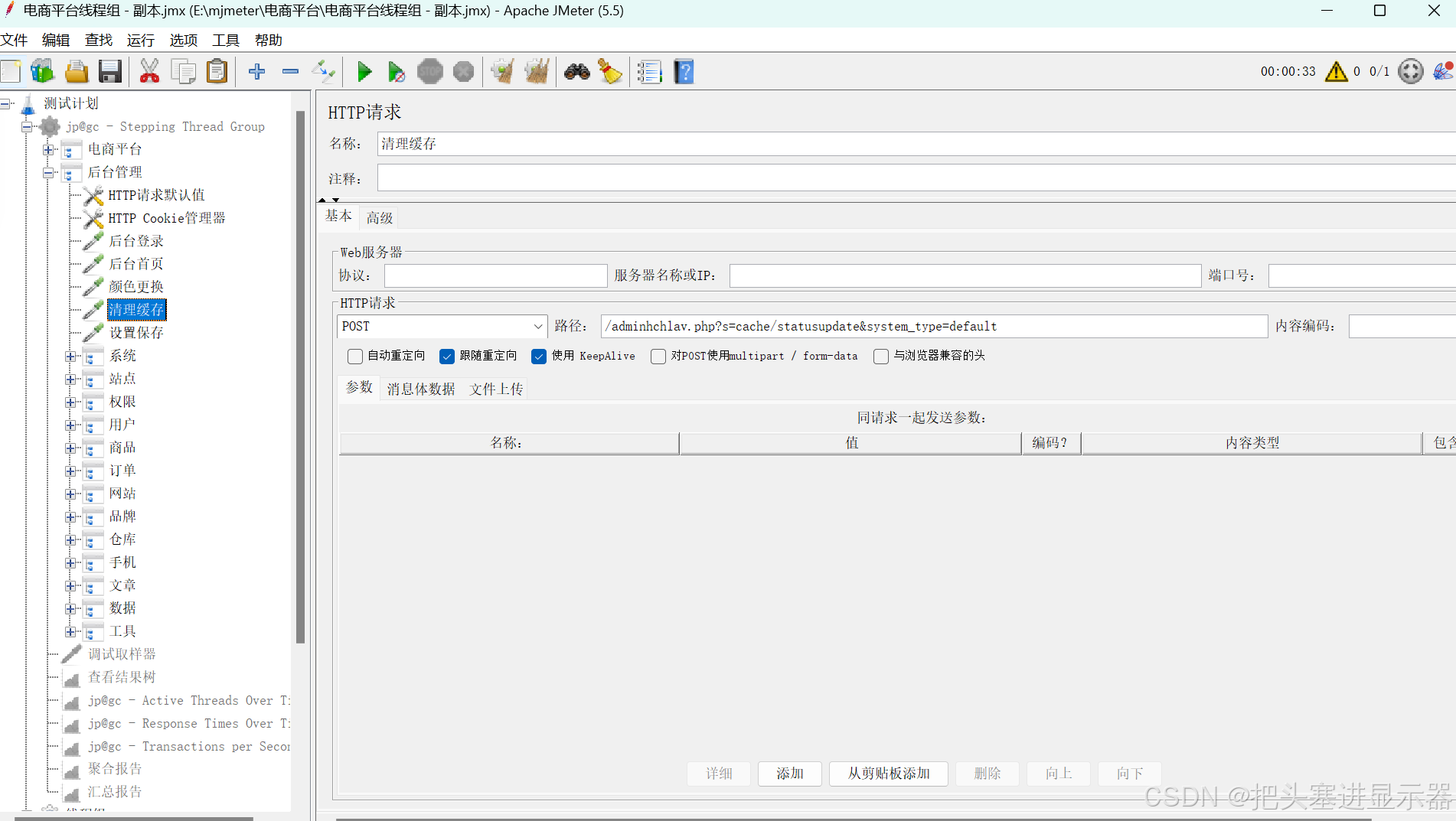
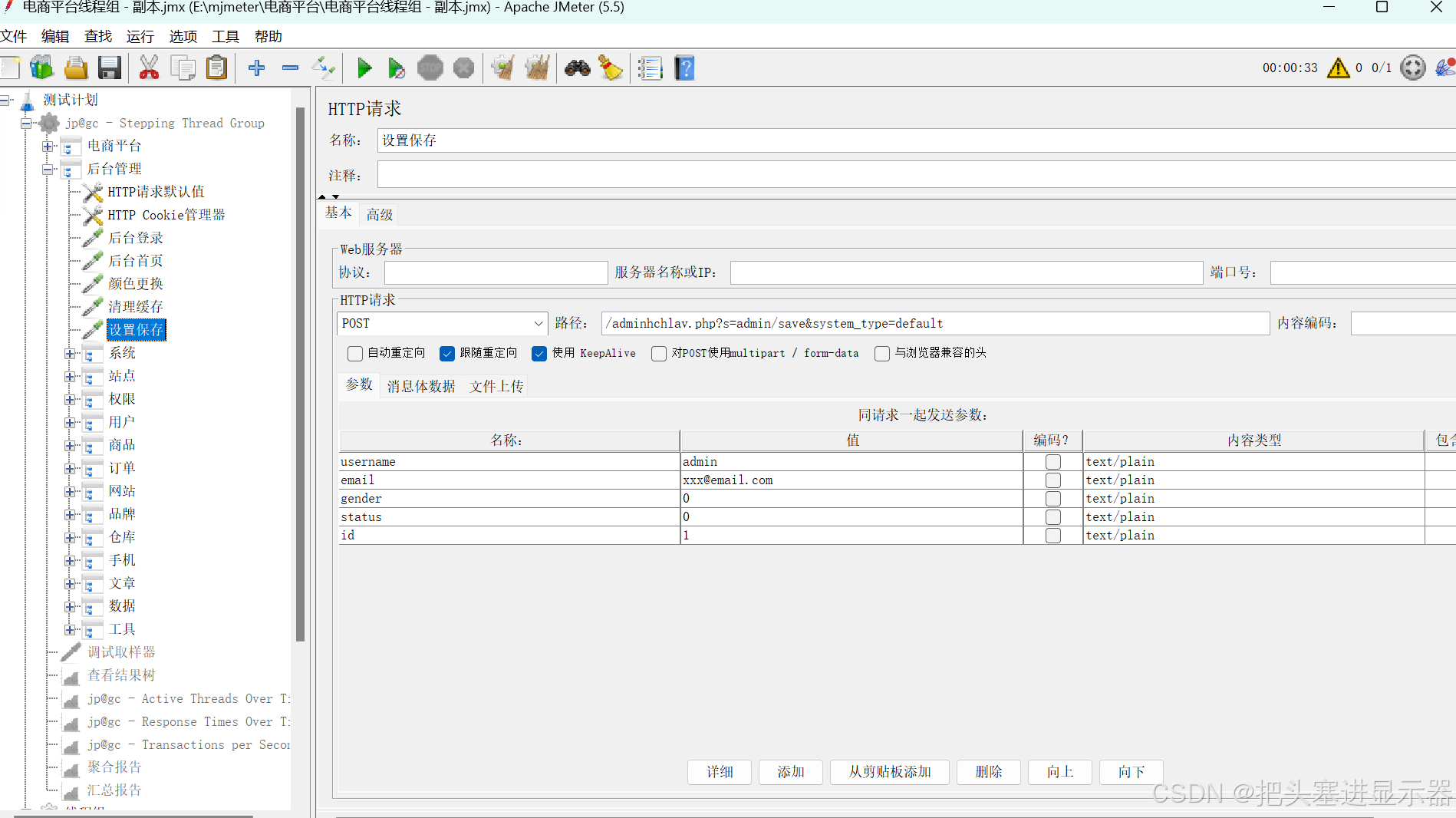
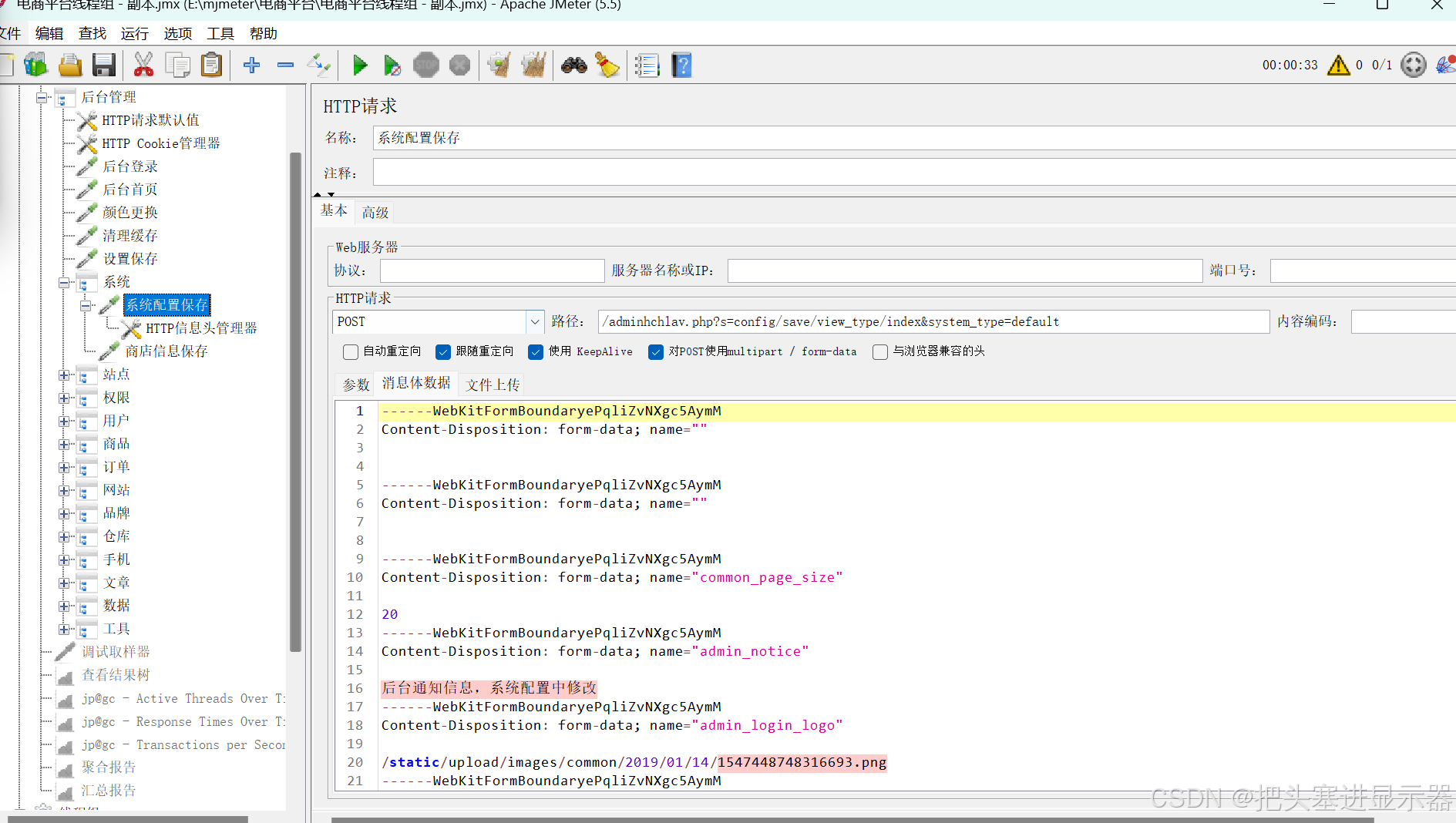
(3)系统
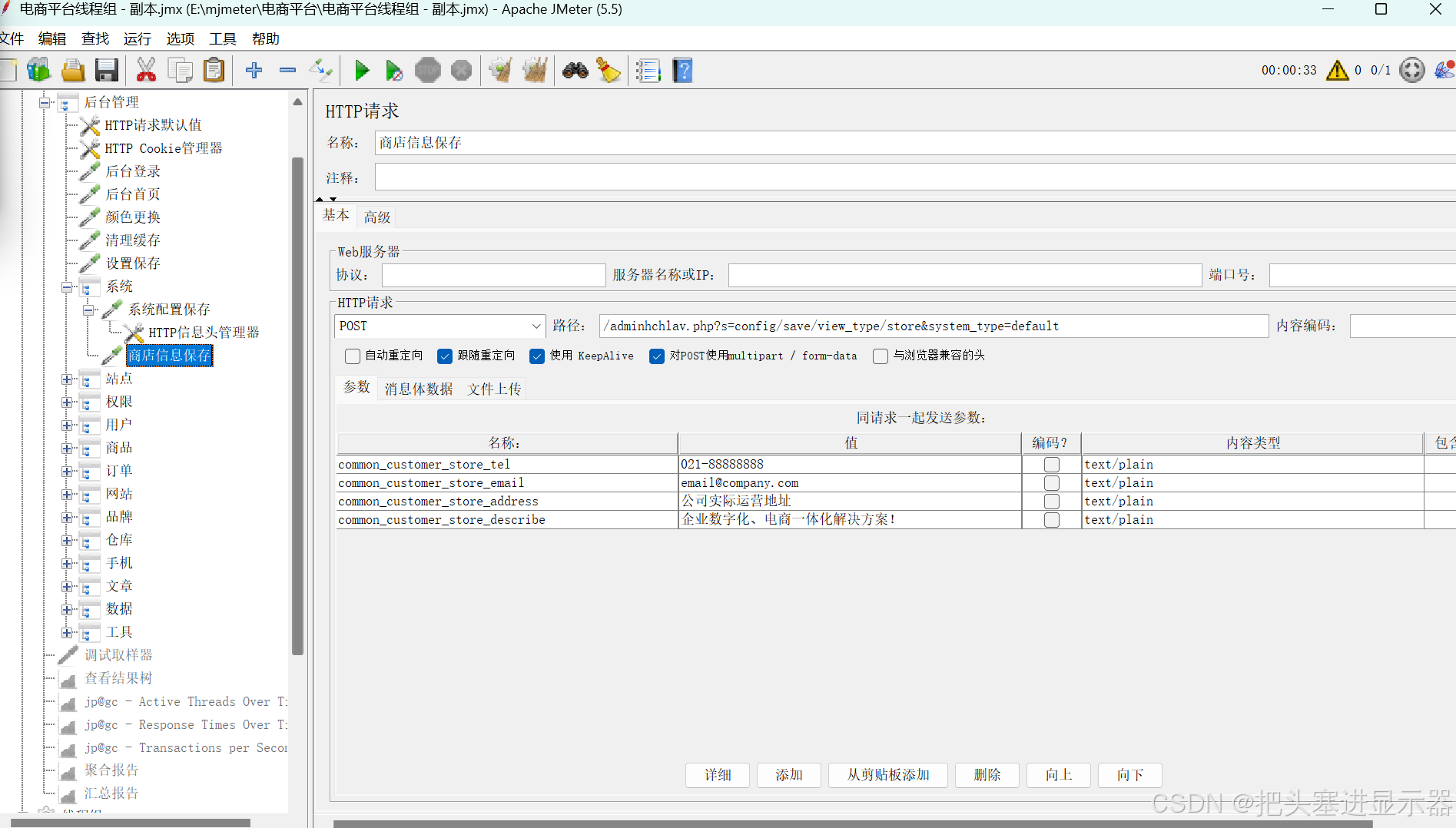
(4)站点
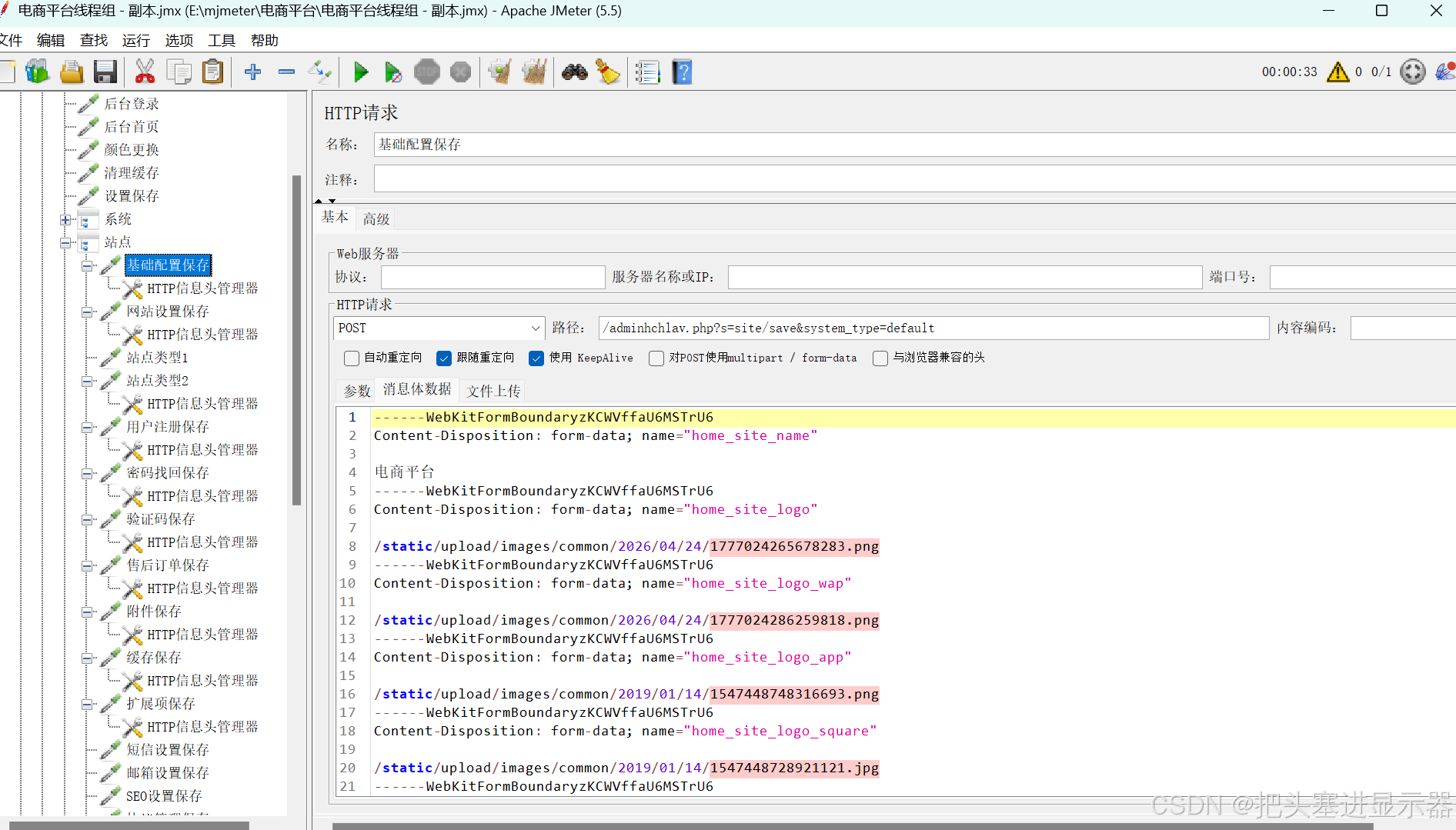
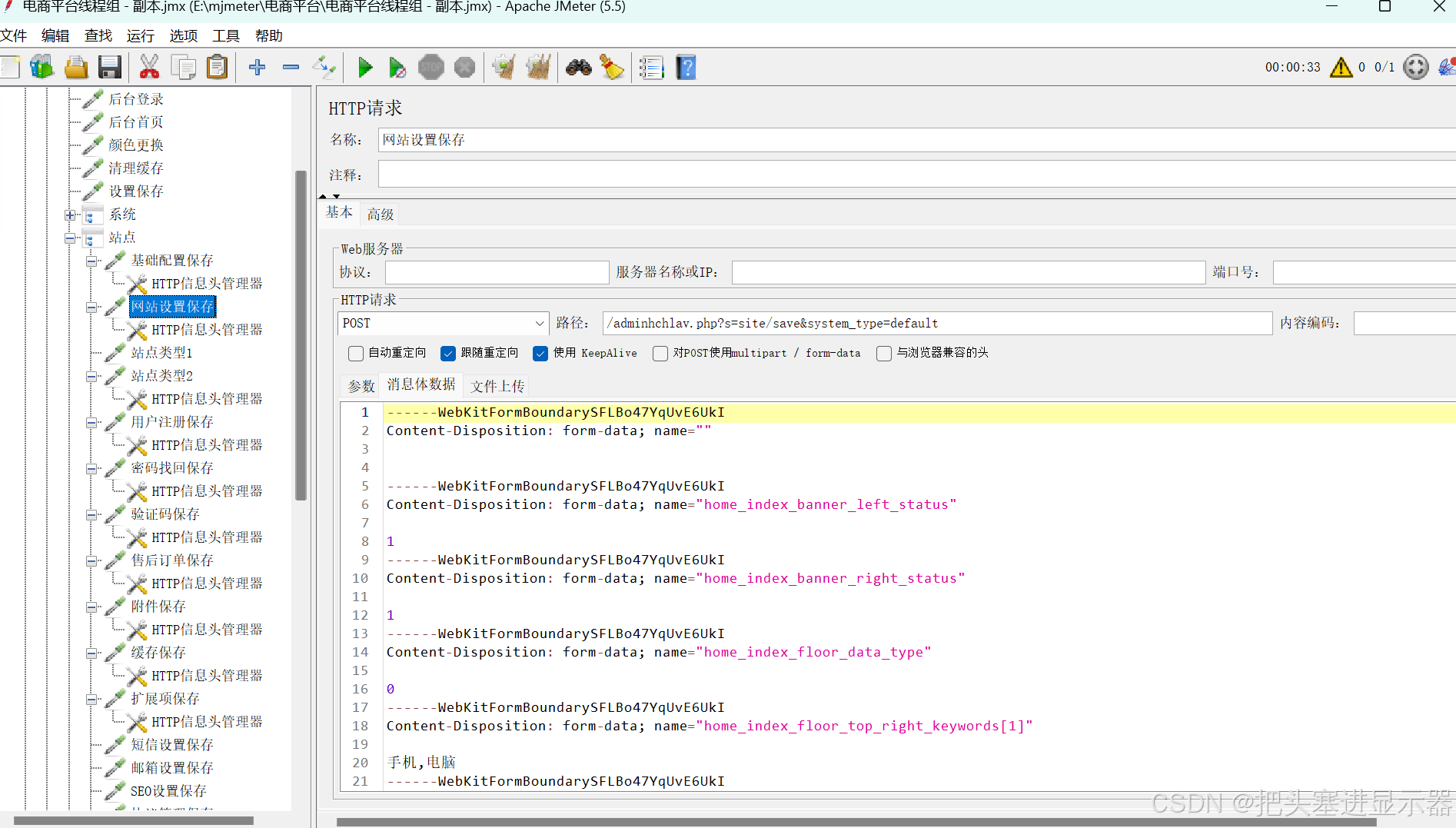
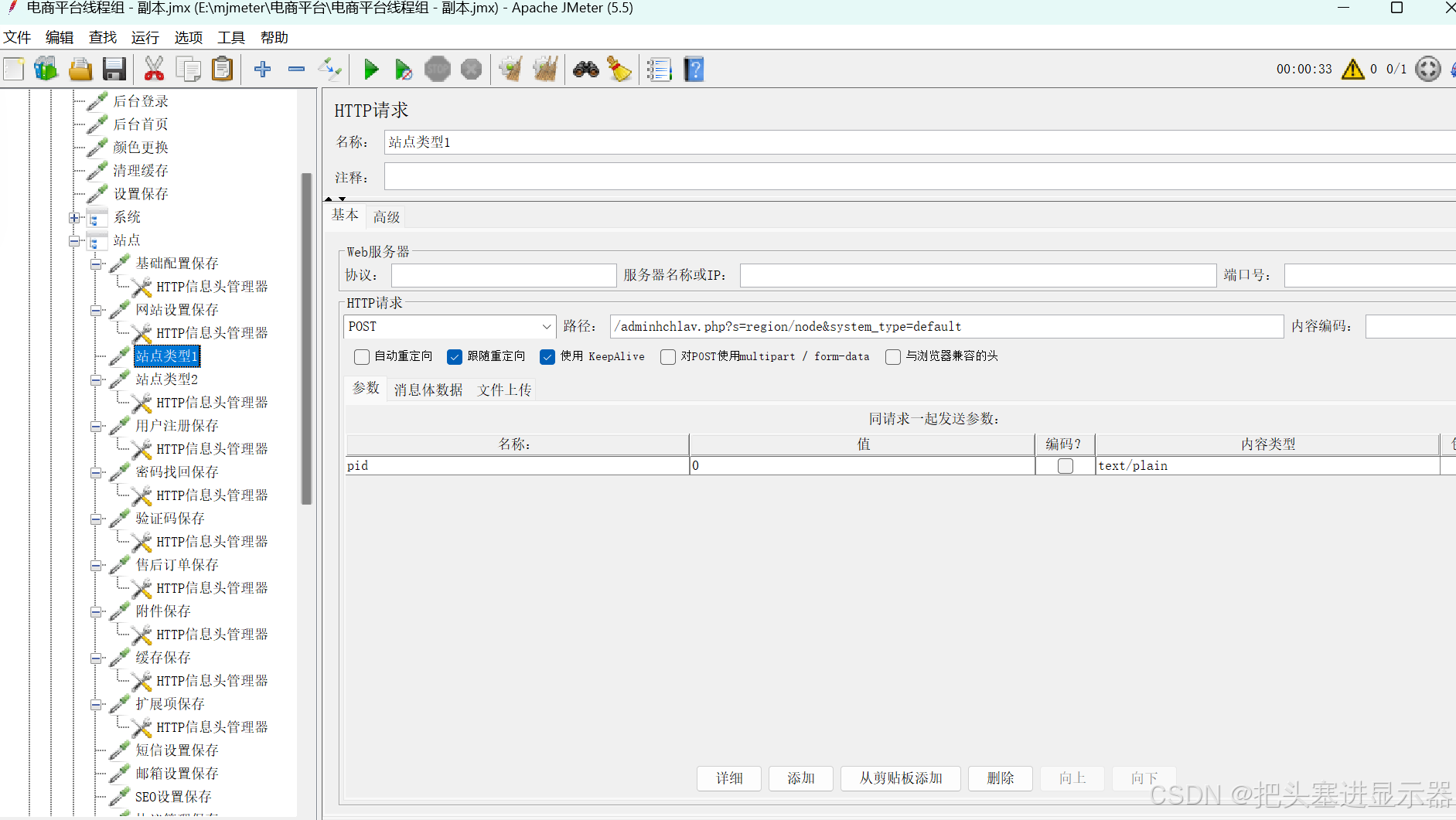
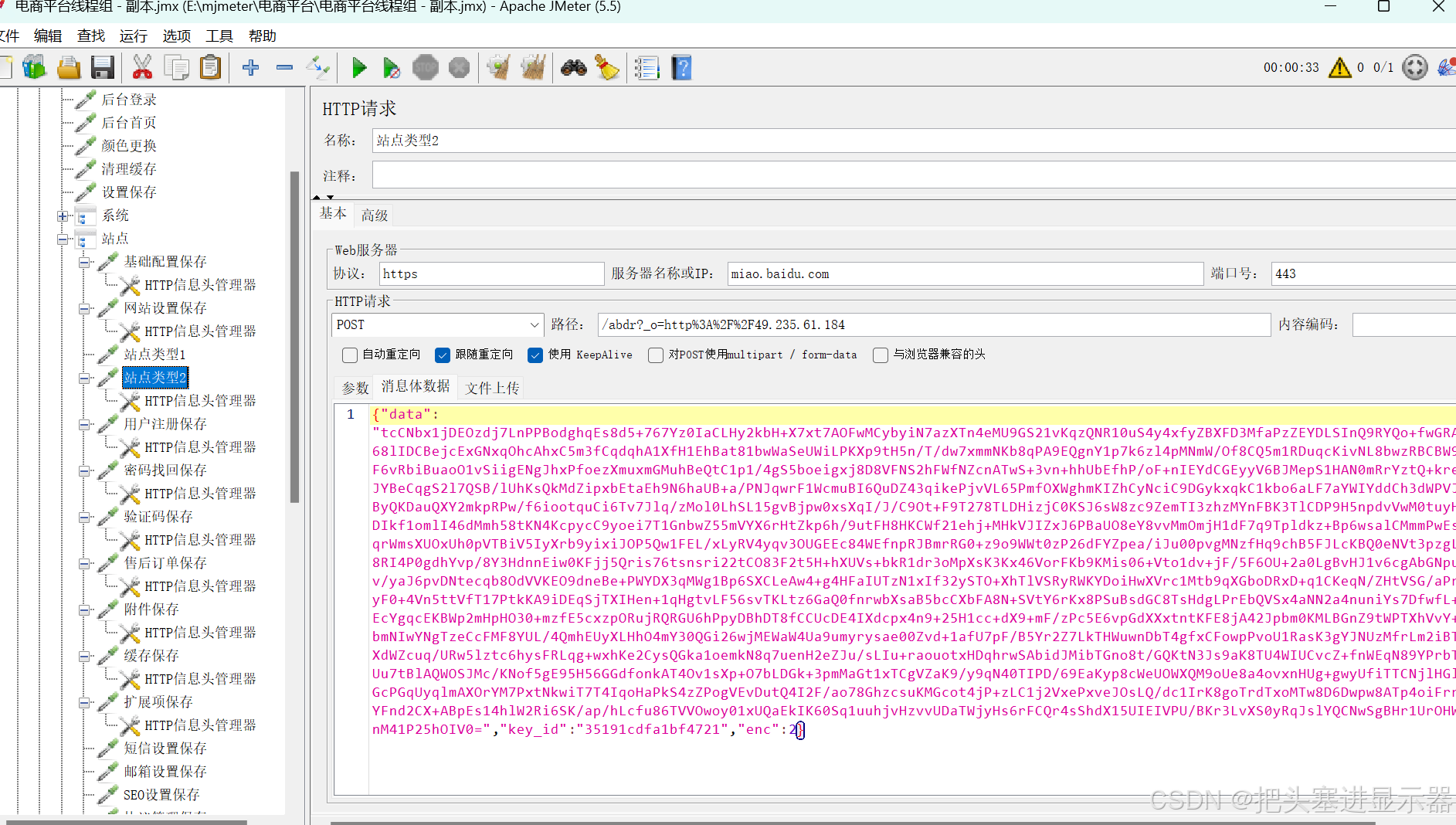
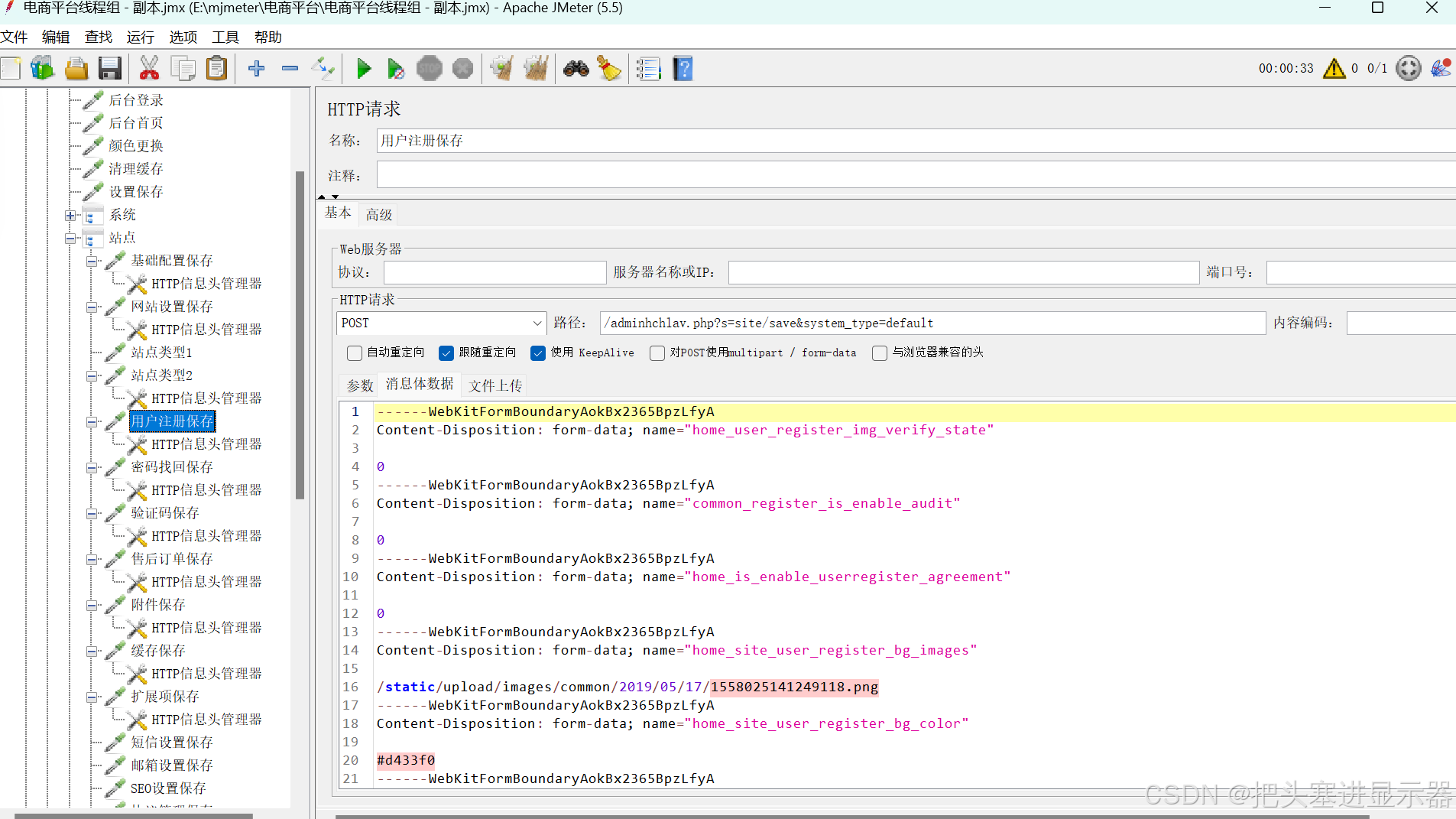
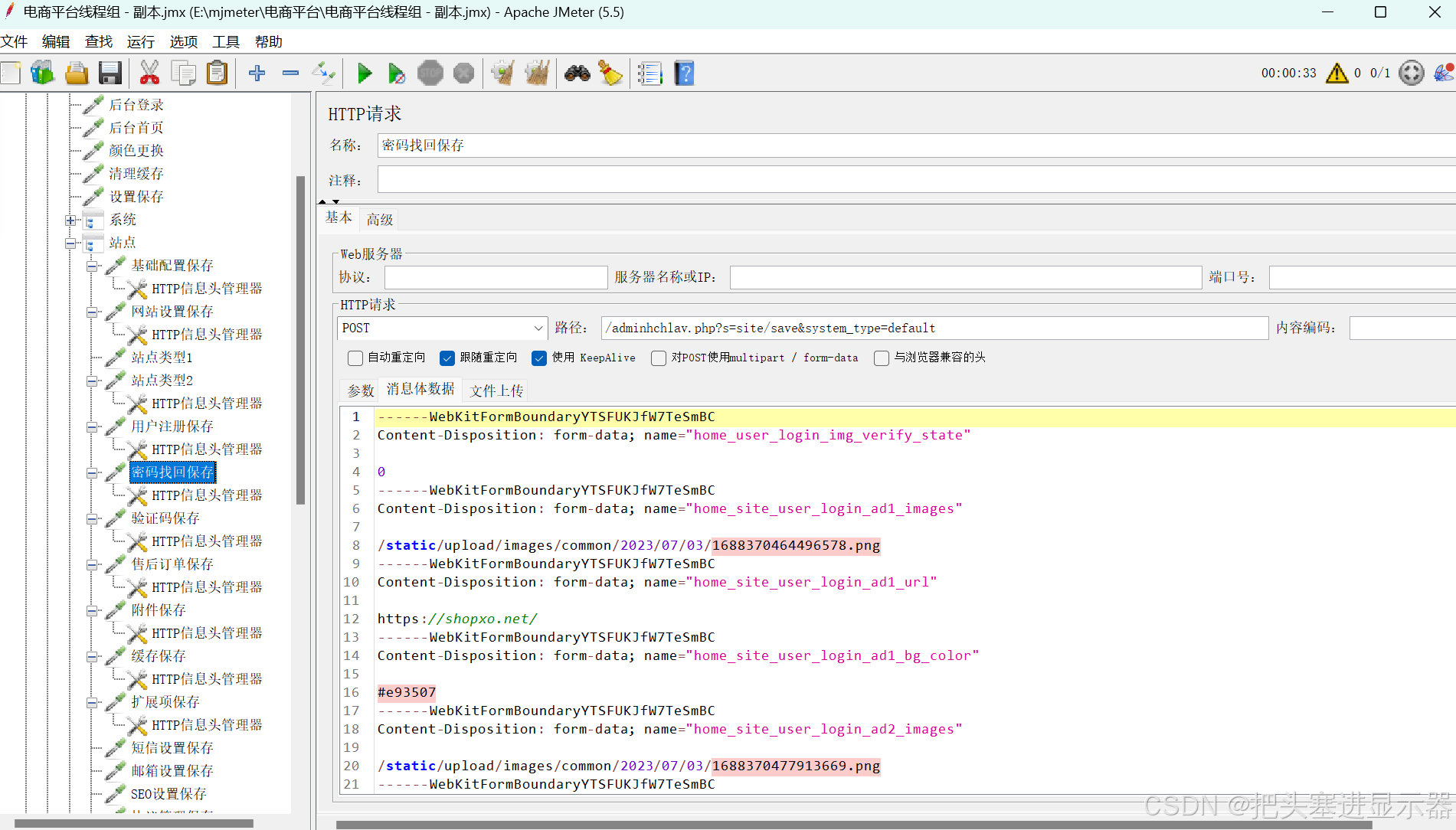
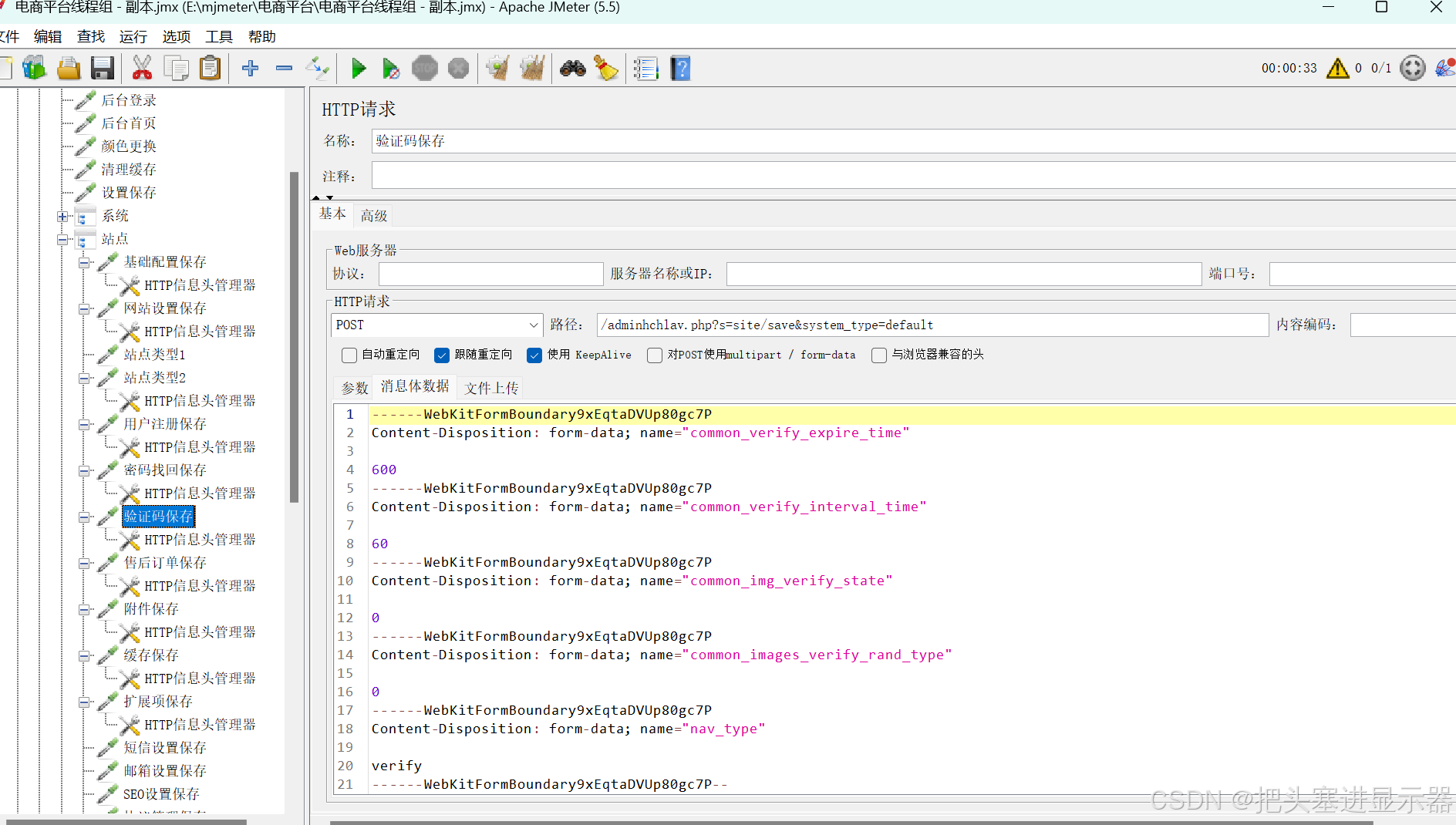
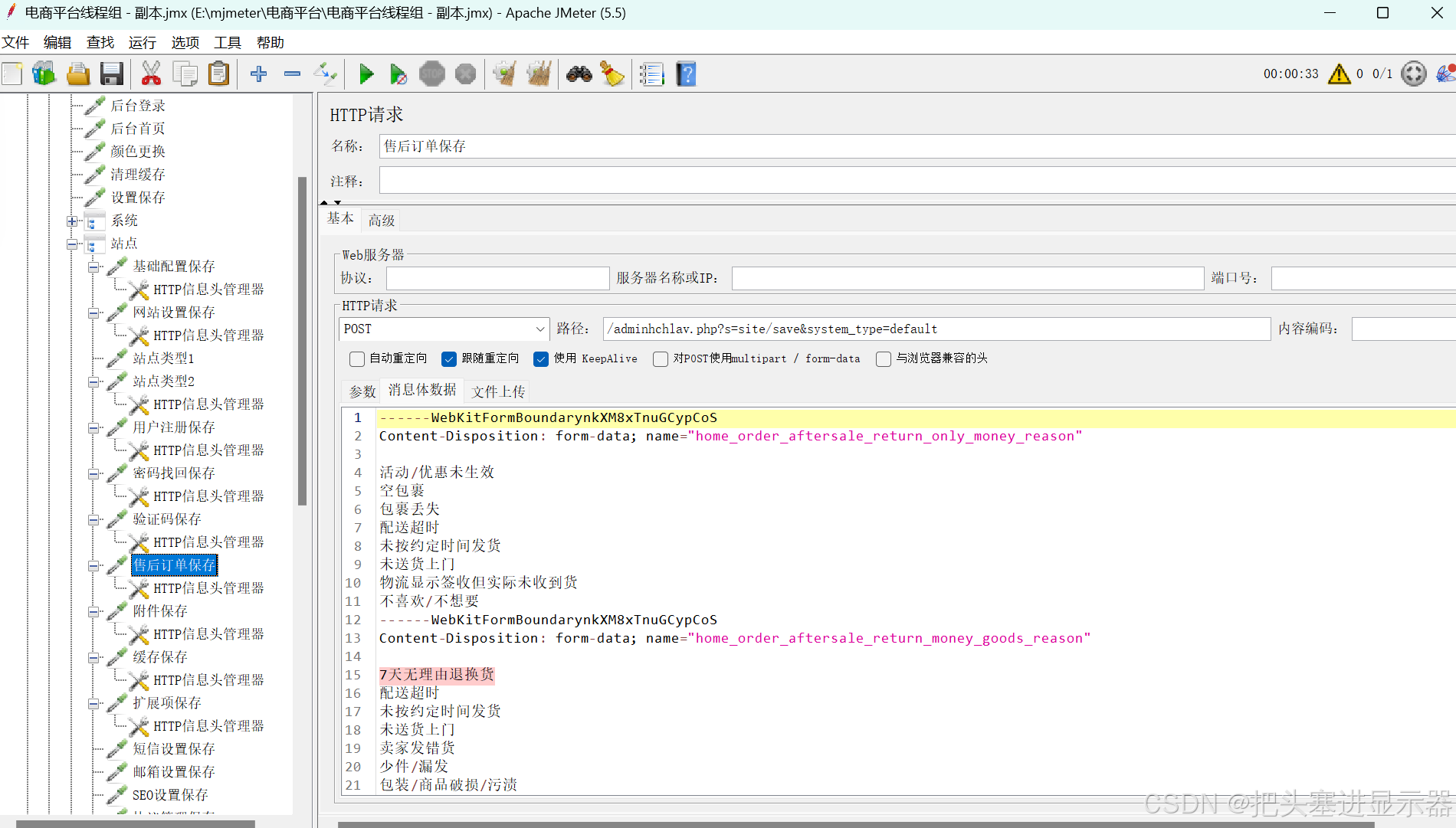
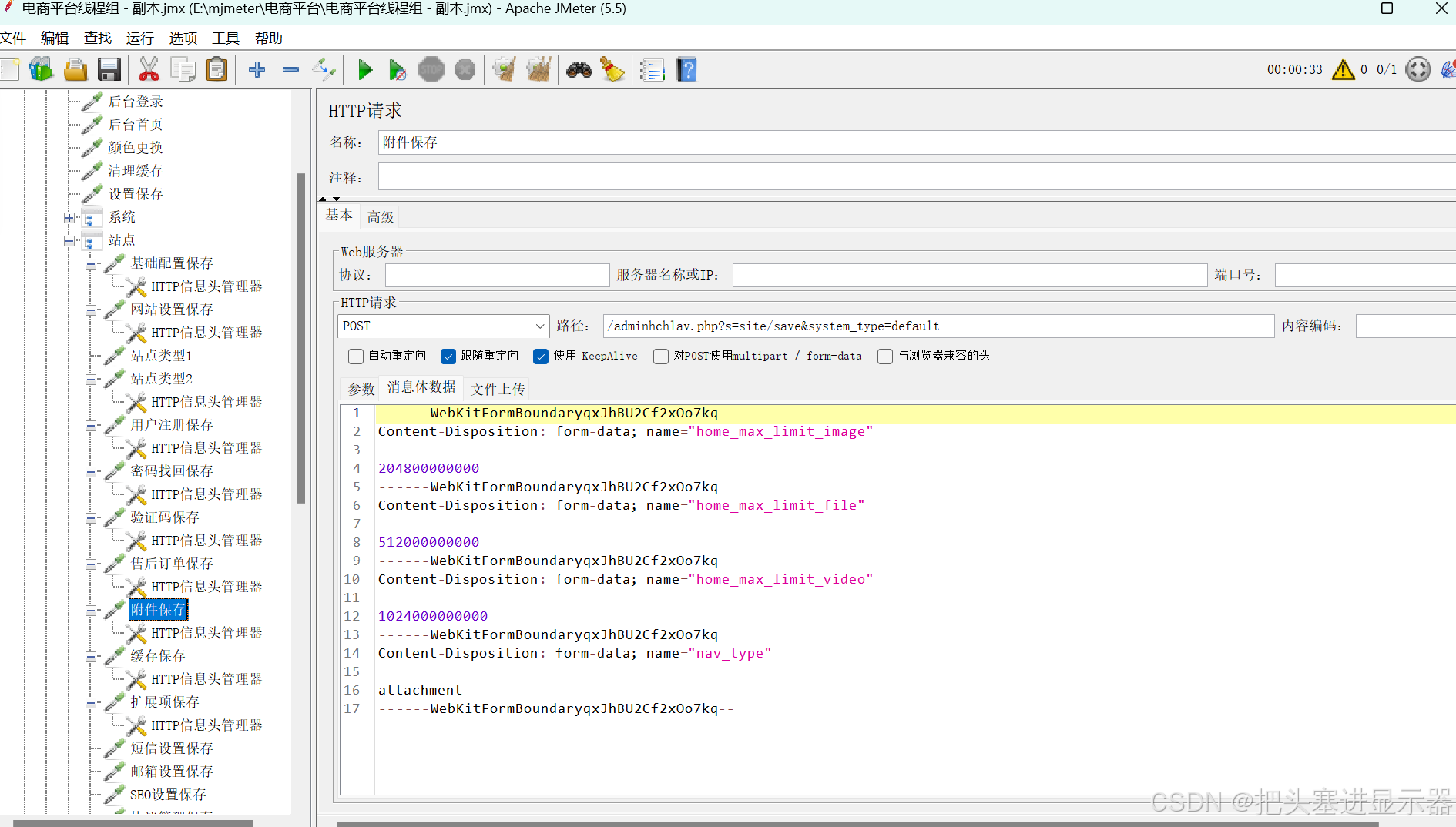
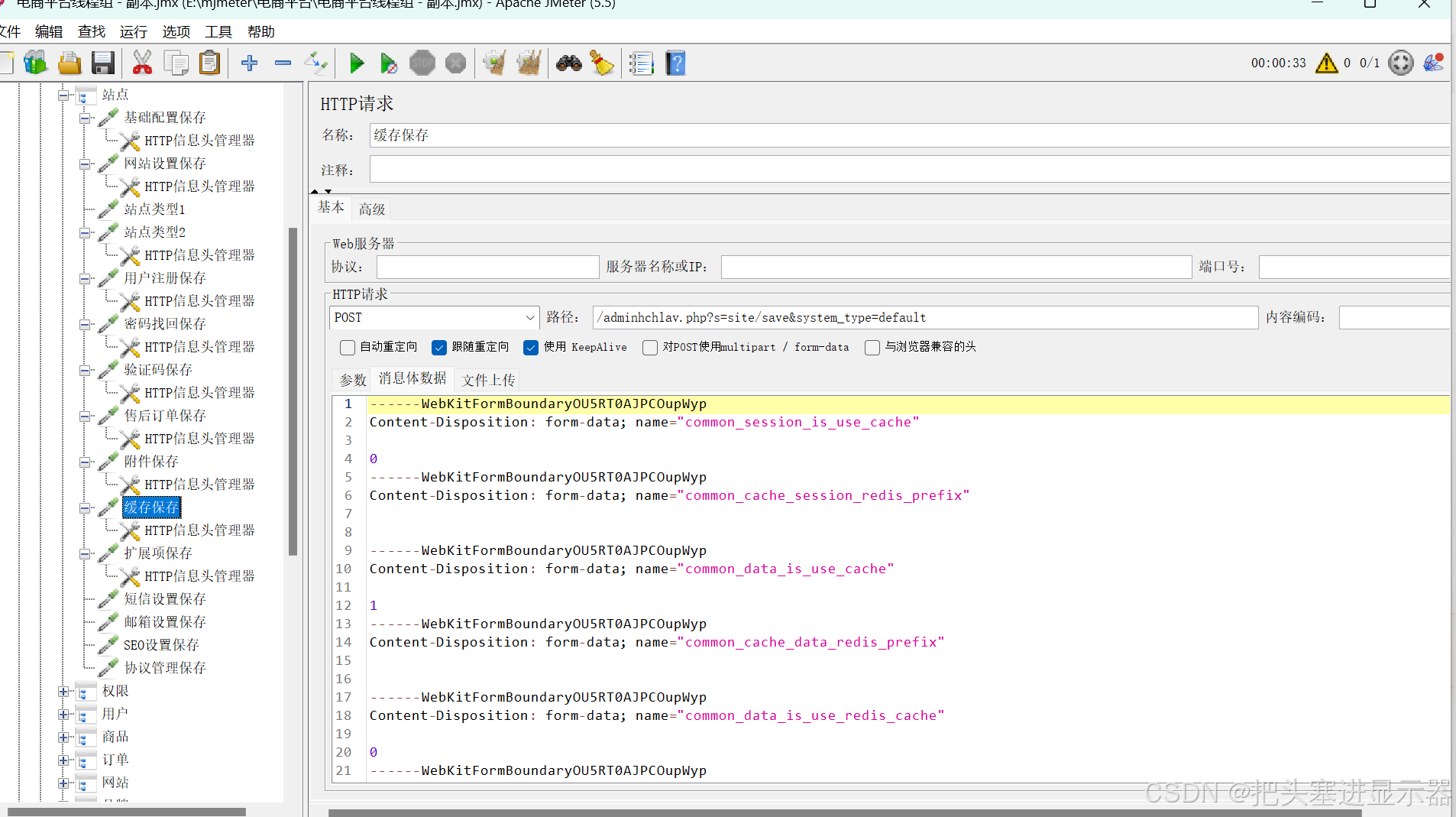
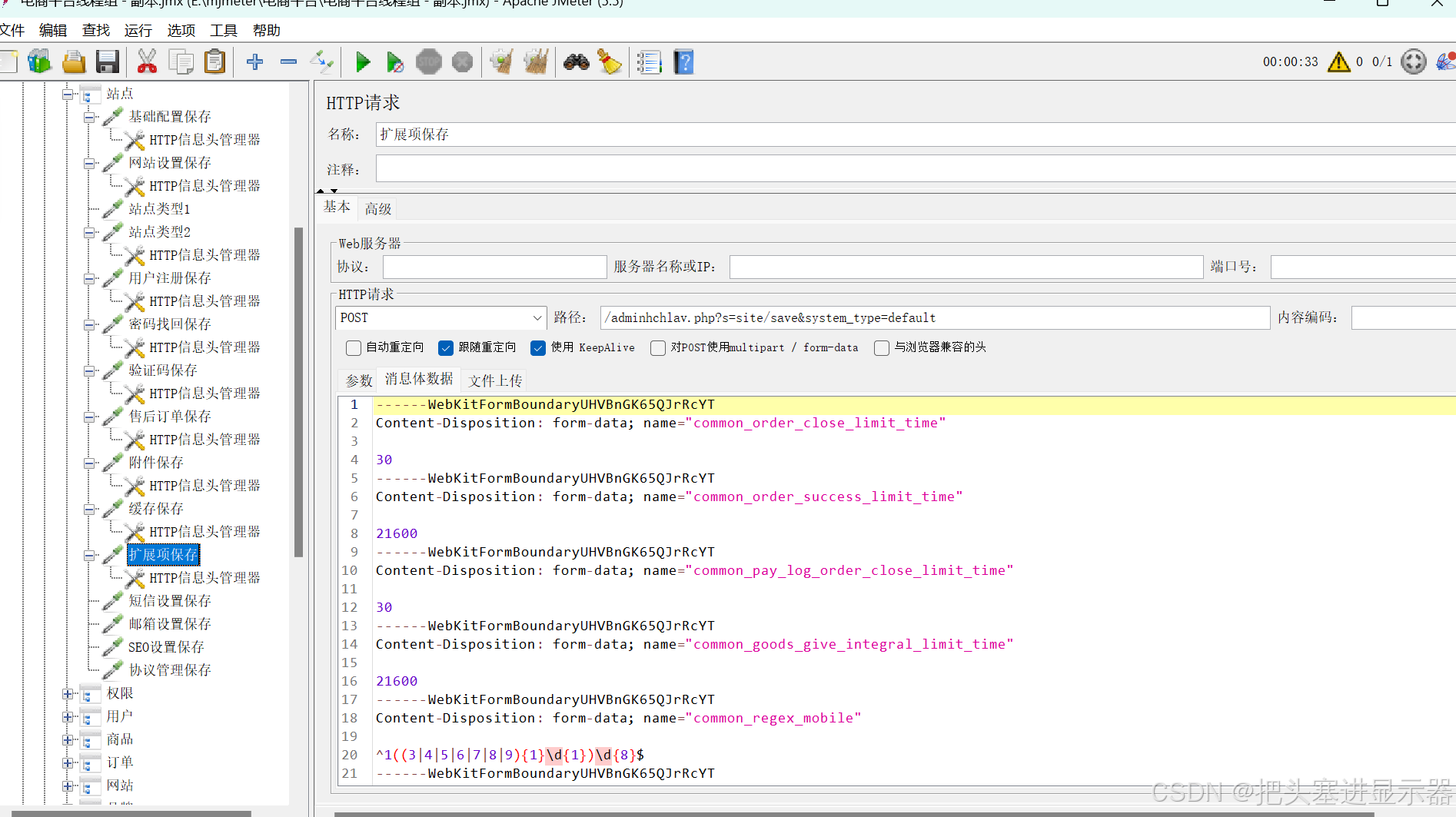
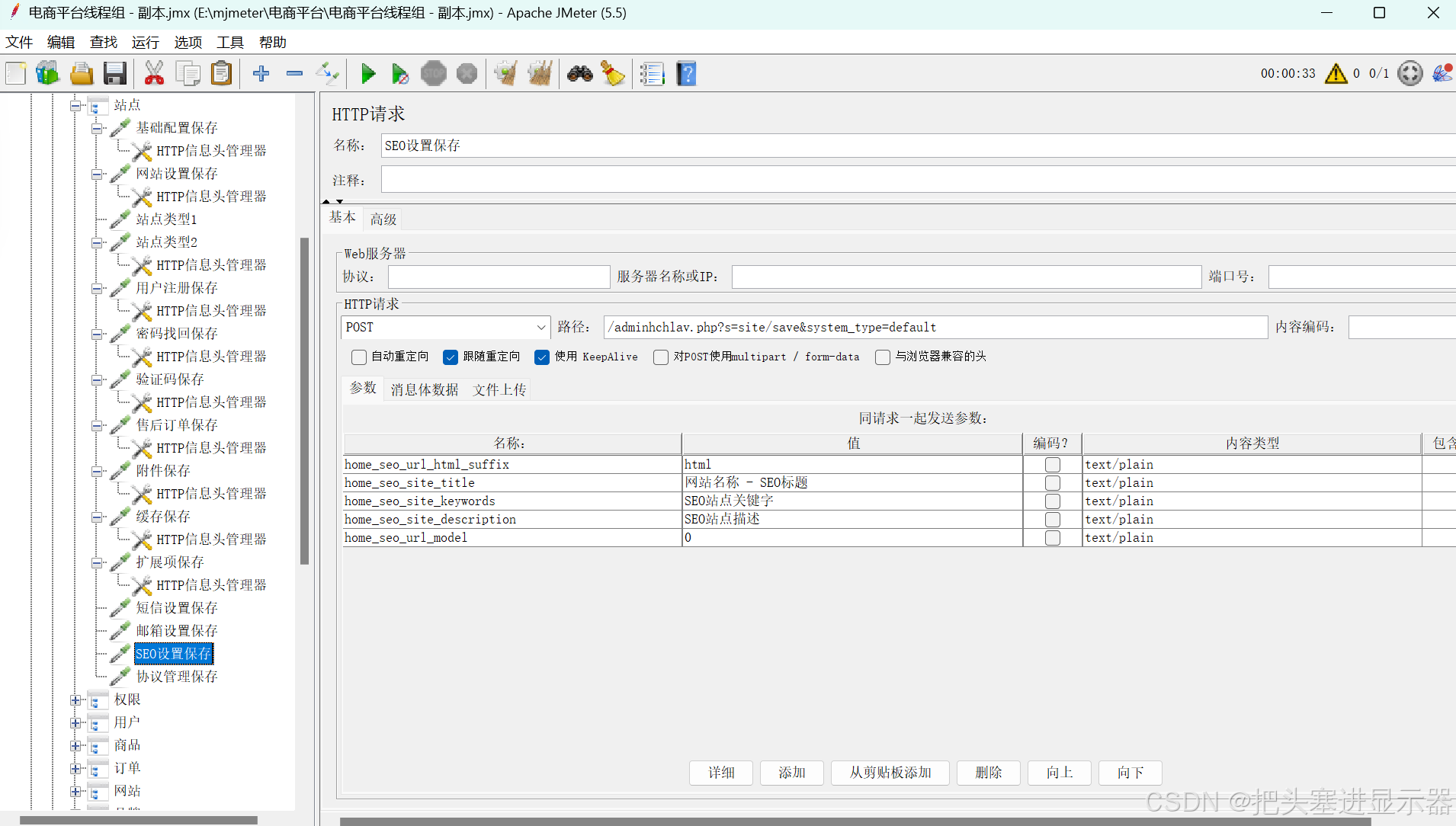
(5)权限
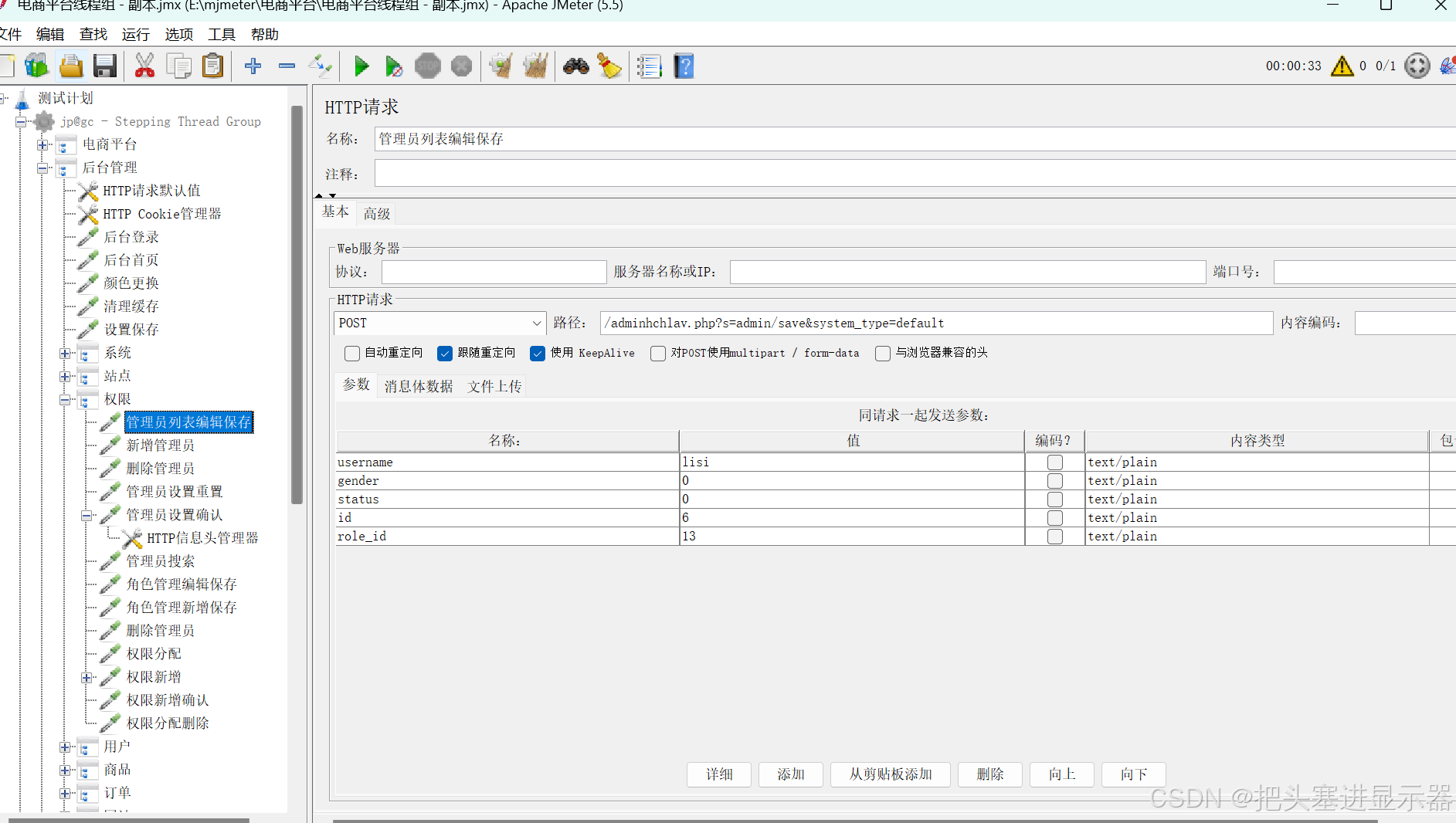
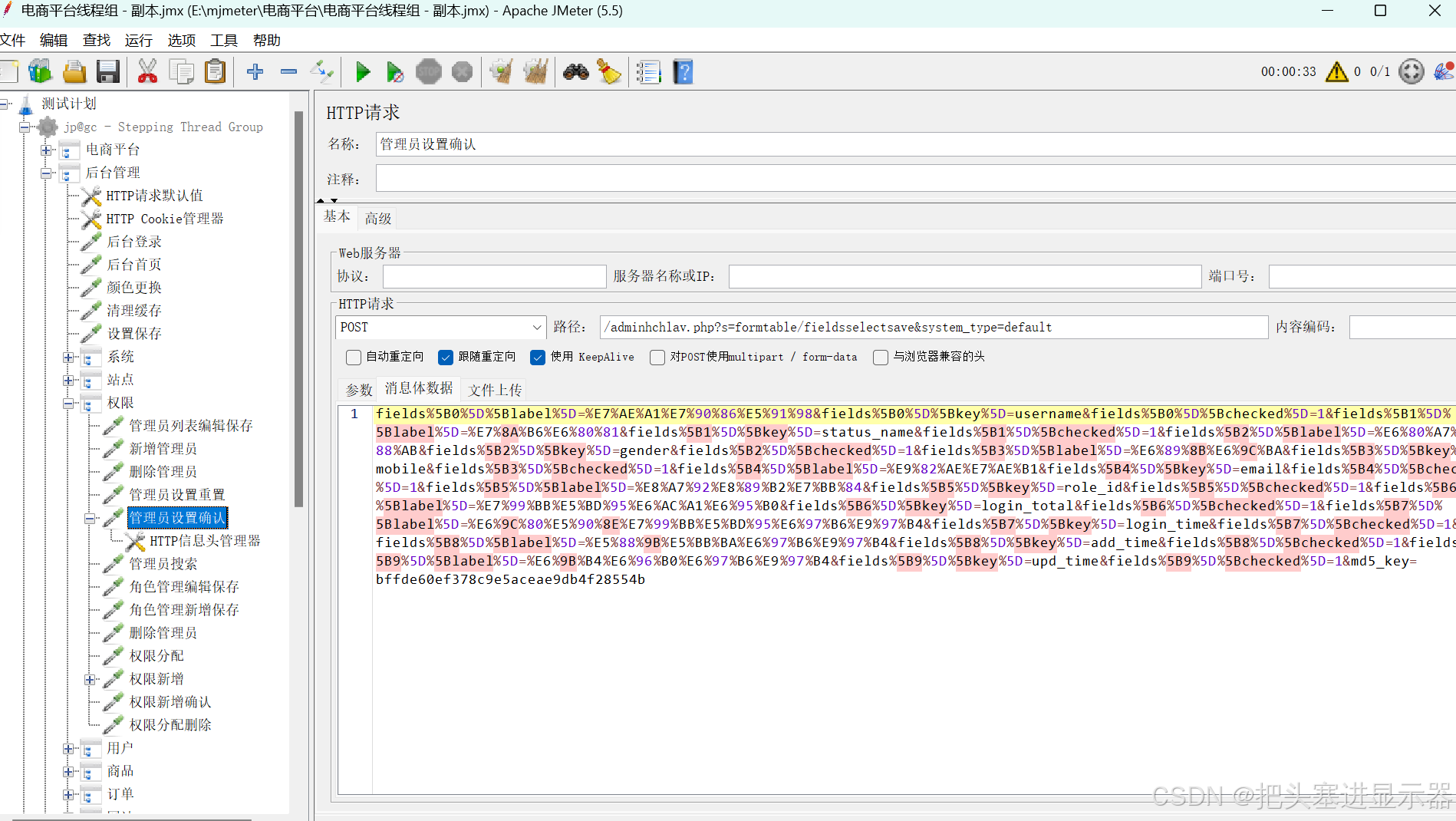
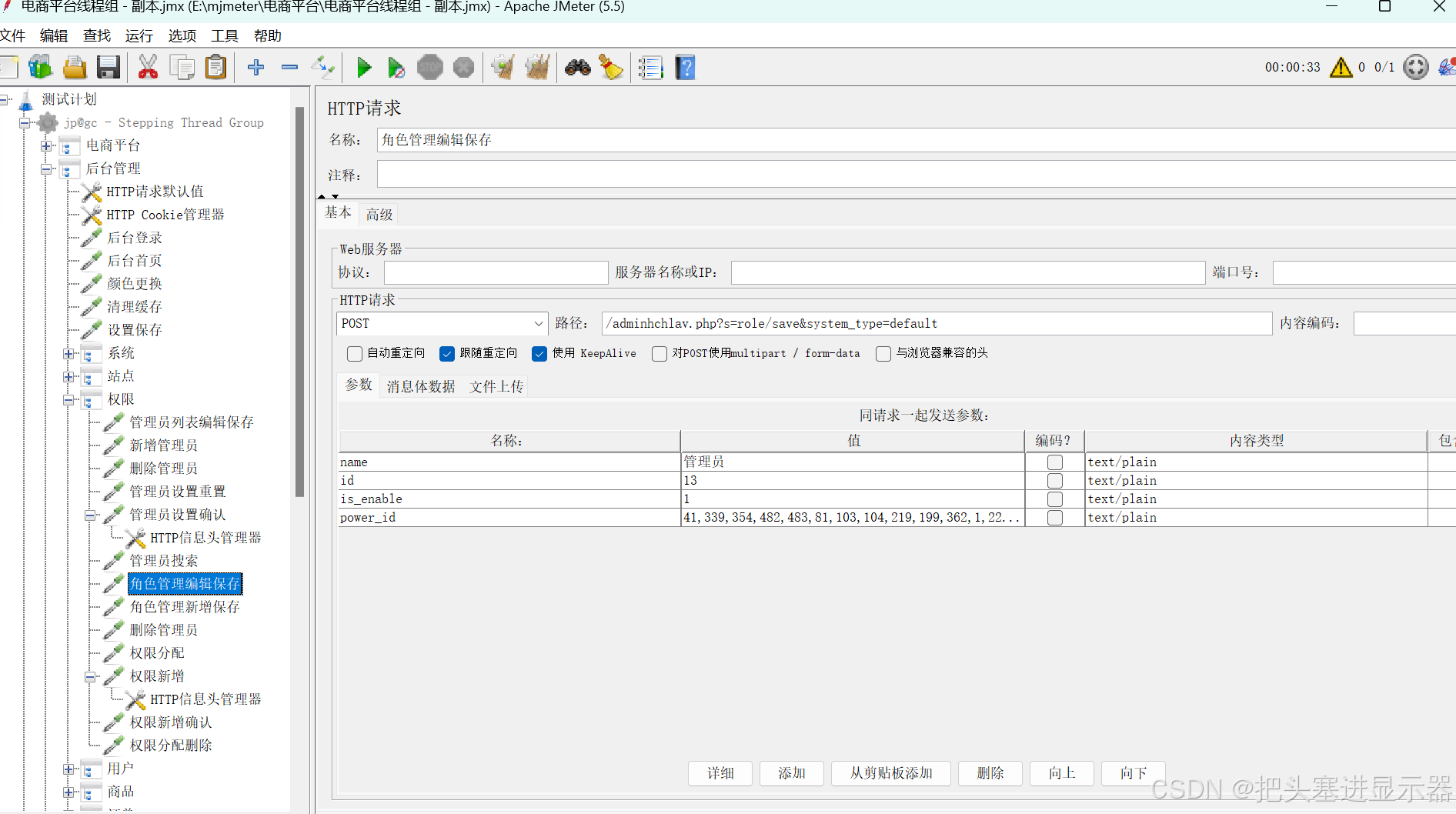
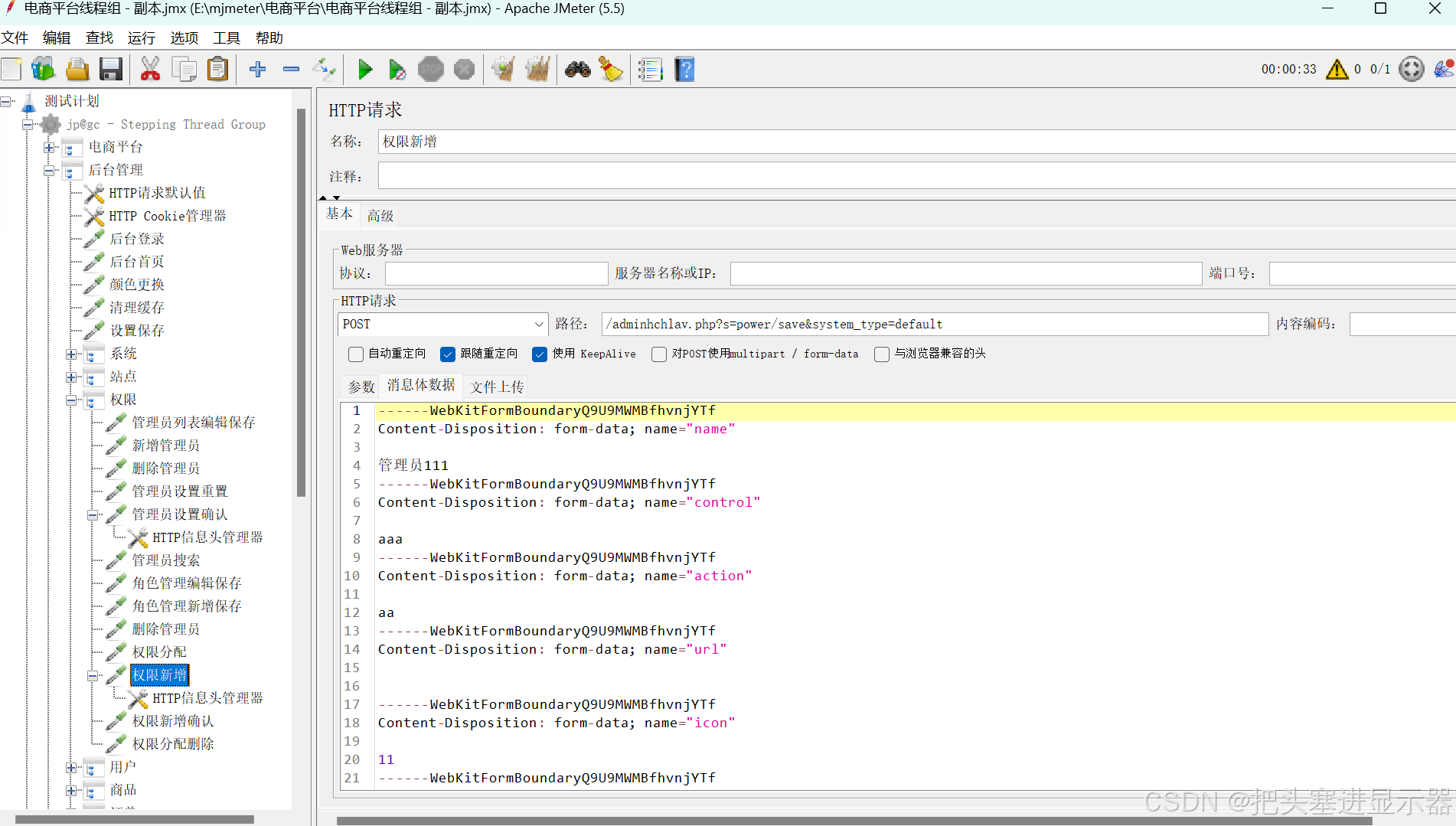
(6)用户
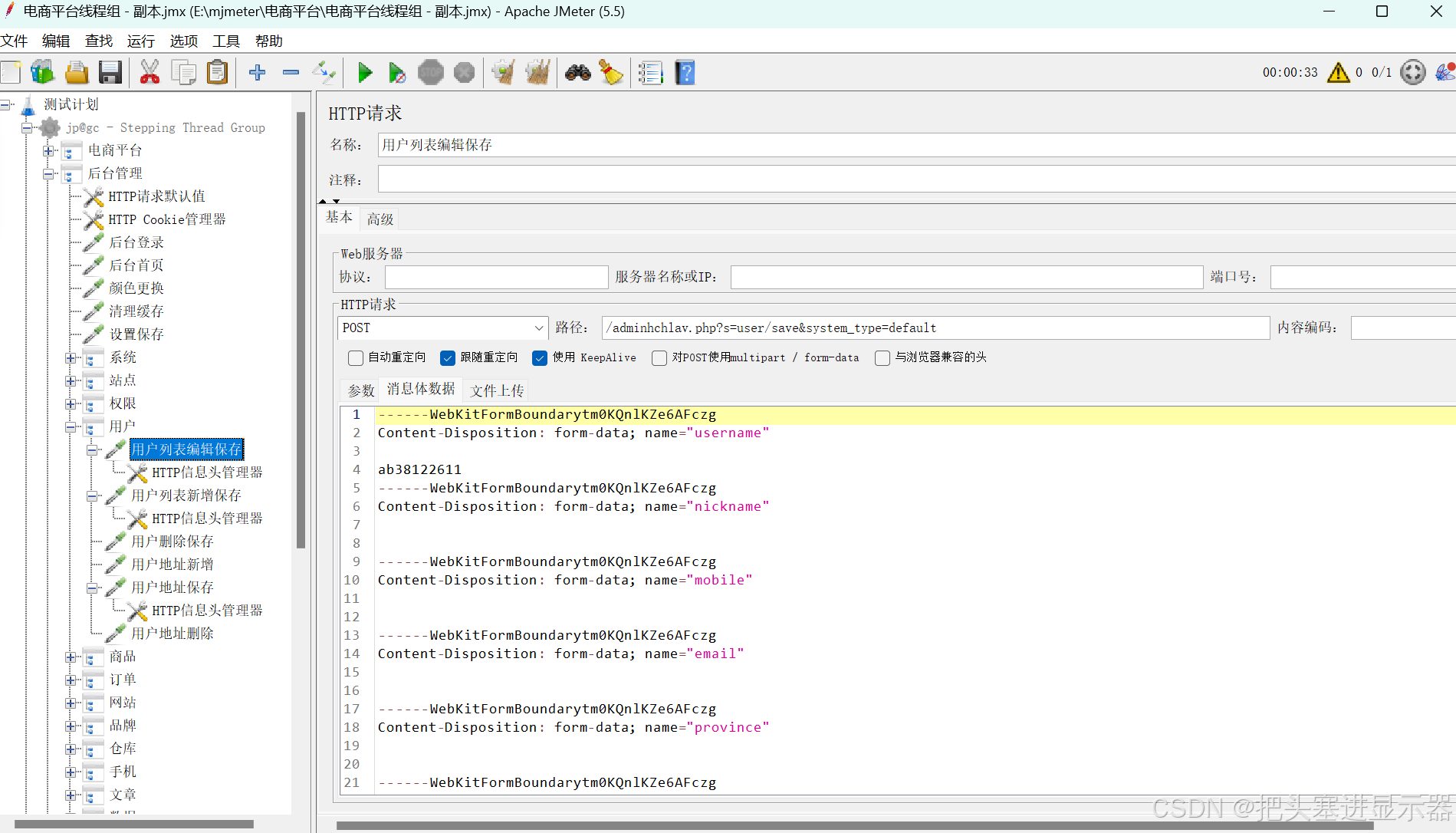
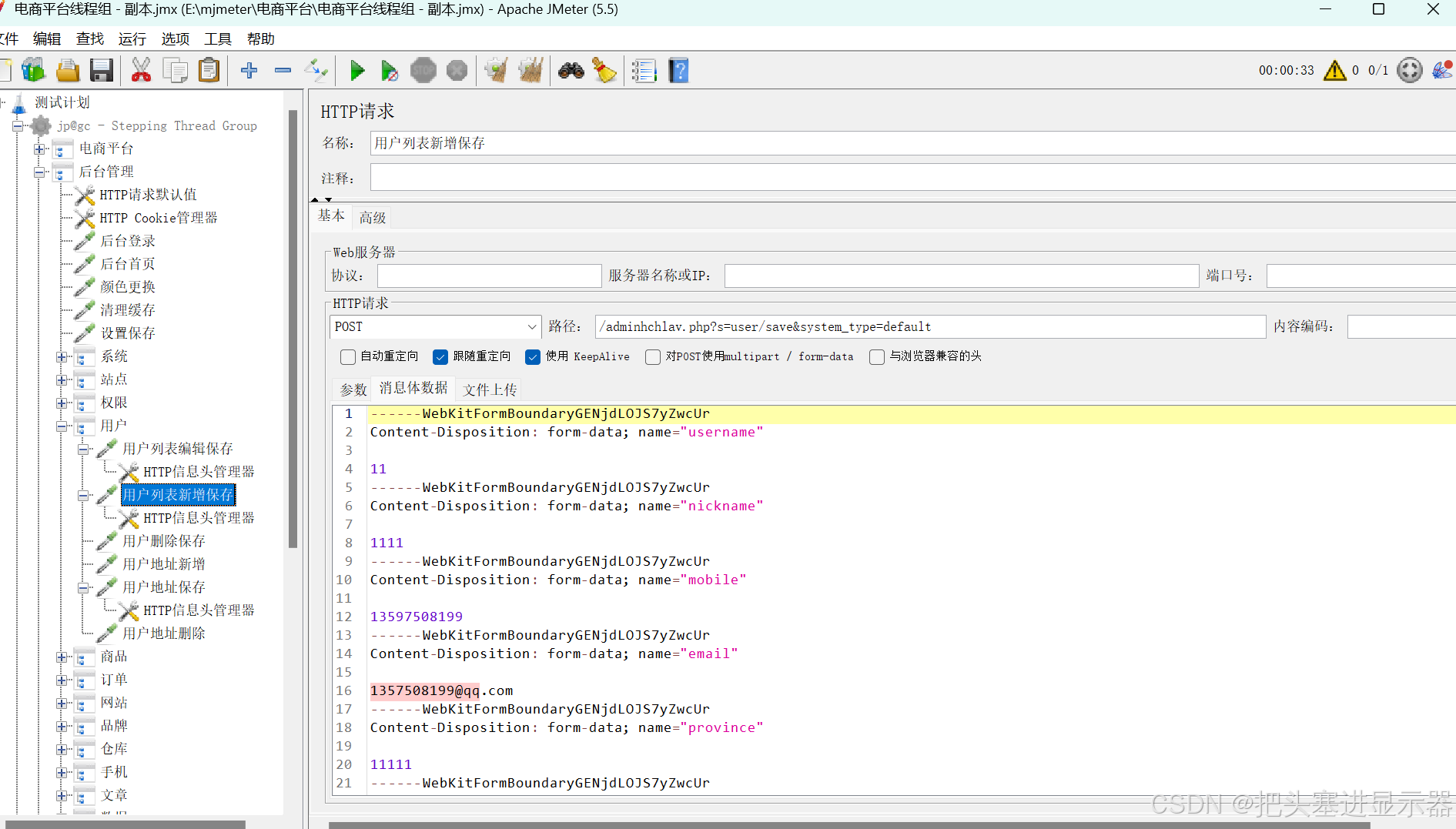
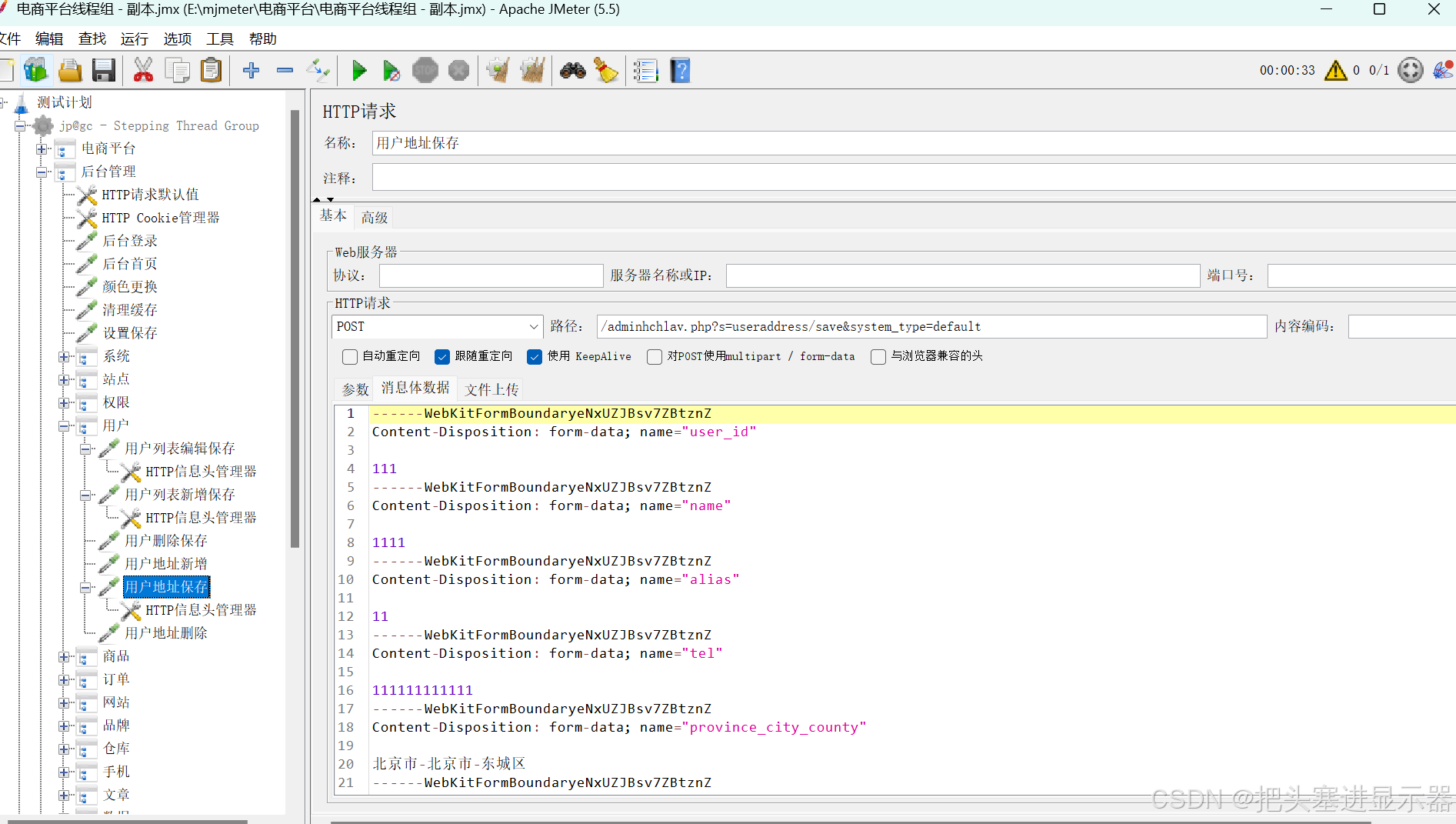
(7)商品
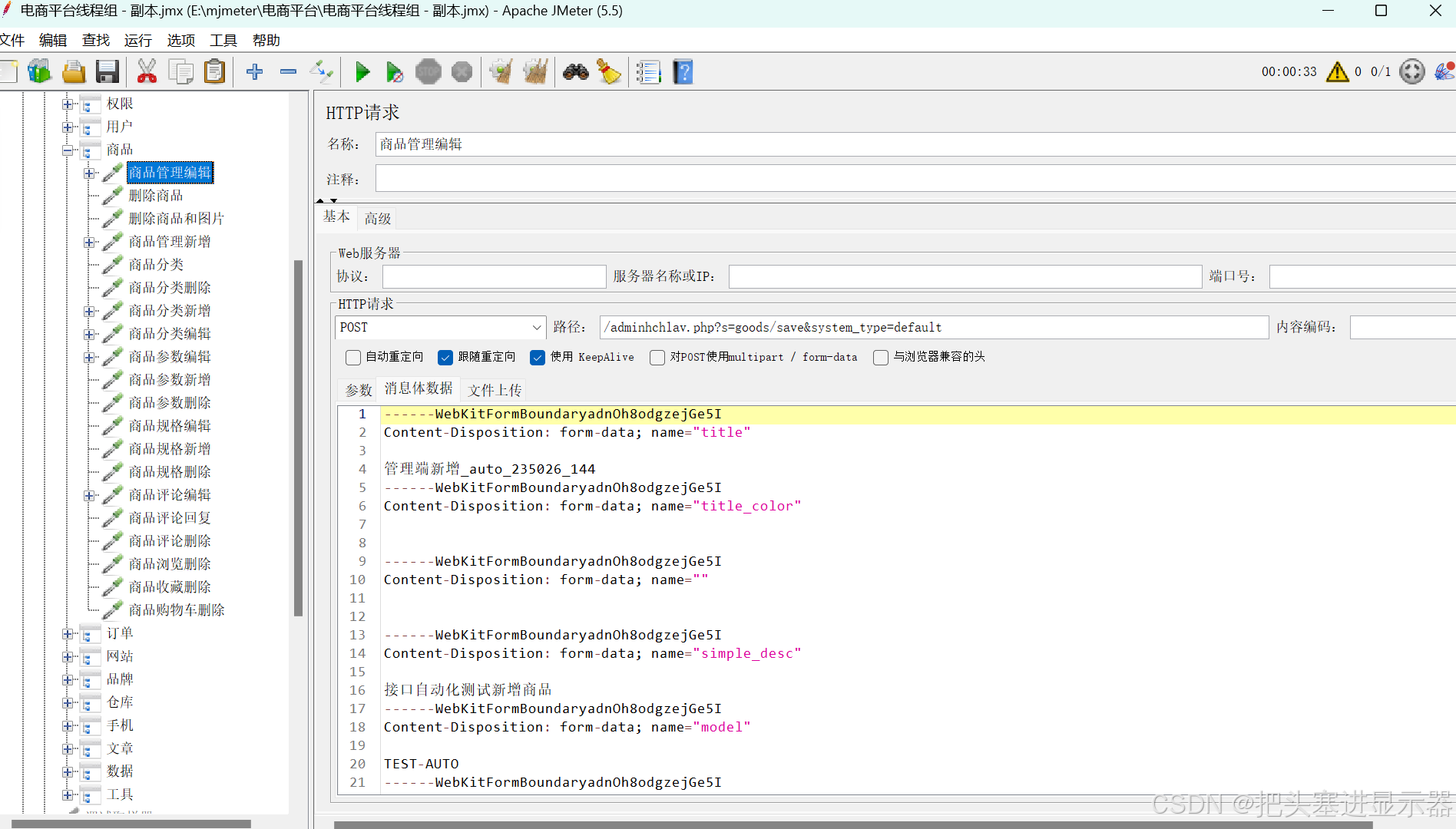
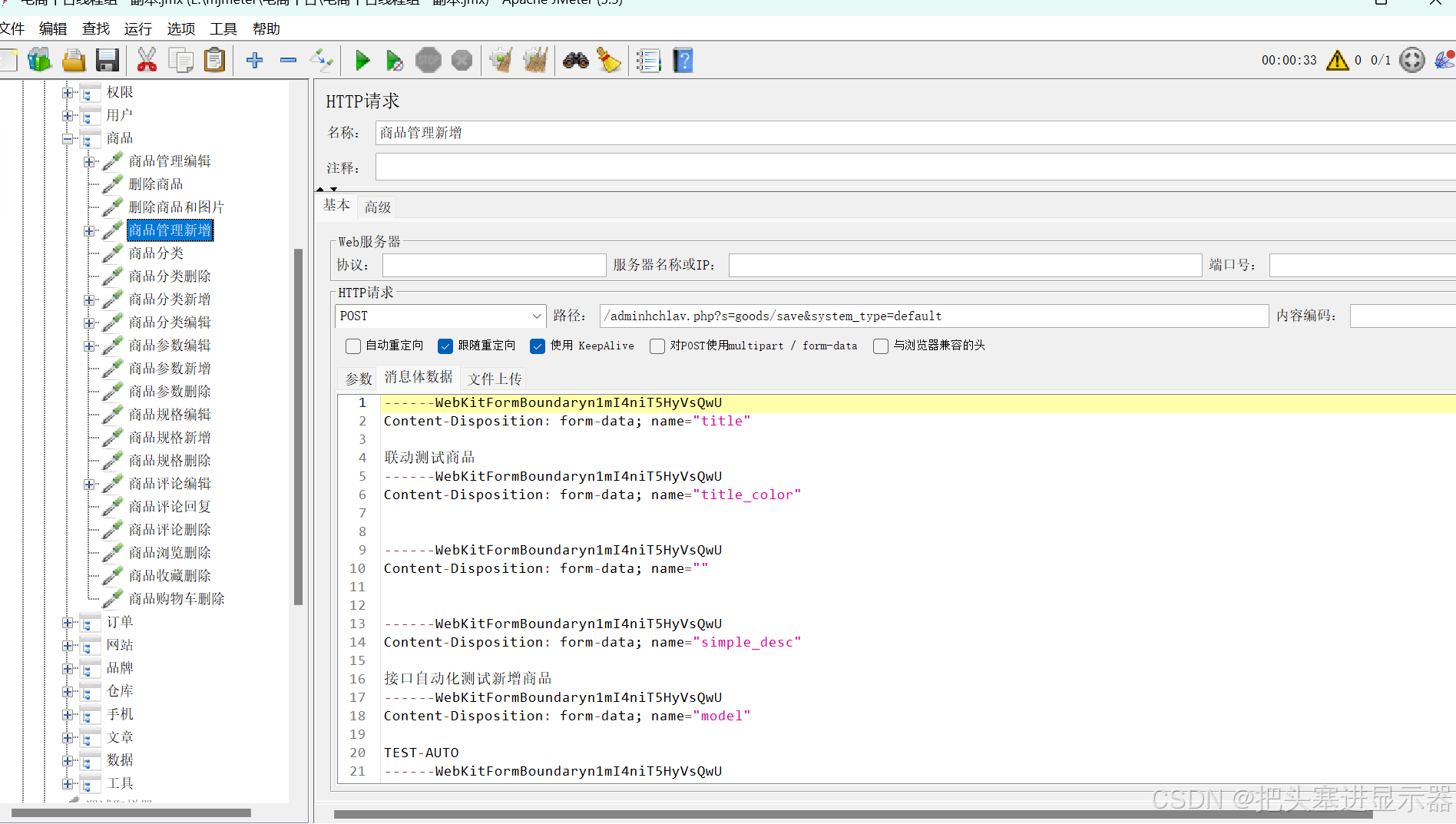
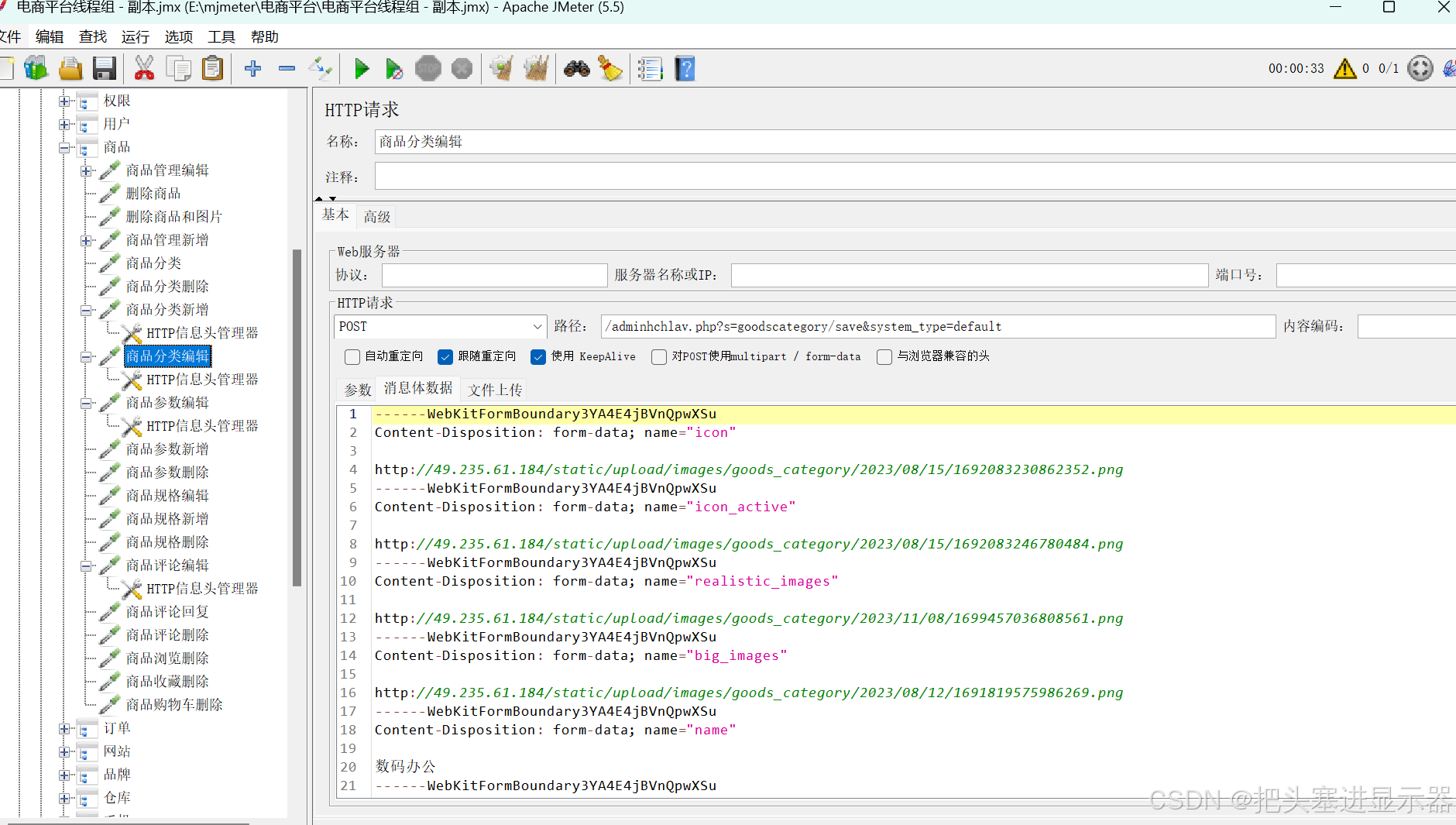
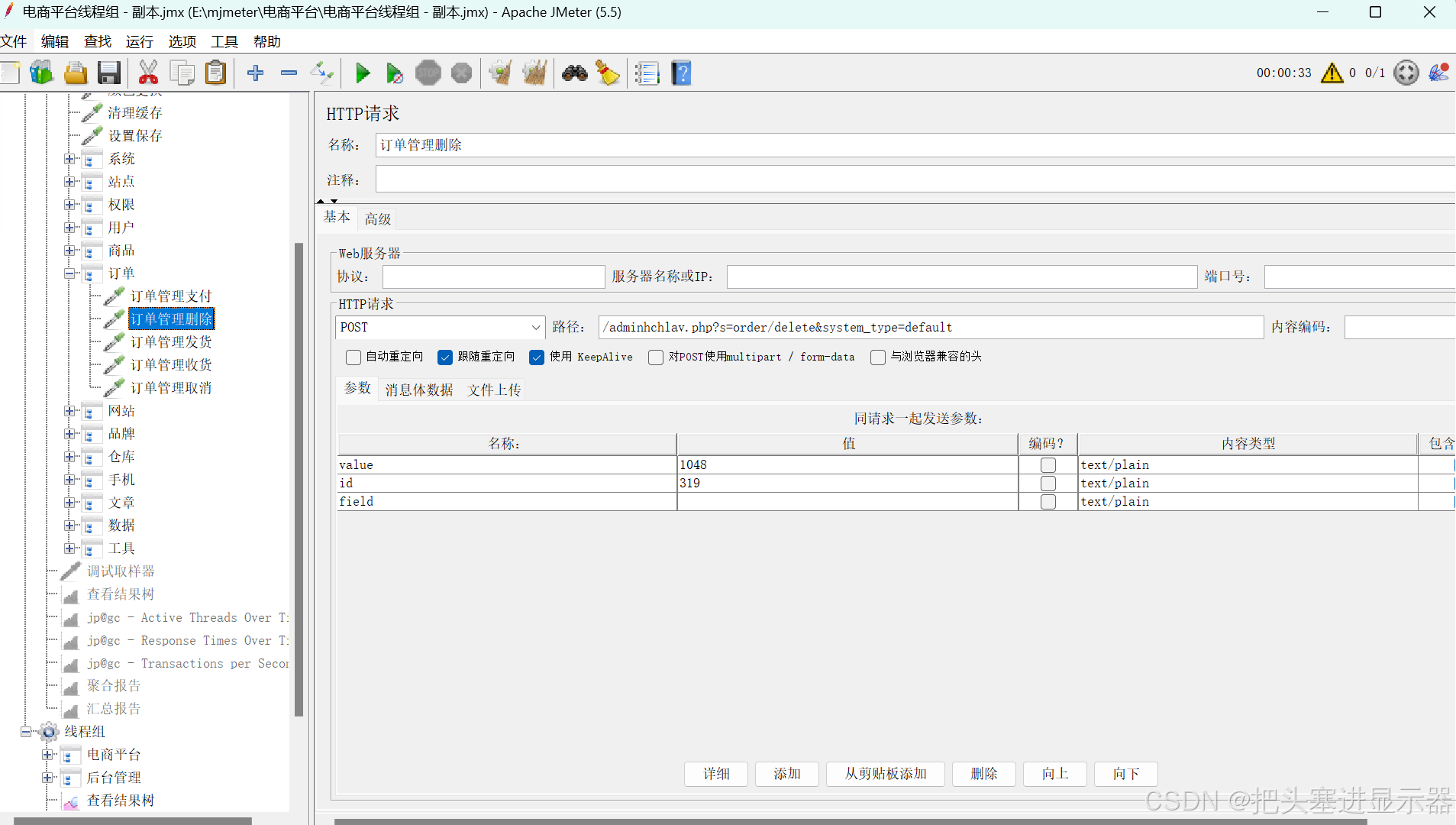
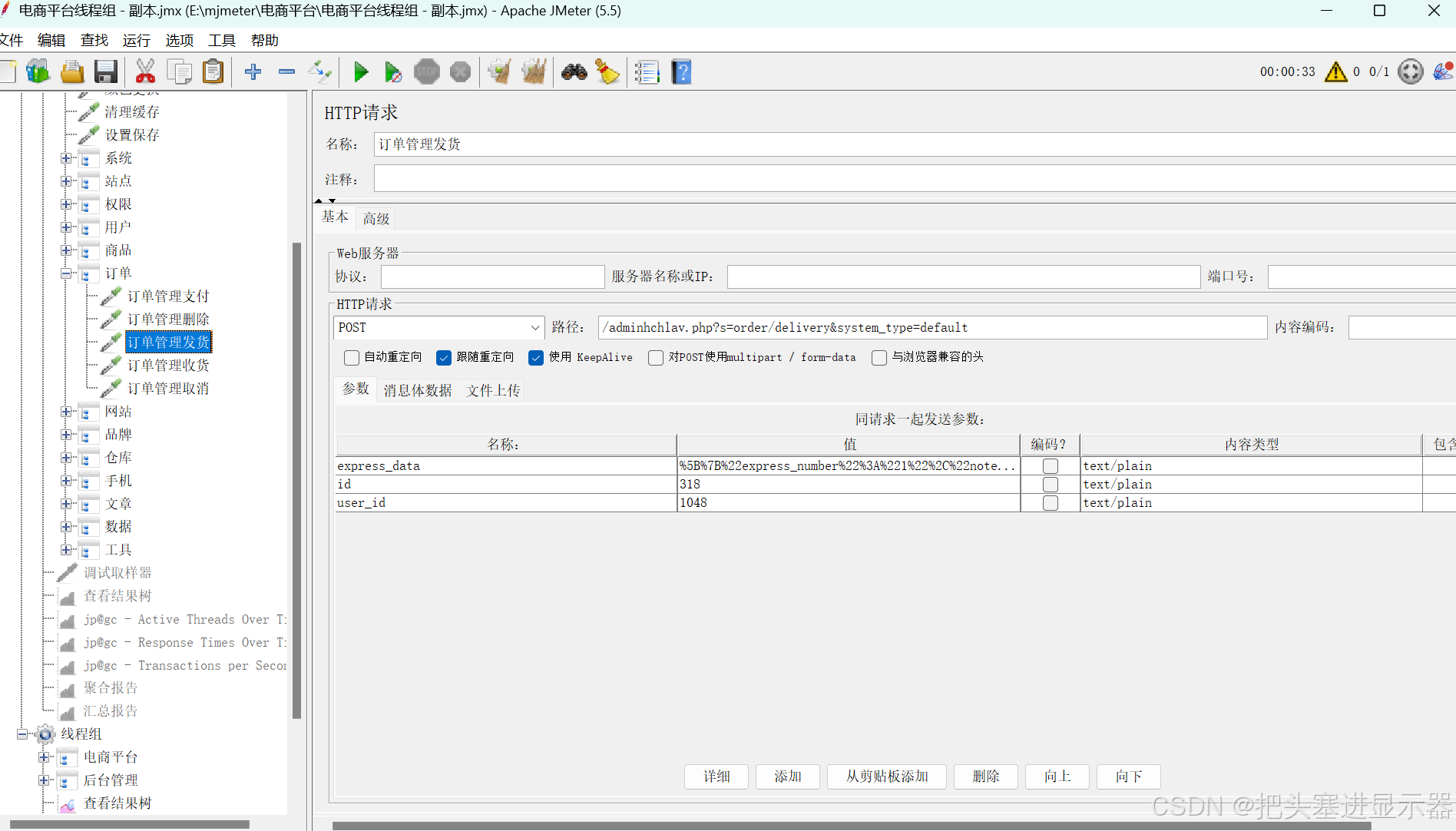
(8)订单
(9)网站
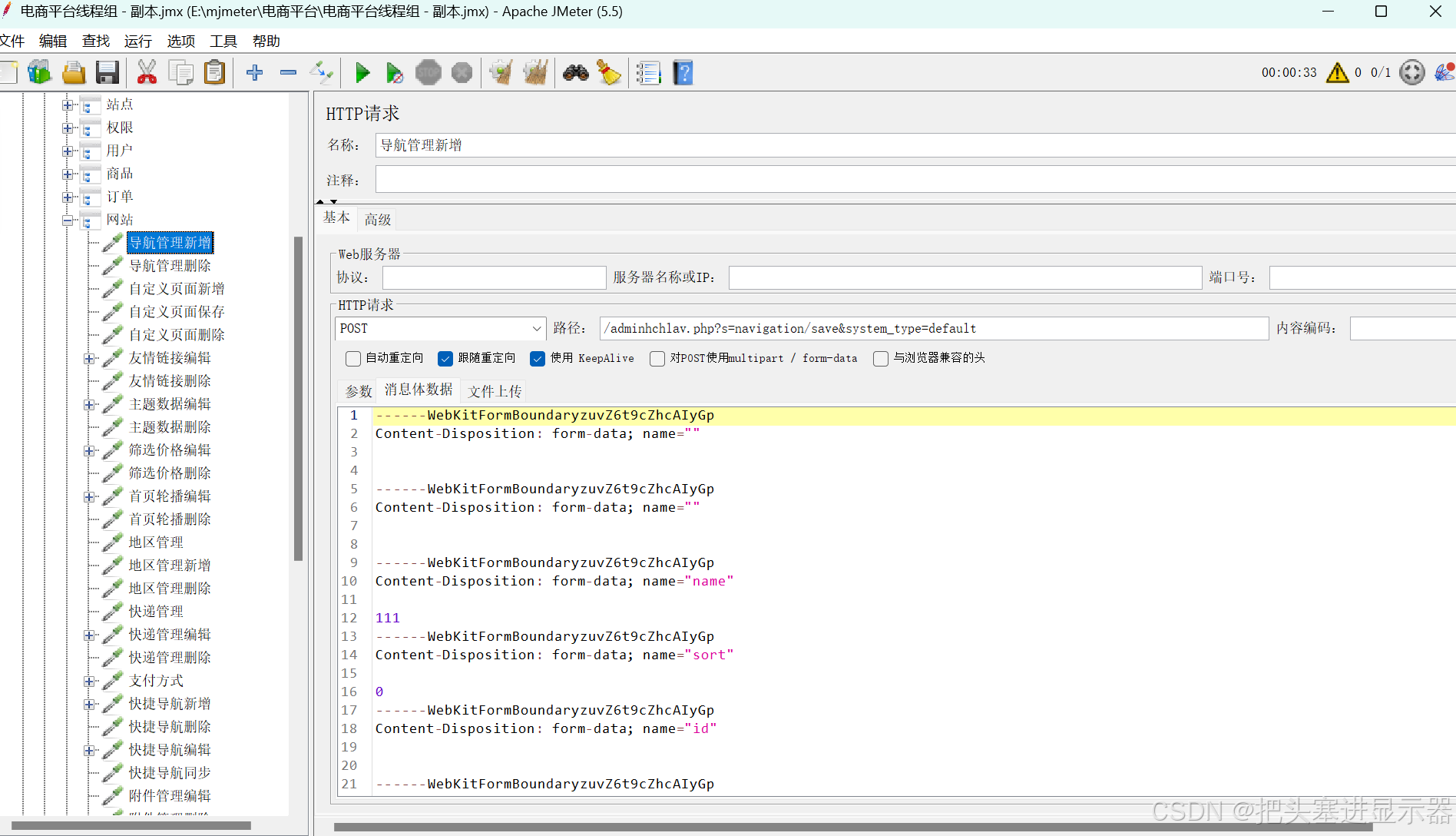
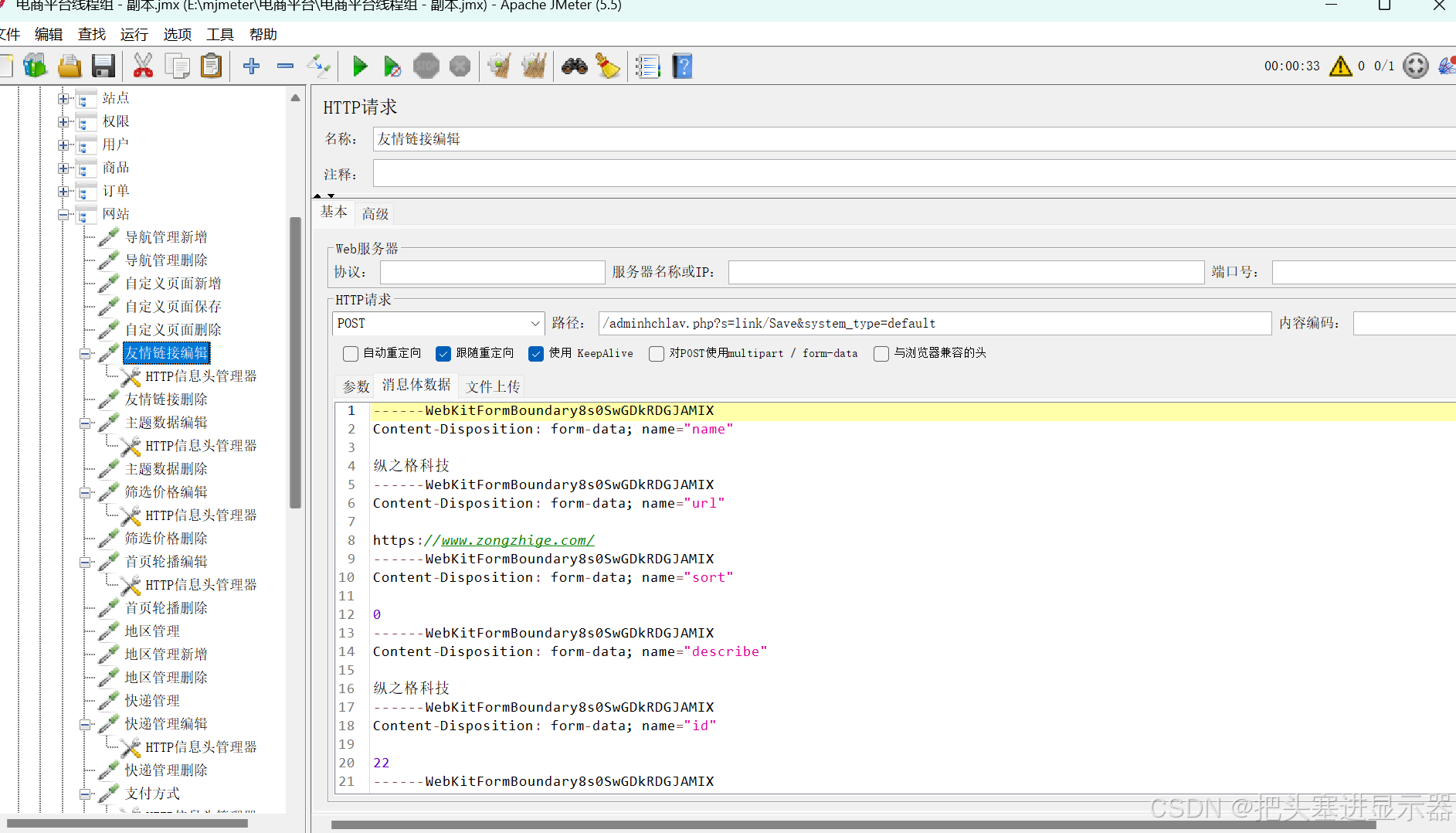
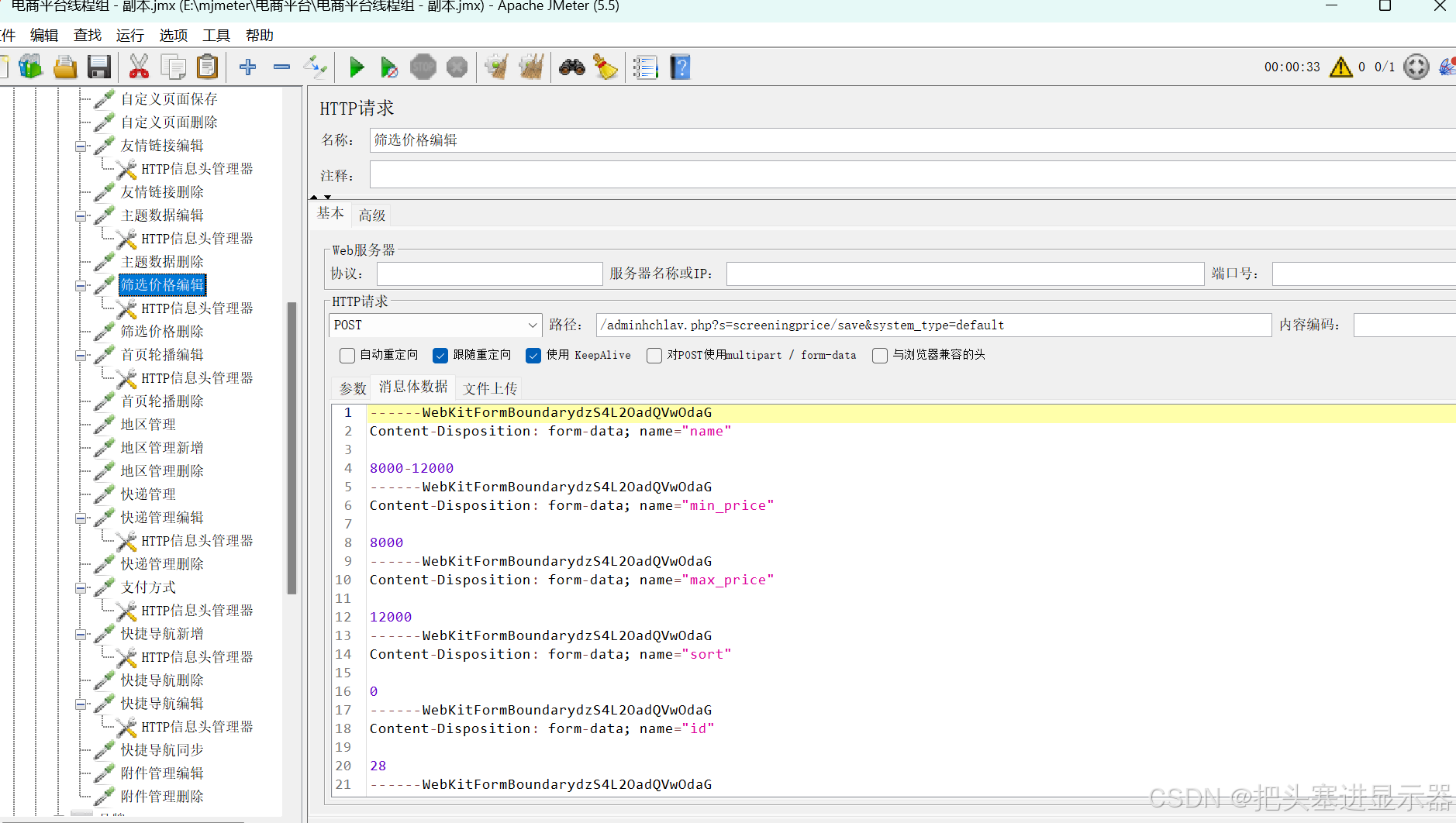
(10)品牌
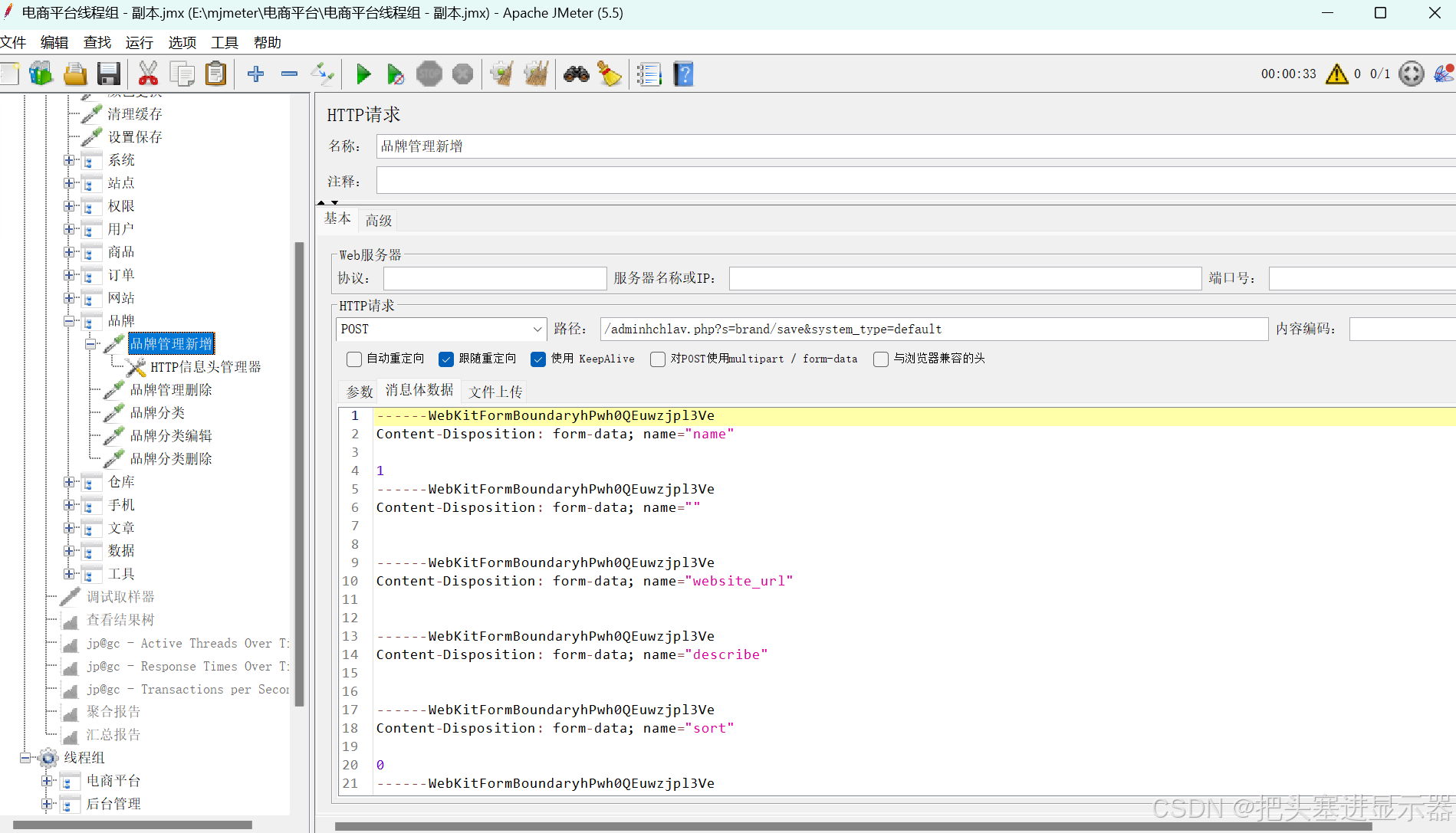
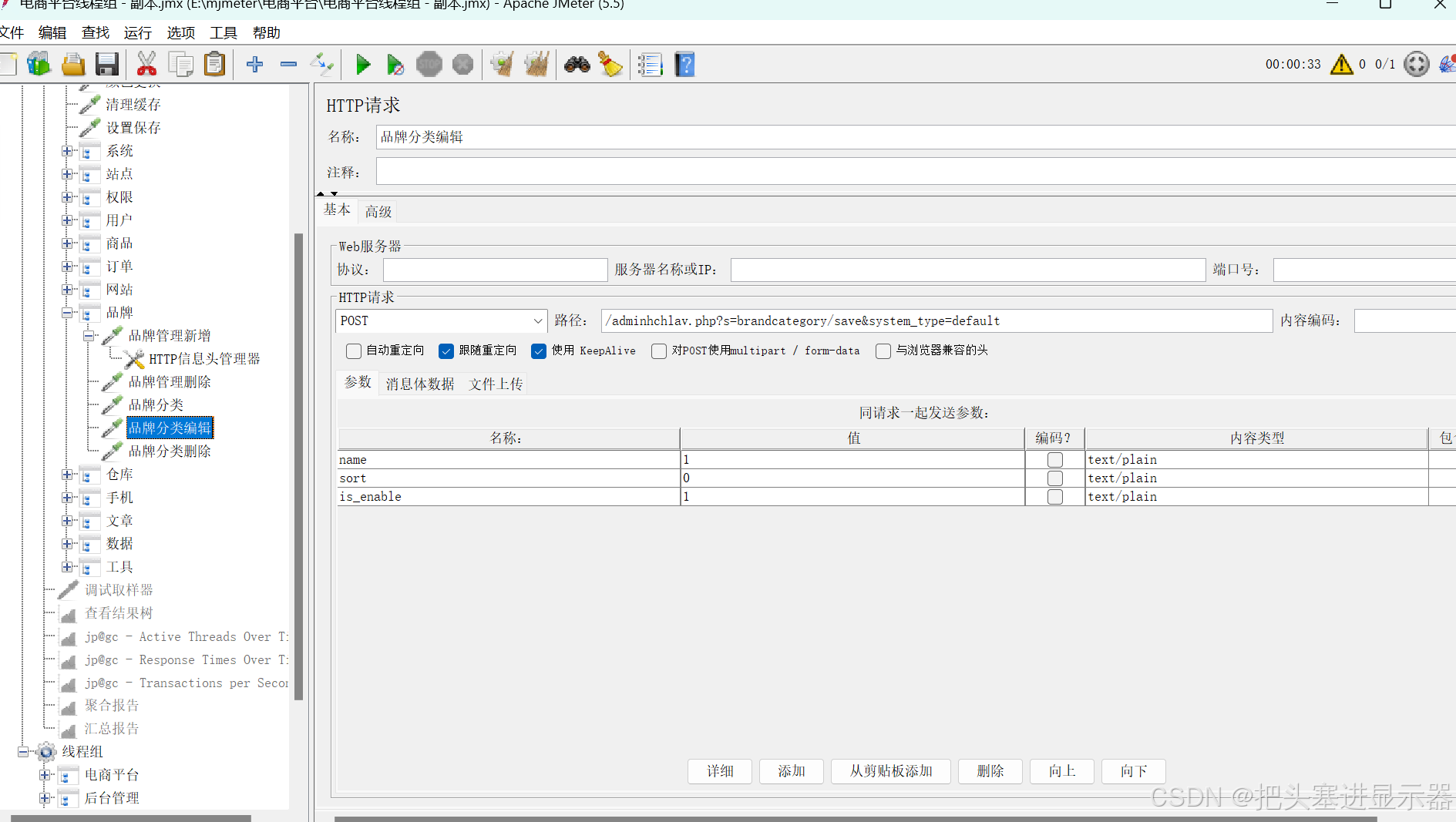
(11)仓库
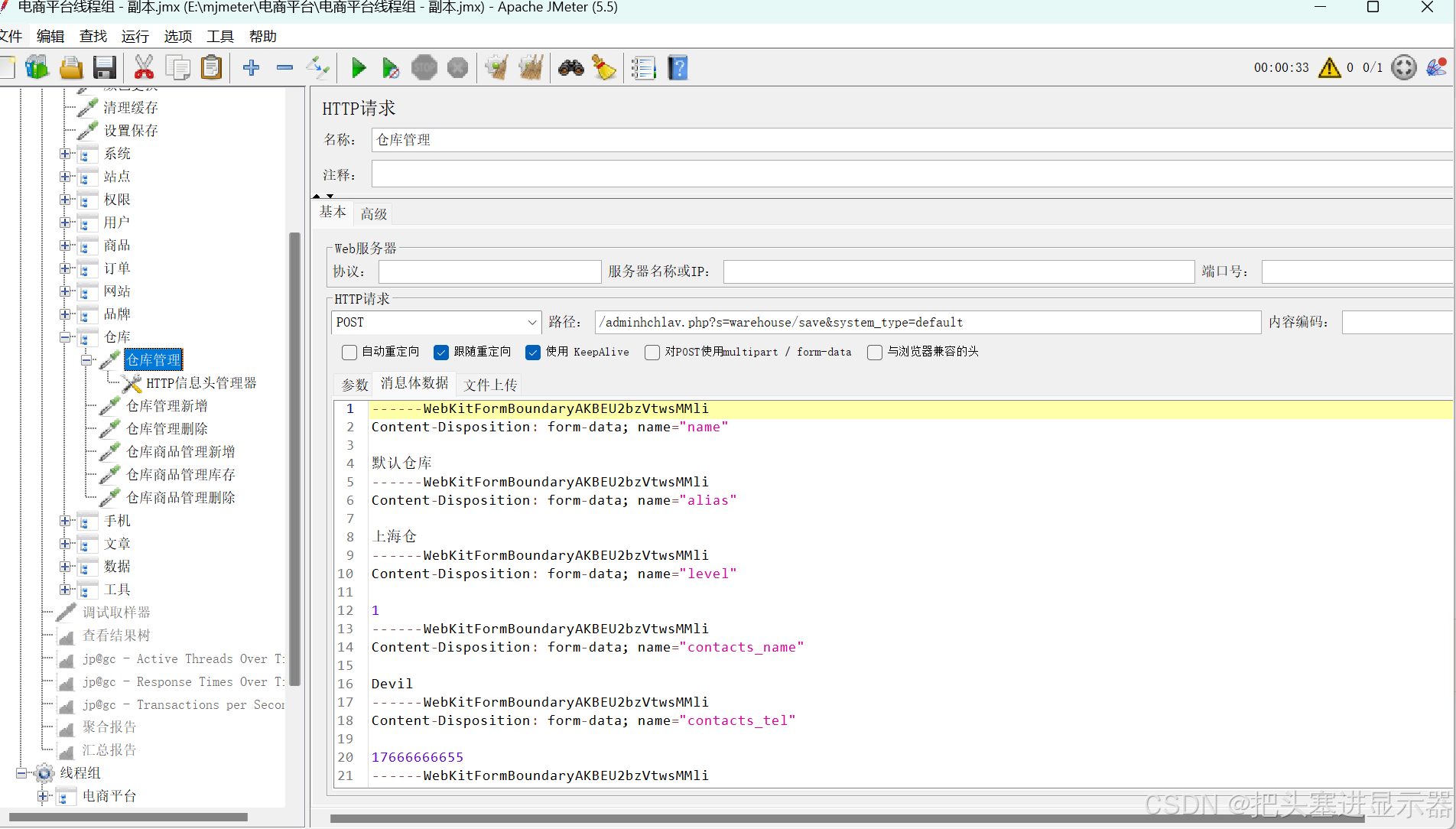
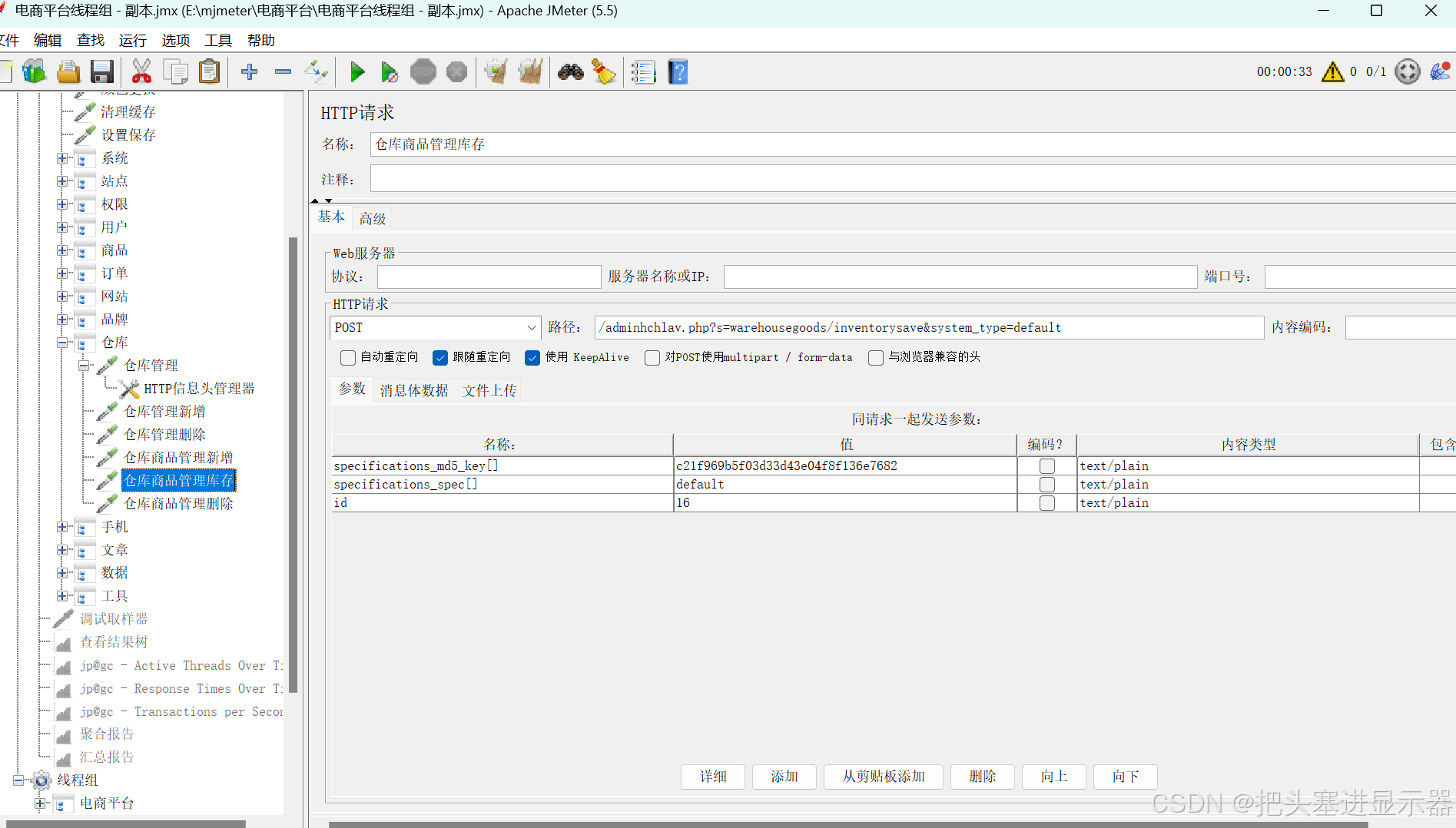
(12)手机
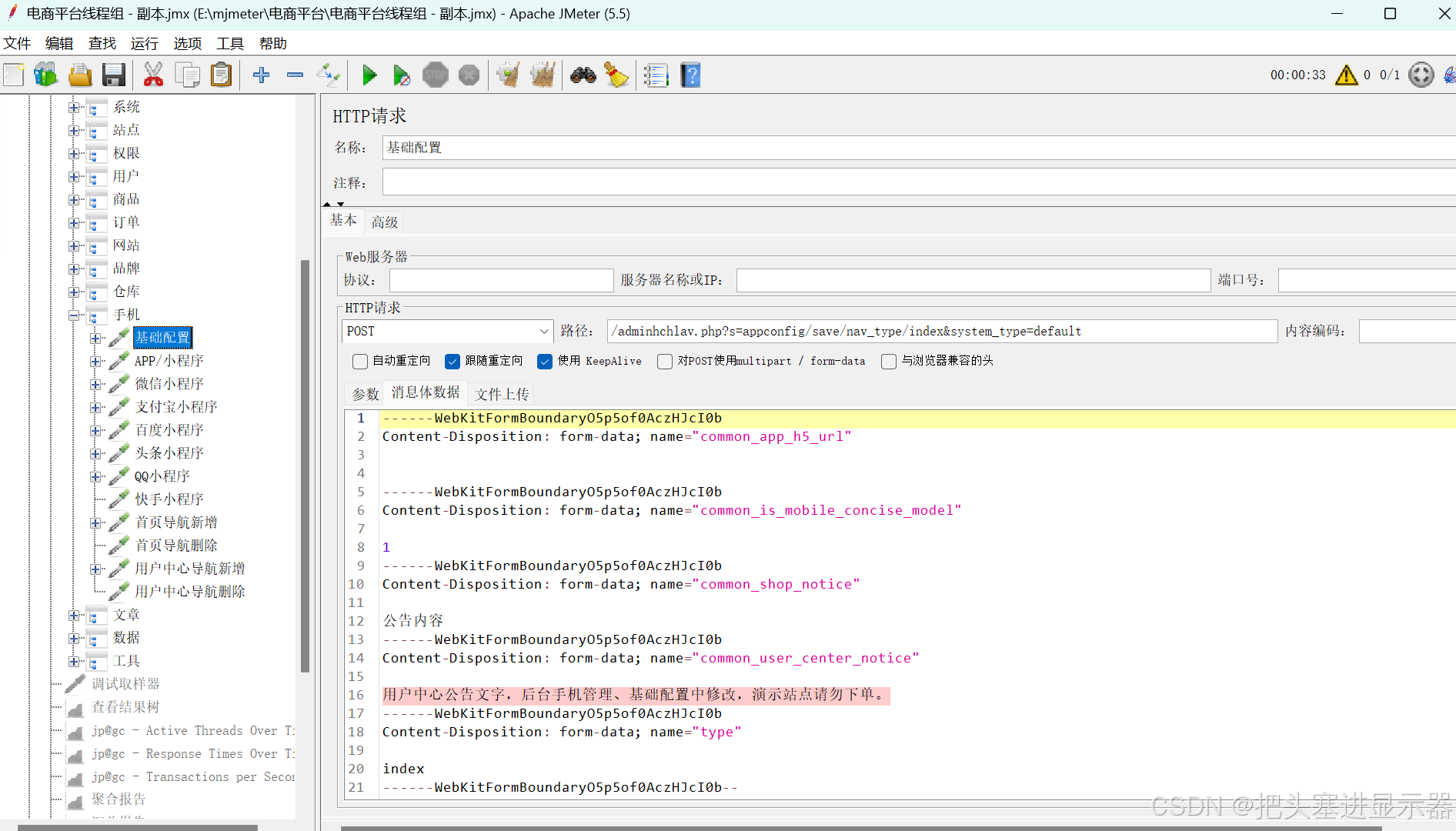
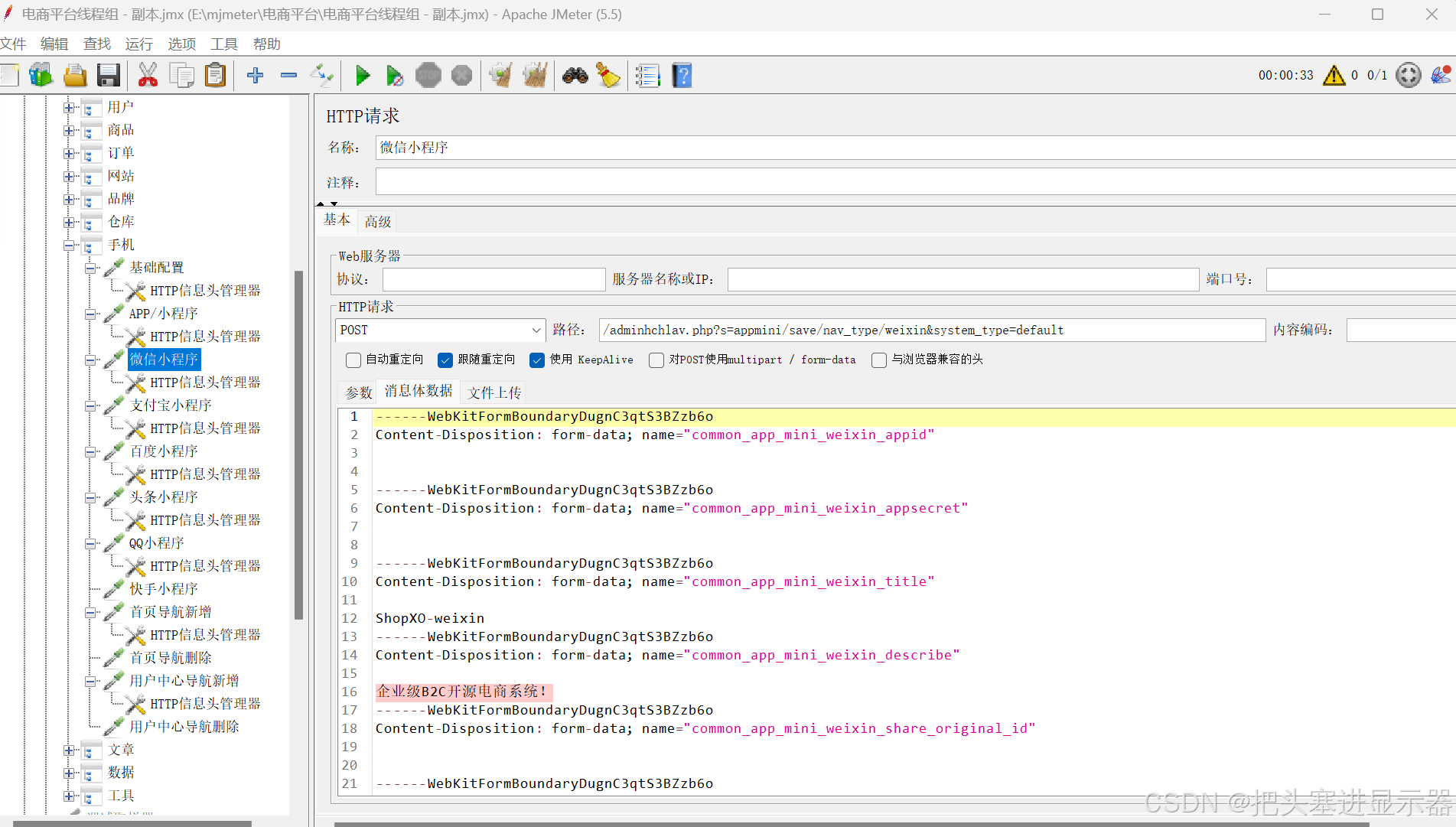
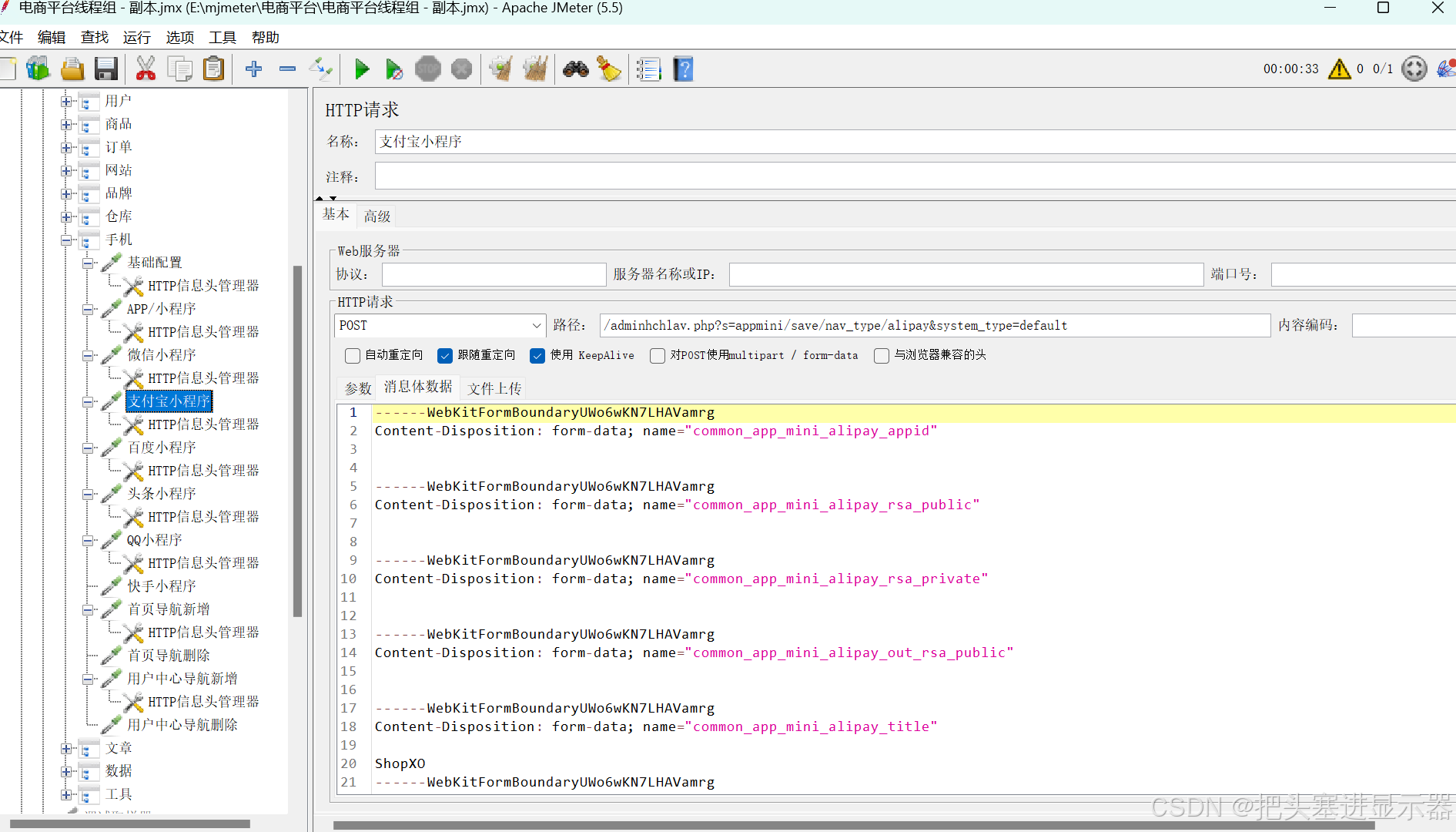
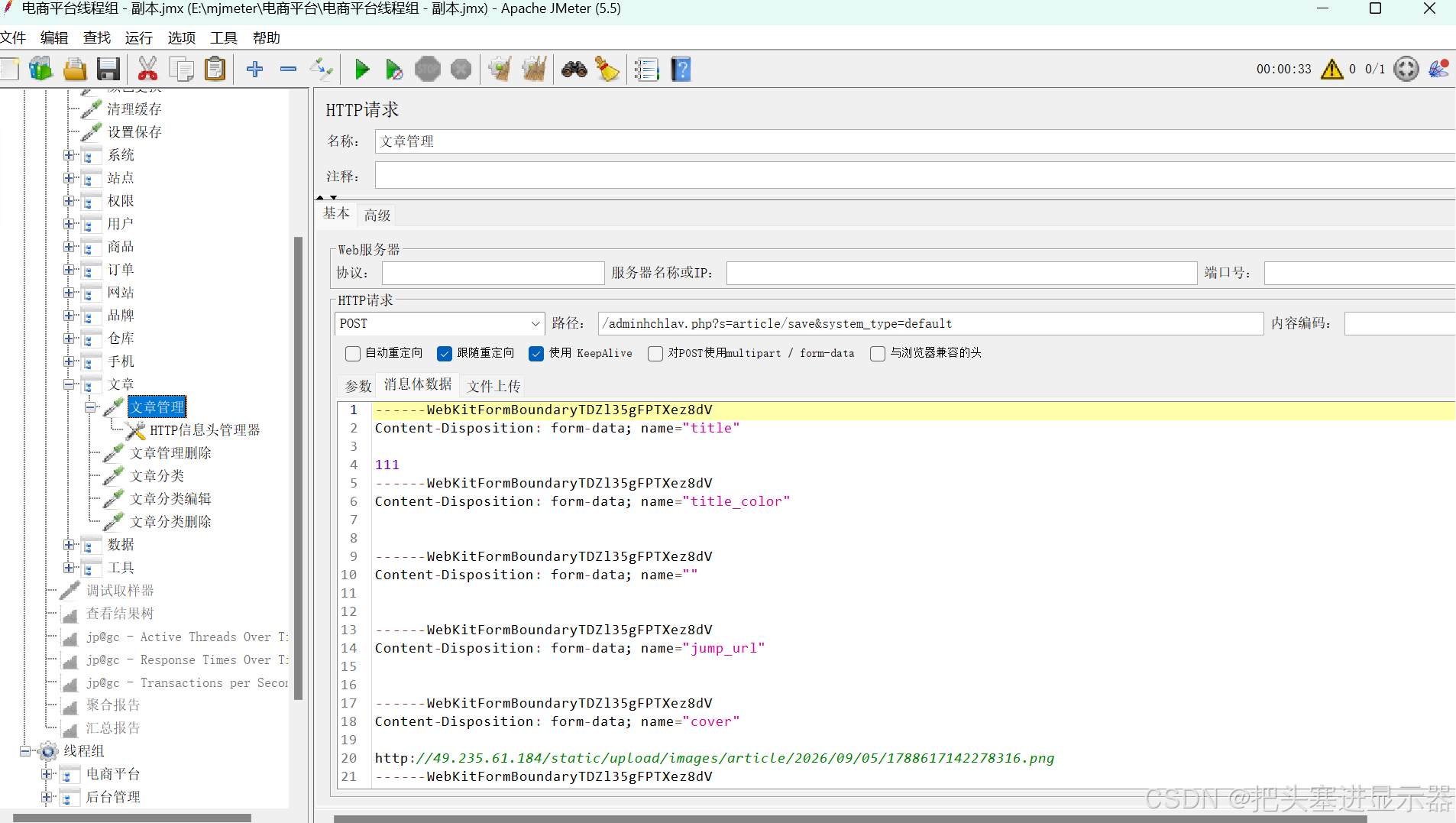
(13)文章
(14)数据
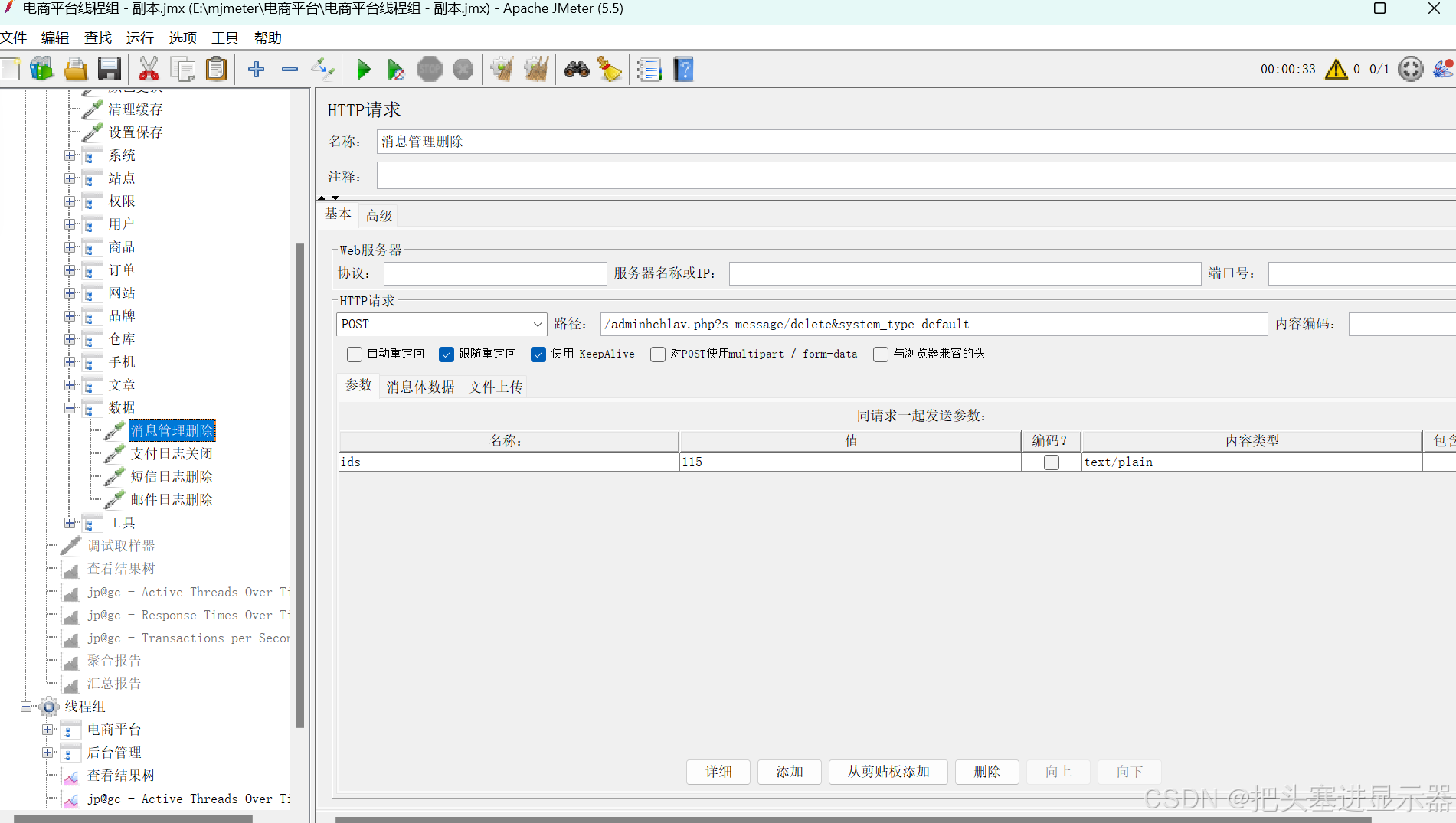
(15)工具
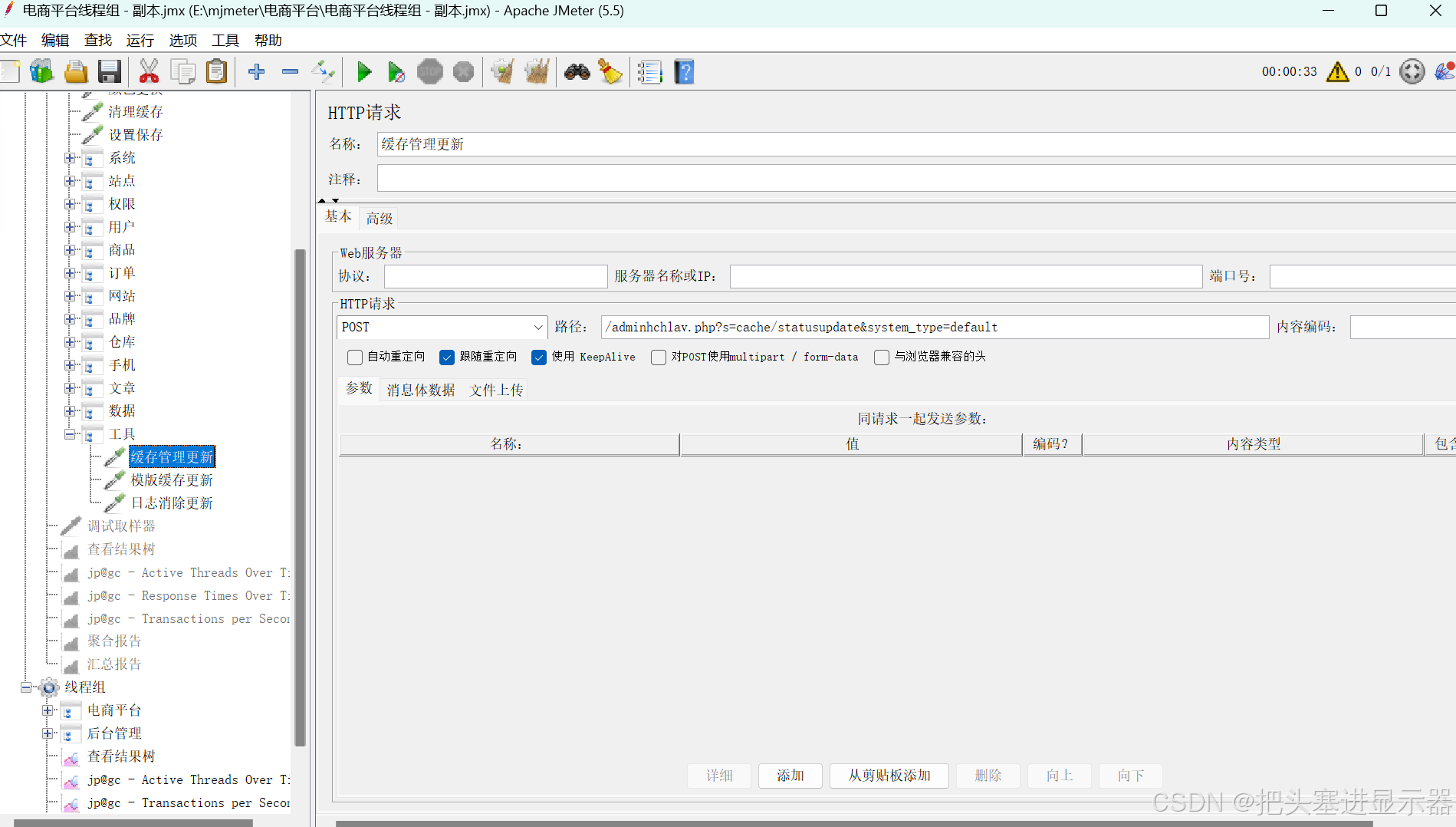
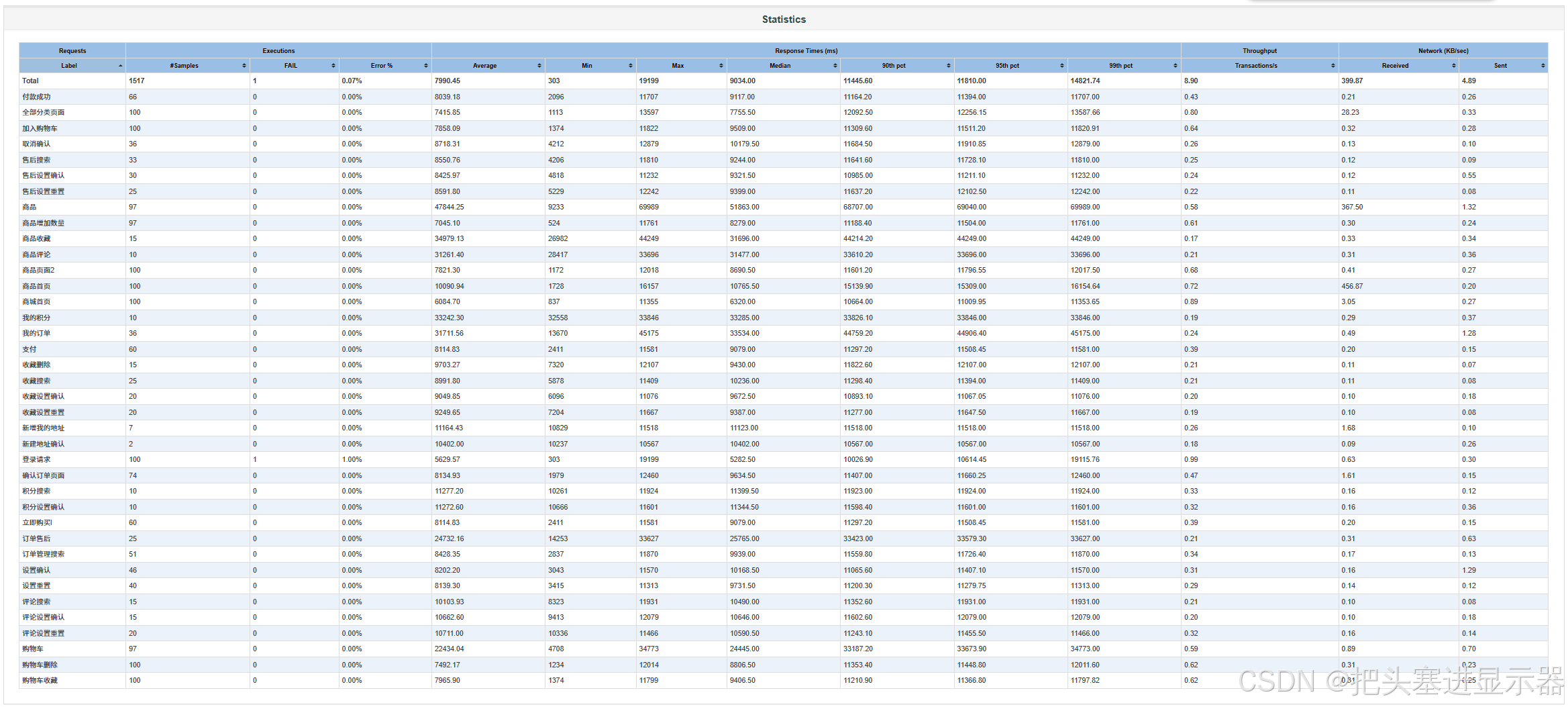
2、聚合报告
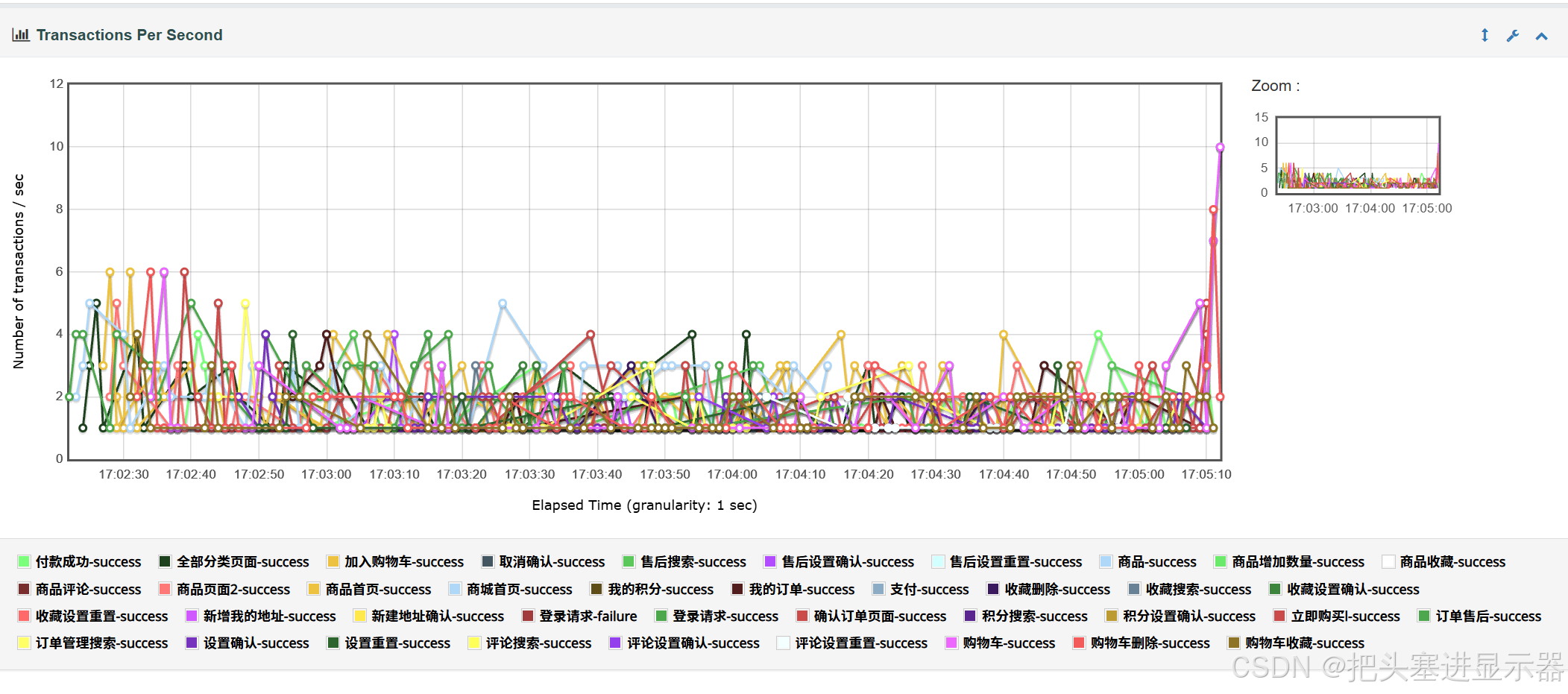
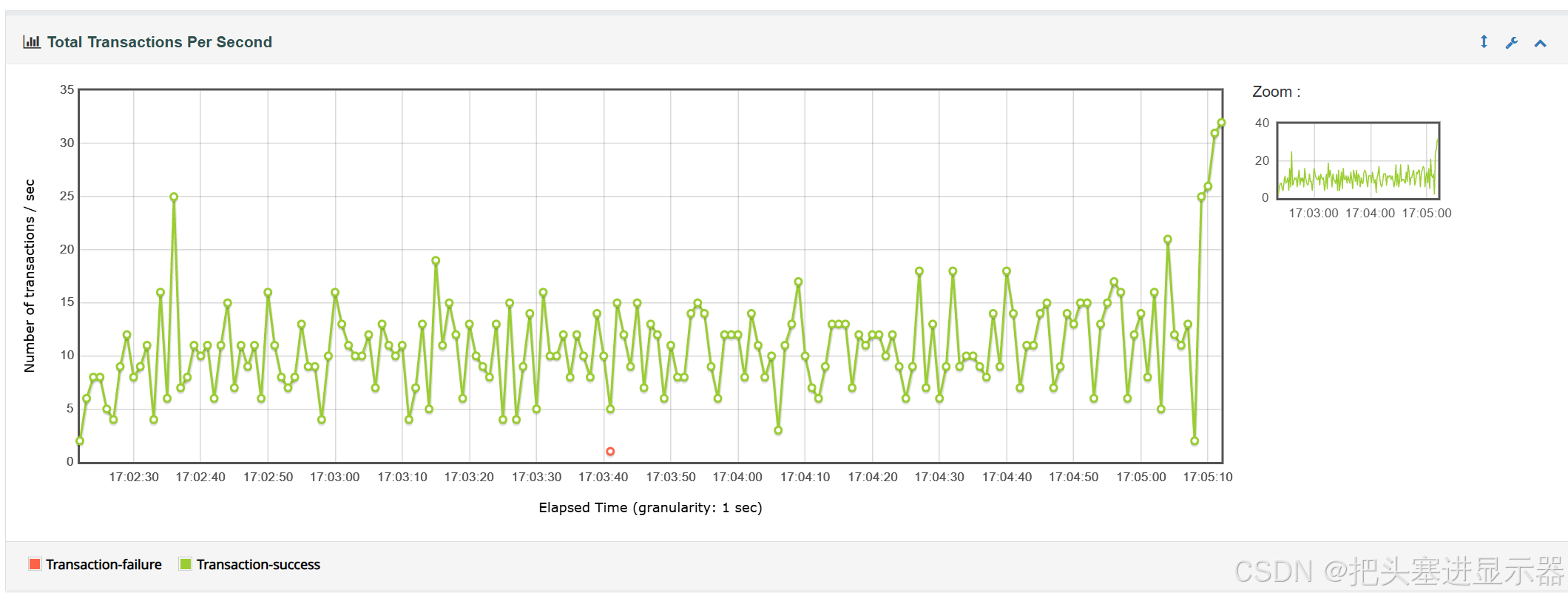
3、TPS可视化
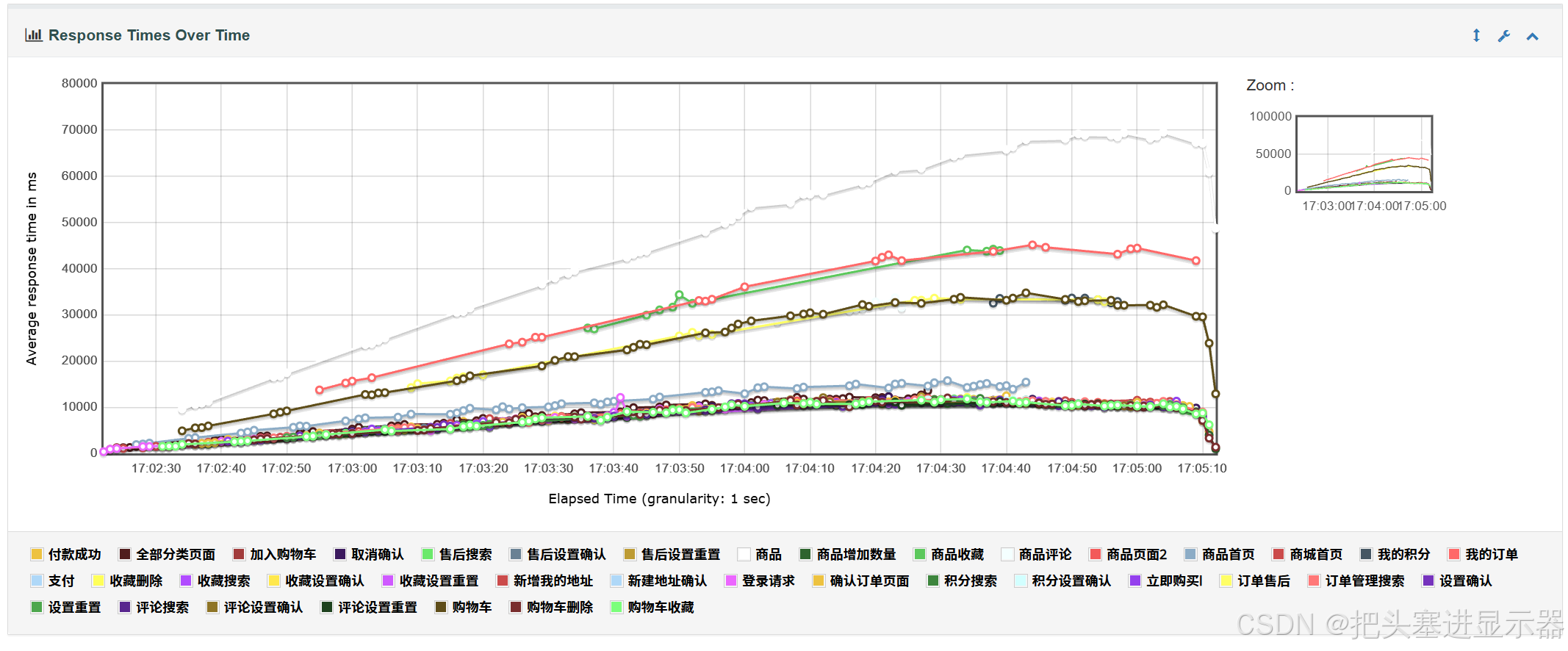
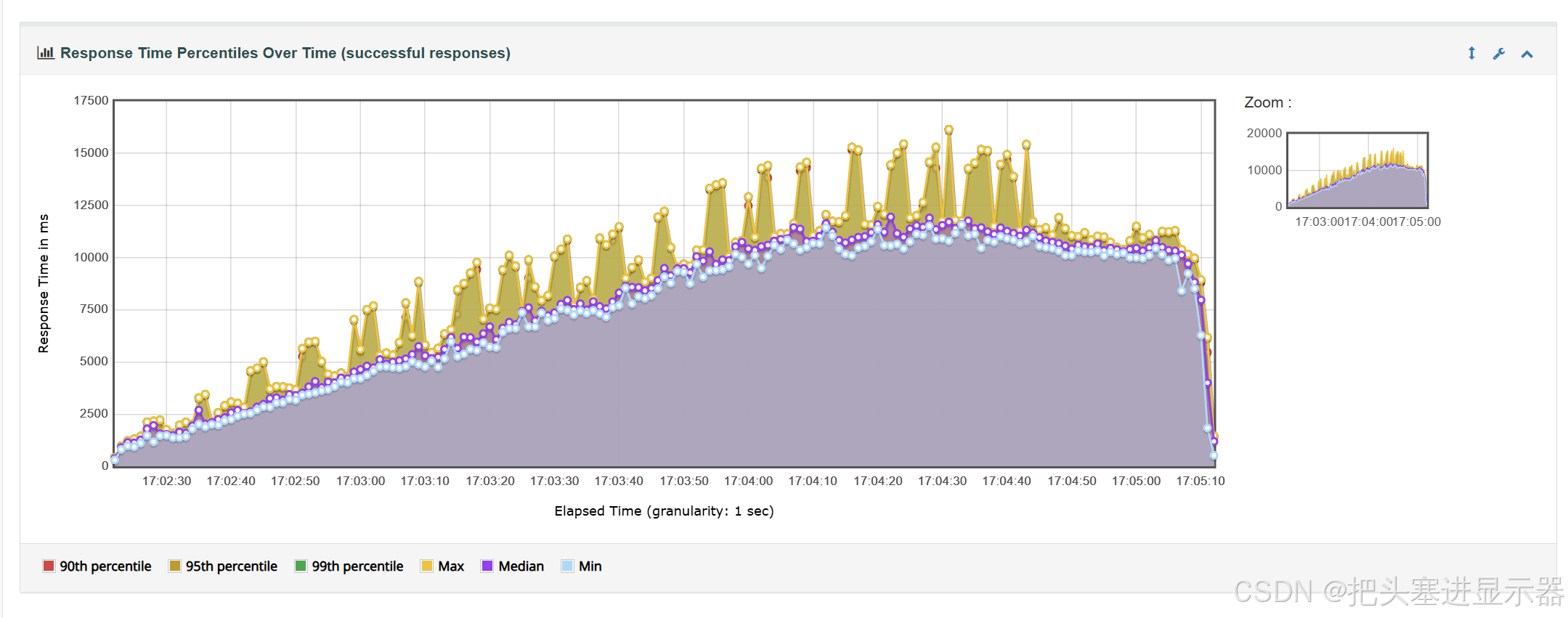
4、响应时间可视化
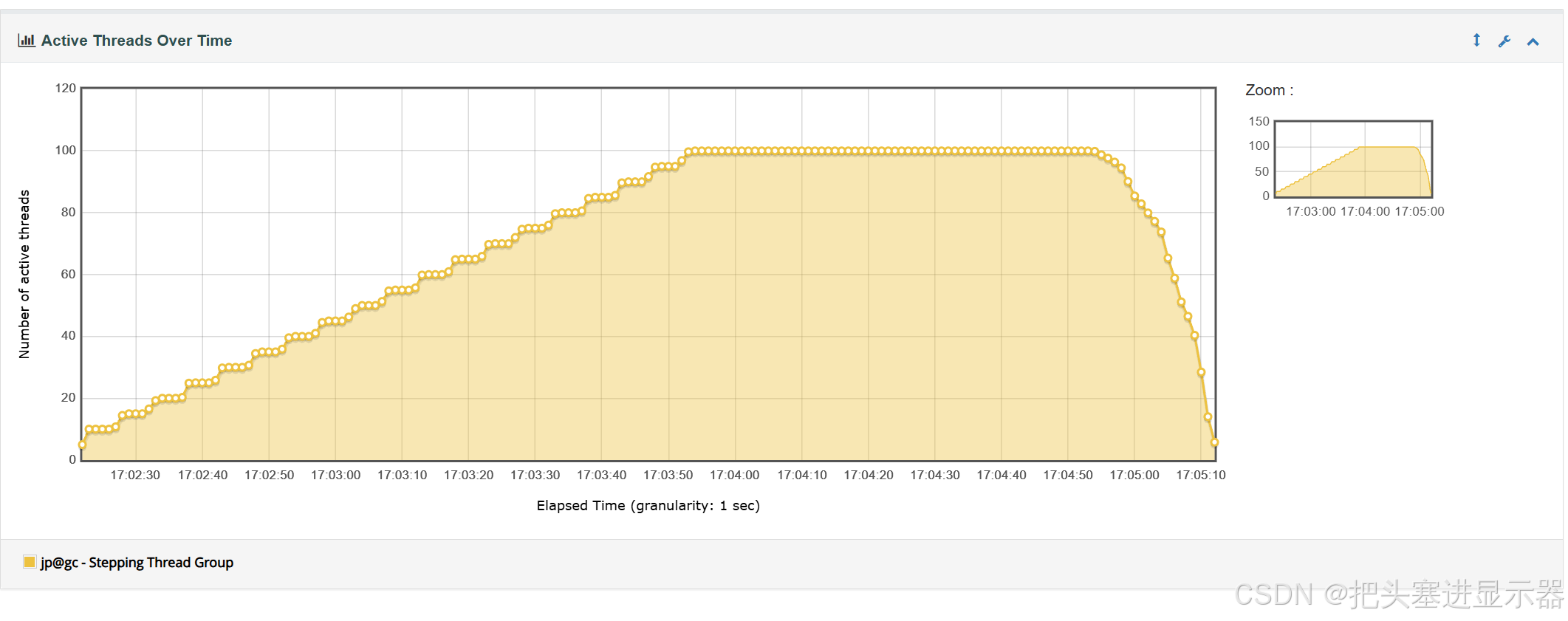
5、活跃线程数可视化
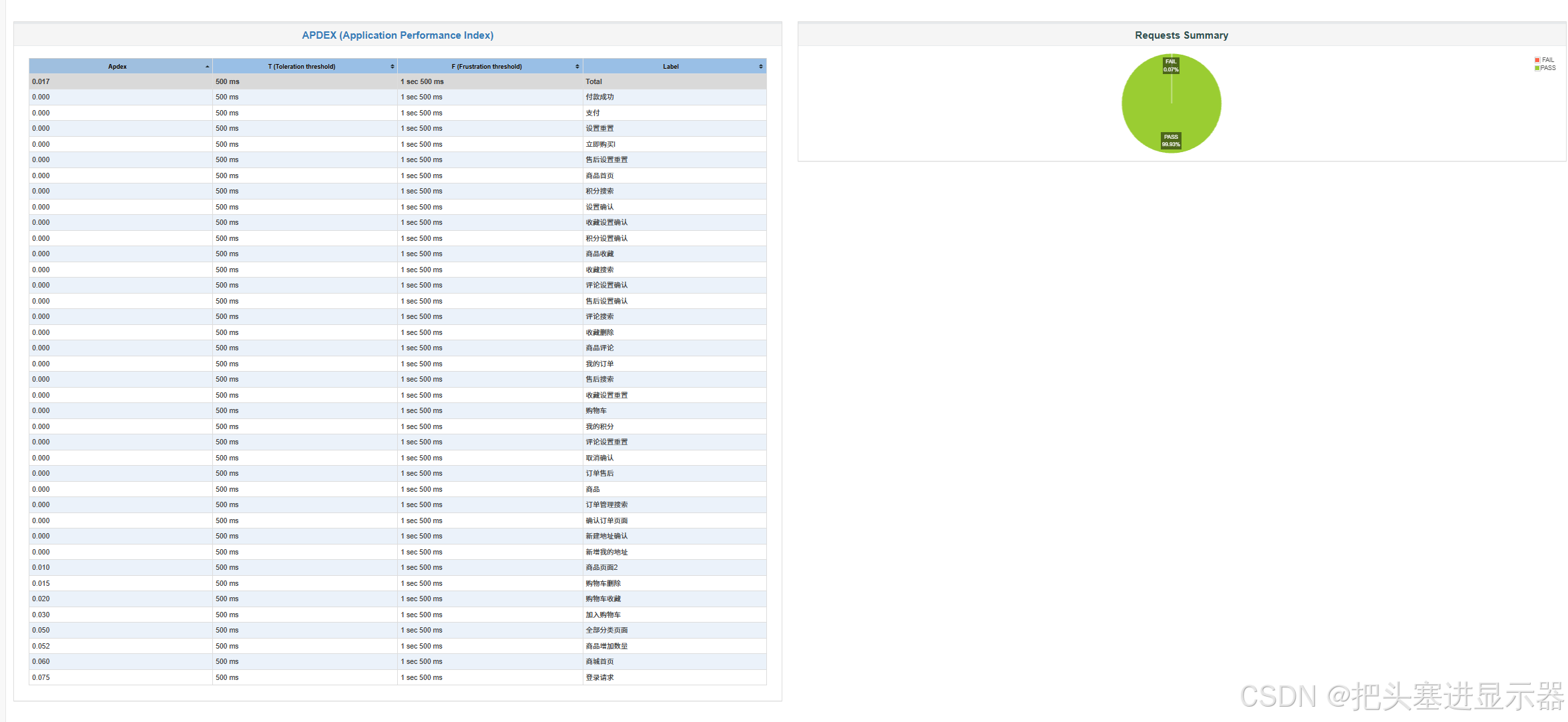
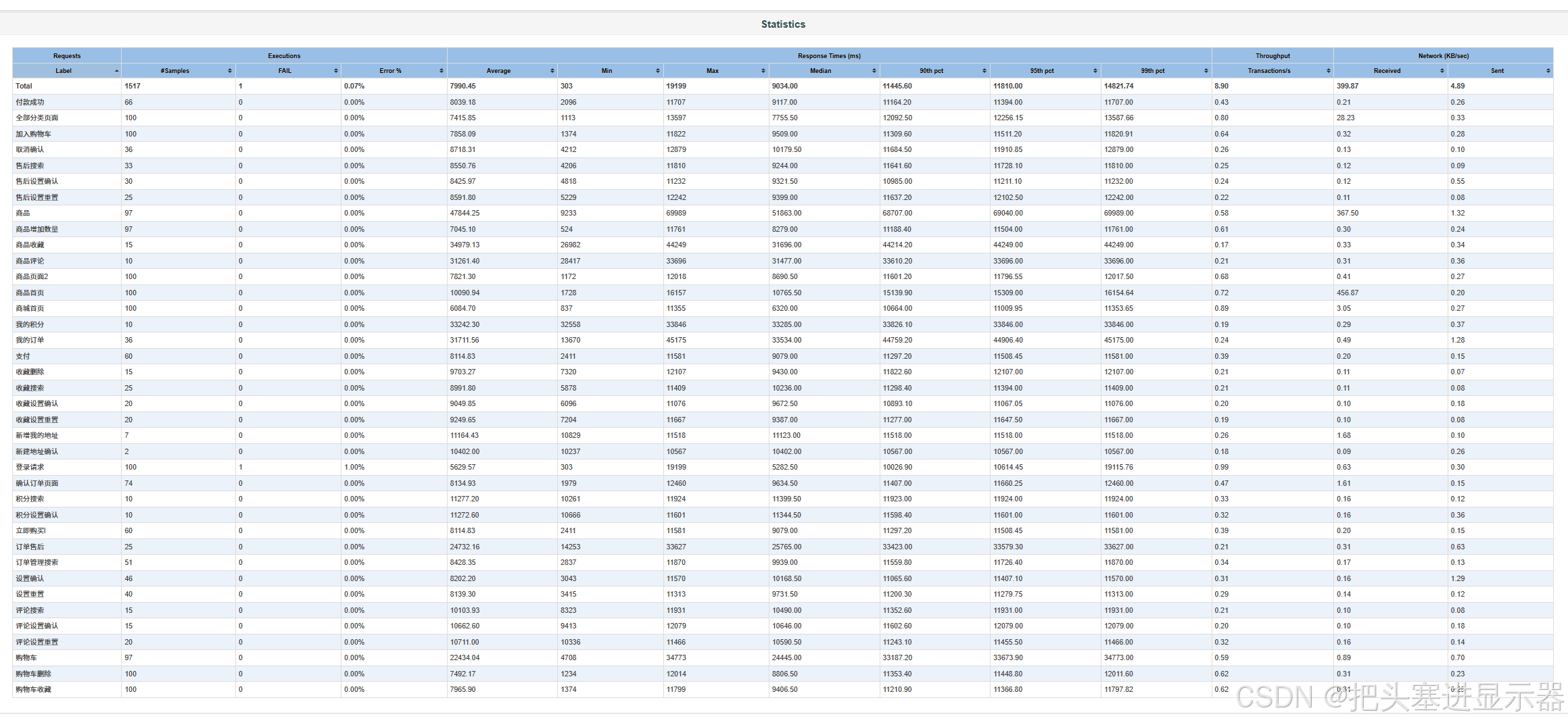
6、性能测试报告

七、BUG描述
测试场景:界面UI功能正常
预期结果:功能正常
实际结果:忘记密码点击无效
BUG:应该跳转到修改密码界面
八、测试总结
1、问题严重点
| 事务 | 平均响应 | 中位数 | 最慢 |
|---|---|---|---|
| 商品(商品详情) | 47.8s | 51.9s | 70.0s (最严重) |
| 商品收藏 | 35.0s | 31.7s | 44.2s |
| 我的积分 | 33.2s | 33.3s | 33.8s |
| 我的订单 | 31.7s | 33.5s | 45.2s |
| 商品评论 | 31.3s | 31.5s | 33.7s |
| 订单售后 | 24.7s | 25.8s | 33.6s |
| 购物车 | 22.4s | 24.4s | 34.8s |
请求级平均响应 8.0 秒,P95 = 11.8 秒,P99 = 14.8 秒
37 个事务中最快的登录请求也要 5.6 秒,没有一个事务达到常规基准。
响应慢的线索:商品详情(456 KB/s)、商品首页(367 KB/s)、全部分类(28 KB/s)等接口单次下载数据量异常大,疑似全量数据返回、未做分页和缓存 ;慢事务集中在「商品详情 → 收藏 → 订单 → 购物车」这条数据重链路。(商品事务)中:'商品首页'接口一次性返回全量商品数据,页面体积过大,并发场景性能严重衰减,并发压测场景下,该接口耗时显著上涨,拉满整个业务事务耗时,单用户下可能不明显,并发上来之后性能衰减非常明显。
2、性能良好点
1、错误率极低:1517 个请求仅 1 个错误(0.07%),且只出现在登录(1/100 = 1%),其余 36 个事务全部 0 错误,无批量超时或 5xx 故障 ------ 系统功能与稳定性良好。
2、吞吐量稳定:整体 8.9 req/s,3 分钟压测期间持续输出无中断。
3、交易主链路可用:支付 → 立即购买 → 付款成功链路 0 错误,虽慢但功能完整。
3、优化建议
这个【商品首页】是页面接口,页面加载会附带很多静态资源(图片、js、css),后端渲染页面时,一次性查询全量商品数据并嵌入 HTML 页面,没有做数量限制 / 分页。
优化建议:
首页商品列表改成异步 AJAX 接口加载,页面只返回基础框架,商品列表单独接口分页请求;
服务端渲染时,限制首页展示商品条数,SQL 增加 limit,不查询全量商品;
增加页面 / 数据缓存,减少每次请求都查询数据库;
4、总结
系统功能与稳定性达标(0.07% 错误率、8.9 req/s 稳定输出),但性能严重不达标 ------P95 达 11.8 秒、7 个核心事务平均超过 20 秒,全站无任何事务满足常规电商响应基准,当前状态下不可对外提供服务。