实例1.1 控制台打印 "Hello World!"
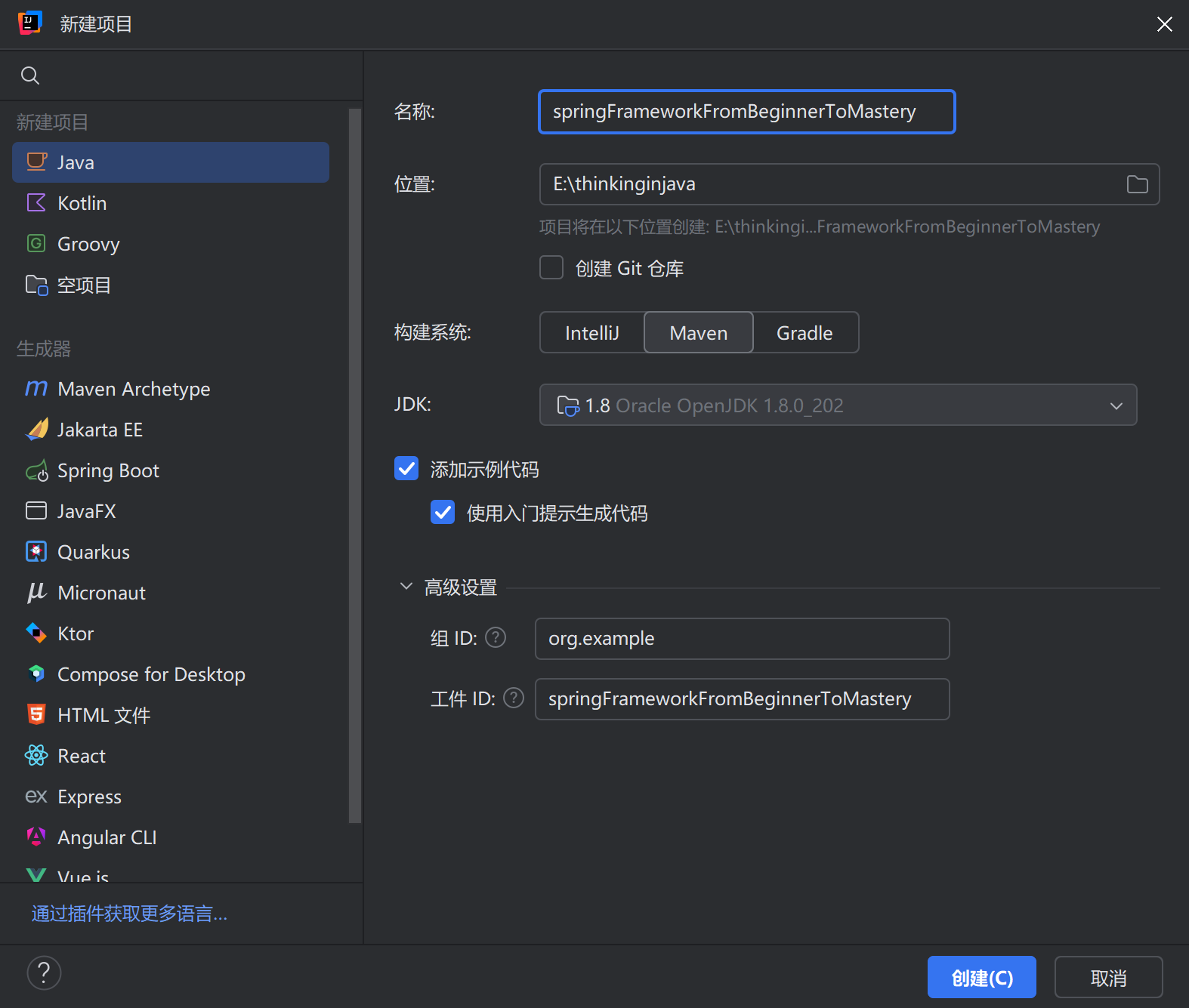
- 在idea中创建Maven项目
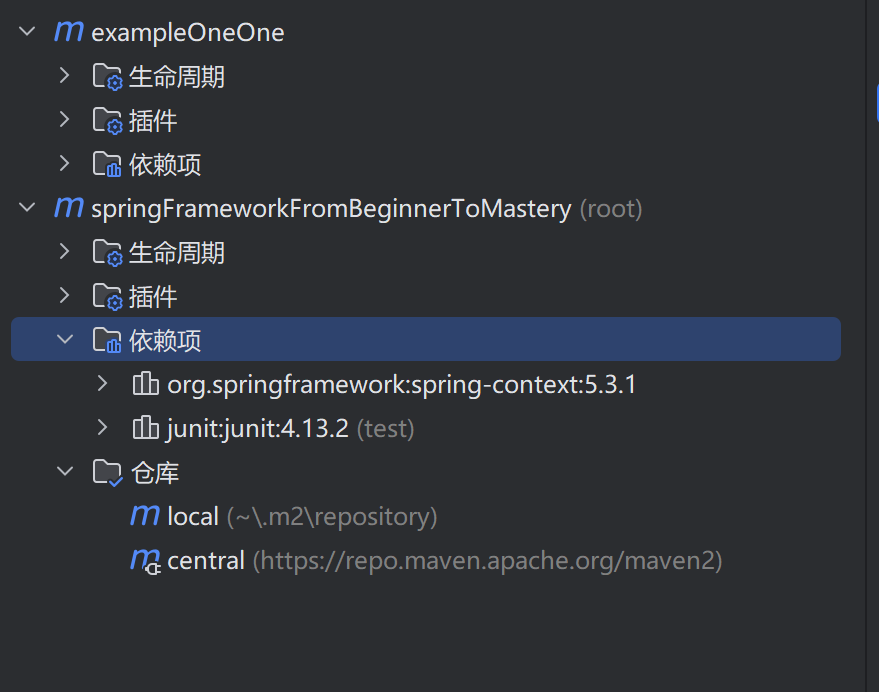
 2. 引入spring相关依赖
bash
<dependencies>
<!-- Spring context依赖(这是spring的基础依赖) -->
    <dependency>
        <groupId>org.springframework</groupId>
        <artifactId>spring-context</artifactId>
        <version>5.3.1</version>
    </dependency>
<!-- Spring junit依赖 -->
    <dependency>
        <groupId>junit</groupId>
        <artifactId>junit</artifactId>
        <version>4.13.2</version>
        <scope>test</scope>
    </dependency>
</dependencies>- 刷新Maven项目
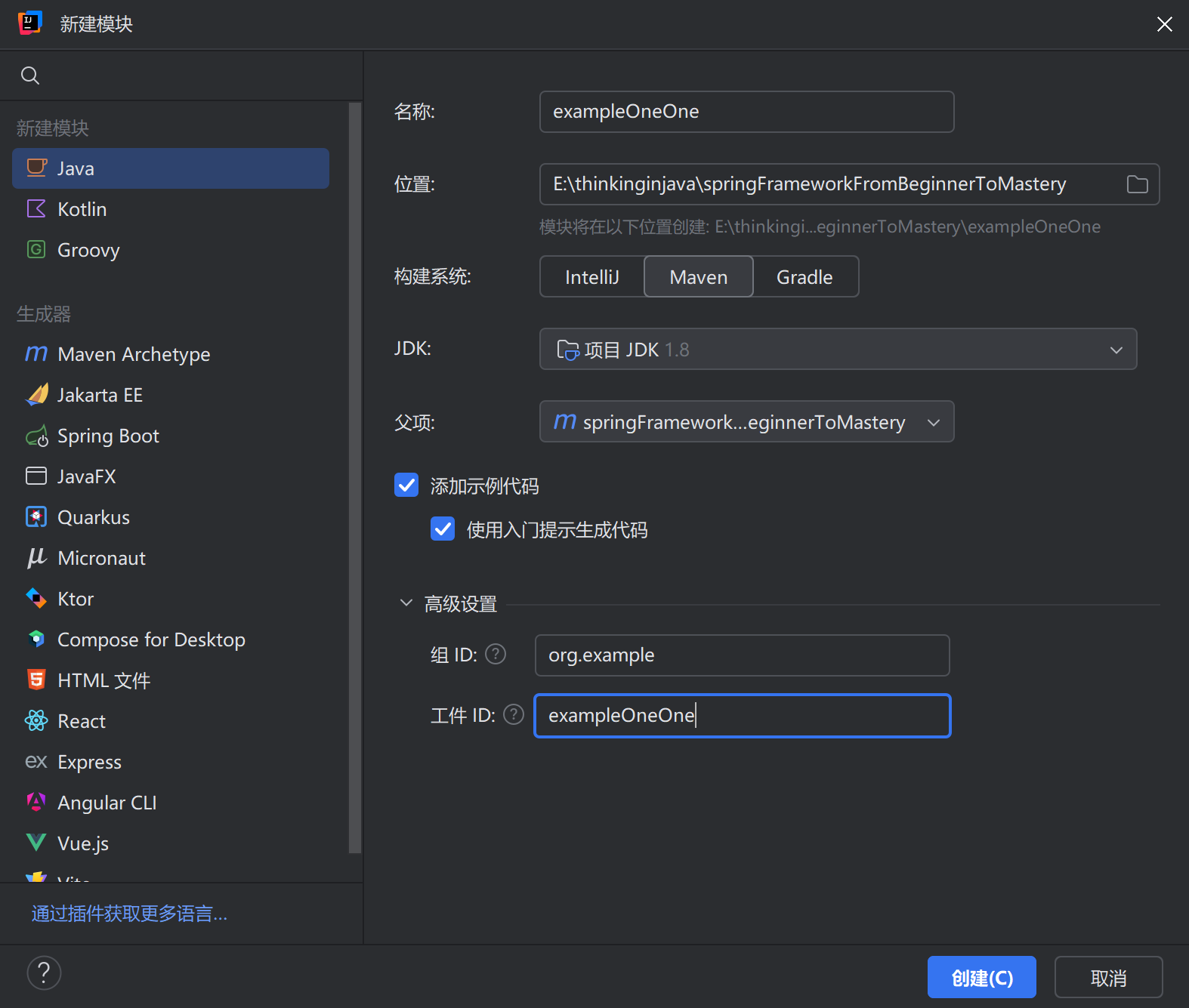
- idea创建子模块
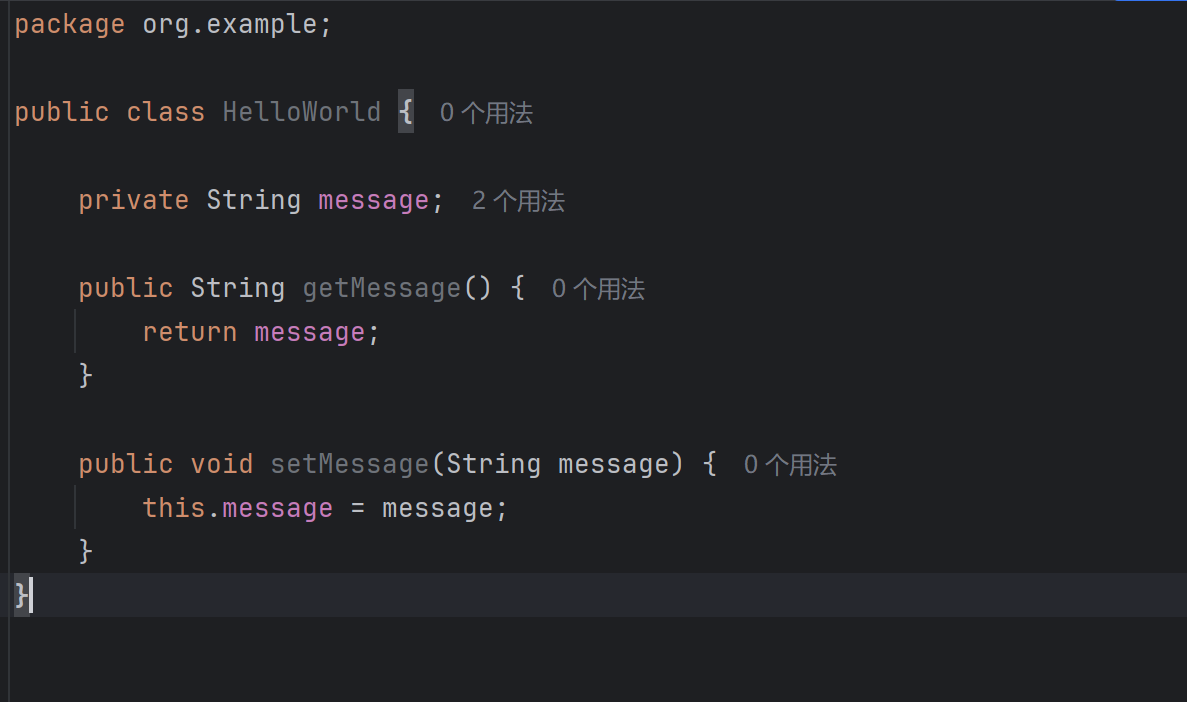
 5. 编写Java类
- 编写Spring配置文件:在资源目录(resources)下创建一个Spring配置文件,通常是一个XML文件,用于配置Spring容器和bean
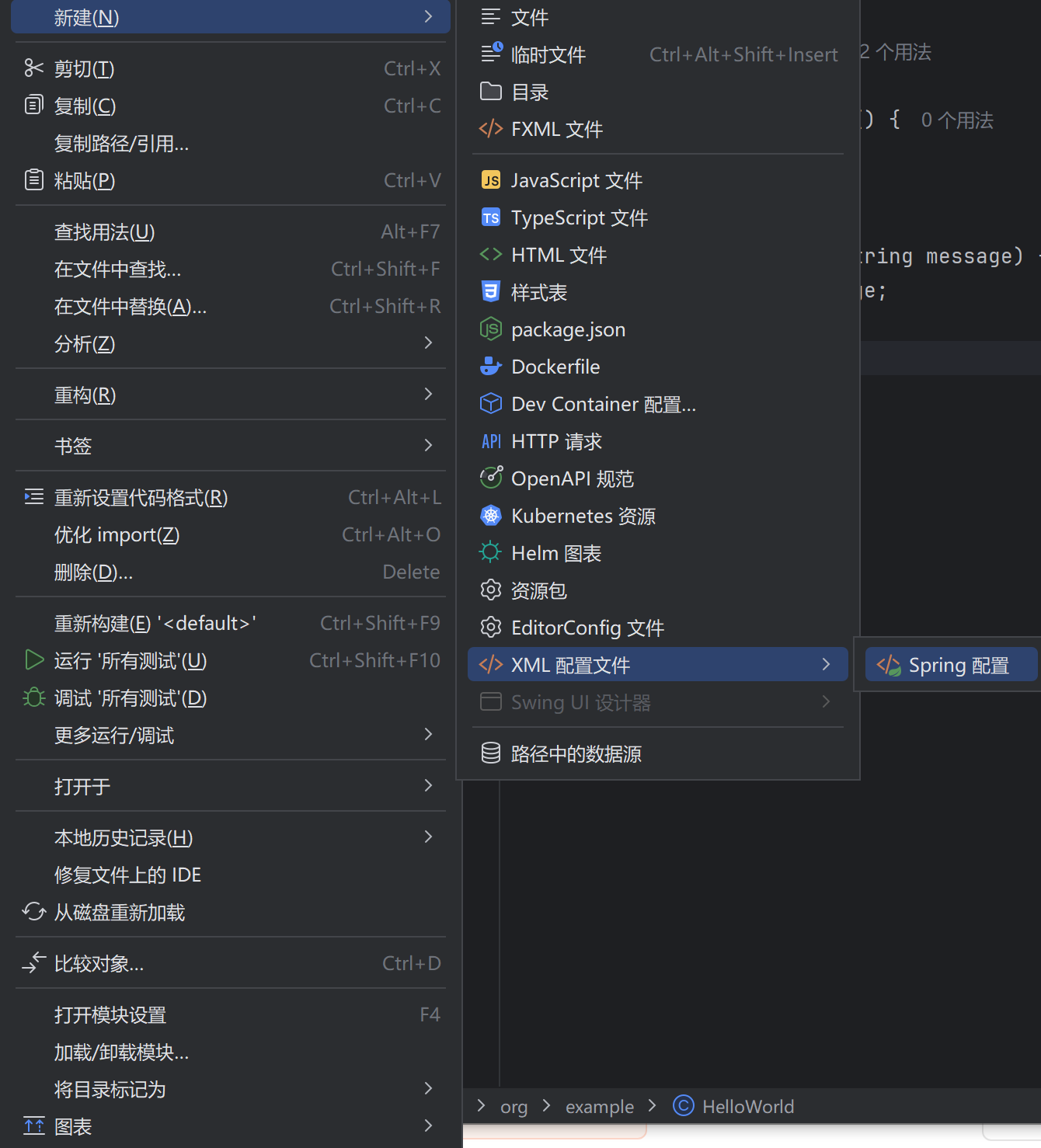
bash
<?xml version="1.0" encoding="UTF-8"?>
<beans xmlns="http://www.springframework.org/schema/beans"
       xmlns:xsi="http://www.w3.org/2001/XMLSchema-instance"
       xsi:schemaLocation="http://www.springframework.org/schema/beans http://www.springframework.org/schema/beans/spring-beans.xsd">

    <bean id="helloWorldBean" class="org.example.HelloWorld">
        <property name="message" value="HelloWorld"></property>
    </bean>

</beans>
7. 编写测试代码 :在测试目录下创建一个测试类,使用JUnit注解*@Test*来编写测试方法。在测试方法中,你可以通过Spring容器获取bean实例,并执行相关操作