重构谷粒商城11:node快速入门
前言:这个系列将使用最前沿的cursor作为辅助编程工具,来快速开发一些基础的编程项目。目的是为了在真实项目中,帮助初级程序员快速进阶,以最快的速度,效率,快速进阶到中高阶程序员。
本项目将基于谷粒商城项目,并且对谷粒商城项目进行二次重构,使其满足最新的主流技术栈要求。包括若依脚手架、大模型、知识库等的嵌入。
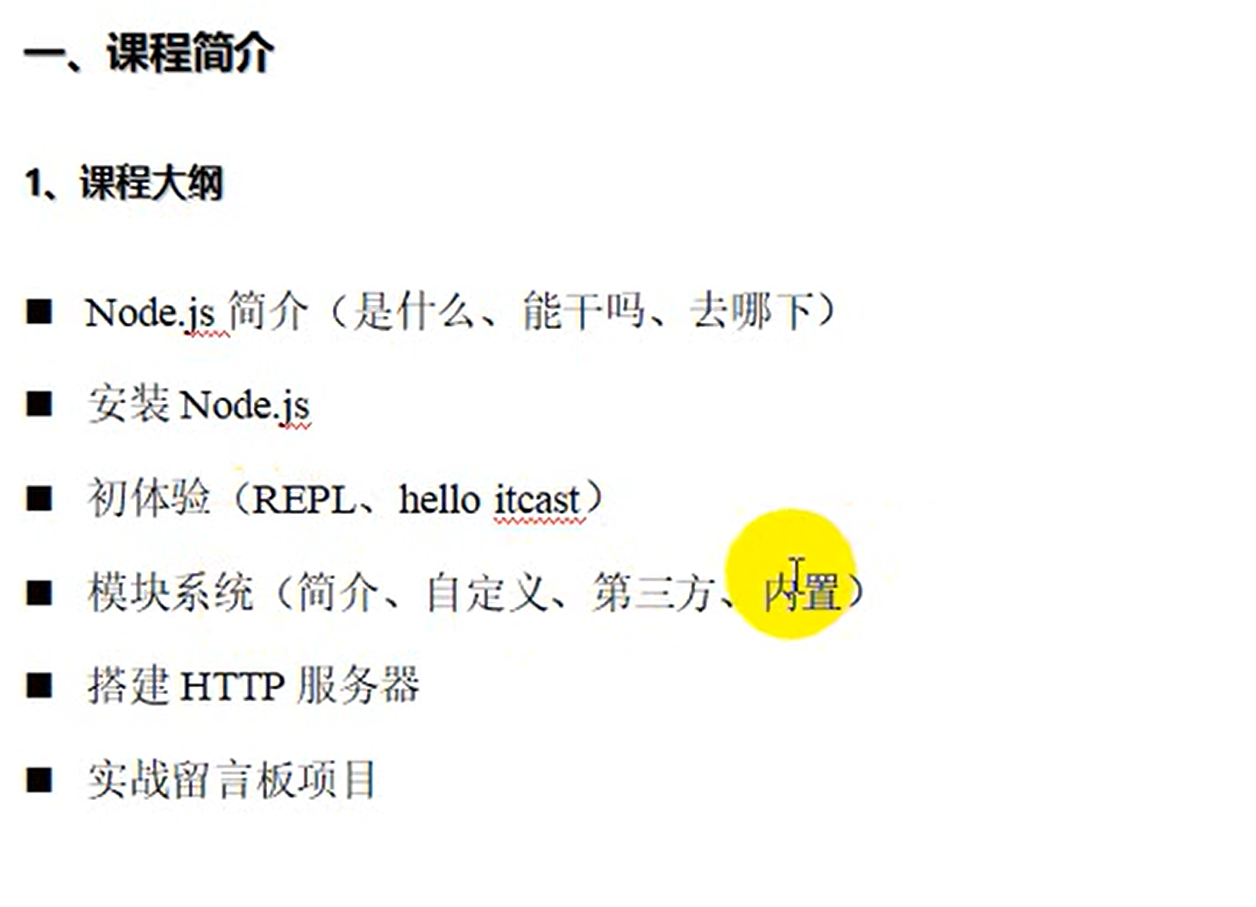
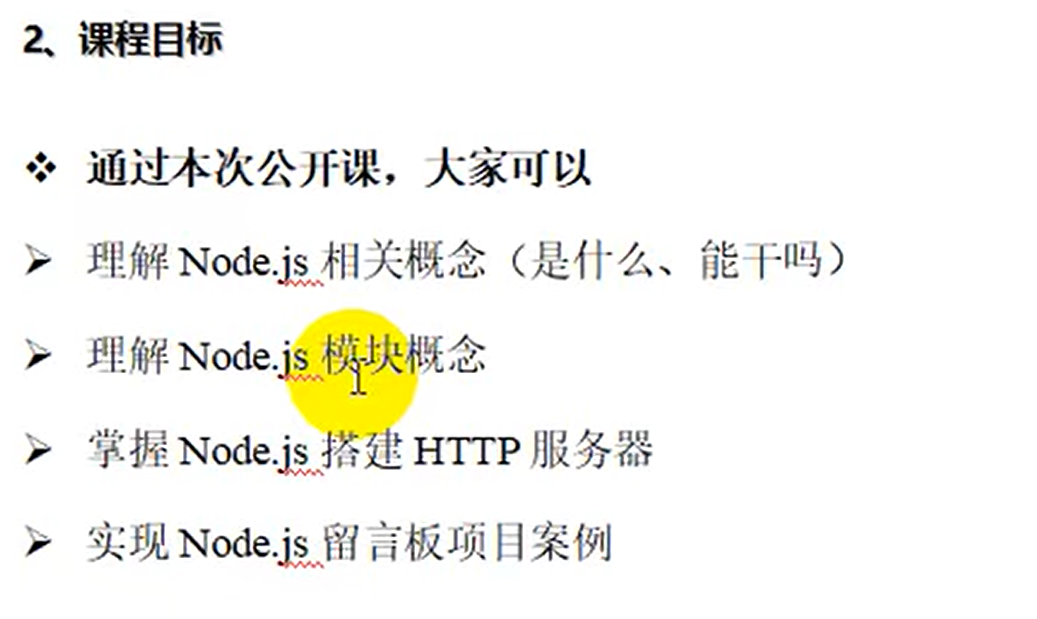
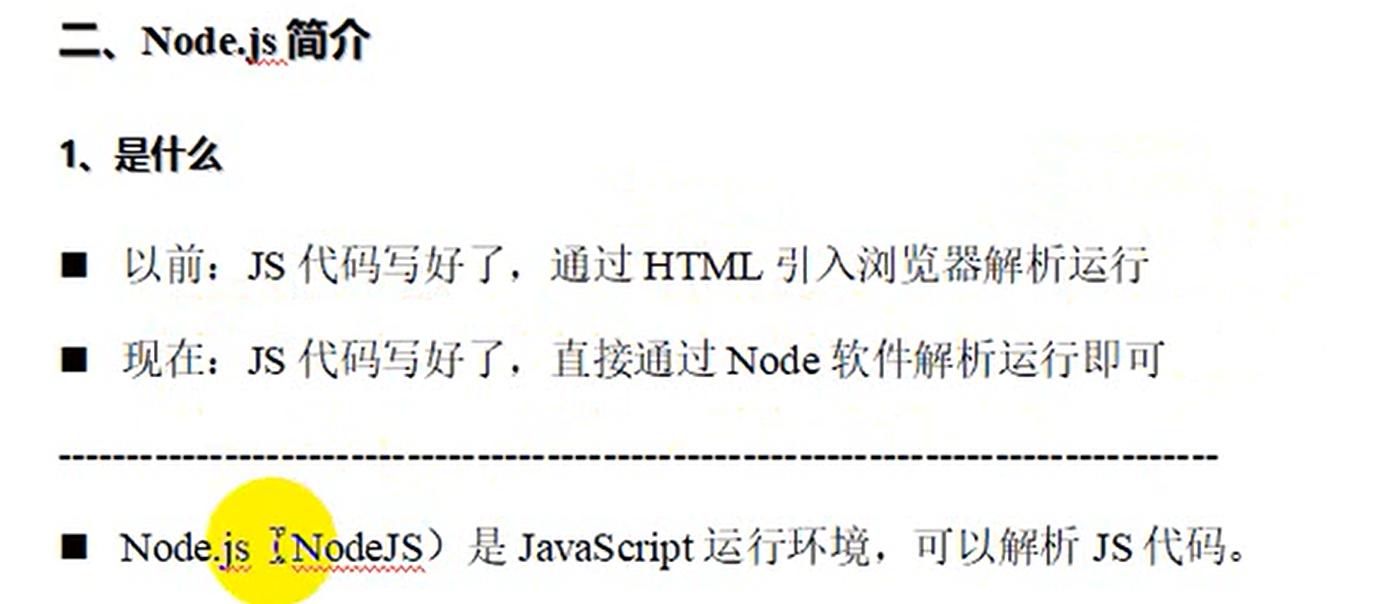
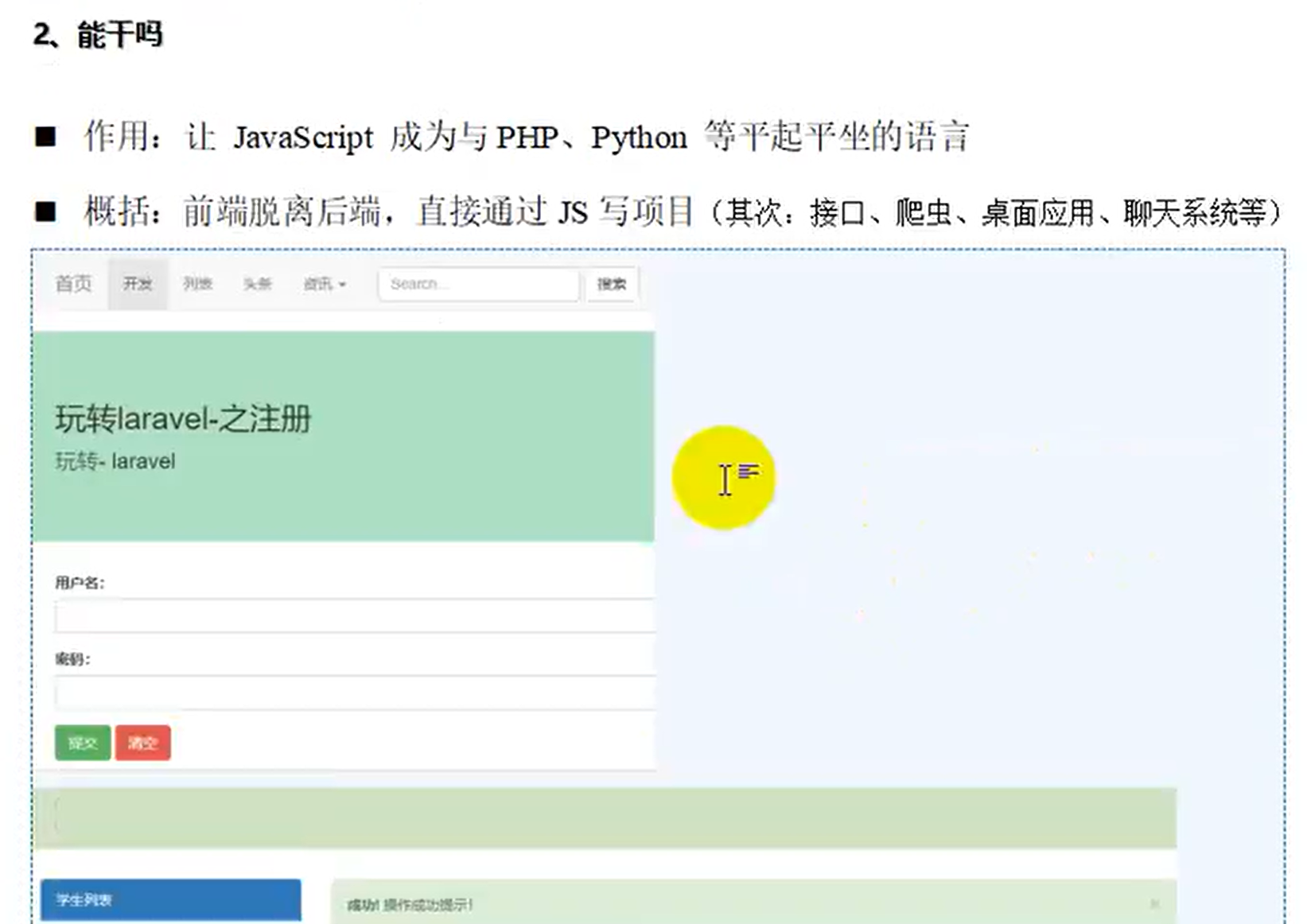
这篇文章作为加餐,给不熟悉node的后端程序员扫扫盲,快速入门node。不至于太懵。
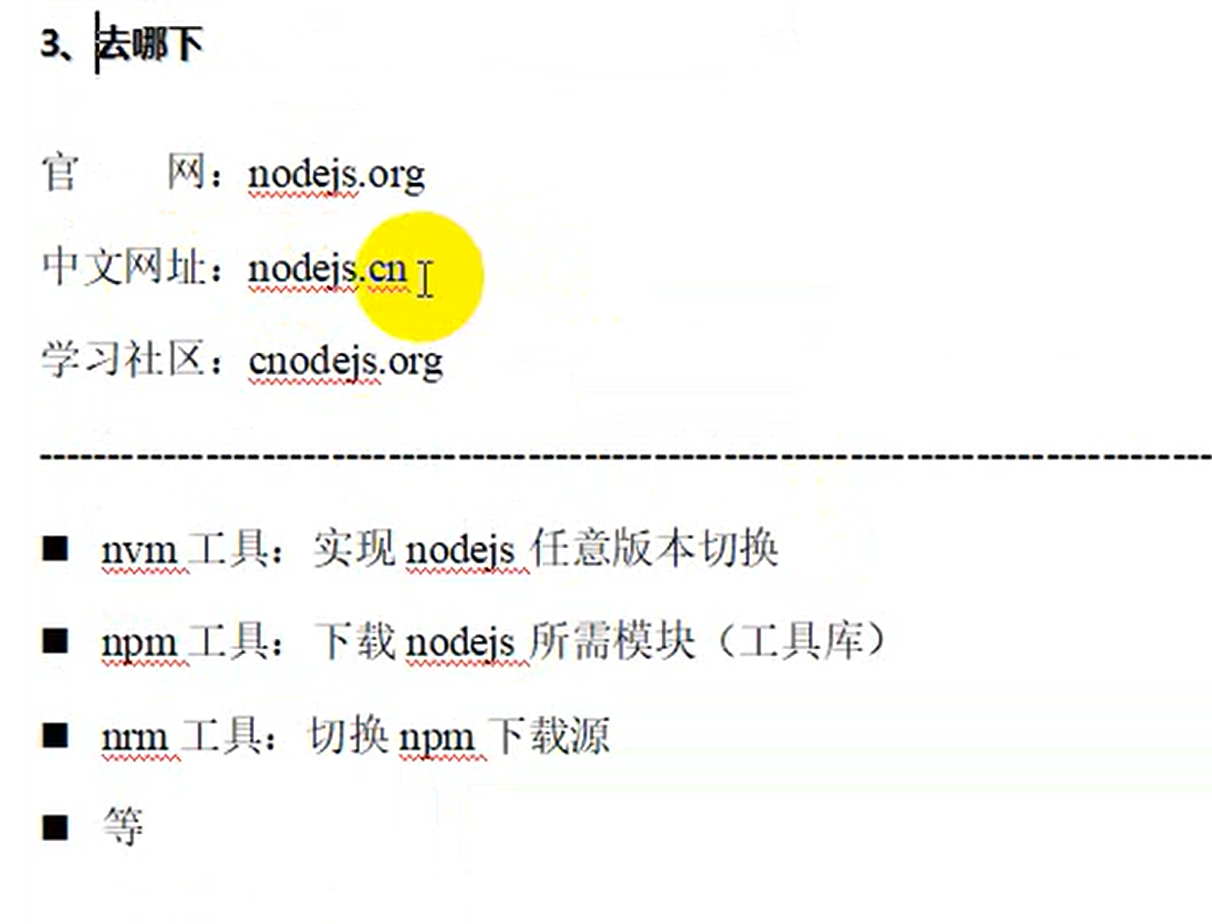
验证安装。
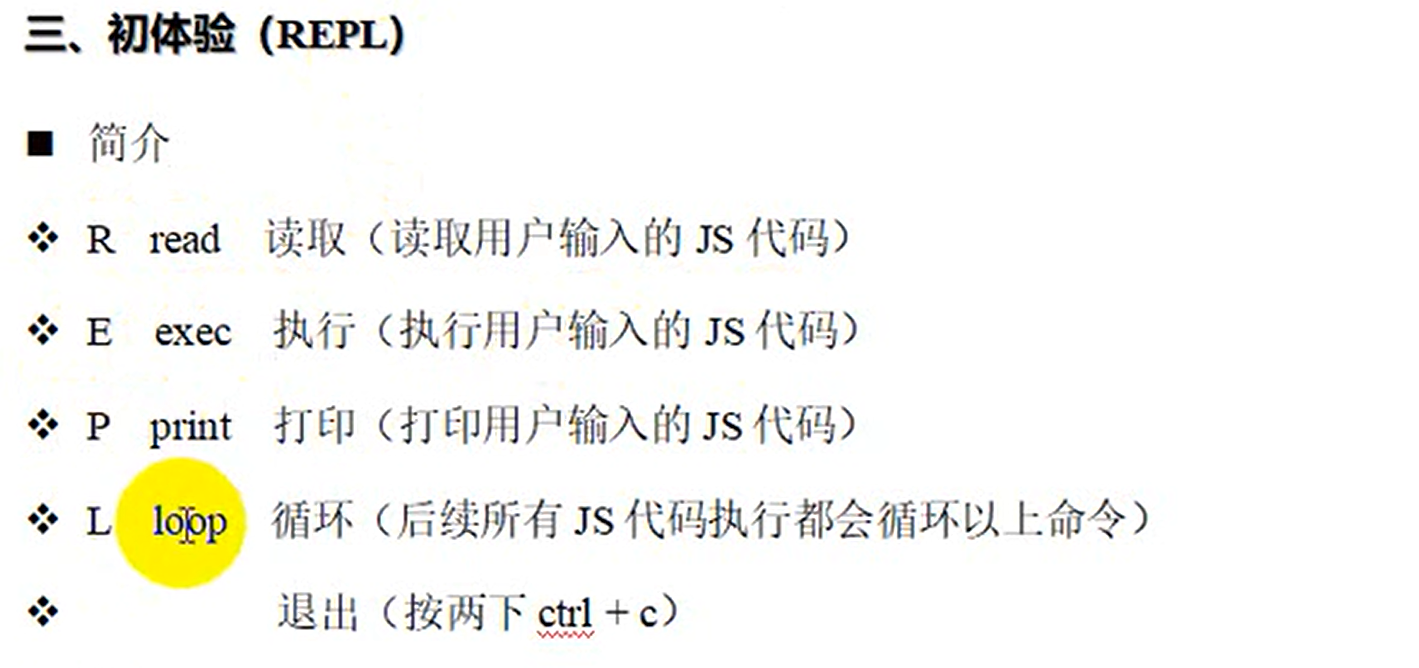
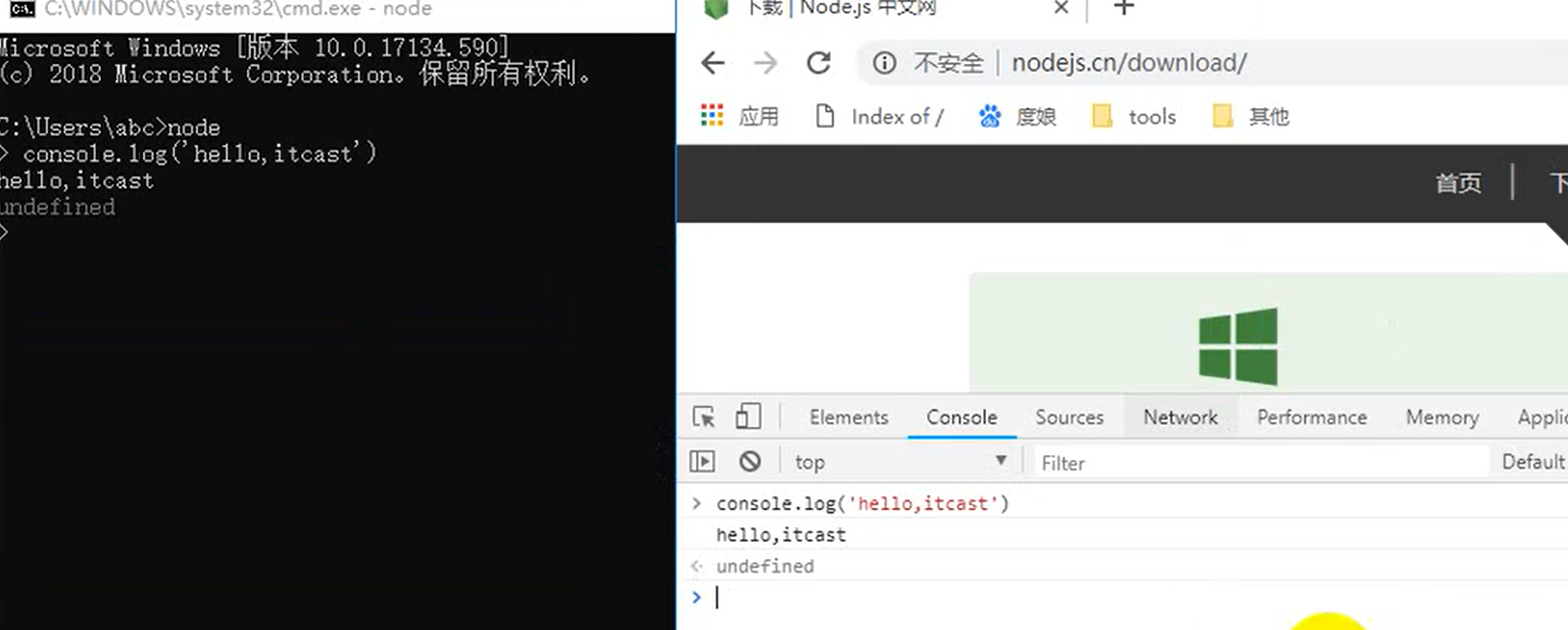
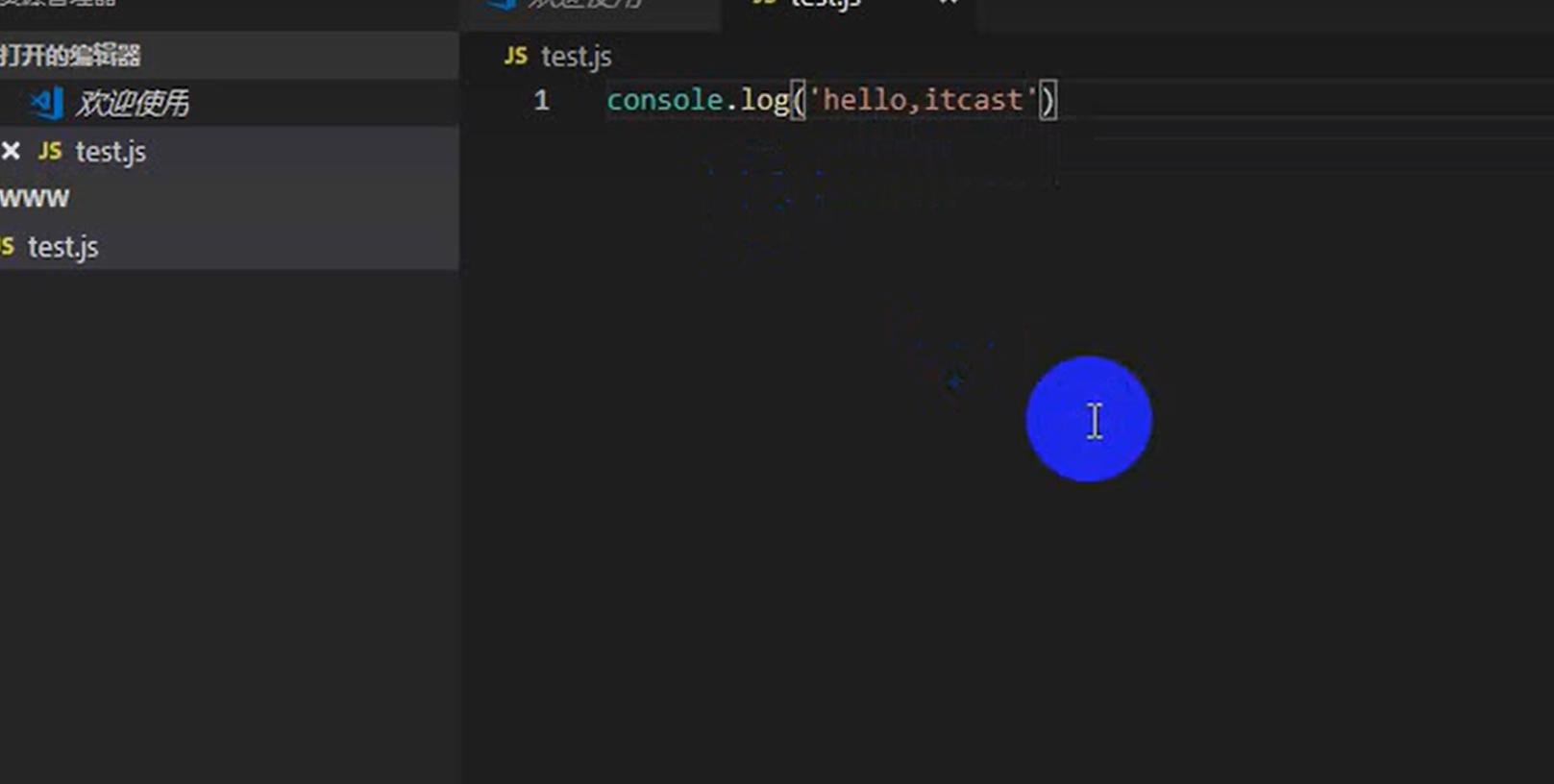
写一个js文件。
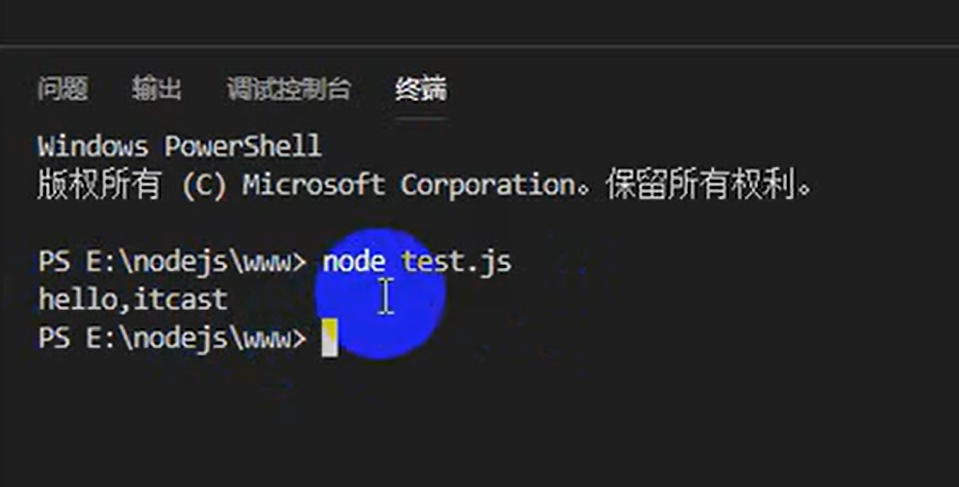
运行。
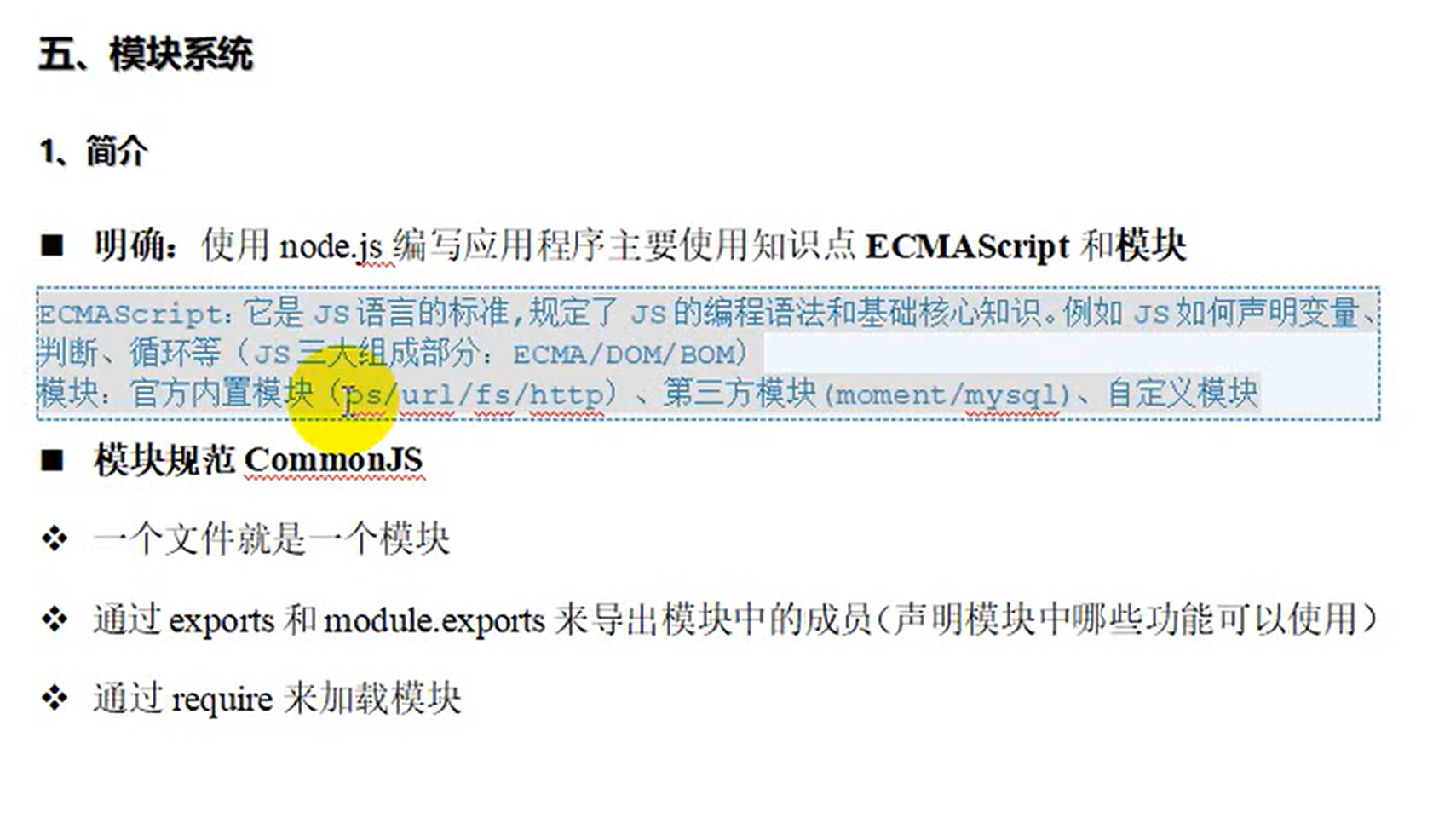
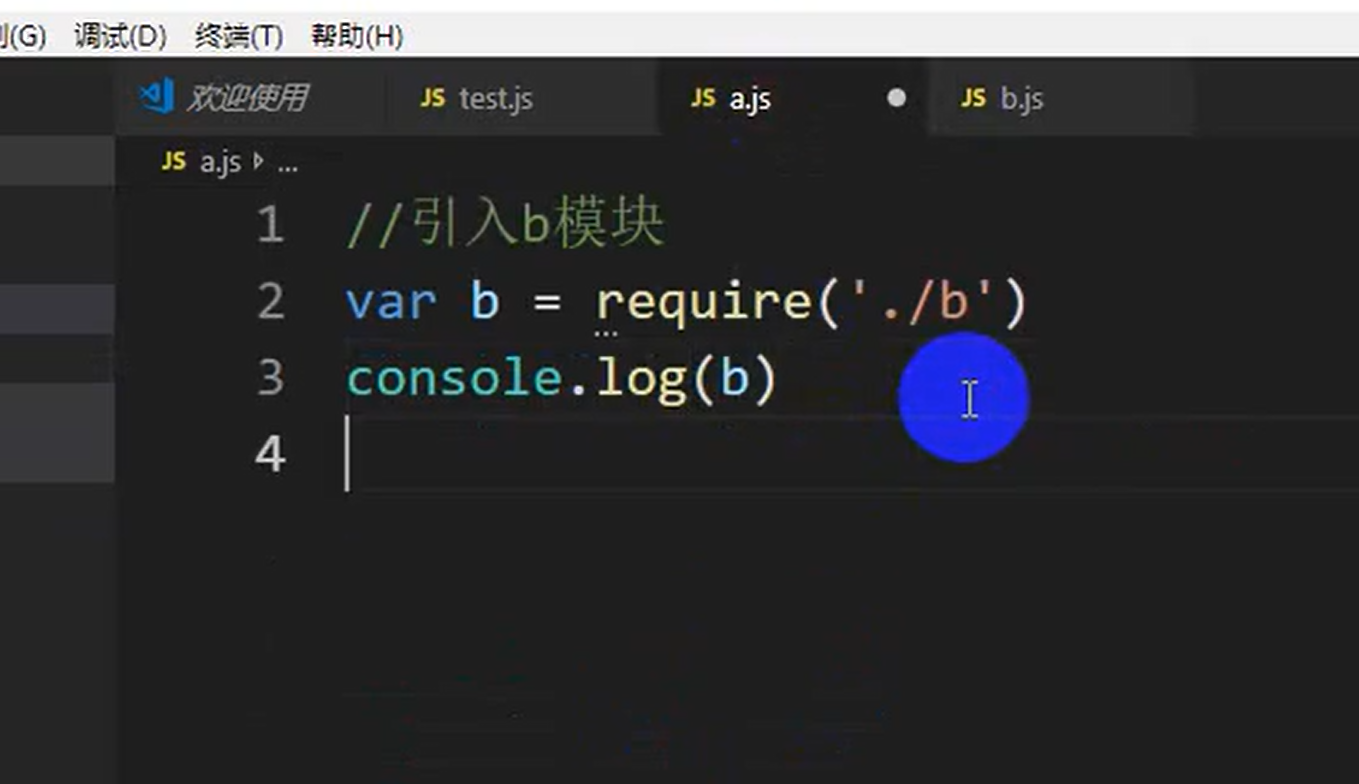
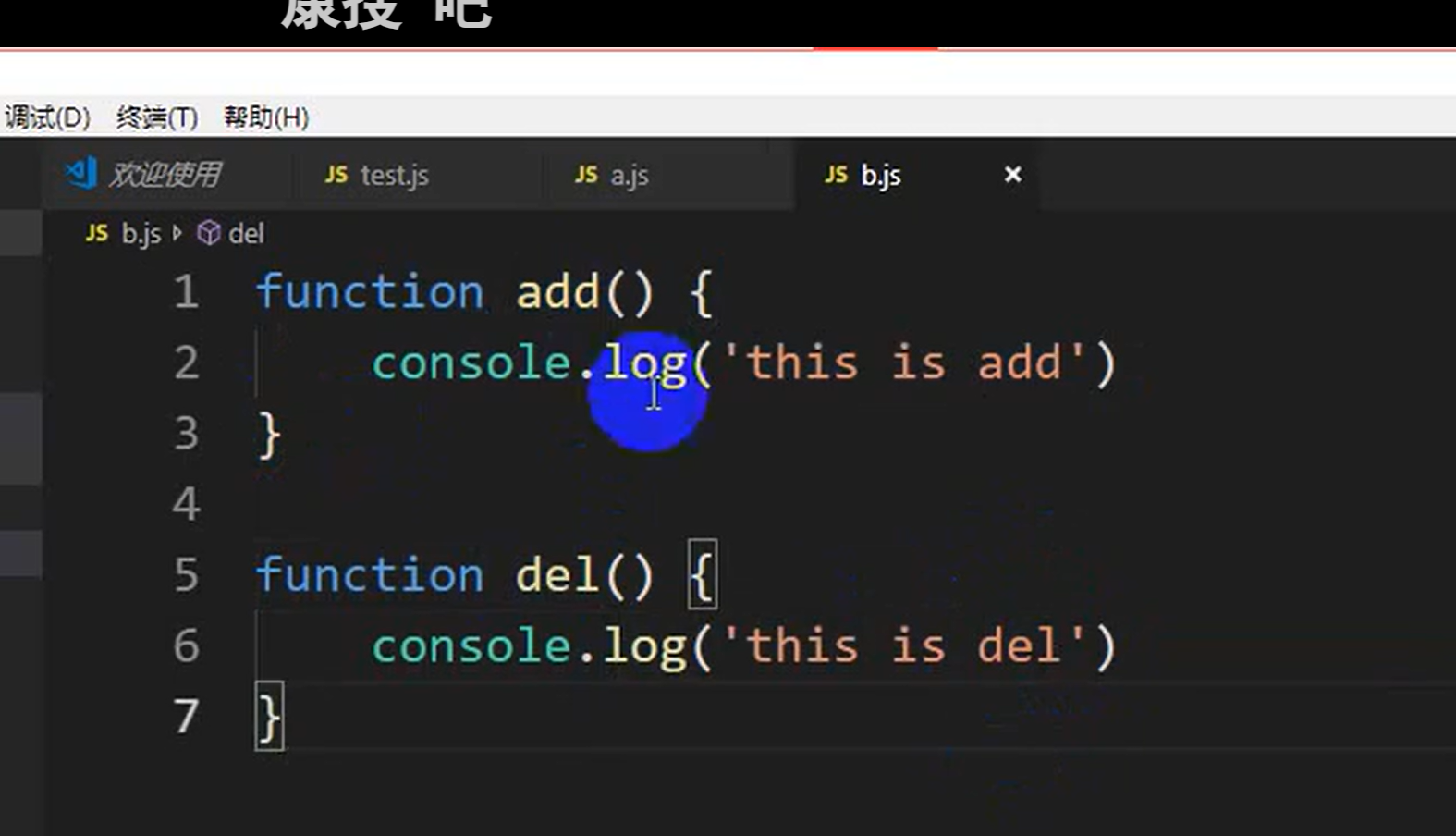
记得需要导出成员。
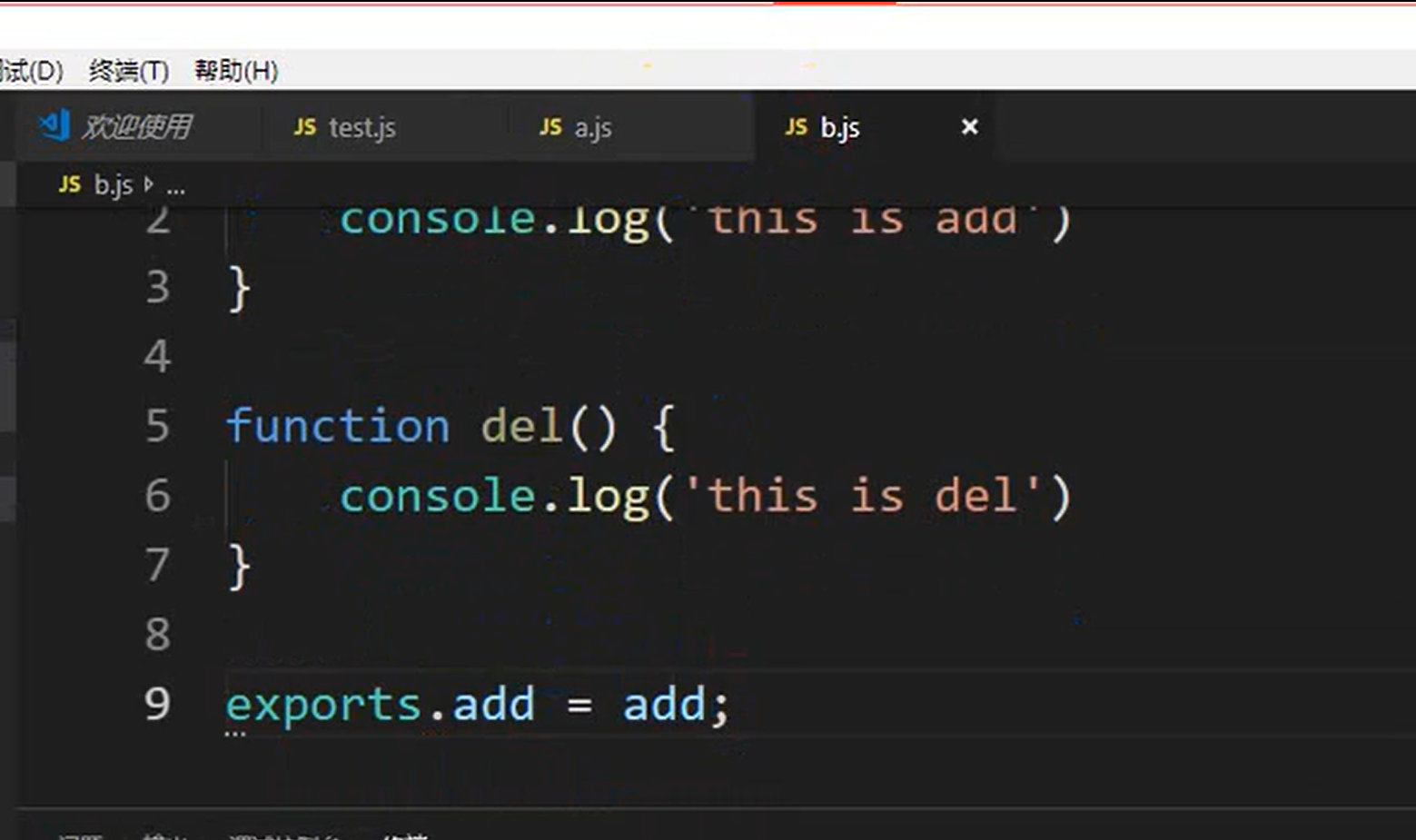
运行a.js。发现输出的是个对象

引用下b的方法
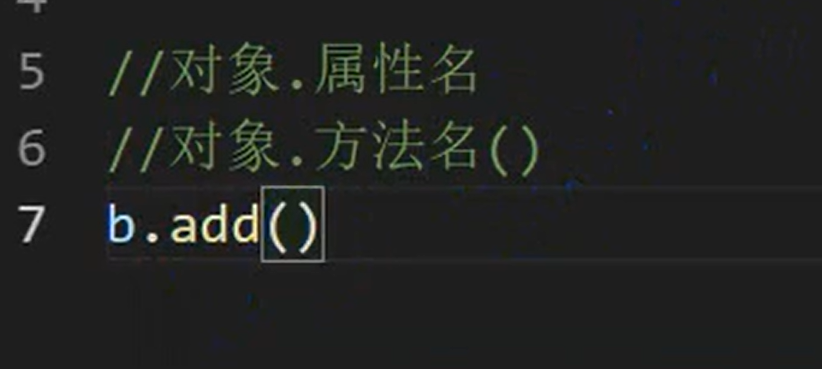

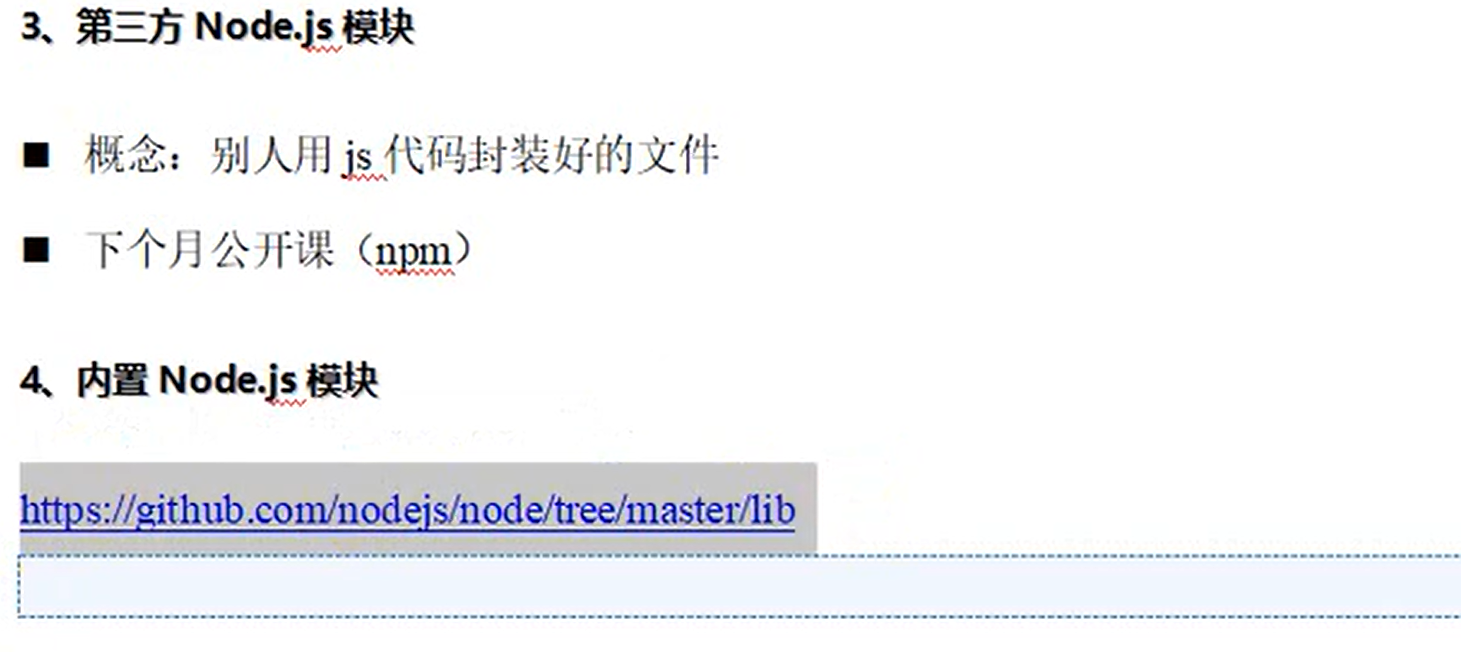
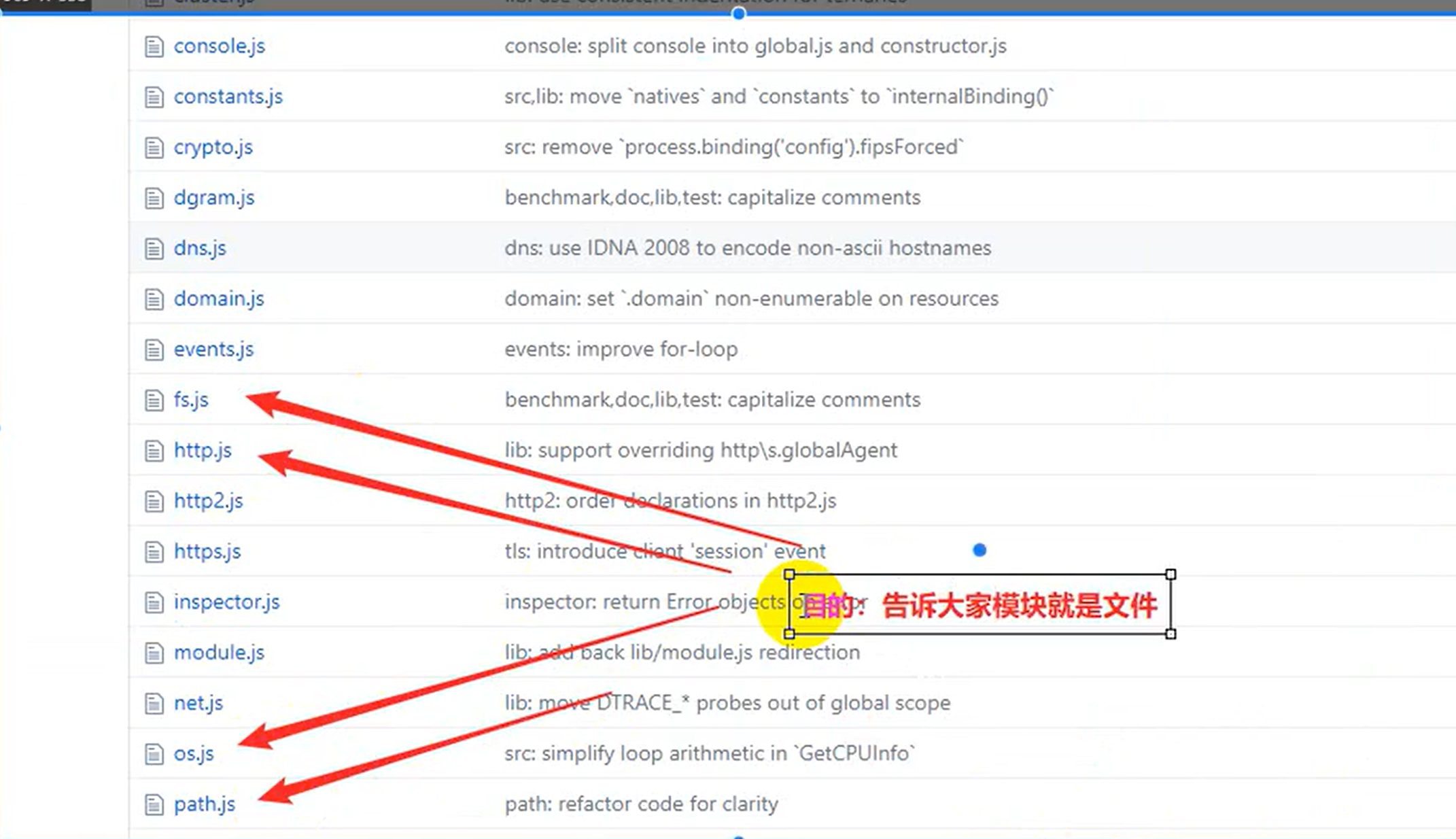
注:exports和module.exports互为别名。
测试下内置模块的调用。
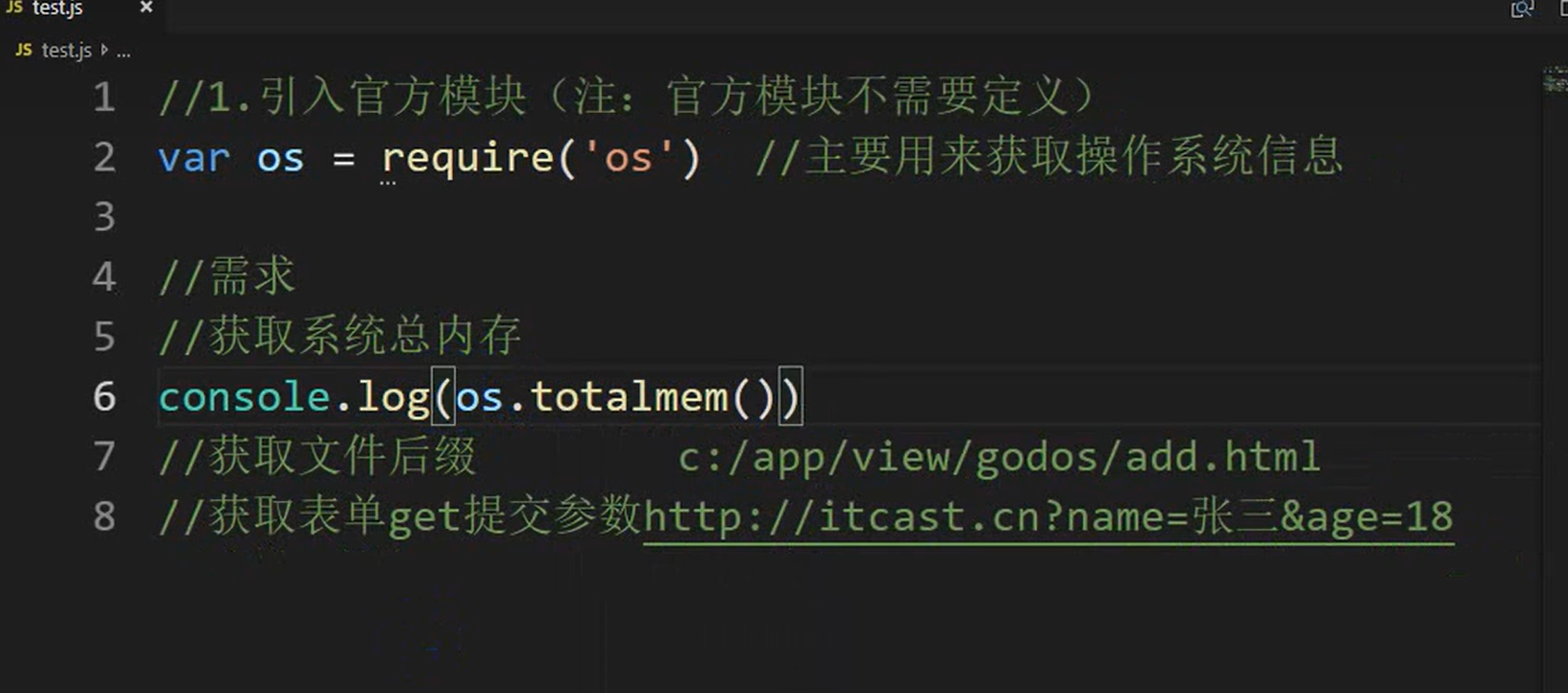
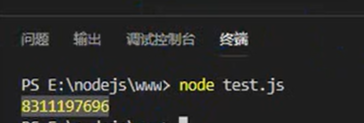
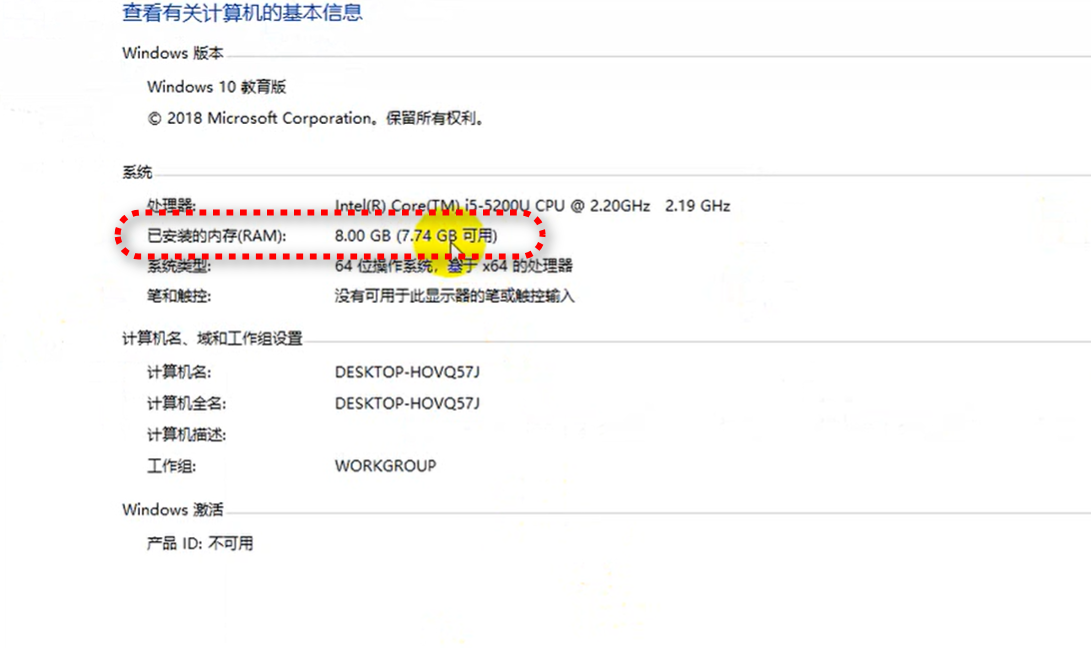
验证下。换算后发现没错。
接下来搞个demo玩一玩呢。
做个留言板案例吧。
创建目录结构如下图所示。
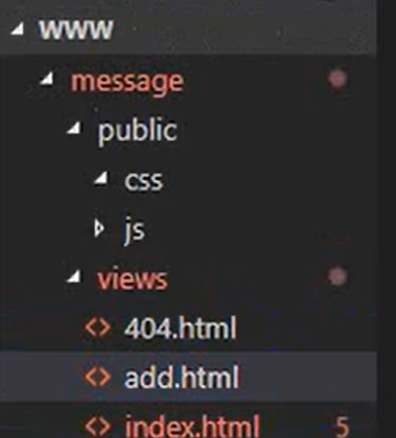
上面的静态页面,你可以让ai给你直接生成。
比如,index.html
html
<!DOCTYPE html>
<html lang="zh-CN">
<head>
<meta charset="UTF-8">
<meta name="viewport" content="width=device-width, initial-scale=1.0">
<meta name="description" content="我的个人网页">
<title>我的首页</title>
<style>
body {
font-family: Arial, sans-serif;
line-height: 1.6;
margin: 0;
padding: 0;
}
header {
background-color: #333;
color: white;
padding: 1rem;
text-align: center;
}
nav {
background: #f4f4f4;
padding: 0.5rem;
}
nav ul {
list-style: none;
display: flex;
justify-content: center;
}
nav li {
margin: 0 1rem;
}
main {
padding: 1rem;
}
footer {
background: #333;
color: white;
text-align: center;
padding: 1rem;
position: fixed;
bottom: 0;
width: 100%;
}
</style>
</head>
<body>
<header>
<h1>欢迎来到我的网站</h1>
</header>
<nav>
<ul>
<li><a href="#about">关于我</a></li>
<li><a href="#projects">项目</a></li>
<li><a href="#contact">联系我</a></li>
</ul>
</nav>
<main>
<section id="about">
<h2>关于我</h2>
<p>这里可以写一些自我介绍的内容。</p>
</section>
<section id="projects">
<h2>我的项目</h2>
<p>这里可以展示你的项目。</p>
</section>
<section id="contact">
<h2>联系我</h2>
<p>这里可以添加联系方式或表单。</p>
</section>
</main>
<footer>
<p>© 2025 我的网站. 保留所有权利.</p>
</footer>
</body>
</html>再来,404.html
html
<!DOCTYPE html>
<html lang="zh-CN">
<head>
    <meta charset="UTF-8">
    <meta name="viewport" content="width=device-width, initial-scale=1.0">
    <title>页面未找到 - 404错误</title>
    <style>
        body {
            font-family: 'Arial', sans-serif;
            background: #f8f9fa;
            color: #343a40;
            margin: 0;
            padding: 0;
            display: flex;
            justify-content: center;
            align-items: center;
            height: 100vh;
            text-align: center;
        }
        .container {
            max-width: 600px;
            padding: 2rem;
            background: white;
            border-radius: 10px;
            box-shadow: 0 5px 15px rgba(0,0,0,0.1);
        }
        h1 {
            font-size: 3rem;
            color: #dc3545;
            margin-bottom: 1rem;
        }
        p {
            font-size: 1.2rem;
            margin-bottom: 2rem;
        }
        .search-box {
            margin: 2rem 0;
        }
        input[type="text"] {
            padding: 0.8rem;
            width: 70%;
            border: 1px solid #ced4da;
            border-radius: 4px 0 0 4px;
            font-size: 1rem;
        }
        button {
            padding: 0.8rem 1.5rem;
            background: #007bff;
            color: white;
            border: none;
            border-radius: 0 4px 4px 0;
            cursor: pointer;
            font-size: 1rem;
        }
        .links {
            margin-top: 2rem;
        }
        a {
            color: #007bff;
            text-decoration: none;
            margin: 0 0.5rem;
        }
        a:hover {
            text-decoration: underline;
        }
        .emoji {
            font-size: 5rem;
            margin-bottom: 1rem;
        }
    </style>
</head>
<body>
    <div class="container">
        <div class="emoji">😕</div>
        <h1>404</h1>
        <p>抱歉,您访问的页面不存在或已被移除。</p>

        <div class="search-box">
            <form action="/search" method="get">
                <input type="text" name="q" placeholder="搜索您需要的内容...">
                <button type="submit">搜索</button>
            </form>
        </div>

        <div class="links">
            <a href="/">返回首页</a>
            <a href="/contact">联系我们</a>
            <a href="/sitemap">网站地图</a>
        </div>
    </div>
</body>
</html>
add.html
html
<!DOCTYPE html>
<html lang="zh-CN">
<head>
    <meta charset="UTF-8">
    <meta name="viewport" content="width=device-width, initial-scale=1.0">
    <title>留言板 - 添加留言</title>
    <style>
        body {
            font-family: 'Arial', sans-serif;
            background-color: #f5f5f5;
            margin: 0;
            padding: 20px;
        }
        .container {
            max-width: 800px;
            margin: 0 auto;
            background: white;
            padding: 30px;
            border-radius: 8px;
            box-shadow: 0 0 15px rgba(0,0,0,0.1);
        }
        h1 {
            text-align: center;
            color: #333;
            margin-bottom: 30px;
        }
        .form-group {
            margin-bottom: 20px;
        }
        label {
            display: block;
            margin-bottom: 8px;
            font-weight: bold;
            color: #555;
        }
        input[type="text"],
        input[type="email"],
        textarea {
            width: 100%;
            padding: 12px;
            border: 1px solid #ddd;
            border-radius: 4px;
            font-size: 16px;
            box-sizing: border-box;
        }
        textarea {
            height: 150px;
            resize: vertical;
        }
        button {
            background-color: #4CAF50;
            color: white;
            border: none;
            padding: 12px 25px;
            font-size: 16px;
            border-radius: 4px;
            cursor: pointer;
            width: 100%;
            transition: background-color 0.3s;
        }
        button:hover {
            background-color: #45a049;
        }
        .message-list {
            margin-top: 40px;
            border-top: 1px solid #eee;
            padding-top: 20px;
        }
        .message {
            background: #f9f9f9;
            padding: 15px;
            margin-bottom: 15px;
            border-radius: 4px;
            border-left: 4px solid #4CAF50;
        }
        .message-header {
            font-weight: bold;
            margin-bottom: 5px;
            color: #333;
        }
        .message-time {
            font-size: 12px;
            color: #888;
            margin-top: 5px;
        }
    </style>
</head>
<body>
    <div class="container">
        <h1>留言板</h1>

        <form id="messageForm">
            <div class="form-group">
                <label for="name">您的姓名</label>
                <input type="text" id="name" name="name" required>
            </div>

            <div class="form-group">
                <label for="email">电子邮箱</label>
                <input type="email" id="email" name="email" required>
            </div>

            <div class="form-group">
                <label for="message">留言内容</label>
                <textarea id="message" name="message" required></textarea>
            </div>

            <button type="submit">提交留言</button>
        </form>

        <div class="message-list" id="messageList">
            <h2>最新留言</h2>
            <!-- 留言将动态显示在这里 -->
        </div>
    </div>

    <script>
        document.addEventListener('DOMContentLoaded', function() {
            const form = document.getElementById('messageForm');
            const messageList = document.getElementById('messageList');

            // 从本地存储加载已有留言
            let messages = JSON.parse(localStorage.getItem('messages')) || [];
            renderMessages();

            // 表单提交处理
            form.addEventListener('submit', function(e) {
                e.preventDefault();

                const name = document.getElementById('name').value.trim();
                const email = document.getElementById('email').value.trim();
                const message = document.getElementById('message').value.trim();

                if (name && email && message) {
                    const newMessage = {
                        id: Date.now(),
                        name: name,
                        email: email,
                        message: message,
                        time: new Date().toLocaleString()
                    };

                    // 添加到留言数组并保存
                    messages.unshift(newMessage);
                    localStorage.setItem('messages', JSON.stringify(messages));

                    // 重新渲染留言列表
                    renderMessages();

                    // 清空表单
                    form.reset();
                } else {
                    alert('请填写所有必填字段!');
                }
            });

            // 渲染留言列表
            function renderMessages() {
                messageList.innerHTML = '<h2>最新留言</h2>';

                if (messages.length === 0) {
                    messageList.innerHTML += '<p>暂无留言</p>';
                    return;
                }

                messages.slice(0, 5).forEach(msg => {
                    const messageElement = document.createElement('div');
                    messageElement.className = 'message';
                    messageElement.innerHTML = `
                        <div class="message-header">${msg.name} (${msg.email})</div>
                        <div class="message-content">${msg.message}</div>
                        <div class="message-time">${msg.time}</div>
                    `;
                    messageList.appendChild(messageElement);
                });

                if (messages.length > 5) {
                    const moreLink = document.createElement('a');
                    moreLink.href = 'messages.html';
                    moreLink.textContent = '查看全部留言...';
                    moreLink.style.display = 'block';
                    moreLink.style.textAlign = 'center';
                    moreLink.style.marginTop = '15px';
                    messageList.appendChild(moreLink);
                }
            }
        });
    </script>
</body>
</html>
创建http服务,显示所有静态页面。
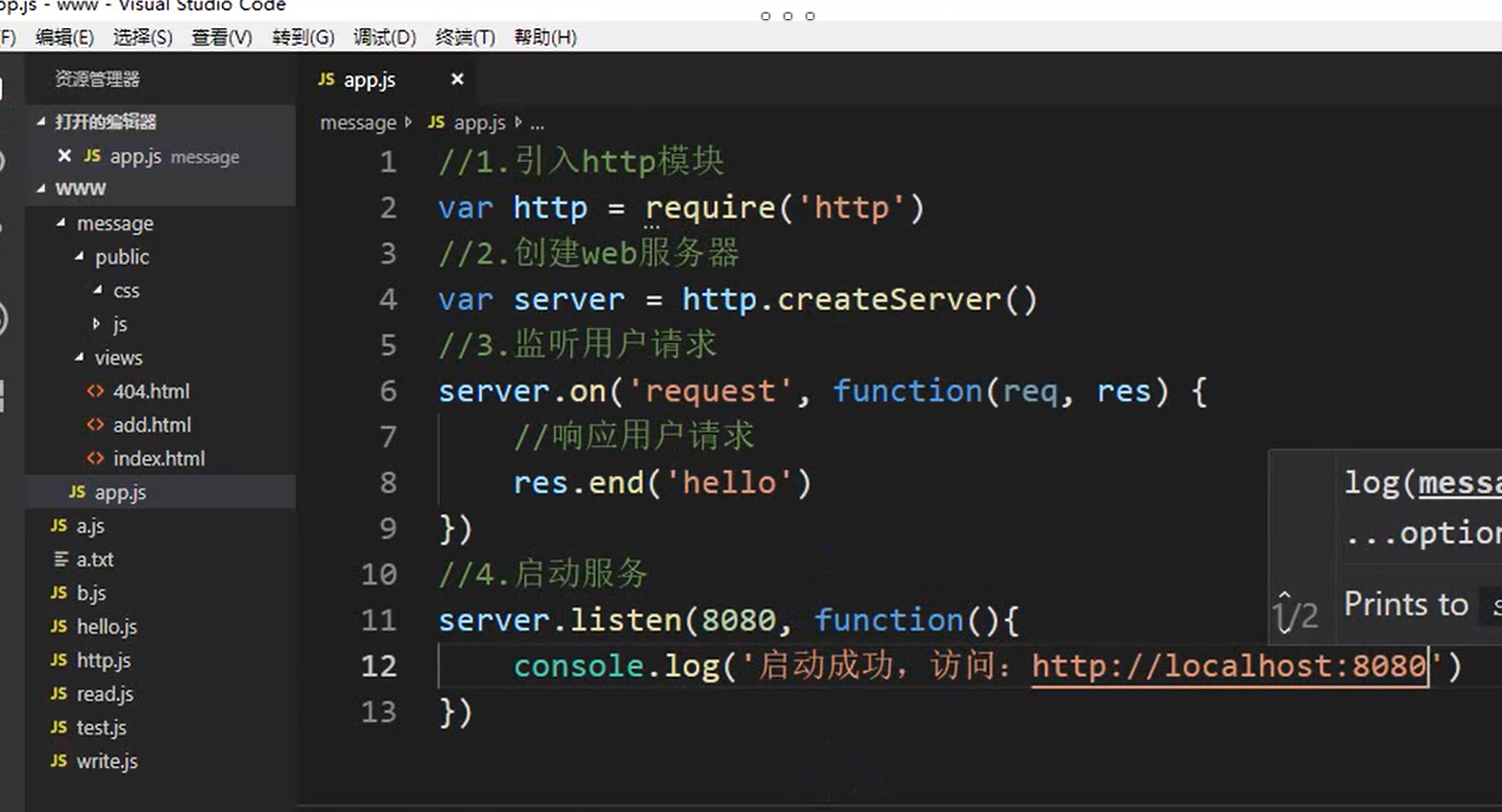
运行,报错。
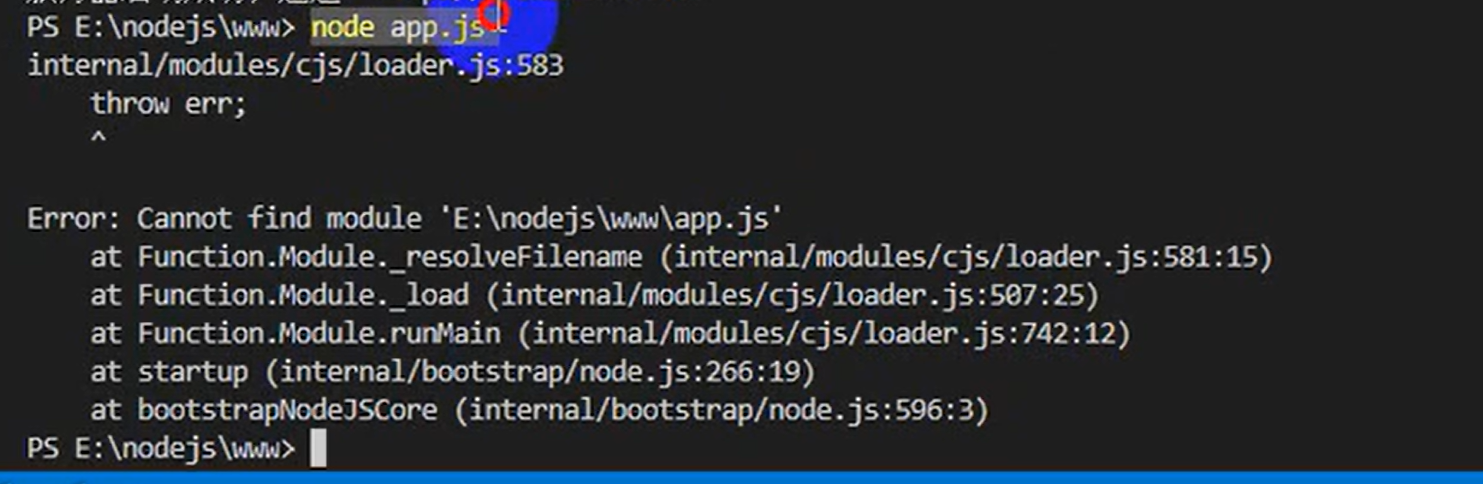
这是因为,路径www下没有app.js。切换下路径即可。

你可以看到我们实现写好的首页了。
接下来我们实现一些核心逻辑。根据请求的url访问不同的页面。
js
const http = require('http');
const fs = require('fs');
const path = require('path');

const PORT = 3000;

const server = http.createServer((req, res) => {
    // 根据请求URL确定要响应的文件
    let filePath = '';
    switch (req.url) {
        case '/':
        case '/index':
        case '/index.html':
            filePath = path.join(__dirname, 'index.html');
            break;
        case '/add':
        case '/add.html':
            filePath = path.join(__dirname, 'add.html');
            break;
        default:
            filePath = path.join(__dirname, '404.html');
            res.statusCode = 404;
            break;
    }

    // 读取文件并返回响应
    fs.readFile(filePath, (err, content) => {
        if (err) {
            if (err.code === 'ENOENT') {
                // 如果文件不存在,返回404页面
                fs.readFile(path.join(__dirname, '404.html'), (err, content) => {
                    res.writeHead(404, { 'Content-Type': 'text/html' });
                    res.end(content, 'utf-8');
                });
            } else {
                // 其他服务器错误
                res.writeHead(500);
                res.end('服务器错误: ' + err.code);
            }
        } else {
            // 成功读取文件
            res.writeHead(200, { 'Content-Type': 'text/html' });
            res.end(content, 'utf-8');
        }
    });
});

server.listen(PORT, () => {
    console.log(`服务器运行在 http://localhost:${PORT}/`);
});
自己测试吧,上面代码我没有测试过。反正核心逻辑就是这样啦,主要是带你直观感受下node的实践使用。
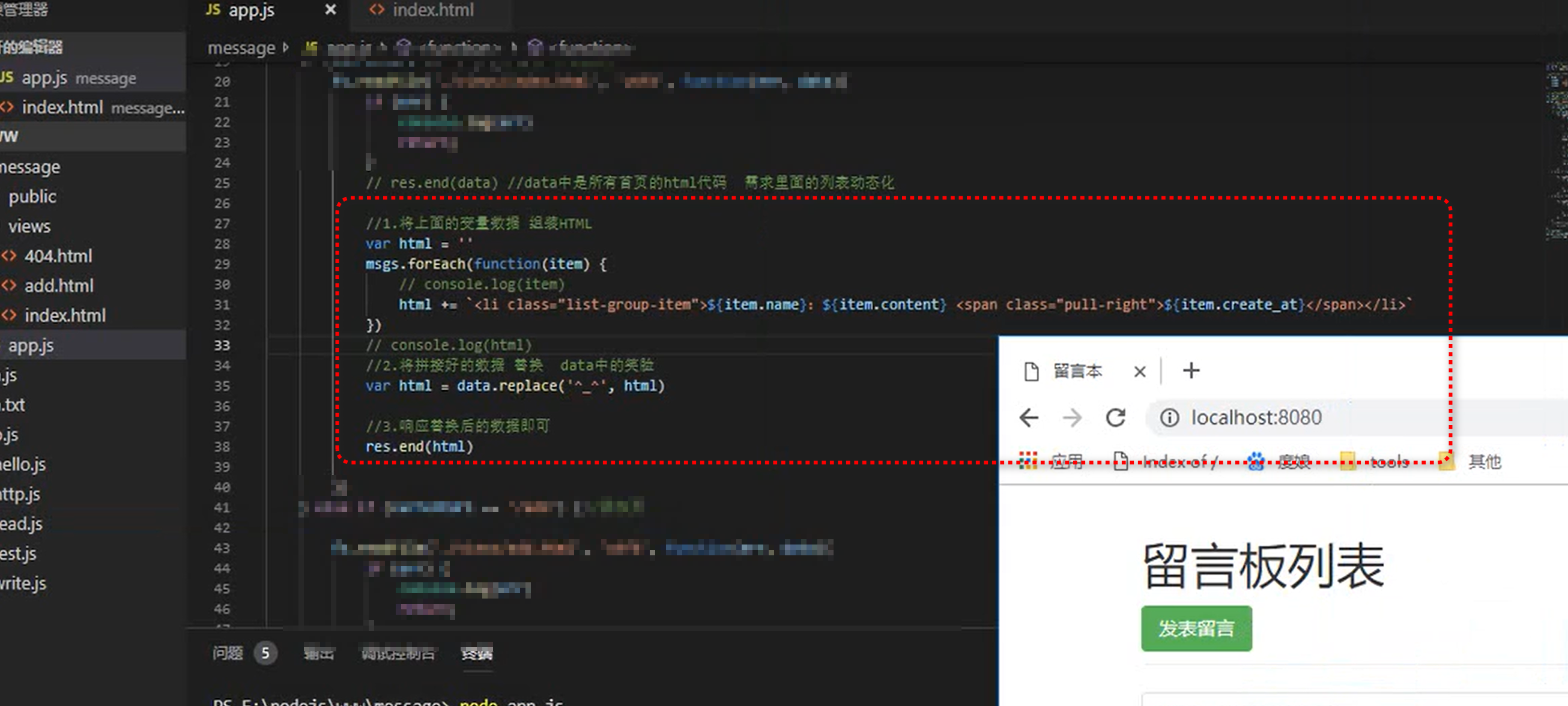
还可以实现动态列表。往html中放动态表格数据。核心代码如下。
这一节就带你入门node到这里了,反正现在有大模型,这些语言学起来很快。完全可以边用边学。这节课的意思主要是让你知道node到底是干什么的,不至于太懵逼。如果你有强烈的愿望想系统学习node,可以给我留言,打赏。我可以考虑开node专栏。总之这个专栏目前就只介绍到这里啦。
下一节,还得介绍下npm到底是个啥。敬请期待吧。