cpp
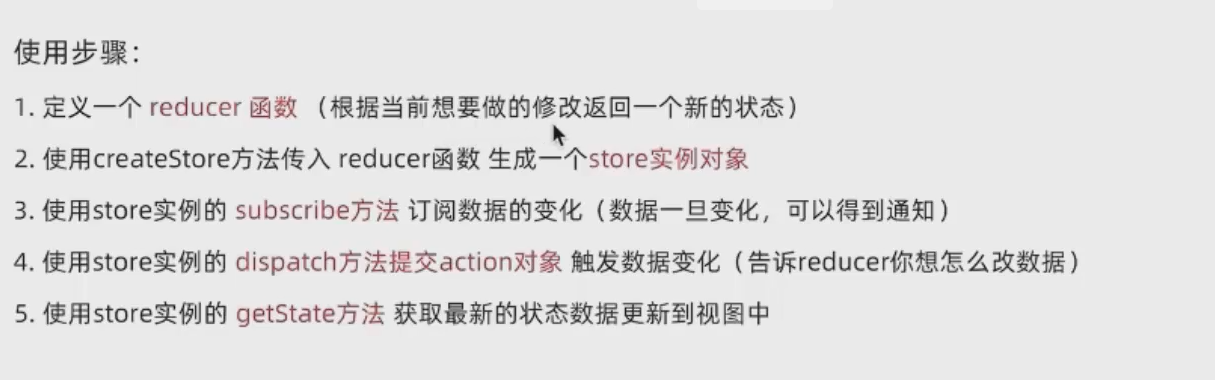
 // 定义redux函数
        // 第一个参数为状态对象,第二个是修改状态的方向
        function reducer (state = {count:0}, action){
            // 数据不可变 需要基于原始数据获得当前新数据
            if(action.type === "INCREMENT"){
                return {count:state.count+1}
            }
            else if (action.type === "DECREMENT"){
                return {count:count.type-1}
            }

        }

        // 创建一个store实例使用redux函数
        const store = creatStore(reducer)

        // 通过store的实例对象订阅数据变化
        // 回调函数会在数据变化时候自动执行
        store.subscribe(()=>{
            console.log(`数据修改了`,store.getStore())
            document.getElementById(`count`).innerHTML = store.getStore().count
        })

        // 只能使用store实例调用的dispitch函数修改状态
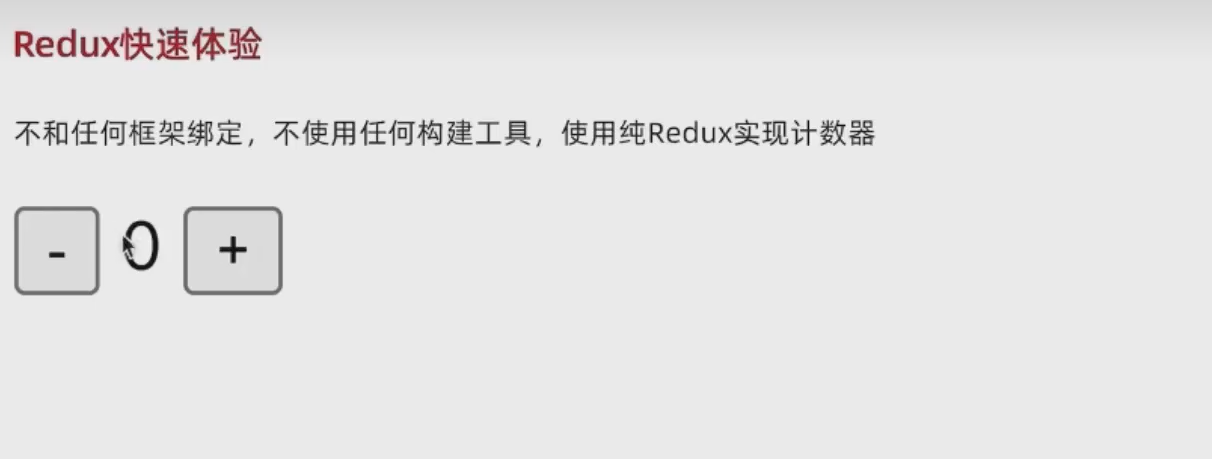
        const inbtn = document.getElementById(`increment`)
        inbtn.addEventListener(`click`,()=>{
            store.dispatch({
                type:"INCREMENT"
            })

        })

        const debtn = document.getElementById(`decrement`)
        inbtn.addEventListener(`click`,()=>{
            store.dispatch({
                type:"DECREMENT"
            })

        })

        // 使用store实例调用get
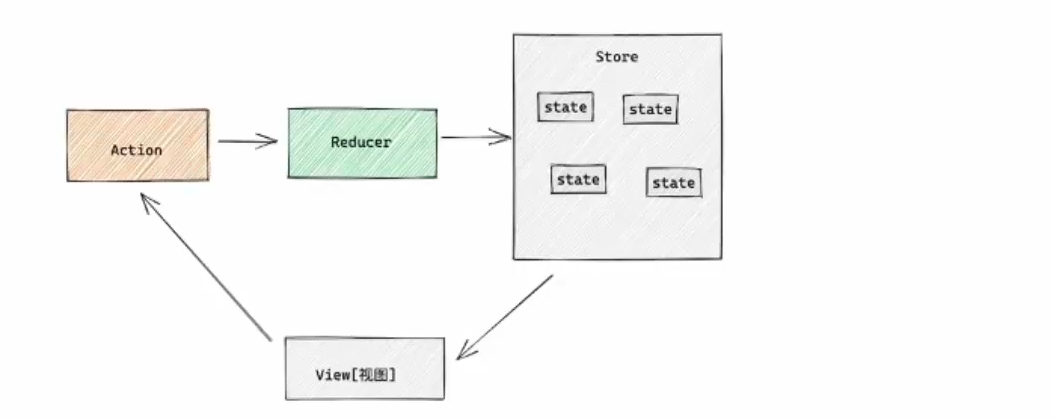
每次修改需要store实力对象调用dispitch方法输入一个action 对象,其中有状态值属性决定state的修改
插件
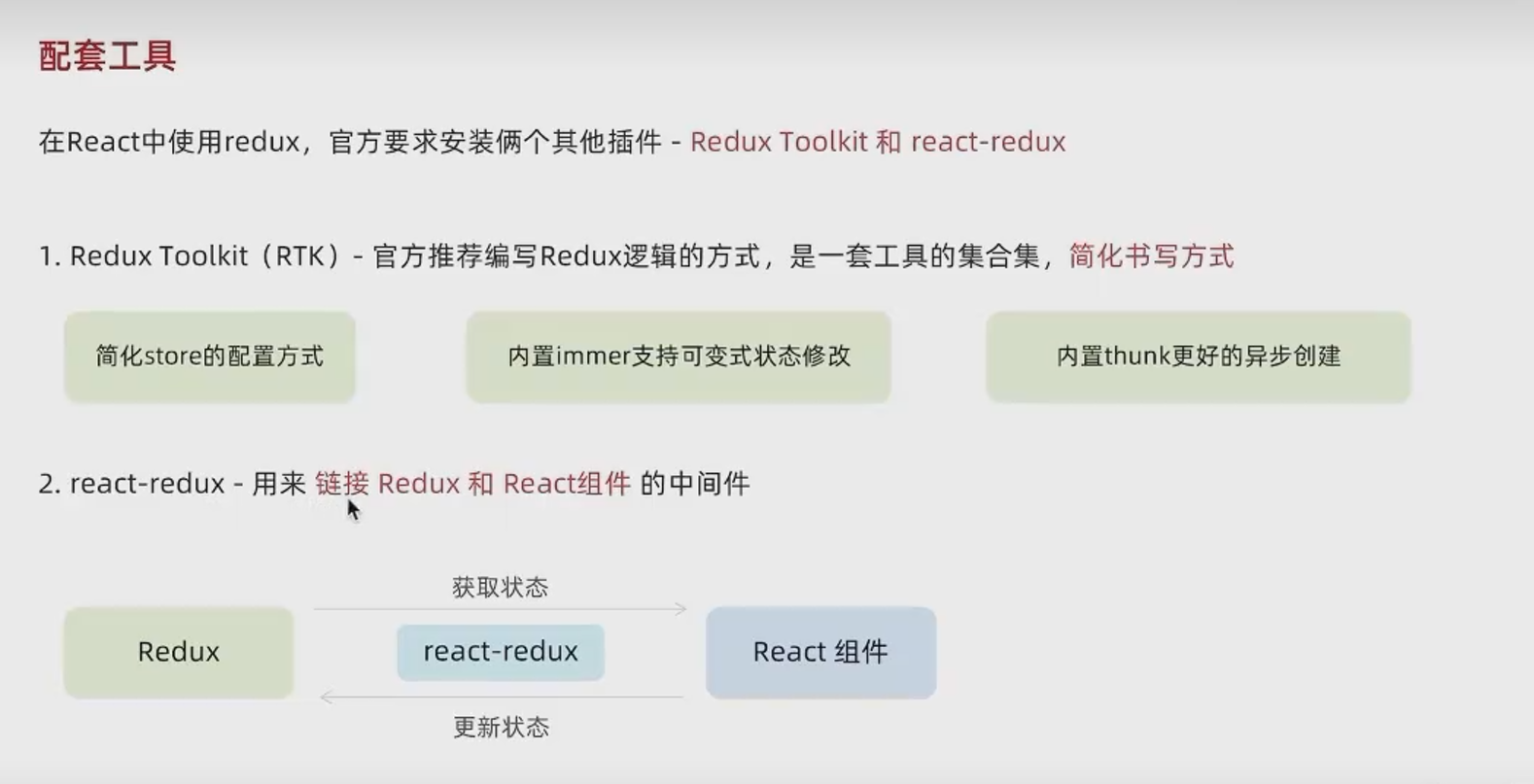
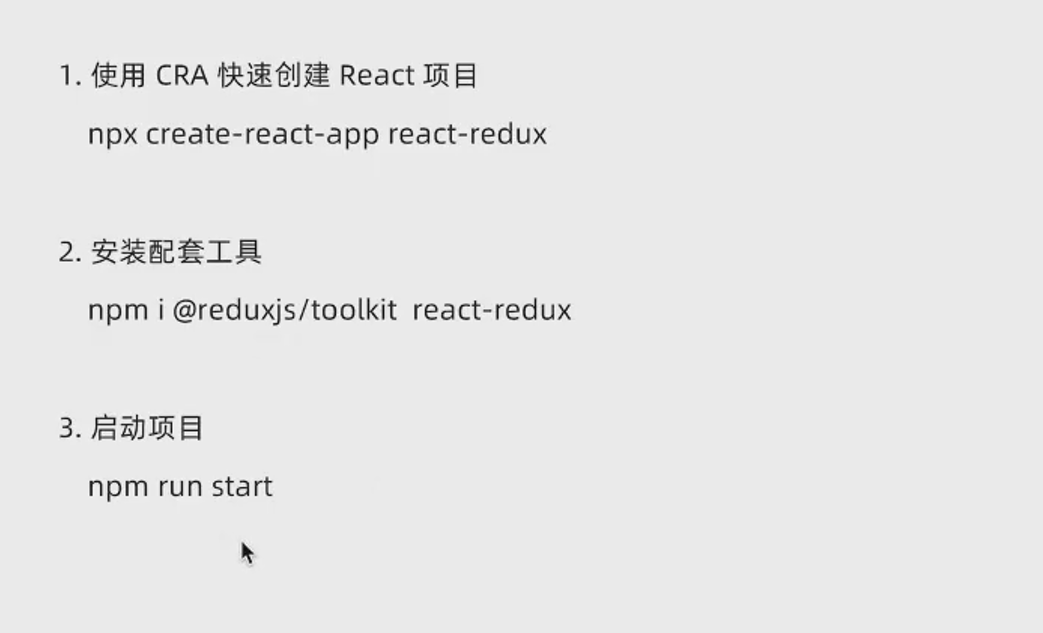
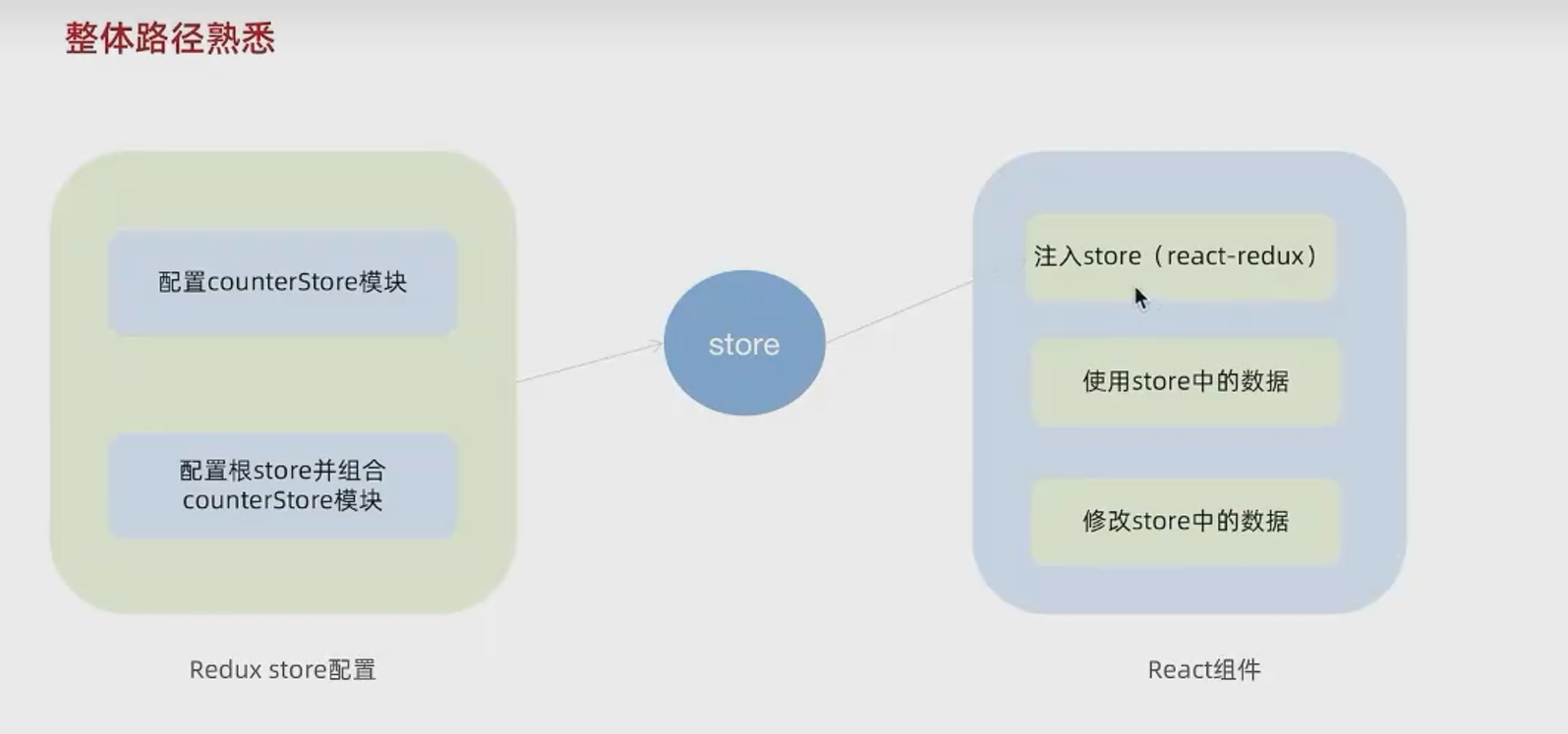
流程
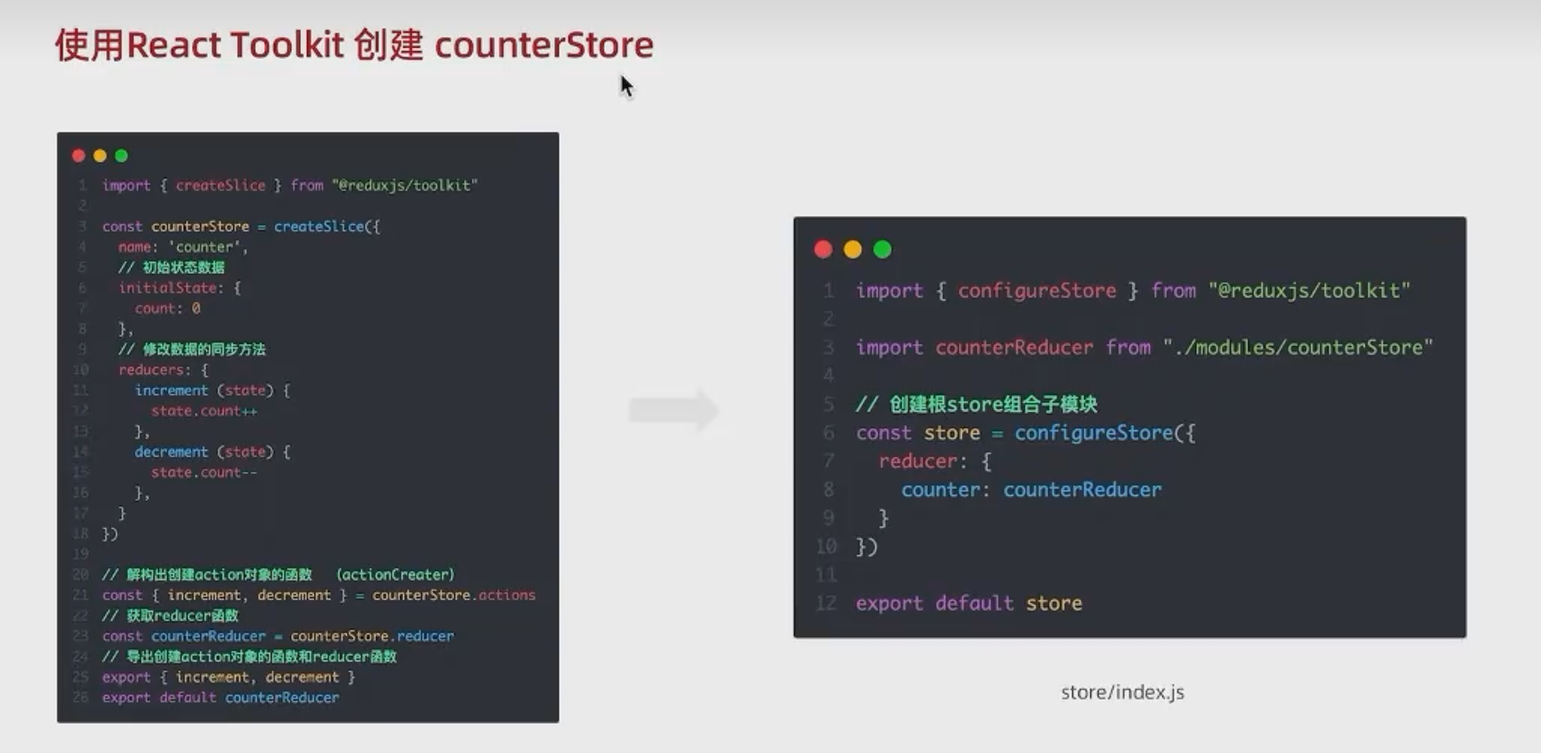
counterStore子模块中
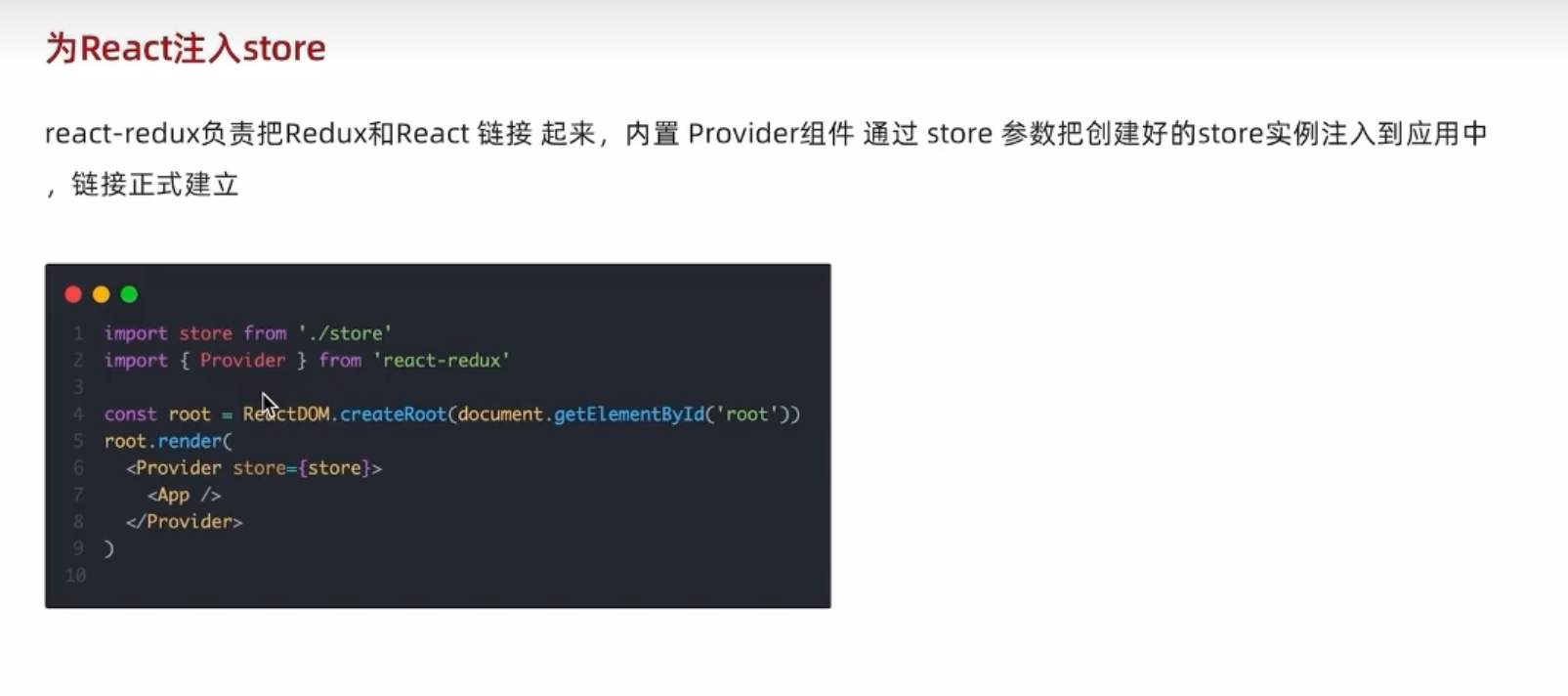
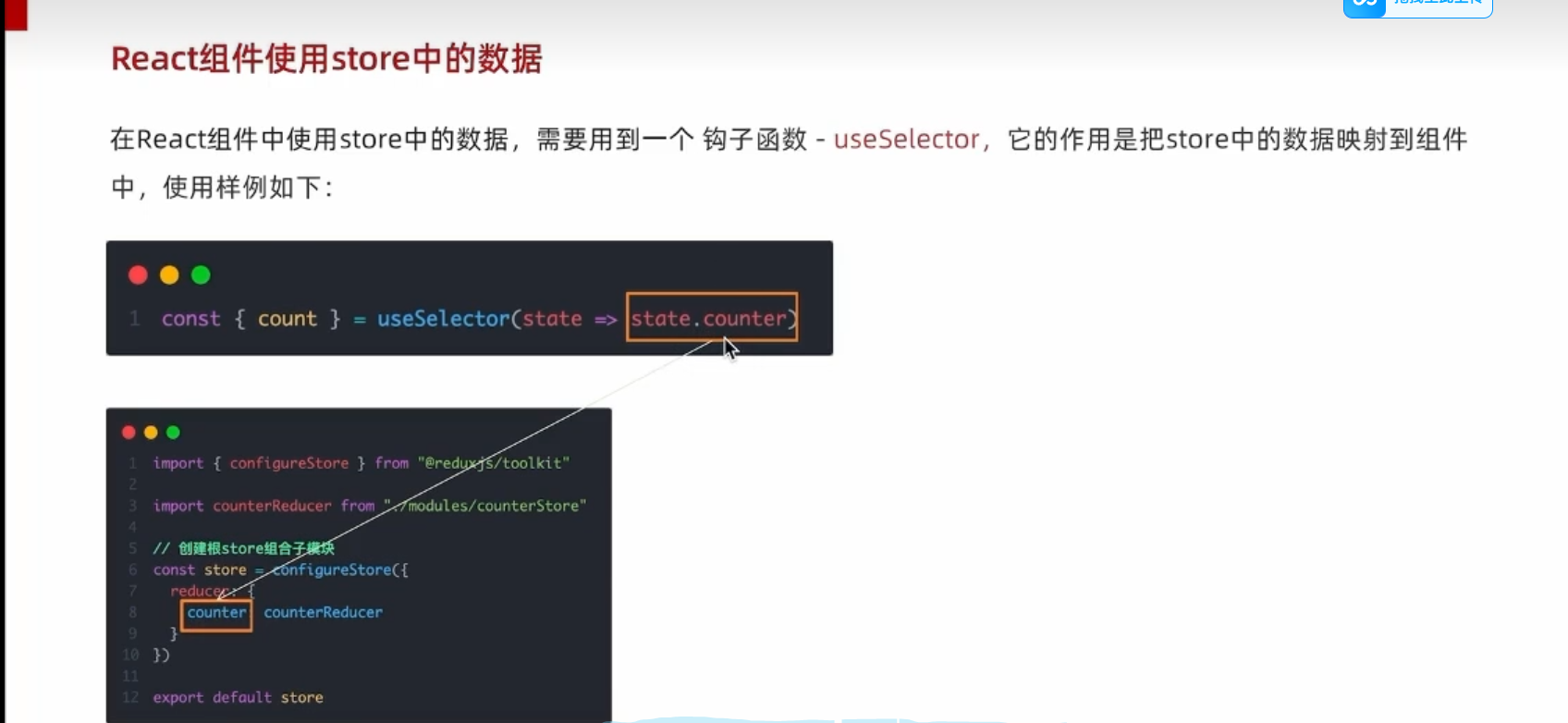

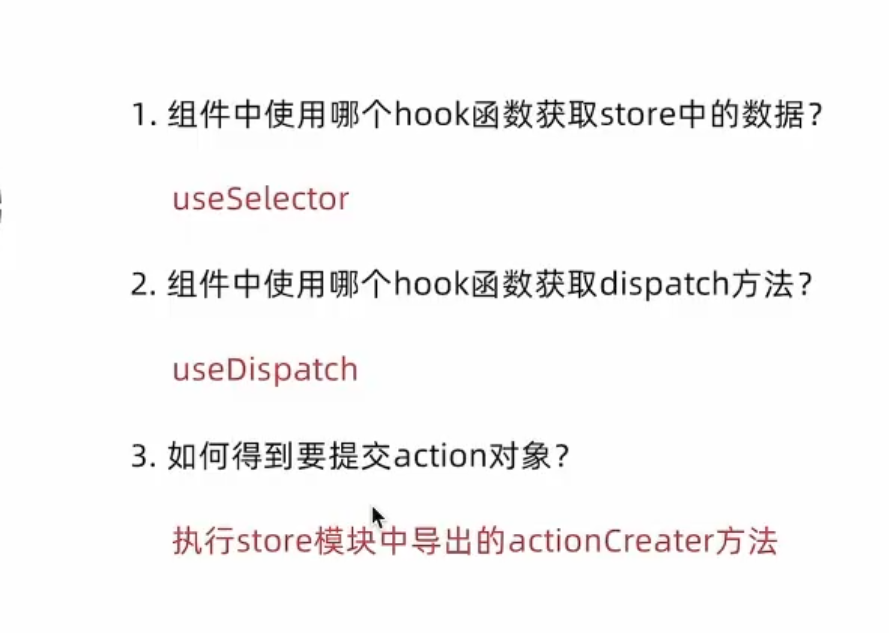
文件路径

store/modules/couterStore.js文件
bash
import { createSlice } from "@reduxjs/toolkit"

// 定义对象
const counterStore = createSlice({
  name: 'counter',
  // 初始化state
  initialState: {
    count: 5
  },
  // 修改状态的方法 同步方法 支持直接修改
  reducers: {
    inscrement (state) {
      state.count++
    },
    decrement (state) {
      state.count--
    },
    addToNum (state, action) {
      state.count = action.payload
    }
  }
})

// 解构出来actionCreater函数
const { inscrement, decrement, addToNum } = counterStore.actions
// 获取reducer
const reducer = counterStore.reducer

// 以按需导出的方式导出actionCreater
export { inscrement, decrement, addToNum }
// 以默认导出的方式导出reducer
export default reducer
store/index.js文件
bash
import {configureStore}  from  "@reduxjs/toolkit"

// 导入子模块
import counterReducer from "./modules/counterStore"


const store = configureStore({
    reducer:{
        counter:counterReducer
    }
})
export default store
APP.js文件
bash
// 获取store和dispatch方法的hook
import { useSelector,useDispatch } from "react-redux";
// 获取生成action对象的方法
import { inscrement,decrement } from "./store/modules/counterStore";


function App() {
  const {count} = useSelector(state => state.counter)
  // 获得useDispatch函数
  const usedispatch = useDispatch()

  // 需要useDispatch勾子函数修改store中counterStore的值


  return (
    <div className="App">
      <button id="decrement" onClick={()=>usedispatch(decrement())}>-</button>
      <span id="count">{count}</span>
      <button id="increment" onClick={()=>usedispatch(inscrement())}>+</button>
    </div>
  );
}

export default App;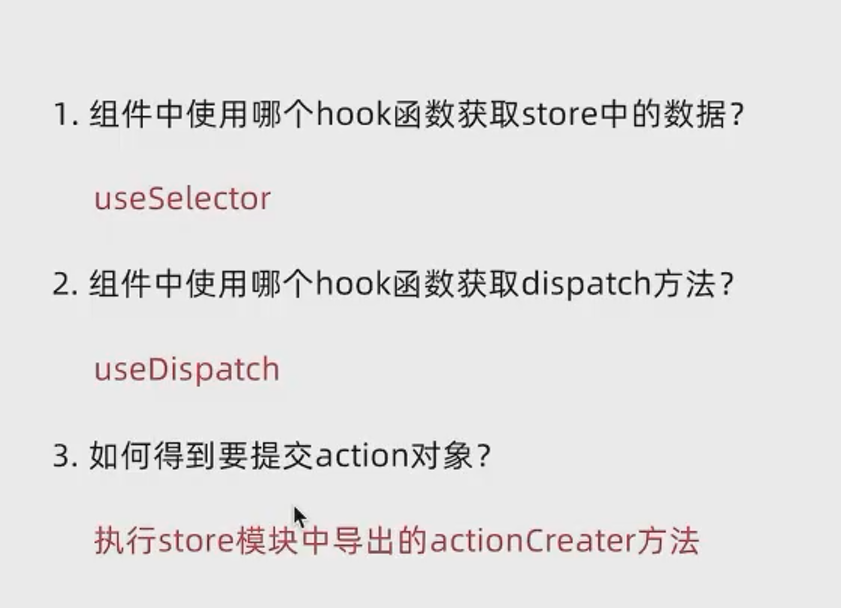
例子
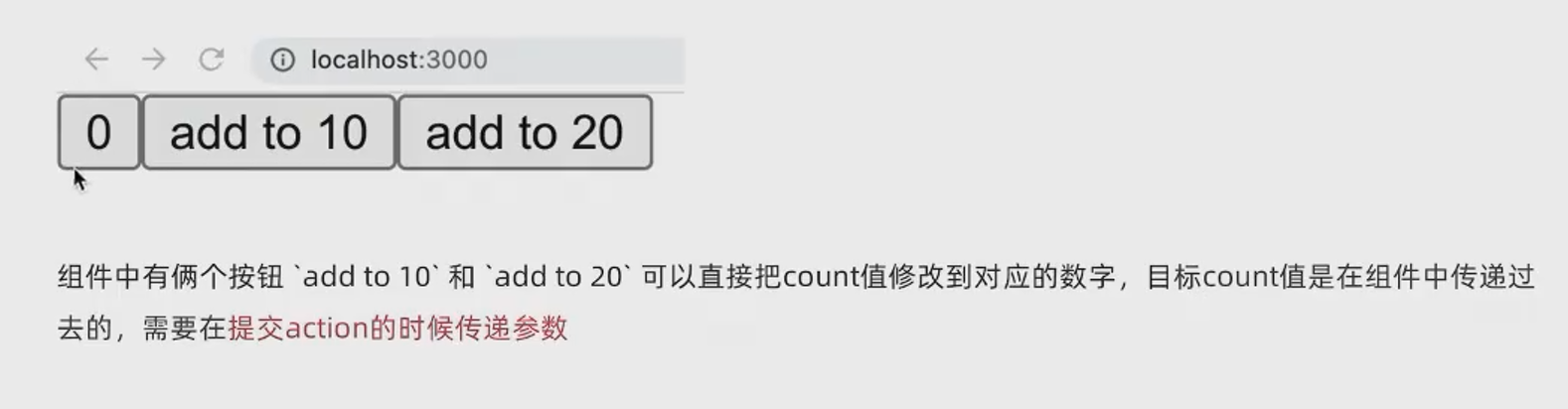
原本的actionCreater函数没有形参,加入形参action
bash
reducers: {
    inscrement (state) {
      state.count++
    },
    decrement (state) {
      state.count--
    },
    addToNum (state, action) {
      state.count = action.payload
    }
形参action的payload包含在组件中传入的实参
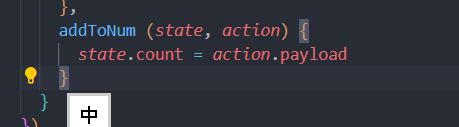
reducer函数增加一个action作为参数,action.payload会接到调用 该函数时传入的实参,如:组件内传入实参

例子 :实现异步修改
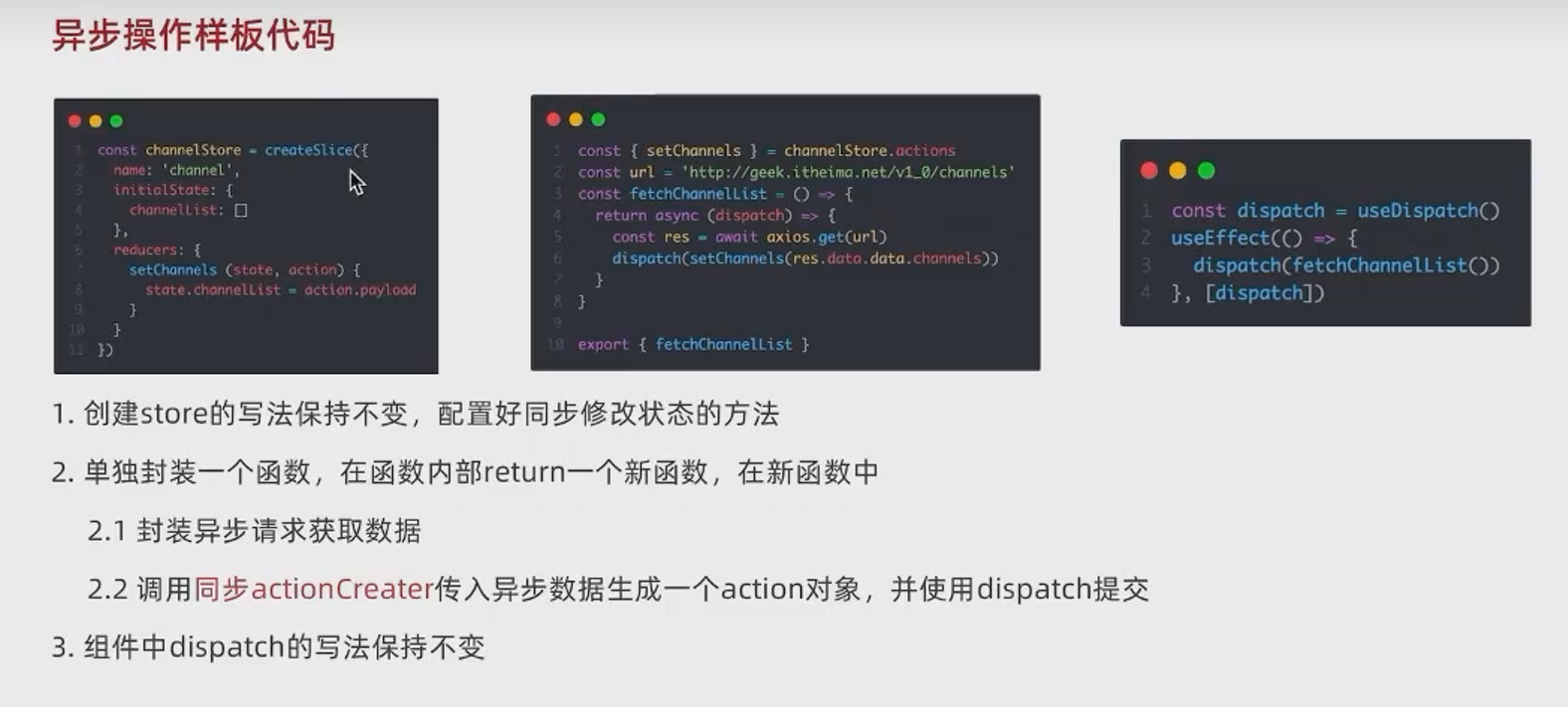
第一步写store/modules/channelStore.js
bash
import { createSlice } from "@reduxjs/toolkit"
import axios from "axios"

const channelStore = createSlice({
  name: 'channel',
  initialState: {
    channelList: []
  },
  reducers: {
    setChannels (state, action) {
      state.channelList = action.payload
    }
  }
})


// 异步请求部分
const { setChannels } = channelStore.actions

const fetchChannlList = () => {
  return async (dispatch) => {
    const res = await axios.get('http://geek.itheima.net/v1_0/channels')
    dispatch(setChannels(res.data.data.channels))
  }
}

export { fetchChannlList }

const reducer = channelStore.reducer

export default reducer
import { useEffect } from 'react'

// 获取store和dispatch方法的hook
import { useSelector,useDispatch } from "react-redux";


// 获取生成action对象的方法
import { inscrement, decrement, addToNum } from './store/modules/counterStore'
import { fetchChannlList } from './store/modules/channelStore'

function App() {
  const {count} = useSelector(state => state.counter)
  const {channelList} = useSelector(state => state.channel)
  // 获得useDispatch函数
  const usedispatch = useDispatch()

  // 需要useDispatch勾子函数修改store中counterStore的值

  // 有加载网页数据的时机 使用useEffect()函数 使用effect触发异步请求
  useEffect(()=>{
    usedispatch(fetchChannlList())
  },[usedispatch])


  return (
    <div className="App">
      <button id="decrement" onClick={()=>usedispatch(decrement())}>-</button>
      <span id="count">{count}</span>
      <button id="increment" onClick={()=>usedispatch(inscrement())}>+</button>
      <button id ="addnum" onClick={()=>usedispatch(addToNum(20))}>增加到20</button>
      <ul>
        {channelList.map((item)=><li key={item.id}>{item.name}</li>)}
      </ul>
    </div>
  );
}

export default App;

`# 和同步请求不同的是定义了一个函数表达式,其中使用axios异步获取了数据并在函数体内实现了dispatch(action函数)并将请求的数据作为实参给了createAction函数


# APP.js中使用 useEffect组件将dispatch作为执行异步函数的条件时机


```bash
在这里插入代码片