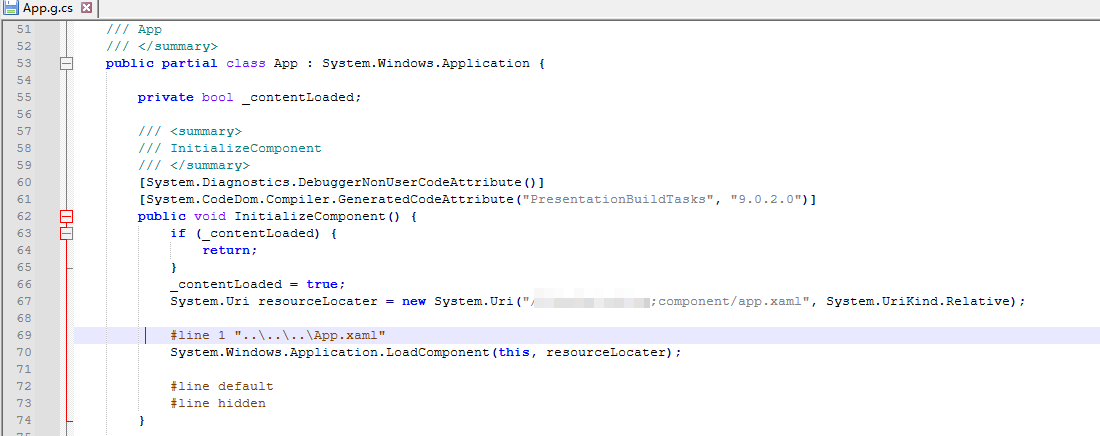
1.去掉App.xaml
StartupUri="MainWindow.xaml"
只会让App.g.cs 不生成这行代码,但是还是会生成的App.g.cs文件中生成Main方法
this.StartupUri = new System.Uri("MainWindow.xaml", System.UriKind.Relative);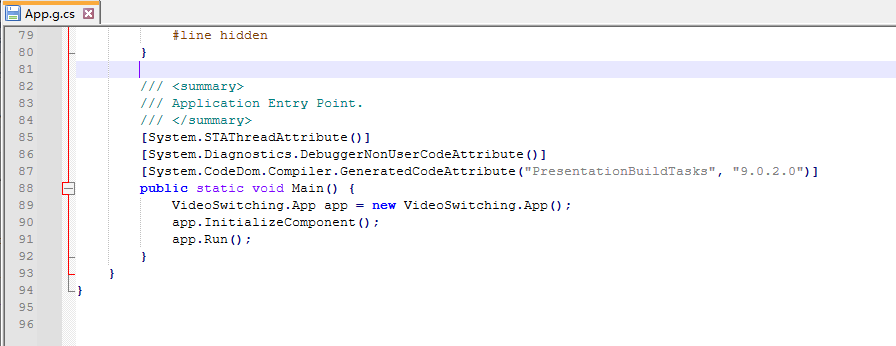
默认的App.xaml的生成操作是 应用程序定义,将其修改为页
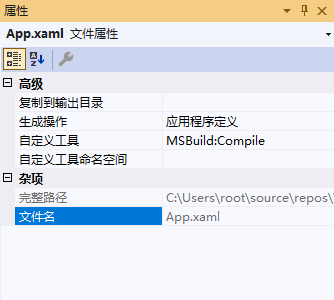
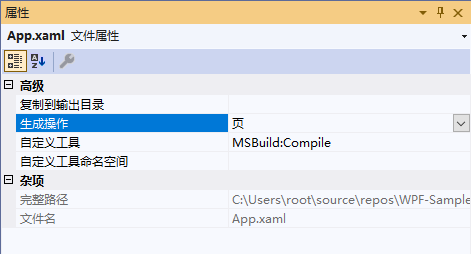
在VS中的属性界面修改存在问题,编辑项目文件,添加下面代码
在vs中属性界面修改成页会在项目文件中增加,但是存在问题
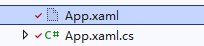
图标变成
csharp
<ItemGroup>
    <ApplicationDefinition Remove="App.xaml" />
</ItemGroup>
修改项目文件。图标正常

csharp
  <ItemGroup>
    <ApplicationDefinition Remove="App.xaml" />
      <Page Include="App.xaml" />
  </ItemGroup>
修改成页后生成的文件就不生成main方法了
StartupUri="MainWindow.xaml"
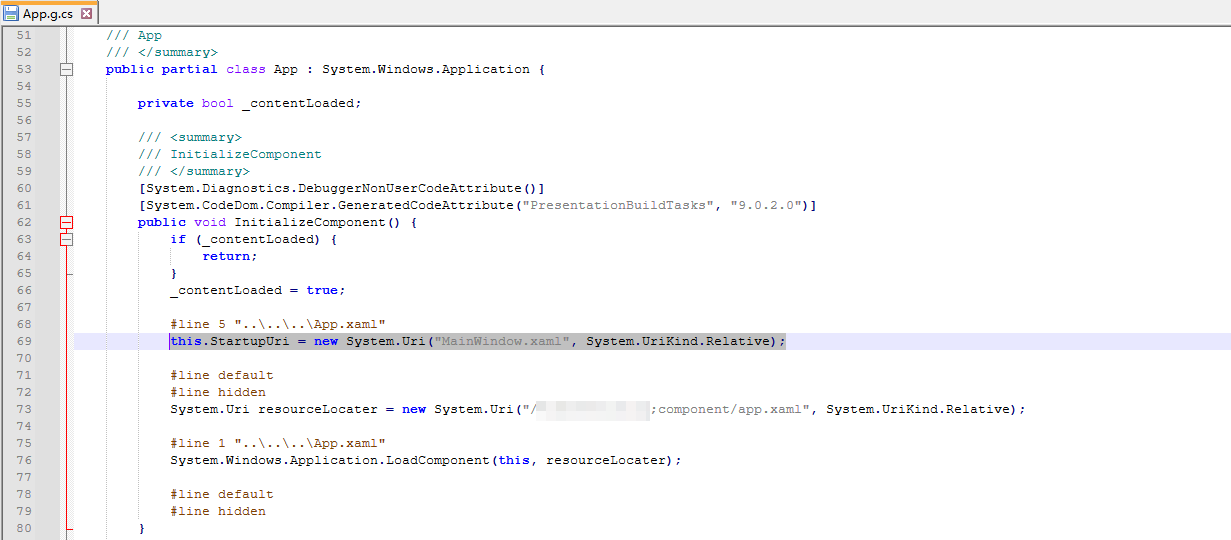
去掉StartupUri="MainWindow.xaml"