效果图
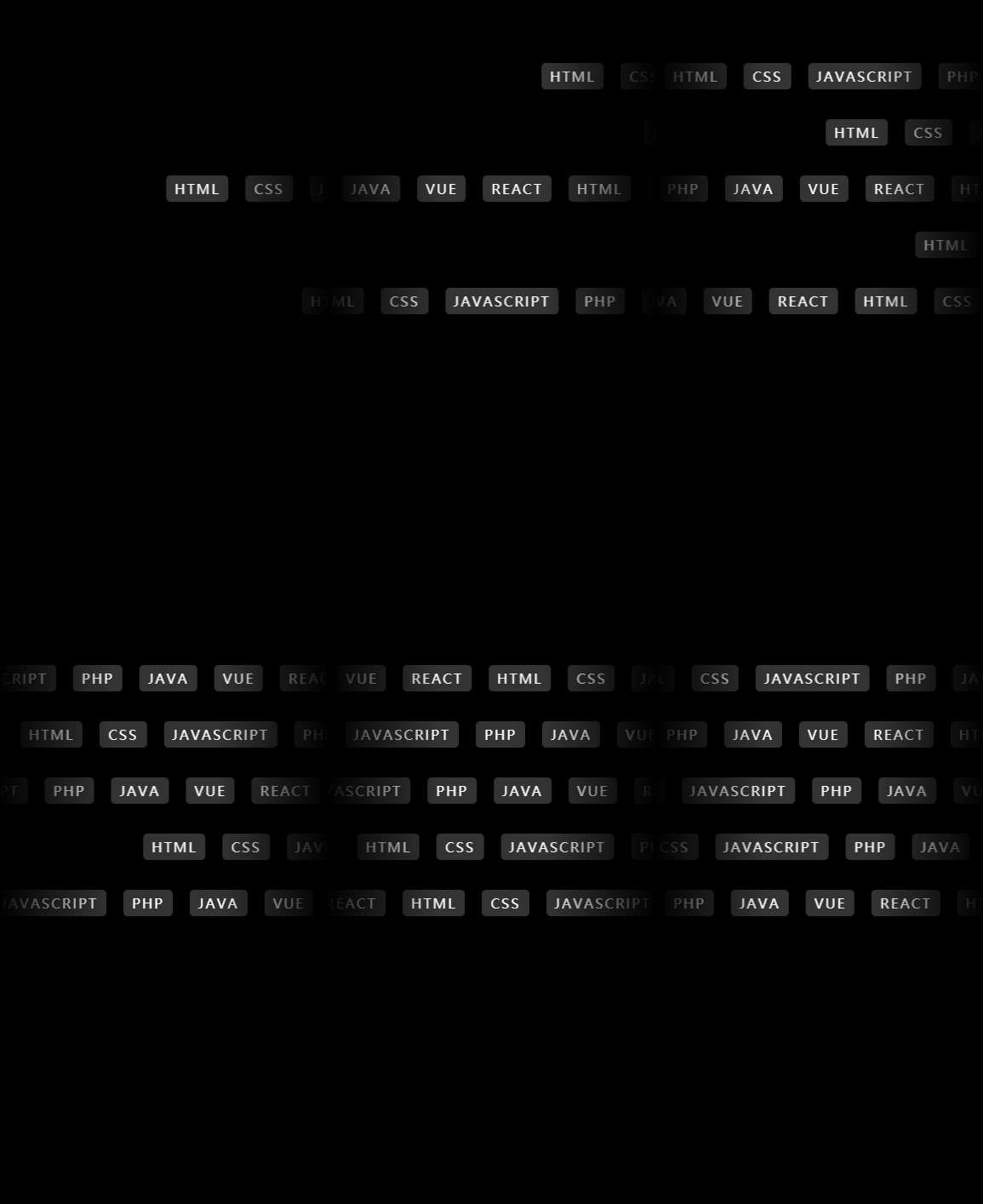
主要运用蒙层、动画延迟
.wxml
<view wx:for="{{detail}}" wx:key="{{index}}" class="container" style="--s:{{item.s}}s" >
  <view wx:for="{{2}}" wx:key="{{index}}" class="container-item">
    <text>HTML</text>
    <text>CSS</text>
    <text>JAVASCRIPT</text>
    <text>PHP</text>
    <text>JAVA</text>
    <text>VUE</text>
    <text>REACT</text>
  </view>
</view>
.js
Page({
  data: {
    detail:[{s:10},{s:14},{s:4},{s:18},{s:6}],
  },
})
.wxss
page{
  padding-top: 100rpx;
  background: #000;
}
.container{
  position: relative;
  display: flex;
  width:100%;
  overflow: hidden;
  -webkit-mask-box-image: linear-gradient(90deg,transparent,#fff,#fff,transparent);
  margin: 30rpx 0;
}
.container-item{
  white-space: nowrap;
}
.container-item text{
  display: inline-flex;
  margin: 20rpx;
  padding: 10rpx 20rpx;
  color: #fff;
  letter-spacing: 4rpx;
  background: #333;
  border-radius: 10rpx;
}
.container .container-item:nth-child(1){
  animation: animation var(--s) linear infinite;
}
.container .container-item:nth-child(2){
  animation: animation2 var(--s) linear infinite;
  animation-delay: calc(var(--s) / 2);
}
@keyframes animation {
  from{
    transform: translate(100%);
  }
  to{
    transform: translate(-100%);
  }
}
@keyframes animation2 {
  from{
    transform: translate(0);
  }
  to{
    transform: translate(-200%);
  }
}
遇到问题可以看我主页加我Q,很少看博客,对你有帮助别忘记点赞收藏。