设置后期处理管道
点赞 + 收藏 = 👍²

设置基本的后期处理环境
js
import * as THREE from 'three';
import { EffectComposer } from 'three/examples/jsm/postprocessing/EffectComposer.js';
import { RenderPass } from 'three/examples/jsm/postprocessing/RenderPass.js';
import { ShaderPass } from 'three/examples/jsm/postprocessing/ShaderPass.js';

// 创建场景、相机和渲染器
const scene = new THREE.Scene();
const camera = new THREE.PerspectiveCamera(75, window.innerWidth / window.innerHeight, 0.1, 1000);
const renderer = new THREE.WebGLRenderer({ antialias: true });
renderer.setSize(window.innerWidth, window.innerHeight);
document.body.appendChild(renderer.domElement);

// 创建效果组合器
const composer = new EffectComposer(renderer);
const renderPass = new RenderPass(scene, camera)
composer.addPass(renderPass);

const animate() {
  requestAnimationFrame(animate);
  //renderer.render(scene, camera);
  composer.render();
}
animate()
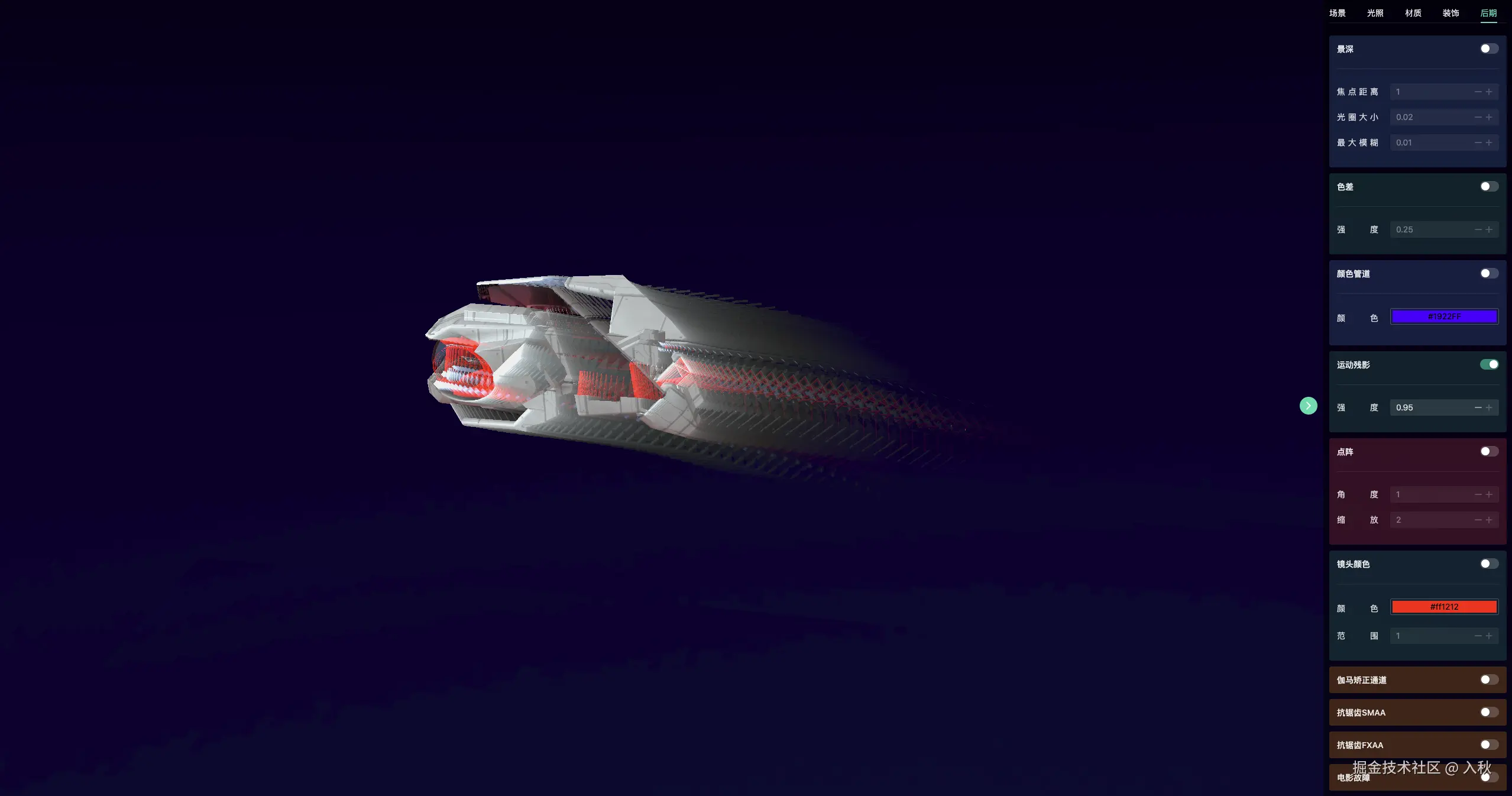
运动残影
js
import { AfterimagePass } from 'three/examples/jsm/postprocessing/AfterimagePass.js';

//强度0-1 截图效果使用0.95
const after = new AfterimagePass(1)
composer.addPass(after);
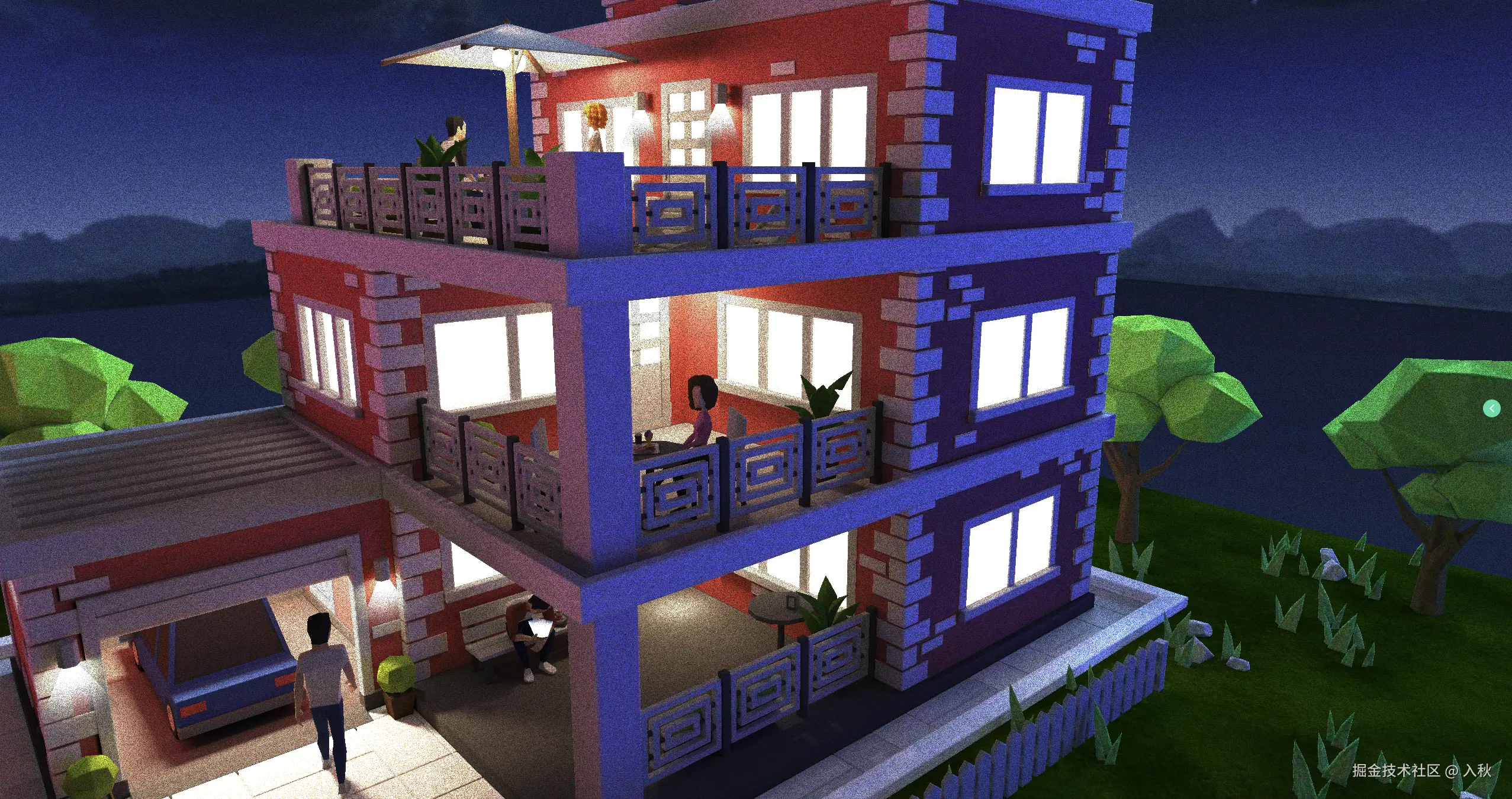
噪点
正常模式噪点
js
import { DotScreenPass } from 'three/examples/jsm/postprocessing/DotScreenPass.js';

const NoiseShader = {
    uniforms:{
        tDiffuse:{value:null},
        time:{
            value:0
        },
        //深度模式
        isDeep:{
            value: false
        },
        //强度
        intensity:{// 0 ~ 1
            value:.5
        },
        //扫描线宽
        lineWidth:{// 0 ~1
            value:.5
        },
        //扫描线数量
        count:{
            value: 2000
        },
    },
    vertexShader:`
        varying vec2 vUv;
        void main() {
            vUv = uv;
            gl_Position = projectionMatrix * modelViewMatrix * vec4( position, 1.0 );
        }
    `,
    fragmentShader:`
        #include <common>
        uniform float time;
        uniform bool isDeep;
        uniform float intensity;
        uniform float lineWidth;
        uniform float count;
        uniform sampler2D tDiffuse;
        varying vec2 vUv;
        void main() {
            vec4 cTextureScreen = texture2D( tDiffuse, vUv );
            float dx = rand( vUv + time );
            vec3 cResult = cTextureScreen.rgb + cTextureScreen.rgb * clamp( 0.1 + dx, 0.0, 1.0 );
            vec2 sc = vec2( sin( vUv.y * count ), cos( vUv.y * count ) );
            cResult += cTextureScreen.rgb * vec3( sc.x, sc.y, sc.x ) * lineWidth;
            cResult = cTextureScreen.rgb + clamp( intensity, 0.0,1.0 ) * ( cResult - cTextureScreen.rgb );
            if( isDeep ) {
                cResult = vec3( cResult.r * 0.3 + cResult.g * 0.59 + cResult.b * 0.11 );
            }
            gl_FragColor =  vec4( cResult, cTextureScreen.a );
        }
    `

}
composer.addPass(NoiseShader);
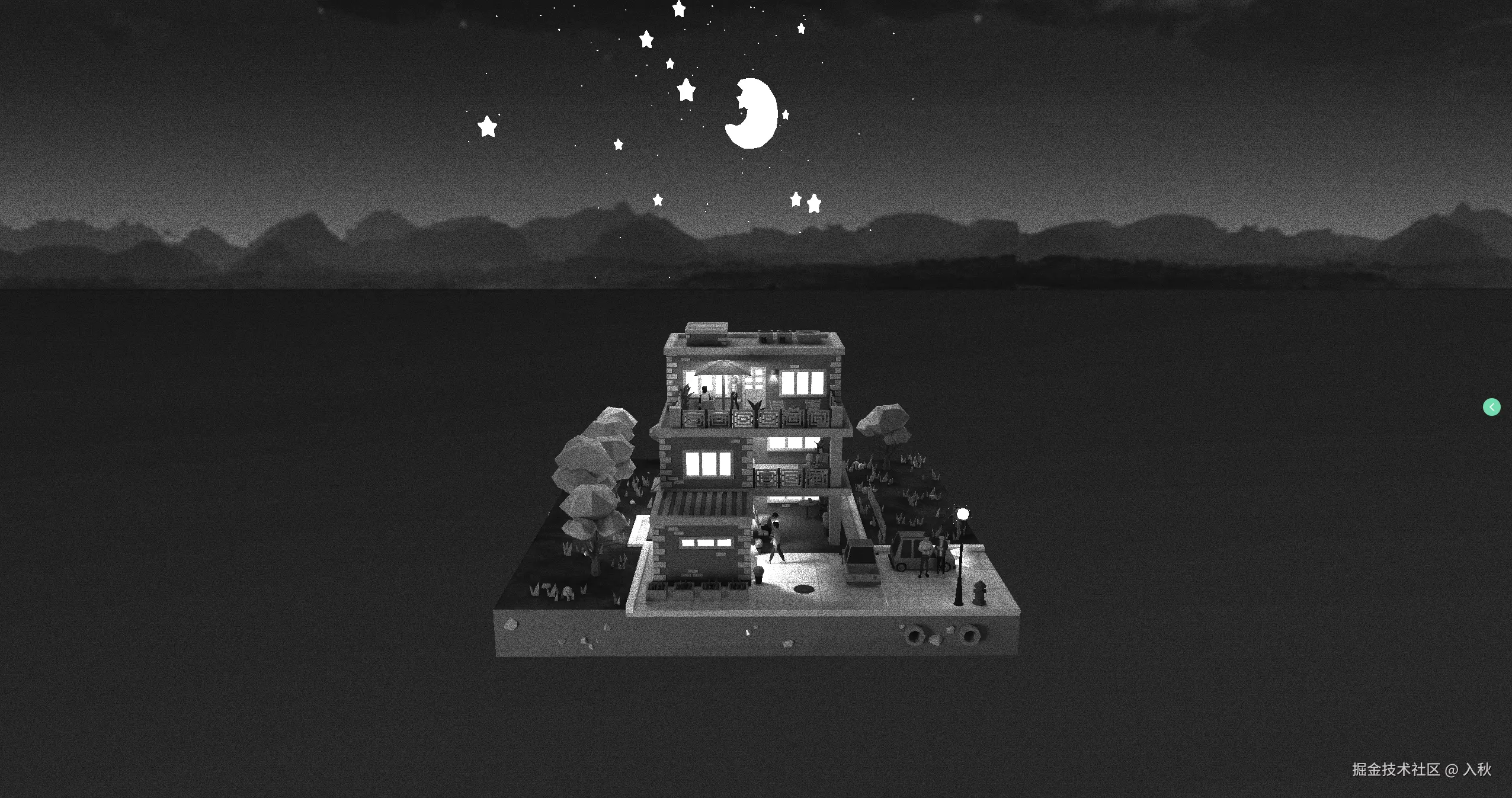
深度模式
js
NoiseShader.uniforms.value.isDeep = true颜色调整
调整前
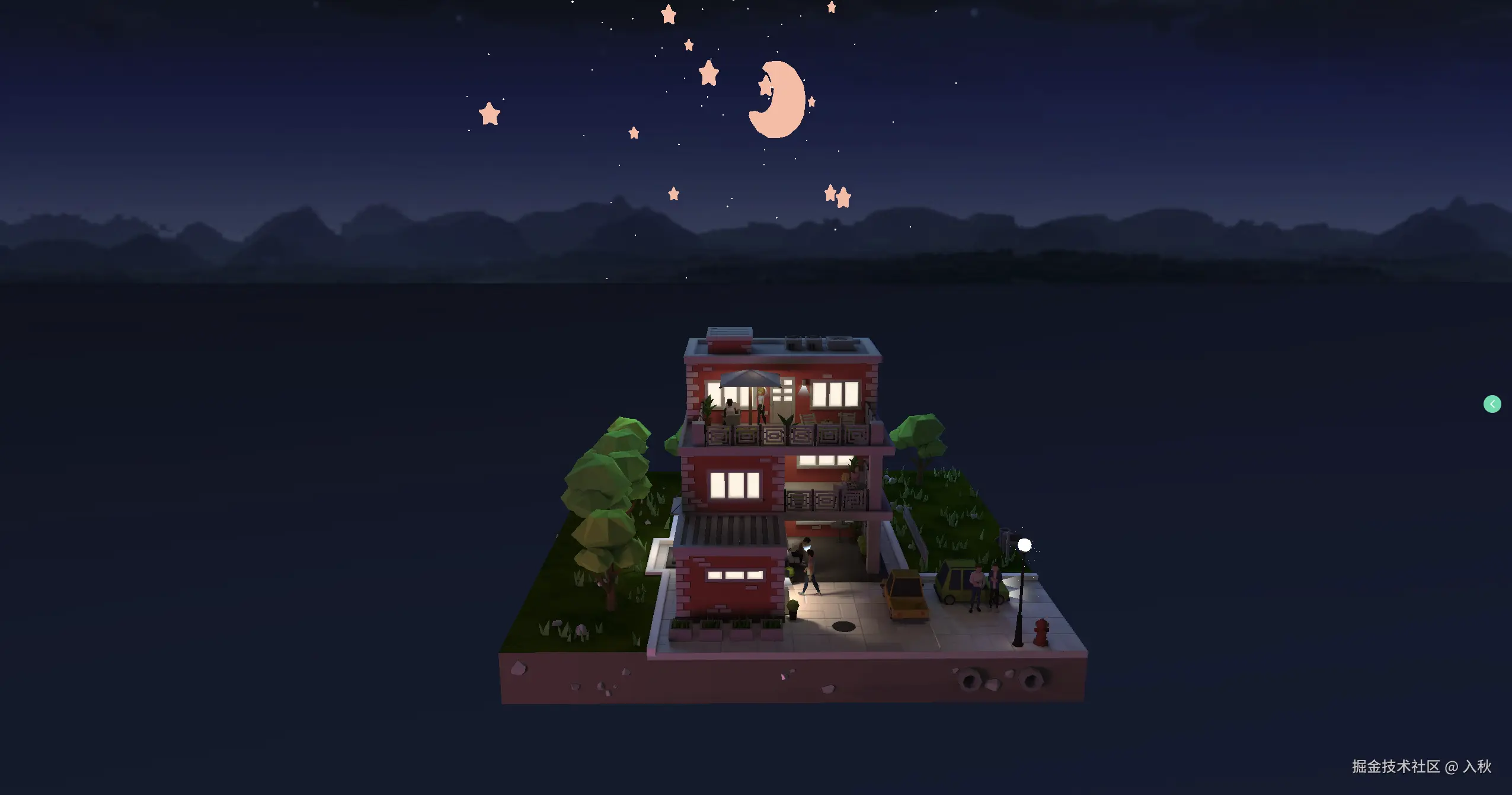
调整后
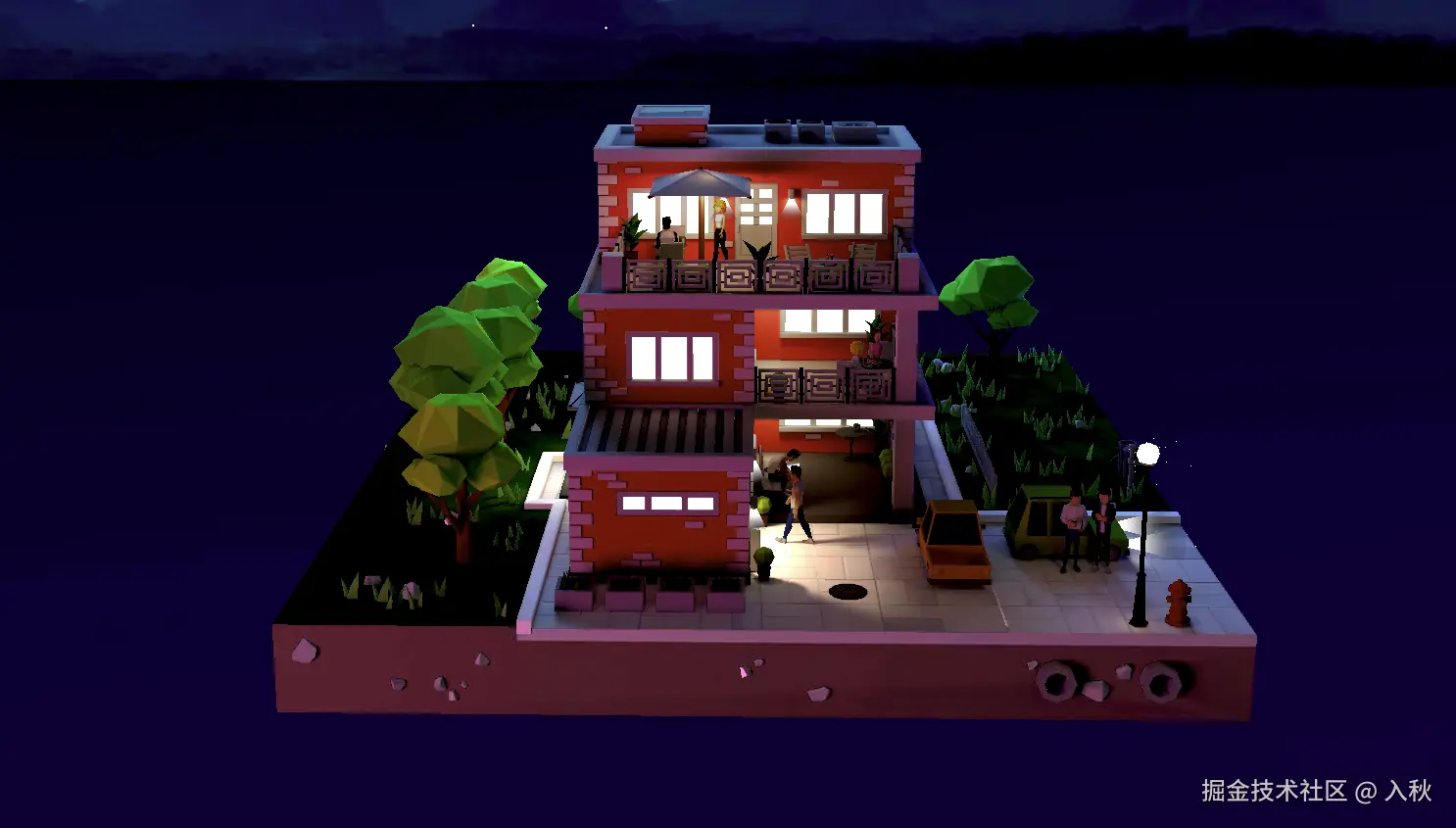
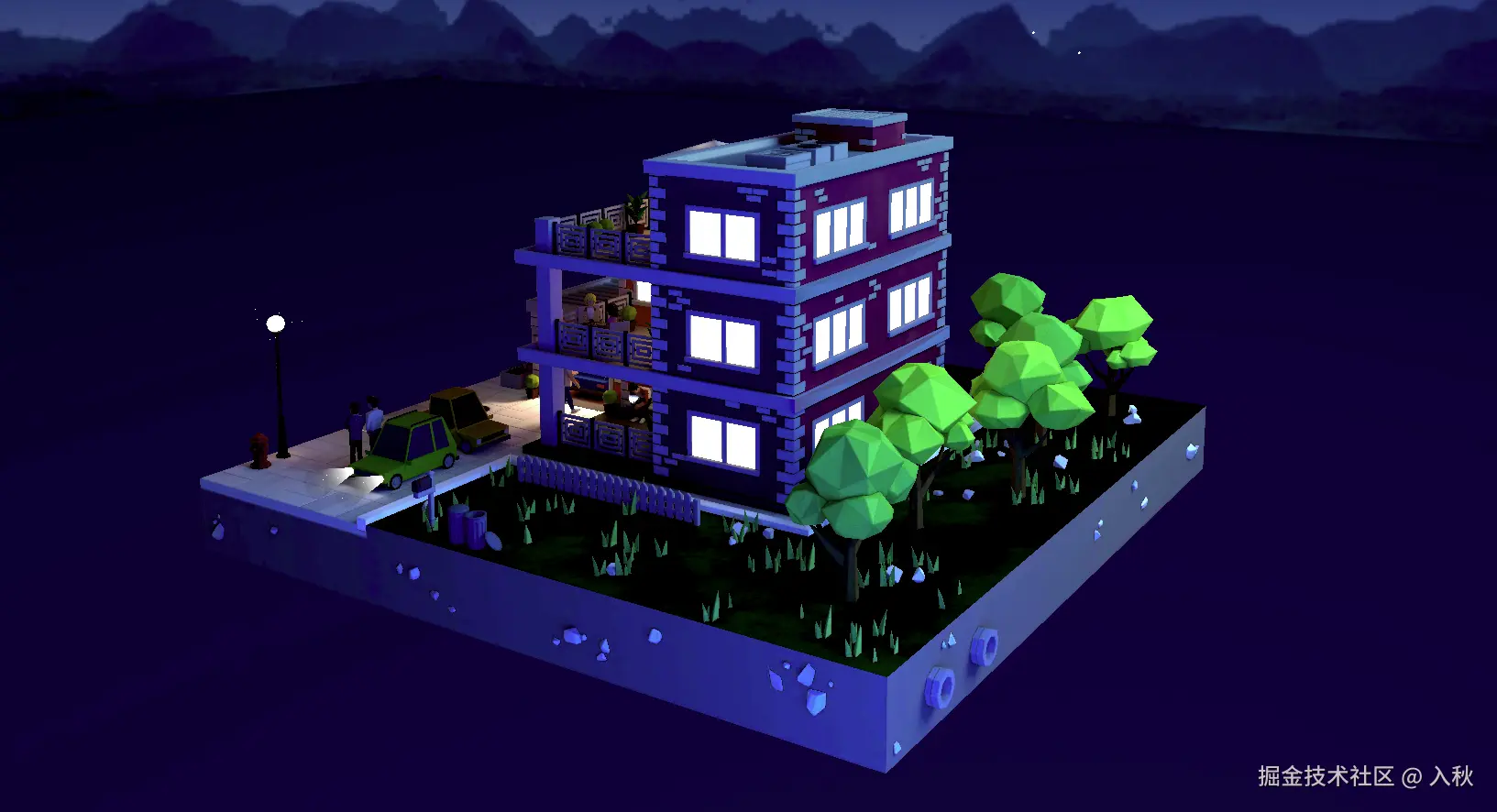
js
// 饱和度值  曝光  亮度值 对比度值 伽马矫正
import { ShaderPass } from 'three/examples/jsm/postprocessing/ShaderPass.js'
const BSCShader = {
    uniforms: {
        tDiffuse: {
            value: null
        },
        brightness: {
            value: 0
        },
        contrast: {
            value: 1
        },
        exposure: {
            value: 0
        },
        gamma: {
            value: 1
        },
        saturation: {
            value: 1
        }

    },

    vertexShader: /* glsl */`
  varying vec2 vUv;
  void main() {
    vUv = uv;
    gl_Position = projectionMatrix * modelViewMatrix * vec4( position, 1.0 );
  }`,

    fragmentShader: /* glsl */`
  uniform sampler2D tDiffuse;
  varying vec2 vUv;
  uniform float brightness;
  uniform float contrast;
  uniform float exposure;
  uniform float gamma;
  uniform float saturation;
  const vec3 w = vec3(0.2125, 0.7154, 0.0721);
  void main() {
    vec4 tex = texture2D( tDiffuse, vUv );
    vec3 color = clamp(tex.rgb + vec3(brightness), 0.0, 1.0);
    color = clamp( (color-vec3(0.5))*contrast+vec3(0.5), 0.0, 1.0);
    color = clamp( color * pow(2.0, exposure), 0.0, 1.0);
    color = clamp( pow(color, vec3(gamma)), 0.0, 1.0);
    float luminance = dot( color, w );
    color = mix(vec3(luminance), color, saturation);
    gl_FragColor = vec4(color, tex.a);
  }`
}
const effectParams = {
    gamma: 0.8, // 0~2 0.1
    saturation: 1.2,//饱和度值 0~10 0.1
    exposure: 0.3, //曝光-1~1 0.1
    brightness: 0,//亮度值 -1~1 0.01
    contrast: 1.3,//对比度值 0~5 0.1
}
const postEffect = new ShaderPass(BSCShader)
//亮度
postEffect.uniforms.brightness.value = effectParams.brightness
//对比度值
postEffect.uniforms.contrast.value = effectParams.contrast
//曝光
postEffect.uniforms.exposure.value = effectParams.exposure
//伽马矫正
postEffect.uniforms.gamma.value = effectParams.gamma
//饱和度值
postEffect.uniforms.saturation.value = effectParams.saturation

composer.addPass(postEffect);
景深
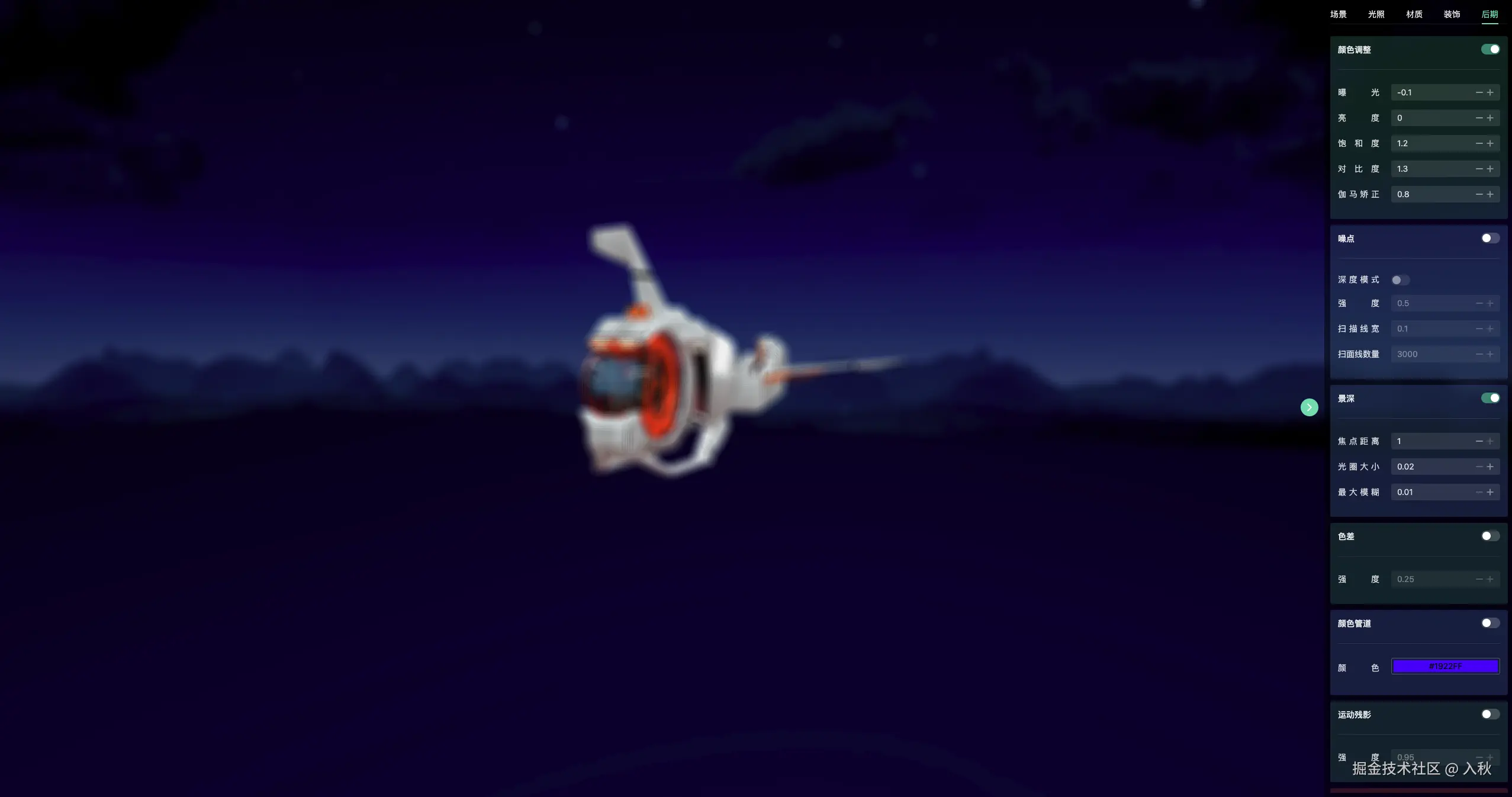
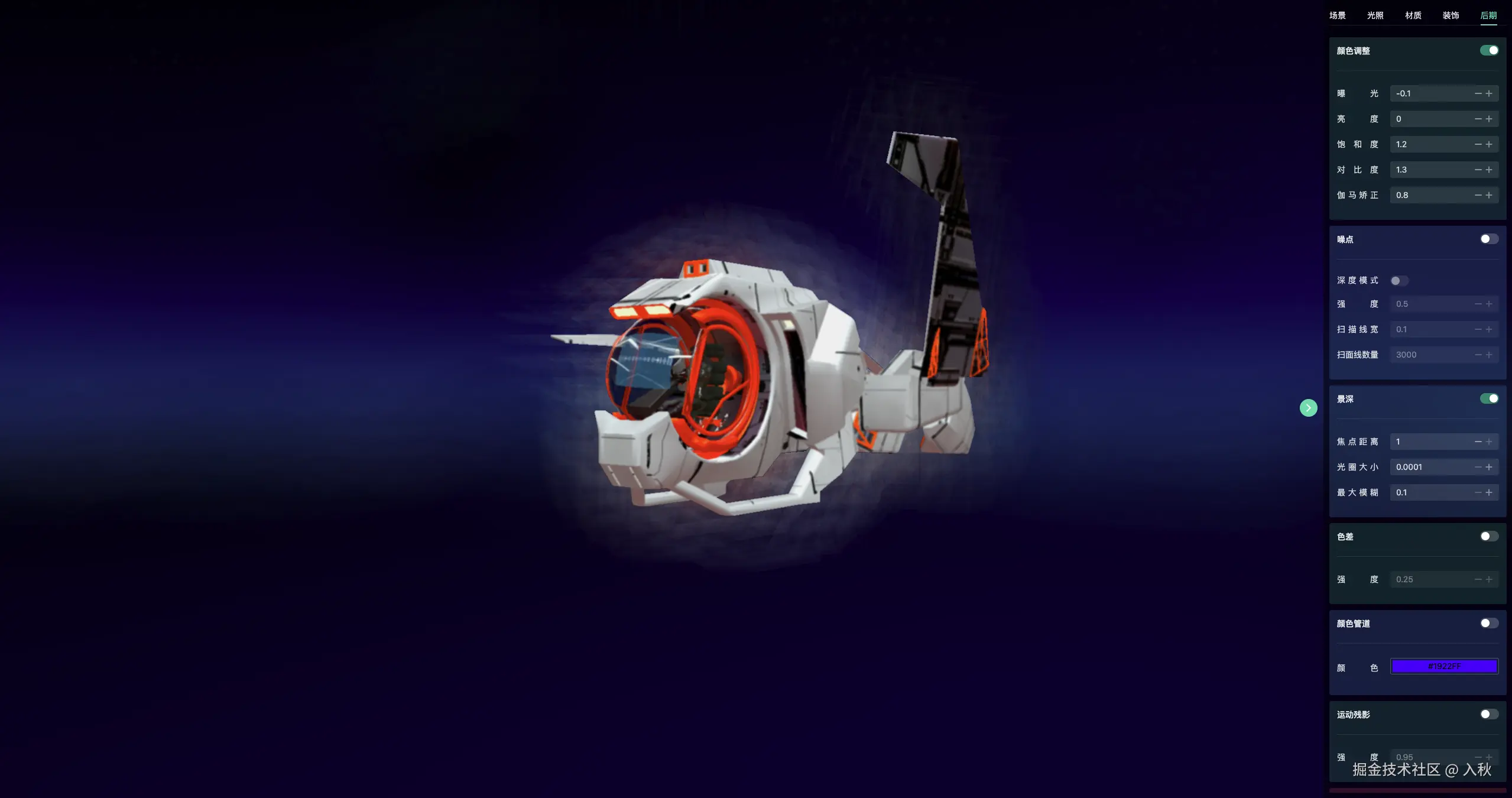
js
import { BokehPass } from 'three/examples/jsm/postprocessing/BokehPass.js';
const bokehPass = (scene, camera)=> new BokehPass(scene, camera,{
    focus: 1.0,//焦点距离
    aperture: 0.02,//光圈大小
    maxblur: 0.01, // 最大模糊
}
composer.addPass(bokehPass(scene,camera));