上午UI丢了个动画给我让我实现在官网3.0上
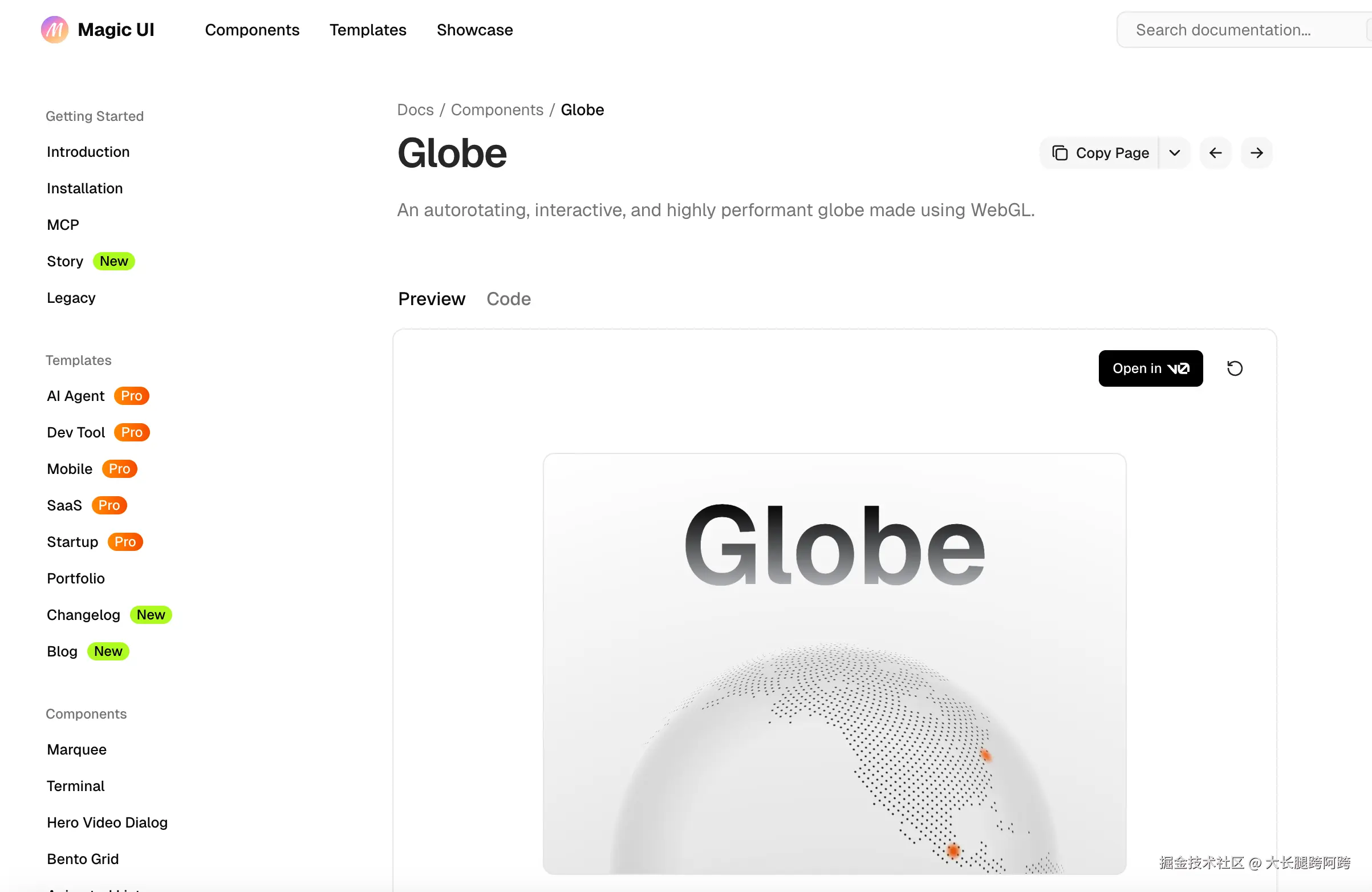
但是大锅,这玩意是React库,咋们是vue2项目呀!!!

在网上搜索下后发现底层用的cobe这个库
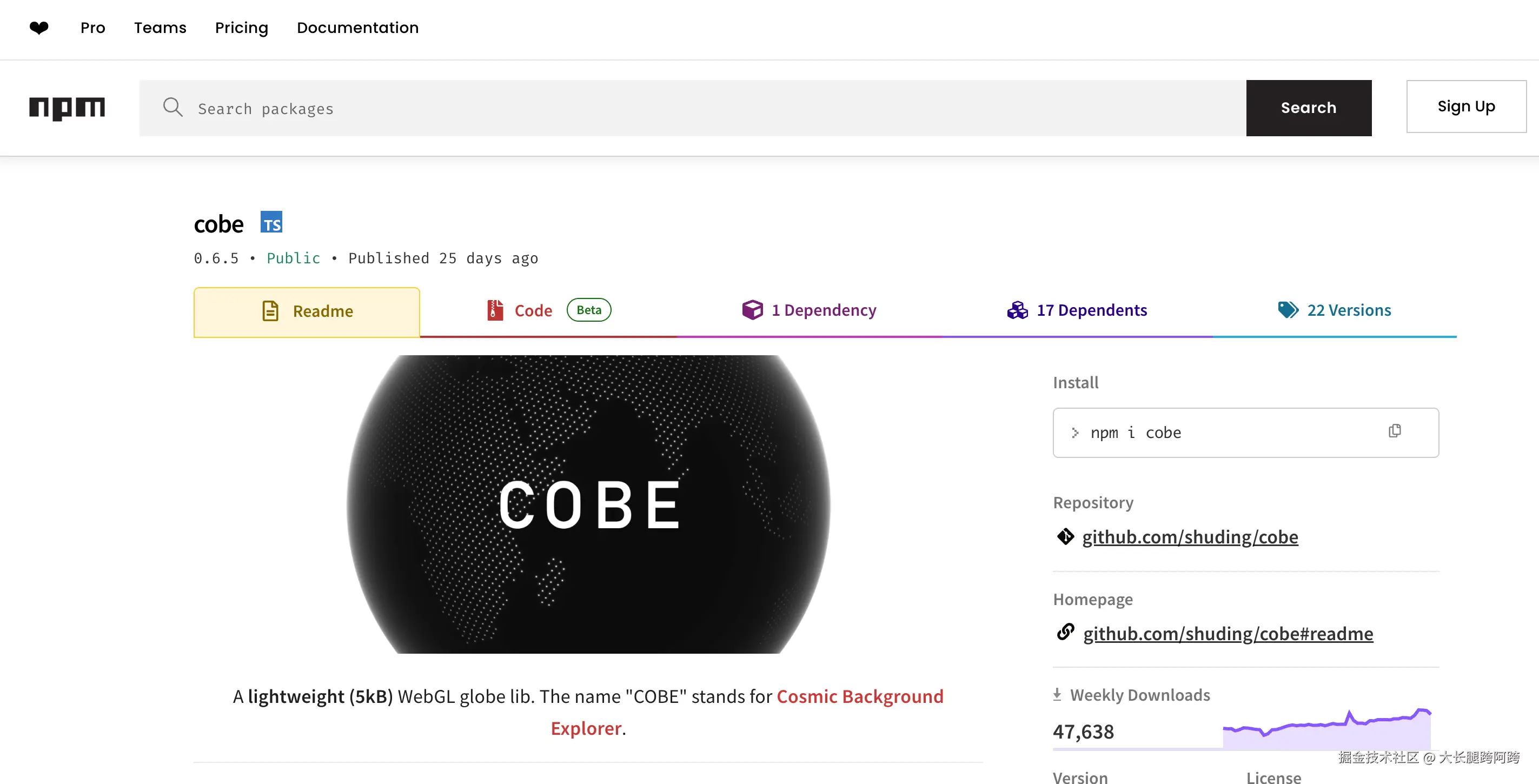
那么一切就简单了起来直接参考官方给出的示例,下面是我封装的组件
下面是我安装的版本 "cobe": "^0.6.5" 注意我的项目是SSR,这个库esm格式的,所以需要在浏览器环境运行 这点要注意
js
<template>
    <div
        ref="container"
        style="width: 400px; height: 400px; position: relative; overflow: hidden"
    ></div>
</template>

<script>
export default {
    name: 'Globe',
    data() {
        return {
            globe: null,
            width: 400,
            height: 400,
            phi: 0 // 用于控制旋转角度
        };
    },
    async mounted() {
        // 动态导入 cobe,仅在客户端执行
        // eslint-disable-next-line nuxt/no-env-in-hooks
        if (process.client) {
            const createGlobe = (await import('cobe')).default;

            // 创建 canvas
            const canvas = document.createElement('canvas');
            canvas.width = this.width * 2; // 高分辨率支持
            canvas.height = this.height * 2;
            canvas.style.width = this.width + 'px';
            canvas.style.height = this.height + 'px';
            this.$refs.container.appendChild(canvas);

            // 初始化 cobe 地球
            this.globe = createGlobe(canvas, {
                width: 800,
                height: 800,
                onRender: (state) => {
                    // 自动旋转动画
                    state.phi = this.phi;
                    this.phi += 0.005; // 控制旋转速度,值越大旋转越快
                },
                devicePixelRatio: 2,
                phi: 0,
                theta: 0.3,
                dark: 0,
                diffuse: 0.4,
                mapSamples: 16000,
                mapBrightness: 1.2,
                baseColor: [1, 1, 1],
                markerColor: [251 / 255, 100 / 255, 21 / 255],
                glowColor: [1, 1, 1],
                markers: [
                    { location: [14.5995, 120.9842], size: 0.03 },
                    { location: [19.076, 72.8777], size: 0.1 },
                    { location: [23.8103, 90.4125], size: 0.05 },
                    { location: [30.0444, 31.2357], size: 0.07 },
                    { location: [39.9042, 116.4074], size: 0.08 },
                    { location: [-23.5505, -46.6333], size: 0.1 },
                    { location: [19.4326, -99.1332], size: 0.1 },
                    { location: [40.7128, -74.006], size: 0.1 },
                    { location: [34.6937, 135.5022], size: 0.05 },
                    { location: [41.0082, 28.9784], size: 0.06 }
                ]
            });
        }
    },
    beforeDestroy() {
        // 清理资源
        if (this.globe && this.globe.destroy) {
            this.globe.destroy();
        }
    }
};
</script>

<style scoped>
/* 可选:让背景更干净 */
div[ref='container'] {
    display: flex;
    justify-content: center;
    align-items: center;
    background: transparent;
}
</style>
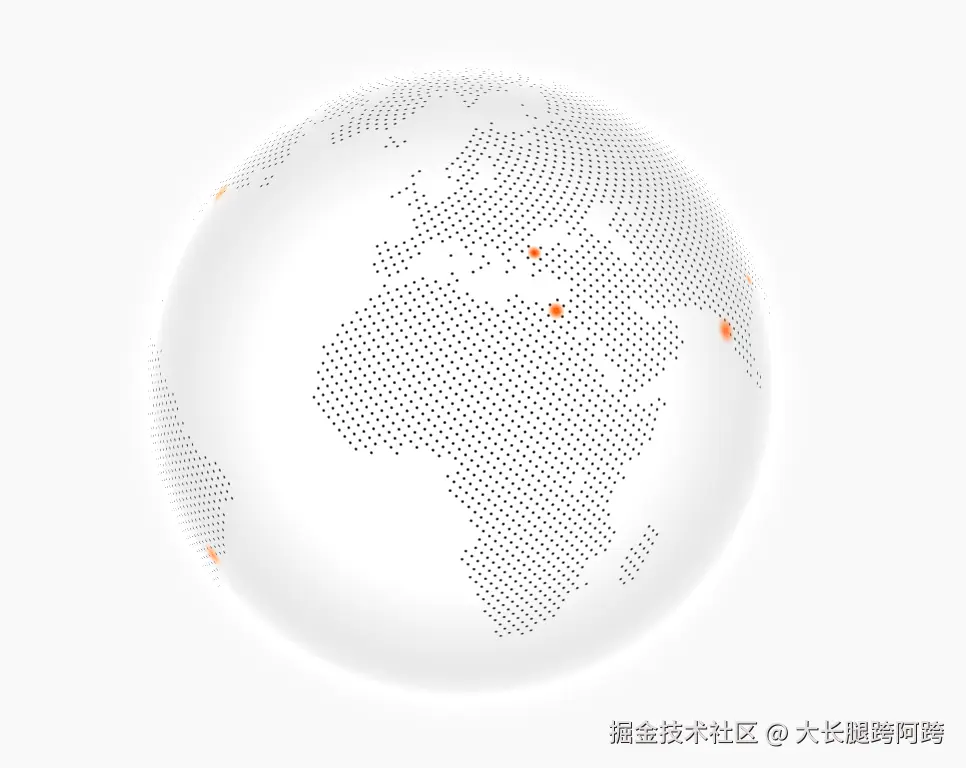
我的是vue2版本,算是补充,效果如下
官网给出了其他的写法
- Demo and configurations
- Use with React: codesandbox.io/s/eager-sky...
- Use with vanilla JS: codesandbox.io/s/peaceful-...
- Use with Vue3: stackblitz.com/edit/vitejs...
- Use with Svelte: codesandbox.io/s/great-vis...