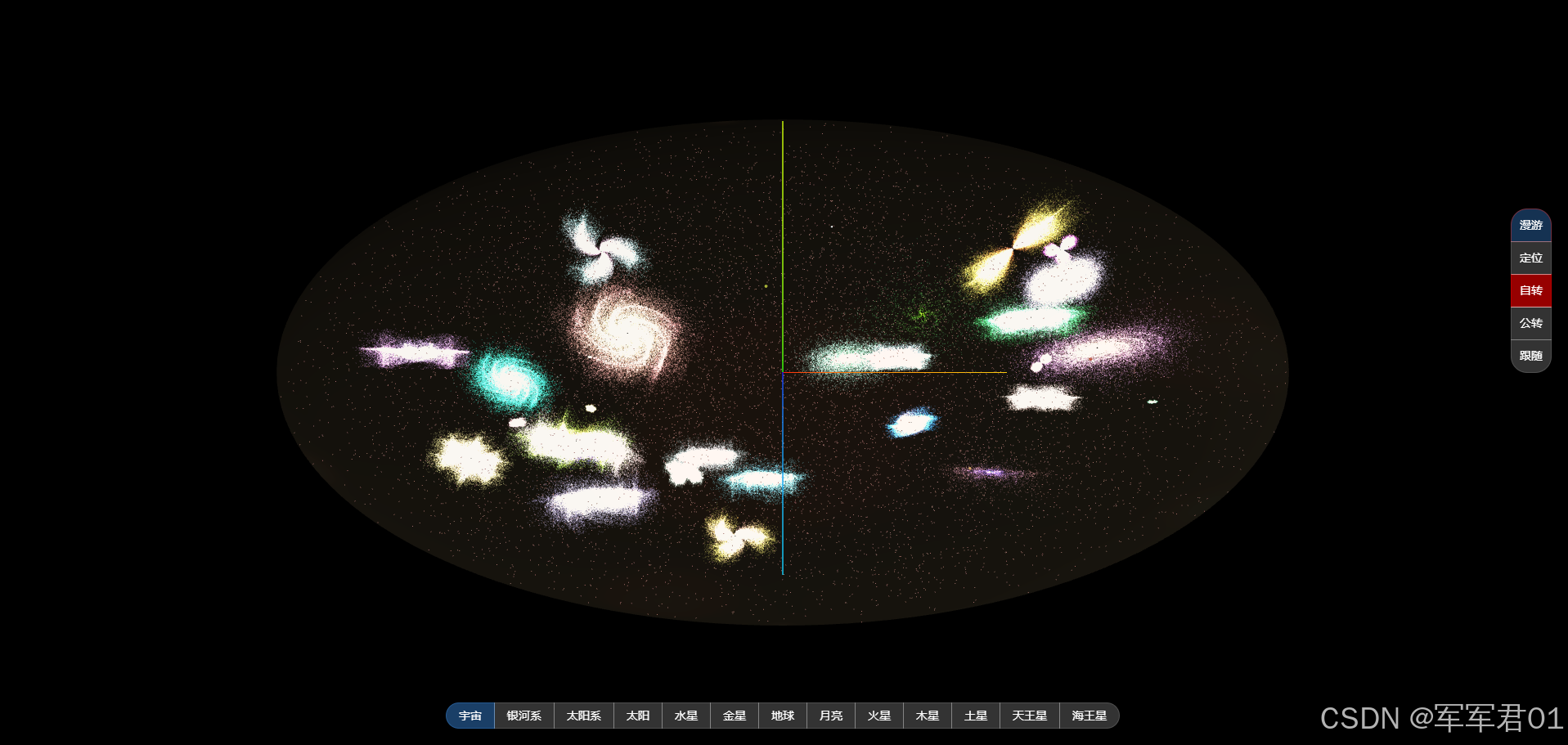
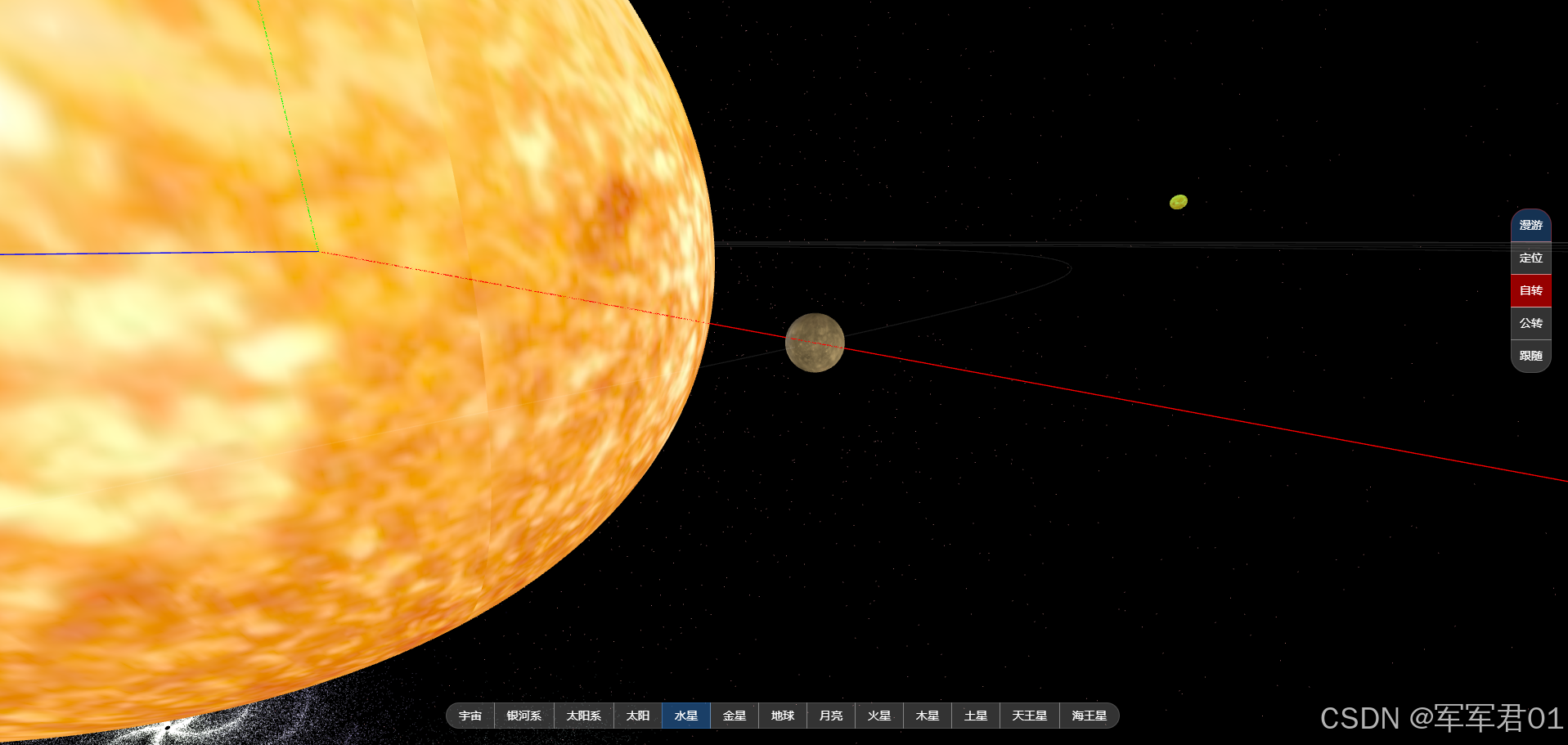
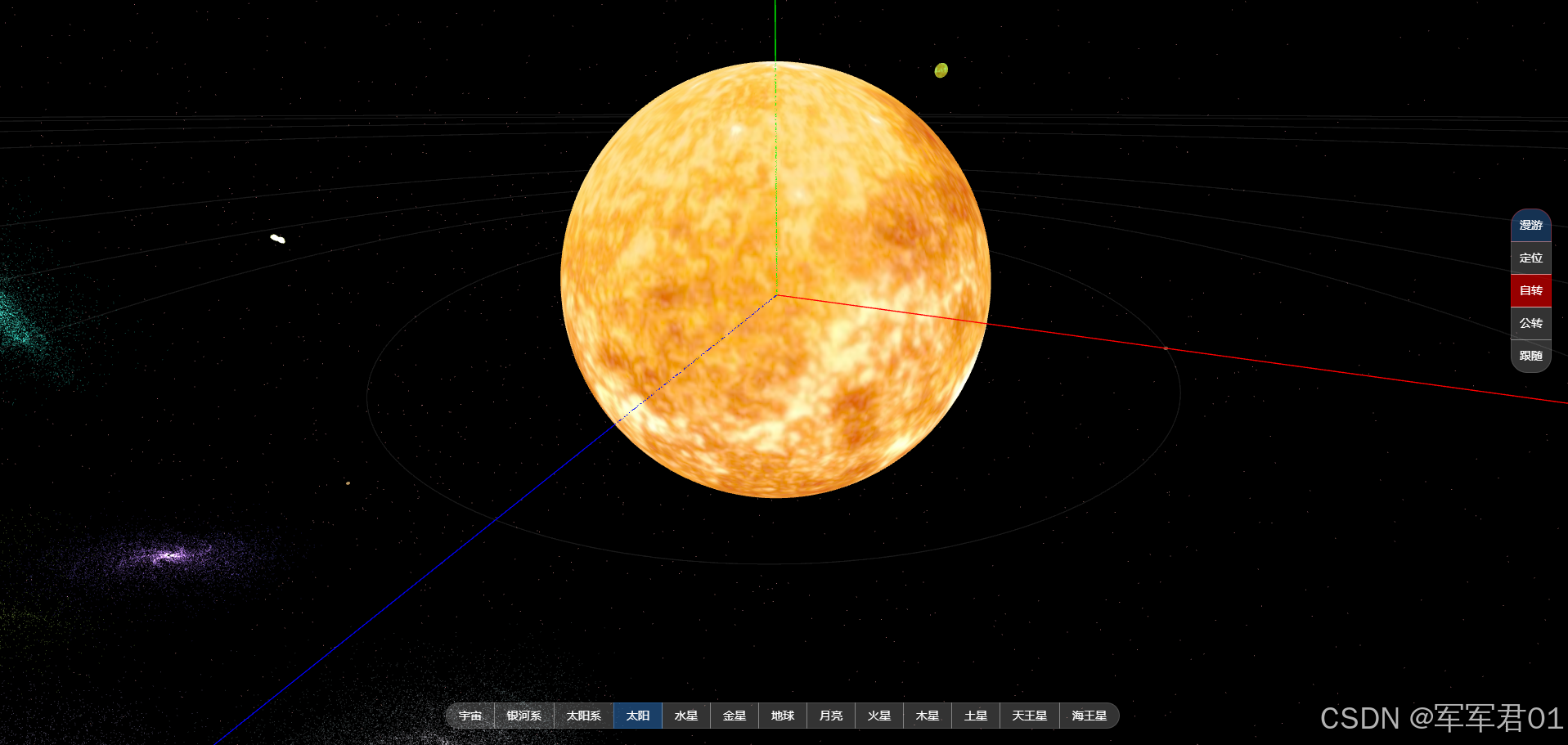
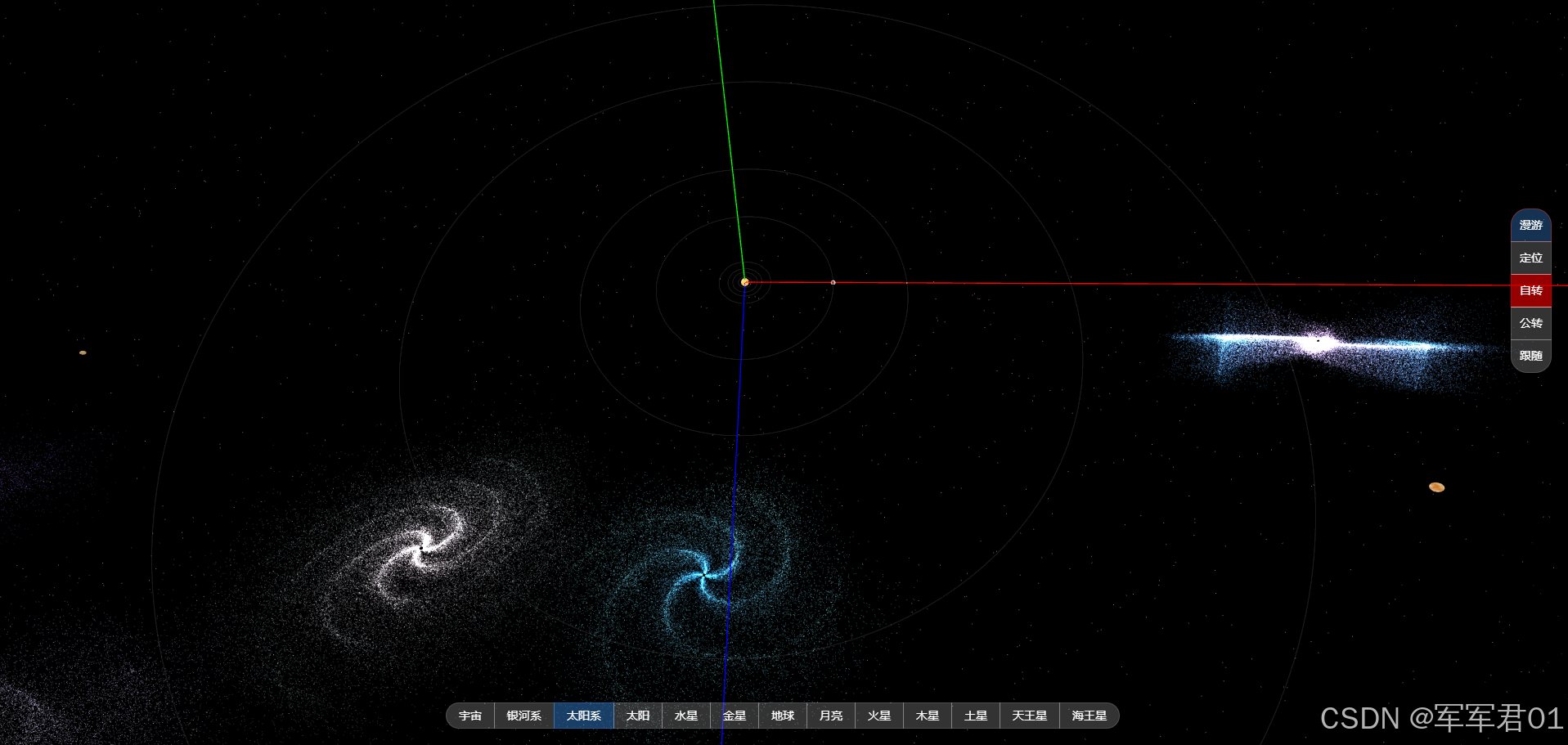
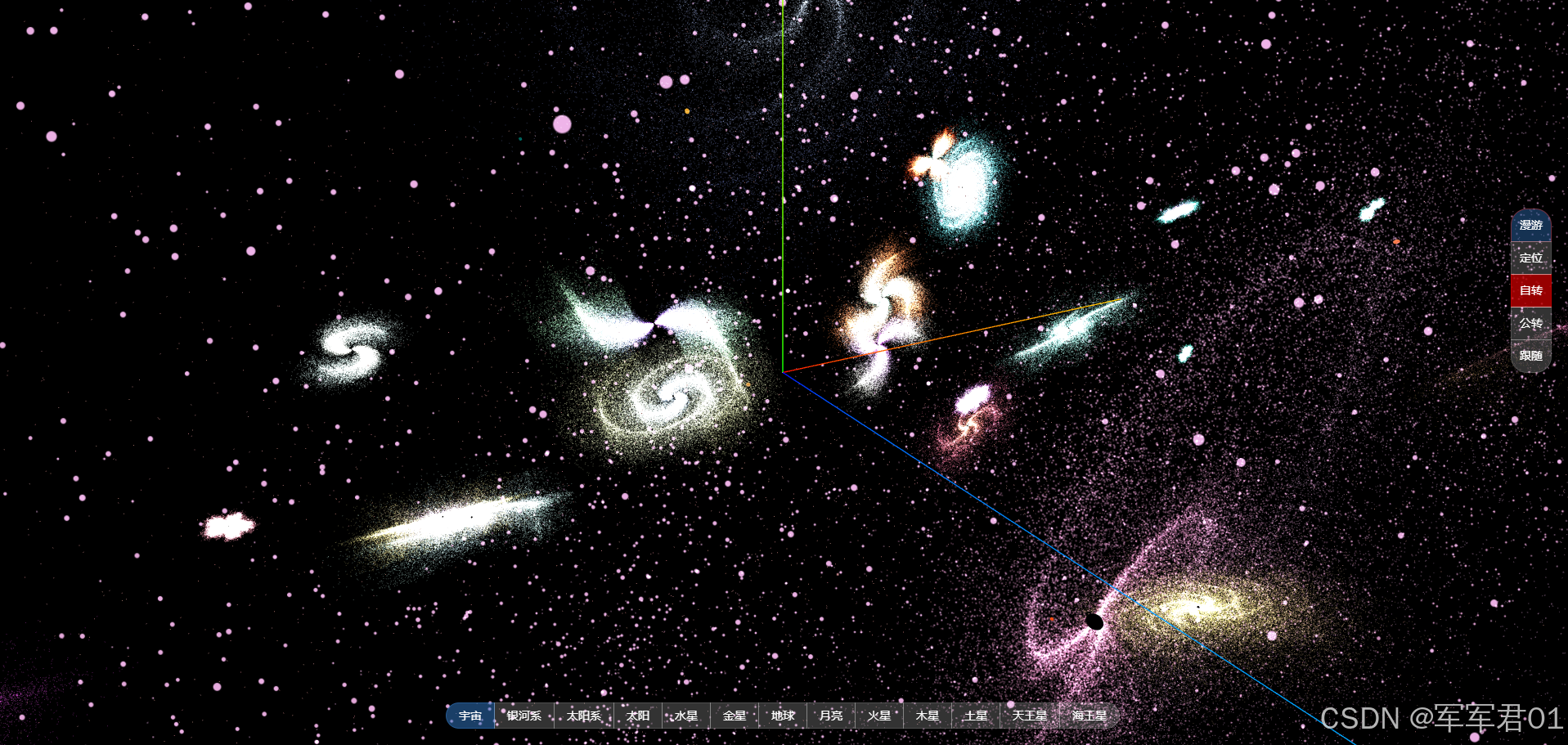
使用实际的尺寸作为各个元素的大小及坐标,使用随机生成的方式生成星空背景及各个星空的颜色,使用指定的几何图形生成星河/各个星系/黑洞/恒星等。
源码下载地址: 点击下载
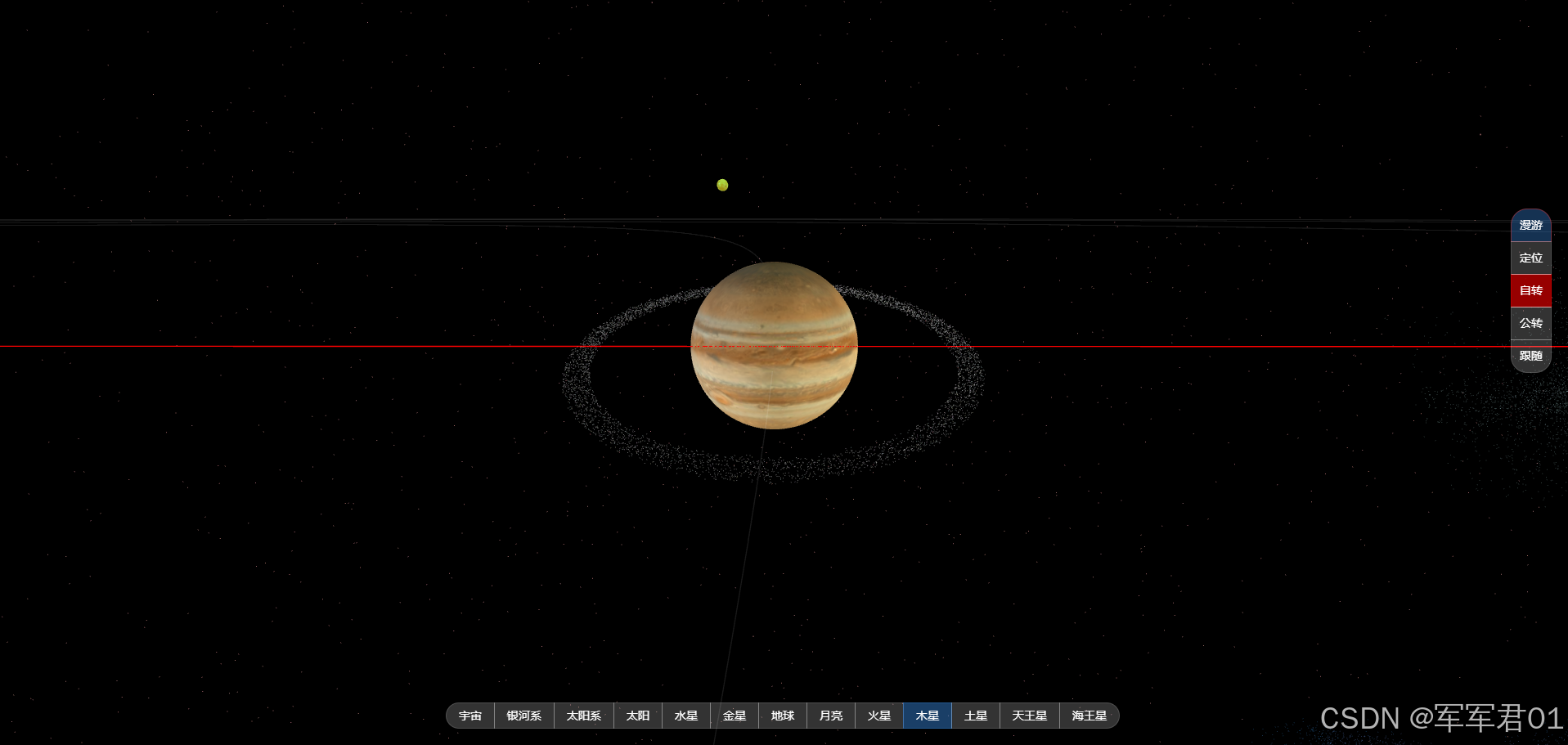
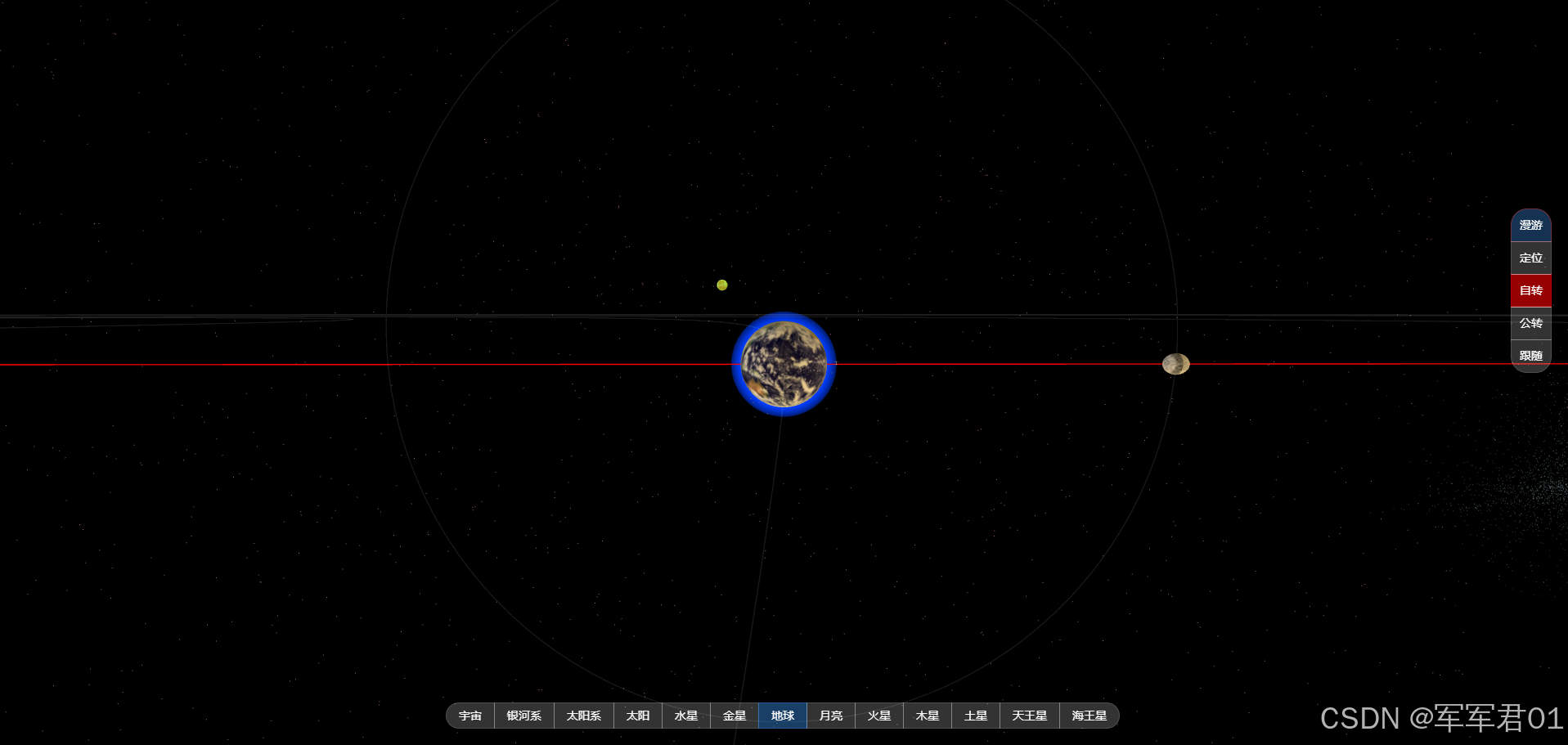
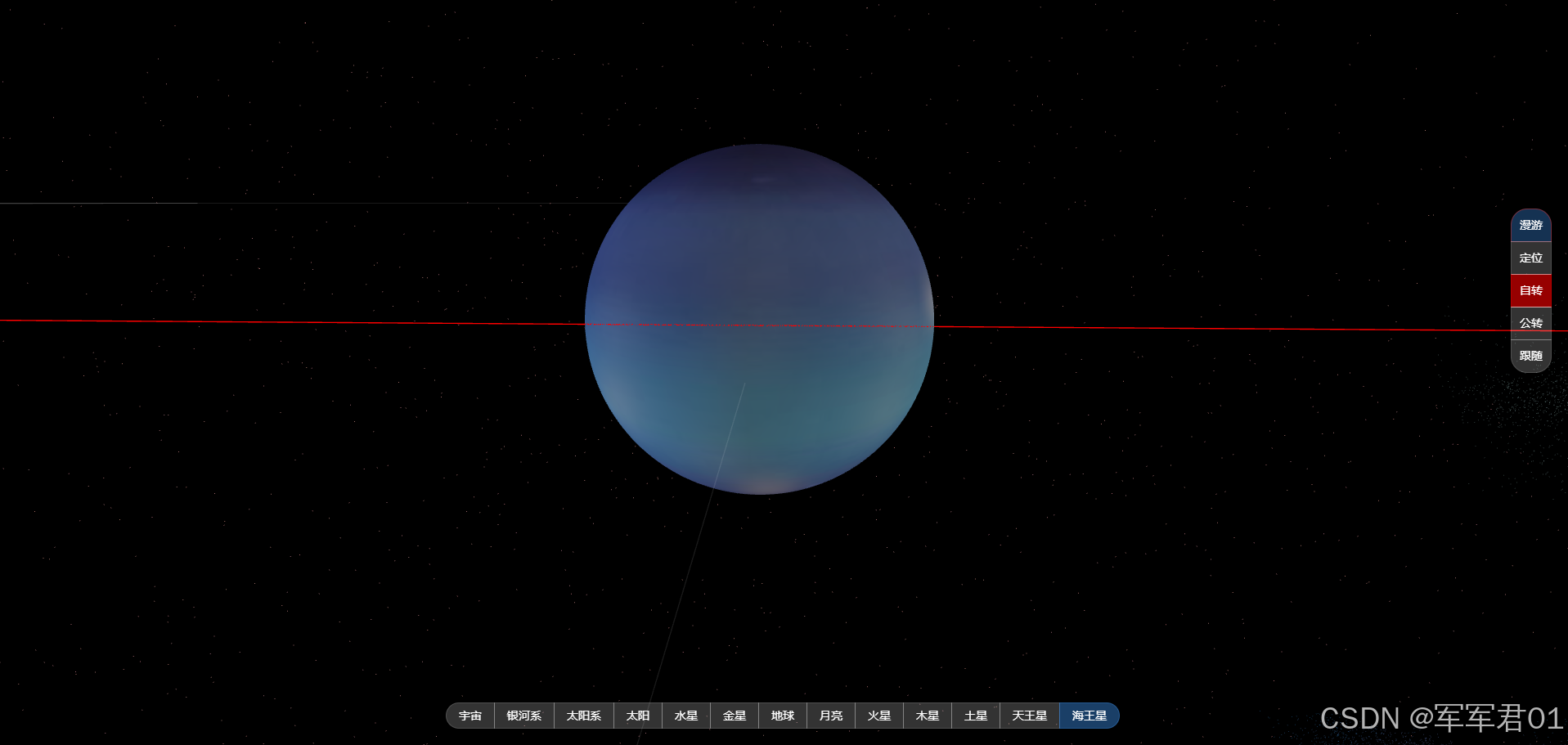
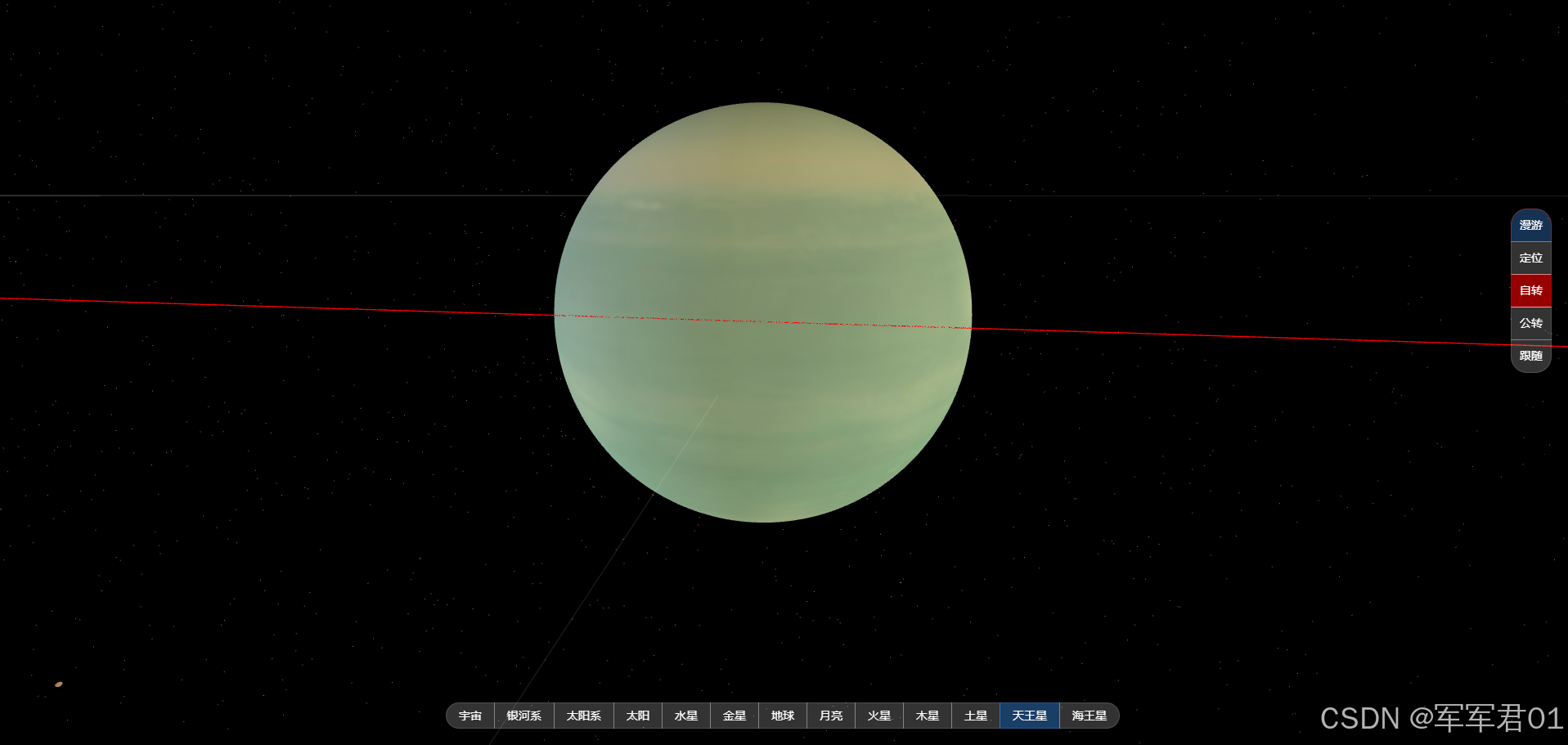
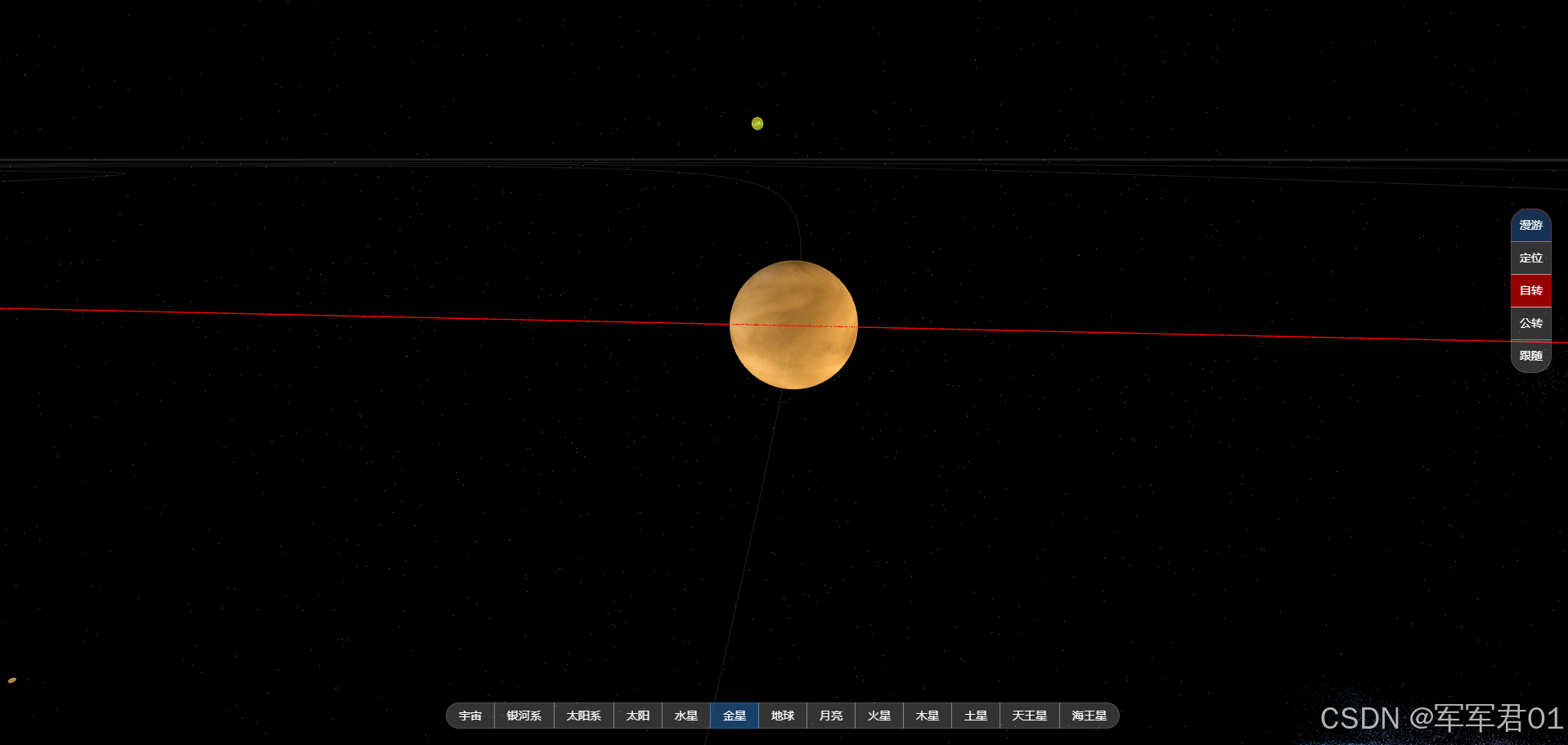
效果演示:
三维-太阳系
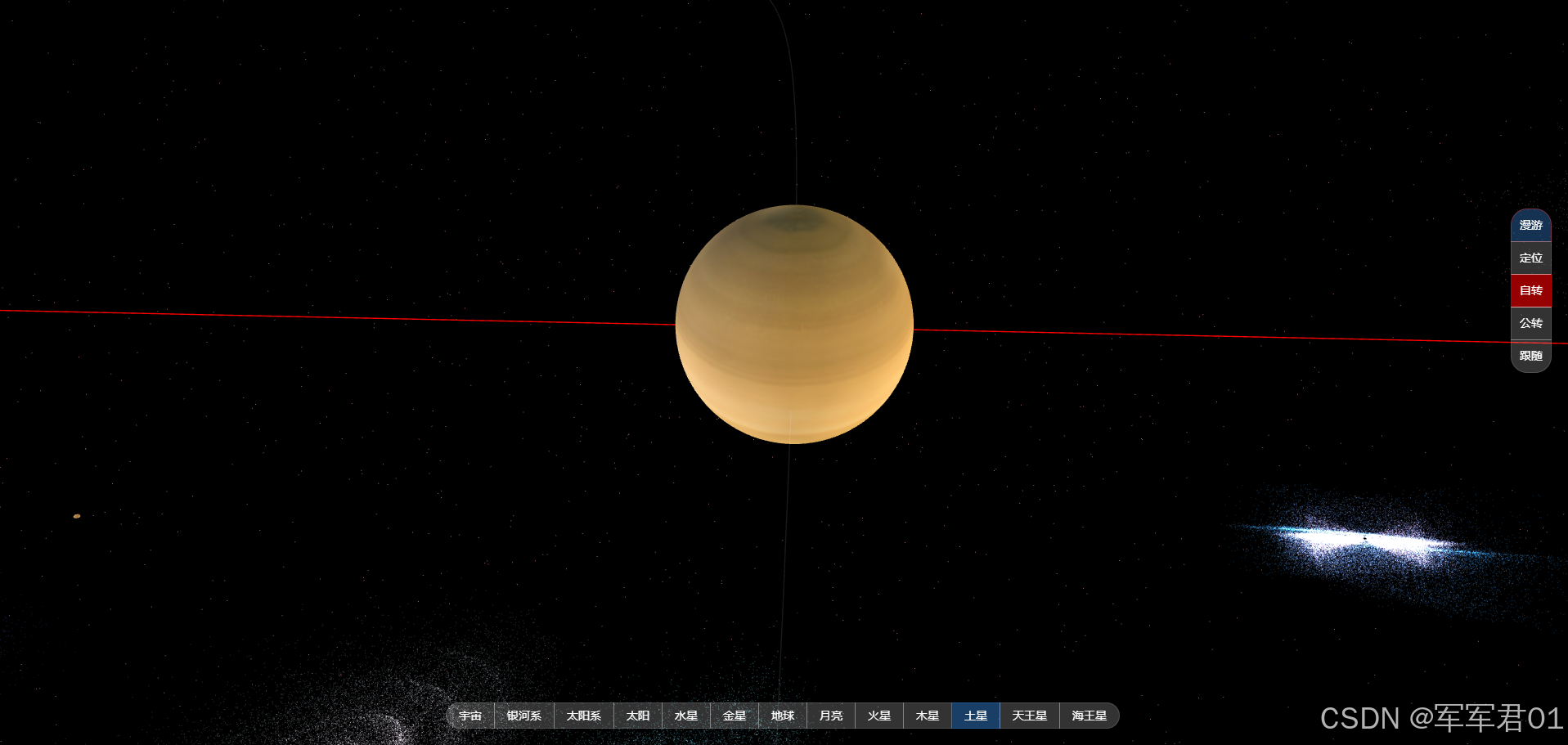
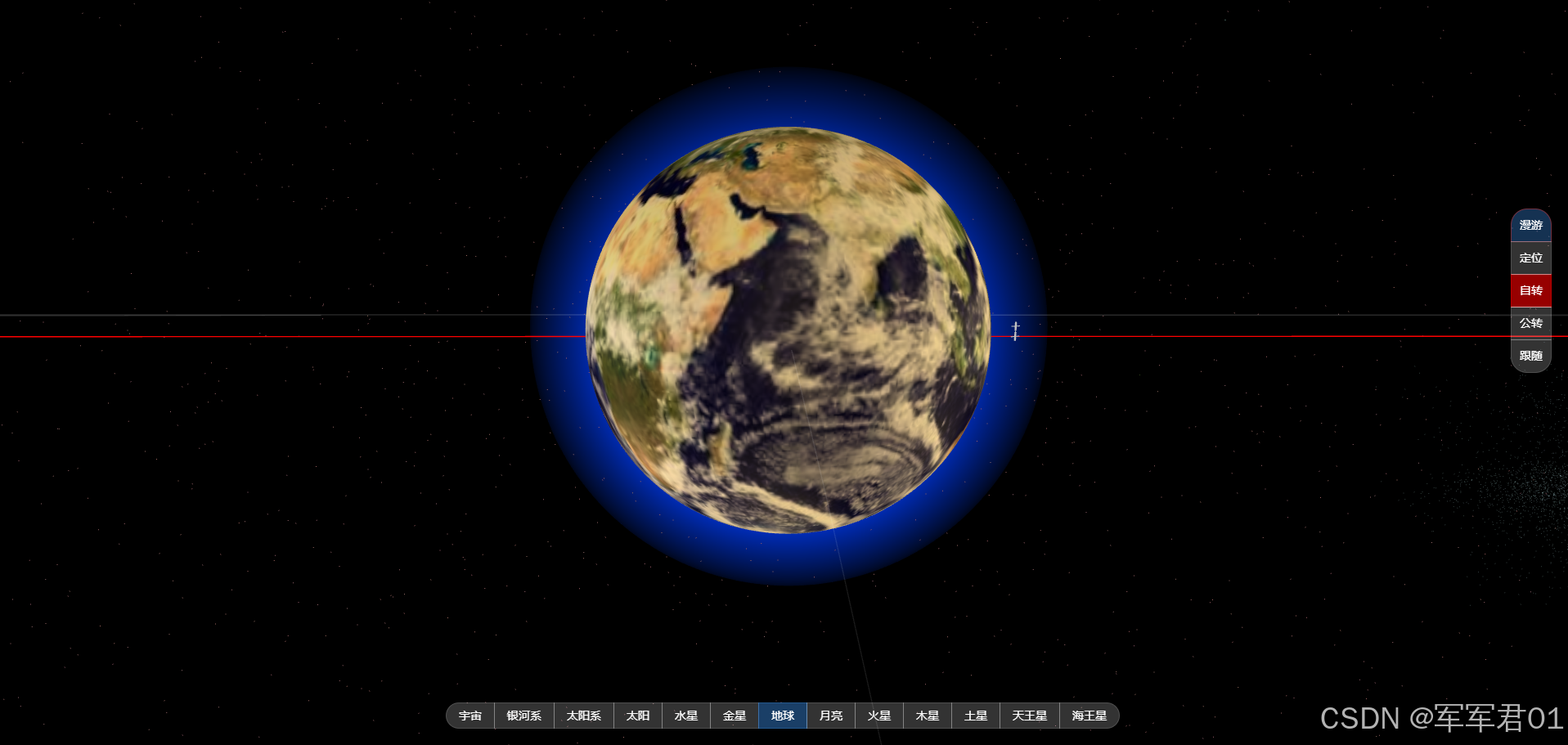
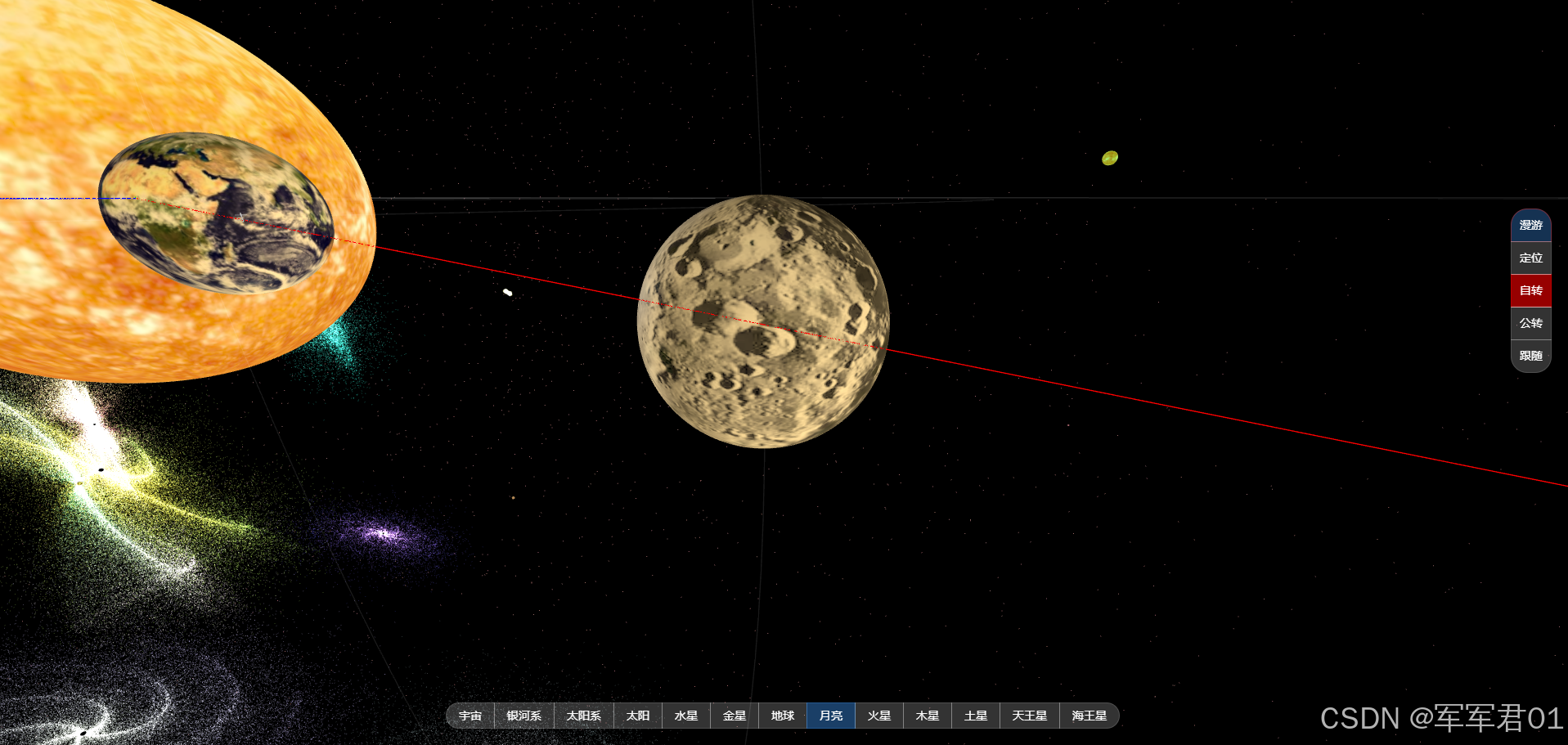
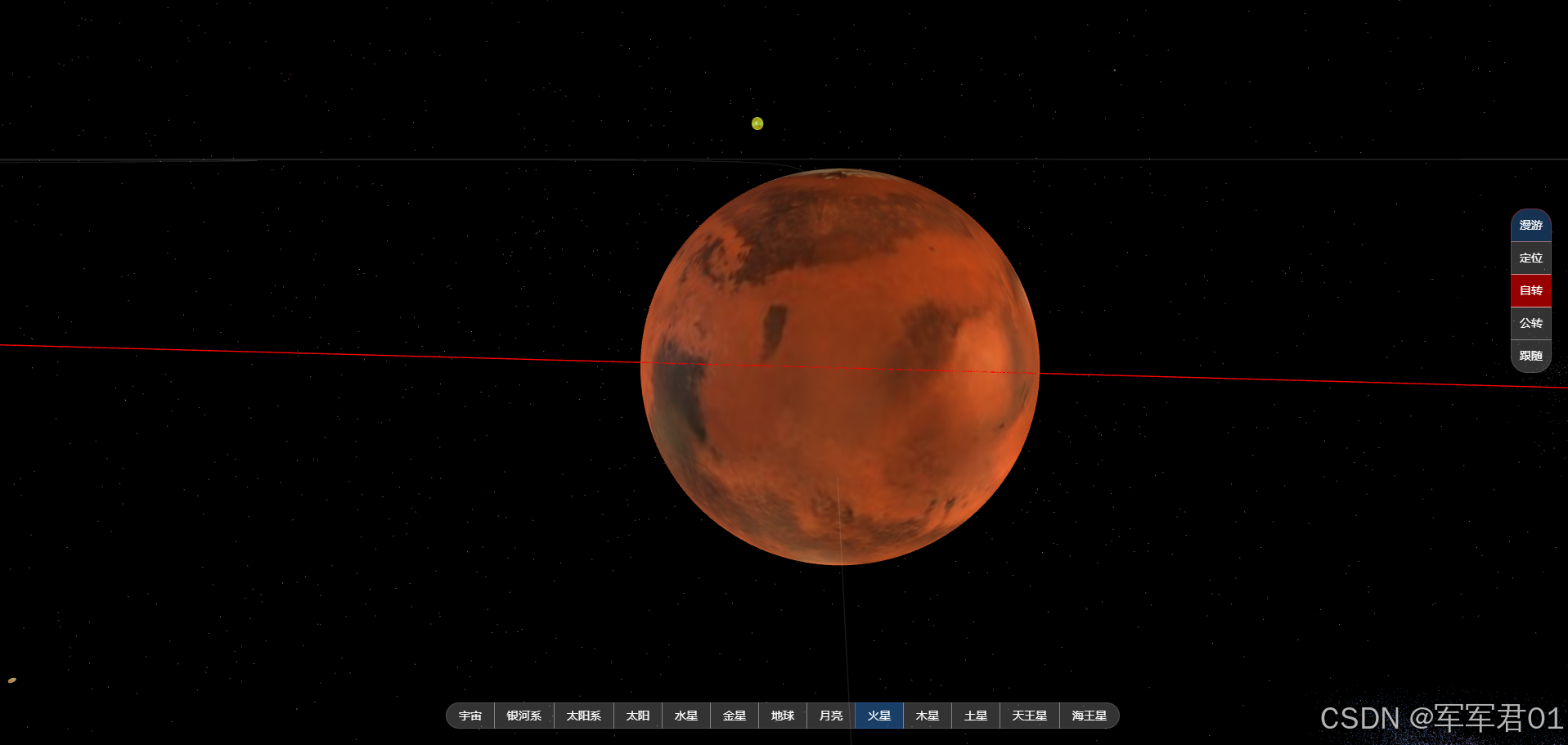
一、学习视频
二、项目创建
使用vue3搭建项目框架,引入three.js实现三维效果。
2.1 项目创建
官网: https://cn.vuejs.org/guide/introduction
命令: npm create vue@latest
2.2 三维引入
官网: https://threejs.org/
命令: npm install three
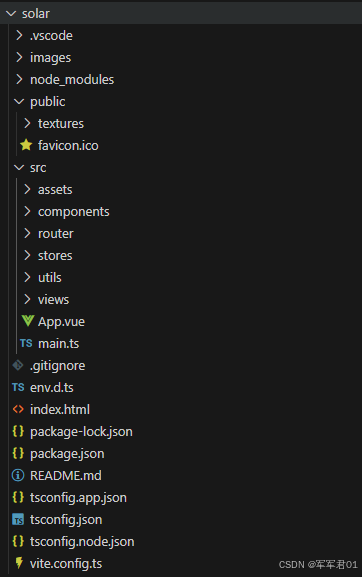
三、项目结构
项目结构如下:
四、三维基础框架
4.1 基础框架
- 主页
main.ts
javascript
import { createApp } from 'vue'

import './assets/main.css'

import ElementPlus from 'element-plus'
import 'element-plus/dist/index.css'
// 如果您正在使用CDN引入,请删除下面一行。
import * as ElementPlusIconsVue from '@element-plus/icons-vue'

import { createPinia } from 'pinia'

import App from './App.vue'
import router from './router'

const app = createApp(App)

app.use(createPinia())
app.use(ElementPlus)
app.use(router)
for (const [key, component] of Object.entries(ElementPlusIconsVue)) {
    app.component(key, component)
}

app.mount('#app')
App.vue
javascript
<script setup lang="ts">
import { RouterView } from 'vue-router'
</script>

<template>
  <RouterView />
</template>

<style scoped>

</style>
HomeView.vue
javascript
<script setup lang="ts">
import { onBeforeUnmount, onMounted, ref } from 'vue'
import  INSTANCE from "./assets"
import { config } from '@/utils';
import { useStateStore } from '@/stores/state';

//渲染的根元素
const rootEle = ref()

//当前的视角
const state = useStateStore();

//初始化场景
const init = () => {
  INSTANCE.init(rootEle.value);
}
const toPosition= (index:number)=>{
  INSTANCE.toPosition(config("views")[index]?.position,config("views")[index]?.lookAt);
  state.currentObject = index;
}
//宇宙漫游
const animate= ()=>{

}
//获取当前的位置
const position = ()=>{
    console.log('camera',INSTANCE.camera.getCamera().position)
    console.log('controls',INSTANCE.controls.getControls().target)
}
//是否开启公转
const revolution = ()=>{
    state.revolution = ! state.revolution;
}
//是否开启自转
const autobiography = ()=>{
  state.autobiography = ! state.autobiography;
}
//是否开启跟随效果
const follow = ()=>{
  state.follow = ! state.follow;
}

onMounted(() => {
  init()
})

onBeforeUnmount(()=>{
  INSTANCE.dispose();
})
</script>
<template>
  <div id="sun" ref="rootEle"></div>
  <div class="btns" >
    <div class="btns-inner">
      <el-button-group >
        <el-button @click="toPosition(0)" round :class="[state.currentObject == 0?'selected':'']">宇宙</el-button>
        <el-button @click="toPosition(1)"  :class="[state.currentObject == 1?'selected':'']">银河系</el-button>
        <el-button @click="toPosition(2)" :class="[state.currentObject == 2?'selected':'']">太阳系</el-button>
        <el-button @click="toPosition(3)" :class="[state.currentObject == 3?'selected':'']">太阳</el-button>
        <el-button @click="toPosition(4)" :class="[state.currentObject == 4?'selected':'']">水星</el-button>
        <el-button @click="toPosition(5)" :class="[state.currentObject == 5?'selected':'']">金星</el-button>
        <el-button @click="toPosition(6)" :class="[state.currentObject == 6?'selected':'']">地球</el-button>
        <el-button @click="toPosition(7)" :class="[state.currentObject == 7?'selected':'']">月亮</el-button>
        <el-button @click="toPosition(8)" :class="[state.currentObject == 8?'selected':'']">火星</el-button>
        <el-button @click="toPosition(9)" :class="[state.currentObject == 9?'selected':'']">木星</el-button>
        <el-button @click="toPosition(10)" :class="[state.currentObject == 10?'selected':'']">土星</el-button>
        <el-button @click="toPosition(11)" :class="[state.currentObject == 11?'selected':'']">天王星</el-button>
        <el-button @click="toPosition(12)" round :class="[state.currentObject == 12?'selected':'']">海王星</el-button>
      </el-button-group>

    </div>
  </div>
  <div class="btn-tools">
    <div class="btns-inner">
      <el-button-group direction="vertical">
        <el-button @click="animate" round disabled>漫游</el-button>
        <el-button @click="position"  >定位</el-button>
        <el-button @click="autobiography" :type="state.autobiography?'danger':''" >自转</el-button>
        <el-button @click="revolution" :type="state.revolution?'danger':''">公转</el-button>
        <el-button @click="follow" round :type="state.follow?'danger':''">跟随</el-button>
      </el-button-group>
    </div>
  </div>
</template>
<style scoped>
#sun {
  width: 100vw;
  height: 100vh;
}
.btns{
  position: fixed;
  bottom: 20px;
  left: 0;
  width:100%;
}
.btns .btns-inner{
  margin: 0 auto;
  text-align: center;
}
.btns .btns-inner .el-button{
  --el-button-border-color:#ffffff22;
  --el-button-bg-color:#ffffff33;
  --el-button-text-color:#ffffff;
  --el-button-hover-bg-color:rgba(51, 125, 204, 0.404);
  --el-button-hover-border-color:rgba(51, 125, 204, 0.504);
}
.btns .btns-inner :deep(.el-button span){
  color:#fff
}
.btns .btns-inner .el-button.selected{
  --el-button-border-color:rgba(51, 125, 204, 0.404);
  --el-button-bg-color:rgba(51, 125, 204, 0.504);
  --el-button-text-color:#ffffff;
}


.btn-tools{
  position: fixed;
  top: calc(50vh - 200px);
  right: 20px;
  height:100%;
}
.btn-tools .btns-inner{
  height:200px;
  margin: 0 auto;
  text-align: center;
}
.btn-tools .btns-inner .el-button-group{
  height: 100%;
}
.btn-tools .btns-inner .el-button{
  flex: 1;
  width:50px;
  --el-button-border-color:#ffffff22;
  --el-button-bg-color:#ffffff33;
  --el-button-text-color:#ffffff;
  --el-button-hover-bg-color:rgba(51, 125, 204, 0.404);
  --el-button-hover-border-color:rgba(51, 125, 204, 0.504);
}
.btn-tools .btns-inner :deep(.el-button span){
  color:#fff
}
.btn-tools .btns-inner .el-button.selected{
  --el-button-border-color:rgba(51, 125, 204, 0.404);
  --el-button-bg-color:rgba(204, 51, 51, 0.504);
  --el-button-text-color:#ffffff;
}
.btn-tools .btns-inner .el-button--danger{
  --el-button-border-color:#c40000c5;
  --el-button-bg-color:#c40000c5;
  --el-button-text-color:#ffffff;
  --el-button-hover-bg-color:rgba(204, 51, 51, 0.404);
  --el-button-hover-border-color:rgba(212, 25, 25, 0.504);
}
.btn-tools .btns-inner .is-disabled{
  --el-button-disabled-bg-color:rgba(51, 125, 204, 0.404);
  --el-button-disabled-border-color:rgba(204, 51, 51, 0.504);
  --el-button-disabled-text-color:#ffffff;
}
</style>- 路由
javascript
import { createRouter, createWebHistory } from 'vue-router'
import HomeView from '../views/HomeView.vue'

const router = createRouter({
  history: createWebHistory(import.meta.env.BASE_URL),
  routes: [
    {
      path: '/',
      name: 'home',
      component: HomeView,
    },
  ],
})

export default router- Pinia
state.ts
javascript
import { ref, computed } from 'vue'
import { defineStore } from 'pinia'

/**
 * 实时状态的定义
 */
export const useStateStore = defineStore('state', () => {
    //当前展示的视角信息
    const currentObject = ref(0);

    //自转
    const autobiography = ref(true);

    //公转
    const revolution = ref(false);

    //跟随
    const follow = ref(false);

    return { currentObject ,autobiography,revolution,follow}
})
config.ts
javascript
import { ref, computed } from 'vue'
import { defineStore } from 'pinia'
import * as THREE from 'three'
/**
* 基础信息的定义
*/
export const useConfigStore = defineStore('config', () => {
//宇宙的半径10^26
const maxSize = 4.4 * 1000000000000000
// 9007199254740991
//缩放的倍数00000000000
const scalePer = 100000000000
//太阳的半径
const sun = {
radius:696300*1000/ 2 / scalePer,
}
//星空的背景
const bgcolor= ref('#000000');
//星星数量
const starCount = 10000;
//恒星的最大半径
const maxStarRadius = 1.1 * 1000000000000;
//星系的半径
const maxGalsxyRadius = 9.461 * 100000000000000;
//黑洞的半径
const maxBlackHoleRadius = 696300*1000/ 2 / scalePer;
//各个行星的速度
let config = {
mercury: {//水星直径约4879公里,质量是地球的0.055倍,密度5.427克/立方厘米。水星:约5791万千米(0.38天文单位)
name:'水星',
x:57910000*10/scalePer,
radius:4879*1000/2/scalePer,
autobiography: 3.0 * 1000,//自转
revolution: 47.9 * 1000,//公转
},
venus: {//金星直径约12104公里,质量是地球的0.815倍,密度5.24克/立方厘米。金星:约1.082亿千米(0.72天文单位)
name:'金星',
x:1.082*100000000*10/scalePer,
radius:12104*1000/2/scalePer,
autobiography: 1.8 * 1000,//自转
revolution: 35 * 1000,//公转
},
mars: {//火星直径约6779公里,质量是地球的0.1074倍,密度3.94克/立方厘米。火星:约2.28亿千米(1.52天文单位)
name:'火星',
x:2.28*100000000*10/scalePer,
radius:6779*1000/2/scalePer,
autobiography: 0.24 * 1000,//自转
revolution: 24.1 * 1000,//公转
},
earth: {//地球:直径约12742公里,质量1,密度5.52克/立方厘米。地球:约1.496亿千米(1天文单位)
name:'地球',
x:1.496*100000000*10/scalePer,
radius:12742*1000/2/scalePer,
autobiography: 0.465 * 1000,//自转
revolution: 29.8 * 1000,//公转
},
jupiter: {//木星直径约142984公里,质量是地球的317.94倍,密度1.33克/立方厘米。木星:约7.78亿千米(5.2天文单位)
name:'木星',
x:7.78*100000000*10/scalePer,
radius:142984*1000/2/scalePer,
autobiography: 7.66 * 1000,//自转
revolution: 9.7 * 1000,//公转
},
saturn: {//土星直径约120536公里,质量是地球的95.18倍,平均密度仅0.7克/立方厘米,是太阳系中唯一密度小于水的行星。土星:约14.29亿千米(9.54天文单位)
name:'土星',
x:14.29*100000000*10/scalePer,
radius:120536*1000/2/scalePer,
autobiography: 6.3 * 1000,//自转
revolution: 9.7 * 1000,//公转
},
uranus: {//天王星直径约51118公里,质量是地球的14.63倍,密度1.24克/立方厘米。天王星:约28.71亿千米(19.18天文单位)
name:'天王星',
x:28.71*100000000*10/scalePer,
radius:51118*1000/2/scalePer,
autobiography: 2.621 * 1000,//自转
revolution: 6.8 * 1000,//公转
},
neptune: {//海王星直径约49528公里,质量是地球的17.22倍,密度1.66克/立方厘米。海王星:约45.04亿千米(30.06天文单位)
name:'海王星',
x:45.04*100000000*10/scalePer,
radius:49528*1000/2/scalePer,
autobiography: 2.707 * 1000,//自转
revolution: 5.4 * 1000,//公转
},
}
//各个预定义的视角信息
const views = [{
position:new THREE.Vector3(0,maxSize * 1.2, maxSize * 1.8),
lookAt:new THREE.Vector3(0,0, 10)
},{
position:new THREE.Vector3(-1000,sun.radius,sun.radius),
lookAt:new THREE.Vector3(0,0,10)
},{
position:new THREE.Vector3(0.034732902744777805,0.3449531271902603,0.26654467884112715),
lookAt:new THREE.Vector3(0.033685450201036304,-0.04967007306636794,0.06401762073895154)
},{
position:new THREE.Vector3(0.0031956114242372644, 0.002872176193311527, 0.007562885263941745),
lookAt:new THREE.Vector3(0.0015854808622436782, 0.0005706336541266402, 0.0036135992057809573)
},{
position:new THREE.Vector3(0.006045906253202582, 0.00008003008369889398, 0.0002988954675529693),
lookAt:new THREE.Vector3(0.006041302768695112, 0.00007825938227635868, 0.0002941797829009809)
},{
position:new THREE.Vector3(0.01084051636669485, 0.0001451239288667867, 0.0004403390861581306),
lookAt:new THREE.Vector3(0.010831524374438522, 0.00008848922367198572, 0.0003118395857784389)
},{
position:new THREE.Vector3(0.014957403019679419, 0.000007337744173961887, 0.00016550172868891148),
lookAt:new THREE.Vector3(0.01495762410132193, 0.0000029601810377091256, 0.00012868069184761798)
},{
position:new THREE.Vector3(0.015584094940632082, 0.000015600820697942422, 0.00004681596071252129),
lookAt:new THREE.Vector3(0.015568968923486144, 0.000006820501494518071, 0.00002771980840764359)
},{
position:new THREE.Vector3( 0.02279670988844571, 0.00003522113585802835, 0.00008276729868475193),
lookAt:new THREE.Vector3(0.022762587282826, -0.0001796949422104101, -0.00040485965302916013)
},{
position:new THREE.Vector3(0.07787499299522975, 0.0010636644906135365, 0.004081489027364495),
lookAt:new THREE.Vector3(0.07785935011131331, -0.00452272528354329, -0.013440072354970871)
},{
position:new THREE.Vector3(0.14291450582676493, 0.001513438251508653, 0.0020417705170365083),
lookAt:new THREE.Vector3(0.14267836092902175, -0.004475123933605497, -0.0046303752197579635)
},{
position:new THREE.Vector3(0.2872005905163468, 0.00015843950020901073, 0.00062313147047773),
lookAt:new THREE.Vector3(0.2868239336951548, -0.0009440884184587143, -0.0023734645190837756)
},{
position:new THREE.Vector3(0.45045140559862284, 0.00017459925595258158, 0.0007134956105158232),
lookAt:new THREE.Vector3(0.45042484067928384, -0.00015143382341868935, -0.0002189835599877074)
}];
return { maxSize,sun,config ,bgcolor,starCount,maxStarRadius,maxGalsxyRadius,maxBlackHoleRadius,views}
})4.2 三维实现
- 基础场景
index.ts
javascript
import * as THREE from 'three'
import { useStateStore } from '@/stores/state';

import animate from "./animate"
import * as renderer from "./renderer"
import * as camera from "./camera"
import * as controls from "./controls"
import * as light from "./light"
import * as scene from "./scene"

//宇宙
import * as universe from "./universe"

//太阳系
import * as solar from "./solarSystem"
import { config } from '@/utils'
import { nextTick } from 'vue';

//初始化
export const init = (rootEle:Element)=>{
    renderer.init(rootEle);//初始化渲染器

    camera.init();//初始化相机

    scene.init();//初始化场景

    light.init();//初始化灯光

    universe.init();//初始化宇宙背景,包括星系

    solar.init();//初始化太阳系

    controls.init();//初始化控制器

    renderer.renderer.render(scene.scene, camera.camera)//渲染目标

    //坐标轴的辅助工具
    const axesHelper = new THREE.AxesHelper( config("maxSize") );
    scene.add( axesHelper );

    //启动动画
    requestAnimationFrame(animate)

    //当前的视角
    nextTick(()=>{
        const state = useStateStore();
        camera.toPosition(config("views")[state.currentObject].position,config("views")[state.currentObject].lookAt);

        //摄像机的辅助工具
        // const helper = new THREE.CameraHelper( camera.getCamera() );
        // scene.add( helper );
    })
}

//销毁
export const dispose = ()=>{
    solar.dispose();

    universe.dispose();

    light.dispose();

    controls.dispose();

    camera.dispose();

    renderer.dispose();
}

//转到对应的位置,摄像机和视角
export const toPosition=  (position:THREE.Vector3,lookAt:THREE.Vector3)=>{
    camera.toPosition(position,lookAt);
    // controls.lookAt(lookAt);
}

export default {
    renderer,
    animate,
    camera,
    controls,
    light,
    scene,
    init,
    dispose,toPosition
};
renderer.ts
javascript
import * as THREE from 'three'

//全局的渲染器
export const renderer: THREE.WebGLRenderer = new THREE.WebGLRenderer({ antialias: true, logarithmicDepthBuffer: true })

//销毁
export const dispose = ()=>{
    if(renderer){
       renderer.dispose()
    }
}
export const init = (rootEle:Element)=>{
renderer.setPixelRatio(window.devicePixelRatio)
    renderer.setSize(window.innerWidth, window.innerHeight)
    rootEle.appendChild(renderer.domElement)
}
/**
 * 初始化渲染器
 */
export default {
    renderer,init,dispose
}
light.ts
javascript
import * as THREE from 'three'
import  INSTANCE from "./index"

//全局的渲染器
export let lights: THREE.PointLight[] = [];

//销毁
export const dispose = ()=>{
    if(lights){
        lights.forEach(item=>item.dispose())
    }
}
export const init = ()=>{
    // const ambientLight = new THREE.AmbientLight(0xffffff)
    // lights.push(ambientLight)
    // INSTANCE.scene.add(ambientLight);

    let pointLight = new THREE.PointLight('#ffffff', 1, 0, 0)
    pointLight.position.set(0, 0, 0)
    lights.push(pointLight)
    INSTANCE.scene.add(pointLight);
}
/**
 * 初始化渲染器
 */
export default {
        lights,init,dispose
}
scene.ts
javascript
import { config } from '@/utils'
import * as THREE from 'three'

//场景
export const scene: THREE.Scene = new THREE.Scene()

export const init = () => {
    scene.background = new THREE.Color(config('bgcolor'))
}
export const add = (mesh:THREE.Object3D) => {
    scene.add(mesh);
}
/**
 * 初始化
 */
export default {
     init, scene,add
}
camera.ts
javascript
import { config, disposeObject } from '@/utils';
import * as THREE from 'three'
import  controls, { lookAt } from './controls';
import * as TWEEN from 'three/examples/jsm/libs/tween.module';

//动画的周期
let animationDuration = 2000;
let easingFunction = TWEEN.Easing.Quadratic.Out;

//标记是否在动画当中
let animateing = false;

//摄像机
export let camera: THREE.PerspectiveCamera

//销毁
export const dispose = () => {
    if (camera) {
        disposeObject(camera);
    }
}

//动画
export const animate = (time:number)=>{
    // 更新Tween动画
    TWEEN.update();

    // console.log('camera',camera.position);
}

//初始化
export const init = () => {
    camera = new THREE.PerspectiveCamera(
        75,
        window.innerWidth / window.innerHeight,
        0.00000000000001,
        config('maxSize') * 2,
    )
    // camera.zoom = config('maxSize')*2
    // camera.position.set(0, config('maxSize') * 1.2, config('maxSize') * 1.8)//宇宙
    // camera.position.set(0.034732902744777805,0.3449531271902603,0.26654467884112715);//太阳系
    // camera.position.set(0.014957403019679419,  0.000007337744173961887,  0.0001655017286889114);//地球
    // camera.position.set(0.006045906253202582, 0.00008003008369889398, 0.0002988954675529693);//水星
    // camera.position.set(0.01084051636669485,  0.0001451239288667867,  0.0004403390861581306);//金星
    // camera.position.set(0.02279670988844571, 0.00003522113585802835, 0.00008276729868475193);//火星
    // camera.position.set(0.07787499299522975,  0.0010636644906135365,  0.004081489027364495);//木星
    // camera.position.set(0.14291450582676493, 0.001513438251508653,  0.0020417705170365083);//土星
    // camera.position.set(0.2872005905163468,  0.00015843950020901073, 0.00062313147047773);//天王星
    // camera.position.set(0.45045140559862284, 0.00017459925595258158,  0.0007134956105158232);//海王星
}

//转到指定的视角
export const toPosition = (targetPosition:THREE.Vector3,targetLookAt:THREE.Vector3)=>{
    animateing = true;
    // 停止当前所有动画
    TWEEN.removeAll();

    // 创建位置动画
    new TWEEN.Tween(camera.position)
        .to(targetPosition, animationDuration)
        .easing(easingFunction)
        .onComplete(function() {
           camera.position.set(targetPosition.x, targetPosition.y, targetPosition.z);
        //    lookAt(targetLookAt);
        })
        .start();
    new TWEEN.Tween(controls.getControls().target)
        .to(targetLookAt, animationDuration)
        .easing(easingFunction)
        .onComplete(function() {
           lookAt(targetLookAt);
            animateing = false;
        })
        .start();
}

//转到指定的视角,不启动动画效果
export const toPositionNoAnimate= (targetPosition:THREE.Vector3,targetLookAt:THREE.Vector3)=>{
    if(animateing){
        return;
    }
    camera.position.set(targetPosition.x, targetPosition.y, targetPosition.z);
    // lookAt(targetLookAt);
}
export const getCamera = ()=>{
    return camera;
}
//初始化
export default {
    camera:getCamera, init, dispose,animate,toPosition,getCamera,toPositionNoAnimate
}
control.ts
javascript
import * as THREE from 'three'
import { OrbitControls } from 'three/addons/controls/OrbitControls.js'
import { renderer } from "./renderer"
import { camera } from "./camera"
//控制器
export let controls: OrbitControls

//销毁
export const dispose = () => {
    if (controls) {
        controls.dispose();
    }
}

//动画
export const animate = (time:number)=>{
   controls.update()
//    console.log('controls',controls.target);
}

export const init = () => {
    controls = new OrbitControls(camera, renderer.domElement)
    controls.enableDamping = true; // 启用阻尼效果
    controls.minDistance = -9000000000000000; // 将相机放大多少
    // controls.panSpeed = 0.1;
    // controls.rotateSpeed = 0.1;
    // controls.zoomSpeed = 0.1;

    // controls.target.copy(new THREE.Vector3(0.01495762410132193, 0.0000029601810377091256,  0.00012868069184761798))//地球的视角
    // controls.target.copy(new THREE.Vector3(0.006041302768695112, 0.00007825938227635868,  0.0002941797829009809))//水星的视角
    // controls.target.copy(new THREE.Vector3(0.010831524374438522,  0.00008848922367198572,  0.0003118395857784389))//金星的视角
    // controls.target.copy(new THREE.Vector3(0.022762587282826,  -0.0001796949422104101,  -0.00040485965302916013))//火星的视角
    // controls.target.copy(new THREE.Vector3(0.07785935011131331,  -0.00452272528354329,  -0.013440072354970871))//木星的视角
    // controls.target.copy(new THREE.Vector3(0.14267836092902175,  -0.004475123933605497,  -0.0046303752197579635))//土星的视角
    // controls.target.copy(new THREE.Vector3(0.2868239336951548, -0.0009440884184587143,  -0.0023734645190837756))//天王星的视角
    // controls.target.copy(new THREE.Vector3(0.45042484067928384, -0.00015143382341868935,  -0.0002189835599877074))//海王星的视角

    controls.update()
}

export const getControls = ()=>{
    return controls;
}

//转到指定的视角
export const lookAt = (lookAt:THREE.Vector3)=>{
    // 创建目标点动画
    controls.target.copy(lookAt);
}

export default {
    controls:getControls(), init, dispose,animate,getControls
}
anmine.ts
javascript
import { config, resizeRendererToDisplaySize } from '@/utils'
import * as THREE from 'three'
import * as solar from "./solarSystem"
import * as universe from "./universe"
import controls from "./controls"
import {renderer} from "./renderer"
import camera from "./camera"
import {scene} from "./scene"
// let clock = new THREE.Clock();
//初始化
const animate = (time: number) => {
    // const delta = clock.getDelta();
    // const time = clock.getElapsedTime();

    if(camera.camera()){
        if (resizeRendererToDisplaySize(renderer)) {
            const canvas = renderer.domElement
            camera.camera().aspect = canvas.clientWidth / canvas.clientHeight
            camera.camera().updateProjectionMatrix()
        }
        universe.animate(time);

        solar.animate(time);

        camera.animate(time)

        controls.animate(time)

        renderer.render(scene, camera.camera())
    }
    requestAnimationFrame(animate)
}

export default animate;