Android宽高不均等Bitmap缩放为指定宽高FitCenter到正方形Bitmap,Kotlin
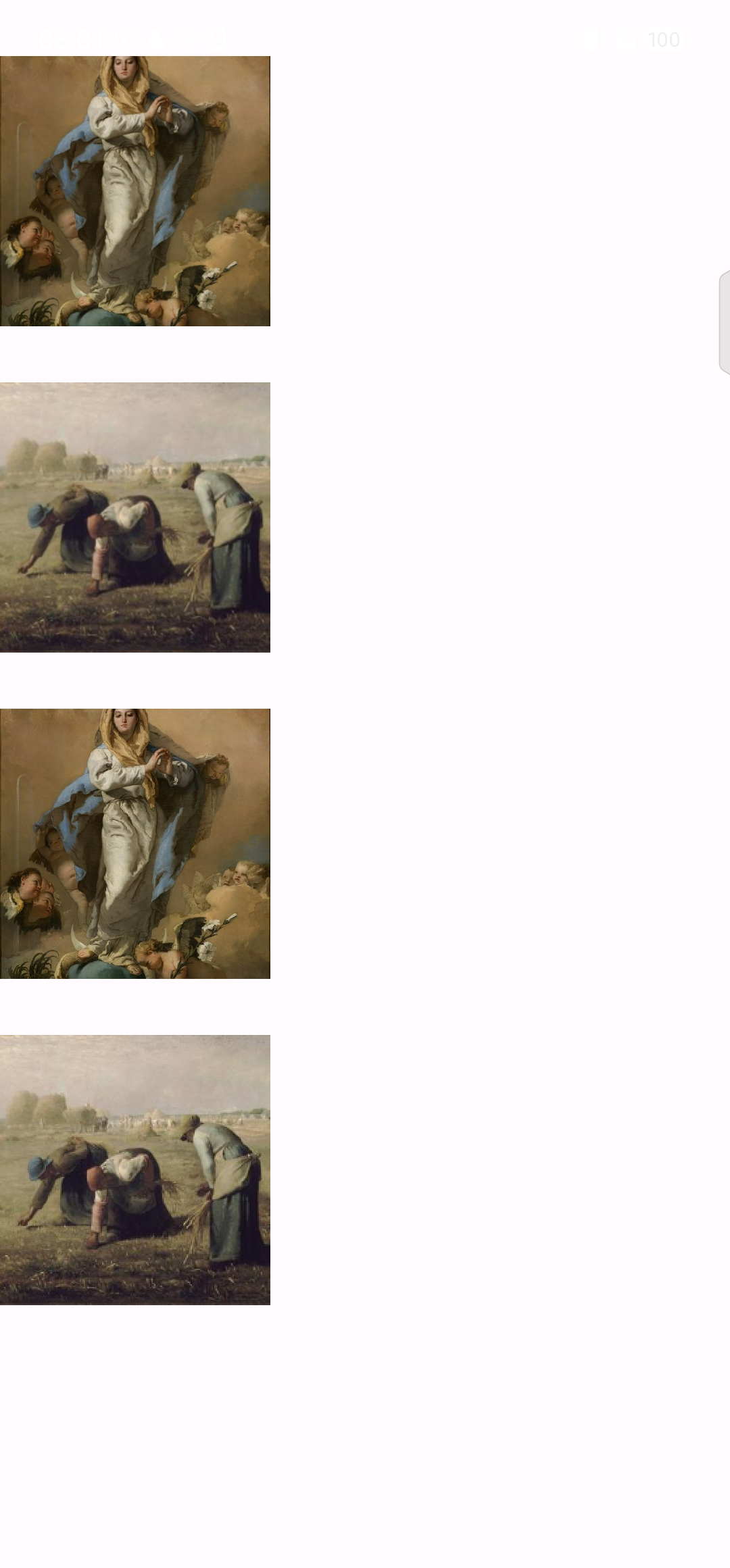
给定一个Bitmap,宽高不均等,把原Bitmap缩放成指定宽度的正方形Bitmap,相当于fit center缩放。提供两个方案:
Kotlin
import android.graphics.Bitmap
import android.graphics.Canvas
import android.graphics.ImageDecoder
import android.graphics.RectF
import android.os.Bundle
import android.widget.ImageView
import androidx.appcompat.app.AppCompatActivity
import androidx.lifecycle.lifecycleScope
import kotlinx.coroutines.Dispatchers
import kotlinx.coroutines.async
import kotlinx.coroutines.withContext
import androidx.core.graphics.scale
import androidx.core.graphics.toRect
import androidx.core.graphics.createBitmap


class MainActivity : AppCompatActivity() {

    override fun onCreate(savedInstanceState: Bundle?) {
        super.onCreate(savedInstanceState)
        setContentView(R.layout.activity_main)

        val image1 = findViewById<ImageView>(R.id.img1)
        val image2 = findViewById<ImageView>(R.id.img2)
        val image3 = findViewById<ImageView>(R.id.img3)
        val image4 = findViewById<ImageView>(R.id.img4)

        val src1 = ImageDecoder.createSource(this.resources, R.mipmap.high)
        val src2 = ImageDecoder.createSource(this.resources, R.mipmap.wide)

        lifecycleScope.async(Dispatchers.IO) {
            val bmp1 = ImageDecoder.decodeBitmap(src1)
            val bmp2 = ImageDecoder.decodeBitmap(src2)

            val bmp3 = bmp1.copy(Bitmap.Config.ARGB_8888, false)
            val bmp4 = bmp2.copy(Bitmap.Config.ARGB_8888, false)


            withContext(Dispatchers.Main) {
                image1.setImageBitmap(cropToFitCenter1(bmp1))
                image2.setImageBitmap(cropToFitCenter1(bmp2))

                image3.setImageBitmap(cropToFitCenter2(bmp3))
                image4.setImageBitmap(cropToFitCenter2(bmp4))
            }
        }
    }

    //方案1
    private fun cropToFitCenter1(bitmap: Bitmap, targetSize: Int = 400): Bitmap {
        var x: Int
        var y: Int

        var width: Int
        var height: Int

        val centerX = bitmap.width / 2
        val centerY = bitmap.height / 2

        var sz: Int
        if (bitmap.width > bitmap.height) {
            sz = bitmap.height

            x = centerX - sz / 2
            y = 0
        } else {
            sz = bitmap.width

            x = 0
            y = centerY - sz / 2
        }

        width = sz
        height = sz

        val bmp = Bitmap.createBitmap(bitmap, x, y, width, height)

        return bmp.scale(targetSize, targetSize)
    }

    //方案2(推荐)
    private fun cropToFitCenter2(srcBitmap: Bitmap, targetSize: Int = 400): Bitmap {
        val centerX = srcBitmap.width / 2f
        val centerY = srcBitmap.height / 2f
        val minSz = Math.min(srcBitmap.width, srcBitmap.height)

        val left = centerX - minSz / 2f
        val top = centerY - minSz / 2f
        val right = centerX + minSz / 2f
        val bottom = centerY + minSz / 2f

        val srcRectF = RectF(left, top, right, bottom)
        val dstRectF = RectF(0f, 0f, targetSize.toFloat(), targetSize.toFloat())

        val resultBmp = createBitmap(targetSize, targetSize)
        val canvas = Canvas(resultBmp)
        canvas.drawBitmap(srcBitmap, srcRectF.toRect(), dstRectF.toRect(), null)

        return resultBmp
    }
}
相关: