monthCalendar
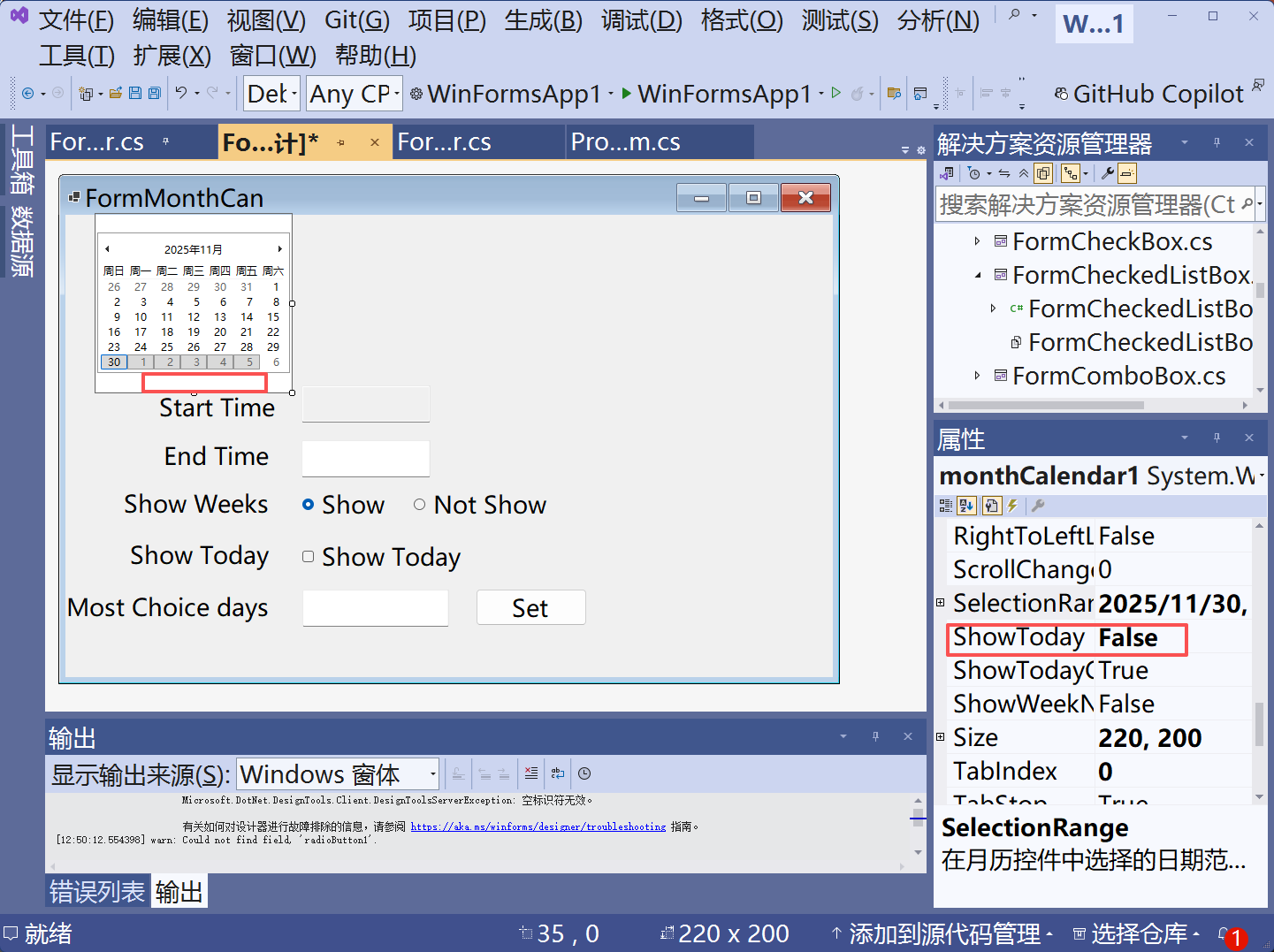
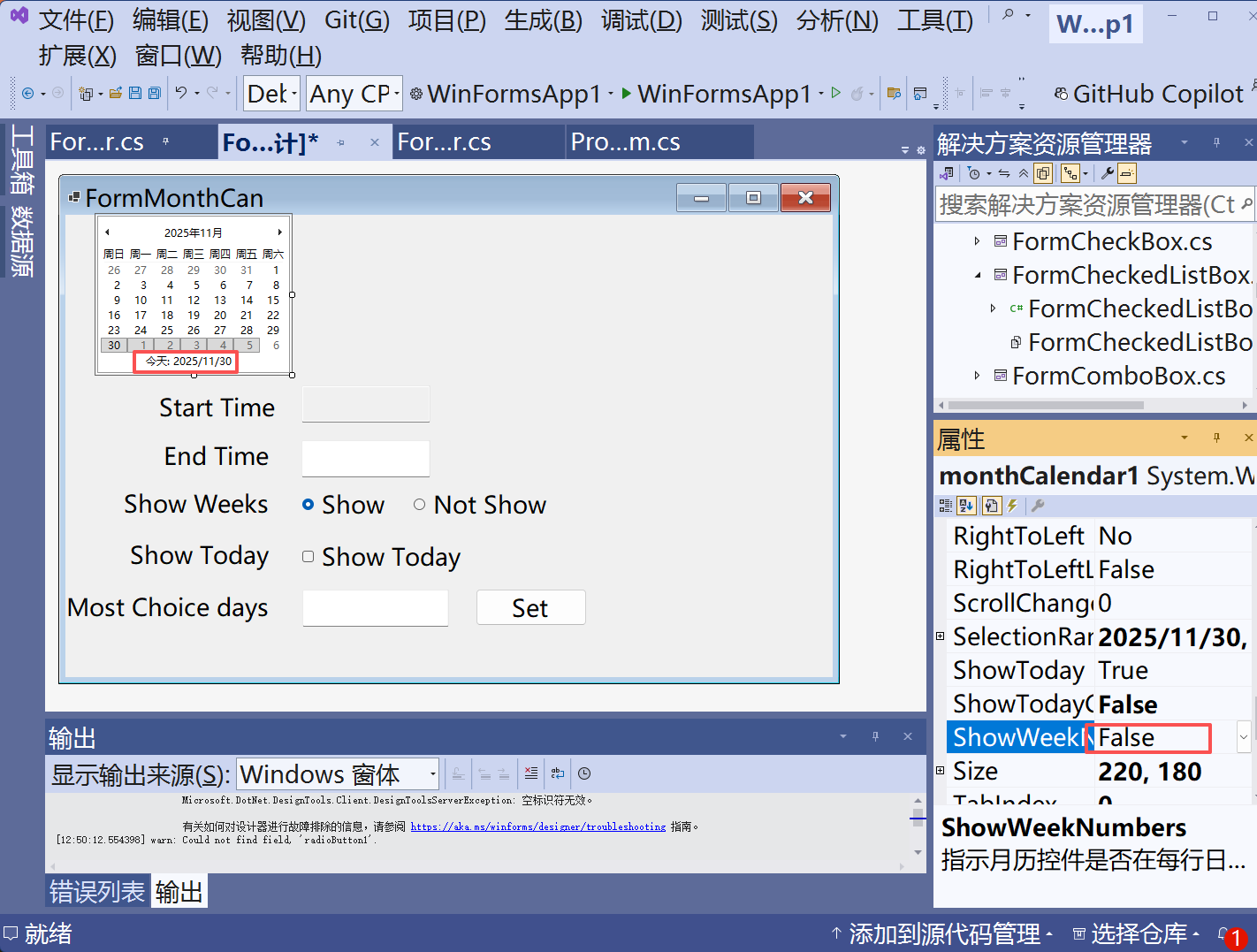

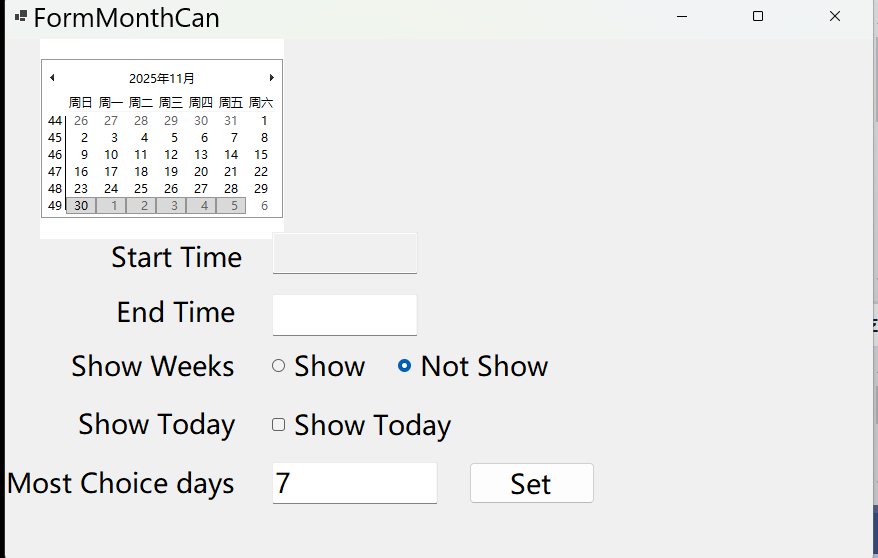
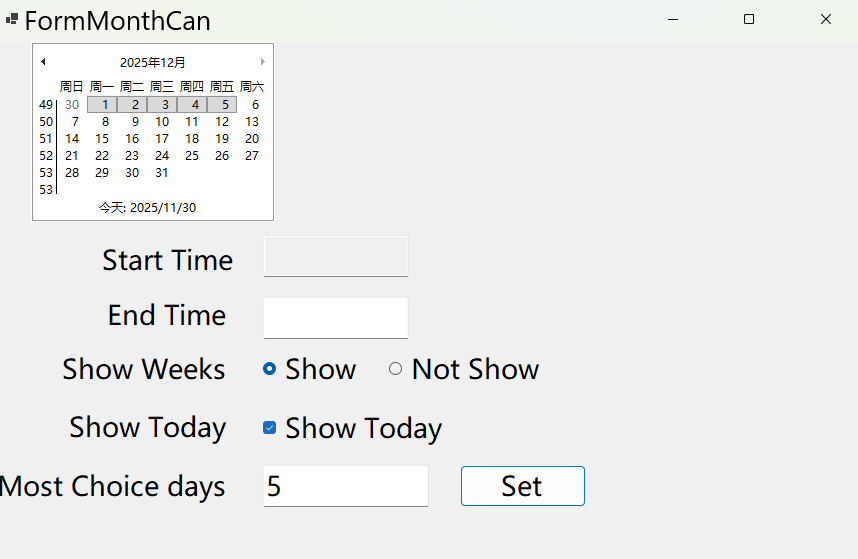
csharp
using System;
using System.Collections.Generic;
using System.ComponentModel;
using System.Data;
using System.Drawing;
using System.Linq;
using System.Text;
using System.Threading.Tasks;
using System.Windows.Forms;

namespace WinFormsApp1.ControlForms
{
    public partial class FormMonthCan : Form
    {
        public FormMonthCan()
        {
            InitializeComponent();
        }

        private void label4_Click(object sender, EventArgs e)
        {

        }

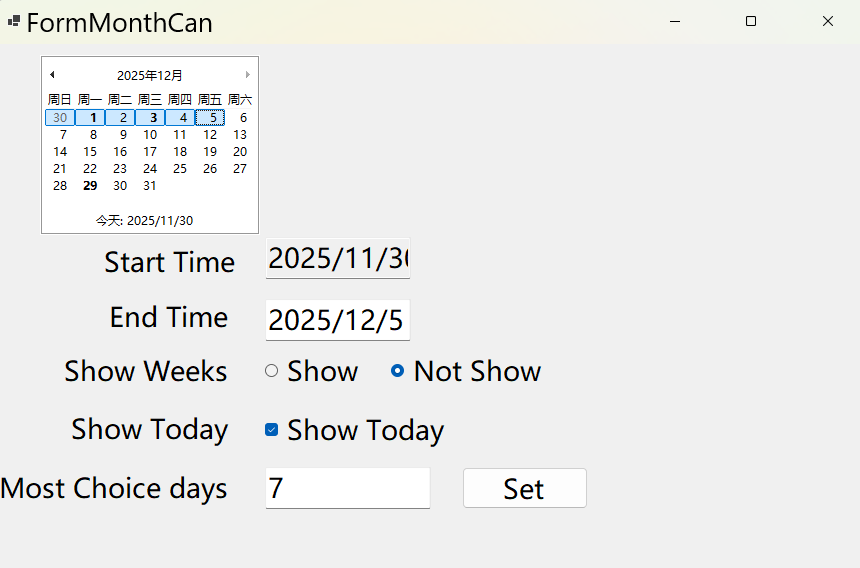
        private void checkBoxShowTo_CheckedChanged(object sender, EventArgs e)
        {
            if (checkBoxShowTo.Checked == true)
            {
                monthCalendar1.ShowToday = true;
            }
            else
            {
                monthCalendar1.ShowToday = false;
            }
        }
        //控制周数显示
        private void radioButShow_CheckedChanged(object sender, EventArgs e)
        {
            if (radioButShow.Checked)
            {
                monthCalendar1.ShowWeekNumbers = true;
            }
            else
            {
                monthCalendar1.ShowWeekNumbers = false;
            }
        }

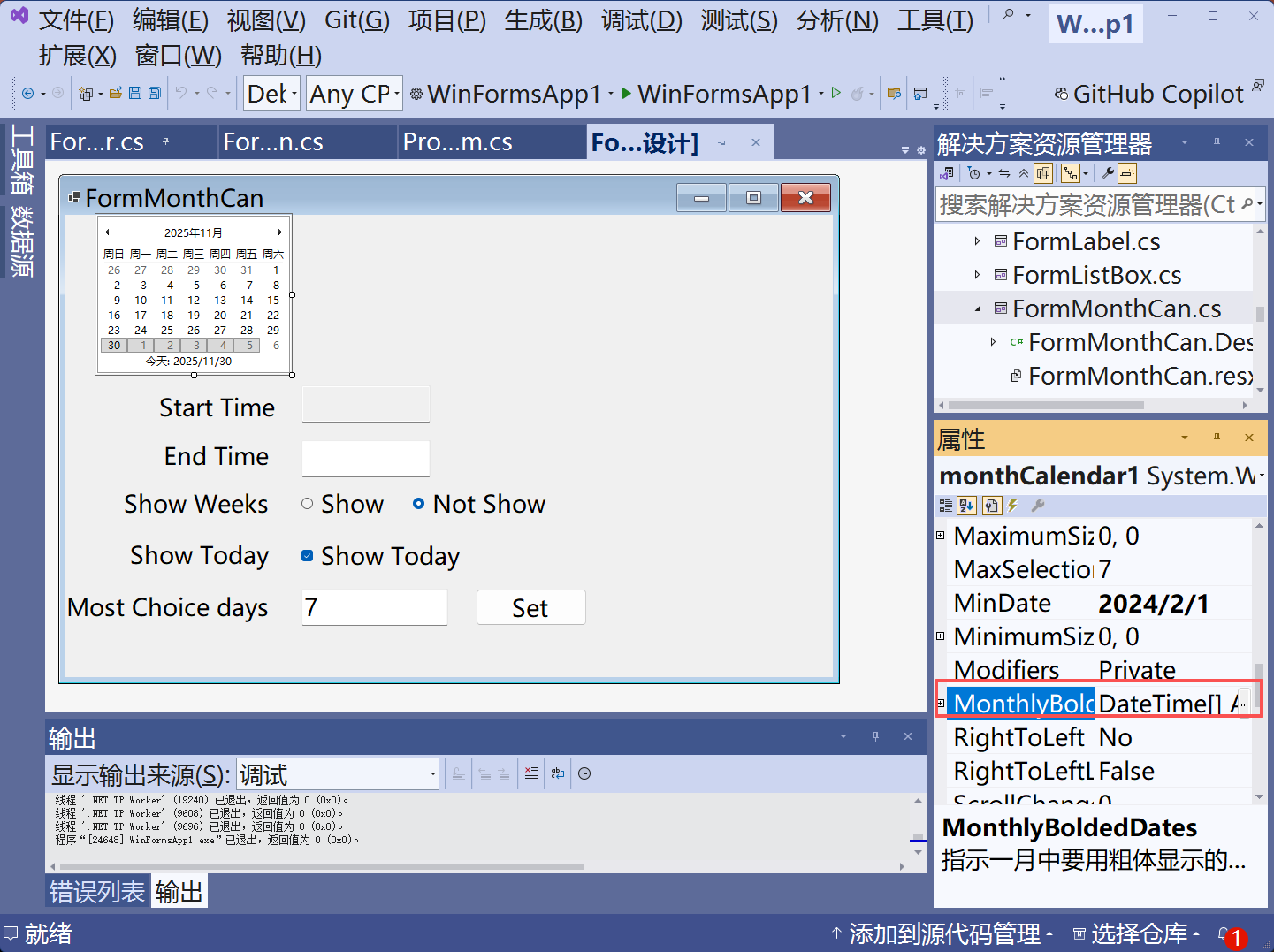
        private void butSet_Click(object sender, EventArgs e)
        {
            int SetCount = 0;
            int.TryParse(textBoxSel.Text, out SetCount);
            if (SetCount > 0)
            {
                monthCalendar1.MaxSelectionCount = SetCount;
            }
        }
    }
}

加粗
csharp
using System;
using System.Collections.Generic;
using System.ComponentModel;
using System.Data;
using System.Drawing;
using System.Linq;
using System.Text;
using System.Threading.Tasks;
using System.Windows.Forms;

namespace WinFormsApp1.ControlForms
{
    public partial class FormMonthCan : Form
    {
        public FormMonthCan()
        {
            InitializeComponent();
        }

        private void label4_Click(object sender, EventArgs e)
        {

        }

        private void checkBoxShowTo_CheckedChanged(object sender, EventArgs e)
        {
            if (checkBoxShowTo.Checked == true)
            {
                monthCalendar1.ShowToday = true;
            }
            else
            {
                monthCalendar1.ShowToday = false;
            }
        }
        //控制周数显示
        private void radioButShow_CheckedChanged(object sender, EventArgs e)
        {
            if (radioButShow.Checked)
            {
                monthCalendar1.ShowWeekNumbers = true;
            }
            else
            {
                monthCalendar1.ShowWeekNumbers = false;
            }
        }

        private void butSet_Click(object sender, EventArgs e)
        {
            int SetCount = 0;
            int.TryParse(textBoxSel.Text, out SetCount);
            if (SetCount > 0)
            {
                monthCalendar1.MaxSelectionCount = SetCount;
            }
        }

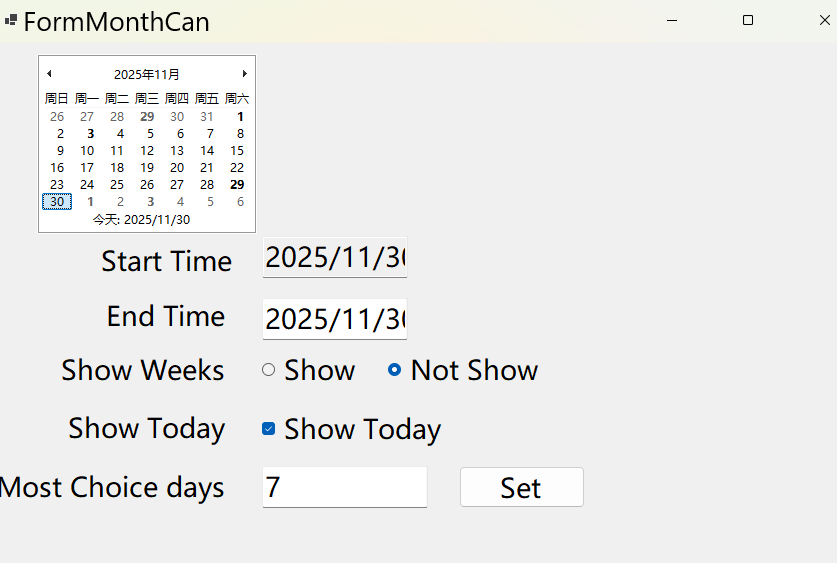
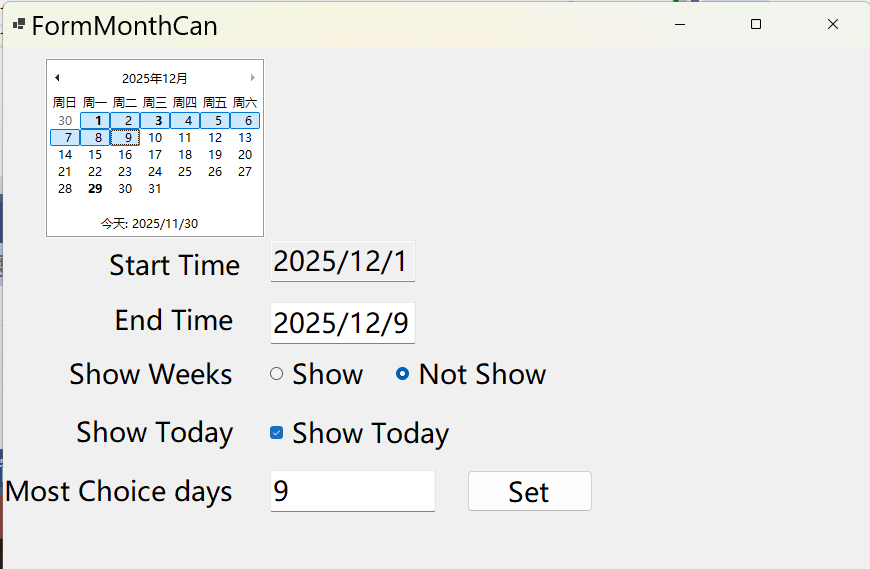
        private void monthCalendar1_DateChanged(object sender, DateRangeEventArgs e)
        {
            textBoxStartT.Text=monthCalendar1.SelectionStart.ToString();
            textBoxEndT.Text=monthCalendar1.SelectionEnd.ToString();
        }
    }
}
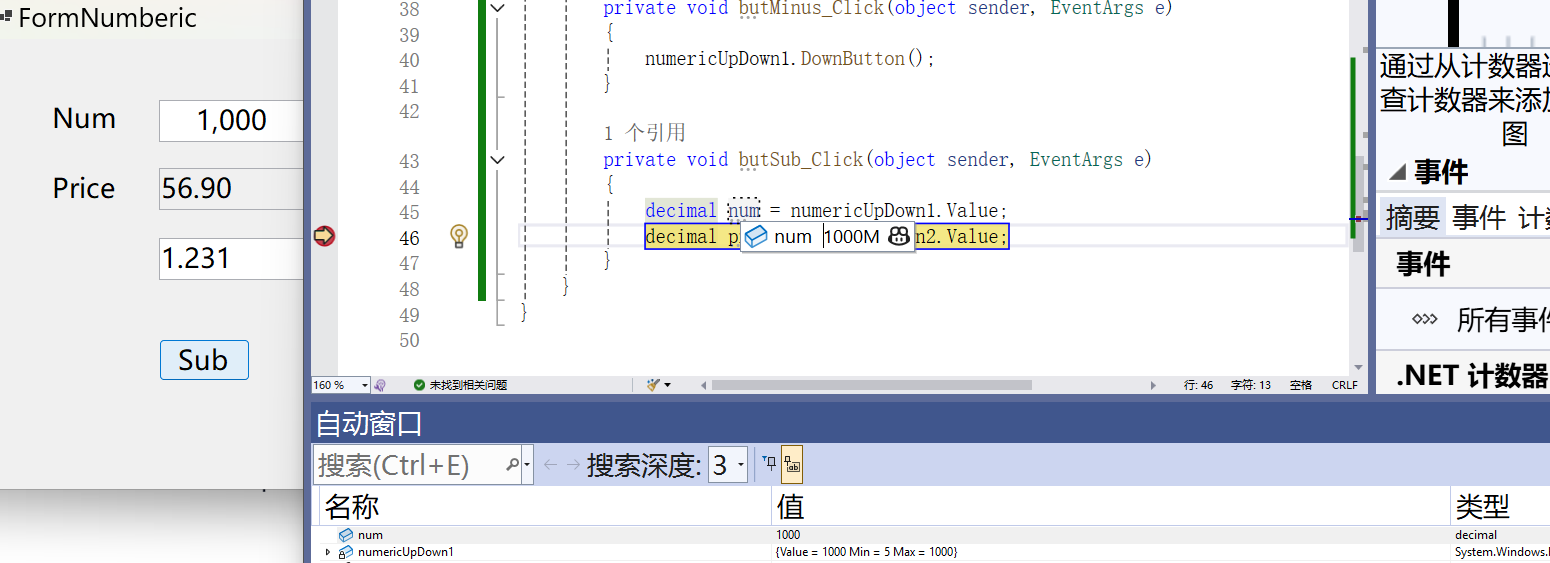
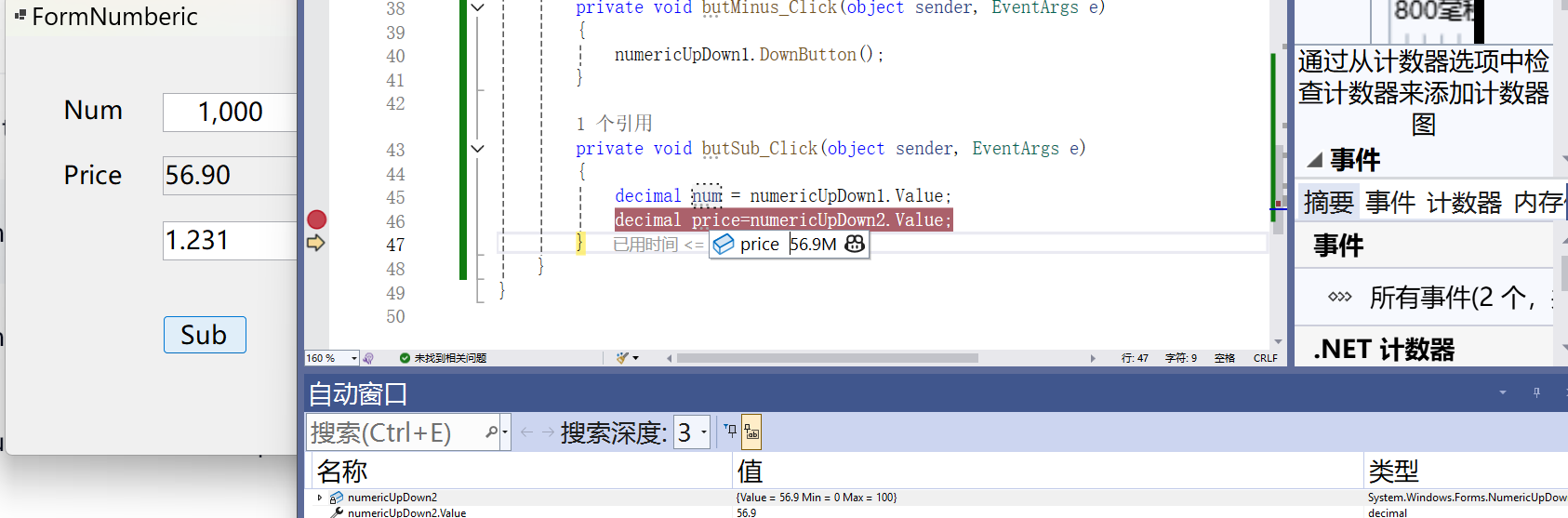
Numbericdown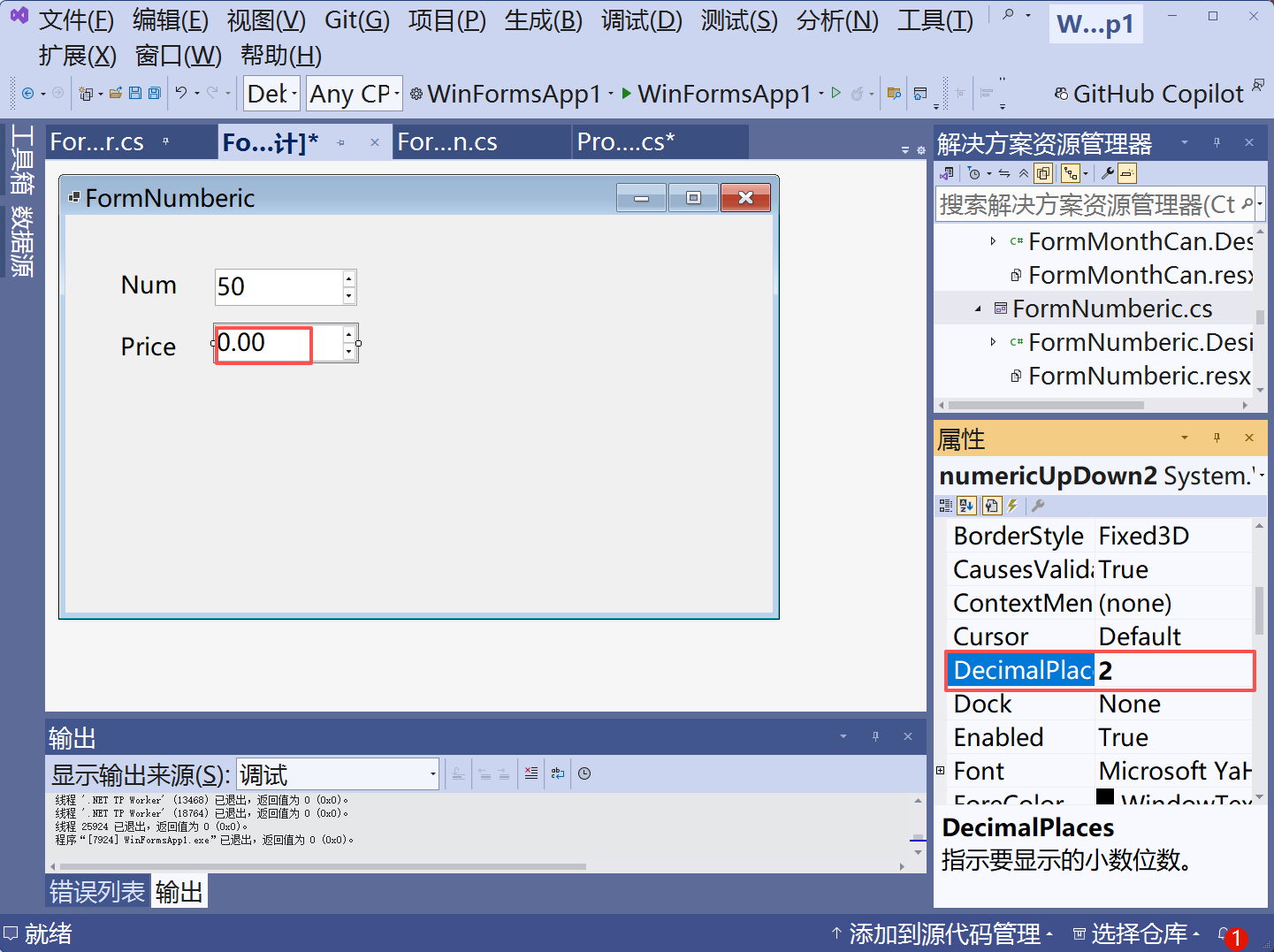
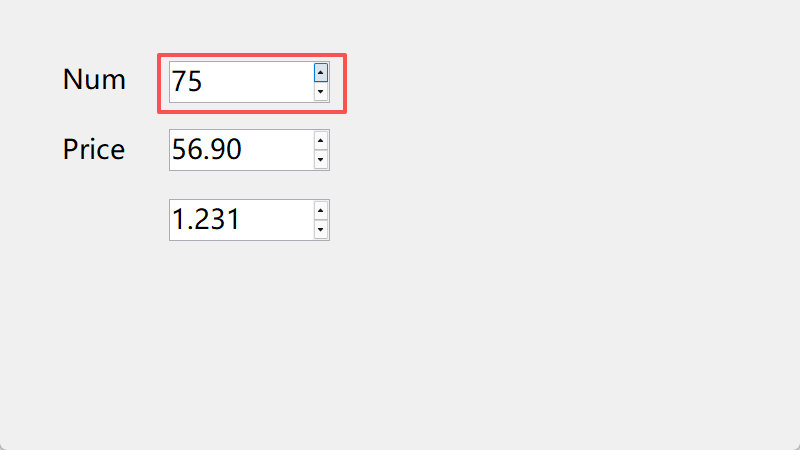

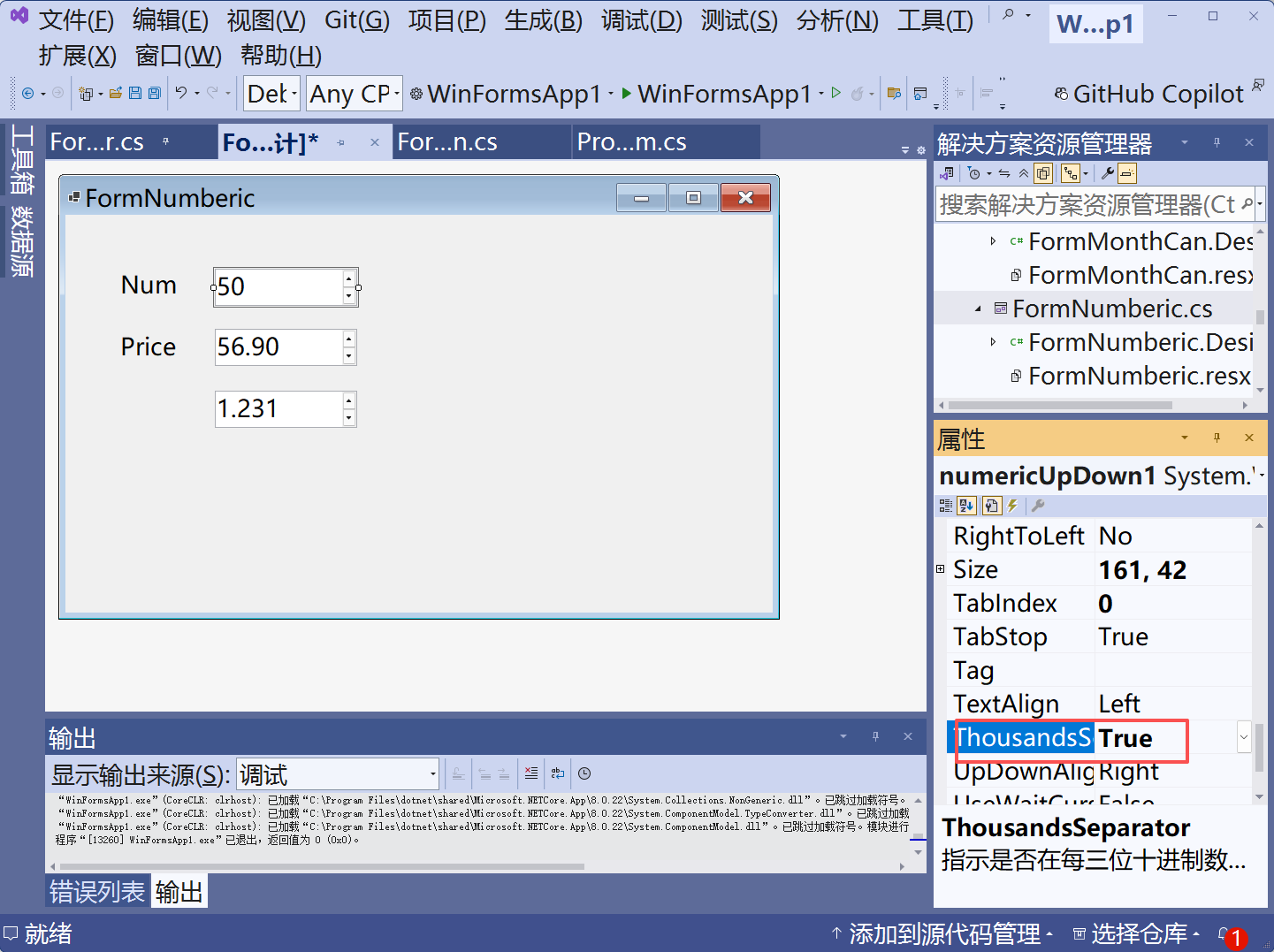

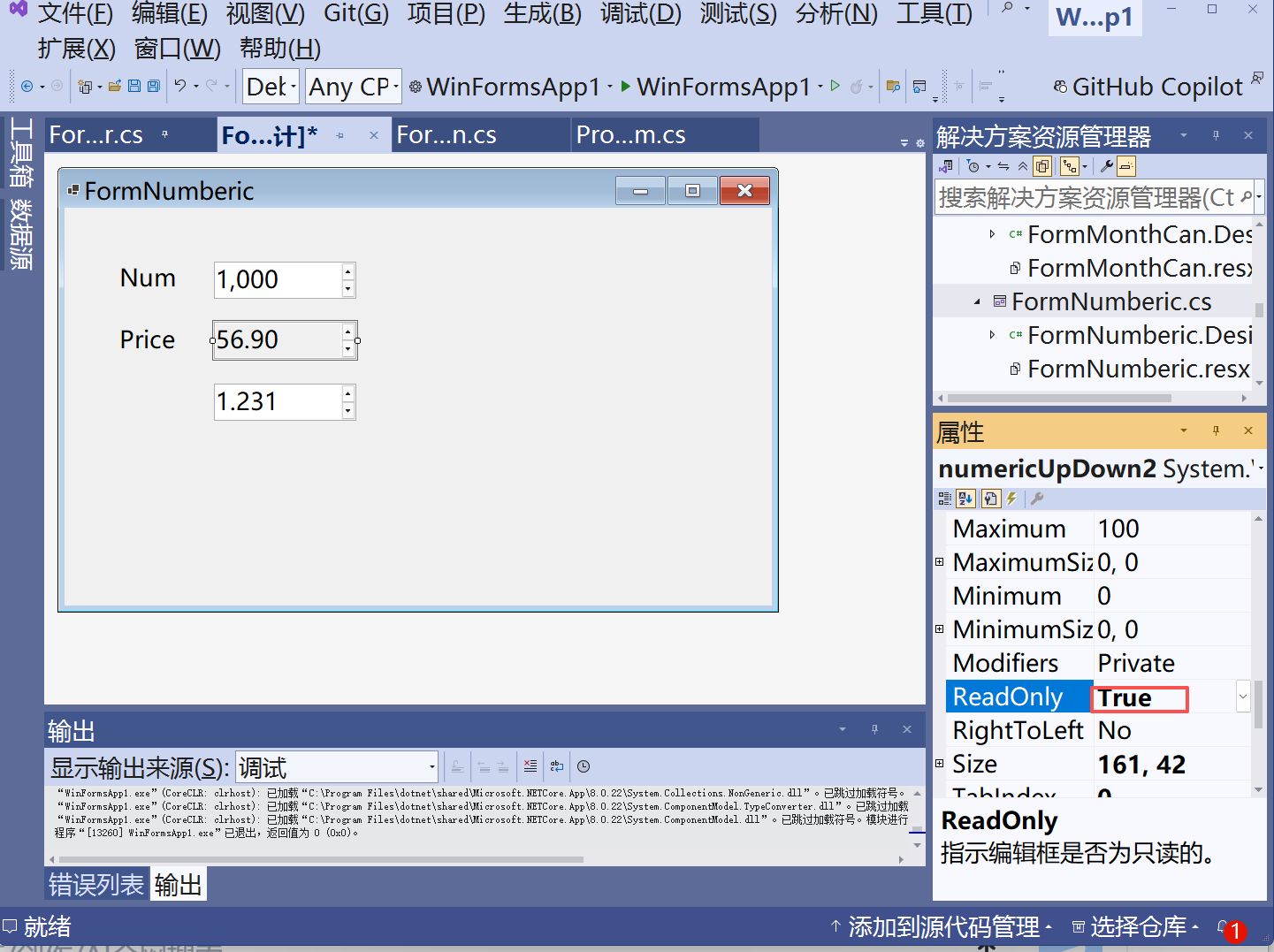
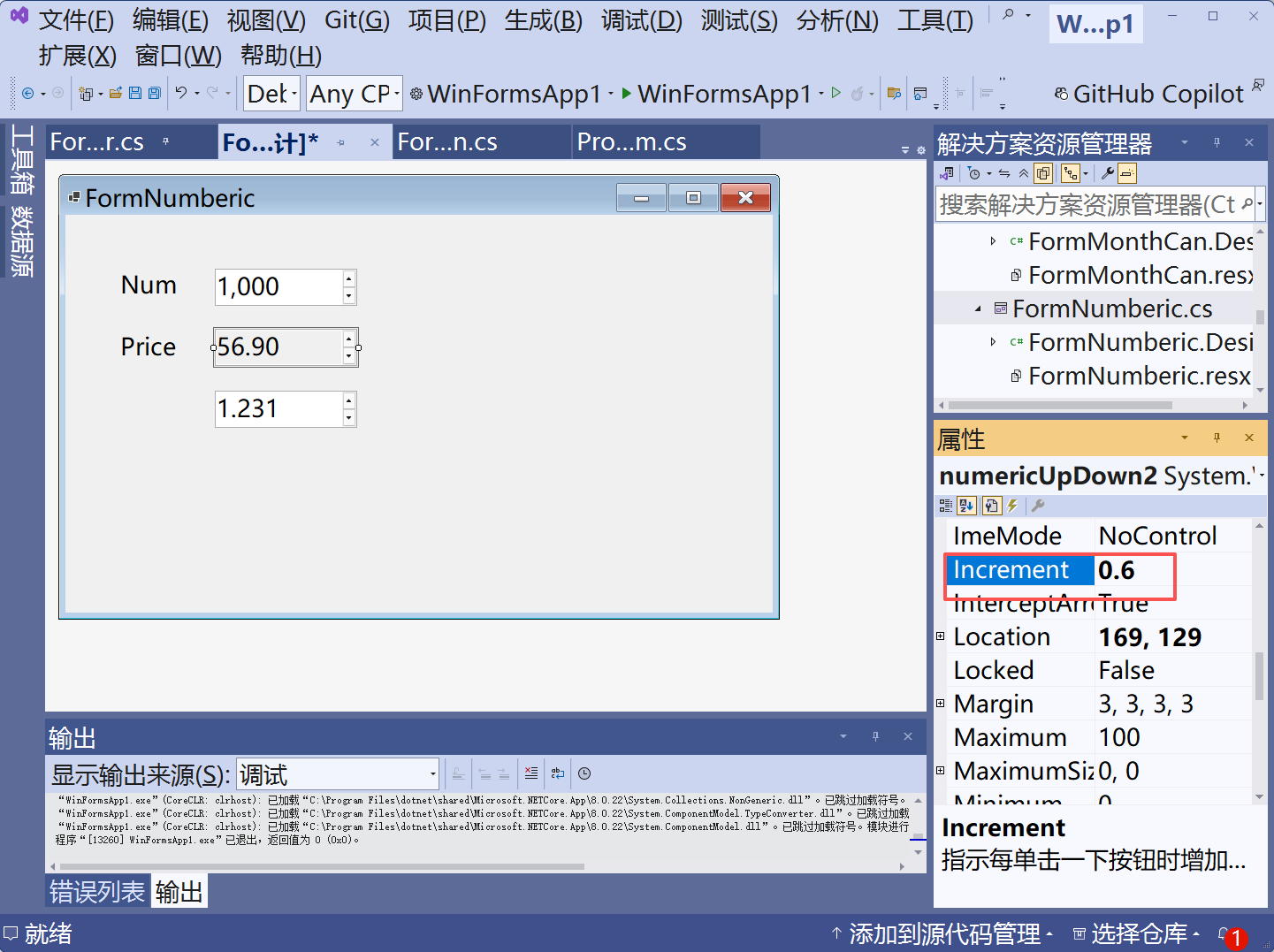
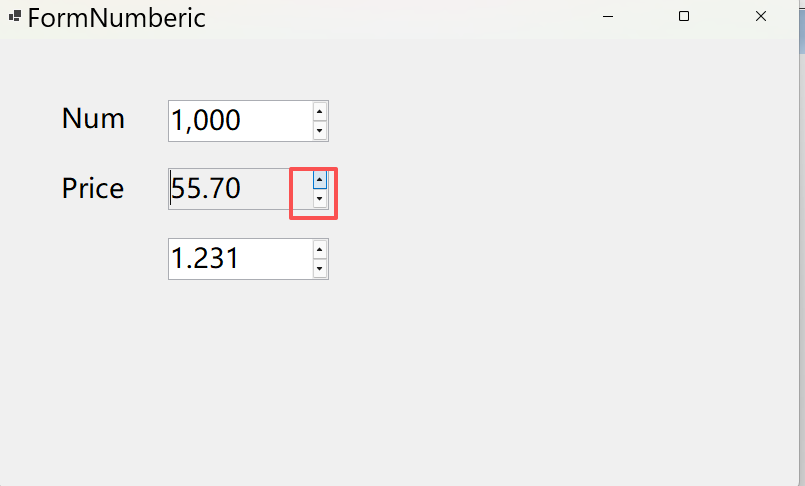
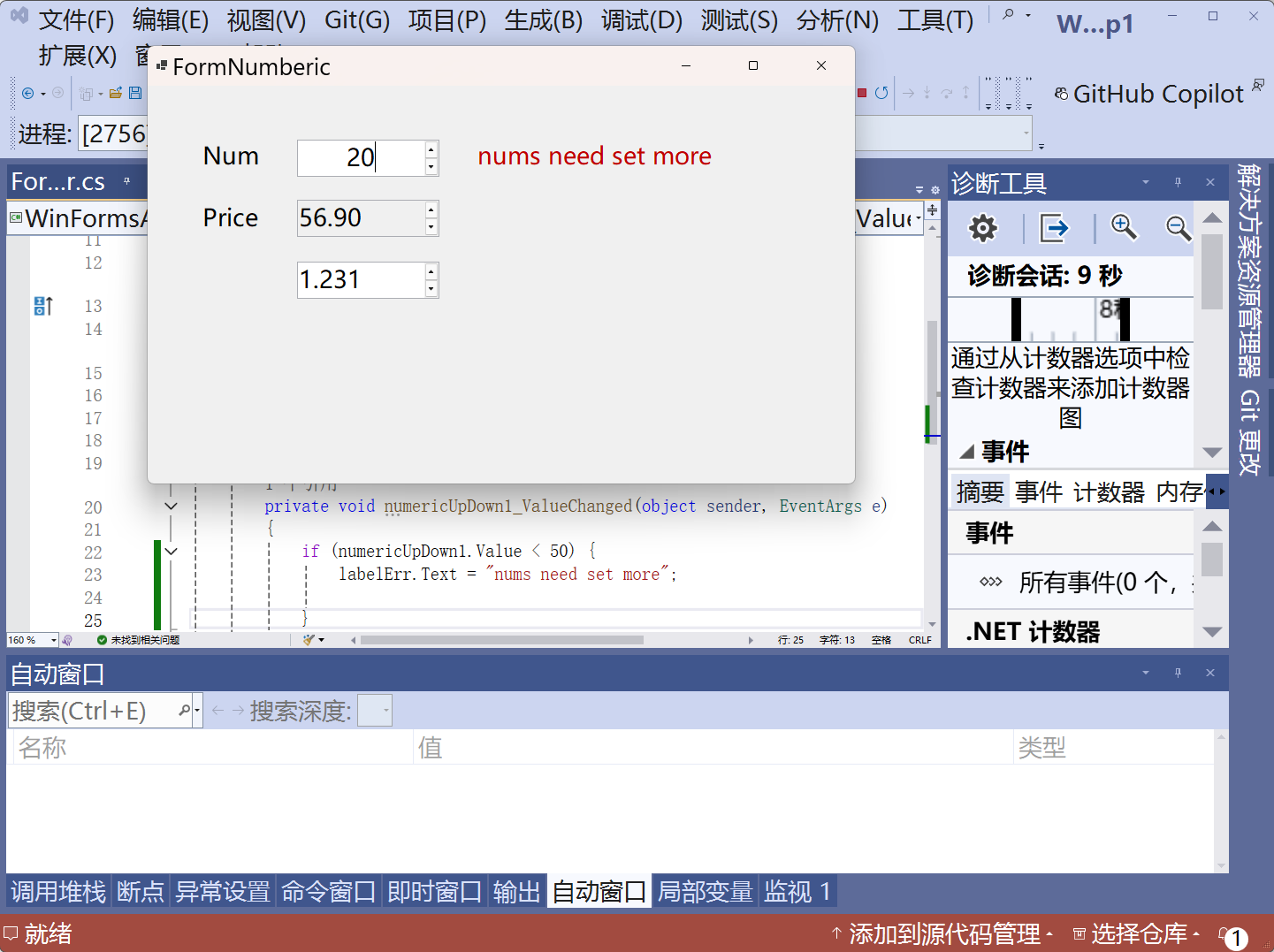
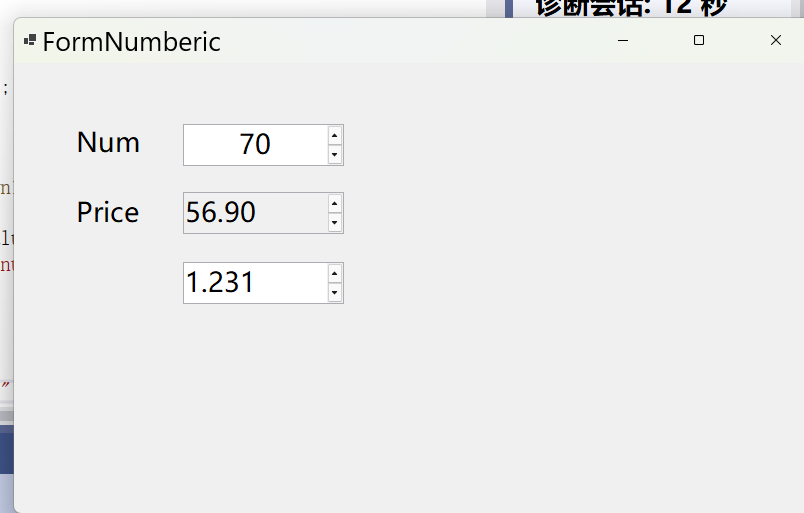
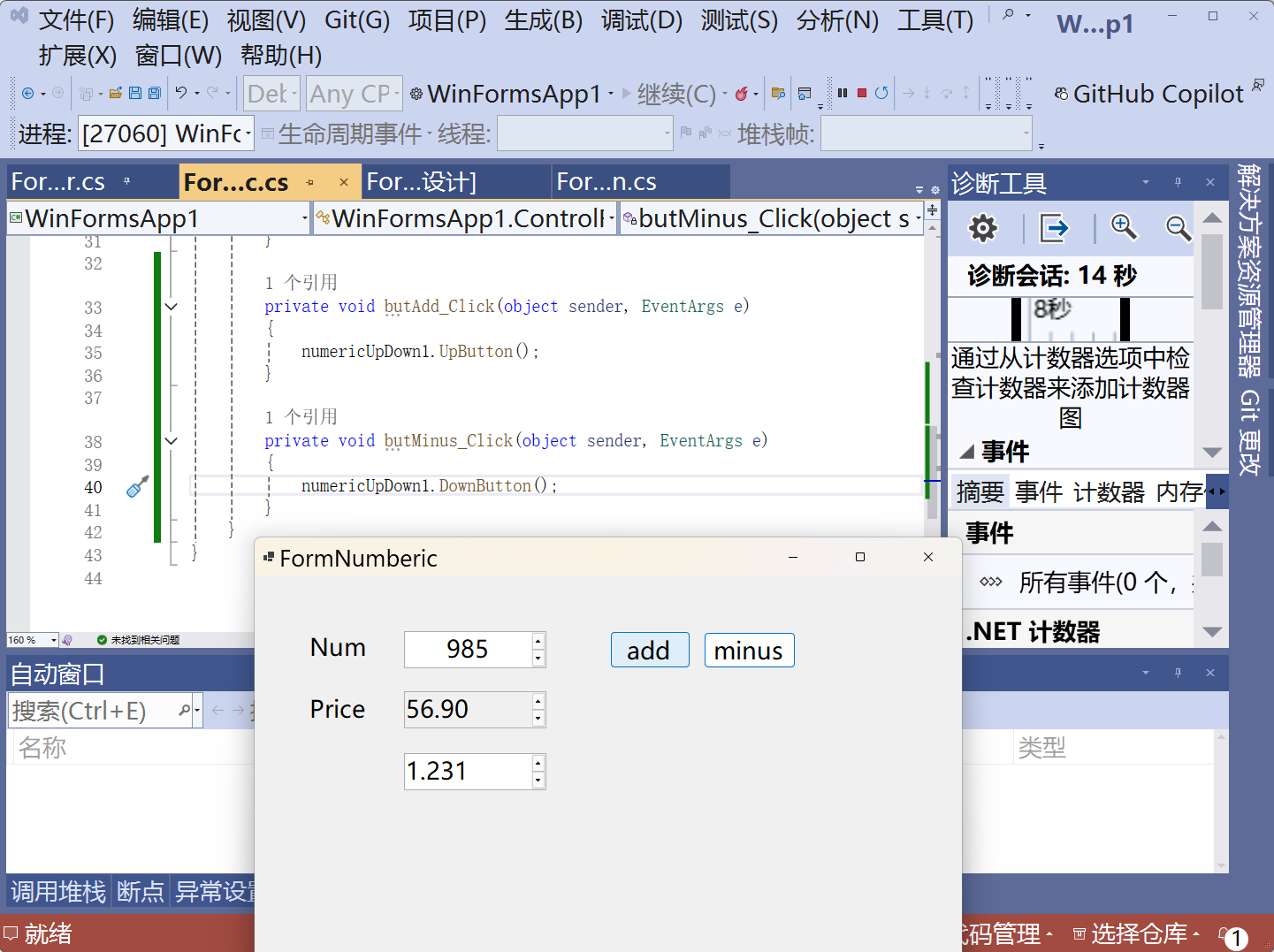
csharp
using System;
using System.Collections.Generic;
using System.ComponentModel;
using System.Data;
using System.Drawing;
using System.Linq;
using System.Text;
using System.Threading.Tasks;
using System.Windows.Forms;

namespace WinFormsApp1.ControlForms
{
    public partial class FormNumberic : Form
    {
        public FormNumberic()
        {
            InitializeComponent();
        }

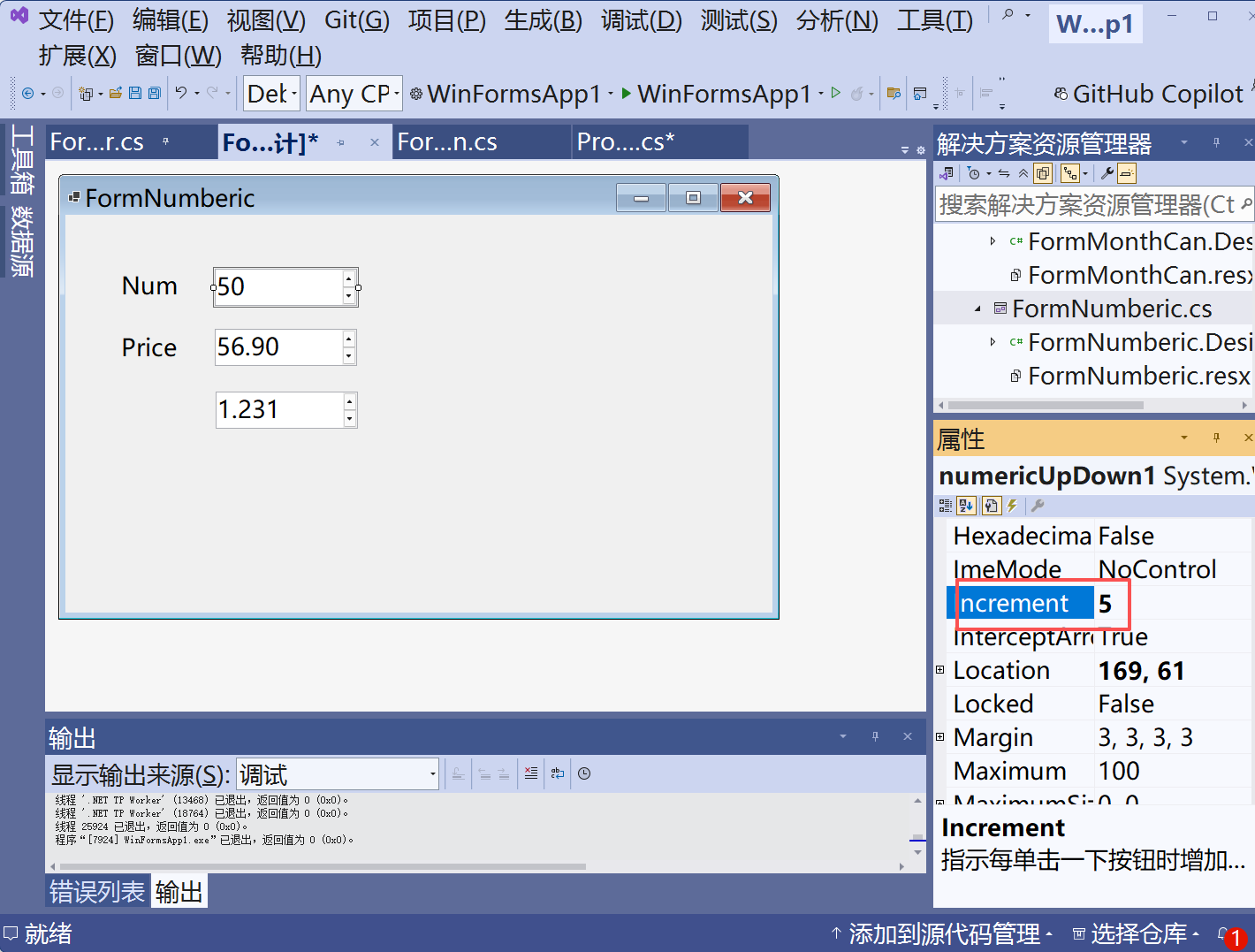
        private void numericUpDown1_ValueChanged(object sender, EventArgs e)
        {
            if (numericUpDown1.Value < 50) {
                labelErr.Text = "nums need set more";

            }
            else
            {
                labelErr.Text = "";
            }
        }
    }
}
pitcureBox
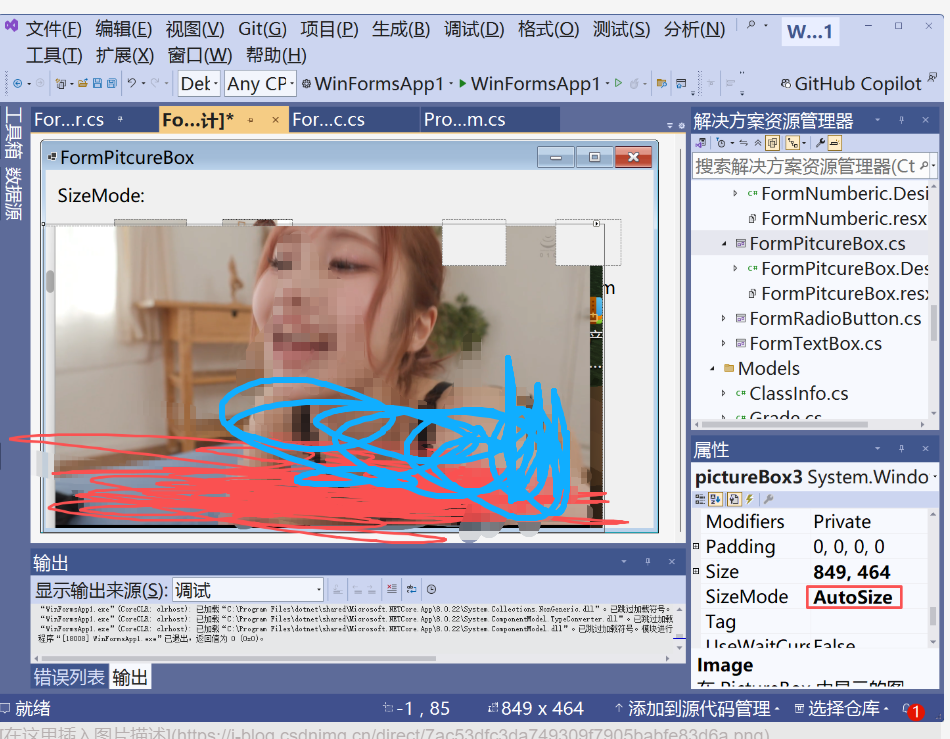
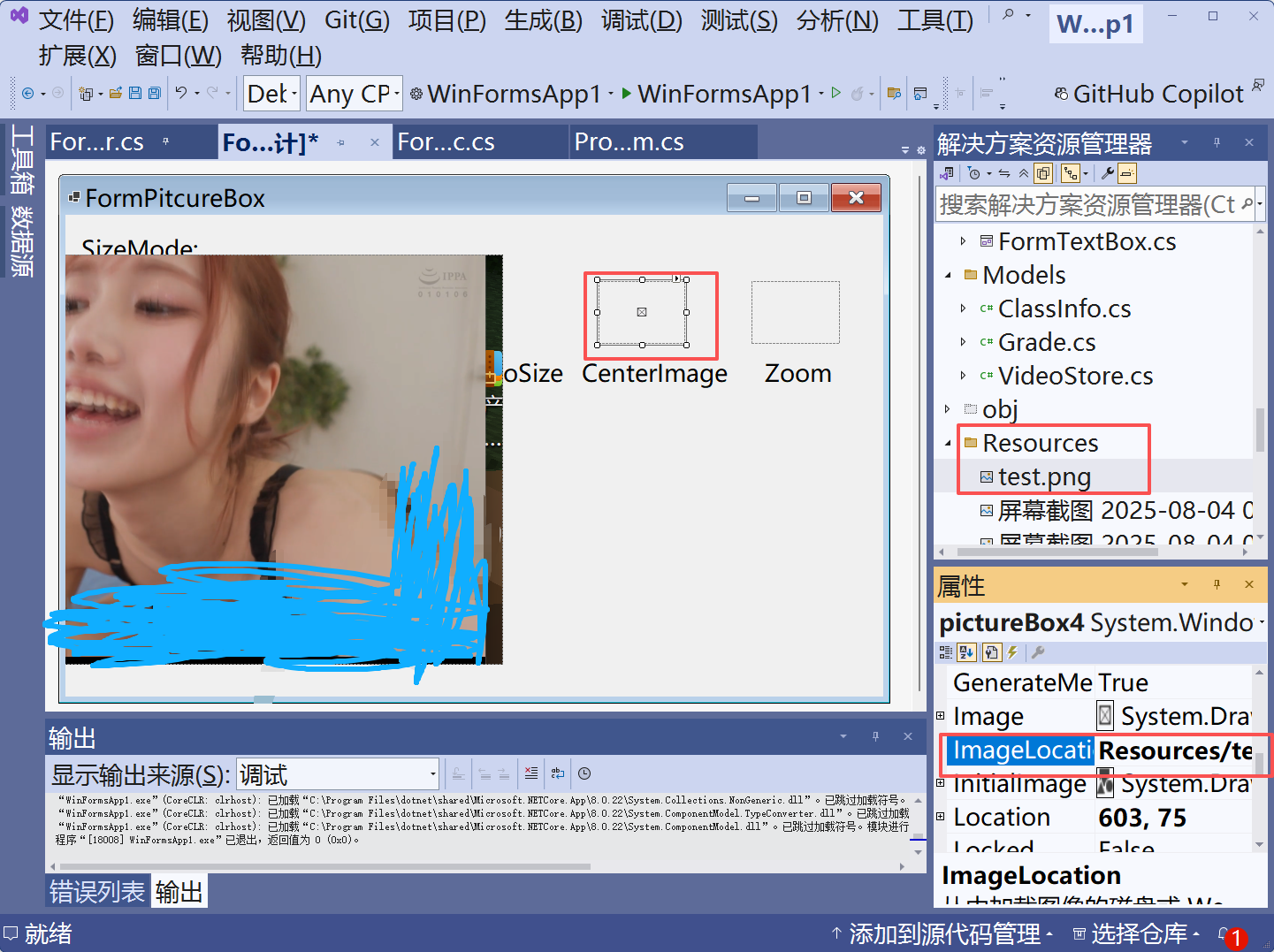

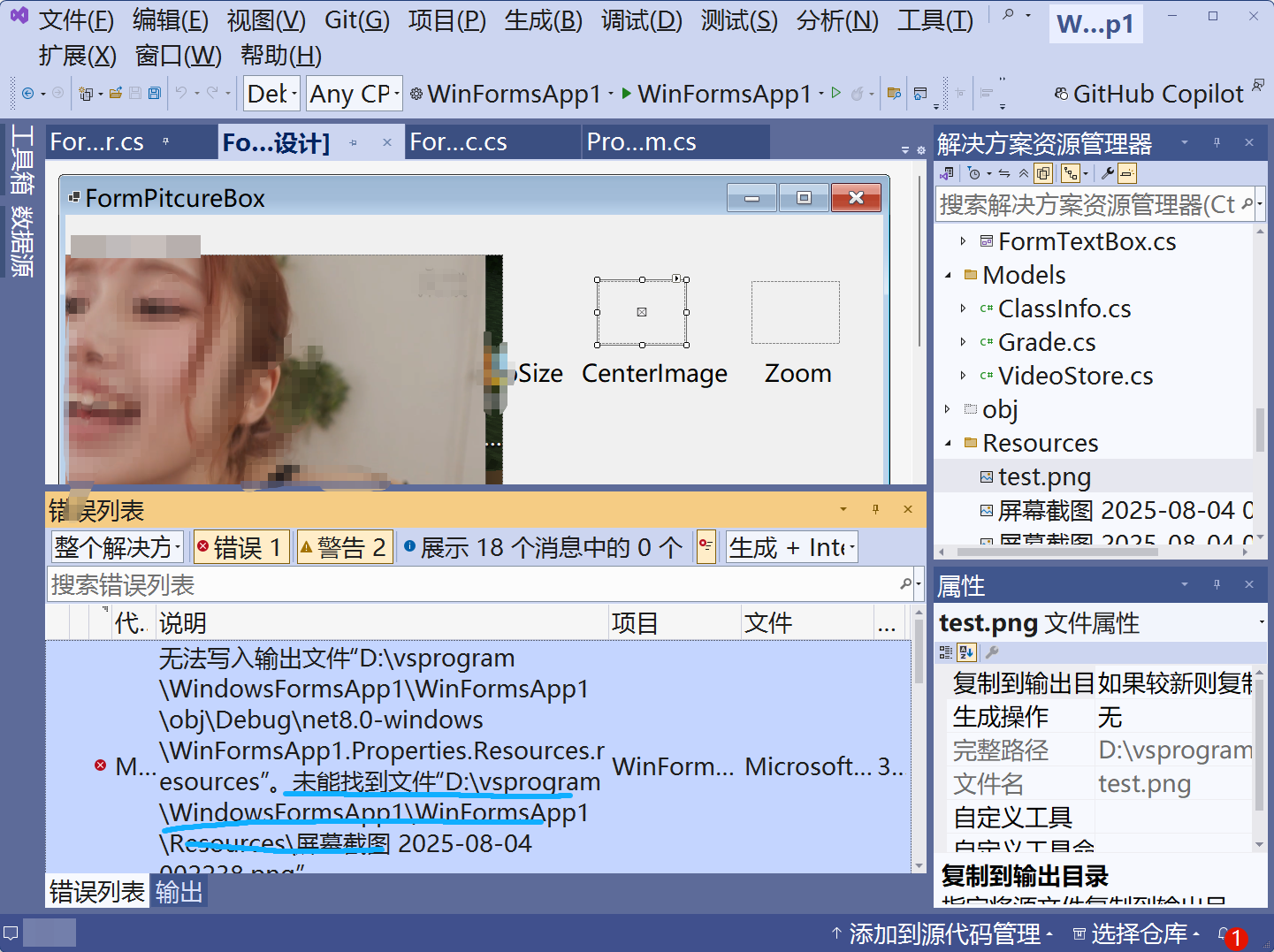
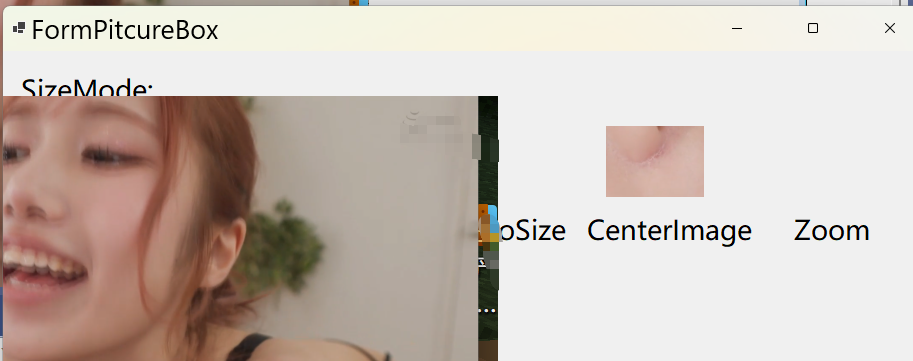
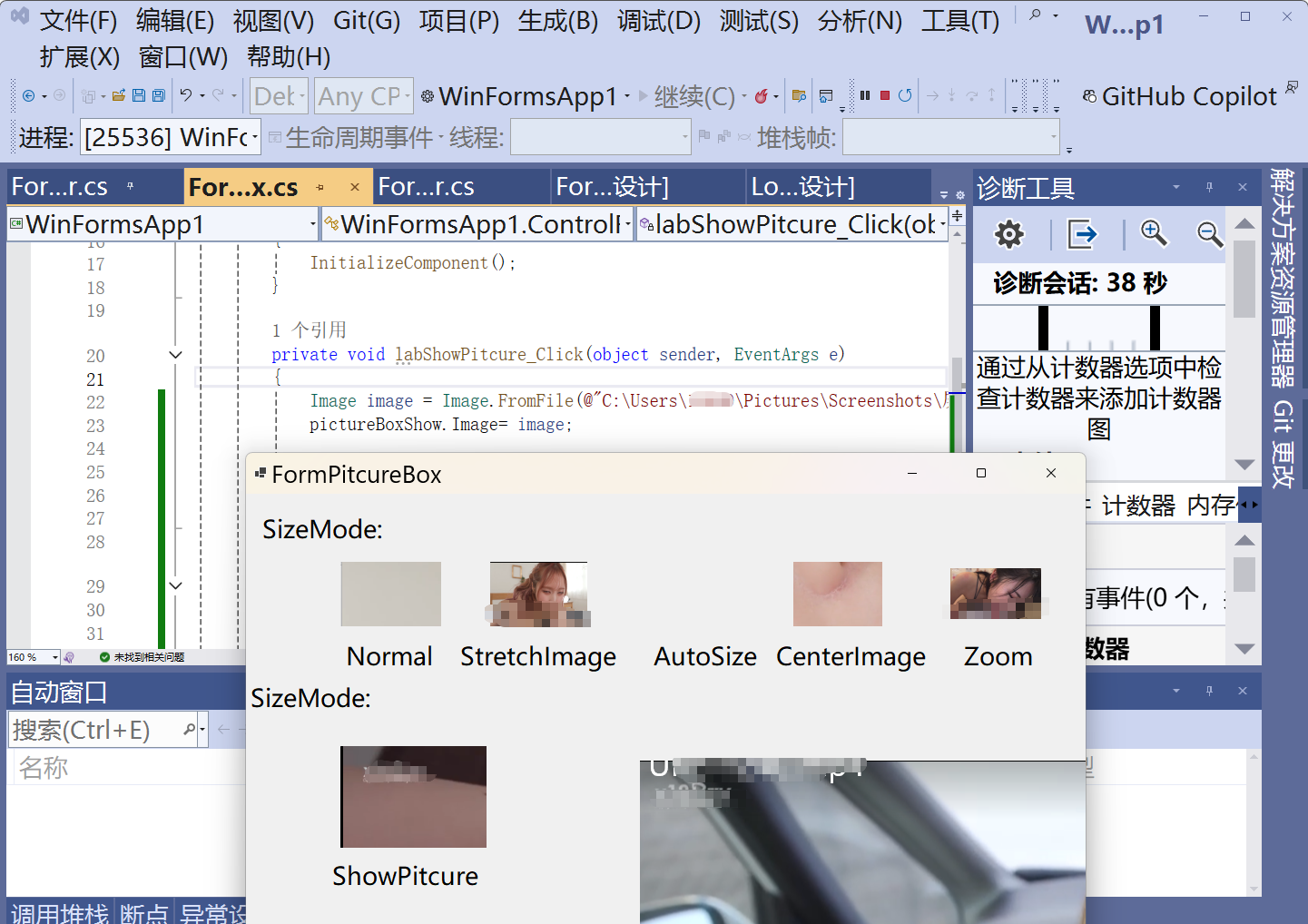

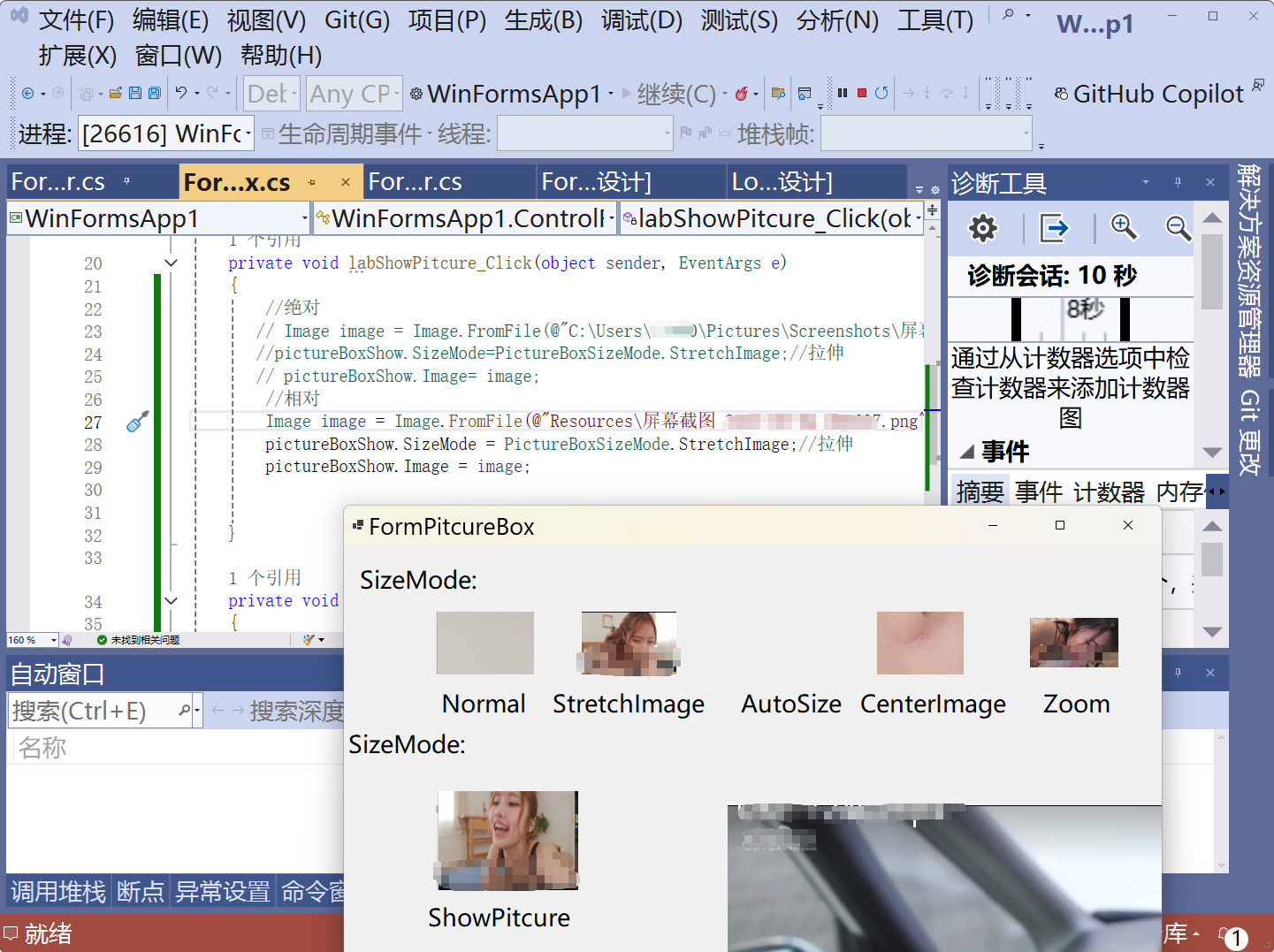
csharp
using System;
using System.Collections.Generic;
using System.ComponentModel;
using System.Data;
using System.Drawing;
using System.Linq;
using System.Text;
using System.Threading.Tasks;
using System.Windows.Forms;

namespace WinFormsApp1.ControlForms
{
    public partial class FormPitcureBox : Form
    {
        public FormPitcureBox()
        {
            InitializeComponent();
        }

        private void labShowPitcure_Click(object sender, EventArgs e)
        {
            //绝对
           // Image image = Image.FromFile(@"C:\Users\11400\Pictures\Screenshots\屏幕截图 2025-09-01 222308.png");
           //pictureBoxShow.SizeMode=PictureBoxSizeMode.StretchImage;//拉伸
           // pictureBoxShow.Image= image;
            //相对
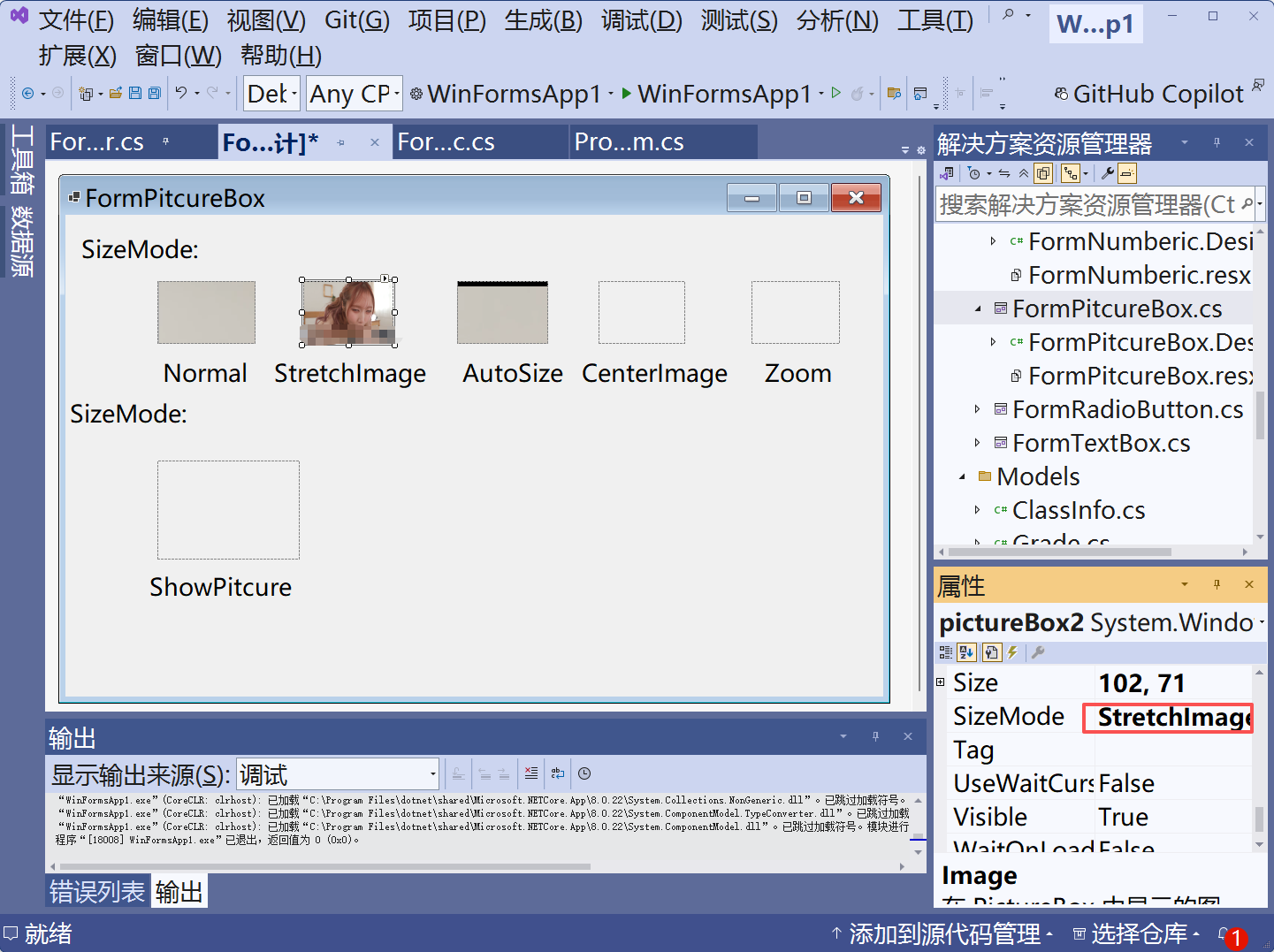
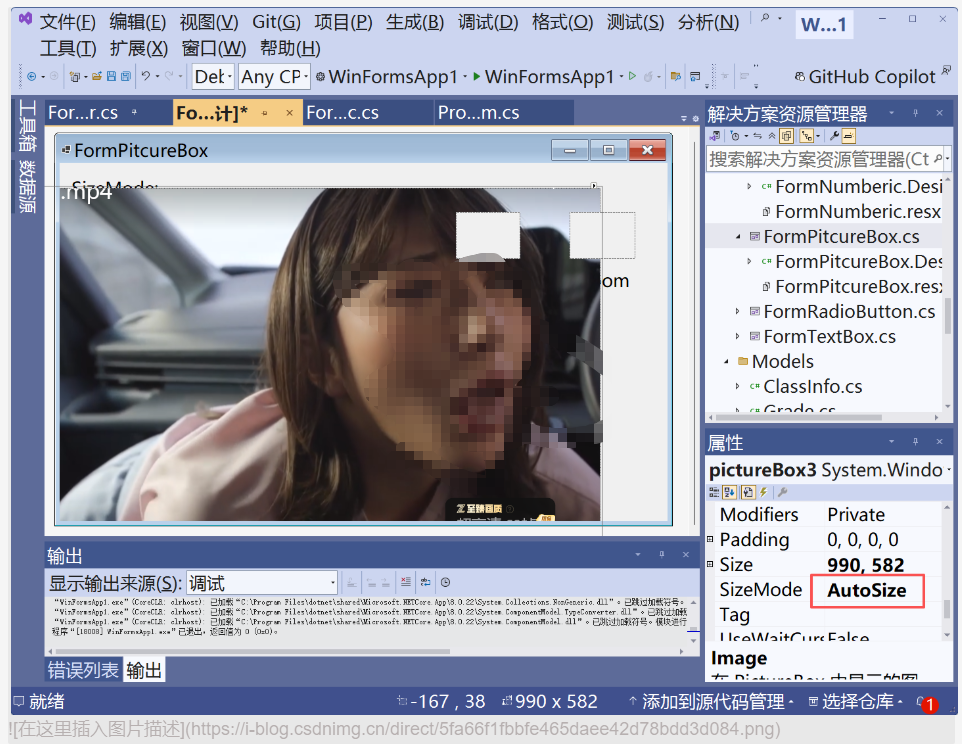
            Image image = Image.FromFile(@"Resources\屏幕截图 2025-08-04 000637.png");
            pictureBoxShow.SizeMode = PictureBoxSizeMode.StretchImage;//拉伸
            pictureBoxShow.Image = image;


        }

        private void pictureBoxShow_Click(object sender, EventArgs e)
        {

        }
    }
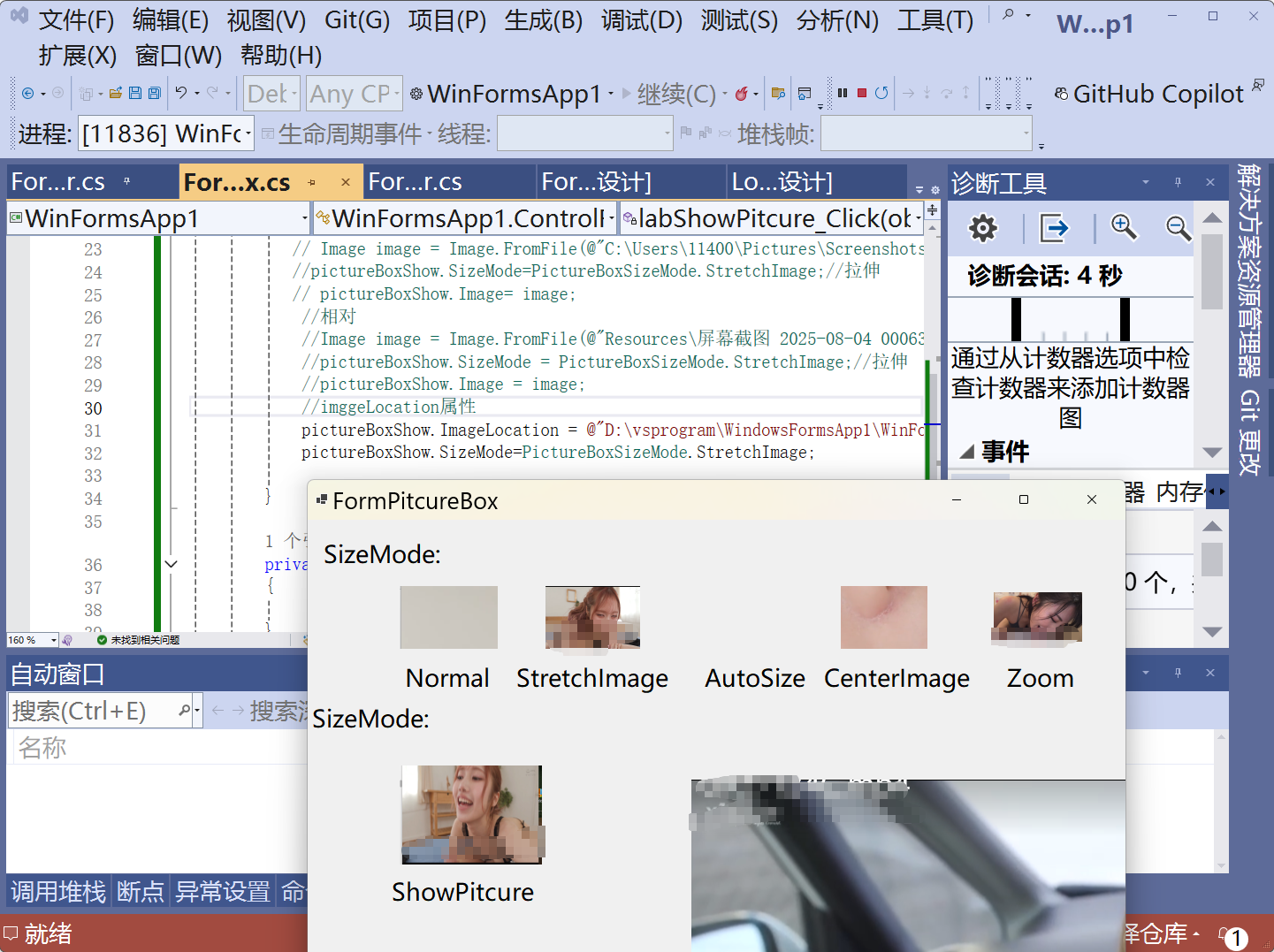
}
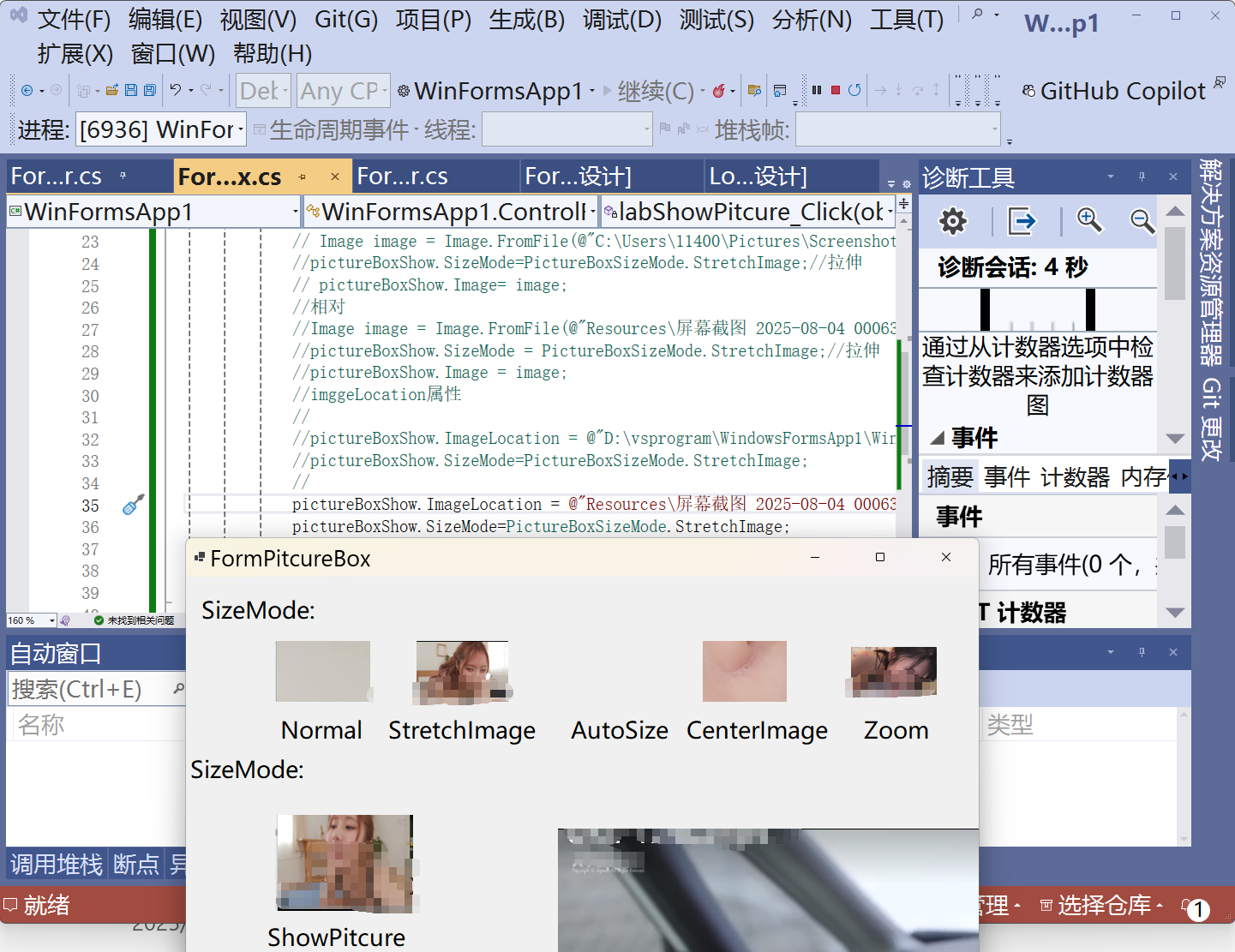
Timer
csharp
using System;
using System.Collections.Generic;
using System.ComponentModel;
using System.Data;
using System.Drawing;
using System.Linq;
using System.Text;
using System.Threading.Tasks;
using System.Windows.Forms;

namespace WinFormsApp1.ControlForms
{
    public partial class FormTimer : Form
    {
        public FormTimer()
        {
            InitializeComponent();
        }

        private void FormTimer_Load(object sender, EventArgs e)
        {
            timer1.Interval = 1000;//ms
            labCurTime.Text = DateTime.Now.ToString("yyyy-MM-dd HH:mm:ss");
            timer1.Tick += Timer1_Tick;//怎么理解
        }

        private void Timer1_Tick(object? sender, EventArgs e)
        {
            //主线程
            labCurTime.Text = DateTime.Now.ToString("yyyy-MM-dd HH:mm:ss");
        }

        private void button1_Click(object sender, EventArgs e)
        {
            timer1.Start();//ENable=true
        }

        private void button2_Click(object sender, EventArgs e)
        {
            timer1.Stop();//
        }
    }
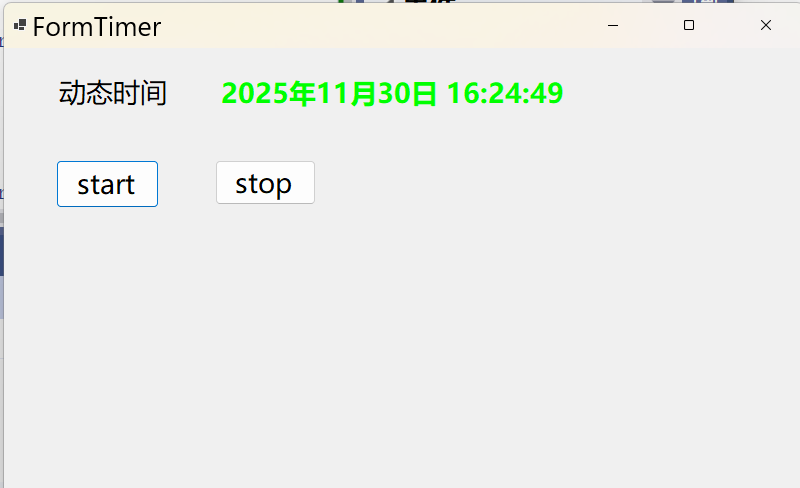
}
csharp
using System;
using System.Collections.Generic;
using System.ComponentModel;
using System.Data;
using System.Drawing;
using System.Linq;
using System.Text;
using System.Threading.Tasks;
using System.Windows.Forms;

namespace WinFormsApp1.ControlForms
{
    public partial class FormTimer : Form
    {
        public FormTimer()
        {
            InitializeComponent();
        }

        private void FormTimer_Load(object sender, EventArgs e)
        {
            timer1.Interval = 1000;//ms
            labCurTime.Text = DateTime.Now.ToString("yyyy-MM-dd HH:mm:ss");
            timer1.Tick += Timer1_Tick;//怎么理解

            timer2.Tick += Timer2_Tick;
            p0=new Point(pictureBox1.Location.X, pictureBox1.Location.Y);
            timer2.Start();


        }

        Point p0 = new Point();
        int count = 10;
        int i = 0;
        private void Timer2_Tick(object? sender, EventArgs e)
        {
            if (i < 10)
            {
                pictureBox1.Location = new Point(pictureBox1.Location.X + 5, pictureBox1.Location.Y);
                i++;
            }
            else if(i == count)
                    {
                pictureBox1.Location = p0;
                i = 0;
            }
        }

        private void Timer1_Tick(object? sender, EventArgs e)
        {
            //主线程
            labCurTime.Text = DateTime.Now.ToString("yyyy-MM-dd HH:mm:ss");

        }

        private void button1_Click(object sender, EventArgs e)
        {
            timer1.Start();//ENable=true
        }

        private void button2_Click(object sender, EventArgs e)
        {
            timer1.Stop();//
        }
    }
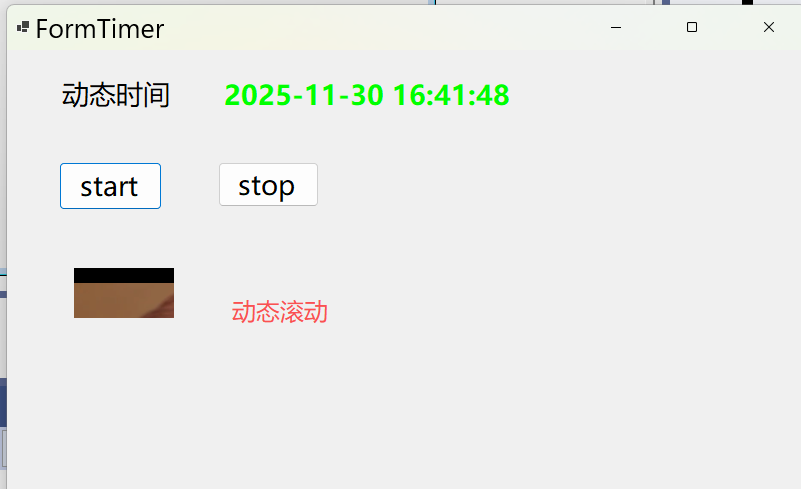
}
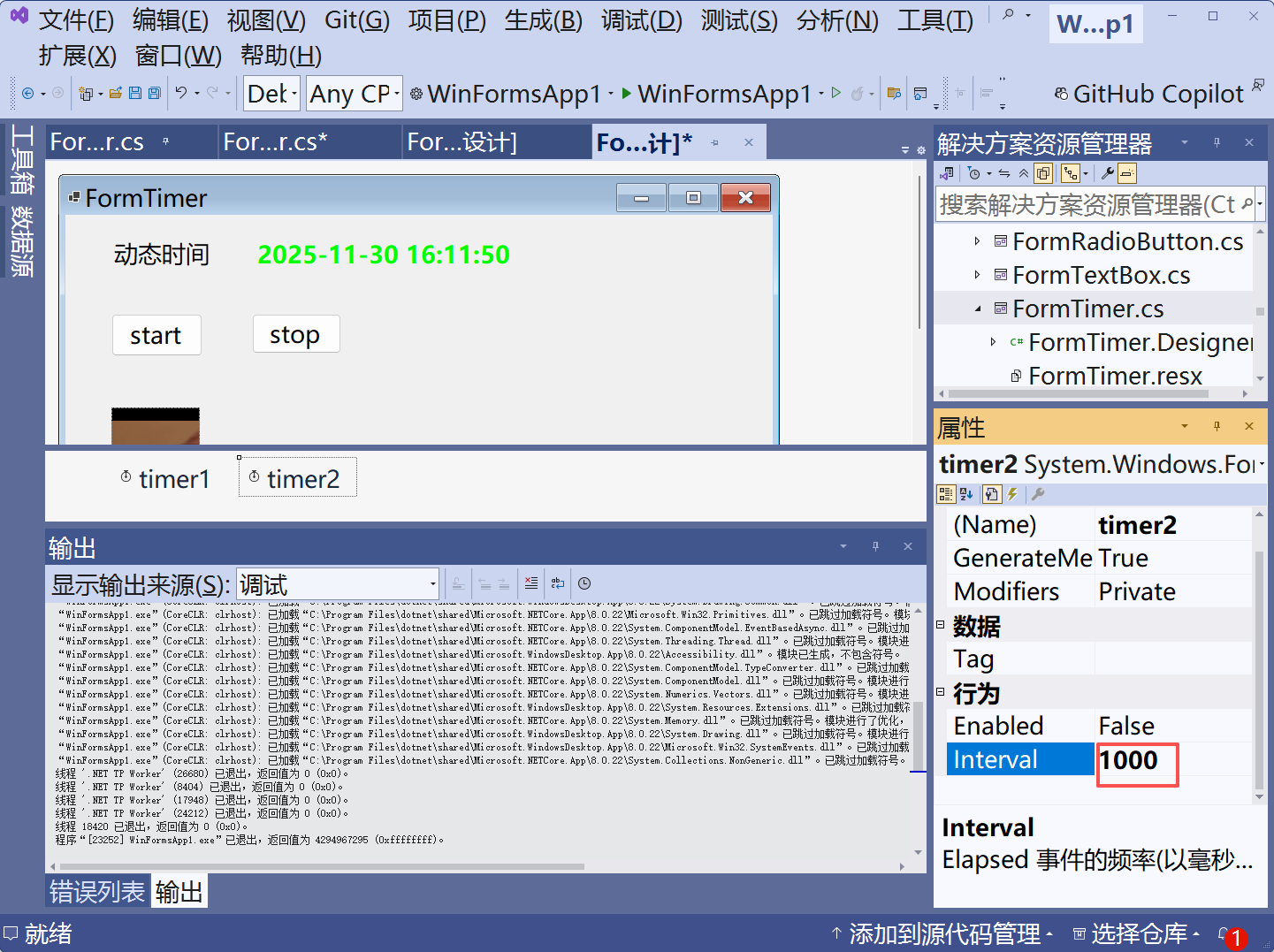
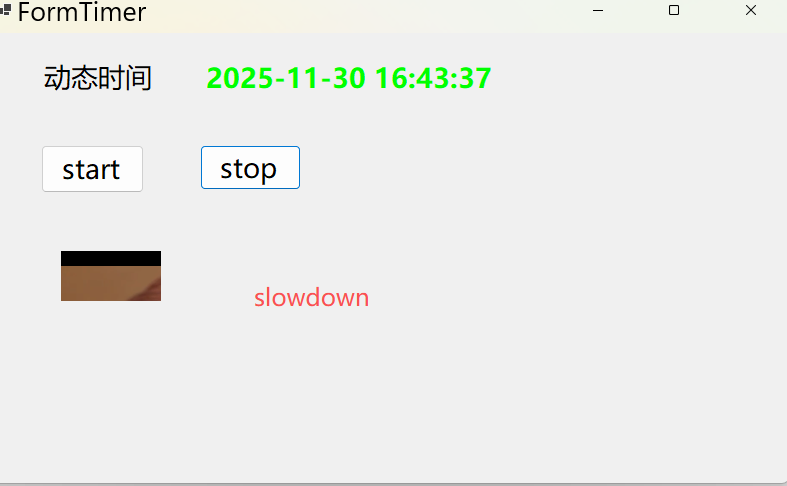
Timers.timer

csharp
using System;
using System.Collections.Generic;
using System.ComponentModel;
using System.Data;
using System.Drawing;
using System.Linq;
using System.Text;
using System.Threading.Tasks;
using System.Windows.Forms;

namespace WinFormsApp1.ControlForms
{
    public partial class FormTimersTimer : Form
    {
        public FormTimersTimer()
        {
            InitializeComponent();
        }
        System.Timers.Timer timer1;

        private void FormTimersTimer_Load(object sender, EventArgs e)
        {   //初始化
            labCurTime.Text = DateTime.Now.ToString("yyyy-MM-dd HH:mm:ss");
            timer1 = new System.Timers.Timer();//初始化

            timer1.Interval = 1000;
            timer1.AutoReset = true;//重复执行
            timer1.Elapsed += Timer1_Elapsed;//订阅事件
            timer1.Start();//start

        }

        //重复执行事件处理
        private void Timer1_Elapsed(object? sender, System.Timers.ElapsedEventArgs e)
        {
            //后台线程
            if (!this.IsDisposed && this.InvokeRequired)
            {
                try
                {
                    this.Invoke(new Action(() =>
                    {
                        //主线程
                        labCurTime.Text = DateTime.Now.ToString("yyyy-MM-dd HH:mm:ss");
                    })
               );
                }
                catch(ObjectDisposedException) { }
            }


        }

        private void FormTimersTimer_FormClosed(object sender, FormClosedEventArgs e)
        {
            //System.Environment.Exit(0);//终止进程
        }

        //将要关闭时发生
        private void FormTimersTimer_FormClosing(object sender, FormClosingEventArgs e)
        {
            //if (timer1.Enabled)
            //{
            //    timer1.Stop();
            //}
        }
    }
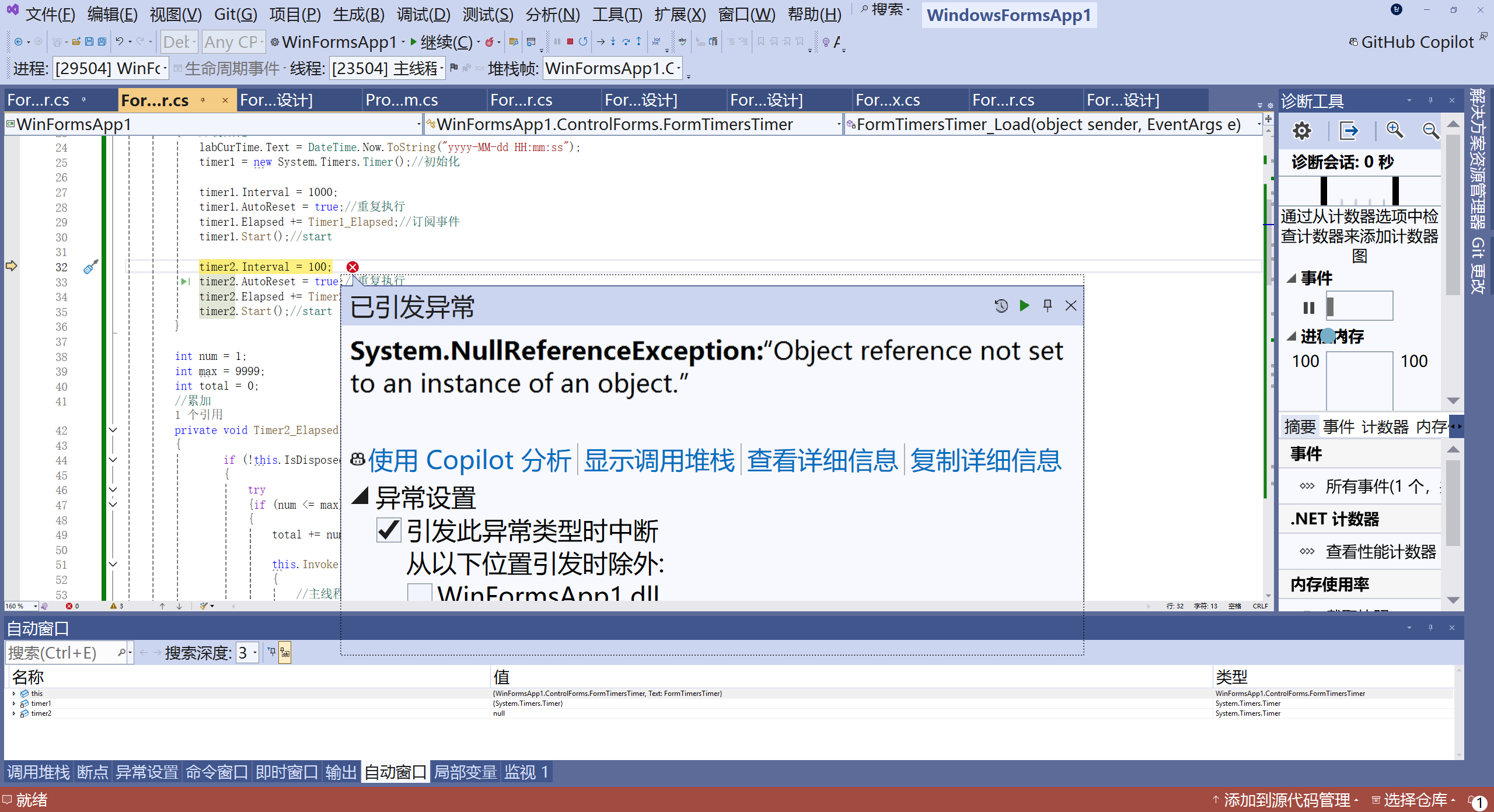
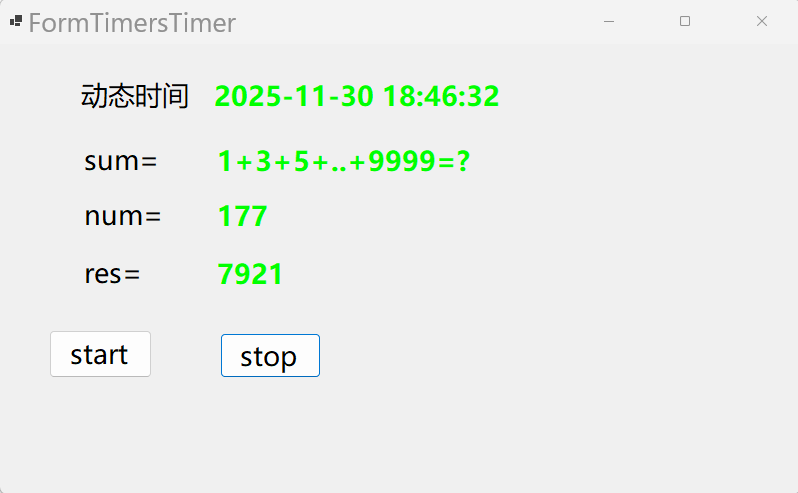
}
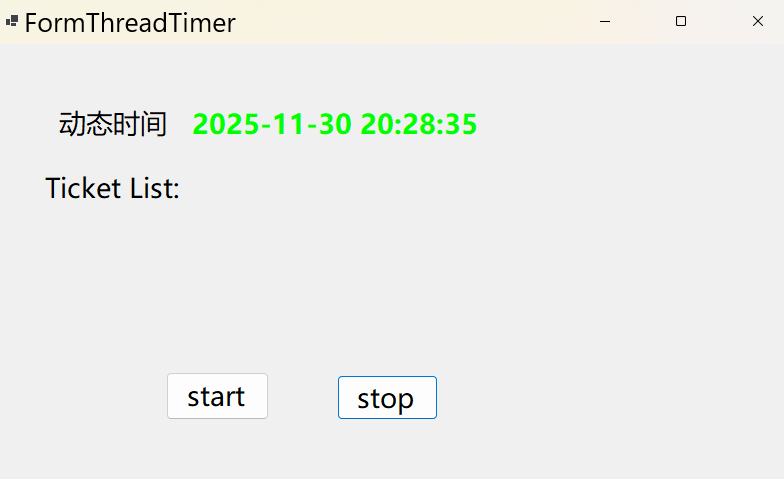
threader
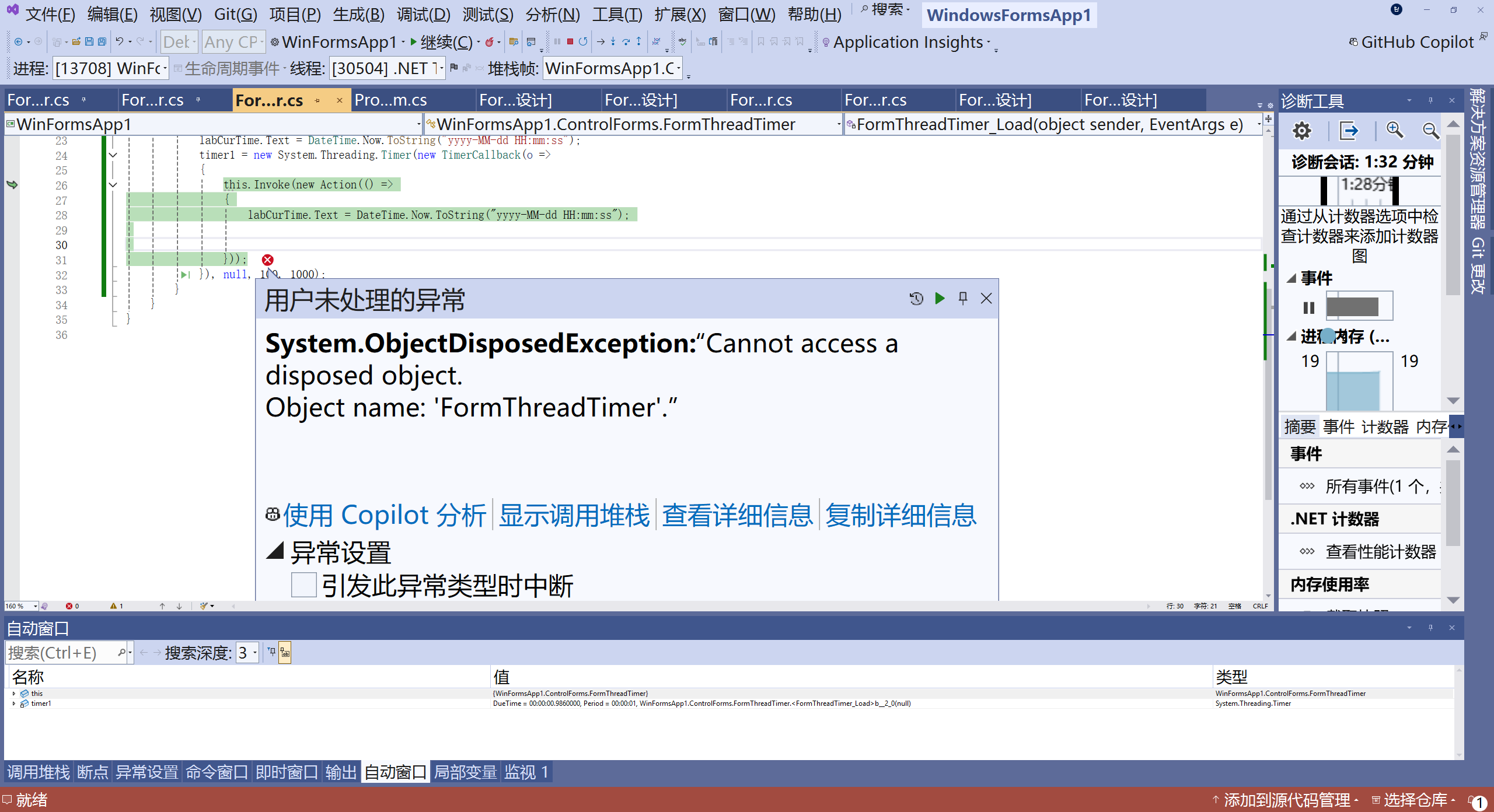
csharp
using System;
using System.Collections.Generic;
using System.ComponentModel;
using System.Data;
using System.Drawing;
using System.Linq;
using System.Text;
using System.Threading.Tasks;
using System.Windows.Forms;

namespace WinFormsApp1.ControlForms
{
    public partial class FormThreadTimer : Form
    {
        public FormThreadTimer()
        {
            InitializeComponent();
        }

        System.Threading.Timer timer1 = null;
        private void FormThreadTimer_Load(object sender, EventArgs e)
        {
            labCurTime.Text = DateTime.Now.ToString("yyyy-MM-dd HH:mm:ss");
            timer1 = new System.Threading.Timer(new TimerCallback(o =>
            {
                this.Invoke(new Action(() =>
                {
                    labCurTime.Text = DateTime.Now.ToString("yyyy-MM-dd HH:mm:ss");


                }));
            }), null, 100, 1000);
        }

        private void FormThreadTimer_FormClosing(object sender, FormClosingEventArgs e)
        {
            timer1.Dispose();
        }
    }
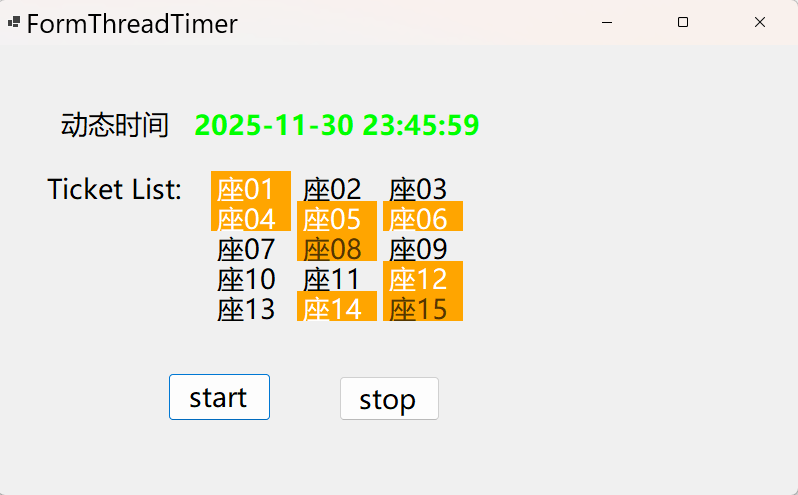
}
csharp
using System;
using System.Collections.Generic;
using System.ComponentModel;
using System.Data;
using System.Drawing;
using System.Linq;
using System.Text;
using System.Threading.Tasks;
using System.Windows.Forms;

namespace WinFormsApp1.ControlForms
{
    public partial class FormThreadTimer : Form
    {
        public FormThreadTimer()
        {
            InitializeComponent();
        }

        System.Threading.Timer timer1 = null;
        System.Threading.Timer timer2 = null;
        private void FormThreadTimer_Load(object sender, EventArgs e)
        {
            labCurTime.Text = DateTime.Now.ToString("yyyy-MM-dd HH:mm:ss");
            timer1 = new System.Threading.Timer(new TimerCallback(o =>
            {
                try
                {
                    this.Invoke(new Action(() =>
                    {
                        labCurTime.Text = DateTime.Now.ToString("yyyy-MM-dd HH:mm:ss");


                    }));
                }
                catch (ObjectDisposedException ex){ }
            }), null, 100, 1000);
        }

        private void FormThreadTimer_FormClosing(object sender, FormClosingEventArgs e)
        {
            timer1.Dispose();
            timer2.Dispose();
        }
        int count = 30;
        int i = 1;
        bool isState = true;
        private void button1_Click(object sender, EventArgs e)
        {
            if (timer2 == null) {
                i = 1;
                flowLayoutPanel1.Controls.Clear();
                timer2 = new System.Threading.Timer(new TimerCallback(o =>
                {
                    try
                    {
                        this.Invoke(new Action(() =>
                        {
                            if (i <= count && isState == true)
                            {
                                Label lbl = new Label();
                                lbl.Name = "lbl" + i.ToString("00");
                                lbl.Text = "座" + i.ToString("00");
                                lbl.Size = new Size(80, 30);
                                lbl.TextAlign = ContentAlignment.MiddleLeft;
                                lbl.Click += Lbl_Click;
                                flowLayoutPanel1.Controls.Add(lbl);
                                i++;
                            }
                            else if (isState == false)
                            {

                            }
                            else if (i > count)
                            {
                                timer2.Dispose();
                                timer2 = null;
                            }
                        }));
                    }
                    catch (ObjectDisposedException ex) { }
                }), null, 100, 200);
            } else if (isState == false) { isState = true; } }

        private void Lbl_Click(object? sender, EventArgs e)
        {
            Label lbl=sender as Label;
            if (lbl.BackColor == SystemColors.Control)
            {
                lbl.BackColor = Color.Orange;
                lbl.ForeColor = Color.White;
            }
            else if(lbl.BackColor == Color.Orange)
            {
                lbl.ForeColor = Color.Gray;
                lbl.Enabled = false;

            }
        }

        private void butStop_Click(object sender, EventArgs e)
        {
            isState = false;
        }
    }
}
csharp
if (i <= count && isState == true)           // 条件1:未达到总数且状态为运行
{
    // 创建新座位标签并显示
    Label lbl = new Label();
    lbl.Text = "座" + i.ToString("00");      // 显示"座01"、"座02"等
    // 添加到界面
    i++;  // 计数器递增
}
else if (isState == false)                   // 条件2:暂停状态
{
    // 空操作,等待状态恢复
}
else if (i > count)                          // 条件3:已达到总数30
{
    timer2.Dispose();  // 释放定时器
    timer2 = null;     // 重置引用
}