进入dcloud官网:
https://dev.dcloud.net.cn/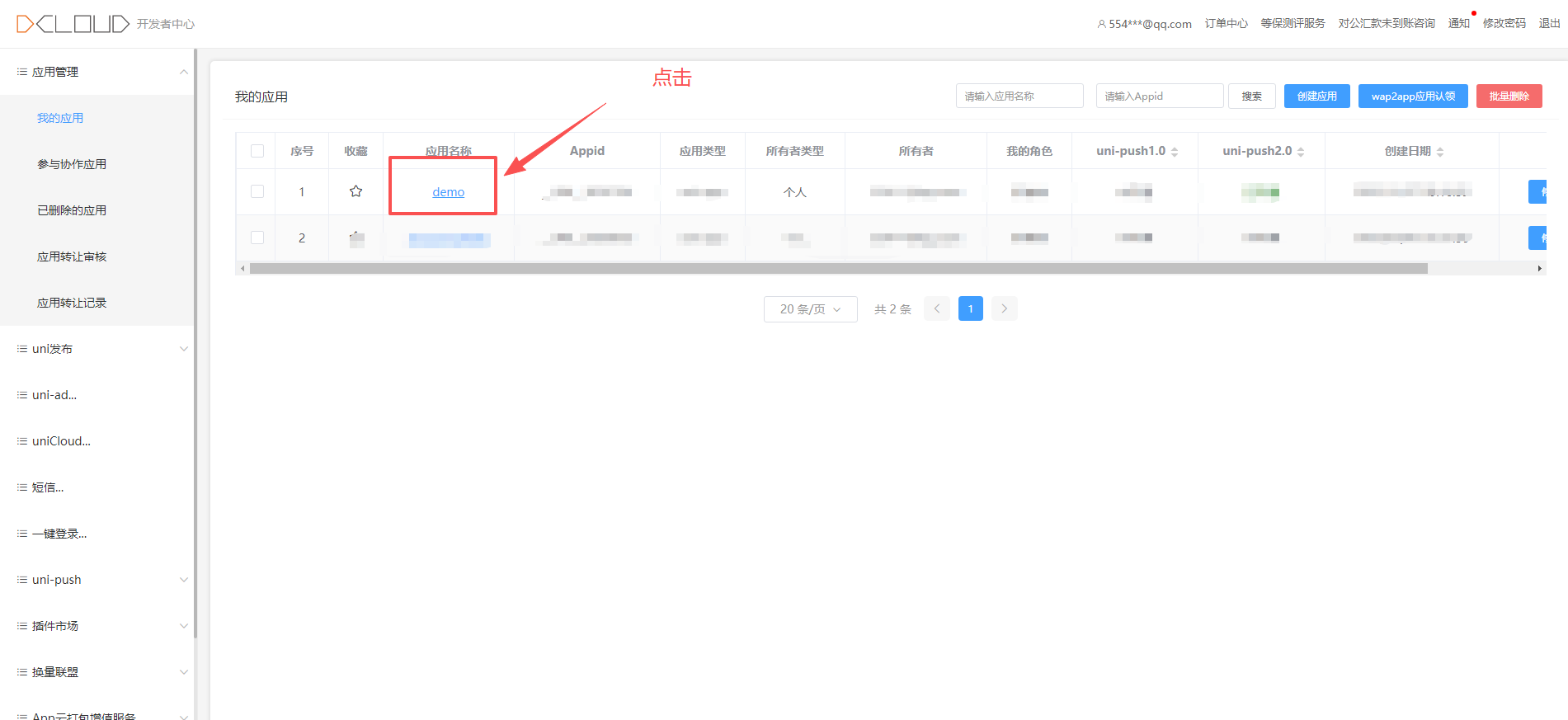
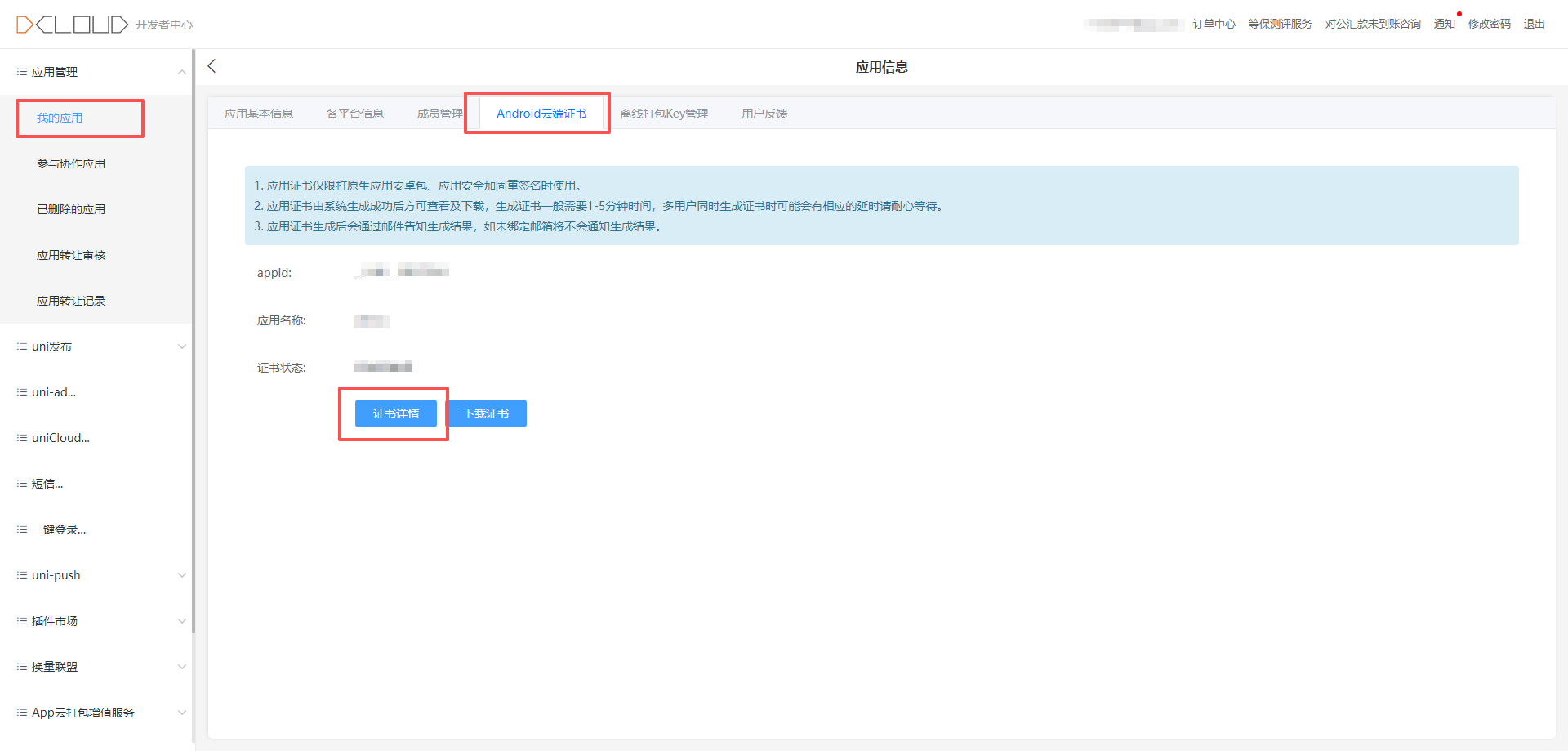

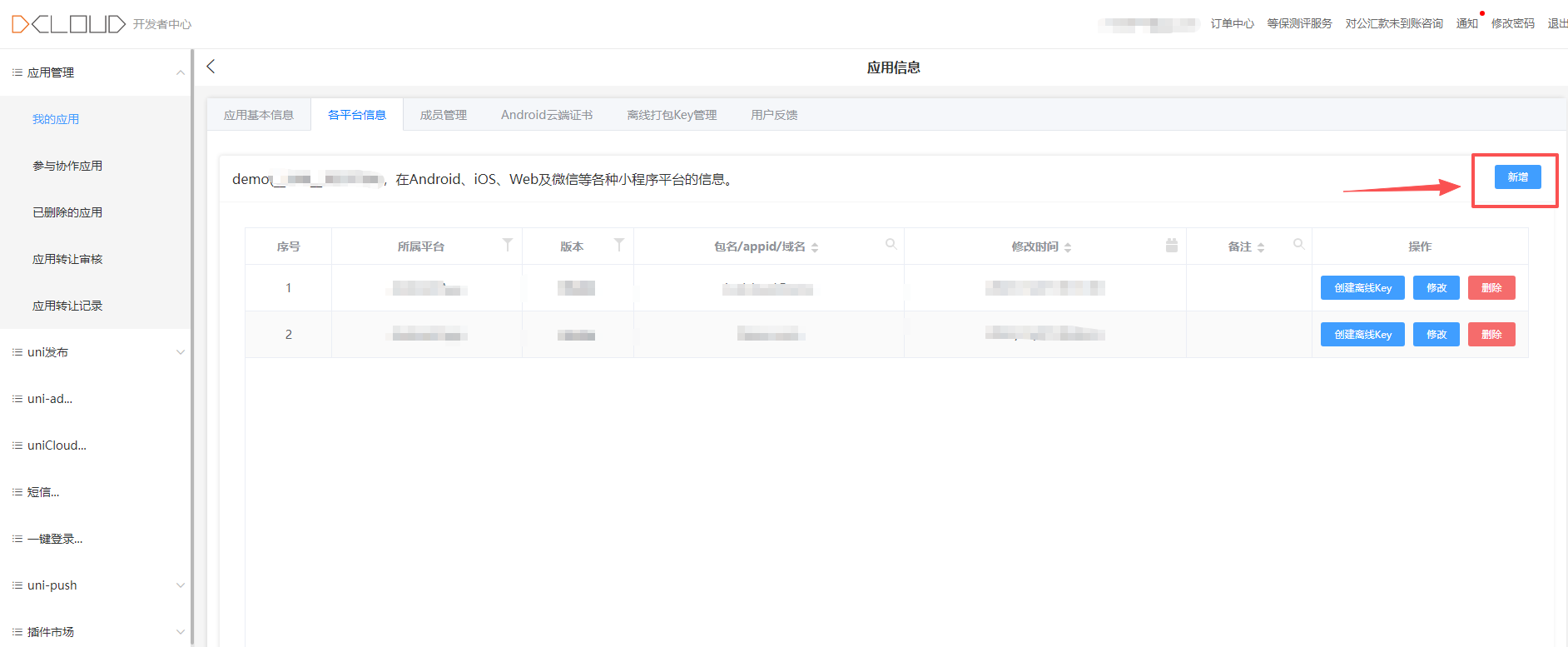
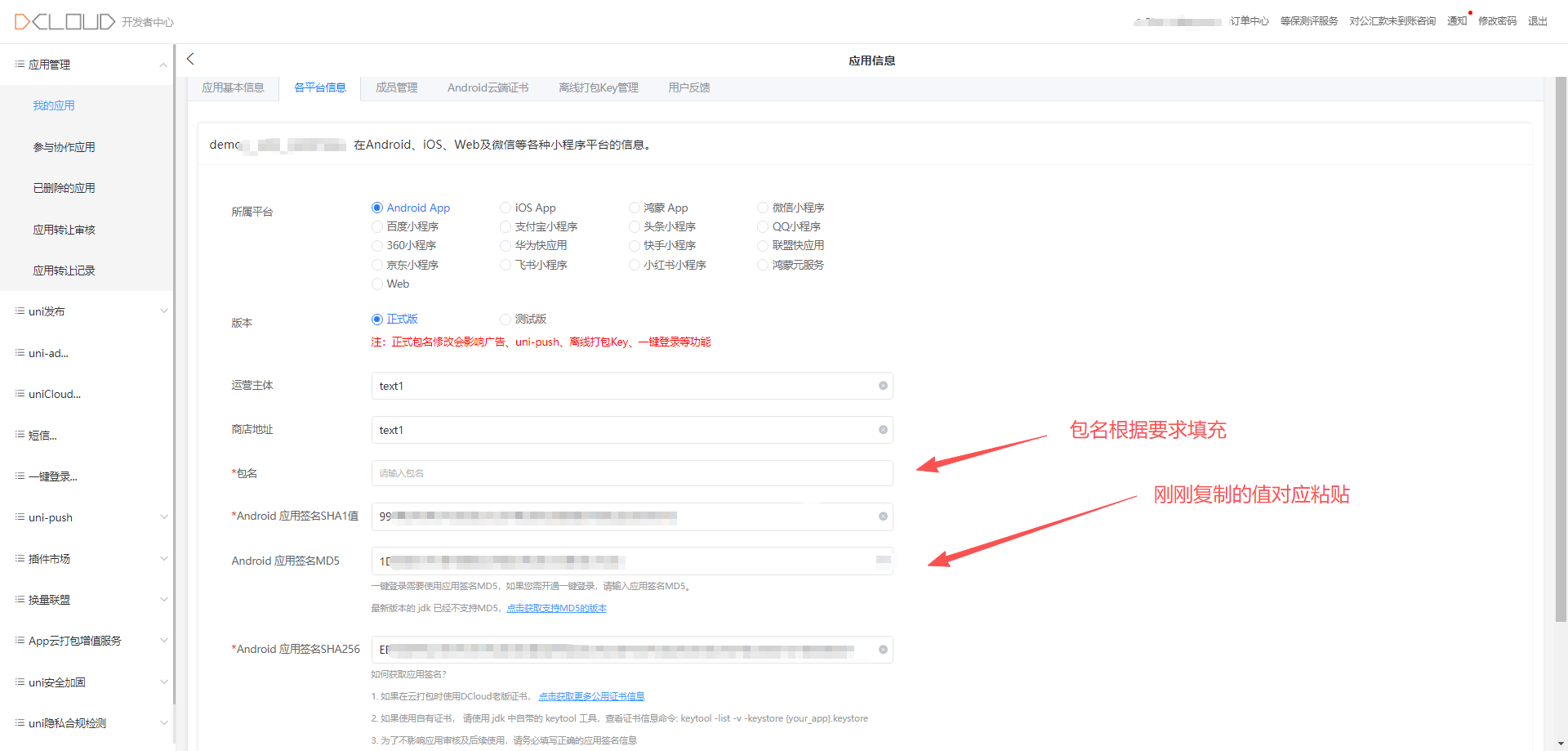
添加uniCloud服务空间:
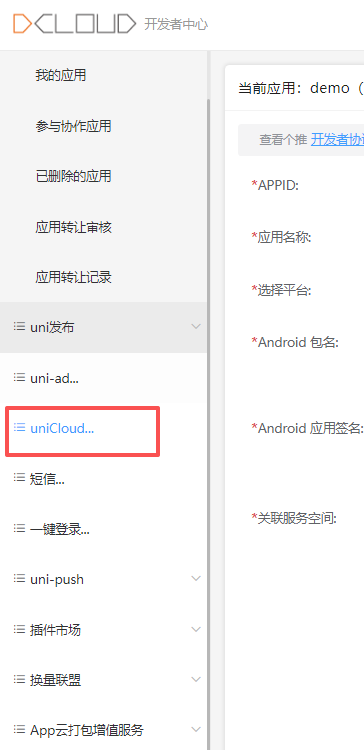
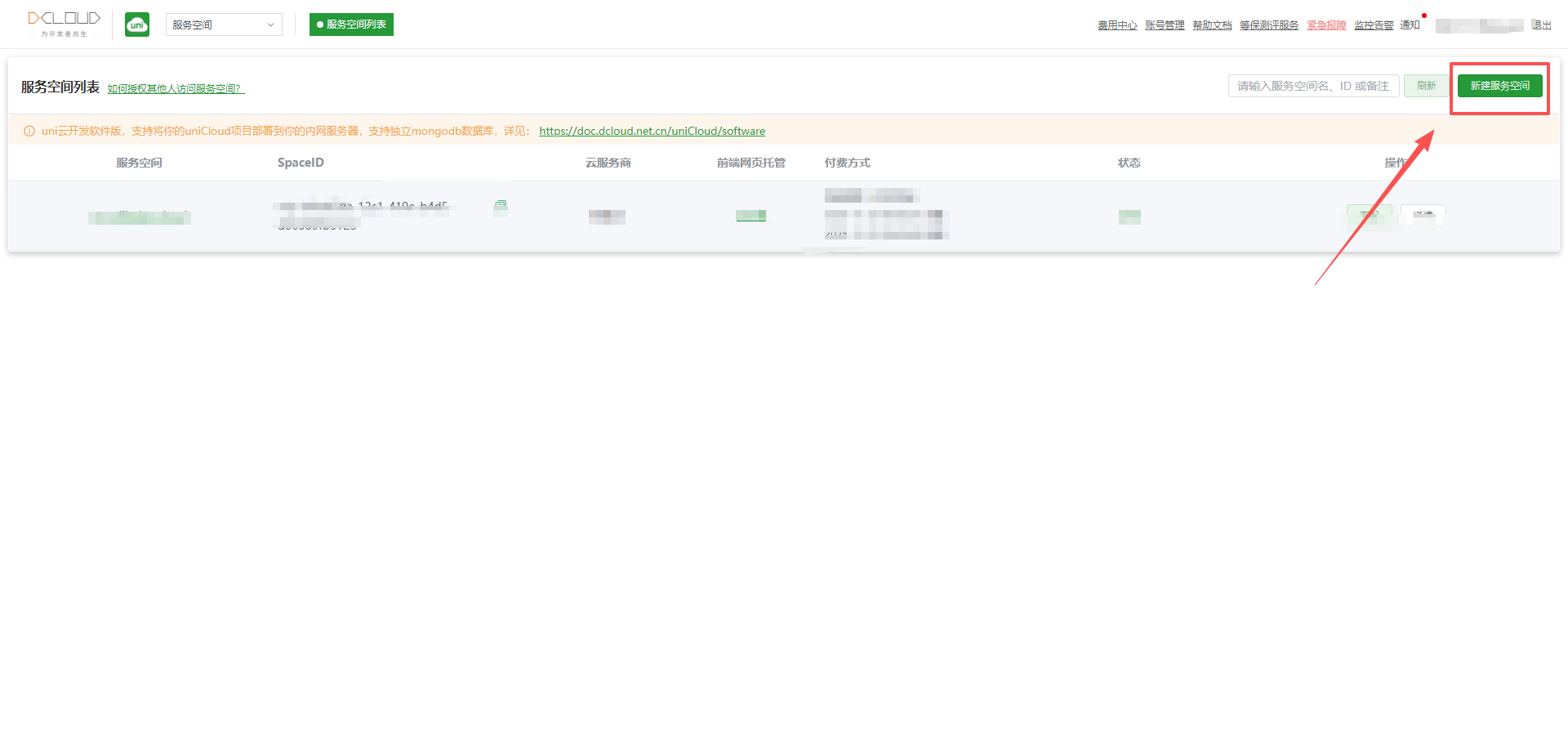
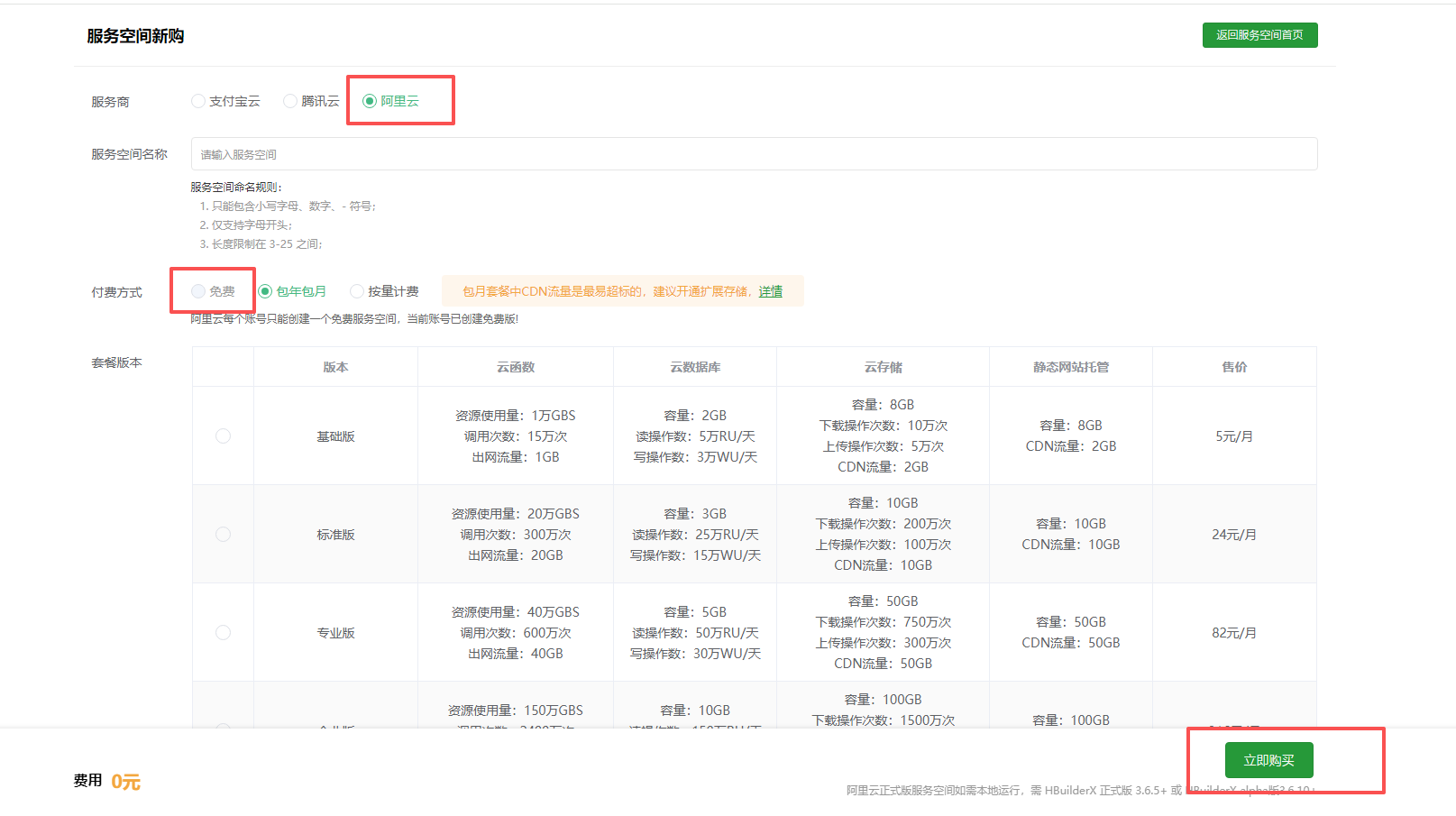
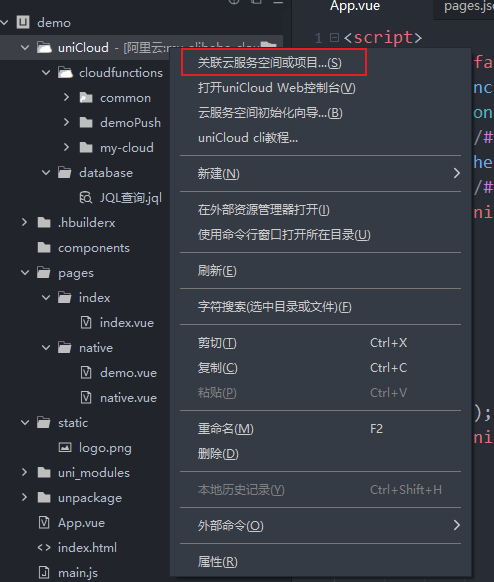
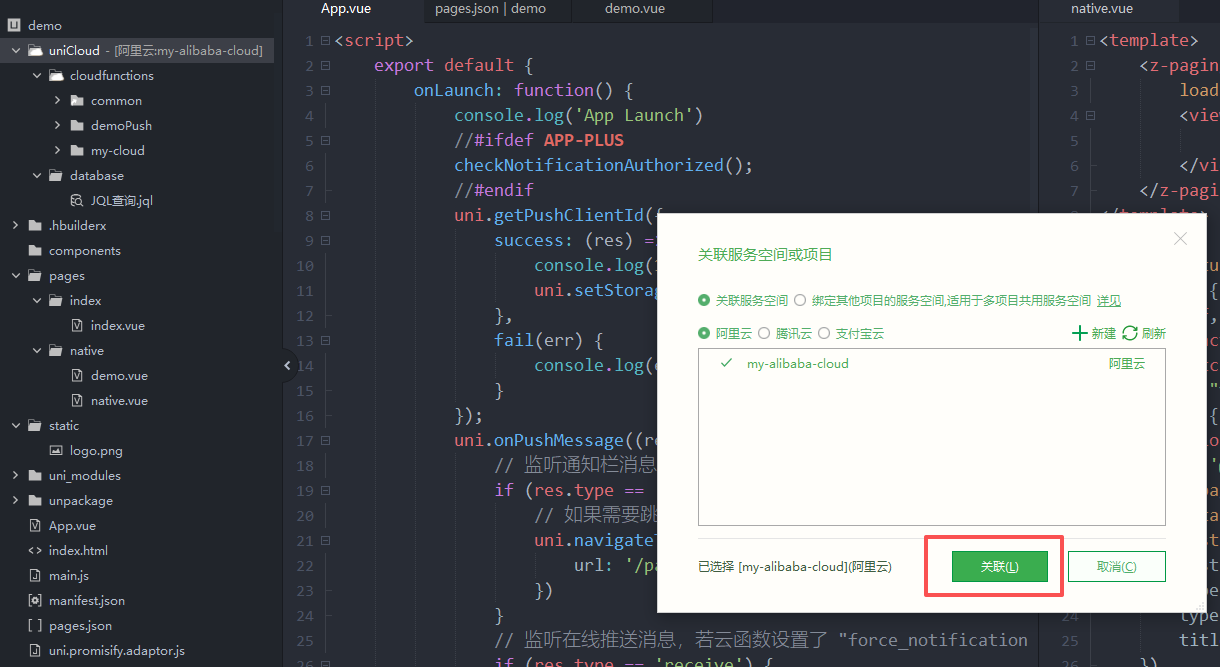
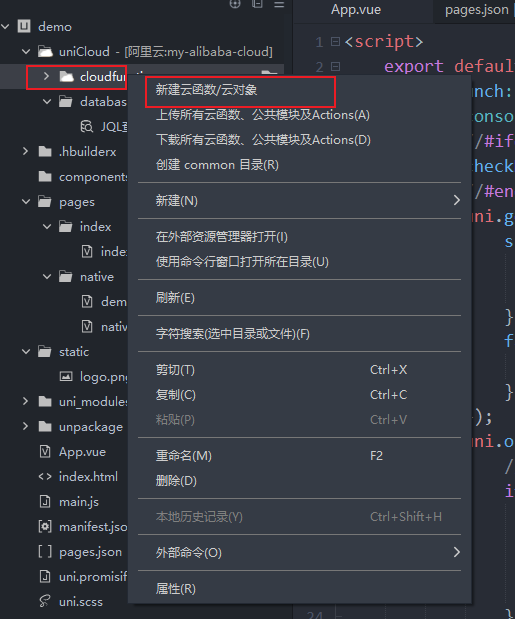
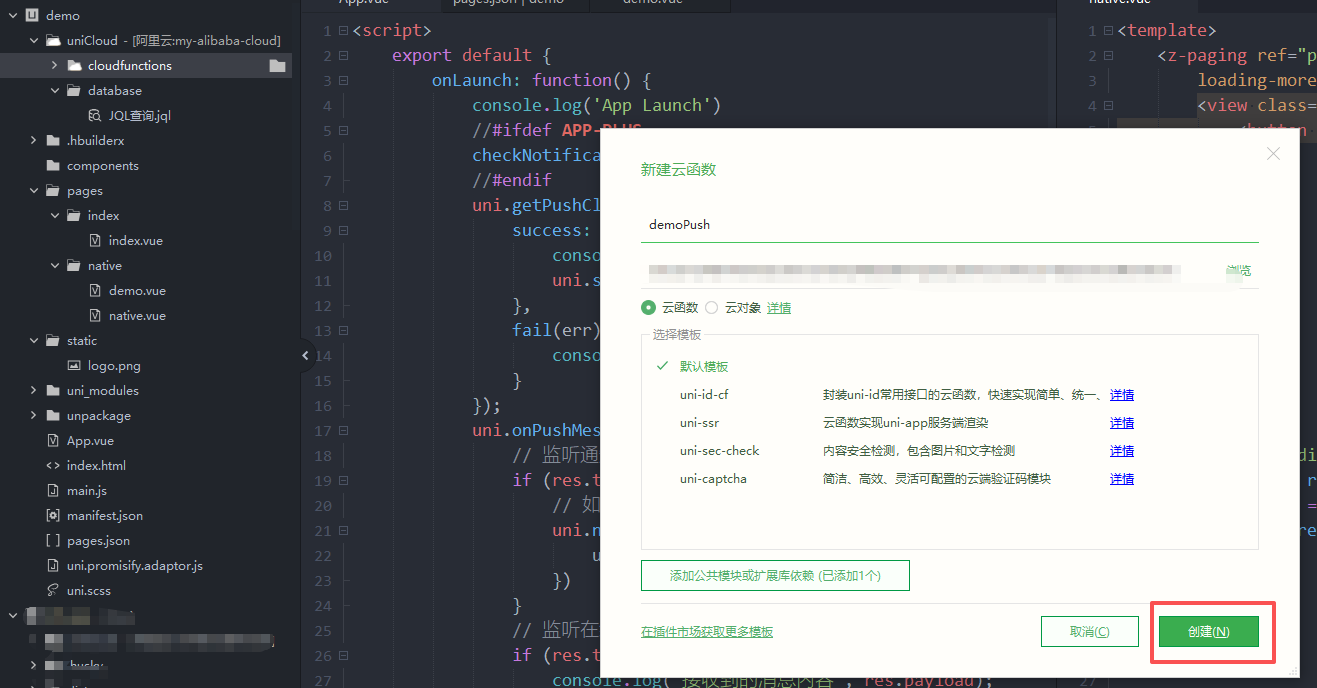
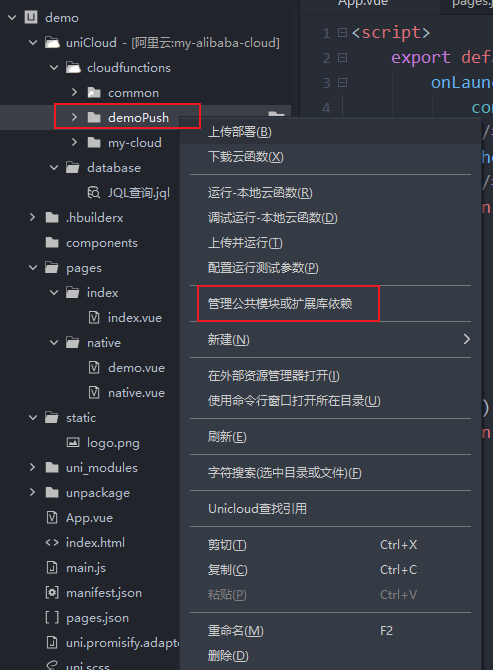
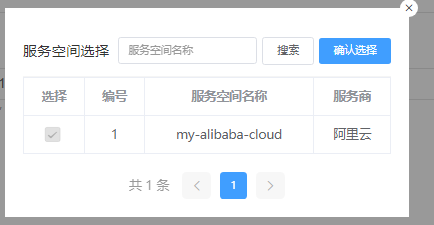
这里是勾选了两个
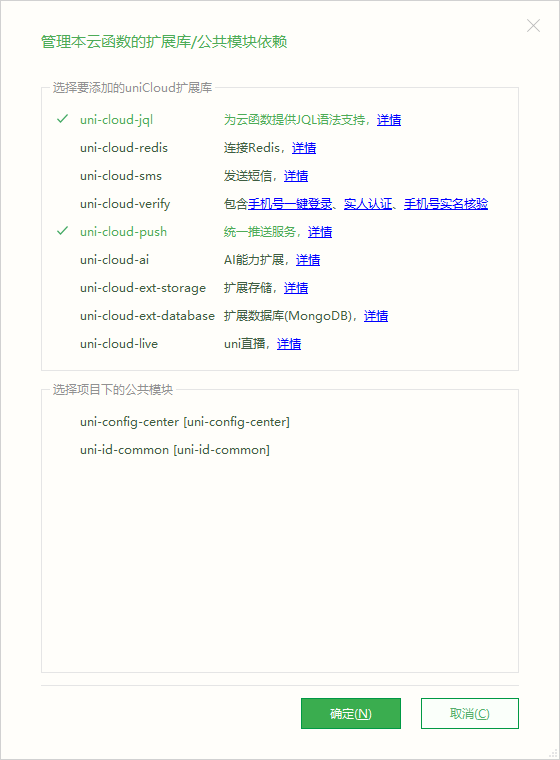
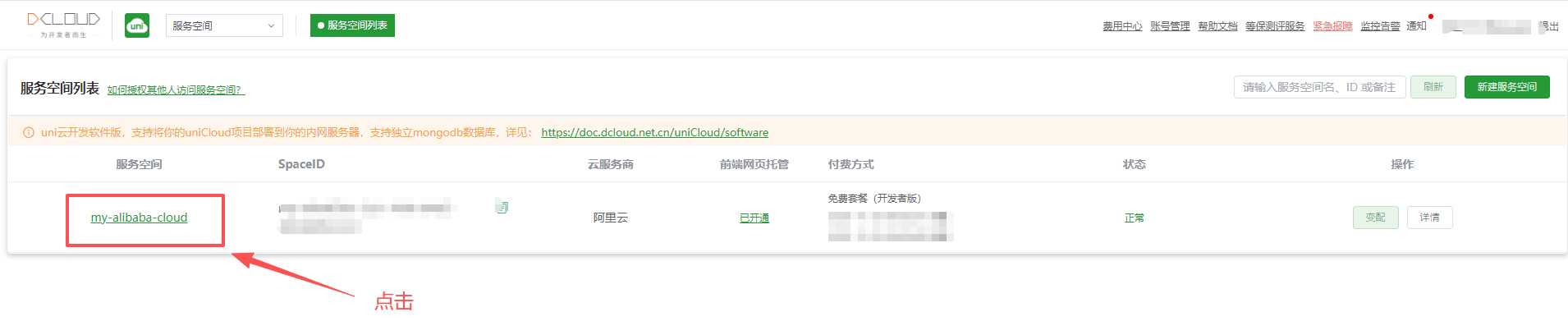
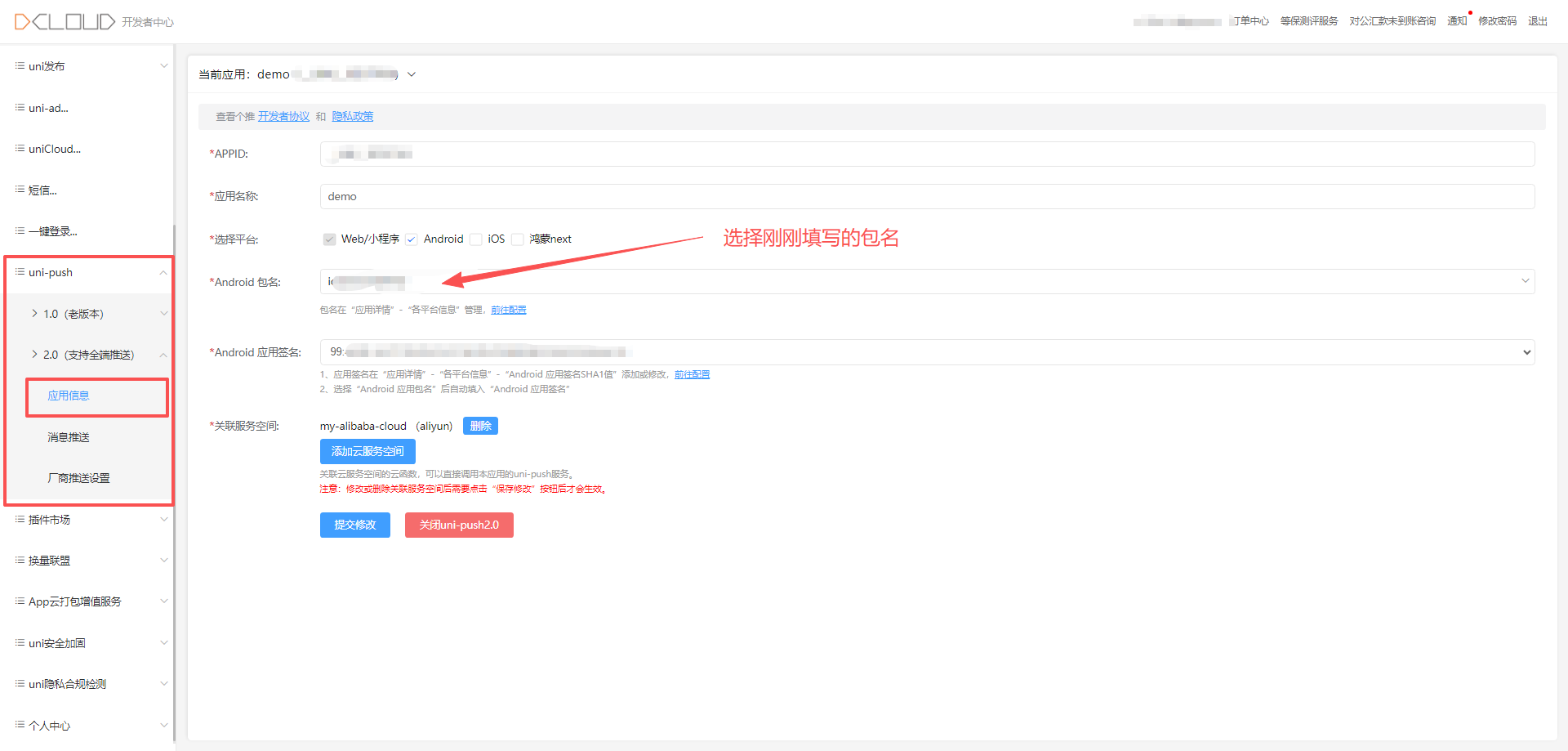
选择刚刚创建的服务空间
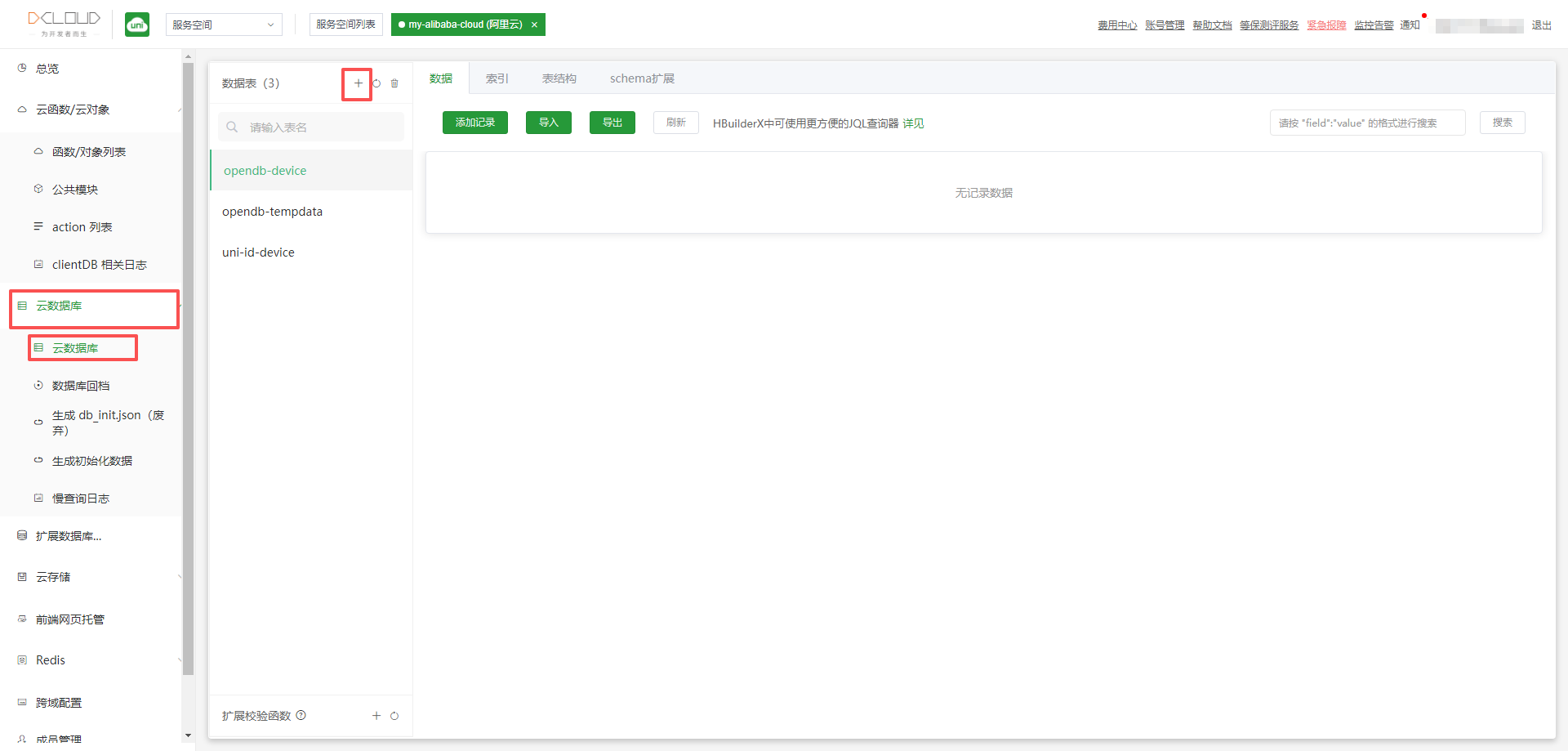
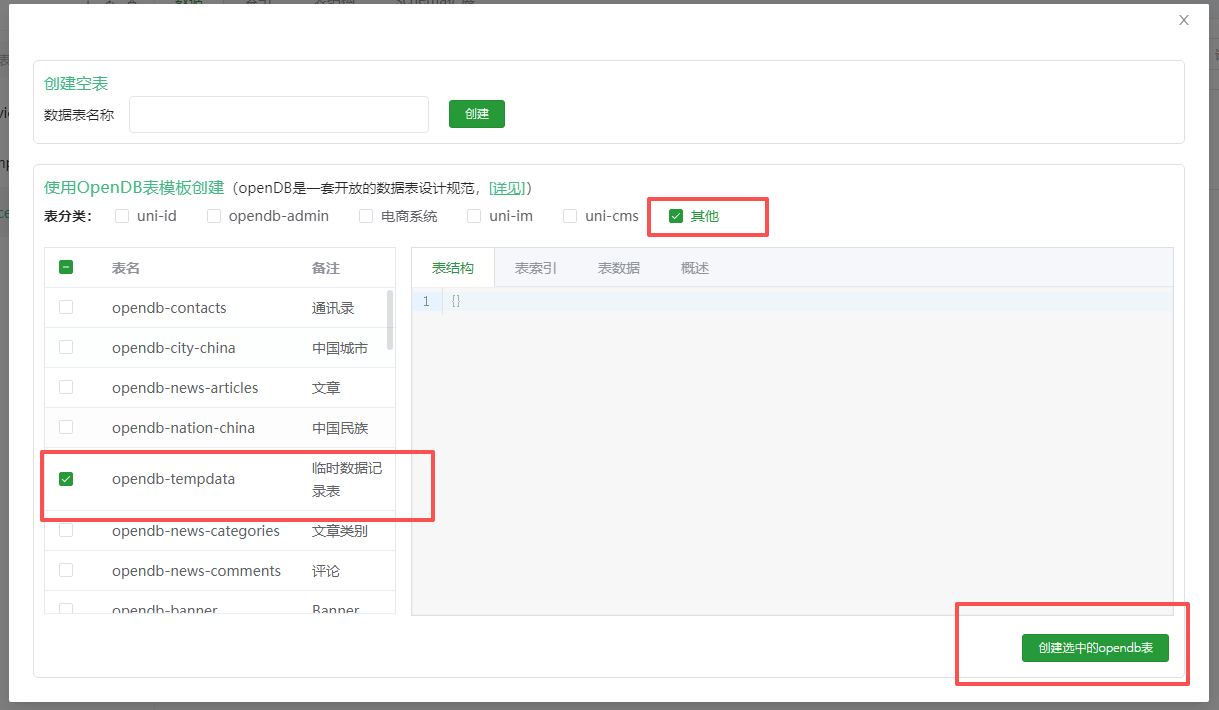
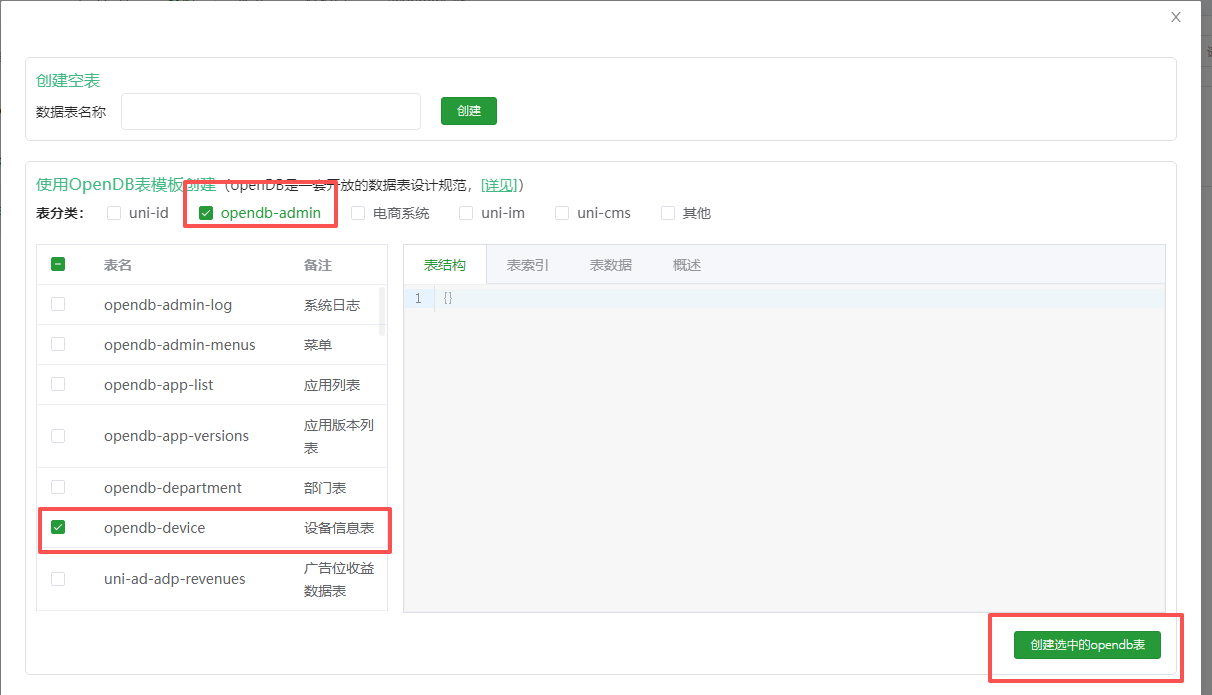
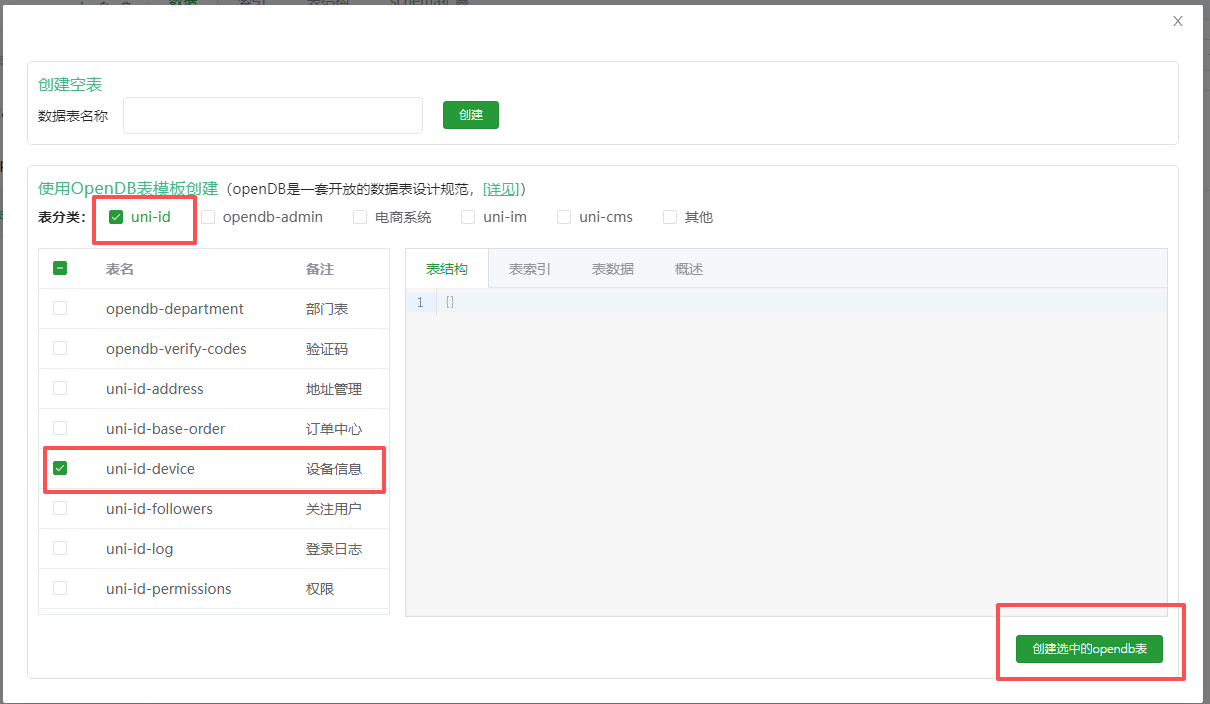
根据官方提供添加3个表


开始编写代码
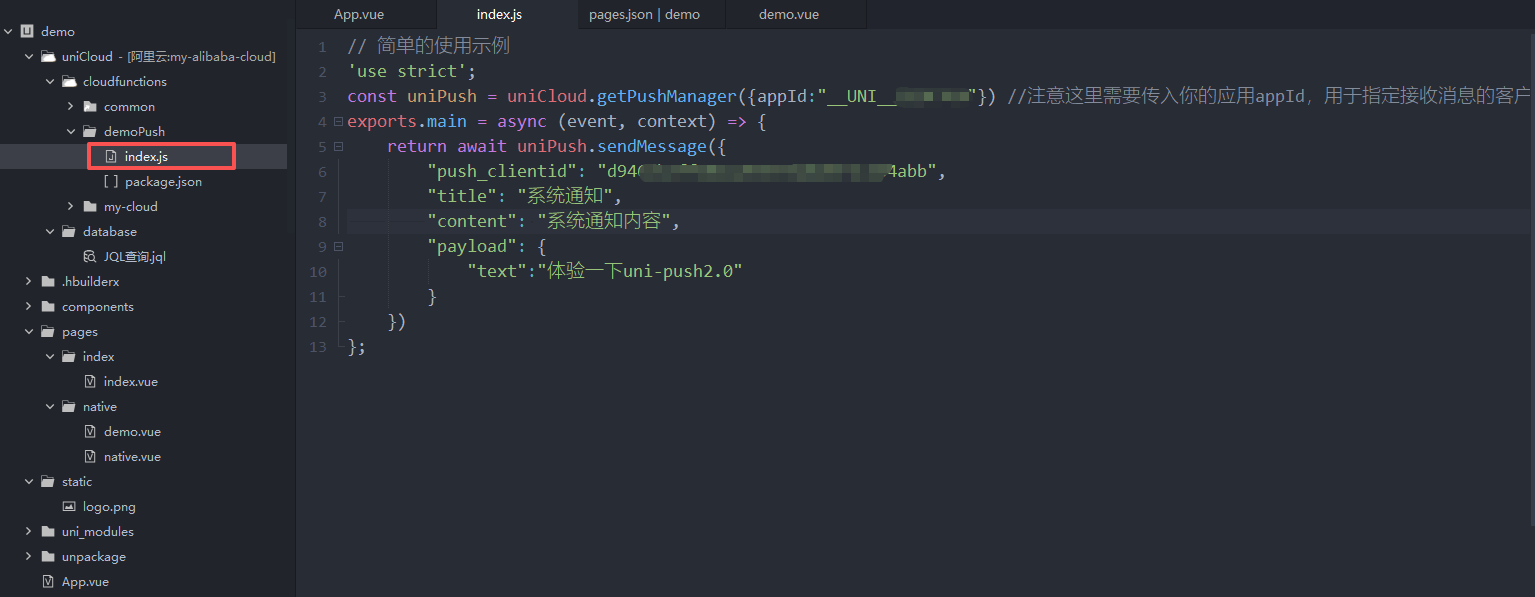
// 简单的使用示例
'use strict';
const uniPush = uniCloud.getPushManager({appId:"__UNI__xxxxxxx"}) //注意这里需要传入你的应用appId,用于指定接收消息的客户端
exports.main = async (event, context) => {
	return await uniPush.sendMessage({
		"push_clientid": "d946cbxxxxxxxxxxxxxxxxx",//在APP.vue文件调用uni.getPushClientId方法中获取
		"title": "系统通知",
		"content": "系统通知内容",
		"payload": {
			"text":"体验一下uni-push2.0"
		}
	})
};
App.vue代码:
<script>
	export default {
		onLaunch: function() {
			console.log('App Launch')
			//#ifdef APP-PLUS
			checkNotificationAuthorized();
			//#endif
			uni.getPushClientId({
				success: (res) => {
					console.log(11111, res);
					uni.setStorageSync("cid", res.cid)
				},
				fail(err) {
					console.log(err)
				}
			});
			uni.onPushMessage((res) => {
				// 监听通知栏消息的点击
				if (res.type == 'click') {
					// 如果需要跳转app内指定页面,则自己实现下方的跳转代码。
					uni.navigateTo({
						url: '点击跳转的页面'
					})
				}
				// 监听在线推送消息,若云函数设置了 "force_notification":true,则不会触发此 receive。
				if (res.type == 'receive') {
					console.log("接收到的消息内容", res.payload);
				}
			})
		},
		onShow: function() {
			console.log('App Show')
		},
		onHide: function() {
			console.log('App Hide')
		},


	}
	// 检查app是否开启了通知权限 安卓苹果通用
	function checkNotificationAuthorized() {
		const notificationAuthorized = uni.getAppAuthorizeSetting().notificationAuthorized
		if (notificationAuthorized !== 'authorized') {
			uni.showModal({
				title: '通知权限',
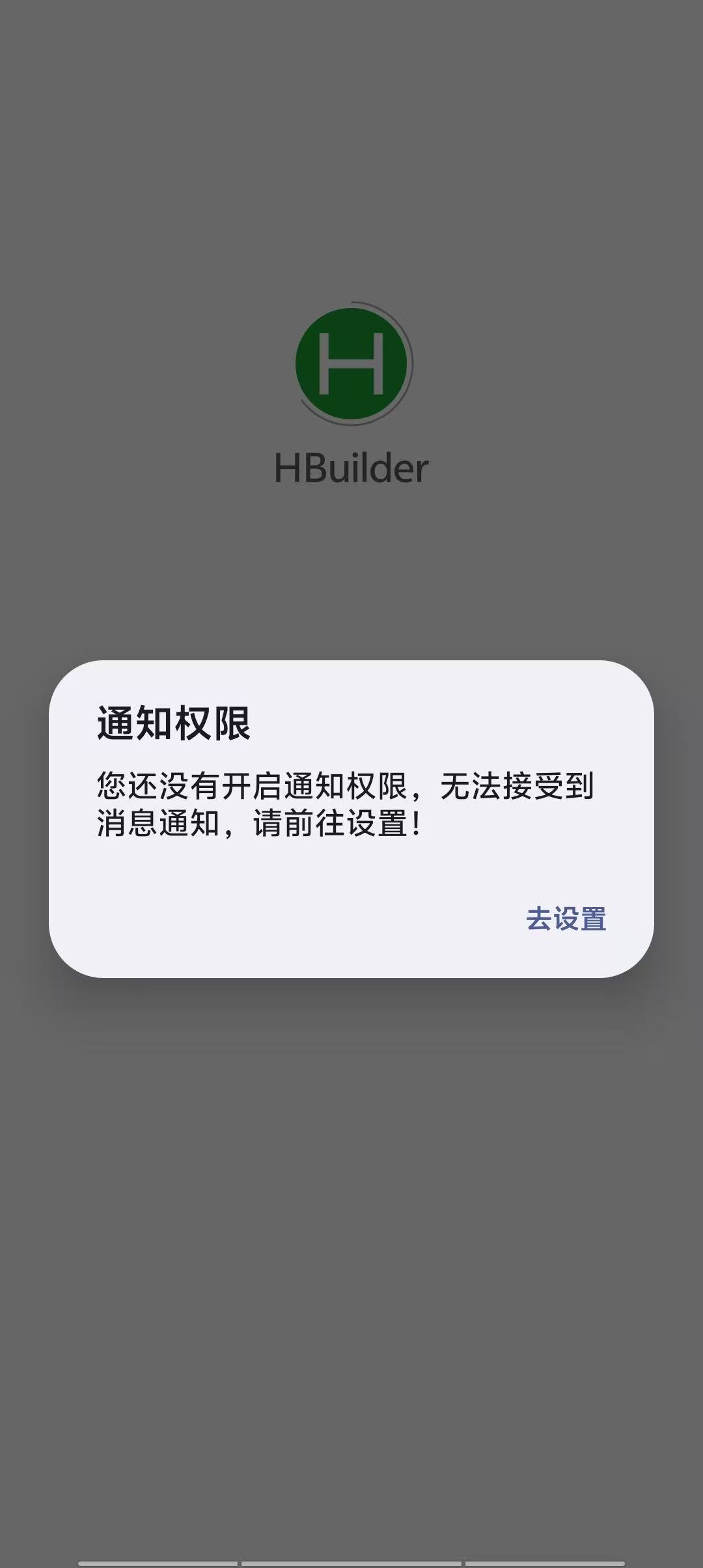
				content: '您还没有开启通知权限,无法接受到消息通知,请前往设置!',
				confirmText: '去设置',
				showCancel: false,
				success: (res) => {
					if (res.confirm) uni.openAppAuthorizeSetting()
				}
			});
		}
	}
</script>
发送通知代码:
<template>
	<view class="head">
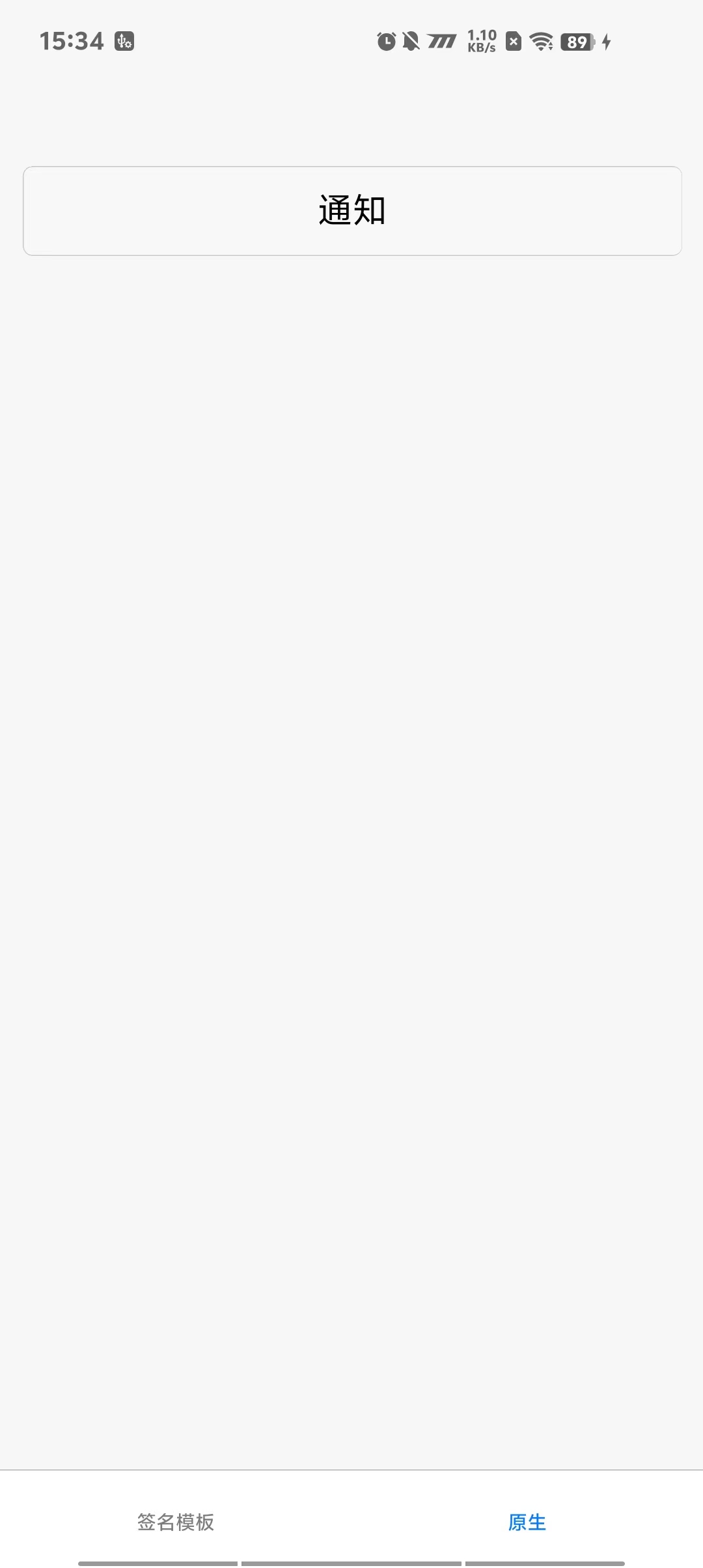
		<button type="default" @click="onMessageInform">通知</button>
	</view>
</template>

<script setup>
	import {
		ref,
		reactive,
		watch
	} from "vue"
	// 通知
	const onMessageInform = async () => {
		uni.createPushMessage({
			title: "测试通知功能",
			content: "发送成功啦",
			success: (res) => {
				console.log("发送成功", res);
			},
			fail(err) {
				console.log(err)
			}
		})
	}
</script>
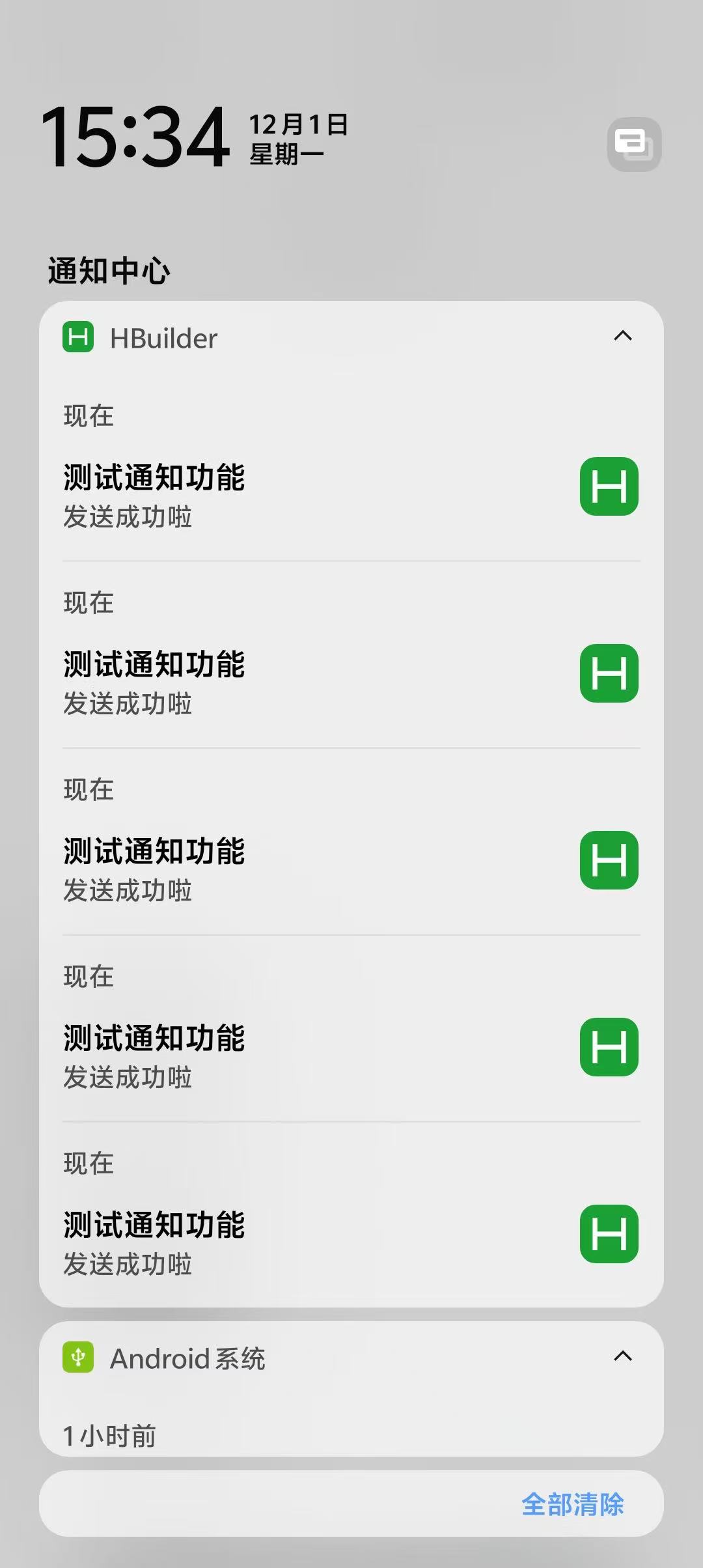
然后我们用手机运行app