一颗正在跳动的心
案例思路演示
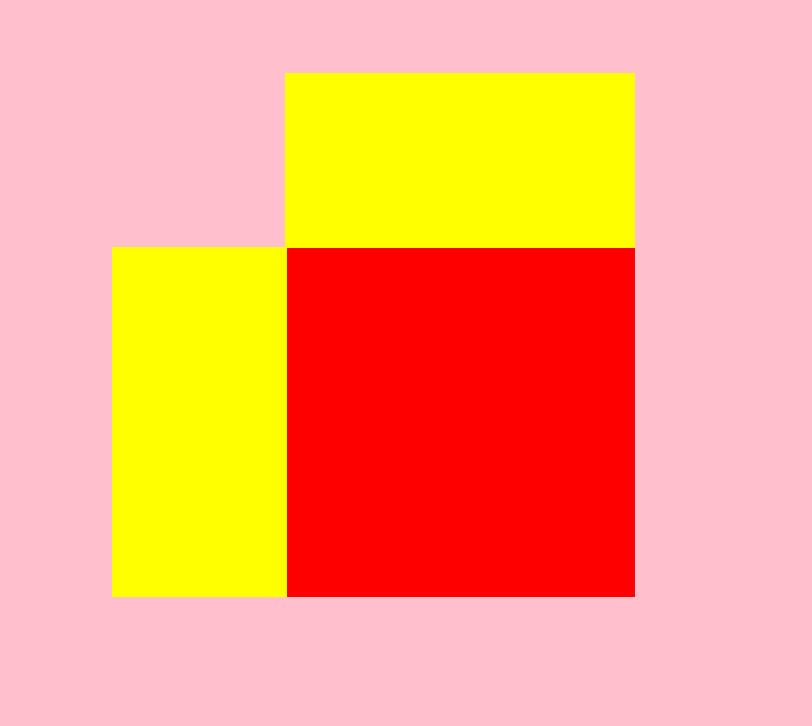
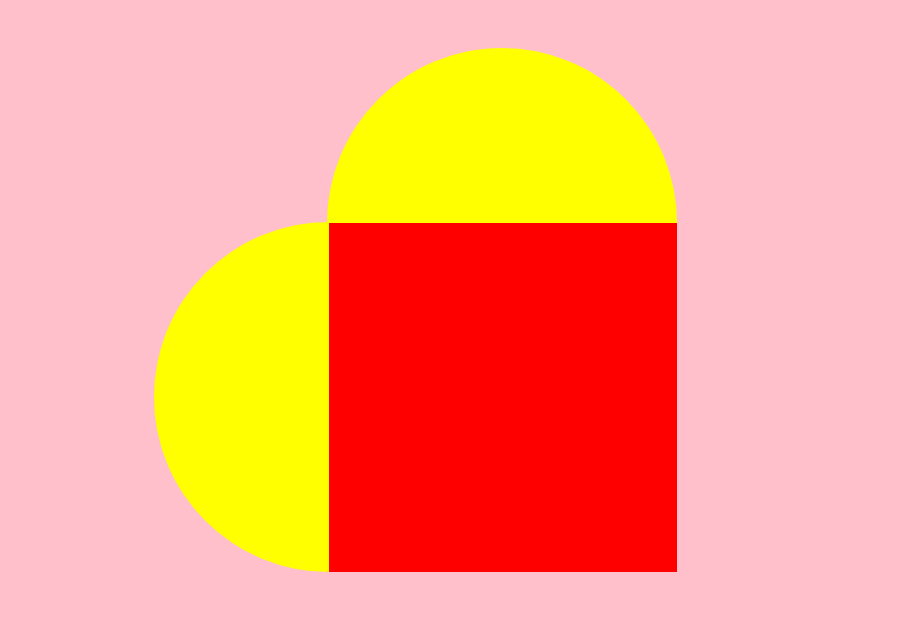
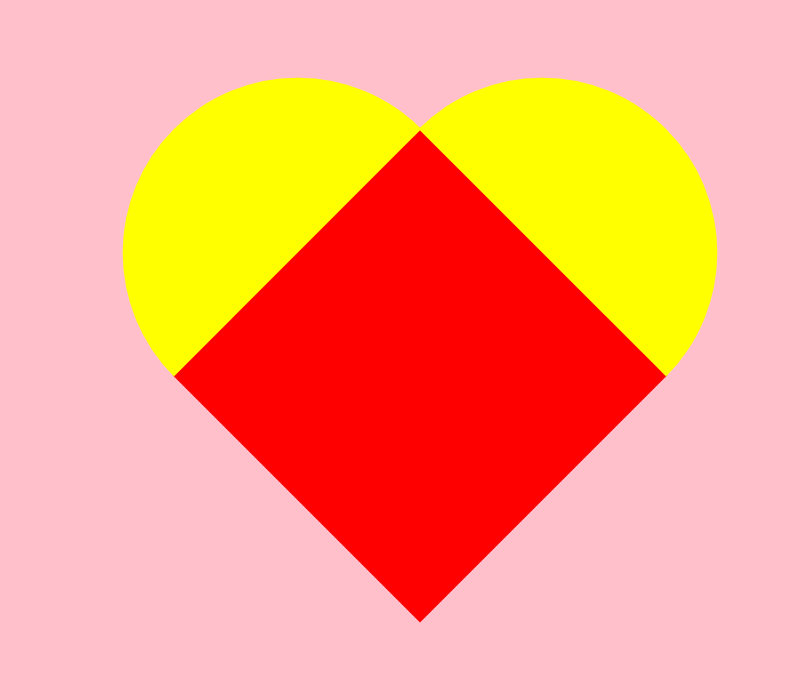
再通过添加动画效果以达到完成心形构建目的
环境构建
html
<!DOCTYPE html>
<html lang="zh">
  <head>
    <meta charset="UTF-8">
    <meta name="viewport" content="width=device-width, initial-scale=1.0">
    <title>跳动的心</title>

    <style>
      /* 初始化页面 */
      html,body{
      width: 100%;
      height: 100%;
      }

      body{
      background-color: pink;
      /* 设置父级元素元素变成了一个弹性容器,直接子元素变成弹性子元素 */
      display: flex;
      /* 定义主轴为水平方向 */
      flex-direction: row;
      /* 子项居中对齐在容器的主轴 */
      justify-content: center;
      /* 子项在容器中垂直居中 */
      align-items: center;
      }
      .heart{
      width: 200px;
      height: 200px;
      background-color: red;
      position: relative;
      }
      .heart .b{
      content:"";
      width: 200px;
      height: 100px;
      background-color: yellow;
      position: absolute;
      left: 0;
      top: -100px;

      }
      .heart .a{
      content:"";
      width: 100px;
      height: 200px;
      background-color: yellow;
      position: absolute;
      left: -100px;
      top: 0;
      }


    </style>

  </head>

  <body>
    <div class="heart">
      <div class="a"></div>
      <div class="b"></div>
    </div>
  </body>
</html>
a 和 b 圆角化
html
border-radius: 100px 0 0 100px;

border-radius: 100px 100px 0 0 ;
父容器 旋转45度
html
transform: rotate(45deg);动画效果
html
/* 让心跳动起来 */
@keyframes heartbit{
  0%{
    transform: rotate(45deg) scale(0.6);
  }
  100%{
    transform: rotate(45deg) scale(1.4);
  }
}

父容器 实现动画效果
animation: heartbit 1s alternate infinite;
添加阴影效果
html
box-shadow: 0 0 30px red;完成后代码
html
<!DOCTYPE html>
<html lang="zh">
<head>
	<meta charset="UTF-8">
	<meta name="viewport" content="width=device-width, initial-scale=1.0">
	<title>跳动的心</title>

	<style>
		/* 初始化页面 */
			html,body{
				width: 100%;
				height: 100%;
			}

			body{
				background-color: pink;
				/* 设置父级元素元素变成了一个弹性容器,直接子元素变成弹性子元素 */
				display: flex;
				/* 定义主轴为水平方向 */
				flex-direction: row;
				/* 子项在容器中垂直居中 */
				align-items: center;
				/* 子项居中对齐在容器的主轴 */
				justify-content: center;
			}
			.heart{
				width: 200px;
				height: 200px;
				background-color: red;
				position: relative;
				transform: rotate(45deg);
				animation: heartbit 1s alternate infinite;
				box-shadow: 0 0 30px red;

			}
			.heart .b{
				width: 200px;
				height: 100px;
				background-color: red;
				position: absolute;
				left: 0;
				top: -99px;
				border-radius: 100px 100px 0 0;
				box-shadow: 0 0 30px red;

			}
			.heart .a{
				width: 100px;
				height: 200px;
				background-color: red;
				position: absolute;
				left: -99px;
				top: 0;
				border-radius: 100px 0 0 100px;
				box-shadow: 0 0 30px red;
			}

			/* 让心跳动起来 */
			@keyframes heartbit{
				0%{
					transform: rotate(45deg) scale(0.6);
				}
				100%{
					transform: rotate(45deg) scale(1.4);
				}
			}


	</style>

</head>

<body>
	<div class="heart">
		<div class="a"></div>
		<div class="b"></div>
	</div>
</body>
</html>